Galaxy S25 Ultra Wallpaper: 4K Picks for the 6.9 Inch Screen
Galaxy S25 Ultra wallpaper guide: Samsung's exact screen specs, black picks for Always On Display, matches for all seven titanium colours and One UI 8 steps.
In short: The best Galaxy S25 Ultra wallpaper is a dark one with its detail in the lower half, because the Dynamic AMOLED 2X screen shows real black and Always On Display keeps the lock screen visible. A 2160 × 3840 original is larger than the Ultra's 1440 × 3120 QHD+ screen, so it stays sharp at any resolution setting.
By the Velpaper team · Wallpapers by Carlos Vivero, Velpaper designer · · 6 min read
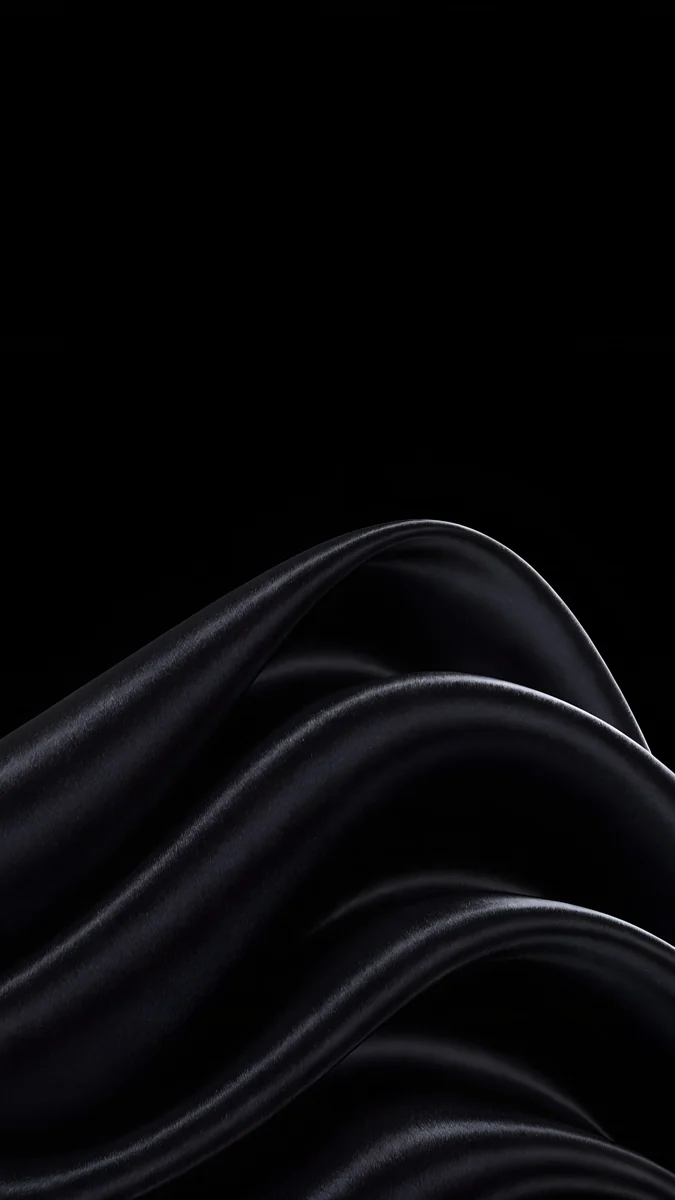 Black Satin
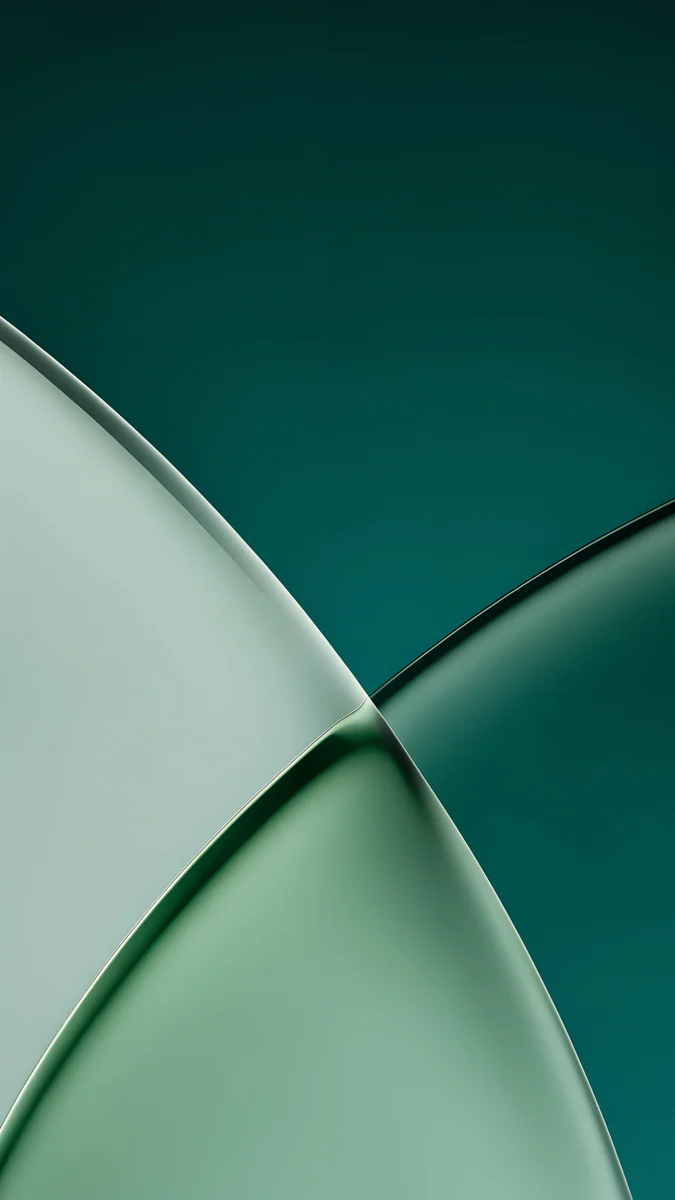 Jade Light Fold
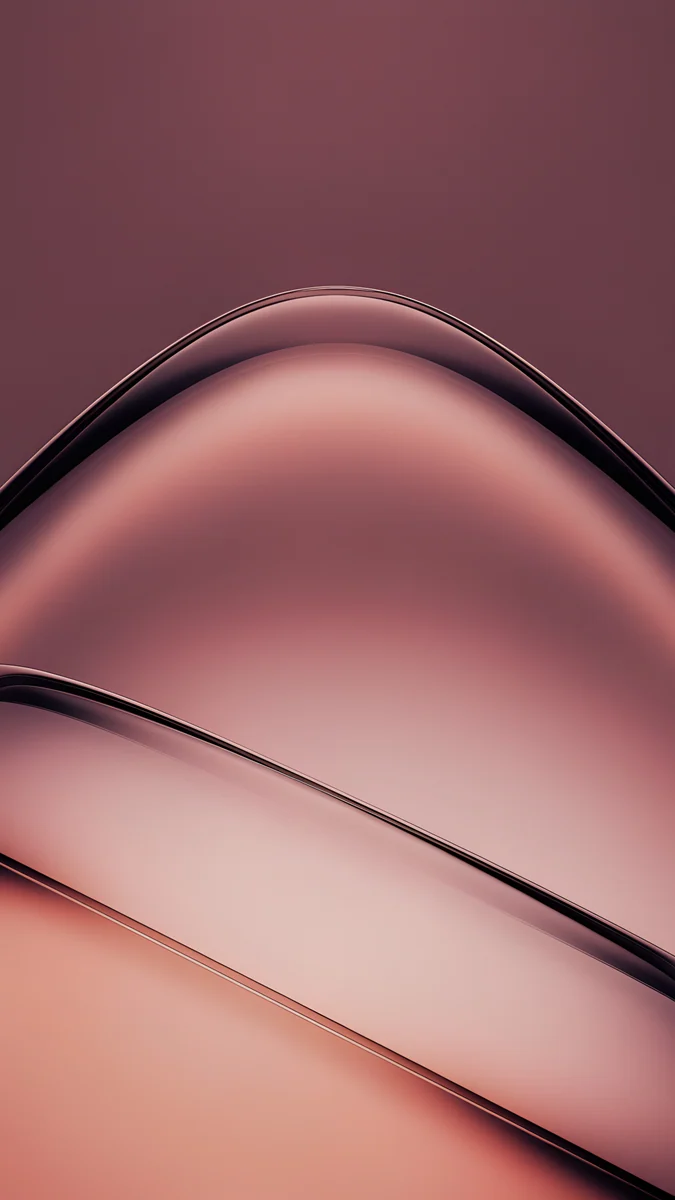 Rose Smoke
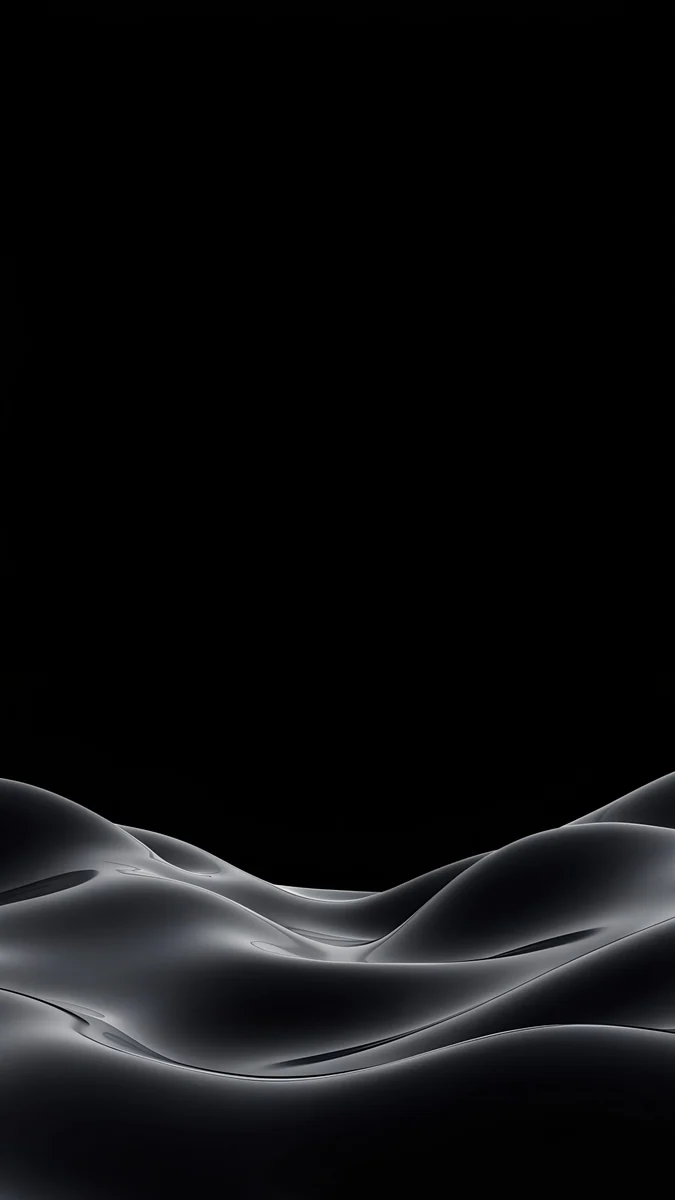 Obsidian Waves
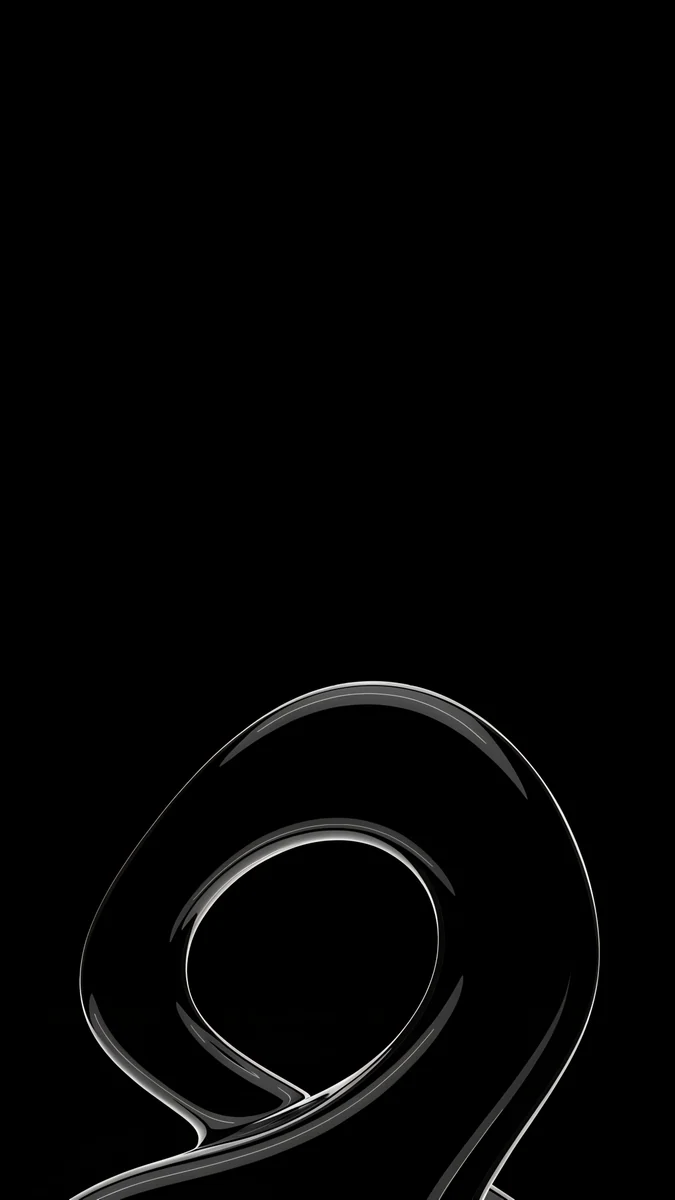 Silver Loop
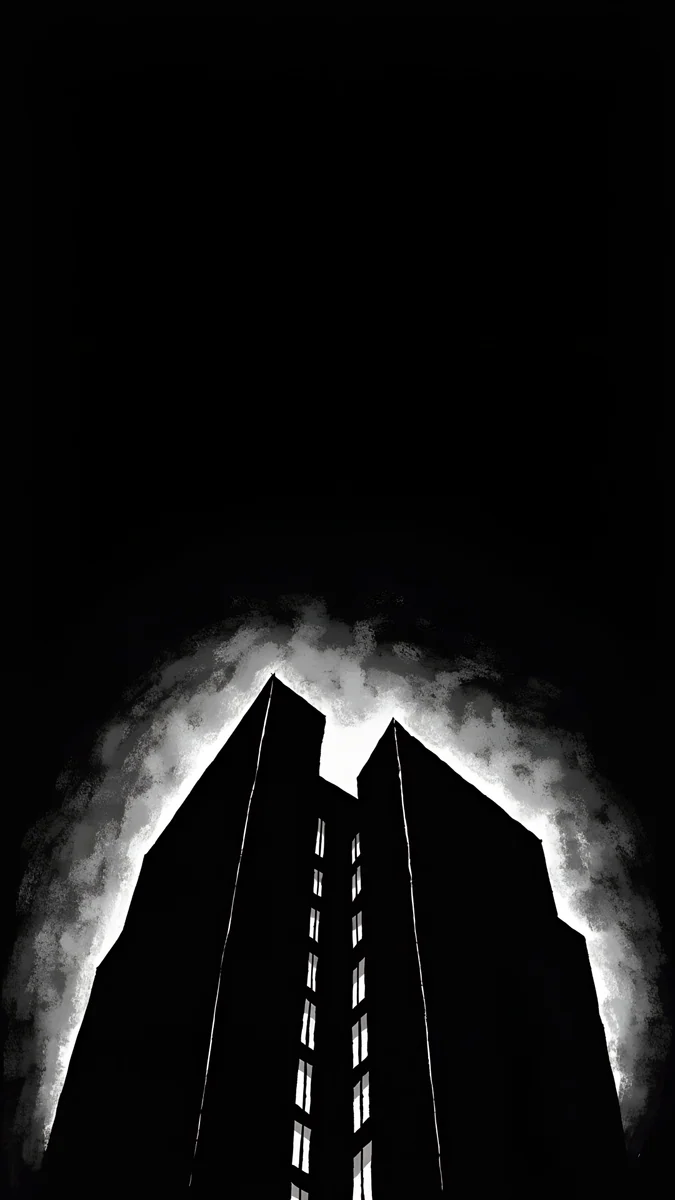 Light Slits
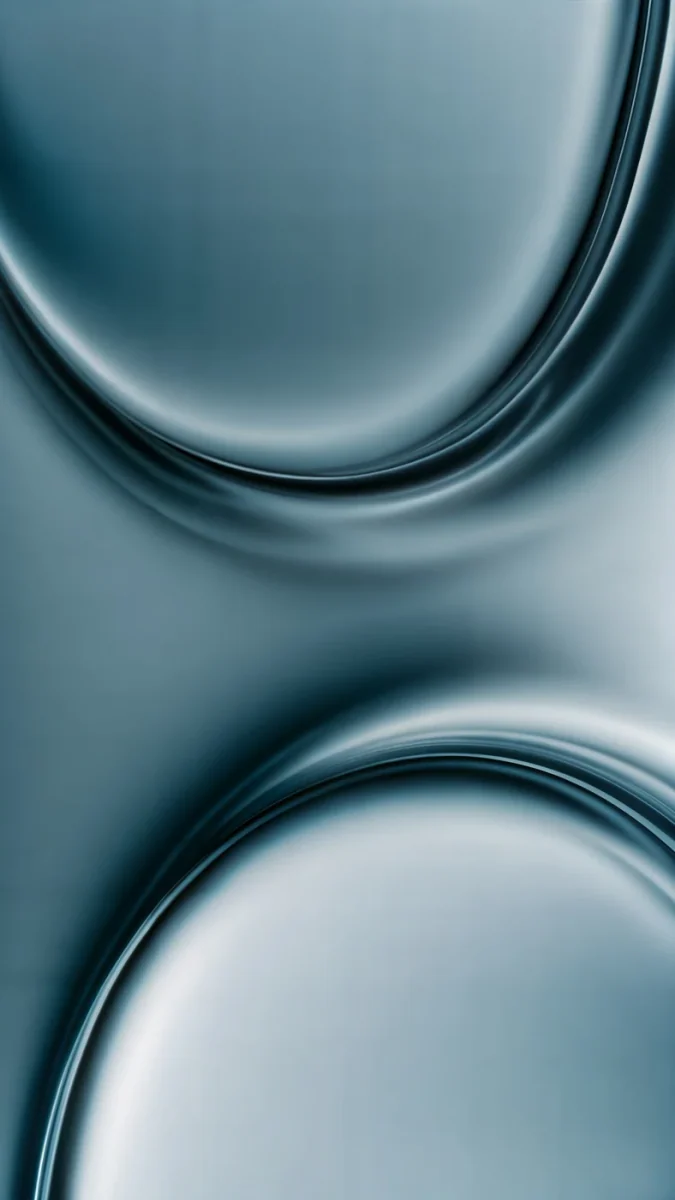 Arctic Current
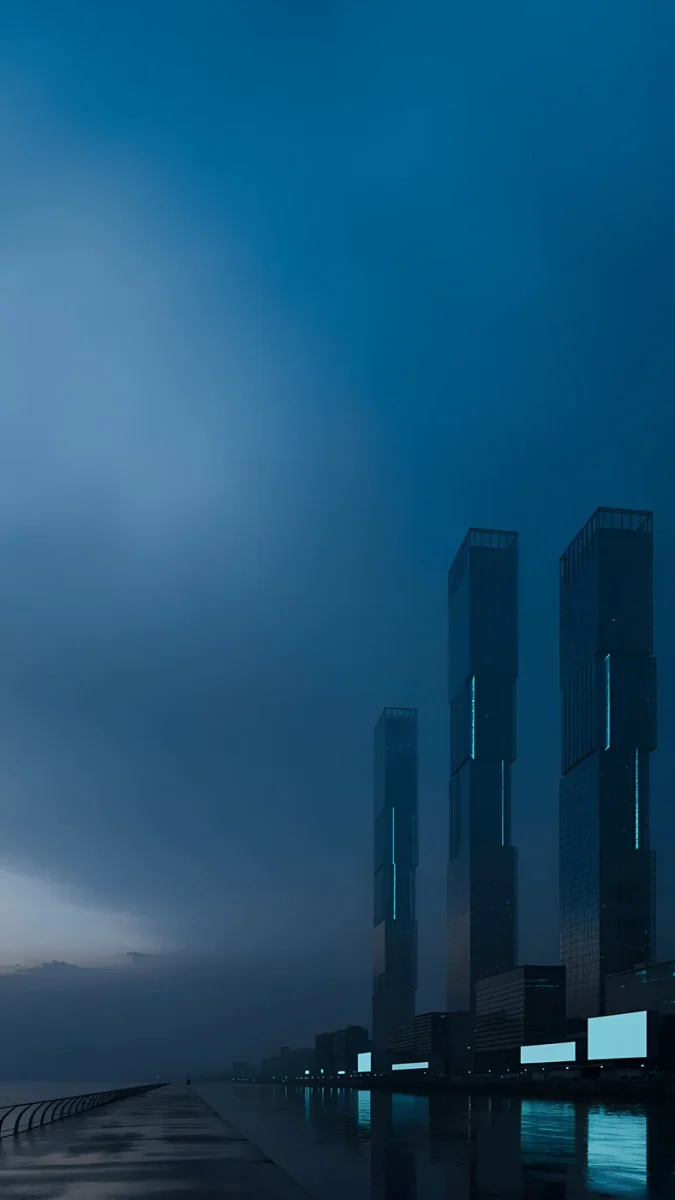 Blue Signal
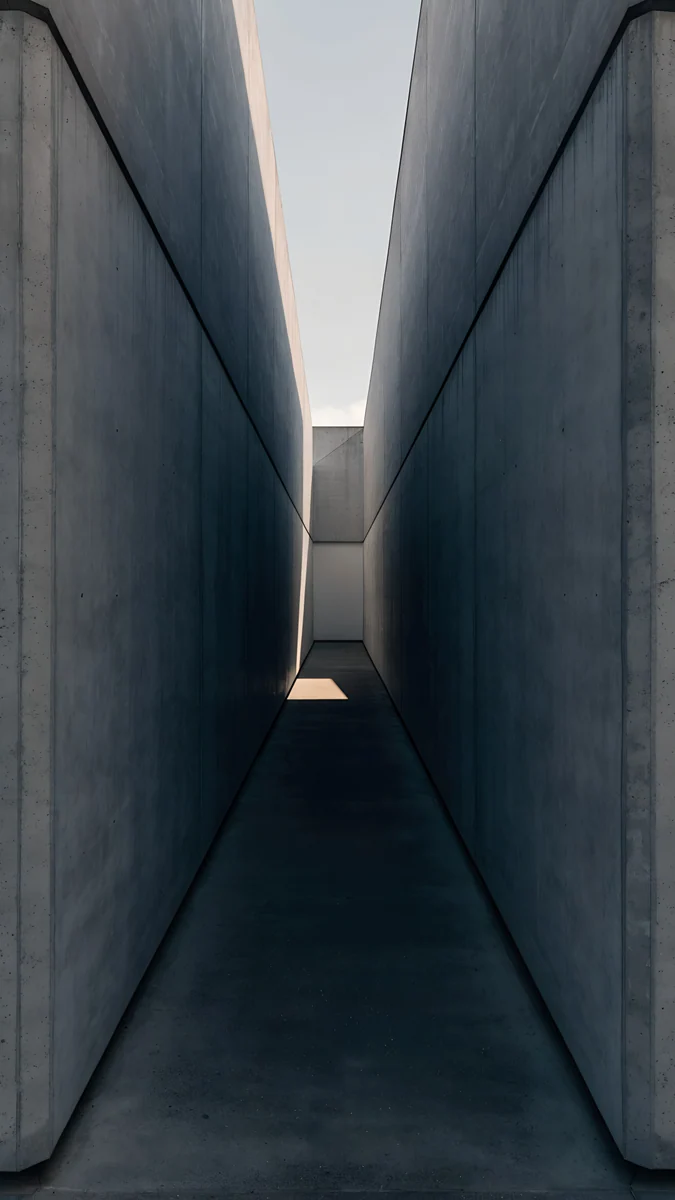 Graphite Passage
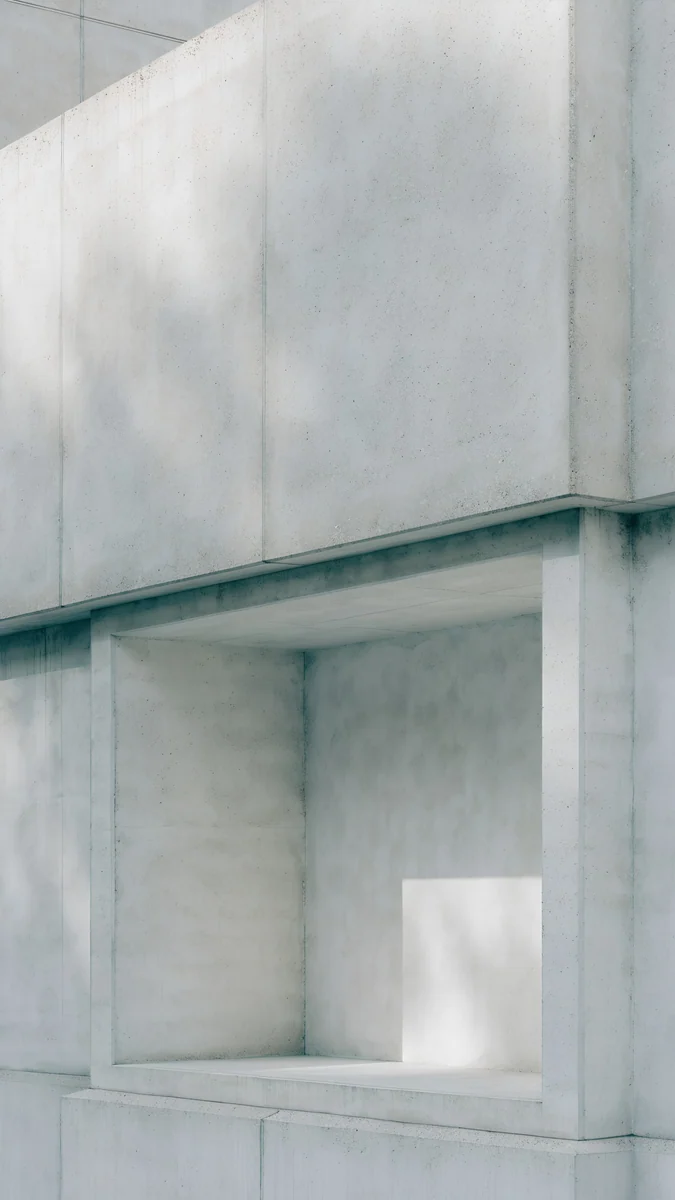 Chalk Recess
 Liquid Light
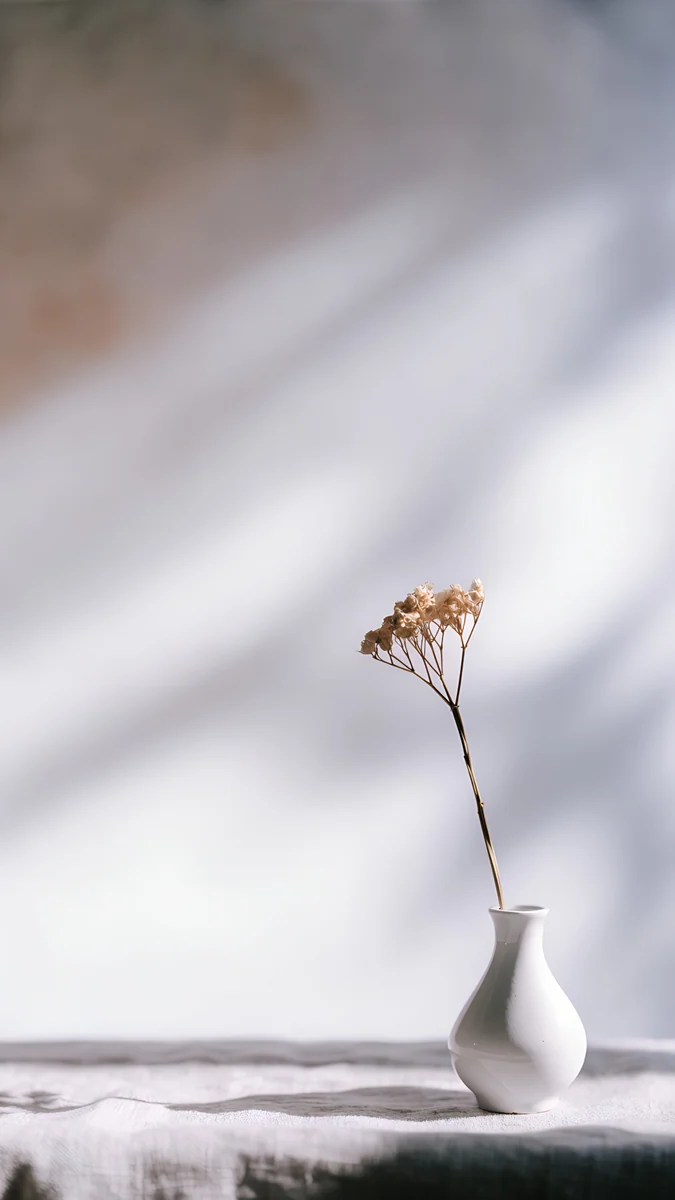 Linen Vase Light
Free 4K originals for iPhone and Android, no watermark
On this page
The best Galaxy S25 Ultra wallpaper is mostly dark, with its shape or texture below the clock: the Ultra has a Dynamic AMOLED 2X screen, so black areas stay black, and Always On Display can keep the lock screen in view all day. A 2160 × 3840 original is bigger than the 1440 × 3120 screen in both directions, so One UI only scales it down and it stays sharp.
This page is only about the Ultra: its screen as Samsung lists it, what that panel changes for a wallpaper, picks for all seven titanium finishes and the One UI 8 steps. For the S25 and S25+ and their Navy, Icyblue and Mint colours, see our Galaxy S25 wallpapers.
Galaxy S25 Ultra wallpaper size
These figures come from Samsung's specs page for the Galaxy S25 Ultra:
| Spec | Galaxy S25 Ultra |
|---|---|
| Screen size | 6.9 inches as a full rectangle, 6.8 inches with the rounded corners |
| Resolution | 1440 × 3120 (Quad HD+) |
| Panel | Dynamic AMOLED 2X |
| Max refresh rate | 120 Hz |
| Colour depth | 16M |
So the wallpaper size for the Galaxy S25 Ultra is 1440 × 3120 pixels. Out of the box the phone may run at FHD+, 1080 × 2340, to save battery; you can change it in Settings, Display, Screen resolution. A 2160 × 3840 file covers both modes. The screen is a little taller and narrower than 9:16, so One UI fits the image to the height and trims roughly 9 percent from each side. Keep the subject near the centre and nothing important is lost. Other Android phones are in our Android wallpaper size guide.
What the Ultra screen means for your wallpaper
Three things matter when you choose a picture for this phone. On an AMOLED panel each pixel makes its own light, so pure black blends into the thin bezel and a bright shape on it seems to float. Always On Display shows the clock, and on recent One UI versions the lock screen wallpaper too, while the phone is locked, so a dark image looks calm there. And the front camera sits in a small hole at the top centre, right above the clock, so a subject placed high in the frame ends up behind the camera and the time.
The flat, squared corners of the Ultra also help: unlike curved screens, nothing at the left and right edges bends away, so a wallpaper with fine lines at the sides looks the same as in the preview. Our dark wallpapers for OLED go deeper into why black works on these panels.
Black wallpapers for Always On Display
These are almost entirely black, with one quiet form low in the frame. They suit Titanium Black and Titanium Jetblack, and they look the same awake or on the dimmed screen.
Black Satin is dark satin rising in waves from the lower right, with the whole top half left black for the clock. Obsidian Waves rolls gray silk dunes along the bottom of a black screen. Silver Loop draws one chrome loop on black, a thin bright line that pops on AMOLED. Noir Light Slits is a black tower ringed by white light, the most graphic of the four.
To show the wallpaper on the locked screen, open Settings, go to Lock screen and AOD, then Always On Display. Recent One UI versions have an option there to show the lock screen wallpaper; its exact name can differ by version and region. With it off, the locked phone shows only the clock and notifications on black.
Wallpapers for the Galaxy S25 Ultra colours
Samsung lists seven colours for the Ultra: Titanium Silverblue, Titanium Black, Titanium Gray, Titanium Whitesilver, Titanium Jetblack, Titanium Jadegreen and Titanium Pinkgold. Availability varies by country, and some are sold only on Samsung.com. These picks are different from the ones on our S25 family page, so you get a second set.
Titanium Silverblue
Arctic Current is two curved panes of pale steel blue glass meeting in the middle, cool like the frame. Blue Signal is darker: two towers in blue fog over still water, with a thin line of light at their base.
Titanium Gray
Graphite Passage is a narrow concrete corridor with daylight at the far end, all graphite and stone. Chalk Recess is a pale concrete wall with one square niche, lighter and very quiet behind icons.
Titanium Whitesilver
Liquid Light sweeps clear glass ribbons with a copper tint across a white ground. Linen Vase Light is a small white vase with one dry stem in soft leaf shadows, almost colourless.
Titanium Jadegreen
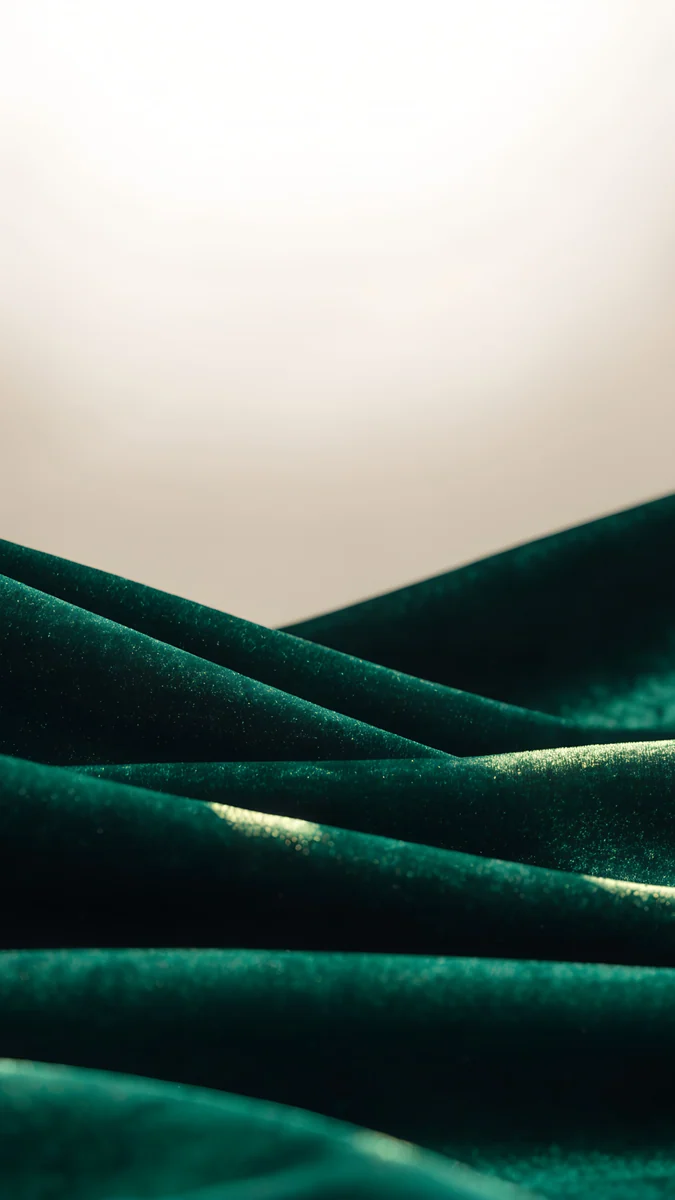
Jade Light Fold crosses curved panes of jade and mint glass on deep green. Emerald Velvet rolls dark green velvet hills under a pale sky, which keeps the clock on a light area.
Titanium Pinkgold
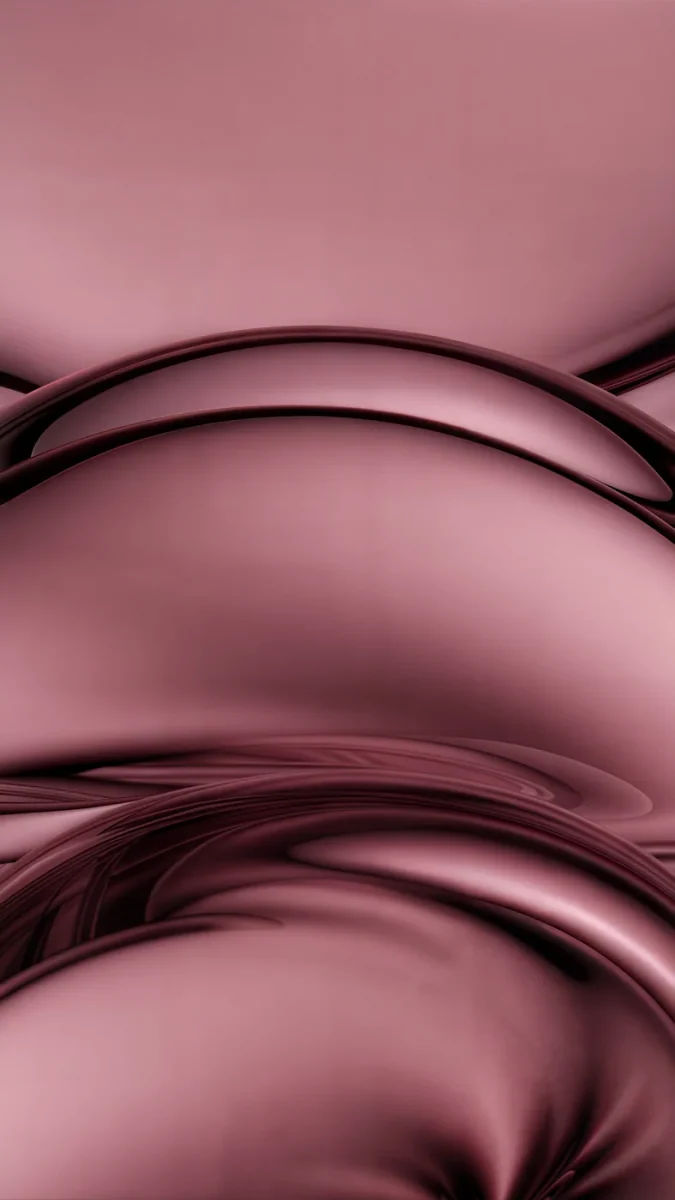
Rose Smoke layers glossy rose and copper waves, close to the warm metal of Pinkgold. Rose Tension is deeper dusty pink satin, folded tight across the screen.
How to set a wallpaper on the Galaxy S25 Ultra
The Ultra launched with One UI 7 and has since received One UI 8, based on Android 16. These steps use the English menu names; they can differ slightly by version.
- Save the original from the Velpaper app or from the wallpaper page on velpaper.com. Browser downloads land in the Download album in Gallery.
- Open Settings, tap Wallpaper and style, then Change wallpapers.
- Choose Gallery and pick the image.
- Select Lock screen, Home screen or both, move the image so the main shape sits below the clock, and tap Done.
To change the clock, touch and hold the lock screen after unlocking and tap Edit. Tap the clock to choose another clock style, font and colour; a bold style needs a calm area behind it, a thin one is fine over texture. The Now Bar at the bottom of the lock screen shows timers and music, so keep that strip calm too. More on the editor is in our Samsung lock screen wallpaper guide.
Common problems and fixes
- The wallpaper looks soft. You probably saved a preview or a screenshot. Download the original again, and check that the screen is not set lower than you expect under Screen resolution.
- Something at the edge is cut off. The Ultra shows about the middle four fifths of a 9:16 image. Pick a wallpaper with its subject near the centre.
- The clock covers the subject. Move the image down in the editor, or choose a clock style that takes less space.
- The lock screen changes by itself. A wallpaper service is running. In Lock screen and AOD, open Wallpaper services and select None, or read why the Android wallpaper keeps changing.
- The wallpaper looks dimmer at night. One UI can dim the wallpaper when Dark mode is on. The switch is in Wallpaper and style; with the black picks above you can leave it off.
Get these Galaxy S25 Ultra wallpapers in Velpaper
Velpaper is an app for iPhone, iPad, Mac and Android, and every wallpaper is also on velpaper.com. Phone wallpapers are 4K originals at 2160 × 3840, desktop wallpapers are 4K and some are 5K, all without a watermark and without an account. The phone wallpapers in this article unlock after a short optional ad in the Velpaper apps; on the website, if no ad is available, the original downloads for free. The wallpapers are designed by Carlos Vivero.
Next step: open Black Satin, save the original, set it on your Ultra and lock the phone to see it on Always On Display.
Original wallpapers in 4K and 5K for iPhone, Android and desktop.
Questions
What size is the Galaxy S25 Ultra wallpaper?
Samsung lists the Galaxy S25 Ultra screen at 3120 by 1440 pixels, Quad HD+, on a 6.9 inch panel measured as a full rectangle, or 6.8 inches with the rounded corners. As a portrait wallpaper that is 1440 × 3120. You do not need a file of exactly that size. A 2160 × 3840 original is larger in both height and width, so One UI only scales it down and trims a narrow strip at each side, and it stays sharp whether the phone runs at QHD+ or FHD+.
Does the Galaxy S25 Ultra use its full resolution by default?
Not always. Out of the box the Ultra may run at FHD+, 1080 × 2340, to save battery. You can switch to QHD+, 1440 × 3120, in Settings, Display, Screen resolution. A wallpaper should cover the full 1440 × 3120 either way, so it still looks sharp if you change the setting later. A 2160 × 3840 file covers it with room to spare, and the difference between the two modes is easiest to see in fine lines and text, less so in soft gradients.
What is the best wallpaper for the Galaxy S25 Ultra Always On Display?
A mostly black wallpaper with one shape in the lower half. On the Dynamic AMOLED 2X screen black pixels give off no light, so the shape seems to float and the clock stays readable on the locked screen. Black Satin, dark satin waves along the bottom, and Silver Loop, a single chrome line on black, both work well. To show the wallpaper there, open Settings, Lock screen and AOD, Always On Display and look for the option to show the lock screen wallpaper; its name can differ by One UI version.
Which wallpaper matches each Galaxy S25 Ultra colour?
Match the mood of the titanium rather than an exact shade. For Titanium Black and Titanium Jetblack, near-black wallpapers such as Black Satin. For Titanium Silverblue, cool steel blue glass like Arctic Current. For Titanium Gray, concrete and graphite such as Graphite Passage. For Titanium Whitesilver, pale and almost colourless pictures like Liquid Light. For Titanium Jadegreen, Jade Light Fold or Emerald Velvet, and for Titanium Pinkgold, Rose Smoke. Samsung notes that colour availability varies by country and some colours are sold only on Samsung.com.
Are these Galaxy S25 Ultra wallpapers free?
Browsing and previewing are free on velpaper.com and in the Velpaper apps for iPhone, iPad, Mac and Android. The phone wallpapers in this article unlock after a short optional ad in the apps; on the website, if no ad is available, the original downloads for free. There is no account and no subscription. Every phone file is a 2160 × 3840 JPEG without a watermark, larger than the Ultra's 1440 × 3120 screen, so one download covers the phone at any resolution setting.
Carlos Vivero
Designer of Velpaper wallpapers
Carlos Vivero designs the wallpapers in Velpaper: quiet architecture, liquid glass, Japanese ink and calm landscapes. Every piece is made as a 4K original for iPhone, Android and desktop.
Recent work








