Galaxy S25 Wallpapers: Free 4K Picks for Every Colour
Galaxy S25 wallpapers matched to Icyblue, Navy, Mint, Silver Shadow and the Ultra titanium colours, plus every model size. Free 4K originals, no watermark.
In short: The Galaxy S25 screen is 1080 × 2340 pixels and the S25+ and S25 Ultra are 1440 × 3120, so one 2160 × 3840 wallpaper stays sharp on all three. Pick it to echo the phone's colour: navy and deep blue for Navy, pale blue for Icyblue, green for Mint, and greys for the titanium Ultra.
By the Velpaper team · Wallpapers by Carlos Vivero, Velpaper designer · · Updated · 5 min read
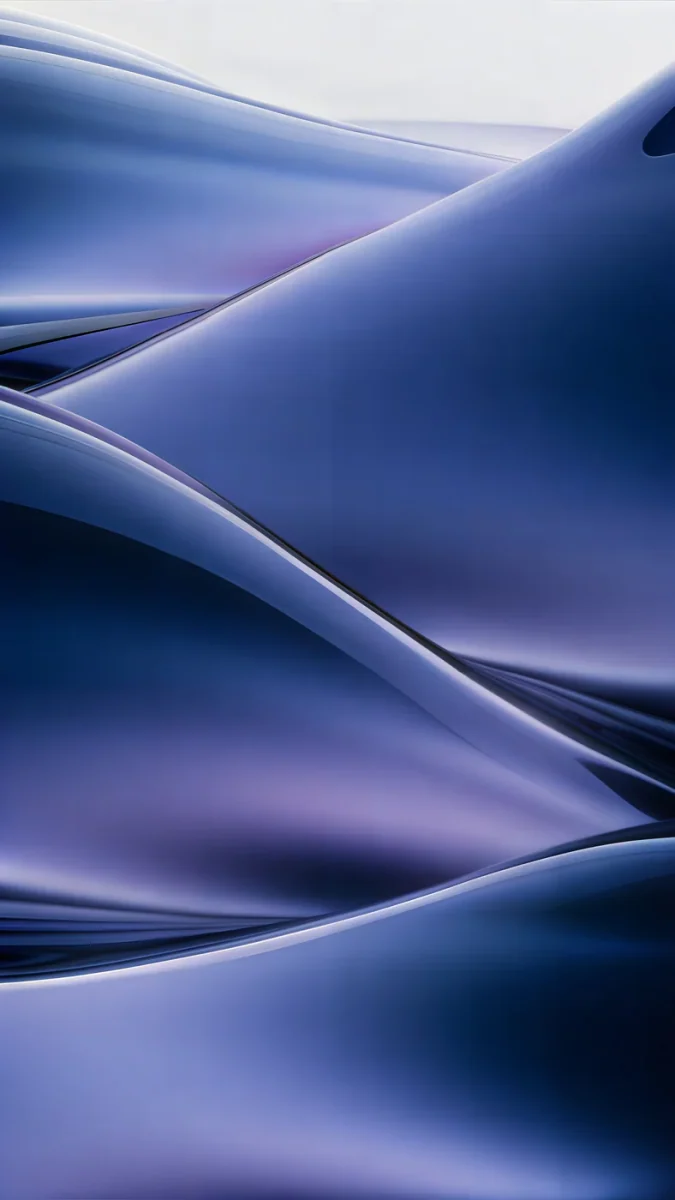 Midnight Flow
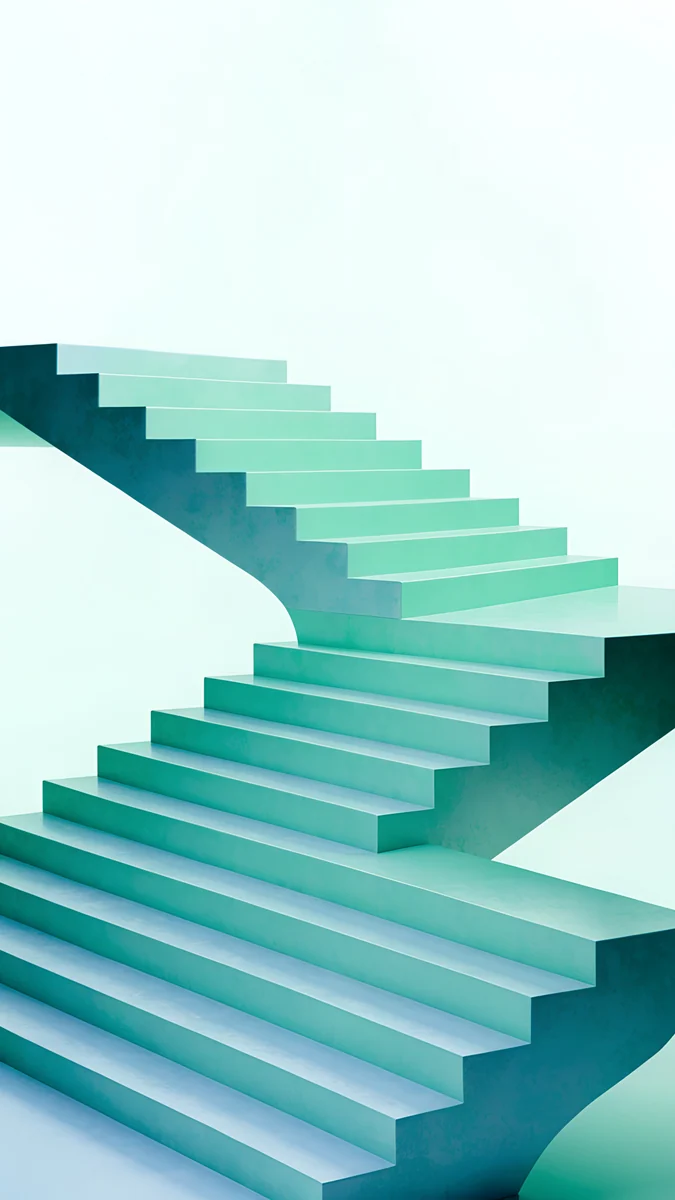 Mint Folded Flights
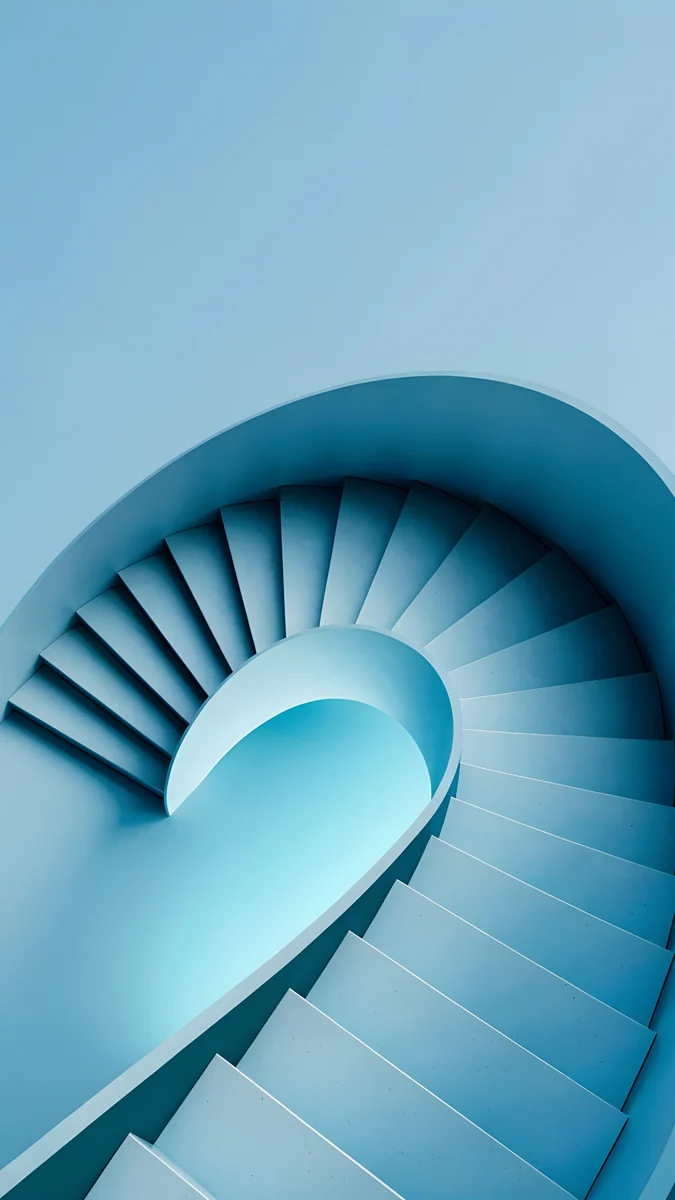 Glacier Spiral Well
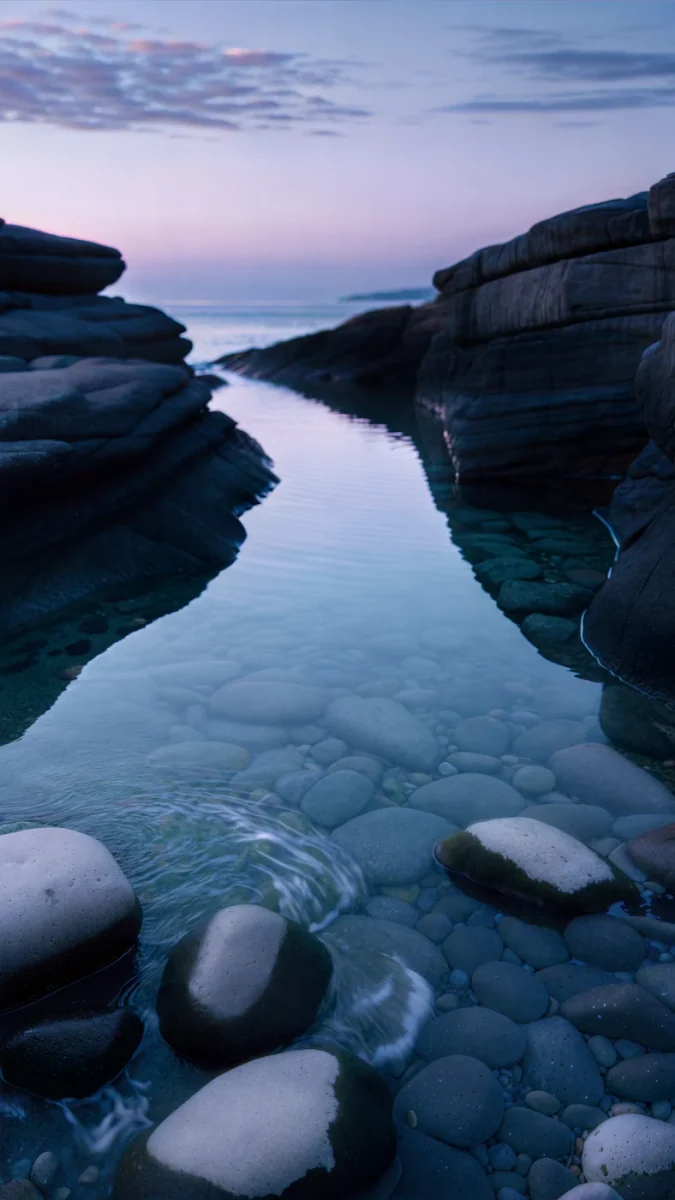 Blue Cove
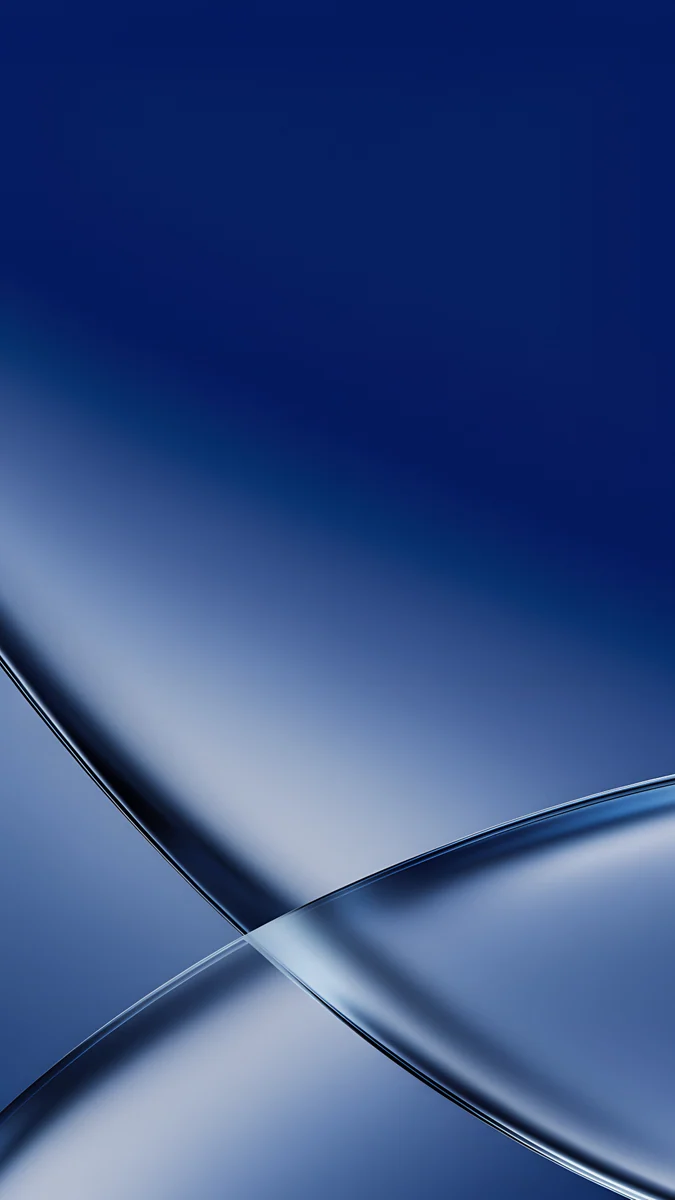 Cobalt Soft Crossing
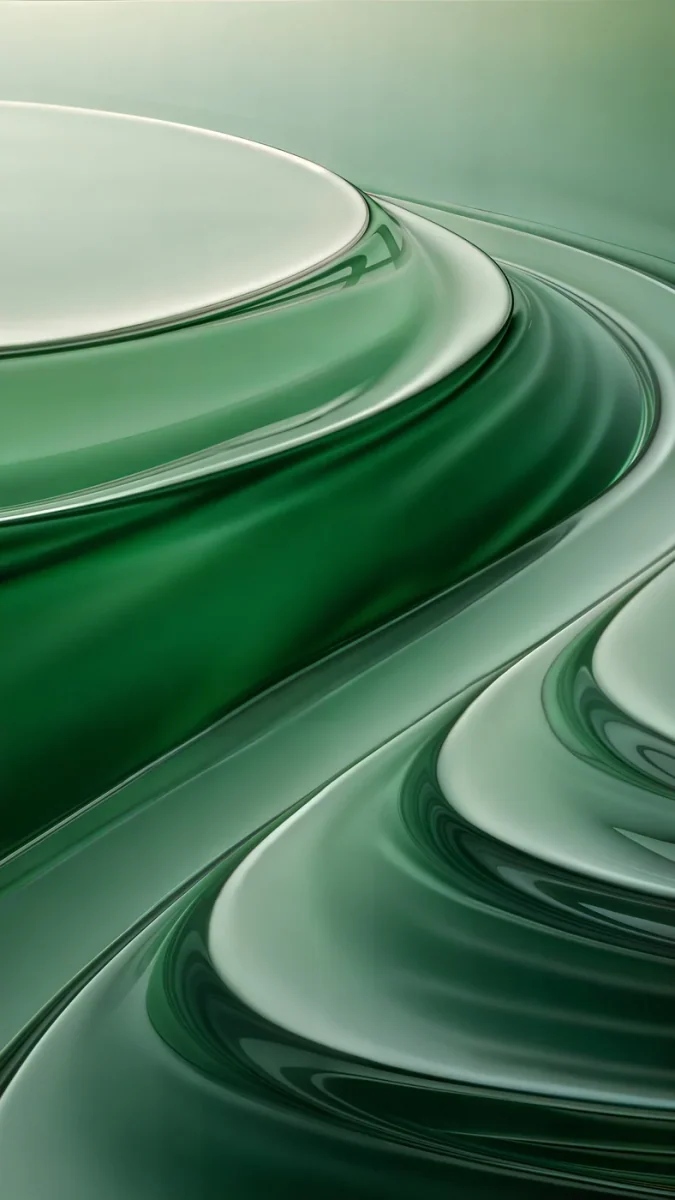 Mint Contours
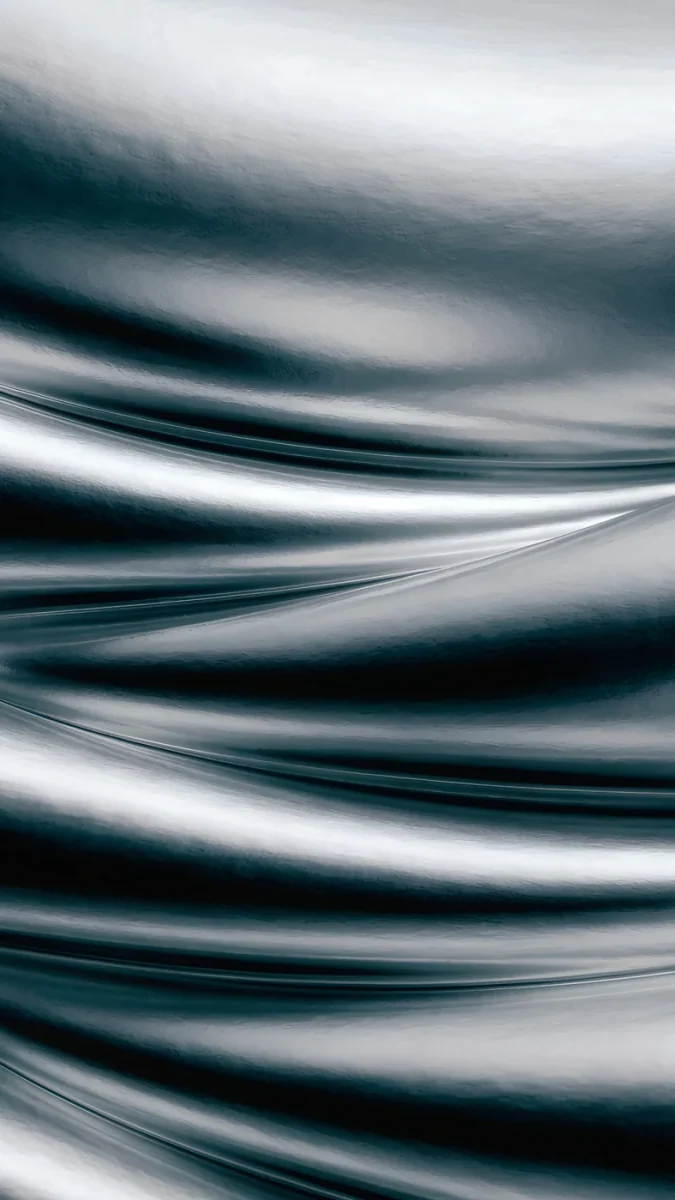 Moon Silver
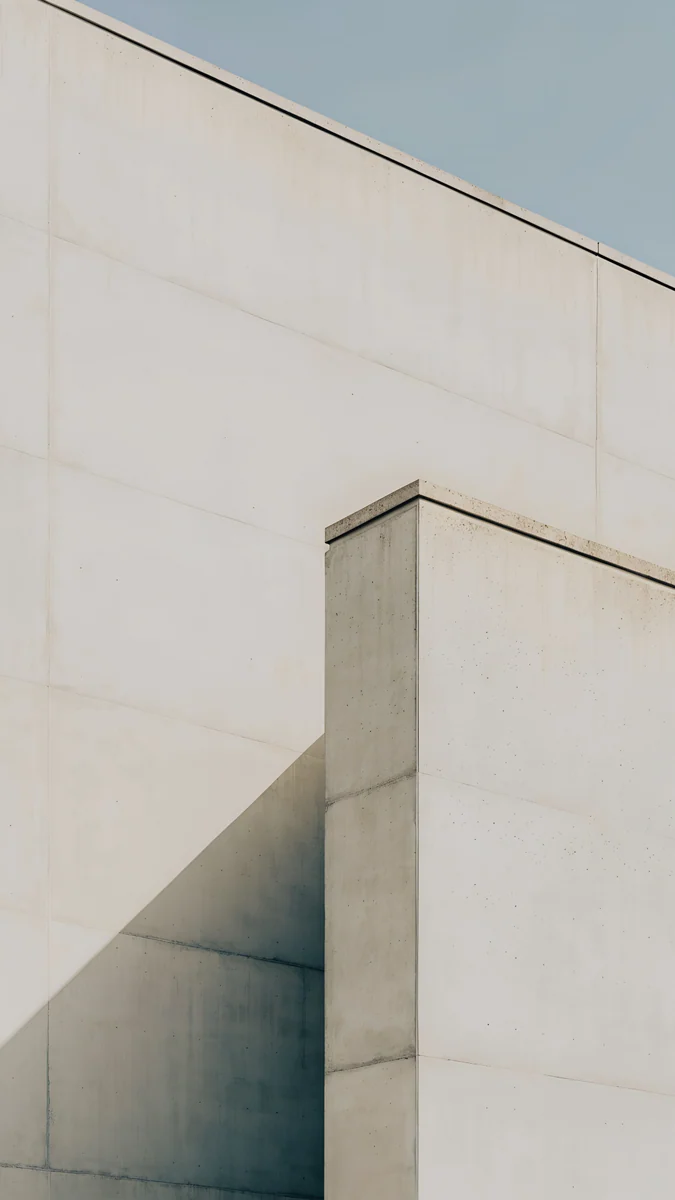 Ivory Fold
 Ink Pressure
 Blue Hour Portico
 Moon Ledge
 Charcoal Slot
Free 4K originals for iPhone and Android, no watermark
On this page
The Galaxy S25 family looks alike from the front: a tall flat screen, slim bezels and a small camera hole at the top. What changes between them is size, resolution and colour, and all three matter when you choose a Galaxy S25 wallpaper.
Below are the real screen sizes of the S25, S25+ and S25 Ultra, the one file size that covers them all, and wallpapers picked to go with each finish, from Icyblue to Titanium Black.
Galaxy S25 wallpaper size
These are the native resolutions Samsung lists, width by height.
| Model | Screen | Resolution (pixels) |
|---|---|---|
| Galaxy S25 | 6.2", FHD+ | 1080 × 2340 |
| Galaxy S25+ | 6.7", QHD+ | 1440 × 3120 |
| Galaxy S25 Ultra | 6.9", QHD+ | 1440 × 3120 |
One detail surprises many owners. The S25+ and S25 Ultra leave the factory running at FHD+, 1080 × 2340, to save battery. You can switch to the full resolution in Settings, Display, Screen resolution. A wallpaper should cover the full 1440 × 3120 either way, so it still looks sharp if you change the setting later.
Why one 2160 × 3840 file fits every S25
A 2160 × 3840 image is 4K standing upright, in a 9:16 frame. The S25 screens are 19.5:9, a little taller and narrower. When One UI fits the image to the screen height, it scales it down and trims nearly a tenth of the width on each side.
Scaling down never adds blur, so the result is crisp on the S25 and on the Ultra alike. The only thing to watch is the side crop: choose wallpapers with the main shape in the middle and calm edges. The S25 Edge and S25 FE have the same tall shape, so the same file covers them too. For other phones, our Android wallpaper size guide lists Pixel, Xiaomi and older Galaxy models.
Wallpapers for the Galaxy S25 and S25+ colours
The S25 and S25+ come in Navy, Icyblue, Mint and Silver Shadow, plus online-only colours in some regions. A wallpaper that picks up the colour of the frame makes the phone look finished, especially on the always-on display and lock screen.
Glacier Spiral Well4K · PhoneBlue Cove4K · PhoneMidnight Flow4K · PhoneCobalt Soft Crossing4K · PhoneMint Folded Flights4K · PhoneMint Contours4K · PhoneMoon Silver4K · PhoneIvory Fold4K · PhoneIcyblue
Glacier Spiral Well spirals pale ice blue down into deep blue, the closest match to the frame. Blue Cove is a softer alternative, a quiet coastal scene.
Navy
Midnight Flow folds navy and violet like liquid glass and keeps most of the screen dark. Cobalt Soft Crossing is brighter, with cobalt fading to pale blue.
Mint
Mint Folded Flights is a folded mint staircase on a pale ground, light and fresh. Mint Contours layers green contour lines, from deep forest to pale mint.
Silver Shadow
Moon Silver moves from near-black to cool silver, a quiet match for the grey frame. Ivory Fold is the light option in stone and pale grey.
Wallpapers for the Galaxy S25 Ultra titanium colours
The S25 Ultra uses titanium finishes: Titanium Silverblue, Titanium Black, Titanium Gray and Titanium Whitesilver, with extra online colours in some regions. They are cooler and more muted than the S25 colours, so the wallpapers here are too.
Ink Pressure4K · PhoneBlue Hour Portico4K · PhoneMoon Ledge4K · PhoneCharcoal Slot4K · Phone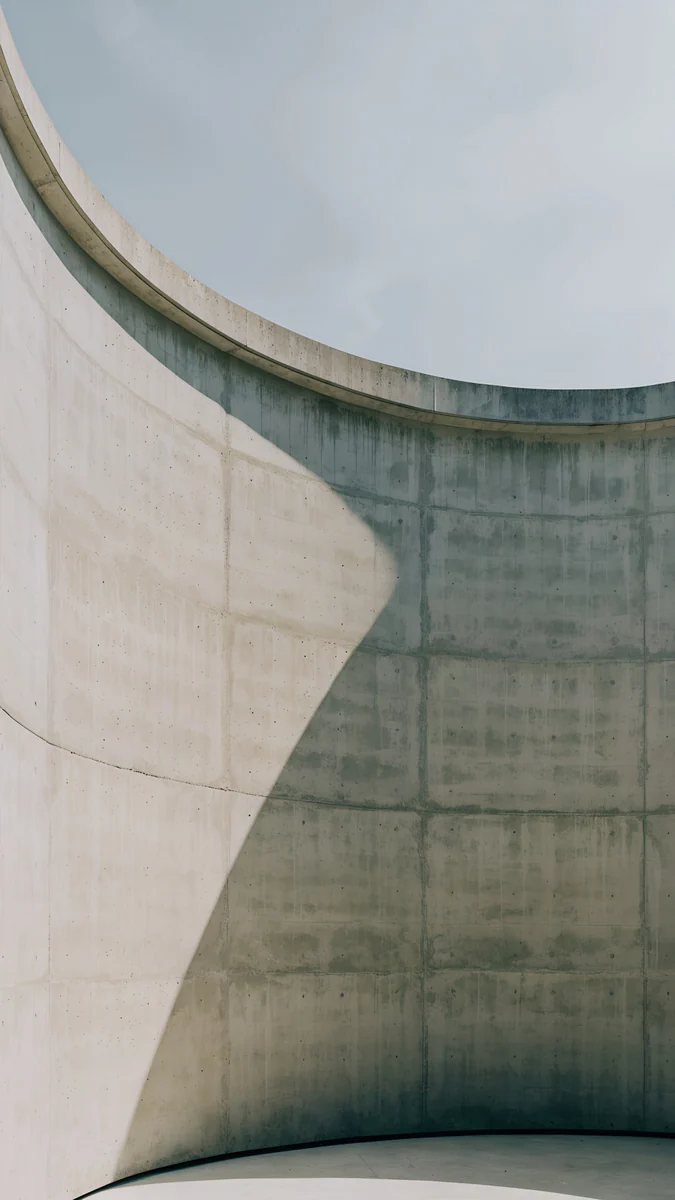 Ash Ring Court4K · Phone
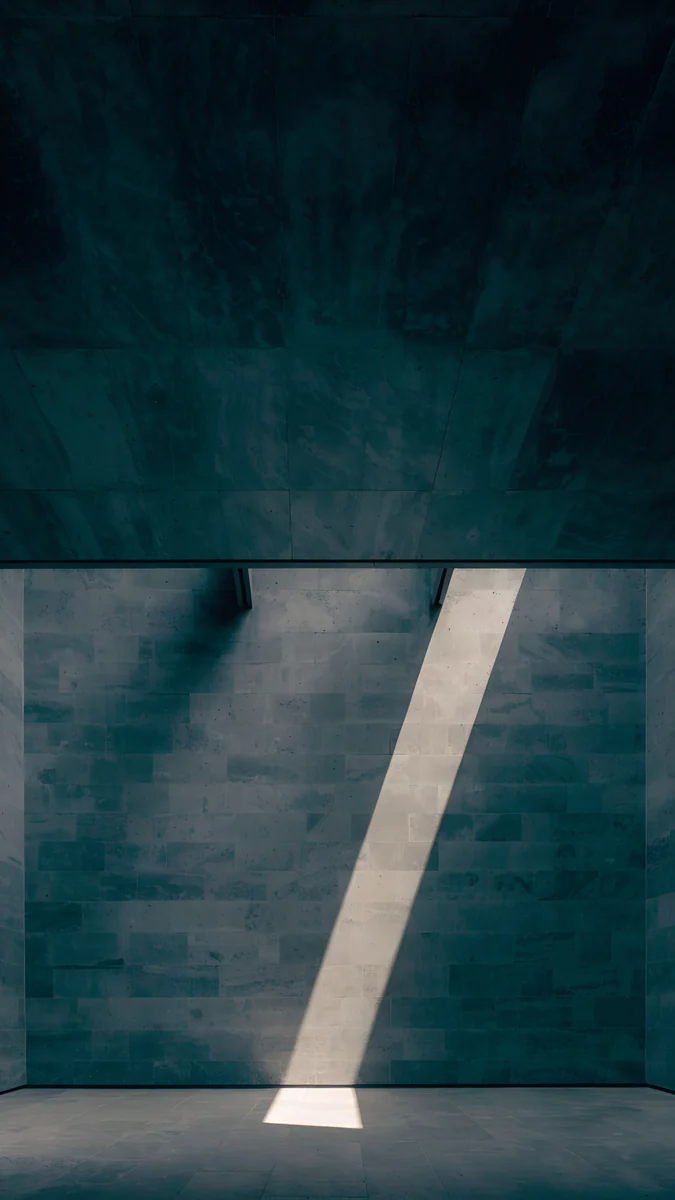 Slate Light Cut4K · Phone
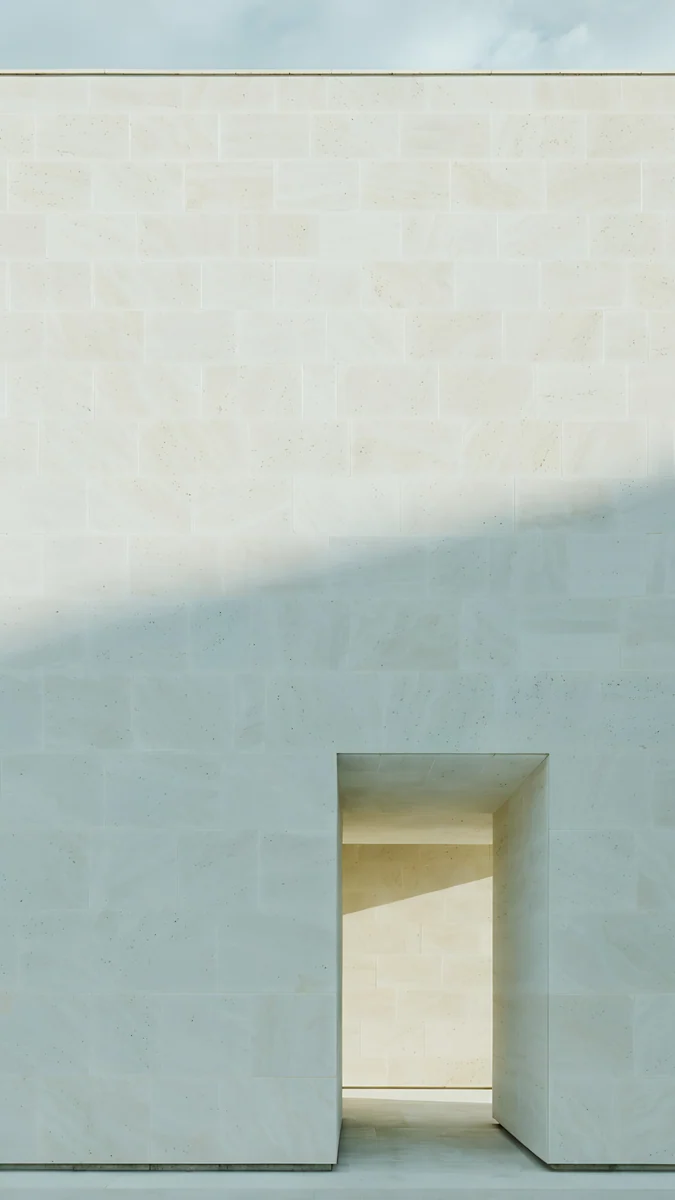 Ivory Daylight4K · Phone
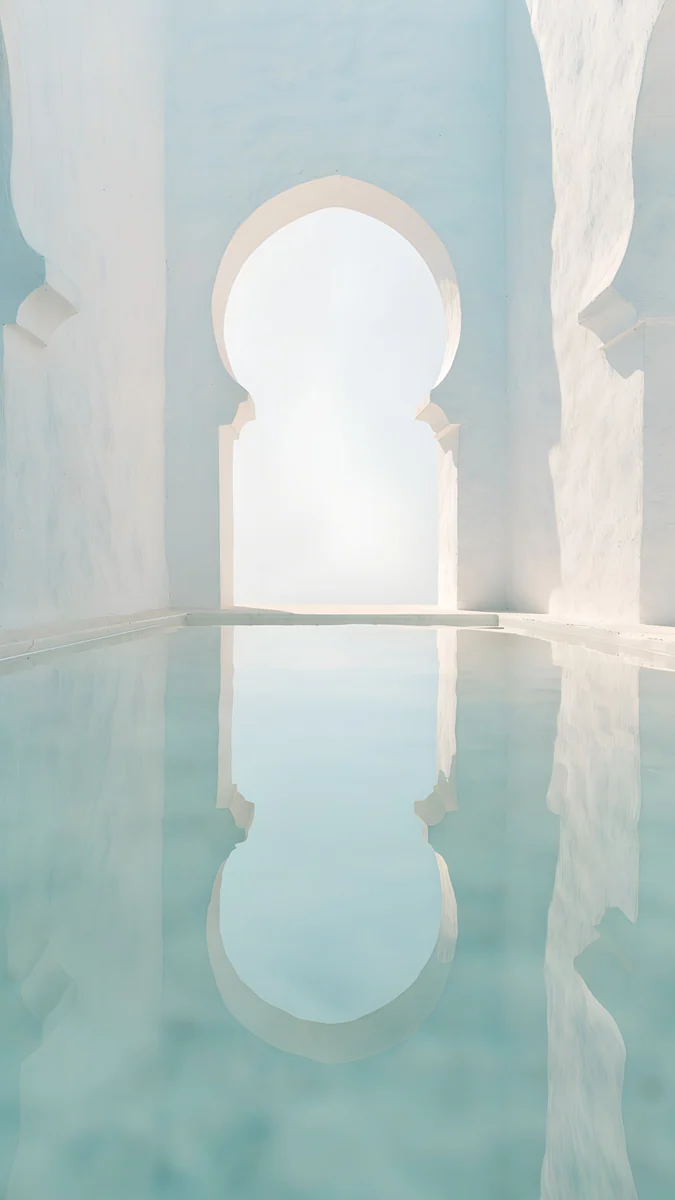 Arch Pool4K · Phone
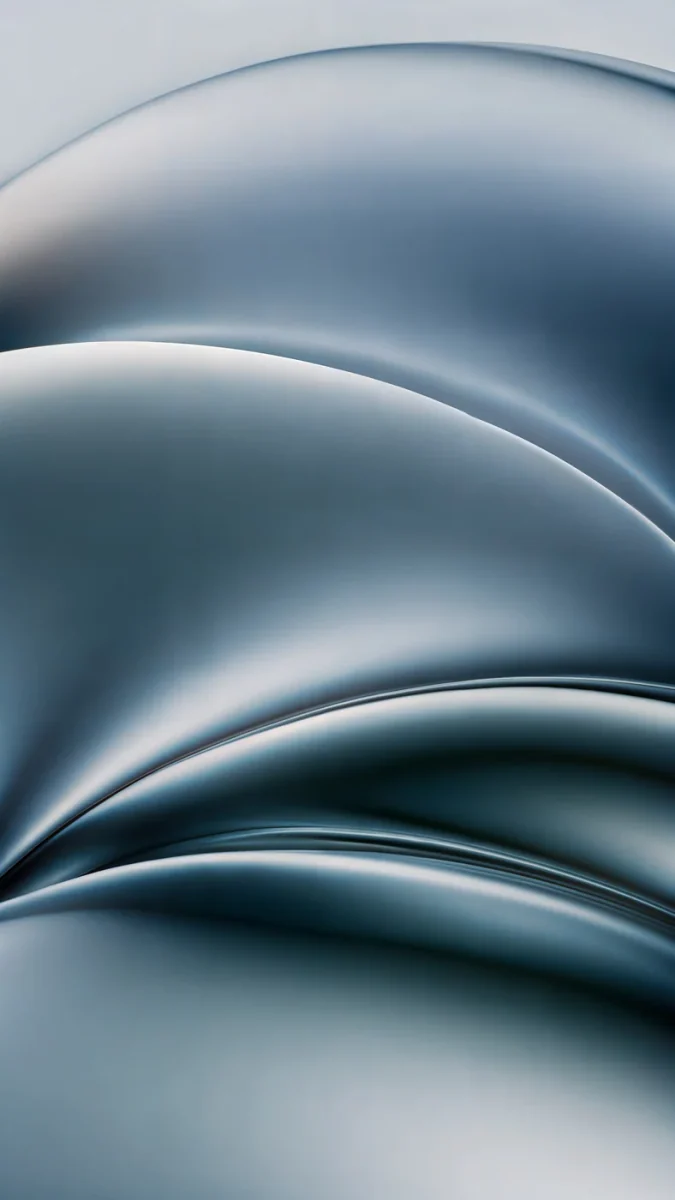
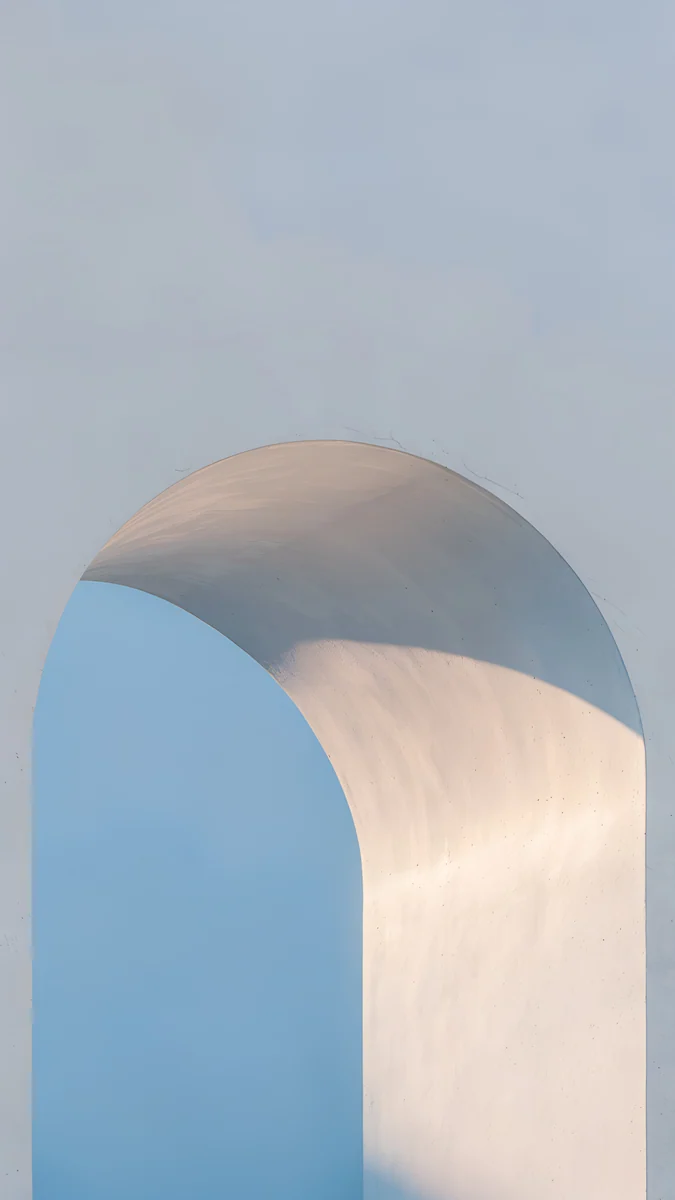
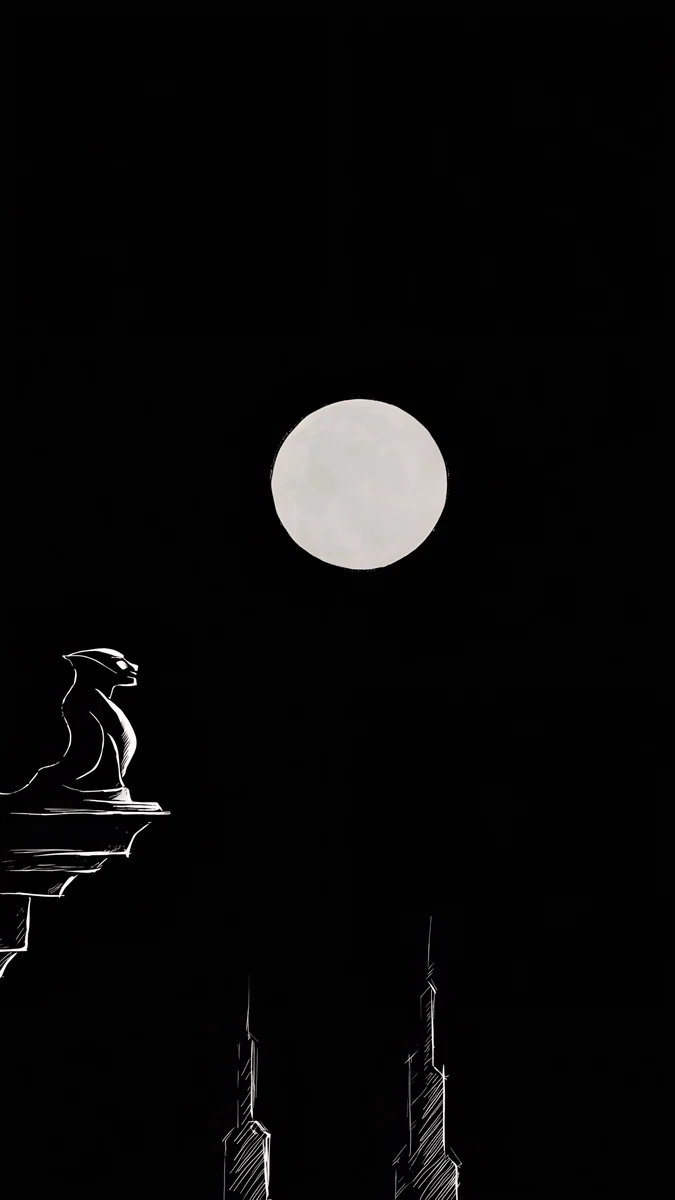
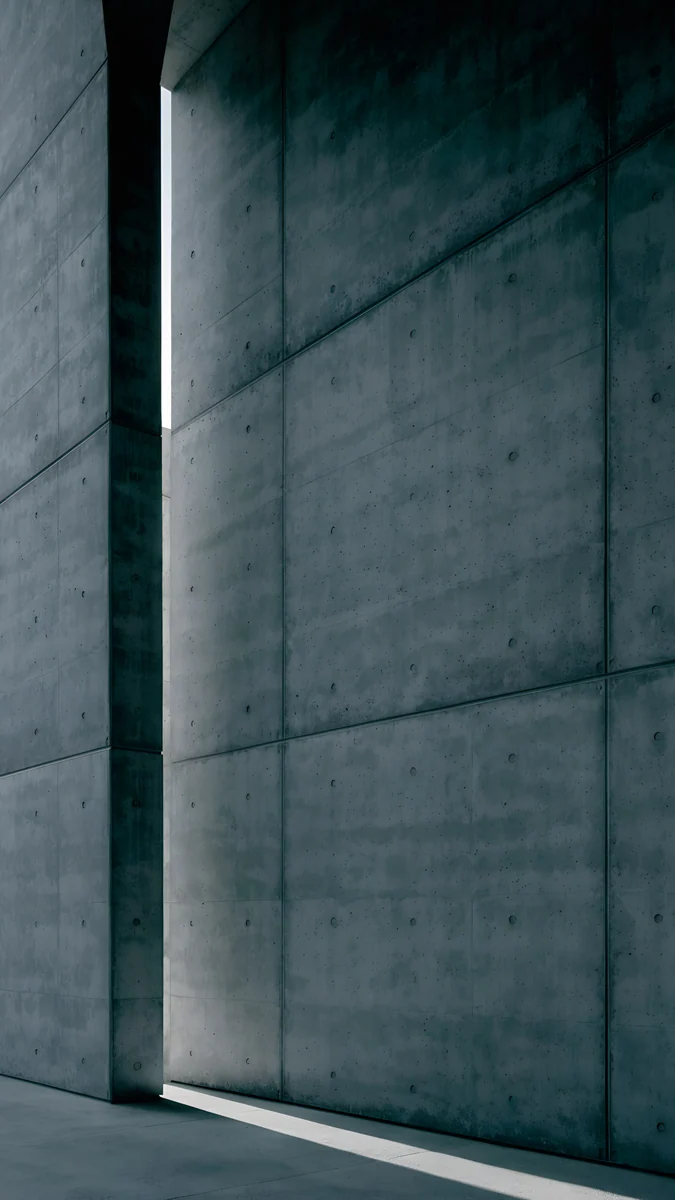
For Titanium Silverblue, Ink Pressure layers ink blue and steel grey, and Blue Hour Portico adds a soft blue sky. For Titanium Black, Moon Ledge is almost pure black with one pale moon, and Charcoal Slot is a concrete wall with a single slit of light. For Titanium Gray, Ash Ring Court and Slate Light Cut stay in stone and graphite. For Titanium Whitesilver, Ivory Daylight and White Arch Pool are bright, calm and almost colourless.
The Ultra and the S25+ have large AMOLED screens, so the dark picks also look their best there: true blacks and bright accents. Our dark OLED wallpaper collection has more of them.
Let the wallpaper colour the whole phone
One UI can take its interface colours from your wallpaper. In Settings, Wallpaper and style, open Color palette and pick one of the palettes built from the current image. Quick settings, buttons and some app accents then follow it. With Mint Folded Flights you get soft greens, with Midnight Flow deep blues, so the phone, the frame and the screen all agree.
The same menu has an option to dim the wallpaper when Dark mode is on. It takes the edge off bright images at night. With the dark picks above you can leave it off, since they are already low in brightness.
How to set a wallpaper on the Galaxy S25
- Save the wallpaper to the phone. Browser downloads appear in the Download album in Gallery.
- Open Settings, tap Wallpaper and style, then Change wallpapers.
- Choose Gallery and pick the image.
- Select Lock screen, Home screen or both, frame it and tap Done.
Quicker routes: open the image in Gallery, tap the three-dot menu and choose Set as wallpaper, or touch and hold the lock screen to open its editor. The full walk-through, including how to stop the lock screen changing by itself, is in our Samsung lock screen wallpaper guide.
Keep the clock and Now Bar readable
One UI 7 on the S25 puts a large clock at the top of the lock screen and the Now Bar at the bottom, where live activities such as timers and music appear. A good S25 lock screen wallpaper keeps both areas calm. All the picks above have their detail in the middle band, with plain sky, wall or gradient where the clock and the Now Bar sit.
If the clock still disappears into the picture, change its colour in the lock screen editor or nudge the image down. Our guide to choosing a wallpaper that keeps the clock readable shows which combinations hold up, and the liquid glass collection has more smooth, calm backgrounds like Midnight Flow.
Original wallpapers in 4K and 5K for iPhone, Android and desktop.
Questions
What is the wallpaper size for the Galaxy S25?
The Galaxy S25 has a 1080 × 2340 pixel screen. The Galaxy S25+ and S25 Ultra are 1440 × 3120. You do not need a separate file for each: a 2160 × 3840 wallpaper is larger than all three screens, so One UI only scales it down and trims a little at the sides. That keeps it sharp on every model, including the S25+ and Ultra at full QHD+ resolution.
Do the S25+ and S25 Ultra use their full resolution by default?
No. Both ship set to FHD+, 1080 × 2340, to save battery. You can switch to QHD+, 1440 × 3120, in Settings, Display, Screen resolution. A wallpaper that covers 1440 × 3120 looks sharp in both modes, so pick one at least that large. A 2160 × 3840 file covers it with room to spare.
Which wallpaper suits the Galaxy S25 Ultra?
The S25 Ultra comes in muted titanium colours, so cool, calm wallpapers suit it best: near-black images for Titanium Black, steel blue for Titanium Silverblue, stone and graphite for Titanium Gray, and pale, almost white images for Titanium Whitesilver. The large AMOLED screen makes dark wallpapers with one bright accent look especially crisp. Use a 2160 × 3840 file so it stays sharp at QHD+.
Are there live wallpapers for the Galaxy S25 on Velpaper?
No. Velpaper publishes still images only, at 2160 × 3840 pixels for phones. That suits the S25 well, because a still wallpaper keeps the clock and the Now Bar steady and uses less battery than an animated one. If you want movement, One UI can use a short video from Gallery as the lock screen wallpaper, and you can switch back to a still image at any time.
Where can I get the original Galaxy S25 wallpapers?
Samsung's own wallpapers are built into the phone under Settings, Wallpaper and style. For something different, Velpaper offers original 2160 × 3840 wallpapers in its Android app and on velpaper.com. Browsing is free and many phone wallpapers unlock after a short optional ad. Every download is the full original without a watermark, so it fits any S25 model.
Carlos Vivero
Designer of Velpaper wallpapers
Carlos Vivero designs the wallpapers in Velpaper: quiet architecture, liquid glass, Japanese ink and calm landscapes. Every piece is made as a 4K original for iPhone, Android and desktop.
Recent work








