Galaxy Z Flip 7 Wallpaper: Main Screen and FlexWindow
Galaxy Z Flip 7 wallpapers for the tall 21:9 main screen with its crease across the middle and the near square FlexWindow, with Samsung's sizes and steps.
In short: Open, the Galaxy Z Flip 7 main screen is a tall 1080 × 2520 panel with the crease running across its middle, so pick a wallpaper with the subject above or below the centre. The 4.1 inch FlexWindow is almost square at 1048 × 948, so it suits one simple, centred shape.
By the Velpaper team · Wallpapers by Carlos Vivero, Velpaper designer · · 6 min read
 Pastel Cloud Moon
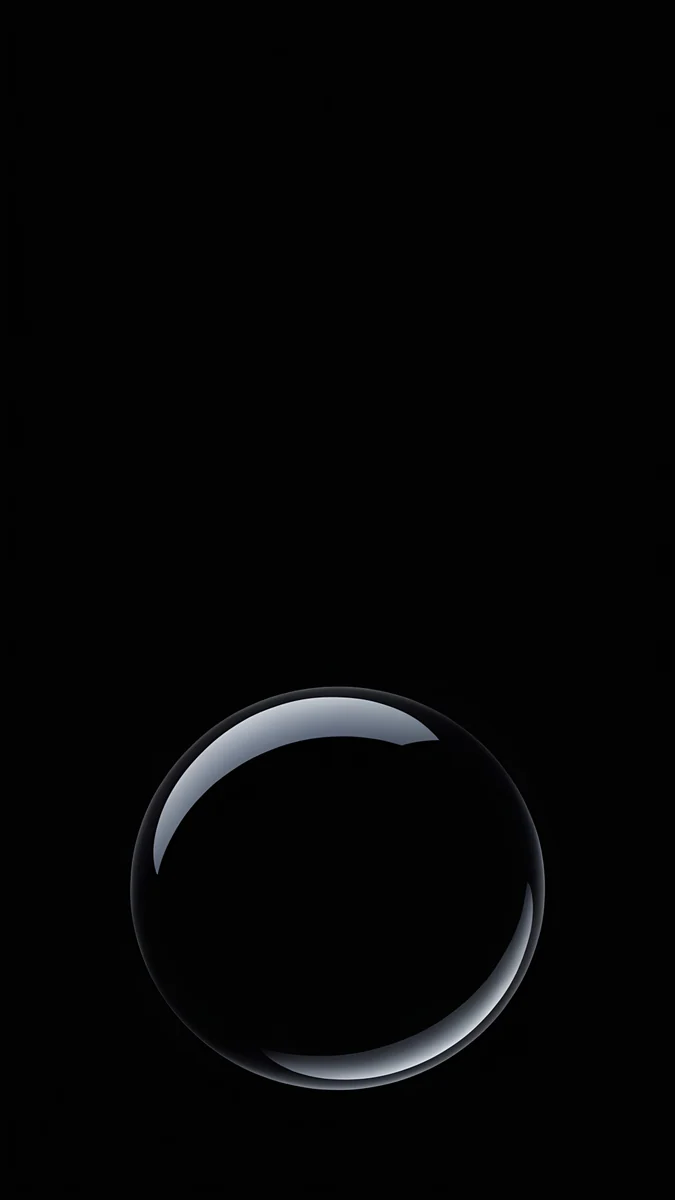 Black Glass Sphere
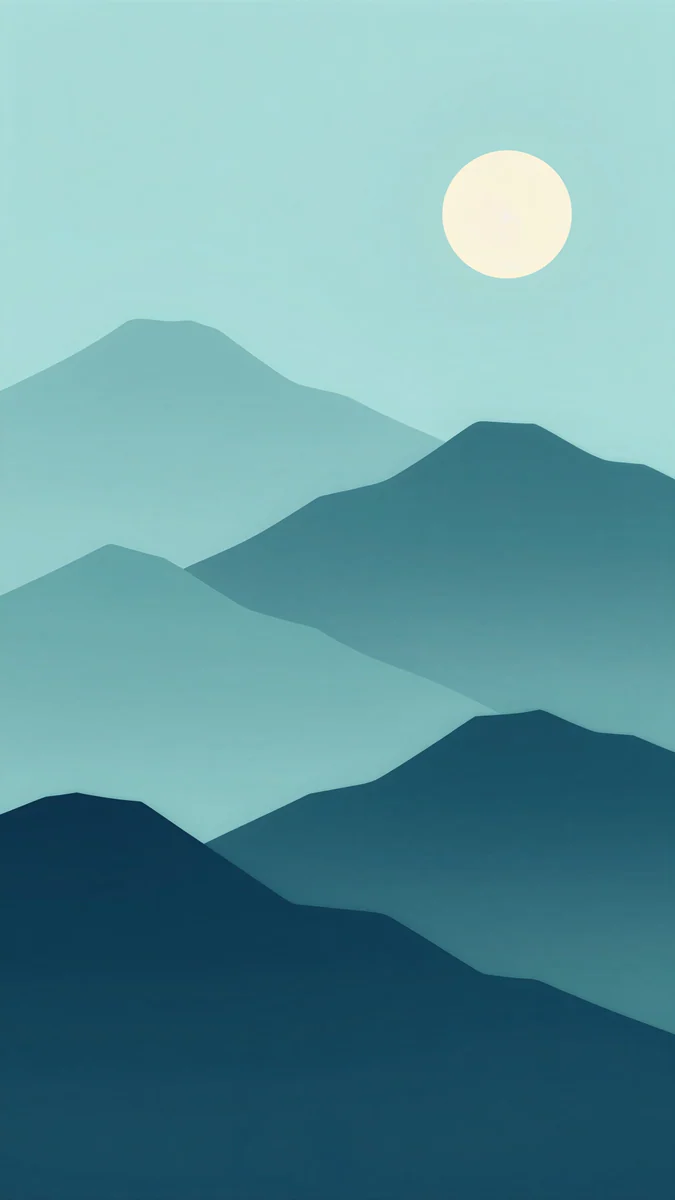 Midnight Paper Peaks
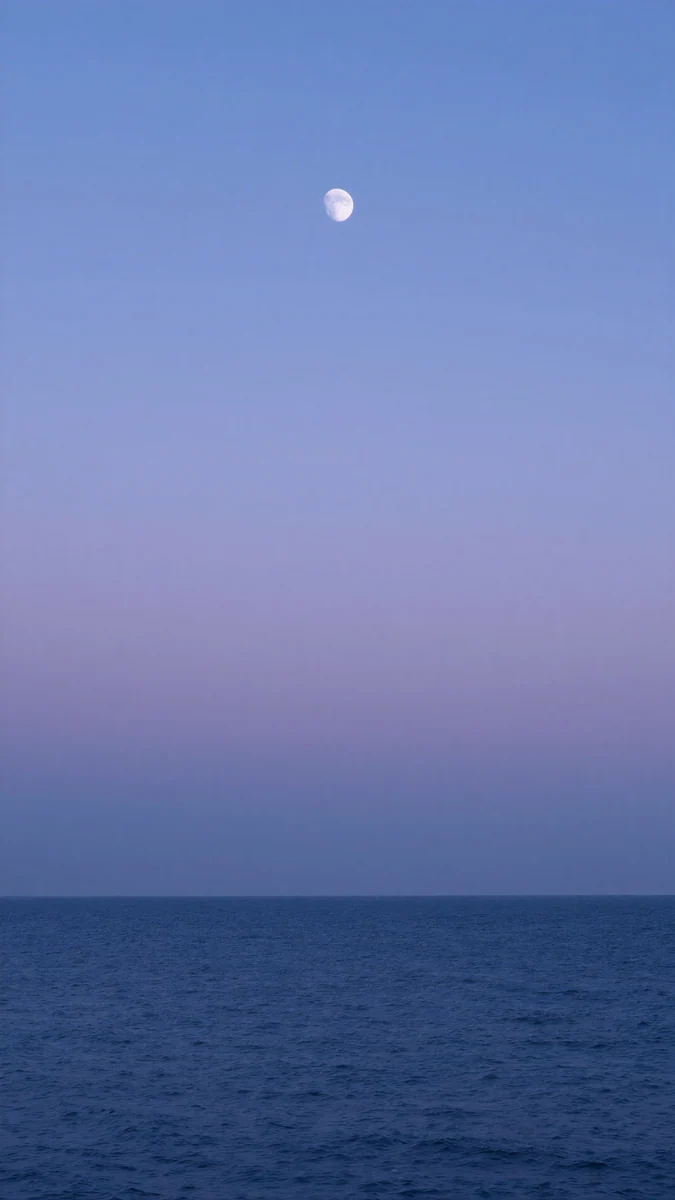 Dusk Moon Sea
 Misty Bamboo Light
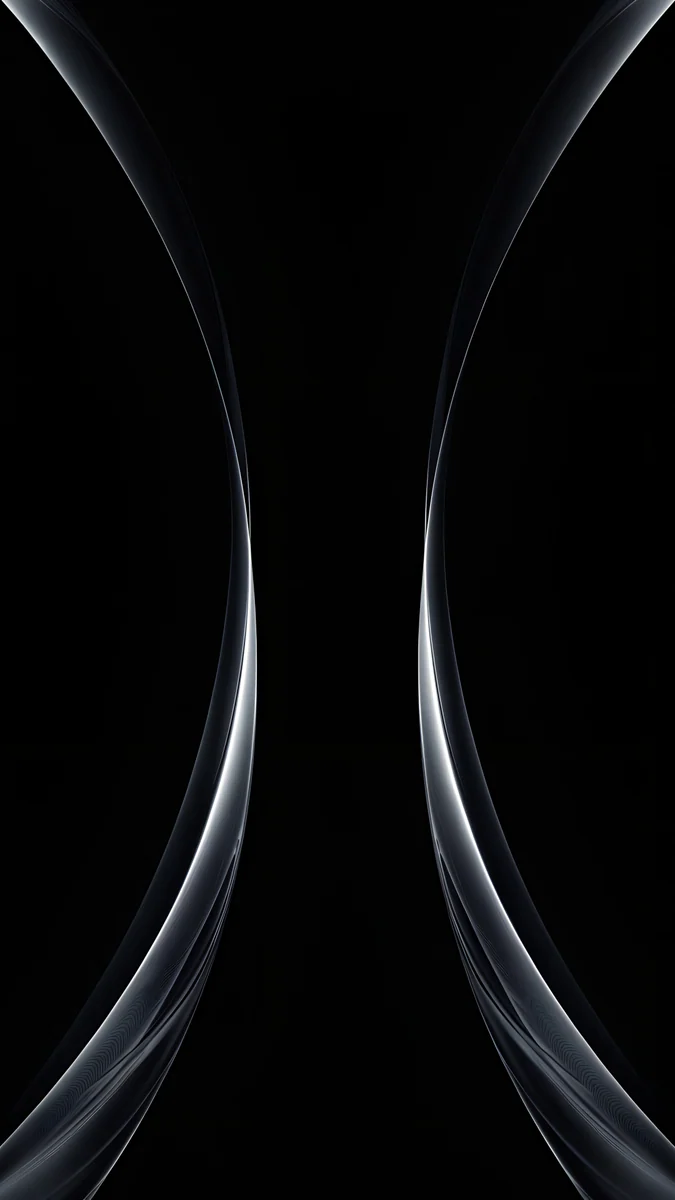 Silver Light Arcs
 Mirror Gold Glass
 White Spiral Stairs
 Glacier Spiral Well
Free 4K originals for iPhone and Android, no watermark
On this page
The Galaxy Z Flip 7 folds top to bottom, which flips the foldable rules around. Open, the main screen is a normal tall phone screen of 1080 × 2520 pixels, so a 4K phone wallpaper fits it well, but the crease runs across the middle. Closed, the FlexWindow cover screen is small and almost square at 1048 × 948, so it shows only a window from the middle of a tall picture and works best with one clear shape.
The screen numbers come from Samsung's Galaxy Z Flip7 specifications as checked in October 2026. Samsung lists the phone at 166.7 × 75.2 mm open and 85.5 × 75.2 mm folded, and says it comes with One UI 8.
Galaxy Z Flip 7 wallpaper size
Samsung writes the main screen resolution height first.
| Screen | Samsung spec | Shape | What a 2160 × 3840 wallpaper loses |
|---|---|---|---|
| Main screen, open | 6.9 inch, 2520 × 1080, Dynamic AMOLED 2X, up to 120 Hz | tall, 21:9 | about 12% at each side |
| FlexWindow cover screen, closed | 4.1 inch, 1048 × 948, Super AMOLED | almost square | roughly the top and bottom fifth or more, depending on how you frame it |
The percentages are calculated from Samsung's resolutions, assuming One UI fills the screen. Samsung also notes that the viewable area of the FlexWindow is smaller than the full rectangle because of the rounded corners and the camera cutouts, so leave a little room around the subject.
The main screen: tall, with a crease across the middle
Open, the Flip 7 is a slim 21:9 phone, a little narrower than the 9:16 shape of most wallpapers, so the picture fits its height and trims a strip at the sides. The fold runs horizontally through the middle of the screen. It is easy to forget until a horizon, a face or a moon sits right on it, so place the subject in the upper or lower half.
The FlexWindow: small and almost square
The 4.1 inch cover screen sees only a near square slice of a tall wallpaper. Busy scenes turn into noise at that size. One centred shape, a spiral, a sphere, two arcs, reads clearly at a glance, and the clock and widgets still have room.
Main screen wallpapers that dodge the crease
All of these are tall 4K originals at 2160 × 3840, with their subject above or below the middle or with no single subject at all.
Pastel Cloud Moon4K · PhoneDusk Moon Sea4K · PhoneMidnight Paper Peaks4K · PhoneBlack Glass Sphere4K · PhoneMisty Bamboo Light4K · PhonePastel Cloud Moon puts a thin crescent high in pink and lilac clouds, so the crease crosses soft cloud. Dusk Moon Sea keeps a small moon near the top and a calm horizon in the lower part, with plain violet sky across the fold. Midnight Paper Peaks layers teal paper mountains under a pale moon, horizontal bands that the crease simply blends into. Black Glass Sphere sets one glass ball in the lower half of a pure black screen, below the fold and clear of the clock. Misty Bamboo Light is a pattern of tall bamboo in fog, with no single point the crease could cut through.
FlexWindow wallpapers: one shape in the middle
For the cover screen, pick a wallpaper whose centre carries the picture. These also come from tall 2160 × 3840 originals, so the small screen only ever sees a sharp, scaled down slice.
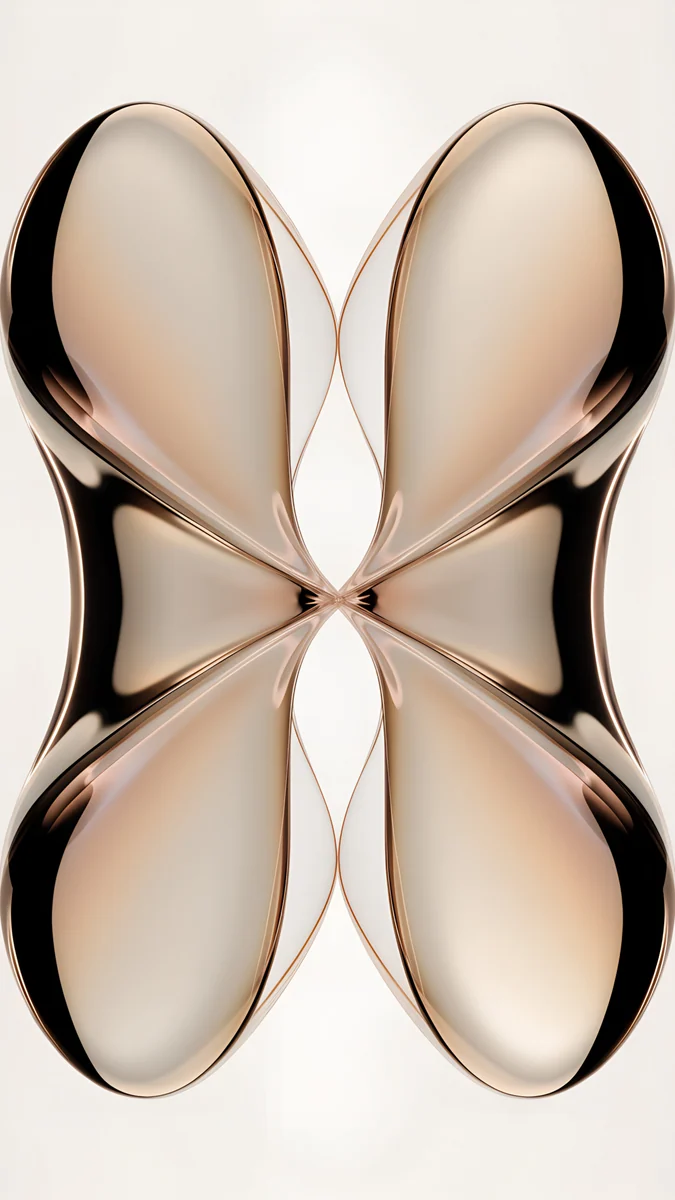
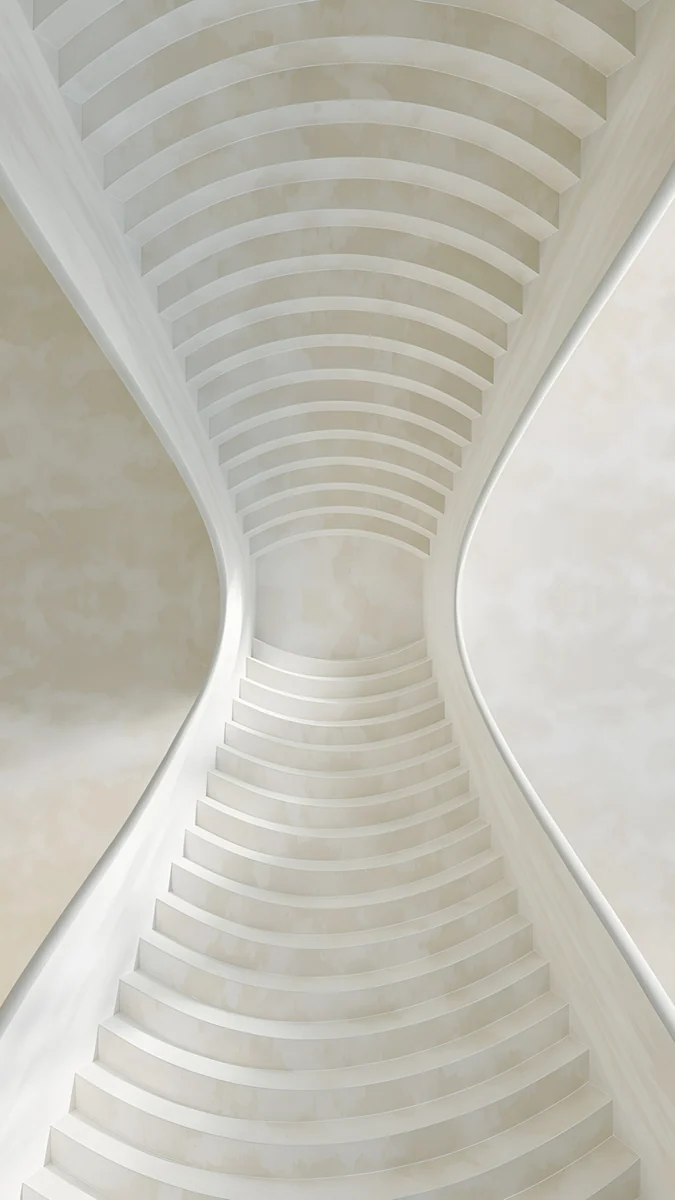
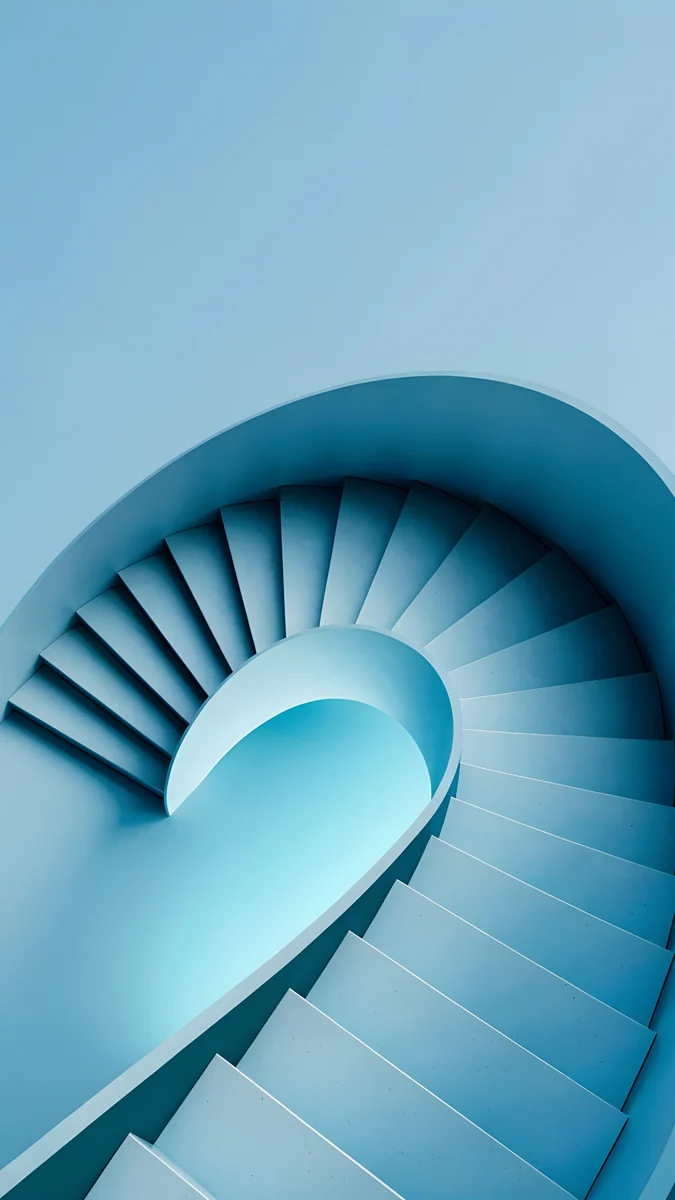
Silver Light Arcs4K · PhoneMirror Gold Glass4K · PhoneWhite Spiral Stairs4K · PhoneGlacier Spiral Well4K · PhoneSilver Light Arcs draws two silver arcs on black that bend closest at the centre, exactly the slice the FlexWindow shows, and pure black suits its Super AMOLED panel. Mirror Gold Glass is a mirrored champagne glass shape that pinches in the middle. White Spiral Stairs is an hourglass shaped staircase with its narrow waist in the centre. Glacier Spiral Well spirals pale ice blue down into deep blue, one strong shape that reads at 4.1 inches.
How to set a wallpaper on the Galaxy Z Flip 7
These are the One UI 8 steps. Menu names can differ slightly by version and region, especially for the cover screen.
- Save the original files to the phone. Browser downloads land in the Download album in Gallery.
- For the main screen, open Settings, tap Wallpaper and style, then Change wallpapers, choose Gallery and pick the image.
- Choose lock screen, home screen or both, drag the picture so the subject sits above or below the middle, and tap Done.
- For the FlexWindow, look for the cover screen option in the same wallpaper menu. On some versions it lives under Settings, Cover screen instead, where you can pick a picture from Gallery.
- Pinch and drag so the shape sits in the centre of the small window, clear of the corner with the cameras, and confirm.
You can also open the image in Gallery, tap the three dot menu and choose Set as wallpaper. For the lock screen editor and stopping the wallpaper from changing by itself, see our Samsung lock screen wallpaper guide.
Galaxy Z Flip 7 wallpaper problems and fixes
- The crease runs through the moon or the horizon. Drag the picture up or down in the editor, or pick a wallpaper whose middle is plain sky, water or pattern.
- The FlexWindow shows a random crop. A tall image is being cut to a near square. Choose a design with one shape in the middle, then pinch to frame it.
- The cameras cover part of the picture. The lenses sit inside the cover screen area. Move the subject away from that corner or choose a symmetric design.
- It looks soft. The file is smaller than the screen, often a screenshot or a preview. Download the original; our guide to blurry wallpapers covers other causes.
- The sides are cut off on the main screen. The 21:9 screen is narrower than a 9:16 image. Keep the subject in the middle third of the width.
Get the Galaxy Z Flip 7 wallpapers in Velpaper
Velpaper has apps for iPhone, iPad, Mac and Android, plus the website velpaper.com. Every wallpaper is a 4K original designed by Carlos Vivero: phone wallpapers at 2160 × 3840, larger than both Flip 7 screens, so One UI only scales them down.
- Open Pastel Cloud Moon or any wallpaper above in the Android app or on velpaper.com.
- Tap Download. In the apps these wallpapers unlock after a short optional ad; on the website, if no ad is available, the original downloads for free.
- Set one on the main screen and a simple centred pick on the FlexWindow with the steps above.
There is no account and no watermark. For the book style Samsung, see our Galaxy Z Fold 7 wallpaper guide. The iPhone Duo wallpaper guide explains the Duo set used here, and Galaxy S25 wallpapers matches picks to Samsung's colours.
Original wallpapers in 4K and 5K for iPhone, Android and desktop.
Questions
What size is a Galaxy Z Flip 7 wallpaper?
Samsung lists the main screen at 2520 × 1080 pixels, a tall 21:9 shape, so use a portrait image of at least 1080 × 2520. The FlexWindow cover screen is 1048 × 948, almost square, so any wallpaper at least that large in both directions stays sharp there. A 2160 × 3840 phone original covers both screens: on the main screen it trims about 12% at each side, and on the FlexWindow you see a near square slice from its middle, which you can move by pinching and dragging.
Where is the crease on the Galaxy Z Flip 7?
The Flip 7 folds top to bottom, so the crease runs horizontally across the middle of the main screen. That is the opposite of a book style foldable like the Z Fold 7, where it runs from top to bottom. For the Flip, choose wallpapers with the subject in the upper or lower half, such as a moon high in the sky or a sphere low on a black background, or a pattern with no single focal point. Plain sky, water or soft gradients across the middle hide the fold best.
Can I set a separate wallpaper on the Flip 7 FlexWindow?
Yes. Samsung describes One UI 8 on the Flip 7 as built for both the main screen and the cover screen, with customizable wallpaper on each. You will usually find the cover screen option in Settings, Wallpaper and style, and on some versions under Settings, Cover screen; the names can differ by version and region. Pick an image from Gallery, then pinch and drag so the shape sits in the centre of the small window, away from the camera corner. The main screen keeps its own wallpaper.
Do iPhone Duo wallpapers work on the Galaxy Z Flip 7?
The tall ones do. The tall Velpaper Duo files are 2160 × 3840 with the subject in the middle band, so they fit the Flip 7 main screen with only a small side crop, and their symmetric shapes, like Silver Light Arcs and Mirror Gold Glass, read well on the near square FlexWindow. On the main screen, check that the subject does not sit right on the horizontal crease. The wide Duo versions at 4096 × 2880 are made for a book style screen and do not suit the tall Flip main screen.
What kind of wallpaper looks best on the small FlexWindow?
Simple wins at 4.1 inches. One centred shape on a calm background, a spiral, a sphere, two arcs or a mirrored glass form, reads at a glance and leaves room for the clock and widgets. Detailed landscapes and city scenes turn into noise at that size and lose most of their height to the near square crop. Samsung lists the cover screen as Super AMOLED, so a black background with one bright shape looks deep and blends into the frame. Keep the subject away from the corner where the cameras sit.
Sources
- Samsung UK: Galaxy Z Flip7 specifications samsung.com
- Samsung US: Galaxy Z Flip7 (FlexWindow, One UI 8) samsung.com
Carlos Vivero
Designer of Velpaper wallpapers
Carlos Vivero designs the wallpapers in Velpaper: quiet architecture, liquid glass, Japanese ink and calm landscapes. Every piece is made as a 4K original for iPhone, Android and desktop.
Recent work








