Why Is My Wallpaper Blurry? 6 Causes and Fixes
Why is your wallpaper blurry? Six real causes, from a low resolution file and Perspective Zoom to chat app compression, with fixes for phones and computers.
In short: A wallpaper looks blurry when the file has fewer pixels than your screen or when the phone enlarges it to fill the frame. Start from an original at least as large as the screen, such as 2160 × 3840 for a phone, send it as a file rather than a compressed photo, and set it without zooming in.
By the Velpaper team · Wallpapers by Carlos Vivero, Velpaper designer · · Updated · 5 min read
Checked against official documentation: Menu paths checked against Apple, Google and Samsung support pages for iOS 26, Android 16 and One UI 8; screen sizes from spec pages, 19 October 2026
Free 4K originals for iPhone and Android, no watermark
On this page
A wallpaper looks blurry when the image has fewer pixels than your screen, or when your device enlarges it. The six usual causes are a low resolution file, pinch zoom, Perspective Zoom on iPhone, Android cropping, messaging apps that compress photos, and the wrong fit on a computer. Start from an original of at least 2160 × 3840 and set it without zooming.
How many pixels does my screen need?
Your wallpaper needs at least as many pixels as the screen in both directions. Anything smaller gets stretched, and stretched pixels look soft. Compare your file with this table: on iPhone, open the photo and swipe up to see its size; on Android, open the details in Gallery or Google Photos.
| Screen | Native resolution | Sharp wallpaper |
|---|---|---|
| iPhone 17 and iPhone 17 Pro | 1206 × 2622 | 2160 × 3840 phone original |
| iPhone 17 Pro Max | 1320 × 2868 | 2160 × 3840 phone original |
| Galaxy S25 | 1080 × 2340 | 2160 × 3840 phone original |
| Galaxy S25 Ultra | 1440 × 3120 | 2160 × 3840 phone original |
| 13-inch iPad Pro | 2064 × 2752 | 2160 × 3840, or a 5K desktop file |
| 4K monitor | 3840 × 2160 | 3840 × 2160 desktop original |
| Studio Display (5K) | 5120 × 2880 | 5120 × 2880 desktop original |
A 4K phone original is larger than every current phone screen, so the phone scales it down, which keeps edges crisp. For the reasons behind these numbers, see 4K vs HD wallpapers and the wallpaper aspect ratio guide.
Why does my iPhone wallpaper look blurry?
On iPhone, the most common cause is zoom: either you pinched the photo bigger in the editor, or Perspective Zoom enlarged it so it can drift when you tilt the phone. Each step of zoom spreads the same pixels over more screen. Depth Effect can add to it, because moving the subject under the clock often means zooming in.
- Open Settings, tap Wallpaper, then Add New Wallpaper and Photos.
- Pick the full size file, not a screenshot of a preview.
- Tap the More button (three dots) and turn off Perspective Zoom.
- Do not pinch beyond the point where the image just fills the screen. If the subject sits too high or low, drag it instead of zooming.
- If Depth Effect forces a tight crop, turn it off in the same menu.
- Tap Add, then Set as Wallpaper Pair.
More detail on each setting is in iPhone wallpaper zoomed in? 5 fixes.
Why is my Android wallpaper blurry?
On Android, blur usually comes from the crop step. If you zoom into a small part of the photo, Android enlarges that part to fill the screen. Some launchers also scroll the wallpaper sideways across home screen pages, which needs a wider image than the screen, so a narrow one is scaled up.
- On a Pixel, touch and hold an empty spot on the Home screen, tap Wallpaper & style, then pick your photo. On a Samsung Galaxy, open Settings, Wallpaper and style, Change wallpapers, then choose from Gallery.
- When the crop frame appears, keep it as large as the image allows. Do not pinch in.
- Apply it to the lock screen and the home screen, then check both.
Model by model fixes are in how to stop an Android wallpaper zooming in.
Did a messaging app shrink the file?
Very often, yes. Chat apps reduce photos to save data, and a 2160 × 3840 wallpaper sent as a normal photo can arrive far smaller. The image looks fine as a chat thumbnail and soft as a wallpaper.
- WhatsApp: choose HD quality before sending, or attach the image as a document, which keeps the original file.
- Telegram: send it as a file instead of a photo.
- Messages on iPhone: make sure Low Quality Image Mode is off in the Messages settings.
- AirDrop and Nearby Share: both send the original file.
- Screenshots: a screenshot of a wallpaper preview is never the full image. Download the original instead.
Why is my desktop wallpaper blurry on Windows or Mac?
On a computer the cause is almost always a small image with a Fill or Stretch fit. A 1920 × 1080 picture on a 5K display is enlarged 2.67 times in each direction, and no setting can add the missing detail.
- Windows 11: open Settings, Personalization, Background. Under Choose a fit for your desktop image, use Fill with a file at least as large as the monitor. Stretch also distorts the shape.
- Mac: open System Settings, Wallpaper, and choose Fill Screen. A MacBook Air 13-inch has 2560 × 1664 pixels and a Studio Display 5120 × 2880, so use a 3840 × 2160 or 5K original.
Sizes for common monitors are in the PC wallpaper size guide.
Which wallpapers stay sharp after cropping?
Pieces with a calm centre and large, clean shapes survive cropping best: the phone can trim the sides without cutting the subject, and smooth gradients hide tiny scaling steps. These Velpaper originals are 2160 × 3840 on phones.
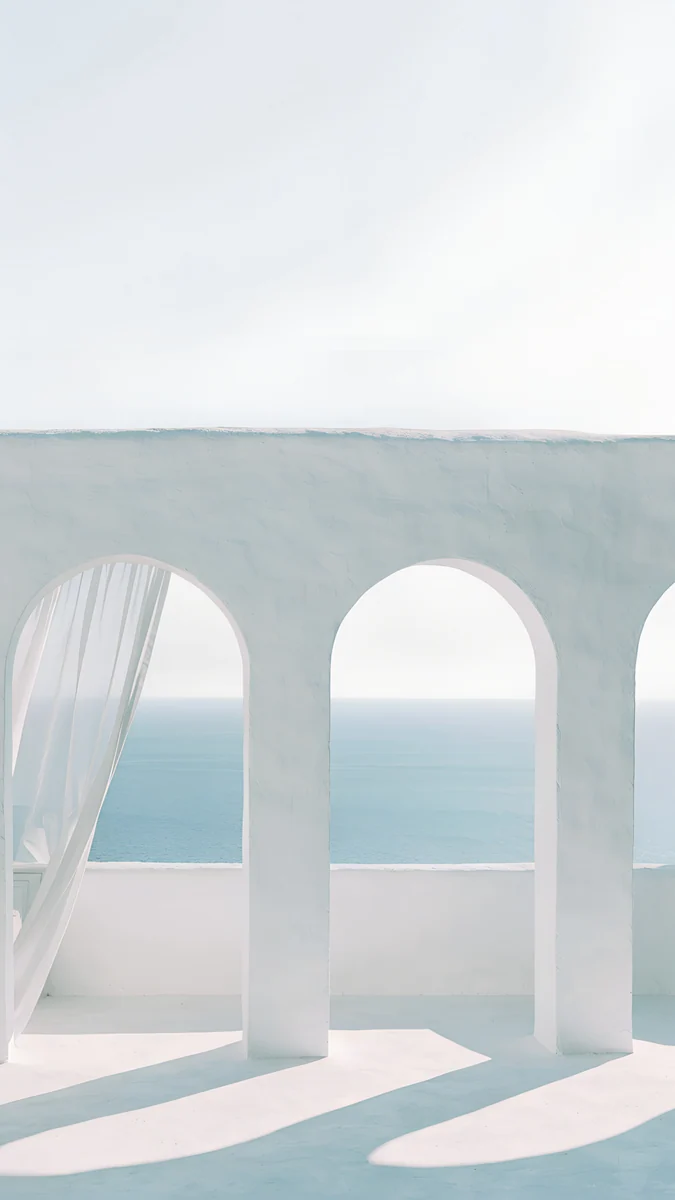 Sea Arch4K · Phone
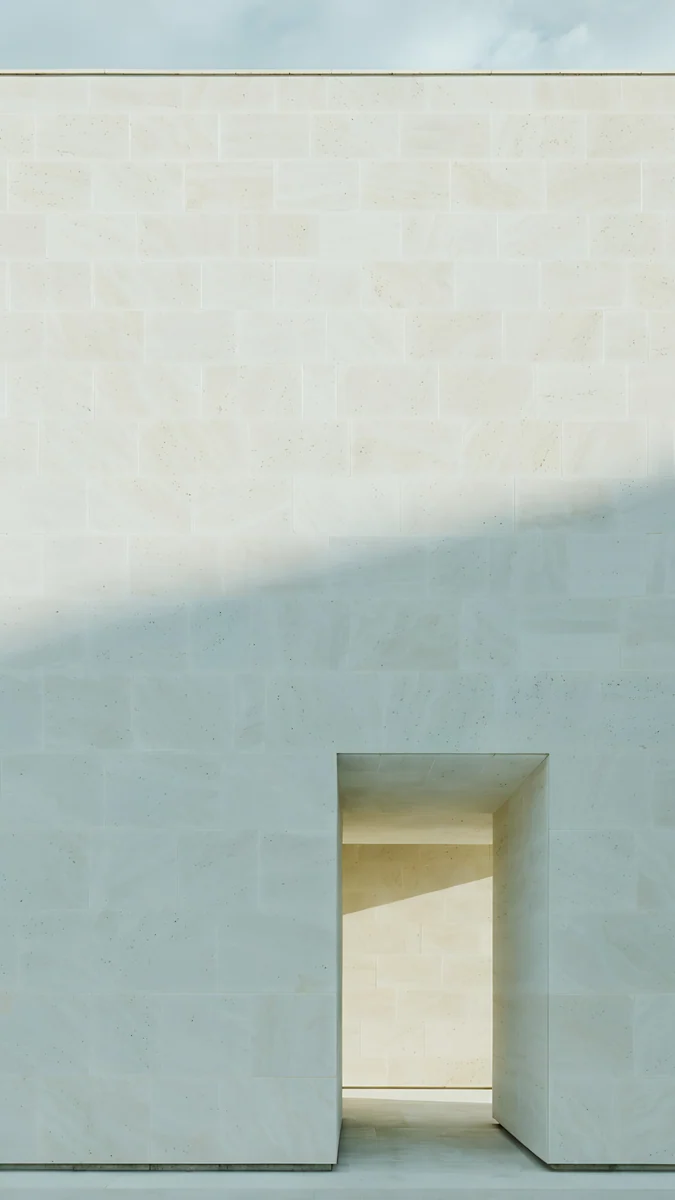 Ivory Daylight4K · Phone
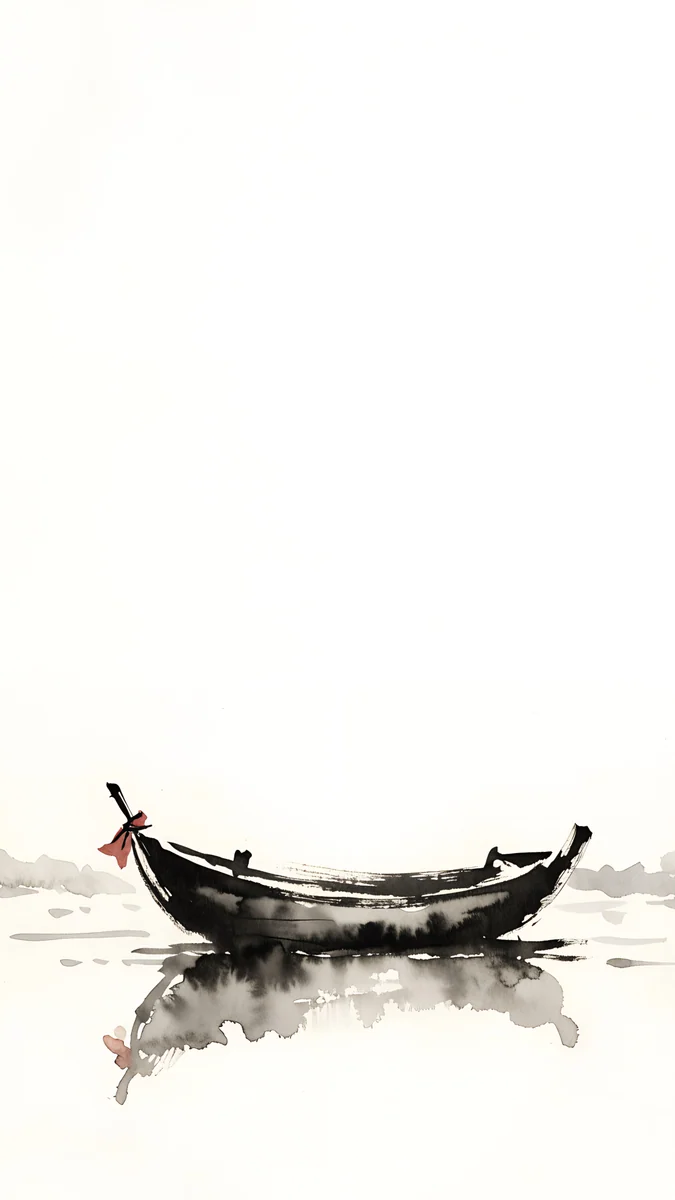 Quiet Boat4K · Phone
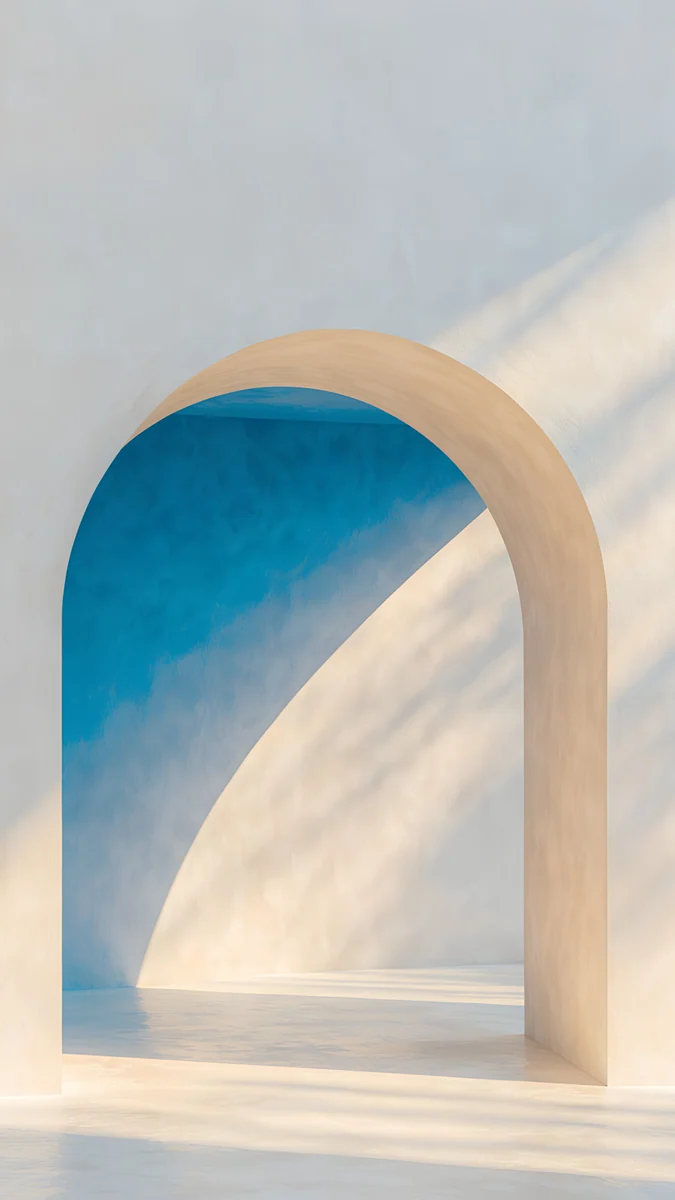 The Blue Arch4K · Phone
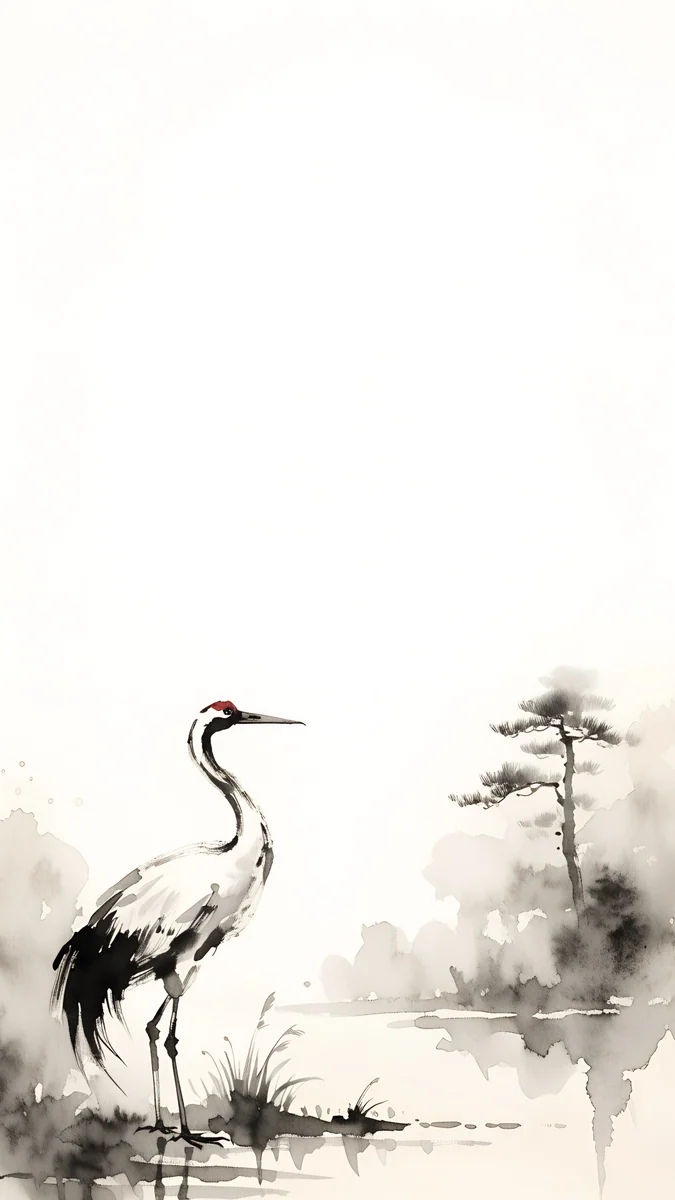 Ink Crane4K · Phone
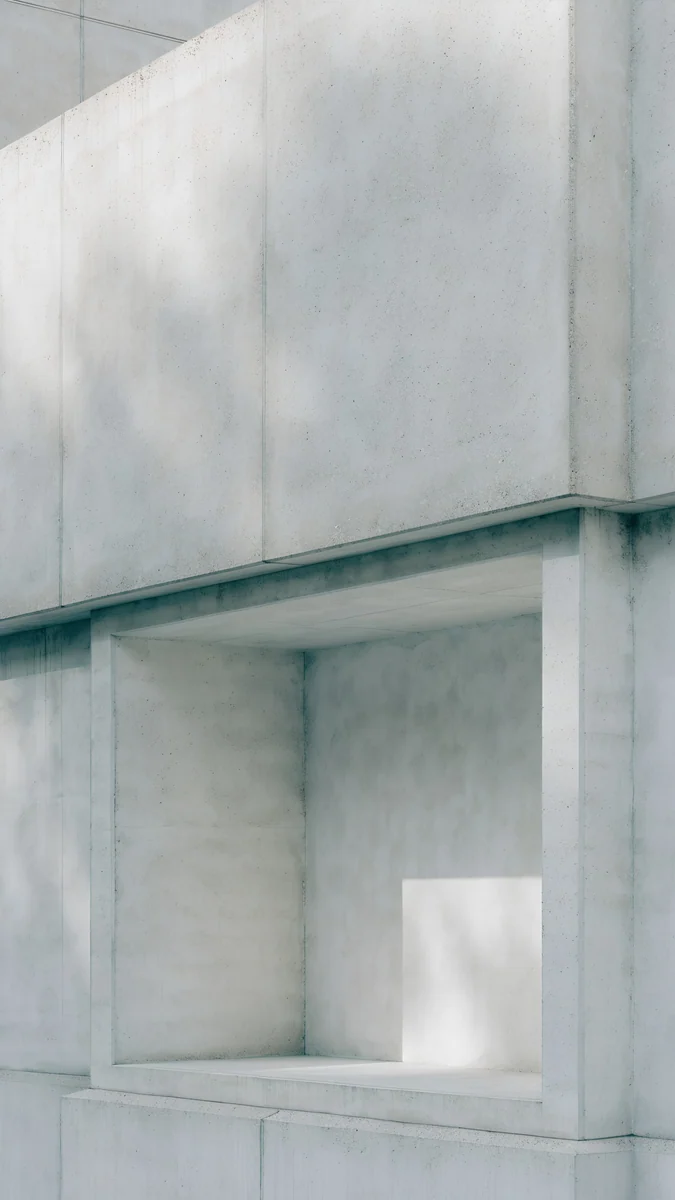 Chalk Recess4K · Phone
Arch Sea Window frames a pale sea in one white arch, so even a tight crop keeps the shape. Ivory Daylight is soft light on a plain wall with no fine texture to break up. Quiet Boat and Ink Crane are ink drawings with a lot of empty paper, which stays clean at any size. The Blue Arch and Chalk Recess keep the subject low and centred, below the clock.
For desktops, the 5K files are the safest choice on large displays:
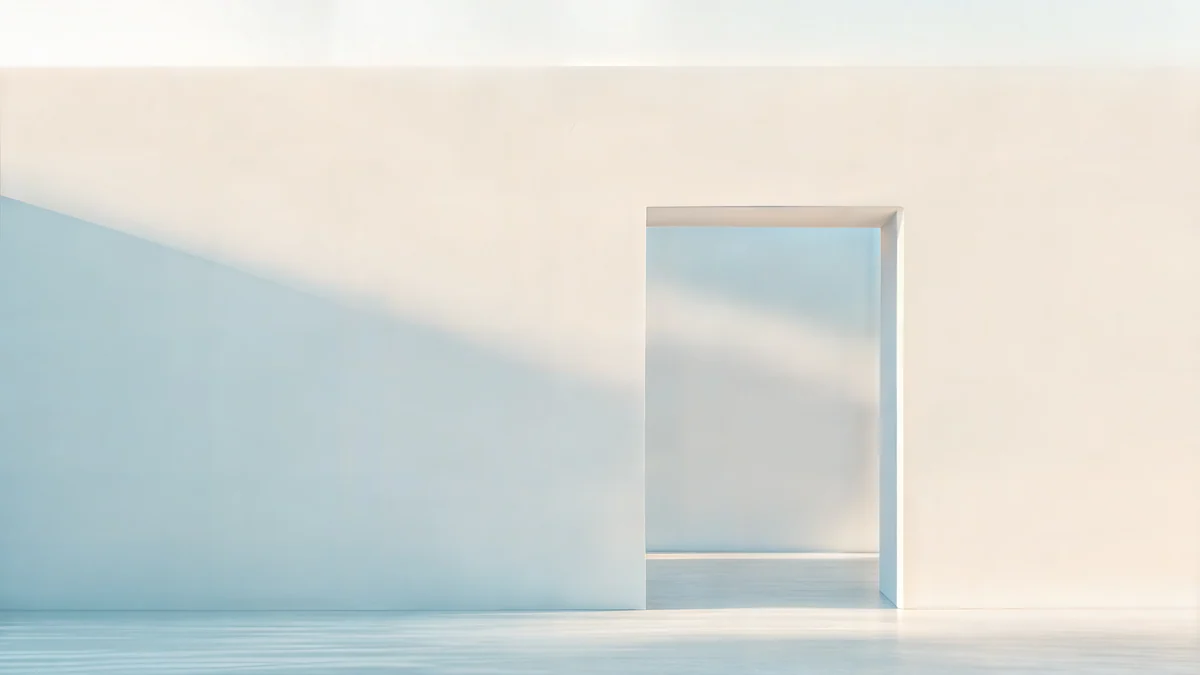
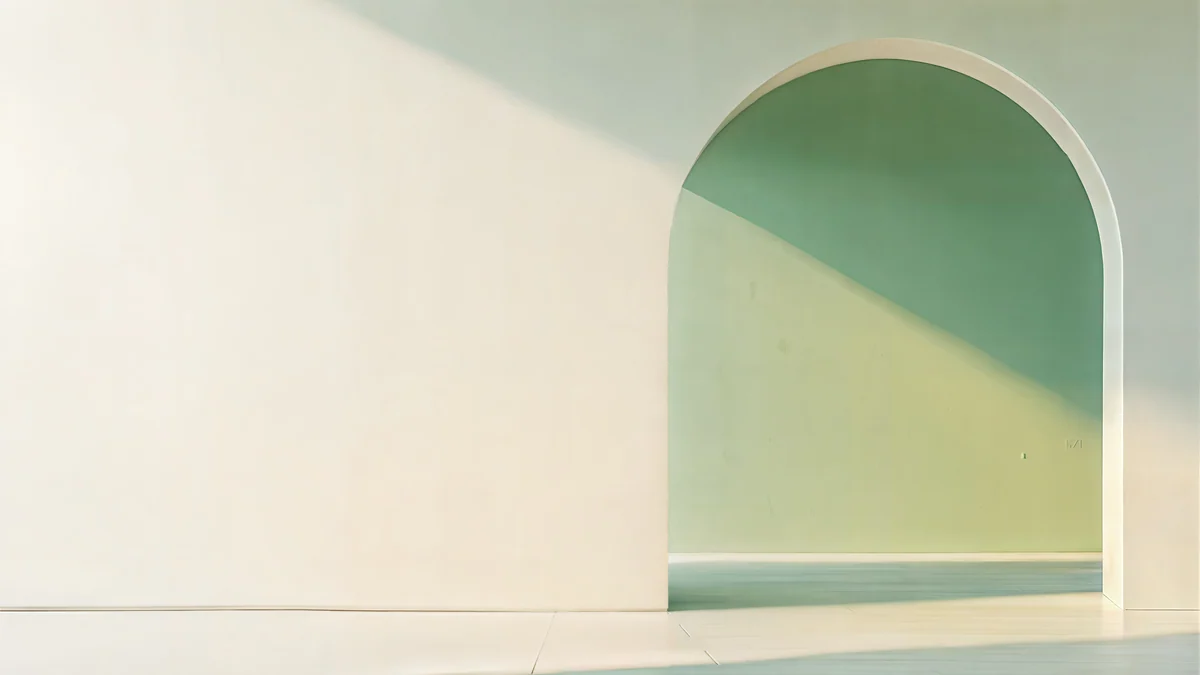
Ivory Daylight Gate, Sage Sun Gallery and Lilac Drift are 5120 × 2880, so they fill a 5K screen pixel for pixel.
How do I get a sharp original from Velpaper?
Velpaper is a wallpaper app for iPhone, iPad, Mac and Android, with the same catalog on velpaper.com. Every wallpaper is a 4K original: 2160 × 3840 for phones and 3840 × 2160 or 5120 × 2880 for desktops. Desktop files are free; some phone wallpapers unlock after a short optional ad.
- Open a wallpaper, for example Arch Sea Window, in the app or on the site.
- Tap Download to save the full size file to Photos or your gallery.
- Set it with the steps above, without pinching in.
Original wallpapers in 4K and 5K for iPhone, Android and desktop.
Questions
Why is my wallpaper blurry when the photo looks sharp?
The photo looks sharp in the gallery because the gallery shows it small or at its natural size. As a wallpaper, the phone has to fill the whole screen, and if you zoomed in while setting it, or if Perspective Zoom is on, it enlarges the picture beyond its real pixels. A file smaller than the screen gets stretched the same way. Check the image size, set it again without pinching, and on iPhone turn off Perspective Zoom in the More menu of the wallpaper editor.
What resolution should a phone wallpaper be to look sharp?
At least the native resolution of your screen in both directions. Current flagships range from 1080 × 2340 on the Galaxy S25 to 1440 × 3120 on the Galaxy S25 Ultra and 1320 × 2868 on the iPhone 17 Pro Max. A 2160 × 3840 original is larger than all of them, so the phone only ever scales it down, which keeps edges clean. Scaling down never causes blur; scaling up always softens the image.
Does WhatsApp make wallpapers blurry?
It can. WhatsApp compresses photos sent the normal way to save data, so a 4K wallpaper may arrive at a much smaller size. Choose HD quality before sending, or send the picture as a document, which keeps the original file untouched. Telegram works the same way: send as a file, not as a photo. AirDrop and Nearby Share always send the original, so they are the safest way to move a wallpaper between your own devices.
How do I fix a blurry wallpaper on iPhone?
Go to Settings, Wallpaper, Add New Wallpaper, then Photos, and pick the full size file. Before tapping Add, open the More menu with the three dots and turn off Perspective Zoom. Do not pinch in beyond the point where the image fills the screen; drag it to reposition instead. If Depth Effect forces a tight crop, switch it off too. Finally, make sure the file itself is at least 1320 × 2868 pixels, the size of the largest current iPhone screen.
Why is my desktop wallpaper blurry on a 4K or 5K monitor?
The image is smaller than the display. A 1920 × 1080 picture on a 3840 × 2160 monitor is doubled in each direction, and on a 5120 × 2880 display it is enlarged 2.67 times, so details turn soft. Choose Fill in Windows or Fill Screen on a Mac, and use a 3840 × 2160 original for 4K or a 5120 × 2880 file for 5K. Stretch and Tile cannot add detail that the file never had.
Sources
- Apple Support: Change the wallpaper on your iPhone support.apple.com
- Apple: Compare iPhone models apple.com
- Google Pixel Help: Change your wallpaper support.google.com
- Samsung: Galaxy S25 specifications samsung.com
- Microsoft Support: Change desktop background and colors support.microsoft.com
Carlos Vivero
Designer of Velpaper wallpapers
Carlos Vivero designs the wallpapers in Velpaper: quiet architecture, liquid glass, Japanese ink and calm landscapes. Every piece is made as a 4K original for iPhone, Android and desktop.
Recent work








