Gaming Wallpaper for Phone: 20 Minimal 4K Picks
20 original gaming wallpapers for phone that stay minimal: GTA 6 mood, OLED black, neon gradients and noir in 2160 × 3840, plus the truth about battery use.
In short: A gaming wallpaper for your phone works best when it is minimal: one strong subject or one neon accent on a dark field, so icons and the clock stay readable. These 20 are 2160 × 3840 originals across four moods, GTA 6, OLED black, neon gradient and noir, and none of them costs battery, because a still image is drawn once.
By the Velpaper team · Wallpapers by Carlos Vivero, Velpaper designer · · Updated · 6 min read
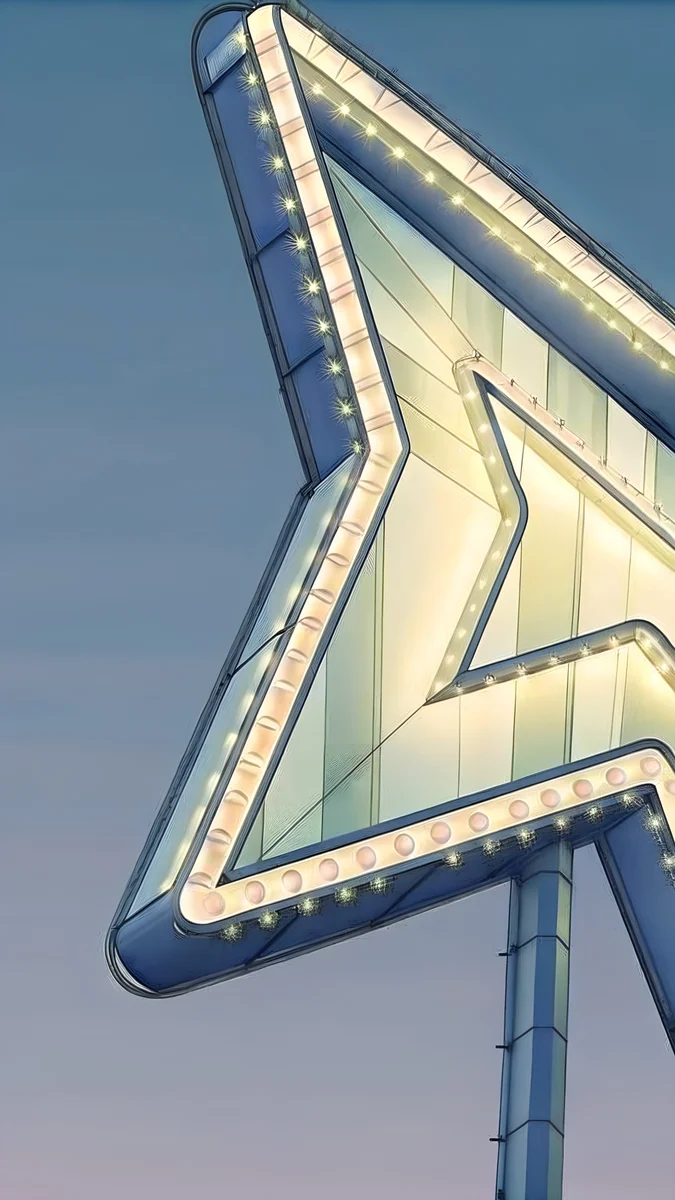 Neon Arrow Motel
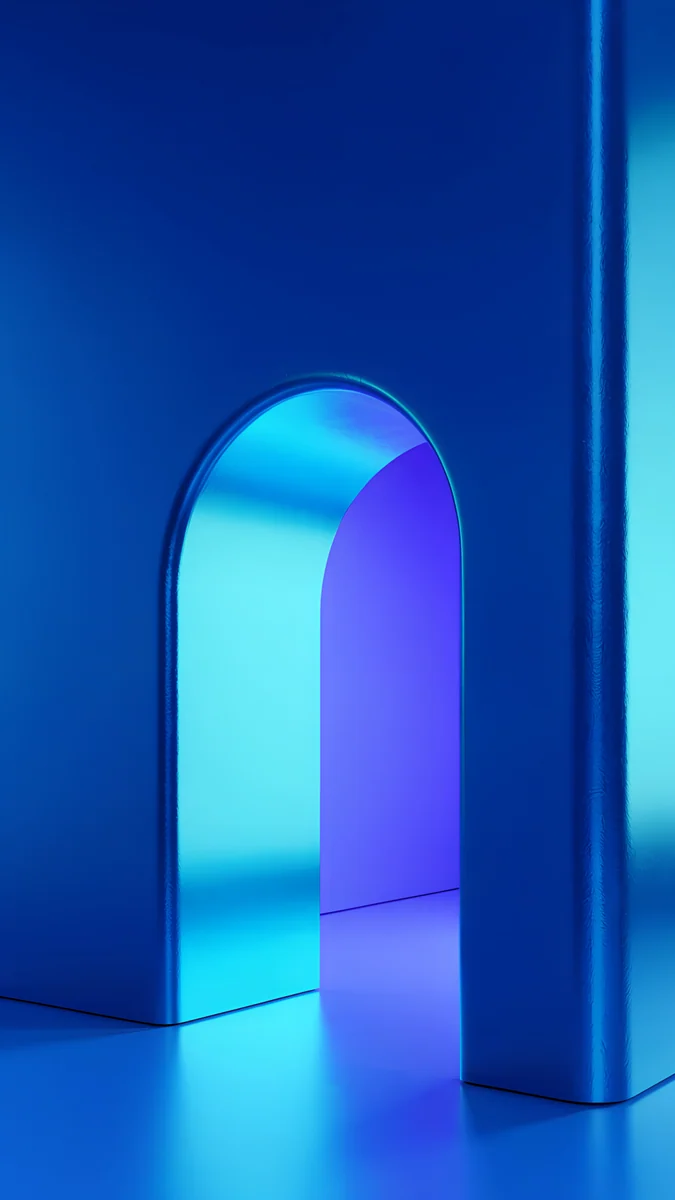 Volt Blue Arch
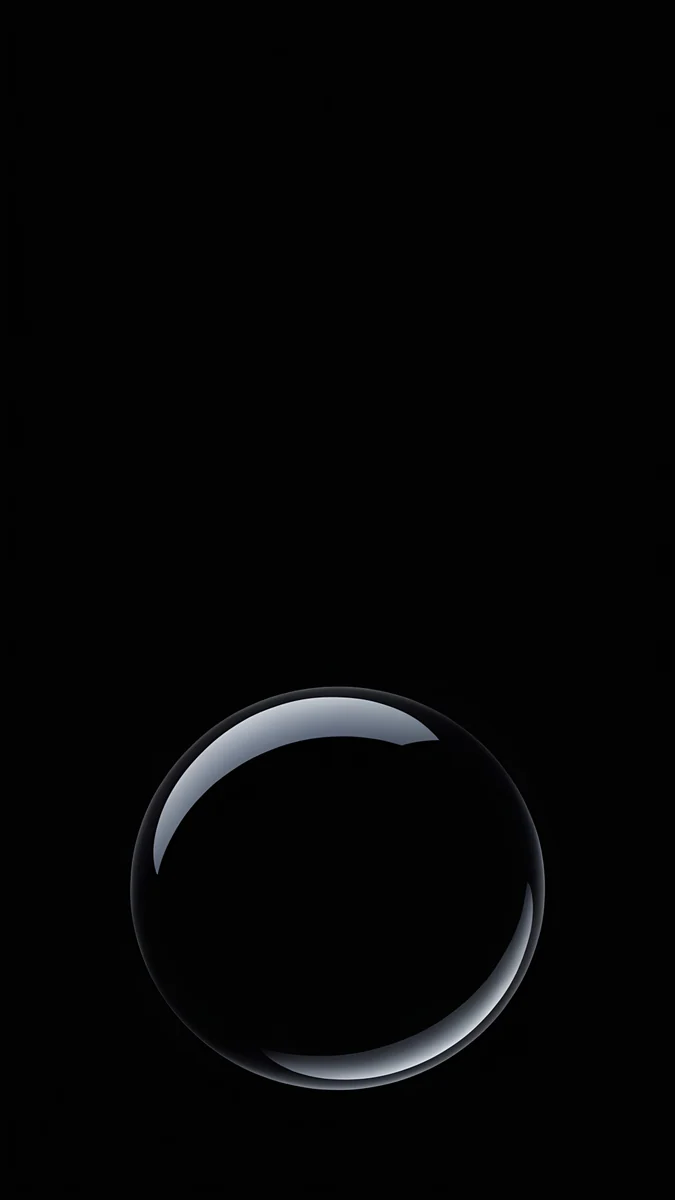 Black Glass Sphere
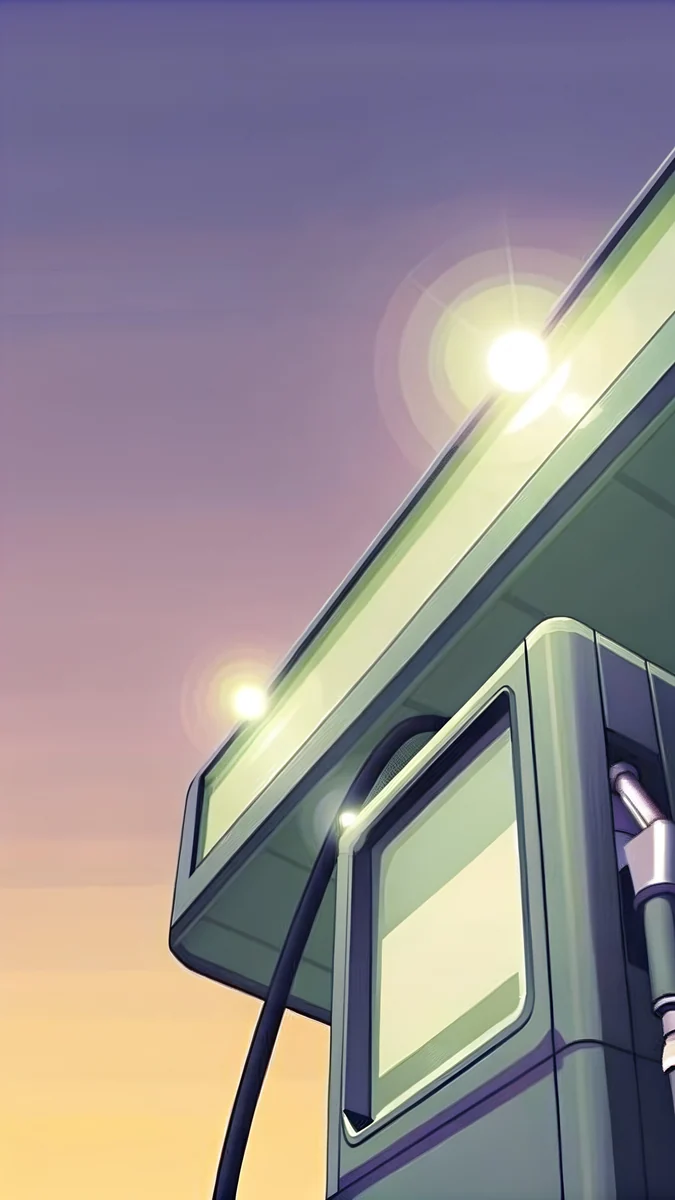 Night Gas Pump
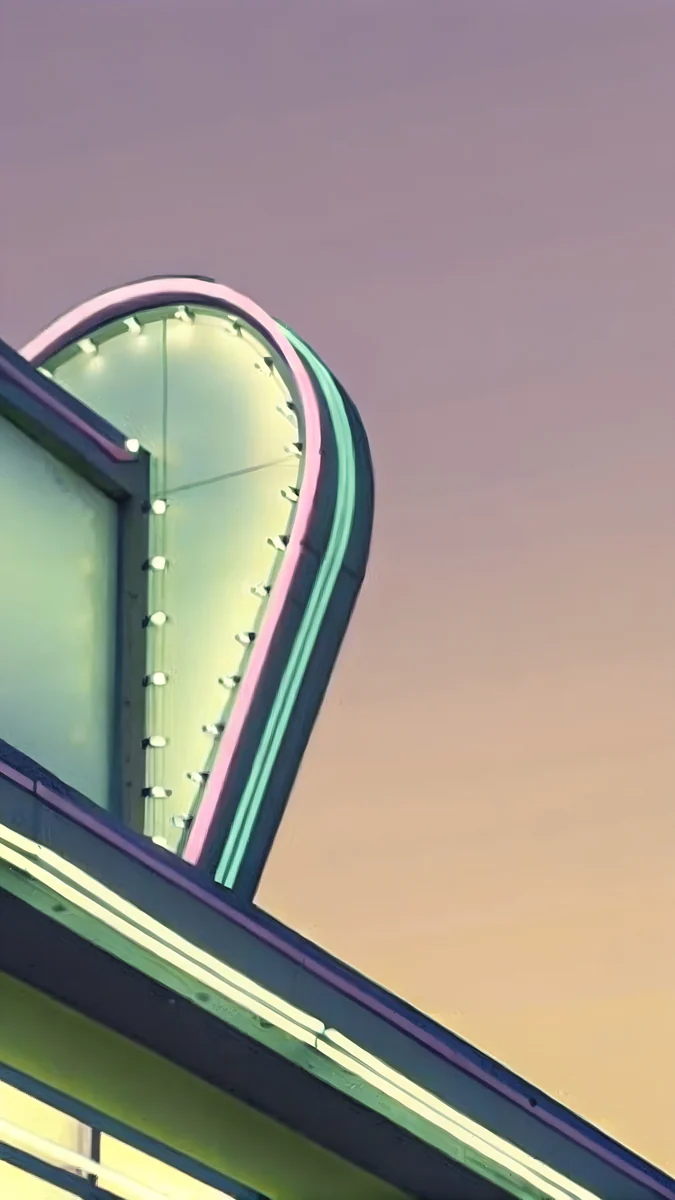 Neon Diner Sign
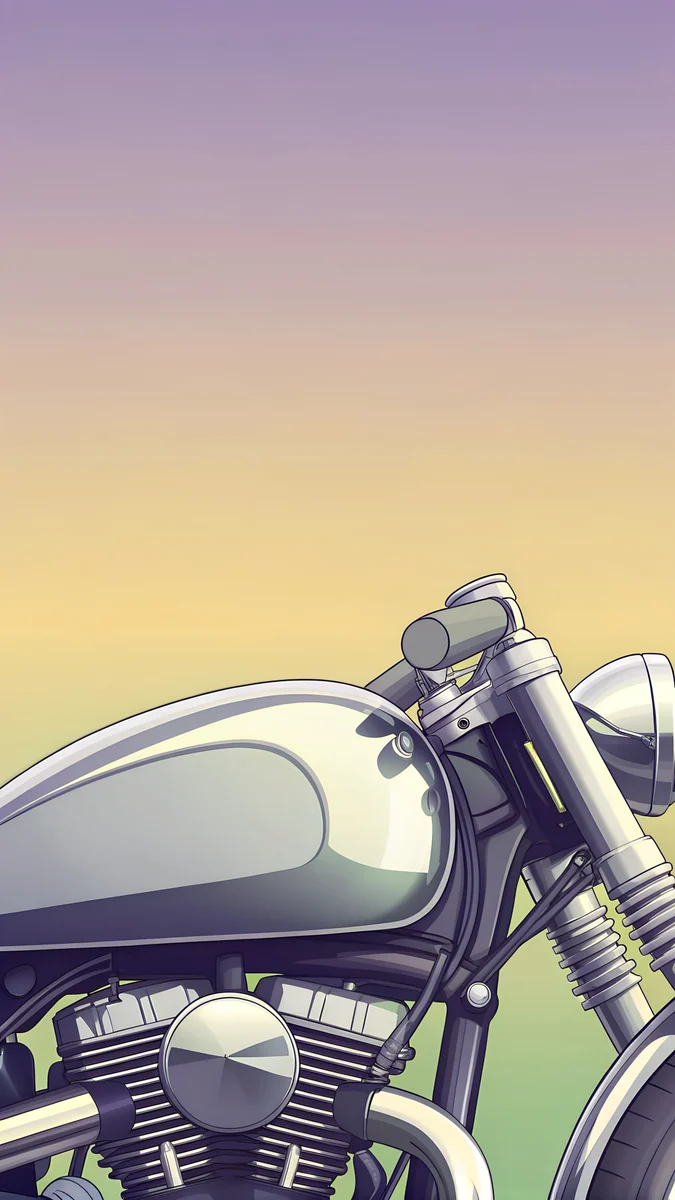 Chrome Motorcycle
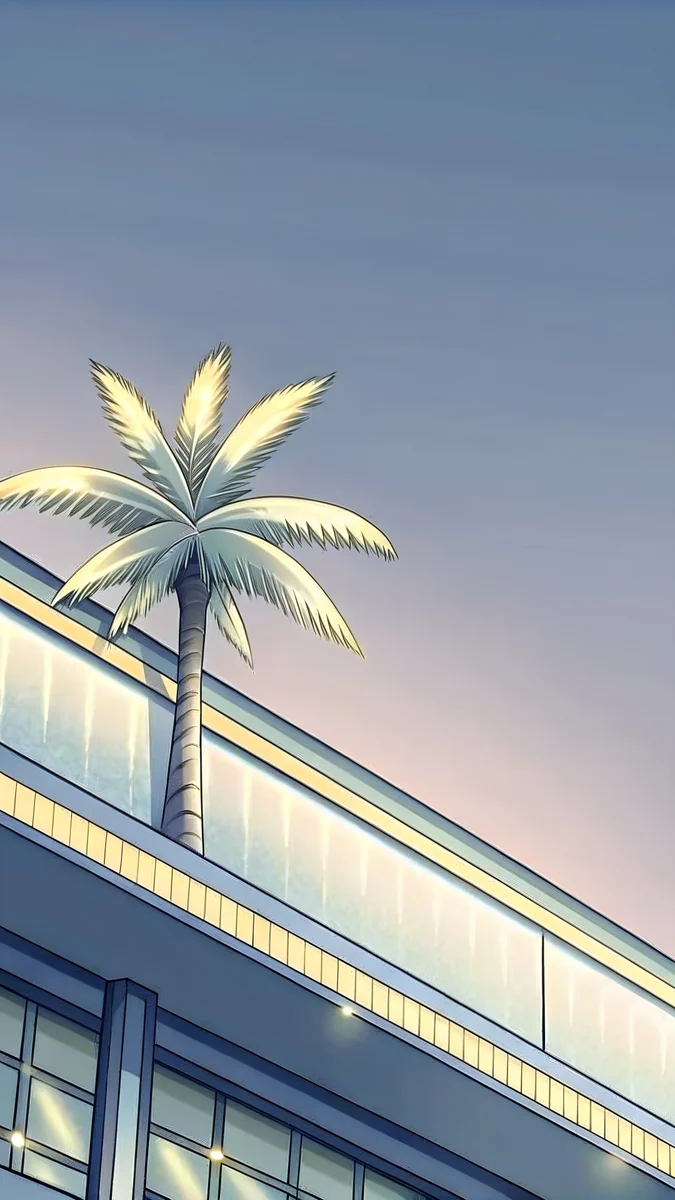 Neon Palm Club
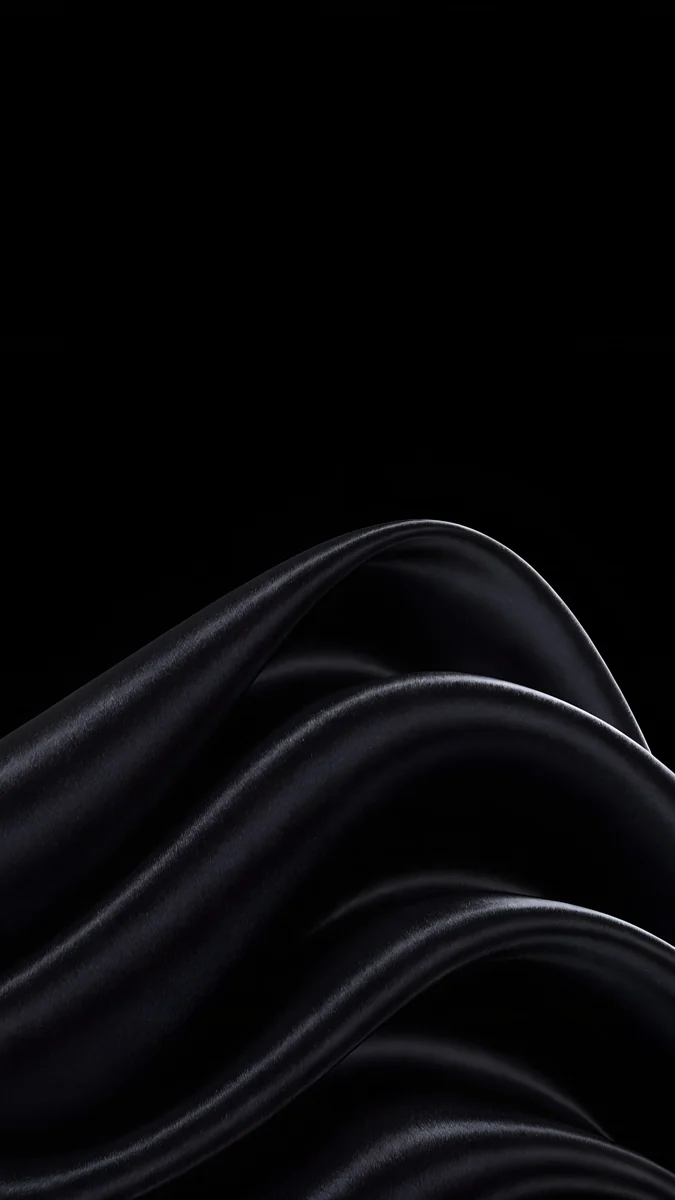 Black Satin
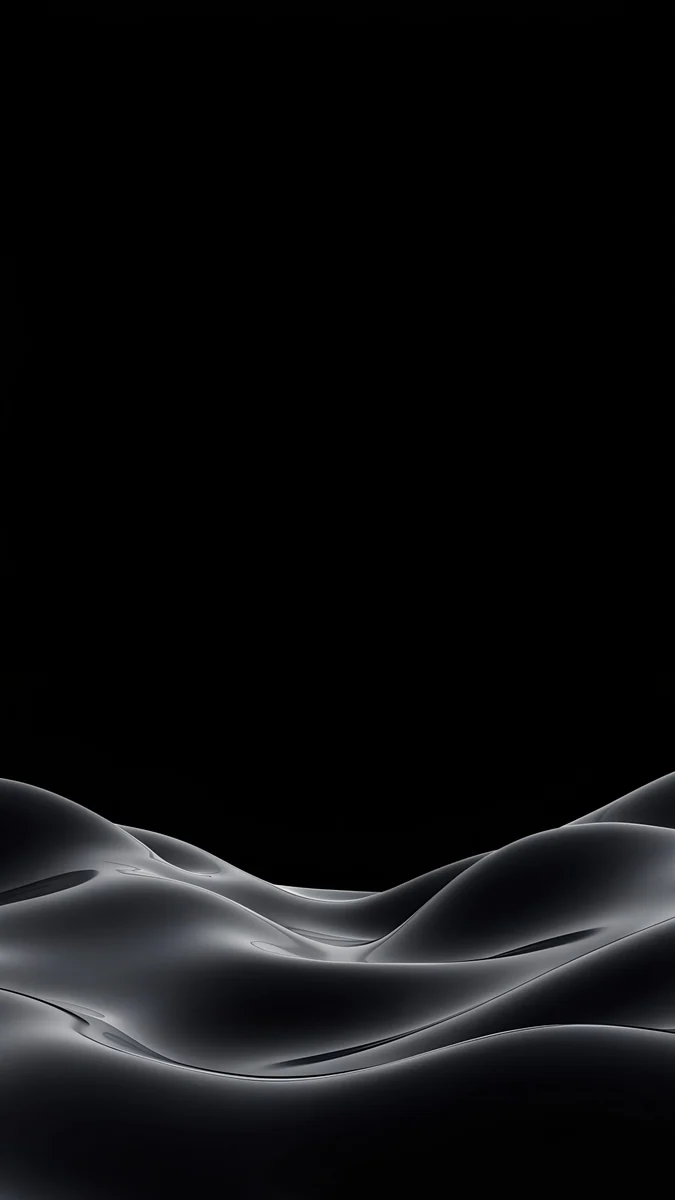 Obsidian Waves
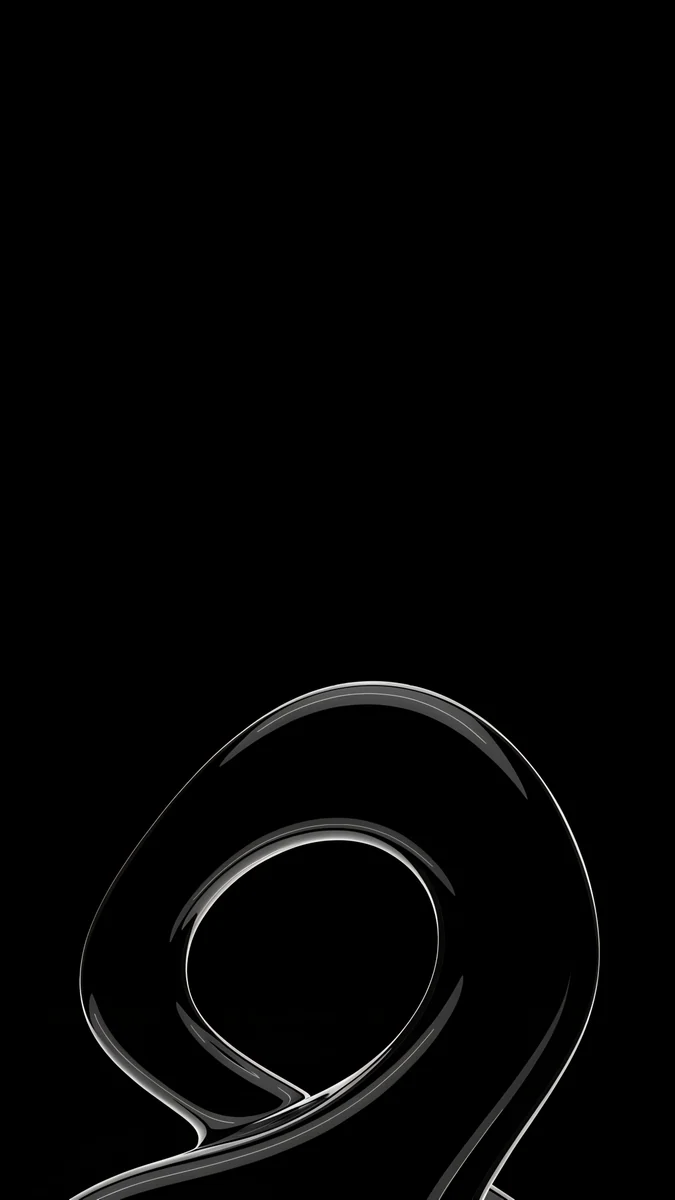 Silver Loop
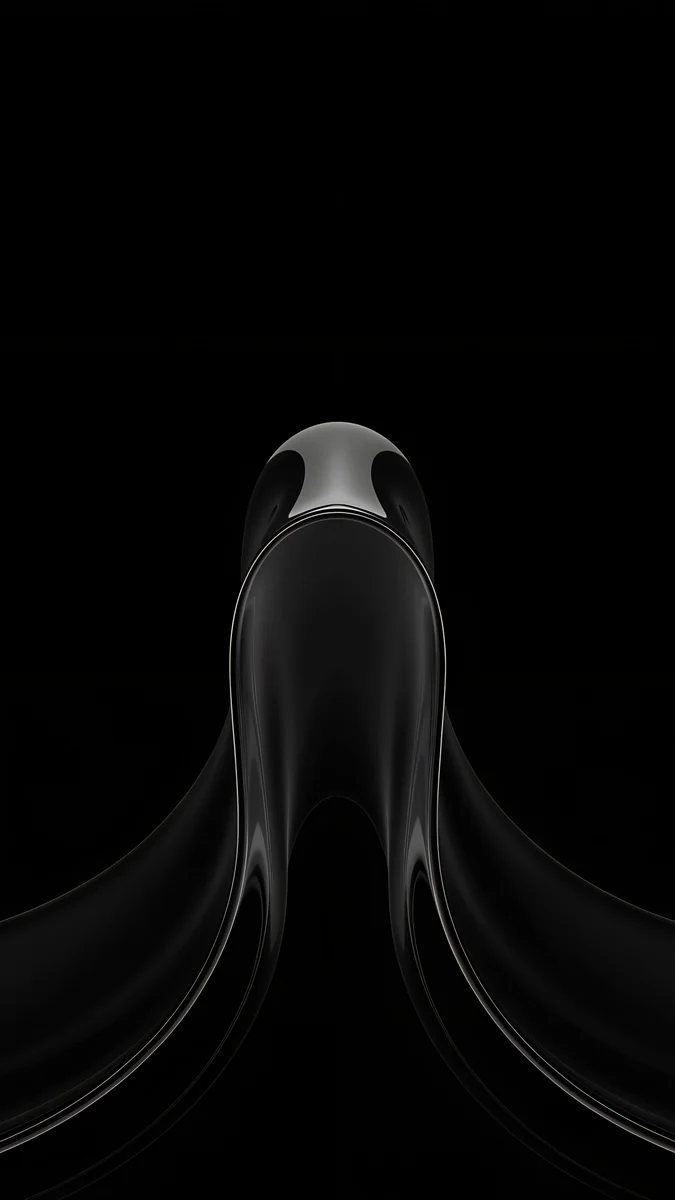 Black Liquid Fold
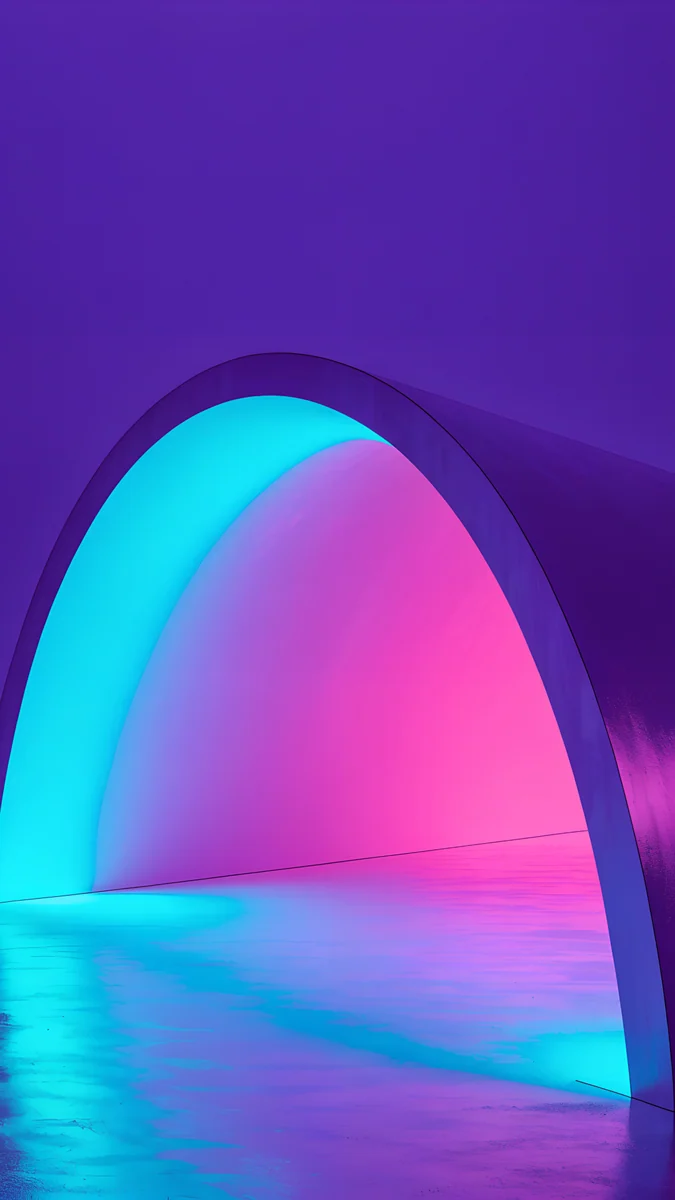 Electric Violet Arch
Free 4K originals for iPhone and Android, no watermark
On this page
The gaming wallpaper that still looks good after a week is the minimal one: a single neon sign, one chrome shape or one line of light on a dark field, not a wall of characters fighting your icons. The 20 wallpapers below are 2160 × 3840 originals (phone 4K) in four moods: GTA 6, OLED black, neon gradient and noir.
Along the way this page clears up three things gamers ask about their phone screens: whether a wallpaper eats battery, what 120 Hz has to do with it, and how to keep the home screen from turning into clutter.
What is in this set
Four moods, five pieces each. The last column says where each one belongs: under the lock screen clock, on an OLED panel where black pixels switch off, behind home screen icons, or with the iPhone depth effect that lets a subject overlap the time.
| Wallpaper | Mood | Best for |
|---|---|---|
| Neon Arrow Motel | Teal and cream neon | Lock screen clock |
| Night Gas Pump | Warm light on a dark forecourt | OLED, lock screen clock |
| Neon Diner Sign | Red and peach neon | Home screen |
| Chrome Motorcycle | Peach chrome close-up | Depth effect |
| Neon Palm Club | Cream neon palm | Home screen |
| Black Satin | Near-black folds | OLED, always-on display |
| Obsidian Waves | Black with grey ridges | OLED |
| Black Glass Sphere | One sphere on black | Depth effect, OLED |
| Silver Loop | One silver line on black | OLED, home screen |
| Black Liquid Fold | Glossy black fold | OLED, lock screen clock |
| Volt Blue Arch | Electric blue and cyan | Lock screen clock |
| Electric Violet Arch | Violet with cyan edge | Lock screen clock |
| Rose Pulse Arch | Magenta on deep purple | Home screen |
| Edge Light Portal | Cyan and pink rim light | Depth effect |
| Jade Mint Arch | Mint on dark teal | OLED |
| Rain Glow | Amber rain over a dark city | Lock screen clock |
| Lone Spire | One tower, black sky | OLED, depth effect |
| Light Slits | Thin white cuts on black | OLED |
| Night Blocks | Stepped black blocks | Home screen |
| Elevated Line | Blue night, copper rail | Dark mode |
Why minimal gaming wallpapers win on a phone
A phone screen is small and most of it is covered. On the lock screen the clock, the date and the widget row take the top 30 to 35 percent. On the home screen a 4 × 6 grid of icons plus the dock covers nearly everything except a few gutters. A busy splash image loses that fight: half of it hides behind icons and the other half makes labels hard to read.
A minimal piece does the opposite. Put the subject low or at one edge, keep the field dark or plain, and the interface sits on top as if it were designed for it. That is the rule every piece on this page follows.
GTA 6 mood: neon signs and chrome
These five come from Velpaper's GTA 6 category: original illustrations in a retro Florida mood, with no characters, logos or text. Official GTA art belongs to Rockstar and lives on rockstargames.com. If you want the sun-bleached Vice City mood without characters or logos, these are original 4K wallpapers made for phone screens.
Neon Arrow Motel4K · PhoneNight Gas Pump4K · PhoneNeon Diner Sign4K · PhoneChrome Motorcycle4K · PhoneNeon Palm Club4K · PhoneNeon Arrow Motel is the lock screen pick: the sign sits in the lower half and the sky above it is clear. Night Gas Pump is the darkest of the five and the closest to an OLED piece, with a single warm light in a dark forecourt. Neon Diner Sign and Neon Palm Club carry more colour and suit the home screen. The full set, with the palette breakdown, is in the GTA 6 wallpaper collection.
OLED black: the quietest gaming look
On an OLED panel a #000000 pixel is off. A near-black wallpaper with one highlight looks like a powered-down console: calm until a notification lands, then the white text pops.
Black Satin4K · PhoneObsidian Waves4K · PhoneBlack Glass Sphere4K · PhoneSilver Loop4K · PhoneBlack Liquid Fold4K · PhoneBlack Satin and Black Liquid Fold keep every highlight below the middle, which makes them the safest lock screens here. Black Glass Sphere has one clear subject for the depth effect. The rest of the near-black series lives in black wallpapers for OLED.
Neon gradients: RGB without the clutter
If your desk already glows, these match it. Each one is a single arch of light on a dark ground, in the colours of a lit keyboard: Volt Blue Arch runs #245EE8 into #29DDF4, Electric Violet Arch pairs #793FC7 with a #39DDE8 edge, Rose Pulse Arch peaks at #FF51B2 and Jade Mint Arch at #4BE9D0.
Volt Blue Arch4K · PhoneElectric Violet Arch4K · Phone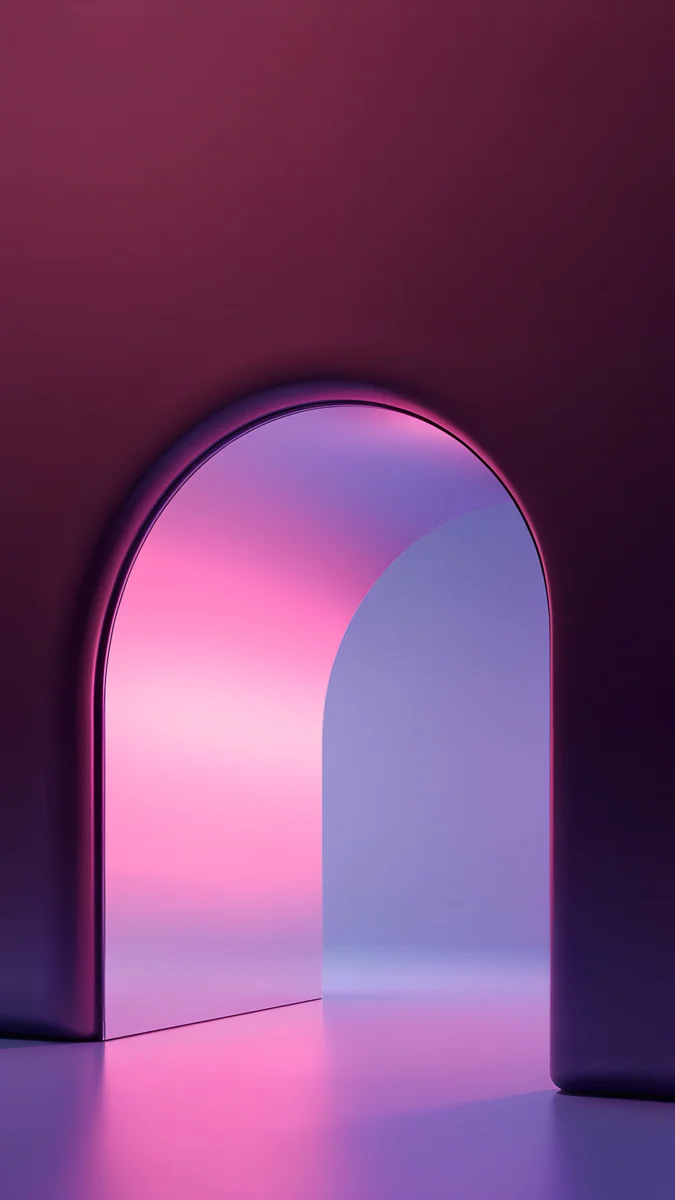 Rose Pulse Arch4K · Phone
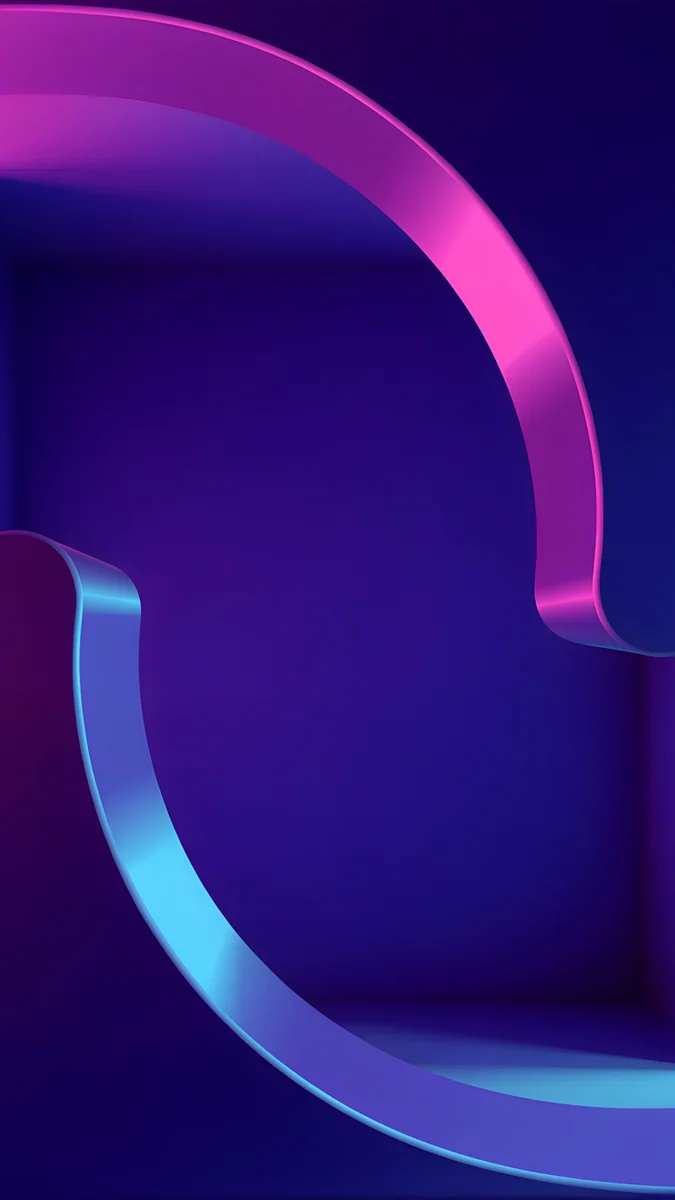 Edge Light Portal4K · Phone
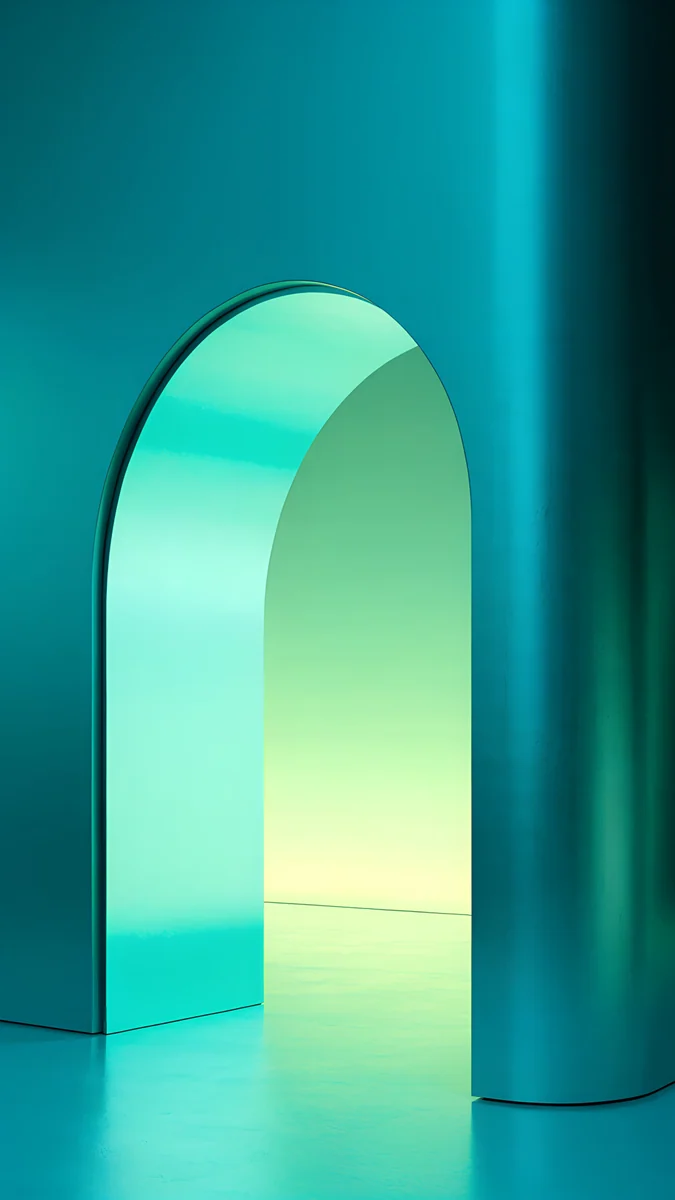 Jade Mint Arch4K · Phone
Because the glow sits in the middle of the frame and the top stays dark, a white clock reads cleanly on all five. Edge Light Portal has the clearest outline and is the one to try with the depth effect. More of these are in neon gradient wallpapers.
Noir: dark city, one light
Noir skylines give a gaming phone a cinematic look without a single logo. The city is reduced to black blocks and one source of light.
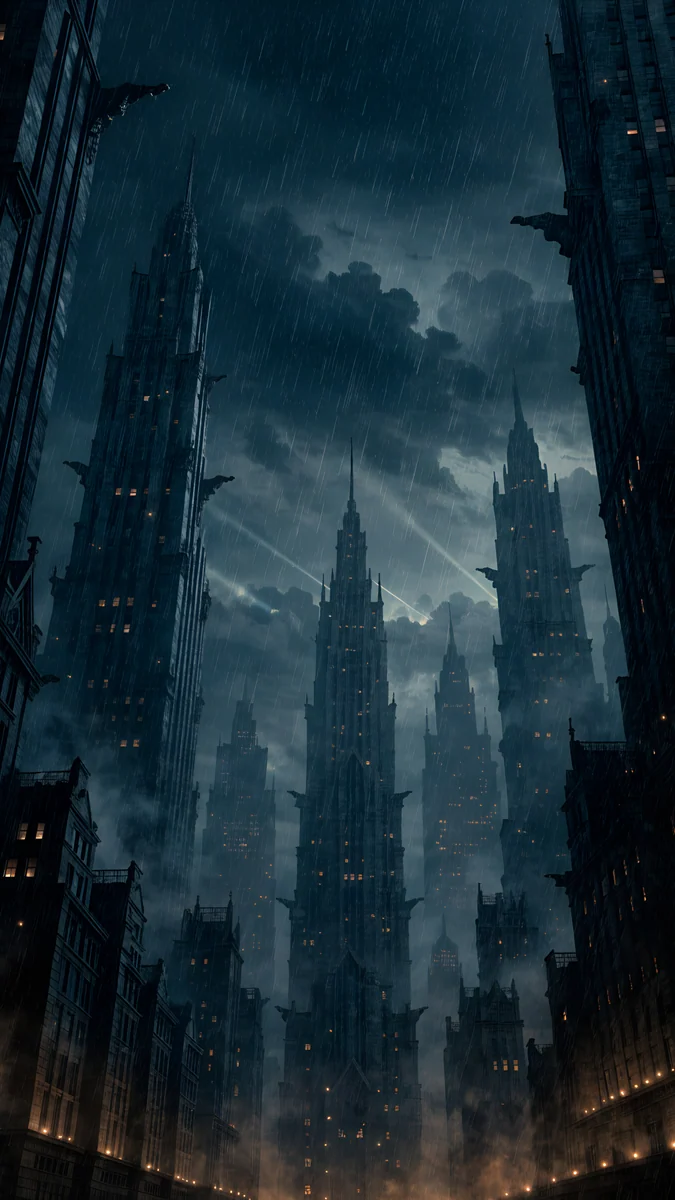 Rain Glow4K · Phone
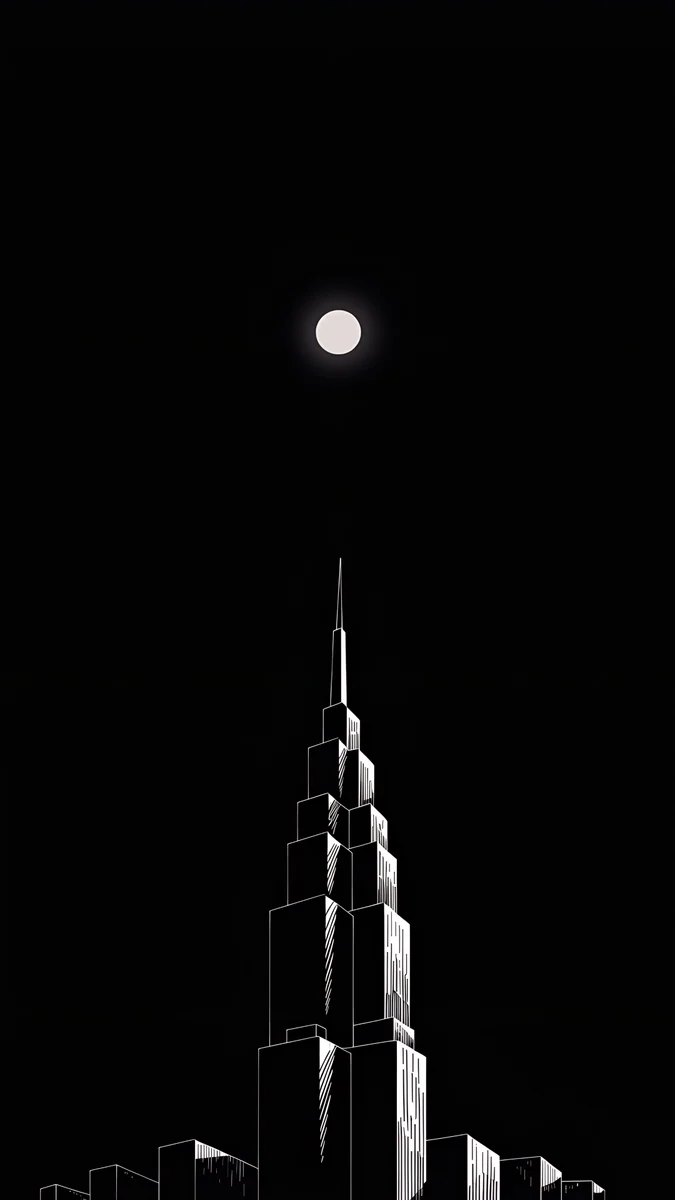 Lone Spire4K · Phone
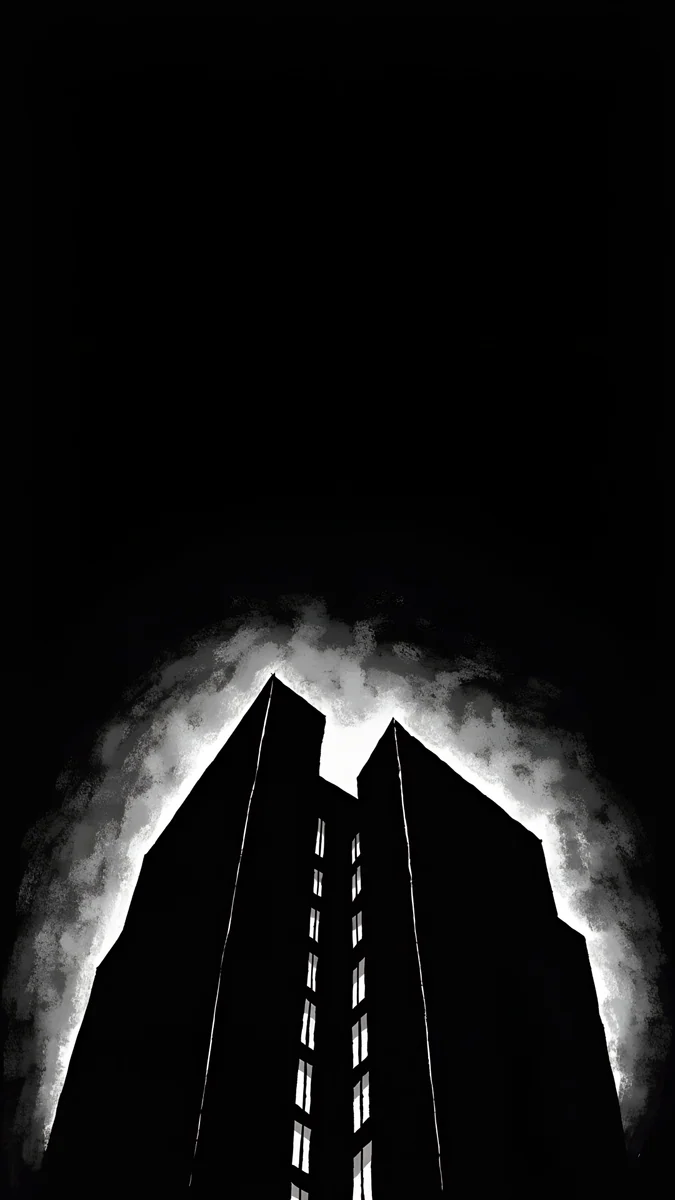 Light Slits4K · Phone
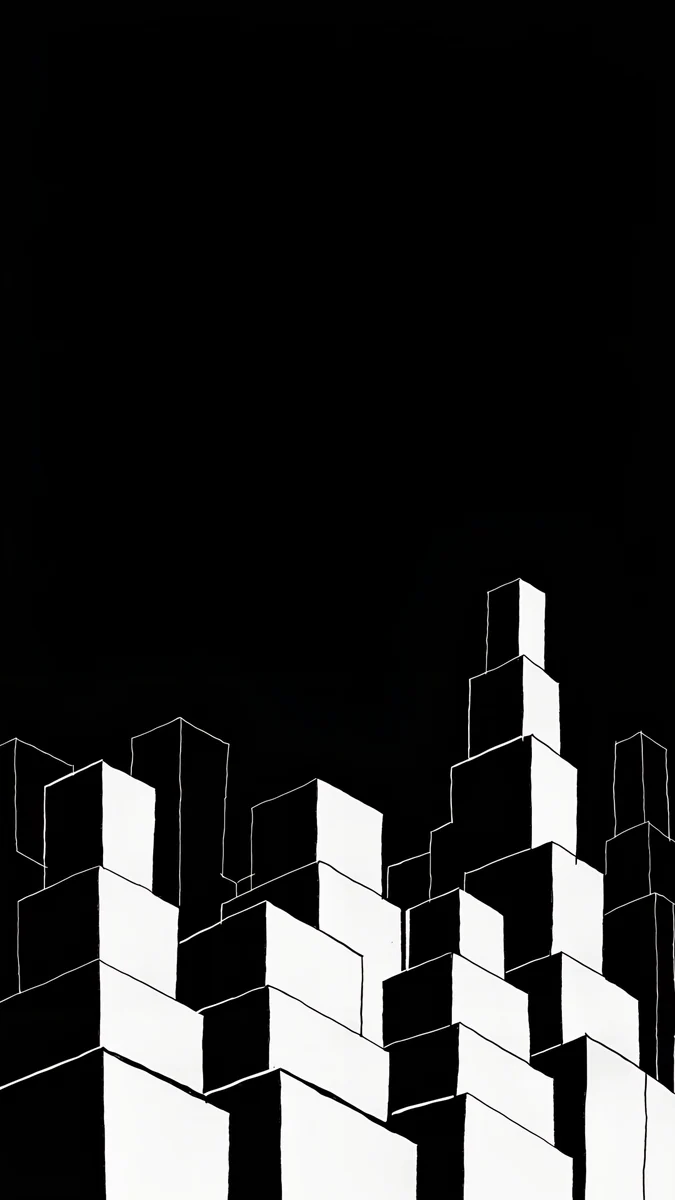 Night Blocks4K · Phone
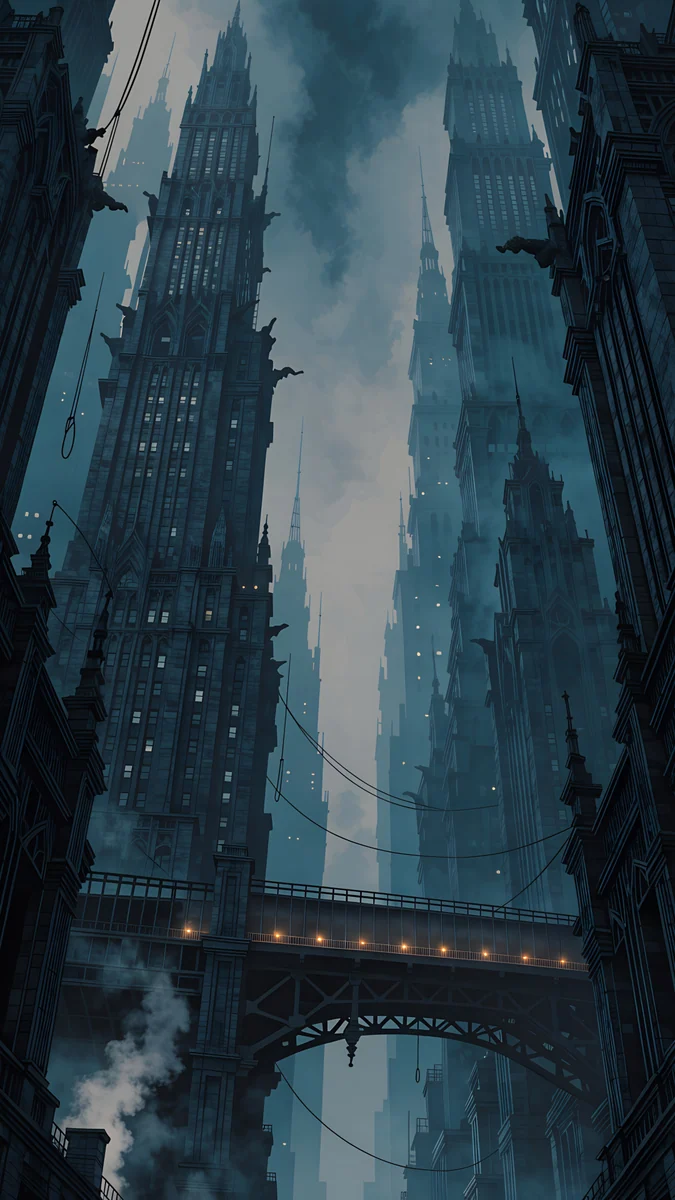 Elevated Line4K · Phone
Rain Glow is amber light (#C98A3A) over a #0B0F1A night and the warmest piece on the page. Lone Spire is one tower against black, a natural depth effect subject. Light Slits and Night Blocks are almost pure black with thin highlights, OLED through and through. The wide set for a monitor is in noir city wallpapers.
Battery, 120 Hz and depth effect: what is true
- A still wallpaper costs no battery. The phone renders it once and composites it with the interface; there is no ongoing work. Live and video wallpapers are different, because they decode frames every time the screen wakes.
- OLED black does save power. Pixels at #000000 are switched off, so a mostly black wallpaper and a black always-on display draw less than bright ones. On an LCD the backlight is on behind every pixel, so there is no difference.
- 120 Hz is not affected by the image. A ProMotion or LTPO panel changes its refresh rate with what moves on screen. A still wallpaper lets it drop to its lowest rate, which is exactly what you want on the always-on display. No wallpaper can make the panel faster or slower.
- Depth effect needs one subject. On iPhone it lifts the top of a clear object over the clock, switches off if the object would hide too much of the digits and whenever you add a widget row. Chrome Motorcycle, Black Glass Sphere, Edge Light Portal and Lone Spire are the candidates here; gradients and black satin have nothing to lift.
How to set it without clutter
Download the 4K original from velpaper.com or the Velpaper app, then use different images for the two screens: the strong one on the lock screen, the plainest one behind the icons.
- iPhone (iOS 26). Press and hold the lock screen, tap the plus button, choose Photos and pick the image. Pinch so the plain area sits under the clock, tap the clock to set it to white, tap Add, then Customize Home Screen and choose a black or near-black piece there. The full walkthrough is in how to set a lock screen wallpaper on iPhone.
- Pixel (Android 16). Press and hold an empty spot on the home screen, tap Wallpaper and style, choose My photos, pick the image and apply it to the Lock screen; repeat for the Home screen with a darker piece. Turn on Themed icons so the grid matches the wallpaper colour.
- Galaxy (One UI). Open Settings, Wallpaper and style, Change wallpapers, Gallery, and set each screen separately.
Every wallpaper here is a 4K original, available in the Velpaper apps for iPhone, iPad, Mac and Android and on velpaper.com. Velpaper is not affiliated with Rockstar Games or Take-Two Interactive; Grand Theft Auto is their trademark.
Original wallpapers in 4K and 5K for iPhone, Android and desktop.
Questions
What size should a gaming wallpaper be for a phone?
2160 × 3840 pixels, the 4K frame turned upright. That is taller than every current phone screen: iPhone 17 Pro Max 1320 × 2868, iPhone 17 1179 × 2556, Galaxy S25 Ultra 1440 × 3120, Pixel 10 Pro 1280 × 2856. The phone scales the image down and trims a little at the sides, so it stays sharp and you can still pinch to reframe. A 1920 × 1080 desktop file is the wrong shape and smaller than the screen, so it comes out soft and cropped. Everything on this page is delivered at 2160 × 3840.
Does a gaming wallpaper drain the battery?
A still image does not. The phone draws it once and keeps it in memory; scrolling the home screen moves a finished picture, not a render. What does cost power is a live or video wallpaper, which decodes frames each time the screen turns on, and a bright image on an OLED screen, where every lit pixel draws current. A mostly black wallpaper on OLED saves a little, most noticeably with the always-on display, and makes no difference on an LCD phone.
Is a 4K gaming wallpaper worth it on a phone?
Yes, because of headroom rather than visible pixels. No phone shows all 2160 × 3840 pixels, but the extra size means the phone only scales down, never up, and that keeps thin neon lines and chrome edges crisp. It also leaves room to pinch and move the picture in the wallpaper editor without blur. A smaller file, such as a screenshot or a messenger copy, has already been shrunk and recompressed, which is why gradients band and dark areas show blocks on an OLED screen.
How do I keep my home screen from looking cluttered?
Use two different wallpapers. Put the image with a subject on the lock screen, where only the clock and widgets sit on top, and put the plainest piece, near-black or a soft gradient, behind the icons. On iPhone choose Customize Home Screen instead of Set as Wallpaper Pair; on Pixel and Galaxy the wallpaper screen lets you set the lock and home screens separately. Then keep the subject low or at an edge, leave the centre of the frame quiet, and turn on themed or tinted icons so the grid takes the wallpaper colour instead of fighting it.
Are these official GTA 6 wallpapers?
No. Official GTA 6 art is published by Rockstar Games at rockstargames.com/VI, and that is where to go for the cover and promotional artwork. The GTA 6 category on Velpaper is a set of original illustrations in a similar retro Florida mood: neon signs, chrome and palm trees, with no characters, logos or scenes from the game. Velpaper is not affiliated with Rockstar Games or Take-Two Interactive, and Grand Theft Auto is their trademark.
Carlos Vivero
Designer of Velpaper wallpapers
Carlos Vivero designs the wallpapers in Velpaper: quiet architecture, liquid glass, Japanese ink and calm landscapes. Every piece is made as a 4K original for iPhone, Android and desktop.
Recent work








