Halloween iPad Wallpaper: 4K Picks for Both Orientations
Halloween iPad wallpapers sorted by how they survive rotation: centered moons and castles, portrait-only scenes and 5K landscape picks. Free 4K originals.
In short: The best Halloween iPad wallpaper keeps its subject in the center, so rotation does not cut it off. Owl Tree Harvest Moon and Misty Gothic Castle work in portrait and landscape as 2160 × 3840 phone originals, and a 4K or 5K desktop file such as Solar Indigo Gate is the better choice for an iPad in a keyboard case.
By the Velpaper team · Wallpapers by Carlos Vivero, Velpaper designer · · 6 min read
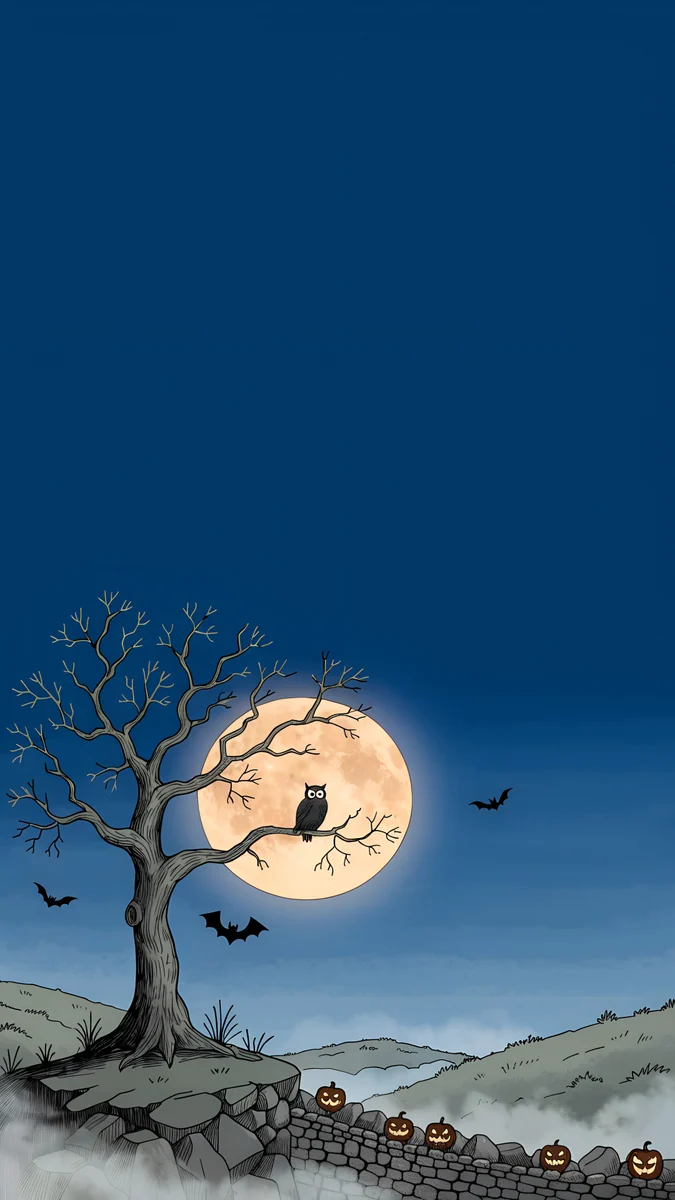 Owl Tree Harvest Moon
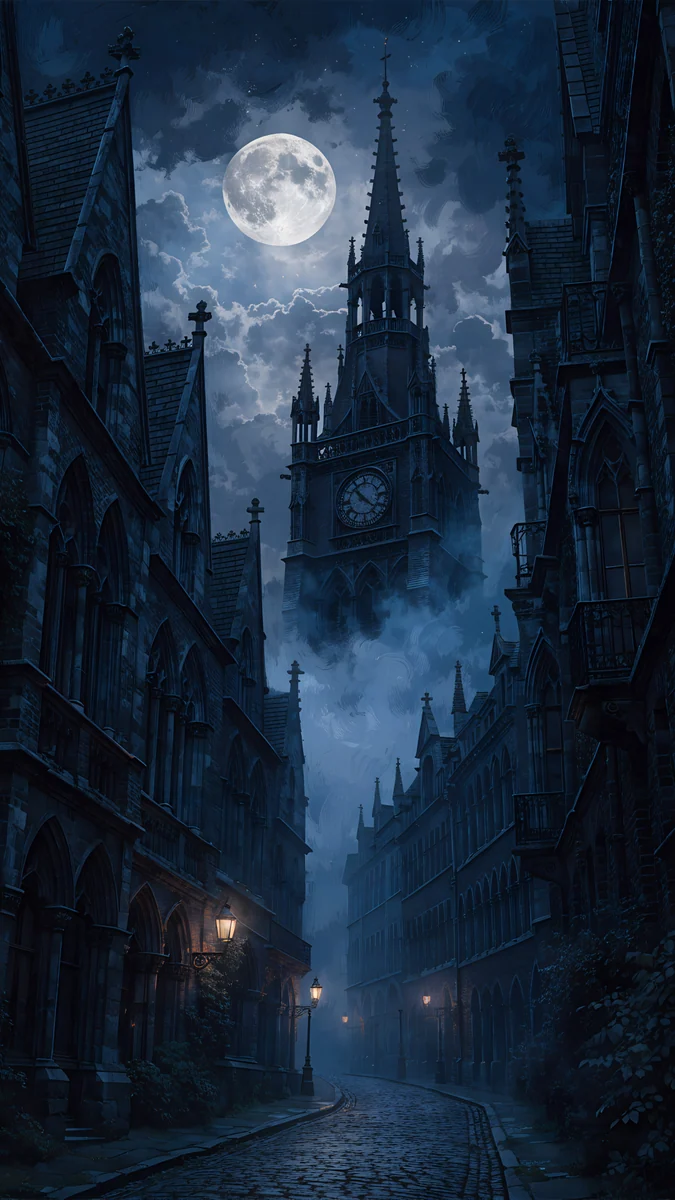 Foggy Clock Tower Lane
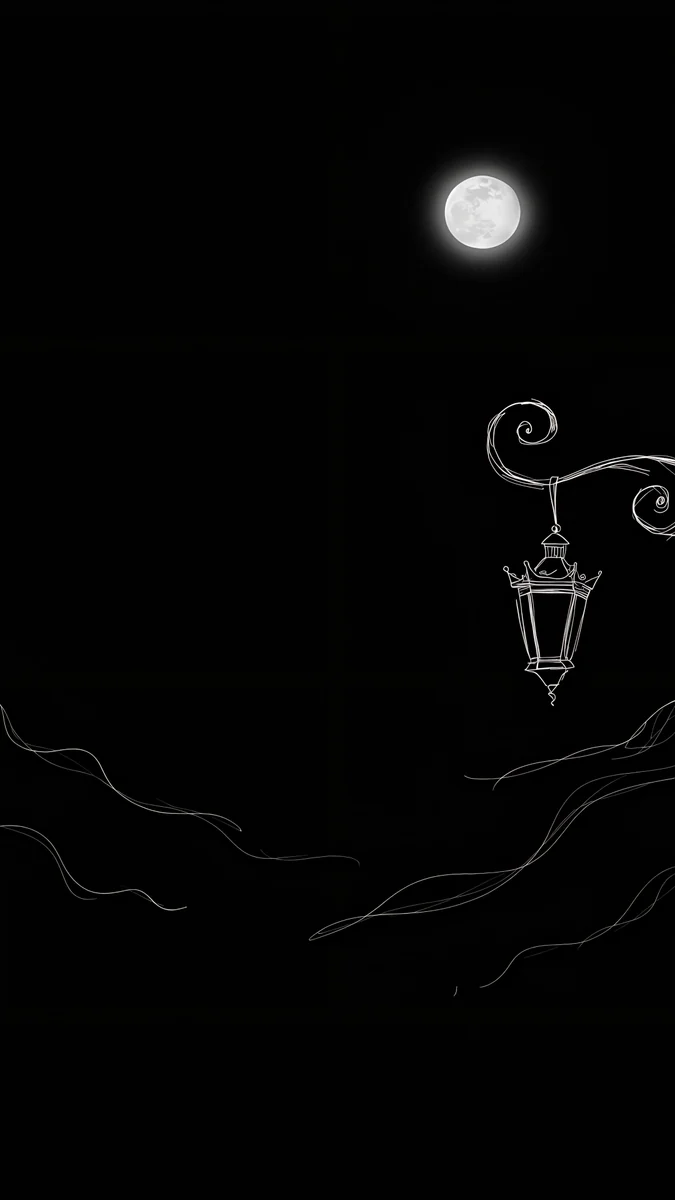 Ink Moon Lantern
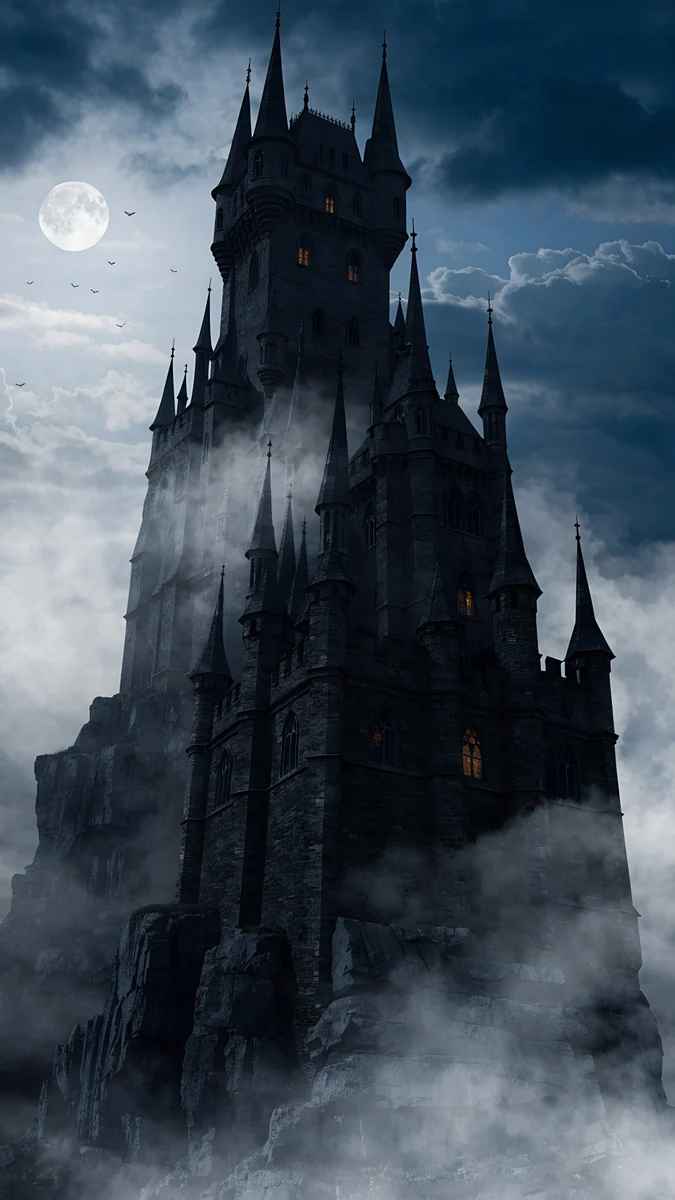 Misty Gothic Castle
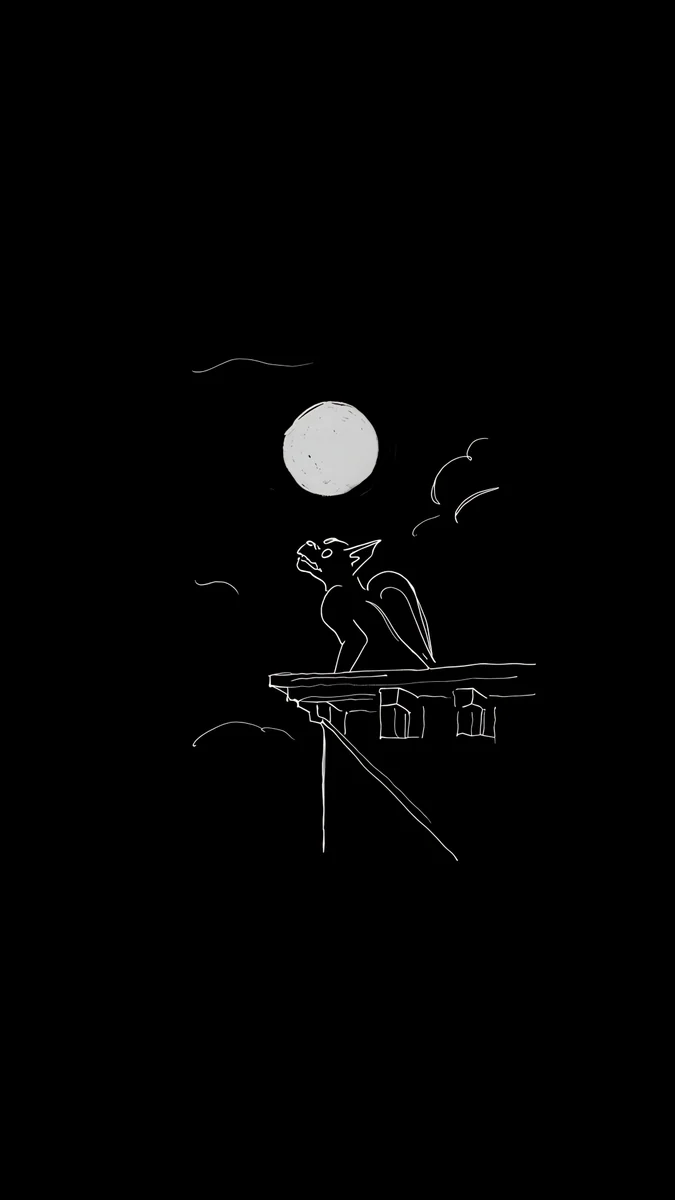 Ink Gargoyle Moon
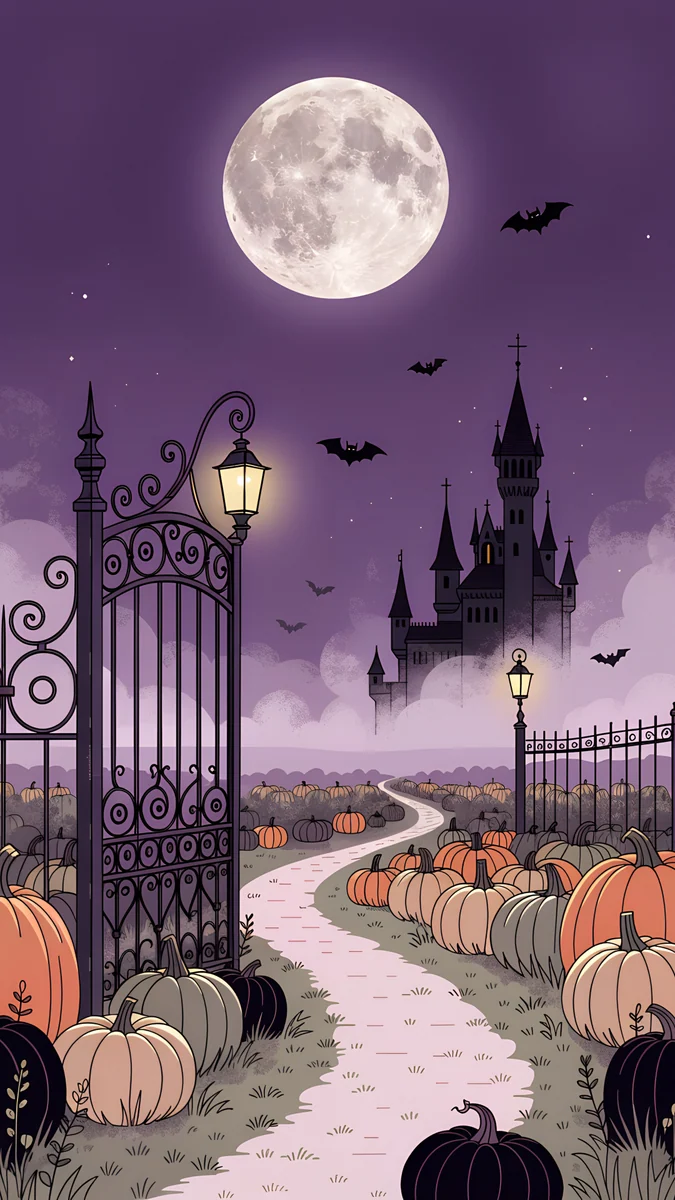 Pumpkin Gate Castle
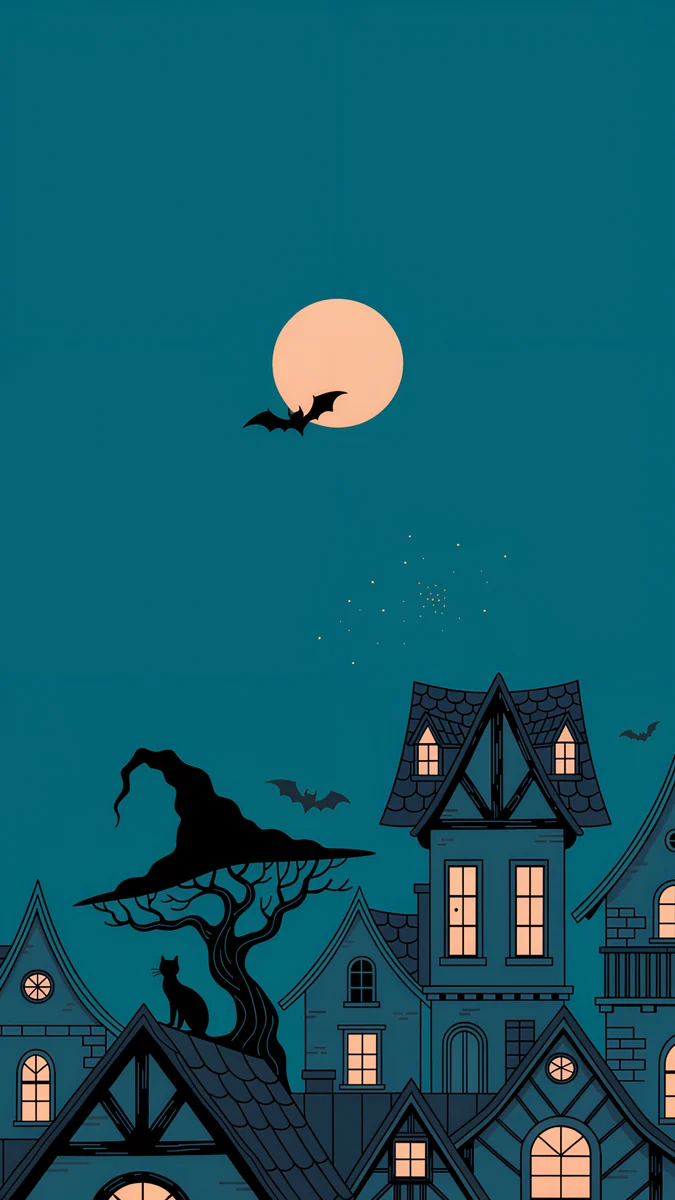 Moonlit Crooked Village
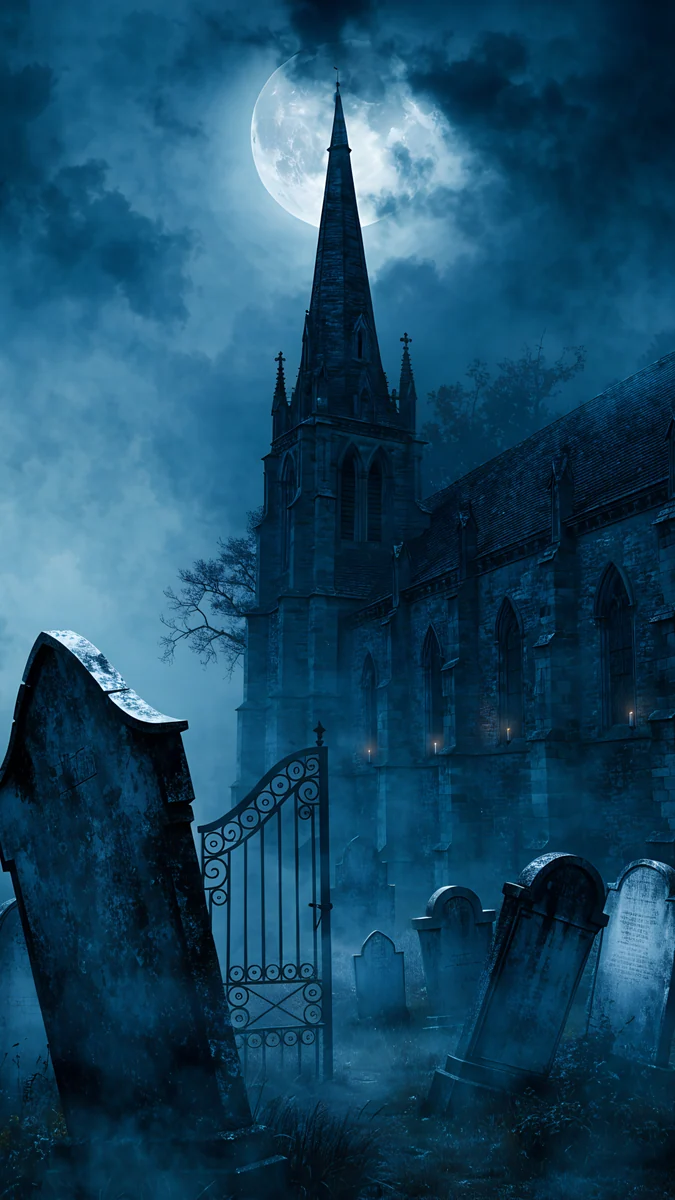 Moonlit Chapel Graveyard
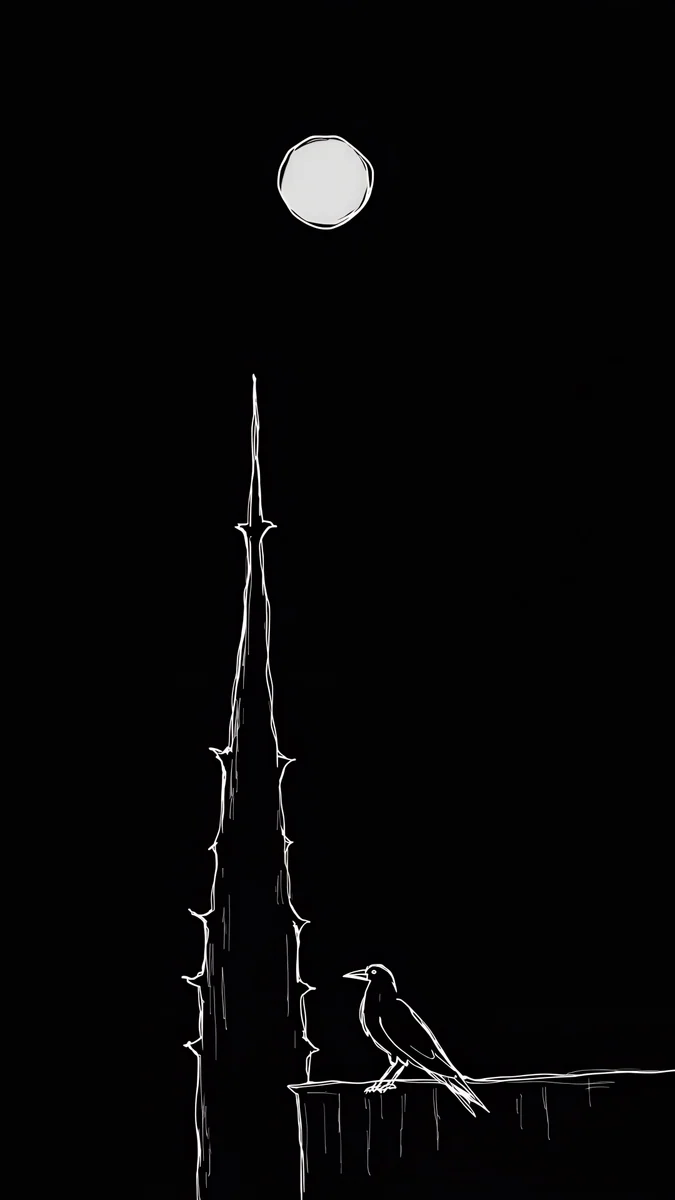 Ink Moon Spire
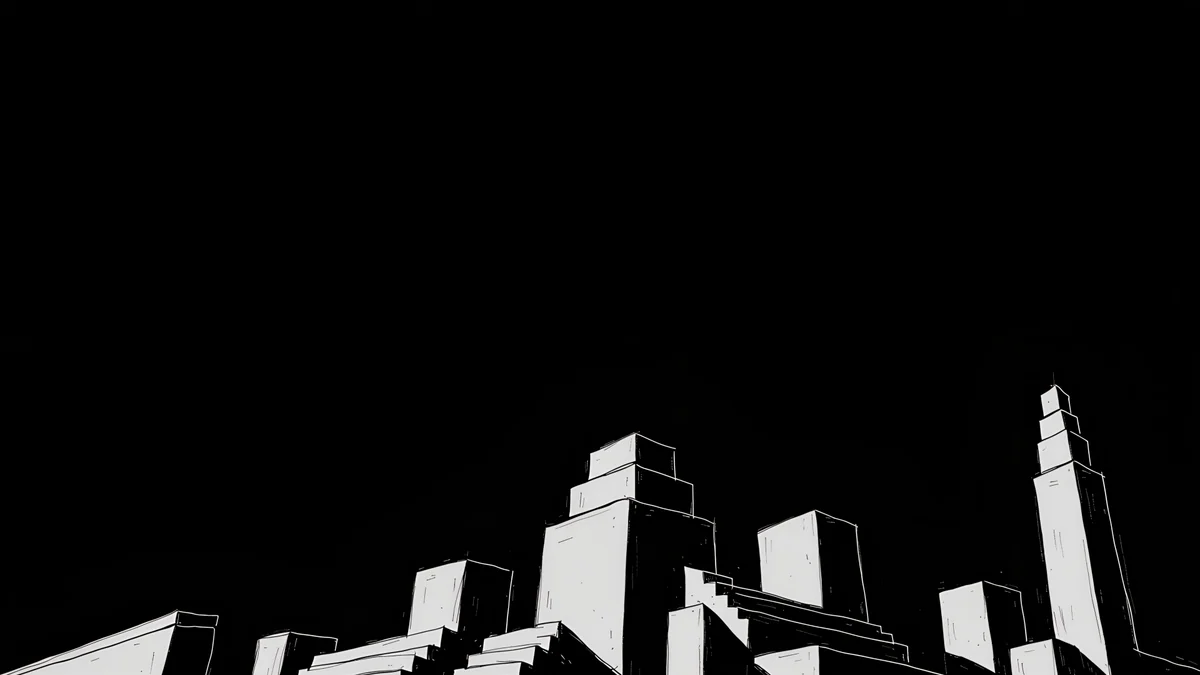 Night Blocks
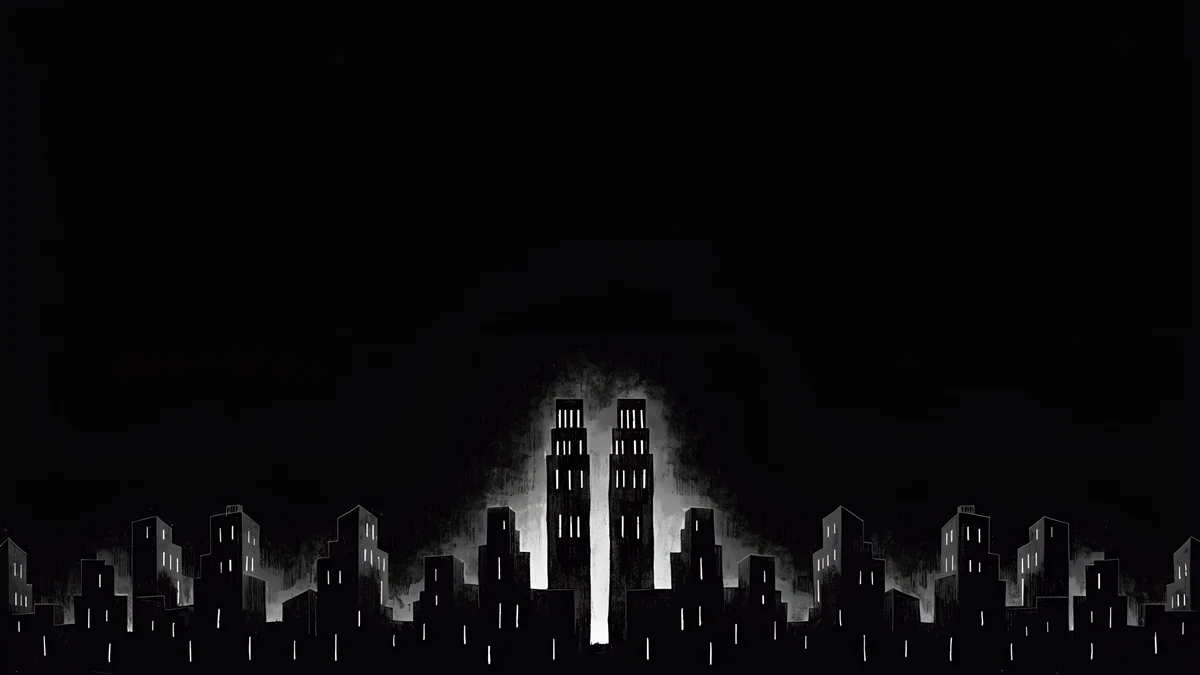 Light Slits
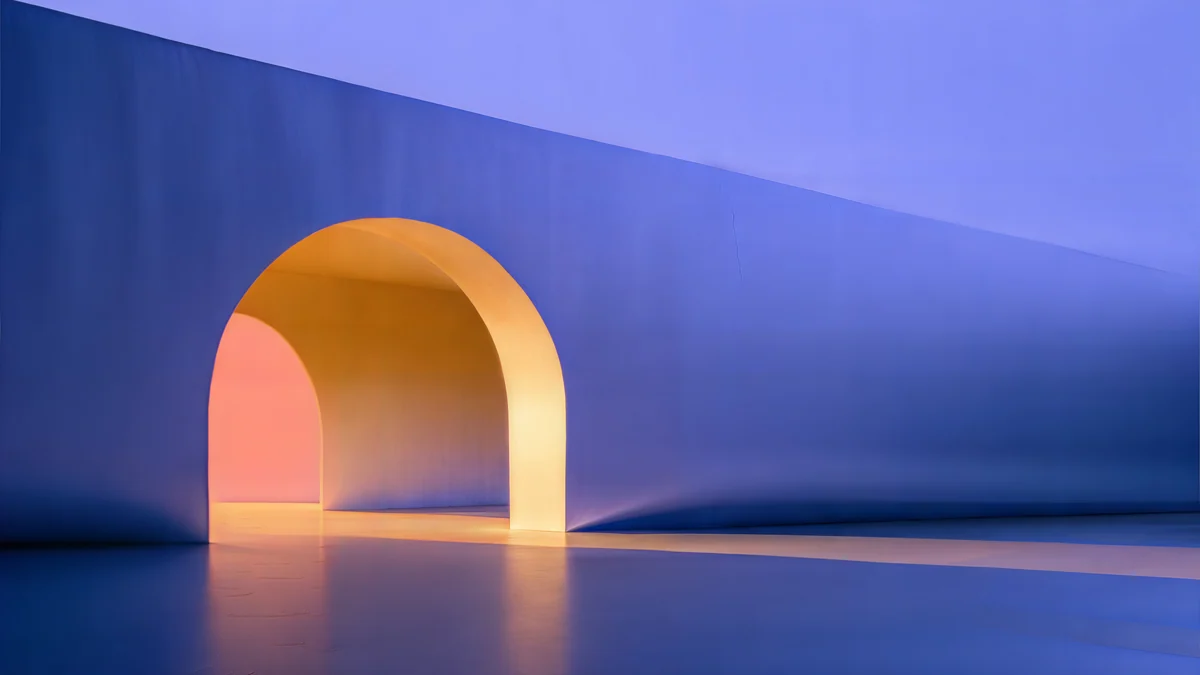 Solar Indigo Gate
Free 4K originals for iPhone and Android, no watermark
On this page
A good Halloween iPad wallpaper keeps its subject in the middle of the frame, because the iPad shows a different part of the same picture when you rotate it. A moon, a castle or a lantern in the center survives both portrait and landscape; a pumpkin patch along the bottom edge does not. Velpaper wallpapers are 4K originals made for phones (2160 × 3840) and desktops (4K, some 5K), and both work on an iPad if you pick the right one for how you hold it.
Below are the iPad screen sizes, what the rotation crop does to a phone file, and Halloween picks sorted by orientation, each with one line on why it fits.
Halloween iPad wallpaper size and the rotation crop
These are the native resolutions, portrait width by height, for current iPads:
| Model | Resolution (pixels) |
|---|---|
| iPad Pro 13-inch (M4, M5) | 2064 × 2752 |
| iPad Pro 11-inch (M4, M5) | 1668 × 2420 |
| iPad Air 13-inch (M2, M3) | 2048 × 2732 |
| iPad Air 11-inch (M2, M3) | 1640 × 2360 |
| iPad (A16) and iPad (10th gen) | 1640 × 2360 |
| iPad mini (A17 Pro) | 1488 × 2266 |
Here is what that means for the two kinds of Velpaper files:
- A 2160 × 3840 phone wallpaper is wider than every iPad held upright, so portrait stays sharp. The iPad screen is squarer than a phone, so iPadOS trims the top and bottom, about an eighth each on the 13-inch models. In landscape you see roughly the middle 40 percent of the height, enlarged to fill the width: by about a quarter on the 13-inch models, much less on the 11-inch ones and the mini.
- A 4K desktop wallpaper at 3840 × 2160 covers every iPad in landscape without any enlarging. Held upright, only a narrow strip from the middle shows. The 5K files at 5120 × 2880 are larger than every iPad in both directions.
The full table, with older models and the math, is in our iPad wallpaper size guide.
How to set a Halloween wallpaper on iPad
- Open the wallpaper in the Velpaper app on your iPad, or on velpaper.com in Safari, and save the original.
- If you downloaded it in Safari, open it from Downloads in the Files app, tap Share and choose Save Image to put it in Photos.
- Open Settings, tap Wallpaper, then Add New Wallpaper, then Photos, and pick the image.
- Pinch and drag so the moon or the castle sits in the center, then tap Add.
- Choose Set as Wallpaper Pair, or Customize Home Screen to give the home screen a blurred or different picture.
- Rotate the iPad once. If one orientation cuts off the subject or looks soft, try a file from the other section below.
Menu names match iPadOS 26 in English and can differ slightly in later updates. Every other route, including Photo Shuffle, is in how to change the wallpaper on iPad.
Halloween wallpapers that survive iPad rotation
These phone originals keep their main shape in the middle band of the frame, the part the iPad shows in both orientations. They are the safest picks if you switch between holding the iPad and propping it up.
Owl Tree Harvest Moon4K · PhoneMisty Gothic Castle4K · PhoneFoggy Clock Tower Lane4K · PhoneInk Gargoyle Moon4K · PhoneInk Moon Lantern4K · PhoneOwl Tree Harvest Moon places a huge harvest moon and a bare tree with an owl right in the middle of a navy sky, so landscape crops straight to the best part. Misty Gothic Castle fills the center with a tall black castle in fog, and the fog at the edges is easy to lose. Foggy Clock Tower Lane keeps its clock tower and lit street lamps in the middle third, though the cobblestones at the bottom disappear in landscape. Ink Gargoyle Moon is a small white gargoyle drawn on black, centered and surrounded by empty space, which also suits the OLED panel of the iPad Pro. Ink Moon Lantern keeps its curling iron lantern in the middle; the moon above it drops out in landscape, and the picture still reads.
Portrait only: cute and spooky scenes
These have something important near the top or the bottom, so they look best on an iPad you hold upright, in a stand or for reading in bed.
Pumpkin Gate Castle4K · PhoneMoonlit Crooked Village4K · PhoneMoonlit Chapel Graveyard4K · PhoneInk Moon Spire4K · PhonePumpkin Gate Castle is the cute Halloween iPad wallpaper of the set: an iron gate, a path through pumpkins and a castle under a violet sky, with the moon up top. Moonlit Crooked Village stacks crooked houses with lit windows along the bottom and leaves an empty teal sky for the clock. Moonlit Chapel Graveyard needs both ends, the chapel spire at the top and the tombstones at the bottom, so keep it in portrait. Ink Moon Spire runs a thorny spire up the frame with a raven at its foot, a tall shape that only a portrait screen shows whole.
Landscape and keyboard case picks
Velpaper has no wide Halloween scenes with castles or pumpkins, so for an iPad that lives sideways in a keyboard case, use a desktop file in Halloween colors. These are night black, ink white, violet and orange.
Night Blocks4K · DesktopLight Slits4K · DesktopSolar Indigo Gate5K · Desktop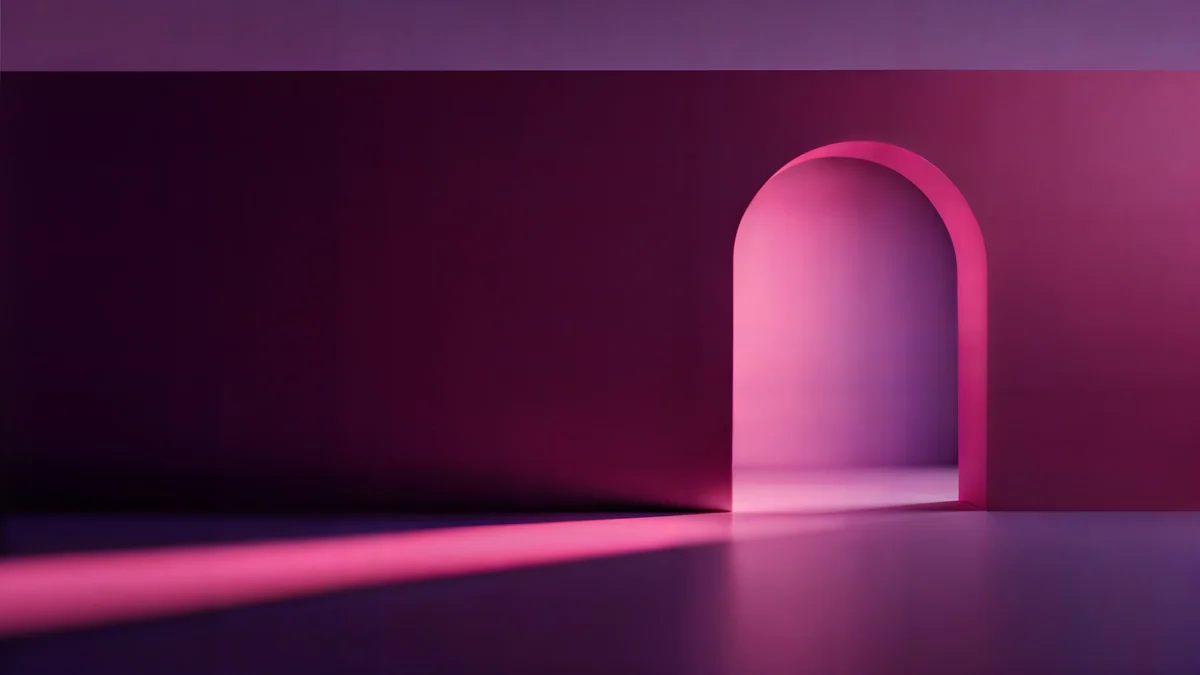 Rose Pulse Arcade5K · Desktop
Night Blocks is a white-outlined skyline along the bottom of a pure black sky, close to the ink drawings above and easy on an OLED screen. Light Slits shows a black city with two glowing towers, the closest thing to a haunted skyline in landscape. Solar Indigo Gate is a 5K file with one glowing orange arch in a violet wall, the Halloween palette without any props. Rose Pulse Arcade, also 5K, puts a magenta arch in a dark plum room, for a moodier purple. If you want a phone and iPad set, pair Solar Indigo Gate on the iPad with Pumpkin Gate Castle on your phone; see our Halloween iPhone wallpapers for the phone side.
Common problems and fixes
- The moon or castle is cut off after rotating. The subject sits outside the middle band. Pick from the rotation-safe gallery, or keep a portrait-only wallpaper and lock the rotation in Control Center.
- It looks soft in landscape. A phone file is being enlarged to fill the width, which shows most on the 13-inch models. Switch to a 4K or 5K desktop file for landscape.
- It looks soft everywhere. You probably saved a preview or a screenshot. Download the original again from the wallpaper page.
- The picture is zoomed in further than you framed it. Open the More menu in the wallpaper editor and turn off Perspective Zoom if your version shows it.
- You want it quieter. Our minimal Halloween wallpapers trade pumpkins for fog, moons and gargoyles, and aesthetic iPad wallpapers has calm picks for after October.
Get these Halloween wallpapers in Velpaper
Velpaper is an app for iPhone, iPad, Mac and Android, and every wallpaper is also on velpaper.com. Search for Halloween there to see the whole set. Phone wallpapers are 4K originals at 2160 × 3840, desktop wallpapers are 4K and some are 5K, all without a watermark and without an account. Desktop wallpapers download for free. Phone wallpapers unlock after a short optional ad in the Velpaper apps; on the website, if no ad is available, the original downloads for free. The wallpapers are designed by Carlos Vivero.
Next step: open Owl Tree Harvest Moon, save the original, set it on your iPad and rotate once to check both views before October 31.
Original wallpapers in 4K and 5K for iPhone, Android and desktop.
Questions
What is the best Halloween wallpaper for iPad?
One with its subject in the center, because the iPad shows a different window of the same picture in portrait and landscape. Owl Tree Harvest Moon is a strong pick: a big harvest moon and a bare tree with an owl sit right in the middle of the frame, so both orientations keep them. Misty Gothic Castle works the same way with a tall castle in fog. If your iPad lives in a keyboard case, use a desktop file instead, such as Solar Indigo Gate, a 5K violet wall with one glowing orange arch.
What size should a Halloween iPad wallpaper be?
At least your screen's resolution, with room for rotation. The 13-inch iPad Pro is 2064 × 2752 pixels, the 11-inch iPad Pro is 1668 × 2420, the 11-inch iPad Air and the iPad (A16) are 1640 × 2360, and the iPad mini is 1488 × 2266. A 2160 × 3840 phone wallpaper stays sharp on every iPad held upright. For landscape, a 3840 × 2160 desktop file covers every model, and a 5120 × 2880 file is larger than every iPad in both directions.
Can I use a Halloween iPhone wallpaper on my iPad?
Yes, if it is a full-size original. A 2160 × 3840 phone wallpaper is wider than every iPad screen in portrait, so it stays sharp there, but iPadOS trims some of the top and bottom because the iPad is squarer. In landscape it shows about the middle 40 percent of the height, enlarged to the screen width, which can look soft on the 13-inch models. Choose a wallpaper whose moon or castle sits in the center, such as Owl Tree Harvest Moon, and check both orientations after you set it.
Why does my Halloween wallpaper change when I rotate the iPad?
iPadOS keeps the wallpaper upright when the iPad turns, so it has to fill a tall screen in portrait and a wide one in landscape with the same image. It does that by keeping the center and trimming the edges, the top and bottom in one view and the sides or more of the height in the other. Anything near an edge, like pumpkins along the bottom or a moon in a corner, can vanish in one orientation. Pick wallpapers with a centered subject, or lock the rotation if you only use one.
Are these Halloween iPad wallpapers free?
Browsing and previewing are free on velpaper.com and in the Velpaper apps for iPhone, iPad, Mac and Android. Every desktop wallpaper, including the 5K files that suit an iPad in landscape, downloads for free. Phone wallpapers unlock after a short optional ad in the Velpaper apps; on the website, if no ad is available, the original downloads for free. There is no account and no subscription, and the downloaded file has no watermark. Phone files are 4K originals at 2160 × 3840, and desktop files are 4K with some at 5K.
Carlos Vivero
Designer of Velpaper wallpapers
Carlos Vivero designs the wallpapers in Velpaper: quiet architecture, liquid glass, Japanese ink and calm landscapes. Every piece is made as a 4K original for iPhone, Android and desktop.
Recent work








