Minimal Halloween Wallpapers: Dark Aesthetic in 4K
Minimal Halloween wallpapers for iPhone and Android without cartoon pumpkins: full moons, gargoyles, fog, empty night stops and violet and amber light.
In short: A minimal Halloween wallpaper sets the mood with darkness, a full moon, fog or one eerie light instead of pumpkins and ghosts. Velpaper's Halloween set of moonlit castles, graveyards and gothic ink drawings fits that look, and for something even quieter, Moon Ledge, Fog Dawn and Moon Pines are 4K phone originals in black, grey and moonlight that still look right in November.
By the Velpaper team · Wallpapers by Carlos Vivero, Velpaper designer · · 6 min read
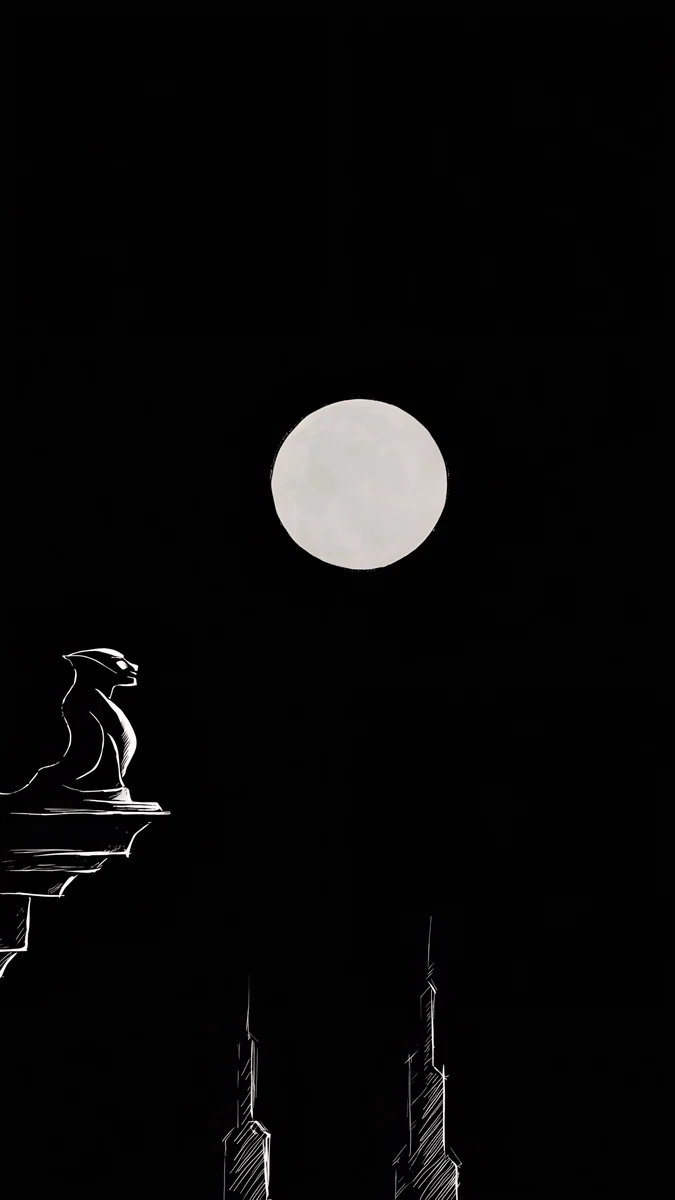 Moon Ledge
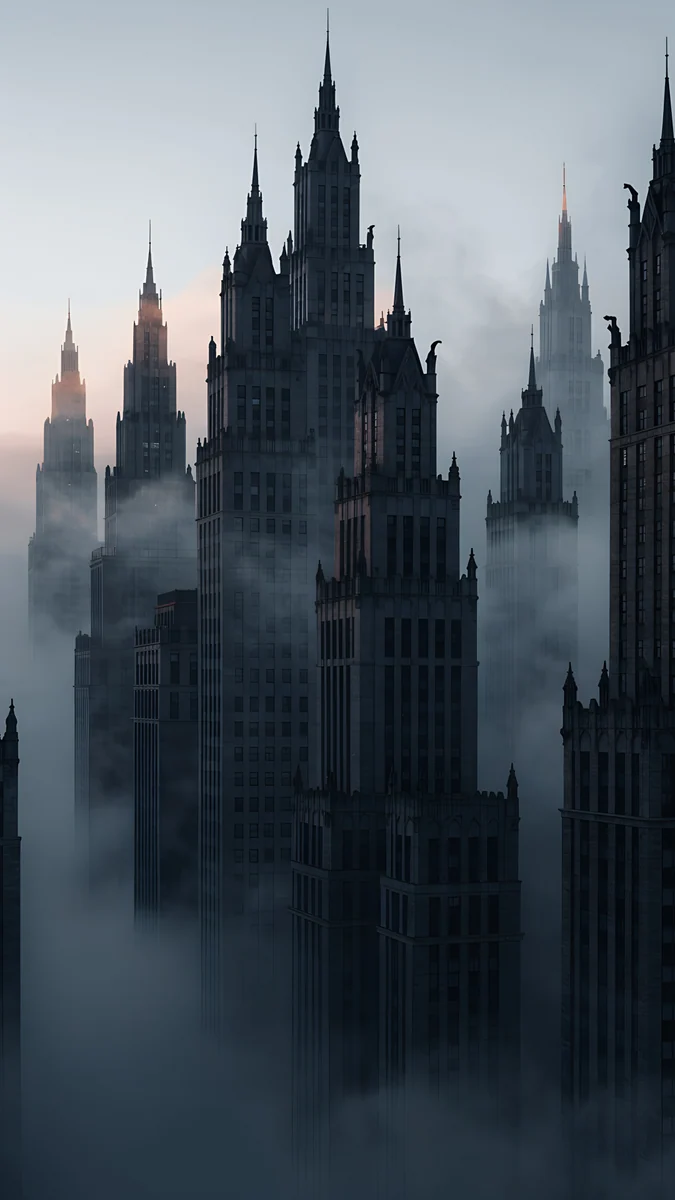 Fog Dawn
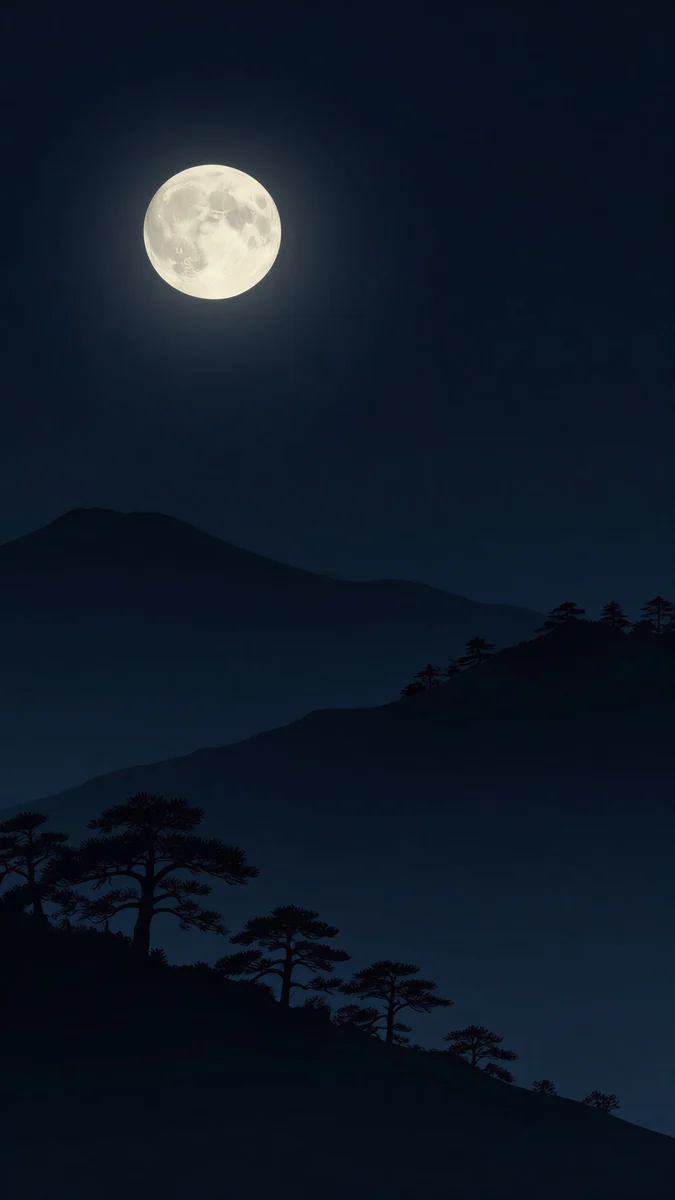 Moon Pines
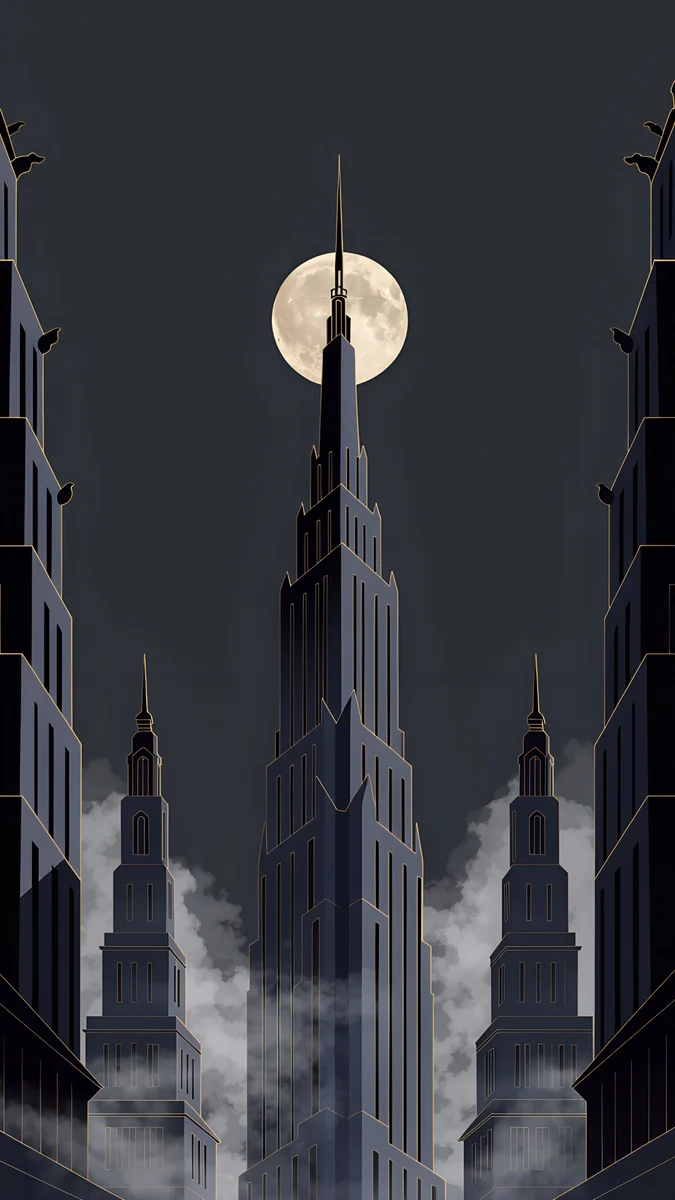 Deco Gold
 Lone Spire
 Ink Noir
 A Window in the Fog
 One Light Home
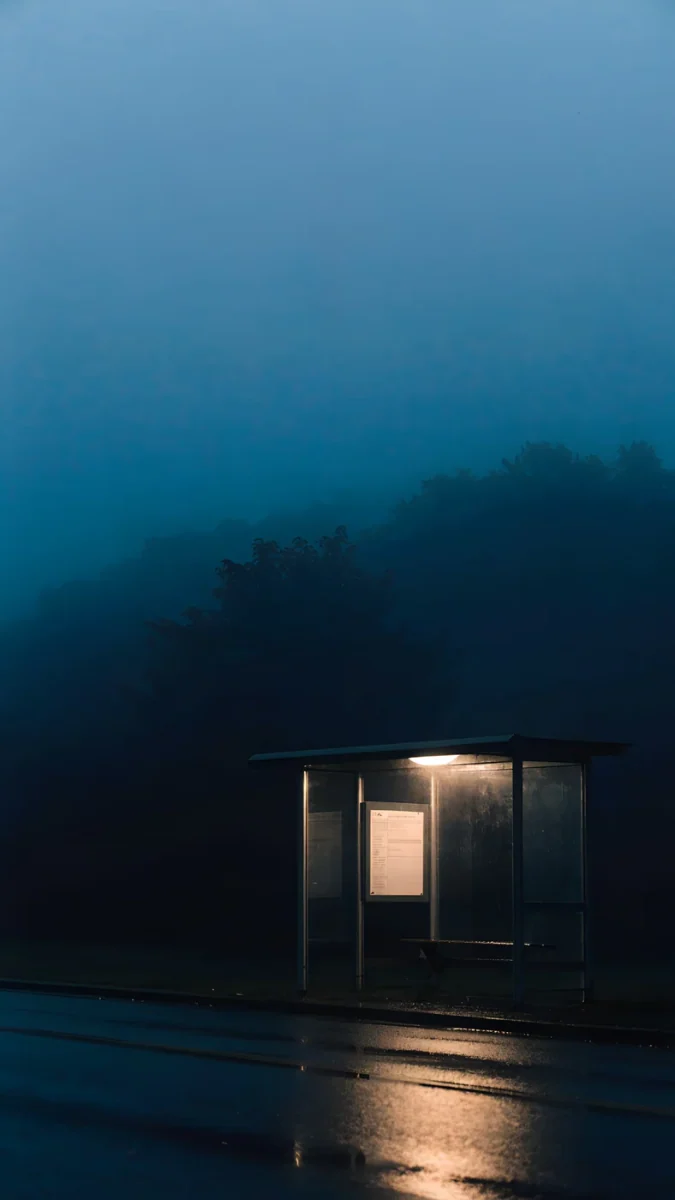 Last Stop
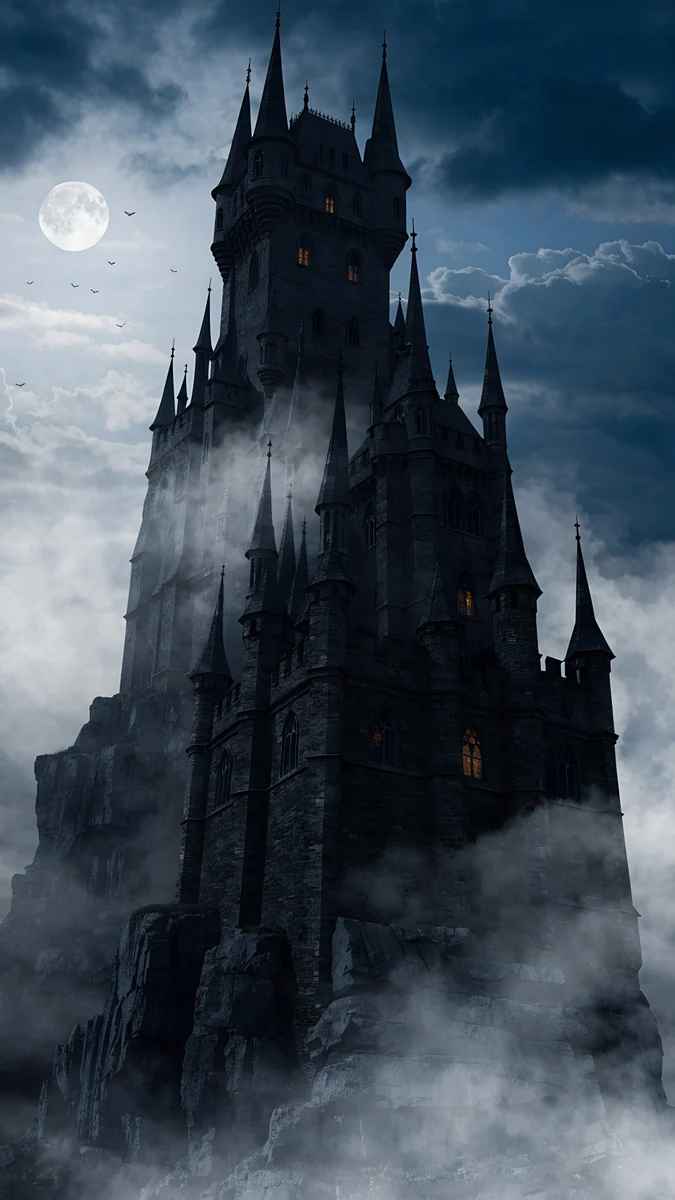 Misty Gothic Castle
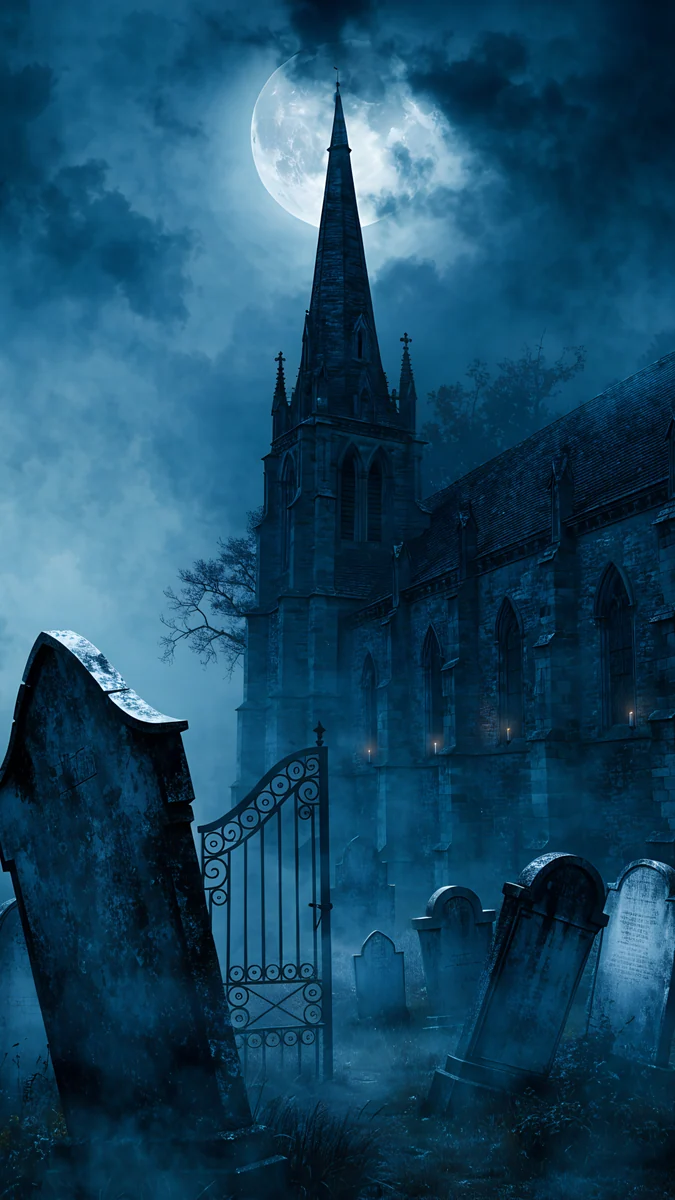 Moonlit Chapel Graveyard
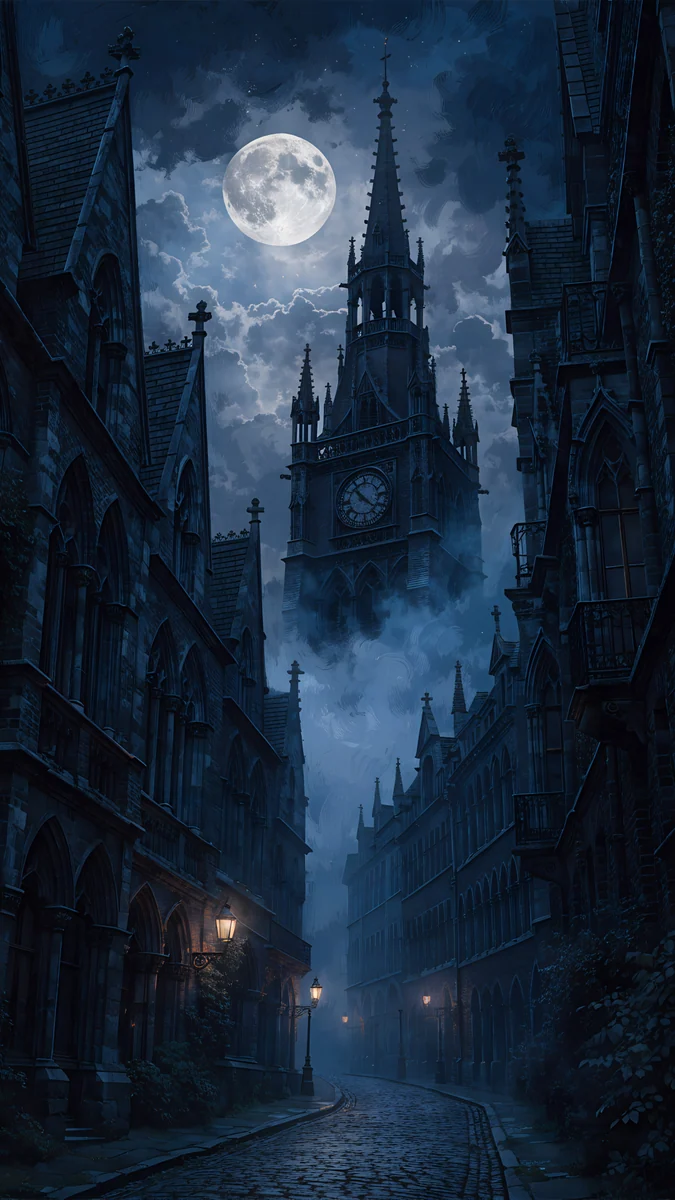 Foggy Clock Tower Lane
Free 4K originals for iPhone and Android, no watermark
On this page
For a minimal Halloween wallpaper, skip the cartoon pumpkins and use the mood itself: a full moon over black, fog swallowing old towers, an empty stop with one lamp, or violet and amber light. Velpaper has a set of Halloween wallpapers, from moonlit castles and villages to graveyards and gothic ink drawings. The picks below are the most minimal of them plus a few dark pieces that fit the mood, each a 4K phone original at 2160 × 3840 with no text or characters. Because nothing in them says Halloween out loud, you can leave them on well into November.
What makes Halloween look minimal instead of cute
- Darkness does the work. A black or charcoal sky reads as October night on its own, and it keeps the lock screen clock sharp.
- One symbol, not a party. A single full moon, a gargoyle or a spire is enough. Bats, cats, candy and lettering turn it into a greeting card.
- Fog and silence. Mist, empty roads and a lone light feel uneasy without showing anything scary.
- The classic colours, used sparingly. Black with a touch of amber or violet hints at the season without orange everywhere.
How to set it on iPhone and Android
- Save the 2160 × 3840 original from the wallpaper page in the Velpaper app or on velpaper.com.
- On iPhone with iOS 26: open Settings, tap Wallpaper, then Add New Wallpaper, then Photos, and choose the file.
- Drag the picture so the moon sits just below or beside the clock, tap the time and pick white or a pale grey, then tap Add and Set as Wallpaper Pair.
- On a Pixel with Android 16: touch and hold an empty spot on the Home screen, tap Wallpaper & style, choose the photo and apply it to the lock screen, the home screen or both.
- On a Samsung with One UI 8: open Settings, then Wallpaper and style, tap Change wallpapers and pick the image from Gallery. Menu names can differ slightly between One UI versions.
Step by step guides with more detail: iPhone lock screen wallpaper and Android wallpaper.
Full moons, gargoyles and spires
The most Halloween of the picks: black skies, a big pale moon and stone shapes in silhouette.
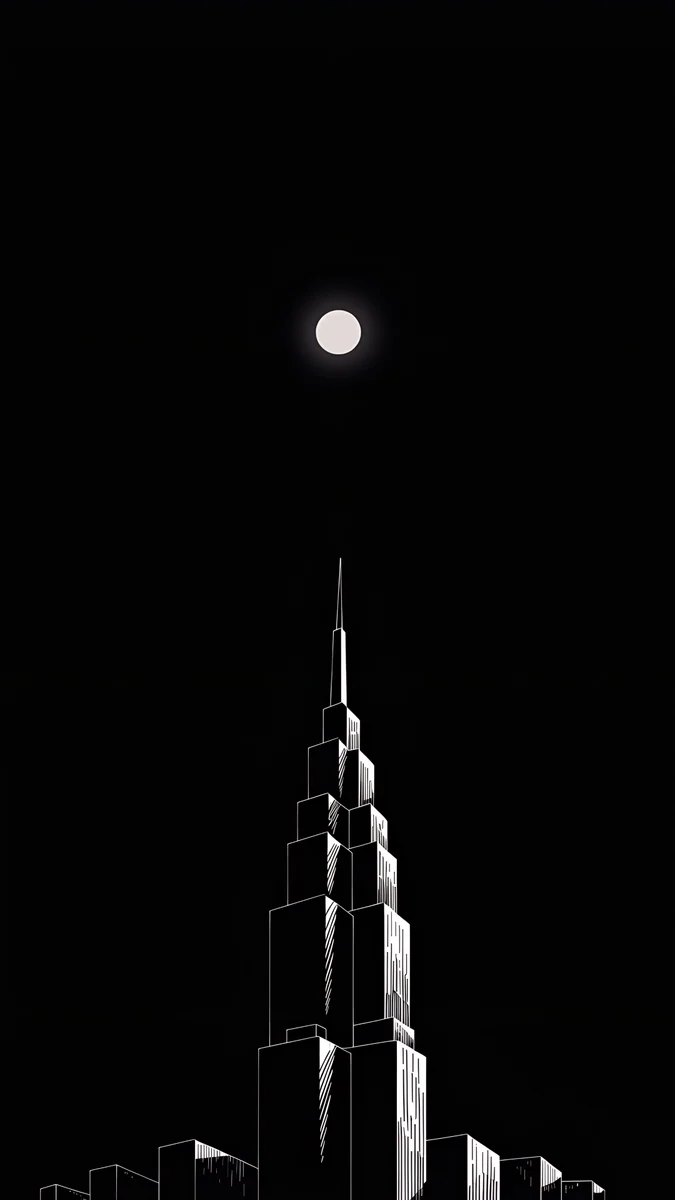
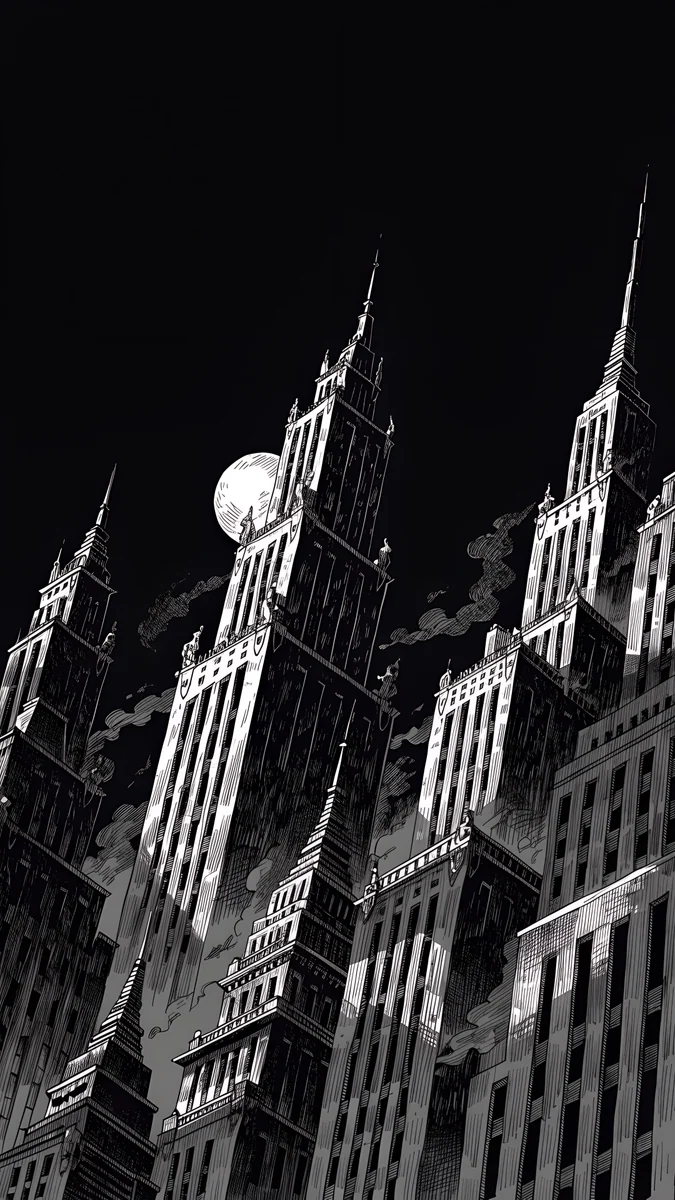
Moon Ledge is the closest thing to a Halloween poster we have: a stone gargoyle crouched on a ledge against a huge full moon, with two thin spires below and nothing else but black. Deco Gold puts the full moon right behind a tall spire, with fog curling around the towers. Lone Spire is the most minimal, a small moon above one white-outlined tower on pure black, which is ideal for OLED. Moon Pines trades the city for dark pine hills under a full moon, and Ink Noir draws jagged skyscrapers, smoke and a moon in black and white ink.
Fog, empty roads and one light
Less moon, more unease. These work if you want October without any obvious symbol.
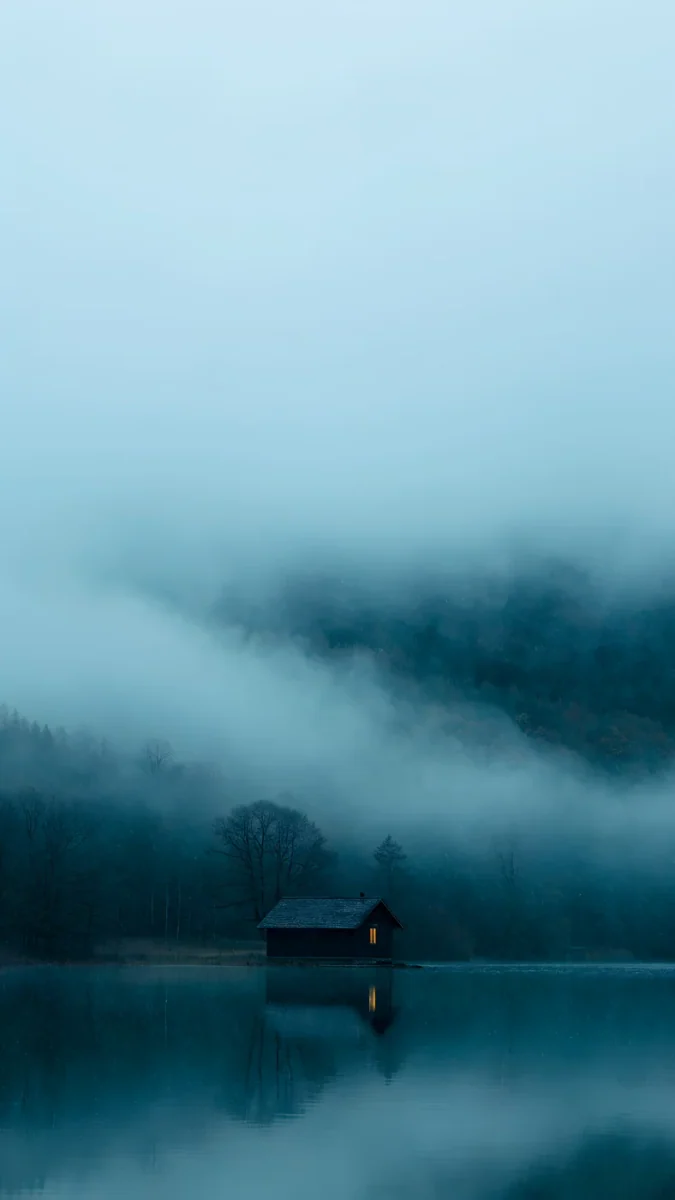
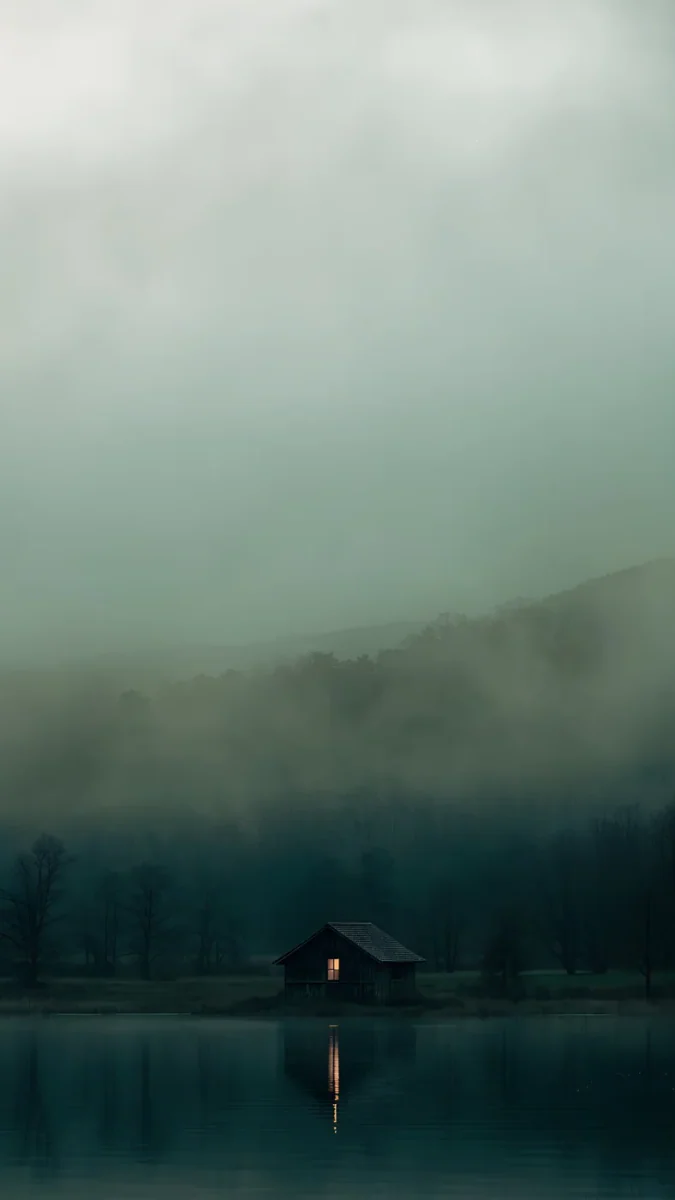
Fog Dawn shows gothic towers rising out of thick fog, pale at the top, so a dark clock also works. A Window in the Fog is a dark cabin on a misty teal lake. One Light Home keeps a single lit window in green grey fog by the water. Last Stop is an empty bus shelter at night with one lamp on, wet road in front and a dark forest behind, probably the quietest scary image in the catalog.
From the Velpaper Halloween set: castles, graveyards and ink
Velpaper's own Halloween wallpapers also include cute moonlit villages and pumpkin patches. These six keep the minimal, grown up look.
Misty Gothic Castle4K · PhoneMoonlit Chapel Graveyard4K · PhoneFoggy Clock Tower Lane4K · Phone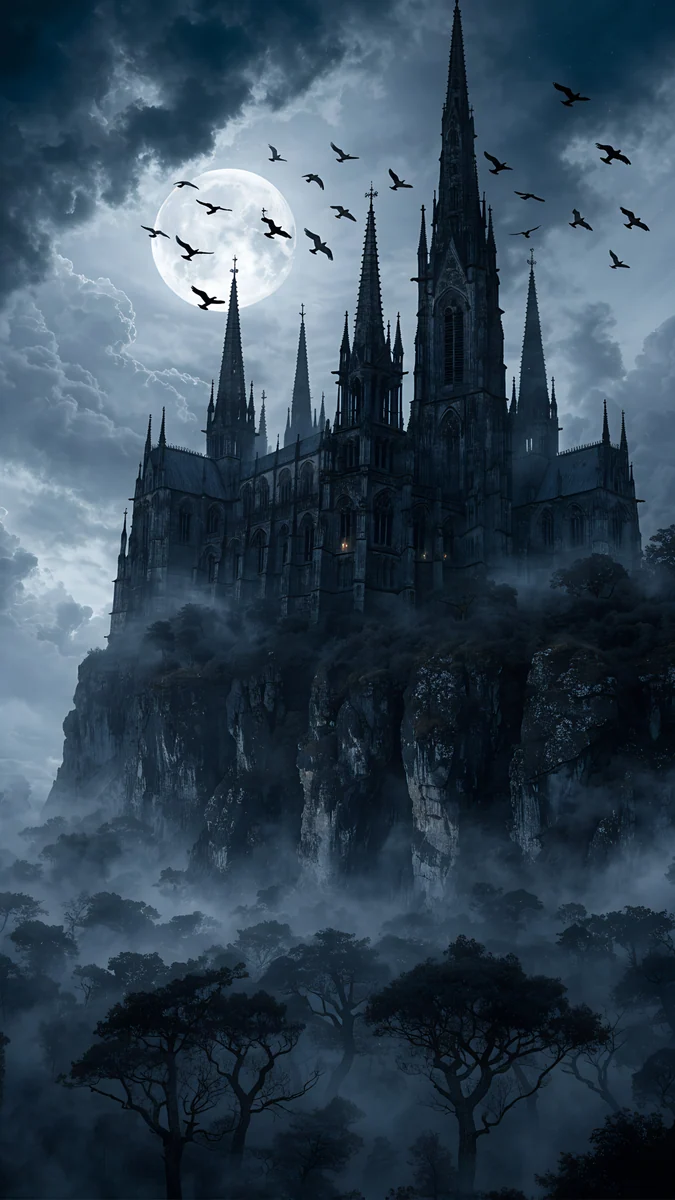 Cliff Cathedral Moon4K · Phone
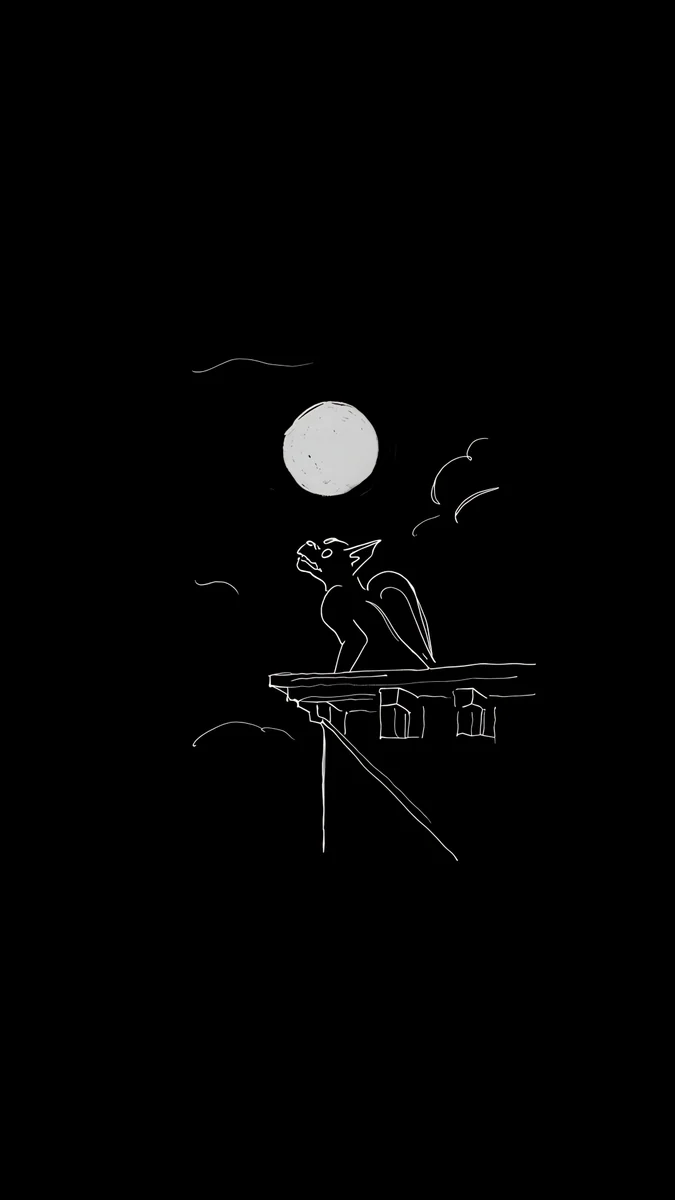 Ink Gargoyle Moon4K · Phone
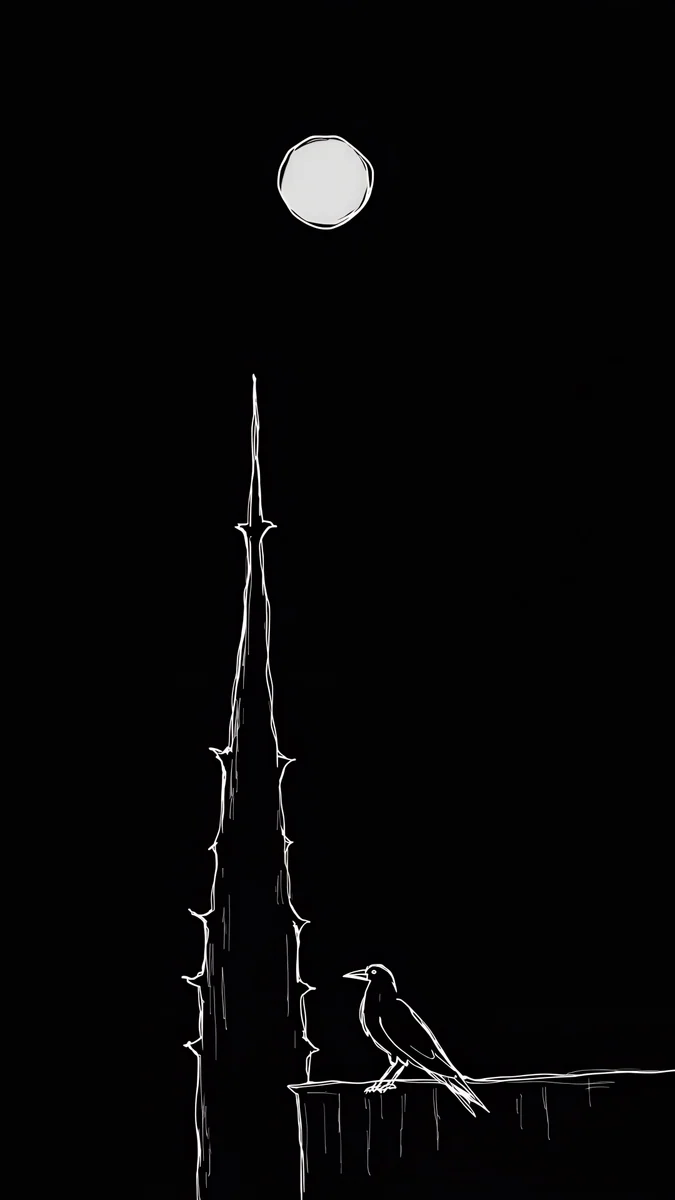 Ink Moon Spire4K · Phone
Misty Gothic Castle is a black castle with a few lit windows rising out of fog, all the drama in shades of grey. Moonlit Chapel Graveyard sets leaning tombstones and an iron gate under a chapel spire in blue fog, the most Halloween of the six. Foggy Clock Tower Lane follows a wet cobblestone lane to a clock tower in the mist, lit by old street lamps. Cliff Cathedral Moon puts a cathedral on a cliff with crows crossing the full moon; the sky is busy, so use a solid white clock. Ink Gargoyle Moon is a small gargoyle in white line on pure black, the most minimal of the set and ideal for OLED. Ink Moon Spire draws a thorny spire under the moon with a raven at its foot.
For the cute scenes with pumpkins and crooked houses, plus iOS 26 lock screen tips, see our Halloween iPhone wallpapers. On a tablet, Halloween iPad wallpapers sorts the same set by how it survives rotation.
Violet, amber and black
For the Halloween palette without the props, a few abstract pieces hit those colours.
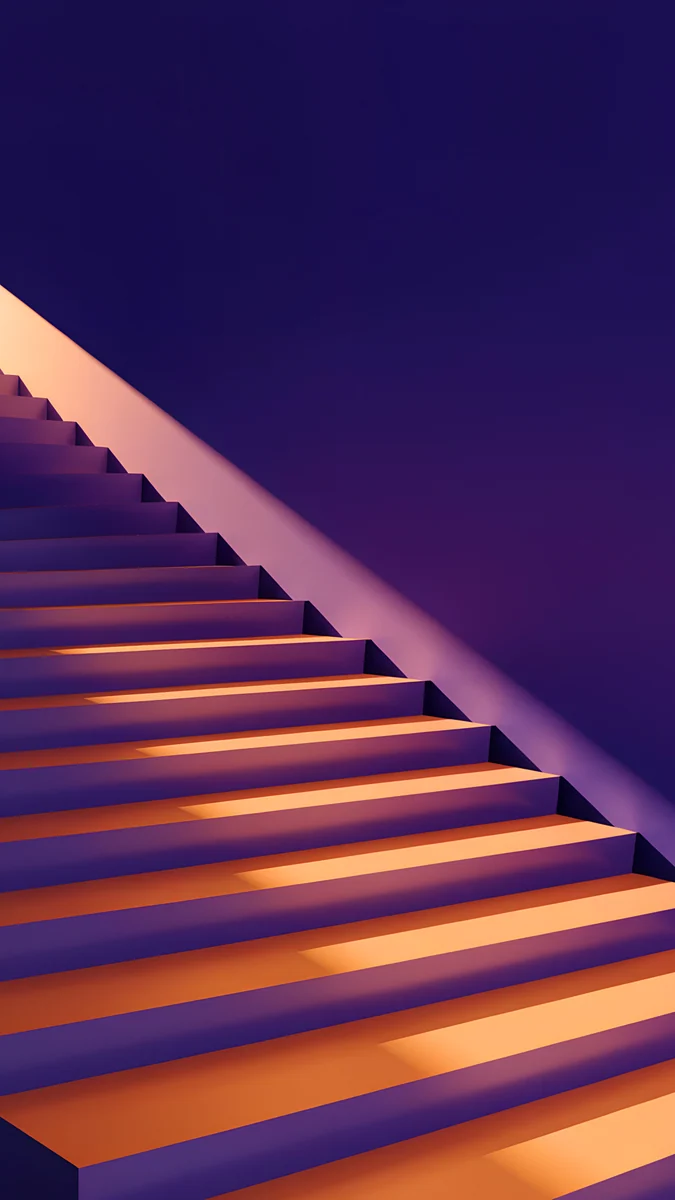
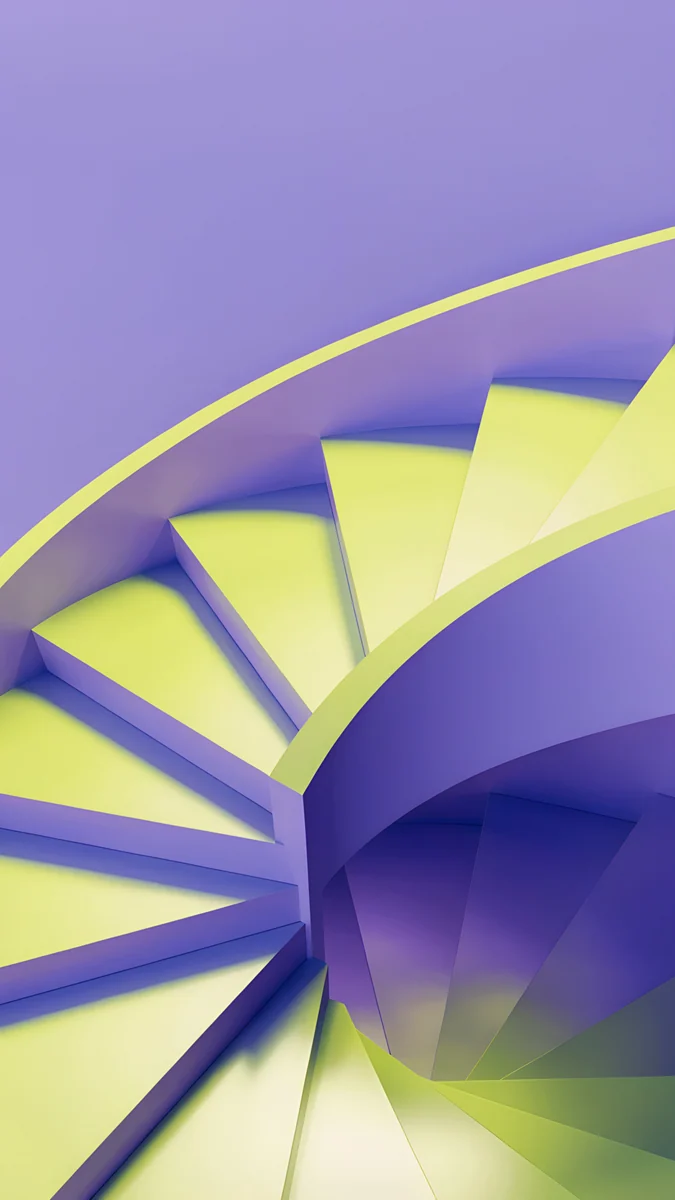
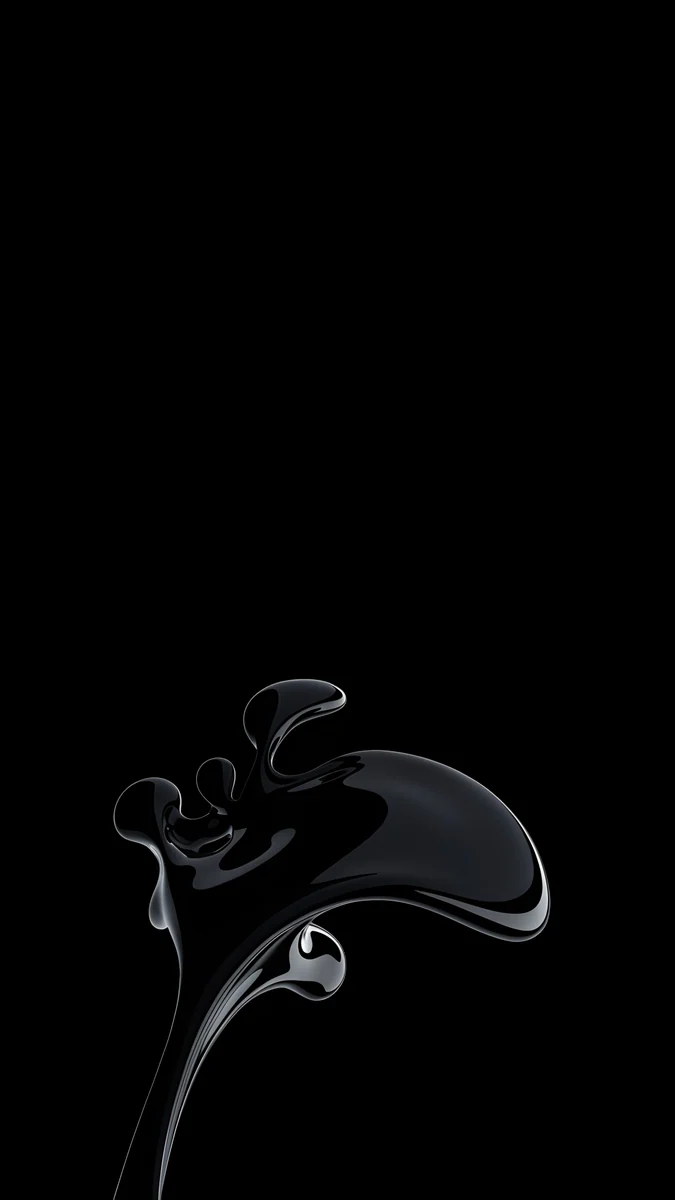
Amber Shadow Cut is a violet staircase cut by stripes of amber light, the classic black, purple and orange mood in architecture. Lime Violet Helix spirals acid lime and violet stairs, a little like potion colours. Black Splash is a glossy black liquid splash on pure black, the darkest option and kind to an OLED battery. More like it is in our black OLED wallpapers.
Common problems and fixes
- The moon hides behind the clock. On Moon Ledge and Deco Gold the moon sits high. Drag the image down a little when you set it, or let the clock sit over the moon on purpose with a dark clock colour.
- Black areas look grey or banded. You are probably looking at a compressed preview or screenshot. Save the original file again; it has smooth gradients.
- The wallpaper looks too zoomed in. iOS can zoom slightly for motion. Turn off Perspective Zoom when you set it if your version shows the option, or read our iPhone wallpaper zoom fix.
- It feels wrong in November. Swap to a fog piece like Fog Dawn, which reads as autumn rather than Halloween, or browse our fall wallpapers and foggy wallpapers.
Get these wallpapers in Velpaper
Velpaper is an app for iPhone, iPad, Mac and Android, and every wallpaper is also on velpaper.com. Each phone wallpaper is a 4K original at 2160 × 3840, with no watermark and no account needed. The phone wallpapers on this page unlock after a short optional ad in the iPhone and Android apps; on the website, if no ad is available, the original downloads for free. The wallpapers are designed by Carlos Vivero.
Next step: open Moon Ledge, save the 4K original and set it on your lock screen with a white clock before 31 October. If you prefer fog to moonlight, take Fog Dawn.
Original wallpapers in 4K and 5K for iPhone, Android and desktop.
Questions
What is a minimal Halloween wallpaper?
It is a wallpaper that creates a Halloween mood with very few elements and no cartoon props. Instead of pumpkins, ghosts, bats and lettering, it uses darkness, a full moon, fog, old stone or one eerie light, often in black with a little amber or violet. The result looks grown up, keeps the lock screen clock readable and does not feel out of date on 1 November. Moon Ledge, with a stone gargoyle against a full moon, Fog Dawn, with towers vanishing into fog, and Lone Spire, a small moon over one tower on black, are good examples from Velpaper.
Does Velpaper have a Halloween collection?
Yes. Velpaper has a set of Halloween wallpapers: moonlit castles and crooked villages, foggy graveyards and clock towers, pumpkin patches, and gothic drawings in white ink on black. Some are cute and festive, others dark and minimal. This page picks the minimal side, such as Misty Gothic Castle, Moonlit Chapel Graveyard and Ink Gargoyle Moon, together with older dark pieces that fit the season, like Moon Ledge, Fog Dawn and Moon Pines. To see the whole set, search for Halloween on velpaper.com. All of them are 4K phone originals at 2160 × 3840 pixels.
Which Halloween wallpaper works best on an OLED iPhone?
Pick one that is mostly pure black. Lone Spire and Black Splash have almost the whole frame in black, so on an OLED screen most pixels stay off and only the small moon, the tower outline or the glossy splash lights up. Moon Ledge is close behind, with a black sky around the moon and the gargoyle. These also suit the Always On display, which dims the wallpaper while the phone rests: dark images keep their shape there, while light ones turn muddy grey. Use a white or pale grey clock on all of them.
When should I change my Halloween wallpaper?
Any time in October works, and many people switch at the start of the month to get a few weeks of it. Because the picks on this page avoid pumpkins, costumes and dates, there is no hard deadline afterwards either. Moon Pines, Fog Dawn and One Light Home read as autumn and fog more than as Halloween, so they can stay through November. When you want something warmer for the colder months, move to a cozy winter scene with snow and one warm light, or to a festive night scene in December.
Are these Halloween wallpapers free and in 4K?
Every wallpaper on this page is a 4K original at 2160 × 3840 pixels for phones, without text or a watermark. You can browse and preview them for free in the Velpaper app for iPhone, iPad, Mac and Android and on velpaper.com. The phone files unlock after a short optional ad in the iPhone and Android apps; on the website, if no ad is available, the original downloads for free. There is no account and no subscription. Always save the original rather than a screenshot, because a screenshot is smaller and makes black areas look grey or banded.
Carlos Vivero
Designer of Velpaper wallpapers
Carlos Vivero designs the wallpapers in Velpaper: quiet architecture, liquid glass, Japanese ink and calm landscapes. Every piece is made as a 4K original for iPhone, Android and desktop.
Recent work








