Halloween iPhone Wallpaper: Cute and Spooky 4K Picks
Halloween iPhone wallpapers in cute, gothic and black ink styles, with screen sizes, iOS 26 lock screen tips and a matching home screen. Free 4K originals.
In short: The best Halloween iPhone wallpaper keeps a calm sky at the top for the iOS 26 glass clock and the moon, castle or pumpkins below it. Moonlit Crooked Village is the cute pick, Misty Gothic Castle the spooky one, and Ink Gargoyle Moon the pure black OLED option, all 2160 × 3840 originals that fit every current iPhone.
By the Velpaper team · Wallpapers by Carlos Vivero, Velpaper designer · · 7 min read
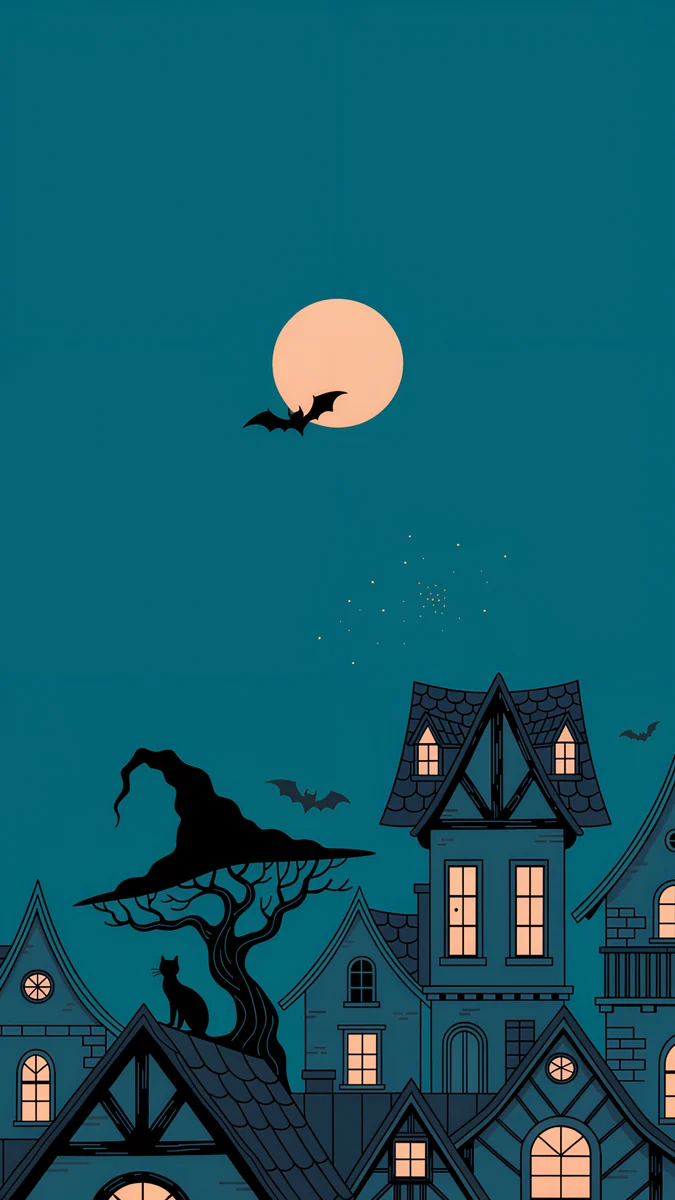 Moonlit Crooked Village
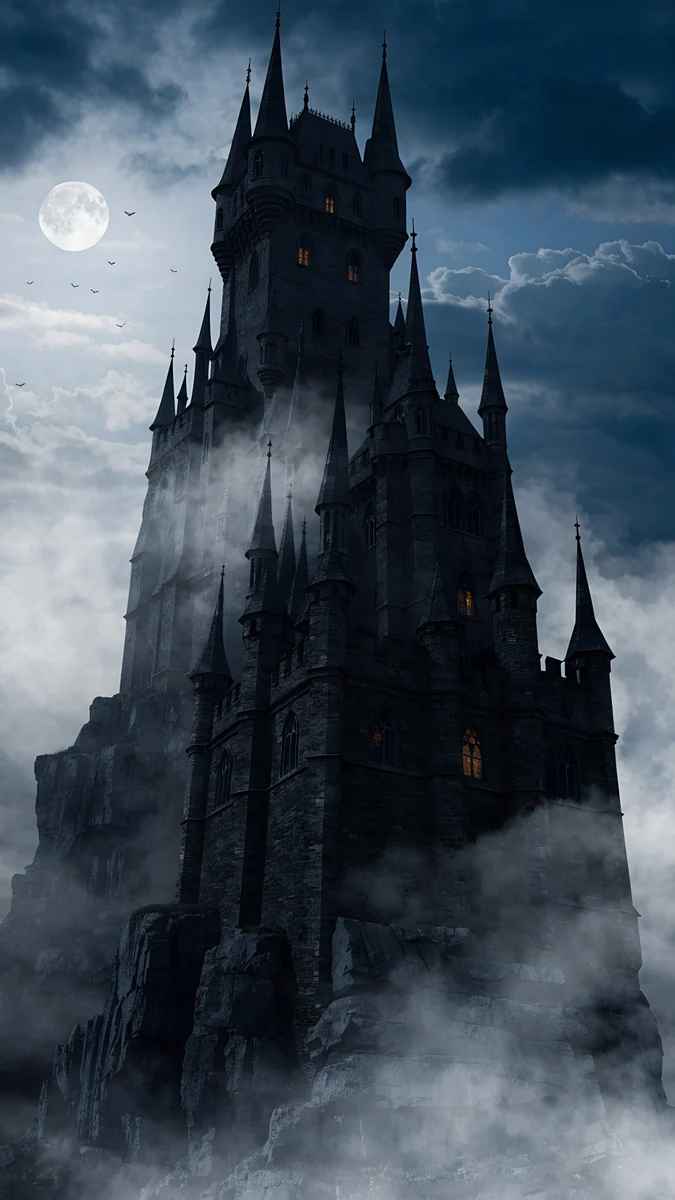 Misty Gothic Castle
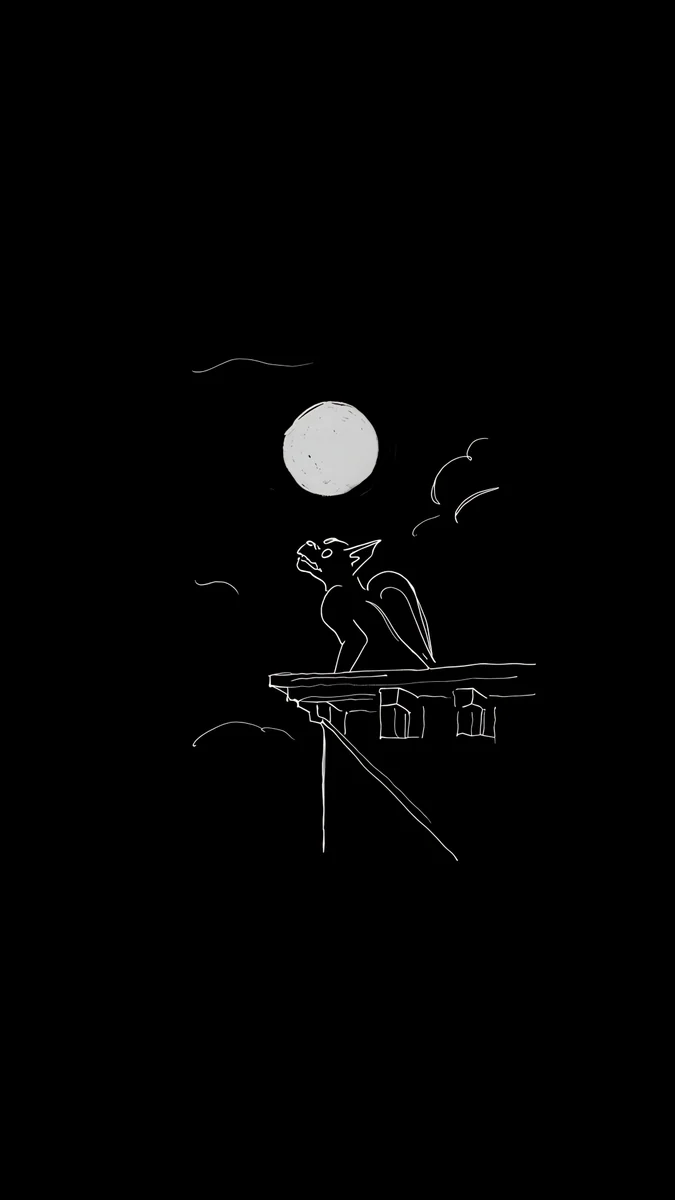 Ink Gargoyle Moon
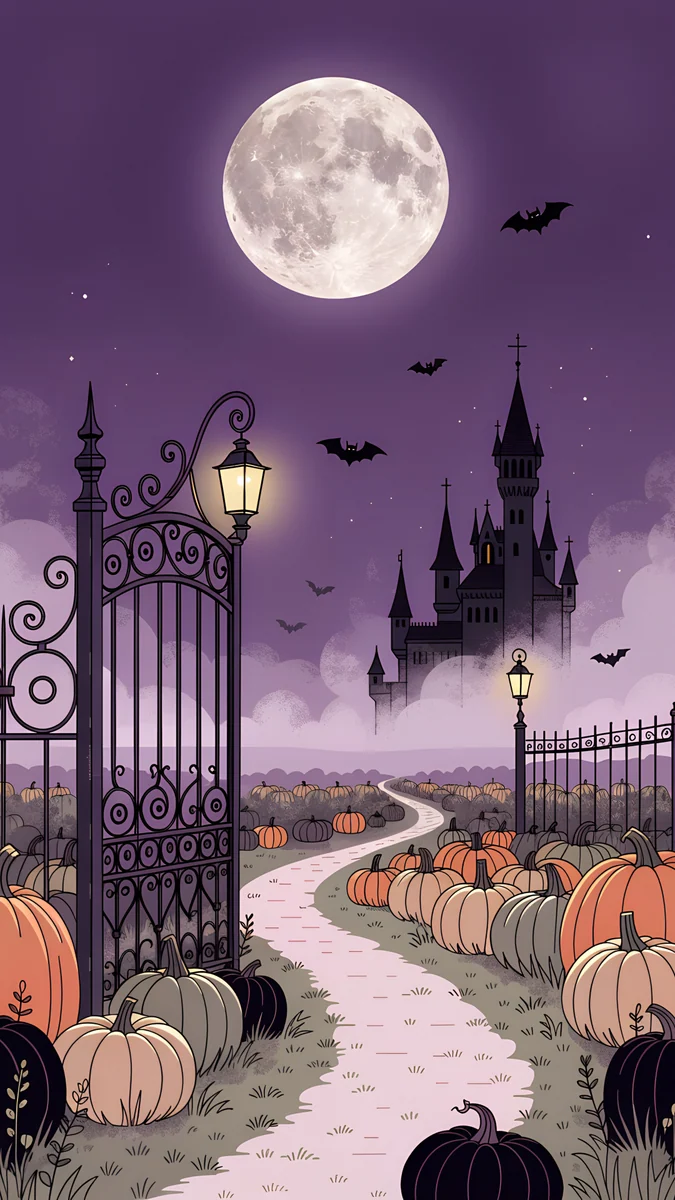 Pumpkin Gate Castle
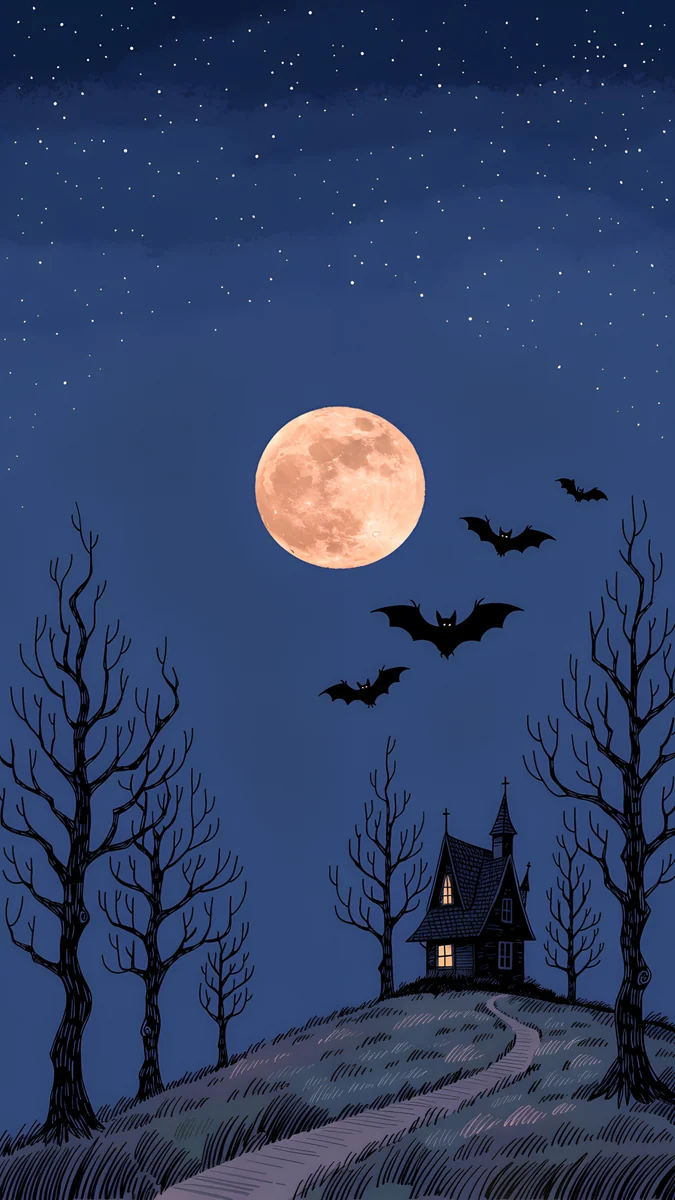 Hilltop House Harvest Moon
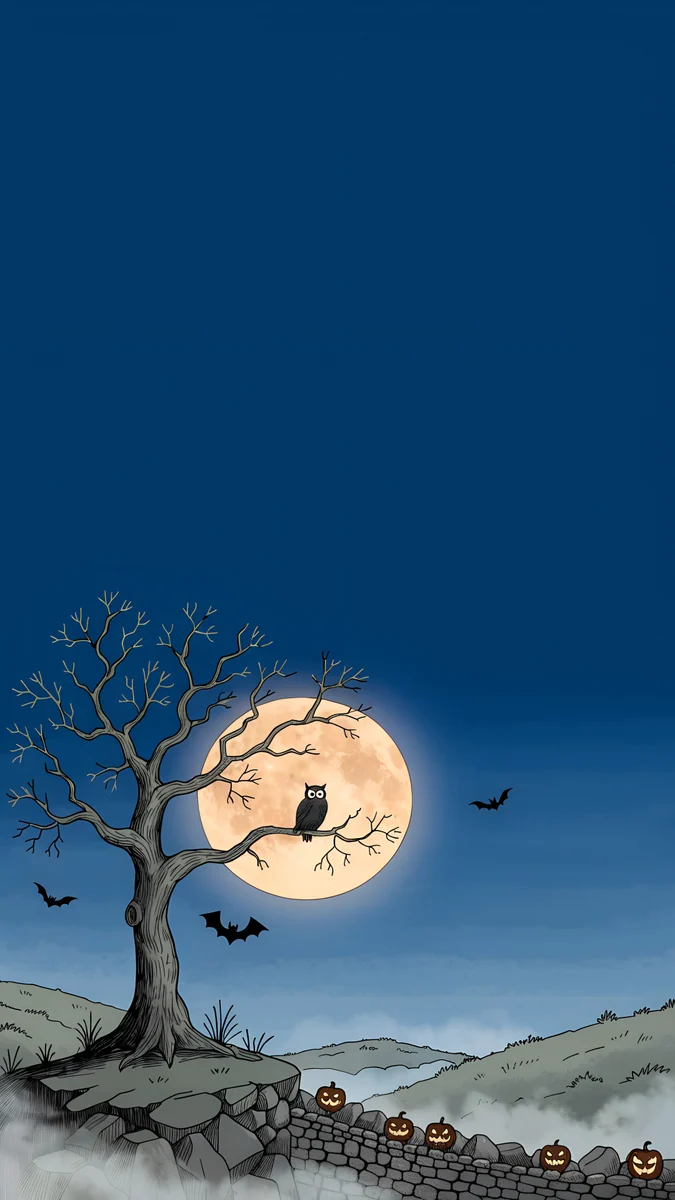 Owl Tree Harvest Moon
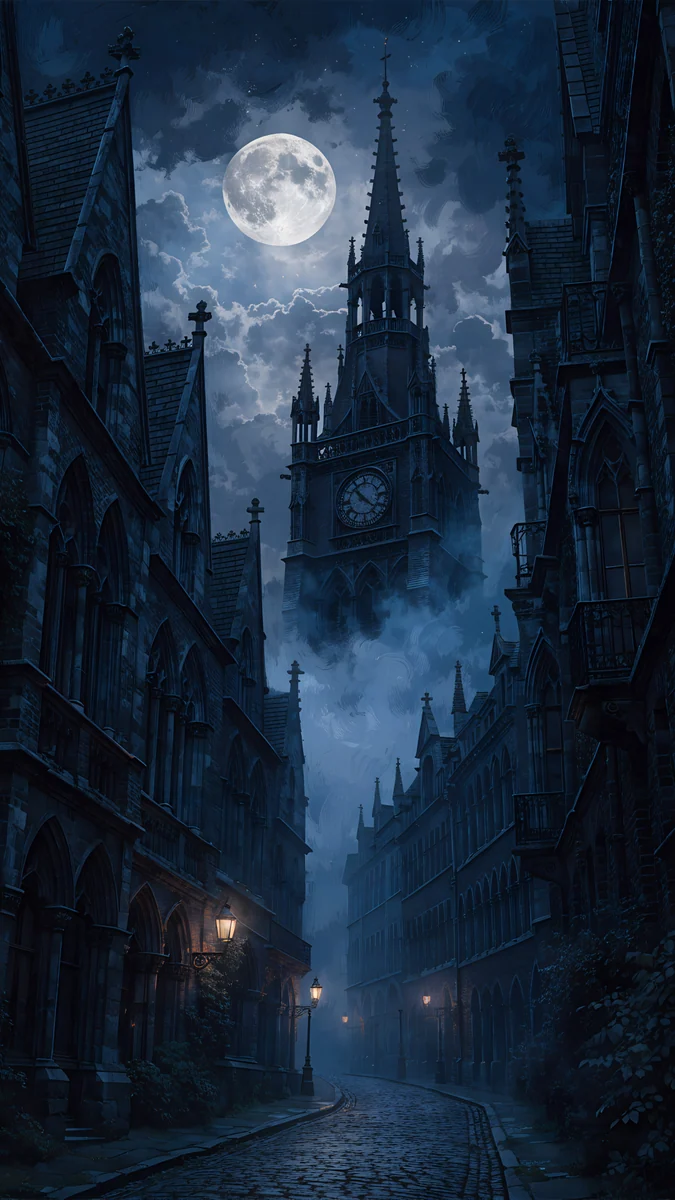 Foggy Clock Tower Lane
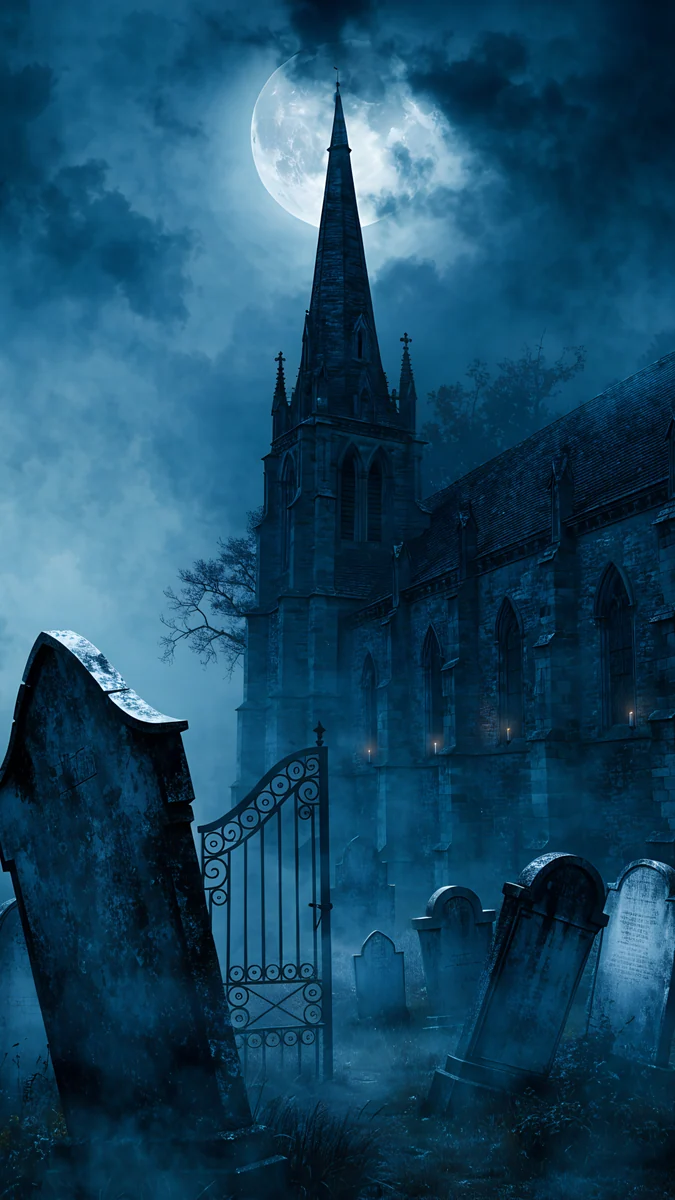 Moonlit Chapel Graveyard
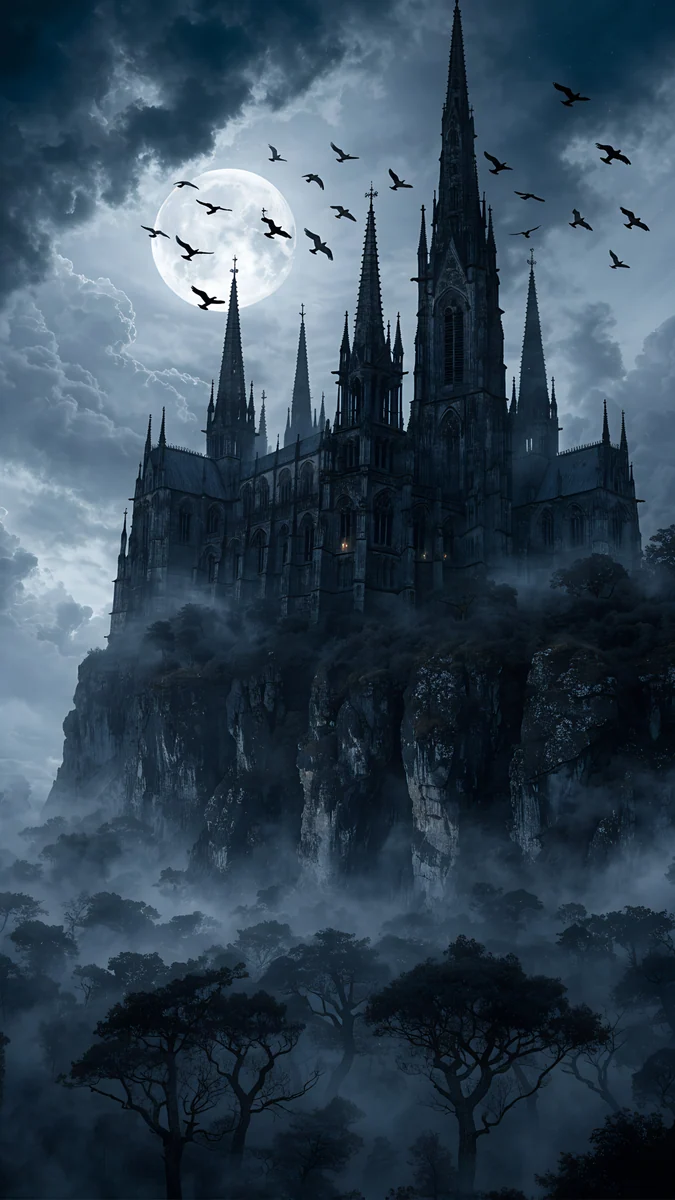 Cliff Cathedral Moon
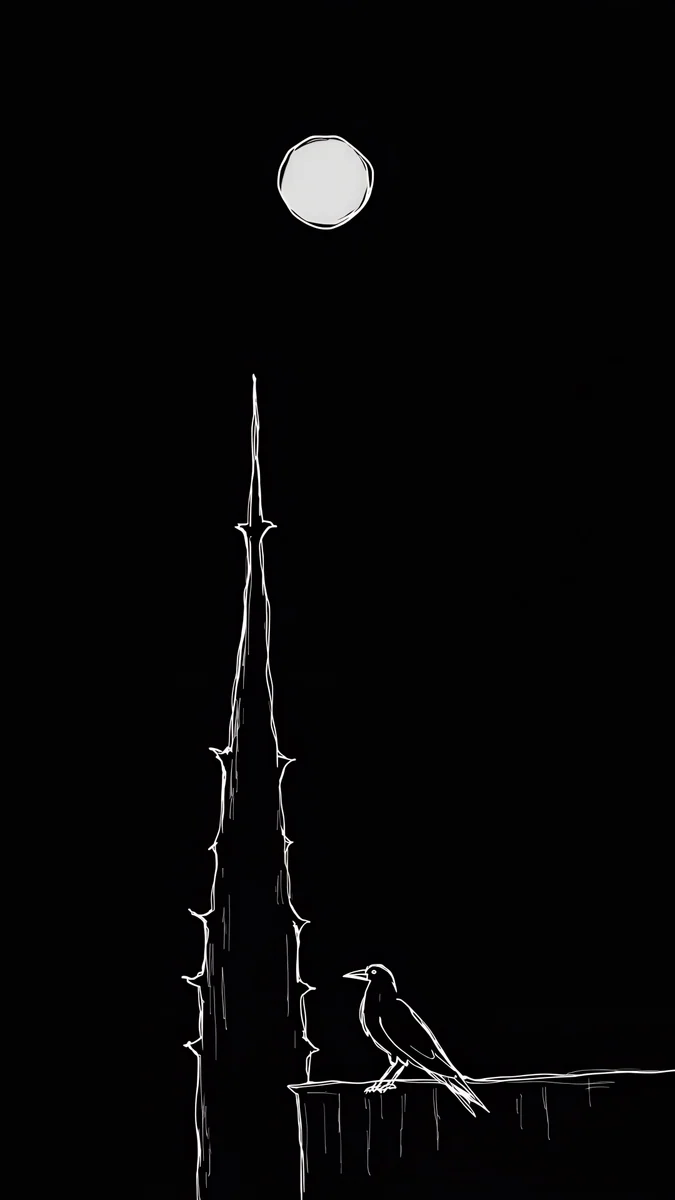 Ink Moon Spire
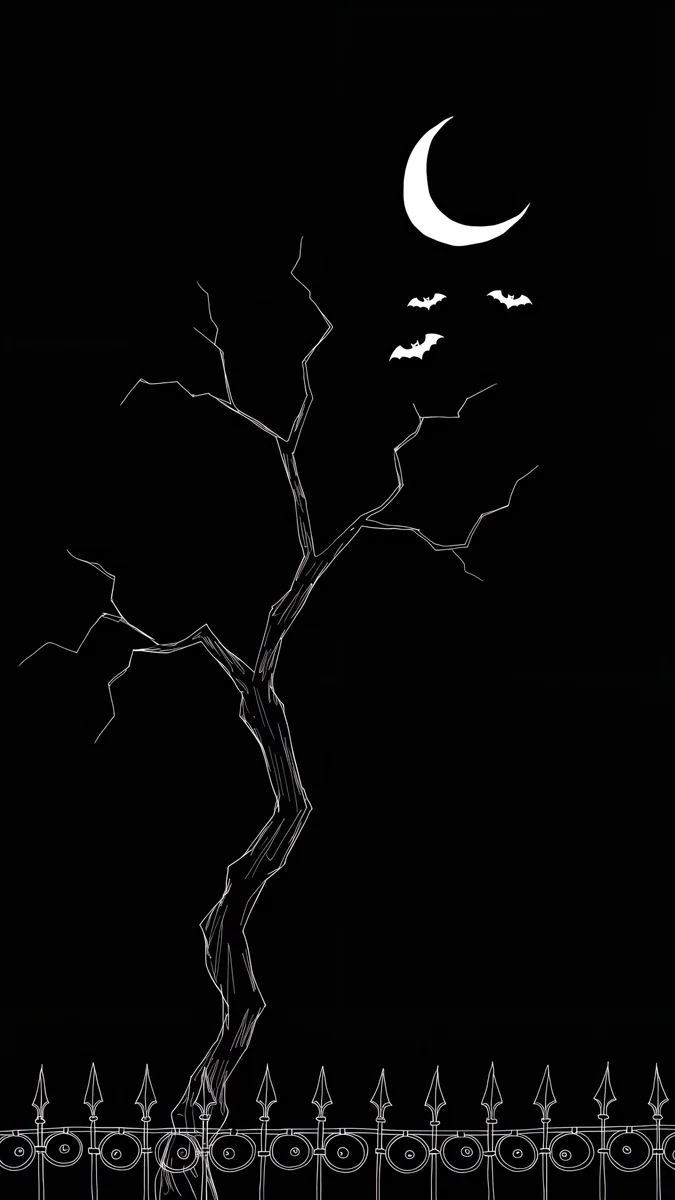 Ink Bat Tree
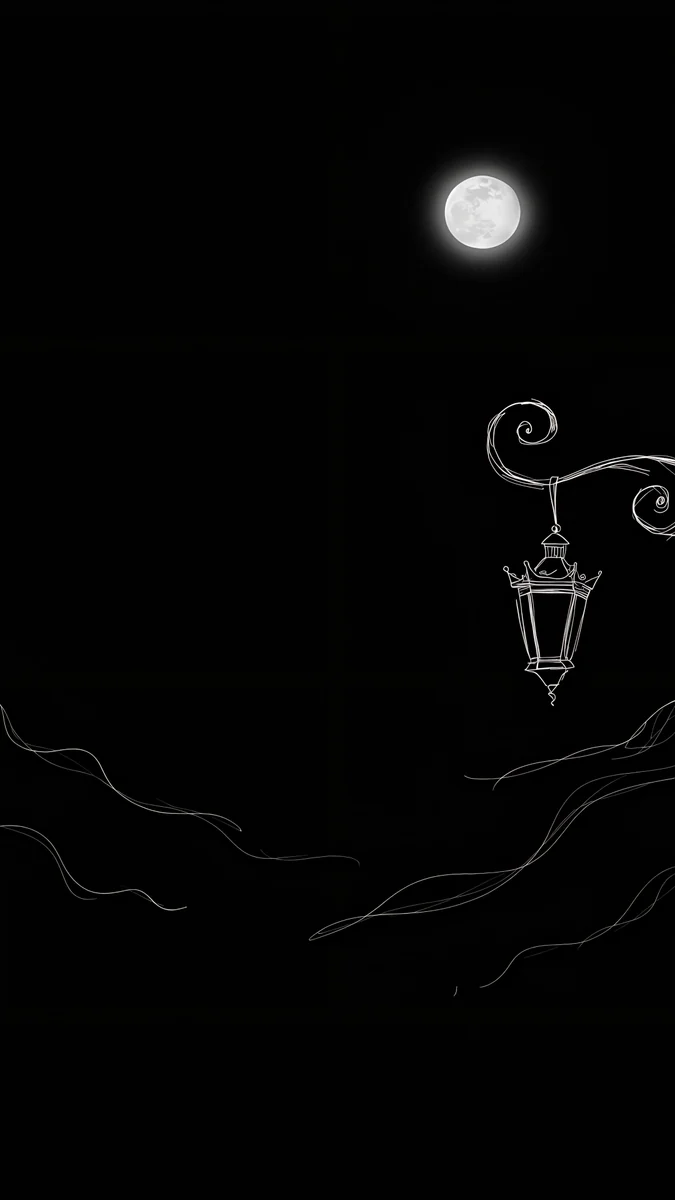 Ink Moon Lantern
Free 4K originals for iPhone and Android, no watermark
On this page
- Halloween iPhone wallpaper size for each model
- How to set a Halloween lock screen on iPhone
- Cute Halloween wallpapers for iPhone
- Spooky gothic castles and fog
- Black and white Halloween wallpapers for OLED
- Depth effect and the Liquid Glass clock
- A matching Halloween home screen
- Common problems and fixes
- Get these Halloween wallpapers in Velpaper
The best Halloween iPhone wallpaper keeps the top of the screen calm, so the iOS 26 glass clock stays readable, and puts the moon, the castle or the pumpkins below it. Velpaper has Halloween wallpapers in three moods: cute storybook scenes with pumpkins and crooked houses, foggy gothic castles and graveyards, and white ink drawings on pure black for OLED screens. Each one is a 4K original at 2160 × 3840, larger than every iPhone screen.
Below are the sizes, the quickest way to set a Halloween lock screen and home screen, and every pick with one line on why it works on an iPhone.
Halloween iPhone wallpaper size for each model
iOS shows the wallpaper at the native resolution of the screen. These are the current and recent models, width by height:
| Model | Wallpaper size (pixels) |
|---|---|
| iPhone 18 Pro Max, 17 Pro Max, 16 Pro Max | 1320 × 2868 |
| iPhone 18 Pro, 17 Pro, 17, 16 Pro | 1206 × 2622 |
| iPhone Air | 1260 × 2736 |
| iPhone 16 Plus, 15 Pro Max, 15 Plus | 1290 × 2796 |
| iPhone 16, 15 Pro, 15 | 1179 × 2556 |
A 2160 × 3840 file is bigger than all of them, so iOS only scales it down and trims a thin strip from each side, because iPhones are a little narrower than 9:16. Keep that in mind with a moon or a lamp near the edge. Older models are in our iPhone wallpaper size guide.
How to set a Halloween lock screen on iPhone
- Open the wallpaper in the Velpaper app or on velpaper.com and save the 4K original to Photos.
- Open Settings, tap Wallpaper, then Add New Wallpaper, then Photos, and pick the image.
- Pinch and drag so the moon or the main building sits just under the time. To make it stand in front of the digits, tap the More button (three dots) and choose Depth Effect.
- Tap the time to pick a font and a color. On iOS 26 you can keep the glass look or switch to a solid color.
- Tap Add, then Set as Wallpaper Pair for the same picture on both screens, or Customize Home Screen to style the home screen separately.
The menu names match iOS 26 in English and can shift slightly in later updates. Every lock screen option, from widgets to clock height, is in our guide to iOS 26 lock screen customization.
Cute Halloween wallpapers for iPhone
Storybook scenes with pumpkins, bats and glowing windows, festive without a single scary face. These are the ones people mean when they search for a cute Halloween wallpaper.
Moonlit Crooked Village4K · PhonePumpkin Gate Castle4K · PhoneHilltop House Harvest Moon4K · PhoneOwl Tree Harvest Moon4K · PhoneMoonlit Crooked Village leaves the whole top half as plain teal sky, so the glass clock reads perfectly above a peach moon and a row of crooked houses with lit windows. Pumpkin Gate Castle runs a path through a pumpkin patch to a castle on a violet sky; its full moon sits right where the clock goes, so either drag it down or let the digits glow over it. Hilltop House Harvest Moon puts one little house on a hill under a starry navy sky, the calmest cute option. Owl Tree Harvest Moon has a huge harvest moon low in the frame behind a bare tree and tiny jack o' lanterns on a stone wall, which leaves a clean navy band for the time.
Spooky gothic castles and fog
For a darker October: real stone, real fog and a cold moon, painted with depth so the lock screen feels like a movie poster.
Misty Gothic Castle4K · PhoneFoggy Clock Tower Lane4K · PhoneMoonlit Chapel Graveyard4K · PhoneCliff Cathedral Moon4K · PhoneMisty Gothic Castle is a tall black castle with a few lit windows rising out of fog, and its towers are the best candidate here for the depth effect. Foggy Clock Tower Lane looks down a wet cobblestone street to a clock tower in the mist, with street lamps leading your eye to the center. Moonlit Chapel Graveyard sets leaning tombstones and an iron gate under a chapel spire in blue fog, the most Halloween of the four. Cliff Cathedral Moon is the most dramatic, a cathedral on a cliff with crows crossing the moon, but its busy sky works better with a solid white clock than with glass.
Black and white Halloween wallpapers for OLED
Thin white ink lines on pure black. On an OLED iPhone the black pixels stay off, so these look sharp, save a little power and keep their shape on the Always-On display.
Ink Gargoyle Moon is a small gargoyle on a ledge with a moon behind it, sitting in the middle of an empty black screen. Ink Moon Spire draws a thorny spire with a raven perched at its foot and a moon high above. Ink Bat Tree has a twisted bare tree, a crescent moon with three bats and an iron fence along the bottom, right where the flashlight and camera buttons sit. Ink Moon Lantern hangs an old street lantern from curling branches, the most minimal of the set. For more pure black picks, see our black OLED wallpapers.
Depth effect and the Liquid Glass clock
- Depth effect needs a clear shape. iOS decides on its own whether it can separate the subject. Tall towers and castles have the best chance; the flat ink drawings and wide scenes usually stay behind the clock. Widgets under the time can also block it. Our depth effect guide lists every fix.
- Glass digits want a quiet sky. The iOS 26 clock takes its color from the picture behind it. Over plain teal or navy it looks like glass; over clouds and crows it gets lost, so switch to solid white.
- Orange is the Halloween clock color. On the cute scenes, a pale orange or peach clock picks up the pumpkins and the moon without shouting.
- Dark wallpapers suit dark mode. Every pick here is a night scene, so they sit naturally next to dark mode menus and notifications at night.
A matching Halloween home screen
The home screen is where the wallpaper fights with your apps, so give it a little less detail than the lock screen. After you tap Add, choose Customize Home Screen and turn on Blur to soften the same picture behind the icons, or pick a different, calmer wallpaper there. A good pair is Pumpkin Gate Castle on the lock screen and Hilltop House Harvest Moon on the home screen: same moon, less going on.
For icons, touch and hold an empty spot on the home screen, tap Edit, then Customize, and choose Tinted. Use the eyedropper to take a soft orange from the pumpkins or the moon, and every icon turns the same Halloween shade. With the ink drawings, Dark icons keep the screen almost fully black. The full walkthrough is in our guide to clear and tinted icons.
Common problems and fixes
- The moon is hidden behind the clock. Drag the picture down a little in the editor, or make it part of the design and use a dark clock color over the moon.
- The wallpaper looks zoomed in or soft. You may have saved a screenshot instead of the original. Save the 4K file again. If iOS still zooms, turn off Perspective Zoom in the More menu if your version shows it, or read our iPhone wallpaper zoom fix.
- Depth Effect is grayed out. Remove the widgets under the clock, or pick one of the castles, which give iOS a clear subject.
- You want something less festive. Our minimal Halloween wallpapers skip pumpkins and bats for fog, moons and gargoyles that still look right in November.
- You have an iPad too. The iPad crops differently when it rotates. Our Halloween iPad wallpapers sort these same scenes by how they survive portrait and landscape.
Get these Halloween wallpapers in Velpaper
Velpaper is an app for iPhone, iPad, Mac and Android, and every wallpaper is also on velpaper.com. Search for Halloween on velpaper.com to see the whole set. Each phone wallpaper is a 4K original at 2160 × 3840 with no watermark and no account needed. Phone wallpapers unlock after a short optional ad in the iPhone and Android apps; on the website, if no ad is available, the original downloads for free. The wallpapers are designed by Carlos Vivero.
Next step: open Moonlit Crooked Village for a cute lock screen or Misty Gothic Castle for a spooky one, save the original and set it before October 31.
Original wallpapers in 4K and 5K for iPhone, Android and desktop.
Questions
What is the best Halloween wallpaper for iPhone?
One with a calm top third and the Halloween detail below it. The iOS 26 lock screen clock is drawn in glass and picks up color from the picture behind it, so a plain sky above the moon or the castle keeps the time easy to read. Moonlit Crooked Village is a good cute pick, with an empty teal sky over a peach moon and crooked houses. Misty Gothic Castle is the spooky choice, a black castle rising out of fog. For an OLED iPhone, Ink Gargoyle Moon is a white line drawing on pure black. All three are 2160 × 3840 originals from Velpaper.
What size should a Halloween iPhone wallpaper be?
At least the native resolution of your screen: 1320 × 2868 pixels on the Pro Max models, 1206 × 2622 on the iPhone 17, 17 Pro and 18 Pro, 1260 × 2736 on the iPhone Air and 1179 × 2556 on the iPhone 16 and 15. A 2160 × 3840 image is larger than every one of them, so iOS only scales it down and trims a thin strip from the sides. Avoid small images saved from social media or screenshots, because iOS has to enlarge them and dark skies then show visible bands.
Can I set a Halloween screen saver on iPhone?
An iPhone has no separate screen saver. What people call the screen saver is the lock screen wallpaper, plus the Always-On display on models that have it, which keeps a dimmed version of the lock screen visible while the phone rests. So a Halloween screen saver on iPhone simply means a Halloween lock screen. Set it in Settings, Wallpaper, Add New Wallpaper, then Photos. Dark pictures work best for the Always-On display: the ink drawings and the foggy castles keep their shape when dimmed, while bright scenes turn a muddy gray.
How do I get the depth effect on a Halloween wallpaper?
Set the wallpaper from Photos, then in the lock screen editor tap the More button, the three dots in the corner, and choose Depth Effect. Drag the picture so the top of the subject just reaches into the lower part of the time. iOS decides on its own whether it can separate a subject, and it works best with one clear shape such as a tower or a castle. Misty Gothic Castle and Foggy Clock Tower Lane are the best candidates among these picks. If the option is grayed out, remove the widgets under the clock first, since they block it.
Are these Halloween iPhone wallpapers free?
You can browse and preview every wallpaper for free on velpaper.com and in the Velpaper apps for iPhone, iPad, Mac and Android. Phone wallpapers unlock after a short optional ad in the iPhone and Android apps; on the website, if no ad is available, the original downloads for free. There is no account and no subscription, and the downloaded file has no watermark. Every Halloween wallpaper on this page is a 4K original at 2160 × 3840 pixels, so one file covers every current iPhone from the iPhone 15 to the Pro Max models.
Carlos Vivero
Designer of Velpaper wallpapers
Carlos Vivero designs the wallpapers in Velpaper: quiet architecture, liquid glass, Japanese ink and calm landscapes. Every piece is made as a 4K original for iPhone, Android and desktop.
Recent work








