How to Set a Live Wallpaper on PC (Windows 11 and Mac)
How to set a live wallpaper on PC step by step: free Lively Wallpaper, paid Wallpaper Engine on Steam and the moving wallpapers in macOS, with the battery cost.
In short: Windows 11 cannot play a video wallpaper on its own, so on a PC you need an app: Lively Wallpaper is free and open source, Wallpaper Engine is a paid Steam app with a huge library. A Mac has slow-motion aerial wallpapers built in since macOS Sonoma. Every moving wallpaper uses some processor and battery; a still 4K or 5K image uses none.
By the Velpaper team · Wallpapers by Carlos Vivero, Velpaper designer · · Updated · 5 min read
Free 4K originals for iPhone and Android, no watermark
On this page
To set a live wallpaper on a PC you need a separate app, because Windows 11 only shows still pictures on the desktop. The free choice is Lively Wallpaper, an open-source app from the Microsoft Store. The paid one is Wallpaper Engine on Steam, with the biggest library of animated wallpapers anywhere. On a Mac, macOS Sonoma and later already include slow-motion aerial wallpapers, no app needed.
Below are the steps for each, what a moving desktop really costs in processor time and battery, and when a still 4K or 5K wallpaper is the better call.
Can Windows 11 play an animated wallpaper by itself?
No. Open Settings, Personalization, Background, and the menu offers four things: Picture, Solid color, Slideshow and Windows spotlight. None of them plays video or GIFs.
The closest built-in option is Slideshow. Point it at a folder and Windows changes the picture every minute, every ten minutes, every half hour, every hour, every six hours or once a day. It is not motion, but a folder of related images that turns over during the day feels alive and costs nothing. Our guide to changing the wallpaper on Windows 11 walks through the menu, including per-monitor wallpapers.
Windows spotlight swaps in a new photo from Microsoft each day. Also still, also free.
How to set a live wallpaper on PC for free: Lively Wallpaper
Lively Wallpaper is free, open source and runs on Windows 10 and 11. It can play video files, GIFs and even web pages as the desktop background.
- Install Lively Wallpaper from the Microsoft Store, or from the project's GitHub releases page.
- Open it. The library shows a few sample wallpapers; click one to apply it straight away.
- To use your own clip, click the plus button and choose a video file or a GIF, or paste a web address.
- If you have two monitors, choose which screen gets the wallpaper, or span one across both.
- Open the performance settings and let Lively pause playback when a game or another full-screen app is running, and when the laptop is on battery if you want to save power.
That is all it takes to make an animated wallpaper from your own video. A short, calm loop works best; a busy clip with cuts turns the desktop into a television.
Wallpaper Engine: the paid option on Steam
Wallpaper Engine is a one-time purchase on Steam, priced at a few dollars and varying by region. It runs on Windows. What you pay for is the library: the Steam Workshop holds a huge number of user-made animated wallpapers, from slow landscapes to anime scenes and audio visualisers, plus an editor to build your own.
- Buy and install Wallpaper Engine through Steam.
- Open it and go to the Workshop tab.
- Find a wallpaper, click Subscribe, and pick it in the installed list.
- In the settings, choose what happens when another app is maximised or full screen. Pausing there is the single most useful switch.
Workshop items are uploaded by users, so quality varies a lot, and resolution is whatever the creator chose. Check that a wallpaper is actually made for your screen size before you settle on it.
Animated wallpapers on a Mac
Wallpaper Engine and Lively do not run on macOS, but the Mac has its own moving wallpapers. Since macOS Sonoma, System Settings, Wallpaper includes aerial collections such as Landscape, Cityscape, Underwater and Earth. They play in slow motion on the lock screen and as a screen saver, then come to rest as a still image on the desktop once you log in.
The older Dynamic Desktop wallpapers, around since macOS Mojave, do something quieter: the same scene shifts from morning to night light as the day goes on. Beyond that, App Store apps can loop a video or even a web page on the desktop; Plash, for example, is free and shows a website as your background.
For still images, the steps are in our guide to changing the desktop wallpaper on a Mac. Phones are a separate story, covered in live and animated wallpapers on iPhone.
What a live wallpaper costs: processor, graphics and battery
A moving wallpaper is a video or a small 3D scene playing all day. Every frame is decoded or drawn, even when windows cover most of the desktop.
On a desktop PC with a modern graphics card the load from a plain video loop is small, and the pause-on-full-screen setting removes it while you play games. Web and 3D scene wallpapers can cost noticeably more than video, especially those with particles or audio reactions.
A laptop is where it shows. Constant video decoding keeps the graphics chip awake, the fans spin up more often, and battery life drops. If you want a live wallpaper on a laptop, set it to pause on battery and keep the loop short and simple.
The light option: a still 4K or 5K wallpaper
A still wallpaper is drawn once and then costs nothing: no processor time, no graphics load, no battery. That is why most people who try animated wallpapers end up back on a good still image.
Velpaper's catalog is still images, and every desktop wallpaper in it is free. They come at 3840 × 2160 for 4K screens and 5120 × 2880 for 5K, so they stay sharp on anything from a 1080p laptop to a 5K monitor. Our PC wallpaper size guide explains which size suits which screen.
 Petrol Current5K · Desktop
 Sage Sun Gallery5K · Desktop
 Lilac Drift5K · Desktop
 Solar Indigo Gate5K · Desktop
 Rose Pulse Arcade5K · Desktop
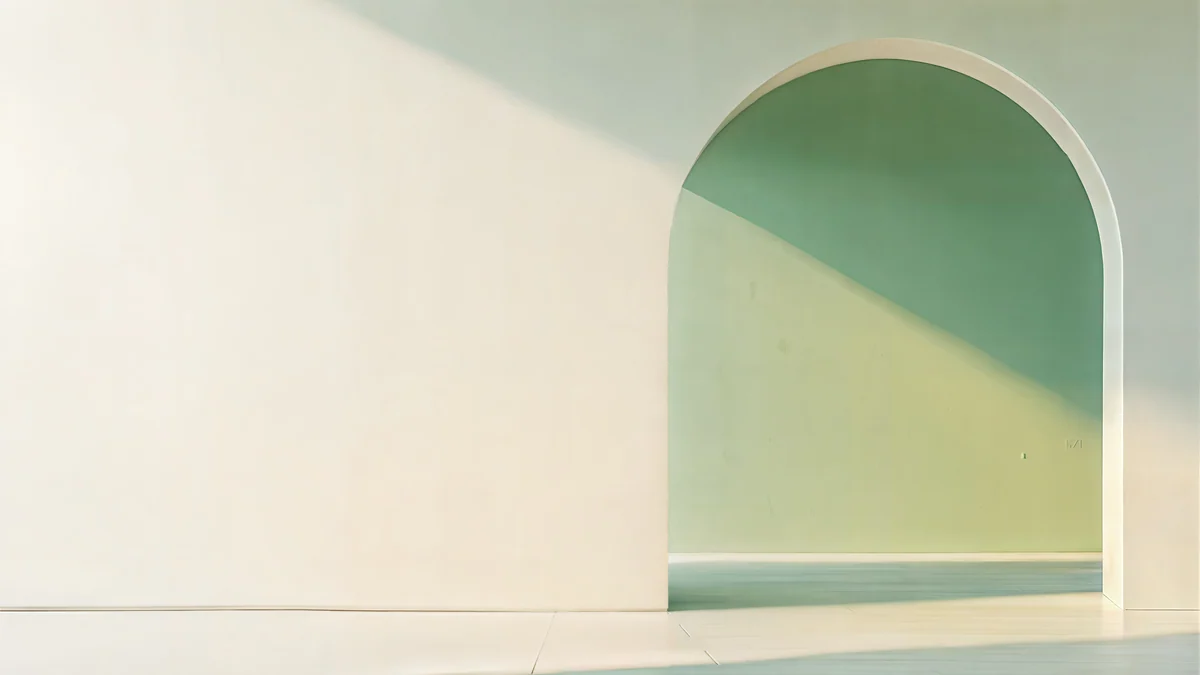
Petrol Current is a smooth deep petrol gradient at 5K, calm enough to sit behind any window. Sage Sun Gallery frames a muted sage wall in a broad off-white arch with one plane of warm sunlight, also at 5K.
 Window Cat4K · Desktop
 Cobalt Soft Horizon4K · Desktop
 Indigo Silk Flow4K · Desktop
 Jade Mint Portal4K · Desktop
Window Cat is a lofi scene with a cat watching a pastel night sky, at 4K; our lofi wallpaper collection has five more like it. Cobalt Soft Horizon and Indigo Silk Flow are deep blue gradients that look rich on a dark taskbar. For a sense of movement without the cost, drop several of them into a folder and use the Windows slideshow.
Original wallpapers in 4K and 5K for iPhone, Android and desktop.
Questions
How do I set a live wallpaper on PC for free?
Install Lively Wallpaper from the Microsoft Store. It is free and open source, runs on Windows 10 and 11, and can use a video file, a GIF or a web page as the desktop background. Open the app, click the plus button, choose your file and it is applied at once. In its settings, let it pause when a game or other full-screen app is running, and on battery if you use a laptop, so it does not waste power.
Can Windows 11 have an animated wallpaper without an app?
Not a true animated one. Windows 11 background settings offer Picture, Solid color, Slideshow and Windows spotlight, and none of them plays video or GIFs. The closest built-in option is Slideshow: point it at a folder of images and Windows changes the picture as often as every minute. It gives the desktop some life without installing anything and without the processor and battery cost of a video wallpaper.
Do animated wallpapers slow down a PC?
A little, and more on laptops than on desktops. A video wallpaper is decoded frame by frame all day, and web or 3D scene wallpapers can cost more than plain video. On a desktop PC with a modern graphics card a simple loop is a small load, and both Lively Wallpaper and Wallpaper Engine can pause while a game runs full screen. On a laptop, expect shorter battery life and more fan noise unless you pause it on battery.
Lively Wallpaper or Wallpaper Engine: which is better?
Lively Wallpaper is free and open source, light, and ideal if you want to turn your own video, GIF or web page into a wallpaper. Wallpaper Engine is paid once on Steam and wins on choice: the Steam Workshop holds a huge library of ready-made animated wallpapers, plus an editor for making your own. If you mainly want one calm loop, start with Lively. If you want to browse thousands of options, Wallpaper Engine is worth its small price.
Can a Mac have a moving wallpaper?
Yes, in a quiet way. Since macOS Sonoma, the Wallpaper settings include aerial wallpapers such as Landscape, Cityscape, Underwater and Earth, which play in slow motion on the lock screen and as a screen saver and settle into a still image on the desktop after you log in. Dynamic Desktop wallpapers shift their light through the day. Wallpaper Engine and Lively are Windows apps, but some Mac App Store apps can loop video or a web page on the desktop.
Carlos Vivero
Designer of Velpaper wallpapers
Carlos Vivero designs the wallpapers in Velpaper: quiet architecture, liquid glass, Japanese ink and calm landscapes. Every piece is made as a 4K original for iPhone, Android and desktop.
Recent work








