Space Wallpaper Desktop: 4K and 5K Planets and Stars
Space wallpaper for desktop in 4K and 5K: planets, black holes, galaxy landscapes, moons and star fields as outer space backgrounds for laptop and PC.
Sources [1] · By the Velpaper team · Wallpapers by Carlos Vivero, Velpaper designer · · 3 min read
In short: The best space wallpaper for desktop is a dark 16:9 file at 3840 × 2160 or larger [1]. Velpaper has original 4K and 5K outer space backgrounds: planets, black holes, moons and star fields for laptop and PC.
Wallpapers
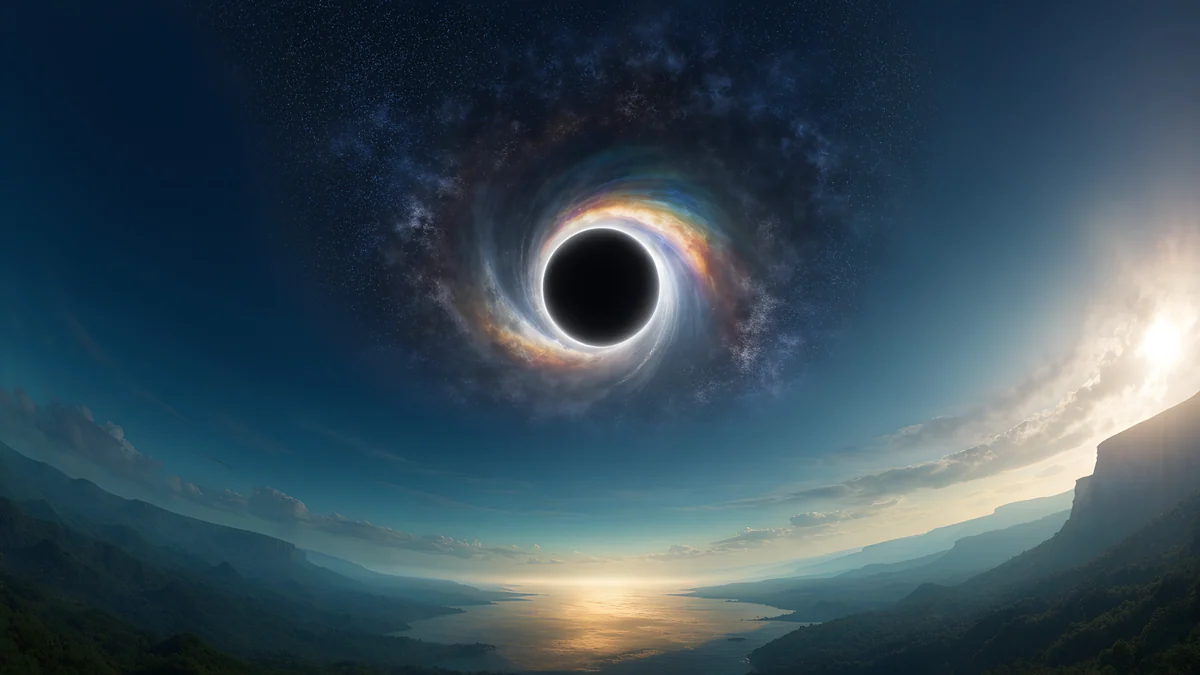 Black Hole Horizon
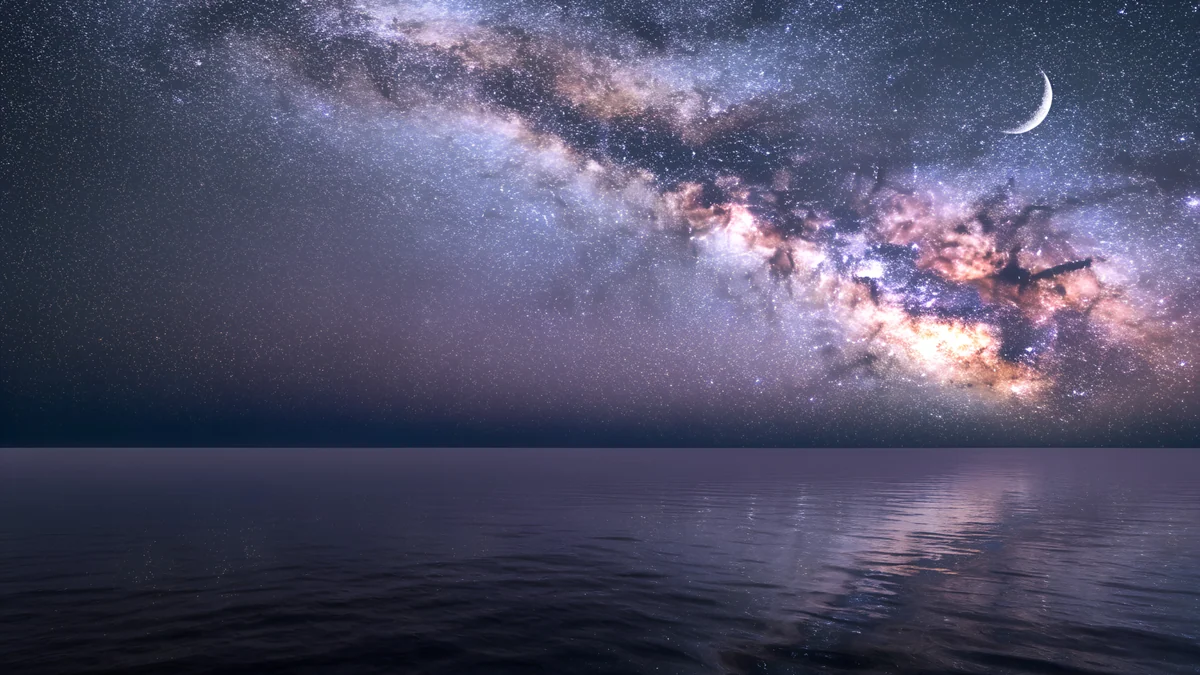 Milky Way Sea
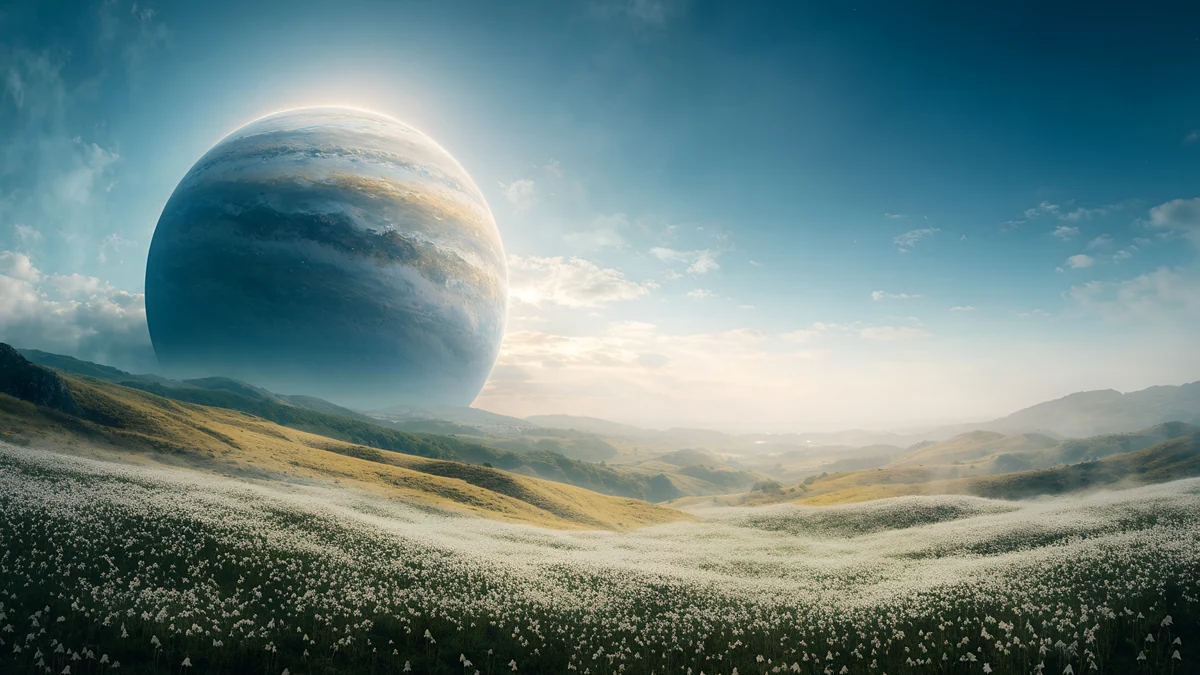 Planet Over Meadow
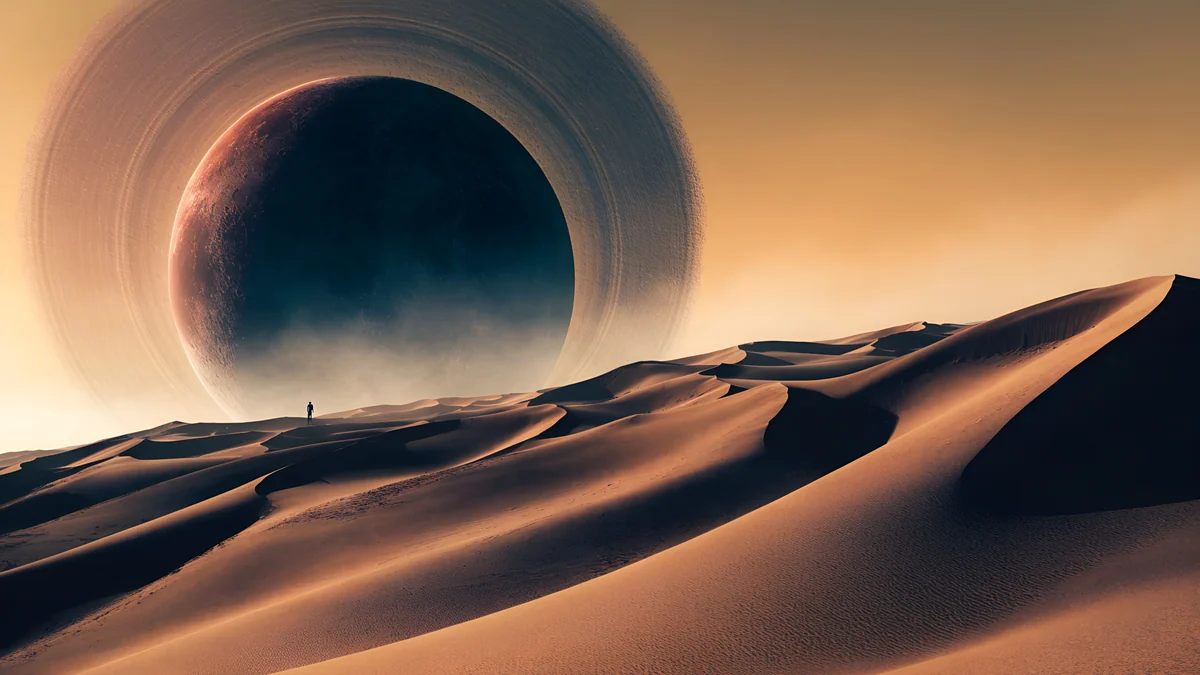 Ringed Planet Dune Panorama
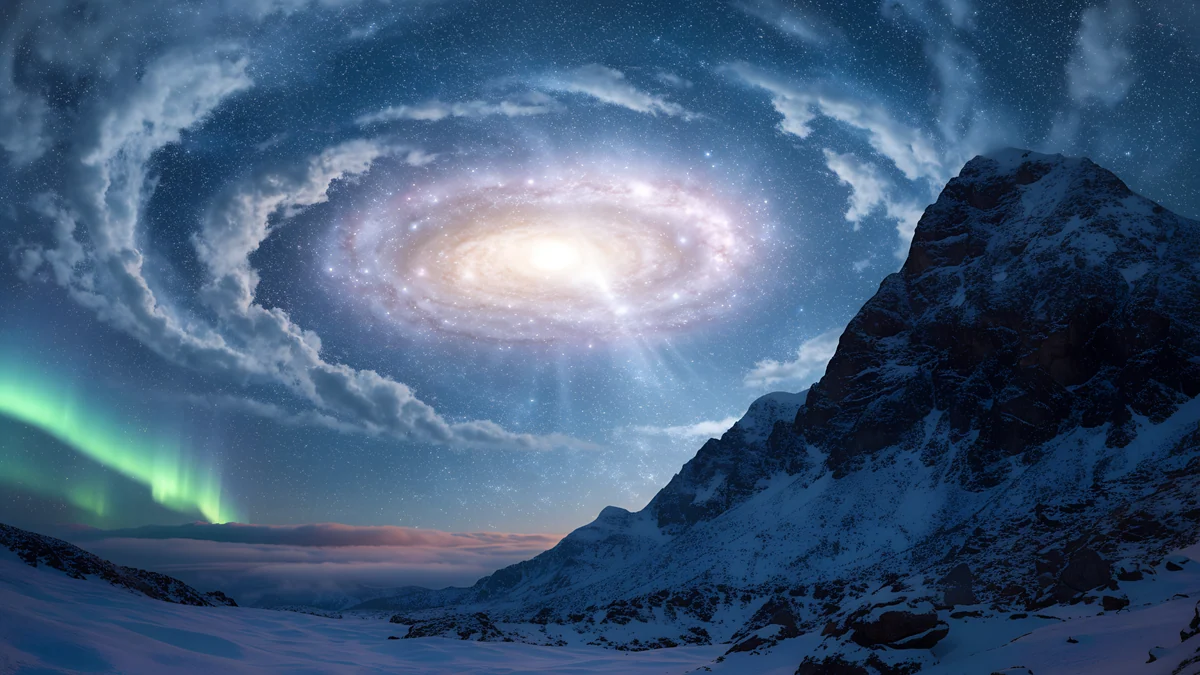 Galaxy Peak Panorama
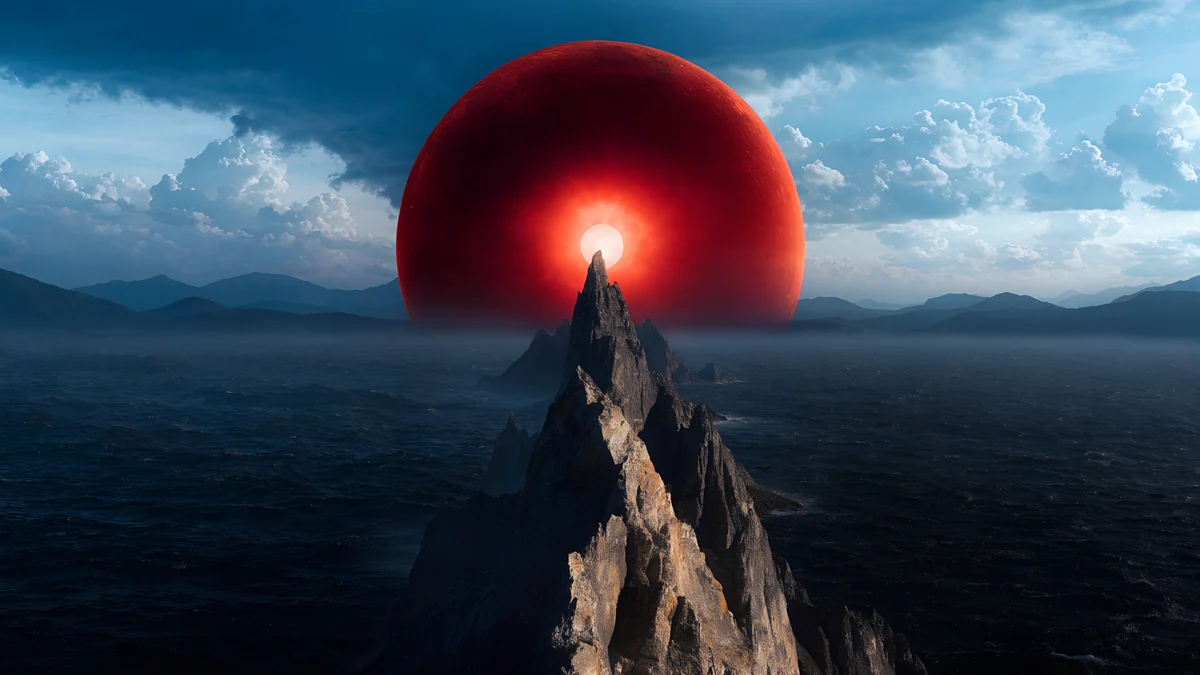 Red Eclipse Panorama
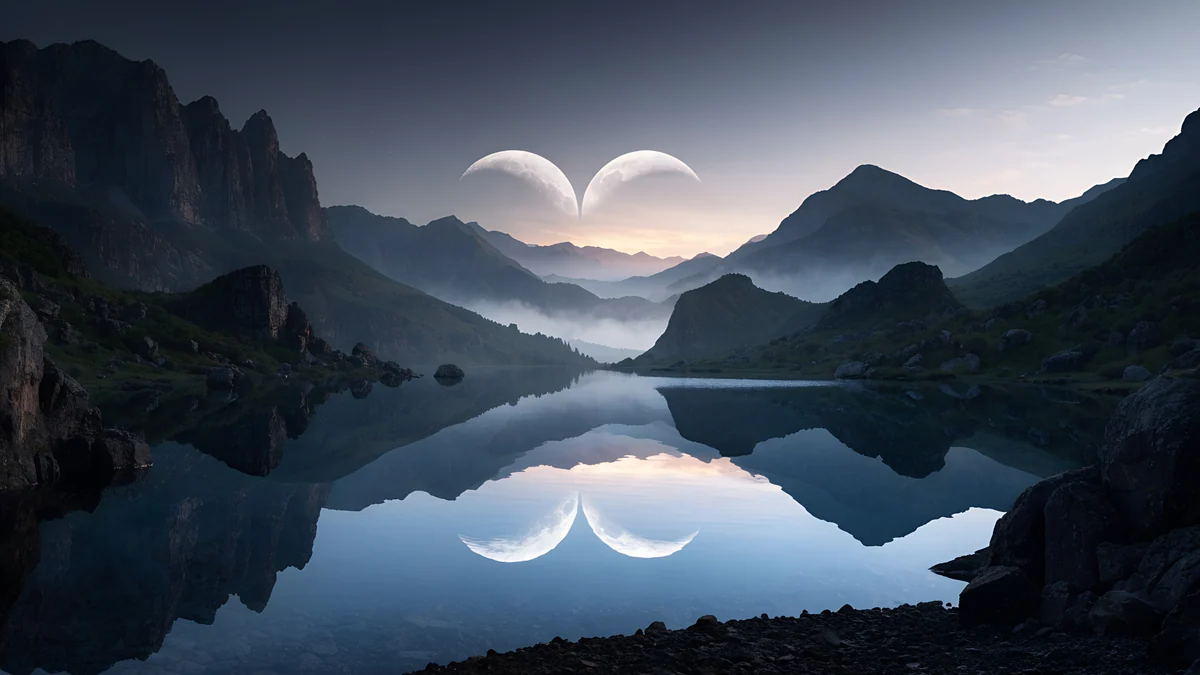 Twin Crescent Panorama
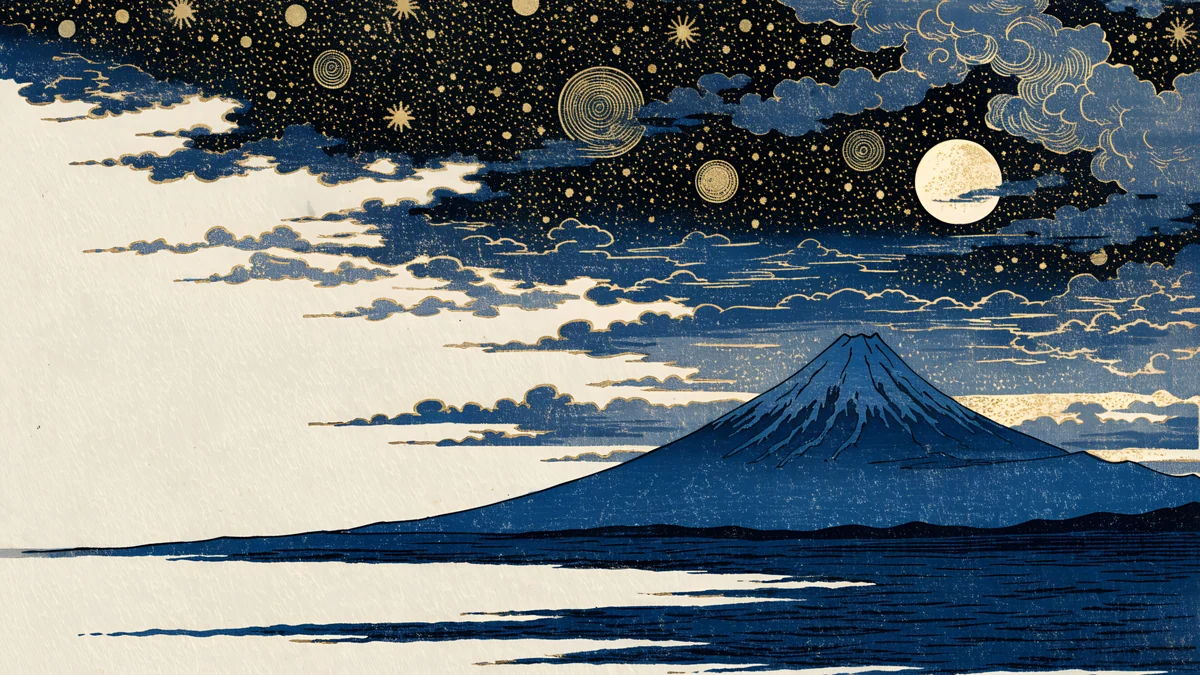 Ukiyo Starry Fuji
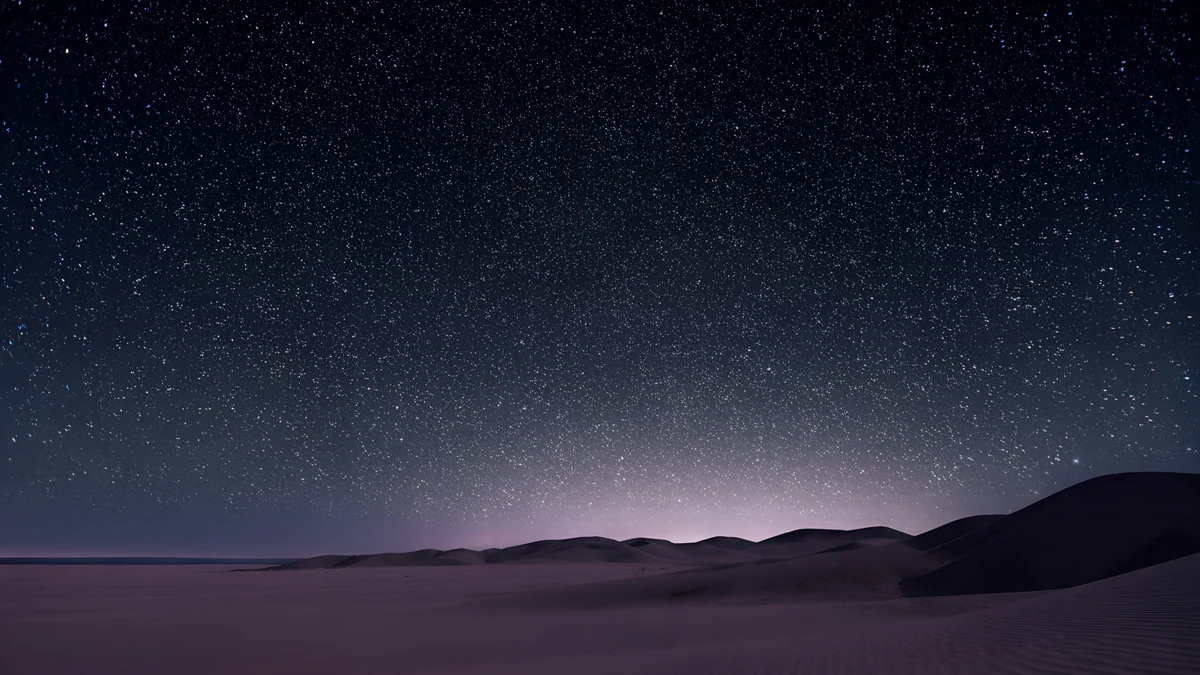 Desert Star Field
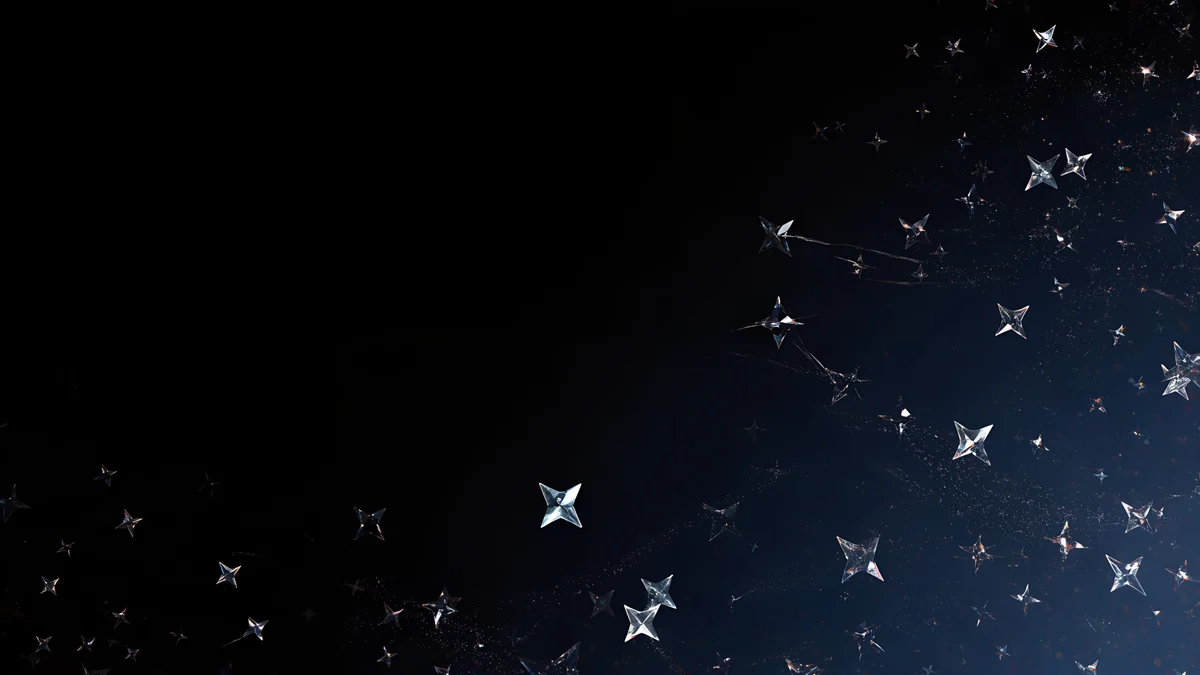 Glass Star Scatter
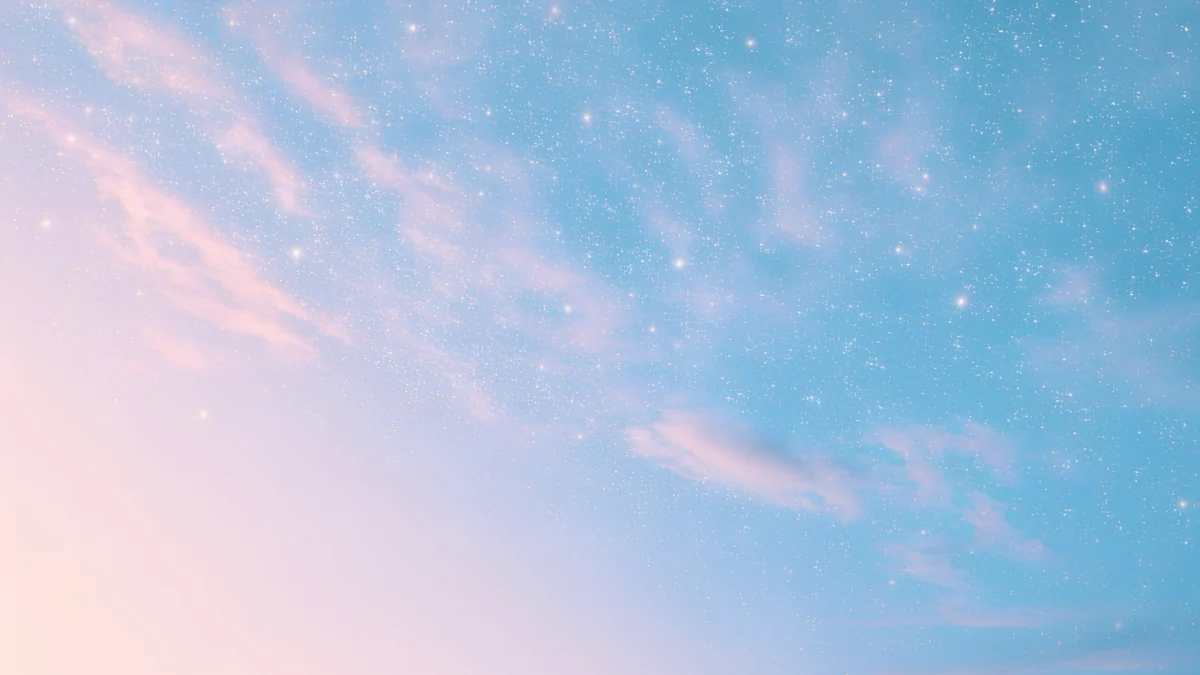 Pastel Star Sky
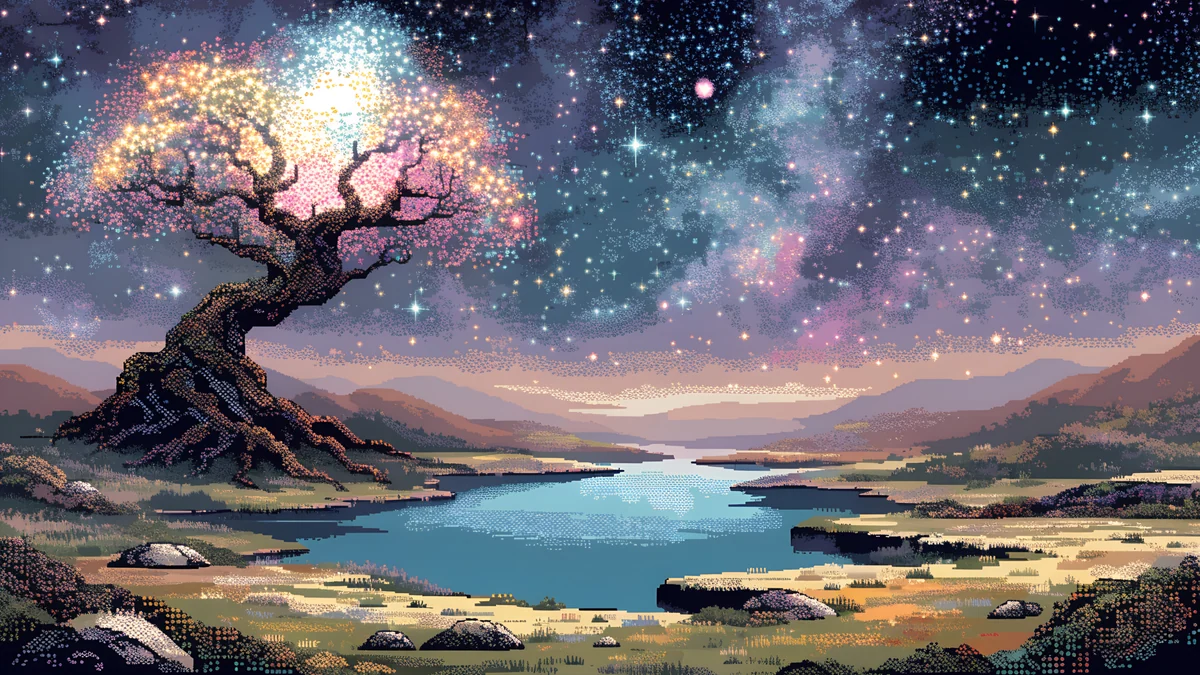 Pixel Starlit Tree Desktop
Free originals for iPhone and Android, no watermark
On this page
A space wallpaper for desktop should be a wide 16:9 file at 3840 × 2160 or larger, so planets, stars and horizons fill a laptop or monitor without stretching [1]. Space is one of the best desktop themes: dark skies keep icon labels crisp, and a big picture of a planet or a Milky Way feels cinematic on a large screen. Below are original Velpaper space wallpapers for desktop and outer space backgrounds in three groups: planets, black holes and galaxy landscapes; moons, eclipses and starry skies; and quiet star fields. Every file is desktop size, in 4K or 5K, with no text, logo or watermark [1].
Which size to pick for a space desktop wallpaper
Velpaper's desktop files are 3840 × 2160, and the large panoramas are 5120 × 2880, all 16:9. A 3840 × 2160 file scales exactly to a 1920 × 1080 screen (half size) and a 2560 × 1440 screen (1.5 times) with no stretching, and it is native on a 4K monitor [1]. A 5120 × 2880 file suits a 5K display and still scales down cleanly. Dark skies are where a high resolution matters most, because small stars show up as soft blobs on a low-resolution file. For every common screen size, see our PC wallpaper size guide.
Planets, black holes and galaxy landscapes
Big, fantasy-style scenes at 5120 × 2880: a planet over a meadow, a black hole over a sunset horizon, a ringed planet above dunes and a galaxy over a mountain peak [1]. They read as outer space but keep a landscape in the lower half, which gives desktop icons a calm place to sit.
Black Hole Horizon is a dark black hole at a sunset horizon, the most dramatic piece. Planet Over Meadow is a large planet in a blue sky above a meadow, softer and brighter. Ringed Planet Dune Panorama sets a ringed planet over desert dunes. Galaxy Peak Panorama puts a galaxy over a mountain. For more cosmic art, see galaxy and space wallpapers.
Moons, eclipses and starry skies
Night skies with a clear light source: a red eclipse, twin crescent moons over a lake, a Milky Way above the sea, and stars over a mountain. They are darker and more natural, and they work well with dark mode and a dark taskbar.
Red Eclipse Panorama has a red moon in a dark sky. Twin Crescent Panorama shows two crescent moons over a lake and a mountain. Milky Way Sea is a night sky over water with a moon, and Ukiyo Starry Fuji is a starry sky over Fuji in a print style. More night skies are in night sky wallpapers and moon wallpapers.
Quiet star fields
If you want an outer space background with the least distraction, pick a star field: dark, simple and easy on icons.
Glass Star Scatter is minimal, black with glassy stars, ideal for OLED laptops and dark setups. Desert Star Field is a dark desert under stars. Pastel Star Sky is the light one, pink stars in a pastel sky, for people who like space but not black. Pixel Starlit Tree Desktop is a pixel art night with stars. See star backgrounds for a whole page of these.
How to set a space wallpaper on a laptop or PC
Windows 11 [2]: download the file, open Settings, Personalization, Background, choose Picture, then Browse photos and pick the image. Set Choose a fit to Fill. See changing the wallpaper on Windows 11 for the full steps [2].
Mac: open System Settings, Wallpaper, click Add Photo and pick the image. The guide to changing the desktop wallpaper on a Mac shows the options.
With two monitors, use one panorama on each screen or try our dual monitor wallpaper advice, and for wide screens see ultrawide wallpaper size. Do not use tall phone files on a computer, because they crop hard. Browsing on velpaper.com or in the Velpaper apps is free, and some wallpapers unlock after a short optional ad.
Original wallpapers in and for iPhone, Android and desktop.
Questions
What size is a good space wallpaper for desktop?
Use a 16:9 file at 3840 × 2160 or larger [1]. That is native on a 4K monitor and scales down to a 1920 × 1080 screen at exactly half size and to a 2560 × 1440 screen at exactly 1.5 times, so stars stay sharp. Velpaper's space panoramas are 5120 × 2880, which suits 5K displays and also scales down cleanly [1]. Tall phone files, 2160 × 3840, are meant for phones and would crop hard on a computer. All files are JPEG without a watermark.
What is the best outer space background for icons?
A dark, simple star field. Glass Star Scatter is black with glassy stars and has nothing in the middle to compete with icon labels, so white text stays readable. Desert Star Field is similar with a dark desert at the bottom. Scenes with a planet or a galaxy, such as Black Hole Horizon, are more dramatic, so keep the desktop tidy or place icons on the side where the sky is darkest.
How do I set a space wallpaper on Windows 11 or Mac?
On Windows 11 [2], download the image, open Settings, Personalization, Background, choose Picture, then Browse photos and select the file [2]. Set Choose a fit to Fill. On a Mac, open System Settings, Wallpaper, click Add Photo and choose the image. Both systems scale the picture to your display. With a second monitor, set a different space wallpaper on each screen, or one wide file across both if you use a spanning mode.
Are space wallpapers good for OLED laptops?
Yes. On an OLED screen, black pixels switch off, so dark space wallpapers look deeper and use a little less power. Glass Star Scatter and Desert Star Field have the largest dark areas. Brighter pieces, such as Planet Over Meadow with its blue sky, look lovely but do not save power. The saving is small, so pick for looks first and use a dark piece for evenings.
Are Velpaper space wallpapers real photos?
No. They are original Velpaper artwork: fantasy-style planets, black holes and galaxies, plus night-sky and star scenes in illustrated and pixel styles. They are not NASA or telescope photos, and none shows people, logos or text. That means you get composed, wide pictures designed for a desktop, with calm areas for icons, rather than a crop of a scientific image.
Carlos Vivero
Designer of Velpaper wallpapers
Carlos Vivero designs the wallpapers in Velpaper: quiet architecture, liquid glass, Japanese ink and calm landscapes. Every piece is made as a original for iPhone, Android and desktop.
Recent work