iPad Air Wallpaper: 4K Color Picks for 11 and 13 Inch
iPad Air wallpapers for the 11-inch and 13-inch models: bright color for the LCD screen, rotation-safe picks and wide keyboard case files, with sizes and steps.
In short: The best iPad Air wallpaper uses clear color and mid tones with its shape in the center, because the Air has an LCD screen and often rotates into a keyboard case. Glacier Spiral Well survives rotation as a phone original, and Turquoise Sandbar Wide is the sharpest pick for landscape.
By the Velpaper team · Wallpapers by Carlos Vivero, Velpaper designer · · 6 min read
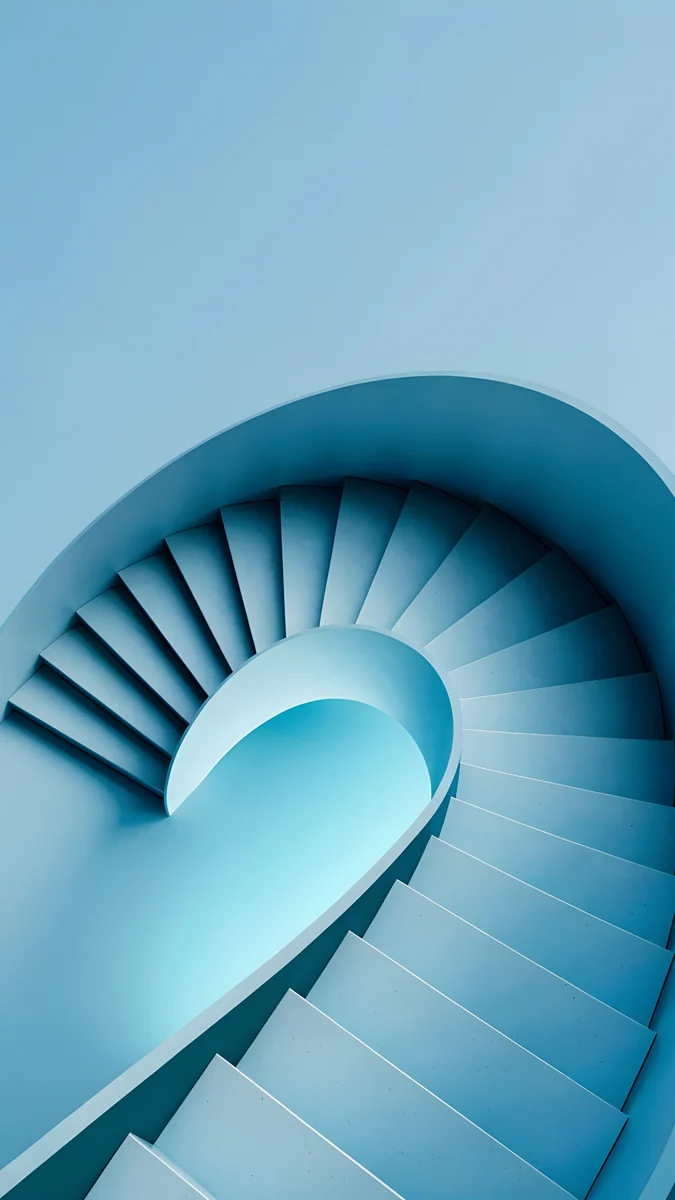 Glacier Spiral Well
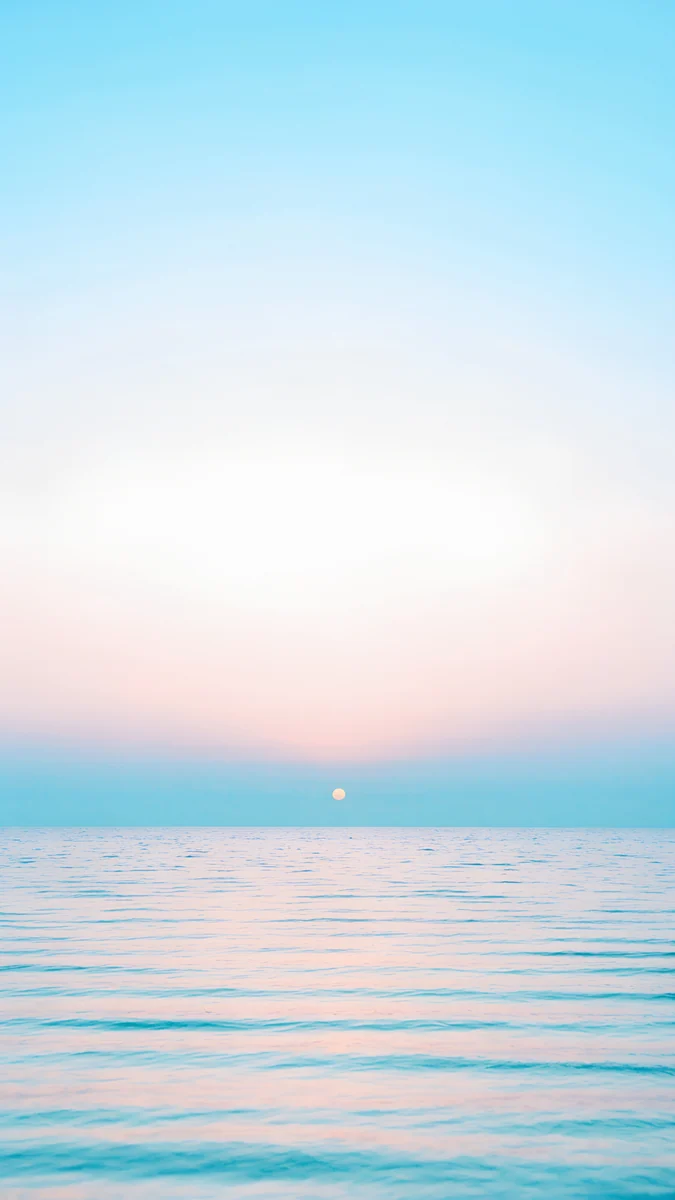 Pastel Sea Horizon
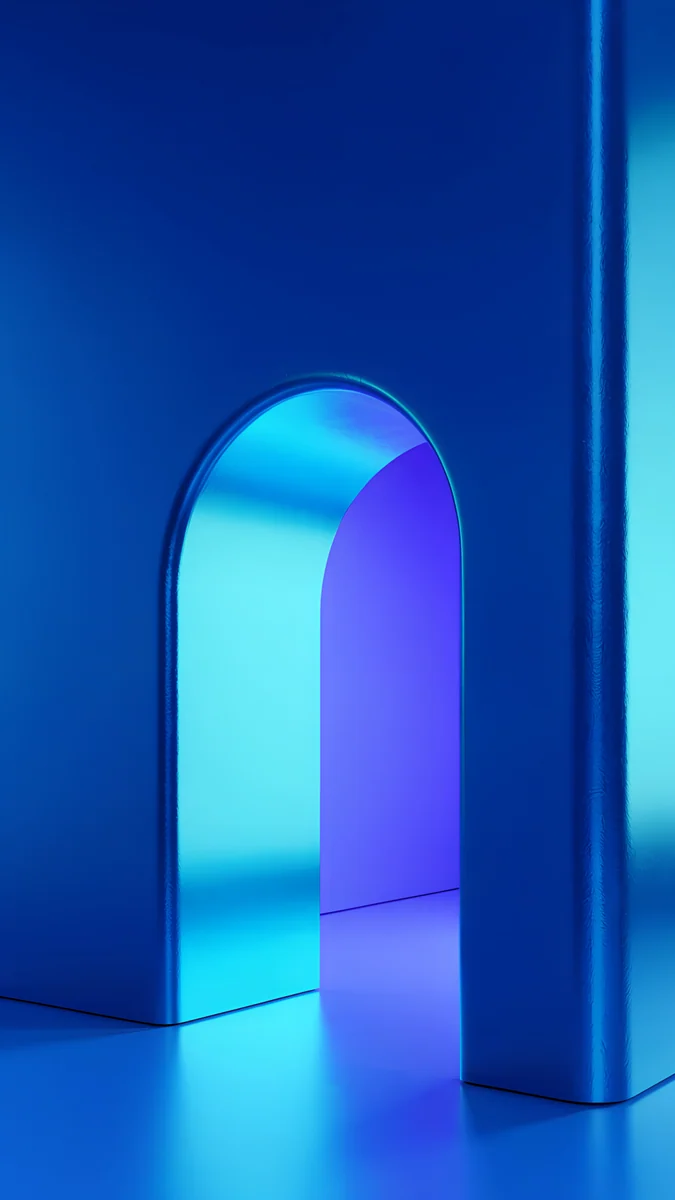 Volt Blue Arch
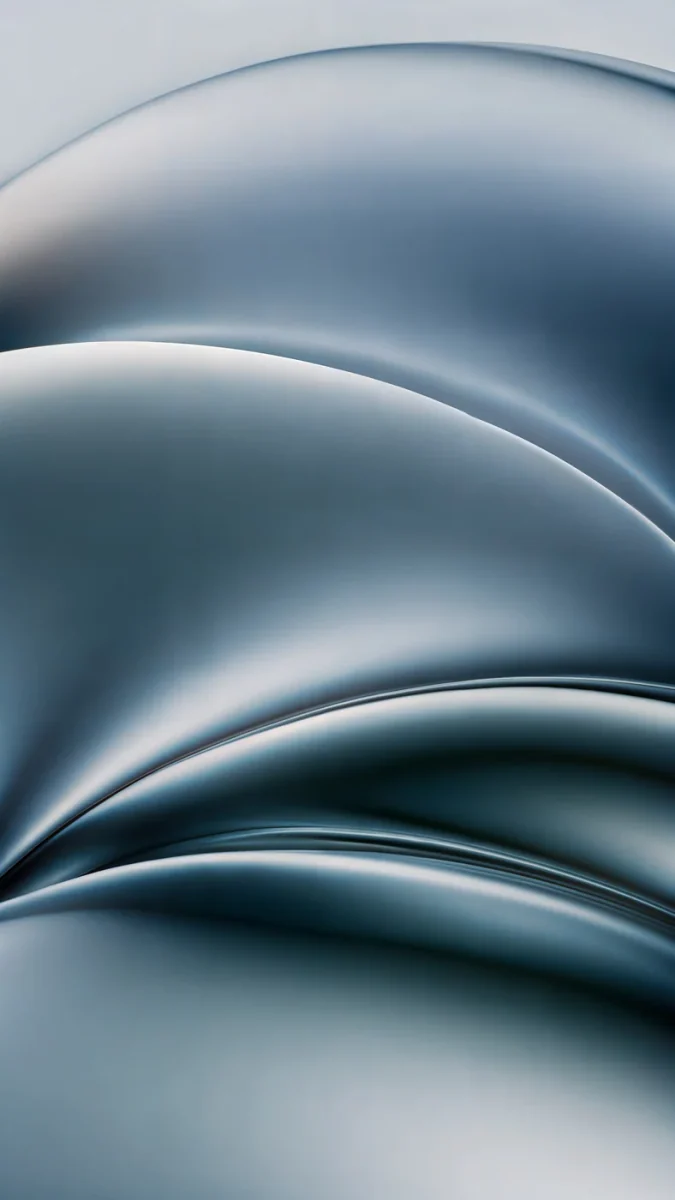 Ink Pressure
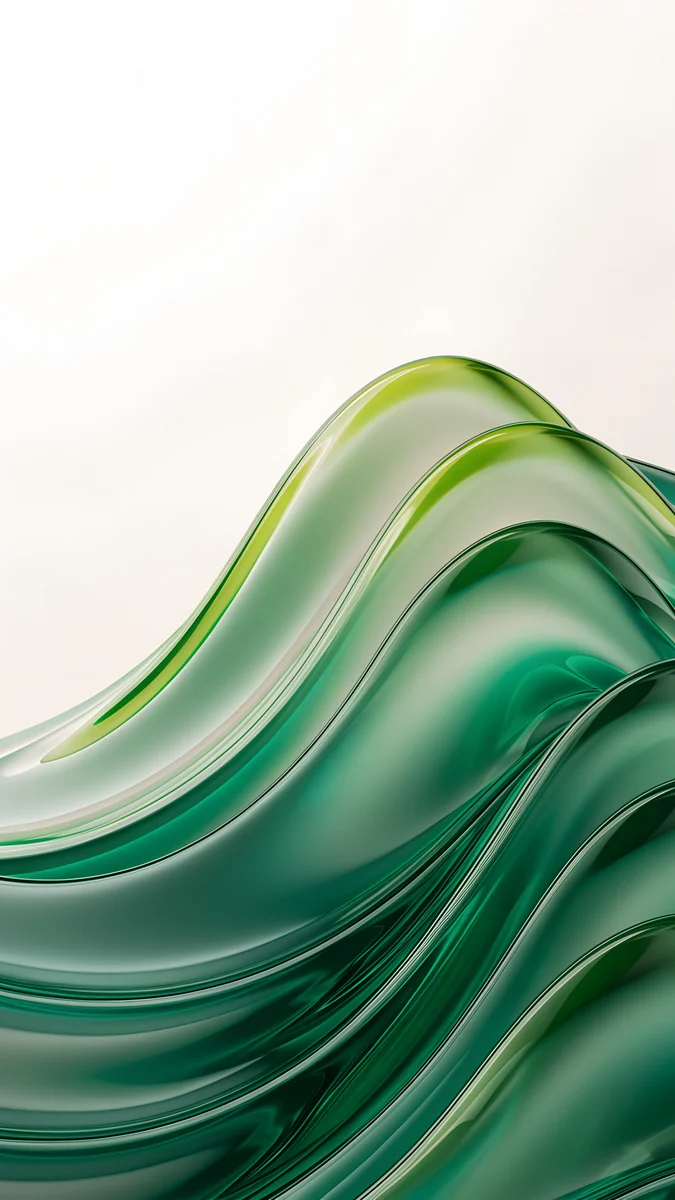 Emerald Glass Waves
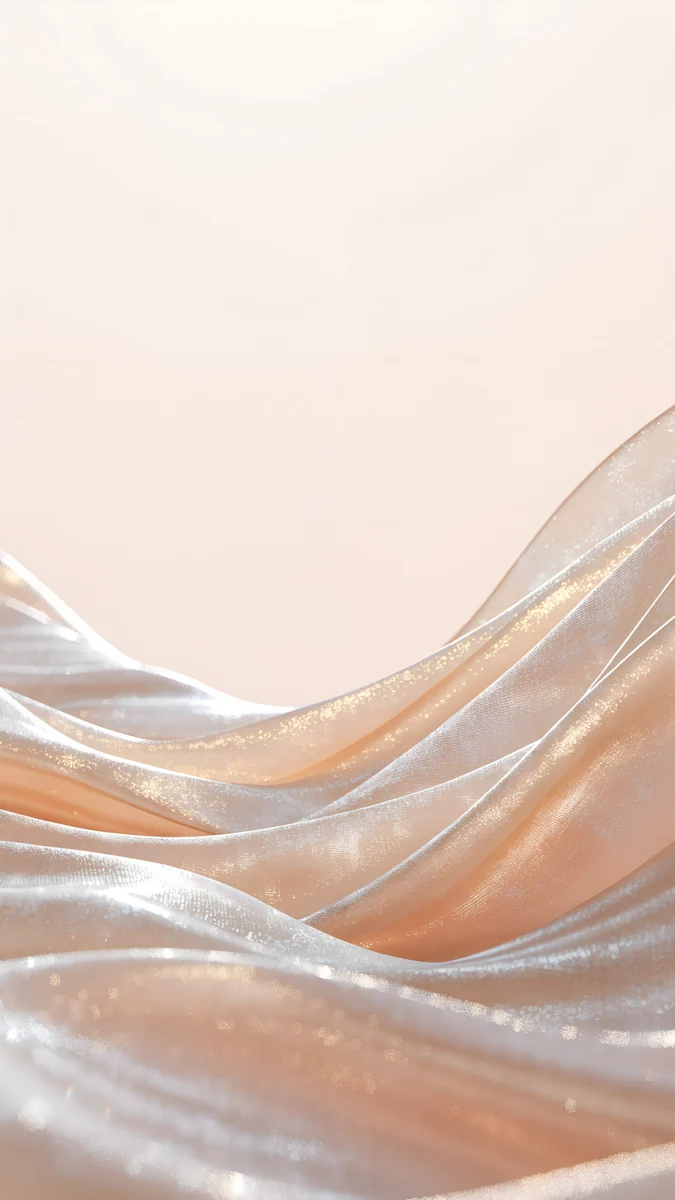 Champagne Satin
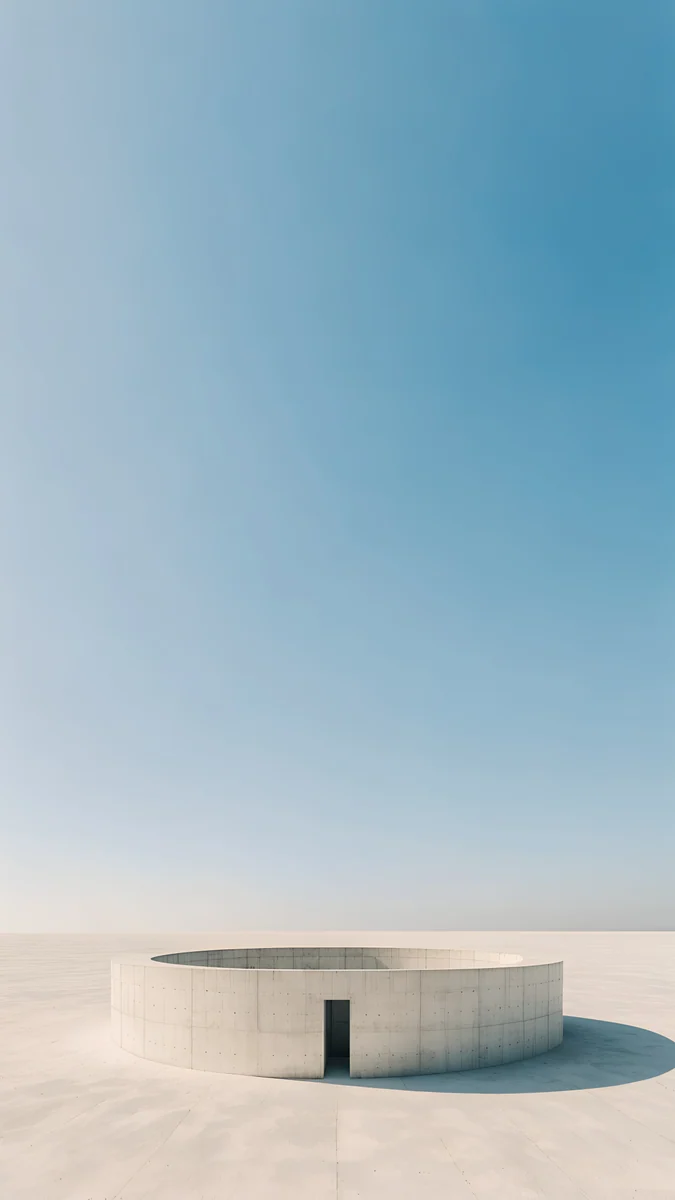 Circular Court
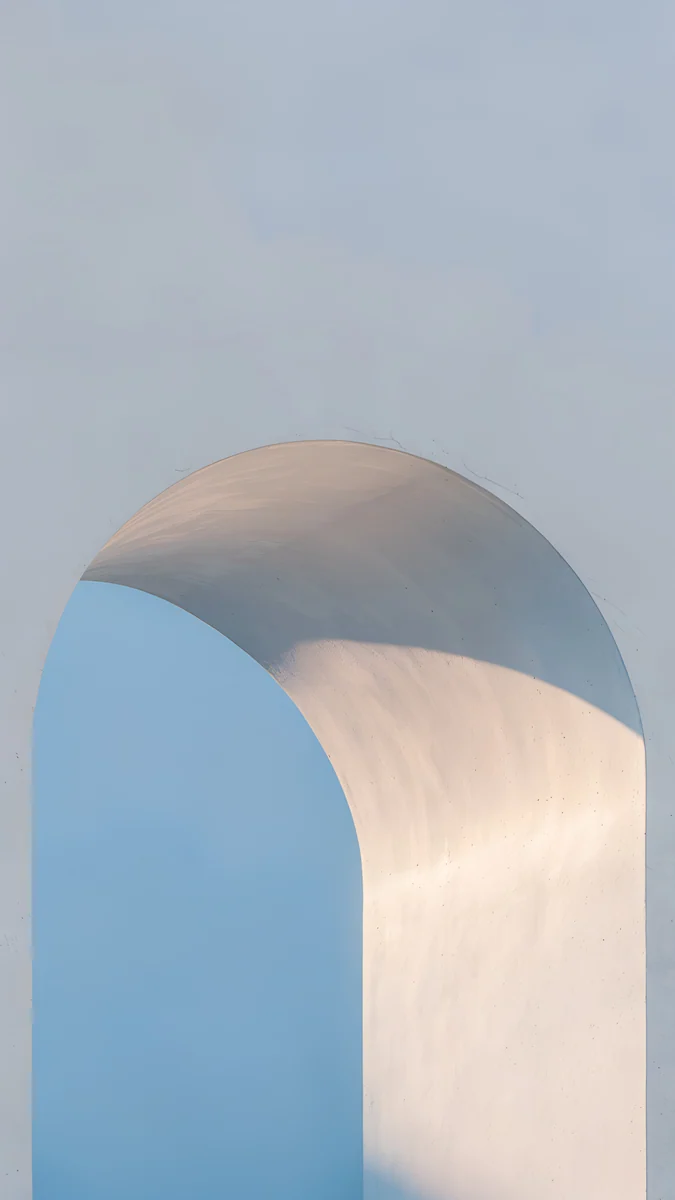 Blue Hour Portico
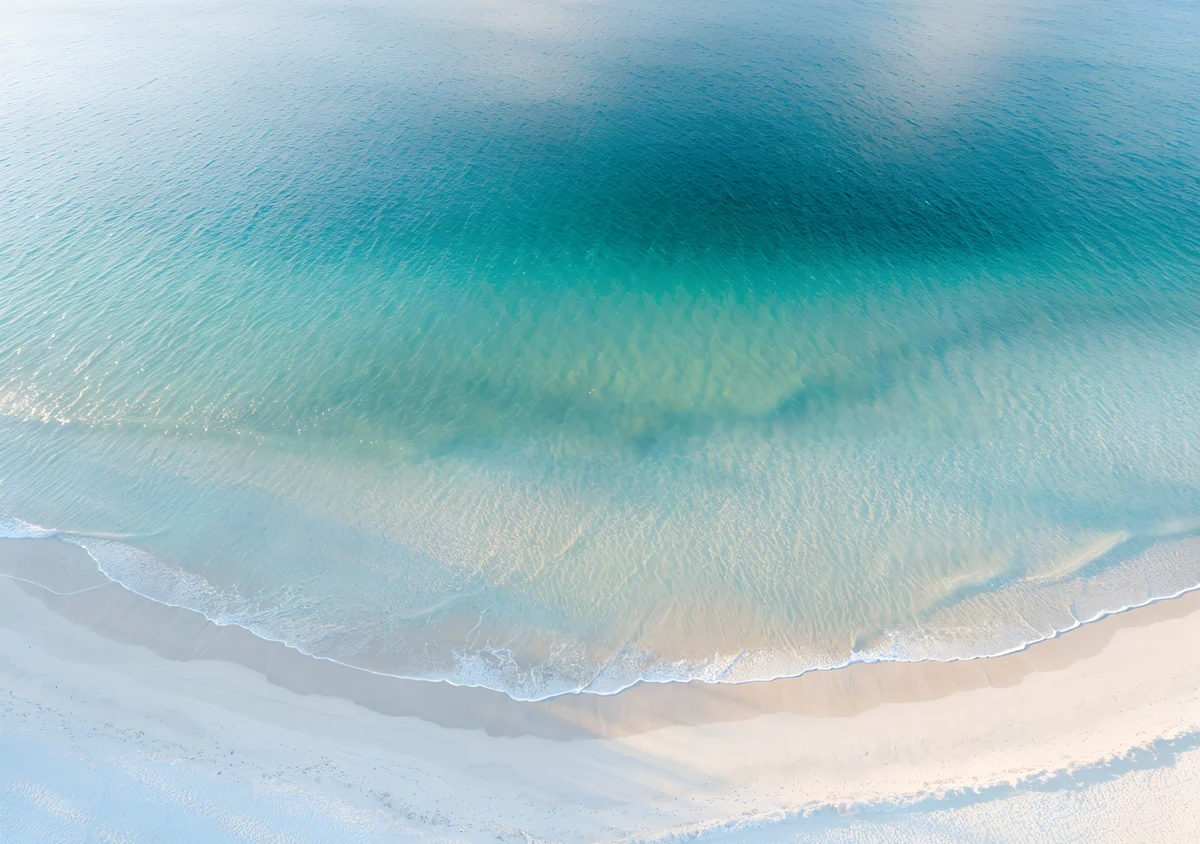 Turquoise Sandbar Wide
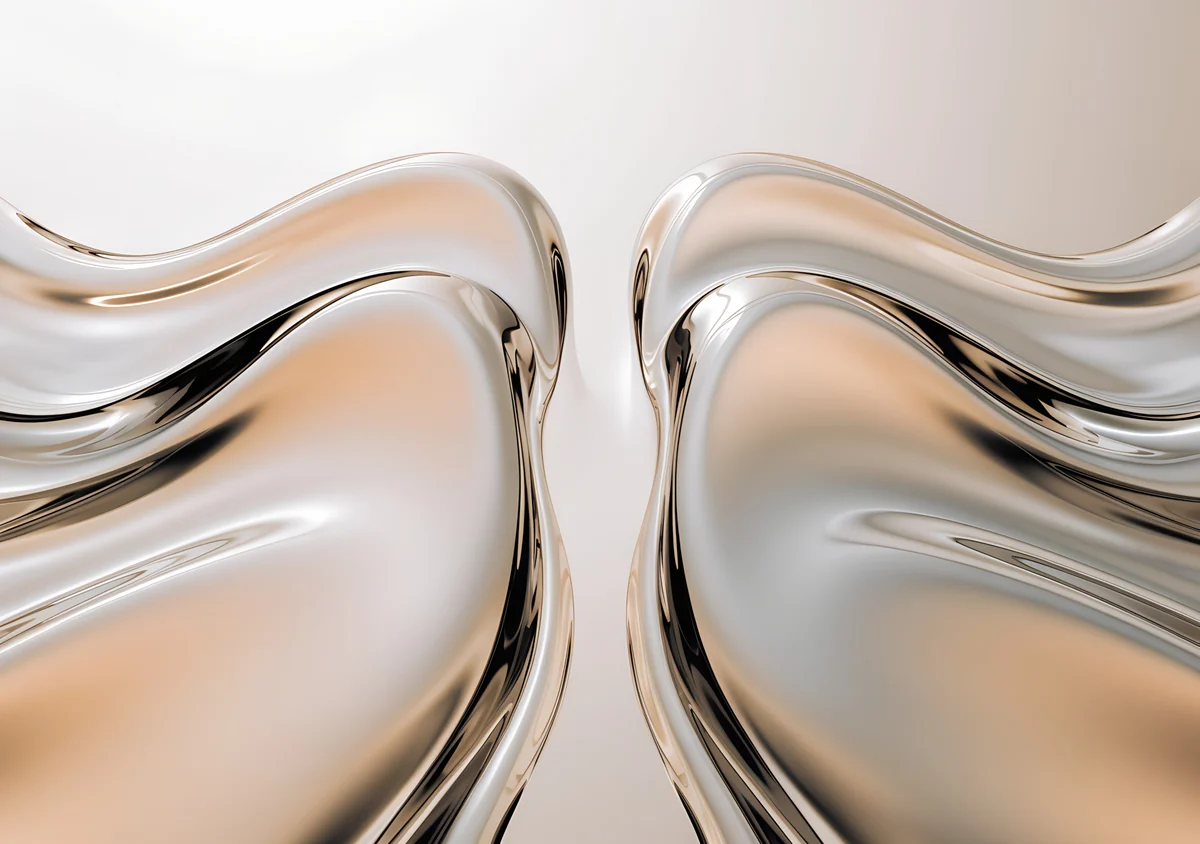 Mirror Gold Glass Wide
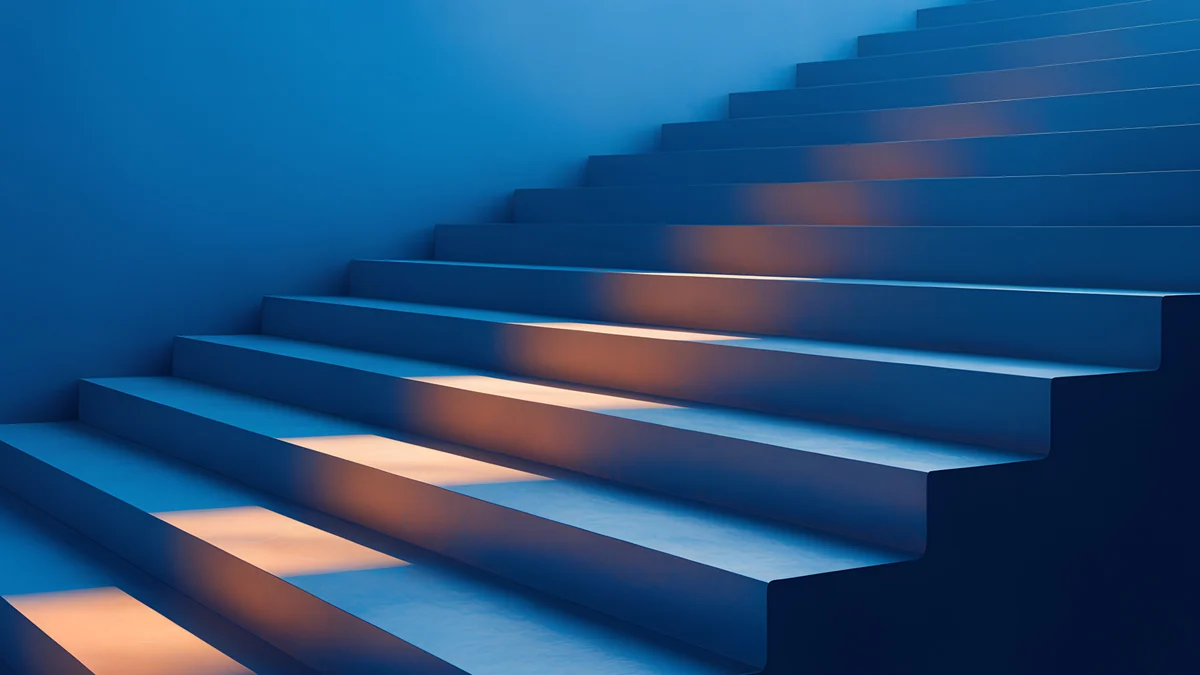 Cobalt Ember Steps
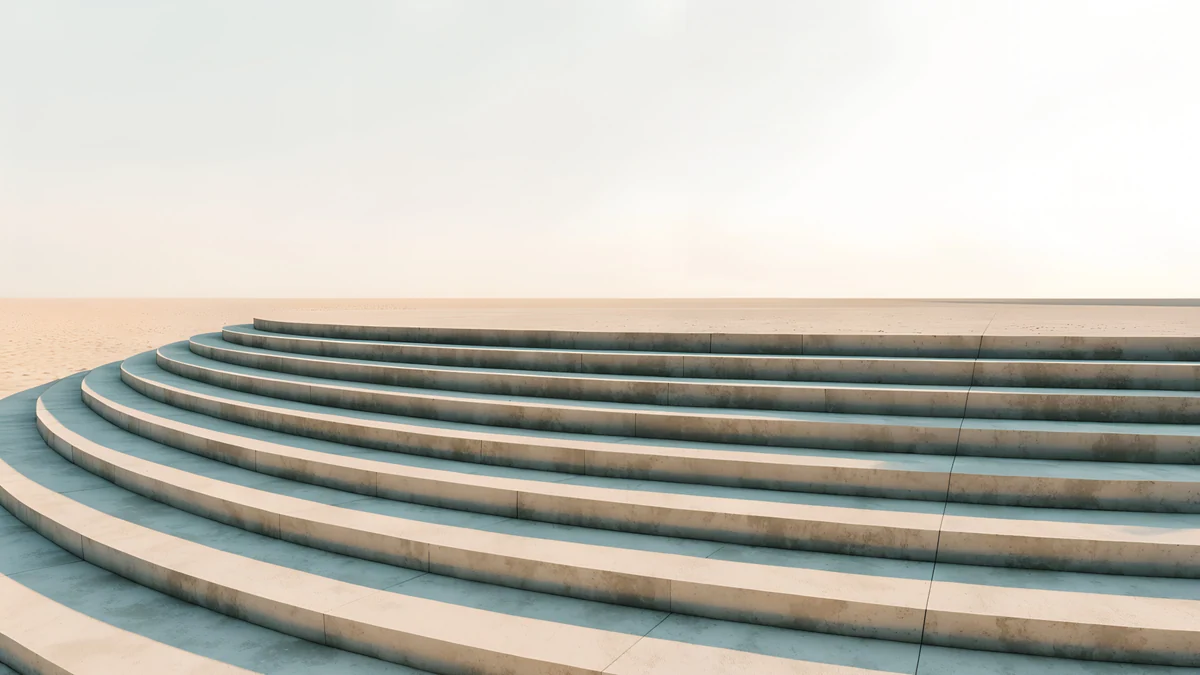 Amphitheatre Steps
Free 4K originals for iPhone and Android, no watermark
On this page
- iPad Air wallpaper size: 11-inch and 13-inch
- The Liquid Retina display and what suits it
- How to set a wallpaper on iPad Air
- iPad Air wallpapers that survive rotation
- Portrait only: soft light and pastel
- Landscape wallpapers for a keyboard case
- Common problems and fixes
- Get these iPad Air wallpapers in Velpaper
The best iPad Air wallpaper uses clear color and mid tones with its shape in the center, because the 11-inch and 13-inch iPad Air use an LCD screen that shows color well but cannot make black truly black. A centered subject survives the switch between portrait and a keyboard case. Use a 2160 × 3840 phone original for portrait and a 4K or 4096 × 2880 wide file if the Air mostly sits sideways.
Below are the iPad Air sizes, what the display means for wallpapers, how to set one in iPadOS 26, and backgrounds for iPad Air sorted by how they hold up, each with one line on why.
iPad Air wallpaper size: 11-inch and 13-inch
These are the native resolutions, portrait width by height, from our size guide:
| Model | Resolution (pixels) | Shape |
|---|---|---|
| iPad Air 13-inch (M2, M3) | 2048 × 2732 | 4:3 |
| iPad Air 11-inch (M2, M3) | 1640 × 2360 | 1.44:1 |
The 11-inch Air shares its resolution with the iPad (A16). If your Air is newer than this table, the Tech Specs page for it on apple.com lists the resolution under Display, and every other model is in our iPad wallpaper size guide. What it means for a wallpaper file:
- A 2160 × 3840 phone wallpaper is sharp on both sizes held upright. iPadOS trims about an eighth from the top and bottom on the 13-inch model and about a tenth on the 11-inch. In landscape you see roughly the middle 40 percent of the height, enlarged by about a quarter on the 13-inch and by about a tenth on the 11-inch.
- A 4K desktop file at 3840 × 2160 covers both sizes in landscape without enlarging. Held upright it is enlarged by about a quarter on the 13-inch model, so keep desktop files for landscape.
- A 4096 × 2880 wide file is about 1.42 to 1, almost the 11-inch shape. It stays sharp on both sizes in either orientation and shows about the middle half of its width in portrait.
The Liquid Retina display and what suits it
Apple calls the iPad Air screen a Liquid Retina display. It is an LED-backlit LCD at 264 pixels per inch, and Apple lists the brightness and other details for each size on the Tech Specs page. Two things follow for wallpapers:
- Dark wallpapers are about mood, not battery. On an LCD the backlight lights the whole panel no matter what color a pixel shows, so a black wallpaper does not switch pixels off the way it does on the OLED iPad Pro. Black looks like a deep gray, and that is fine if you like a dark screen.
- Color and mid tones look best. Blues, greens, glossy glass and soft light read clean on an LCD, with no risk of crushed shadows. Recent Air models have come in finishes such as blue and purple, and a wallpaper in the same family looks good with them.
For true black on OLED, see iPad Pro wallpapers instead.
How to set a wallpaper on iPad Air
- Open the wallpaper in the Velpaper app on your iPad, or on velpaper.com in Safari, and save the original.
- If you downloaded it in Safari, open it from Downloads in the Files app, tap Share and choose Save Image to put it in Photos.
- Open Settings, tap Wallpaper, then Add New Wallpaper, then Photos, and pick the image.
- Pinch and drag so the main shape sits in the center, then tap Add.
- Choose Set as Wallpaper Pair, or Customize Home Screen to give the home screen a blurred or different picture.
- Attach the keyboard case, or rotate the iPad Air, and check the landscape view before you leave it.
Menu names match iPadOS 26 in English and can differ slightly in later updates. Every other route, including Photo Shuffle, is in how to change the wallpaper on iPad.
iPad Air wallpapers that survive rotation
Bright color with the shape in the middle band, the part an iPad shows in both orientations.
Glacier Spiral Well4K · PhoneVolt Blue Arch4K · PhoneInk Pressure4K · PhoneEmerald Glass Waves4K · PhoneGlacier Spiral Well looks down a pale blue spiral staircase that curls around the center of the frame, so landscape crops straight to the spiral. Volt Blue Arch is an electric blue wall with a glowing cyan and violet doorway in the middle, tall enough to keep its top in landscape. Ink Pressure fills the frame with glossy silver and steel blue folds, with nothing to lose at any edge. Emerald Glass Waves rises in green glass waves from the lower third up past the middle, under a white sky that keeps the clock readable.
Portrait only: soft light and pastel
These keep their subject low in the frame, so they look best on an Air you hold upright for notes, reading or drawing.
Champagne Satin4K · PhonePastel Sea Horizon4K · PhoneCircular Court4K · PhoneBlue Hour Portico4K · PhoneChampagne Satin runs glittering peach and cream satin waves across the lower half of a pale sky. Pastel Sea Horizon is a calm sea under a sky that fades from blue to white, with a small sun on a pink horizon low in the frame. Circular Court sets a low white ring wall on pale sand at the bottom edge, with tall blue sky above for the clock. Blue Hour Portico is a white arched portico against a pale blue wall, lit from the right, and the arch starts just above the middle.
Landscape wallpapers for a keyboard case
In a keyboard case the Air stays in landscape, the Dock runs along the bottom and app windows fill the middle. Start from a wide or desktop file here, not a phone file.
Turquoise Sandbar Wide4K · DesktopMirror Gold Glass Wide4K · DesktopCobalt Ember Steps4K · DesktopAmphitheatre Steps4K · DesktopTurquoise Sandbar Wide is an aerial view of turquoise water over pale sandbars in the 4096 × 2880 shape, sharp on both sizes either way. Mirror Gold Glass Wide mirrors two flowing chrome and gold forms on either side of a bright center gap, in the same wide shape. Cobalt Ember Steps is a 4K blue staircase with warm orange light on each step, the brightest color here. Amphitheatre Steps curves pale stone tiers across the bottom under a soft sky, quiet behind a split view.
Common problems and fixes
- The black looks gray. That is the LCD backlight, not your file. Pick a mid-tone wallpaper, or move to an OLED iPad Pro if deep black matters to you.
- It looks soft in the keyboard case. A phone file is being enlarged to the landscape width, by about a quarter on the 13-inch model. Use a 4K or 4096 × 2880 file instead.
- The subject is cut off after rotating. It sits outside the middle band. Pick from the rotation-safe set, or lock the rotation in Control Center.
- It is zoomed in further than you framed it. Open the More menu in the wallpaper editor and turn off Perspective Zoom if your version shows it.
- You want other styles. Our iPad wallpaper collection covers every mood, and iPad mini wallpapers has calm picks for the smallest screen.
Get these iPad Air wallpapers in Velpaper
Velpaper is an app for iPhone, iPad, Mac and Android, and every wallpaper is also on velpaper.com. Phone wallpapers are 4K originals at 2160 × 3840, desktop wallpapers are 4K and some are 5K, all without a watermark and without an account. The 4K desktop wallpapers in this article download for free. Phone wallpapers and the 4096 × 2880 wide files unlock after a short optional ad in the Velpaper apps; on the website, if no ad is available, the phone original downloads for free. The wallpapers are designed by Carlos Vivero.
Next step: open Glacier Spiral Well, save the original, set it on your iPad Air and rotate once to check both views.
Original wallpapers in 4K and 5K for iPhone, Android and desktop.
Questions
What size is an iPad Air wallpaper?
The 13-inch iPad Air with M2 or M3 is 2048 × 2732 pixels, and the 11-inch model is 1640 × 2360, the same as the iPad (A16). A 2160 × 3840 phone wallpaper is sharp on both held upright, with some of the top and bottom trimmed. For landscape, a 3840 × 2160 desktop file covers both sizes without enlarging, and a 4096 × 2880 wide file is larger than both in either direction. If your Air is newer than these models, check the resolution on its Tech Specs page on apple.com.
Does a dark wallpaper save battery on iPad Air?
Not in any meaningful way. The iPad Air uses a Liquid Retina display, which is an LED-backlit LCD, and the backlight lights the whole panel whatever color the pixels show. That is different from the OLED iPad Pro, where black pixels make almost no light. On the Air, black looks like a deep gray. Choose a dark wallpaper if you like the mood, and choose by look rather than battery. Screen brightness and the apps you use matter far more for battery life.
What is the best iPad Air wallpaper for a keyboard case?
A wide or desktop file, because a keyboard case keeps the Air in landscape almost all the time. A phone wallpaper there shows only the middle 40 percent of its height and is enlarged by about a quarter on the 13-inch model, which can look soft. Turquoise Sandbar Wide is a 4096 × 2880 file, close to the iPad's own shape, so it stays sharp both ways. Cobalt Ember Steps, a 4K blue staircase with warm light on each step, is a free option that keeps strong color behind the Dock.
What is the difference between iPad Air and iPad Pro wallpapers?
The files are the same, but the screens favor different picks. The M4 and M5 iPad Pro use OLED, so true black and bright shapes on black look their best there. The iPad Air uses an LCD, where black glows slightly gray, so clear color, glass and mid tones suit it better. The sizes also differ: the 13-inch Air is 2048 × 2732 and the 13-inch Pro is 2064 × 2752, close enough that one 4K original works on both. Rotation and the keyboard case crop work the same way on either.
Are these iPad Air wallpapers free?
Browsing and previewing are free on velpaper.com and in the Velpaper apps for iPhone, iPad, Mac and Android. The 4K desktop wallpapers in this article, such as Cobalt Ember Steps and Amphitheatre Steps, download for free. Phone wallpapers and the 4096 × 2880 wide files unlock after a short optional ad in the Velpaper apps; on the website, if no ad is available, the phone original downloads for free. There is no account and no subscription, and the downloaded file has no watermark.
Carlos Vivero
Designer of Velpaper wallpapers
Carlos Vivero designs the wallpapers in Velpaper: quiet architecture, liquid glass, Japanese ink and calm landscapes. Every piece is made as a 4K original for iPhone, Android and desktop.
Recent work








