iPad Wallpaper: 4K Backgrounds That Fit Every Rotation
iPad wallpapers sorted by mood, with the size of every model and how rotation, windows and the Dock crop the picture. Calm, dark OLED, colorful and Japan picks.
In short: The best iPad wallpaper keeps its subject in the center, so rotation does not cut it off. Fuji Above Clouds and Black Glass Sphere work in portrait and landscape as 2160 × 3840 phone originals, and a wide file such as Misty Mountains Torii Wide is the better choice for an iPad in a keyboard case.
By the Velpaper team · Wallpapers by Carlos Vivero, Velpaper designer · · 10 min read
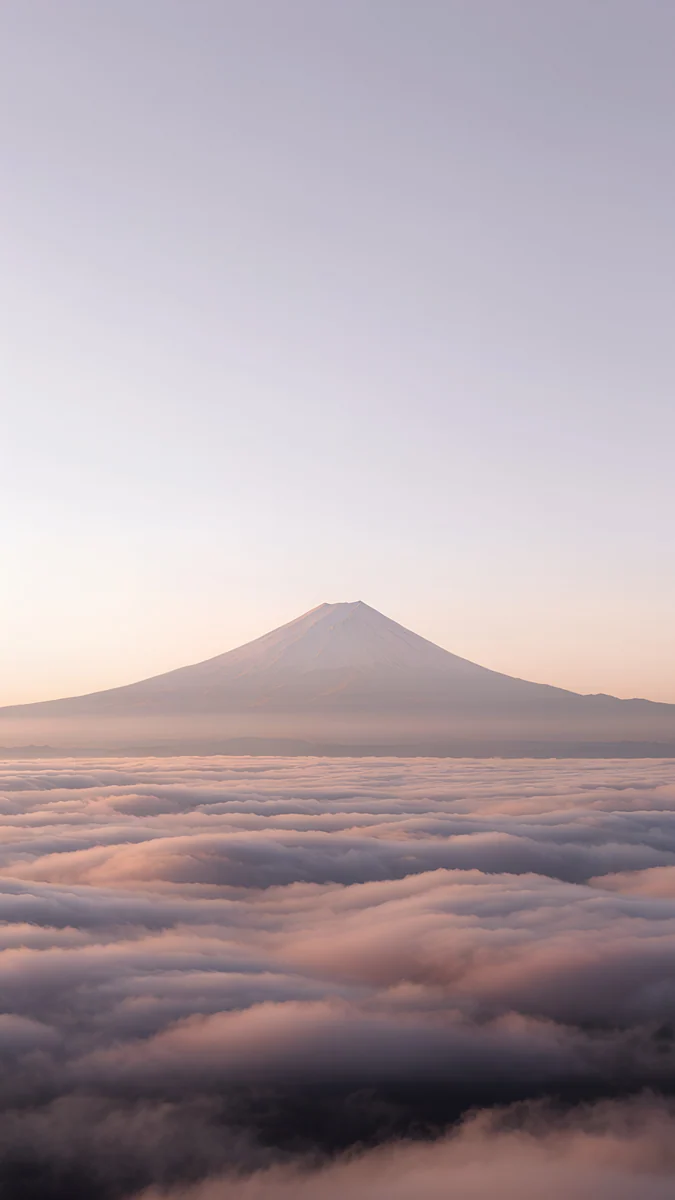 Fuji Above Clouds
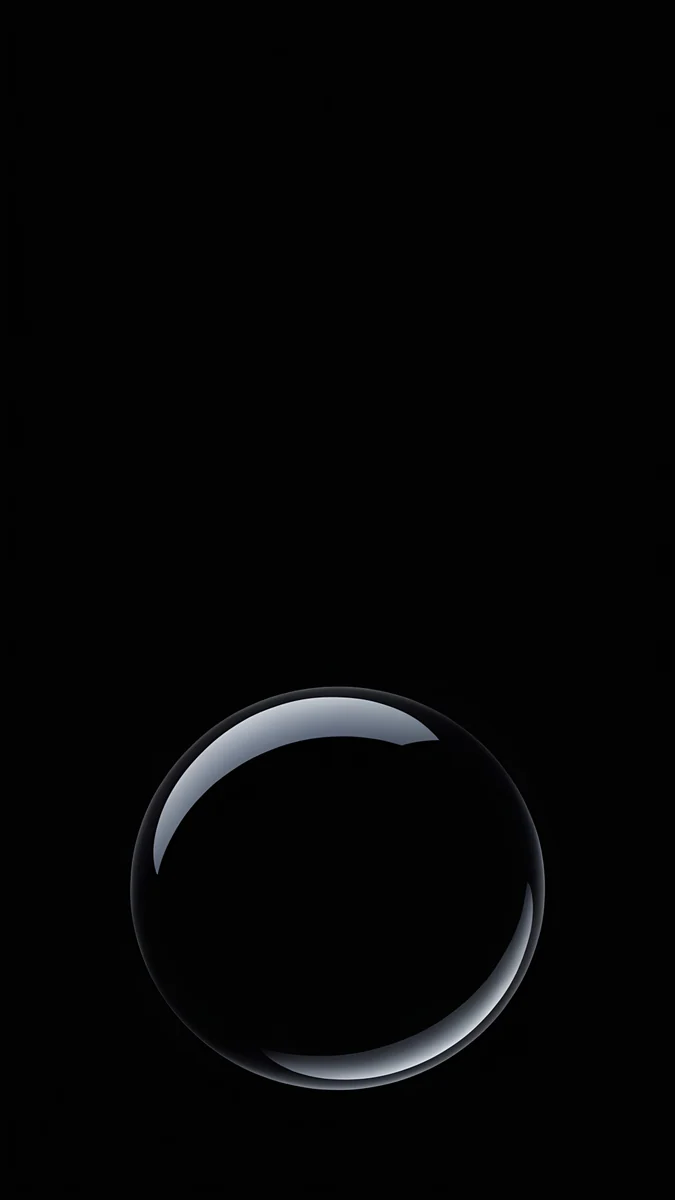 Black Glass Sphere
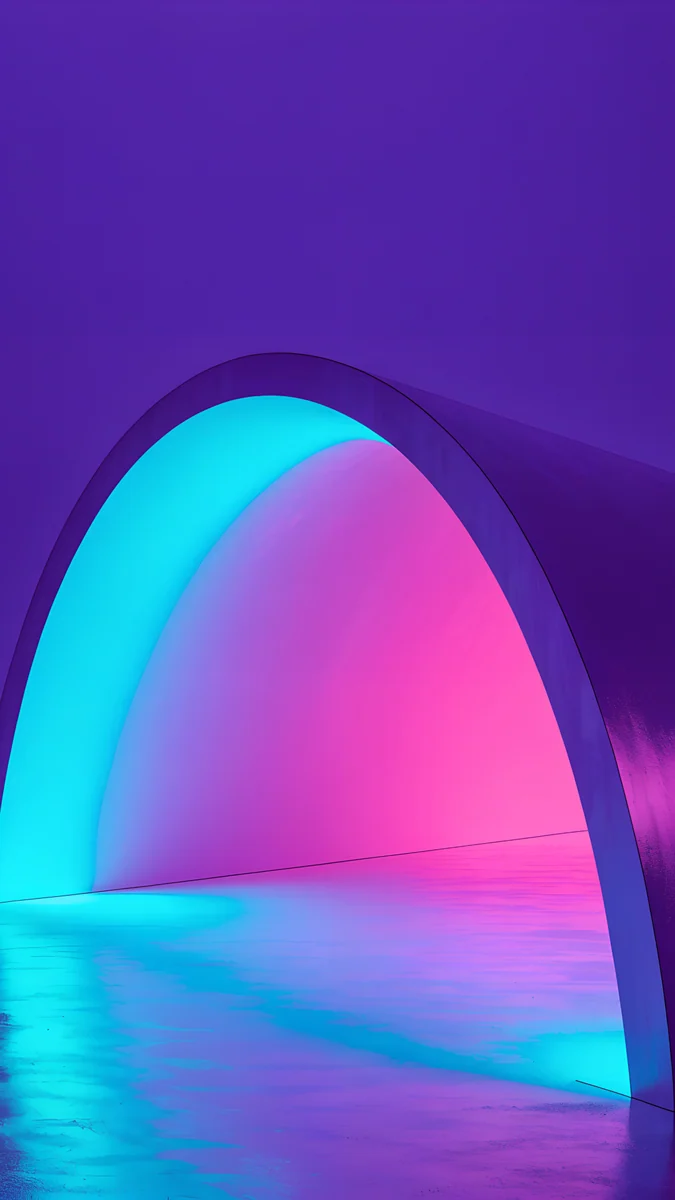 Electric Violet Arch
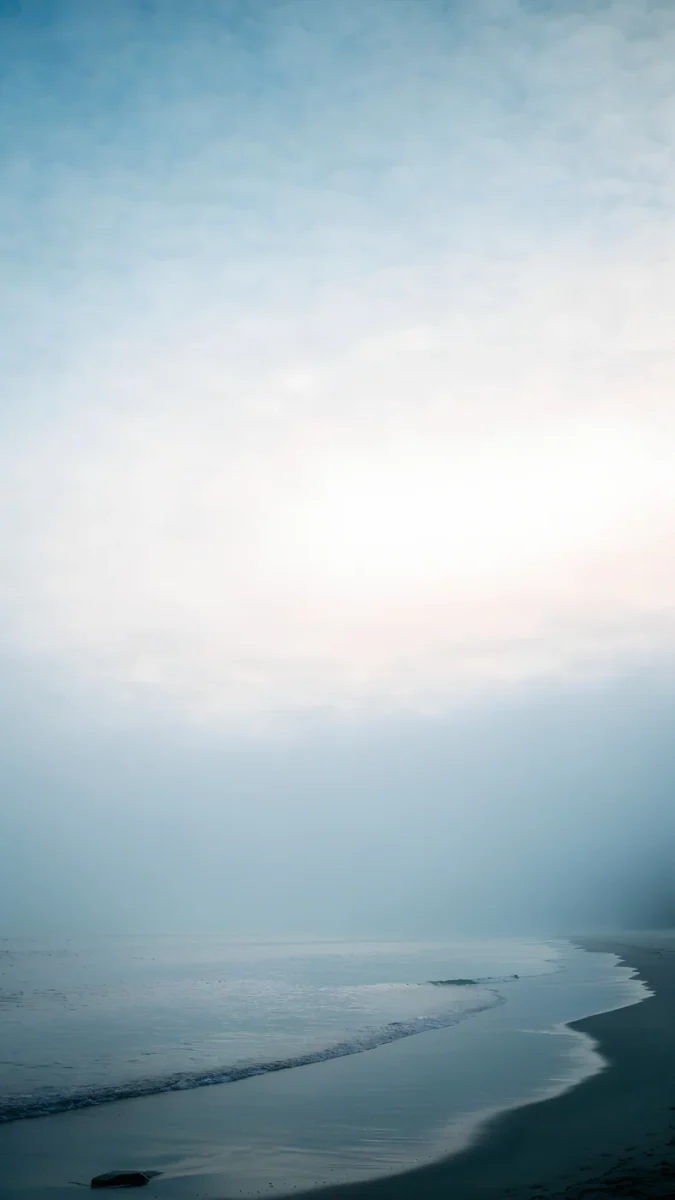 Where the Sea Ends
 Mint Aura
 Forest Paper Peaks
 The Small Warmth
 Silver Light Arcs
 Lone Spire
 Pagoda Moon
 Lime Violet Helix
 Coral Zigzag Flights
Free 4K originals for iPhone and Android, no watermark
On this page
- iPad wallpaper size and shape
- Rotation, windows, the Dock and widgets
- How to set a wallpaper on iPad
- Calm iPad wallpapers
- Dark iPad wallpapers for OLED and night use
- Colorful iPad backgrounds
- Architecture wallpapers for iPad
- Japan wallpapers for iPad
- Landscape iPad wallpapers for a keyboard case
- Picks by iPad model
- Common problems and fixes
- Get these iPad wallpapers in Velpaper
A good iPad wallpaper keeps its main shape in the middle of the frame, because the iPad shows a different part of the same picture in portrait and in landscape. Use a 2160 × 3840 phone original if you mostly hold the iPad upright, and a 4K or 5K desktop file if it lives sideways in a keyboard case. Calm gradients, black OLED shapes, centered arches and Japanese mist all survive that crop well.
Below is what an iPad does to a wallpaper, how to set one in iPadOS 26, and backgrounds for iPad sorted by mood, each with one line on how it holds up when you rotate.
iPad wallpaper size and shape
These are the native resolutions, portrait width by height, from our size guide:
| Model | Resolution (pixels) | Shape |
|---|---|---|
| iPad Pro 13-inch (M4, M5) | 2064 × 2752 | 4:3 |
| iPad Pro 11-inch (M4, M5) | 1668 × 2420 | 1.45:1 |
| iPad Air 13-inch (M2, M3) | 2048 × 2732 | 4:3 |
| iPad Air 11-inch (M2, M3) | 1640 × 2360 | 1.44:1 |
| iPad (A16) and iPad (10th gen) | 1640 × 2360 | 1.44:1 |
| iPad mini (A17 Pro) and iPad mini (6th gen) | 1488 × 2266 | 1.52:1 |
| iPad (9th gen) | 1620 × 2160 | 4:3 |
| iPad Pro 12.9-inch (3rd to 6th gen) | 2048 × 2732 | 4:3 |
| iPad Pro 11-inch (1st to 4th gen) | 1668 × 2388 | 1.43:1 |
An iPad is much squarer than a phone, and that changes how each kind of Velpaper file behaves:
- A 2160 × 3840 phone wallpaper is wider than every iPad held upright, so portrait stays sharp. iPadOS trims the top and bottom, about an eighth each on the 13-inch models. In landscape you see roughly the middle 40 percent of the height, enlarged to fill the width: by about a quarter on the 13-inch models, much less on the 11-inch ones and the mini.
- A 4K desktop wallpaper at 3840 × 2160 covers every iPad in landscape without enlarging and loses a slice from each side. Held upright, only a narrow strip from the middle shows. The 5K files at 5120 × 2880 are larger than every iPad in both directions.
- A 4096 × 2880 wide file, from the Duo sets, is about 1.42 to 1, the closest shape to an iPad. It stays sharp in both orientations and shows about the middle half of its width in portrait.
If you search for an iPad wallpaper in 4K, any of these works: all three are 4K originals or larger. The full table with the math is in our iPad wallpaper size guide.
Rotation, windows, the Dock and widgets
Size is half of it. The other half is what sits on top of the picture.
- Rotation. The wallpaper stays upright when you turn the iPad, so the same image fills a tall screen and then a wide one. Only the middle band appears in both, so that is where the subject should be.
- Windows and Stage Manager. iPadOS 26 can run apps in resizable windows, and Stage Manager is still an option; the setting is under Multitasking & Gestures in Settings, and the name can differ by version. Either way, windows cover the center and the wallpaper shows at the edges and corners, so a picture with color all the way out to the borders looks better than one with a single small object.
- The Dock. It runs along the bottom in both orientations. In iPadOS 26 it is translucent glass, so a calm or dark bottom edge keeps the icons easy to read.
- Widgets. Home Screen widgets hide large parts of a busy picture. On the Lock Screen, widgets sit under the clock in portrait and move to a column on the side in landscape, which covers part of the left edge.
That is why the picks below lean toward soft gradients, centered shapes and scenes that fill the whole frame.
How to set a wallpaper on iPad
- Open the wallpaper in the Velpaper app on your iPad, or on velpaper.com in Safari, and save the original.
- If you downloaded it in Safari, open it from Downloads in the Files app, tap Share and choose Save Image to put it in Photos.
- Open Settings, tap Wallpaper, then Add New Wallpaper, then Photos, and pick the image.
- Pinch and drag so the main shape sits in the center, then tap Add.
- Choose Set as Wallpaper Pair, or Customize Home Screen to give the home screen a blurred or different picture.
- Rotate the iPad once. If one orientation cuts off the subject or looks soft, switch to a file from the landscape section below.
Menu names match iPadOS 26 in English and can differ slightly in later updates. Photo Shuffle, Focus links and the other routes are in how to change the wallpaper on iPad.
Calm iPad wallpapers
Soft color and almost no detail. These sit quietly behind icons and survive almost any crop.
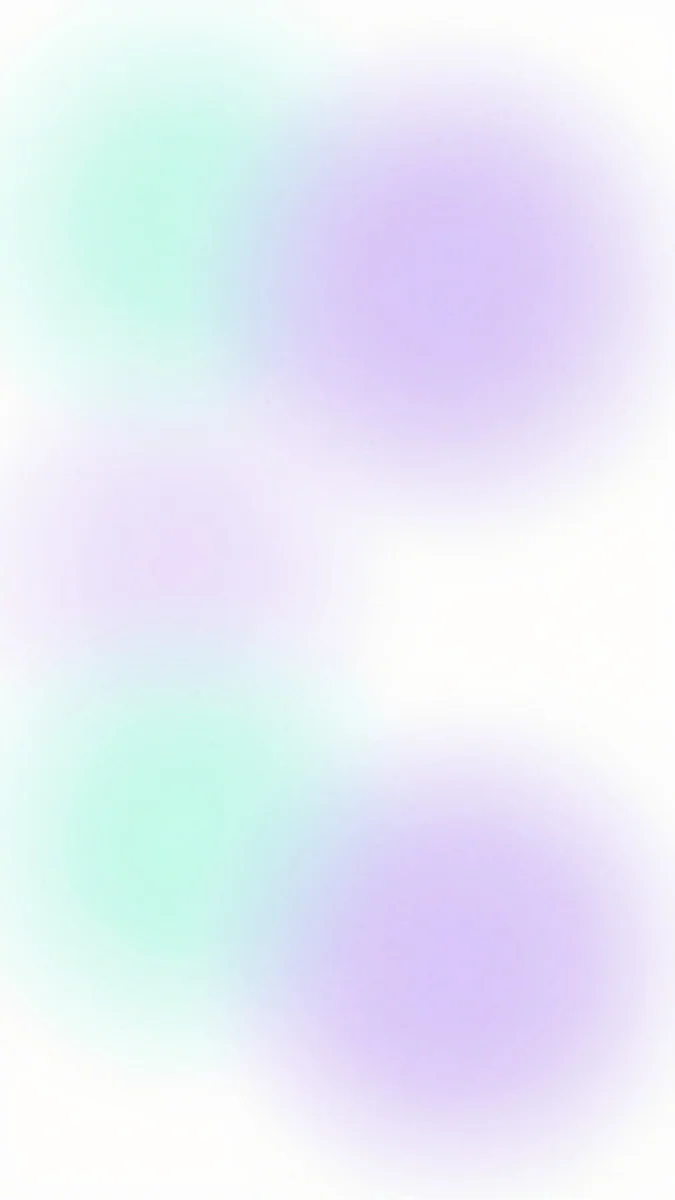
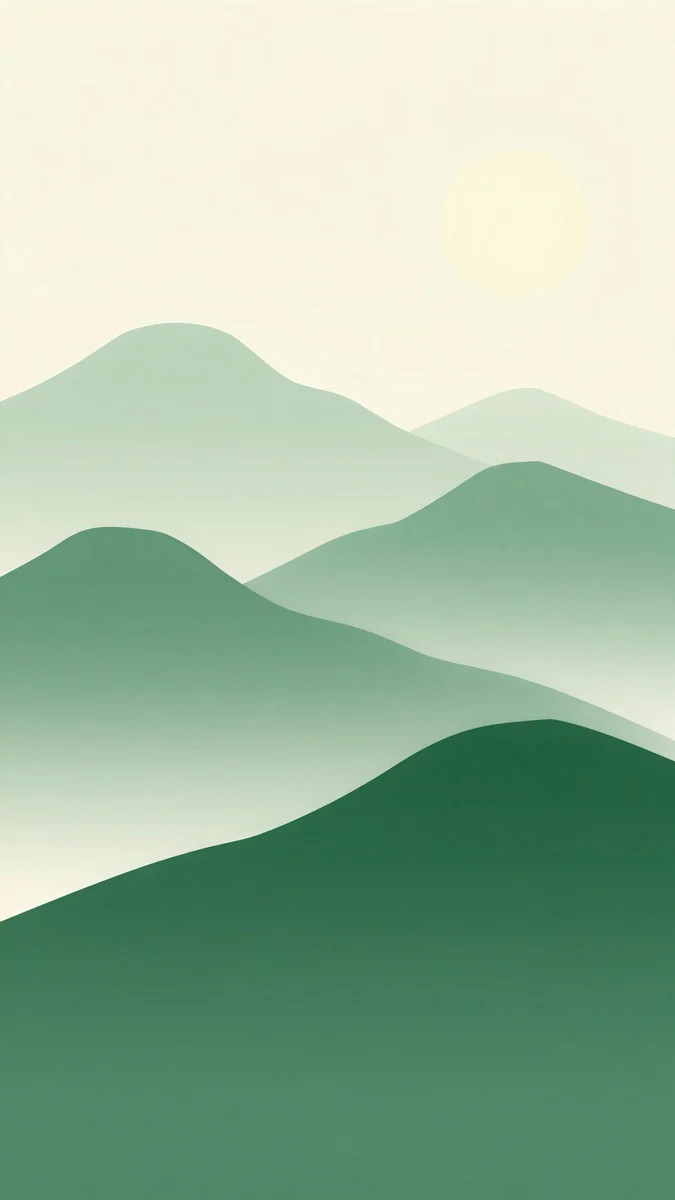
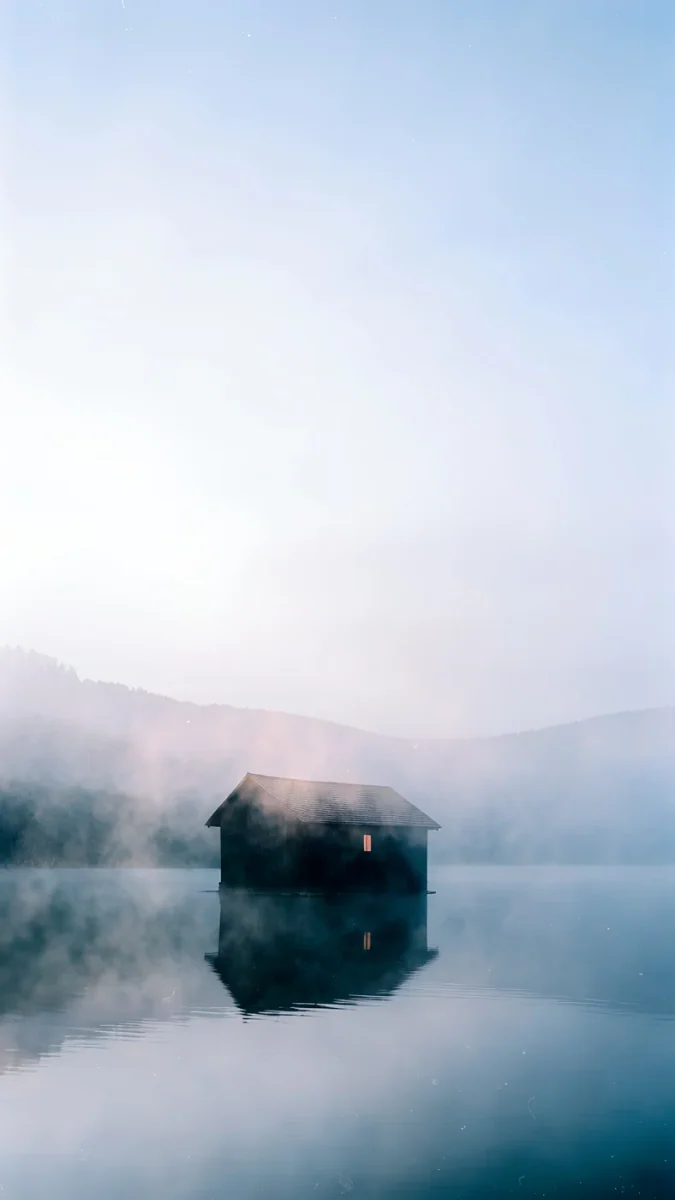
Fuji Above Clouds4K · PhoneWhere the Sea Ends4K · PhoneMint Aura4K · PhoneForest Paper Peaks4K · PhoneThe Small Warmth4K · PhoneFuji Above Clouds puts a lone mountain peak just above the middle of the frame over a sea of pink and grey clouds, so both orientations keep the peak and the cloud line. Where the Sea Ends is a pale blue haze with a faint shoreline low on the right; there is no subject to lose, only a glow in the center. Mint Aura is soft mint and lilac blurs on white that fill the whole frame, the easiest background for widgets and the Dock. Forest Paper Peaks stacks green paper hills up to the middle under a cream sky; landscape loses the pale sun at the top and keeps the layered hills. The Small Warmth is a dark cabin on a misty lake under a white sky. The cabin sits a little below the middle, so it is safest in portrait.
Dark iPad wallpapers for OLED and night use
Black backgrounds hide nothing behind icons and look deepest on the tandem OLED screen of the current iPad Pro. They also calm down any iPad at night.
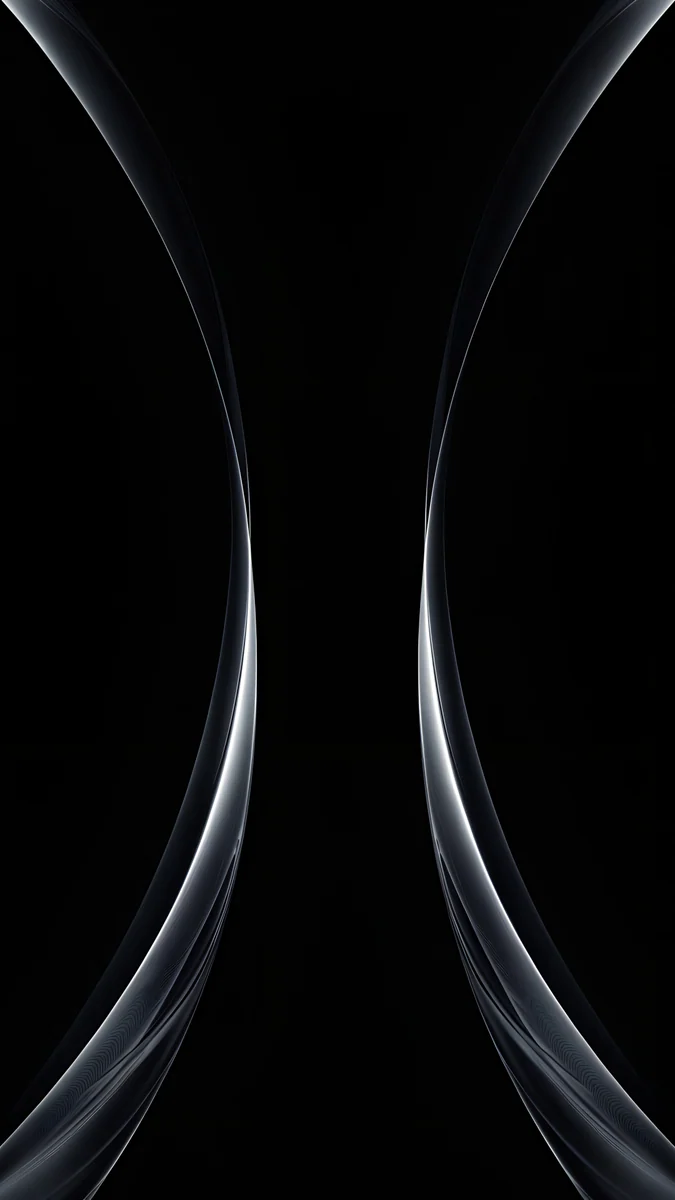
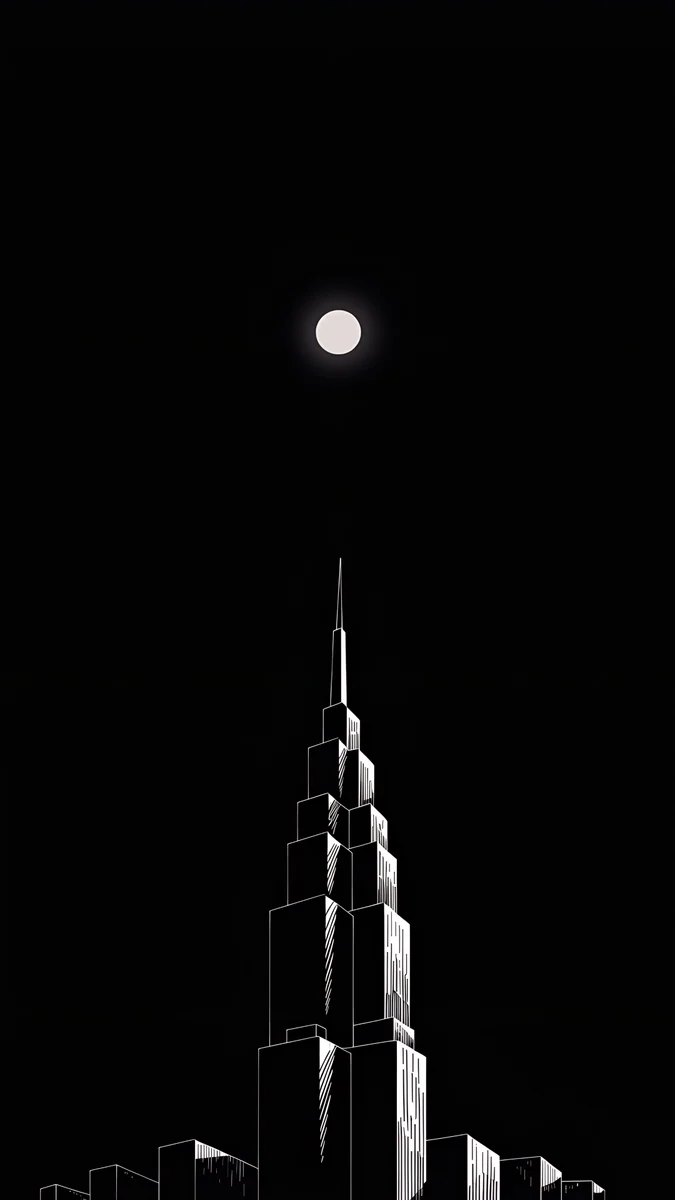
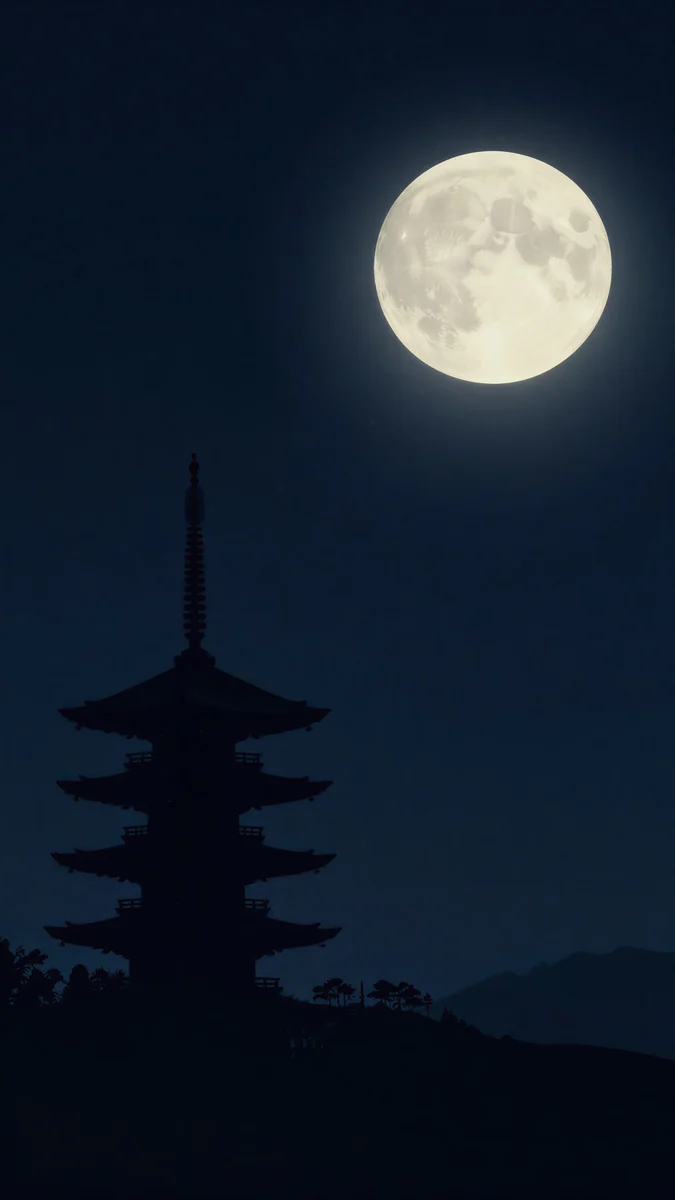
Black Glass Sphere is a single glass ball with a thin silver rim, centered on pure black, so it lands in the middle in both orientations. Silver Light Arcs draws two thin silver curves down the left and right edges of a black frame, which frames app windows instead of hiding behind them. Lone Spire is a white ink skyscraper rising from the bottom toward a small moon; landscape shows the upper half of the tower and can lose the moon, and it still reads. Pagoda Moon sets a black pagoda against a navy sky with a big full moon near the top, a tall layout that belongs in portrait.
Colorful iPad backgrounds
Saturated color with one strong shape. These fill the frame from edge to edge, so windows and widgets cover color, not the subject.
Electric Violet Arch4K · PhoneLime Violet Helix4K · PhoneCoral Zigzag Flights4K · Phone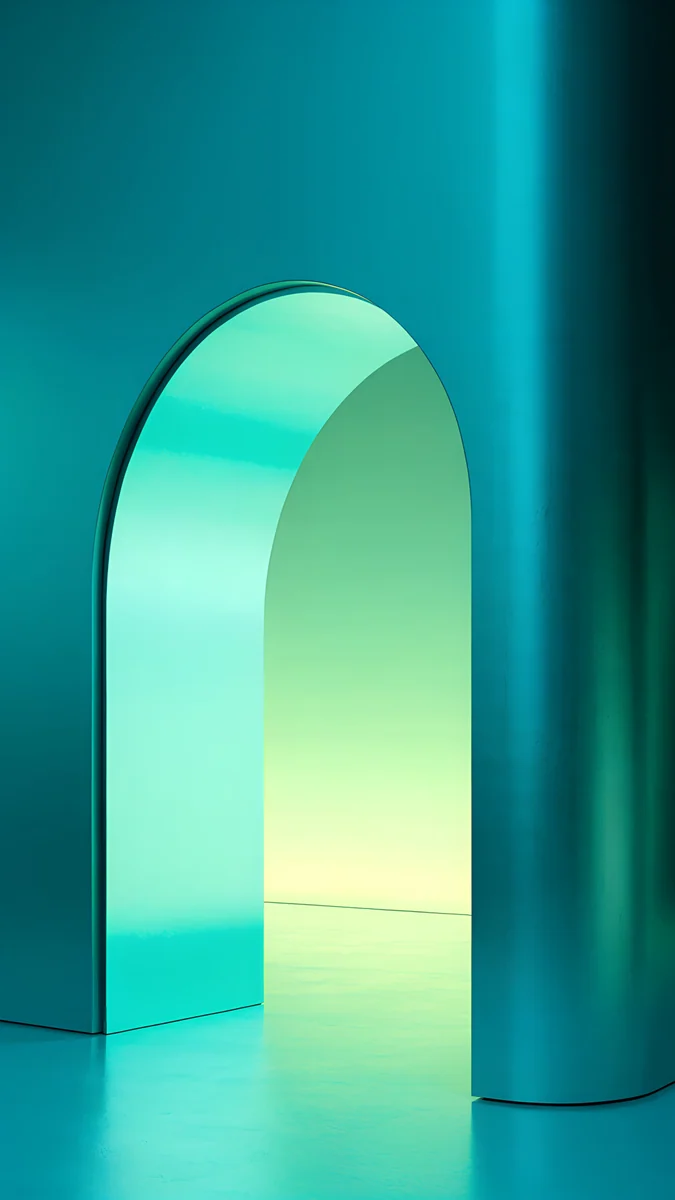 Jade Mint Arch4K · Phone
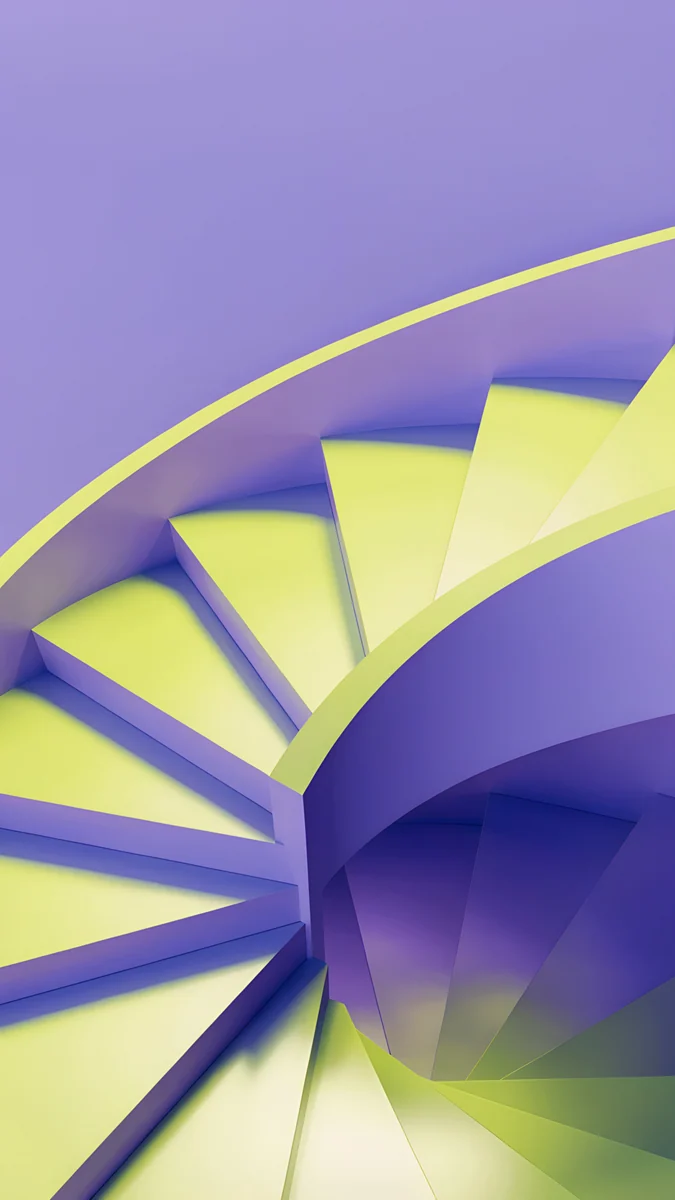
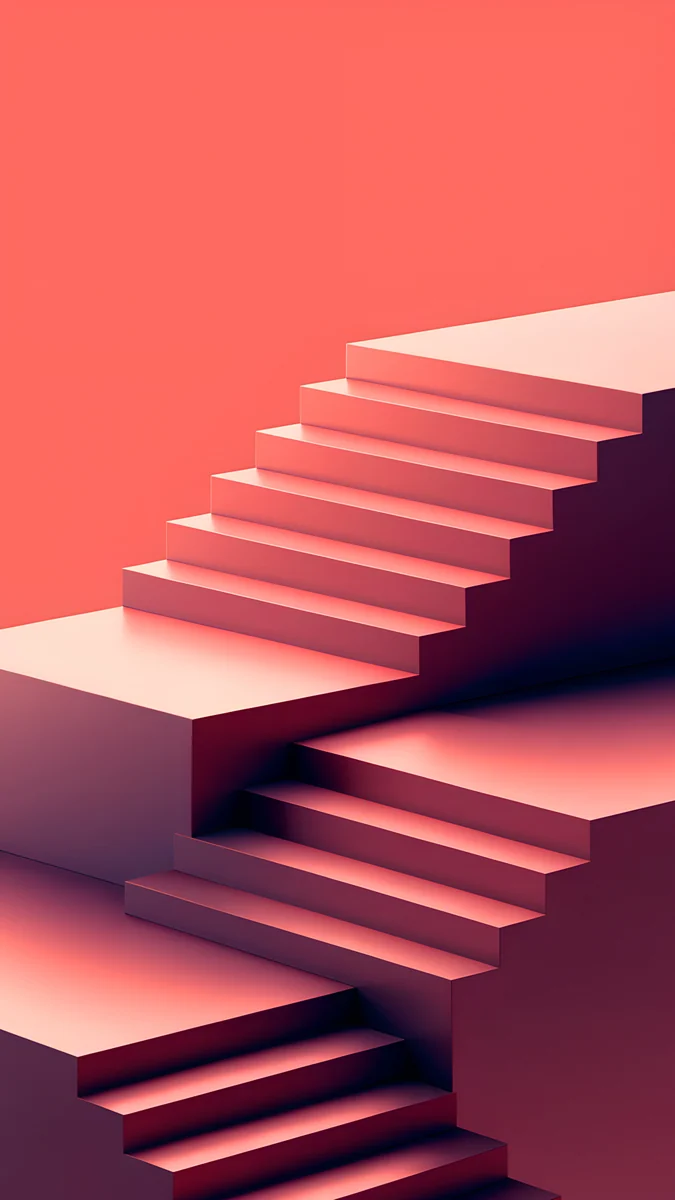
Electric Violet Arch is a glowing cyan and pink arch inside a violet room, centered and tall enough to survive the landscape crop. Lime Violet Helix looks down a lilac spiral staircase with lime green steps; it has no edges to lose, so any crop works. Coral Zigzag Flights runs coral pink stairs across the whole frame, bright and graphic behind the Dock. Jade Mint Arch is a teal room with a mint arch in the middle, the cooler pick of the set.
Architecture wallpapers for iPad
Pale stone, arches and long perspective lines. Repeating shapes crop well, because any slice of them still looks finished.
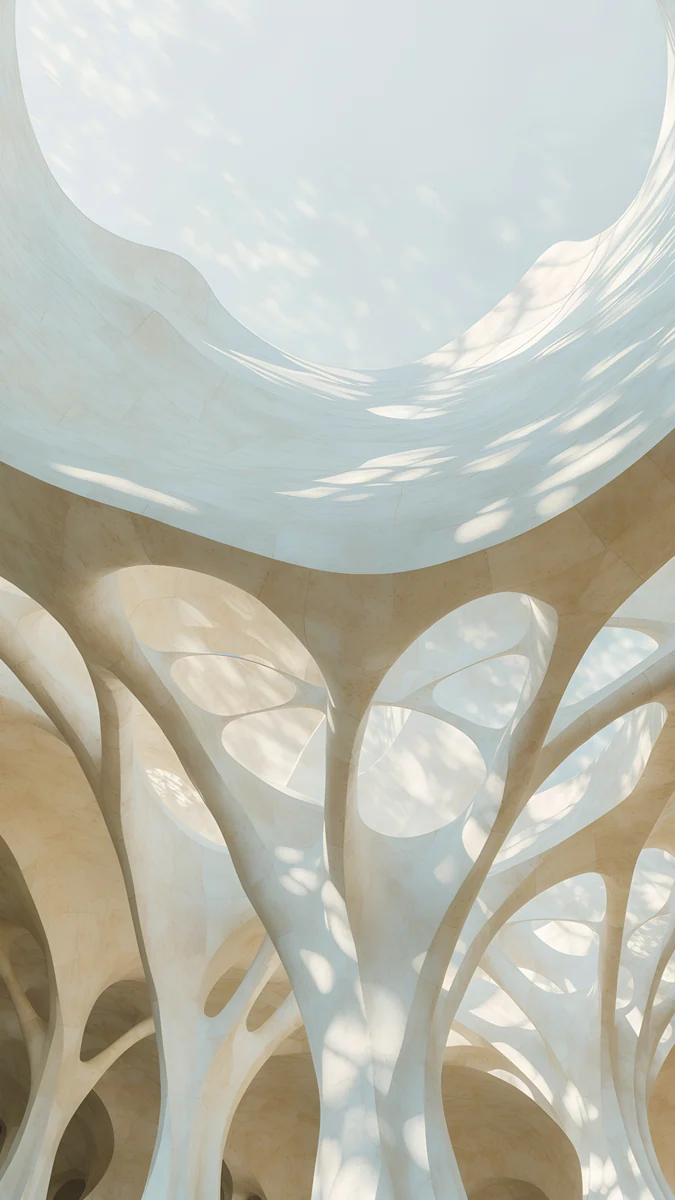
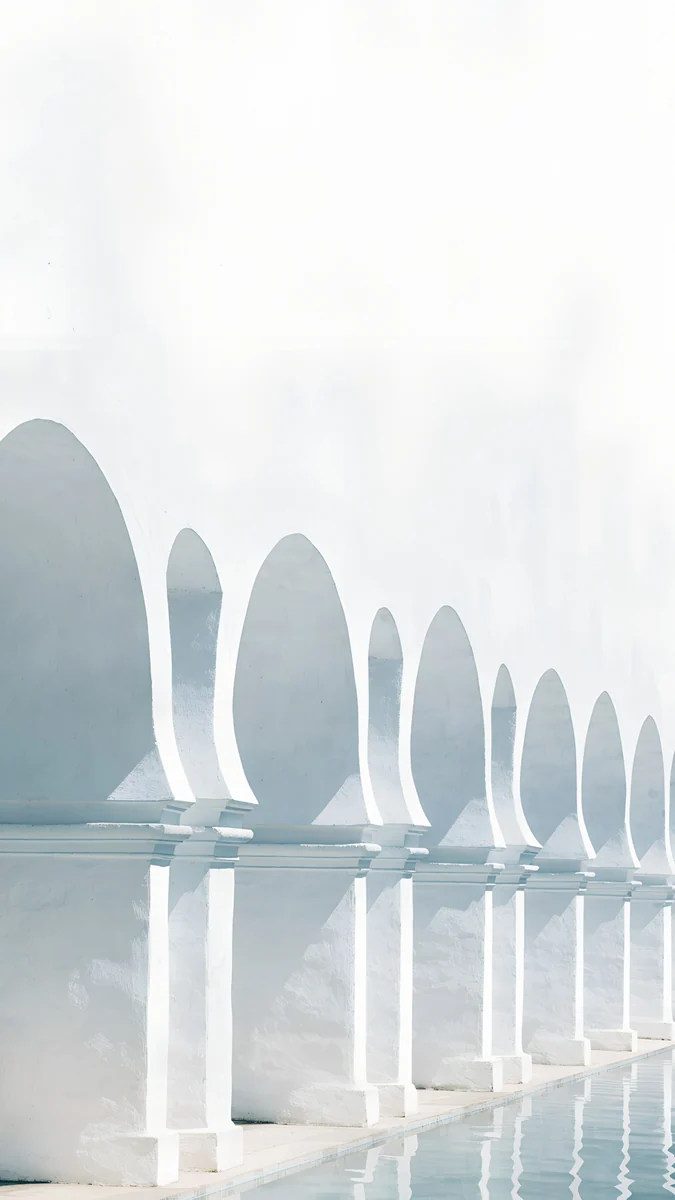
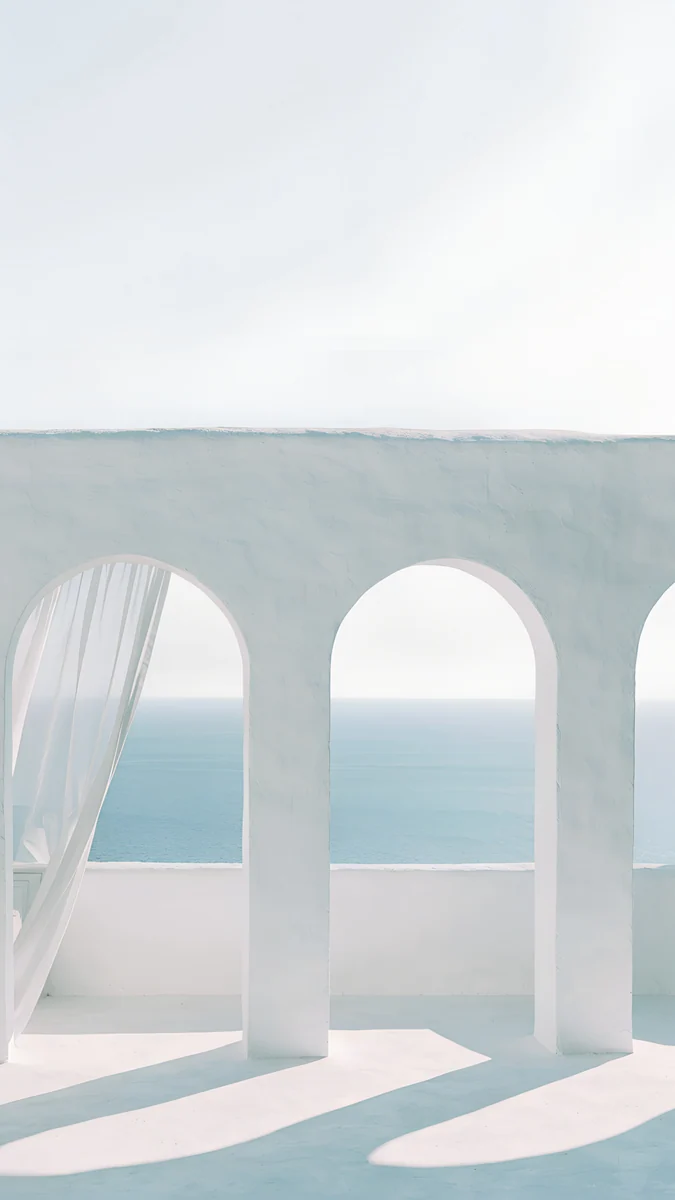
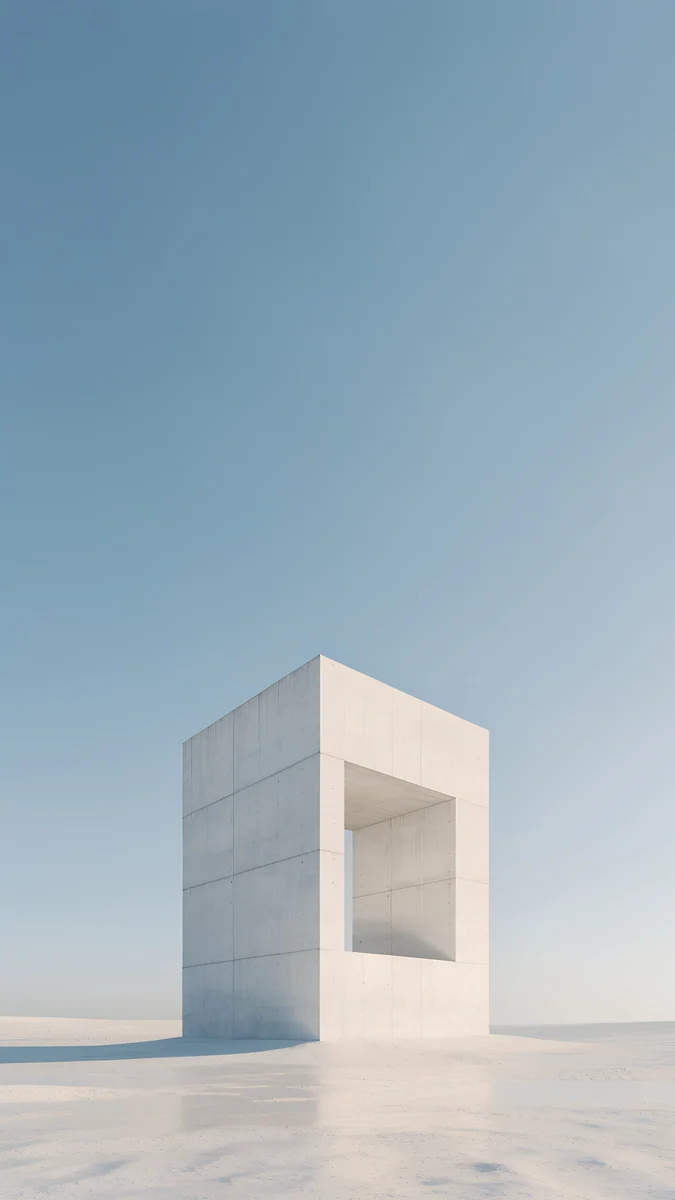
Stone Forest fills the frame with branching white columns under a round skylight, so every crop shows more columns. White Arches is a row of horseshoe arches running back over still water, a rhythm that survives rotation. Sea Arch looks through white arches and a sheer curtain at a calm sea at mid height, which keeps the sea in both views. Monolith on the Plain is one white concrete frame on an empty plain under a blue sky; it sits low, so use it in portrait.
Japan wallpapers for iPad
Mist, ink and bamboo: quiet pictures with a strong center line.
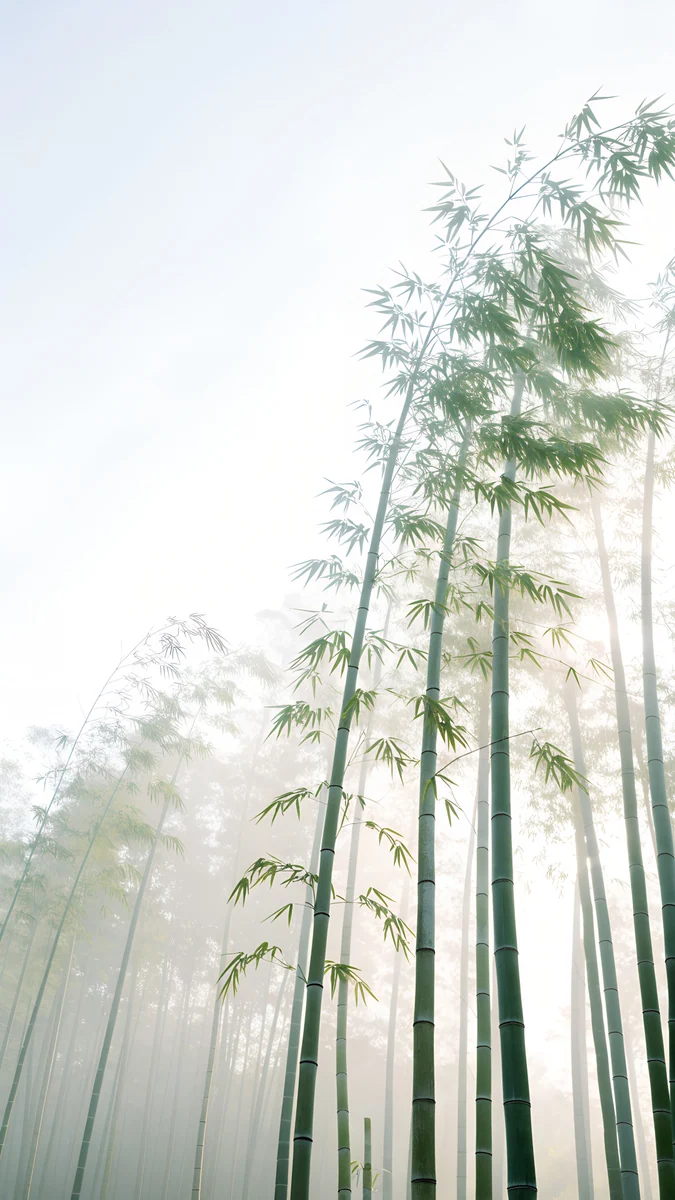 Misty Bamboo Grove4K · Phone
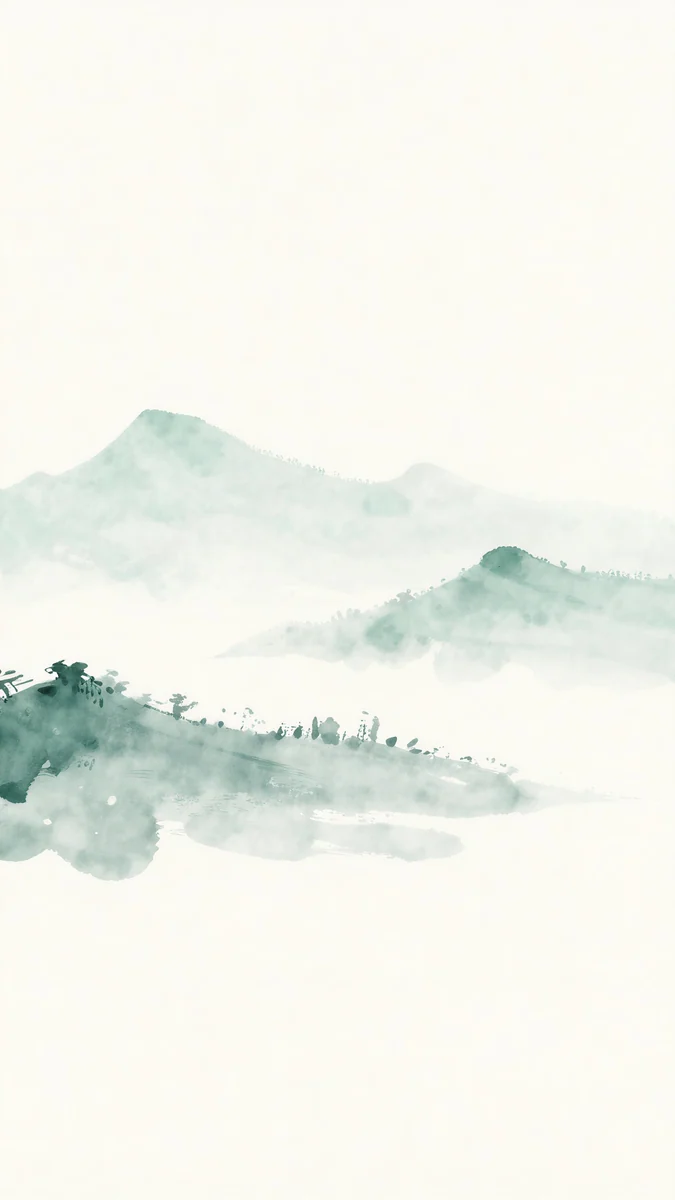 Jade Mist4K · Phone
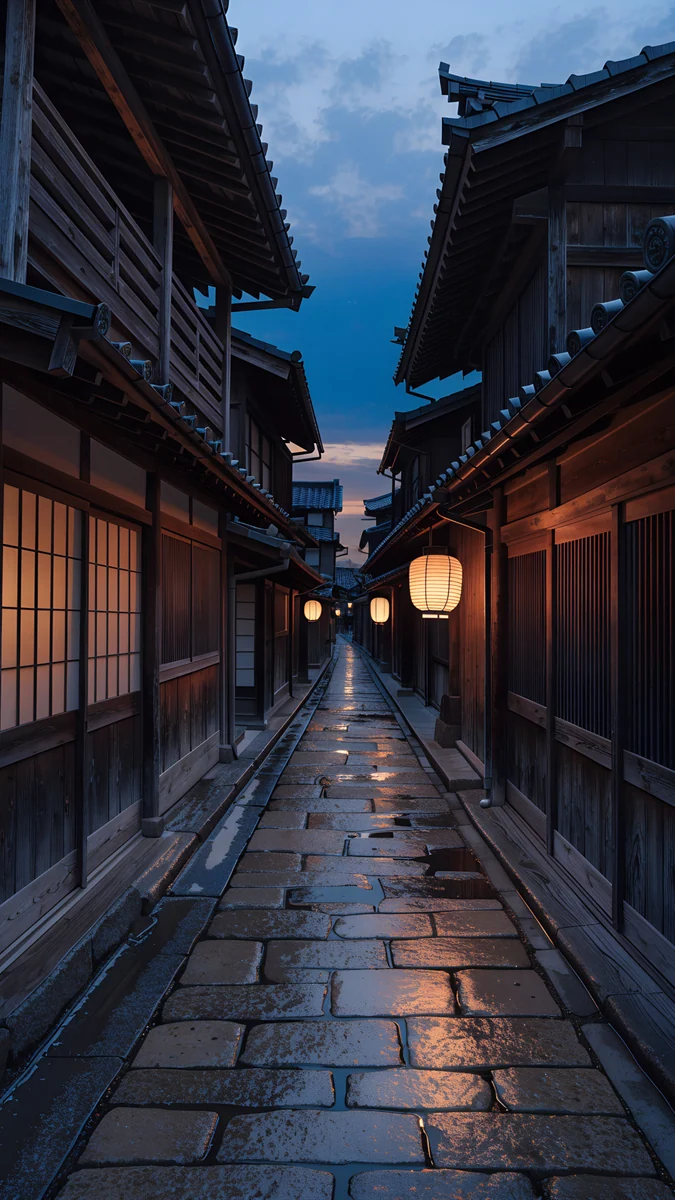 Kyoto Lantern Lane4K · Phone
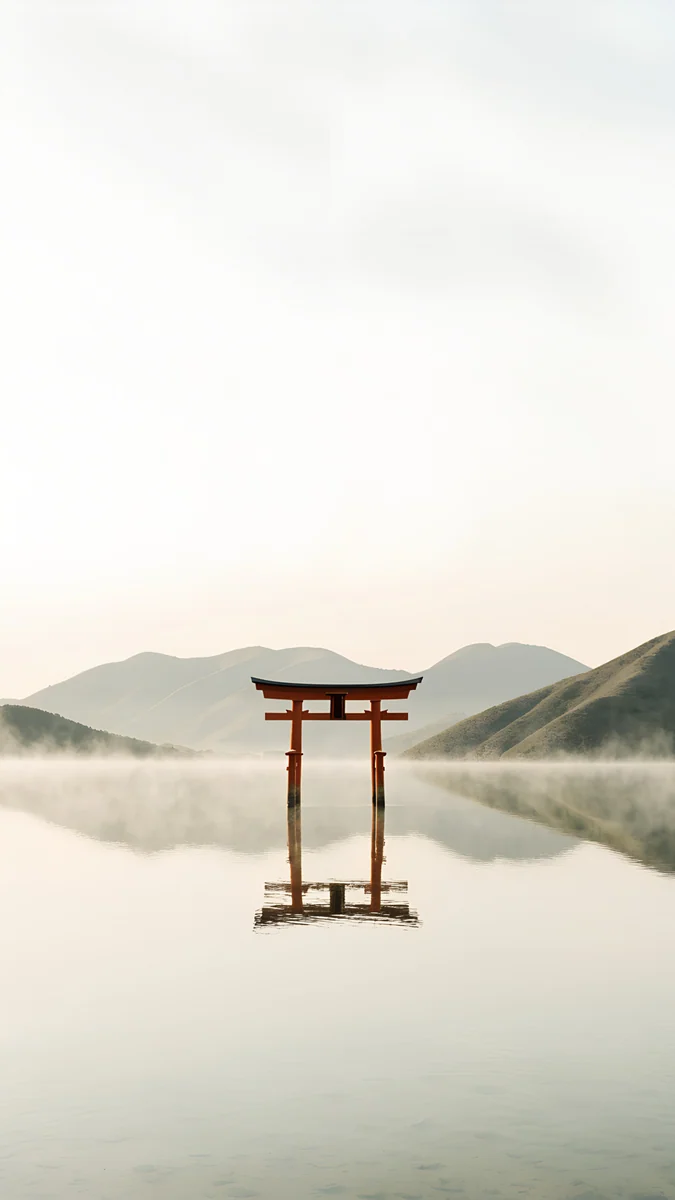 Torii in the Mist4K · Phone
Misty Bamboo Grove fills the frame with tall green stalks fading into white fog, so any crop is just more bamboo. Jade Mist is green ink mountains floating across the middle of a cream page, almost all of it inside the band that survives rotation. Kyoto Lantern Lane looks down a wet stone alley of wooden houses with lit lanterns, and its vanishing point sits in the center. Torii in the Mist places a red torii gate in a misty lake a little below the middle; it keeps the gate in landscape on the 11-inch models and trims its feet on the 13-inch ones.
Landscape iPad wallpapers for a keyboard case
If the iPad spends most of its time sideways, start from a wide file instead of a phone file.
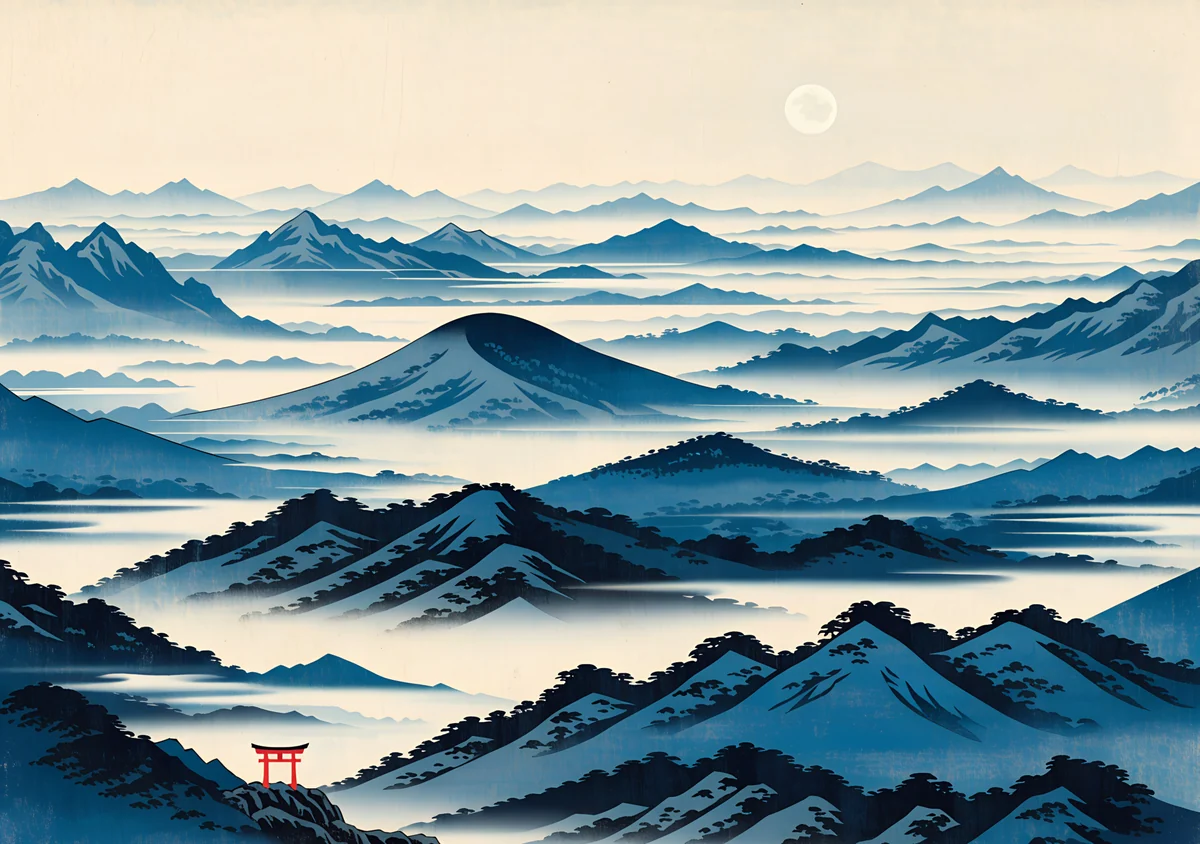 Misty Mountains Torii Wide4K · Desktop
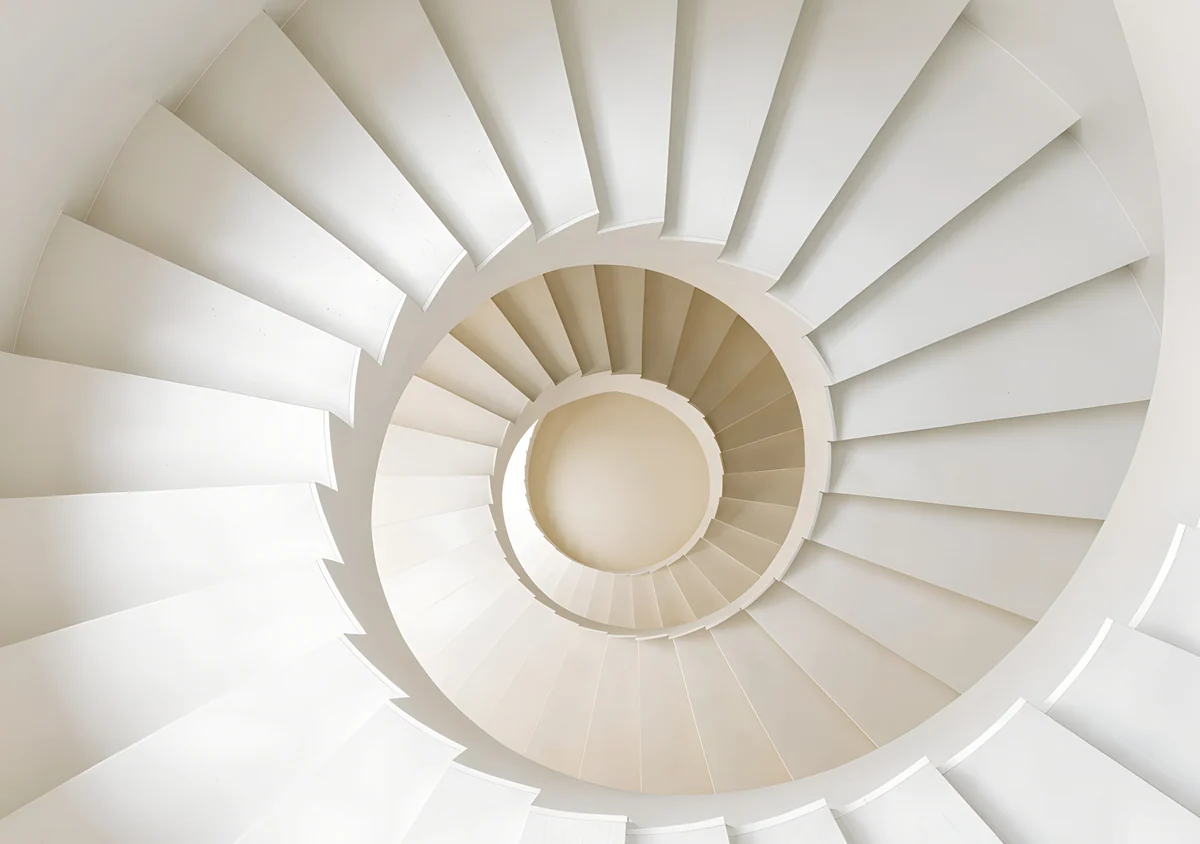 White Spiral Stairs Wide4K · Desktop
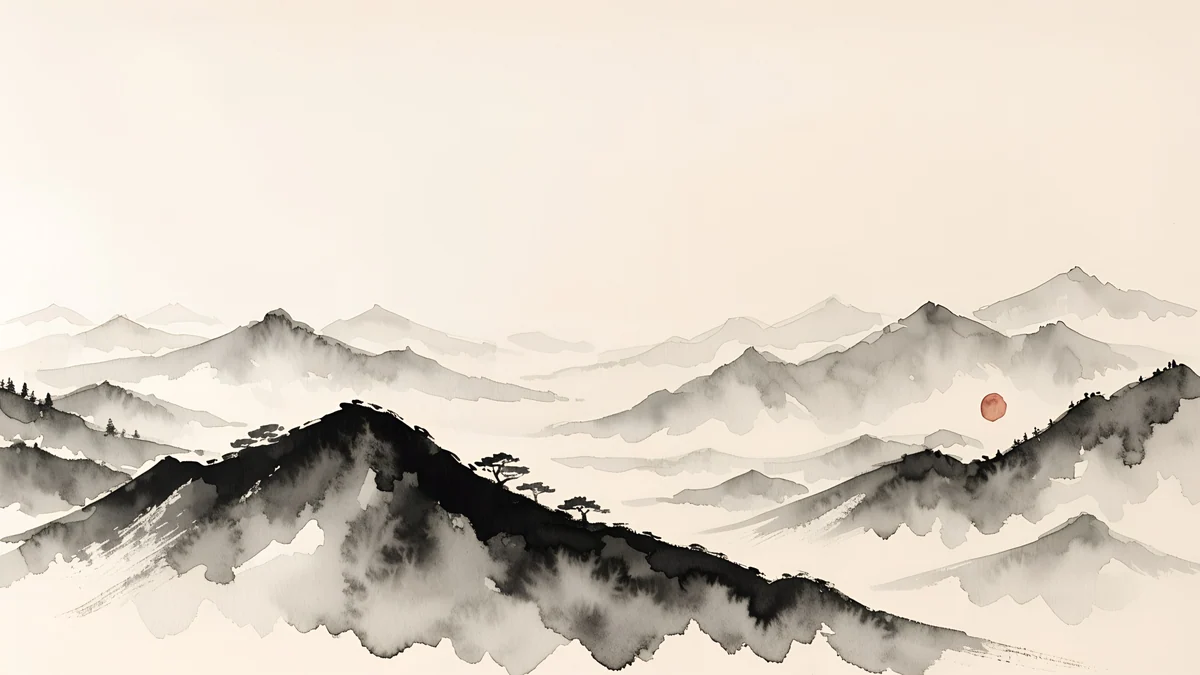 Ink Mountain Mist4K · Desktop
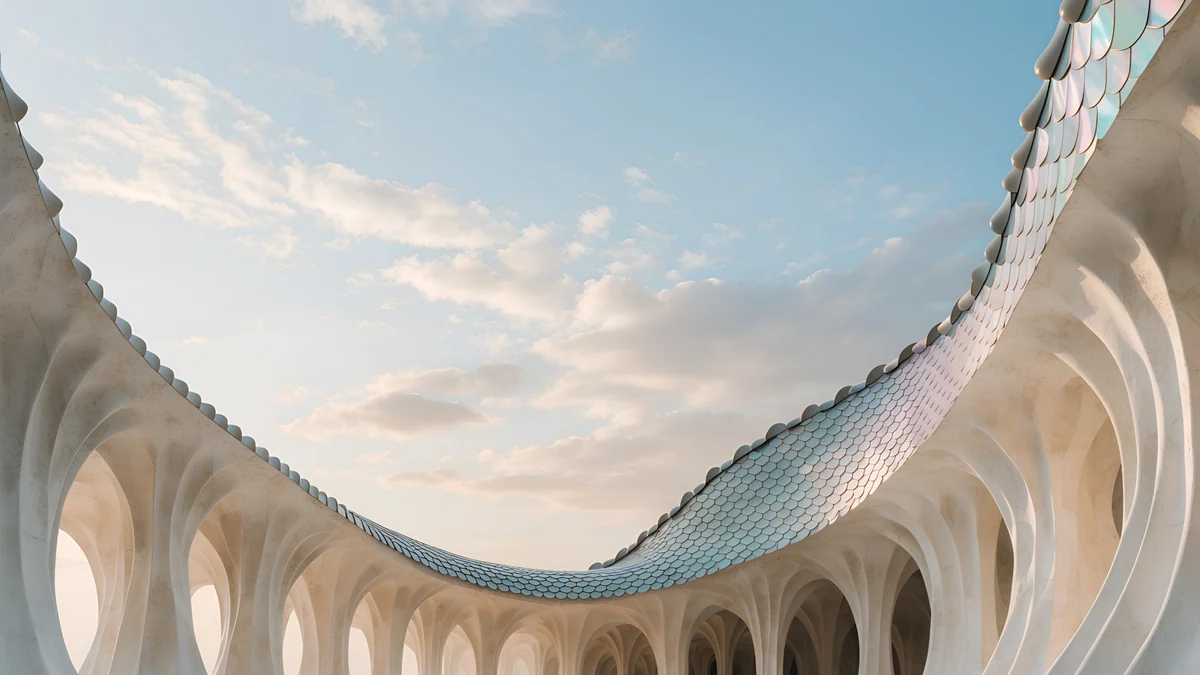 Dragon Roof4K · Desktop
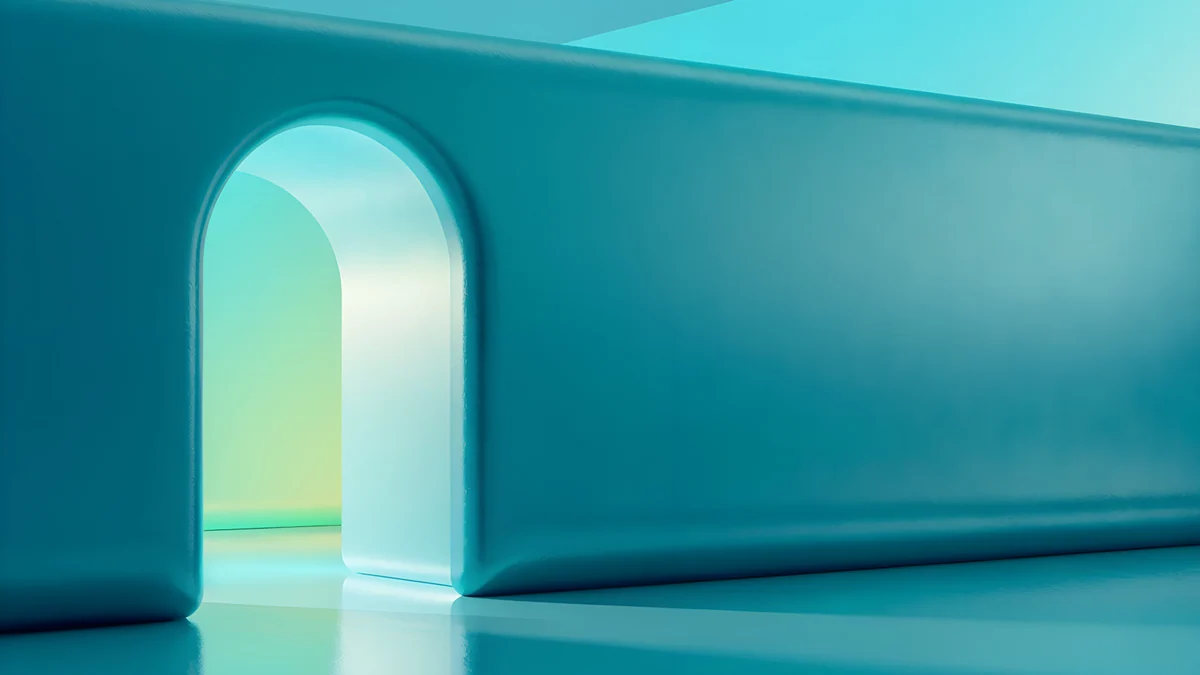 Jade Mint Portal4K · Desktop
Misty Mountains Torii Wide is a woodblock style range of blue mountains in mist with a small red torii at the bottom, in the 4096 × 2880 iPad-like shape, so it stays sharp both ways. White Spiral Stairs Wide, same shape, looks down a white spiral stair whose round center survives any crop. Ink Mountain Mist is a 4K ink landscape of black ridges and a red sun on cream, wide enough that the sides you lose are only mist. Dragon Roof is a curved tiled roof edge framing a soft sky, a 4K desktop file. Jade Mint Portal puts a glowing arch on the left of a long teal wall, so the landscape crop keeps the arch.
Picks by iPad model
iPad Pro. The 11-inch and 13-inch models have a tandem OLED display, so dark wallpapers show deep blacks, and many owners use them in a Magic Keyboard, which makes landscape the main view. Our iPad Pro wallpaper guide has picks for both.
iPad Air. The 13-inch Air has the same 4:3 shape as the 13-inch Pro, so it crops the most from a phone file. Centered picks from the calm and architecture sets fit best.
iPad (A16). At 1640 × 2360 it shares the Air 11-inch resolution, so a phone original is sharp in portrait and barely enlarged in landscape. Colorful pictures suit its LCD screen in a bright room.
iPad mini. It has the narrowest shape of any iPad and is the one most often held upright, so portrait-first pictures like Pagoda Moon or The Small Warmth work well here.
For cozy pastel scenes instead, see cute iPad wallpapers.
Common problems and fixes
- The subject is cut off after rotating. It sits outside the middle band. Pick a centered wallpaper from the sets above, or lock the rotation in Control Center.
- It looks soft in landscape. A phone file is being enlarged to fill the width, which shows most on the 13-inch models. Switch to a 4K, 5K or 4096 × 2880 file.
- It looks soft everywhere. You probably saved a preview or a screenshot. Download the original again from the wallpaper page.
- It is zoomed in further than you framed it. Open the More menu in the wallpaper editor and turn off Perspective Zoom if your version shows it.
- Icons and widgets are hard to read. Choose a calmer picture or blur the Home Screen with Customize Home Screen. Our aesthetic iPad wallpapers are built around soft palettes, and tablet wallpapers covers Android tablets too.
Get these iPad wallpapers in Velpaper
Velpaper is an app for iPhone, iPad, Mac and Android, and every wallpaper is also on velpaper.com. Phone wallpapers are 4K originals at 2160 × 3840, desktop wallpapers are 4K and some are 5K, all without a watermark and without an account. The 4K desktop wallpapers in this article download for free. Phone wallpapers and the 4096 × 2880 wide files unlock after a short optional ad in the Velpaper apps; on the website, if no ad is available, the phone original downloads for free. The wallpapers are designed by Carlos Vivero.
Next step: open Fuji Above Clouds, save the original, set it on your iPad and rotate once to check both views.
Original wallpapers in 4K and 5K for iPhone, Android and desktop.
Questions
What is the best wallpaper for iPad?
One with its main shape in the center and nothing important near the edges, because the iPad shows a different window of the same picture in portrait and landscape. Fuji Above Clouds is a strong pick: the peak and the cloud line sit just above the middle, so both orientations keep them. For a dark screen, Black Glass Sphere is a single glass ball centered on pure black. If your iPad lives in a keyboard case, start from a wide file such as Misty Mountains Torii Wide, which is close to the iPad's own shape and stays sharp both ways.
What size is a 4K iPad wallpaper?
No iPad screen is 4K itself. The largest, the 13-inch iPad Pro, is 2064 × 2752 pixels, and the 13-inch iPad Air is 2048 × 2732. A 4K file is still the right choice because it leaves room for the rotation crop. A 2160 × 3840 phone wallpaper is sharp on every iPad held upright, a 3840 × 2160 desktop file covers every iPad in landscape, and a 5120 × 2880 or 4096 × 2880 file is larger than every iPad in both directions. Velpaper wallpapers are all 4K originals, and some desktop files are 5K.
Can I use iPhone backgrounds for iPad?
Yes, if they are full-size originals. A 2160 × 3840 phone wallpaper is wider than every iPad screen in portrait, so it stays sharp there, but iPadOS trims some of the top and bottom because the iPad is squarer than a phone. In landscape it shows about the middle 40 percent of the height, enlarged to the screen width, which can look soft on the 13-inch models. Pick a background with a centered subject, such as Electric Violet Arch or Jade Mist, and check both orientations after you set it.
Why does my iPad wallpaper change when I rotate it?
iPadOS keeps the wallpaper upright when the iPad turns, so one image has to fill a tall screen in portrait and a wide one in landscape. It keeps the center and trims the edges, the top and bottom in one view and much more of the height in the other. Anything near an edge, like a moon at the top or a cabin near the bottom, can disappear in one orientation. Choose a wallpaper with its subject in the middle band, use a wide 4096 × 2880 file, or lock the rotation if you only use one orientation.
Are these iPad backgrounds free?
Browsing and previewing are free on velpaper.com and in the Velpaper apps for iPhone, iPad, Mac and Android. The 4K desktop wallpapers in this article, such as Ink Mountain Mist and Jade Mint Portal, download for free. Phone wallpapers and the 4096 × 2880 wide files unlock after a short optional ad in the Velpaper apps; on the website, if no ad is available, the phone original downloads for free. There is no account and no subscription, and the downloaded file has no watermark.
Carlos Vivero
Designer of Velpaper wallpapers
Carlos Vivero designs the wallpapers in Velpaper: quiet architecture, liquid glass, Japanese ink and calm landscapes. Every piece is made as a 4K original for iPhone, Android and desktop.
Recent work








