iPad Pro Wallpaper: 4K Dark Picks for OLED and Keyboard
iPad Pro wallpapers for the 11-inch and 13-inch OLED models: true black picks, color on black and wide files for the Magic Keyboard, with sizes and setup steps.
In short: The best iPad Pro wallpaper is dark with its shape in the center, because the tandem OLED screen shows true black and the Magic Keyboard keeps it in landscape. Violet Spiral Galaxy survives rotation as a phone original, and Violet Liquid Fold Wide is the sharpest choice for keyboard use.
By the Velpaper team · Wallpapers by Carlos Vivero, Velpaper designer · · 7 min read
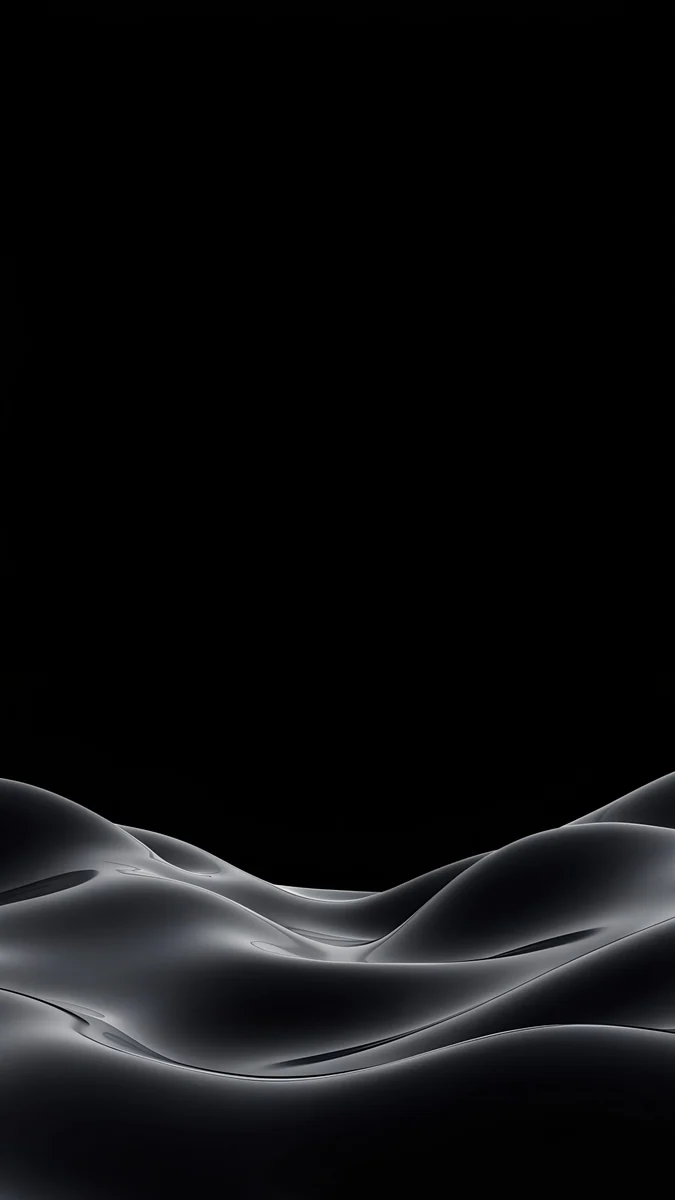 Obsidian Waves
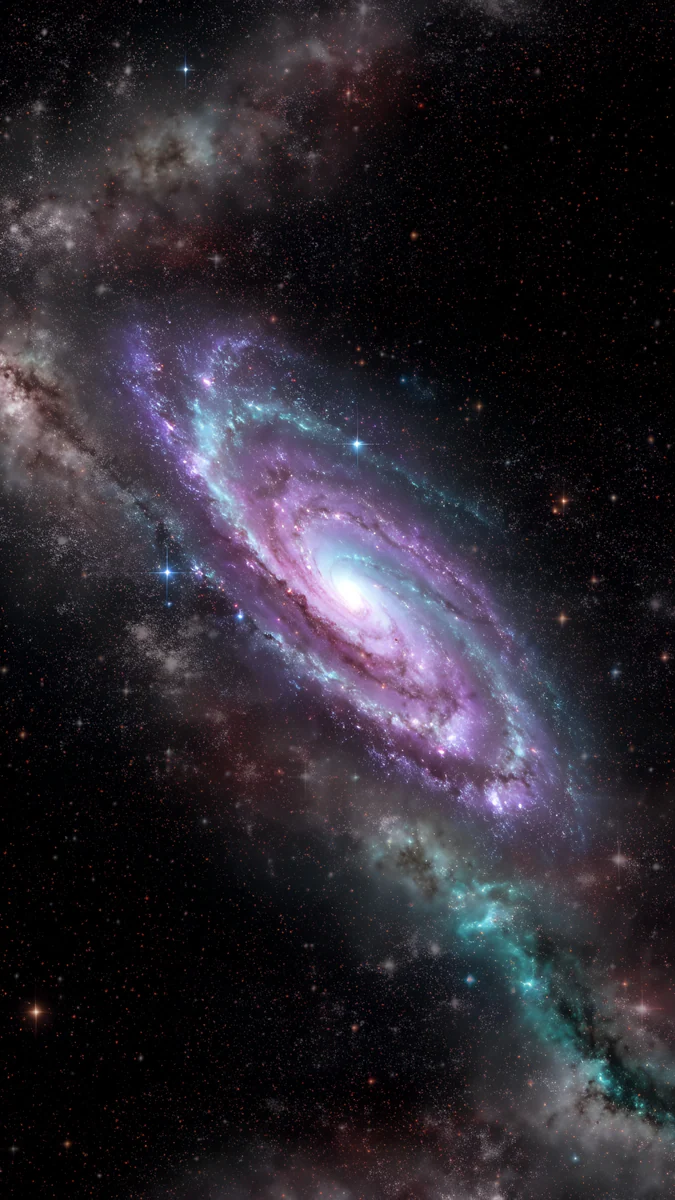 Violet Spiral Galaxy
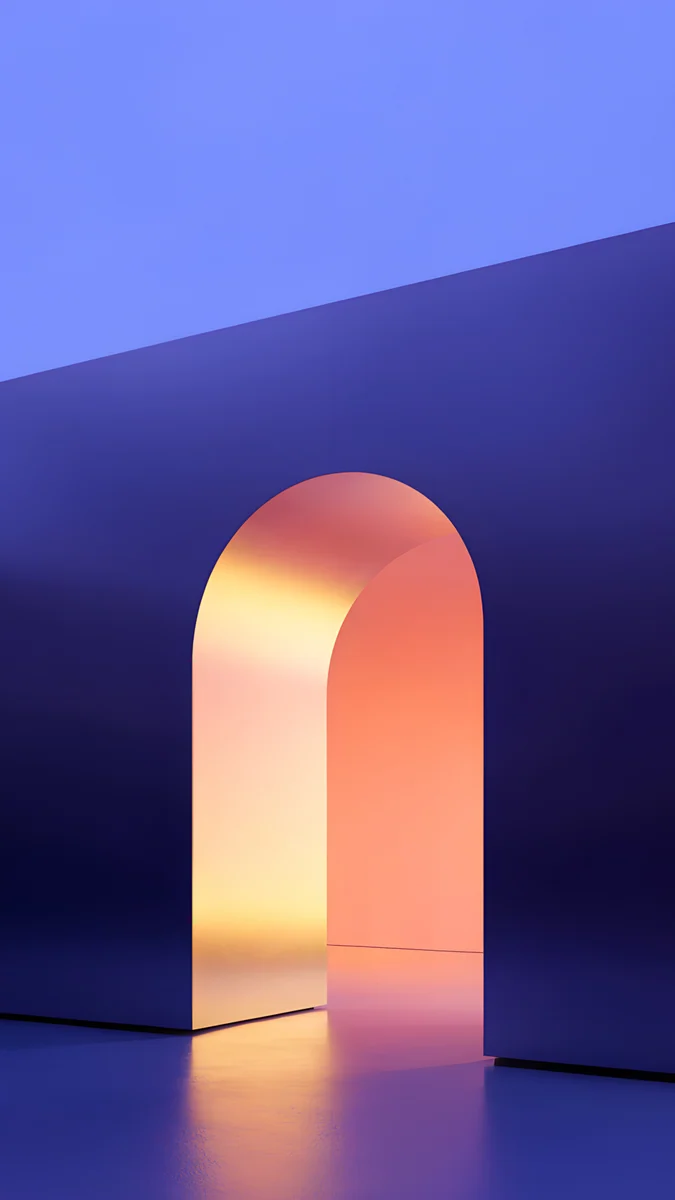 Solar Violet Arch
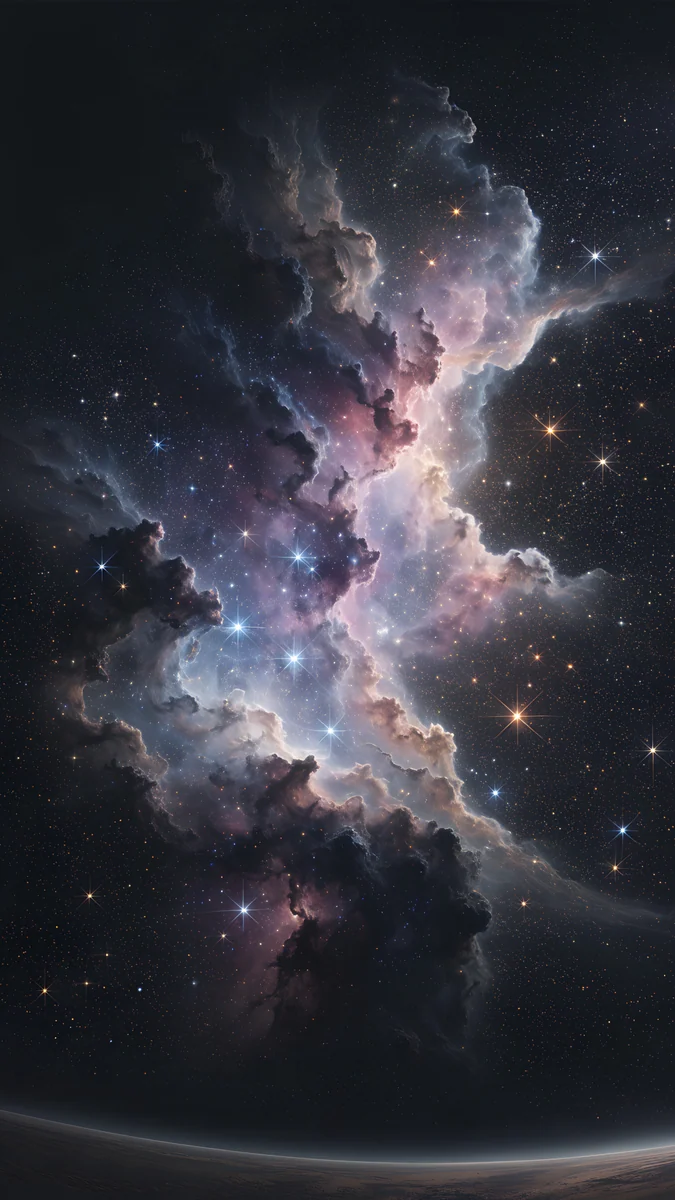 Pink Gold Nebula
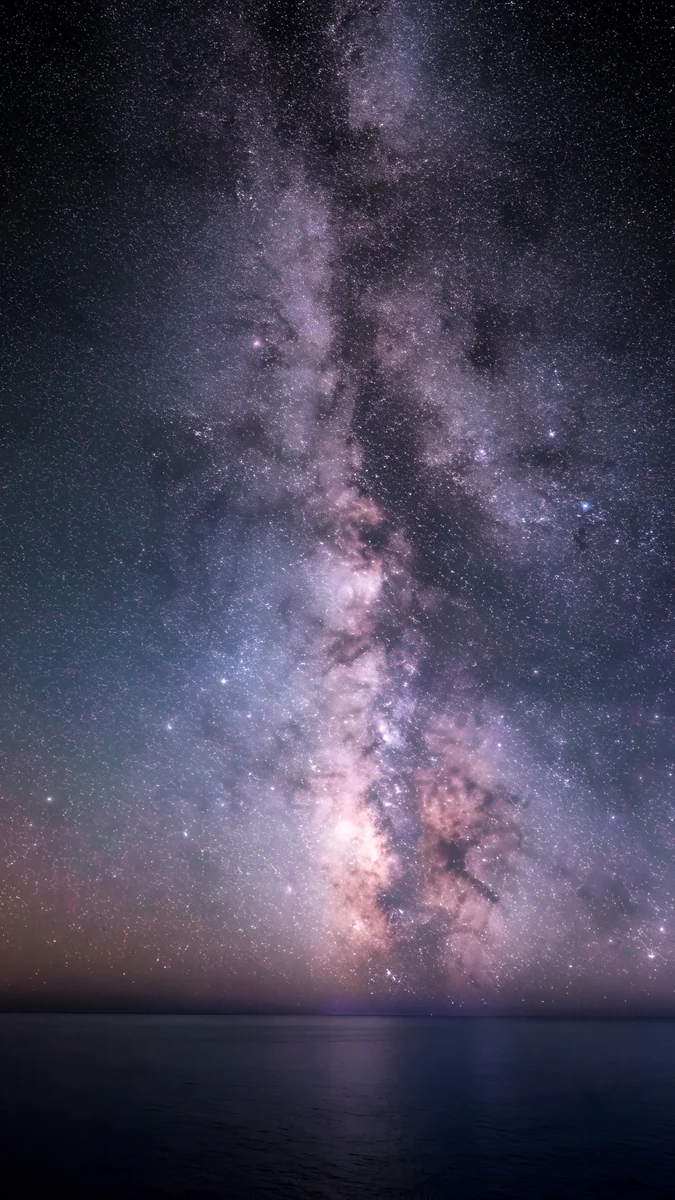 Milky Way Galaxy Ocean
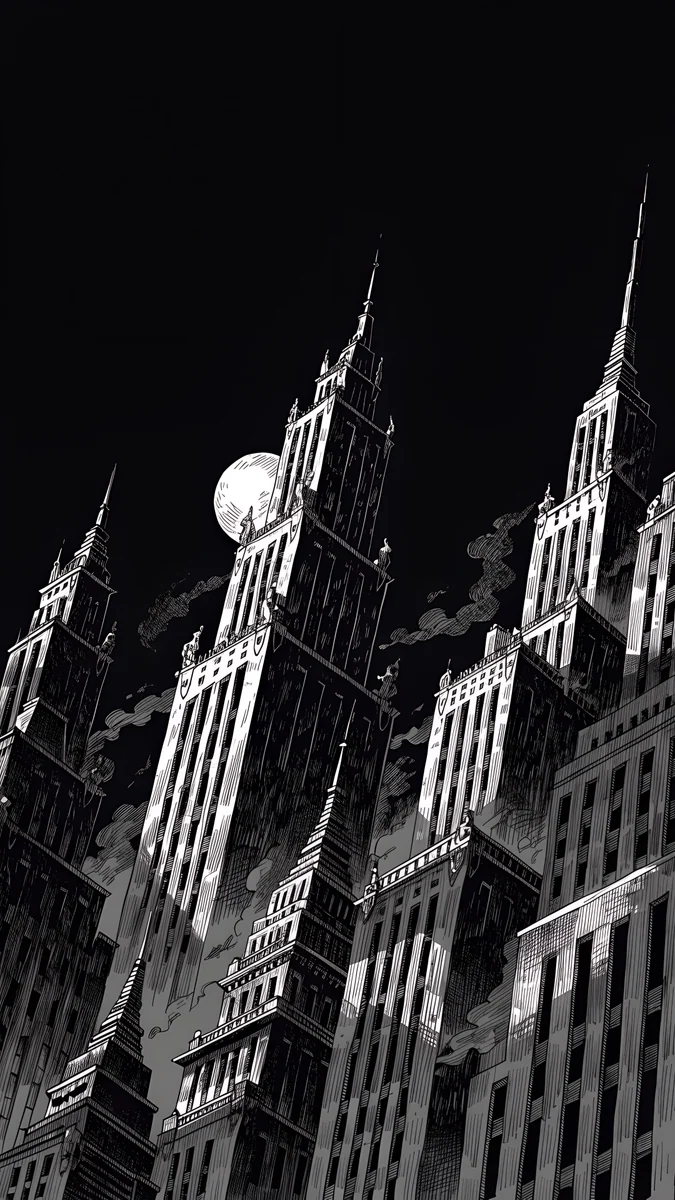 Ink Noir
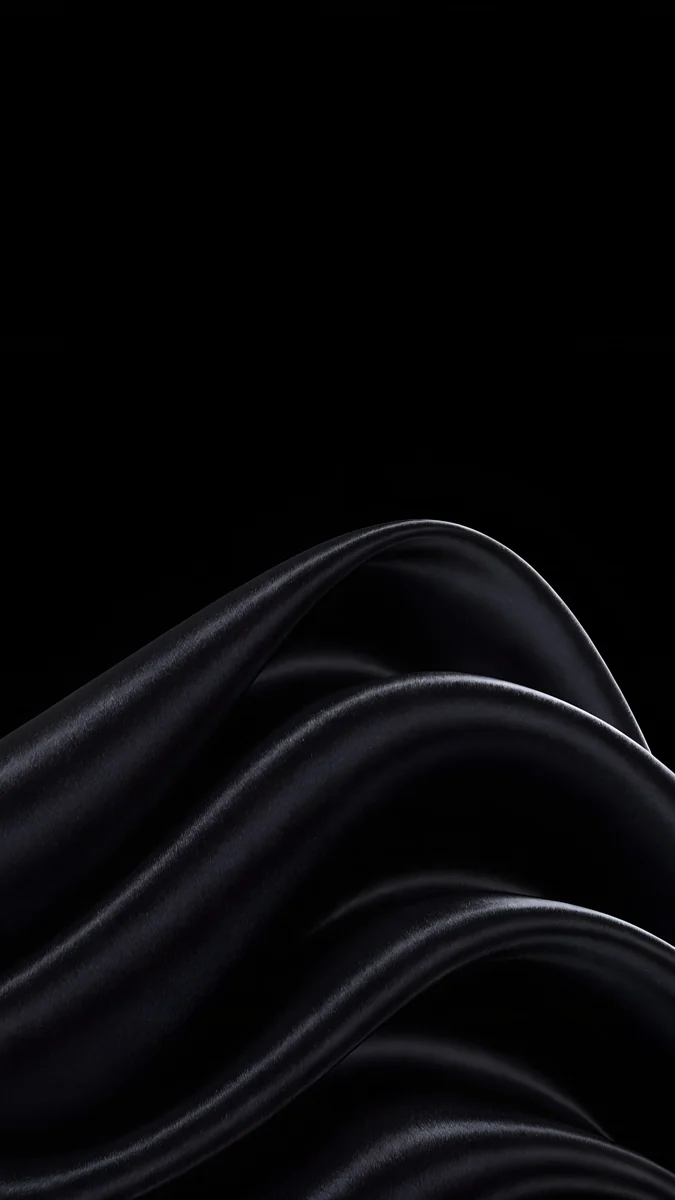 Black Satin
 Silver Loop
 Black Splash
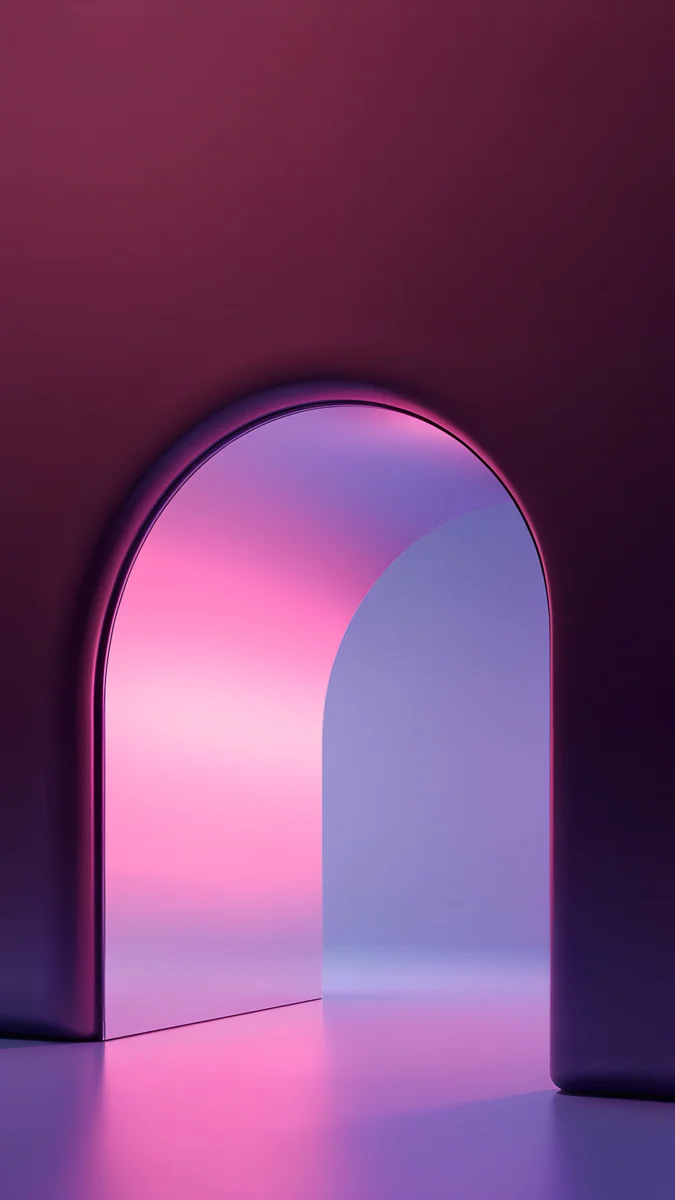 Rose Pulse Arch
 Peach Through Glass
 Jade Light Fold
Free 4K originals for iPhone and Android, no watermark
On this page
- iPad Pro wallpaper size: 11-inch and 13-inch
- The OLED display and why dark wallpapers win
- How to set a wallpaper on iPad Pro
- Dark iPad Pro wallpapers that survive rotation
- Portrait only: pure black with one shape
- Color on black for the XDR screen
- Landscape wallpapers for the Magic Keyboard
- Common problems and fixes
- Get these iPad Pro wallpapers in Velpaper
The best iPad Pro wallpaper is a dark one with its shape in the center: the 11-inch and 13-inch iPad Pro use a tandem OLED display, so black areas look truly black, and a centered subject survives the switch between portrait and the landscape view of a Magic Keyboard. Use a 2160 × 3840 phone original for portrait and a 4K, 5K or 4096 × 2880 wide file if the iPad Pro mostly sits in its keyboard.
Below are the iPad Pro sizes, what Apple says about the display, how to set a wallpaper in iPadOS 26, and backgrounds for iPad Pro sorted by how they hold up, each with one line on why.
iPad Pro wallpaper size: 11-inch and 13-inch
These are the native resolutions, portrait width by height, from our size guide:
| Model | Resolution (pixels) | Shape |
|---|---|---|
| iPad Pro 13-inch (M4, M5) | 2064 × 2752 | 4:3 |
| iPad Pro 11-inch (M4, M5) | 1668 × 2420 | 1.45:1 |
| iPad Pro 12.9-inch (3rd to 6th gen) | 2048 × 2732 | 4:3 |
| iPad Pro 11-inch (1st to 4th gen) | 1668 × 2388 | 1.43:1 |
The M4 and M5 models share the same two resolutions, and the full list with every other iPad is in our iPad wallpaper size guide. What it means for a wallpaper file:
- A 2160 × 3840 phone wallpaper is sharp on both sizes held upright. iPadOS trims about an eighth from the top and bottom on the 13-inch model, a little less on the 11-inch. In landscape you see roughly the middle 40 percent of the height, enlarged by about a quarter on the 13-inch and by about a tenth on the 11-inch.
- A 4K desktop file at 3840 × 2160 covers both sizes in landscape without enlarging and loses a slice from each side. The 5K files at 5120 × 2880 are larger than either screen in both directions.
- A 4096 × 2880 wide file is about 1.42 to 1, almost exactly the 11-inch shape. It stays sharp in both orientations and shows about the middle half of its width in portrait.
The OLED display and why dark wallpapers win
Apple calls the screen on the M4 and M5 iPad Pro an Ultra Retina XDR display and lists these specs for both sizes:
- Tandem OLED, at 264 pixels per inch.
- A 2,000,000:1 contrast ratio.
- 1000 nits max full screen brightness, and 1600 nits peak for HDR content only.
- ProMotion with adaptive refresh rates from 10Hz to 120Hz.
- An optional nano-texture glass on the 1TB and 2TB models.
On an OLED panel each pixel makes its own light, so a black pixel stays dark instead of glowing gray like an LCD backlight. A black wallpaper therefore blends into the bezel, and a bright shape on black looks like it floats. Whether a dark wallpaper also saves battery on iPad Pro depends on how much of the screen is lit, and Apple does not publish a figure, so treat that as a small bonus, not a reason. Older iPad Pro models use LCD screens, where these wallpapers still look good but the blacks are less deep. For more on black screens, see dark wallpapers for OLED.
How to set a wallpaper on iPad Pro
- Open the wallpaper in the Velpaper app on your iPad Pro, or on velpaper.com in Safari, and save the original.
- If you downloaded it in Safari, open it from Downloads in the Files app, tap Share and choose Save Image to put it in Photos.
- Open Settings, tap Wallpaper, then Add New Wallpaper, then Photos, and pick the image.
- Pinch and drag so the main shape sits in the center, then tap Add.
- Choose Set as Wallpaper Pair, or Customize Home Screen to give the home screen a blurred or different picture.
- Attach the Magic Keyboard, or rotate the iPad Pro, and check the landscape view. That is the one you will see most.
Menu names match iPadOS 26 in English and can differ slightly in later updates. Every other route, including Photo Shuffle, is in how to change the wallpaper on iPad.
Dark iPad Pro wallpapers that survive rotation
Black skies with the detail in the middle band, the part an iPad shows in both orientations.
Violet Spiral Galaxy4K · PhonePink Gold Nebula4K · PhoneMilky Way Galaxy Ocean4K · PhoneInk Noir4K · PhoneViolet Spiral Galaxy puts a violet and teal spiral galaxy in the middle of a black starfield, so landscape crops straight to the galaxy. Pink Gold Nebula runs pink and white star clouds down the full height of a black sky, so every crop is still nebula. Milky Way Galaxy Ocean is a dense band of stars rising from a dark sea near the bottom; landscape keeps the brightest part of the band. Ink Noir is a black and white drawing of gothic towers filling the frame under a small moon, sharp white lines on black that the OLED panel shows with real contrast.
Portrait only: pure black with one shape
These are mostly true black, with one glossy form in the lower half. Upright they look like an object resting on the glass. In landscape you see black and the top of the shape, which still works as a near-black screen.
Obsidian Waves lays soft gray silk waves across the lower third of a black frame, leaving the top empty for the clock. Black Satin sweeps folds of black fabric with silver highlights up from the bottom left. Silver Loop is one thin chrome loop curling through the bottom half, the most minimal pick here. Black Splash is a glossy black liquid splash rising from the lower edge, catching just a little light.
Color on black for the XDR screen
If pure black feels too plain, pick a glowing shape on a dark field. Bright color next to deep shadow is where an HDR capable OLED screen looks its best.
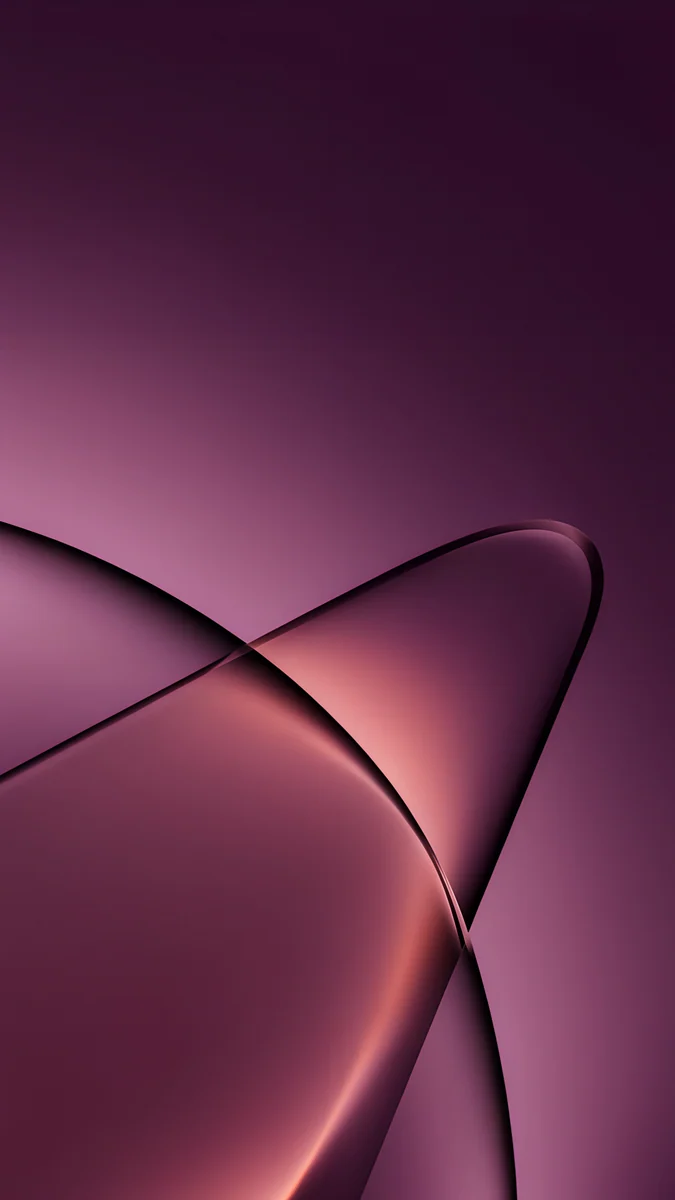
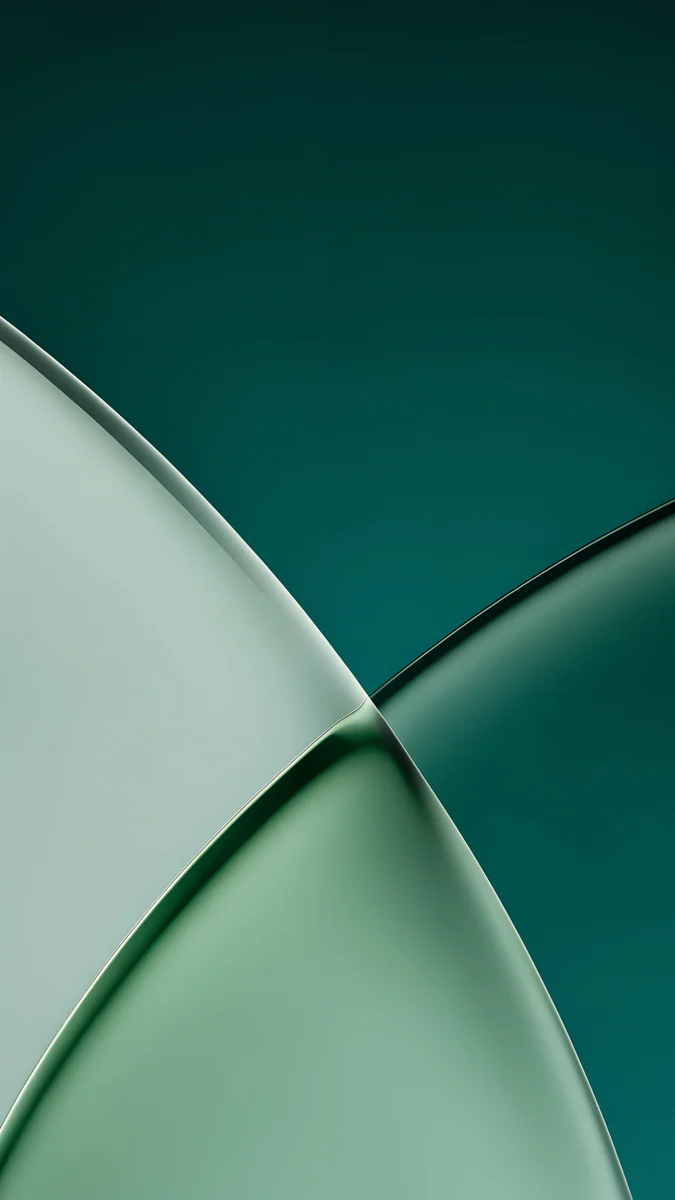
Solar Violet Arch4K · PhoneRose Pulse Arch4K · PhonePeach Through Glass4K · PhoneJade Light Fold4K · PhoneSolar Violet Arch is a glowing orange arch in a deep violet wall, centered and tall enough to keep in landscape. Rose Pulse Arch lights a pink arch inside a dark plum room, a moodier take on the same idea. Peach Through Glass crosses two curved glass panes in rose and peach on dark plum, with the crossing near the middle. Jade Light Fold does the same in green glass on deep teal, quieter behind app windows.
Landscape wallpapers for the Magic Keyboard
In a Magic Keyboard for iPad Pro the screen stays in landscape, the Dock runs along the bottom and app windows fill the middle. Start from a wide file here, not a phone file.
 Violet Liquid Fold Wide4K · Desktop
 Volt Blue Vault4K · Desktop
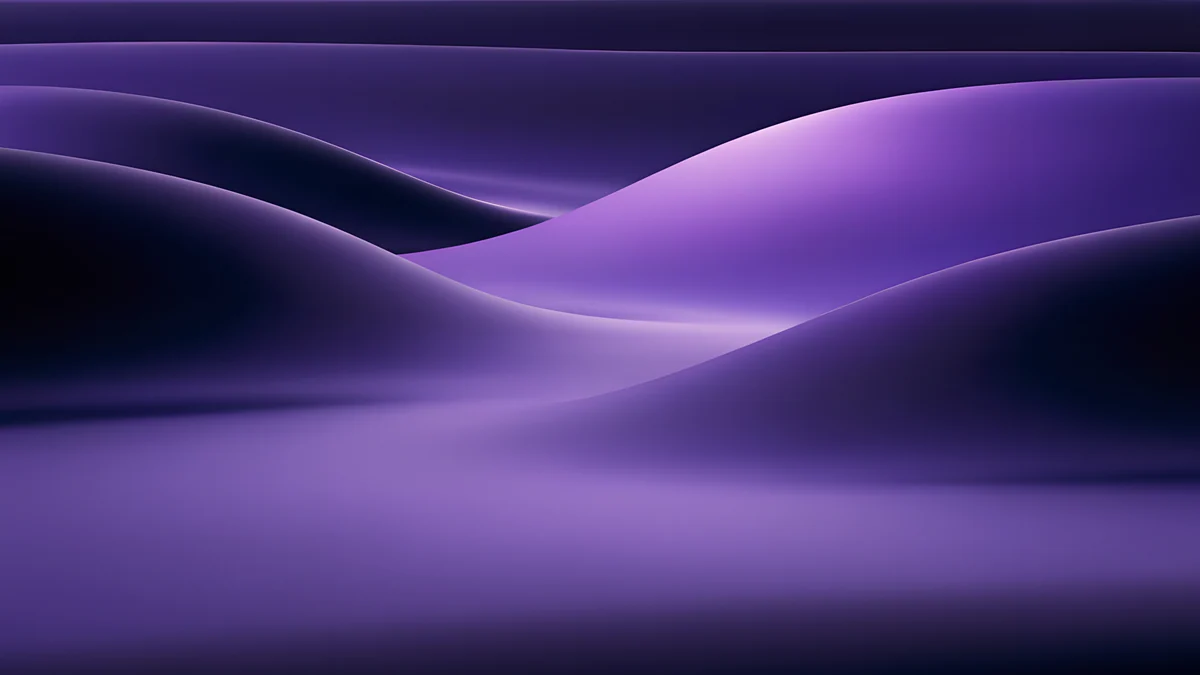 Indigo Silk Flow4K · Desktop
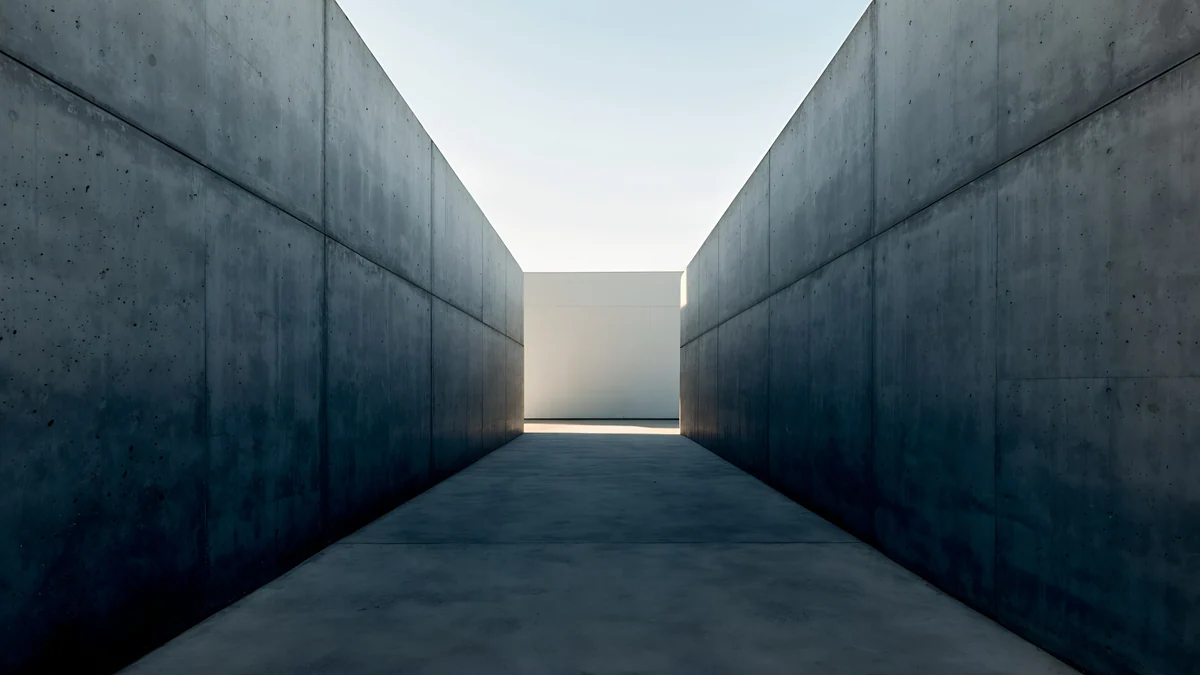 Graphite Passage4K · Desktop
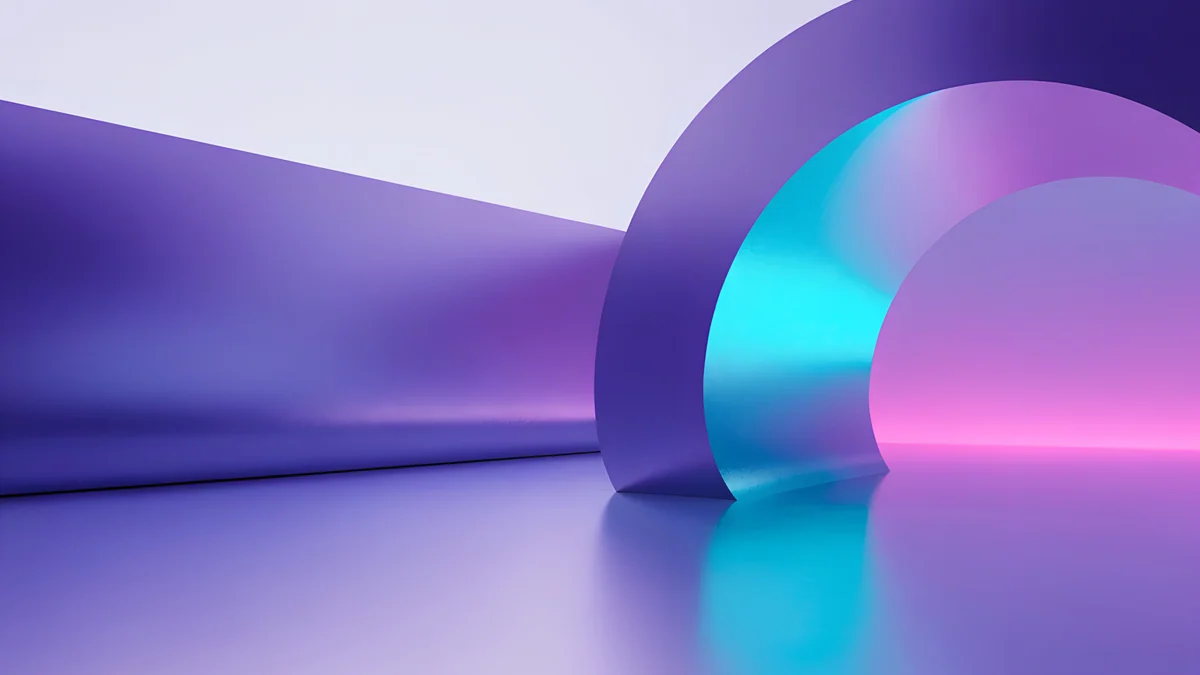 Electric Violet Vault4K · Desktop
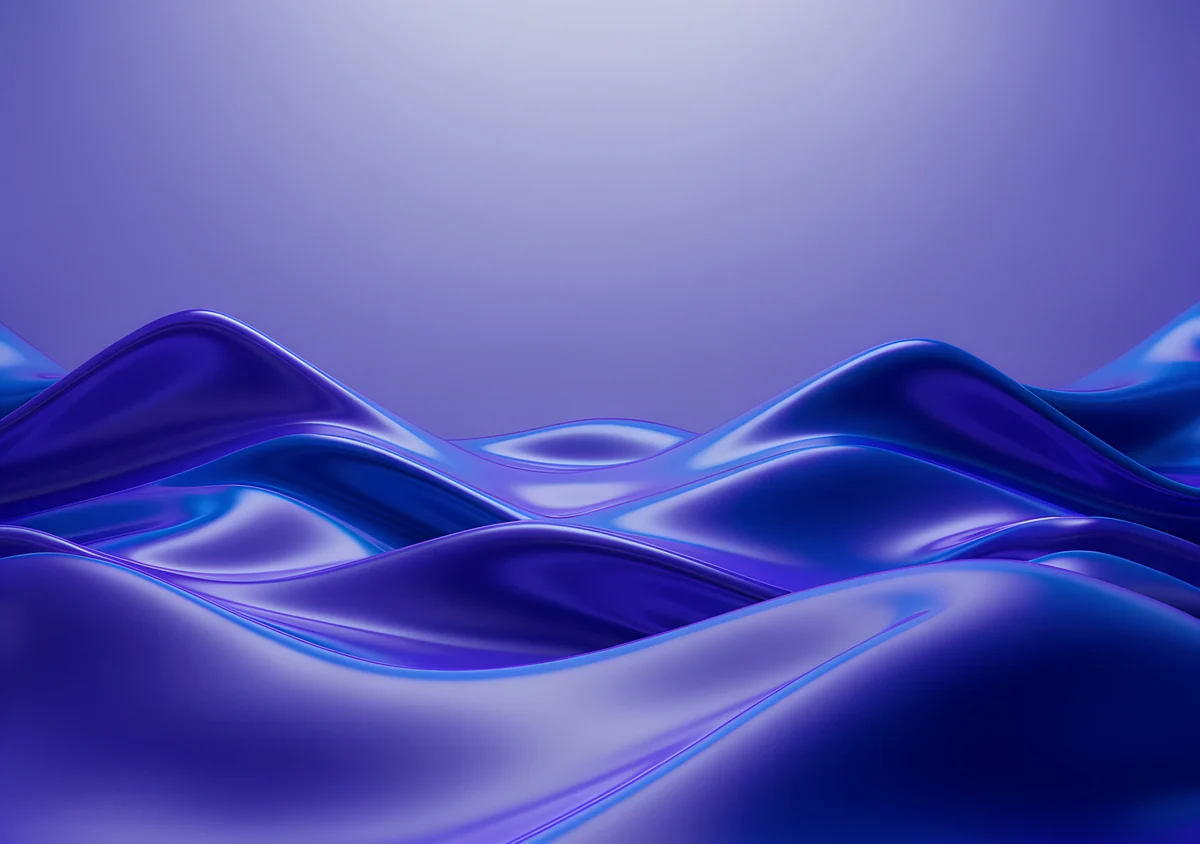
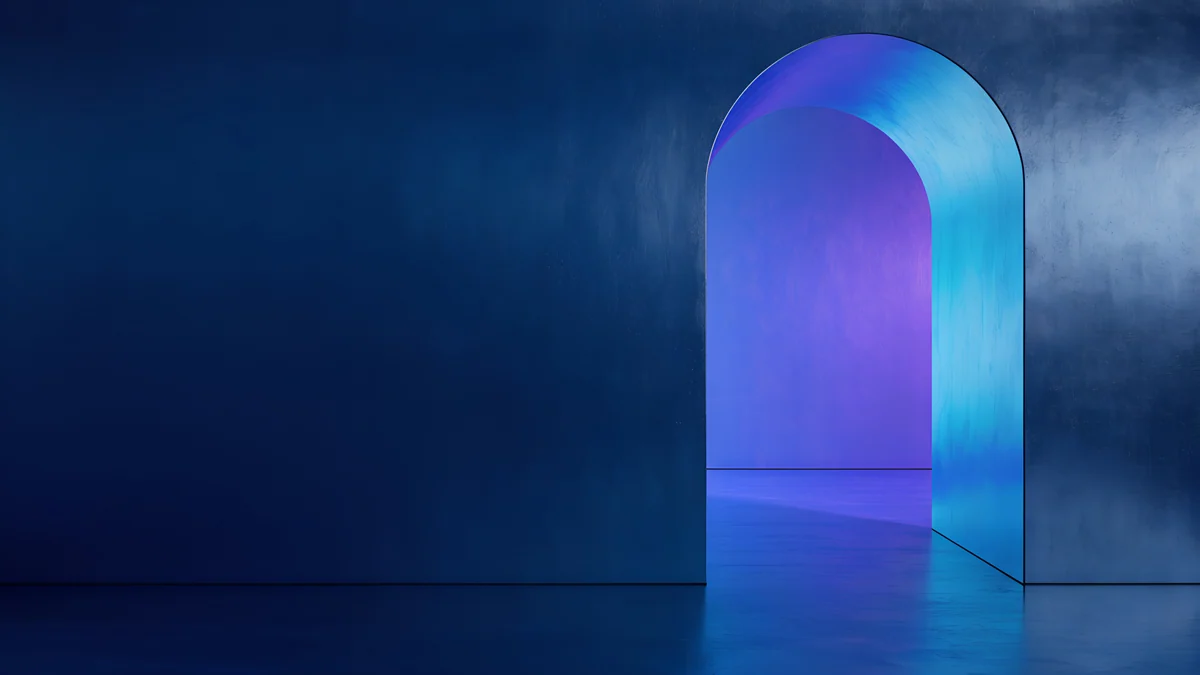
Violet Liquid Fold Wide is glossy indigo liquid waves under a violet sky in the 4096 × 2880 shape, so it is sharp on both sizes in either orientation. Volt Blue Vault is a 4K navy wall with one glowing blue arch on the right, dark everywhere a window might sit. Indigo Silk Flow rolls purple silk dunes into black at the edges, calm behind a split view. Graphite Passage looks down a narrow concrete corridor to a bright opening in the center, gray and quiet. Electric Violet Vault is a violet room with a cyan and pink arch on the right, the brightest pick for HDR fans.
Common problems and fixes
- It looks soft in the Magic Keyboard. A phone file is being enlarged to the landscape width, by about a quarter on the 13-inch model. Use a 4K, 5K or 4096 × 2880 file instead.
- The black looks gray. You may have saved a compressed preview, or you have an older iPad Pro with an LCD screen, where black always glows a little. Download the original again from the wallpaper page.
- The subject is cut off after rotating. It sits outside the middle band. Pick from the rotation-safe set, or lock the rotation in Control Center.
- It is zoomed in further than you framed it. Open the More menu in the wallpaper editor and turn off Perspective Zoom if your version shows it.
- You want something lighter. Our iPad wallpaper collection has calm and colorful picks, cute iPad wallpapers goes pastel, aesthetic iPad wallpapers covers soft palettes, and tablet wallpapers adds Android tablets.
Get these iPad Pro wallpapers in Velpaper
Velpaper is an app for iPhone, iPad, Mac and Android, and every wallpaper is also on velpaper.com. Phone wallpapers are 4K originals at 2160 × 3840, desktop wallpapers are 4K and some are 5K, all without a watermark and without an account. The 4K desktop wallpapers in this article download for free. Phone wallpapers and the 4096 × 2880 wide files unlock after a short optional ad in the Velpaper apps; on the website, if no ad is available, the phone original downloads for free. The wallpapers are designed by Carlos Vivero.
Next step: open Obsidian Waves, save the original, set it on your iPad Pro and look at it in a dark room.
Original wallpapers in 4K and 5K for iPhone, Android and desktop.
Questions
What size is an iPad Pro wallpaper?
The 13-inch iPad Pro with M4 or M5 is 2064 × 2752 pixels, and the 11-inch model is 1668 × 2420, both at 264 pixels per inch. Older models differ: the 12.9-inch iPad Pro from the 3rd to 6th generation is 2048 × 2732, and the 11-inch from the 1st to 4th generation is 1668 × 2388. A 2160 × 3840 phone wallpaper is sharp on all of them held upright. For landscape, a 3840 × 2160 file covers every model, and a 5120 × 2880 or 4096 × 2880 file is larger than every iPad Pro in both directions.
Do dark wallpapers look better on the iPad Pro?
On the M4 and M5 iPad Pro, yes. Apple lists a tandem OLED display with a 2,000,000:1 contrast ratio, and on OLED each pixel makes its own light, so black areas stay black instead of glowing gray. A black wallpaper then blends into the bezel, and a bright shape on black looks like it floats. Violet Spiral Galaxy and Obsidian Waves show this well. On older iPad Pro models with LCD screens, dark wallpapers still look good, but the blacks are not as deep.
Does a black wallpaper save battery on iPad Pro?
It can help a little, because an OLED pixel showing black uses very little power, but Apple does not publish a figure for wallpapers. The wallpaper is only fully visible on the Lock Screen and Home Screen, and most screen time is spent in apps that cover it, so any saving is small. Brightness and the apps you use matter far more. Pick a black wallpaper because it looks good on the OLED panel, and treat battery as a bonus rather than the reason.
What is the best wallpaper for an iPad Pro with a Magic Keyboard?
A wide file, because the Magic Keyboard keeps the iPad Pro in landscape almost all the time. A phone wallpaper there is cropped to about the middle 40 percent of its height and enlarged by about a quarter on the 13-inch model, which can look soft. Violet Liquid Fold Wide is a 4096 × 2880 file, close to the iPad's own shape, so it stays sharp both ways. Volt Blue Vault, a 4K navy wall with one glowing blue arch, keeps the center dark where app windows sit.
Are these iPad Pro wallpapers free?
Browsing and previewing are free on velpaper.com and in the Velpaper apps for iPhone, iPad, Mac and Android. The 4K desktop wallpapers in this article, such as Volt Blue Vault and Graphite Passage, download for free. Phone wallpapers and the 4096 × 2880 wide files unlock after a short optional ad in the Velpaper apps; on the website, if no ad is available, the phone original downloads for free. There is no account and no subscription, and the downloaded file has no watermark.
Carlos Vivero
Designer of Velpaper wallpapers
Carlos Vivero designs the wallpapers in Velpaper: quiet architecture, liquid glass, Japanese ink and calm landscapes. Every piece is made as a 4K original for iPhone, Android and desktop.
Recent work








