iPad Mini Wallpaper: Calm 4K Picks for the Small Screen
iPad mini wallpapers for the 8.3-inch LCD and the new 8.5-inch OLED model: calm picks for reading in portrait, rotation-safe textures and free landscape files.
In short: The best iPad mini wallpaper is calm, with one large shape and an empty top for the clock, because the mini is mostly held upright for reading. A 2160 × 3840 phone original such as The Blue Arch fits both the iPad mini (A20 Pro) and the iPad mini (A17 Pro) with the smallest crop of any iPad.
By the Velpaper team · Wallpapers by Carlos Vivero, Velpaper designer · · 7 min read
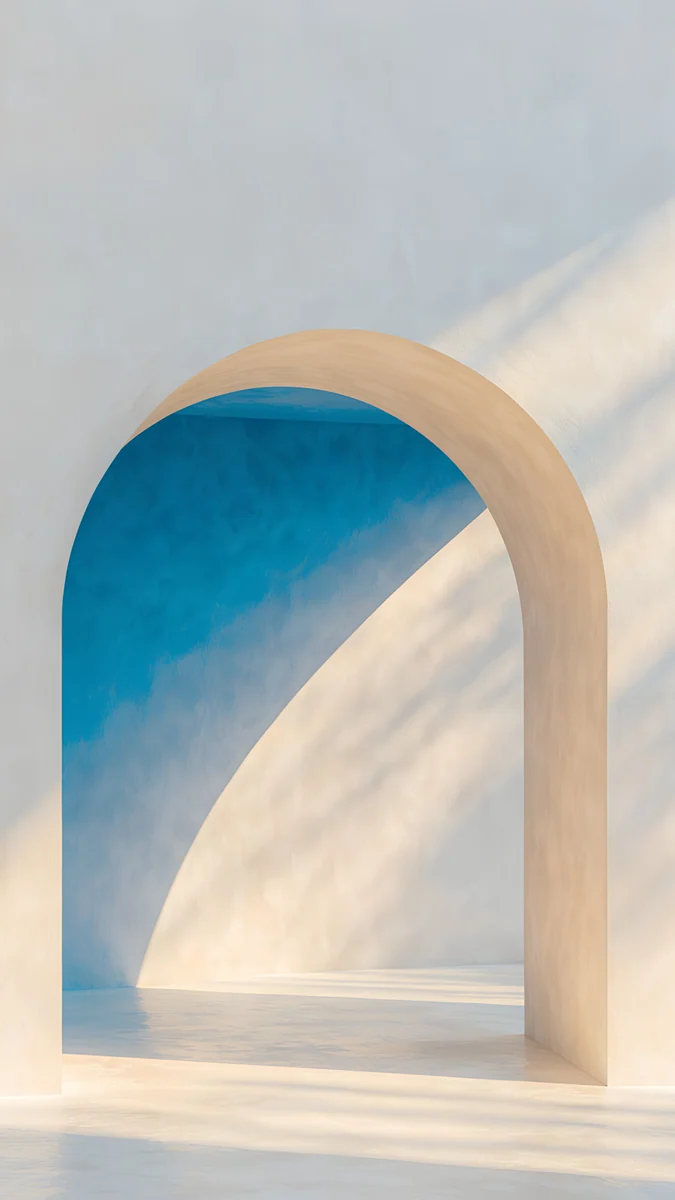 The Blue Arch
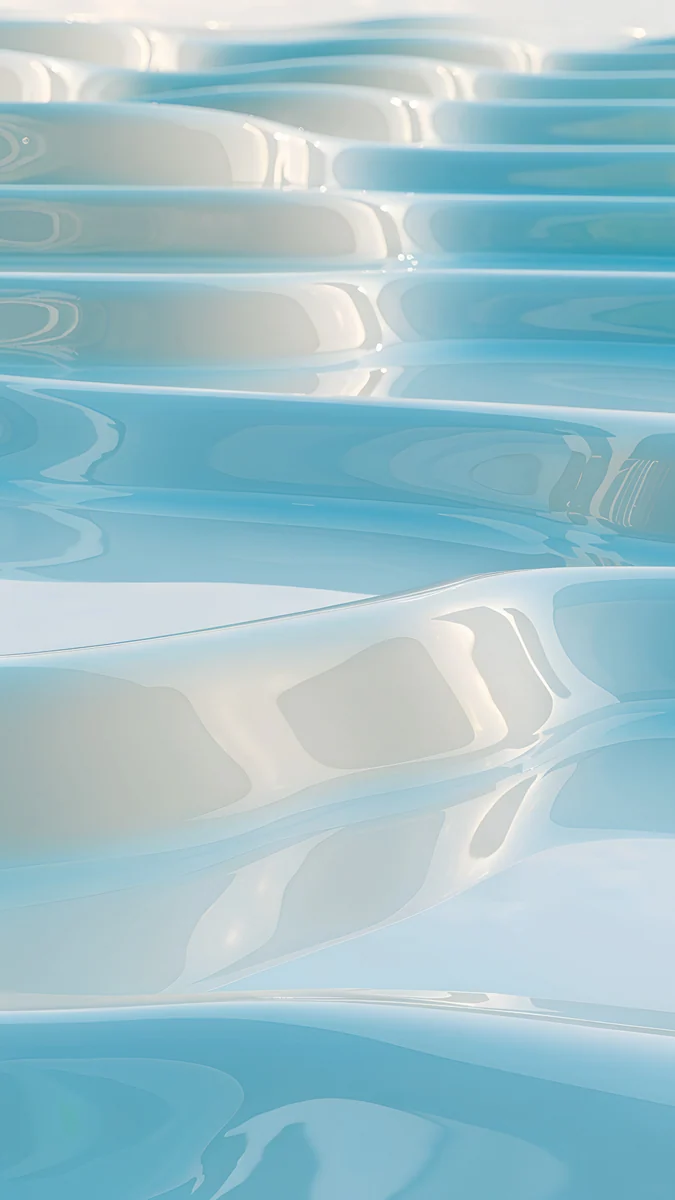 Sky Pearl Terraces
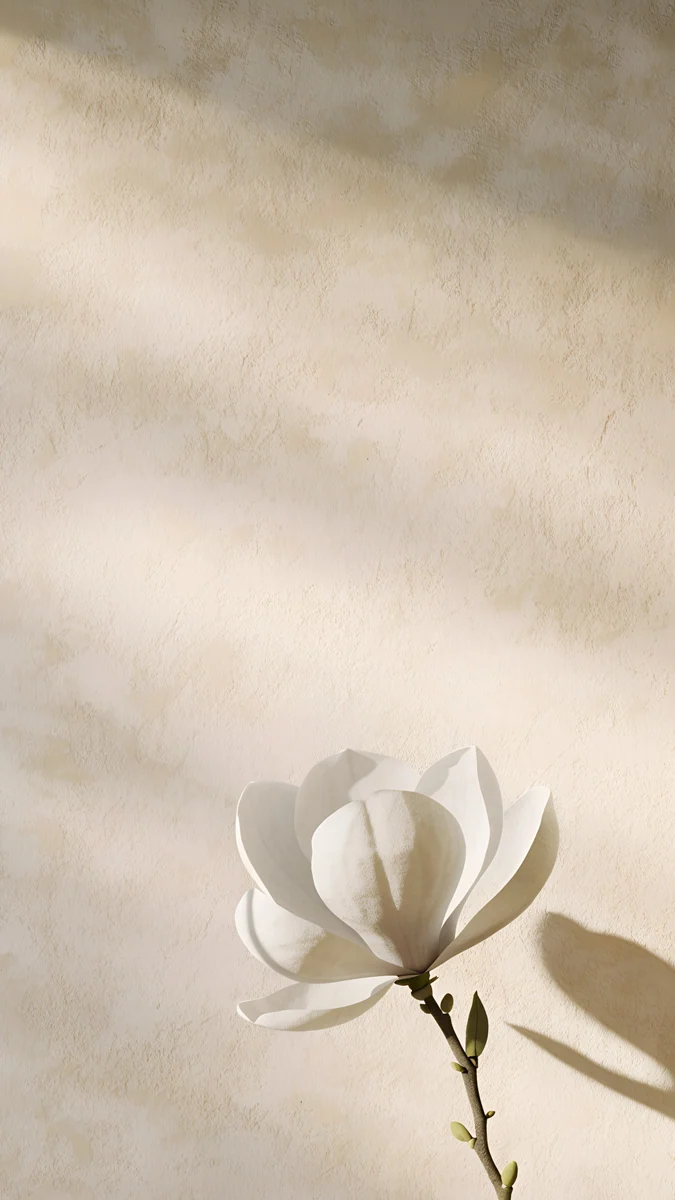 Magnolia Shadow
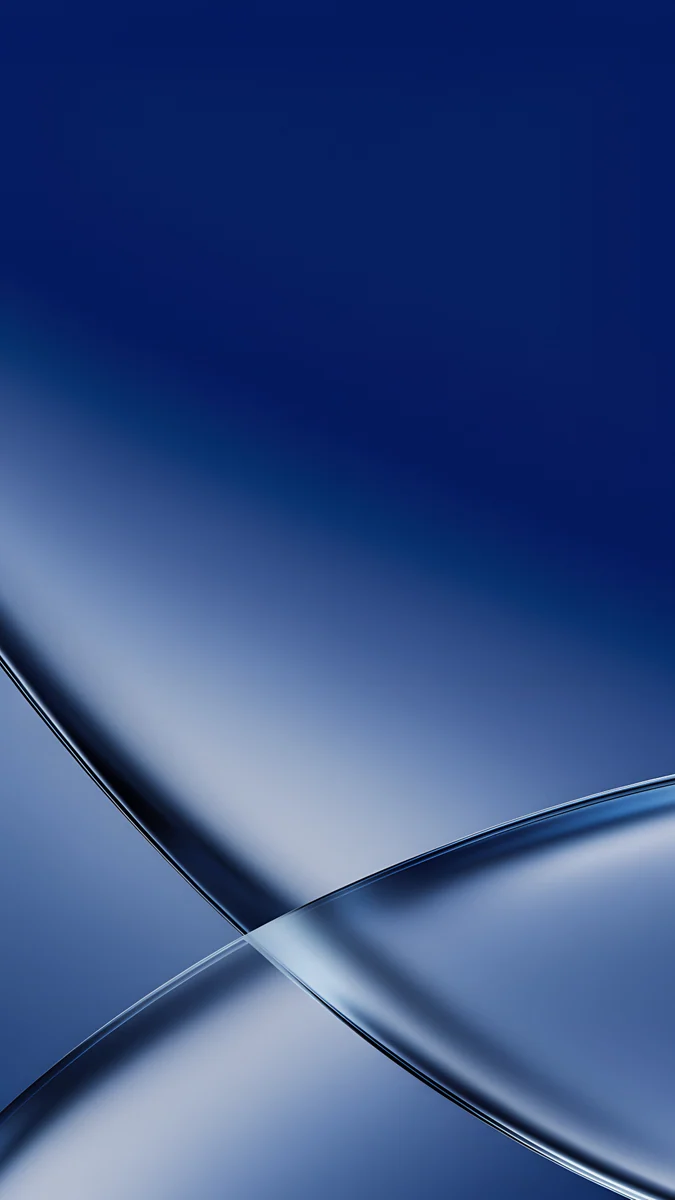 Cobalt Soft Crossing
 Blue Reverie
 Lavender Silk
 Calla Lily Light
 Linen Vase Light
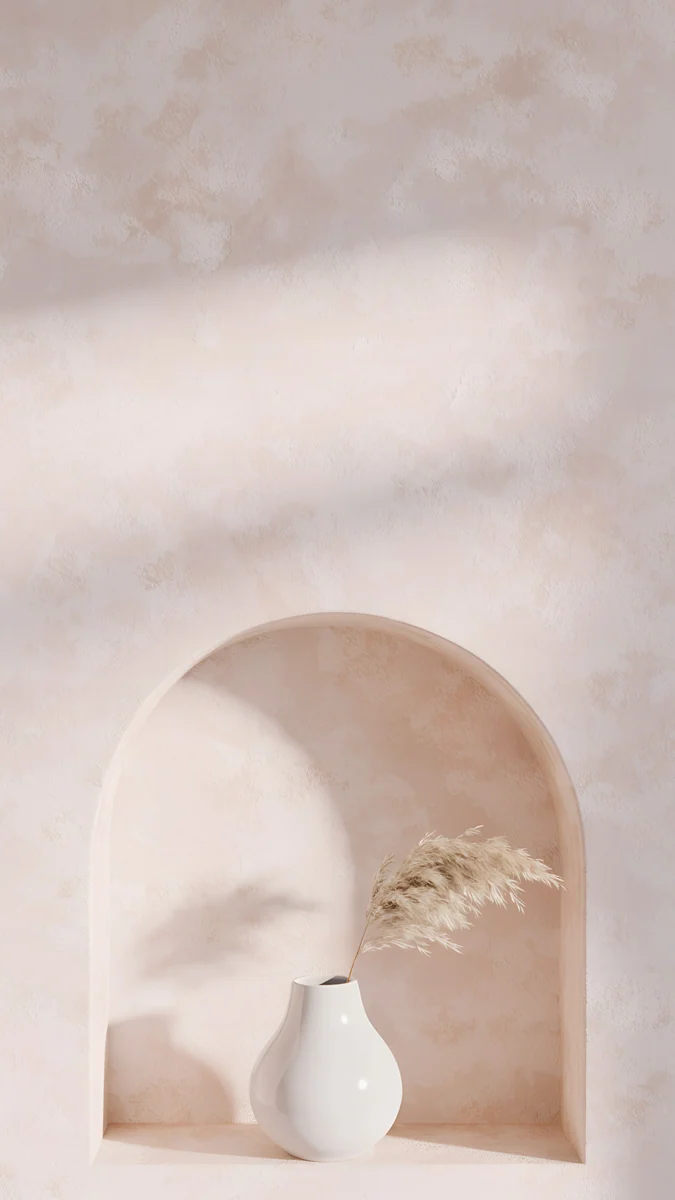 Pampas Niche
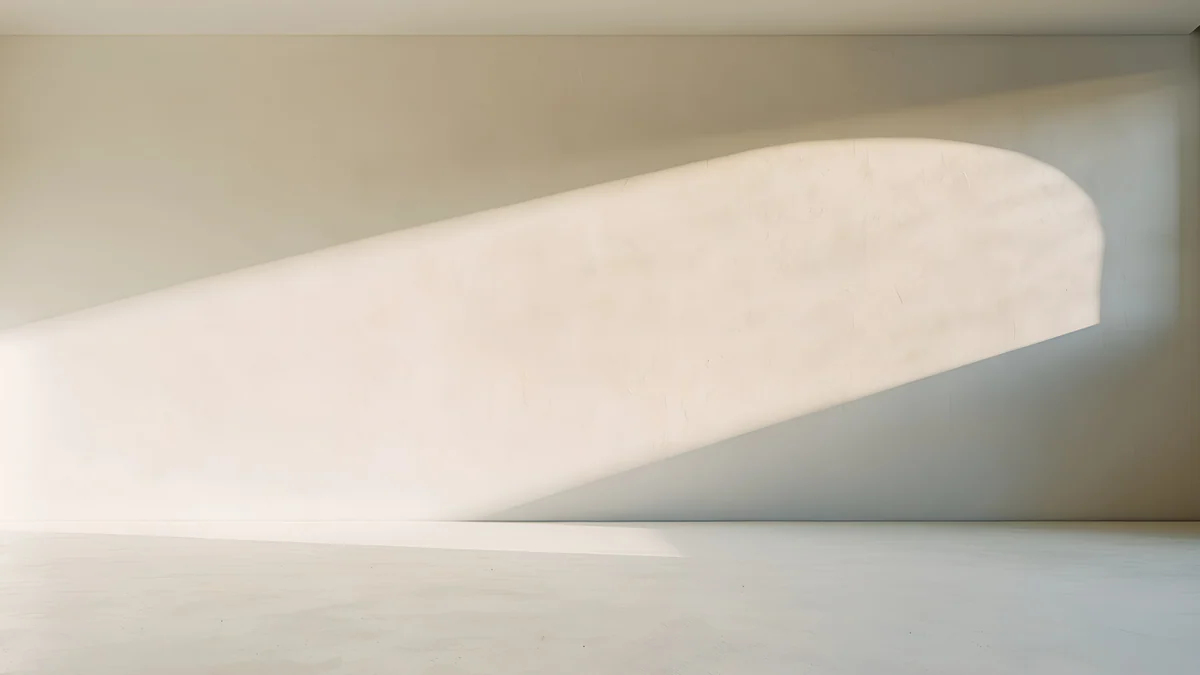 Arch Shadow
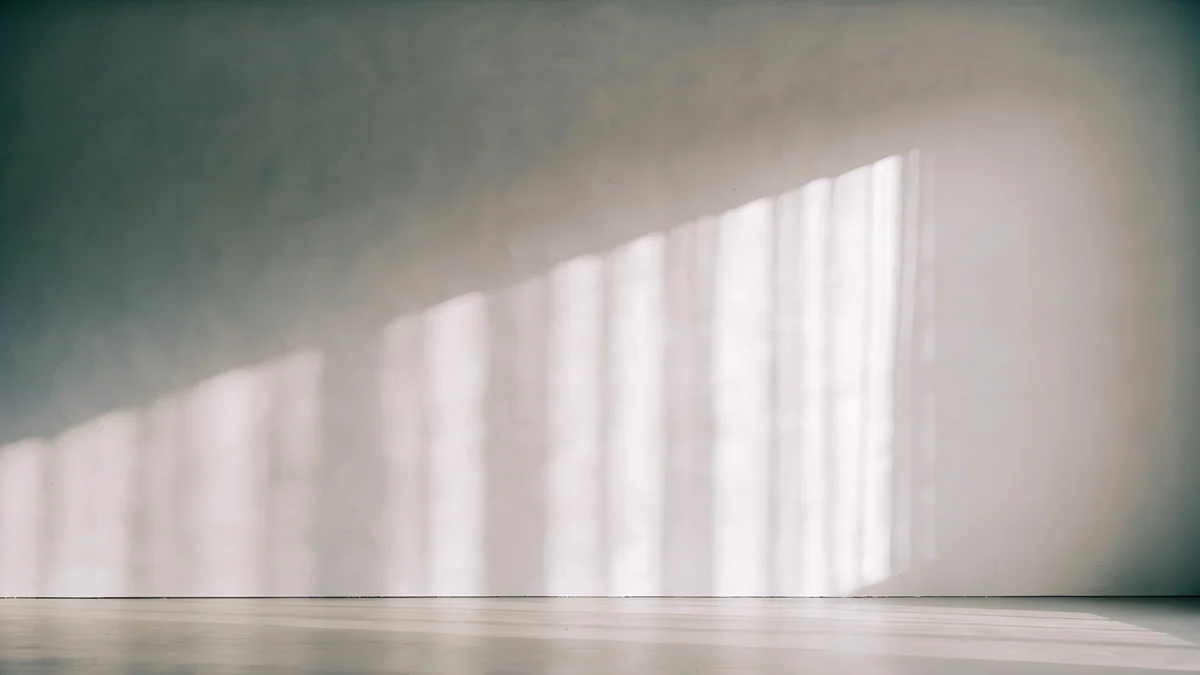 Curtain Veil
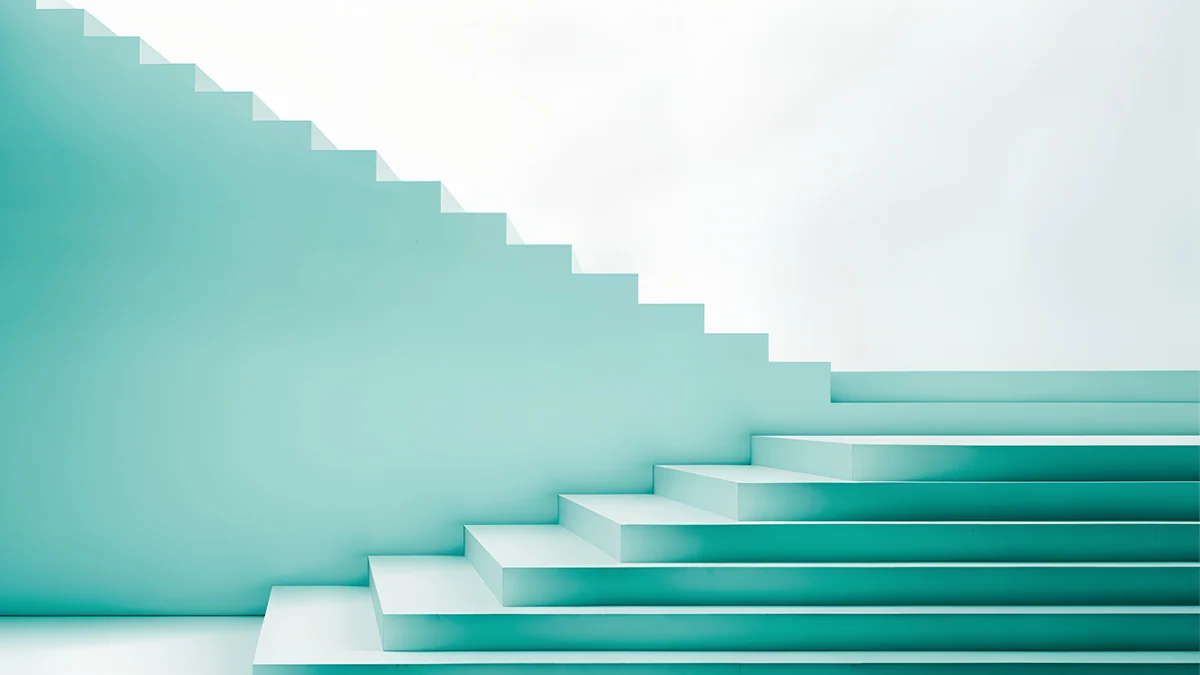 Mint Folded Steps
Free 4K originals for iPhone and Android, no watermark
On this page
The best iPad mini wallpaper is simple and calm, with one large shape or a soft texture, because the mini is the smallest iPad and you mostly hold it upright in one hand for reading and notes. Its screen is also the closest iPad to a phone in shape, so a 2160 × 3840 phone original fits it with very little cropping. Small details get lost on a screen this size; big forms and gentle color survive.
Apple has also announced a new iPad mini (A20 Pro) with an 8.5-inch OLED screen. Below are the sizes of the new and the older mini, what OLED changes, how to set a wallpaper in iPadOS 26, and backgrounds for iPad mini sorted by how you hold it, each with one line on what it looks like and why it fits.
iPad mini wallpaper size
This is the native resolution, portrait width by height, from our size guide, with two larger iPads for comparison:
| Model | Resolution (pixels) | Shape |
|---|---|---|
| iPad mini (A20 Pro) | 1512 × 2316 | 1.53:1 |
| iPad mini (A17 Pro) and iPad mini (6th gen) | 1488 × 2266 | 1.52:1 |
| iPad Air 11-inch (M2, M3) | 1640 × 2360 | 1.44:1 |
| iPad Pro 11-inch (M4, M5) | 1668 × 2420 | 1.45:1 |
Apple lists the iPad mini (A20 Pro) screen as an 8.5-inch Super Retina XDR display and the iPad mini (A17 Pro) screen as an 8.3-inch Liquid Retina display. Both are 326 pixels per inch, the densest of any iPad in this table, and both are taller and narrower than other iPads. Every other model is in our iPad wallpaper size guide. What it means for a wallpaper file:
- A 2160 × 3840 phone wallpaper is wider than the mini held upright, so iPadOS scales it down and it stays sharp. At 1.52 to 1 the mini is taller and narrower than other iPads, so only about 7 percent is trimmed from the top and from the bottom, on the new and the older mini alike. That is the smallest crop of any iPad.
- In landscape, the same phone file shows a little over a third of its height, from the middle, enlarged by only about 5 to 7 percent. It stays sharp, but anything high or low in the picture drops out.
- A 4K desktop file at 3840 × 2160 covers the mini in landscape with room to spare and loses only a small slice from each side. Held upright, you see a strip of a little over a third of its width.
What changes with the OLED iPad mini
The iPad mini (A20 Pro) has an OLED screen that Apple calls Super Retina XDR, with a 2,000,000:1 contrast ratio, up to 600 nits in SDR and 1200 nits peak for HDR content. It comes in midnight and starlight. Apple announced it on October 26, 2026, with pre-orders from October 28 and the first deliveries and store sales from November 6.
On OLED each pixel makes its own light, so black areas stay truly black and blend into the bezel. Dark wallpapers that look deep gray on the LCD iPad mini (A17 Pro) look much richer on the new model. The calm, light picks below suit both generations, but if you read at night or have the midnight finish, try a darker background too. Our black wallpapers for OLED are a good place to start.
How to set a wallpaper on iPad mini
- Open the wallpaper in the Velpaper app on your iPad, or on velpaper.com in Safari, and save the original.
- If you downloaded it in Safari, open it from Downloads in the Files app, tap Share and choose Save Image to put it in Photos.
- Open Settings, tap Wallpaper, then Add New Wallpaper, then Photos, and pick the image.
- Pinch and drag so the main shape sits in the center, then tap Add.
- Choose Set as Wallpaper Pair, or Customize Home Screen to give the home screen a blurred or different picture.
- Check the Lock Screen with the iPad in your hand, the way you read on it. If the clock covers the subject, drag the picture down a little before you save.
Menu names match iPadOS 26 in English and can differ slightly in later updates. Every other route, including Photo Shuffle, is in how to change the wallpaper on iPad.
iPad mini wallpapers that survive rotation
Full-frame textures and gradients with no single object near the edge. They look the same when you turn the mini to watch a video or read a wide page.
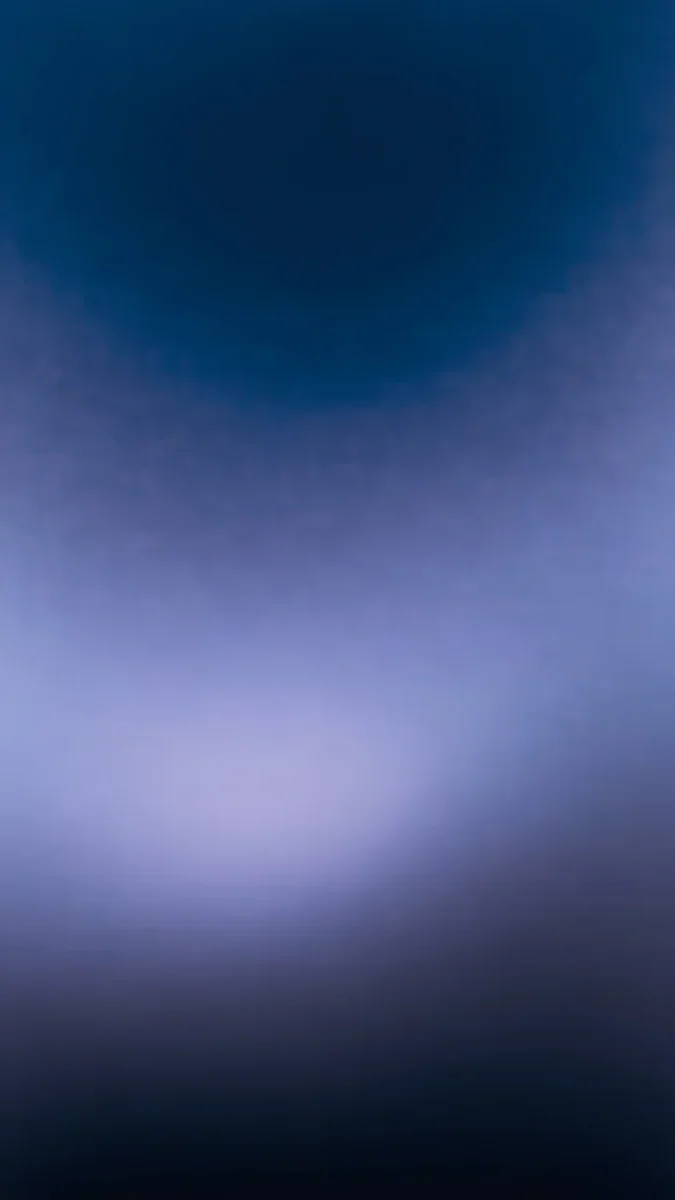
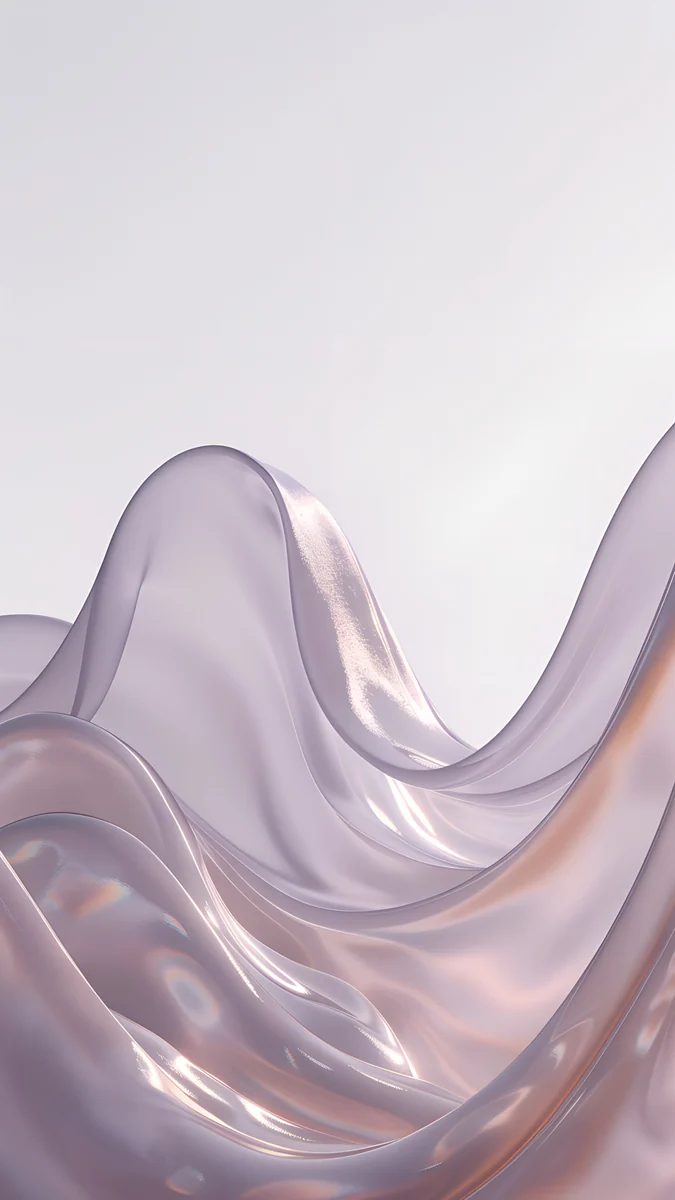
Sky Pearl Terraces4K · PhoneCobalt Soft Crossing4K · PhoneBlue Reverie4K · PhoneLavender Silk4K · PhoneSky Pearl Terraces fills the whole frame with pale blue glossy pools stepping down like terraces, so every crop is still water and light. Cobalt Soft Crossing crosses two curved glass arcs a little below the middle of a navy screen, and the crossing stays in view both ways. Blue Reverie is a dark navy gradient with one glowing lilac band across the center, quiet behind small icons. Lavender Silk rolls translucent lilac silk waves up through the middle of a pale gray frame, soft enough to read widgets on.
Portrait iPad mini wallpapers for reading and notes
The mini is the iPad people hold upright in one hand, in bed, on a train or with an Apple Pencil for notes. These keep a light, calm top half for the clock and put one quiet subject lower in the frame, which works best in portrait.
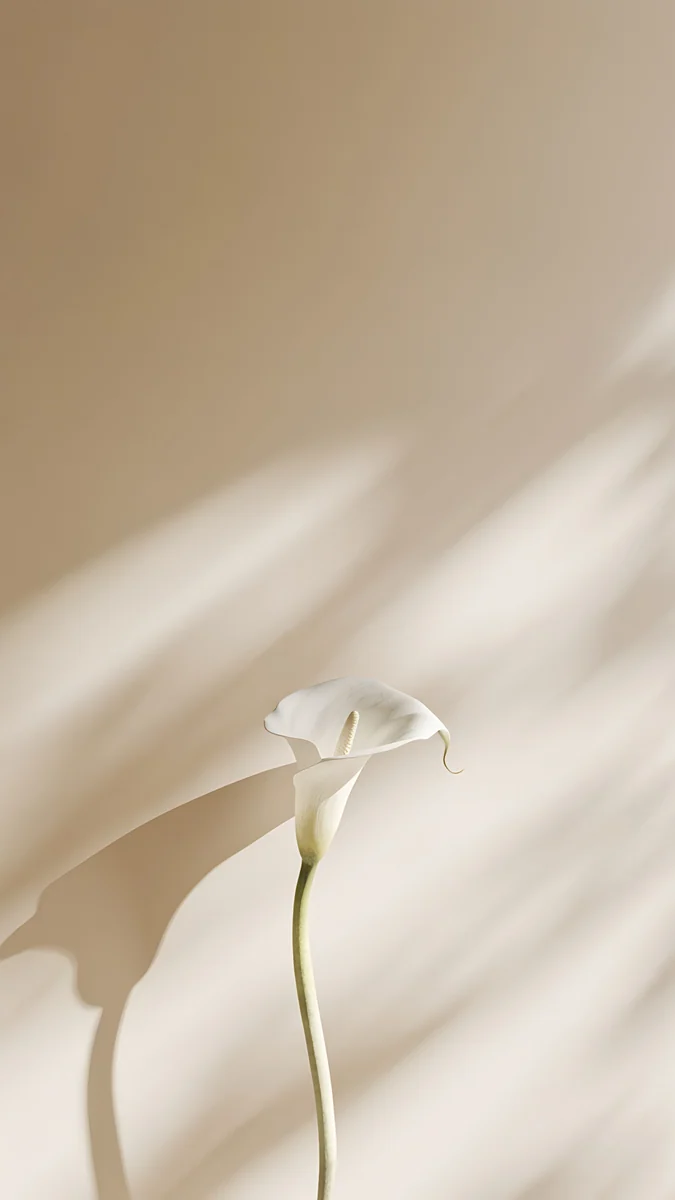
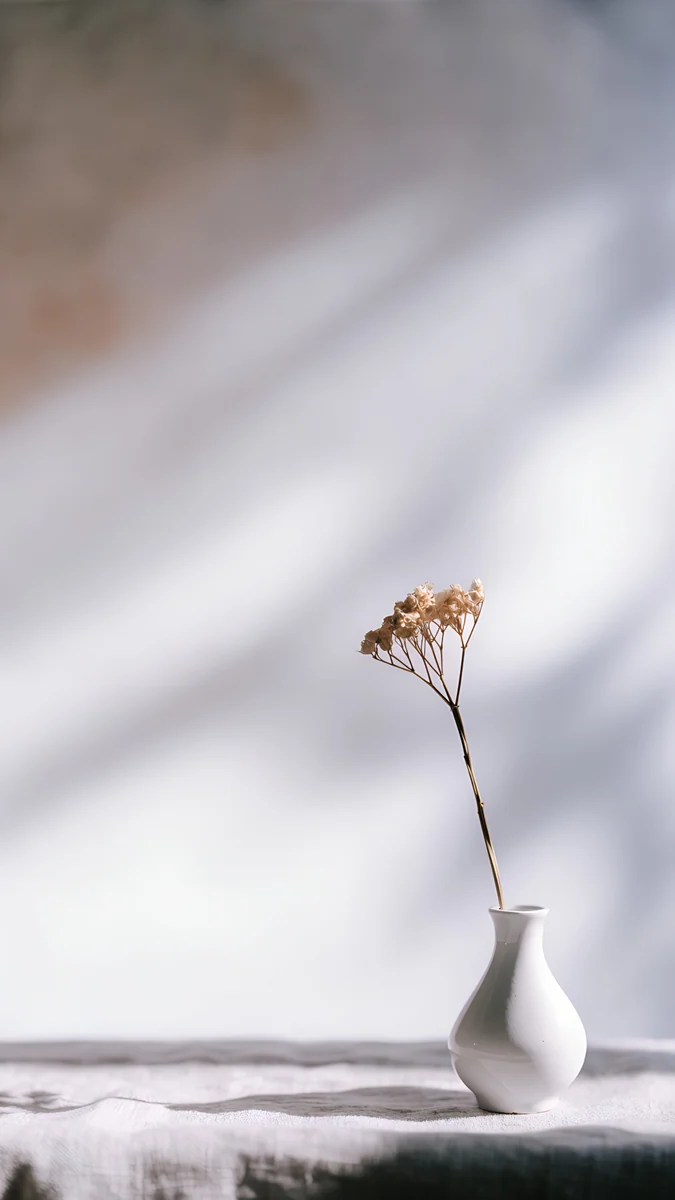
The Blue Arch4K · PhoneMagnolia Shadow4K · PhoneCalla Lily Light4K · PhoneLinen Vase Light4K · PhonePampas Niche4K · PhoneThe Blue Arch is a cream plaster arch opening onto a sky-blue wall, with a diagonal of sunlight across it, a cool, bright pick for daytime reading. Magnolia Shadow places one white magnolia low on the right of a warm beige wall streaked with soft shadow. Calla Lily Light is a single white calla lily on a long stem against a sand-colored wall, almost no detail to compete with text. Linen Vase Light sets a white vase with a dried stem on a linen cloth at the bottom, with leaf shadows across a gray wall. Pampas Niche puts a white vase of pampas grass in a pink plaster niche near the lower edge, the warmest of the five.
Landscape picks for video and split view
If your mini spends time sideways, for video or two apps side by side, a 4K desktop file is the better start. These download for free.
Arch Shadow4K · DesktopCurtain Veil4K · DesktopMint Folded Steps4K · Desktop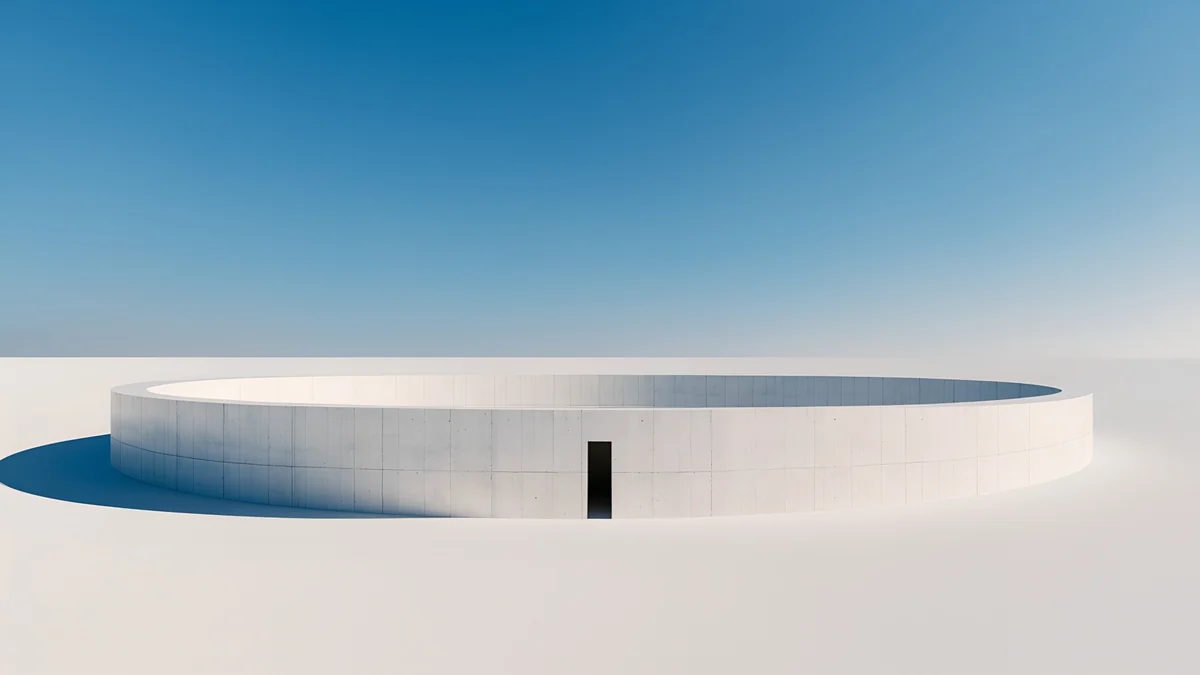 Circular Court4K · Desktop
Arch Shadow is a cream room with one curved band of sunlight across the wall, plain where app windows sit. Curtain Veil lets soft light through sheer curtains onto a gray wall, the calmest file here. Mint Folded Steps climbs teal and mint stairs along the bottom right under a white sky. Circular Court is a low white ring wall on pale ground under a clear blue sky, with a small dark doorway in the center.
Common problems and fixes
- The clock covers the subject. On a small screen the clock takes a bigger share. Drag the picture down in the editor, or pick from the reading set above, where the top half is empty.
- It looks soft. You probably saved a preview or a screenshot from social media. Download the original again from the wallpaper page.
- The subject is gone after rotating. In landscape the mini shows only the middle third of a phone file. Use the rotation-safe set, or lock the rotation in Control Center.
- It is zoomed in further than you framed it. Open the More menu in the wallpaper editor and turn off Perspective Zoom if your version shows it.
- You want other moods. Our iPad wallpaper collection covers every style, iPad Air wallpapers has brighter color for the larger LCD screen, and iPad Pro wallpapers goes dark for OLED.
Get these iPad mini wallpapers in Velpaper
Velpaper is an app for iPhone, iPad, Mac and Android, and every wallpaper is also on velpaper.com. Phone wallpapers are 4K originals at 2160 × 3840, desktop wallpapers are 4K and some are 5K, all without a watermark and without an account. The 4K desktop wallpapers in this article download for free. Phone wallpapers unlock after a short optional ad in the Velpaper apps; on the website, if no ad is available, the phone original downloads for free. The wallpapers are designed by Carlos Vivero.
Next step: open The Blue Arch, save the original, set it on your iPad mini and check it in your hand before your next long read.
Original wallpapers in 4K and 5K for iPhone, Android and desktop.
Questions
What size is an iPad mini wallpaper?
The new iPad mini (A20 Pro) is 1512 × 2316 pixels held upright, and the iPad mini (A17 Pro) and the iPad mini (6th generation) are 1488 × 2266. Apple lists 326 pixels per inch for all of them, and both shapes are about 1.52 to 1.53. Any image at least that large stays sharp. A 2160 × 3840 phone wallpaper is a good fit: it is wider than the screen, so iPadOS scales it down, and only about 7 percent is trimmed from the top and bottom. For landscape, a 3840 × 2160 desktop file covers the screen without any enlarging.
Can I use an iPhone wallpaper on my iPad mini?
Yes, and the mini handles it better than any other iPad. Its screen is the narrowest and tallest iPad shape, closest to a phone, so a 2160 × 3840 phone original loses only a thin band at the top and bottom when you hold the mini upright. It stays sharp because the file is larger than the screen. In landscape the same file shows only the middle third of its height, so pick one with its subject in the center, such as Cobalt Soft Crossing, if you rotate often.
What is the best iPad mini wallpaper for reading?
A light, calm one with an empty top half and one quiet subject low in the frame. The clock and widgets sit at the top of a small screen, and you look at the mini up close for long stretches, so busy patterns get tiring. The Blue Arch, a cream plaster arch against a sky-blue wall, and Calla Lily Light, a single white lily on a sand-colored wall, both leave room for the clock and feel easy on the eyes. Hold the mini the way you read before you save the crop.
Why is my iPad mini wallpaper cut off when I rotate it?
iPadOS keeps the wallpaper upright when you turn the iPad, so one image has to fill a tall screen and then a wide one. It keeps the center and trims the rest. With a phone file in landscape, the mini shows only a little over a third of the height, so anything near the top or bottom, like a vase on a shelf or a flower stem, can drop out. Pick a full-frame texture or a centered shape, use a desktop file for landscape, or lock the rotation in Control Center.
Are these iPad mini wallpapers free?
Browsing and previewing are free on velpaper.com and in the Velpaper apps for iPhone, iPad, Mac and Android. The 4K desktop wallpapers in this article, such as Arch Shadow and Circular Court, download for free. Phone wallpapers unlock after a short optional ad in the Velpaper apps; on the website, if no ad is available, the phone original downloads for free. There is no account and no subscription, and the downloaded file has no watermark. Phone files are 4K originals at 2160 × 3840.
Carlos Vivero
Designer of Velpaper wallpapers
Carlos Vivero designs the wallpapers in Velpaper: quiet architecture, liquid glass, Japanese ink and calm landscapes. Every piece is made as a 4K original for iPhone, Android and desktop.
Recent work








