Lock Screen Wallpaper: 20 Picks With a Readable Clock
20 original 4K lock screen wallpapers for iPhone and Android with a calm top third so the clock stays readable: GTA 6 mood, OLED black, liquid glass and ink.
In short: The best lock screen wallpaper keeps the top third of the image calm and clearly light or clearly dark, because that band is where iPhone and Android draw the clock. These 20 are 2160 × 3840 originals in five styles, each with an empty sky, wall or black field behind the time.
By the Velpaper team · Wallpapers by Carlos Vivero, Velpaper designer · · Updated · 6 min read
Free 4K originals for iPhone and Android, no watermark
On this page
A good lock screen wallpaper keeps the top third of the image calm, because that is exactly where iPhone and Android draw the clock. The 20 wallpapers below are 2160 × 3840 originals (4K for a phone) in five styles, and each one has a quiet sky, wall or black field where the time goes.
This is a collection, not a tutorial. If you need the menu path, the iPhone lock screen guide and the Android wallpaper guide have every step. Here the job is picking a picture that still works once the clock, the date and two notifications land on top of it.
What is in this set
Five styles, four pieces each. The last column says where each one earns its place: under the lock screen clock, on an OLED screen where black pixels switch off, behind home screen icons, or with the depth effect that lets a subject overlap the time.
| Wallpaper | Mood | Best for |
|---|---|---|
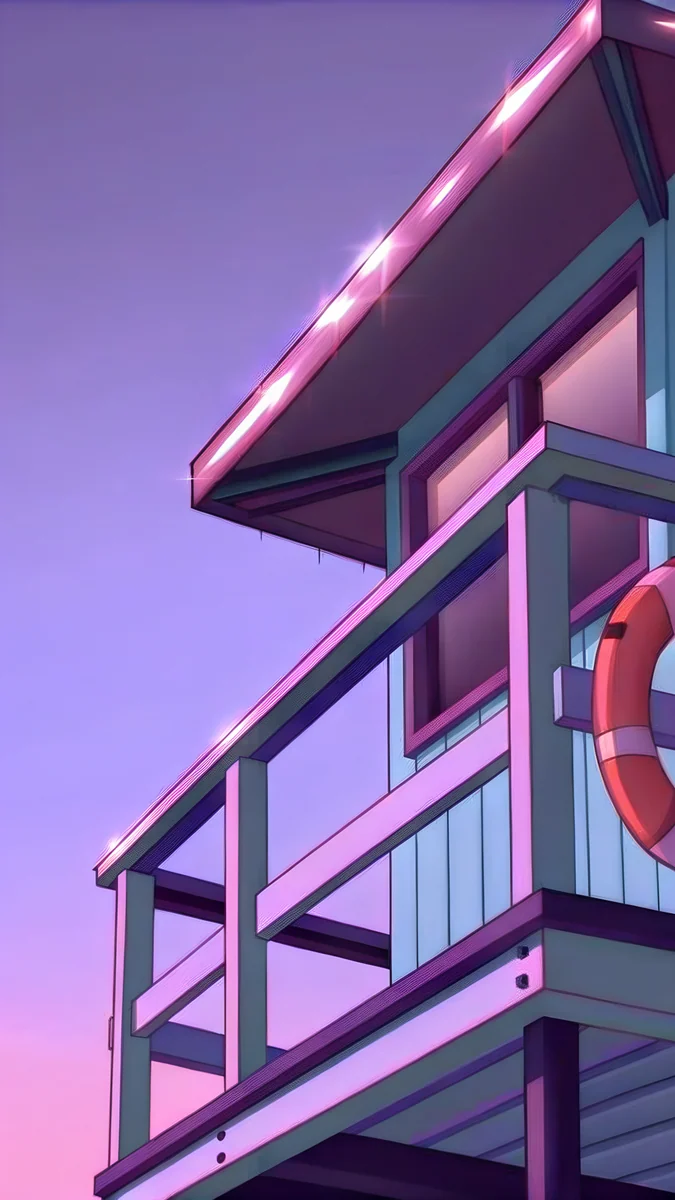
| Lifeguard Tower Dusk | Violet dusk, pastel tower | Lock screen clock, depth effect |
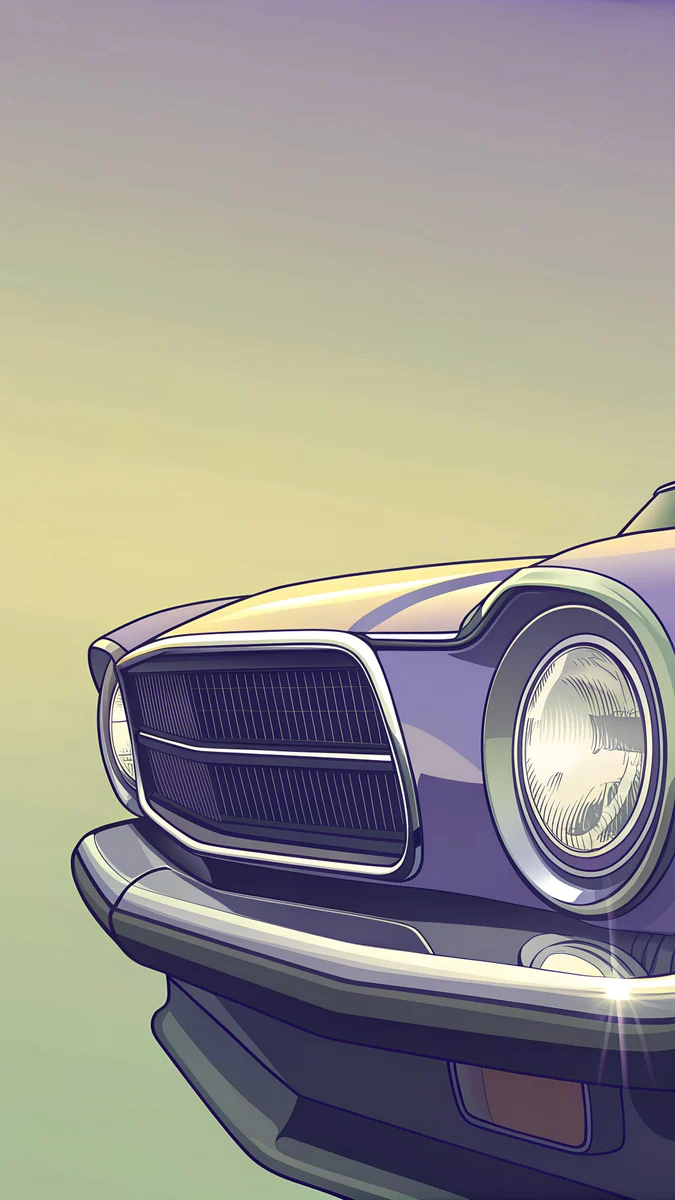
| Chrome Headlight | Warm chrome on deep blue | Lock screen clock |
| Neon Arrow Motel | Teal and cream neon | Home screen |
| Deco Hotel Glow | Cool blue facade | OLED, lock screen clock |
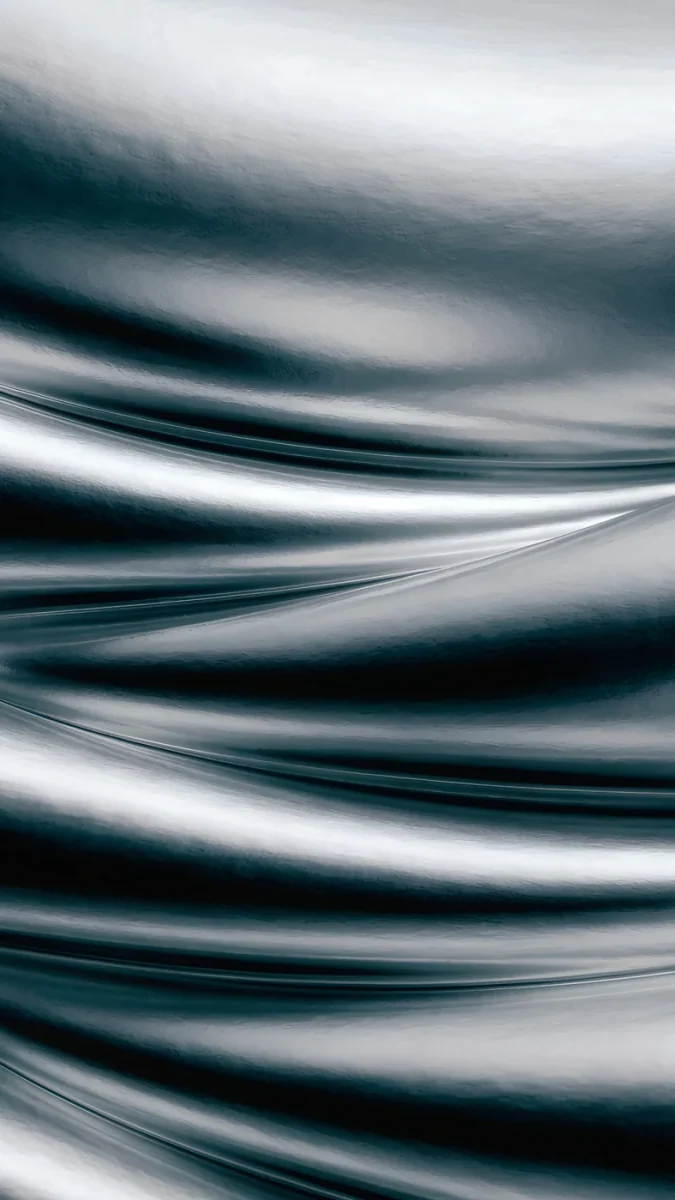
| Black Satin | Near-black folds | OLED, always-on display |
| Obsidian Waves | Black with grey ridges | OLED |
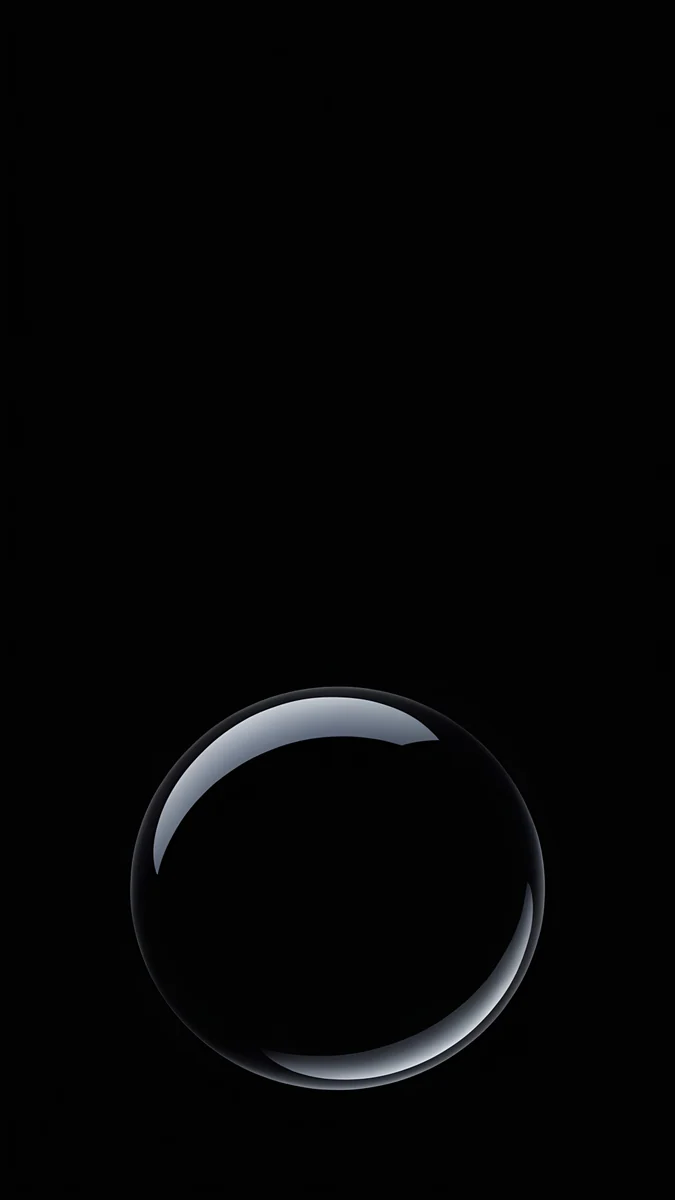
| Black Glass Sphere | One sphere on black | Depth effect, OLED |
| Silver Loop | One silver line on black | OLED, home screen |
| Moon Silver | Cool grey light | Lock screen clock |
| Champagne Veil | Warm cream haze | Lock screen clock, light mode |
| Liquid Light | Lavender over sand | Home screen |
| Midnight Flow | Deep blue current | OLED, dark mode |
| Marble Steps | Pale marble in mist | Lock screen clock |
| Sea Arch | White arch, sea window | Depth effect |
| Charcoal Slot | Dark concrete, one light cut | OLED, lock screen clock |
| Graphite Passage | Graphite corridor | Dark mode |
| Mist Pines | Ink pines in mist | Lock screen clock |
| Quiet Boat | One boat on warm paper | Lock screen clock, light mode |
| Pagoda Moon | Pagoda under a black sky | OLED |
| Moon Pines | Pines and moon on black | OLED, depth effect |
The rule: calm top third, contrast under the clock
On iPhone the time fills roughly the top 30 to 35 percent of the screen, with the date above it and up to four small widgets below. On a Pixel the two-line clock sits top left; One UI on a Galaxy puts it top centre. Whatever the phone, the same band of the image carries all the text.
Two things break it. Fine detail (branches, windows, ripples) competes with the digits. Mid-tone colour behind white or black numerals leaves too little contrast. The fix is a wallpaper that is either clearly dark or clearly light in that band, with the clock colour set to the opposite. A longer version of this test is in how to keep the clock readable.
Every piece below passes the ten-second check: look at the thumbnail at arm's length and find a plain patch where the time will sit.
GTA 6 mood: sun-bleached colour under a quiet sky
These four come from Velpaper's GTA 6 category: original illustrations in a retro Florida mood, with no characters, logos or text. Official GTA art belongs to Rockstar and lives on rockstargames.com. If you want the sun-bleached Vice City mood without characters or logos, these are original 4K wallpapers made for phone screens.
 Lifeguard Tower Dusk4K · Phone
 Chrome Headlight4K · Phone
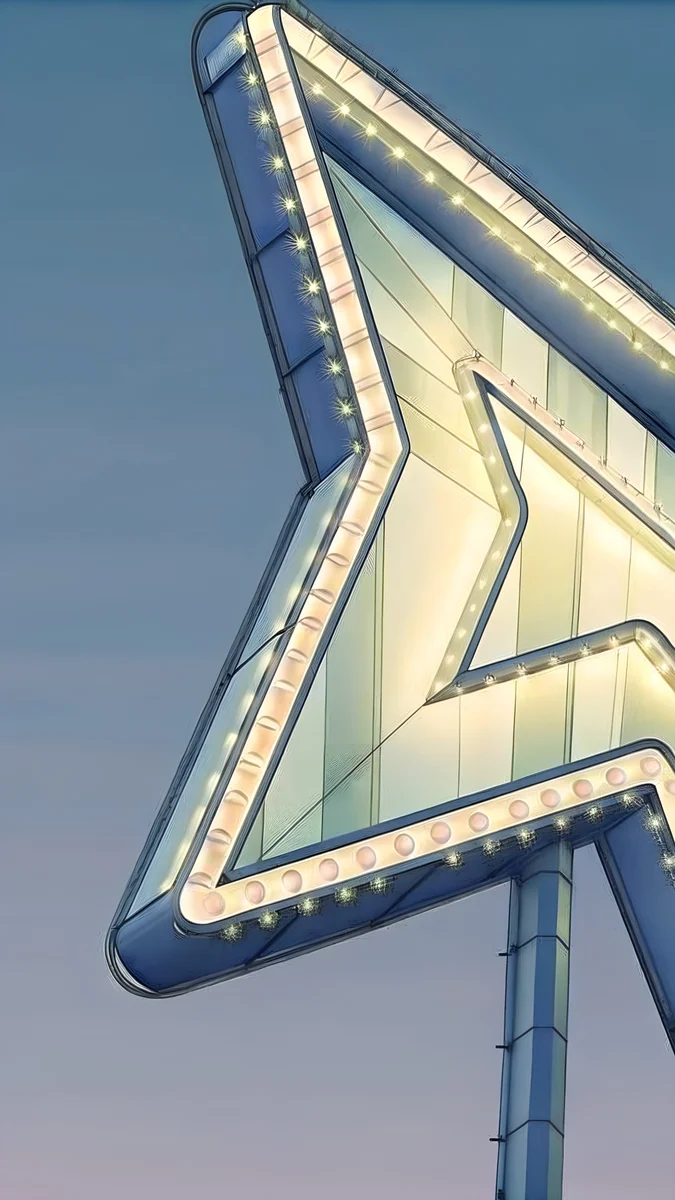 Neon Arrow Motel4K · Phone
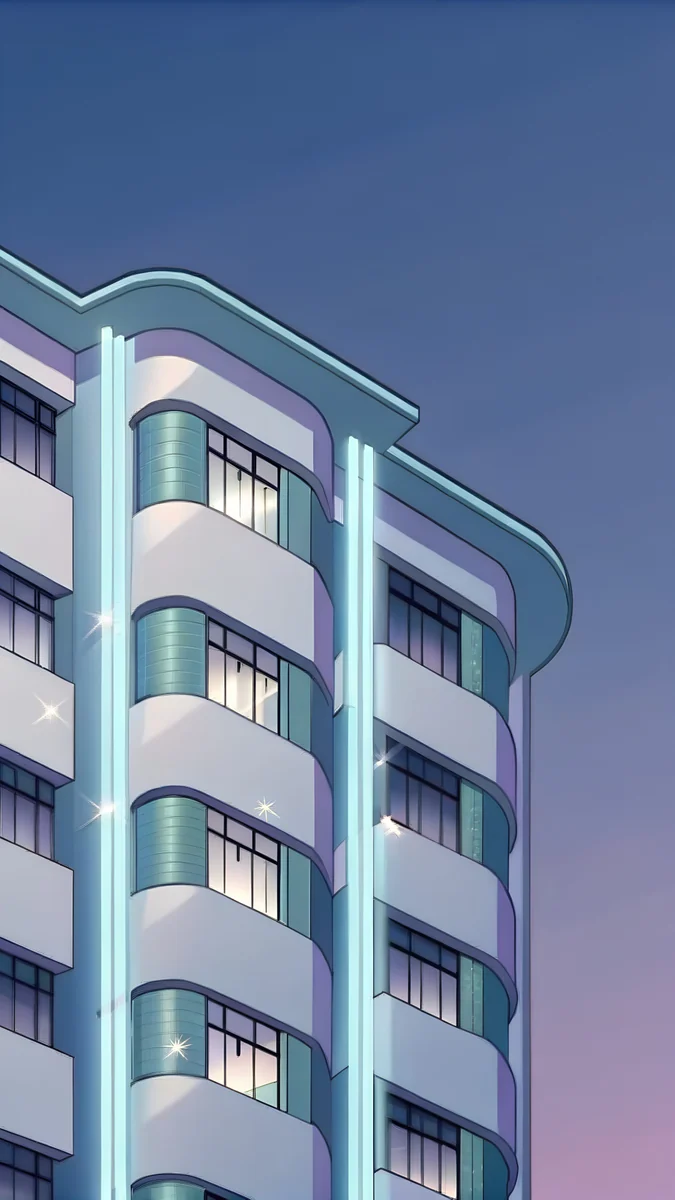 Deco Hotel Glow4K · Phone
Lifeguard Tower Dusk keeps its subject low and its violet sky empty, so a white clock sits in clean colour. Chrome Headlight is the darkest of the four, its palette running from #303060 to #f0c090, and takes a light clock well. Neon Arrow Motel and Deco Hotel Glow carry more detail and suit the home screen, where icons cover the busy part anyway. The rest of the set is in the GTA 6 wallpaper collection.
Black and OLED: the clock does the work
On an OLED panel a #000000 pixel is simply off, so a near-black wallpaper saves a little battery and makes a white clock look printed on the glass. These four are built on true black with one shape or one line of light.
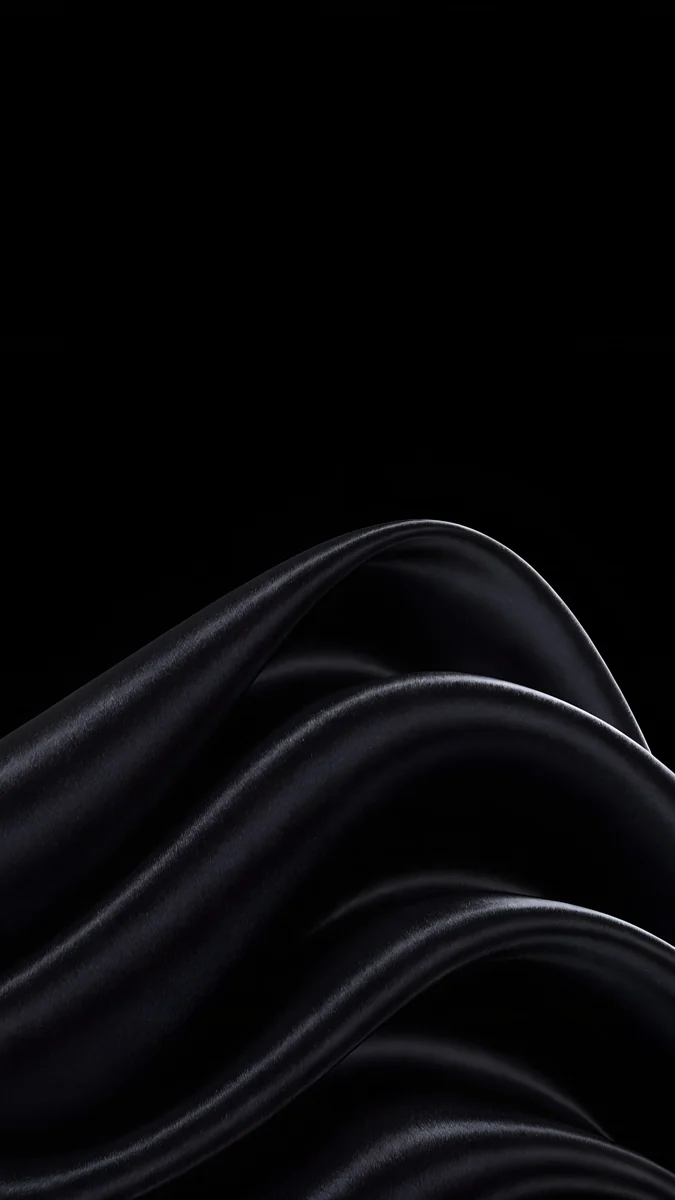
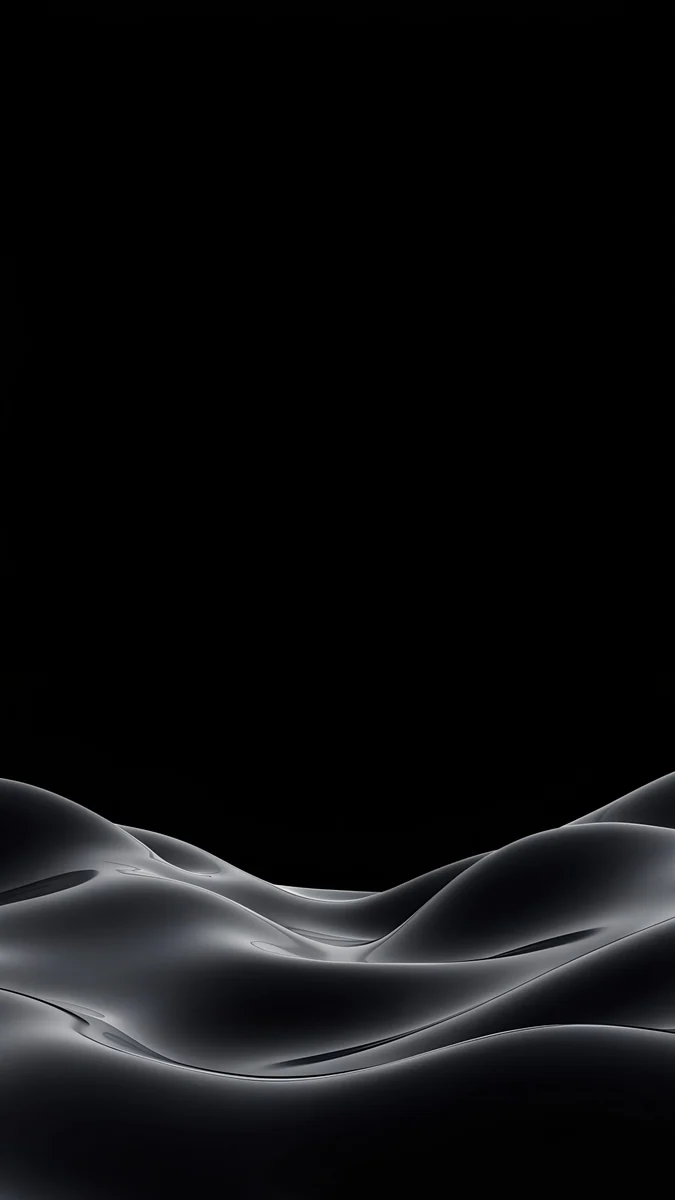
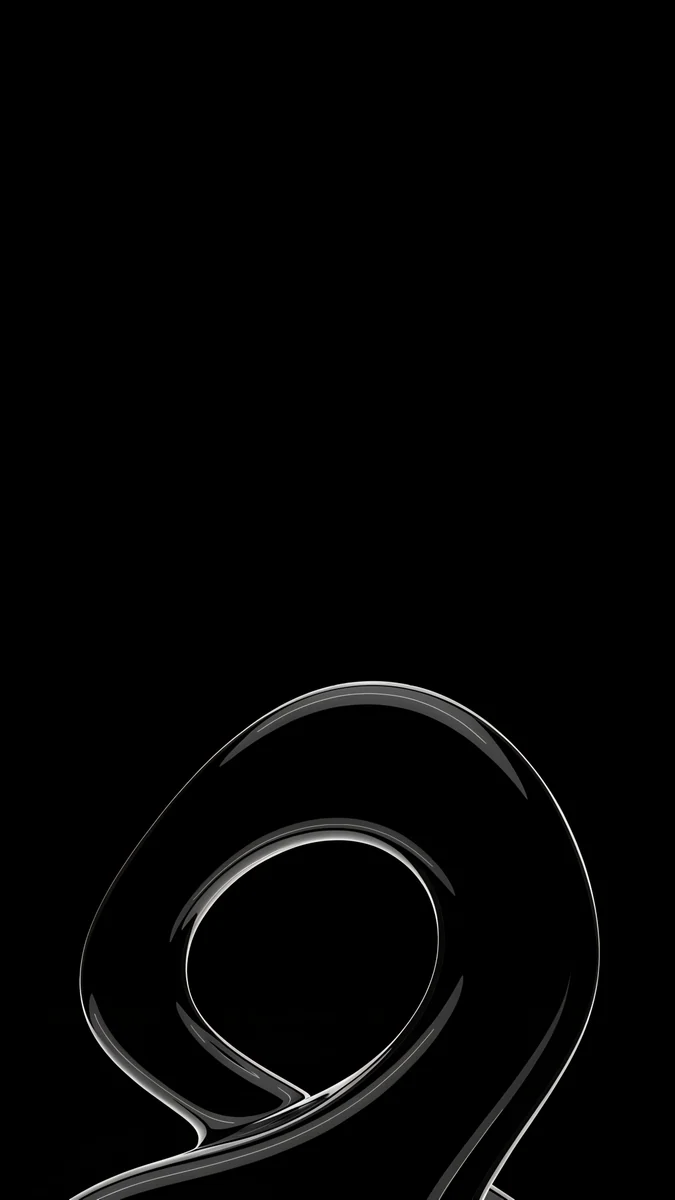
Black Satin is the safest lock screen on this page: soft folds, nothing above the middle. Black Glass Sphere has a single clear subject, which is what the iPhone depth effect needs. Obsidian Waves and Silver Loop keep their highlight low and leave the top black. The full near-black set is in black wallpapers for OLED.
Liquid glass and architecture: soft light, clean lines
Liquid glass pieces are gradients with a frosted, lit-from-behind quality. They have no edges at all, so the clock can go anywhere; the only decision is light or dark.
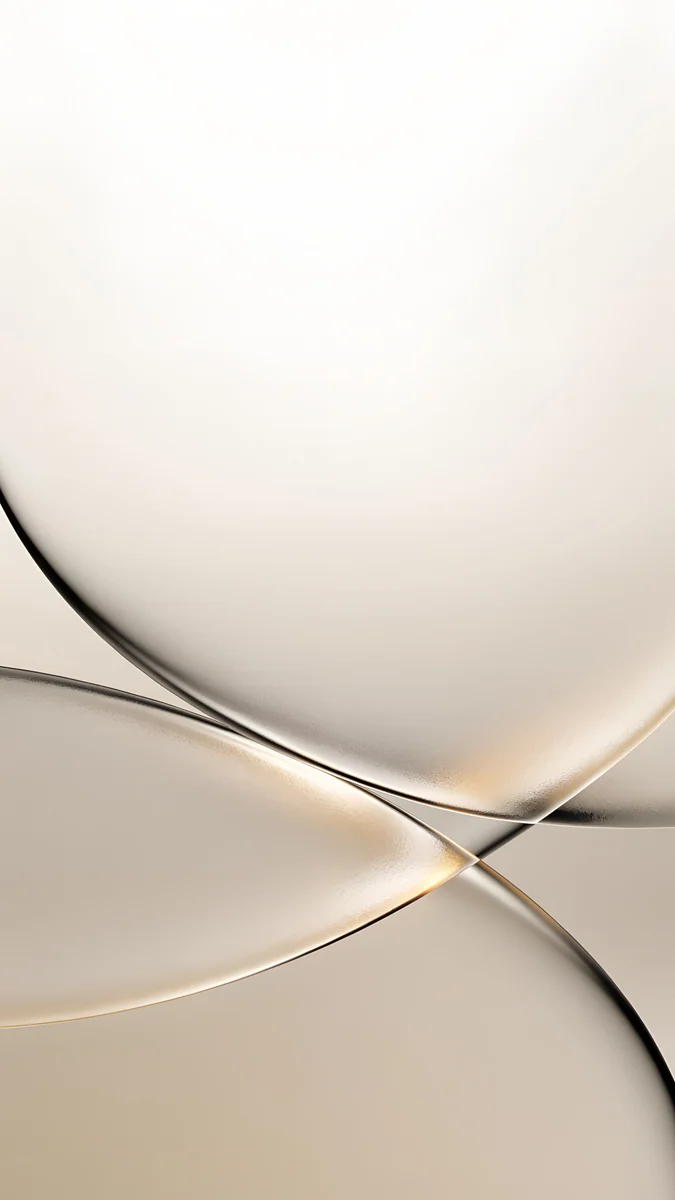

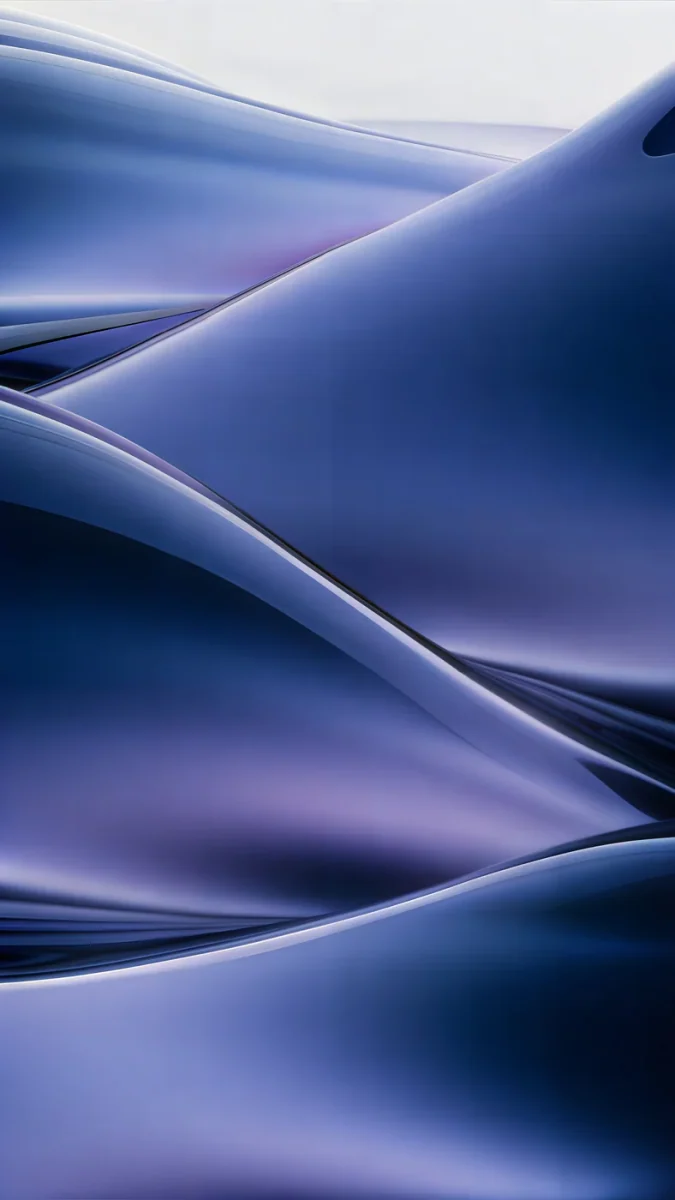
Moon Silver and Champagne Veil are the light pair, and a near-black clock reads on both. Liquid Light is lavender over sand and also prefers a dark clock. Midnight Flow is the dark one: deep blue with a paler current near the bottom, white clock on top.
Architecture works for a different reason. A marble step, an arch or a concrete slot gives the eye one shape, and the sky or wall above it stays empty.
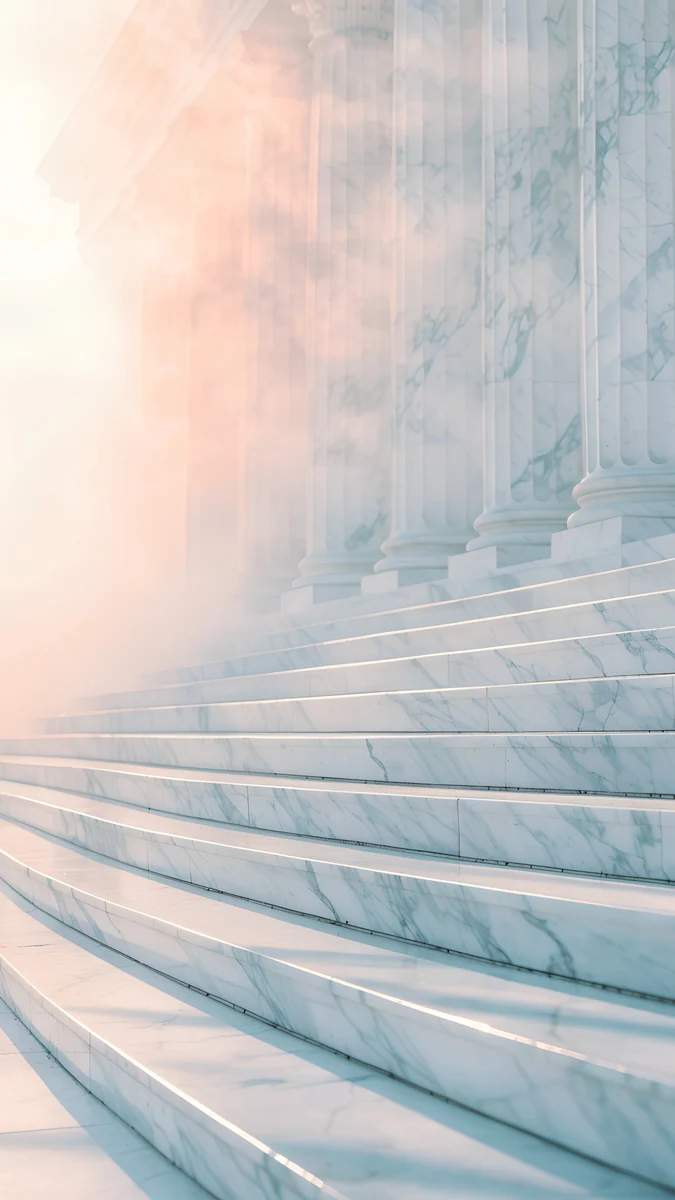
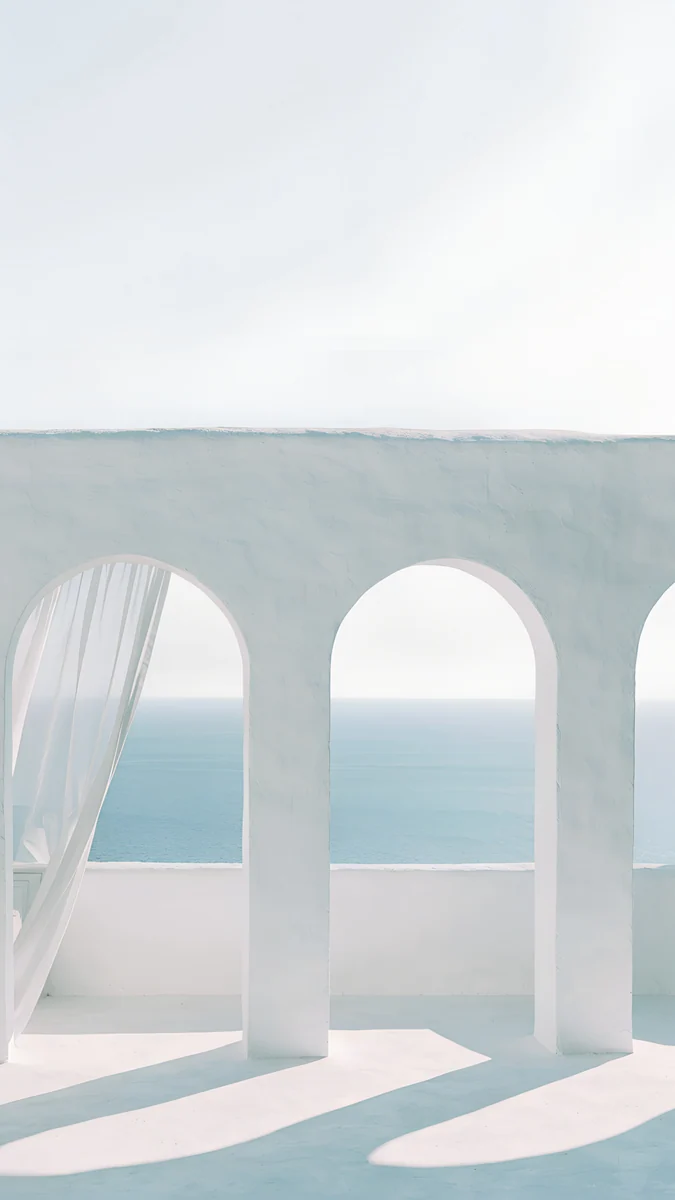
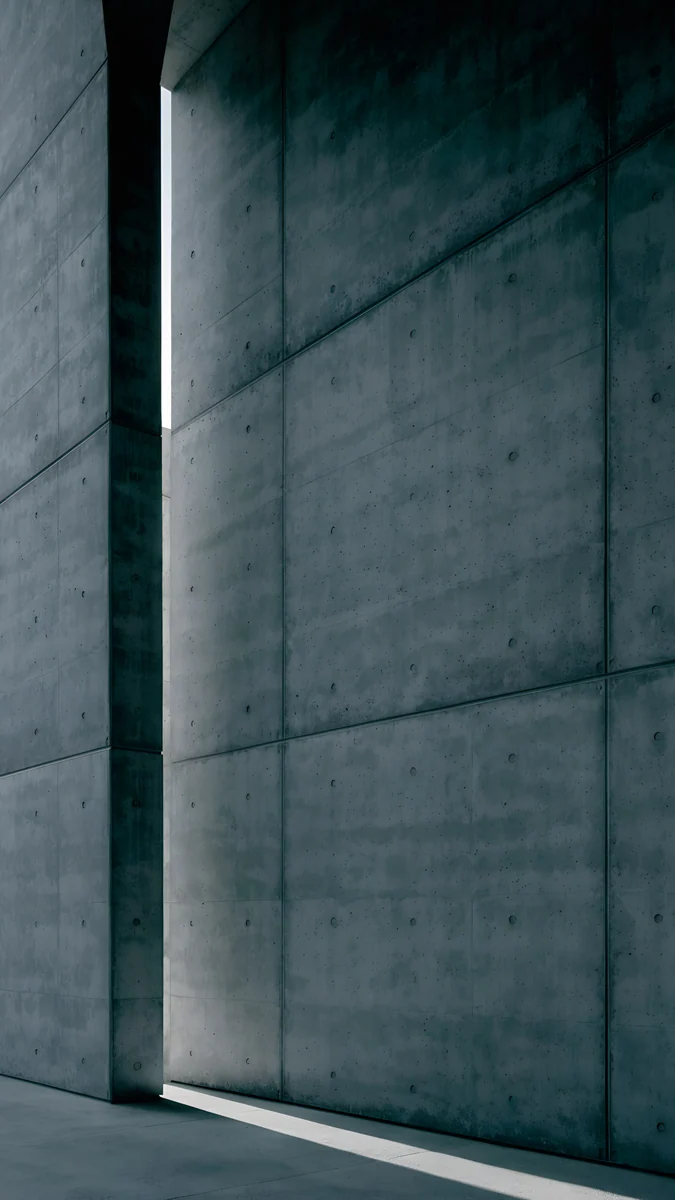
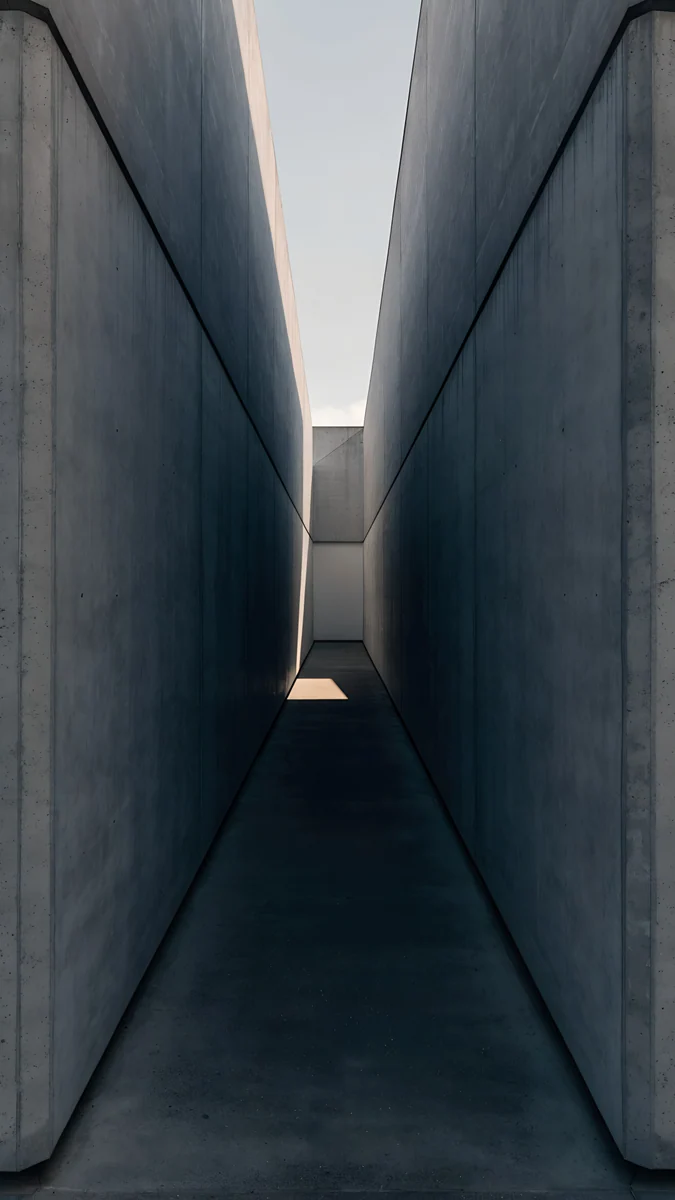
Charcoal Slot is dark concrete with one bright cut, a strong choice for an always-on display. Marble Steps and Sea Arch are pale and misty and want a black clock. Graphite Passage sits between the two and suits dark mode.
Japan: ink and paper
Ink wash leaves most of the paper untouched, which is the whole point on a lock screen. The subject is small, the top of the sheet is bare, and a black clock reads like a seal stamp.
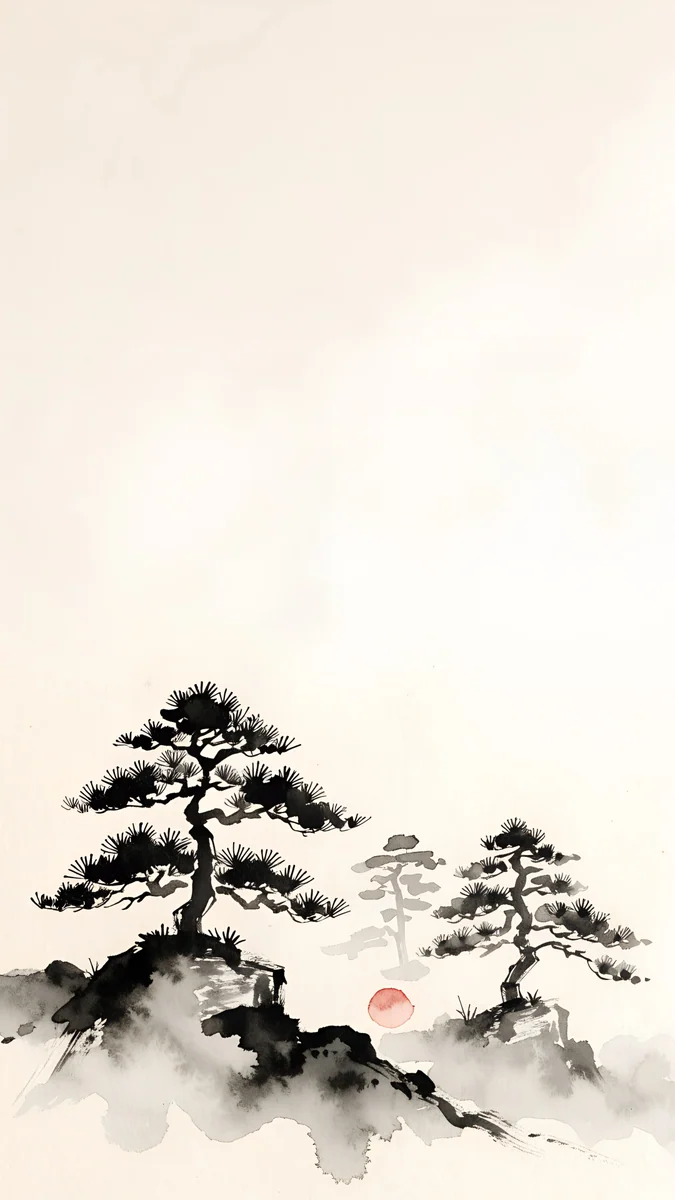
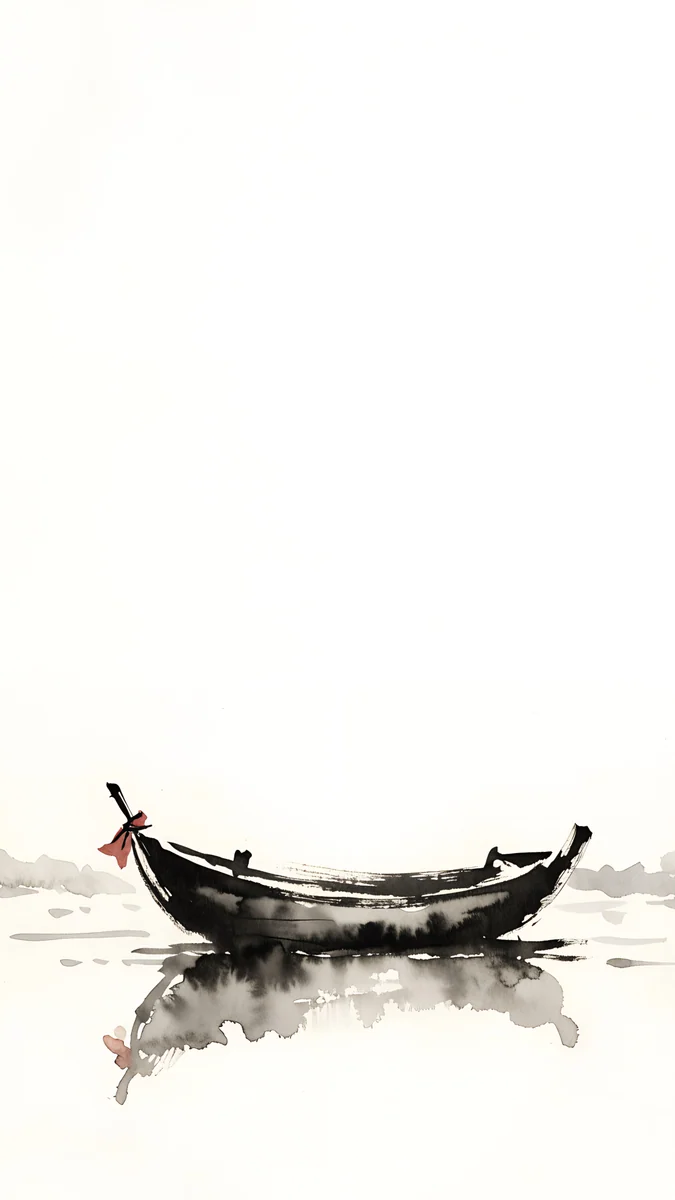
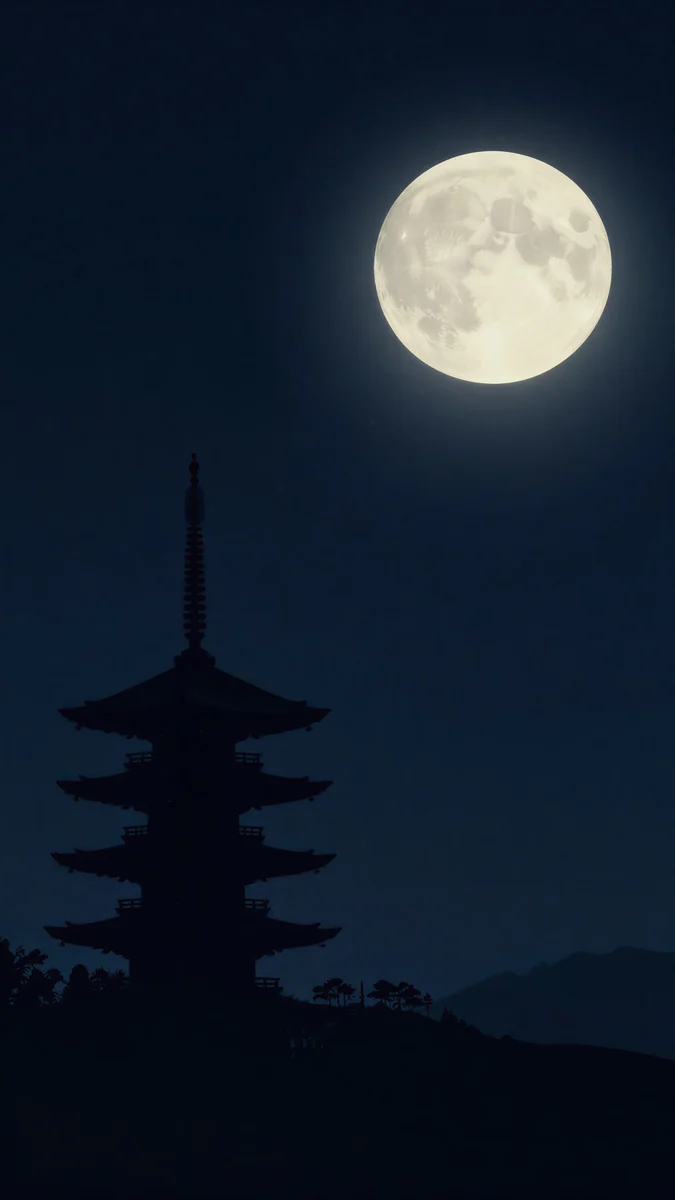
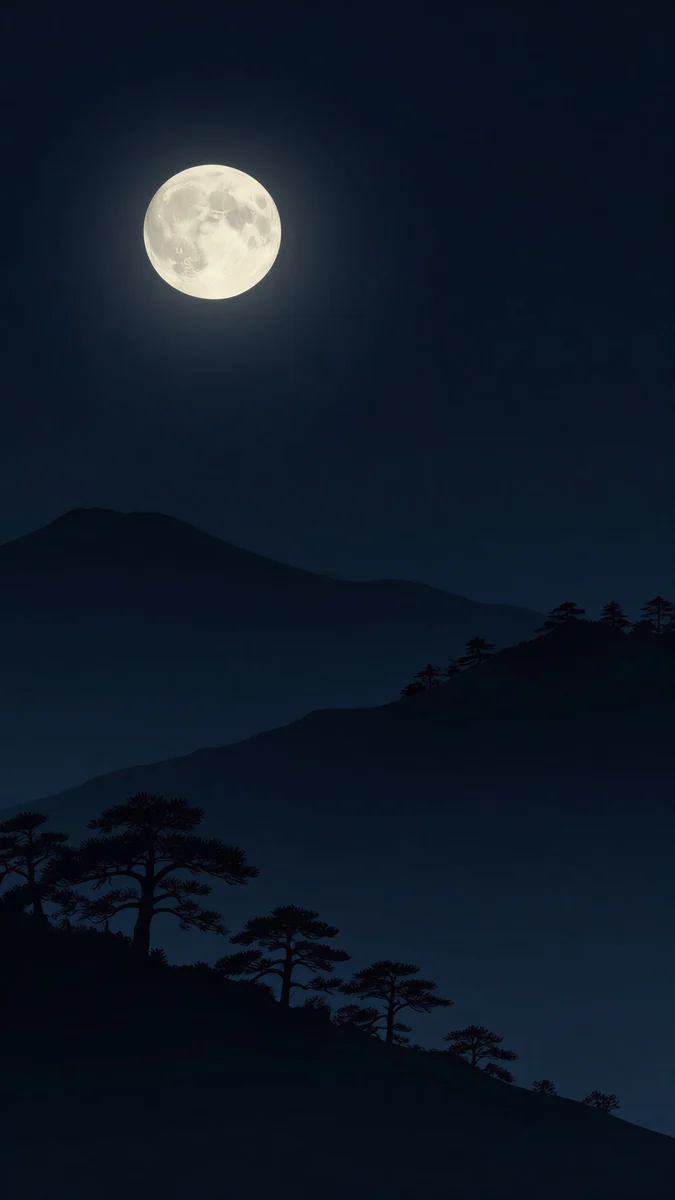
Quiet Boat is one boat on warm paper (#F2ECDF) and the quietest image here. Mist Pines keeps the trees low in the frame. Pagoda Moon and Moon Pines flip the formula: black sky, pale moon, white clock.
Setting it on iPhone and Android
Save the 4K original from velpaper.com or the Velpaper app, then follow the path for your phone.
- iPhone (iOS 26). Press and hold the lock screen, tap the plus button, choose Photos and pick the image. Pinch and drag so the plain area sits under the clock. Tap the clock to set its colour: white on the dark pieces, near-black on the light ones. Tap Add, then Set as Wallpaper Pair or Customize Home Screen.
- Pixel (Android 16). Press and hold an empty spot on the home screen, tap Wallpaper and style, choose My photos, pick the image, then choose Lock screen or Both.
- Galaxy (One UI). Open Settings, Wallpaper and style, Change wallpapers, Gallery, pick the image and set it for the lock screen.
Depth effect needs a clear subject
On iPhone the depth effect lets the top of the subject overlap the clock, which only works when iOS can separate one object from its background. It also switches off as soon as the subject would hide too much of the digits, and whenever you add a widget row. From this set the candidates are Black Glass Sphere, Lifeguard Tower Dusk, Sea Arch and Moon Pines. Gradients and ink mist have nothing to lift, so leave depth off and let the clock sit flat; they look better that way.
Every wallpaper here is a 4K original, available in the Velpaper apps for iPhone, iPad, Mac and Android and on velpaper.com. Velpaper is not affiliated with Rockstar Games or Take-Two Interactive; Grand Theft Auto is their trademark.
Original wallpapers in 4K and 5K for iPhone, Android and desktop.
Questions
What is the best wallpaper for a lock screen?
One with a calm top third and strong contrast under the clock. The time, the date and the widget row all sit in the top 30 to 35 percent of the screen, so that band should be plain sky, a bare wall or solid black, and clearly light or clearly dark rather than a mid-tone. Then set the clock to the opposite: white on a dark image, near-black on a light one. From this set, Black Satin, Moon Silver, Quiet Boat and Lifeguard Tower Dusk are the safest four, because each leaves the top of the frame almost empty.
What size should a lock screen wallpaper be in 4K?
For a phone, 2160 × 3840 pixels. That is the 4K frame turned upright, and it is taller than every current screen: the iPhone 17 Pro Max is 1320 × 2868, the Galaxy S25 Ultra 1440 × 3120 and the Pixel 10 Pro 1280 × 2856. The phone only scales the image down and trims a little at the sides, so it stays sharp and you can still pinch to reframe. Every wallpaper on this page is delivered at 2160 × 3840.
How do I change the lock screen wallpaper without changing the home screen?
On iPhone, after you tap Add on a new lock screen, choose Customize Home Screen instead of Set as Wallpaper Pair; the home screen keeps its own image, colour or blur. On a Pixel, Wallpaper and style asks whether to apply the picture to the Lock screen, the Home screen or Both, so pick Lock screen. On a Galaxy, the Wallpaper and style screen has separate previews for each, and you choose Lock screen before confirming. A plain gradient on the home screen with a stronger picture on the lock screen is a common pair.
Why does my lock screen wallpaper look blurry or zoomed in?
Usually the source file is too small. A screenshot or a picture saved from a chat app has already been shrunk and recompressed, so the phone has to enlarge it and fine lines go soft. Start from the 2160 × 3840 original and the phone only scales down. The other cause is the depth effect or a zoom you applied by pinching in the editor; open the wallpaper, pinch back out and check that the subject sits where you want it.
Does a black lock screen wallpaper save battery?
On an OLED screen, yes, a little. Each pixel makes its own light and a pure black pixel is switched off, so a mostly black lock screen and always-on display draw less than a bright one. The saving is modest on a normal day and larger if the always-on display is on all the time. On an LCD phone the backlight stays on behind every pixel, so a black wallpaper changes nothing. A still image, dark or light, costs no extra battery by itself.
Carlos Vivero
Designer of Velpaper wallpapers
Carlos Vivero designs the wallpapers in Velpaper: quiet architecture, liquid glass, Japanese ink and calm landscapes. Every piece is made as a 4K original for iPhone, Android and desktop.
Recent work








