Night Sky Wallpaper: 18 Starry 4K Picks for Phone and PC
Eighteen original night sky wallpapers in 4K: star fields over snow, moons on black for OLED, dusk gradients and four free desktop versions, with setup steps.
In short: The best night sky wallpaper keeps one bright point, a moon or a lit window, in a large dark field, so the lock screen clock stays readable and an OLED screen stays black. Velpaper has 18 original night skies in 4K: 14 phone files at 2160 × 3840 and 4 desktop files at 3840 × 2160.
By the Velpaper team · Wallpapers by Carlos Vivero, Velpaper designer · · 6 min read
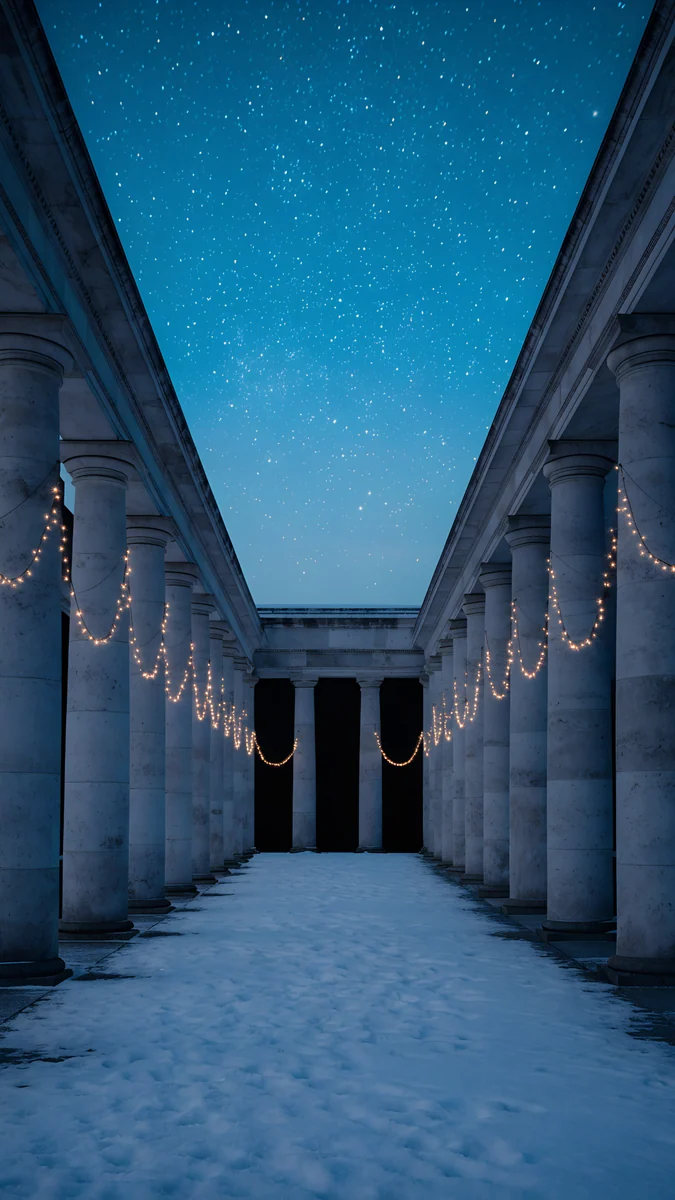 Starlit Colonnade
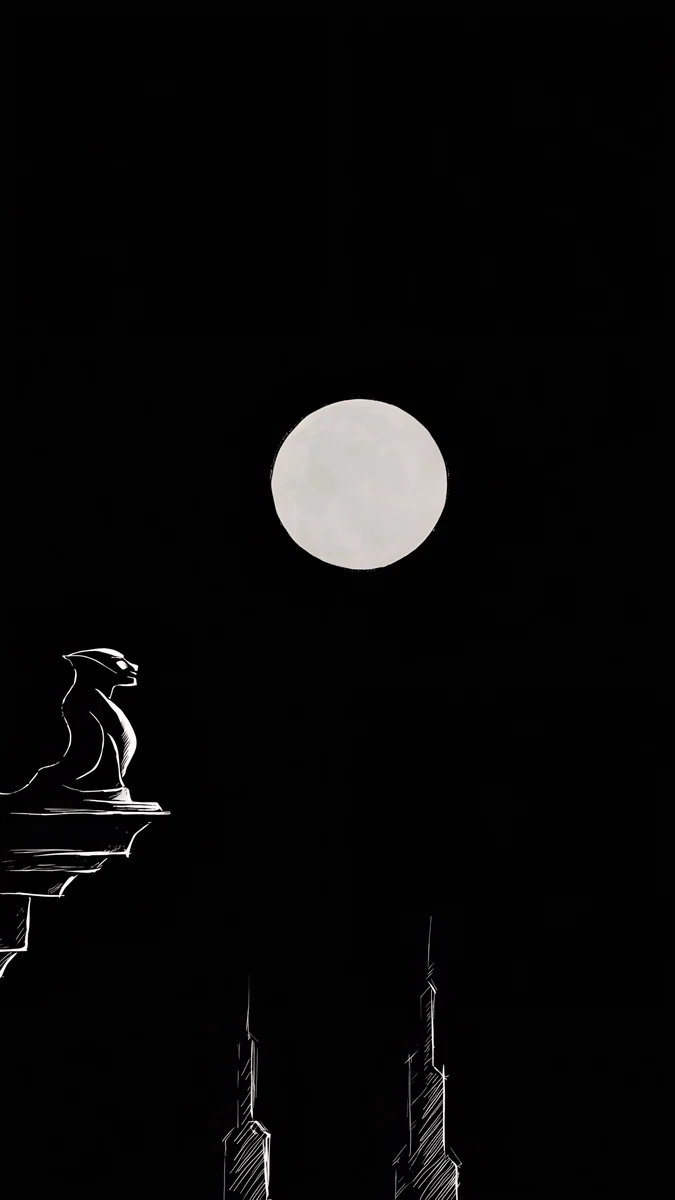 Moon Ledge
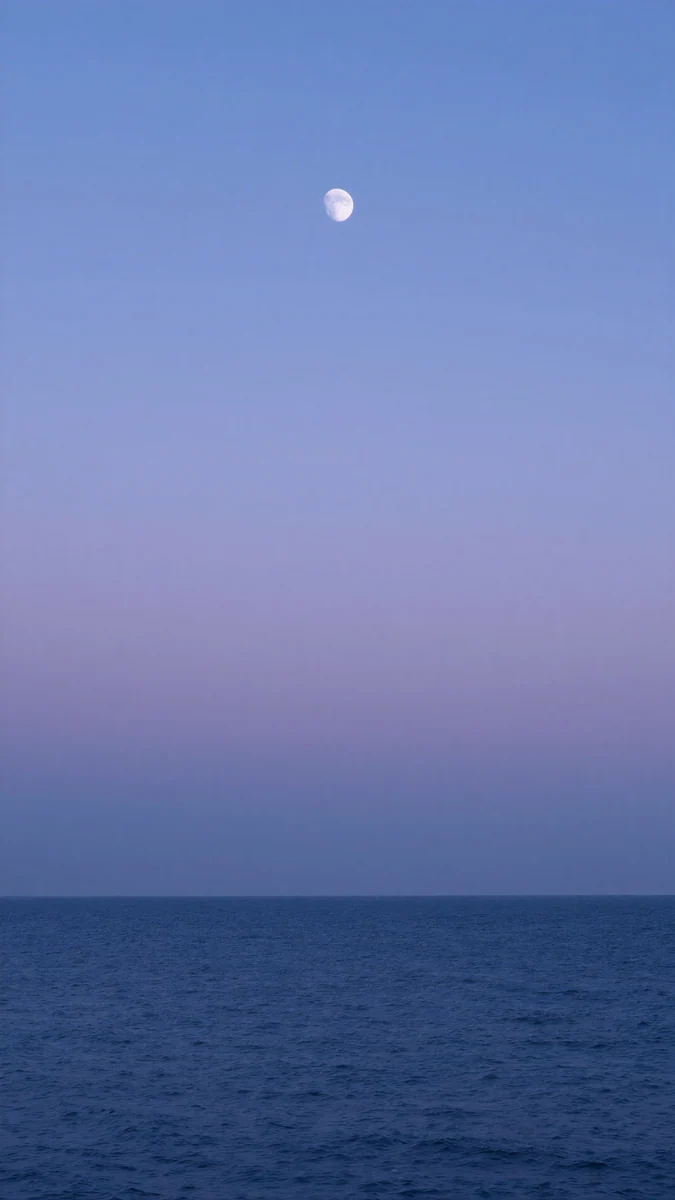 Dusk Moon Sea
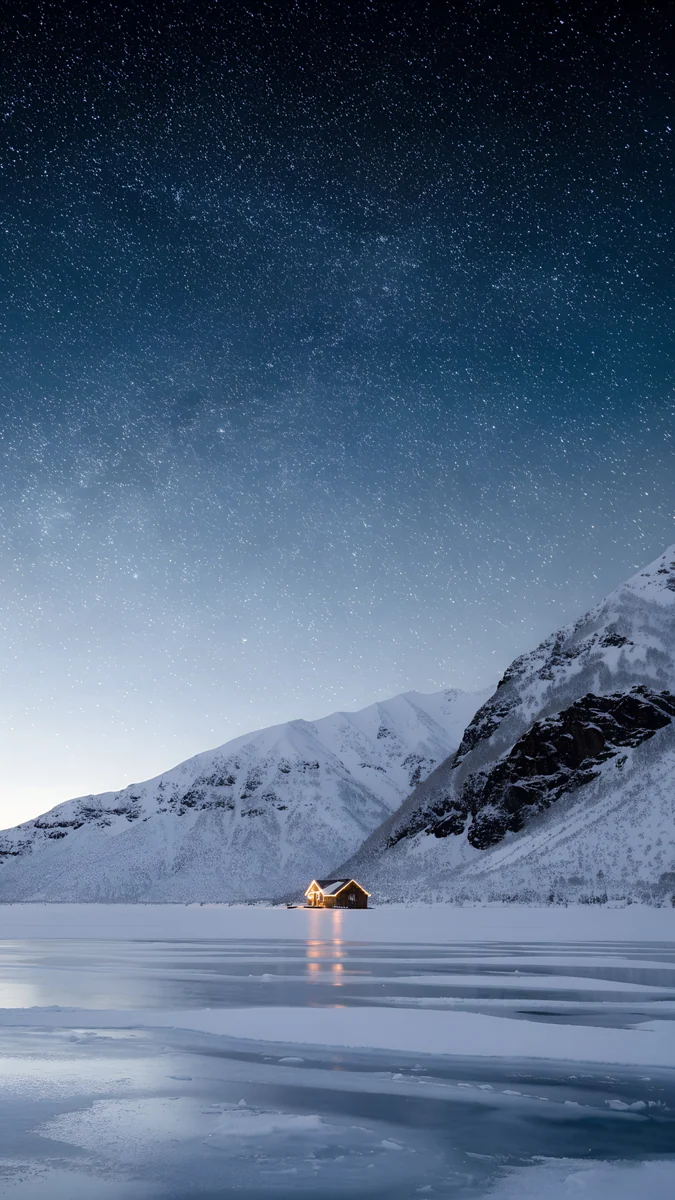 Frozen Lake Cabin
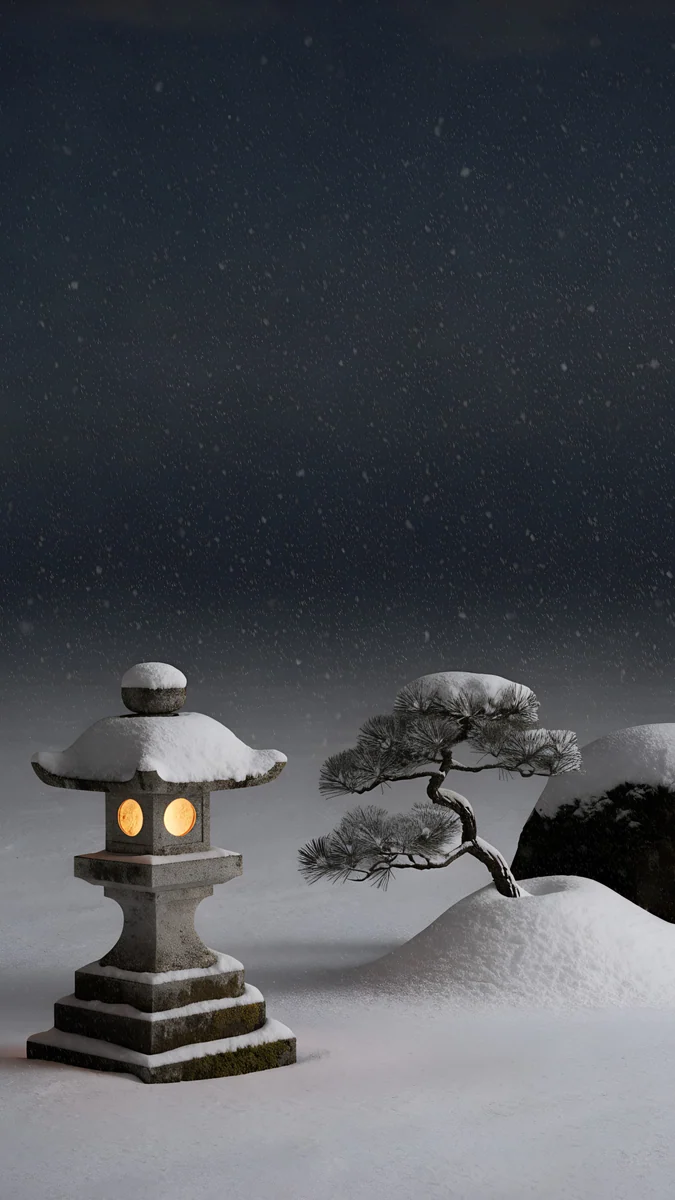 Snow Lantern Garden
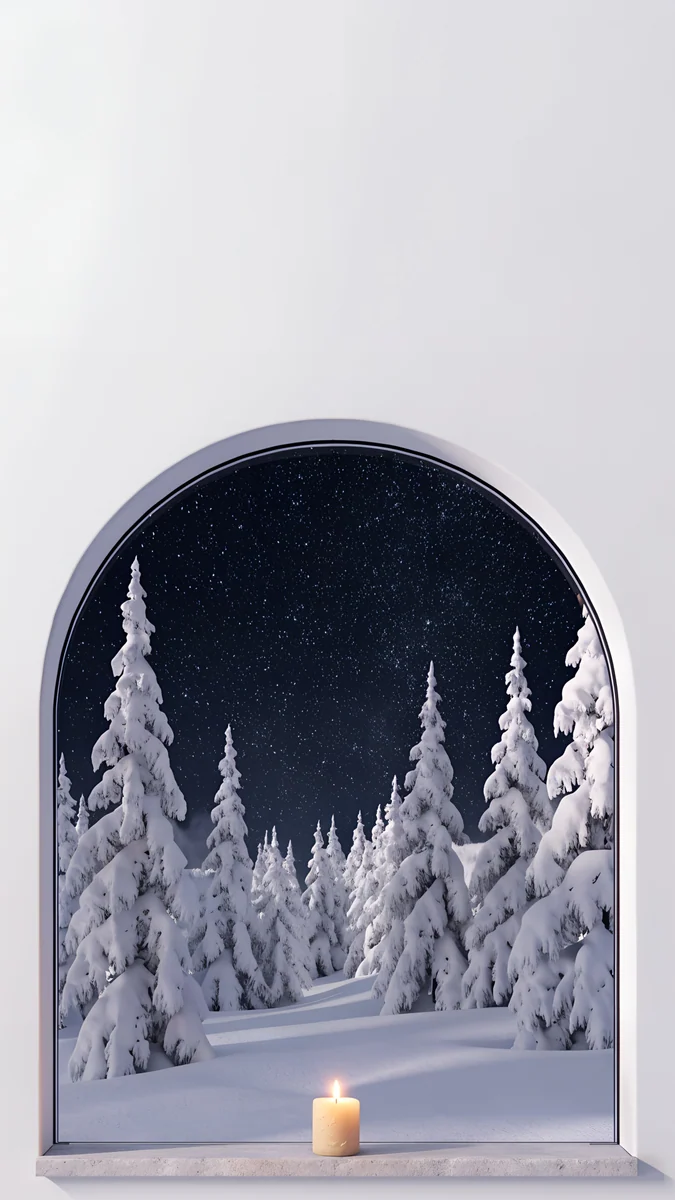 Starlit Window
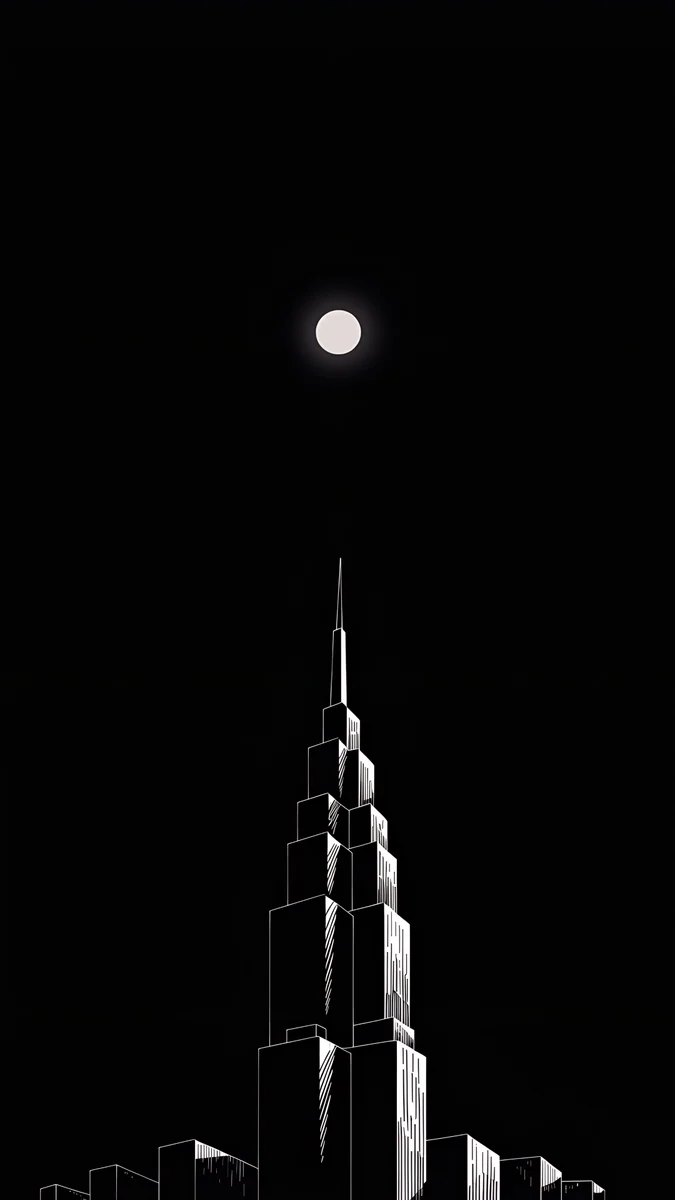 Lone Spire
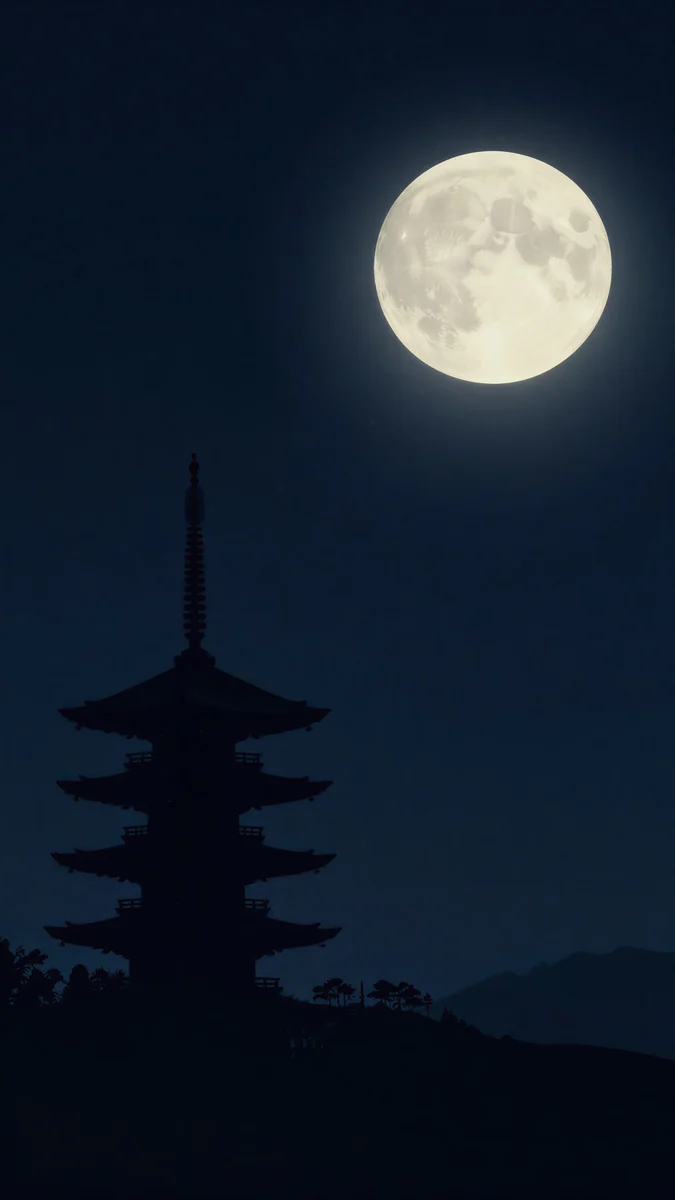 Pagoda Moon
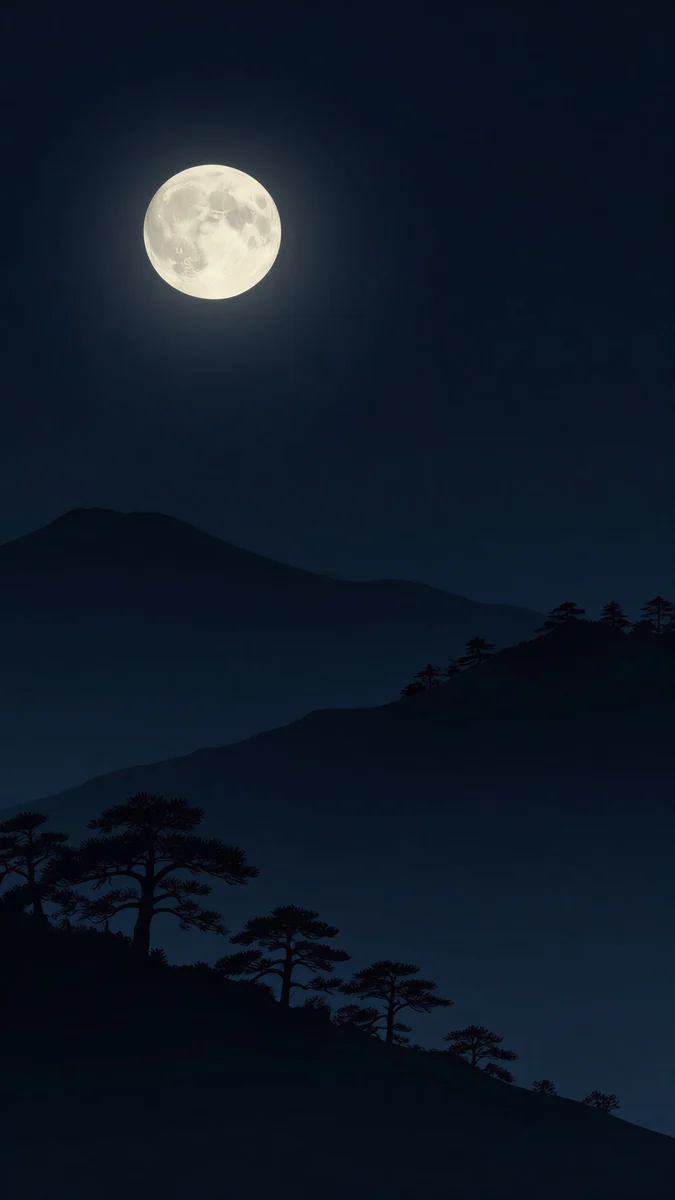 Moon Pines
 Midnight Snow Globe
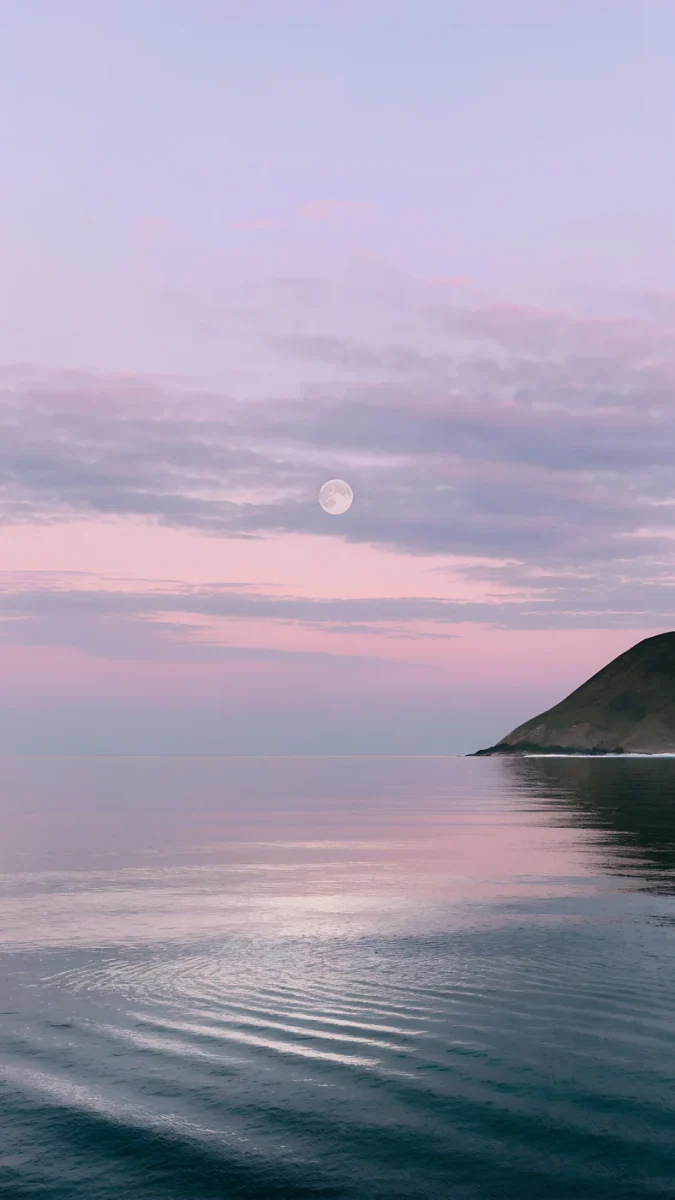 Saltwater Moon
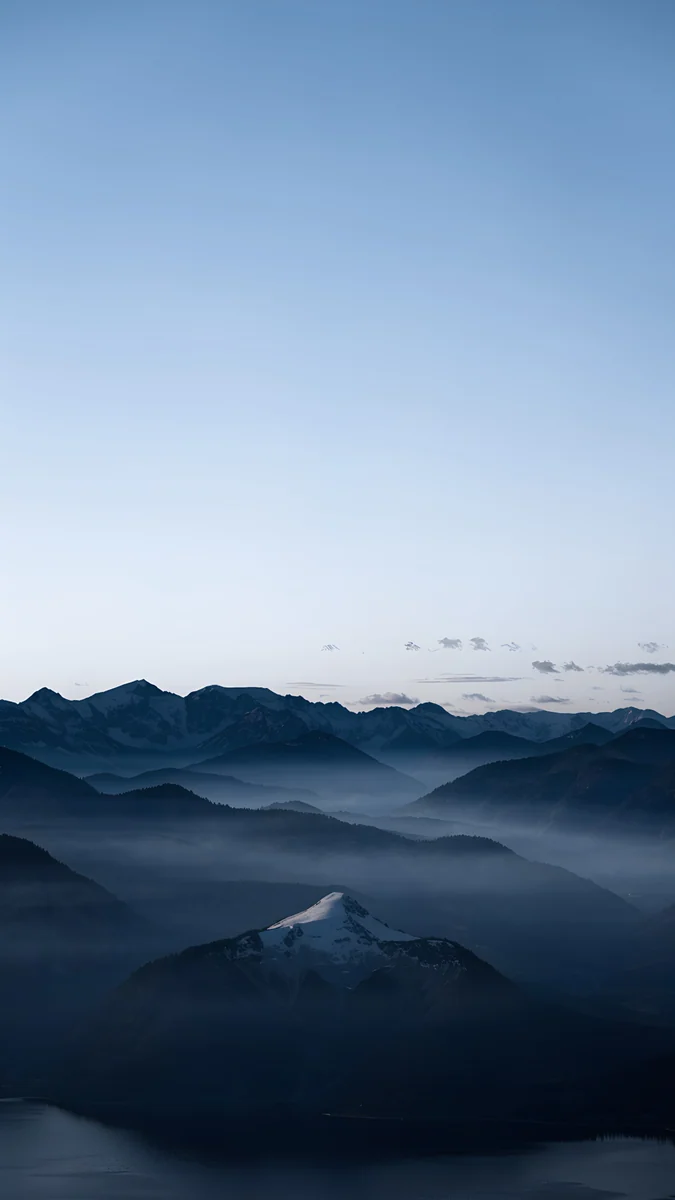 Blue Hour
Free 4K originals for iPhone and Android, no watermark
On this page
A night sky wallpaper works because most of the picture is empty sky, which is exactly where the clock and the notifications go. This set has 18 night sky wallpapers in 4K: 14 for iPhone and Android at 2160 × 3840 pixels and 4 for PC and Mac at 3840 × 2160, from real star fields over snow to black moons made for OLED screens.
They are original illustrations and renders, not photos of the Milky Way, so there is no noise in the dark areas and no stray satellite trail. Each one keeps a single bright point, a moon, a lit window or a lantern, in a large dark field. That is the whole trick: the eye has somewhere to land and the lock screen has room to breathe.
What is in this night sky set
The table lists every piece, the kind of sky it shows and where it works best. Phone files unlock after a short optional ad in the apps; three of the four desktop files are free.
| Wallpaper | Sky | Best for |
|---|---|---|
| Starlit Colonnade | Star field over snow | Lock screen clock |
| Frozen Lake Cabin | Stars over mountains | Lock screen clock |
| Snow Lantern Garden | Stars, lit stone lantern | Home screen |
| Starlit Window | Stars through an arch | Home screen |
| Moon Ledge | Full moon on black | OLED |
| Lone Spire | Small moon on black | OLED |
| Pagoda Moon | Full moon, blue black | OLED |
| Moon Pines | Moon over a pine ridge | OLED |
| Midnight Snow Globe | Black, one glass globe | OLED |
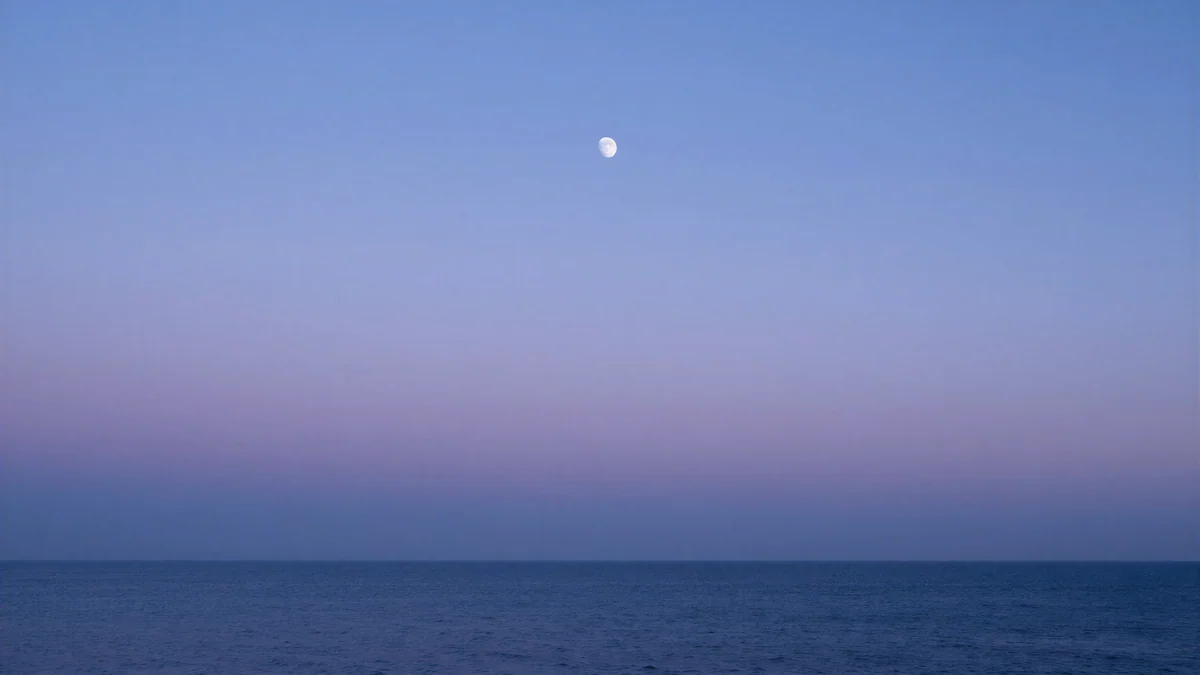
| Dusk Moon Sea | Lavender dusk, tiny moon | Lock screen clock |
| Saltwater Moon | Pink dusk over water | Lock screen clock |
| Blue Hour | Blue hour ridges | Home screen |
| Midnight Paper Peaks | Teal paper mountains, moon | Home screen |
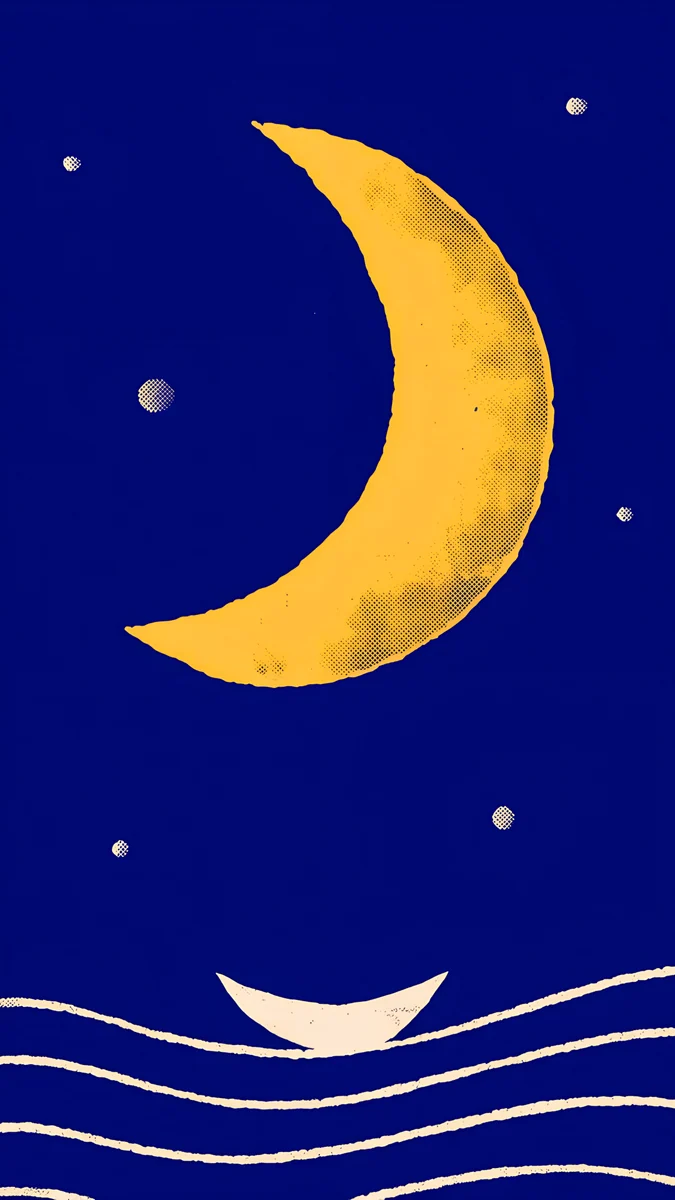
| Moon Boat | Poster crescent, cobalt | Home screen |
| Lilac Horizon | Dusk sea, moon | Desktop |
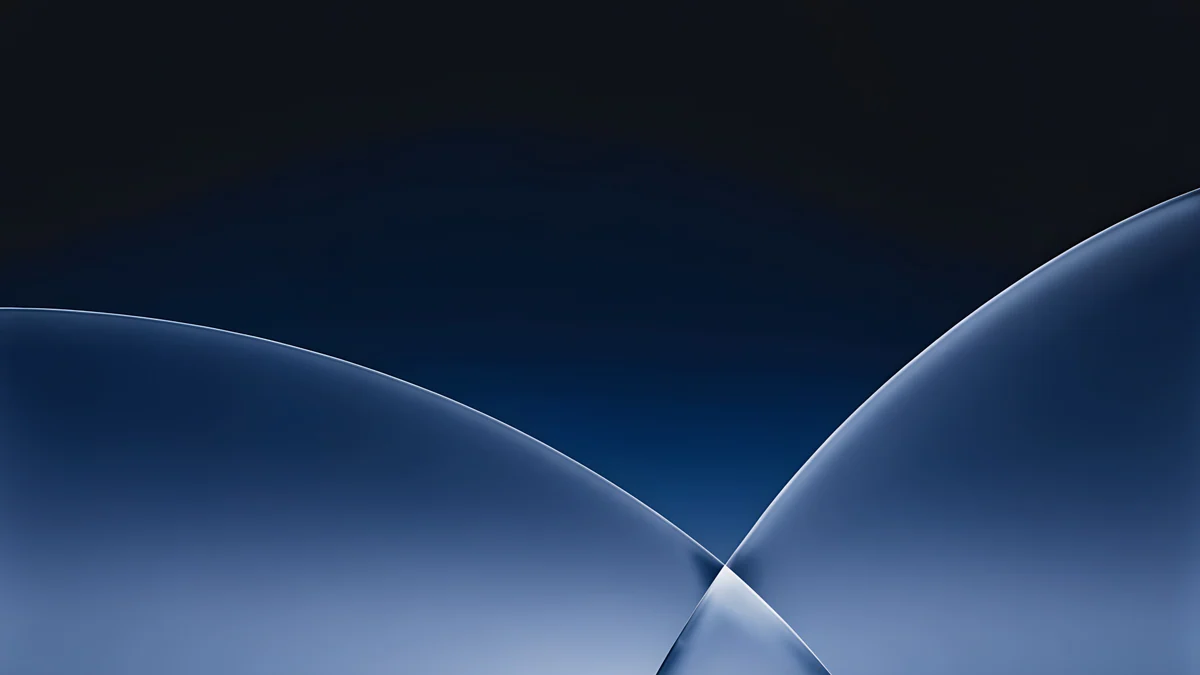
| Cobalt Soft Horizon | Dark blue curves | Desktop |
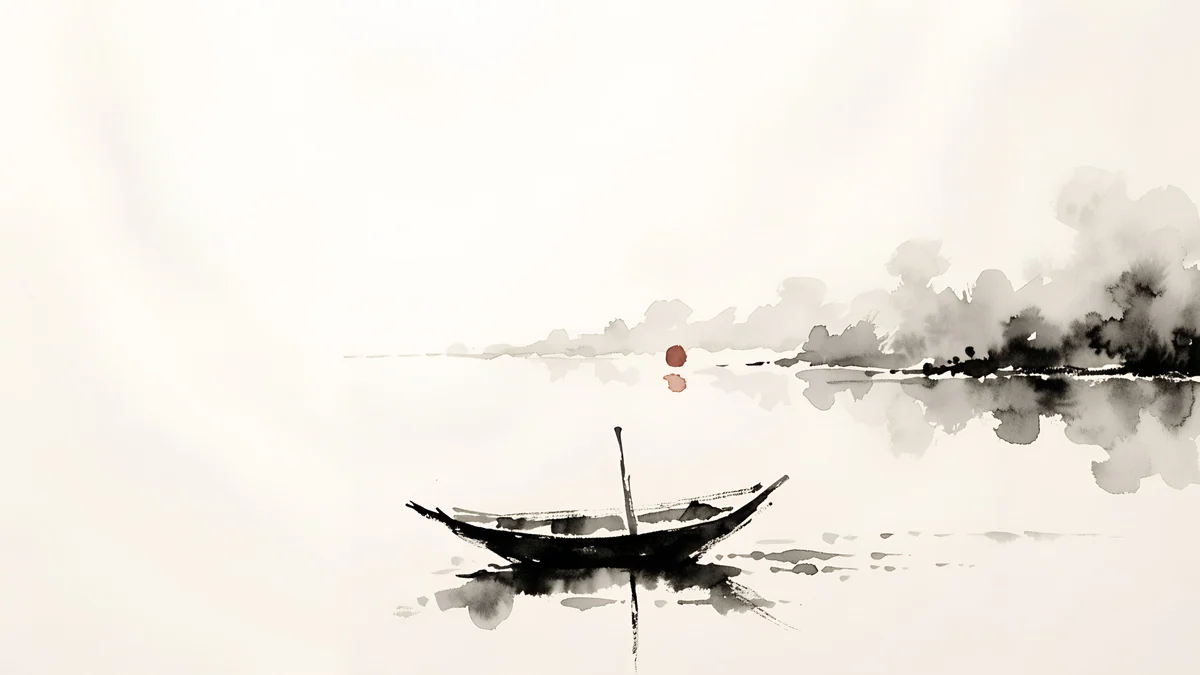
| Ink Moonlit Boat | Ink wash, pale sky | Desktop, light mode |
| Paper Moon | Black dot moon on white | Desktop, light mode |
If you only want moons, our moon wallpapers collection goes deeper into that one shape. This page is about the whole sky: stars, dusk and the hour after sunset.
Starry night sky wallpapers
Four pieces show an actual field of stars, and all four put it over snow. Snow is the reason they work on a phone: the lower third of each picture is pale and calm, so the sky stays dark without the whole screen going black.
Starlit Colonnade4K · PhoneFrozen Lake Cabin4K · PhoneSnow Lantern Garden4K · PhoneStarlit Window4K · PhoneStarlit Colonnade is the strongest of the set for the query. Two rows of stone columns run away from you, a few strings of small lights hang between them, and the gap above opens onto a deep blue sky packed with stars. The clock sits in that sky with nothing behind it.
Frozen Lake Cabin is the closest to a photograph: a frozen lake, snow mountains and one lit cabin under a sky that is more star than black. Snow Lantern Garden trades the cabin for a stone lantern glowing amber beside a small pine. Starlit Window frames the stars inside a white arch, with snowy pines outside and a candle on the sill, and is the one to pick if the rest of your home screen is light.
Moons on a black sky for OLED
Five pieces use a near black sky with one bright moon. On an OLED iPhone, Pixel or Galaxy the black pixels are switched off, so the sky is as dark as the bezel and the moon seems to float above the glass. Our guide to dark OLED wallpapers explains why that also saves a little battery.
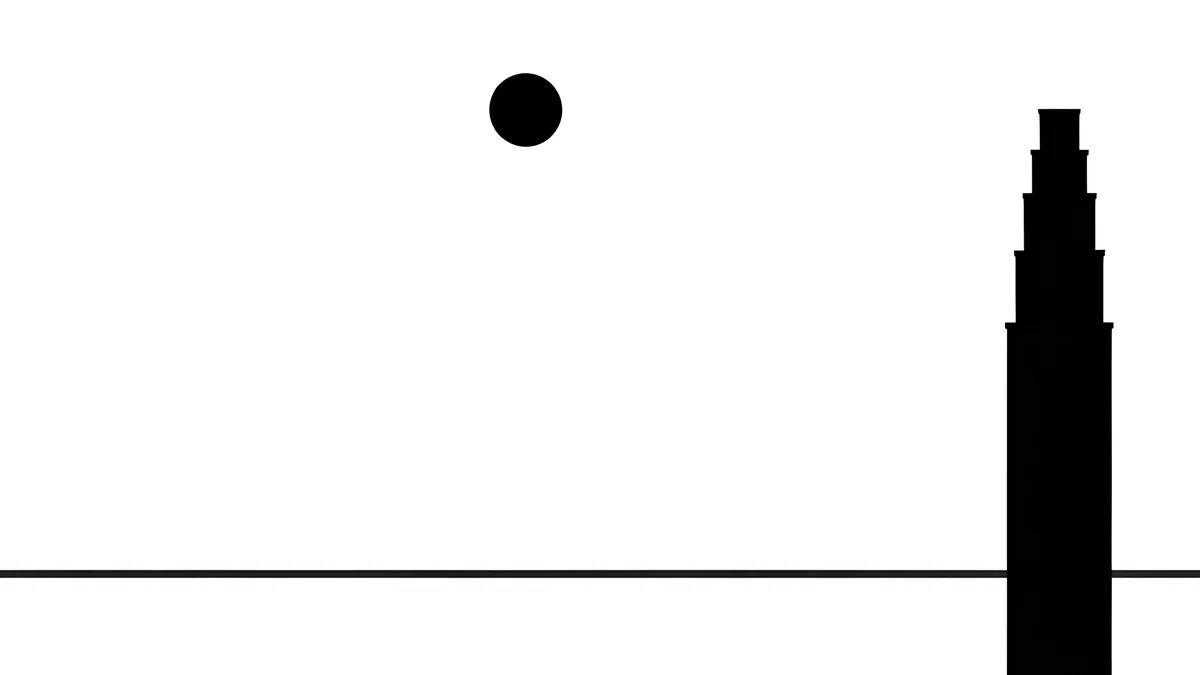
Moon Ledge4K · PhoneLone Spire4K · PhonePagoda Moon4K · PhoneMoon Pines4K · PhoneMidnight Snow Globe4K · PhoneMoon Ledge and Lone Spire come from the noir series: pure black, a white moon and the top of one art deco tower drawn in fine lines. Pagoda Moon and Moon Pines are softer, a full moon over a pagoda or a pine ridge in blue black, with the silhouette low enough to clear the clock. Midnight Snow Globe is the odd one out: no moon at all, just a glass globe with a small tree inside, lit like a planet on a black field.
Four of the five keep the moon in a corner, clear of the time and the widgets. Lone Spire places it top centre, so drag it a little to one side in the wallpaper editor, or use that one on the home screen.
Dusk and blue hour skies
Not every night sky has to be black. The hour after sunset gives lavender, pink and deep blue, which look calmer on a home screen and still keep white text readable.
Dusk Moon Sea4K · PhoneSaltwater Moon4K · PhoneBlue Hour4K · Phone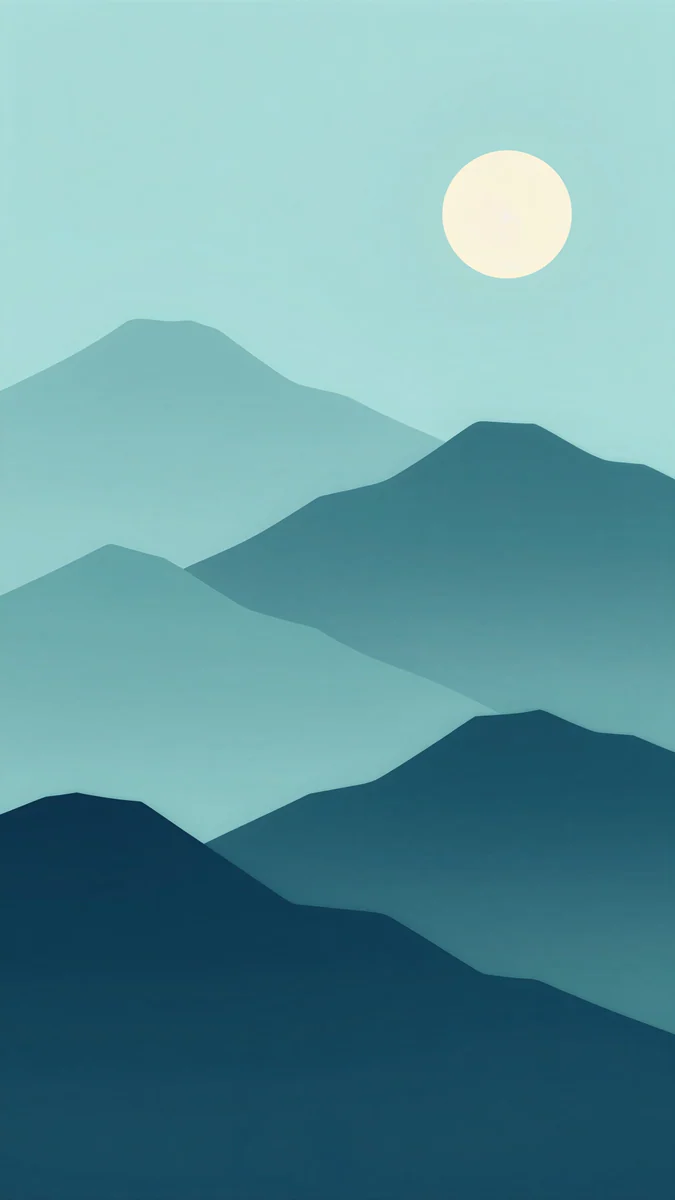 Midnight Paper Peaks4K · Phone
 Moon Boat4K · Phone
Dusk Moon Sea is a straight gradient from lavender to pink with a dark sea at the bottom and a moon the size of a pinhead near the top. Saltwater Moon is the same hour over calm water, warmer and pinker, with a headland on the right. Blue Hour stacks misty mountain ridges under a pale sky, the cold blue you get ten minutes after the sun has gone.
Two are graphic rather than atmospheric. Midnight Paper Peaks cuts teal mountains out of layered paper with a pale moon above. Moon Boat is a mid-century poster: a yellow crescent, a few stars and white wave lines on cobalt, the brightest piece of the set.
Night sky wallpaper for PC and laptop
Four wide versions cover a Mac, a Windows 11 laptop or a 4K monitor. Each is 3840 × 2160 pixels, so it also scales down cleanly to a 1920 × 1080 screen, since every dimension is exactly halved.
 Lilac Horizon4K · Desktop
 Cobalt Soft Horizon4K · Desktop
 Ink Moonlit Boat4K · Desktop
 Paper Moon4K · Desktop
Lilac Horizon is the desktop sibling of Dusk Moon Sea, with the moon moved up and left so the dock and the icons sit on dark water. Cobalt Soft Horizon is abstract, three dark blue curves meeting in a soft glow, and reads as a night sky without a single star. For a light desktop, Ink Moonlit Boat and Paper Moon turn the idea around: a pale sky and a dark moon or boat in ink.
How to set a night sky wallpaper
On iPhone with iOS 26:
- Save the 2160 × 3840 file to Photos.
- Go to Settings, Wallpaper, Add New Wallpaper, and pick it from Photos.
- Pinch to move the moon or the lit window away from the clock, then tap Add.
- Choose Set as Wallpaper Pair, or Customize Home Screen if you want a plain black home screen behind the icons.
The full walkthrough, including Depth Effect, is in how to set a lock screen wallpaper on iPhone.
On Android 16 and One UI 8:
- Open Settings, then Wallpaper & style (Samsung calls it Wallpaper and style).
- Choose My photos or Gallery and pick the file.
- Drag the picture so the dark area sits under the clock and apply it to the lock screen, the home screen or both.
The per-brand steps for Pixel, Galaxy and Xiaomi are in how to change wallpaper on Android. On Windows 11 the path is Settings, Personalization, Background; on a Mac it is System Settings, Wallpaper.
Keeping the clock readable on a dark sky
A dark wallpaper is the easiest case for the clock, with two exceptions. Do not put the moon directly under the digits, because iOS and Android render the time in white and a white moon behind white numerals makes both disappear. And on the dusk pieces, keep the pink band low: the clock reads best on the deep blue part of the gradient.
If the time still looks thin, iOS lets you change the clock colour and weight when you tap the time in the wallpaper editor. More on that in how to choose a wallpaper that keeps the clock readable.
Original wallpapers in 4K and 5K for iPhone, Android and desktop.
Questions
What makes a good night sky wallpaper for a phone?
One bright object and a lot of calm sky. The clock, the date and the notifications all sit on the upper and middle part of the lock screen, so that area should be plain: stars, gradient or black. Put the moon, the lantern or the lit cabin in a corner or in the lower half. Dark blue and black skies work best because the white system text reads on them at a glance. Avoid pictures with a bright moon in the top centre, since iOS and Android draw the time in white and the two cancel each other out.
Is a night sky wallpaper good for an OLED screen?
Yes, as long as the sky is really dark. On an OLED panel, which every recent iPhone Pro, Pixel and Galaxy S uses, black pixels are switched off, so a near black sky looks as deep as the bezel and uses slightly less power than a bright picture. Five pieces in this set are built for that: Moon Ledge, Lone Spire, Pagoda Moon, Moon Pines and Midnight Snow Globe. Dusk gradients look just as good on OLED but do not save power, because lavender and pink pixels are fully lit.
Are these night sky wallpapers 4K?
Yes. The 14 phone wallpapers are 2160 × 3840 pixels, which is taller than every current iPhone and Android screen, so the system only scales them down and trims a little at the sides. The 4 desktop wallpapers are 3840 × 2160, the standard 4K frame for a Mac, a Windows laptop or a 4K monitor. There is no upscaled version and no 8K claim; the files are the originals as they were made.
Can I use a night sky wallpaper on a 1920 × 1080 laptop?
Yes. The desktop files are 3840 × 2160, exactly twice 1920 × 1080 in each direction, so Windows and macOS scale them down by a clean factor of two with no blur and no crop. Set the picture to Fill or Fit to Screen and it lands pixel for pixel on the Full HD frame. The same file also covers a 2560 × 1440 monitor and a MacBook Air display, so you only need one download per picture.
Where do I download night sky wallpapers without a watermark?
Every wallpaper on this page is an original by Velpaper and downloads without a watermark, in the apps for iPhone, iPad, Mac and Android and from the wallpaper pages on velpaper.com. Browsing and previewing are free. Phone wallpapers unlock after a short optional ad in the apps; on the website, if no ad is available, the file downloads for free. Three of the four desktop versions here are free outright. There is no account and no subscription.
Carlos Vivero
Designer of Velpaper wallpapers
Carlos Vivero designs the wallpapers in Velpaper: quiet architecture, liquid glass, Japanese ink and calm landscapes. Every piece is made as a 4K original for iPhone, Android and desktop.
Recent work







