Pixel 10 Wallpaper: 4K Picks for Pixel 10 and 10 Pro
Pixel 10 and 10 Pro wallpapers in 4K: exact screen sizes from Google, picks that give clean Material You colours and matches for every Pixel 10 and Pro colour.
In short: The best Pixel 10 wallpaper has one or two clear colours and its subject below the clock, so Material You builds a clean palette from it. One 2160 × 3840 original covers the Pixel 10 (1080 × 2424), the 10 Pro (1280 × 2856) and the 10 Pro XL (1344 × 2992).
By the Velpaper team · Wallpapers by Carlos Vivero, Velpaper designer · · 7 min read
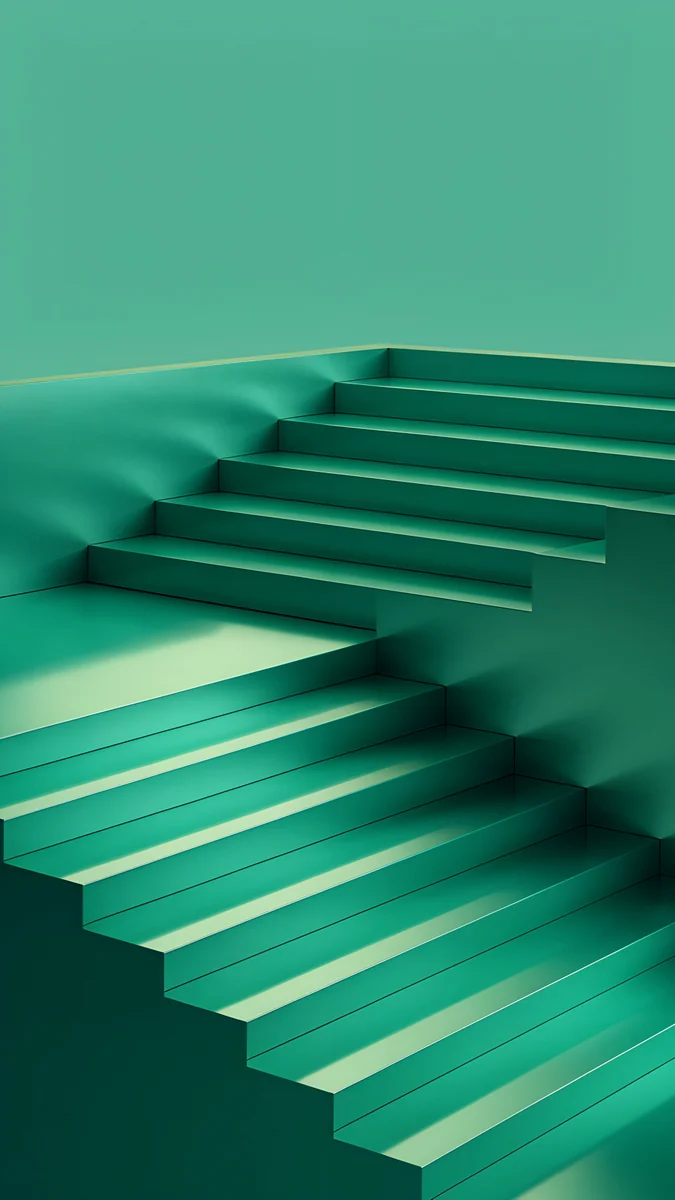 Jade Cut Ascent
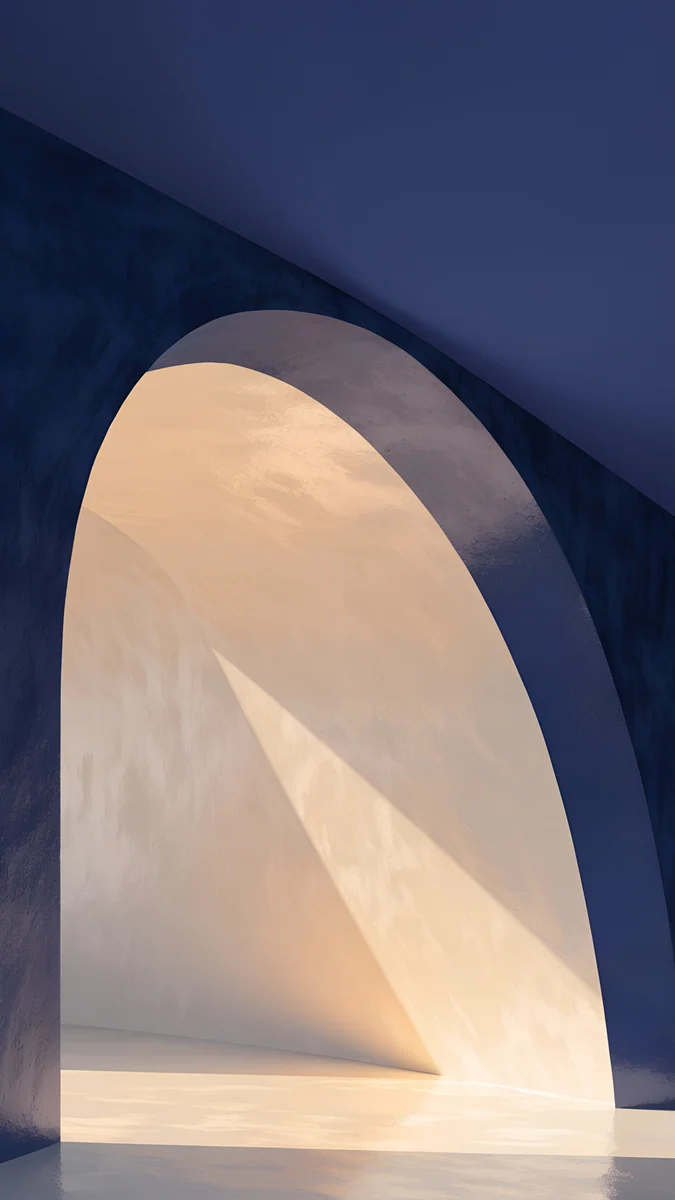 Indigo Passage
 Black Splash
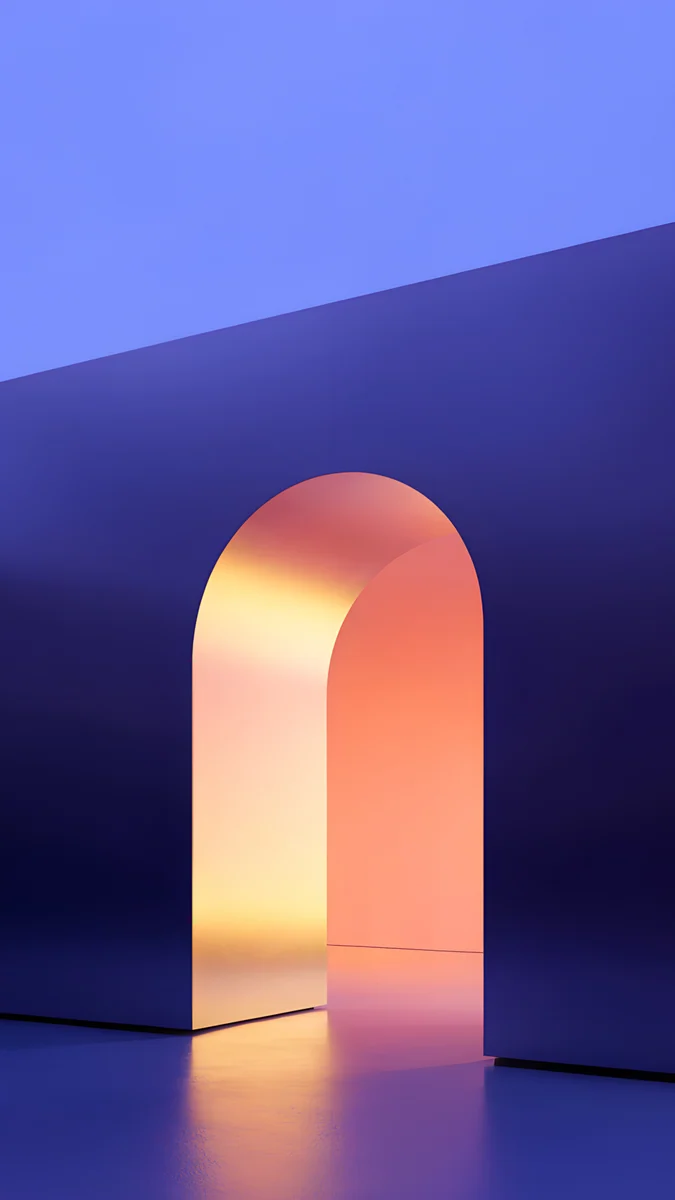 Solar Violet Arch
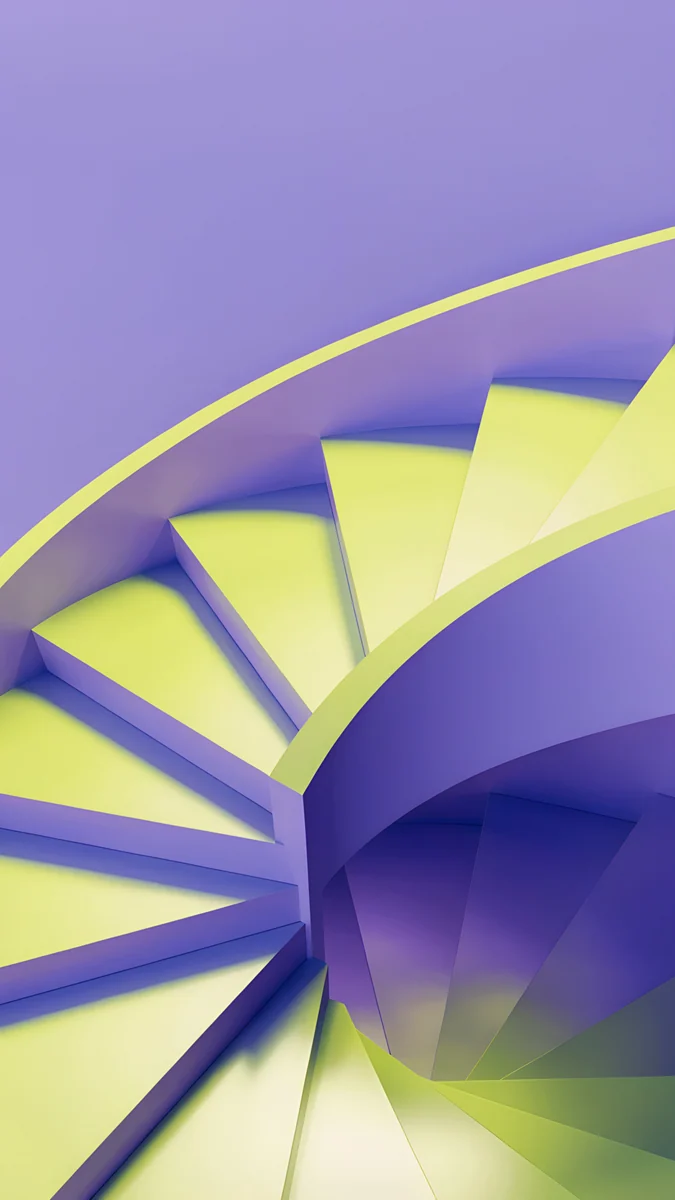 Lime Violet Helix
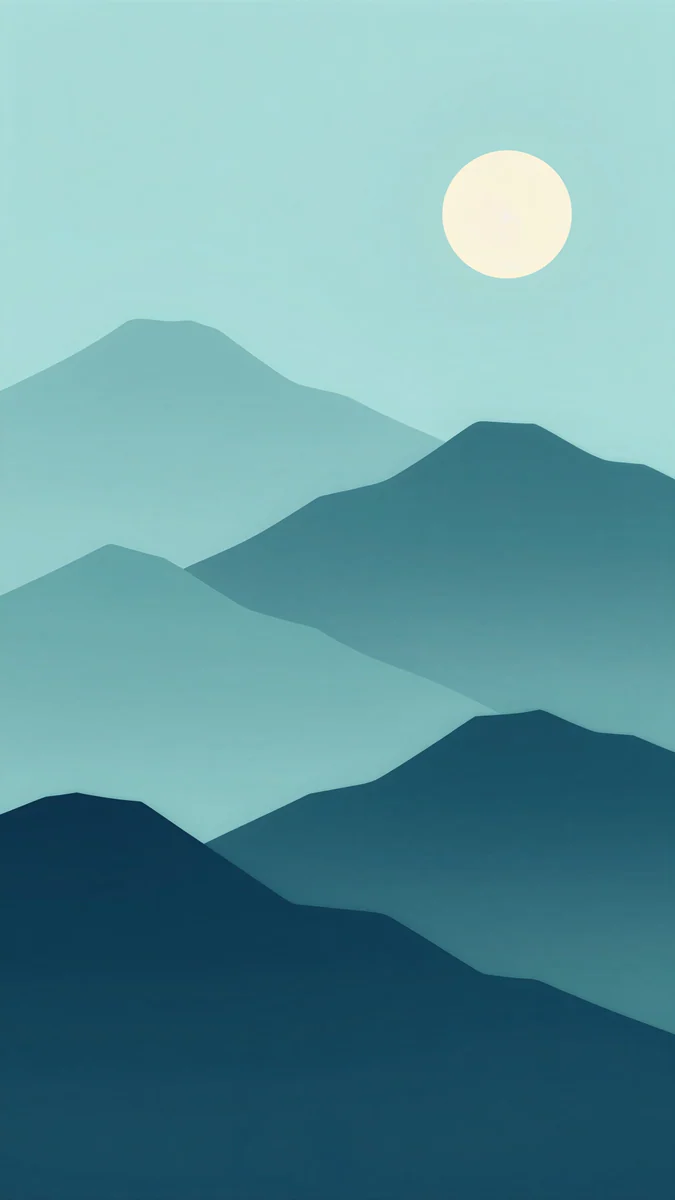 Midnight Paper Peaks
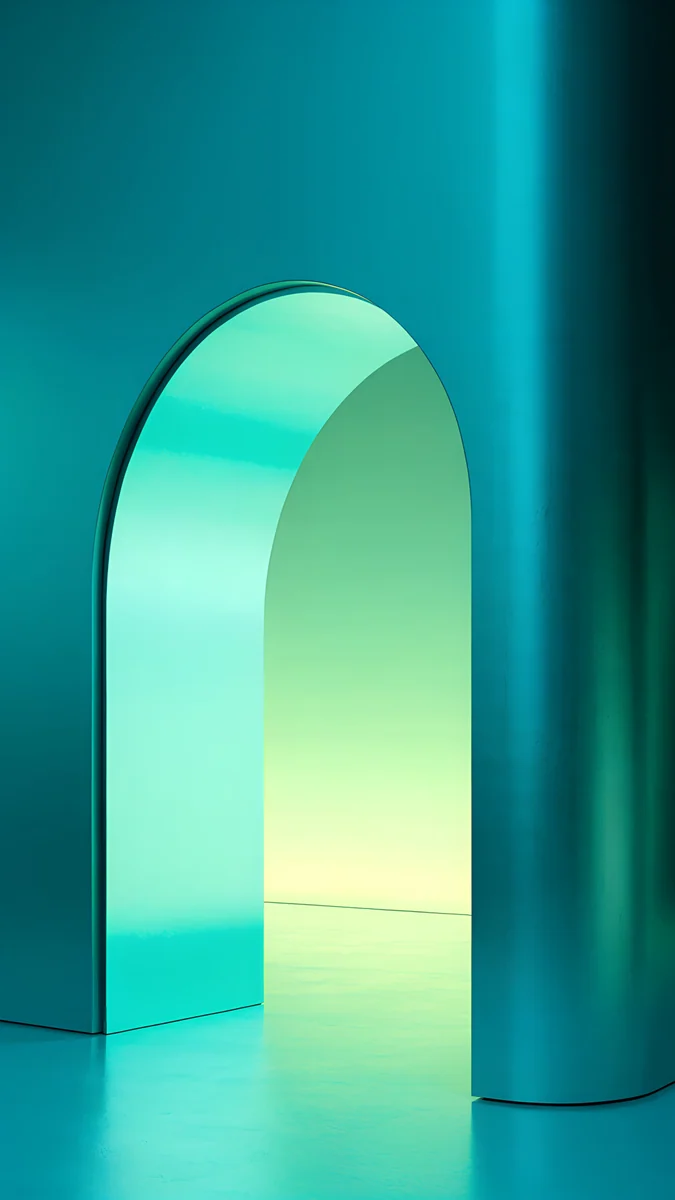 Jade Mint Arch
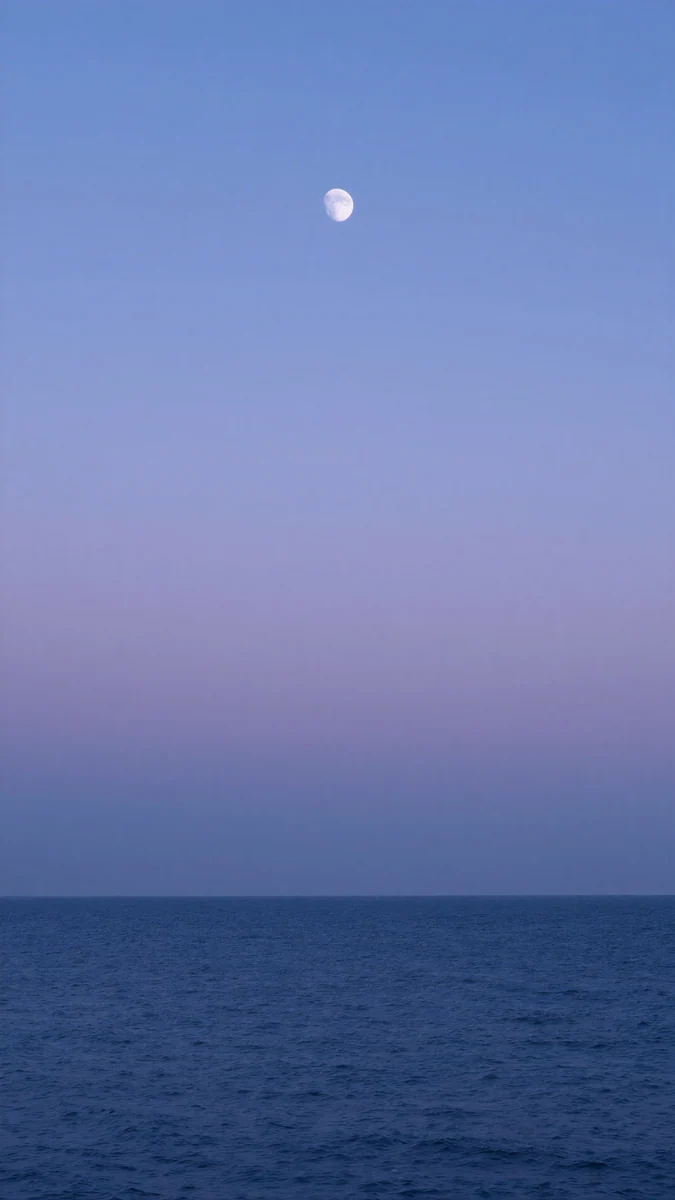 Dusk Moon Sea
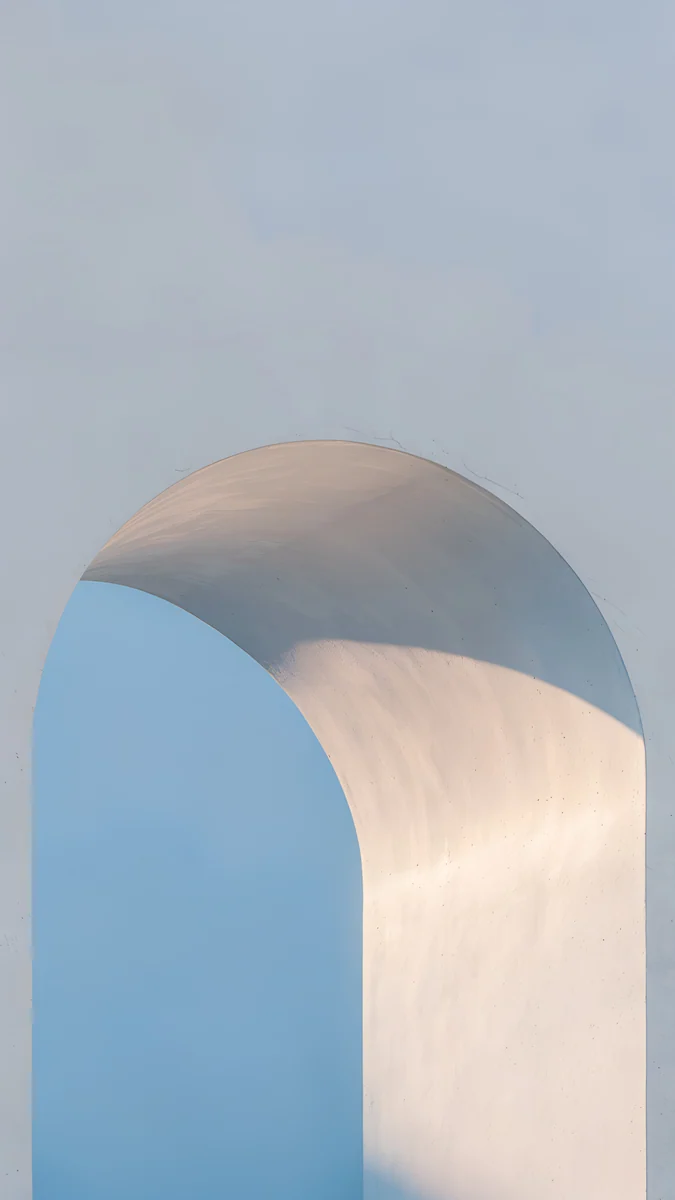 Blue Hour Portico
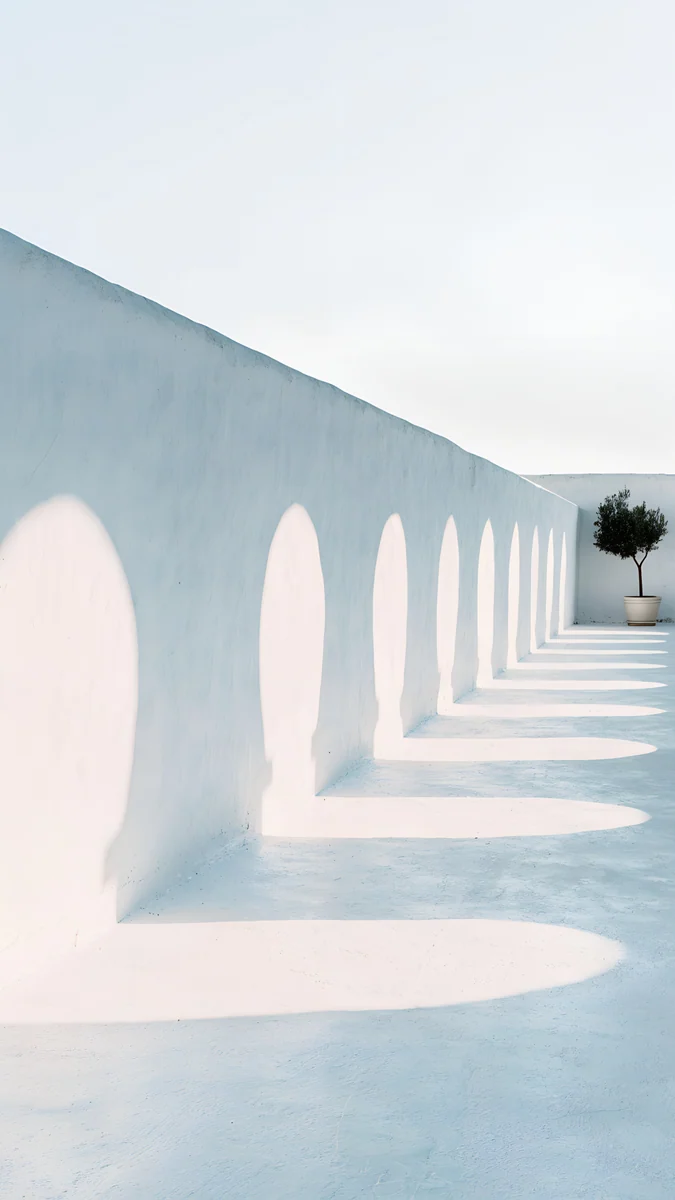 Olive Shadows
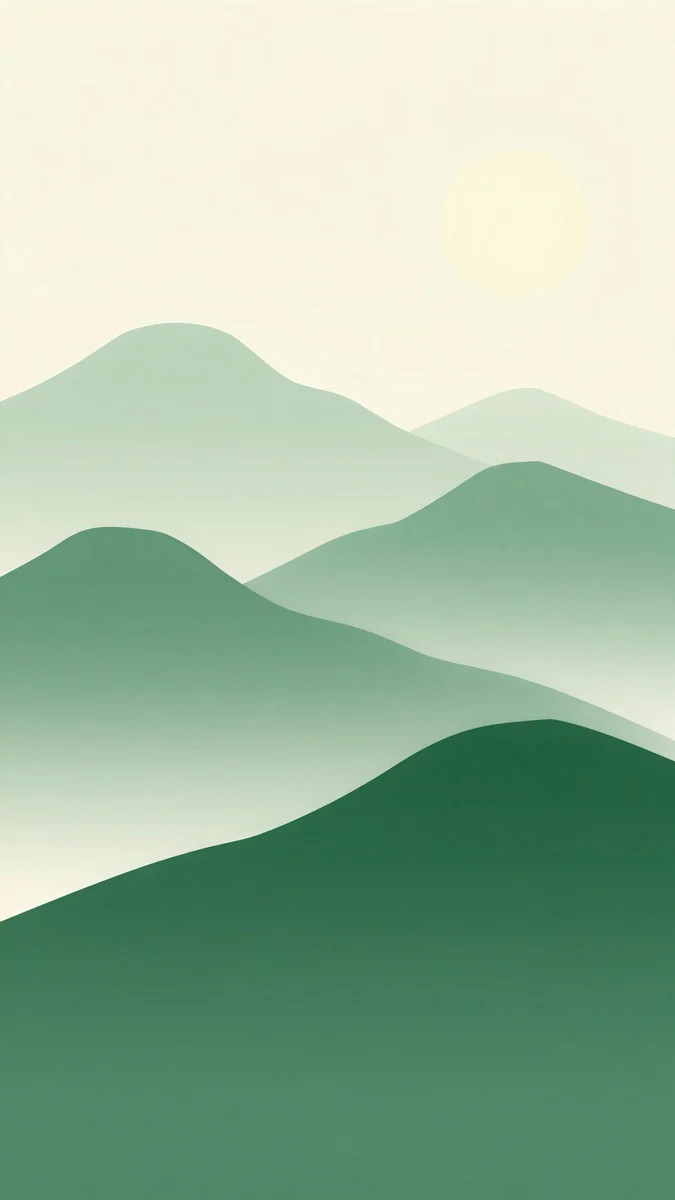 Forest Paper Peaks
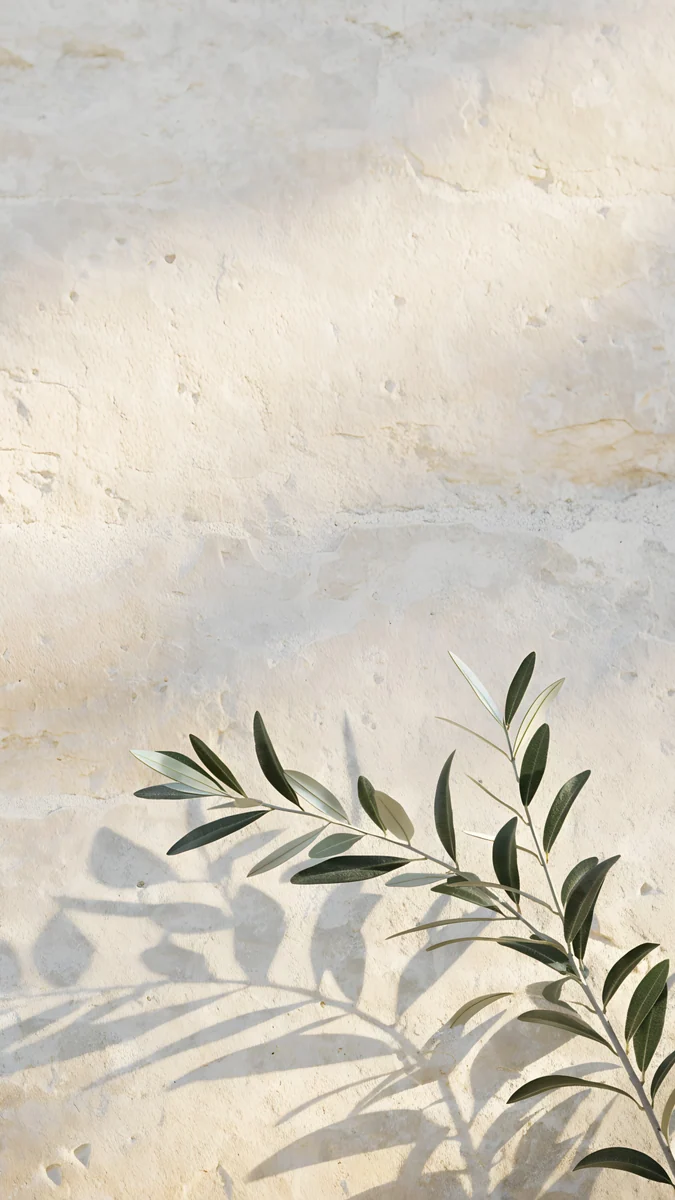 Olive Branch Shadow
Free 4K originals for iPhone and Android, no watermark
On this page
- Pixel 10 and Pixel 10 Pro wallpaper size
- What the Pixel 10 display means for your wallpaper
- Wallpapers that make good Material You colours
- Wallpapers for the Pixel 10 colours
- Wallpapers for the Pixel 10 Pro colours
- How to set a wallpaper on Pixel 10
- Common problems and fixes
- Get these Pixel 10 wallpapers in Velpaper
The best Pixel 10 wallpaper has one or two clear colours and its subject in the lower half, because Android 16 builds the phone's Material You palette from the wallpaper and the clock sits at the top. Google lists the Pixel 10 at 1080 × 2424 and the Pixel 10 Pro at 1280 × 2856, and a 2160 × 3840 original is larger than both, so one file stays sharp on either phone.
This page is only about the Pixel 10 and the Pixel 10 Pro, with the 10 Pro XL in the size table: the screens as Google lists them, what the 20:9 shape crops, and picks for every colour of both phones. If you are coming from Samsung, our Galaxy S25 wallpapers page does the same for that lineup.
Pixel 10 and Pixel 10 Pro wallpaper size
These figures come from Google's hardware tech specs for the Pixel 10 phones, width by height in pixels:
| Model | Screen | Resolution | Density | Refresh rate |
|---|---|---|---|---|
| Pixel 10 | 6.3 inches | 1080 × 2424 | 422 PPI | 60 to 120 Hz |
| Pixel 10 Pro | 6.3 inches | 1280 × 2856 | 495 PPI | 1 to 120 Hz |
| Pixel 10 Pro XL | 6.8 inches | 1344 × 2992 | 486 PPI | 1 to 120 Hz |
All three are 20:9, taller and narrower than a 9:16 image. A 2160 × 3840 wallpaper is still larger than every one of these screens in both directions, so Android only scales it down. To fill the height, it shows about the middle four fifths of the width and trims roughly 10 percent from each side. Keep the subject near the centre and nothing important is lost. Other Android phones and their crops are in our Android wallpaper size guide.
What the Pixel 10 display means for your wallpaper
Google calls the screen on all three phones a Super Actua display and lists, among other things:
- OLED panels, LTPO on the 10 Pro and 10 Pro XL.
- Smooth Display at 60 to 120 Hz on the Pixel 10 and 1 to 120 Hz on the Pro models.
- Up to 2000 nits (HDR) and 3000 nits peak on the Pixel 10, up to 2200 nits (HDR) and 3300 nits peak on the Pro models.
- A contrast ratio above 2,000,000:1 and HDR support.
Two things follow from that. On OLED each pixel makes its own light, so black areas stay black and a pale gradient stays smooth, which suits both very dark and very light pictures. And the 10 Pro packs more pixels into the same 6.3 inches than the Pixel 10, so fine textures like paper grain or fabric look a little crisper on it, although the same file works on both. The front camera sits in a small cutout at the top centre, near the clock, so the busy part of the picture belongs lower in the frame.
Wallpapers that make good Material You colours
On a Pixel, the wallpaper does more than fill the screen. Android 16 reads its main colours and tints the quick settings, the keyboard, the settings app and, if you want, the app icons. A picture with one or two strong tones gives a clear palette; a busy, multicoloured one gives a muddy one.
Solar Violet Arch4K · PhoneLime Violet Helix4K · PhoneMidnight Paper Peaks4K · PhoneJade Mint Arch4K · PhoneSolar Violet Arch is a glowing orange doorway in a violet wall, so the palette picks up a deep violet with a warm accent. Lime Violet Helix is a spiral staircase in lilac with lime green steps, the closest thing to Lemongrass with a contrast colour built in. Midnight Paper Peaks layers teal paper mountains under a pale moon, a calm blue green palette. Jade Mint Arch is a teal arch lit from inside with mint light, and it turns the whole phone a cool green.
How the palette options look, and why one image can give several, is covered in Android Material You colours.
Wallpapers for the Pixel 10 colours
Google sells the Pixel 10 in Indigo, Frost, Lemongrass and Obsidian. These picks follow the back of the phone, so the screen and the case feel like one object.
Indigo
Indigo Passage is a deep blue arch opening onto warm sandstone light, with dark blue at the top where the clock goes. Dusk Moon Sea is a periwinkle sky over a navy sea with a tiny moon, almost empty, so widgets have room.
Frost
Blue Hour Portico is a pale arch with an icy blue wall behind it, close to the Frost back. Olive Arch Shadows is a white Mediterranean colonnade throwing long shadows on pale blue stone, bright and cool.
Lemongrass
Forest Paper Peaks stacks green paper hills under a soft lemon sky with a faint sun, the nearest match to the yellow green finish. Olive Branch Shadow is an olive sprig and its shadow on warm limestone, quiet and light.
Obsidian

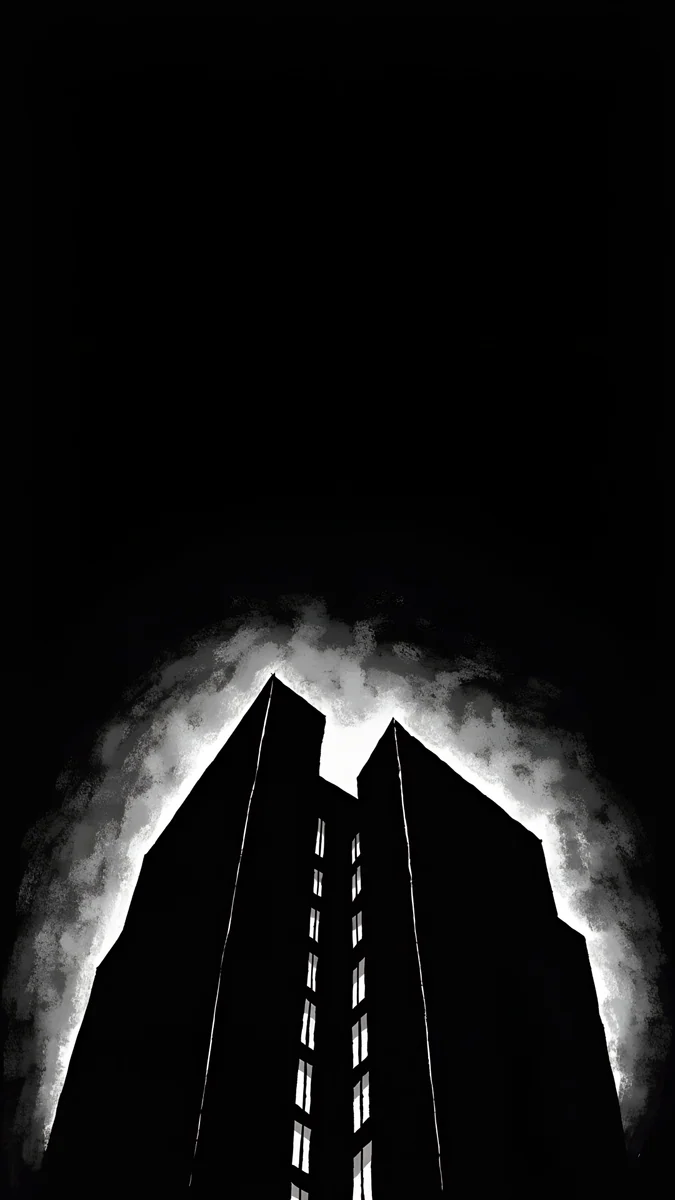
Black Splash is a glossy black liquid shape low on pure black. Silver Loop is a thin chrome ribbon looping across a black frame. Light Slits is a black tower outlined by white light against a black sky. All three stay black where the clock sits, and more of the same are in dark wallpapers for OLED.
Wallpapers for the Pixel 10 Pro colours
The Pixel 10 Pro and 10 Pro XL come in Moonstone, Jade, Porcelain and Obsidian. Obsidian is the same name as on the Pixel 10, so the black picks above work here too.
Moonstone
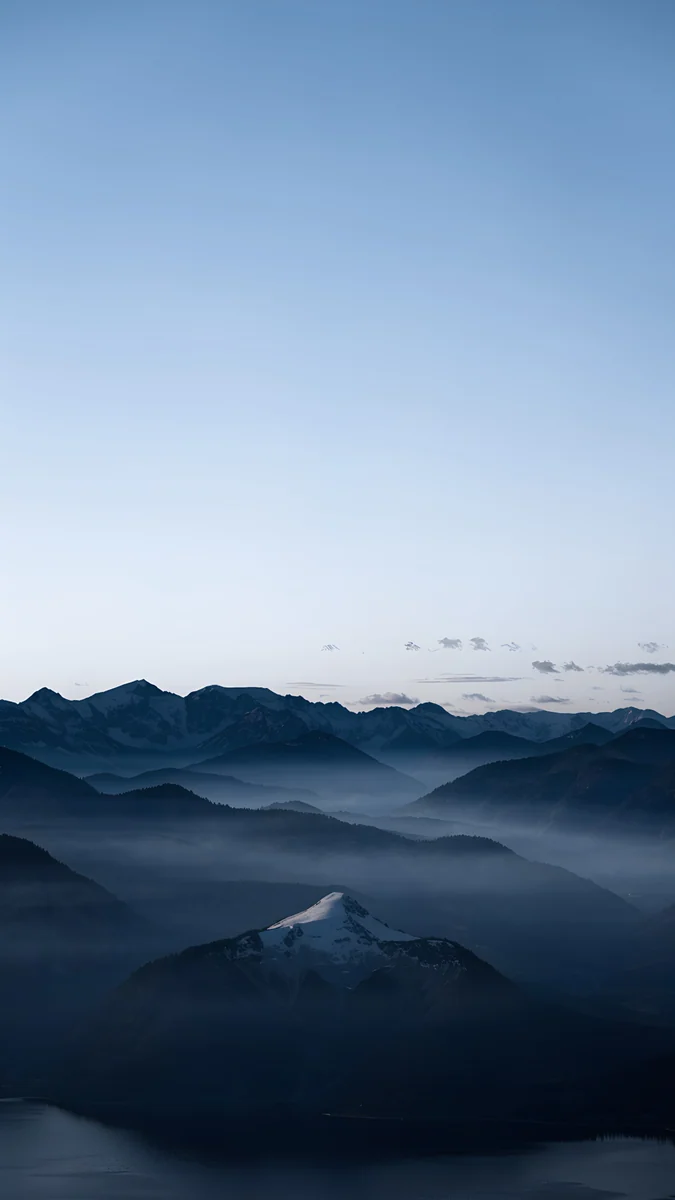
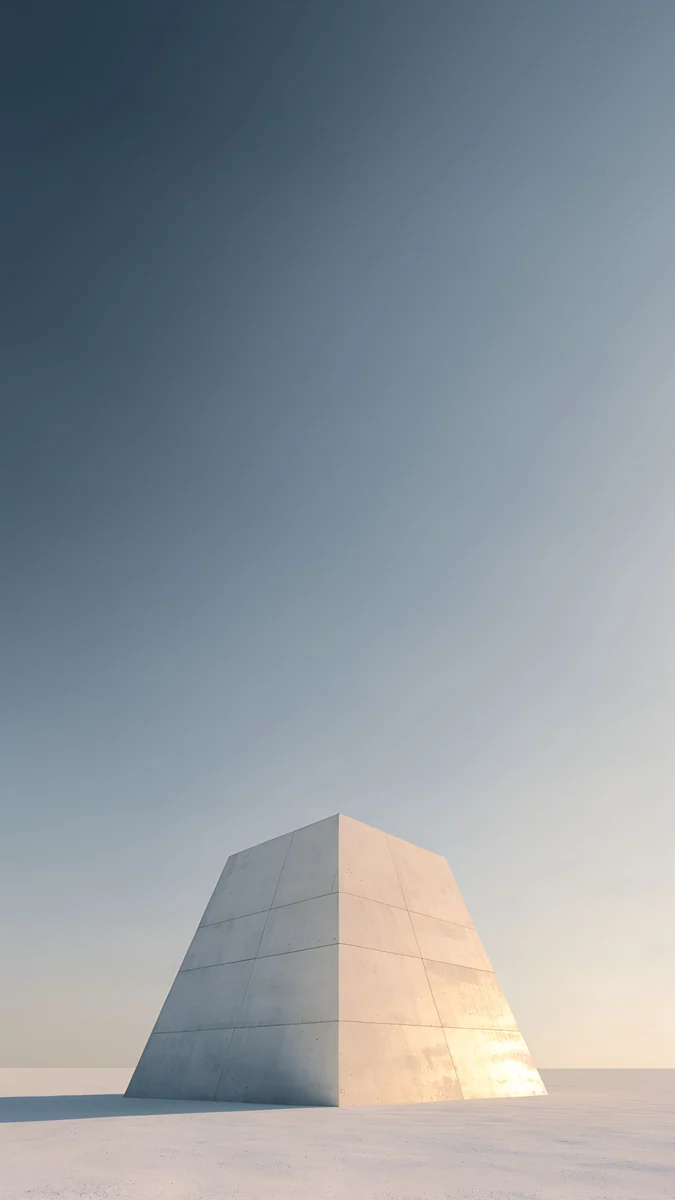
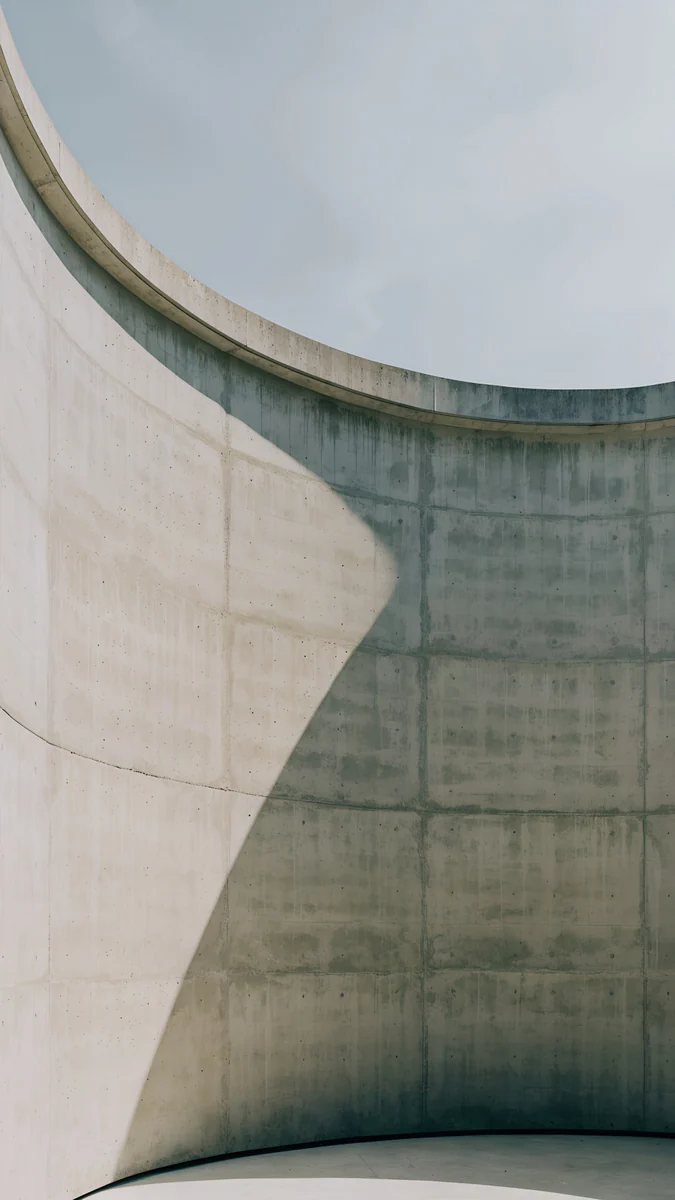
Blue Hour is a slate blue sky over misty mountain ridges, the grey blue of Moonstone in a landscape. Pyramid of Light places a pale stone pyramid under a smooth grey sky, with all the open space at the top. Ash Ring Court curves a concrete wall around a circle of soft blue grey sky.
Jade
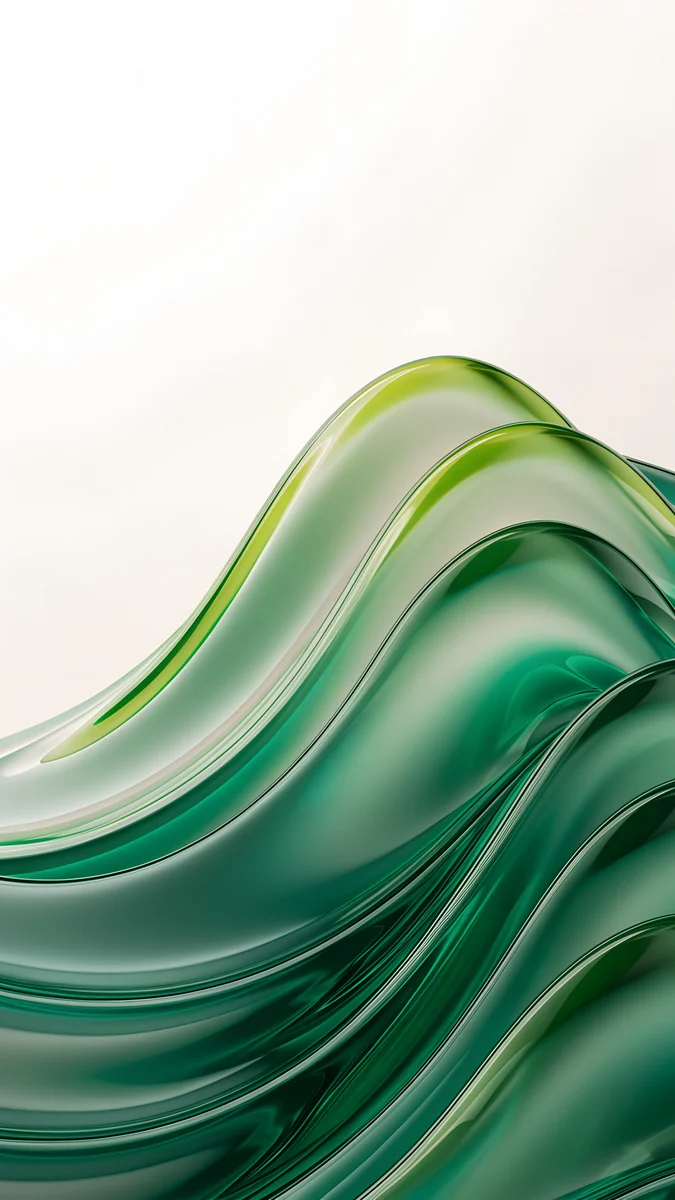
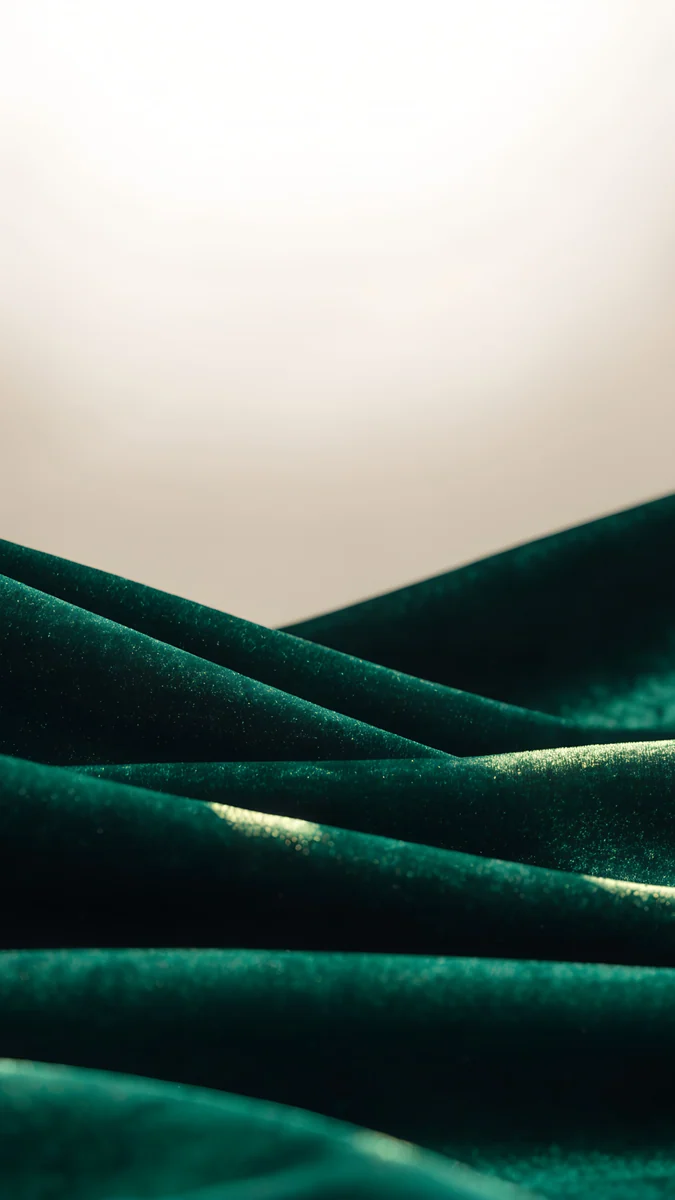
Jade Cut Ascent is a staircase of jade green steps under a green sky, graphic and bright. Emerald Glass Waves rolls layers of green glass across the bottom of a white frame. Emerald Velvet is dark green velvet hills under a pale sky, the richest of the three.
Porcelain
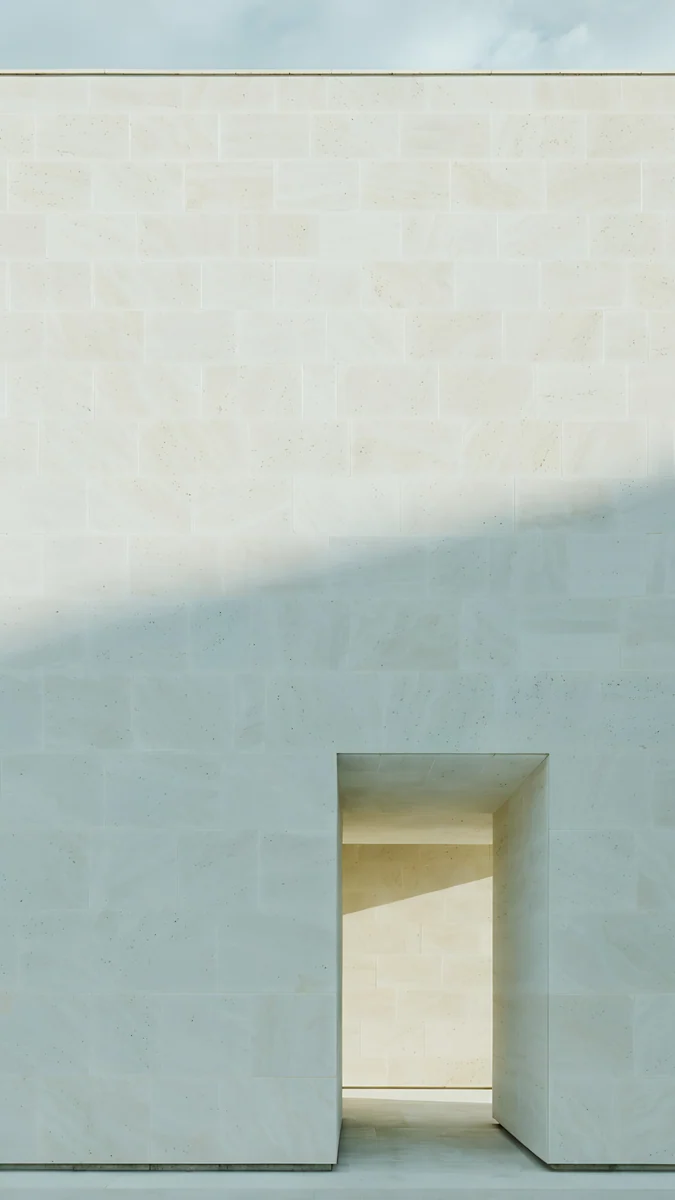
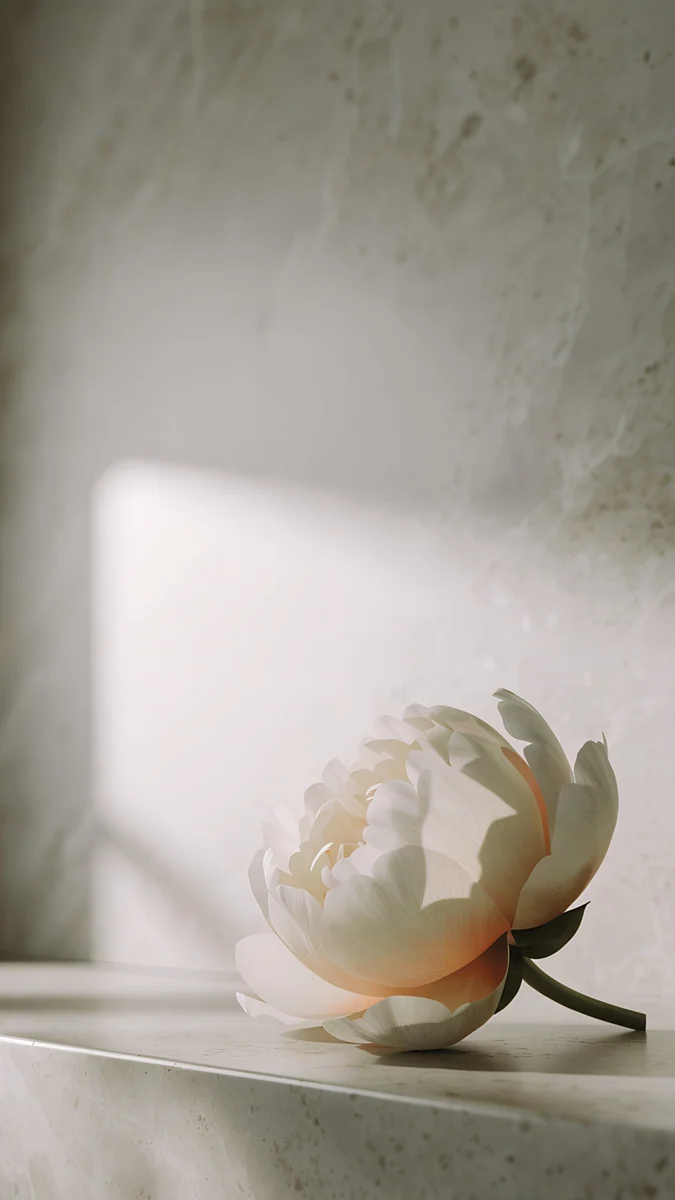
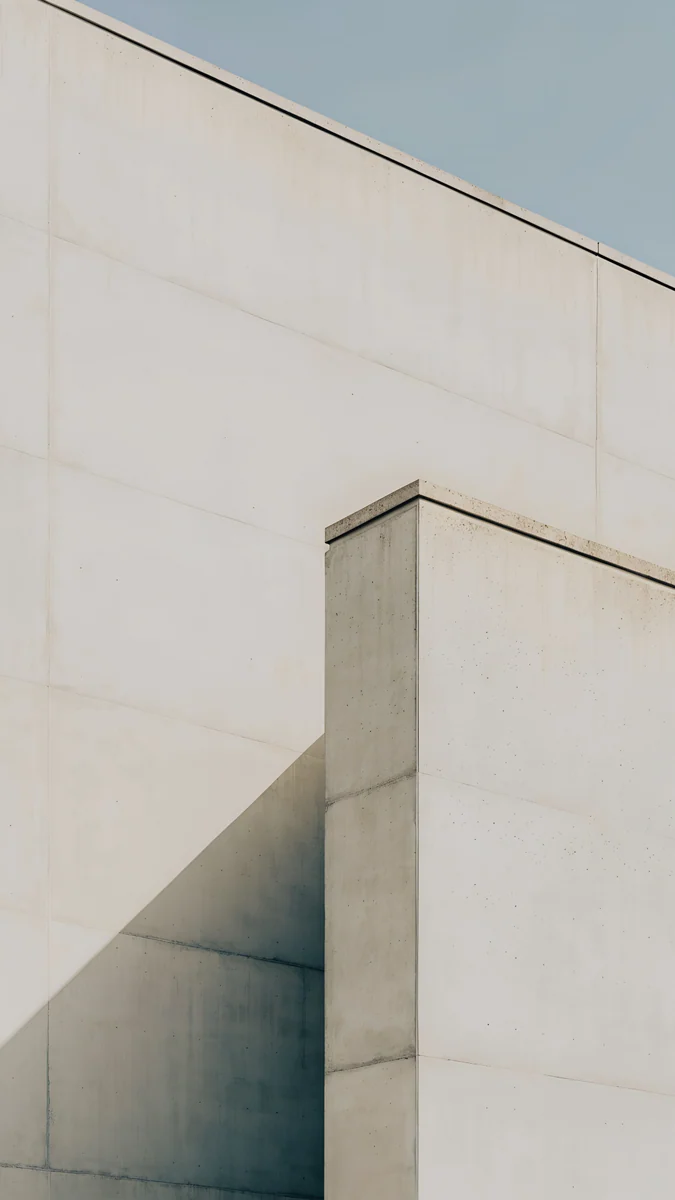
Ivory Daylight is a pale stone wall with a small lit doorway at the bottom, warm white like the Porcelain back. Peony Ledge lays one cream peony on a stone ledge in soft light. Ivory Fold folds white concrete planes against a pale sky.
Pale wallpapers give soft, light palettes and work best with dark text on the clock; the Indigo and Jade picks give the strongest colours.
How to set a wallpaper on Pixel 10
The Pixel 10 phones launched with Android 16, and these steps follow its English menu names. Later updates can move or rename items, so treat the labels as a guide:
- Save the original from the Velpaper app or from the wallpaper page on velpaper.com.
- Touch and hold an empty spot on the home screen and tap Wallpaper & style, or open Settings and tap Wallpaper & style.
- Open the option for more wallpapers and pick your own image from your photos; the exact label depends on the build.
- Drag and pinch so the main shape sits below the clock, then set it for the home screen, the lock screen or both.
- Back in Wallpaper & style, open the colour options and choose a palette from the wallpaper colours rather than the basic colours.
Other Android phones and more ways to change it are in how to set a wallpaper on Android.
Common problems and fixes
- Something at the edge is cut off. The 20:9 screen shows about the middle four fifths of a 9:16 image. Pick a wallpaper with its subject near the centre.
- The wallpaper looks zoomed in. Android can enlarge the image slightly when you set it. Zoom out fully in the preview before you confirm, or read our Android wallpaper zoom fix.
- The colours of the phone did not change. You are probably on a basic colour palette. Switch to the wallpaper colours in Wallpaper & style.
- The palette looks gray. Mostly black or white wallpapers give muted palettes. For stronger colour, use one of the Material You picks above.
- The image looks soft. You probably saved a preview or a screenshot. Download the original again from the wallpaper page.
Get these Pixel 10 wallpapers in Velpaper
Velpaper is an app for iPhone, iPad, Mac and Android, and every wallpaper is also on velpaper.com. Phone wallpapers are 4K originals at 2160 × 3840, desktop wallpapers are 4K and some are 5K, all without a watermark and without an account. The phone wallpapers in this article unlock after a short optional ad in the Velpaper apps; on the website, if no ad is available, the original downloads for free. The wallpapers are designed by Carlos Vivero.
Next step: open Jade Cut Ascent, save the original, set it on your Pixel 10 and pick a palette from its colours in Wallpaper & style.
Original wallpapers in 4K and 5K for iPhone, Android and desktop.
Questions
What size is the Pixel 10 wallpaper?
Google lists the Pixel 10 screen at 1080 × 2424 pixels on 6.3 inches at 422 PPI, the Pixel 10 Pro at 1280 × 2856 on 6.3 inches at 495 PPI, and the 10 Pro XL at 1344 × 2992 on 6.8 inches at 486 PPI. You do not need a file made for exactly one of those sizes. A 2160 × 3840 original is larger than all three in both directions, so Android scales it down and trims roughly 10 percent from each side, because the 20:9 screens are narrower than 9:16. It stays sharp as long as the subject is not right at the edge.
Can I use the same wallpaper on the Pixel 10 and the Pixel 10 Pro?
Yes. Both are 6.3 inch 20:9 screens, and the Pro simply has more pixels: 1280 × 2856 against 1080 × 2424 on the Pixel 10. A 2160 × 3840 file is larger than both, so the same wallpaper fills either screen with the same crop, about the middle four fifths of its width. The 10 Pro XL is bigger at 6.8 inches but has the same shape, so it shows the same part of the picture. On the Pro models fine detail looks a little crisper because of the higher density.
Which wallpaper gives the best Material You colours on a Pixel 10?
Pick a wallpaper with one or two strong colours and calm areas, not a busy multicoloured scene. Android 16 reads the main tones of the wallpaper to build the palette for quick settings, the keyboard, settings and, if you turn it on, themed app icons. Solar Violet Arch gives a deep violet with a warm accent, Jade Mint Arch turns the phone a cool green and Midnight Paper Peaks gives a calm teal. Mostly black or mostly white wallpapers work too, but their palettes come out muted and grayish.
Which wallpaper matches my Pixel 10 colour?
Follow the back of the phone. For the Pixel 10, Indigo Passage suits Indigo, Blue Hour Portico suits Frost, Forest Paper Peaks suits Lemongrass and Black Splash suits Obsidian. For the Pixel 10 Pro and 10 Pro XL, Blue Hour suits Moonstone, Jade Cut Ascent suits Jade and Ivory Daylight suits Porcelain, while the Obsidian picks are shared with the Pixel 10. Because Material You reads the wallpaper, a matching picture also tints the system colours close to the finish, so the screen and the case look like one object.
Are these Pixel 10 wallpapers free?
Browsing and previewing are free on velpaper.com and in the Velpaper apps for iPhone, iPad, Mac and Android. The phone wallpapers in this article unlock after a short optional ad in the apps; on the website, if no ad is available, the original downloads for free. There is no account and no subscription. Every phone file is a 2160 × 3840 JPEG without a watermark, larger than the Pixel 10, 10 Pro and 10 Pro XL screens, so one download is enough and you can use the same file on your next phone.
Carlos Vivero
Designer of Velpaper wallpapers
Carlos Vivero designs the wallpapers in Velpaper: quiet architecture, liquid glass, Japanese ink and calm landscapes. Every piece is made as a 4K original for iPhone, Android and desktop.
Recent work








