Pixel 11 Wallpaper: 4K Picks for Pixel 11 and 11 Pro
Pixel 11 wallpapers in 4K: exact screen sizes from Google for the Pixel 11, 11 Pro and 11 Pro XL, picks for clear Material You colours and for every finish.
In short: The best Pixel 11 wallpaper has one or two strong colours and its subject below the clock, because the Pixel builds its Material You palette from the wallpaper. A 2160 × 3840 original is larger than the Pixel 11, 11 Pro and 11 Pro XL screens, so one file stays sharp on all three.
By the Velpaper team · Wallpapers by Carlos Vivero, Velpaper designer · · 8 min read
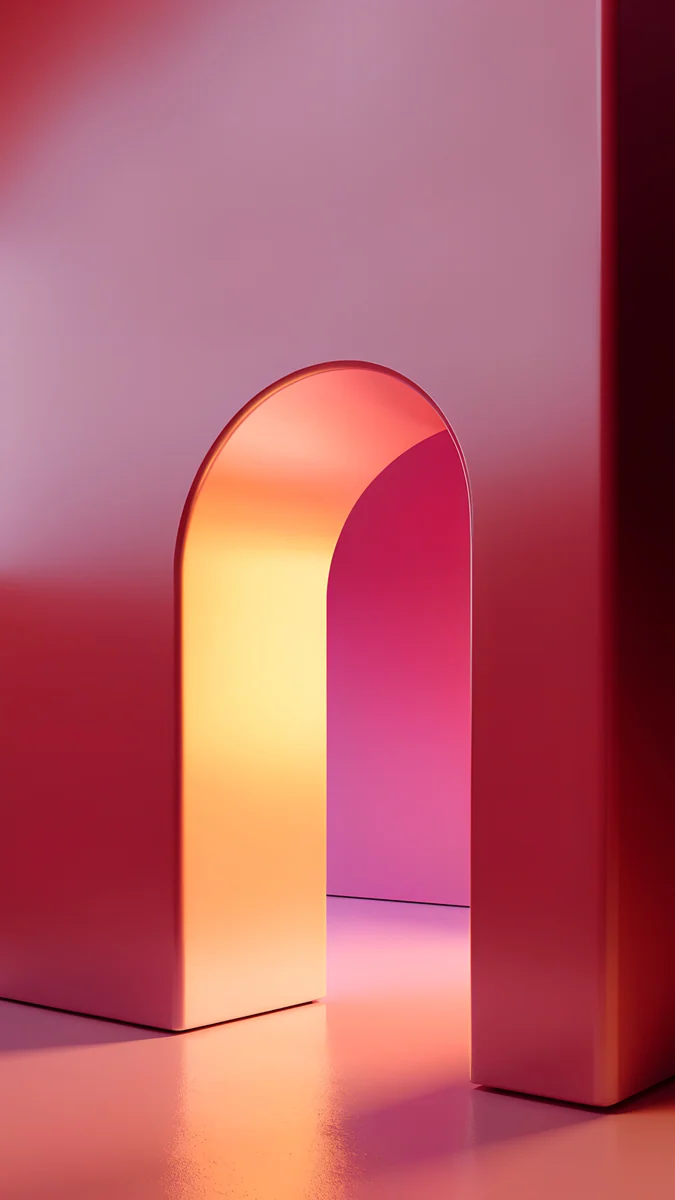 Coral Ignition Arch
 Glacier Spiral Well
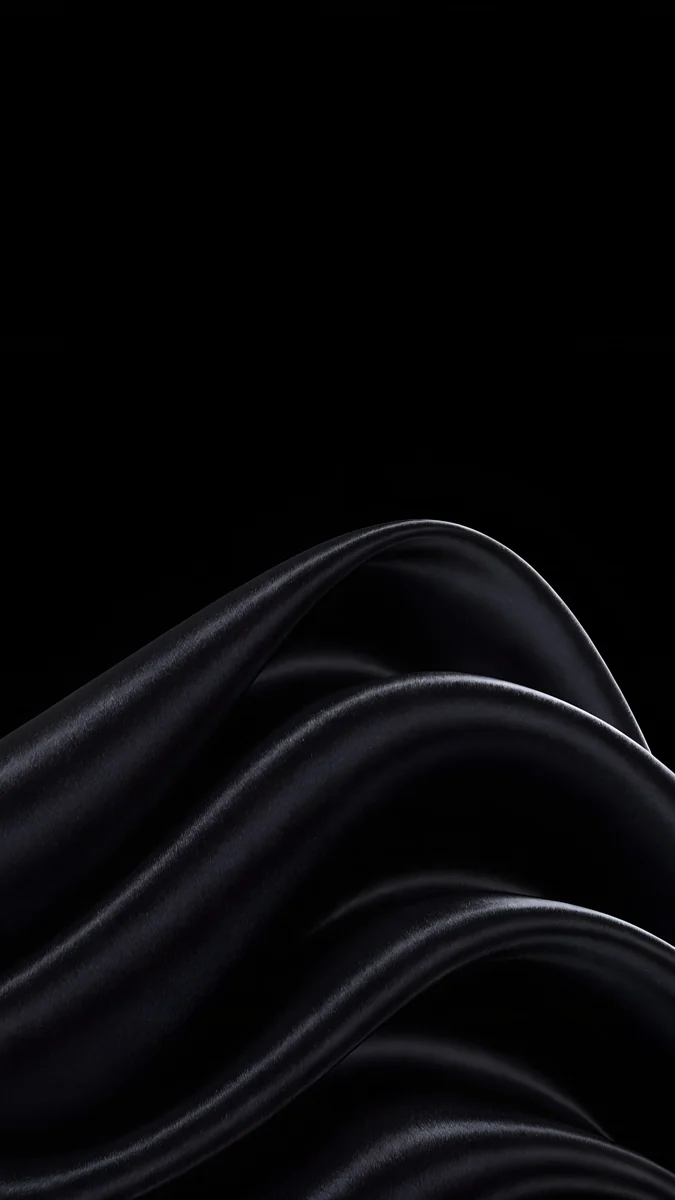 Black Satin
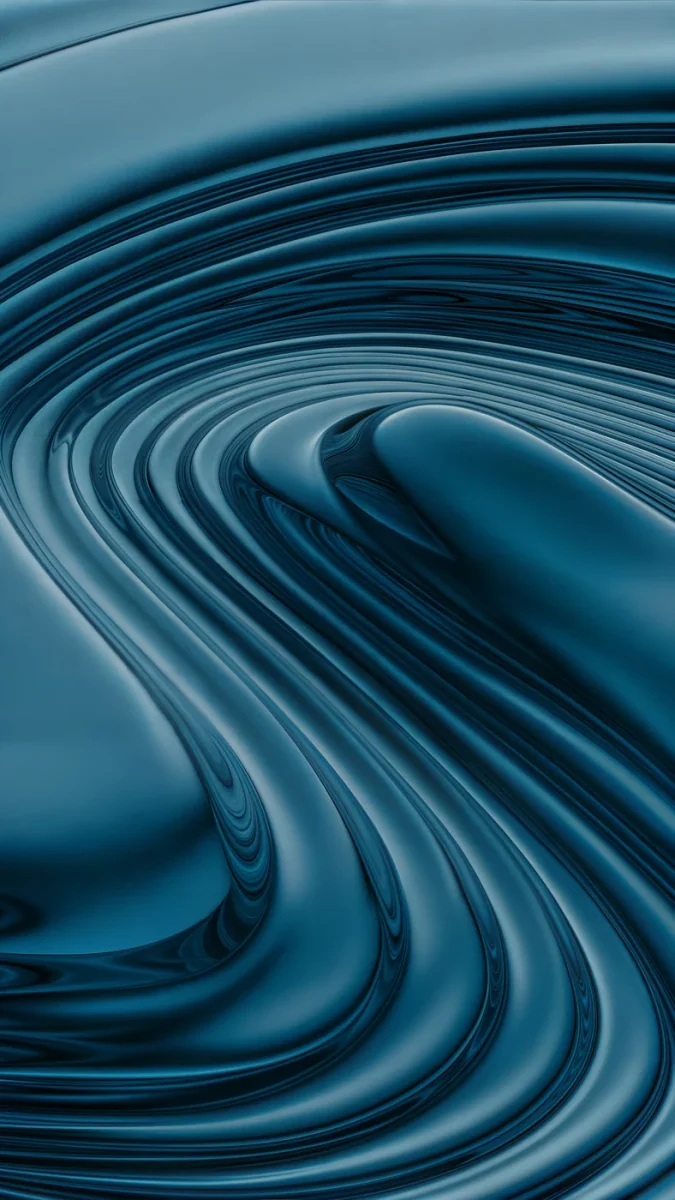 Petrol Terraces
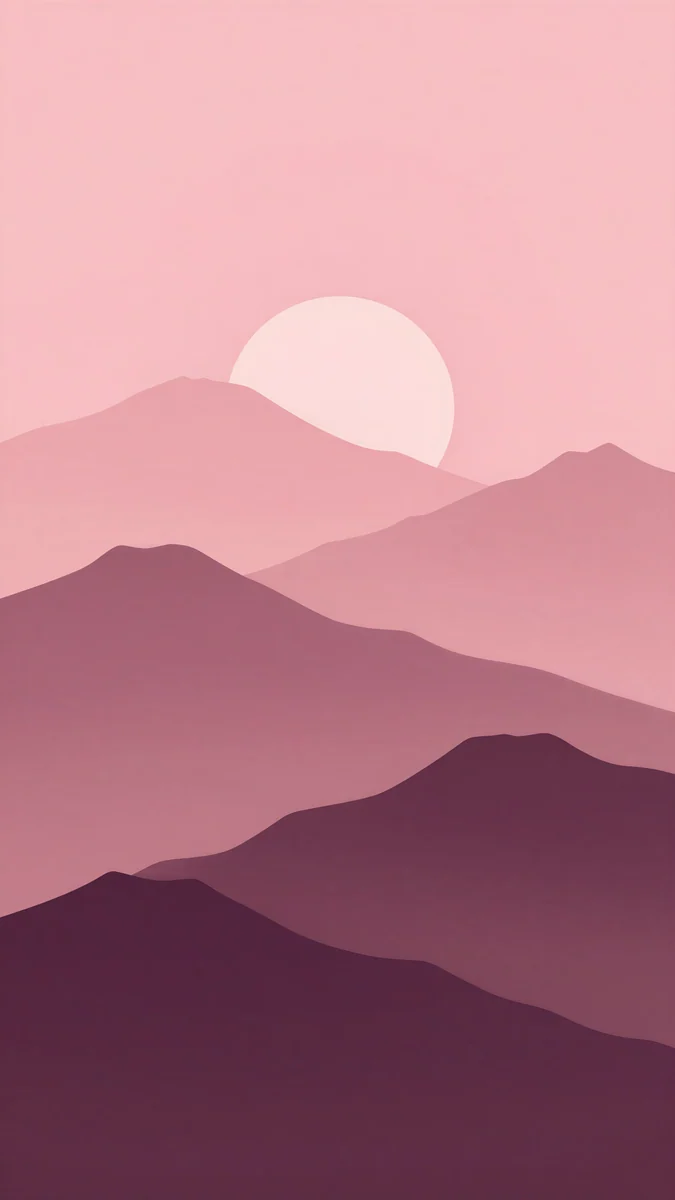 Plum Paper Peaks
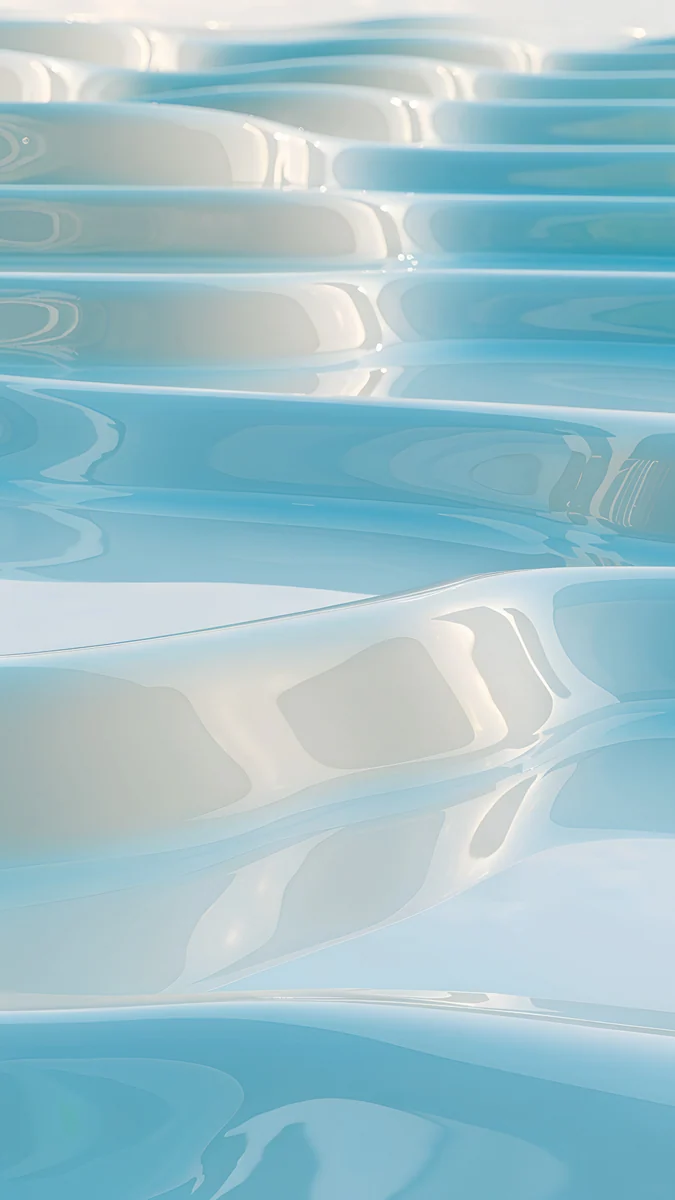 Sky Pearl Terraces
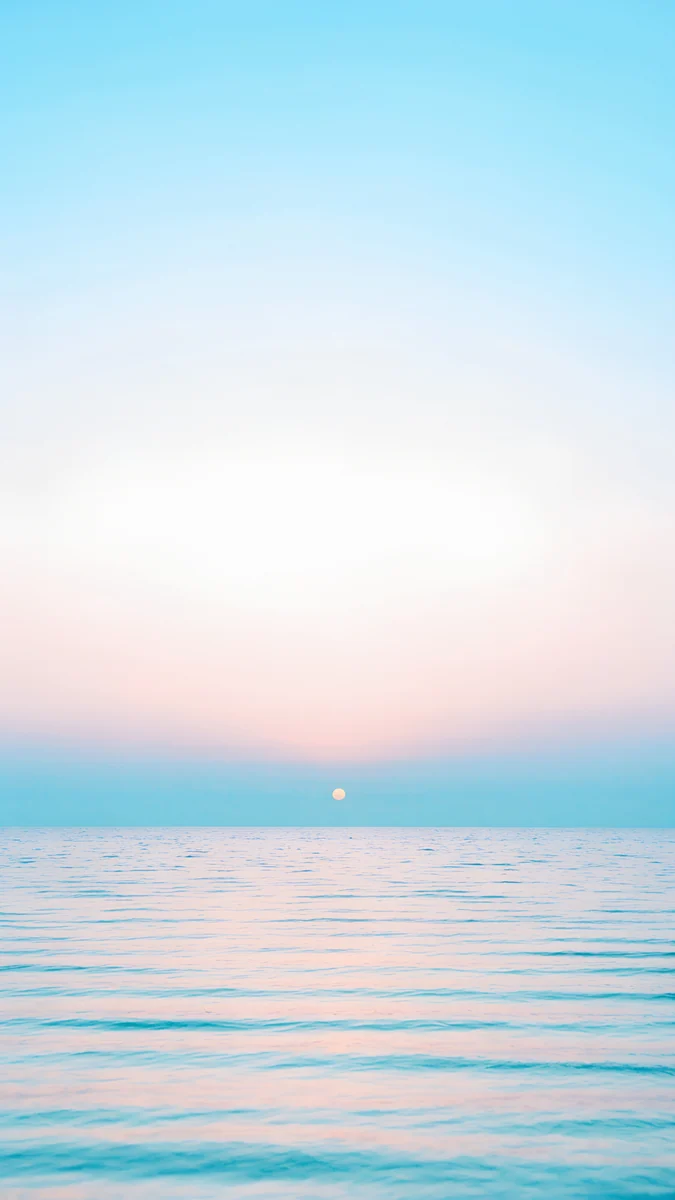 Pastel Sea Horizon
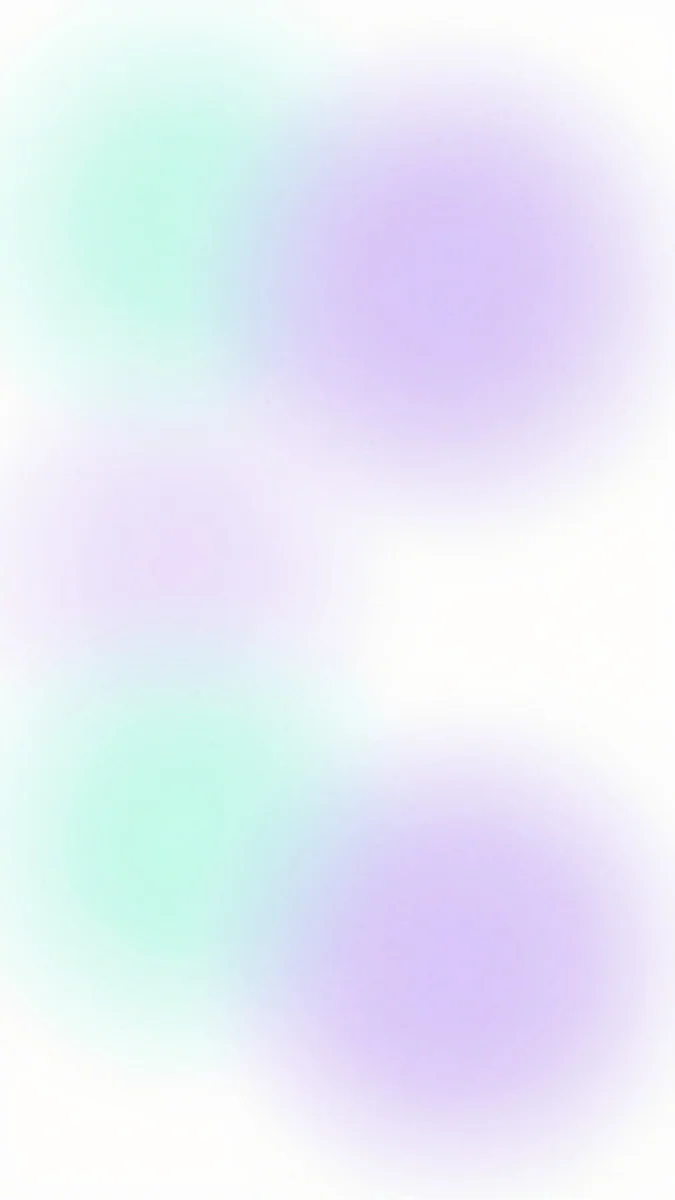 Mint Aura
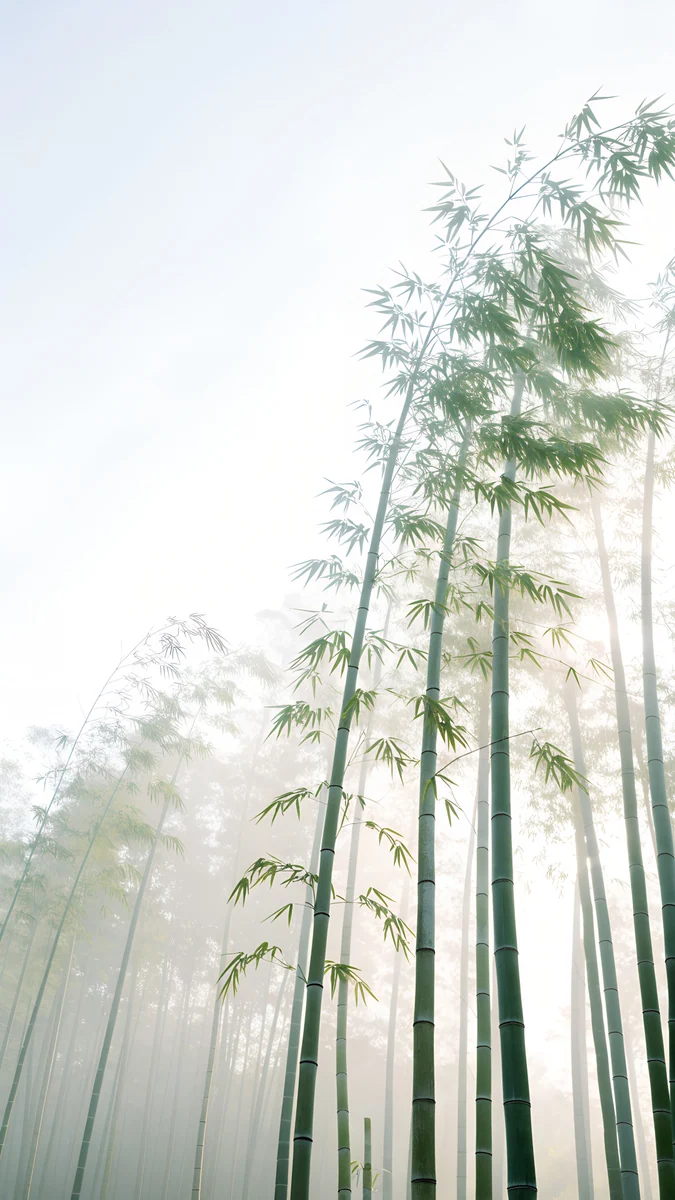 Misty Bamboo Grove
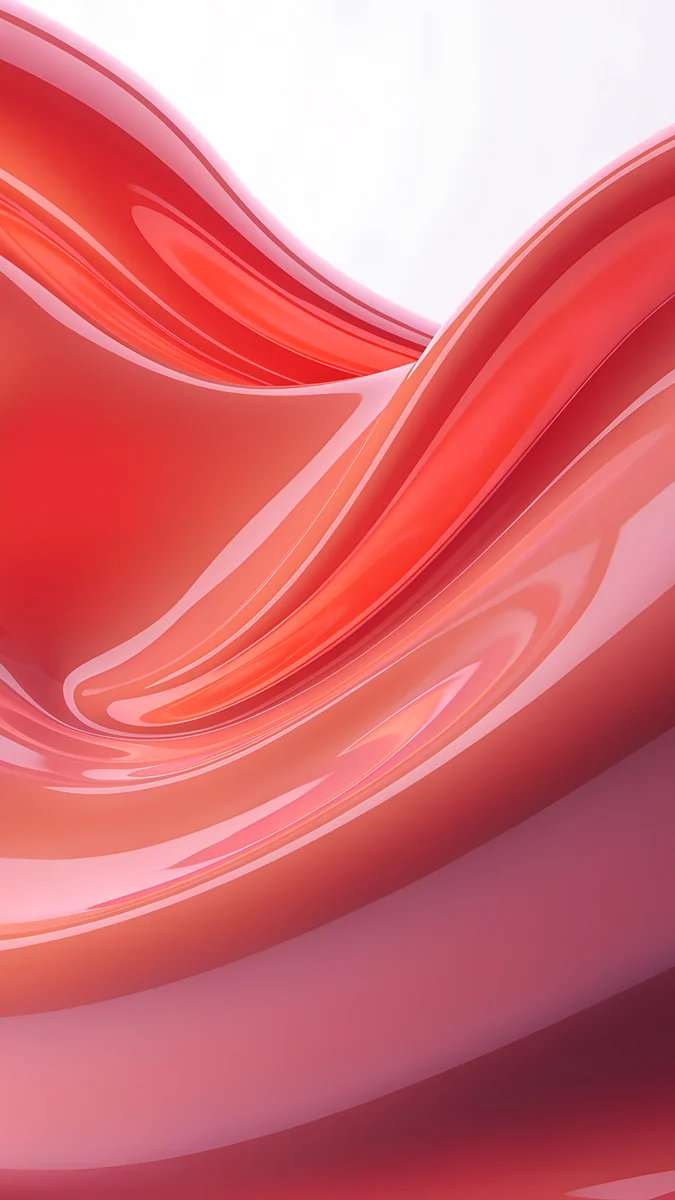 Coral Satin Wave
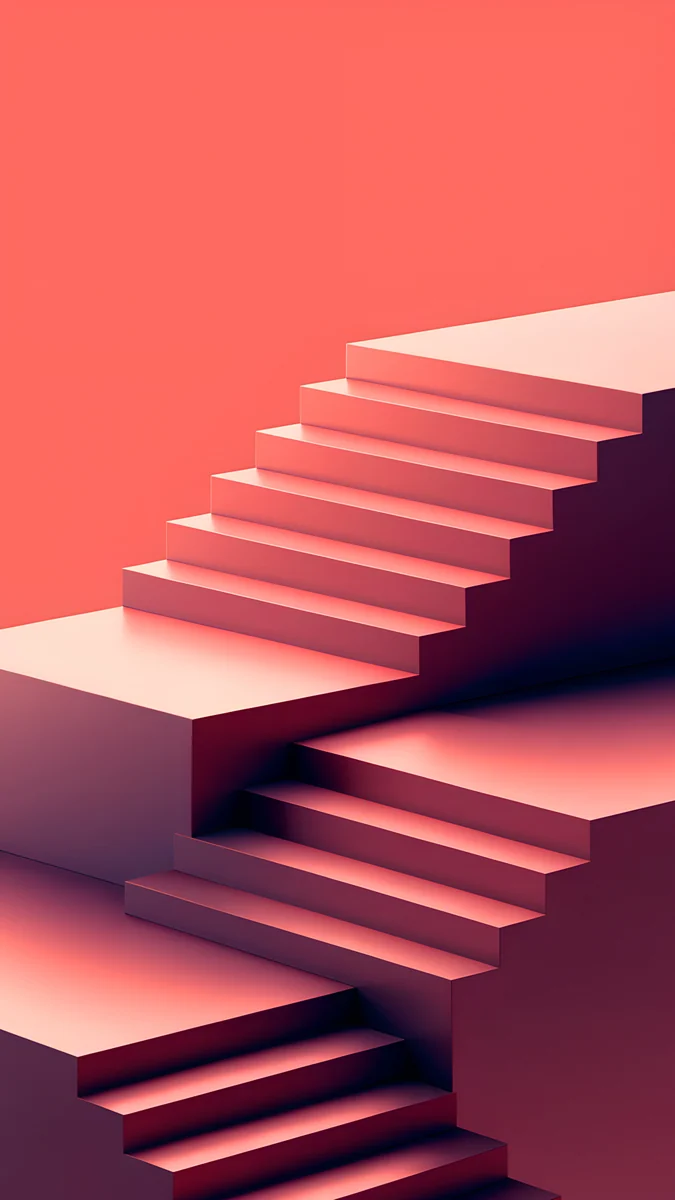 Coral Zigzag Flights
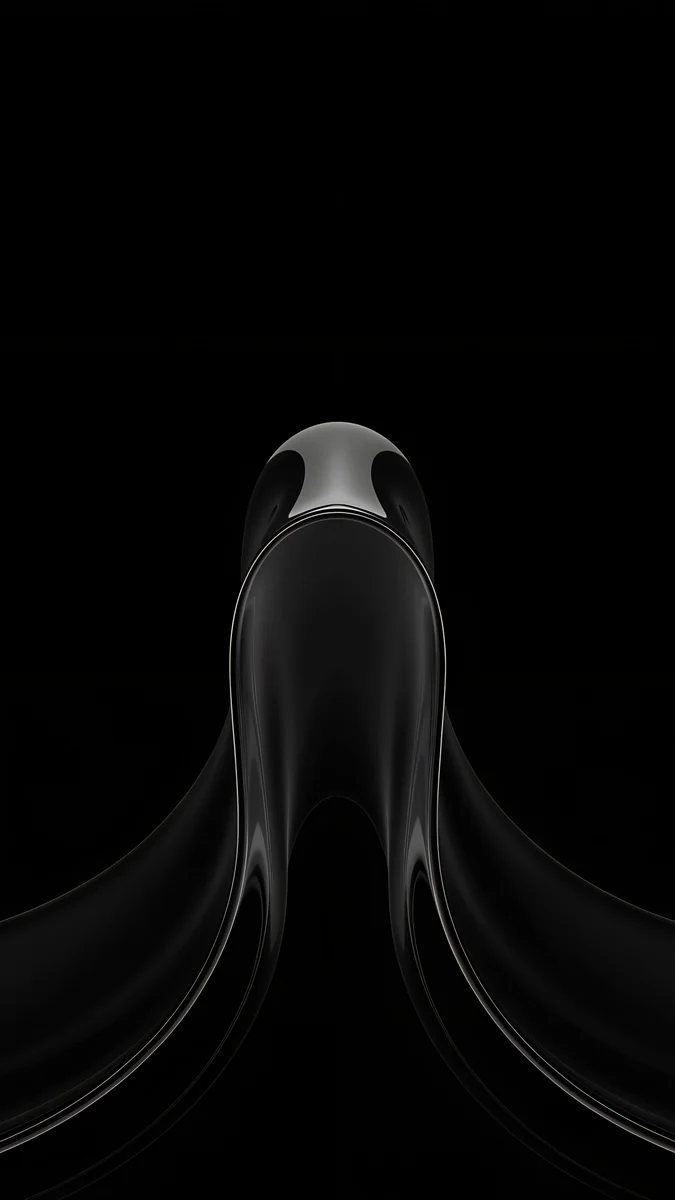 Black Liquid Fold
Free 4K originals for iPhone and Android, no watermark
On this page
The best Pixel 11 wallpaper has one or two clear colours and its subject in the lower half, because the phone builds its Material You palette from the wallpaper and the clock sits at the top. Google lists the Pixel 11 at 1080 × 2424, the 11 Pro at 1280 × 2856 and the 11 Pro XL at 1344 × 2992, and a 2160 × 3840 original is larger than all three, so the same file stays sharp on any of them.
This page covers the Pixel 11 lineup, which launched with Android 17: the screens as Google lists them, what the 20:9 shape crops, and picks for every colour, with the 11 Pro Fold in the size table. If you still use last year's phone, our Pixel 10 wallpapers page does the same for that lineup.
Pixel 11 wallpaper size
These figures come from Google's Pixel phone hardware tech specs, width by height in pixels:
| Model | Screen | Resolution | Density | Refresh rate |
|---|---|---|---|---|
| Pixel 11 | 6.3 inches | 1080 × 2424 | 422 PPI | 60 to 120 Hz |
| Pixel 11 Pro | 6.3 inches | 1280 × 2856 | 495 PPI | 1 to 120 Hz |
| Pixel 11 Pro XL | 6.8 inches | 1344 × 2992 | 486 PPI | 1 to 120 Hz |
| Pixel 11 Pro Fold, cover screen | 6.5 inches | 1080 × 2342 | 399 PPI | 1 to 120 Hz |
| Pixel 11 Pro Fold, inner screen | 8 inches | 2076 × 2152 | 372 PPI | 1 to 120 Hz |
The Pixel 11, 11 Pro and 11 Pro XL are all 20:9, taller and narrower than a 9:16 image. A 2160 × 3840 wallpaper is still larger than each of these screens in both directions, so Android only scales it down. To fill the height it shows about the middle four fifths of the width and trims roughly 10 percent from each side. Keep the subject near the centre and nothing important is lost. Other Android phones are in our Android wallpaper size guide.
The 11 Pro Fold is different. Its cover screen is 19.5:9 and crops a 9:16 file a little less, about 9 percent from each side. The inner screen opens almost square, so a tall phone wallpaper that fills its width loses about 40 percent of its height, and the fold runs down the middle. Pick a calm, balanced picture there, and keep a single bright subject off the centre line.
What the Pixel 11 display means for your wallpaper
Google calls the Pixel 11 screen an Actua display and the 11 Pro and 11 Pro XL screens Super Actua displays, and lists, among other things:
- OLED panels, LTPO on the 11 Pro and 11 Pro XL.
- Smooth Display at 60 to 120 Hz on the Pixel 11 and 1 to 120 Hz on the Pro models.
- Up to 2000 nits (HDR) and 3000 nits peak on the Pixel 11, up to 2400 nits (HDR) and 3600 nits peak on the 11 Pro and 11 Pro XL.
- A contrast ratio above 2,000,000:1 and HDR support.
On OLED each pixel makes its own light, so black areas stay black and a pale gradient stays clean, which suits both very dark and very light pictures. The 11 Pro fits more pixels into the same 6.3 inches as the Pixel 11, so fine texture like glass, silk or paper grain looks a little crisper on it, although one file works on both. The front camera sits in a small cutout at the top centre, next to the clock, so the busy part of the picture belongs lower in the frame.
Wallpapers that make good Material You colours
On a Pixel the wallpaper also colours the phone. The system reads its main tones and tints quick settings, the keyboard, Settings and, if you turn them on, themed app icons. One or two strong tones give a clear palette; a busy, multicoloured picture gives a muddy one. How the palette options work is covered in how to make Android colours match your wallpaper.
Coral Ignition Arch4K · PhonePetrol Terraces4K · PhonePlum Paper Peaks4K · PhoneGlacier Spiral Well4K · PhoneCoral Ignition Arch cuts a glowing orange and pink arch into a deep crimson wall, so the palette picks up a strong red with a warm accent. Petrol Terraces swirls glossy bands of petrol blue through the whole frame and turns the phone a cool, deep teal. Plum Paper Peaks layers rose paper mountains under a pale pink sky and a soft sun, a gentle dusty pink palette. Glacier Spiral Well looks down into a pale blue spiral staircase, all one cool colour, which gives one of the cleanest blue palettes.
Wallpapers for the Pixel 11 colours
Google sells the Pixel 11 in Frost, Pistachio, Hibiscus and Obsidian. These picks follow what the names describe, so the screen and the back of the phone feel like one object.
Frost
Sky Pearl Terraces steps pale blue glossy pools down the whole frame, icy and bright. Pastel Sea Horizon is a calm sea under a pale sky that fades from blue to a soft pink glow around a tiny sun, with the top half almost empty for the clock.
Pistachio
Mint Aura floats soft mint and lilac blurs on white, light enough for dark clock digits. Misty Bamboo Grove looks up through tall green bamboo into a white, foggy sky, fresh and quiet.
Hibiscus
Coral Satin Wave folds glossy red and pink satin across the middle of a pale frame, the boldest colour here. Coral Zigzag Flights stacks coral staircases up from the bottom under a flat coral sky, graphic and warm.
Obsidian
Black Liquid Fold drops one glossy black liquid shape into the lower middle of a pure black screen. Black Satin sweeps folds of black fabric with silver highlights up from the bottom left. Both stay black where the clock sits, and more are in black wallpapers for OLED.
Wallpapers for the Pixel 11 Pro colours
The Pixel 11 Pro and 11 Pro XL come in Canyon, Olive, Fog and Obsidian, the last with a matte finish, so the black picks above work here too. The 11 Pro Fold comes in Olive and Obsidian.
Canyon
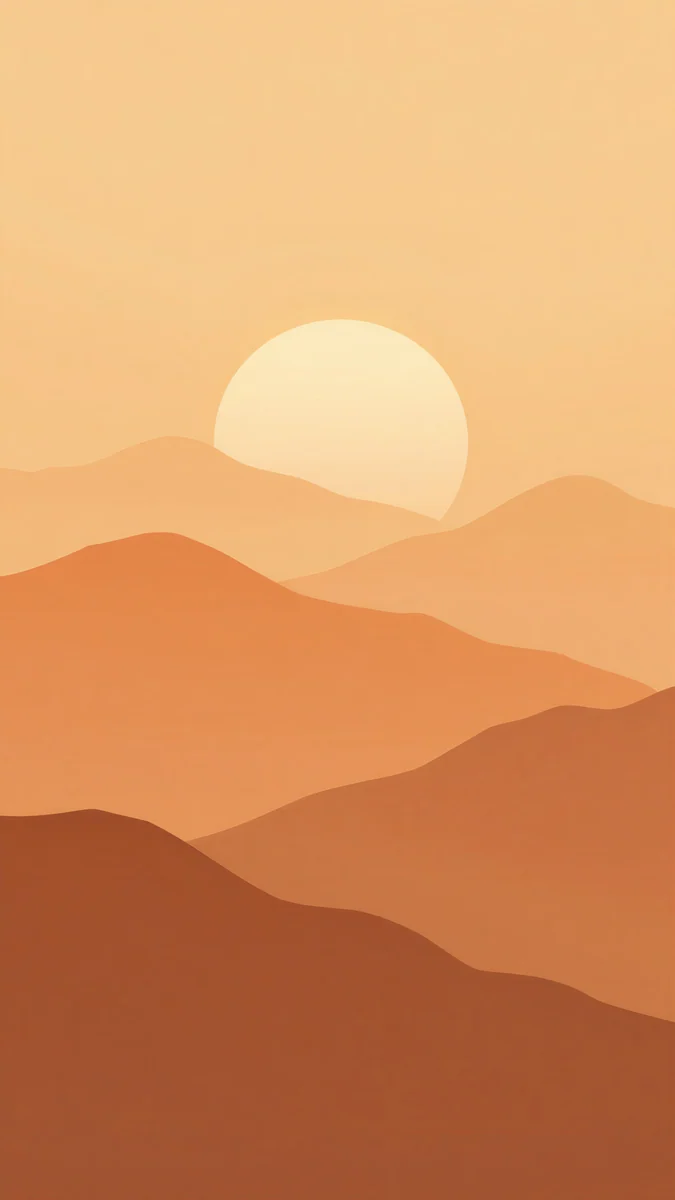
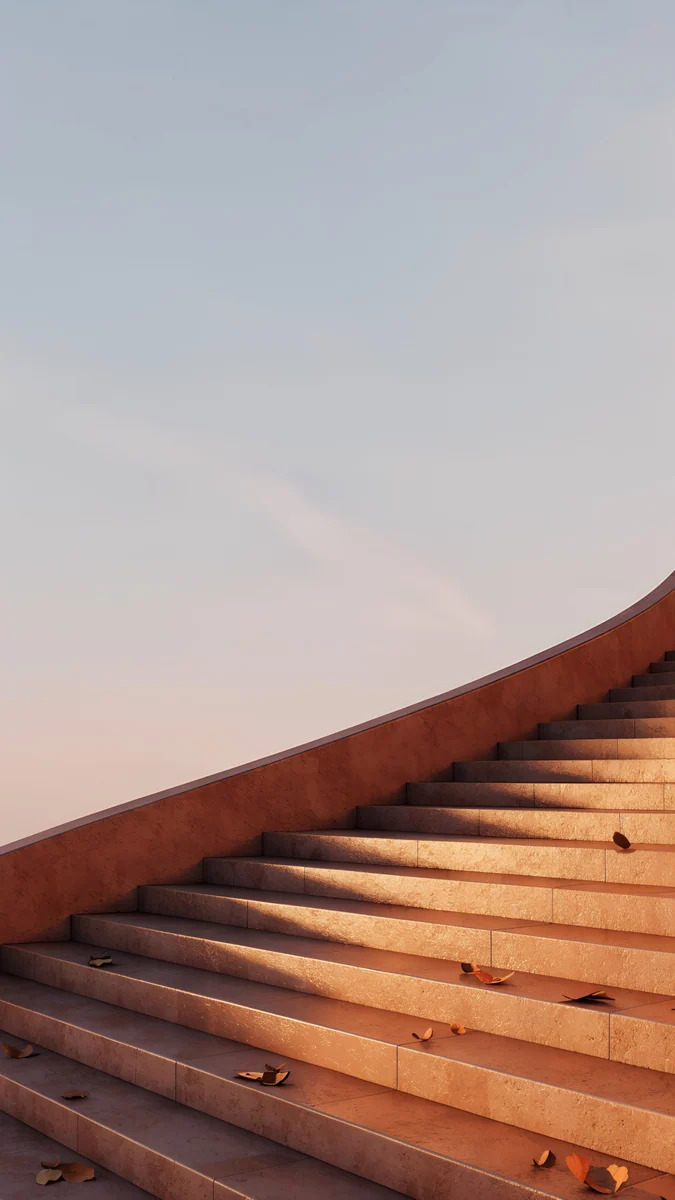
Amber Paper Sunrise layers orange paper hills under a pale gold sun, warm from top to bottom. Terracotta Leaves runs a terracotta stair along the right edge under a pale evening sky, with a few dry leaves on the steps.
Olive
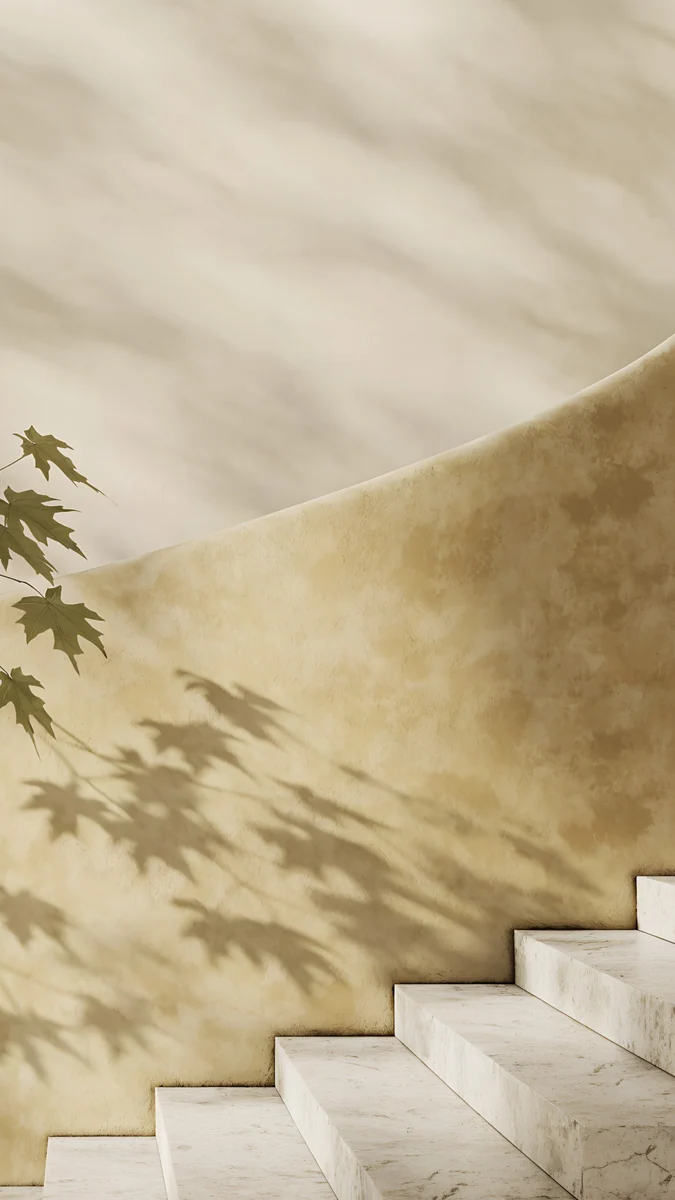
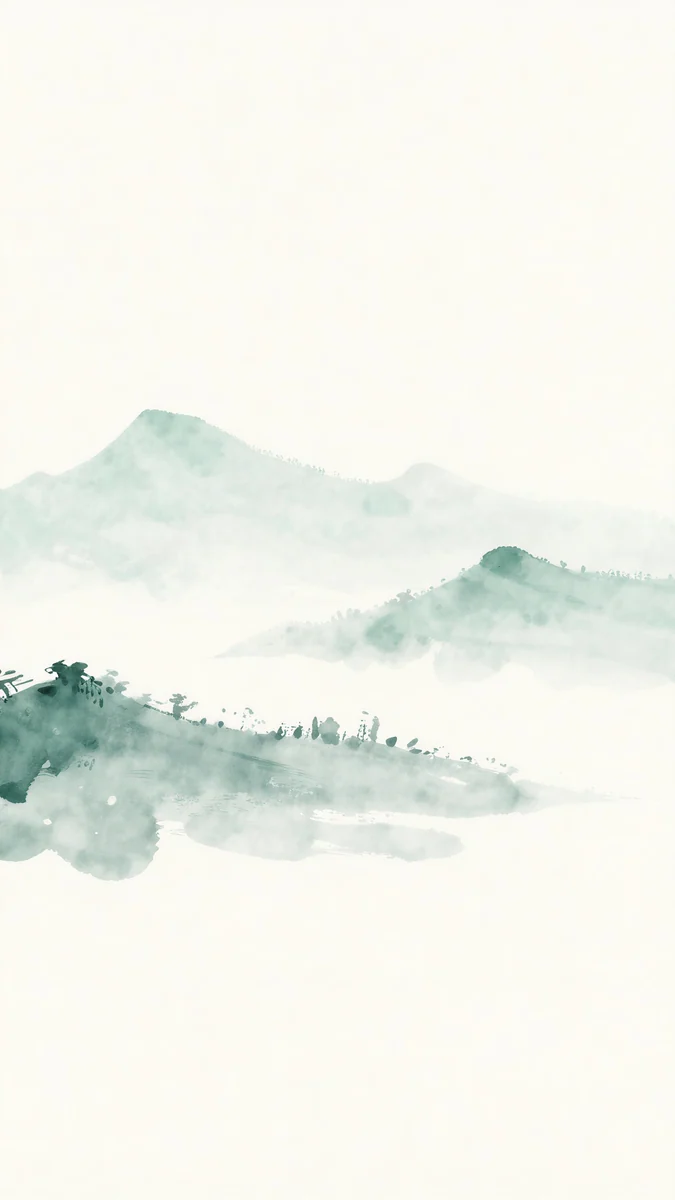
Maple Shadow Wall throws leaf shadows across a warm beige curved wall above pale stone steps, with a green sprig at the left. Jade Mist is a soft green ink landscape of hills and trees floating in white mist, the calmest pick for this finish.
Fog
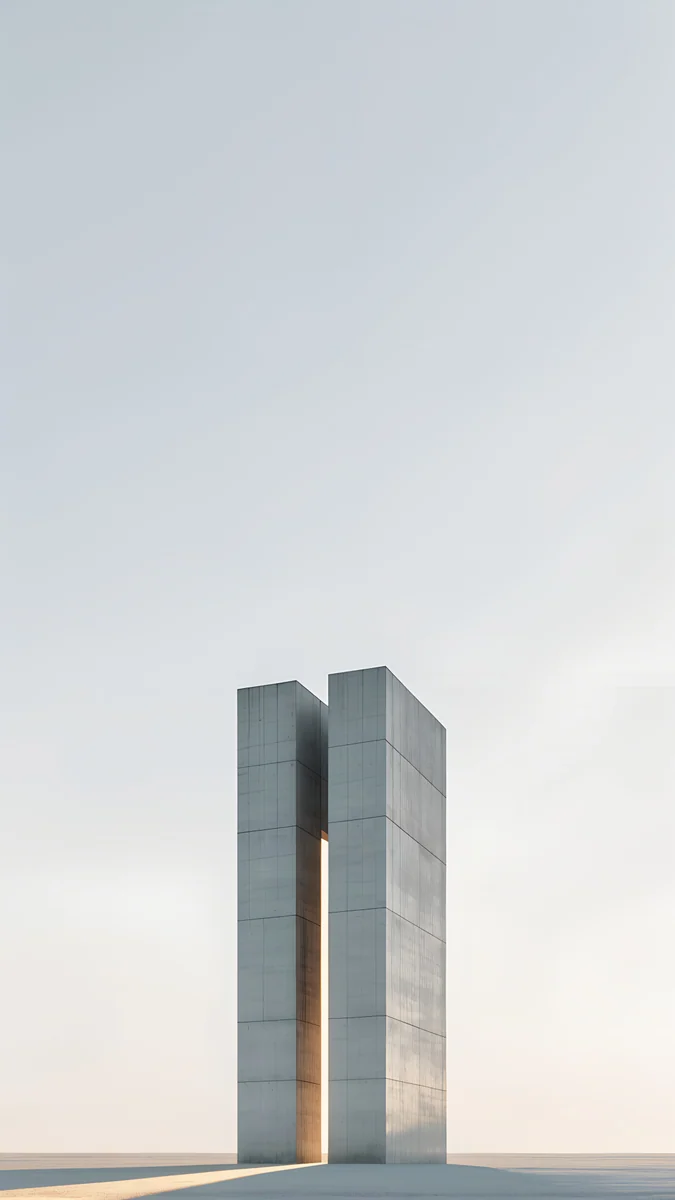
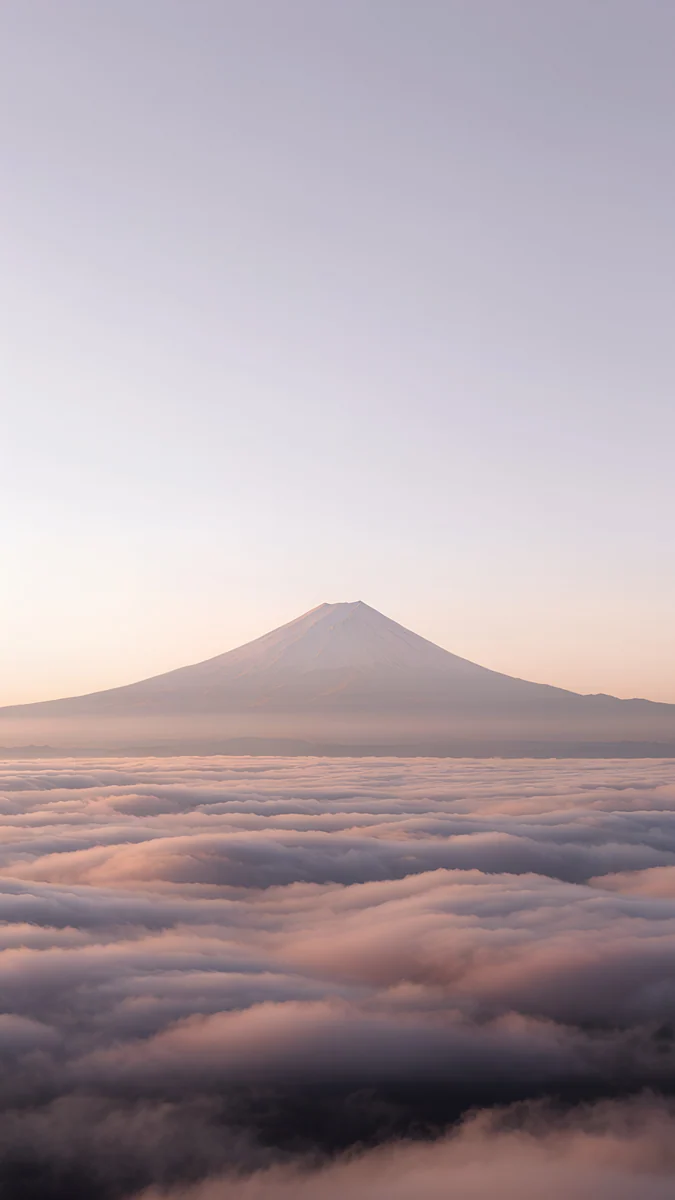
Twin Slabs stands two tall concrete slabs low in the frame under a pale gray sky, with plenty of room for the clock. Fuji Above Clouds shows a distant snowy peak rising out of a sea of clouds under a lilac gray sky, soft and misty.
How to set a wallpaper on Pixel 11
The Pixel 11 phones launched with Android 17. These steps follow the Wallpaper & style menu that Pixel phones use; updates can move or rename items, so treat the labels as a guide:
- Save the original from the Velpaper app or from the wallpaper page on velpaper.com.
- Touch and hold an empty spot on the home screen and tap Wallpaper & style, or find Wallpaper & style in Settings.
- Open the option for more wallpapers and pick your own image from your photos; the exact label depends on the build.
- Drag and pinch so the main shape sits below the clock, then set it for the home screen, the lock screen or both.
- Back in Wallpaper & style, open the colour options and choose a palette from the wallpaper colours rather than the basic colours.
Other Android phones and more ways to change it are in how to set a wallpaper on Android.
Common problems and fixes
- Something at the edge is cut off. The 20:9 screen shows about the middle four fifths of a 9:16 image. Pick a wallpaper with its subject near the centre.
- The wallpaper looks zoomed in. Android can enlarge the image slightly when you set it. Zoom out fully in the preview before you confirm, or read our Android wallpaper zoom fix.
- The colours of the phone did not change. You are probably on a basic colour palette. Switch to the wallpaper colours in Wallpaper & style.
- The palette looks gray. Mostly black or white wallpapers give muted palettes. For stronger colour, use one of the Material You picks above.
- The image looks soft. You probably saved a preview or a screenshot. Download the original again from the wallpaper page.
Get these Pixel 11 wallpapers in Velpaper
Velpaper is an app for iPhone, iPad, Mac and Android, and every wallpaper is also on velpaper.com. Phone wallpapers are 4K originals at 2160 × 3840, desktop wallpapers are 4K and some are 5K, all without a watermark and without an account. The phone wallpapers in this article unlock after a short optional ad in the Velpaper apps; on the website, if no ad is available, the original downloads for free. The wallpapers are designed by Carlos Vivero.
Next step: open Coral Ignition Arch, save the original, set it on your Pixel 11 and pick a palette from its colours in Wallpaper & style.
Original wallpapers in 4K and 5K for iPhone, Android and desktop.
Questions
What size is the Pixel 11 wallpaper?
Google lists the Pixel 11 screen at 1080 × 2424 pixels on 6.3 inches at 422 PPI, the Pixel 11 Pro at 1280 × 2856 on 6.3 inches at 495 PPI, and the 11 Pro XL at 1344 × 2992 on 6.8 inches at 486 PPI. You do not need a file made for exactly one of them. A 2160 × 3840 original is larger than all three in both directions, so Android scales it down and trims roughly 10 percent from each side, because the 20:9 screens are narrower than 9:16. It stays sharp as long as the subject is not right at the edge.
Can I use the same wallpaper on the Pixel 11 and the Pixel 11 Pro?
Yes. Both are 6.3 inch 20:9 screens, and the Pro simply has more pixels: 1280 × 2856 against 1080 × 2424 on the Pixel 11. A 2160 × 3840 file is larger than both, so the same wallpaper fills either screen with the same crop, about the middle four fifths of its width. The 11 Pro XL is bigger at 6.8 inches but has the same shape, so it shows the same part of the picture. On the Pro models fine detail looks a little crisper because of the higher density.
Which wallpaper gives the best Material You colours on a Pixel 11?
Pick a wallpaper with one or two strong colours and calm areas, not a busy multicoloured scene. The Pixel reads the main tones of the wallpaper to build the palette for quick settings, the keyboard, Settings and, if you turn them on, themed app icons. Coral Ignition Arch gives a strong red with a warm accent, Petrol Terraces turns the phone a deep teal and Glacier Spiral Well gives a clean pale blue. Mostly black or mostly white wallpapers work too, but their palettes come out muted and grayish.
Which wallpaper matches my Pixel 11 colour?
Follow the name of the finish. For the Pixel 11, Sky Pearl Terraces suits Frost, Mint Aura suits Pistachio, Coral Satin Wave suits Hibiscus and Black Liquid Fold suits Obsidian. For the Pixel 11 Pro and 11 Pro XL, Amber Paper Sunrise suits Canyon, Maple Shadow Wall suits Olive and Twin Slabs suits Fog, while the Obsidian picks are shared. Because Material You reads the wallpaper, a matching picture also tints the system colours close to the finish, so the screen and the back look like one object.
Are these Pixel 11 wallpapers free?
Browsing and previewing are free on velpaper.com and in the Velpaper apps for iPhone, iPad, Mac and Android. The phone wallpapers in this article unlock after a short optional ad in the apps; on the website, if no ad is available, the original downloads for free. There is no account and no subscription. Every phone file is a 2160 × 3840 original without a watermark, larger than the Pixel 11, 11 Pro and 11 Pro XL screens, so one download is enough.
Carlos Vivero
Designer of Velpaper wallpapers
Carlos Vivero designs the wallpapers in Velpaper: quiet architecture, liquid glass, Japanese ink and calm landscapes. Every piece is made as a 4K original for iPhone, Android and desktop.
Recent work








