Sunrise Wallpaper iPhone: 8 Calm and Dramatic 4K Dawns
Sunrise wallpaper for iPhone in 4K: 8 original dawn pieces, four calm and four dramatic, with Lock Screen clock tips and set-up steps for iOS.
Sources [1] · By the Velpaper team · Wallpapers by Carlos Vivero, Velpaper designer · · 3 min read
In short: The best sunrise wallpaper for iPhone has a low sun and a calm top third for the clock. Velpaper has eight original 2160 × 3840 sunrise wallpapers, four calm and four dramatic [1].
Wallpapers
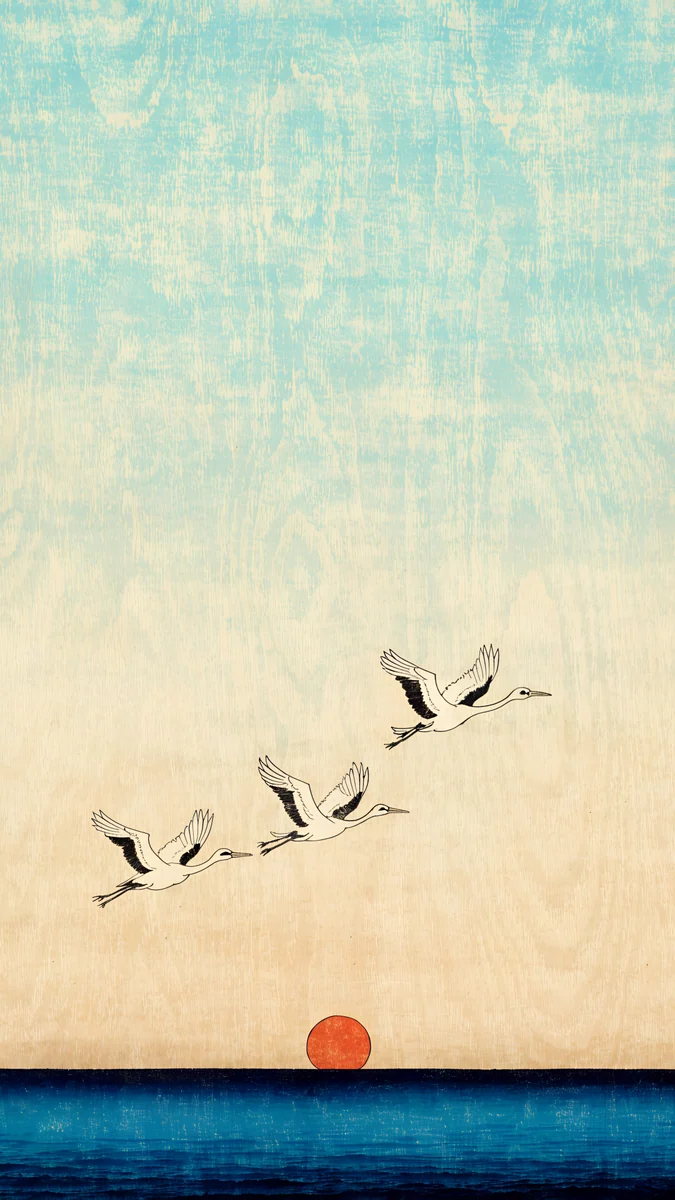 Cranes at Dawn
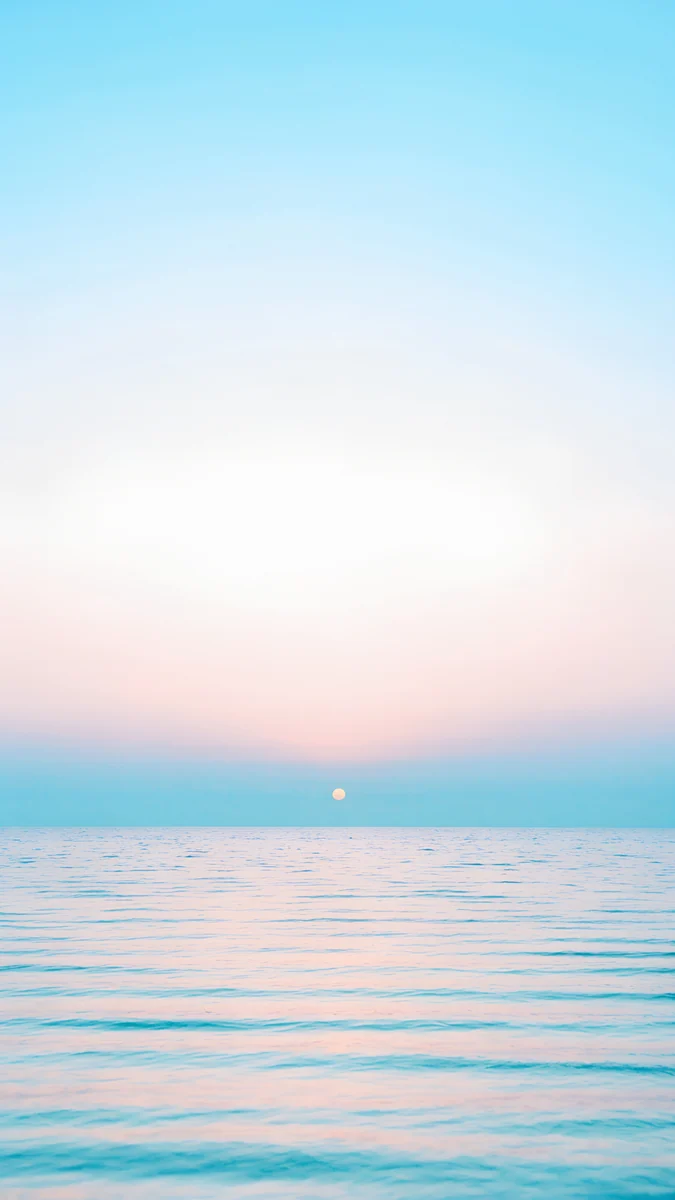 Pastel Sea Horizon
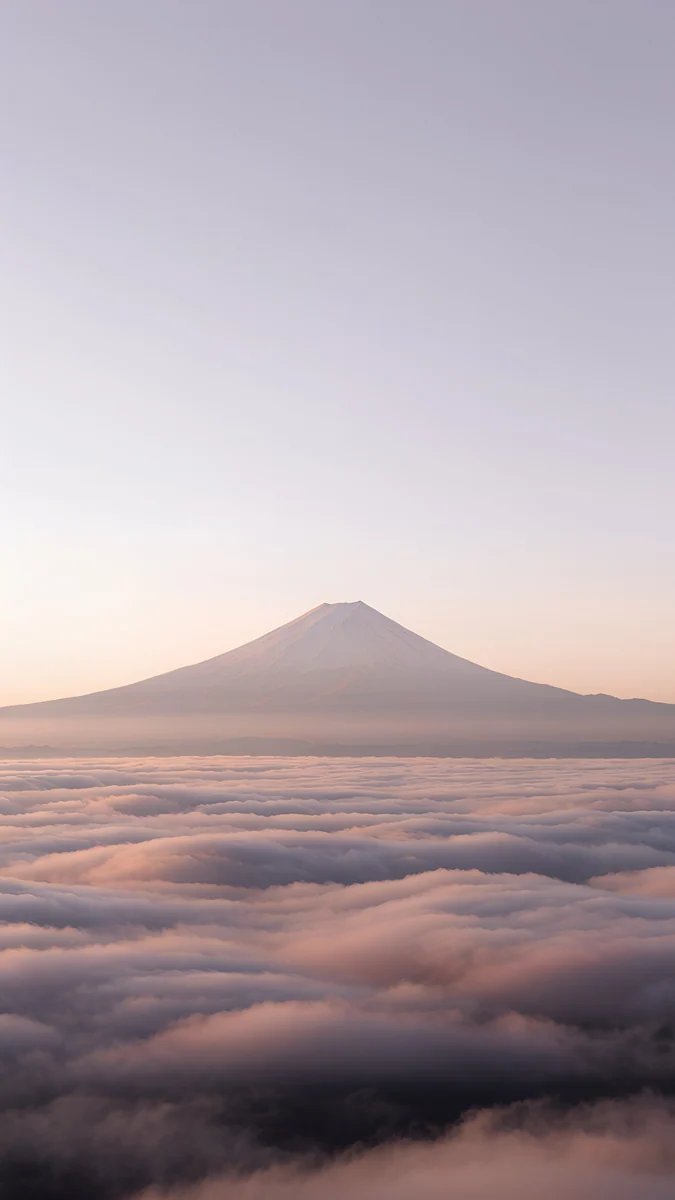 Fuji Above Clouds
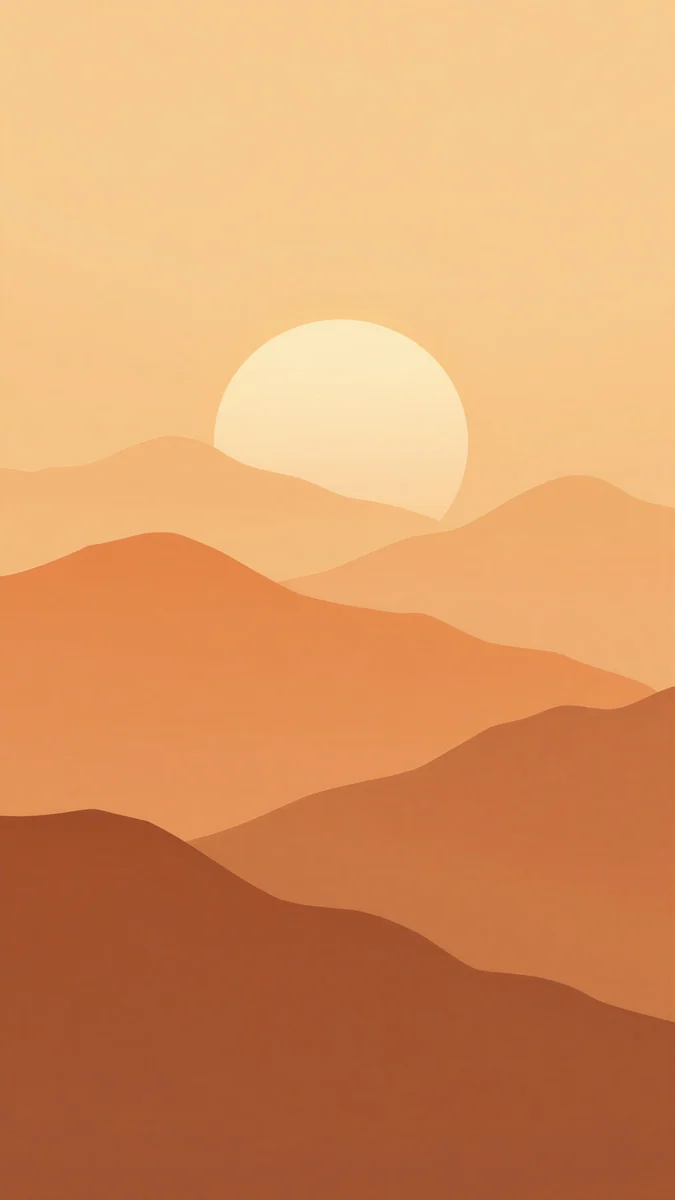 Amber Paper Sunrise
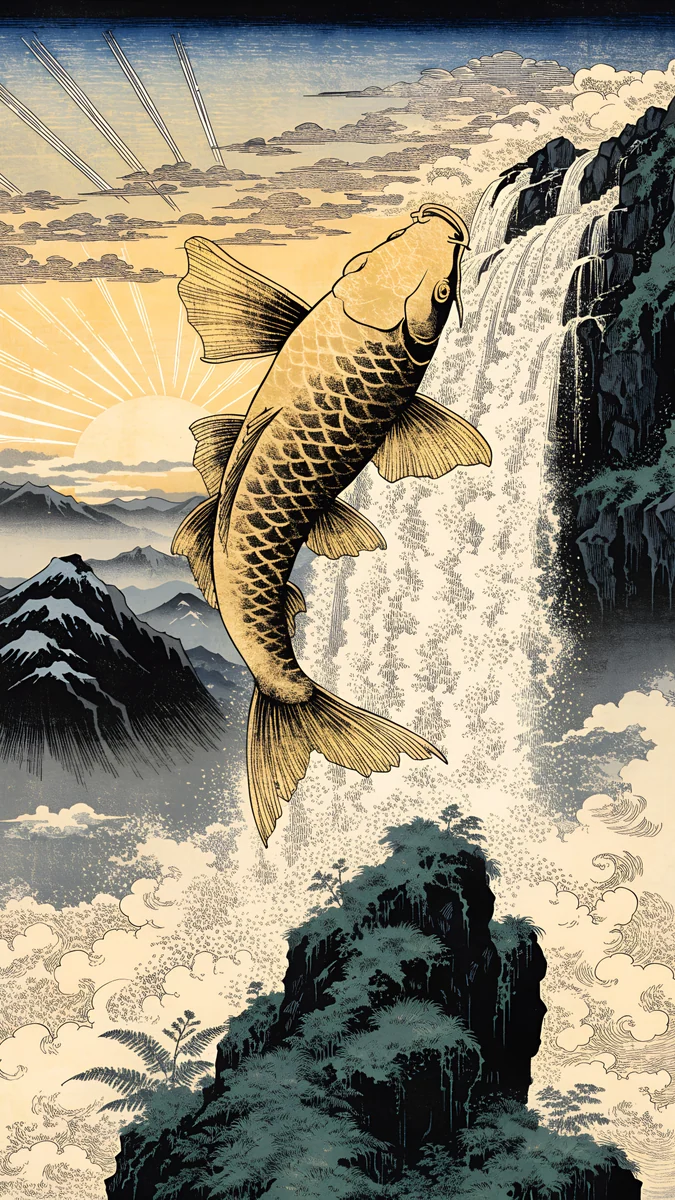 Golden Carp Waterfall Dawn
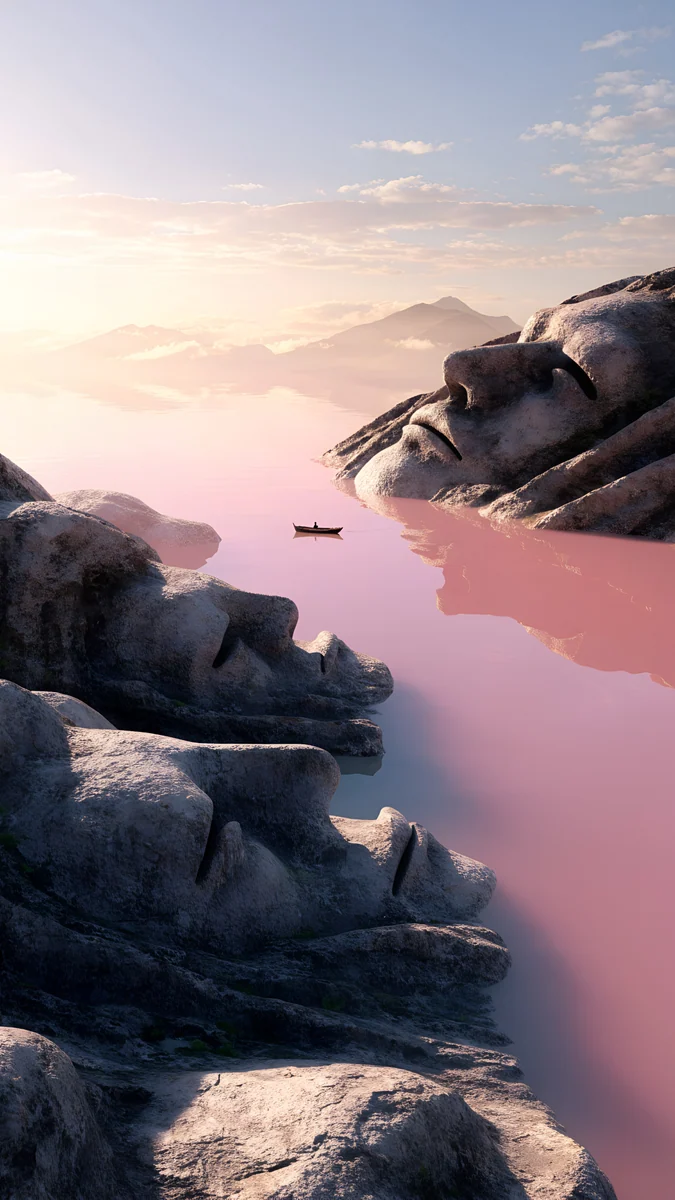 Stone Heads Pink Sea
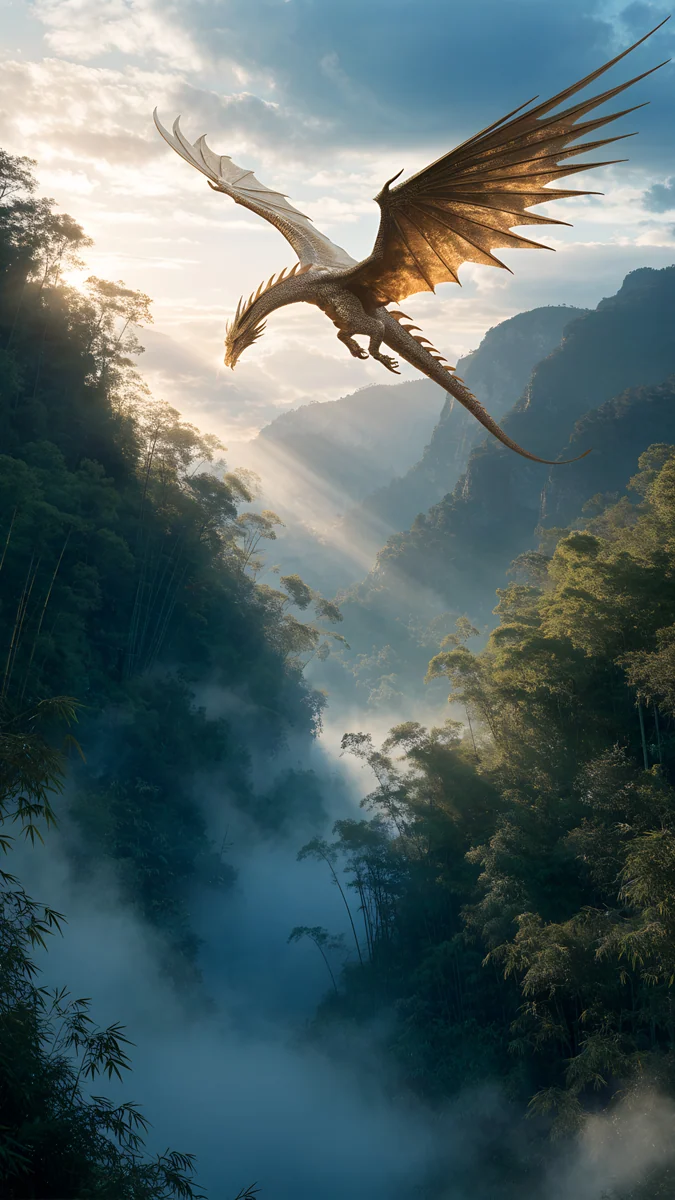 Golden Dragon Bamboo Dawn
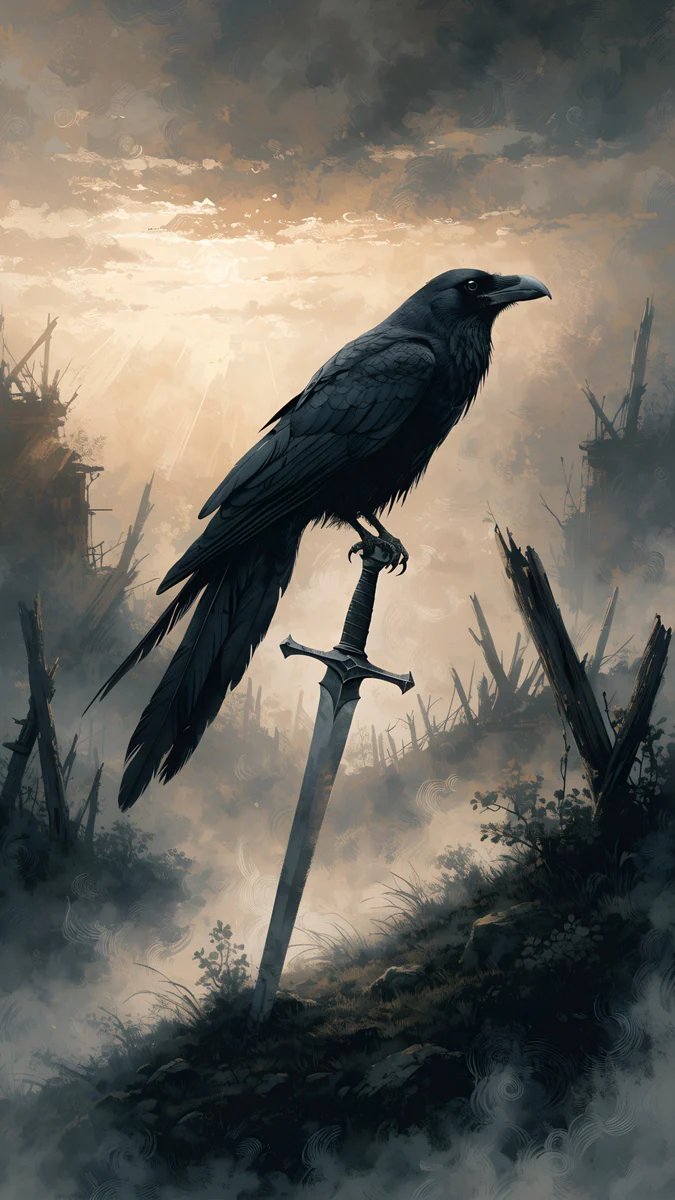 Raven Sword Dawn
Free originals for iPhone and Android, no watermark
On this page
A sunrise wallpaper for iPhone works best when the light comes from low in the frame and the top stays calm for the clock. Velpaper has eight original sunrise wallpapers for iPhone, all 2160 × 3840 4K files with no watermark: four calm and light ones, and four dramatic fantasy dawns [1]. It is a small set, and we only list pieces that are really about dawn light, so if you want more sea and sky, the nearest bigger collection is sunset beach wallpapers.
Why sunrise suits a Lock Screen
Dawn light is soft. Colours are pale, the sky is wide open and the sun sits near the horizon, which leaves the top third of a phone clear for the time. Many sunrise pictures also fade to light at the top, so a dark clock reads well, and the iOS 26 clock can be tinted to match [1]. If you prefer a white clock, choose one of the darker dramatic dawns below. The clock tips are in iPhone lock screen ideas.
Calm sunrise wallpapers
These four are quiet. They have pale skies, simple shapes and a low sun, and they are the safest choice for a bright home screen.
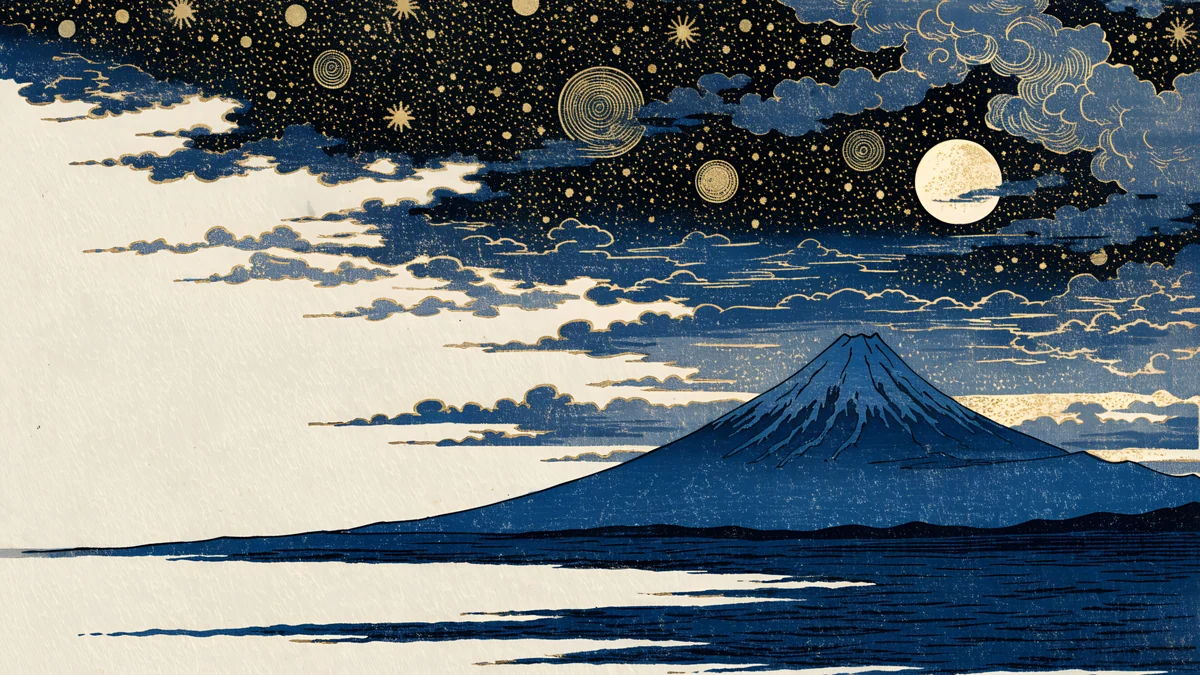
Cranes at Dawn shows cranes at dawn over the sea in the manner of a woodblock print, cream with a red sun and navy water. Fuji Above Clouds puts Mount Fuji above soft clouds in grey and pastel pink. Pastel Sea Horizon is a minimal sea horizon with a pale sun in light blue and lilac, the most minimal of the group. Amber Paper Sunrise is a paper-cut sunrise over hills in amber, orange and brown. The first two are in the ukiyo-e wallpapers style; for plain sea scenes see ocean wallpapers.
Dramatic dawn scenes
The other four are fantasy. They use dawn as a lighting idea, mist and gold on a bigger scene, and they look best on a Lock Screen where a single picture is the star.
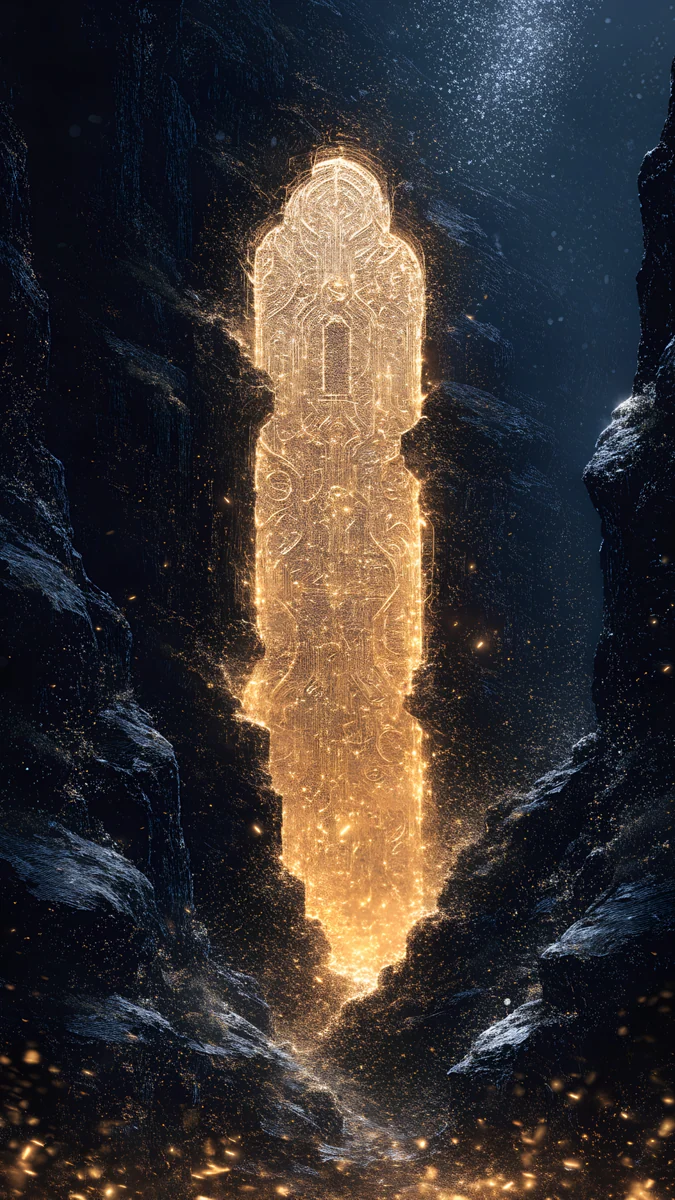
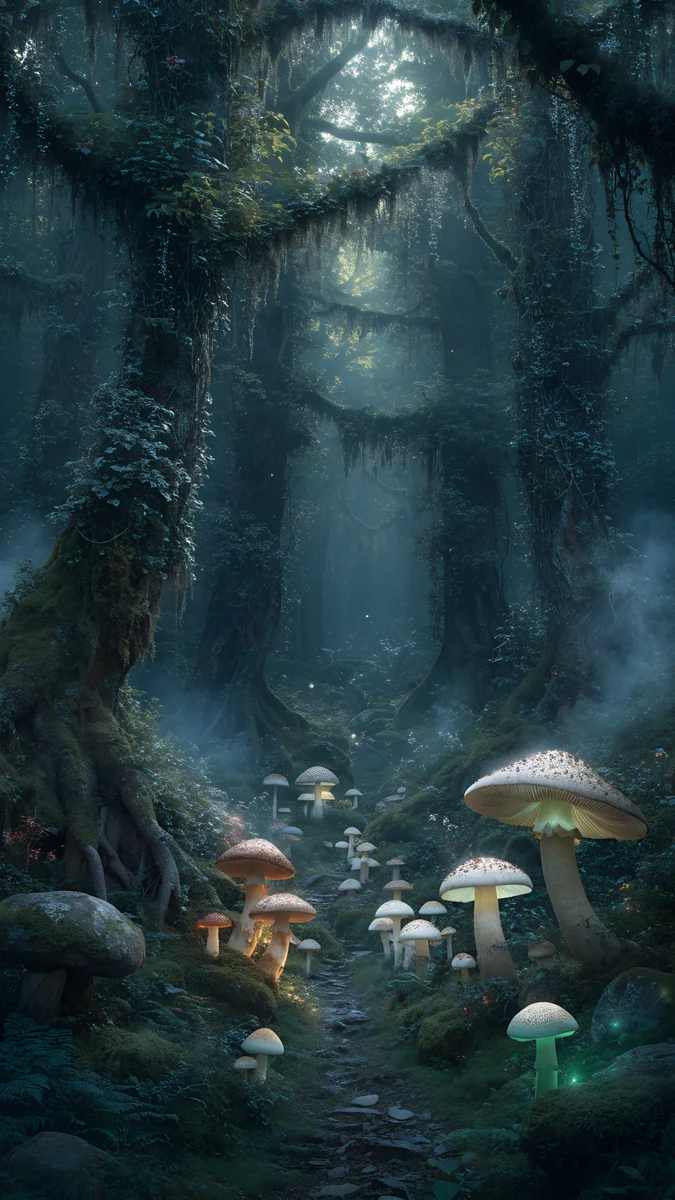
Golden Carp Waterfall Dawn is a golden carp in a waterfall at sunrise, in Japanese print style. Stone Heads Pink Sea is a surreal pink sea with stone forms and mountains in a grey calm light. Golden Dragon Bamboo Dawn is a golden dragon in a foggy bamboo forest, dark green and silver. Raven Sword Dawn is a dark foggy dawn in black and grey with warm light. The dark two keep white text sharp. For a fuller fantasy set, read fantasy wallpapers.
Match it on your computer
Cranes at Dawn is the wide 3840 × 2160 version of the cranes piece, so a phone and a laptop can show the same dawn [1]. It scales down to 1920 × 1080 with no stretching. Sets of matching phone and desktop pairs are in matching phone and laptop wallpapers.
Choosing by the time you look
Light pieces are friendlier in the morning, when the phone is the first thing you see, because they feel like the room around you. Dark foggy dawns are better at night, when a bright screen is harsh. If you rotate wallpapers, the Focus mode lock screens guide shows how to give each mode its own picture, say a pale sunrise for Morning and a dark one for Sleep.
How to set a sunrise wallpaper on iPhone
- Save the 2160 × 3840 file to Photos [1].
- Open Settings, tap Wallpaper, then Add New Wallpaper and Photos.
- Choose the file, pinch to place the sun, and tap Add.
- Set it for the Lock Screen, or for both screens.
You can also long press the Lock Screen to start. To use a different picture on the Home Screen, follow different lock and home screen wallpaper. If the picture is zoomed in, the fix is in iPhone wallpaper zoomed in.
Next step: open Cranes at Dawn or Pastel Sea Horizon in the Velpaper app and download the original.
Original wallpapers in and for iPhone, Android and desktop.
Questions
What size is a sunrise wallpaper for iPhone?
Velpaper's sunrise wallpapers for iPhone are 2160 × 3840 pixels, a 9:16 portrait 4K file [1]. That is enough for every current iPhone, including the Pro Max models, and iOS scales it down without blur. The files are JPEG with no watermark, and some are free while others unlock after a short ad. If you want to see the exact pixels needed for your model, the iPhone lock screen size guide lists them.
Which sunrise wallpaper is best for the iPhone Lock Screen?
A calm one with a clear top third. Pastel Sea Horizon and Fuji Above Clouds are pale at the top, so a dark clock or a tinted clock reads well. Cranes at Dawn has a cream sky with a red sun below, which suits a dark clock too. If you like a white clock, pick Raven Sword Dawn or Golden Dragon Bamboo Dawn, whose upper area is dark and foggy.
Is there a sunrise wallpaper for Android too?
Yes. The same 2160 × 3840 files work on Android phones, since the shape is a standard 9:16 portrait [1]. Long press the home screen, tap Wallpaper and style, and pick the image from your gallery. On Samsung, Pixel and Xiaomi the crop is a little different, so keep the sun near the middle of the picture. The Android wallpaper size guide covers each brand.
Why do sunrise wallpapers look zoomed in on my iPhone?
Because iOS fills the screen and crops the sides of a picture that is not 9:16, or because Perspective Zoom is on [1]. A 2160 × 3840 file is exactly 9:16, so it should fit, but when you place it you can accidentally pinch it larger. Tap the picture, pinch it back out and make sure the sun is in view. Turning off Perspective Zoom, the small icon at the bottom, removes the motion crop.
Does a sunrise wallpaper work in dark mode?
Yes, with a little care. iOS can dim a wallpaper in dark mode, and bright pieces such as Pastel Sea Horizon become softer when dimmed. Darker dawns like Raven Sword Dawn keep their contrast either way. In Settings, Wallpaper, you can turn on Dark Appearance Dims Wallpaper. The iPhone dark mode wallpaper guide explains the switch and the auto schedule.
Carlos Vivero
Designer of Velpaper wallpapers
Carlos Vivero designs the wallpapers in Velpaper: quiet architecture, liquid glass, Japanese ink and calm landscapes. Every piece is made as a original for iPhone, Android and desktop.
Recent work