Wallpaper Aspect Ratio: Phone, Laptop and PC Guide (2026)
Wallpaper aspect ratio for phones, laptops, monitors, ultrawides and iPads, how much each one crops, and how to pick an image that survives every crop.
In short: Phones are about 19.5:9 or 20:9, monitors 16:9, MacBooks 16:10 and ultrawides 21:9. Use a 9:16 wallpaper like 2160 × 3840 on a phone and a 16:9 one like 3840 × 2160 on a computer, and the system only trims a thin strip at the edges.
By the Velpaper team · Wallpapers by Carlos Vivero, Velpaper designer · · Updated · 6 min read
Free 4K originals for iPhone and Android, no watermark
On this page
Aspect ratio is the shape of a screen or image: width compared to height. Most phones today are about 19.5:9 or 20:9, desktop monitors are usually 16:9, MacBooks and many newer laptops are 16:10, ultrawide monitors are around 21:9, and large iPads are close to 4:3. When a wallpaper's shape differs from the screen's, the system crops it to fill, or leaves bars if you ask it to fit.
The size in pixels decides sharpness. The ratio decides what gets cut off. This guide covers the second part.
Common wallpaper aspect ratios
| Ratio | Where you find it | Example in pixels |
|---|---|---|
| 9:16 | The classic tall phone frame, iPhone SE, most 4K phone wallpapers | 1080 × 1920, 2160 × 3840 |
| 19.5:9 | iPhones with Face ID, many Samsung Galaxy phones | 1179 × 2556, 1080 × 2340 |
| 20:9 | Many Android phones | 1080 × 2400, 1440 × 3200 |
| 16:9 | Most monitors and TVs, many Windows laptops | 1920 × 1080, 2560 × 1440, 3840 × 2160 |
| 16:10 | MacBooks, many newer Windows laptops | 1920 × 1200, 2560 × 1600 |
| 21:9 | Ultrawide monitors | 2560 × 1080, 3440 × 1440 |
| 32:9 | Super ultrawide monitors | 5120 × 1440 |
| 4:3 | 13-inch iPads, older monitors | 2732 × 2048 |
Phones are written either way round. 9:16 and 16:9 are the same shape, one standing and one lying down. 19.5:9 is simply the tall phone shape written landscape first, the way phone makers list it.
A few screens do not sit exactly on a standard ratio. A MacBook Air or Pro with a notch adds a strip at the top for the menu bar, so a 13-inch MacBook Air is 2560 × 1664, a little taller than 16:10. Ultrawide 3440 × 1440 is strictly 43:18, but everyone calls it 21:9.
How cropping works
Phones and computers have two basic ways to place an image that does not match the screen.
Fill scales the image until it covers the whole screen, then cuts what sticks out. Nothing is distorted and there are no bars, but you lose the edges along one direction. This is the default on iPhone, Android, Windows and macOS.
Fit scales the image until all of it is visible. Nothing is lost, but the leftover space becomes bars in a solid colour. It looks fine with a dark picture on a black background and odd almost everywhere else.
Here is how much Fill cuts in common cases:
- A 9:16 phone wallpaper on an iPhone 16 (19.5:9): about 9 percent from each side.
- The same wallpaper on a 1080 × 2400 Android phone (20:9): about 10 percent from each side.
- A 16:9 desktop wallpaper on a 16:10 MacBook: about 5 percent from each side.
- A 16:9 wallpaper on a 21:9 ultrawide: about 13 percent from the top and from the bottom.
- A 16:9 wallpaper on a 4:3 screen in landscape: about 12 percent from each side.
Small crops are invisible when the edges of the picture are quiet. Large crops, like 16:9 on an ultrawide, change the composition, so they are worth planning for.
Phone wallpaper aspect ratio: iPhone and Android
A 9:16 wallpaper at 2160 × 3840 is the practical standard for phones. It is a bit wider than any current iPhone or Android screen, which is exactly what you want: the system fills the height and trims a narrow band at each side, instead of having to stretch anything. The exact numbers for each iPhone are in our iPhone wallpaper size guide.
iOS adds one twist. With Perspective Zoom on, it enlarges the wallpaper a little more so it can shift the image when you tilt the phone, which crops the edges further. If a wallpaper looks too tight, turn that off; our iPhone wallpaper zoom fix walks through it.
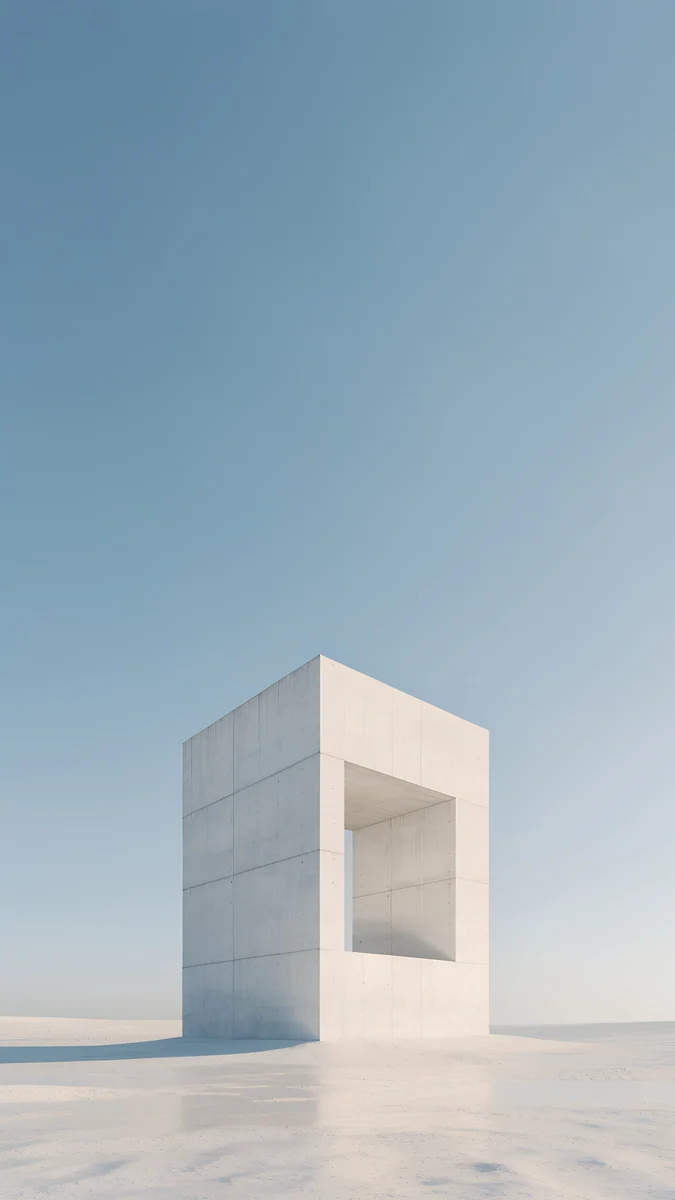
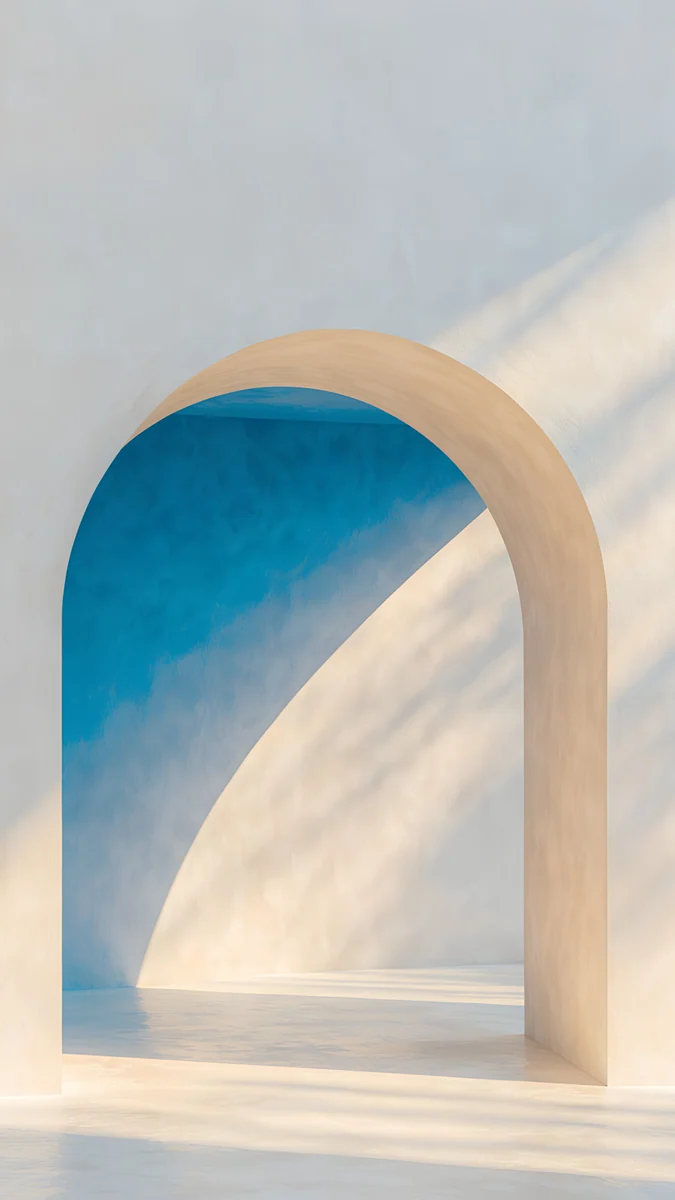
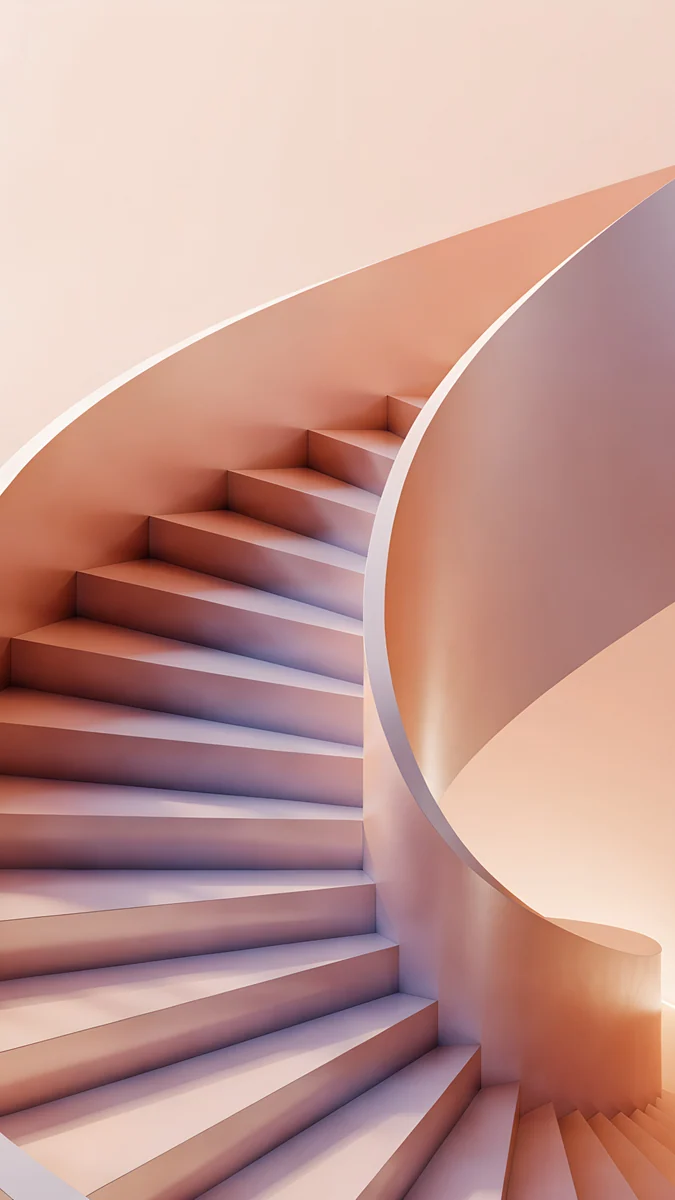
These three survive any phone crop because the subject sits in the middle. Monolith on the Plain puts a white stone frame low in the picture under open sky. The Blue Arch keeps its arch in the centre with plain wall at both sides. Peach Spiral Well curls a peach staircase around a soft core, so trimming the sides only tightens the circle.
Laptop and desktop wallpaper aspect ratio
For most monitors, a 16:9 wallpaper at 3840 × 2160 fits with no crop at all. On a 16:10 laptop the same file loses a thin strip at each side, which nobody notices. If you have a 5K display such as the Apple Studio Display, use 5120 × 2880, which is still 16:9. Our PC wallpaper size guide lists common monitors by resolution.
You can choose how the system places the picture:
- Windows 11: Settings, Personalization, Background, then the menu next to "Choose a fit for your desktop image": Fill, Fit, Stretch, Tile, Center or Span.
- macOS: System Settings, Wallpaper, then the menu next to the picture: Fill Screen, Fit to Screen, Stretch to Fill Screen, Center or Tile.
Avoid Stretch. It changes the shape of everything in the image, so circles turn into ovals and arches lean.
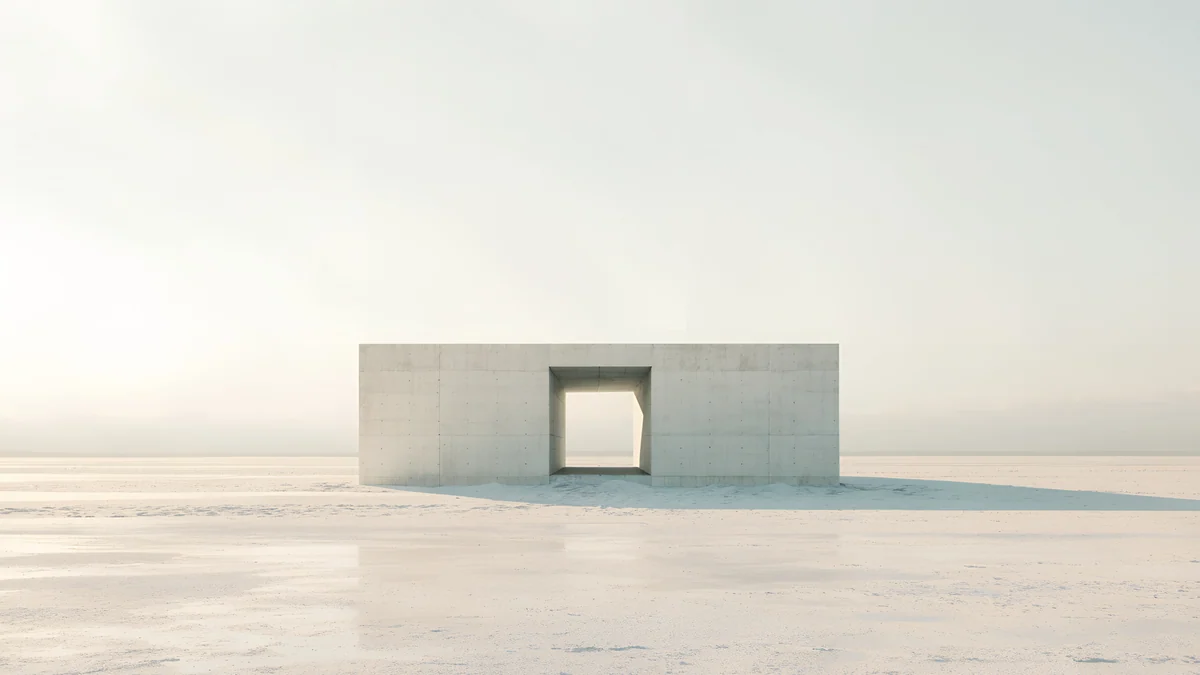 Monolith on the Plain4K · Desktop
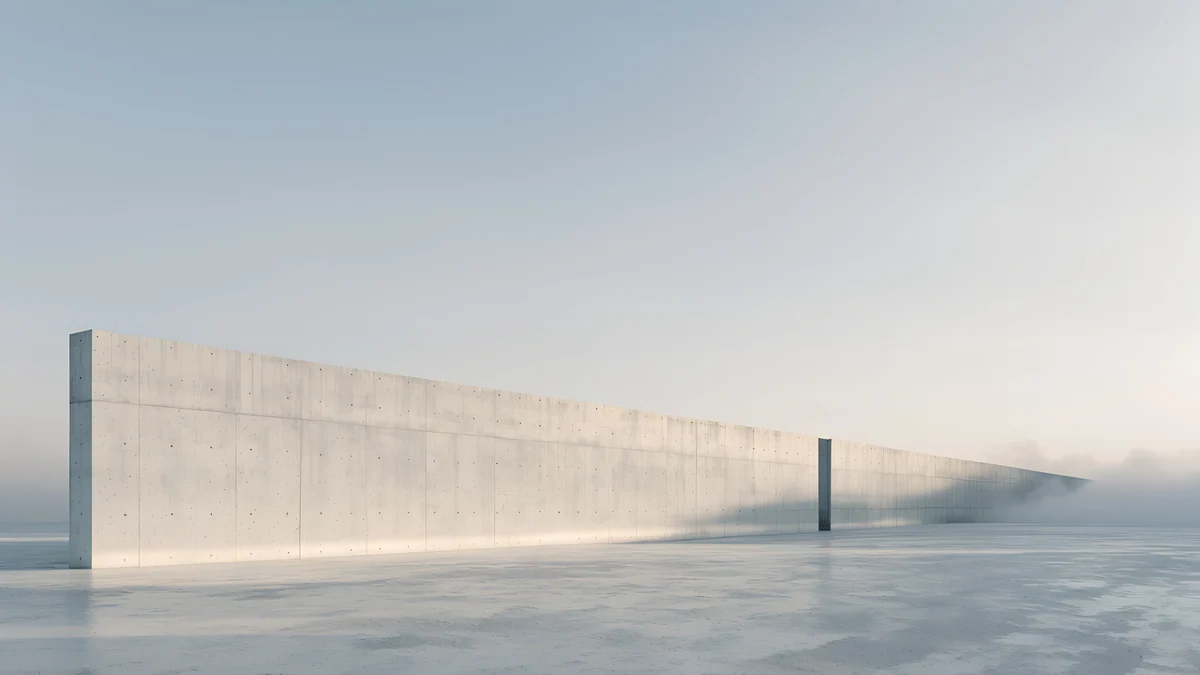 Horizon Wall4K · Desktop
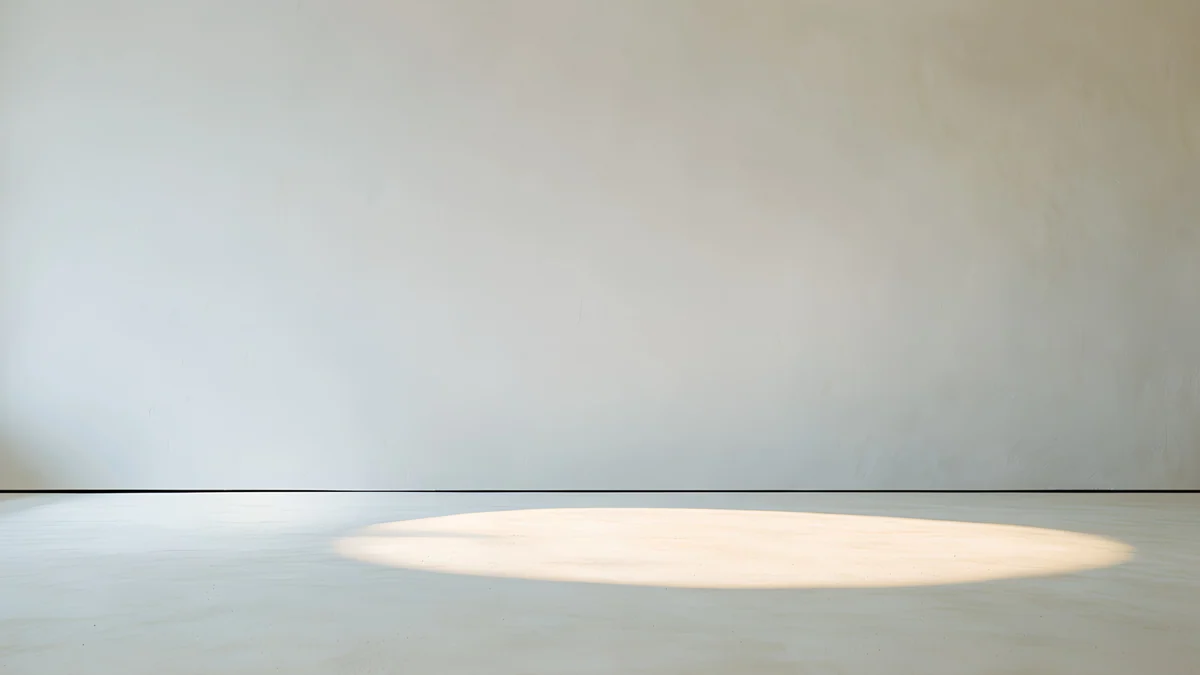 Skylight Circle4K · Desktop
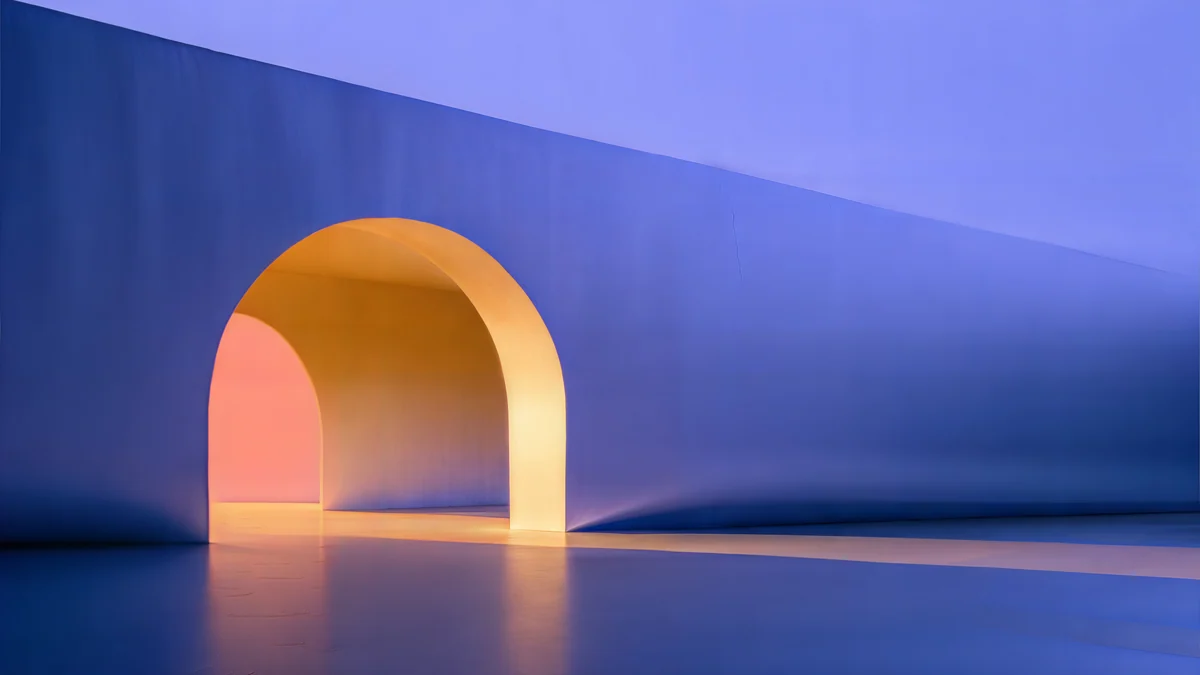 Solar Indigo Gate5K · Desktop
The first three are 3840 × 2160 and the last is 5120 × 2880. All four keep the important shapes away from the edges, so a 16:10 or ultrawide crop leaves them intact.
Ultrawide, dual monitors and iPads
Ultrawide (21:9 and 32:9). A 16:9 wallpaper loses a quarter of its height on a 21:9 screen and half on a 32:9 one. Pick images with a horizontal composition and empty sky or floor at the top and bottom, or look for a dedicated ultrawide file.
Two monitors. Windows can Span one image across both screens. For two 16:9 monitors side by side, that image needs a 32:9 shape. Otherwise, set a separate 16:9 wallpaper on each screen, which usually looks cleaner because the bezel does not cut through the middle of the picture.
iPads. An iPad rotates, so its wallpaper has to work in both portrait and landscape. iPadOS crops a near square area out of the image, which means a phone wallpaper loses a lot of height. Our iPad wallpaper size guide explains which images handle both orientations.
How to choose a wallpaper that survives the crop
- Pick an image a little larger than your screen in both directions, so the system only ever trims and never stretches. Our comparison of 4K vs HD wallpapers explains why.
- Keep the subject in the middle third. Edges get trimmed first.
- Prefer calm edges: sky, wall, water or a gradient.
- Avoid text near the borders of the image; it is the first thing a crop ruins.
- Use a phone file for the phone and a desktop file for the desktop. Cropping a 9:16 image into 16:9 throws away more than two thirds of it.
Velpaper makes each wallpaper in the shape of the device it is for: 2160 × 3840 for phones, 3840 × 2160 or 5120 × 2880 for desktops, composed separately rather than cut from one master.
Original wallpapers in 4K and 5K for iPhone, Android and desktop.
Questions
What aspect ratio is an iPhone wallpaper?
iPhones with Face ID have screens of about 19.5:9, for example 1179 × 2556 pixels on the iPhone 16. Most wallpapers are made at 9:16, such as 2160 × 3840, which is slightly wider. iOS fills the screen height and trims a thin strip from each side, around 9 percent per side on an iPhone 16. The iPhone SE is the exception: its 750 × 1334 screen is exactly 9:16, so nothing is cropped.
What is the best aspect ratio for a laptop wallpaper?
Most Windows laptops and monitors are 16:9, so a 3840 × 2160 wallpaper fits them exactly. MacBooks and many newer Windows laptops are 16:10, such as 2560 × 1600. A 16:9 wallpaper still works there: the system fills the height and trims about 5 percent from each side. If the important part of the picture sits in the middle, you will not notice the crop.
How do I fit a wallpaper without cropping it?
Choose Fit instead of Fill. On Windows 11 this is in Settings, Personalization, Background, under the fit menu. On a Mac it is the Fit to Screen option in System Settings, Wallpaper. The whole image then stays visible, and the empty space turns into bars, which you can colour to match. On iPhone and Android there is no fit option for the lock screen, so the better fix is a wallpaper made for a tall screen.
Will a 16:9 wallpaper work on an ultrawide monitor?
It works, but it is cropped a lot. On a 21:9 screen such as 3440 × 1440, a 16:9 image is scaled to the full width and loses about a quarter of its height, split between top and bottom. On a 32:9 screen it loses half. Wallpapers with a strong horizontal composition and empty sky or floor survive best. For a perfect fit, look for an image made at the ultrawide resolution.
Is 9:16 the same as 16:9?
They are the same shape turned 90 degrees. 16:9 is a wide landscape frame, used by monitors and TVs, for example 3840 × 2160. 9:16 is the same frame standing upright, used for phone wallpapers and vertical video, for example 2160 × 3840. You cannot use one in place of the other without losing most of the picture, so get a phone version for the phone and a desktop version for the computer.
Carlos Vivero
Designer of Velpaper wallpapers
Carlos Vivero designs the wallpapers in Velpaper: quiet architecture, liquid glass, Japanese ink and calm landscapes. Every piece is made as a 4K original for iPhone, Android and desktop.
Recent work








