Waterfall Background: 11 Jade, Pixel and Ink 4K Picks
Waterfall background and wallpaper in 4K: 11 original ukiyo-e, ink, fantasy and pixel art waterfalls for phone, desktop and iPad, with set-up steps.
Sources [1] · By the Velpaper team · Wallpapers by Carlos Vivero, Velpaper designer · · 3 min read
In short: For a waterfall background pick a jade ukiyo-e or ink waterfall for a desktop and a tall pixel art cascade for a phone. Velpaper has 11 original 4K waterfall wallpapers for phone, PC and iPad [1].
Wallpapers
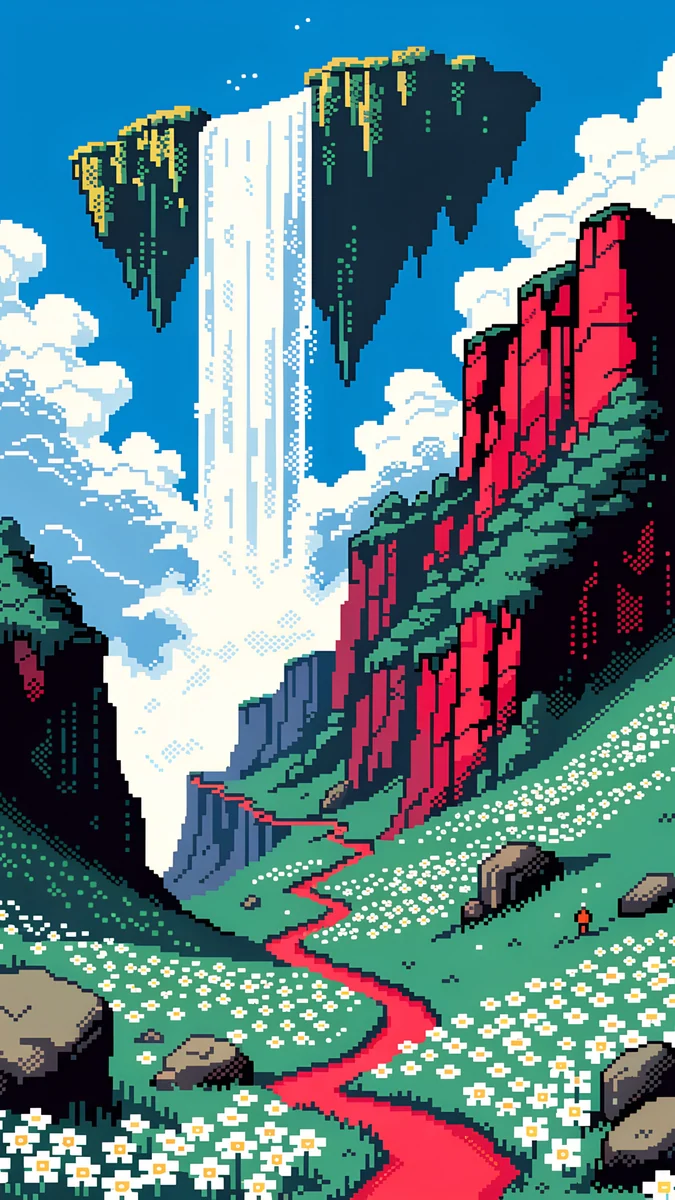 Pixel Sky Falls
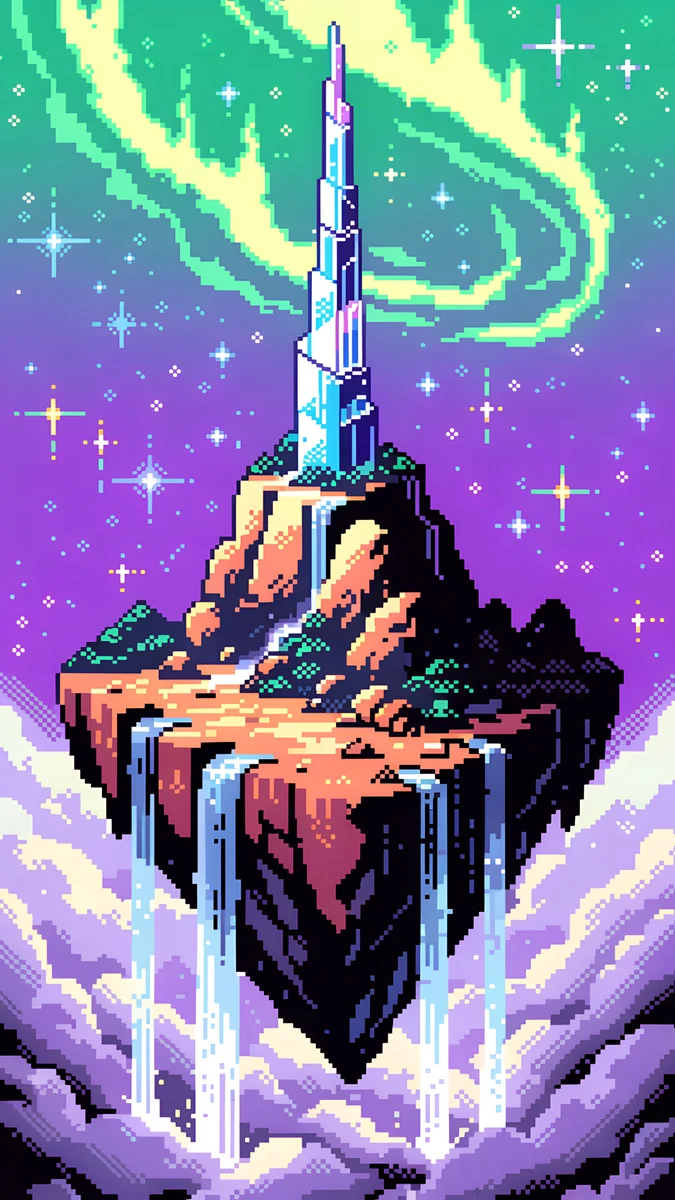 Pixel Crystal Spire
 Pixel Sky Falls II
 Pixel Sky Castle
 Pixel Crimson Spires
 Fairy Waterfall Pool
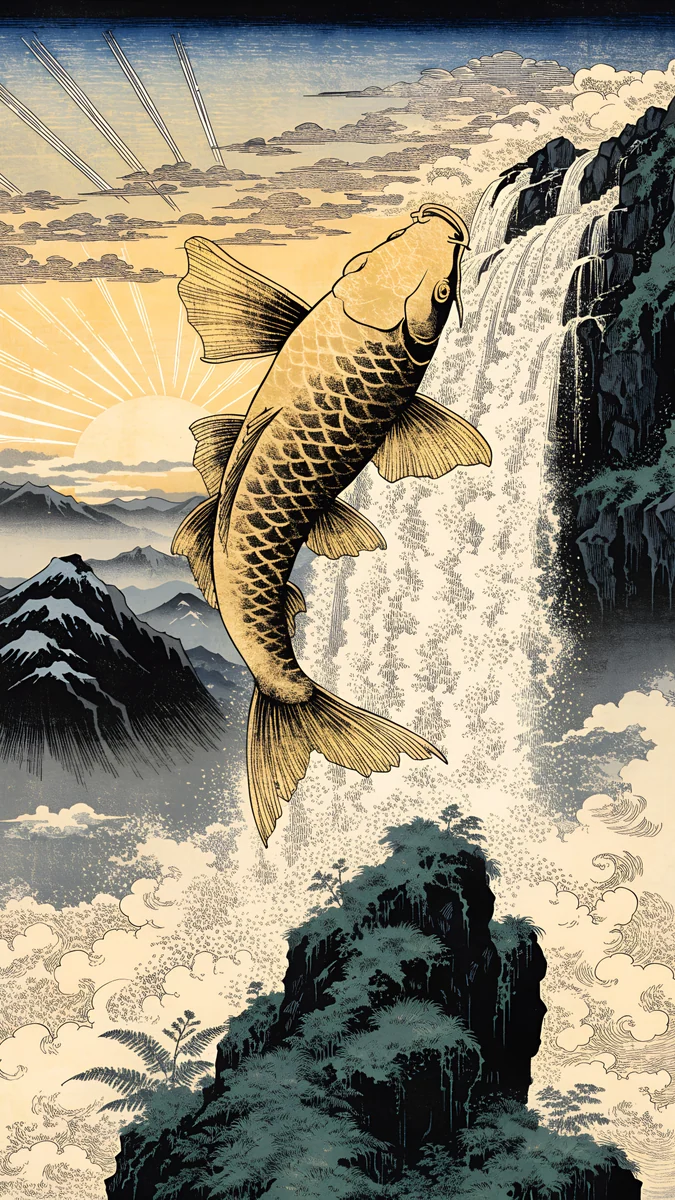 Golden Carp Waterfall Dawn
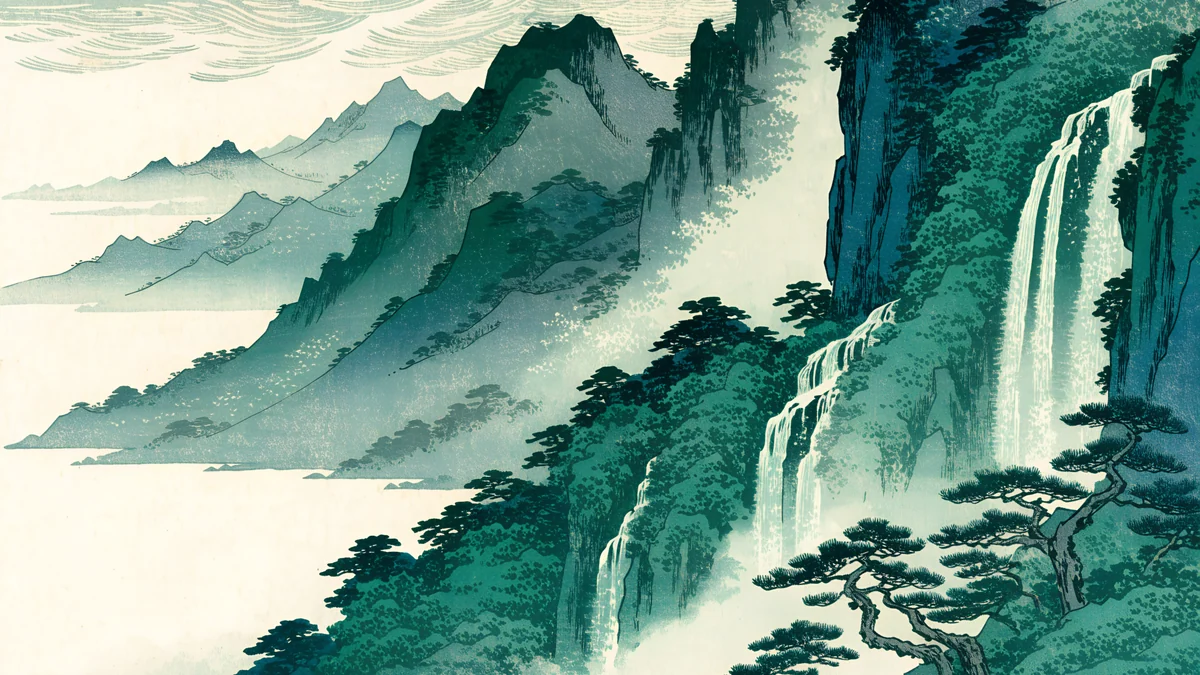 Ukiyo Jade Waterfall
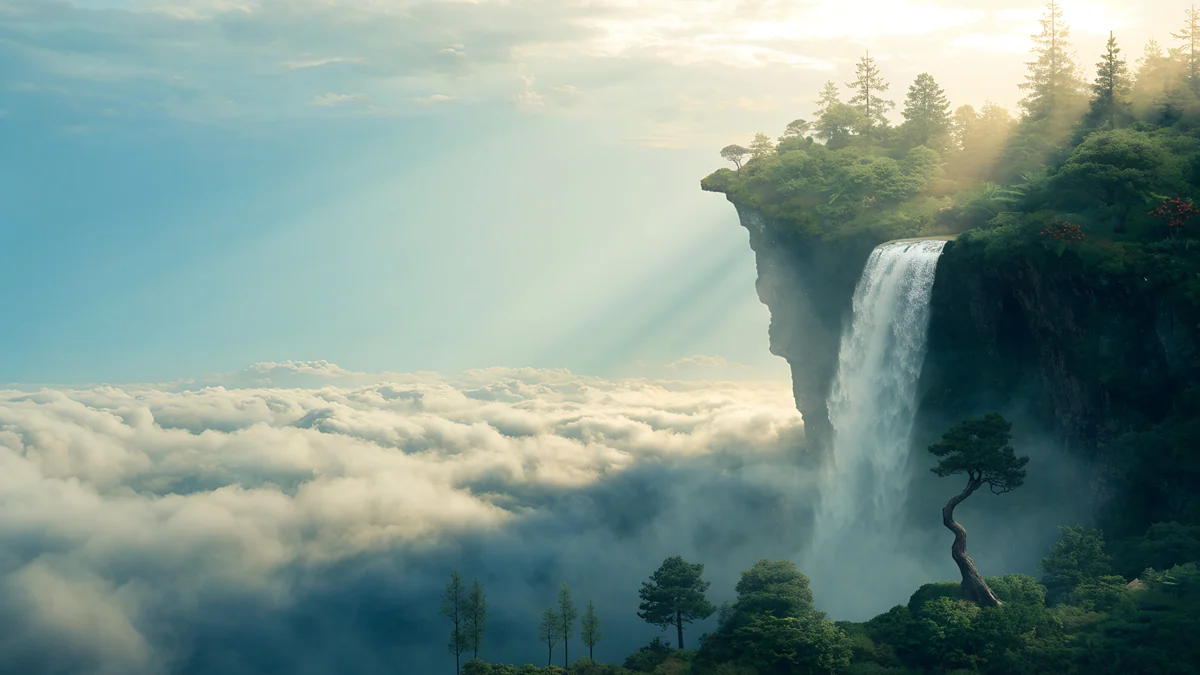 Cloud Island Falls
Free originals for iPhone and Android, no watermark
On this page
A waterfall background is one of the few nature pictures that has both calm and motion: the water falls, but the picture is still, so it feels alive without distracting. Velpaper has 11 original 4K waterfall wallpapers, from a jade ukiyo-e waterfall and floating cloud falls to pixel art cascades [1]. It is a small set and we show only pieces where a waterfall is really in the picture, so this page is shorter than most. For more green scenery, the nearest bigger collection is nature backgrounds. Phone files are 2160 × 3840, desktop files 3840 × 2160 and the iPad file 4096 × 4096, all without a watermark [1].
Waterfall wallpaper 4K for desktop
Waterfalls suit a wide monitor, since the fall and the cliff have room. Three pieces are made for 16:9 screens.
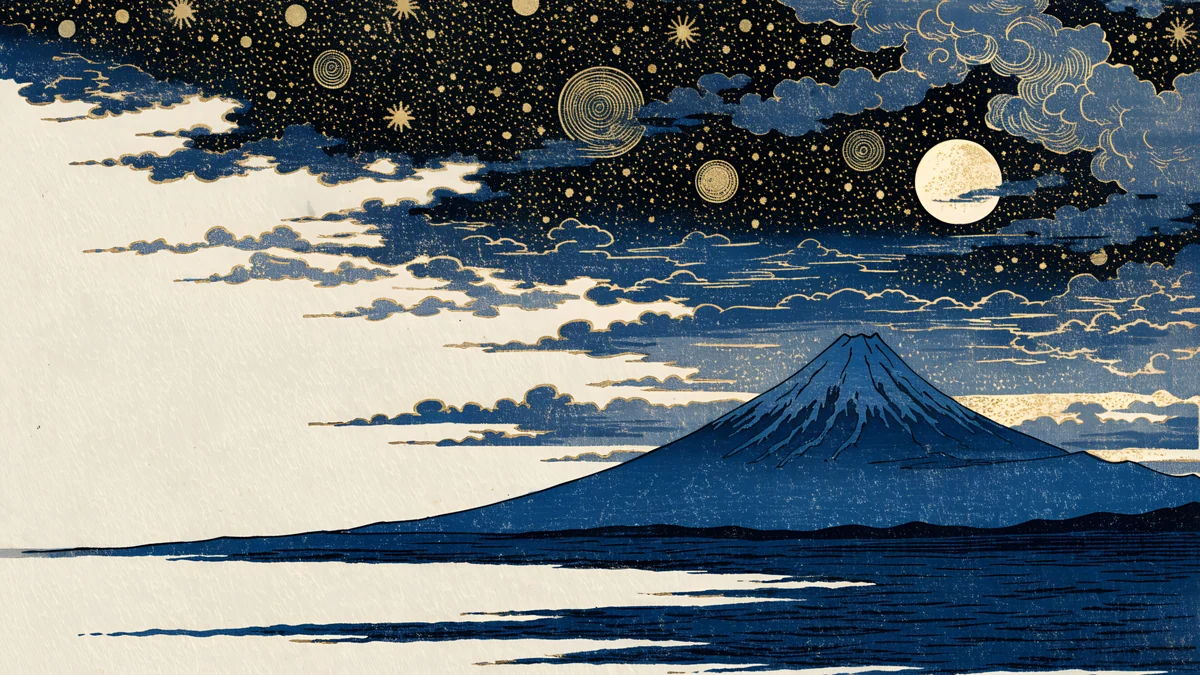
Ukiyo Jade WaterfallUkiyo Jade Waterfall is a woodblock style waterfall in jade green and cream, with mountains behind it. The cream ground keeps icons readable, and the green gives it a calm, natural mood. It is part of the ukiyo-e wallpapers style.
Cloud Island FallsCloud Island Falls is a fantasy island floating in the clouds with a waterfall pouring off the edge, in green, teal and pale cloud. It is the most dreamlike of the three. The third wide piece is Ink Waterfall Veil, a sumi-e waterfall on cream with black strokes and a red accent, the quietest option for a work desktop. All are 16:9 and scale down to 1440p and 1080p with no stretching [1], as the PC wallpaper size guide explains.
Waterfall wallpaper for phone
On a phone a waterfall is a natural subject, because it is tall. The pictures below use the whole height: water falling from a cliff or a floating tower, with sky above for the clock.
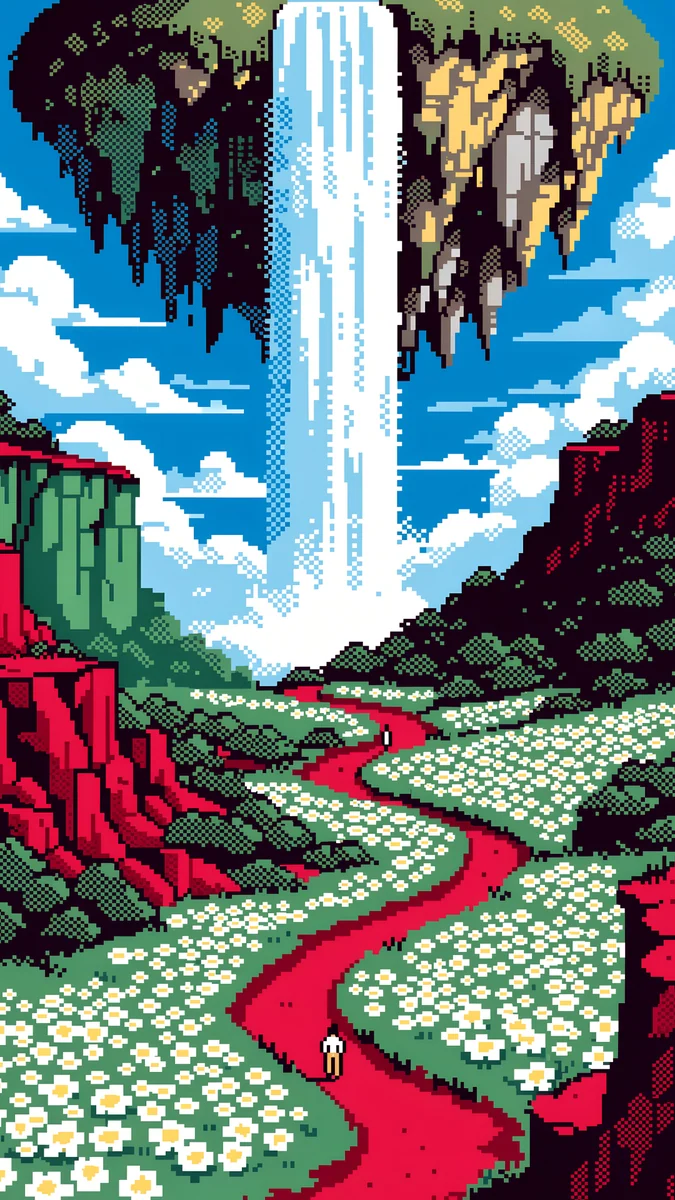
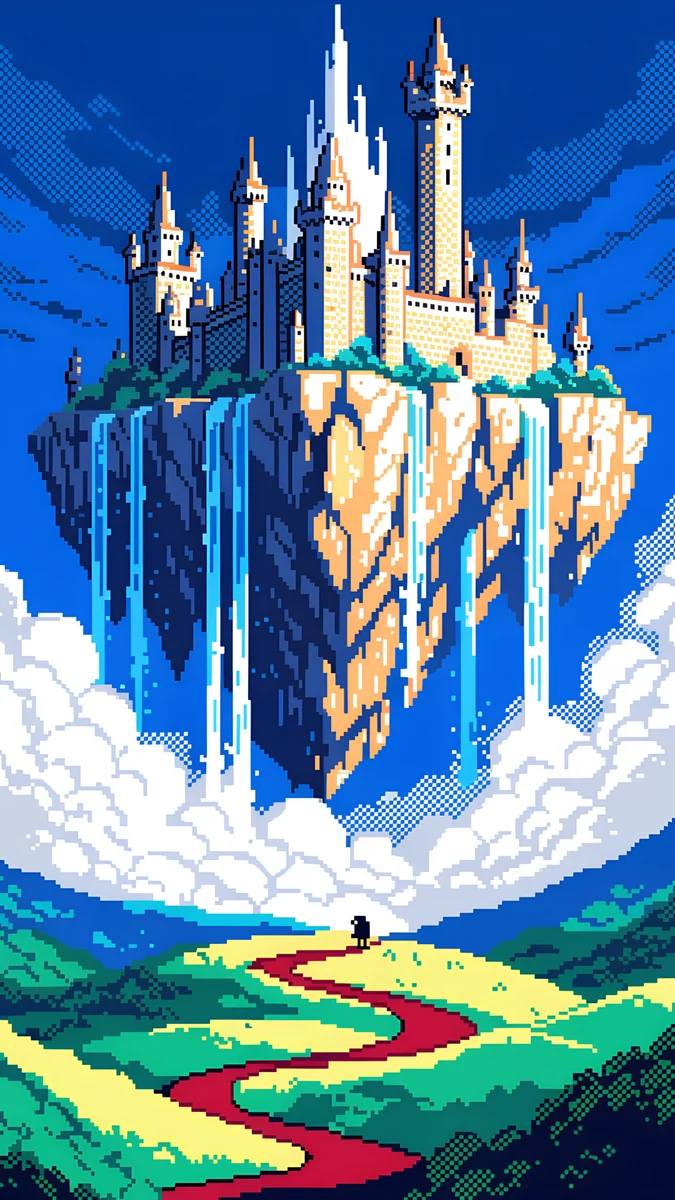
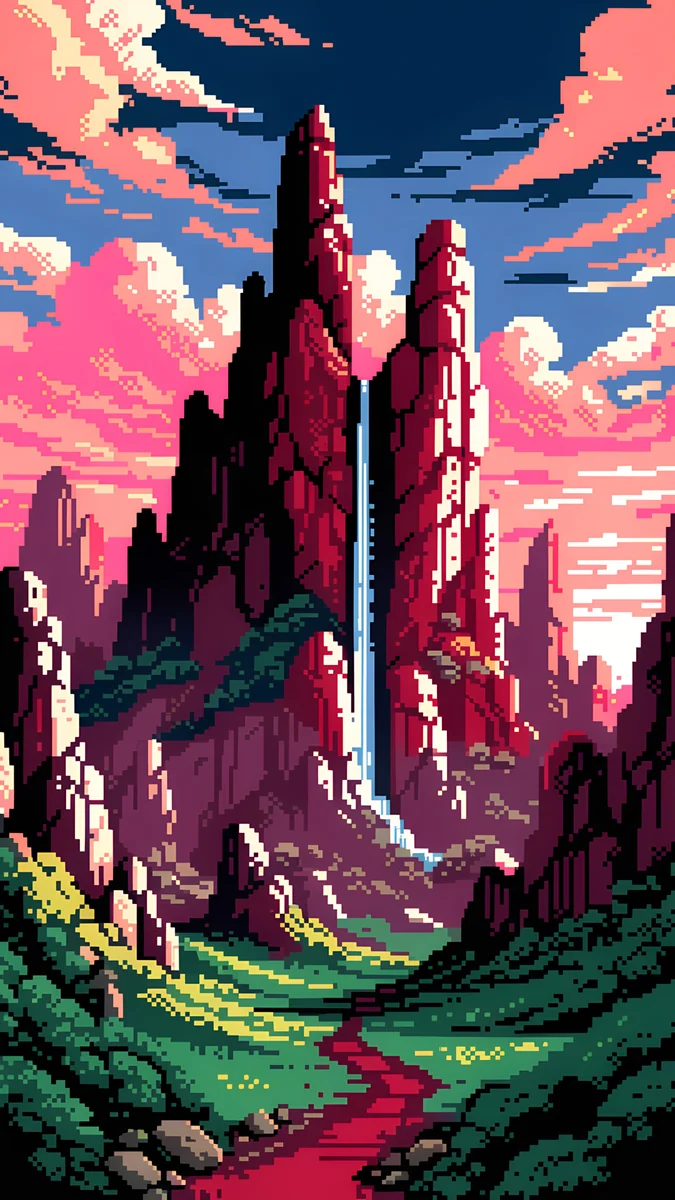
Pixel Sky FallsPixel Sky Falls IIPixel Sky CastlePixel Crystal SpirePixel Crimson SpiresFairy Waterfall PoolGolden Carp Waterfall DawnFive are pixel art. Pixel Sky Falls and Pixel Sky Falls II are cascades in a blue, green and red sky world, the lightest and cheeriest. Pixel Sky Castle is a castle with a waterfall among clouds in blue and green. Pixel Crystal Spire is a tower with a waterfall under an aurora in purple and teal, a dark piece for OLED. Pixel Crimson Spires is red and pink spires with a waterfall at sunset.
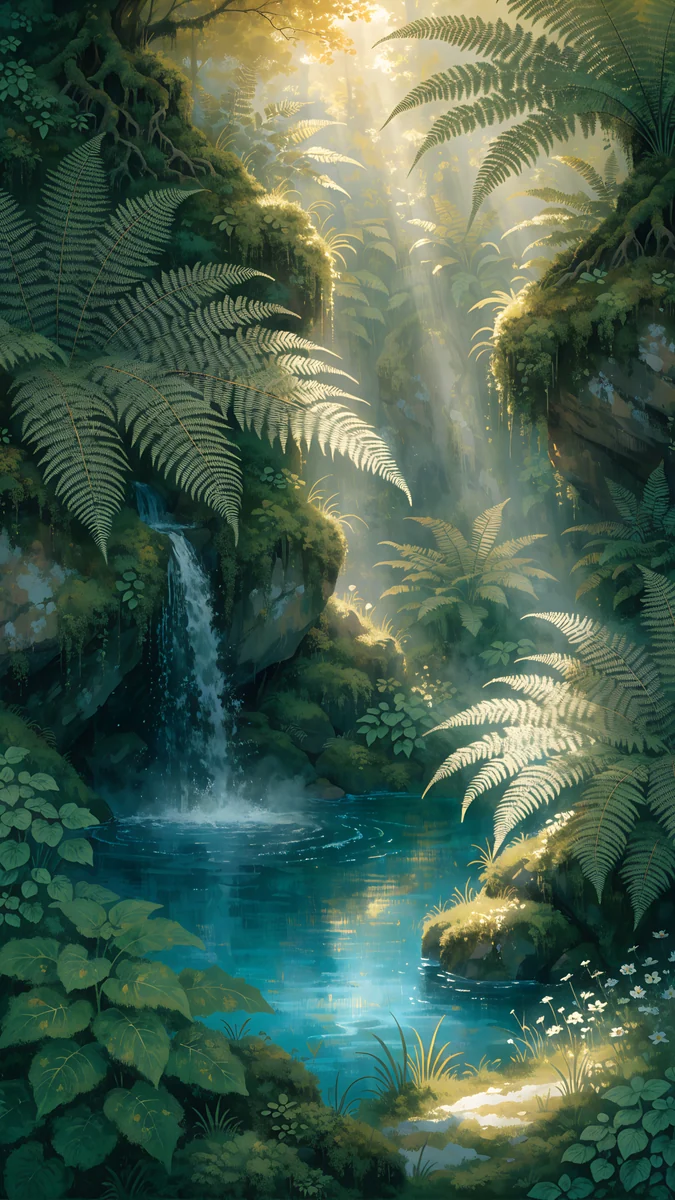
Two are not pixel art. Fairy Waterfall Pool is a calm forest pool in green and teal with a small fall, and Golden Carp Waterfall Dawn is a golden carp climbing a waterfall at sunrise in a Japanese print style, in gold, orange and teal. For more pixel scenes see the retro desktop wallpaper article; for forest light, see forest wallpapers.
A waterfall for iPad
Crystal Palace Falls is a square 4096 × 4096 file of a crystal castle on a floating island with waterfalls, in twilight grey and cream [1]. A square file keeps the castle in view in portrait and landscape. More square pictures are in iPad wallpapers.
How to set a waterfall wallpaper
- iPhone: Settings, Wallpaper, Add New Wallpaper, Photos. Put the water below the clock.
- Android: long press the home screen, Wallpaper and style, then choose the image.
- Windows 11 [2]: Settings, Personalization, Background, Picture, Browse photos, Fill.
- Mac: System Settings, Wallpaper, Add Photo.
Next step: open Ukiyo Jade Waterfall or Pixel Sky Falls on velpaper.com or in the Velpaper app and download the 4K original [1].
Original wallpapers in and for iPhone, Android and desktop.
Questions
What size is a waterfall wallpaper in 4K?
For a computer the 4K size is 3840 × 2160, which is the size of Velpaper's wide waterfall wallpapers [1]. For a phone it is 2160 × 3840 in portrait, and for an iPad Velpaper uses a square 4096 × 4096 file. All are JPEG without a watermark. A 3840 × 2160 file fits a 1920 × 1080 screen at exactly 2x and a 2560 × 1440 screen at exactly 1.5x, so one download covers all three without stretching [1].
Which waterfall wallpaper is best for a work desktop?
Ink Waterfall Veil and Ukiyo Jade Waterfall. Both sit on a cream ground, so icons and window text stay readable, and the waterfall is a quiet shape rather than a busy scene. Cloud Island Falls is more dreamlike and mid-dark, a better pick if you like a fantasy desktop. On Windows 11 set the fit to Fill, and on a Mac use Fill Screen [1].
Are there waterfall wallpapers for iPhone?
Yes, seven phone pieces: Pixel Sky Falls, Pixel Sky Falls II, Pixel Sky Castle, Pixel Crystal Spire, Pixel Crimson Spires, Fairy Waterfall Pool and Golden Carp Waterfall Dawn. All are 2160 × 3840, which fits every current iPhone [1]. Place the water in the lower half so the clock has open sky. Pixel Crystal Spire is the darkest, so it suits an OLED iPhone best.
Is there a waterfall wallpaper for iPad?
Yes. Crystal Palace Falls is a square 4096 × 4096 file showing a crystal castle on a floating island with waterfalls in twilight colours [1]. A square image fits both portrait and landscape on every iPad, with a gentle crop. Set it in Settings, Wallpaper, or by long pressing the Lock Screen and tapping the plus button.
Are these waterfall pictures real photos?
No. Every Velpaper wallpaper is an original illustration, so there are no photographs of real waterfalls. The set includes woodblock style, sumi-e ink, fantasy and pixel art waterfalls. If you want a photo-like waterfall, they will not match, but the stylised look is easier to place behind icons and a clock, which is why they work well as wallpapers.
Carlos Vivero
Designer of Velpaper wallpapers
Carlos Vivero designs the wallpapers in Velpaper: quiet architecture, liquid glass, Japanese ink and calm landscapes. Every piece is made as a original for iPhone, Android and desktop.
Recent work