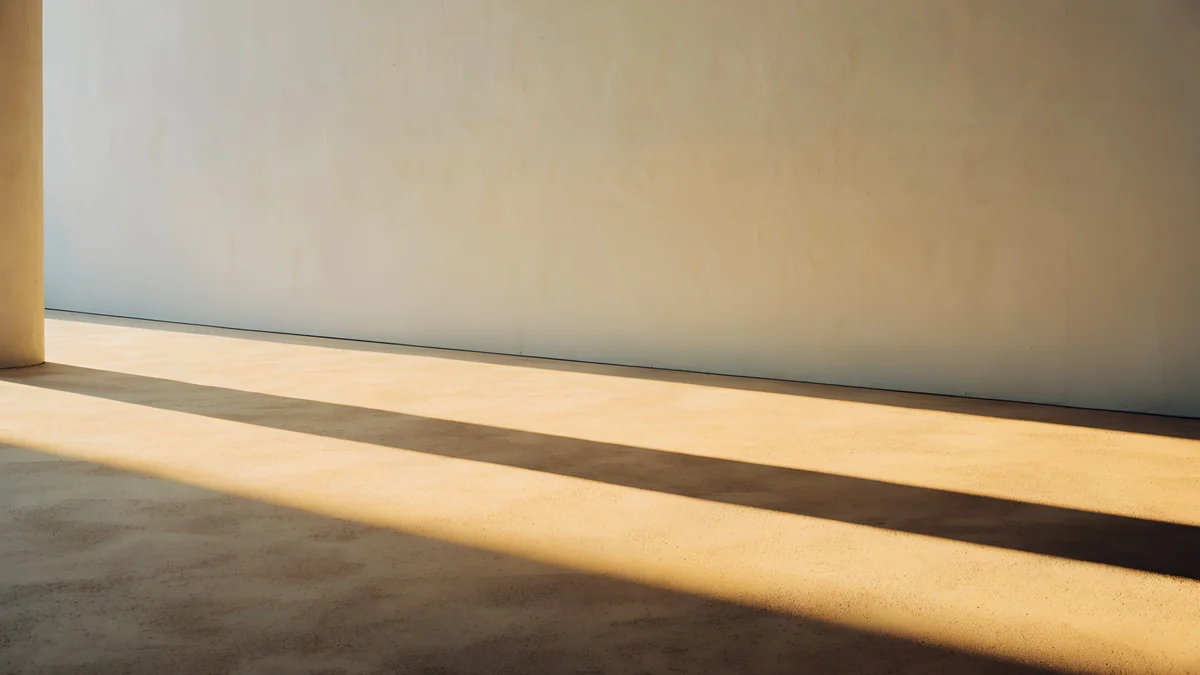
Retro Wallpaper Desktop: Art Deco, Pixel and 80s 4K
Retro wallpaper for desktop and computer: 17 original 4K and 5K picks in pastel art deco, 80s Miami, pixel art and lo-fi, with Windows 11 and Mac steps.
Sources [1] · By the Velpaper team · Wallpapers by Carlos Vivero, Velpaper designer · · 3 min read
In short: A good retro desktop wallpaper is flat, pastel and calm: Velpaper's 17 original ones cover art deco, 1980s Miami, pixel art and lo-fi, all in 16:9 at 3840 × 2160 or 5120 × 2880 [1].
Wallpapers
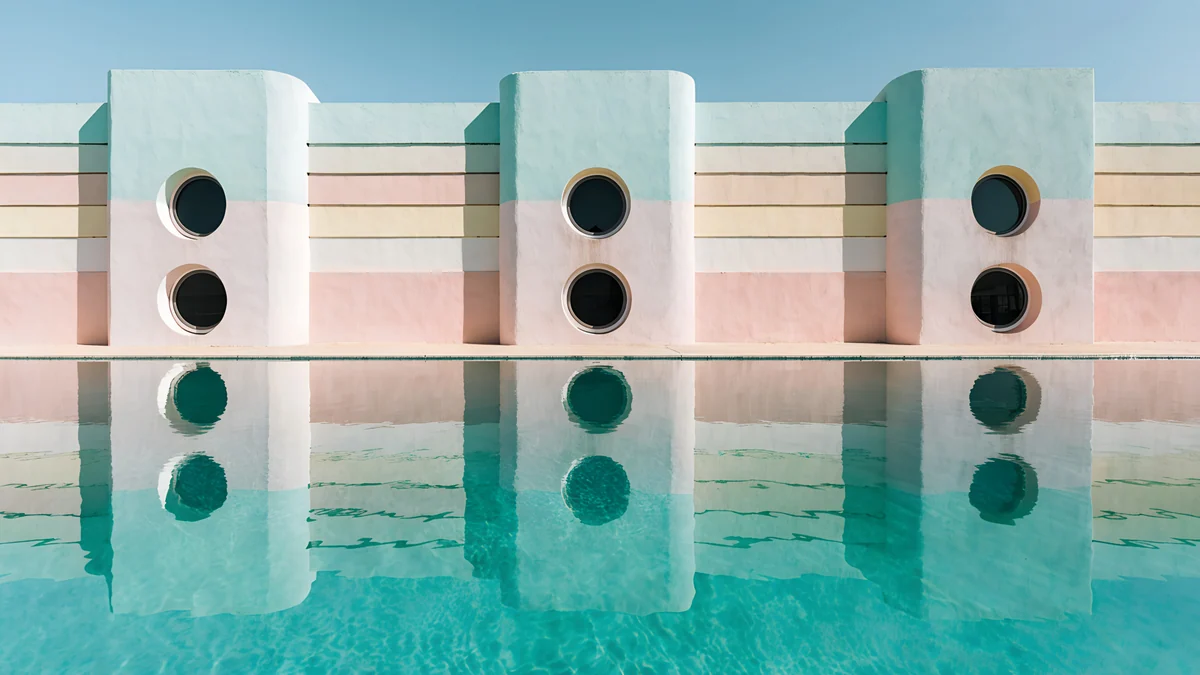 Pool Facade
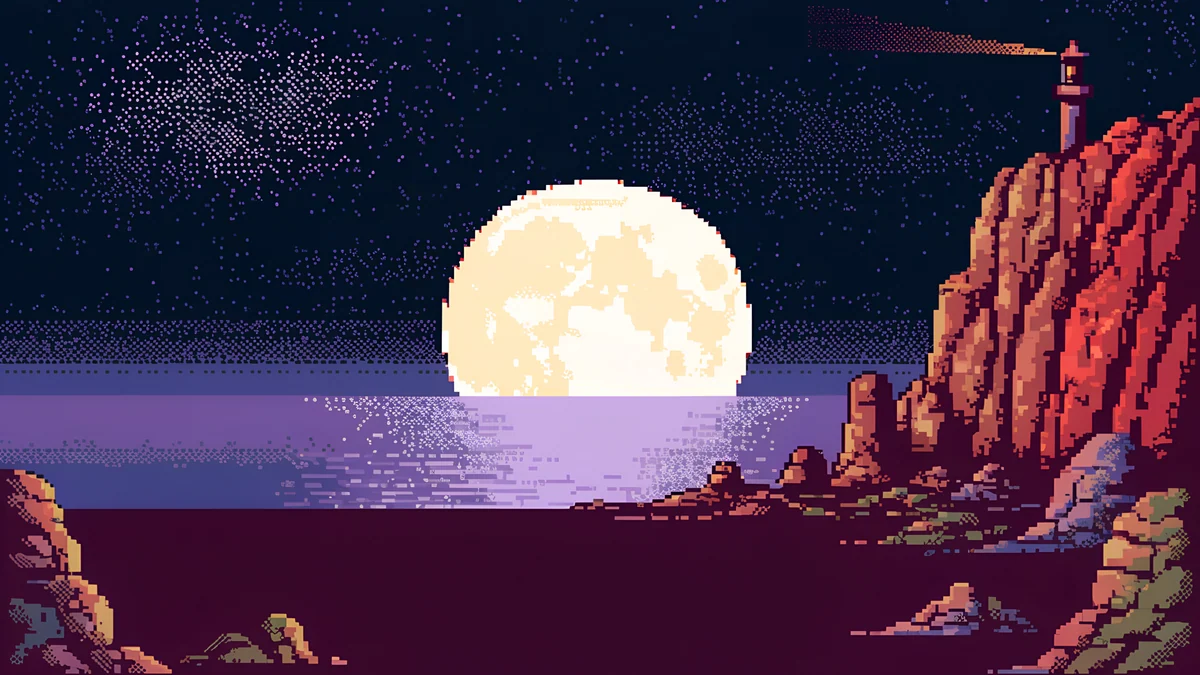 Pixel Moon Lighthouse Desktop
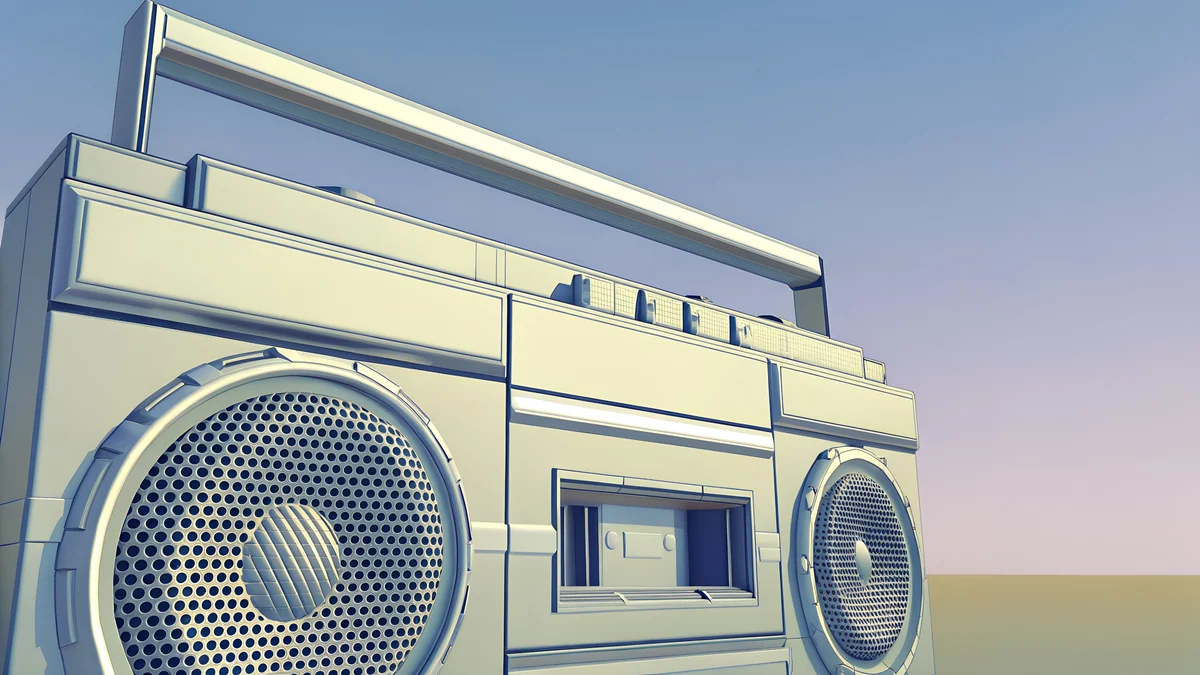 Chrome Boombox Wide
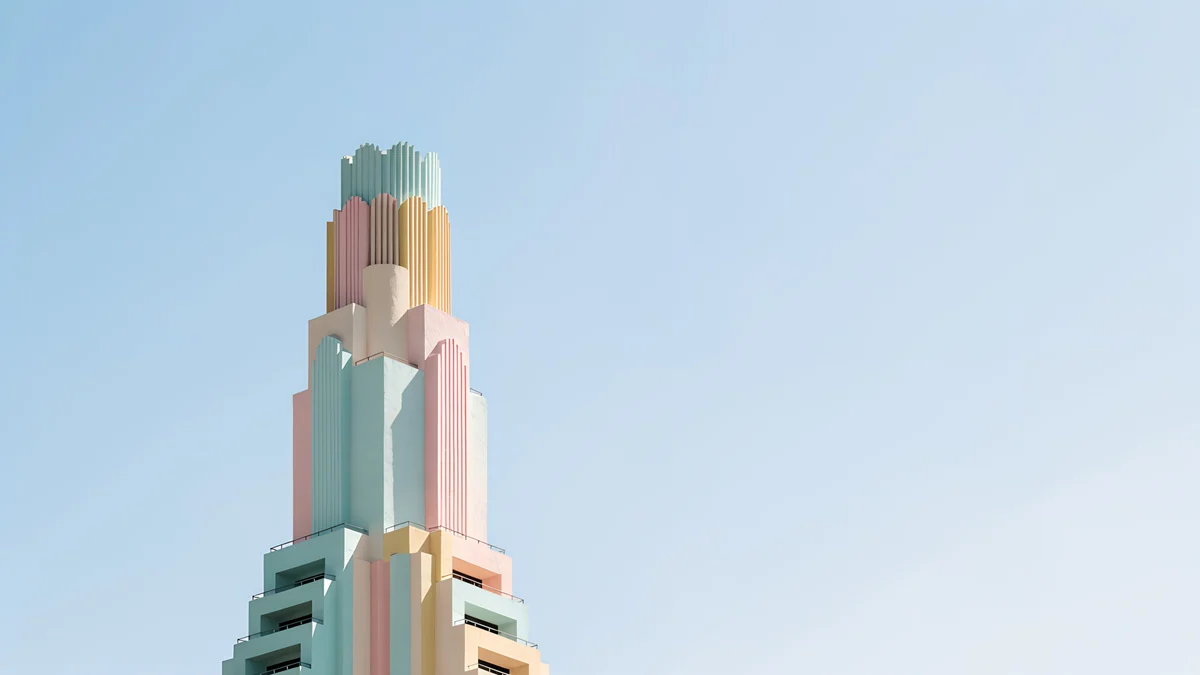 Deco Tower
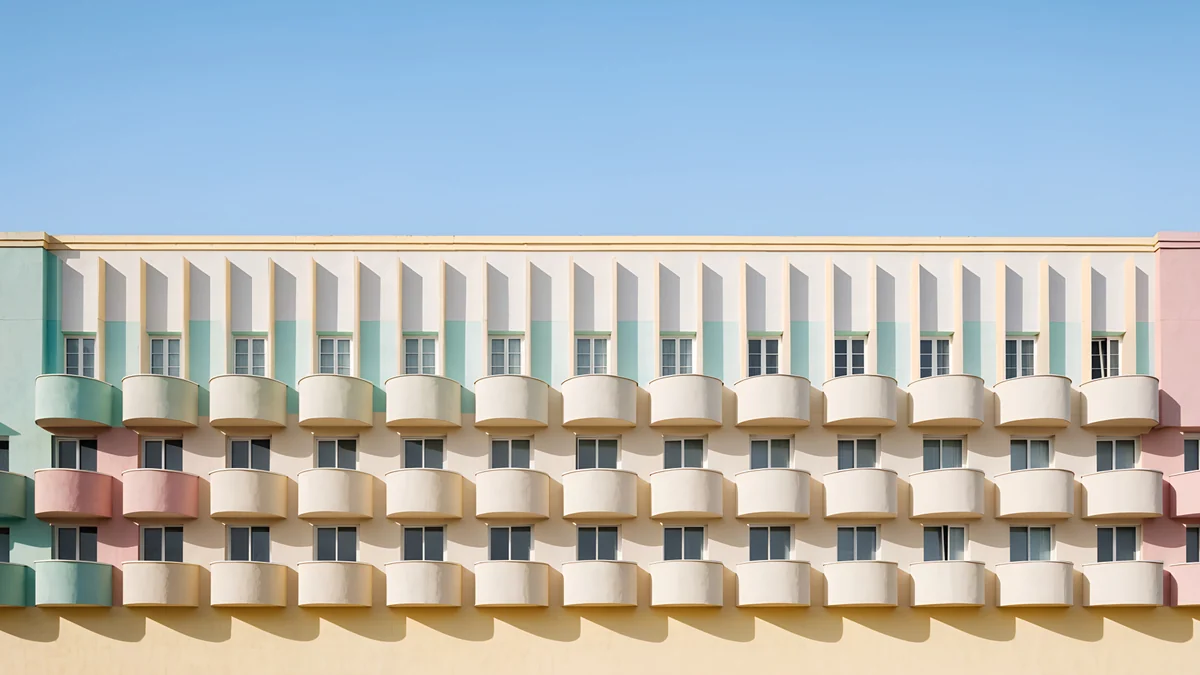 Balcony Rhythm
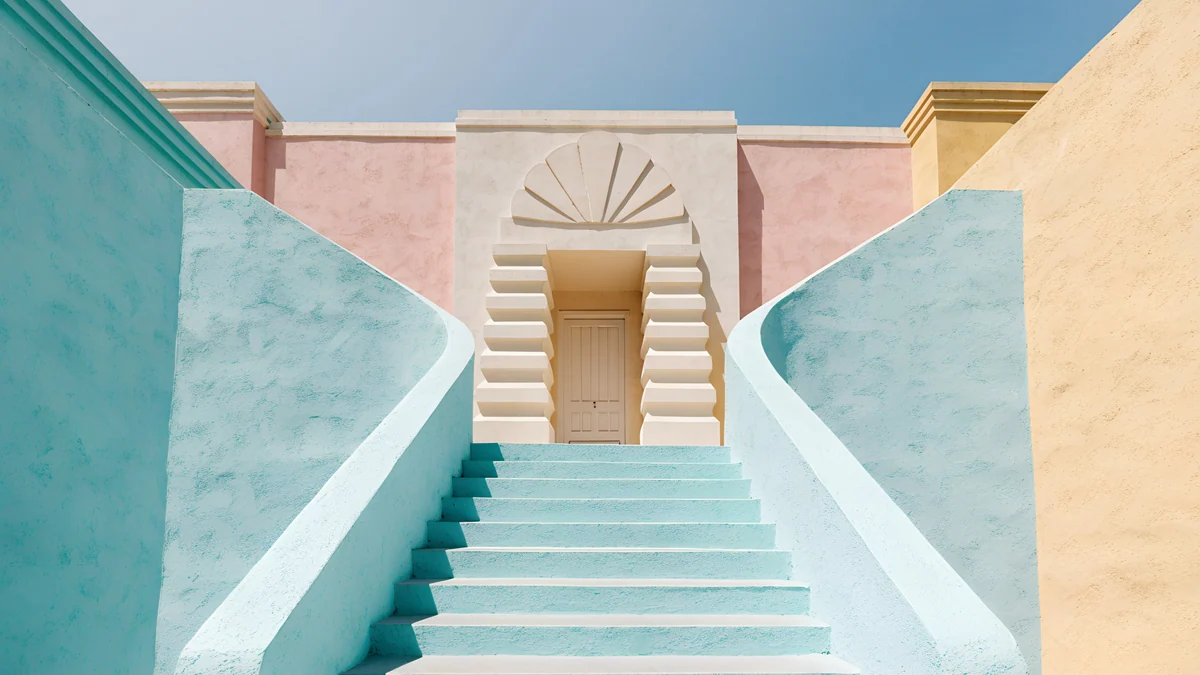 Mint Stairs
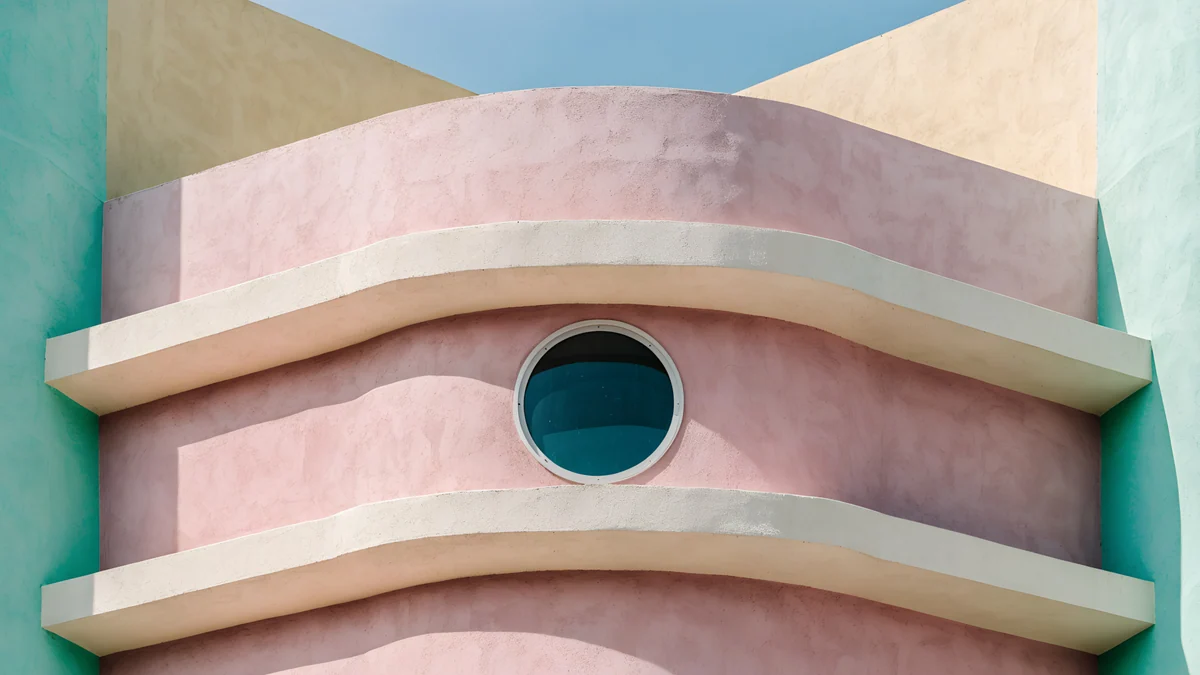 Curved Corner
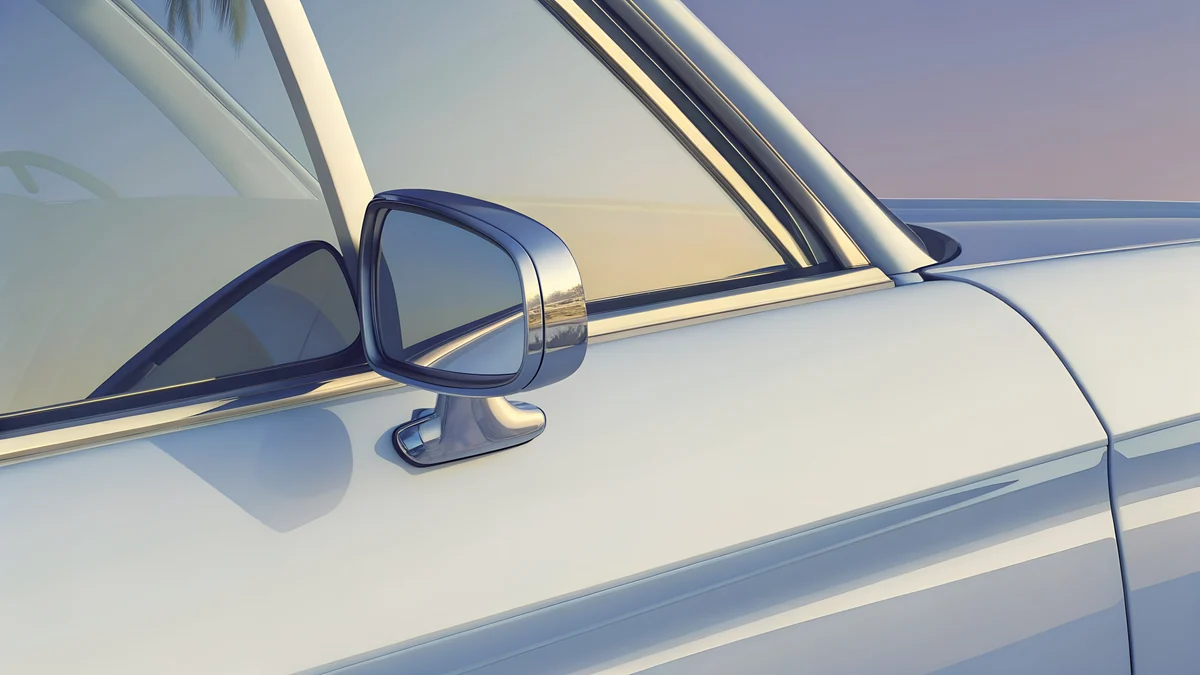 Convertible Mirror
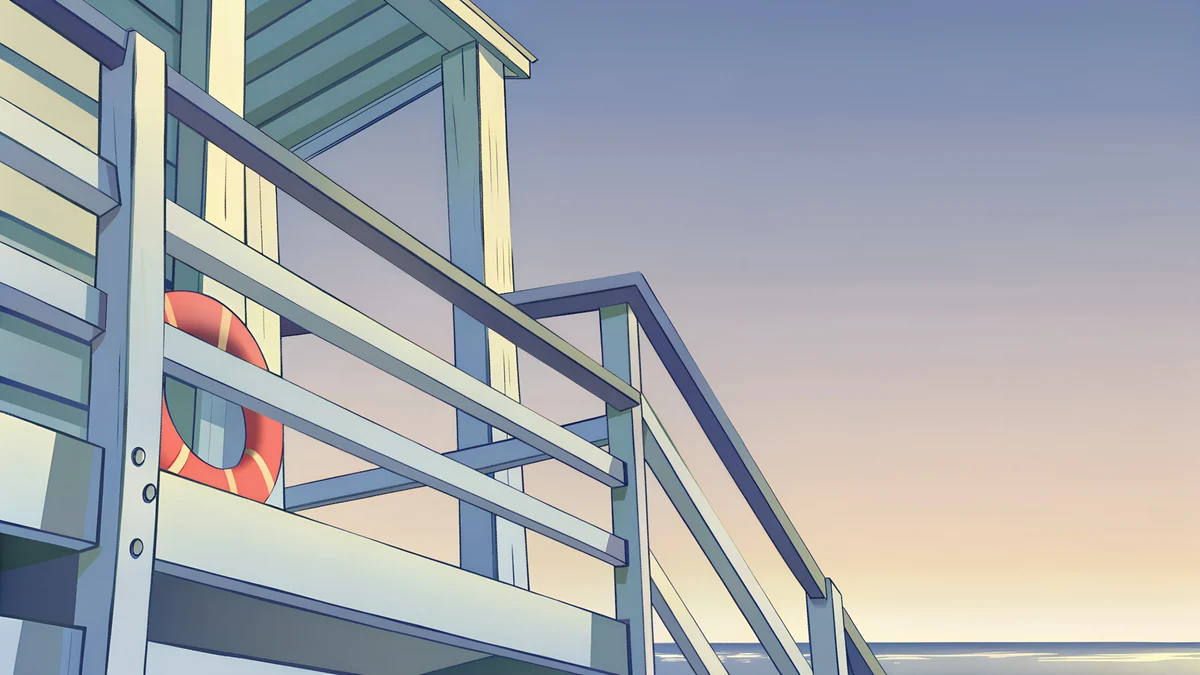 Lifeguard Rail
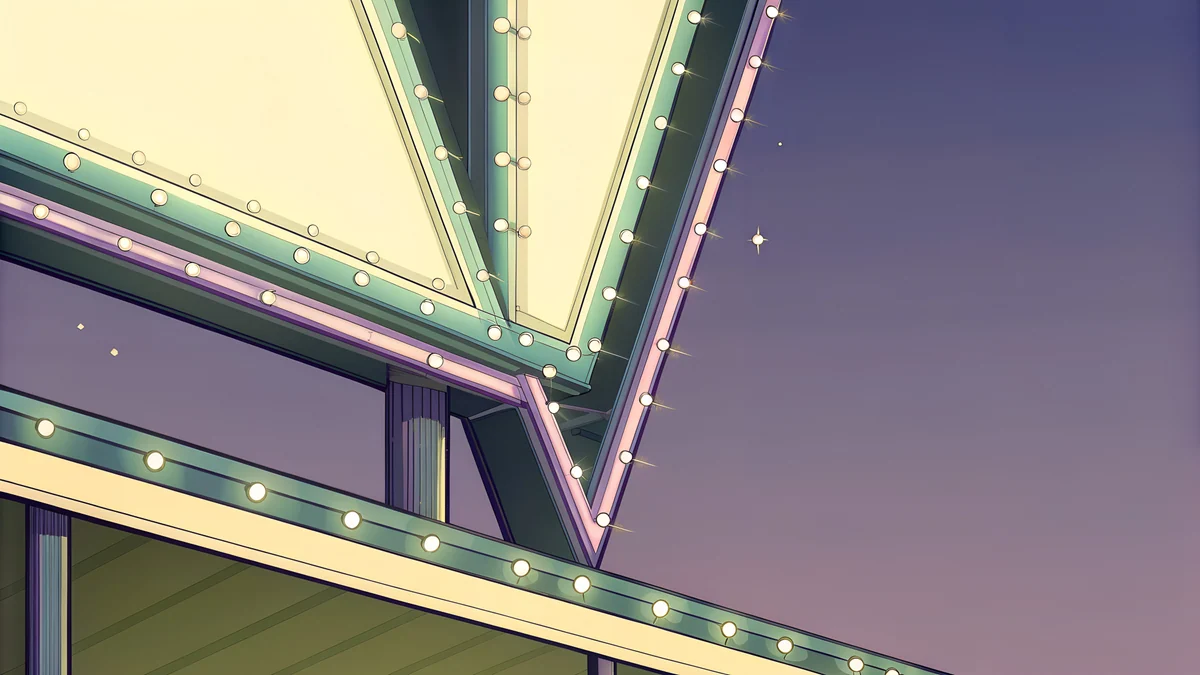 Neon Arrow Sign
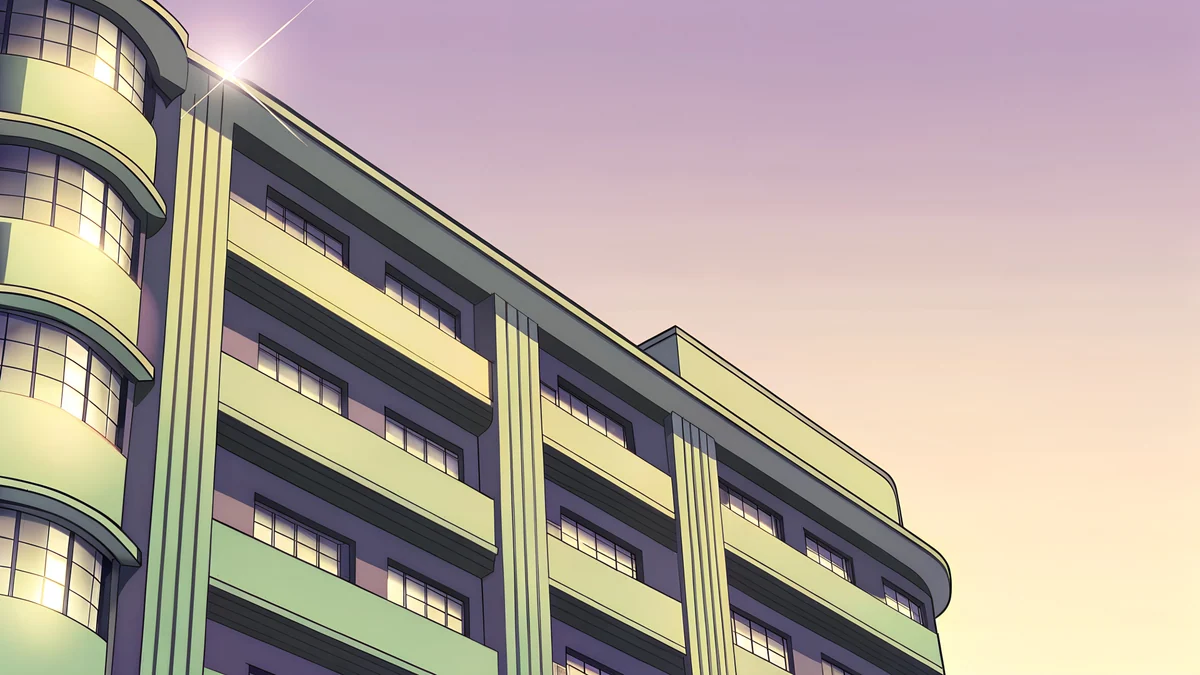 Deco Facade Dusk
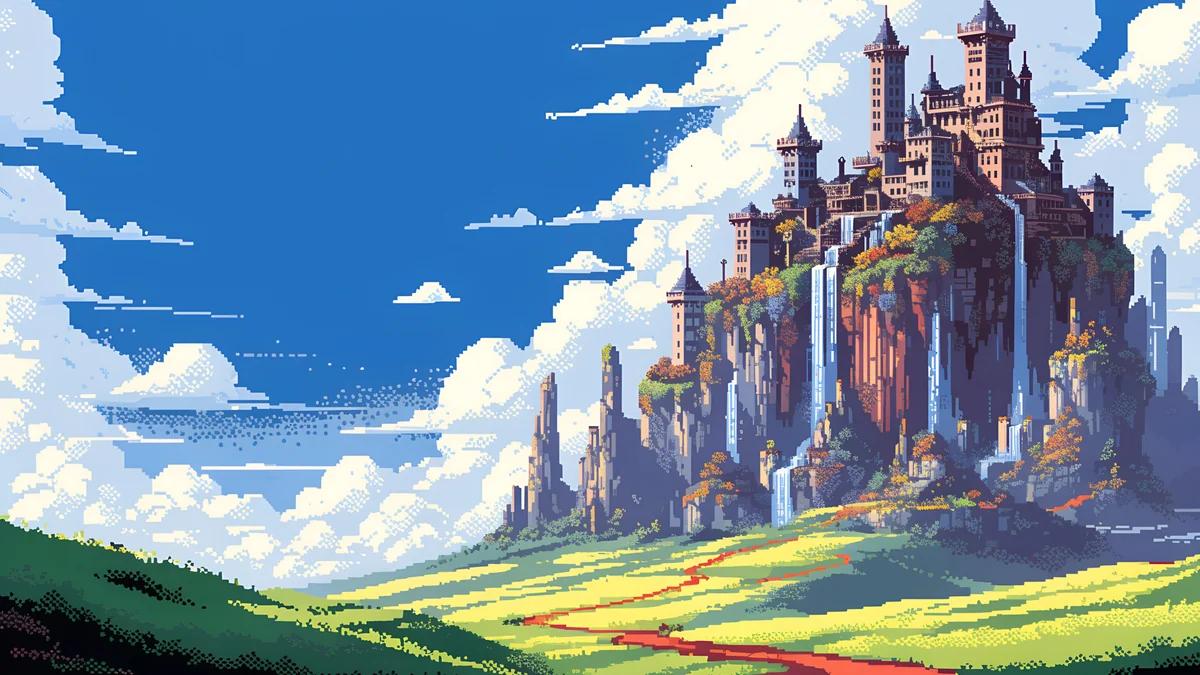 Pixel Sky Castle Panorama
Free originals for iPhone and Android, no watermark
On this page
A retro wallpaper for desktop should look like another decade without looking tired: flat pastel light, chrome, neon, pixels and old building shapes, drawn sharply enough for a 4K monitor [1]. Velpaper has 17 original retro wallpapers for PC, Mac and laptop in four looks: pastel art deco, 1980s Miami objects, pixel art and one lo-fi night scene. Each is a wide 16:9 file, 3840 × 2160 or 5120 × 2880, with no watermark, so it works as a retro wallpaper for a computer from 1080p to 5K [1].
Pastel art deco, the easy retro
Deco facades in mint, peach and sky blue are the most usable retro desktops. They are bright and flat, there is no single focal point in the middle, and the rows of windows and balconies give a pattern that hides icon clutter.
Pool Facade is a pool facade in teal and pink. Deco Tower is a slim deco tower against a pale blue sky. Balcony Rhythm repeats balconies in cream and pink, Mint Stairs climbs mint stairs in a Mediterranean light, and Curved Corner turns a corner in pink and teal. All five are light, so they pair with Windows light mode and a dark taskbar. The whole style is covered in art deco wallpapers and retro aesthetic wallpapers.
1980s Miami: chrome, neon and dusk
These are original pieces in a retro Florida mood: lavender, silver, cream and a low sun [1]. They belong to Velpaper's GTA 6 style category, which is our own art and not official.
Convertible Mirror is a convertible's side mirror in silver and cream. Chrome Boombox Wide is a chrome boombox in lavender and blue. Lifeguard Rail is a beach rail in golden light. Neon Arrow Sign is a neon arrow sign at night, cream on violet, and Deco Facade Dusk is a deco facade at dusk. These are a touch darker and moodier than the pastel set. For the wider story of the look, see Miami aesthetic wallpapers and the GTA 6 wallpaper for PC set [1].
Pixel art for a retro gaming desktop
Pixel art is the retro style that has aged best on a big screen. These six are 5120 × 2880 fantasy scenes, drawn in blocky pixels, and they stay crisp when scaled down to 3840 × 2160 or 1920 × 1080 [1].
Pixel Sky Castle Panorama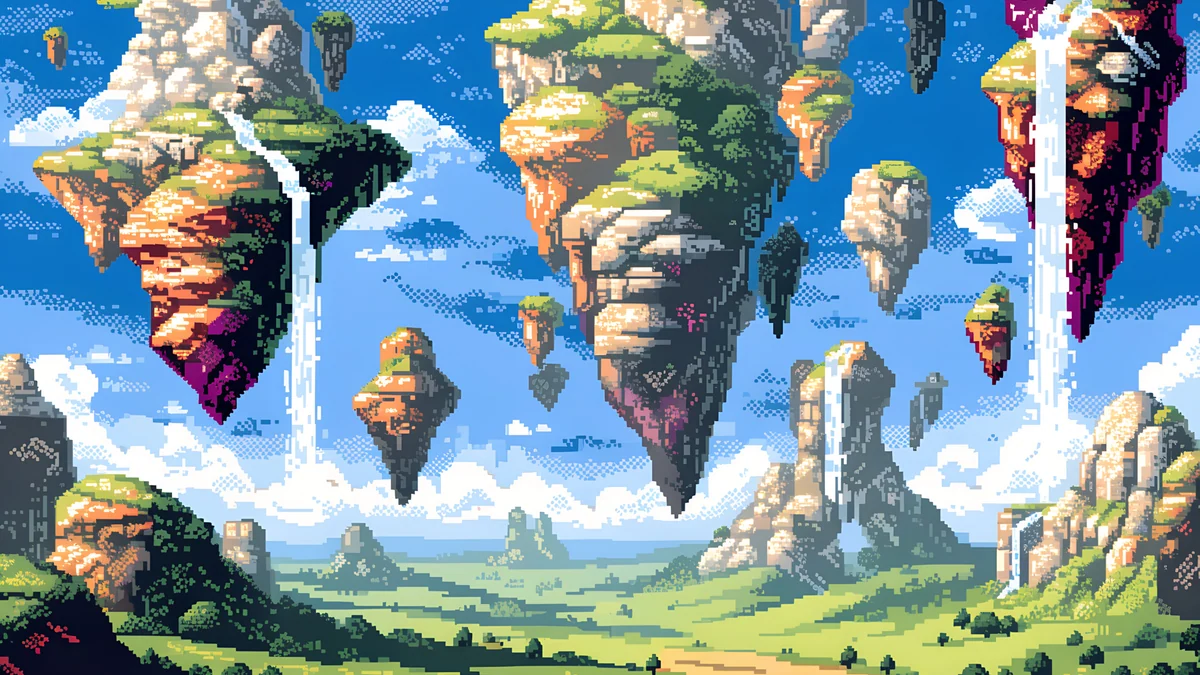 Pixel Floating Isles Desktop
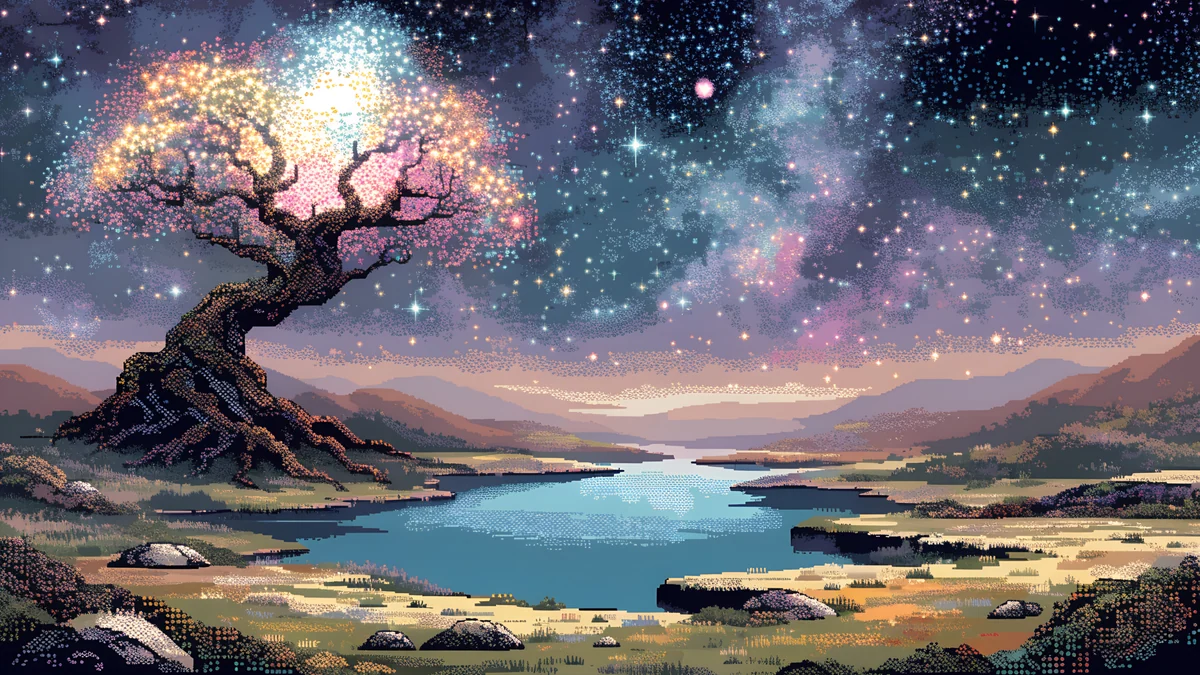 Pixel Starlit Tree Desktop
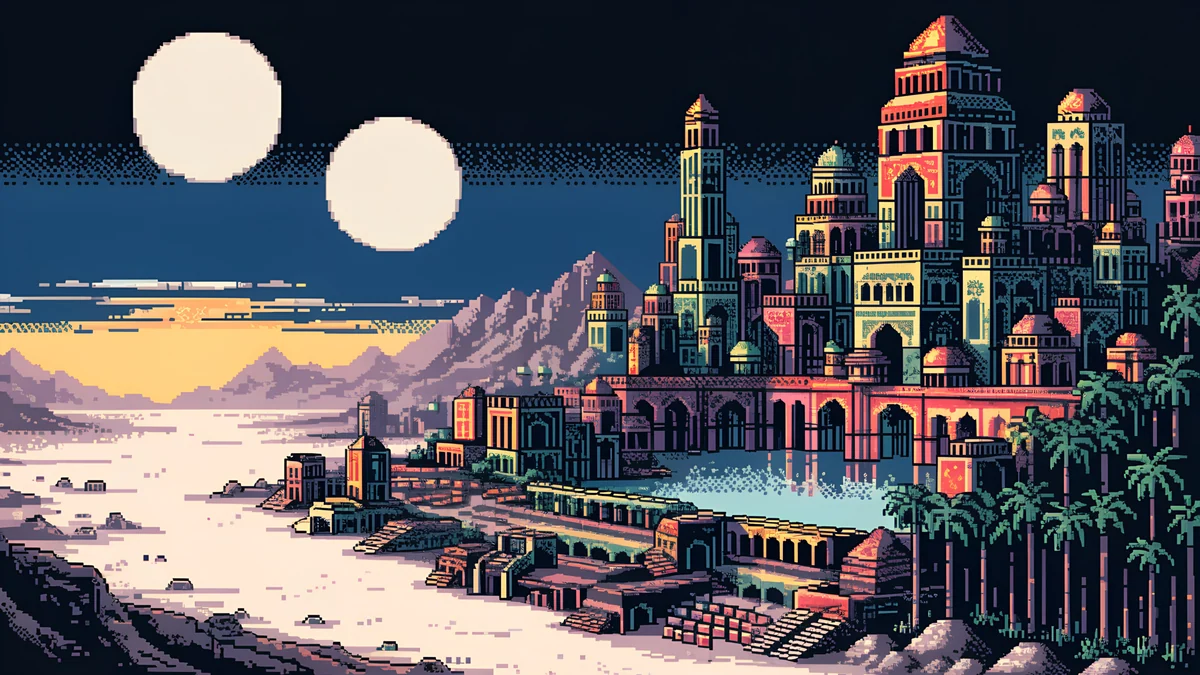 Pixel Twin Moon Oasis Desktop
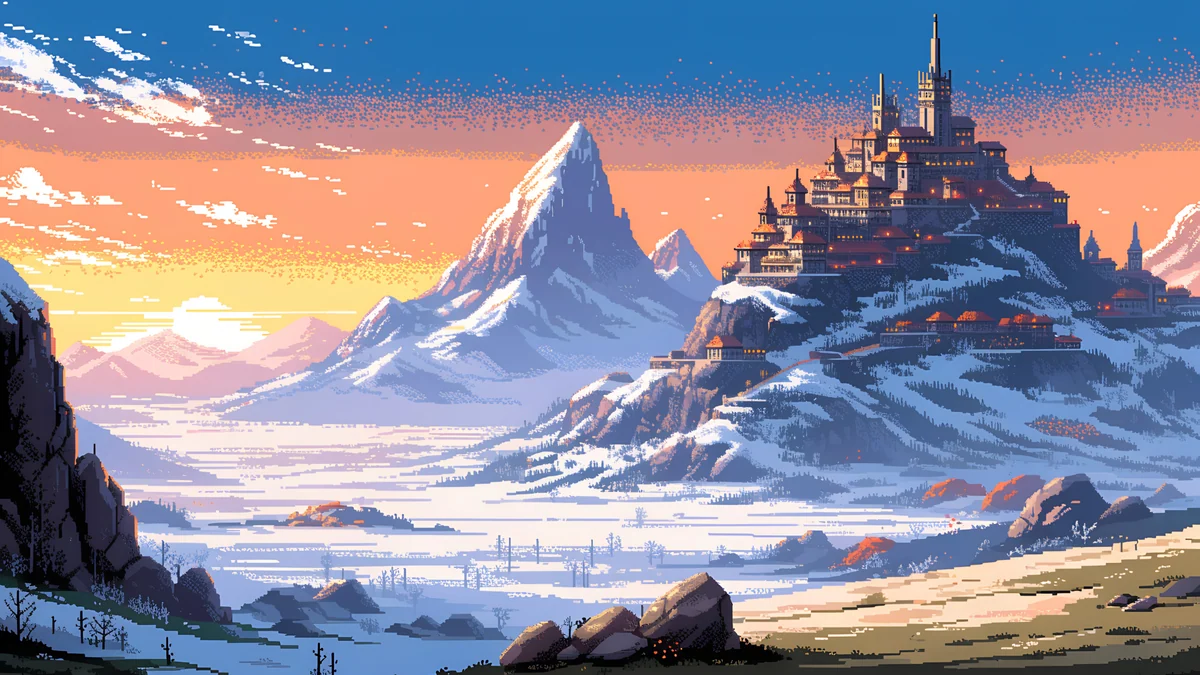 Pixel Sunset MonasteryPixel Moon Lighthouse Desktop
Pixel Sky Castle Panorama and Pixel Floating Isles Desktop are bright, in blue, green and cloud white, the lightest pixel desktops. Pixel Starlit Tree Desktop is a tree by a lake under stars in purple and grey. Pixel Twin Moon Oasis Desktop shows two moons over a desert oasis, and Pixel Moon Lighthouse Desktop is a purple and red lighthouse under a moon. Pixel Sunset Monastery is a monastery on snowy mountains at sunset. The night ones are dark, so they suit dark mode on Windows and Mac.
A lo-fi retro night
One more piece fits: Phone Booth, a glowing phone booth under a moon in lilac, pink and gold. It is the lo-fi cousin of the retro set, quiet and nocturnal. More are in lofi wallpapers.
How to set a retro wallpaper on a computer
- Windows 11 [2]: Settings, Personalization, Background, choose Picture, Browse photos, and set the fit to Fill.
- Mac: System Settings, Wallpaper, Add Photo, then Fill Screen.
Keep pixel art at its native ratio. Use Fill on a 16:9 screen, and avoid Stretch, which distorts the grid [2]. On an ultrawide monitor a crop trims the top and bottom, which is why the ultrawide wallpaper size guide recommends a scene with a middle band subject. The full resolution chart is in the PC wallpaper size guide.
Next step: open Pool Facade for the light look or Pixel Moon Lighthouse for the dark one on velpaper.com, and download the 4K original [1].
Original wallpapers in and for iPhone, Android and desktop.
Questions
What is a retro wallpaper for desktop?
A retro wallpaper borrows the look of an earlier decade: pastel art deco buildings, 1980s chrome and neon, or blocky pixel art from old games [1]. On a desktop it works best when the picture is flat and calm, because icons need clean space. Velpaper's retro desktop set has pastel deco facades, 1980s Miami pieces, six pixel art scenes and one lo-fi night. All are original 16:9 files at 3840 × 2160 or 5120 × 2880 with no watermark [1].
Which retro wallpaper is best for Windows 11?
Pastel art deco pieces such as Pool Facade [1], Deco Tower and Balcony Rhythm are the easiest, since they are bright, flat and light on detail, so white or dark icon labels stay readable. For a dark theme, pick Pixel Moon Lighthouse or Neon Arrow Sign. Set it in Settings, Personalization, Background, choose Picture and Browse photos, and use the Fill fit. Because the files are 16:9, nothing is cropped on a 1080p, 1440p or 4K monitor [1].
Does pixel art stay sharp on a 4K screen?
Yes, when the source is large and you do not stretch it. Velpaper's pixel art desktops are 5120 × 2880 files, which scale down to 3840 × 2160, 2560 × 1440 or 1920 × 1080 with no distortion because all are 16:9 [1]. Use the Fill fit rather than Stretch. If you pick a file smaller than your screen, the system must enlarge it and the pixel edges blur, which is the opposite of the crisp pixel look.
Are the 1980s Miami wallpapers official GTA art?
No [1]. They are original Velpaper illustrations in a retro Florida mood, with pastel lavender, silver and cream colours, and they do not show any characters, logos or text. Official Grand Theft Auto wallpapers are published by Rockstar Games on rockstargames.com. Velpaper is not affiliated with Rockstar Games, and Grand Theft Auto is their trademark. The pieces work simply as retro desktop backgrounds.
Can I use a retro wallpaper on a MacBook?
Yes. Open System Settings, click Wallpaper, choose Add Photo, and pick the downloaded file. A MacBook screen is slightly taller than 16:9, so macOS trims a little at the sides when you use Fill Screen [2]. Choose a piece with its subject in the middle, such as Chrome Boombox Wide or Pool Facade. On a 5K iMac, the 5120 × 2880 pixel art pieces match the screen exactly.
Carlos Vivero
Designer of Velpaper wallpapers
Carlos Vivero designs the wallpapers in Velpaper: quiet architecture, liquid glass, Japanese ink and calm landscapes. Every piece is made as a original for iPhone, Android and desktop.
Recent work