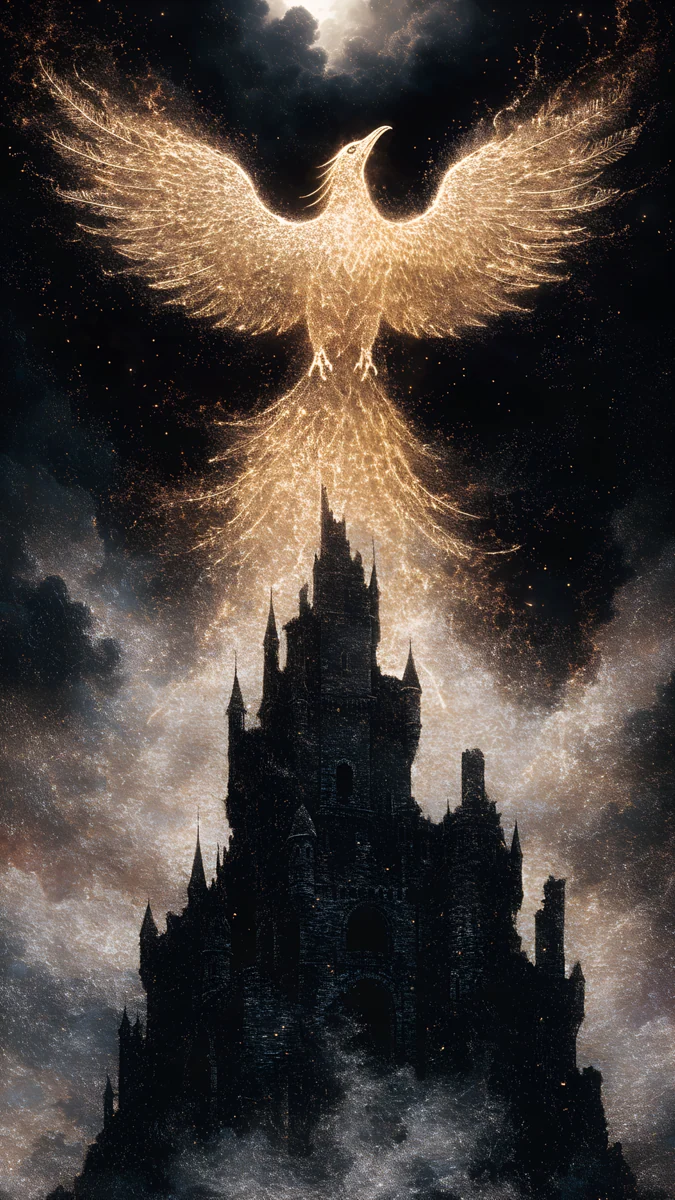
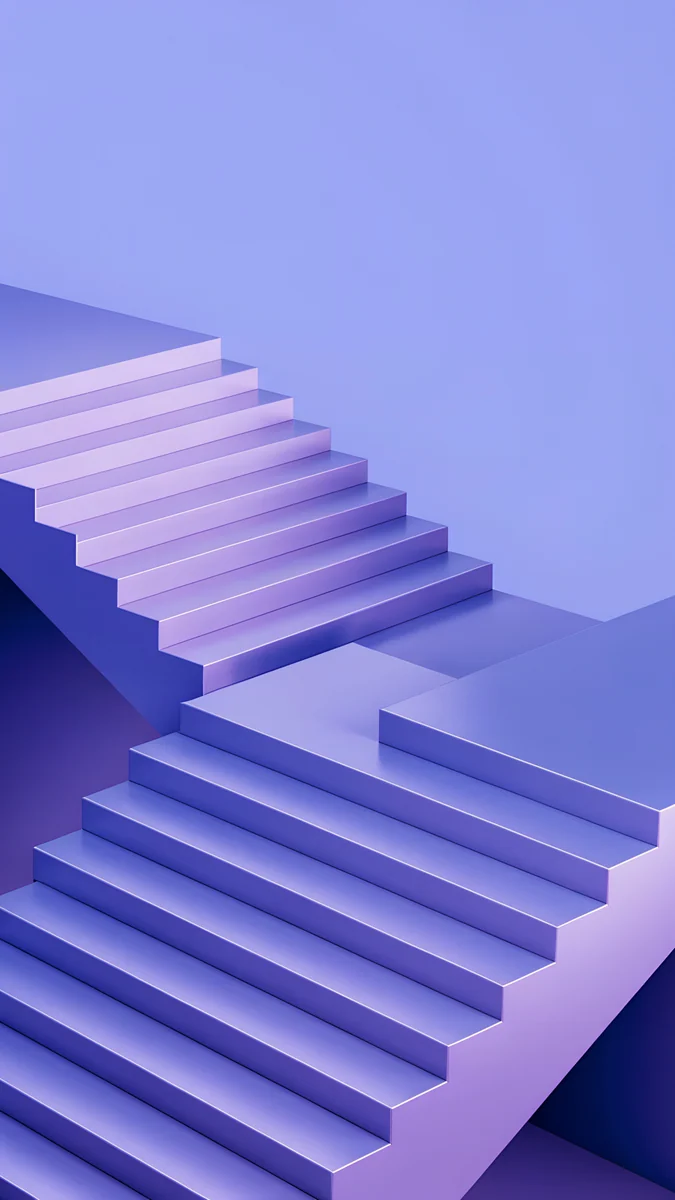
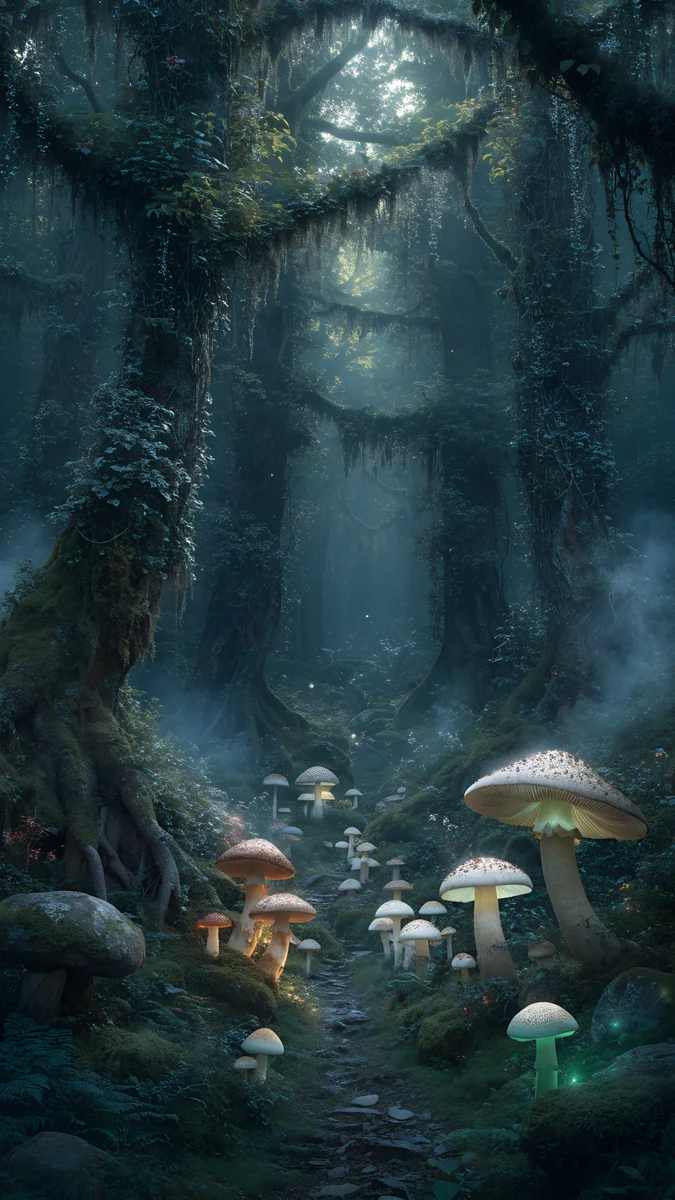
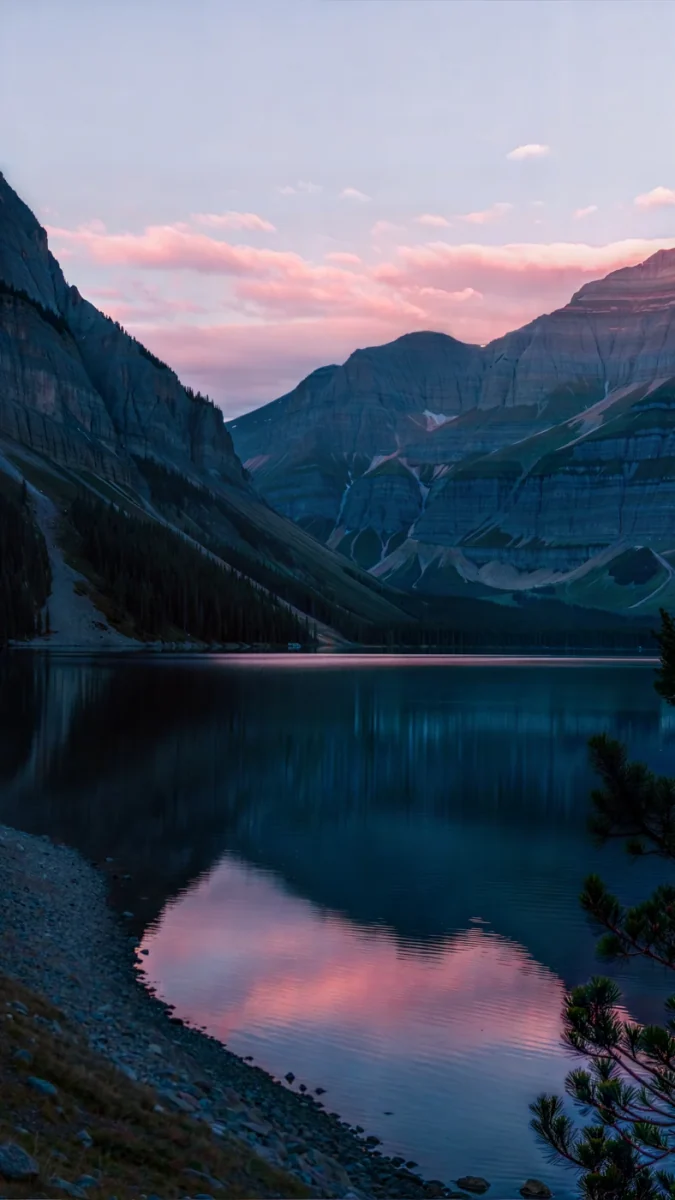
Snow Background: 4K Snowy Wallpapers for Phone and PC
Snow background and snow wallpaper in 4K: snowy nights, bright white scenes, snowflake and ice designs for iPhone, Android, iPad and desktop.
Sources [1] · By the Velpaper team · Wallpapers by Carlos Vivero, Velpaper designer · · 5 min read
In short: The best snow background depends on your clock: a dark snowy night such as Snow Lantern Garden suits a white clock, and a bright white scene suits a dark one. Velpaper has original 4K snow wallpapers for phone (2160 by 3840), desktop and iPad [1].
Wallpapers
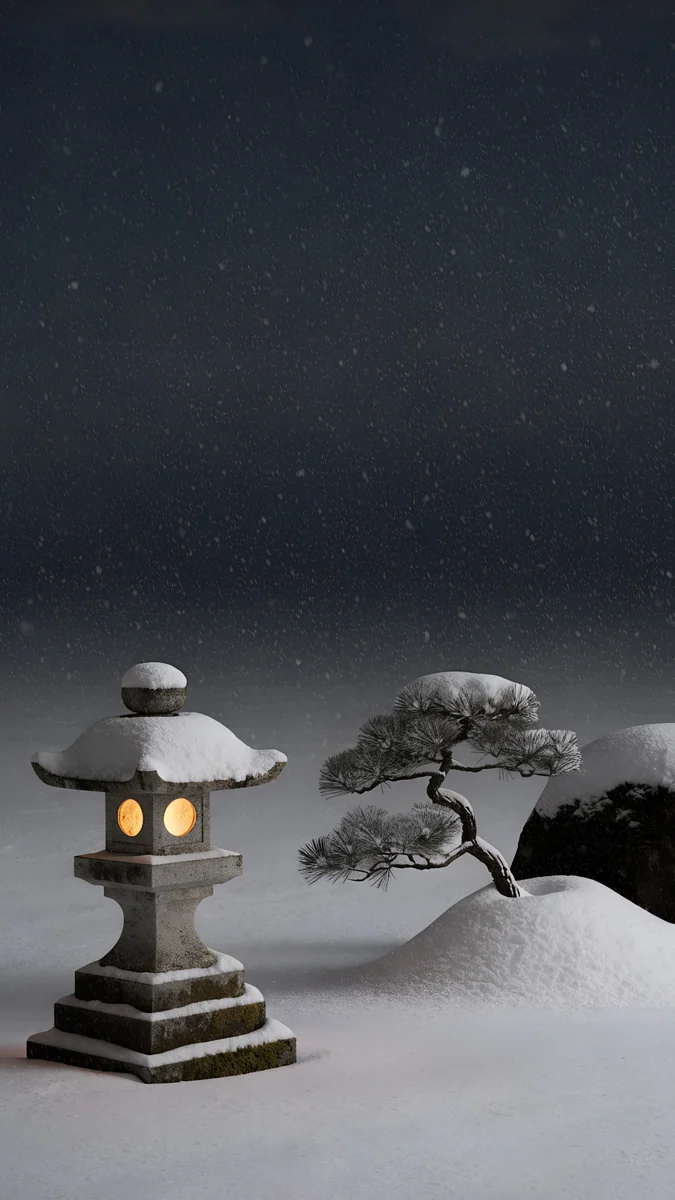 Snow Lantern Garden
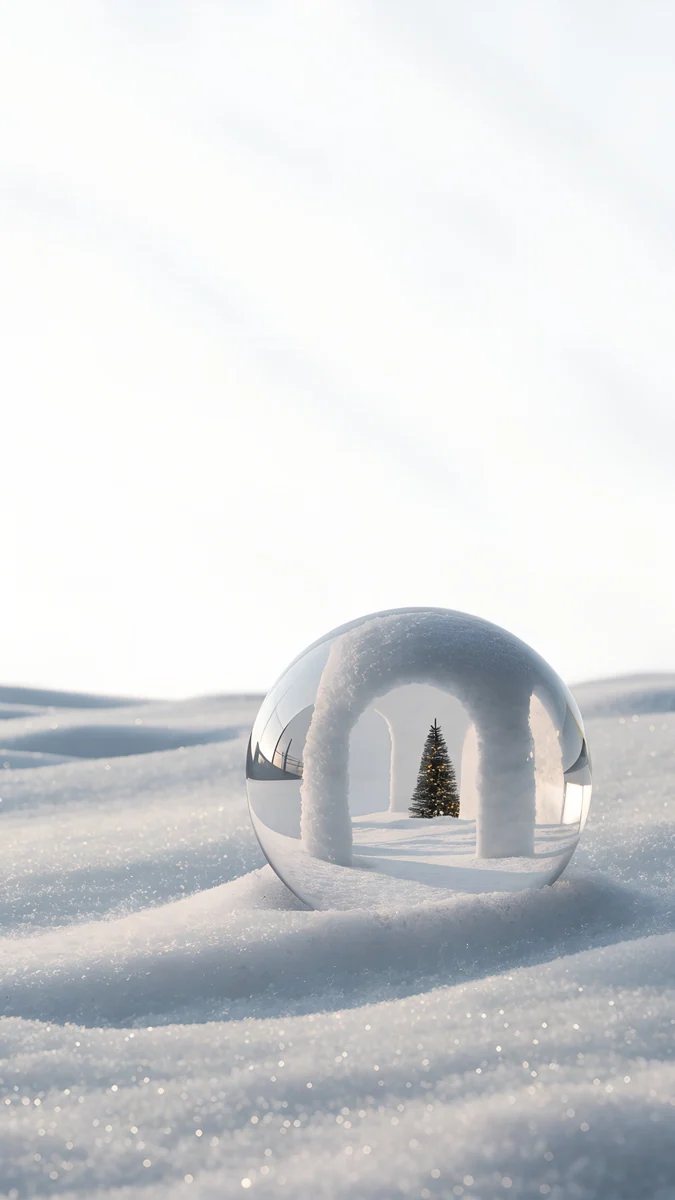 Snow Arch Globe
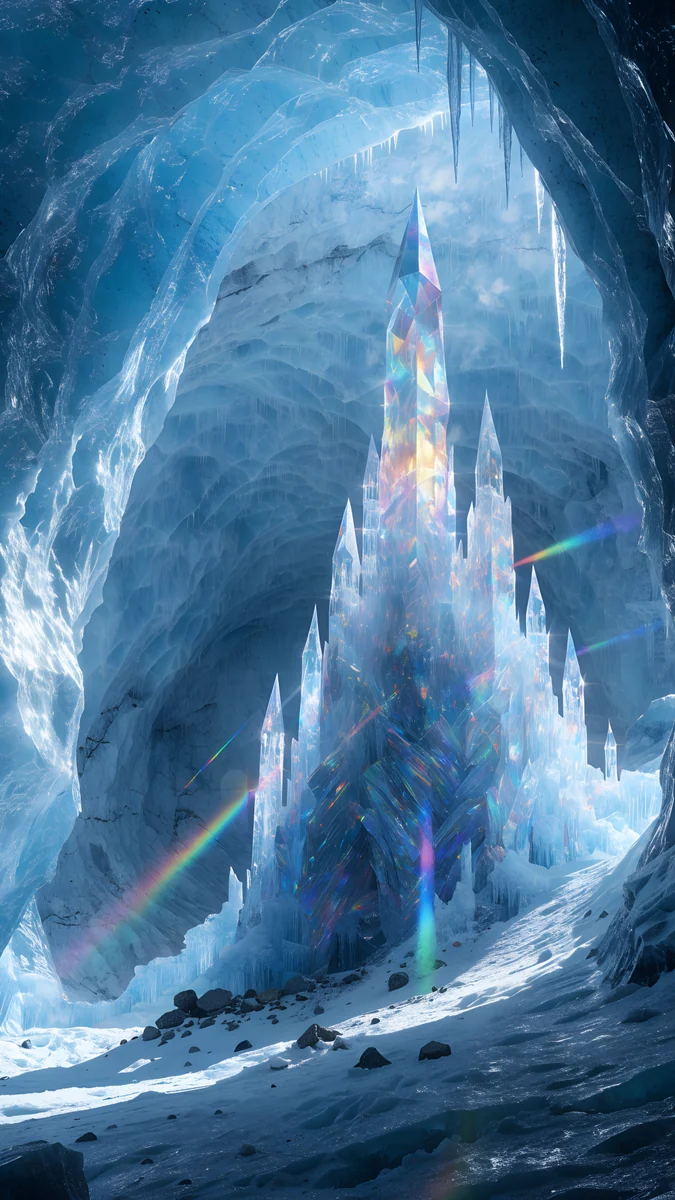 Ice Cave Crystal Castle
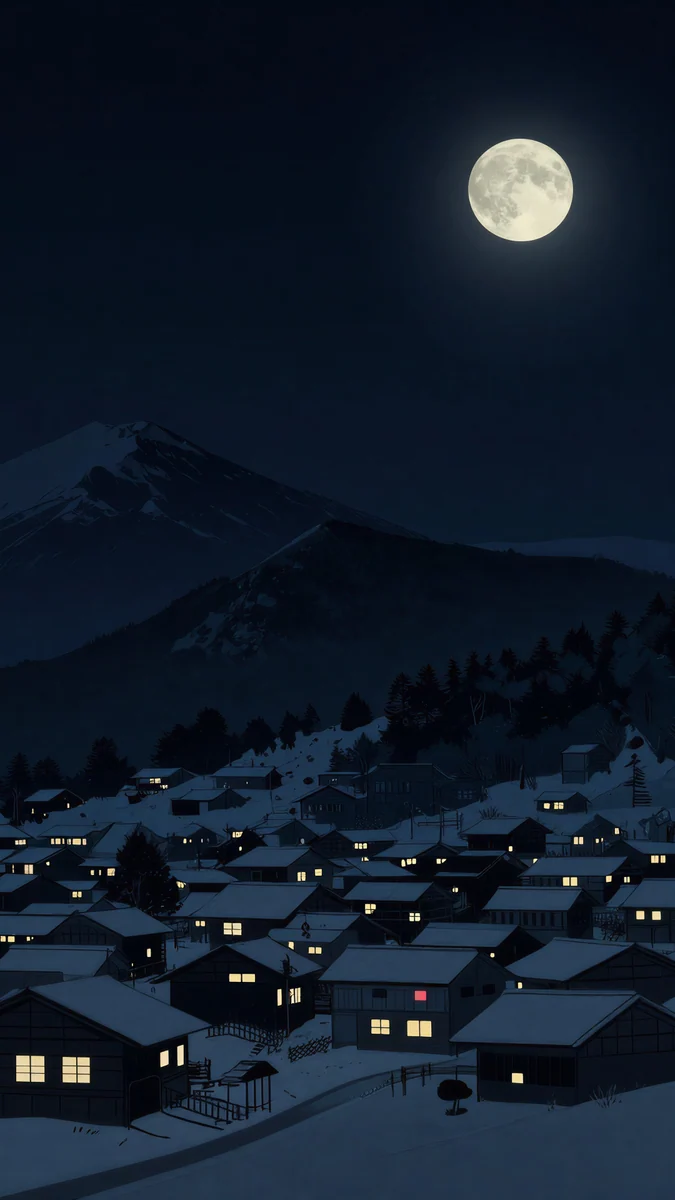 Snow Lantern Village
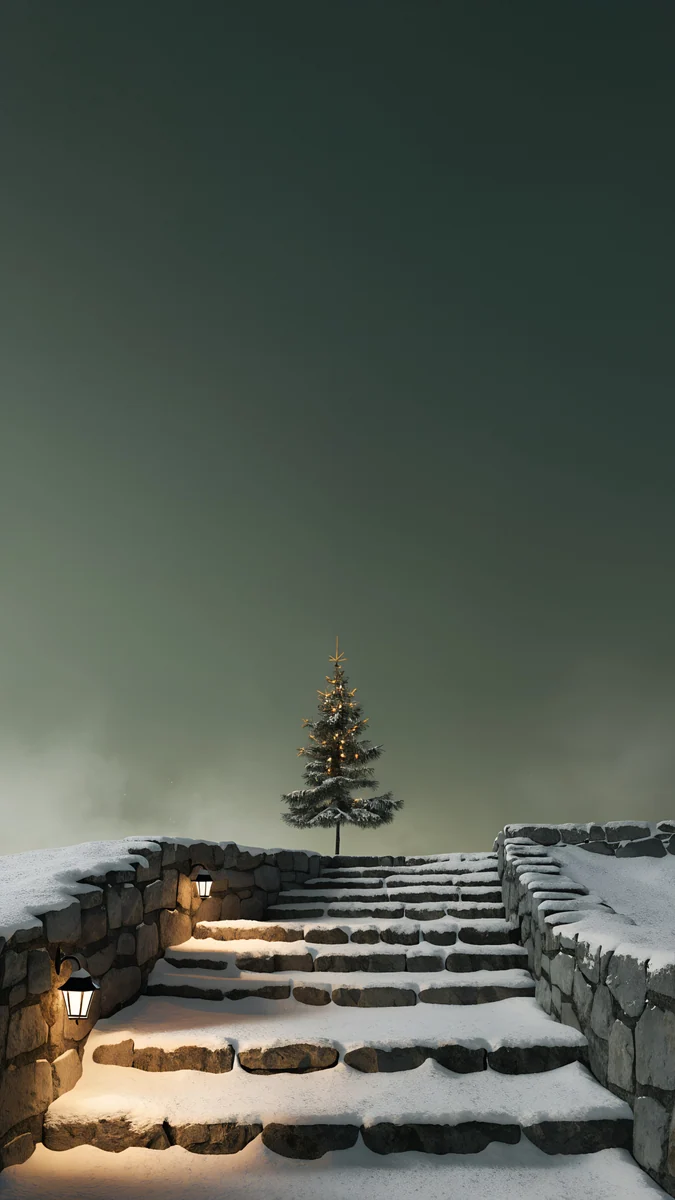 Lantern Snow Stairs
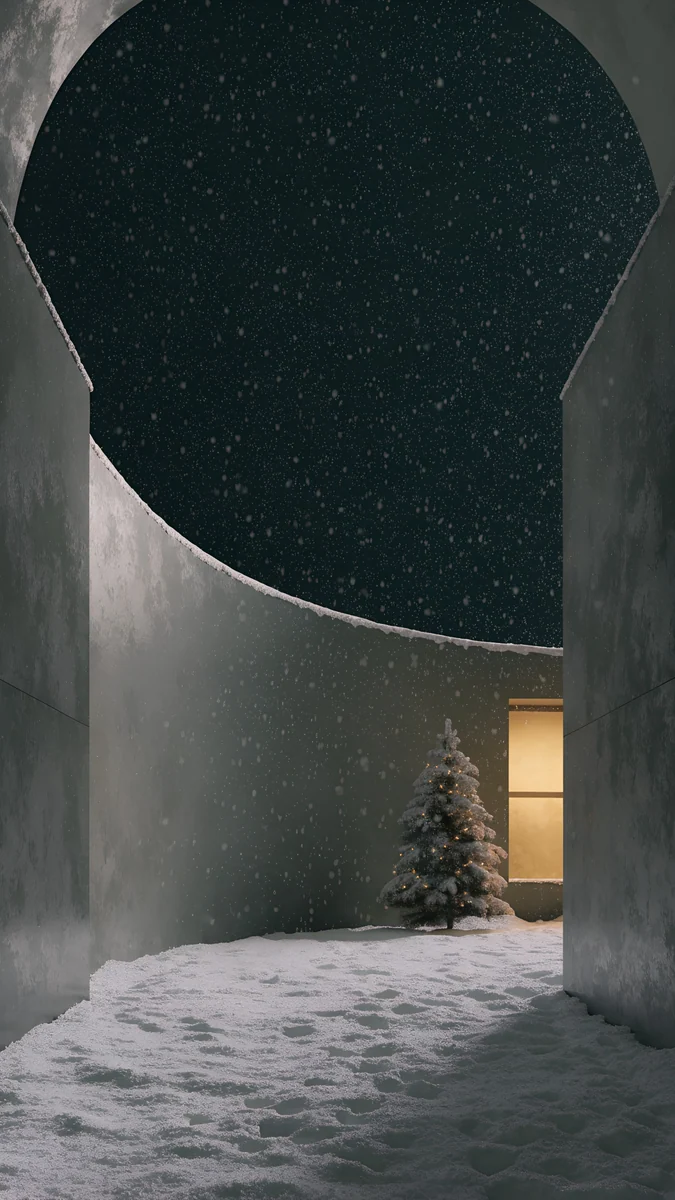 Snow Courtyard
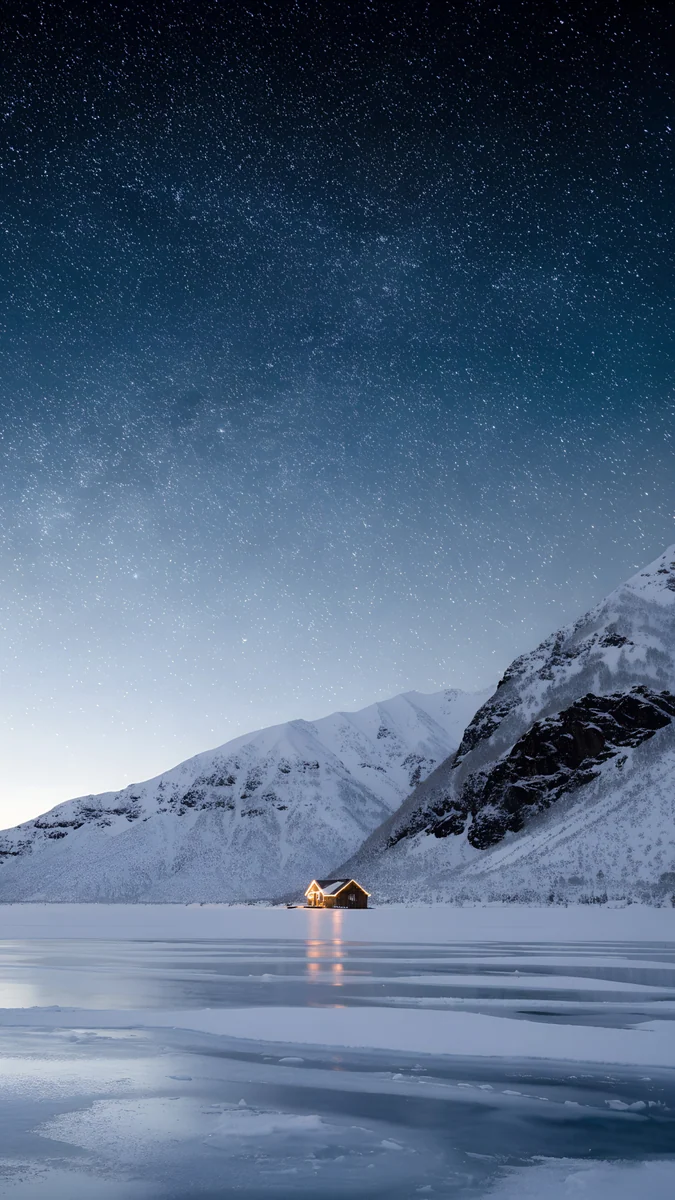 Frozen Lake Cabin
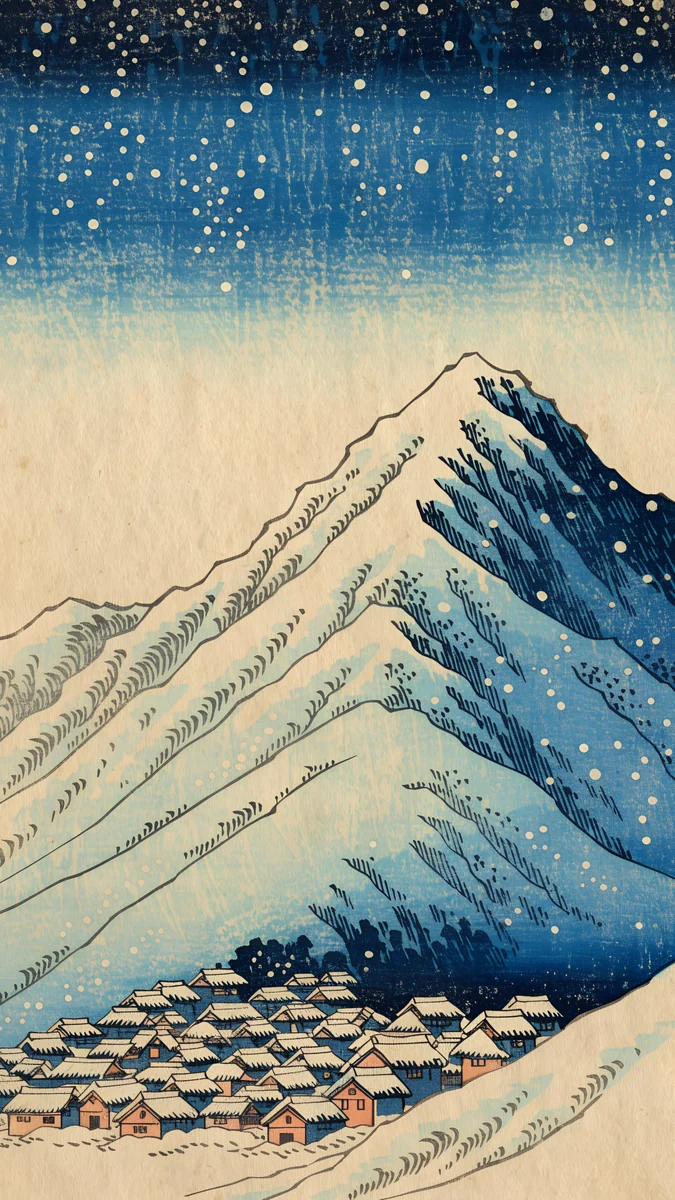 Snow Village
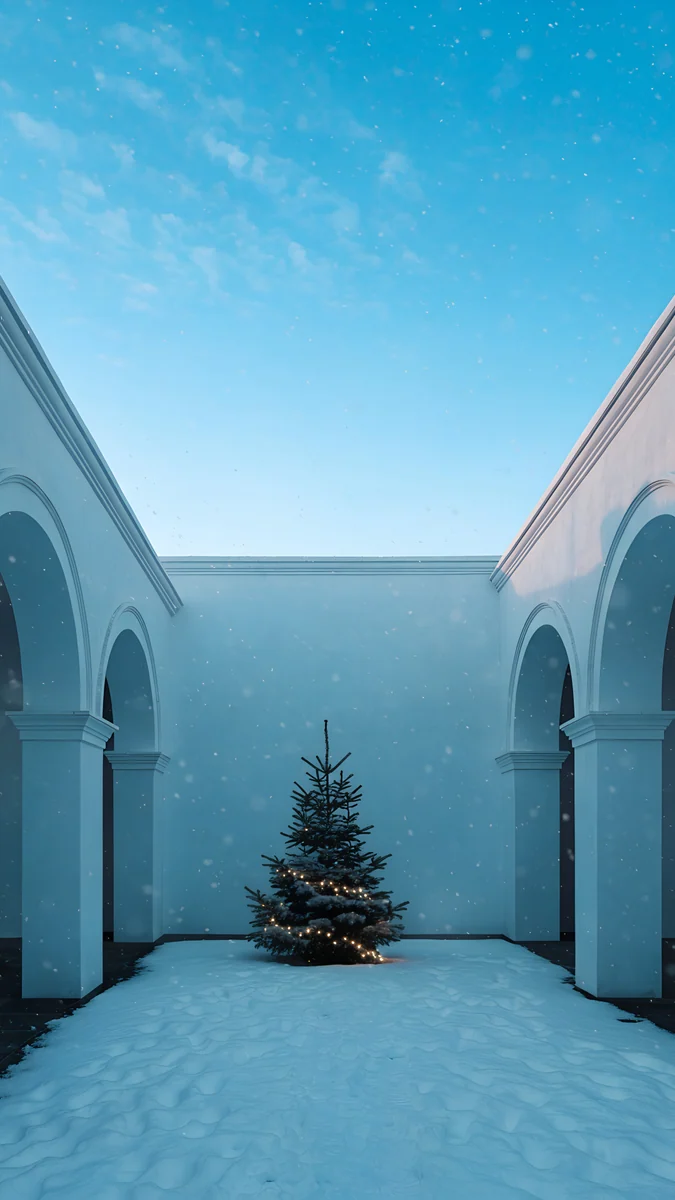 Snowy Arch Courtyard
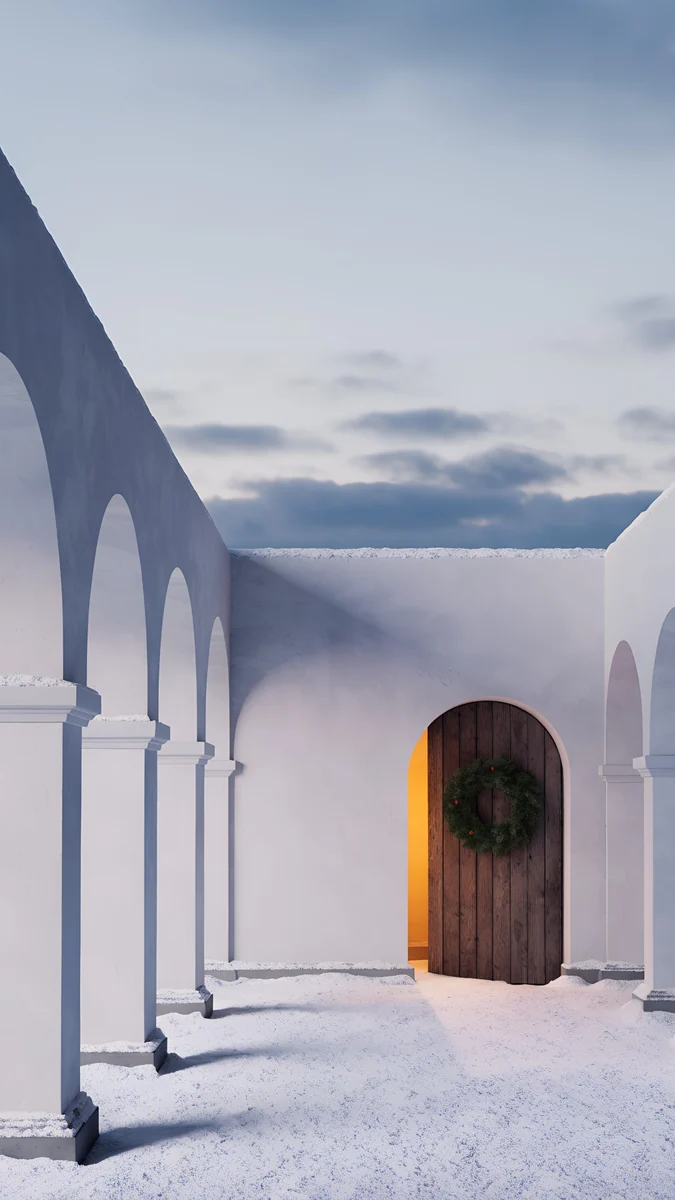 Cloister Wreath
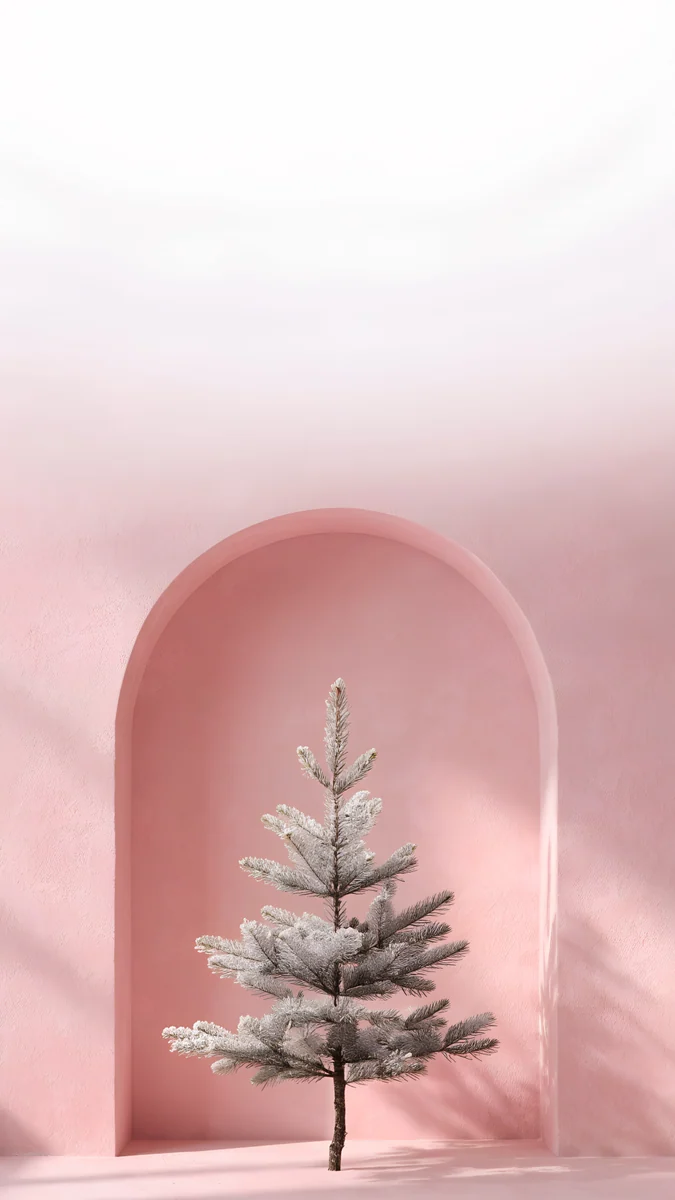 Pink Niche Pine
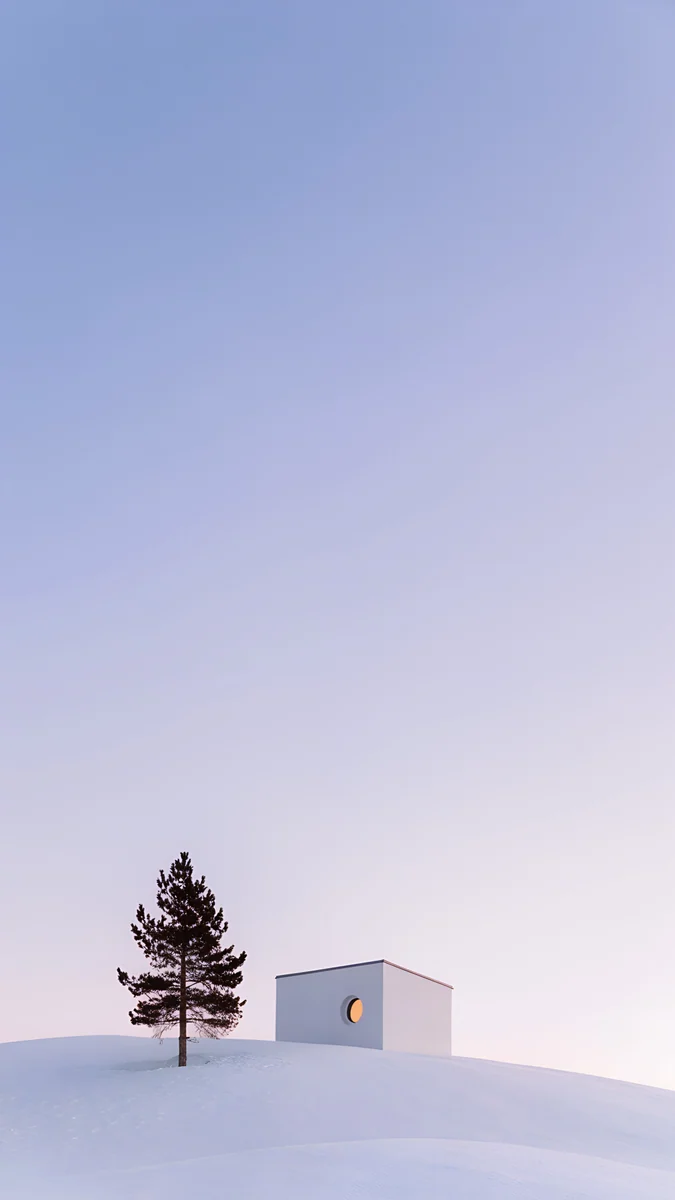 Dusk Snow House
Free originals for iPhone and Android, no watermark
On this page
A snow background does one job well: it makes a screen feel quiet. Snow flattens a scene into a few soft tones, so the clock, widgets and icons sit on a calm field instead of fighting a busy picture. This page collects original Velpaper snow wallpapers in four looks: snowy nights with lanterns and cabins, bright white snow scenes, icy blue crystal designs that read like a snowflake background, and wide mountain and village scenes for a desktop. Phone files are 2160 by 3840 pixels, desktop files are 3840 by 2160 or larger, and iPad files are 4096 by 4096 [1]. Every one is an original artwork with no watermark, and each group below says how it behaves with a clock, in dark mode and on an OLED screen.
Snow wallpaper for a phone: what to look for
Pick night snow for a white clock, bright snow for a dark one. A dark snowy night gives a white clock strong contrast. A bright white scene does the opposite: a dark grey or black clock is easier to read, and a white one fades out. Decide the clock colour first, then choose the snow.
Keep the quiet area at the top. The clock and widgets sit in the upper third of an iPhone lock screen. The best snow wallpapers keep the sky or a flat wall there and put the detail in the lower half. If you want a longer read on this, see our guide to keeping the clock readable.
Snow suits dark mode. Night scenes with deep navy, black and grey tones keep the screen dim after dark. Pure black pixels switch off on an OLED panel, so the near-black designs below also save a little power. For a full list of near-black picks, see black wallpaper for OLED.
Snowy nights: lanterns, cabins and villages
This group is the most cosy. Each scene sits in a dark blue, black or grey night with snow on the ground and a warm point of light somewhere in the frame.
Snow Lantern GardenSnow Lantern VillageLantern Snow StairsSnow CourtyardFrozen Lake CabinSnow VillageSnow Lantern Garden is grey and black and calm, with a lantern lighting the snow. Snow Lantern Village moves to navy and black with buildings, a cosy night scene that suits a home screen full of icons. Lantern Snow Stairs adds a green cast to the dark, with stairs leading the eye up the frame. Snow Courtyard is an architectural night in black and grey. Frozen Lake Cabin puts a cabin on a lake with mountains behind it, in navy and blue. Ukiyo Snow Village is a woodblock style village in blue and beige under a snowy mountain. If you like this look, our winter aesthetic wallpapers collect more snow and warm light.
Bright white snow wallpapers
Not every snow wallpaper has to be dark. These designs keep the whole frame pale: white, grey, light blue and a little pastel. They feel clean and open, and they work well with a dark clock and dark widgets.
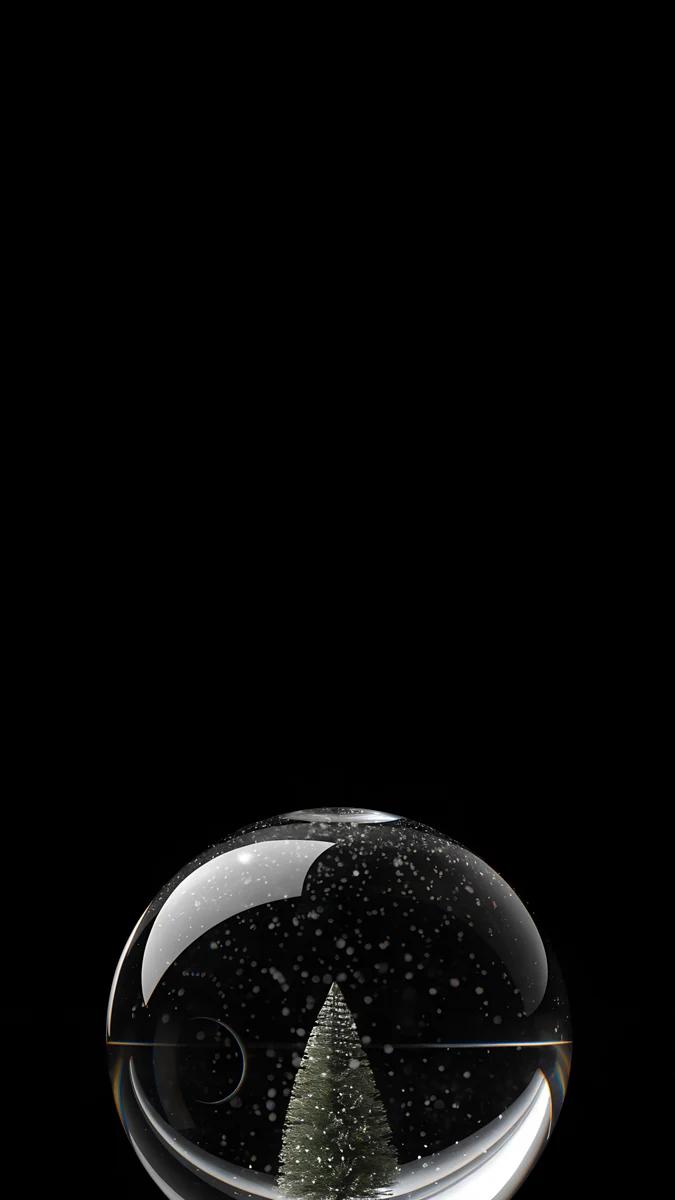
Snow Arch Globe is white and grey and minimal, a calm arch with a snow globe. Snowy Arch Courtyard is bright light blue and white architecture. Cloister Wreath keeps to white, grey and blue under an arch. Pink Niche Pine is the soft one: pink and white pastel with a pine in a niche. Dusk Snow House is lilac and white with a tree and a quiet house. Midnight Snow Globe is the exception in this group, black and minimal on an OLED screen, a good pick if you want a snow wallpaper that stays dark.
Pale wallpapers show more of the app icons around them, so a plain grid of icons looks tidy on them. For more on this look, see our winter iPhone wallpapers.
Snowflake background: ice, crystal and glass
Search for a snowflake background and you often want something icy and geometric rather than a landscape. These wallpapers lean that way: crystal, glass and ice in cold blue and white.
Ice Cave Crystal Castle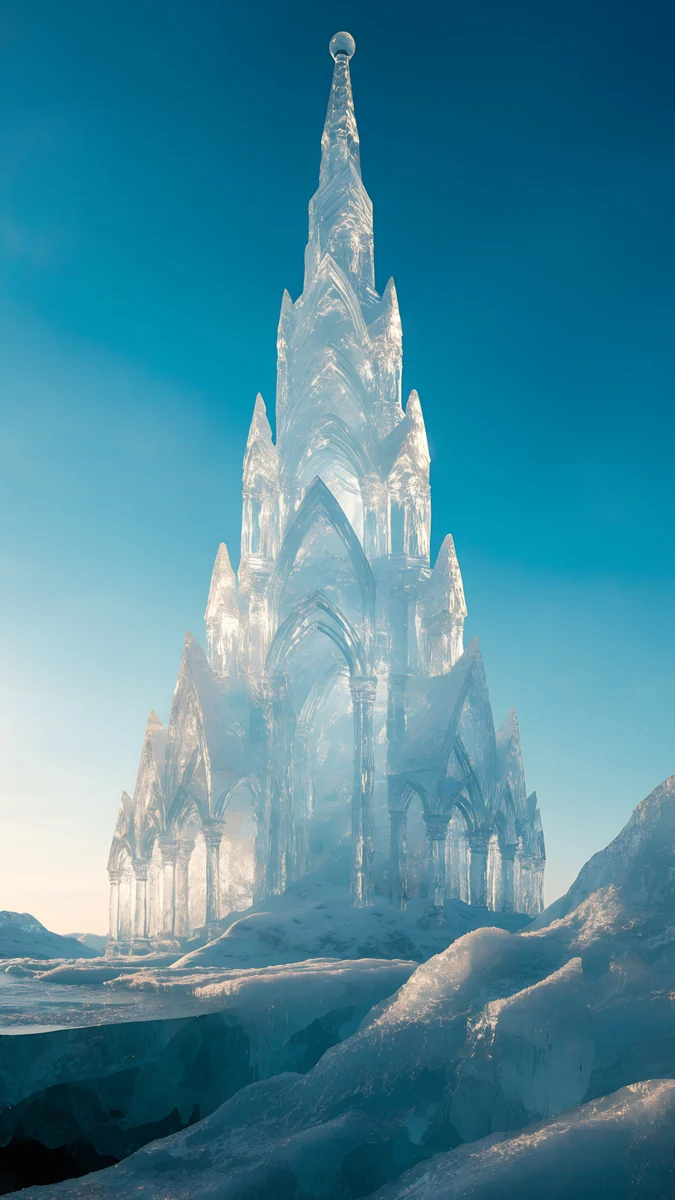 Ice Cathedral
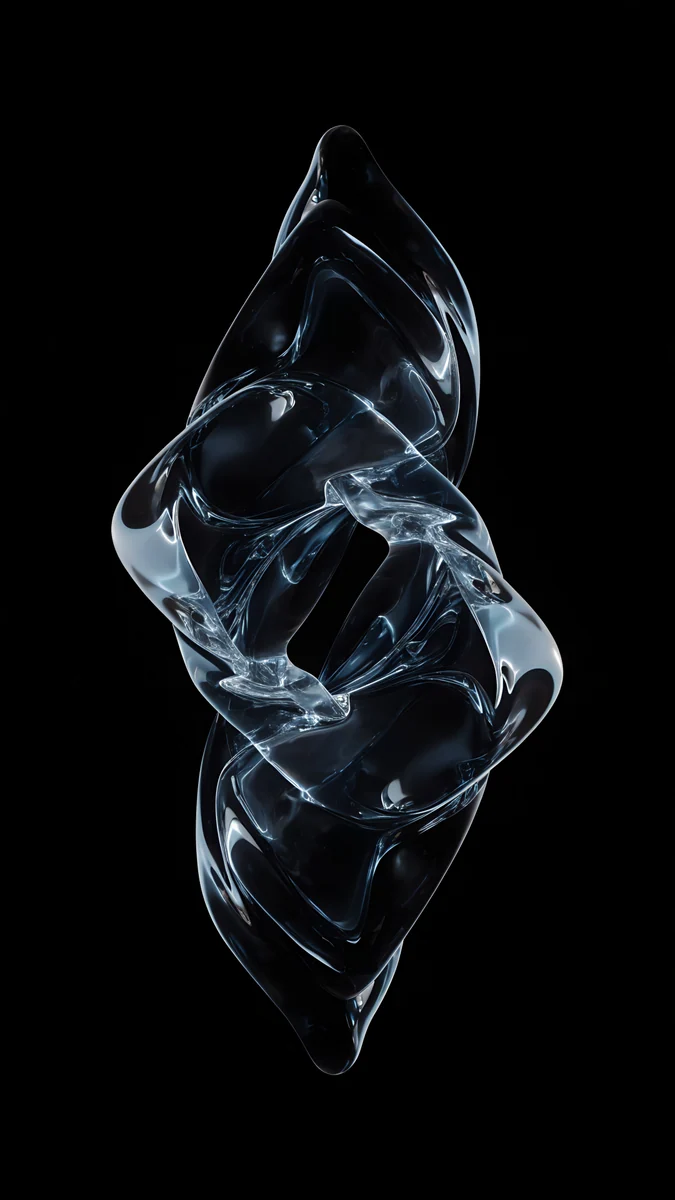 Ice Blue Glass Knot
 Frozen Portal Ring
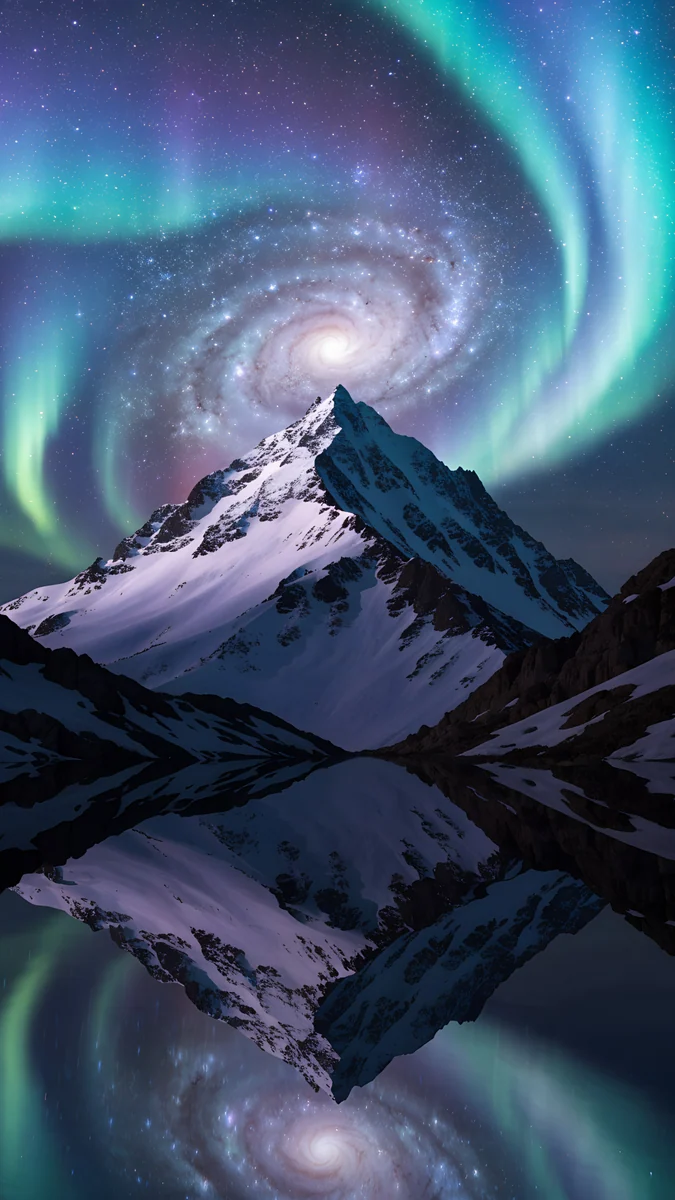 Aurora Galaxy Peak
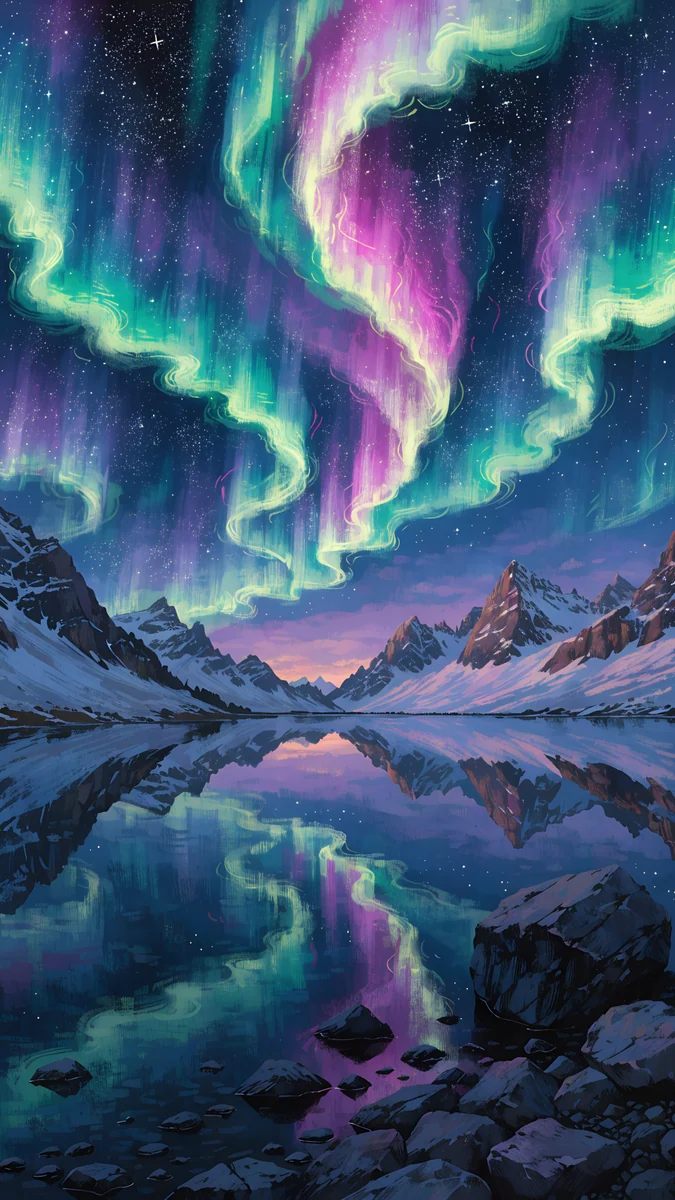 Aurora Mirror Lake
Ice Cave Crystal Castle is blue and white crystal with a castle, the most fantasy design here. Ice Cathedral is a surreal marble and ice hall in blue. Ice Blue Glass Knot is an abstract glass shape on black, so it works as a near-black OLED wallpaper with an icy edge. Frozen Portal Ring sets a ring against stars and a moon. Aurora Galaxy Peak and Aurora Mirror Lake bring snowy mountains and a lake under northern lights. For more of that colour, see our northern lights wallpapers.
Snow wallpaper for desktop and iPad
Desktop snow scenes use the width: a long mountain ridge, a village, a lake with a reflection. A 3840 by 2160 file fits a 1920 by 1080 screen exactly at 2x and a 2560 by 1440 screen at 1.5x, with no stretching [1]. For other sizes, read the PC wallpaper size guide.
These are desktop files, wide:
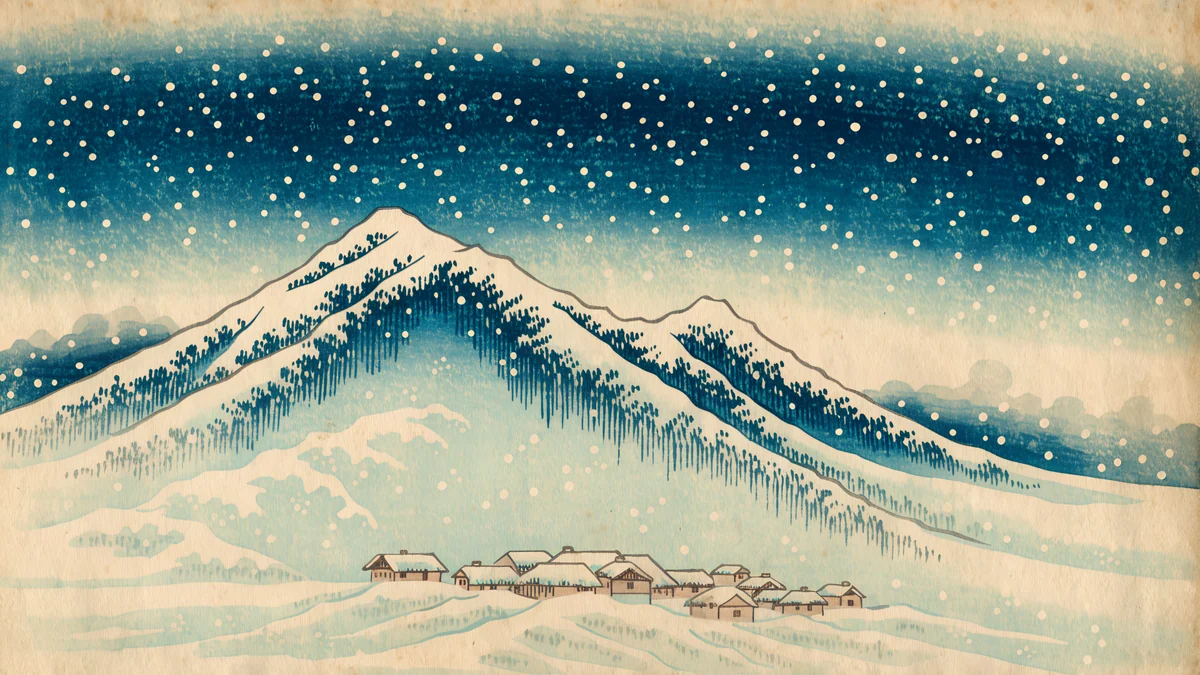
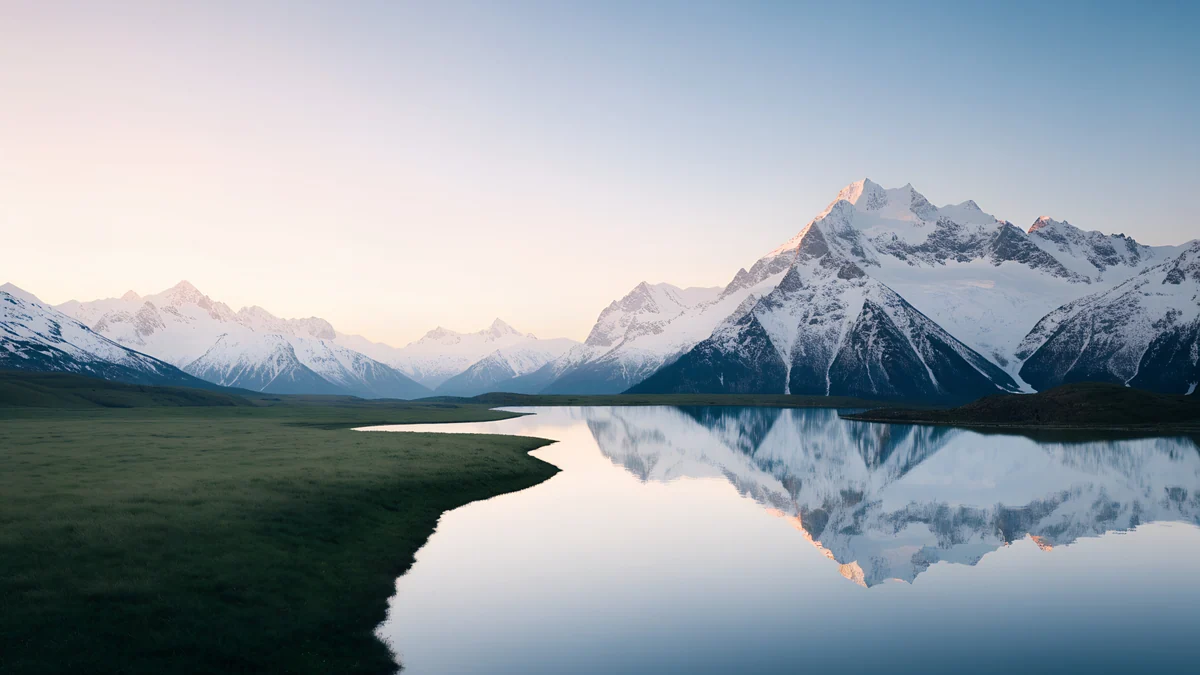
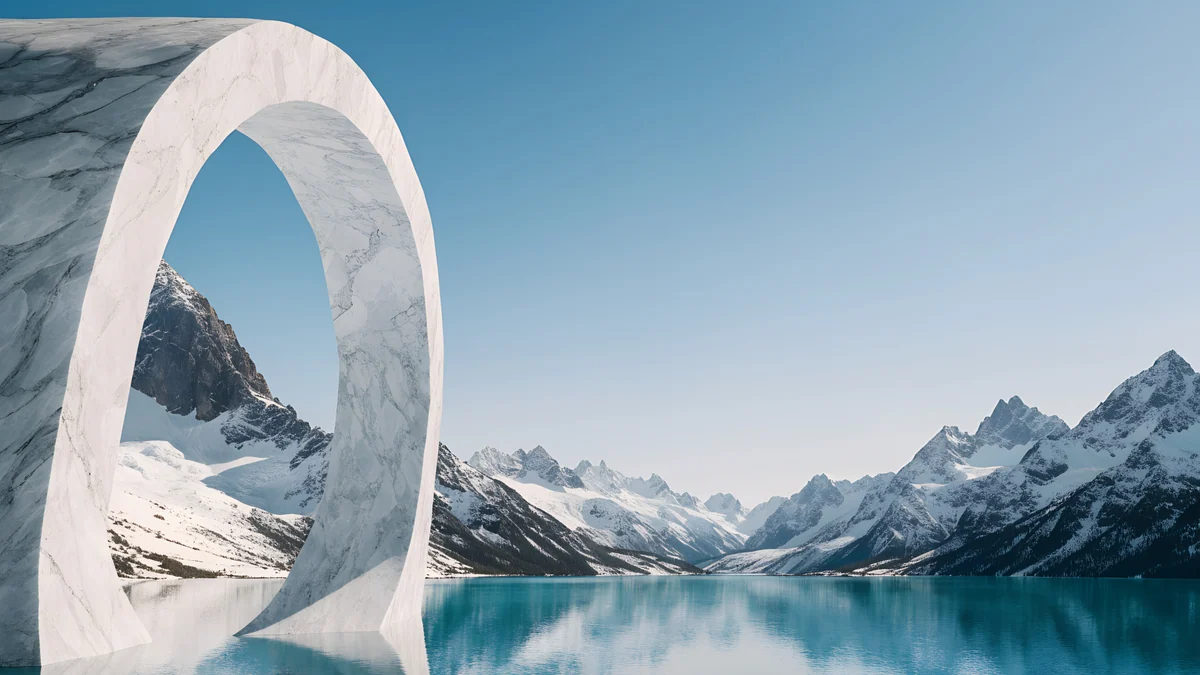
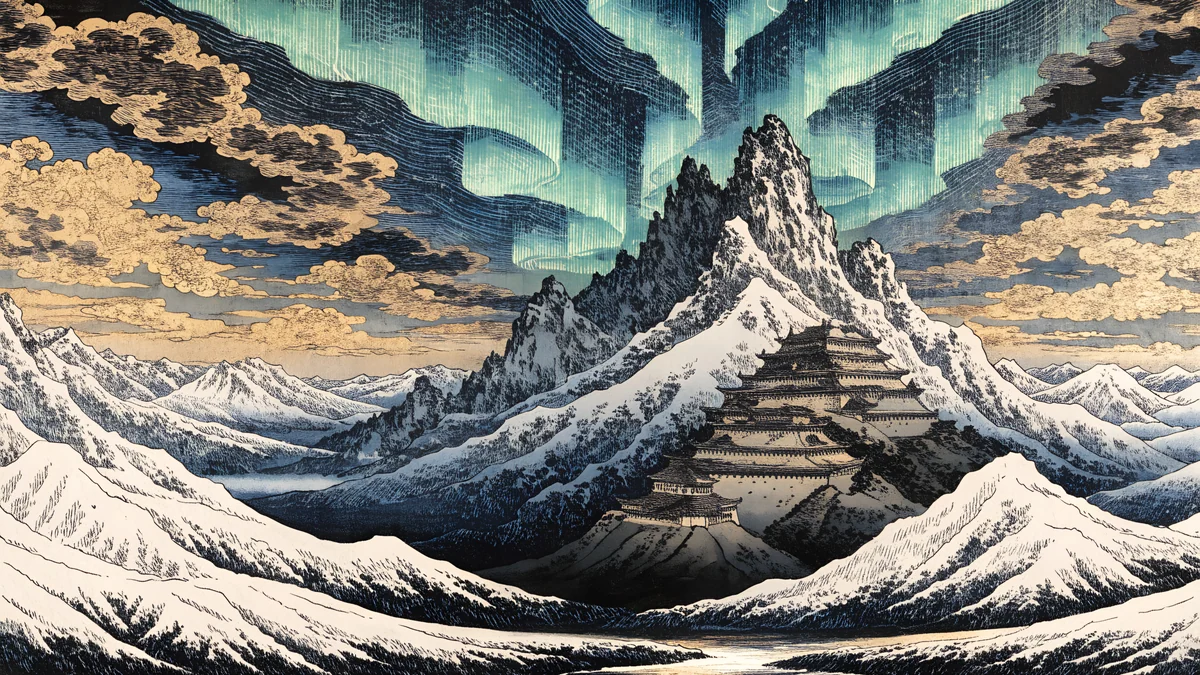
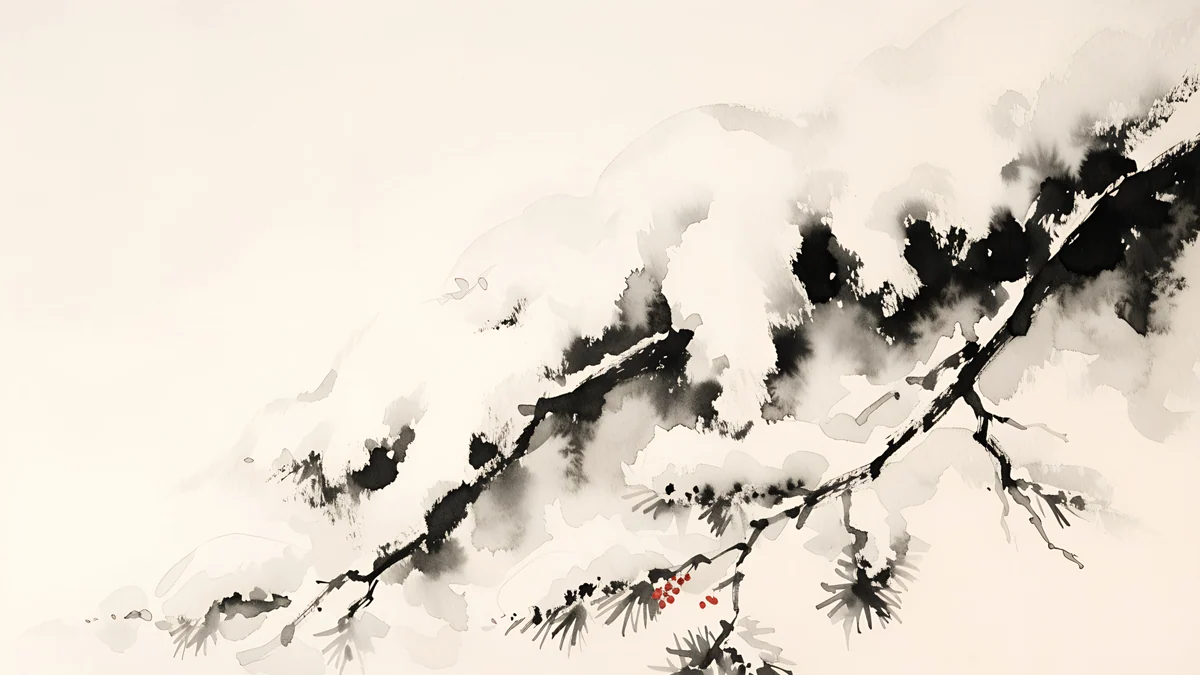
Ukiyo Snow Village is the wide version of the village above. Mirror Lake Peaks shows snowy mountains reflected in a lake. Glacier Arch Panorama is white and icy with an arch. Aurora Castle Panorama is a fantasy scene at 5120 by 2880 [1]. Ink Snow Branch is the quietest: white and black, a snowy branch, a lot of empty space for desktop icons.
The iPad files are square at 4096 by 4096, so they hold up in both orientations. iPad Blue Hour Pines shows a snowy forest at blue hour, iPad Frost Glass Snow is a glass and snow design, and iPad Aurora Ice Lake pairs an aurora with an icy lake. Related reading: winter iPad wallpapers.
How to set a snow wallpaper
On iPhone, save the image, open Settings, tap Wallpaper, then Add New Wallpaper and choose Photos. Pinch to place the quiet area behind the clock. On Android, open the image in Photos or Gallery and use the set as wallpaper option, or go through Settings, Wallpaper and style. On a computer, right click the file and choose the wallpaper option, or use your system settings.
Original wallpapers in and for iPhone, Android and desktop.
Questions
What is the best snow background for a phone?
It depends on your clock colour. For a white clock, choose a snowy night such as Snow Lantern Garden or Snow Lantern Village, where the dark blue, black and grey tones give strong contrast. For a dark clock, choose a bright white scene such as Snow Arch Globe or Snowy Arch Courtyard. Keep the top of the frame quiet, because the clock and widgets sit there on an iPhone lock screen. Velpaper phone files are 2160 by 3840 pixels, so they stay sharp when your phone crops them to fit the screen, and none of them carries a watermark [1].
Is there a snowflake background that is not a landscape?
Yes. If you want an icy, geometric look rather than a scene, try the crystal and glass group: Ice Cave Crystal Castle, Ice Cathedral and Ice Blue Glass Knot. They use cold blue and white tones, and Ice Blue Glass Knot sits on black, so it works well on an OLED phone. If you prefer a softer wintery feel, Pink Niche Pine and Dusk Snow House are pastel and pale. All of these are original Velpaper artworks and none carries a watermark or text.
Do snow wallpapers work in dark mode?
Night snow scenes do. Deep navy, black and grey tones keep the screen dim, and a white clock reads clearly on them. Midnight Snow Globe and Ice Blue Glass Knot are near-black designs, so on an OLED panel the darkest areas switch off. Bright white snow wallpapers are better in light mode, where a dark clock reads well on them. If you switch between modes, see our guide to <a href="/blog/iphone-wallpaper-dark-mode">iPhone wallpaper in dark mode</a>.
What size is a snow wallpaper for desktop?
Velpaper desktop snow wallpapers are 3840 by 2160 pixels, and some are 5120 by 2880 [1]. A 3840 by 2160 file fits a 1920 by 1080 screen exactly at 2x and a 2560 by 1440 screen at 1.5x, so nothing is stretched. Both are 16:9 sizes. On an ultrawide monitor a 16:9 file may be cropped or leave bars, so check the ultrawide guide first [1]. iPad files are square at 4096 by 4096, which means they work in portrait and landscape.
Are the snow wallpapers free?
Velpaper wallpapers are free to download. Some are available straight away and some unlock after a short ad. Files are JPEG, with no watermark. Each wallpaper is an original artwork rather than a stock photo. You can save it from the wallpaper page on the site or in the Velpaper app for iPhone, iPad, Mac and Android, then set it as your lock screen, home screen or desktop background in your device settings. Pick the phone, desktop or iPad file that matches your screen.
Carlos Vivero
Designer of Velpaper wallpapers
Carlos Vivero designs the wallpapers in Velpaper: quiet architecture, liquid glass, Japanese ink and calm landscapes. Every piece is made as a original for iPhone, Android and desktop.
Recent work