4K vs 5K vs 8K Wallpaper: What the Numbers Mean
4K, 5K and 8K wallpapers explained: the exact pixel sizes, which screens need which, how to find your own resolution and why 8K rarely helps.
In short: 4K is 3840 × 2160 pixels, 5K is 5120 × 2880 and 8K is 7680 × 4320. A 4K wallpaper already covers every phone and most monitors; 5K is worth it on 5K Apple displays, and 8K only helps on an 8K screen.
By the Velpaper team · Wallpapers by Carlos Vivero, Velpaper designer · · 6 min read
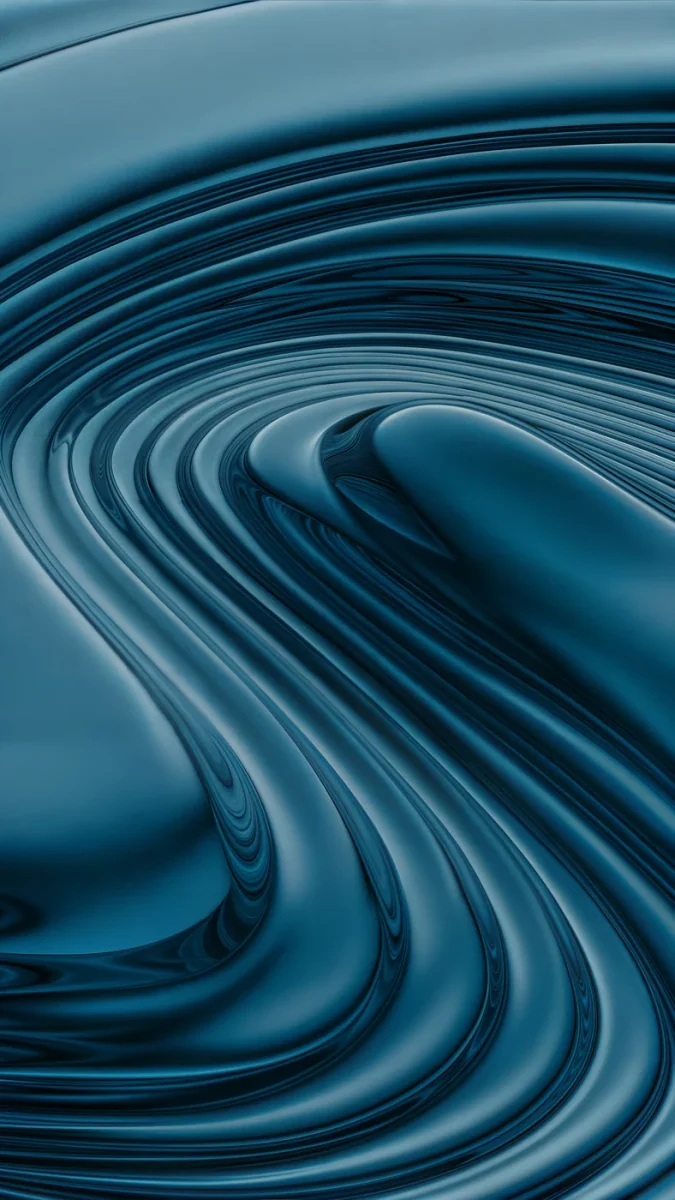 Petrol Terraces
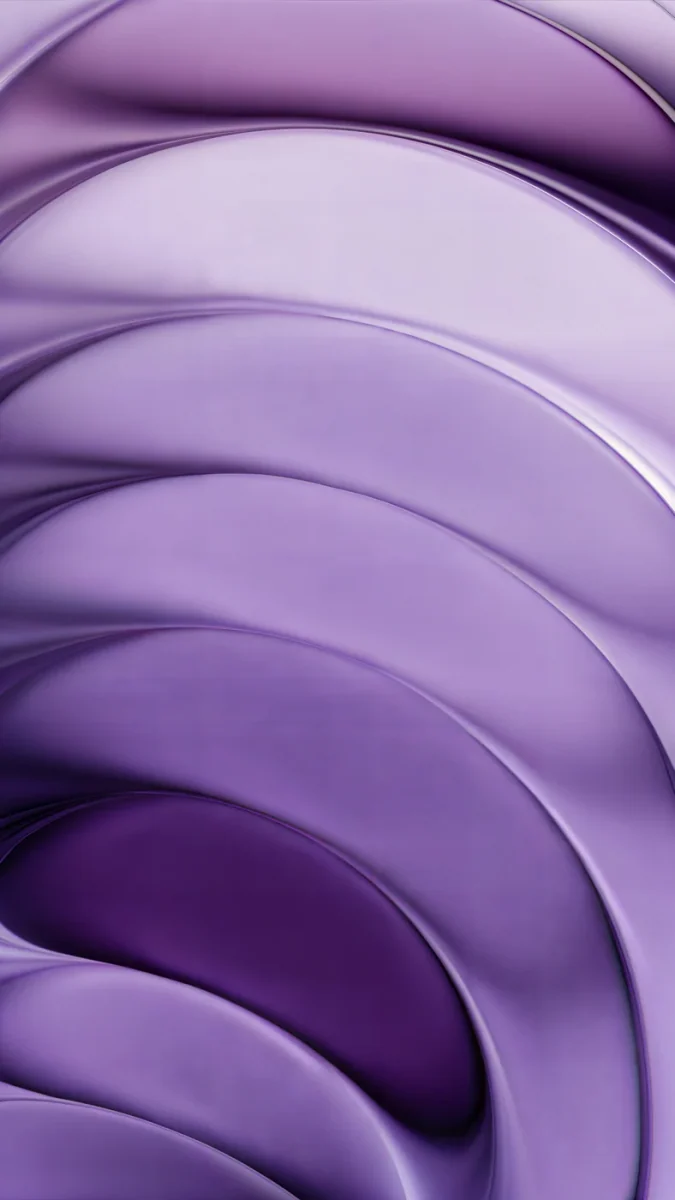 Lilac Strata
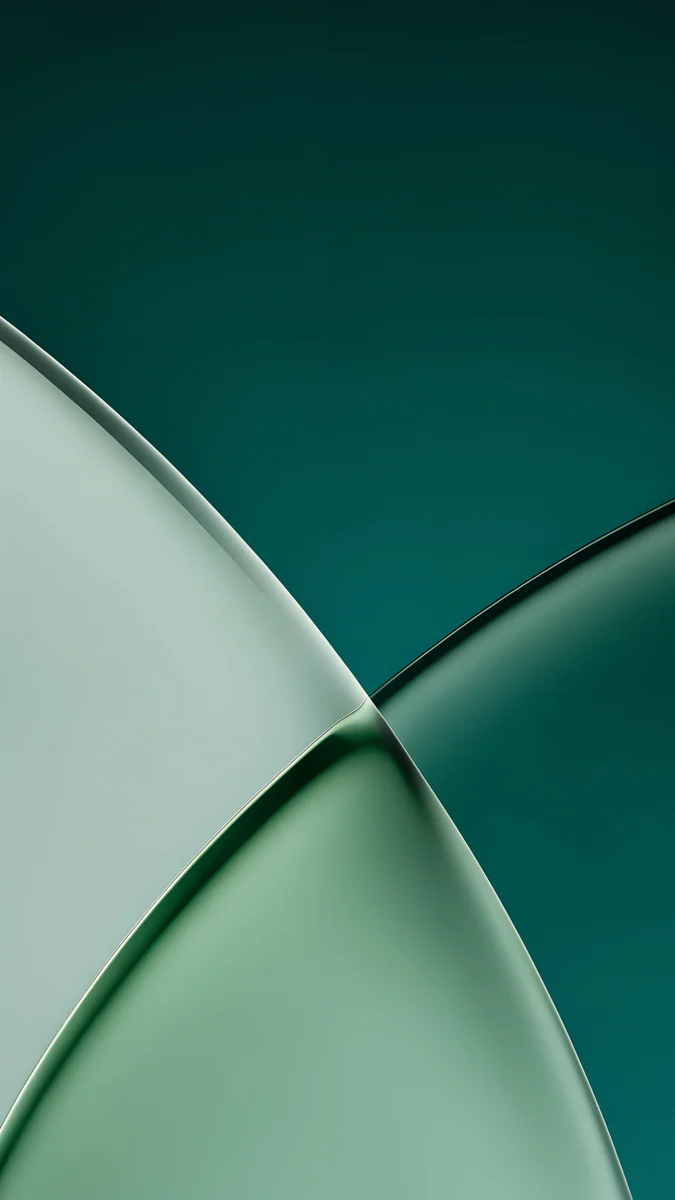 Jade Light Fold
 Arctic Current
 Petrol Current
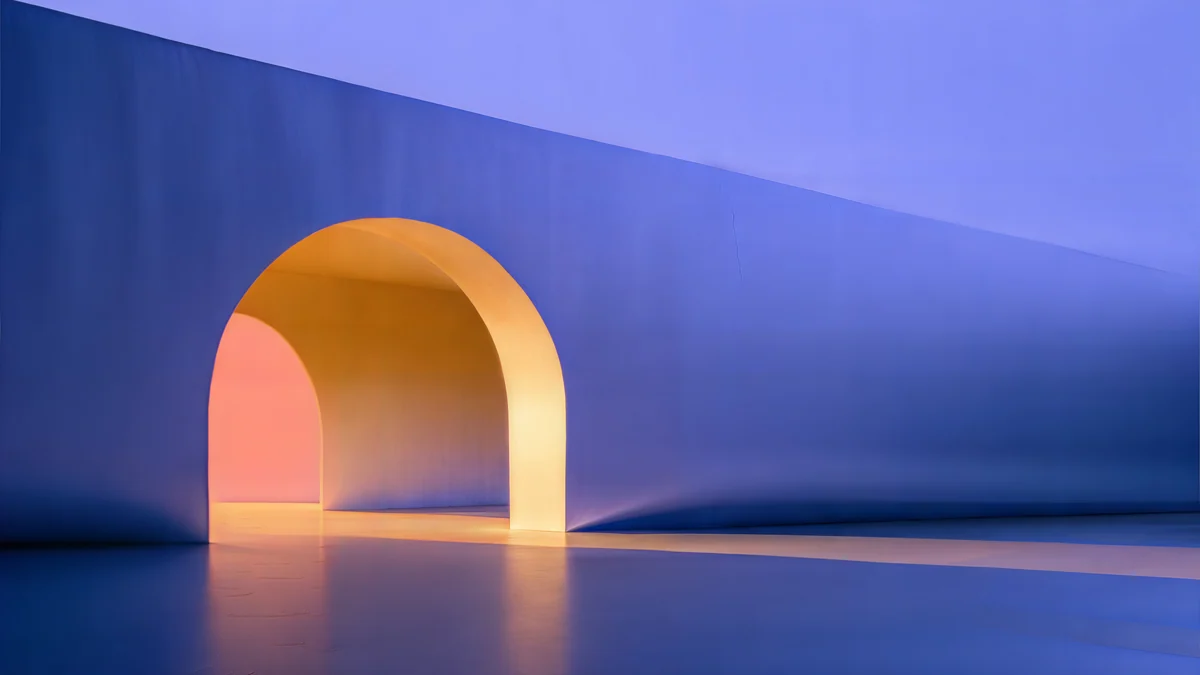 Solar Indigo Gate
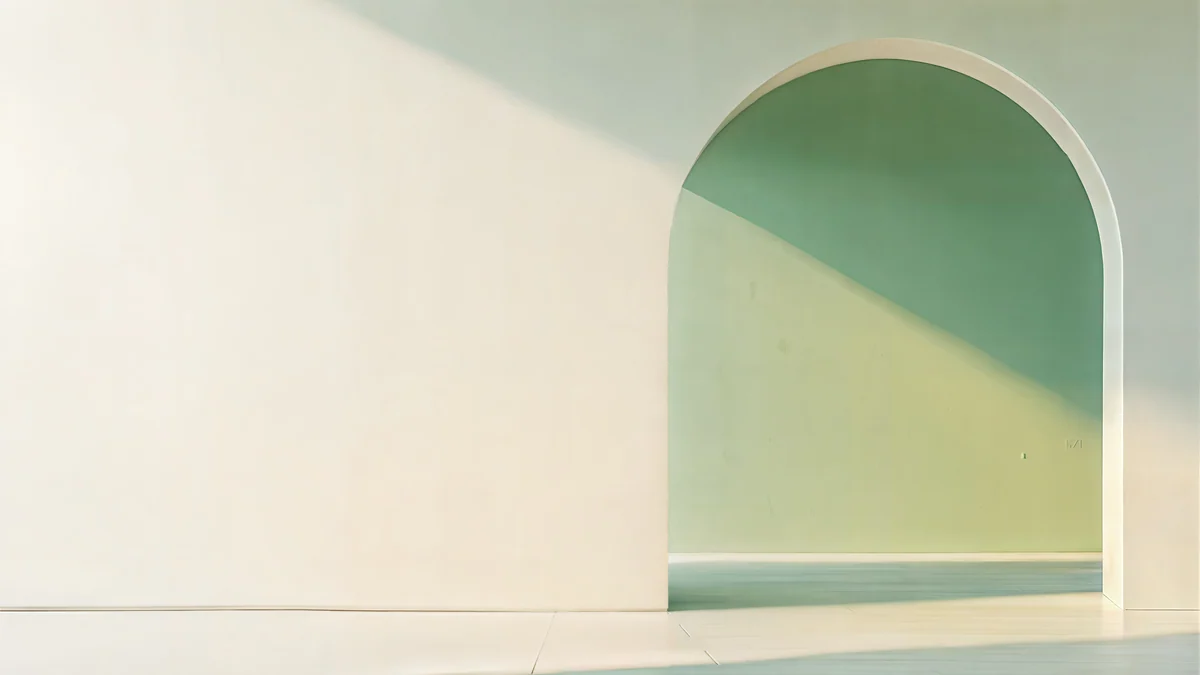 Sage Sun Gallery
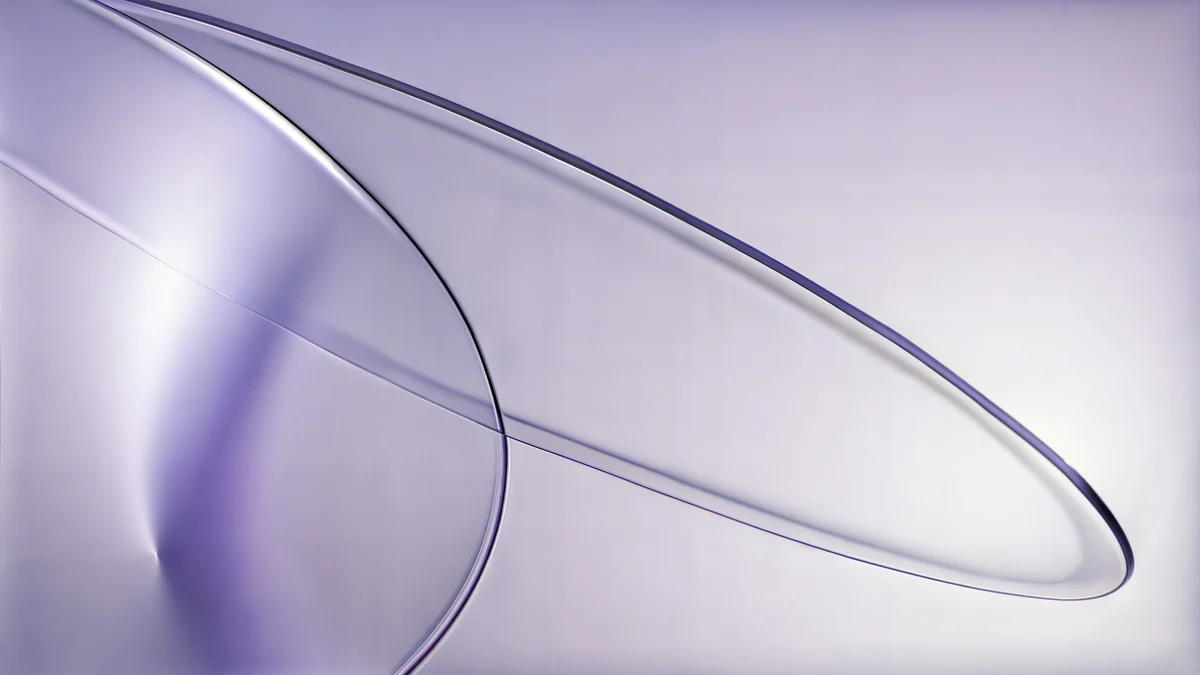 Lilac Drift
Free 4K originals for iPhone and Android, no watermark
On this page
4K, 5K and 8K describe how many pixels a wallpaper has: 4K is 3840 × 2160, 5K is 5120 × 2880 and 8K is 7680 × 4320. A wallpaper only has to match or beat your screen, so 4K covers every phone and almost every monitor, 5K is for 5K displays such as Apple's Studio Display and the 27-inch iMac with 5K Retina, and 8K pays off only on an 8K screen.
The names count the long side in round thousands. For a phone, a "4K wallpaper" is the same 3840 × 2160 turned upright: 2160 × 3840.
4K, 5K and 8K in pixels
| Name | Pixels | Megapixels | Typical screen |
|---|---|---|---|
| Full HD (1080p) | 1920 × 1080 | 2.1 | Budget monitors and laptops |
| QHD (1440p) | 2560 × 1440 | 3.7 | Gaming and office monitors |
| 4K UHD | 3840 × 2160 | 8.3 | 4K monitors and TVs |
| Cinema 4K (DCI) | 4096 × 2160 | 8.8 | Film production, rarely a desktop |
| 5K | 5120 × 2880 | 14.7 | Apple Studio Display, 27-inch iMac 5K |
| 6K | 6016 × 3384 | 20.4 | Apple Pro Display XDR |
| 8K UHD | 7680 × 4320 | 33.2 | 8K TVs and a few monitors |
Each step is a big jump. A 5K image has about 1.8 times the pixels of 4K, and 8K has four times as many as 4K. File sizes grow with them.
Which resolution your screen needs
- Phones: no phone screen is as tall as 3840 pixels. The iPhone 16 Pro Max is 1320 × 2868 and the Samsung Galaxy S25 Ultra is 1440 × 3120, so a 2160 × 3840 wallpaper is larger than both and leaves room for the crop and the parallax effect.
- Laptops: a 13-inch MacBook Air is 2560 × 1664, a 16-inch MacBook Pro 3456 × 2234, and most Windows laptops are 1920 × 1080 or 1920 × 1200. A 4K file covers all of them.
- Desktop monitors: 1080p, 1440p and 4K monitors are all covered by 4K. The 24-inch iMac is 4480 × 2520, slightly more than 4K, so a 5K file is the cleaner choice there.
- 5K and 6K Apple displays: a 4K wallpaper is scaled up by a third on a 5K screen and looks a little soft up close. Use 5K.
- 8K TVs: the only place an 8K file shows more detail than a 4K one.
Shape matters as much as size. A 16:9 wallpaper on a 16:10 MacBook loses a thin strip at the sides; our guide to wallpaper aspect ratios shows how much each screen crops.
How to find your screen resolution
- Windows 11: open Settings, System, Display and look at Display resolution. The value marked Recommended is the panel's native resolution.
- Mac: open the Apple menu, About This Mac, More Info, and look under Displays (the names can differ by macOS version), or check your model on Apple's Tech Specs pages. The options in System Settings, Displays show the scaled size you work at, not the number of physical pixels.
- Samsung Galaxy: go to Settings, Display, Screen resolution, which shows options such as FHD+ and WQHD+. Other Android phones rarely show the number; look up your model's specs.
- iPhone and iPad: there is no menu with the pixel count. Look up your model on Apple's Tech Specs pages, or use the table in our iPhone wallpaper size guide.
- Compare: if your wallpaper's dimensions are equal to or larger than both numbers, it will be sharp. To see a file's dimensions, use Properties, Details on Windows or Get Info in Finder on a Mac.
Why 8K rarely helps on a phone or laptop
Your device draws the wallpaper at the screen's own resolution. Any pixels beyond that are thrown away when the picture is scaled down, so an 8K file on a 1440p monitor looks exactly like a 4K file, only it is four times bigger to download and store. On a phone the gap is wider still: an 8K wallpaper has seven to nine times the pixels of the largest phone screens.
Labels can also mislead. Many "8K" and even "4K" files online are small images enlarged by software, which adds pixels but no detail. Check the actual dimensions and look closely at edges and fine texture; an upscaled file looks smeared rather than sharp. Velpaper does not offer 8K: every phone wallpaper is a 4K original at 2160 × 3840, desktop wallpapers are 4K and some are 5K. For the step below 4K, see 4K vs HD wallpapers.
4K and 5K wallpapers to try
For a Mac or PC, these desktop wallpapers come as 5K originals at 5120 × 2880, sharp even on a Studio Display or a 5K iMac.
Petrol Current5K · DesktopSolar Indigo Gate5K · DesktopSage Sun Gallery5K · DesktopLilac Drift5K · DesktopPetrol Current is dark petrol blue and stays clean behind a full dock. Solar Indigo Gate is just as dark and deep, a calm field for a menu bar and icons. Sage Sun Gallery frames a muted sage wall with one plane of sunlight, and Lilac Drift is a pale smooth gradient, a hard test for any upscaled file and easy for a real 5K original. More 5K pieces are in our 5K architecture wallpapers.
For a phone, the 4K originals below are larger than any phone screen, so they stay sharp after the crop.
Petrol Terraces swirls teal and petrol blue, a dark choice for OLED. Lilac Strata layers bands from deep aubergine to pale lilac, with soft edges that show whether a file is a true original. Jade Light Fold crosses pale glass over deep green, and Arctic Current runs from teal to ice blue.
Common problems and fixes
- A 4K wallpaper looks soft on a 5K iMac or Studio Display. It is being enlarged by a third. Download the 5K version where one exists.
- The "4K" file is blurry. It may be an upscaled small image, or a preview you saved instead of the download. Check the real dimensions and get the original.
- The sides are cut off. That is aspect ratio, not resolution. Pick Fill on the desktop and keep the subject in the middle on a phone.
- The phone zooms in on the wallpaper. iOS can enlarge it for the depth effect. Our fix for an iPhone wallpaper that is zoomed in explains the settings.
- Downloads take ages or fill storage. You are using a much bigger file than the screen needs. 4K is enough unless the display itself is 5K or larger.
Get 4K and 5K originals in Velpaper
Velpaper is an app for iPhone, iPad, Mac and Android, and the same wallpapers are on velpaper.com. Every wallpaper is a 4K original, desktop ones are 4K and some are 5K, with no account and no watermark.
- Open Petrol Current on your Mac or PC. The page shows the size, 5120 × 2880, before you download.
- Click Download to save the original, not a screenshot of the preview.
- On a Mac, open System Settings, Wallpaper and add the file. On Windows 11, right-click it and choose Set as desktop background.
Choosing a size for a PC with two monitors or an ultrawide? Our PC wallpaper size guide has the numbers for each screen.
Original wallpapers in 4K and 5K for iPhone, Android and desktop.
Questions
What is the difference between 4K, 5K and 8K wallpapers?
The number of pixels. A 4K wallpaper is 3840 × 2160, about 8.3 megapixels. A 5K wallpaper is 5120 × 2880, about 14.7 megapixels, and an 8K wallpaper is 7680 × 4320, about 33.2 megapixels. All three are usually 16:9, so the shape is the same and only the detail changes. For a phone the same numbers are turned upright, so a 4K phone wallpaper is 2160 × 3840. A higher number only looks sharper when the screen itself has that many pixels; otherwise the extra detail is scaled away.
Is a 4K wallpaper enough for my phone?
Yes. A 4K phone wallpaper is 2160 × 3840 pixels, larger than any current phone screen. The iPhone 16 Pro Max is 1320 × 2868 and the Samsung Galaxy S25 Ultra is 1440 × 3120, so a 4K file leaves spare pixels for the crop, the depth effect and the slight zoom that iOS and Android sometimes apply. Going higher only makes the download bigger. If a 4K wallpaper still looks blurry, the file is probably a compressed preview or an upscaled small image rather than a real original.
Do I need a 5K wallpaper for my Mac?
Only if the screen is 5K or close to it. The Apple Studio Display and the 27-inch iMac with 5K Retina are 5120 × 2880, and the 24-inch iMac is 4480 × 2520, so a 4K wallpaper gets enlarged on them and looks slightly soft when you look closely. A 5K file is the right size there. MacBook Air and MacBook Pro screens are smaller than 4K, so a 4K wallpaper is already sharp on them. Velpaper desktop wallpapers are 4K, and some are 5K for these displays.
Are 8K wallpapers worth downloading?
Only for an 8K screen, such as an 8K TV. On any other display the system scales the picture down to the screen's own resolution, so an 8K wallpaper looks the same as a 4K one while taking roughly four times the storage and download time. Many files labelled 8K online are also smaller images enlarged with software, which adds pixels but no real detail. For phones, laptops and almost every monitor, a genuine 4K original is the better choice, and 5K is the step up for 5K Apple displays.
How can I tell if a wallpaper is really 4K?
Check the file, not the label. On Windows, right-click the image and open Properties, then Details, to see the dimensions; on a Mac, select it in Finder and choose Get Info; on iPhone and Android, open it in Photos or Google Photos and swipe up. A real 4K desktop wallpaper is 3840 × 2160 and a phone one is 2160 × 3840. Then zoom in on edges and fine texture: an upscaled image looks smeared or waxy, while a true original stays crisp. Velpaper shows each wallpaper's exact size on its page before you download.
Carlos Vivero
Designer of Velpaper wallpapers
Carlos Vivero designs the wallpapers in Velpaper: quiet architecture, liquid glass, Japanese ink and calm landscapes. Every piece is made as a 4K original for iPhone, Android and desktop.
Recent work








