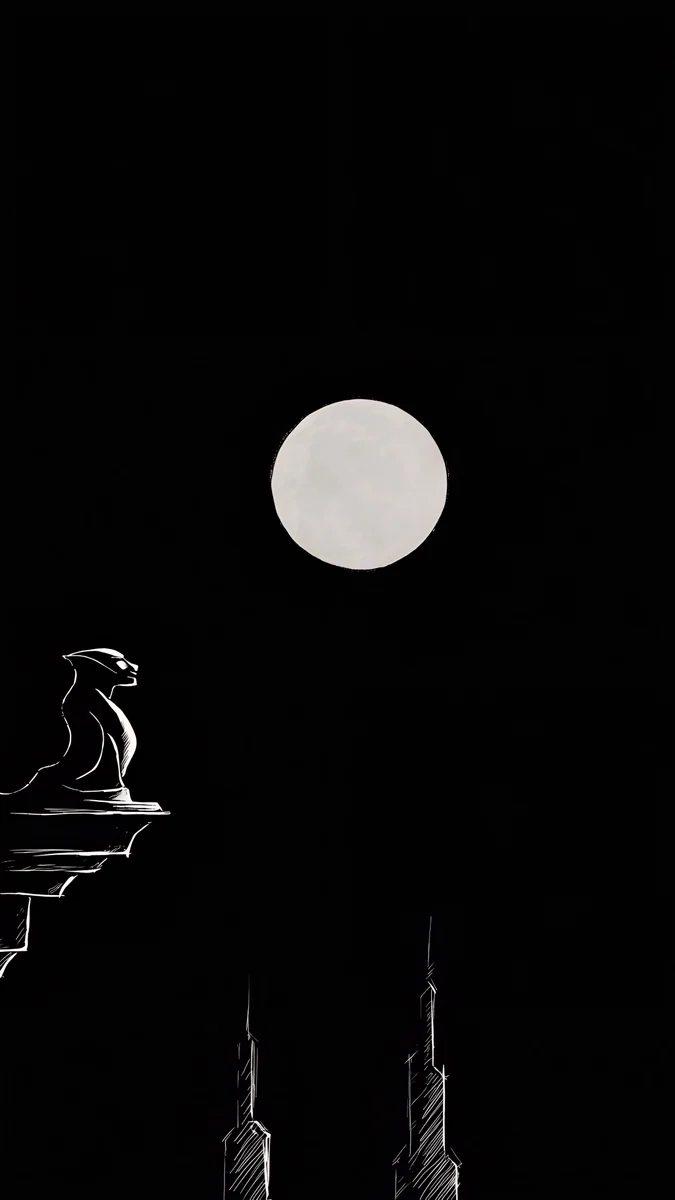
Instagram Story Background: 4K 9:16 Wallpapers to Use
Instagram story background guide: use a 9:16 wallpaper as a story background, plus aesthetic light, black and gradient 4K files that leave room for text.
Sources [1] · By the Velpaper team · Wallpapers by Carlos Vivero, Velpaper designer · · 4 min read
In short: To use a wallpaper as an Instagram story background, open the story camera, swipe up to pick the image and add text on top. A Velpaper phone file at 2160 by 3840 is exactly 2x the 1080 by 1920 story frame, so it fits with no crop [1].
Wallpapers
 Liquid Light
 Black Satin
 Lilac Hush
 Champagne Veil
 Lilac Transmission
 Blue Hour Portico
 Rose Chiffon
 Obsidian Waves
 Black Glass Sphere
 Black Liquid Fold
 Charcoal Slot
 Bonsai Under Glass
Free originals for iPhone and Android, no watermark
On this page
An Instagram story background is a vertical image that fills the whole 9:16 frame and gives your text, stickers and photos a clean surface to sit on [1]. The best ones are plain, gradient or softly patterned, with no strong focal point in the middle, so a caption stays readable. Below you can see how to use a Velpaper wallpaper as a story background, and four groups of original 9:16 files: light and clean, dark and black, colour glow, and calm scenes [1]. Each is 2160 by 3840 pixels with no text, logo or watermark.
How to use a wallpaper as an Instagram story background
Instagram Stories use a 9:16 vertical frame. The common size is 1080 by 1920 pixels, and a Velpaper phone file at 2160 by 3840 is exactly 2x that, so it fits with no crop and no stretching [1].
- Download the 4K JPEG from the wallpaper page on Velpaper. Some files are free and some unlock after a short ad.
- Open the story camera in Instagram.
- Swipe up, or tap the gallery square, to pick the image from your photos.
- Add your text or stickers on top, then post.
Because the file is already the right shape, you do not have to pinch or move it. If you want to know why 9:16 matters [1], our wallpaper aspect ratio guide explains the shapes of common screens.
Choosing a background that works with text
Keep the middle quiet. Captions, polls and stickers land in the centre of a story. A plain, gradient or pattern file leaves that room. A busy scene competes with every word you add.
Match text colour to the ground. White text reads best on dark and mid-tone files. Dark text reads best on pale ones. The same logic applies to a phone clock, which we cover in how to keep a lock screen clock readable.
Pick one palette. If your stories share one colour family, your profile feels tidy when people tap through. Choose one group below and stay with it for a week.
Light and clean: aesthetic Instagram story backgrounds
Light files with glass, silk and fine lines make a minimal, aesthetic Instagram story background. Their soft tones stay out of the way of black or dark grey text.
Liquid Light is white, grey and beige glass, the most neutral one. Champagne Veil adds warm beige lines. Lilac Transmission is white and lilac, and Lilac Hush is a pastel lilac, pink and blue gradient with a dreamy feel. Rose Chiffon is pink, beige and white silk, soft and elegant. Blue Hour Portico is a pale blue and white arch with a calm, minimal look. For more of this style see minimalist wallpapers.
Dark and black story backgrounds
Black backgrounds make white text and bright photos stand out. These files are minimal, with a gentle glow or fold so the surface does not feel flat.
Obsidian Waves, Black Satin, Black Glass Sphere and Black Liquid Fold are black and OLED friendly, with the detail kept low contrast. Charcoal Slot is a grey and black architectural slit, moodier and more graphic. Bonsai Under Glass is navy and black with a small tree at night. They are good for announcements, quotes and anything where you want white text. See also black wallpapers and dark wallpapers for OLED.
Colour glow and gradient story backgrounds
When you want a story to feel loud, use a glow. These files have one strong colour fading through glass or light, which works as a gradient background and leaves room for a short headline.
 Peach Through Glass
 Cobalt Soft Crossing
 Edge Light Portal
 Jade Mint Arch
 Solar Violet Arch
 Coral Ignition Arch
Peach Through Glass is purple and pink behind glass lines. Cobalt Soft Crossing is navy and blue, calm and elegant. Edge Light Portal is a neon purple, navy and pink ribbon. Jade Mint Arch glows teal and green, while Solar Violet Arch and Coral Ignition Arch are purple, blue, orange and red arches of light. Use them for launches, sales, event posts or anything that should pop. If you like gradients, try neon gradient wallpapers.
Calm scene backgrounds for story posts
Sometimes a story looks better with a quiet picture behind it: water, mountains, pines, a sky. Pick scenes with an open top and a plain centre.






Blue Cove is navy and blue sea, moody and calm. Cloud Temple is white marble in blue sky. Amber Highlands rolls brown hills in golden light, and Quiet Boat is a lone boat on still water in black and white. Mist Pines is beige fog over pine trees, and Alpine Blush is a pink sunset over navy mountains. Because these are phone wallpapers too, the same file can sit behind your clock and behind your story. Our phone wallpapers page has many more.
Tips for tidy stories
- Use the same group of files for a whole series so people see one style.
- Check contrast before you post. If a word is hard to read, move to a darker or paler file.
- Save your favourites to a folder in your photos so they are easy to find in the story gallery.
The same files make good phone wallpapers, so you can match your story style to your lock screen.
Original wallpapers in and for iPhone, Android and desktop.
Questions
What size is an Instagram story background?
Instagram Stories use a 9:16 vertical frame, and 1080 by 1920 pixels is the common size [1]. A Velpaper phone wallpaper is 2160 by 3840 pixels, which is exactly 2x that size, so it fits the frame with no crop and no stretching. That means you can use any Velpaper phone file as a story background without resizing it first.
How do I use a wallpaper as an Instagram story background?
Download the wallpaper to your phone, then open the story camera in Instagram. Swipe up, or tap the gallery square, to pick the image from your photos. The image fills the frame. After that you can add text or stickers on top and post it. Because Velpaper phone files are already 9:16, you do not need to crop or zoom [1]. Plain, gradient and pattern files are the best choice, since they leave room for text and stickers.
What makes a good aesthetic Instagram story background?
An aesthetic story background is usually plain, soft and consistent. Pale glass, silk, gradients and fine lines look clean behind dark text, while black and dark files make white text stand out. The key is a quiet centre, so your caption, poll or sticker is the focus. Choose one colour family and use it across several stories, so your profile looks tidy as people tap through. Avoid busy scenes behind long text, because the details compete with the words.
Which story background colours work best for white text?
Dark and mid-tone files work best for white text. Black and OLED style files such as Black Satin or Obsidian Waves give the strongest contrast, and deep navy or blue files such as Cobalt Soft Crossing and Blue Cove are softer options. Pale files need dark text instead. If you are not sure, type a short word on the image and look at it from arm's length. If it is clear there, it will read well on someone else's phone.
Are the story backgrounds free?
Velpaper wallpapers are original artworks without a watermark. Some files are free to download and some unlock after a short ad. Each phone file is a 2160 by 3840 JPEG, so it works as a story background and as a normal phone wallpaper [1]. If you want to know more about how the wallpapers can be used, read our guide on whether wallpapers are free to use.
Carlos Vivero
Designer of Velpaper wallpapers
Carlos Vivero designs the wallpapers in Velpaper: quiet architecture, liquid glass, Japanese ink and calm landscapes. Every piece is made as a original for iPhone, Android and desktop.
Recent work