Computer Wallpapers: Free 4K Backgrounds for PC and Mac
Free 4K computer wallpapers for Windows PC, Mac and Chromebook: which size your screen needs, how to set Fill, and 19 picks sorted by screen and theme.
By the Velpaper team · Wallpapers by Carlos Vivero, Velpaper designer · · 5 min read
In short: A computer wallpaper should be at least your screen's resolution, and a 3840 × 2160 file set to Fill covers Windows PCs, MacBooks, Chromebooks and 4K monitors. Velpaper's computer backgrounds are free wide 4K originals, and Petrol Current goes up to 5K for a Studio Display or iMac.
Wallpapers
 Horizon Wall
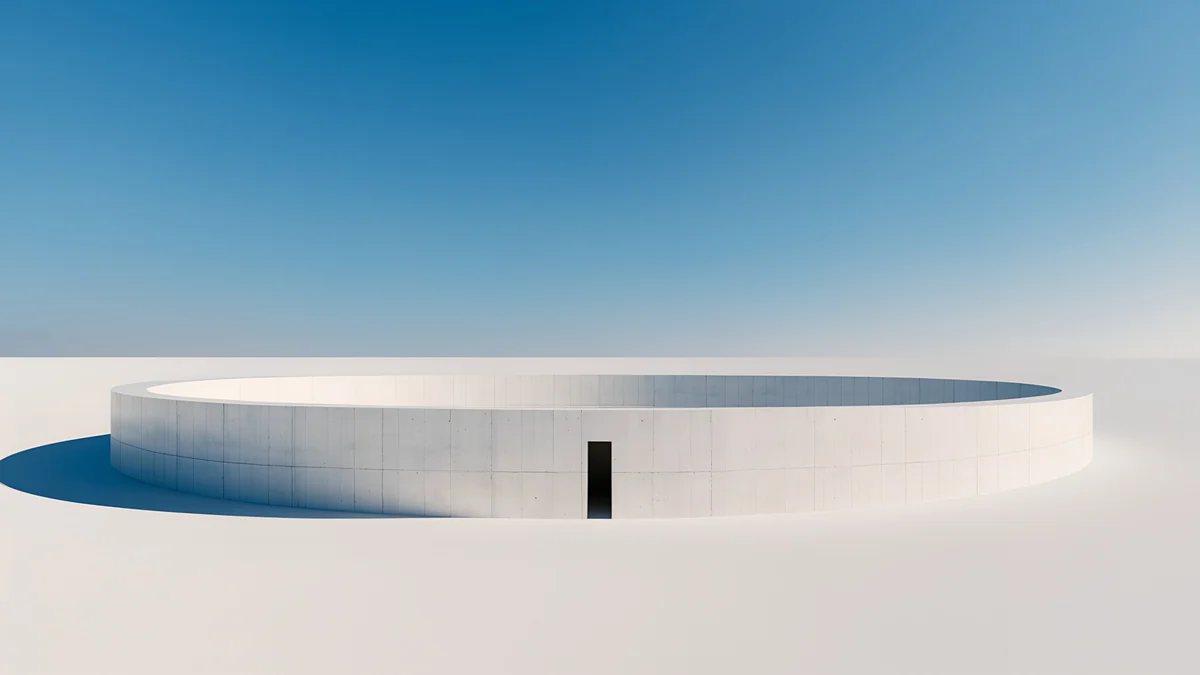 Circular Court
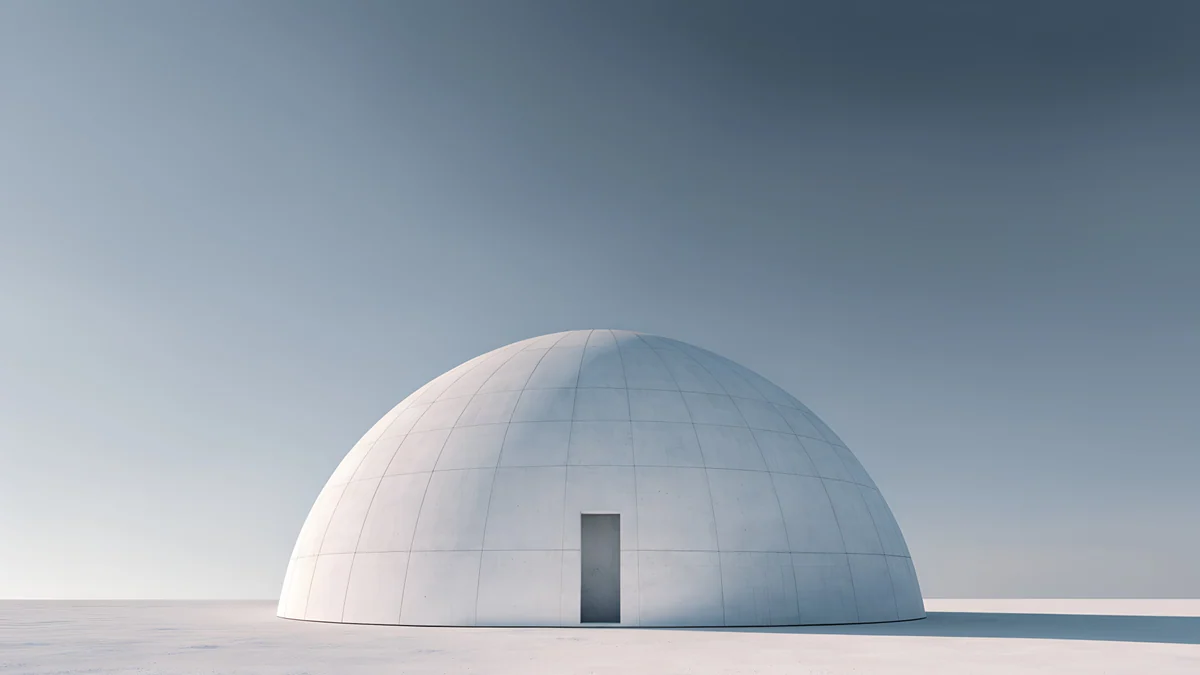 Concrete Dome
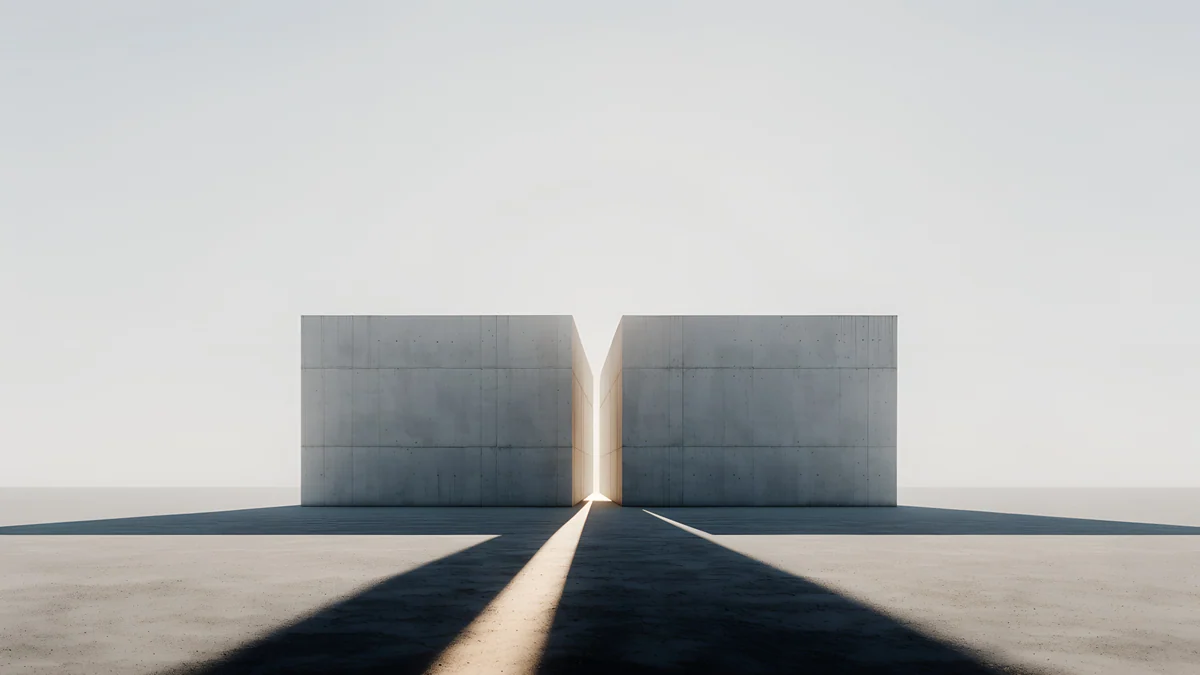 Twin Slabs
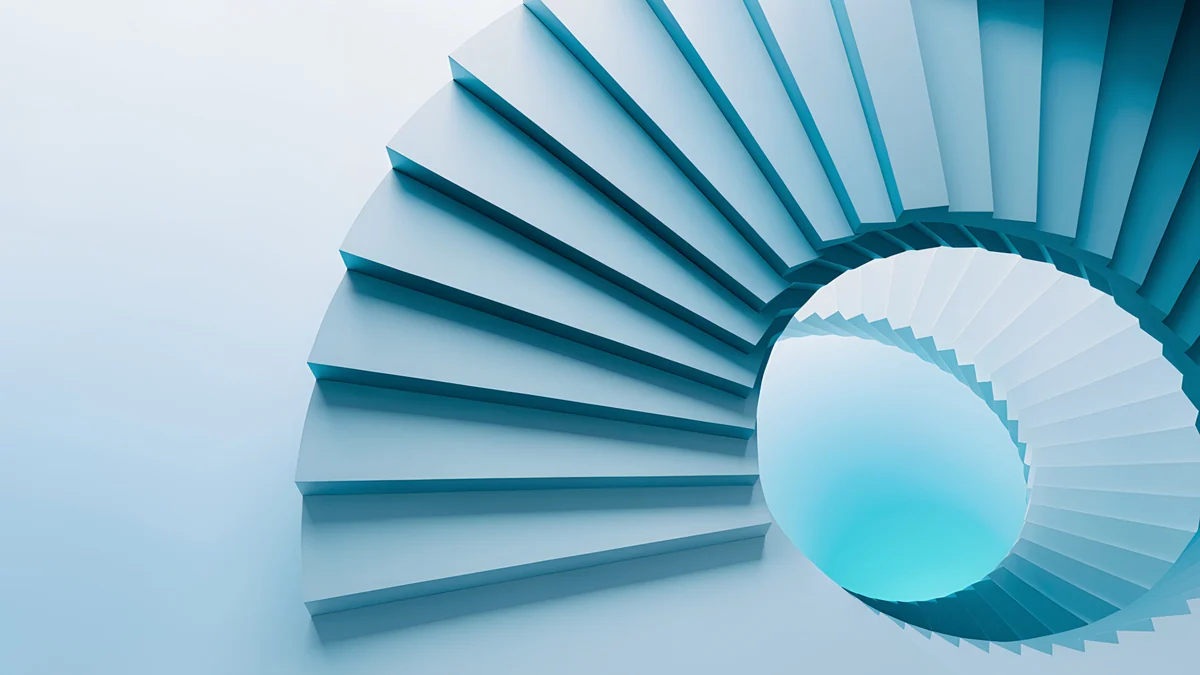 Glacier Spiral Hall
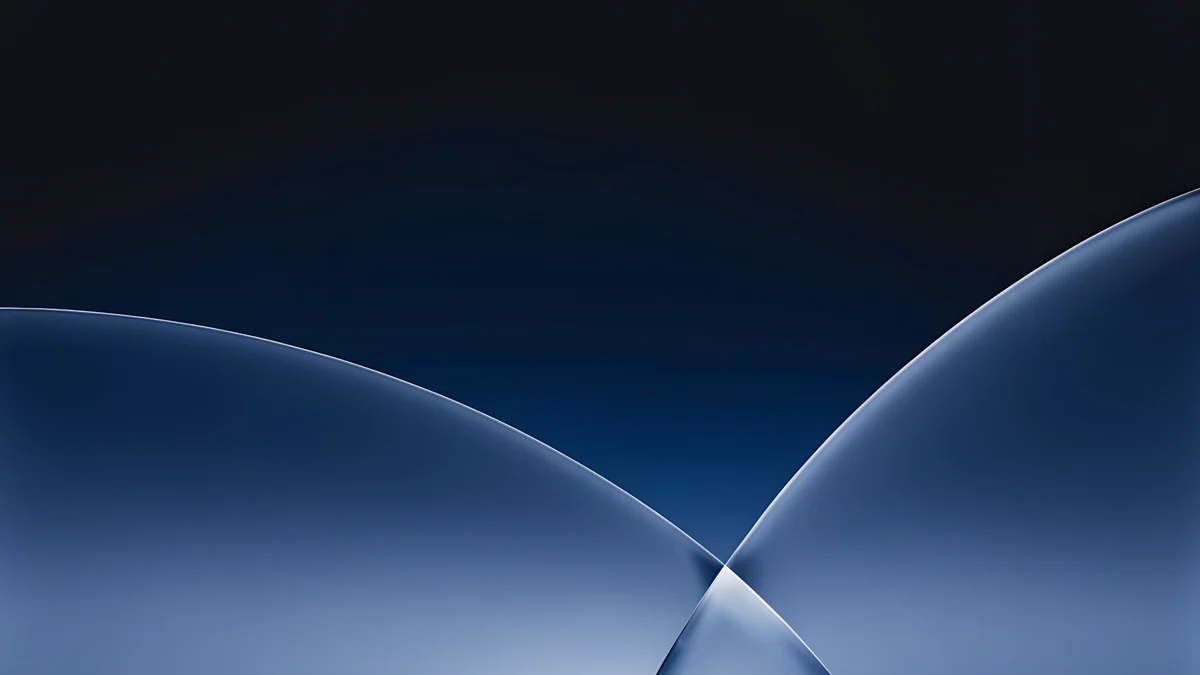 Cobalt Soft Horizon
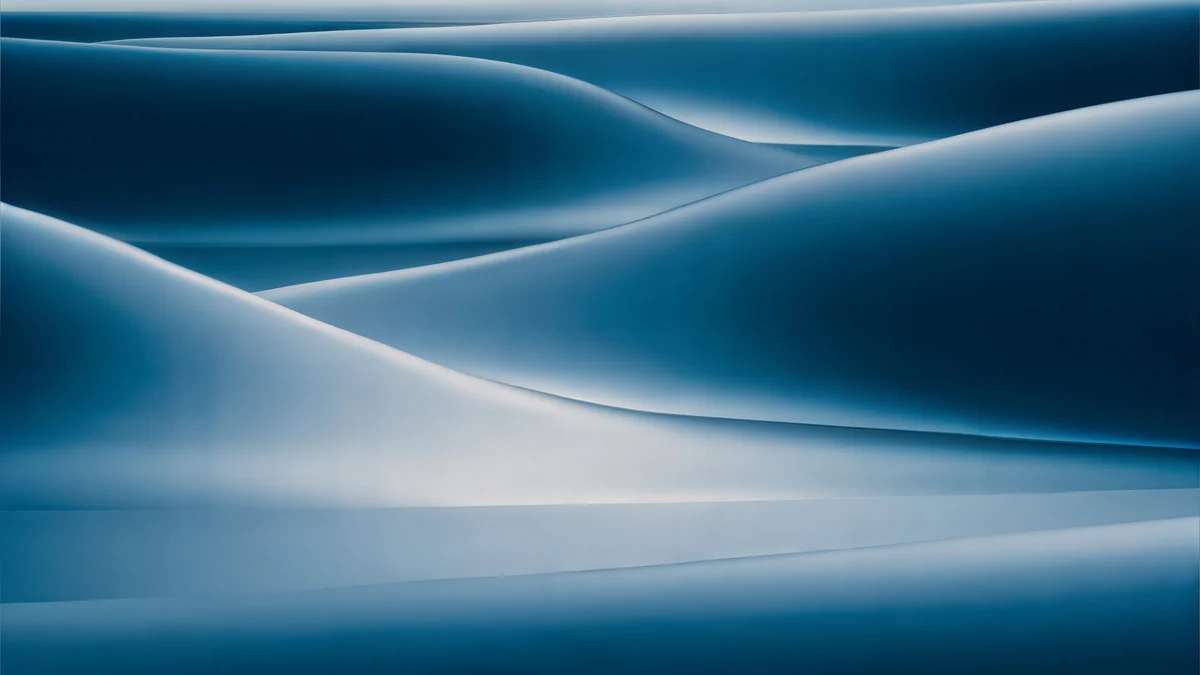 Petrol Current
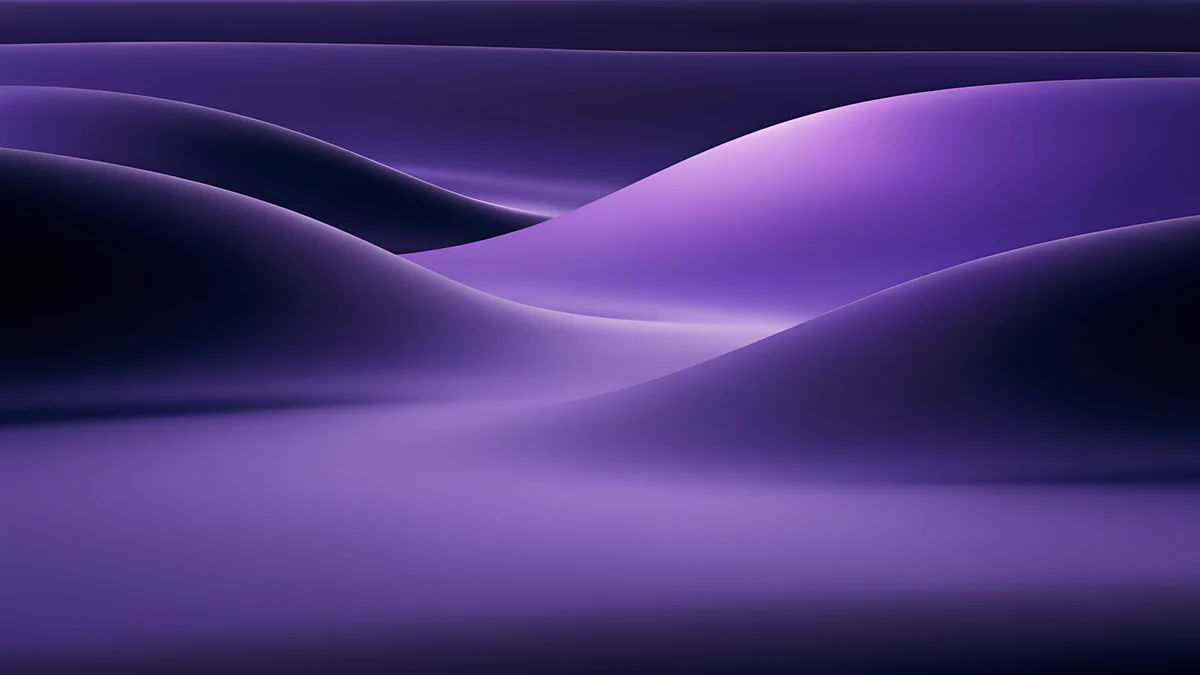 Indigo Silk Flow
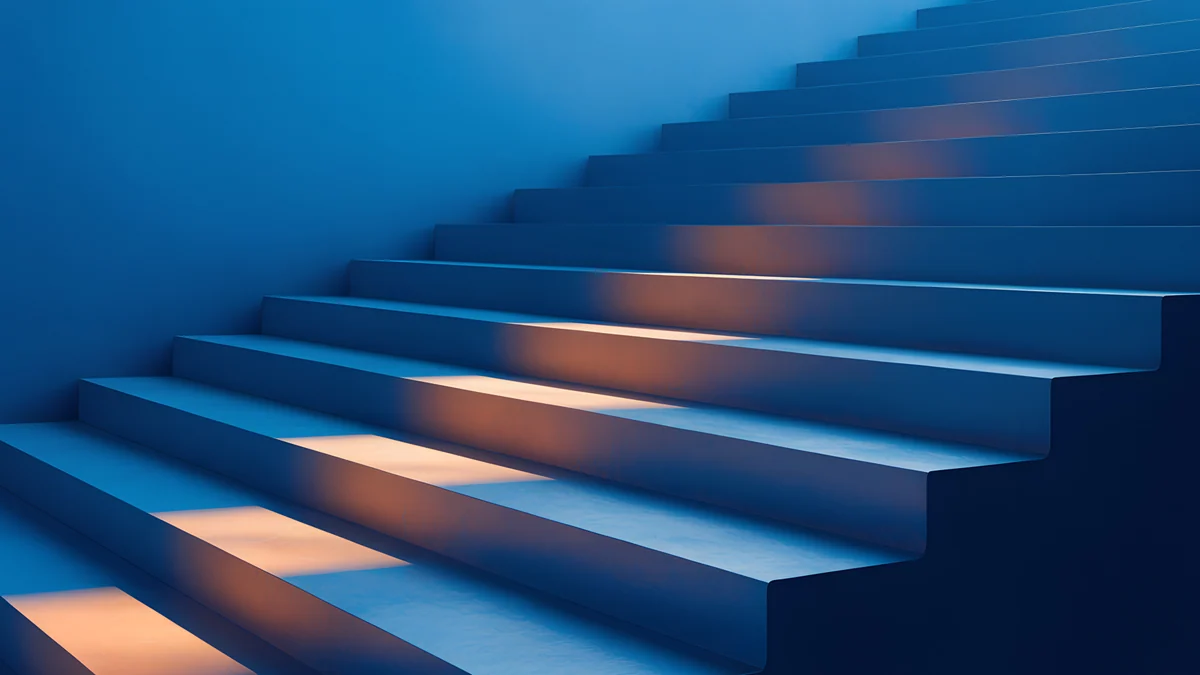 Cobalt Ember Steps
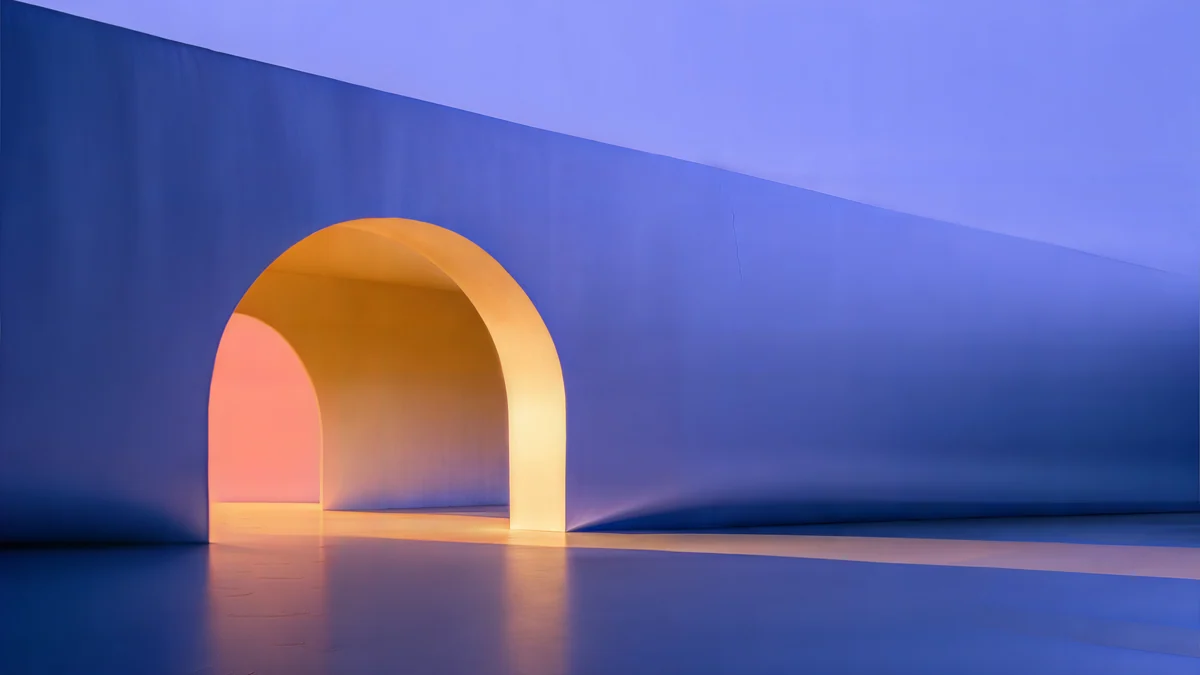 Solar Indigo Gate
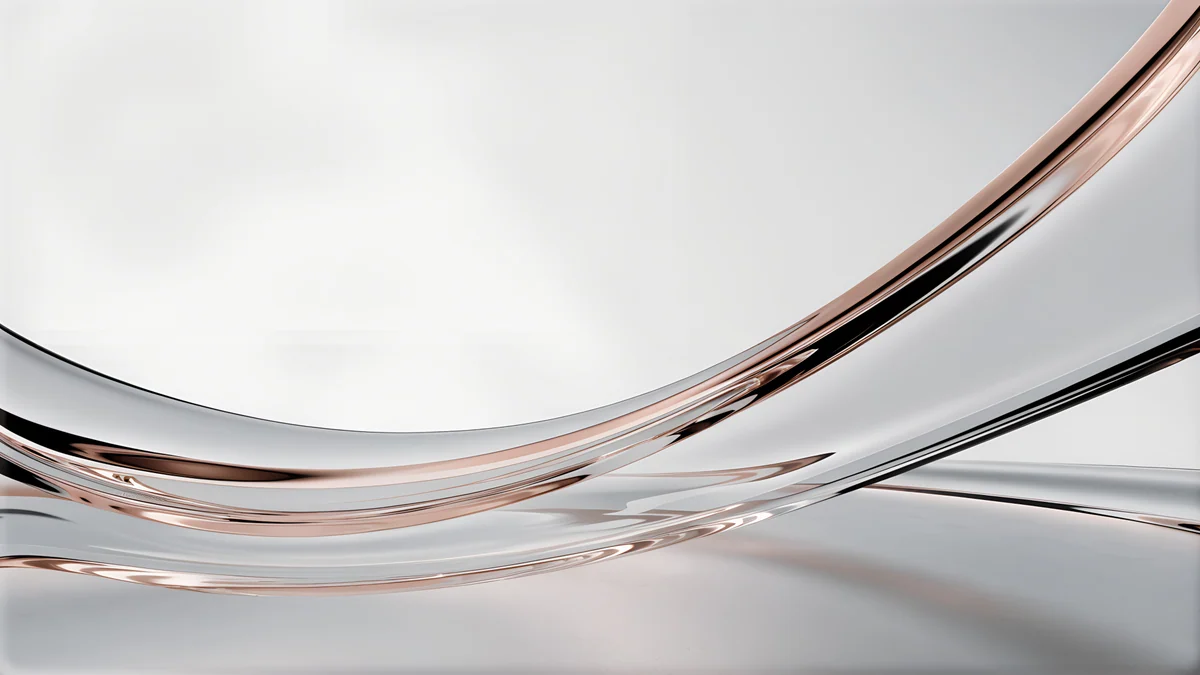 Liquid Light Band
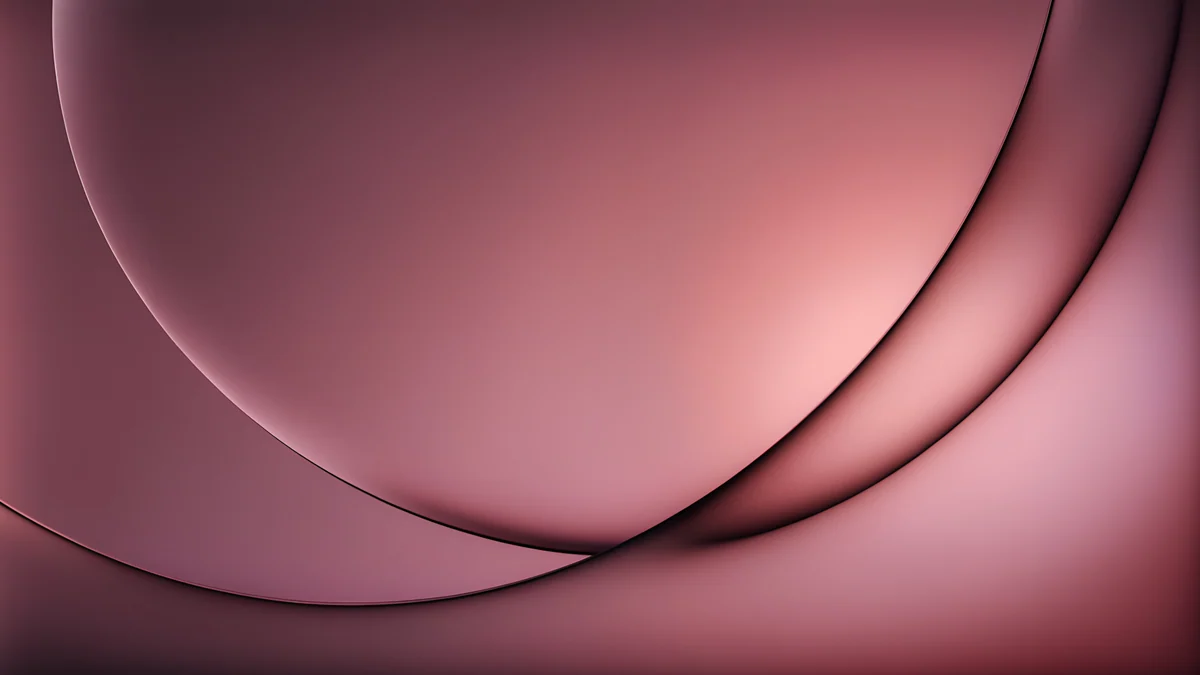 Rose Smoke Glass
Free originals for iPhone and Android, no watermark
On this page
A computer wallpaper should have at least as many pixels as your screen, and a 3840 × 2160 file is the simple answer: it covers Full HD and QHD monitors, 4K monitors, Windows laptops, MacBooks and Chromebooks, because the computer only ever scales it down. Set the fit to Fill so there are no black bars, and pick an image with a calm left side, where Windows and ChromeOS put desktop icons. Computer wallpaper and computer background mean the same thing; the only real choice is the style. Below are 19 free computer backgrounds from Velpaper, sorted by the screen and the habit they suit: calm light architecture for a work PC, deep blue for dark mode, soft gradients for a MacBook and warm paper light for a Chromebook. Every one is a wide 4K original, composed for 16:9 rather than cropped from a phone picture, and Petrol Current goes up to 5K.
What size computer wallpaper you need
Find your screen below. If the file in the last column is at least as large as your resolution, the wallpaper stays sharp.
| Computer | Typical resolution | File to use |
|---|---|---|
| Budget Windows laptop or Chromebook | 1366 × 768 or 1920 × 1080 | 4K |
| 22 or 24 inch monitor | 1920 × 1080 | 4K |
| 27 inch gaming or office monitor | 2560 × 1440 | 4K |
| MacBook Air 13 inch | 2560 × 1664 | 4K |
| MacBook Pro 16 inch | 3456 × 2234 | 4K |
| 27 to 32 inch 4K monitor | 3840 × 2160 | 4K |
| Apple Studio Display, 27 inch 5K iMac | 5120 × 2880 | 5K |
MacBooks and many premium laptops are 16:10, a little taller than a 16:9 image, so Fill trims a thin strip from the left and right. Keep the subject away from the side edges and nothing important is lost. Ultrawide and dual monitor setups need more width; the full list, including 21:9 and 32:9, is in our PC wallpaper size guide.
Calm light backgrounds for a work PC
Pale stone and open sky sit quietly behind spreadsheets, browser tabs and light mode windows. Each of these keeps a plain area on the left for icons.
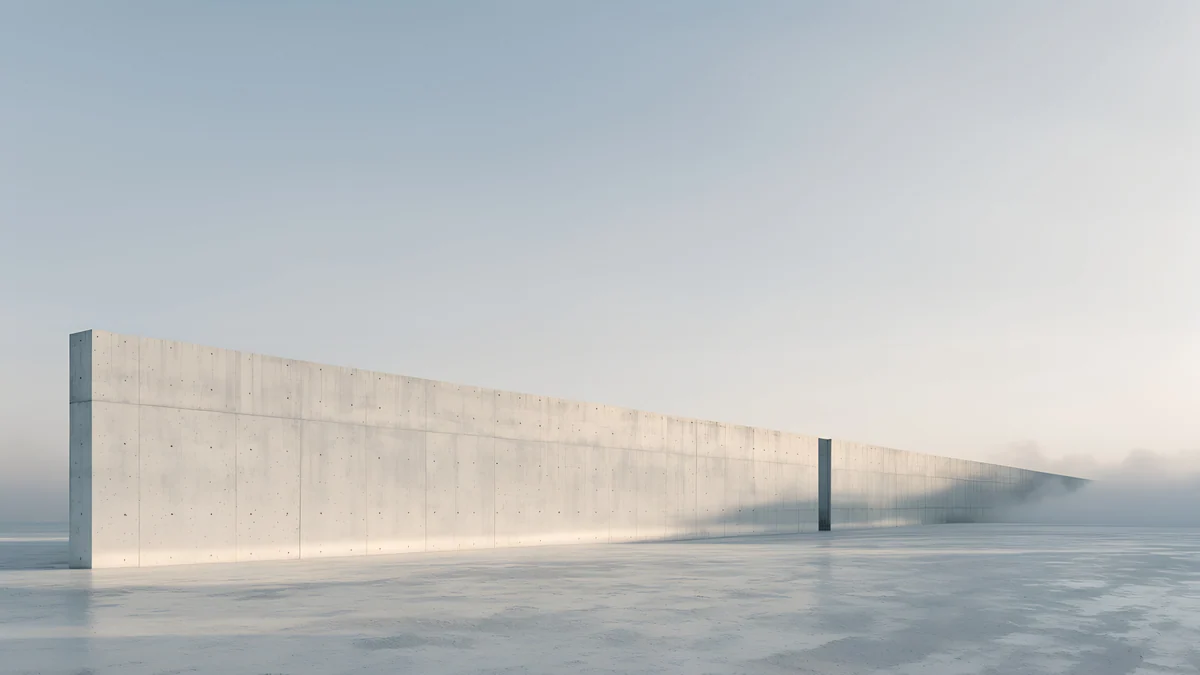
Horizon Wall is a long concrete wall running into mist on a pale floor, almost all sky. Circular Court puts a low round wall under a sky that deepens from white to clear blue. Concrete Dome is a white dome with one dark doorway under a grey blue sky, and Twin Slabs sets two grey blocks on a flat horizon with long shadows reaching towards you. Glacier Spiral Hall adds colour: an ice blue spiral stair opening into white, with the right half busy and the left half calm.
Deep blue for dark mode
A dark background hides the gaps between windows and stops a desktop from glaring in a dim room. These five keep most of the frame in navy, indigo or teal, so white icon labels and the taskbar read clearly.
Cobalt Soft Horizon is a near black field crossed by two thin arcs of blue glass, quiet enough for a full desktop. Petrol Current rolls dark teal dunes across a 5120 × 2880 canvas, the pick for a 5K display. Indigo Silk Flow folds violet silk into low hills, and Cobalt Ember Steps climbs a deep blue staircase lit by small orange glows. Solar Indigo Gate is the boldest, a warm lit arch in an indigo wall, with the glow in the centre so it survives an ultrawide crop.
Soft gradients for a MacBook
A MacBook screen is sharp and colour accurate, so smooth gradients look their best on it. These have one shape and plenty of empty colour around the menu bar and the Dock.
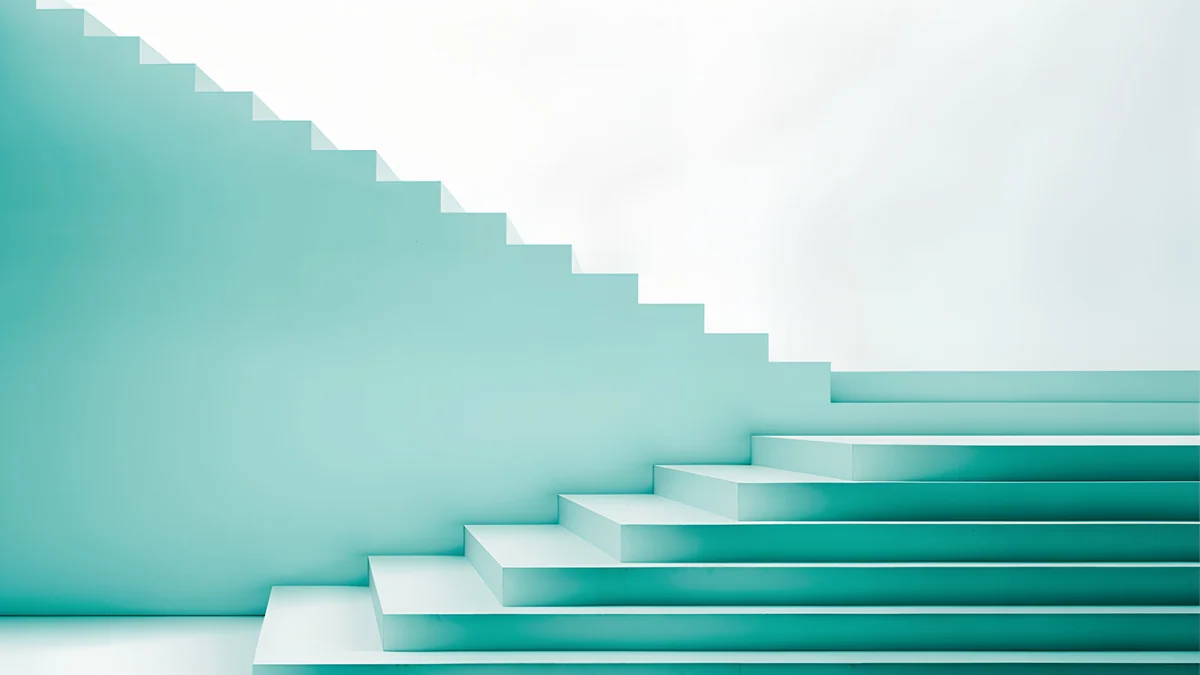
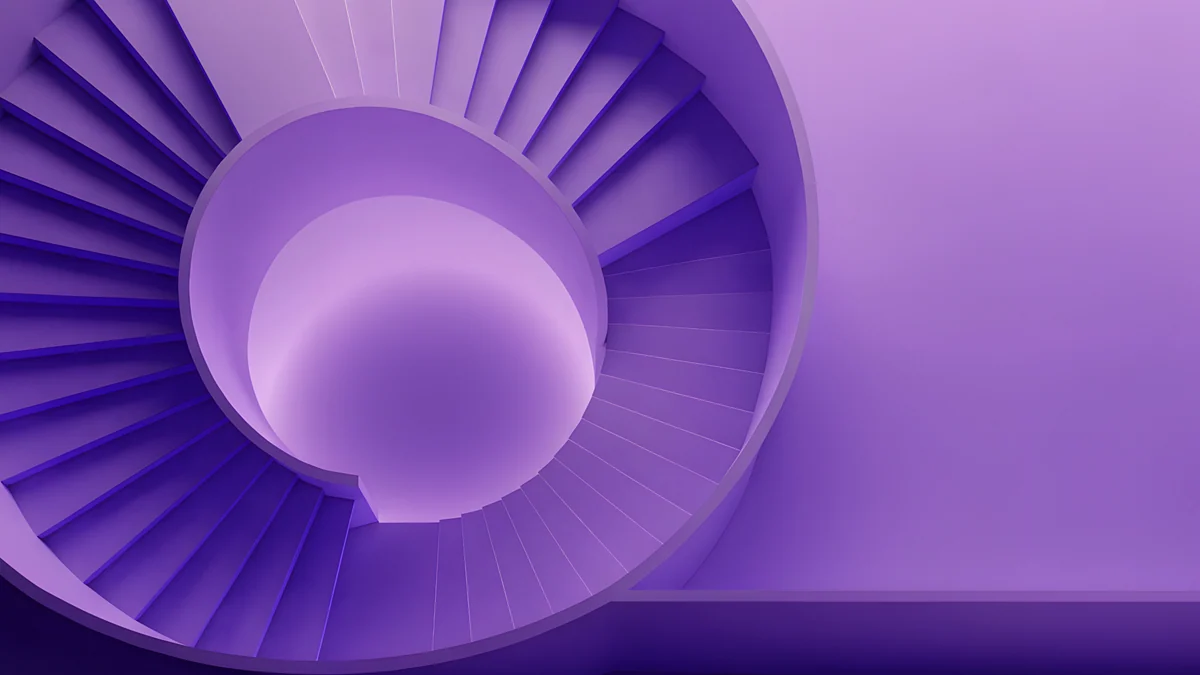
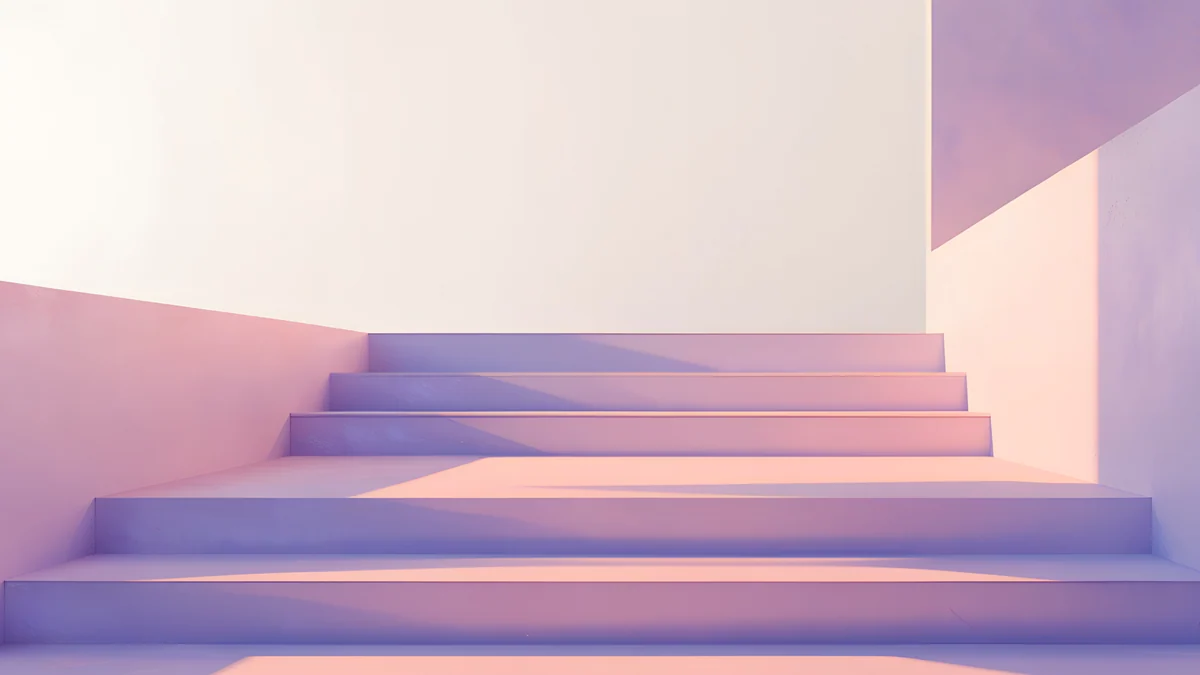
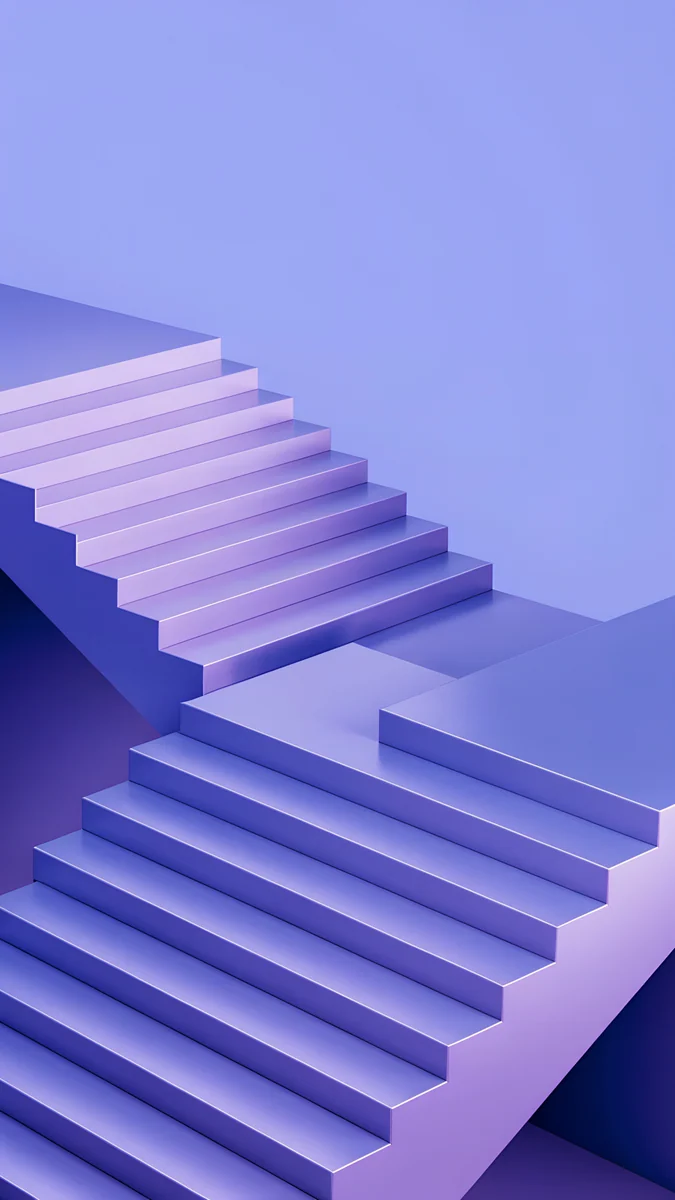
Liquid Light Band is a single ribbon of clear glass with a pink edge bending across a white field, the lightest of the set. Rose Smoke Glass curves thin lines around a dusty rose sphere. Mint Folded Steps runs white stairs down into mint and teal. Violet Spiral Well looks into a lilac spiral stair, and Peach Switchback Steps lays soft peach and lilac steps in a pale room, calm enough for a crowded desktop.
Warm paper light for a Chromebook
Chromebook screens are often Full HD or smaller and not very bright, so low contrast, warm images look better on them than fine detail. These four are sunlight and leaf shadows on paper screens.
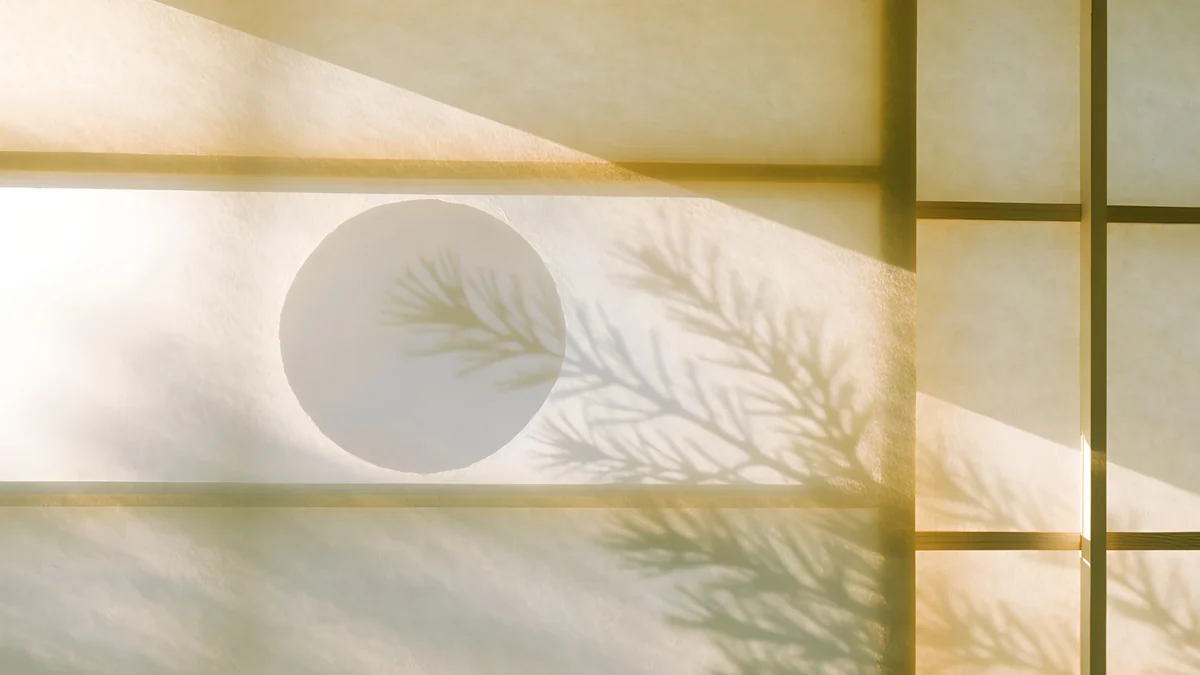
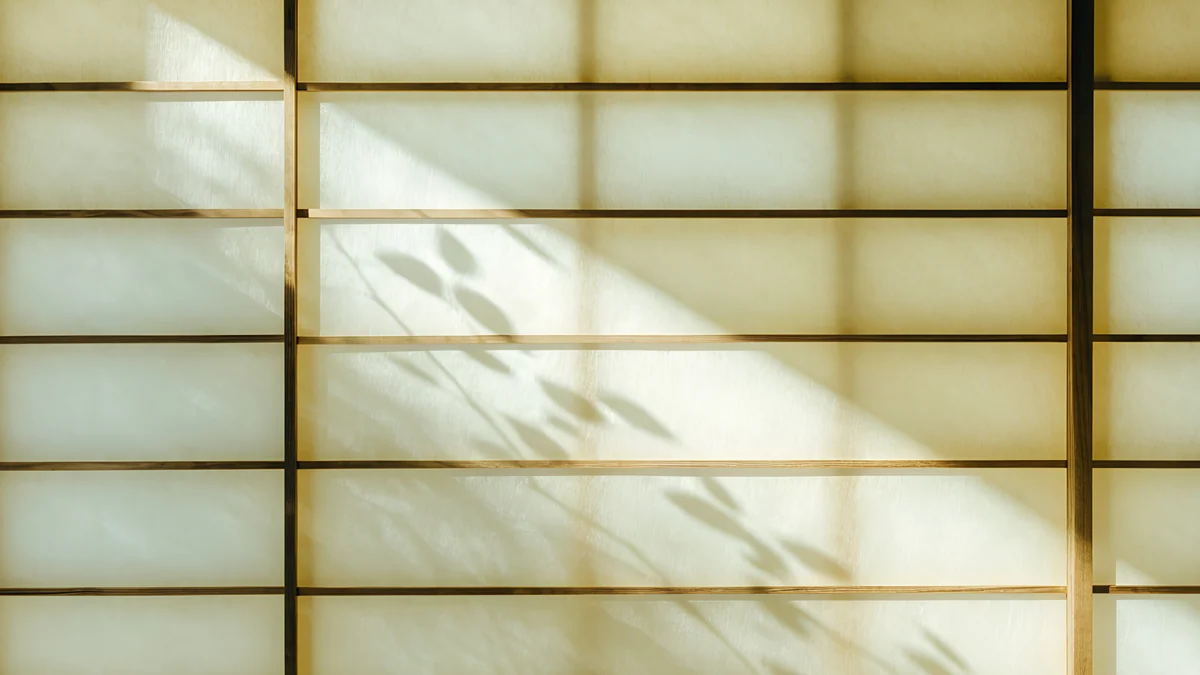
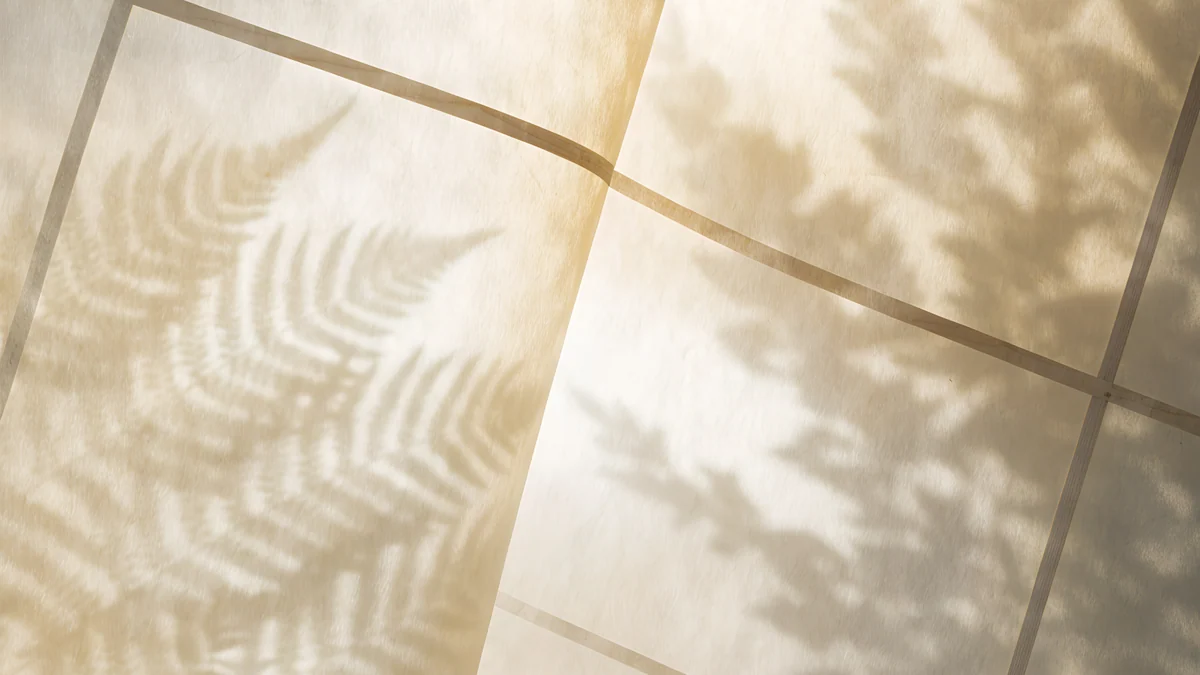

Shoji Moon shows a round moon shape and branch shadows on a sliding paper screen. Washi Glow is a lit paper grid with leaf shadows falling across it. Paper Folds lays fern shadows over panels of warm paper, and Bamboo Shadow fills the frame with soft bamboo leaves in gold light. Velpaper desktop files are JPEGs of roughly 0.1 to 2.4 MB, small enough not to matter on a Chromebook with little storage.
Microsoft's own steps are in Change your desktop background in Windows, and Apple's are in Change your Mac desktop picture.
How to set a computer wallpaper on Windows, Mac and Chromebook
- Windows 11. Download the file, right-click an empty part of the desktop and choose Personalize, then Background. Set Personalize your background to Picture, click Browse photos and open the file, then under Choose a fit for your desktop image select Fill.
- Mac (macOS Tahoe 26). Open the Apple menu, choose System Settings, then Wallpaper. Click Add Photo, choose the file and set the menu next to the preview to Fill Screen.
- Chromebook. Save the file to Downloads or Google Photos, right-click the desktop (or tap with two fingers) and choose Set wallpaper & style, then Wallpaper. Open My Images or Google Photos and click the picture. Each step with screenshots is in our Chromebook wallpaper guide.
Want more styles, such as noir, ink wash or lo-fi? Our main desktop wallpaper guide covers them with three picks each.
Next step: open Horizon Wall for a quiet work screen or Cobalt Soft Horizon for dark mode, and save the original. Every computer wallpaper here downloads free with no ad, in the Velpaper apps for Mac, iPhone, iPad and Android and on velpaper.com.
Original wallpapers in and for iPhone, Android and desktop.
Questions
What size should a computer wallpaper be?
At least the resolution of your screen, and 3840 × 2160 covers almost every computer. That is the native size of a 4K monitor and larger than Full HD (1920 × 1080), QHD (2560 × 1440), MacBook and Chromebook screens, so the system only scales it down and the image stays sharp. A 5K display such as the Apple Studio Display is 5120 × 2880; Petrol Current in this collection is made at that size. Ultrawide monitors need a wider file or a centred subject.
Are these computer wallpapers free?
Yes. Every computer wallpaper in this article downloads free with no ad, as the full size original without a watermark. You can get them on velpaper.com or in the Velpaper apps for Mac, iPhone, iPad and Android, and no account is needed. Phone wallpapers in the same apps unlock after a short optional ad, but desktop wallpapers do not. Save the original from the wallpaper page rather than the preview, which is compressed to load fast.
Should I choose Fill, Fit or Stretch?
Choose Fill on Windows and Fill Screen on a Mac. Fill scales the image until it covers the whole screen and trims a little from the edges if the shapes differ, so there are no black bars and nothing is distorted. Fit keeps the whole image but leaves bars on a 16:10 laptop. Stretch changes the proportions and makes circles look like ovals. On a Chromebook, ChromeOS fills the screen by default when you set a picture from My Images or Google Photos.
Does a 4K wallpaper slow down my computer?
No, not in any way you would notice. A still wallpaper is one image that the system draws once and keeps in memory, and the files here are between about 0.1 and 2.4 MB. Windows, macOS and ChromeOS all scale it to your screen once when you set it. What can use more resources is a moving or video wallpaper, or a slideshow that changes every minute. A single 4K image on a Full HD laptop is fine.
Can I match my computer wallpaper with my phone?
Yes, several of these come from families that also exist as phone wallpapers. Glacier Spiral Hall on the computer pairs with Glacier Spiral Well on the phone, Mint Folded Steps pairs with Mint Folded Flights, and the white stair scenes come in both shapes. The phone versions are 2160 × 3840 portrait originals composed for a lock screen, so you get the same palette on both screens without cropping one picture twice. Our matching phone and desktop guide has more pairs.
Carlos Vivero
Designer of Velpaper wallpapers
Carlos Vivero designs the wallpapers in Velpaper: quiet architecture, liquid glass, Japanese ink and calm landscapes. Every piece is made as a original for iPhone, Android and desktop.
Recent work