Wallpaper for Phone: How to Choose, Plus 18 Picks in 4K
How to choose a wallpaper for your phone: the 2160 × 3840 size, clock space and OLED black, then six styles with three 4K picks each and a link to the full set.
In short: A good wallpaper for a phone is 2160 × 3840 pixels, keeps the top third calm for the clock, and is clearly light or clearly dark rather than mid-tone. Below are the three checks, then six styles, gradients, black OLED, arches, sunset, night city and ink, with three 4K originals each and a link to the deeper set.
By the Velpaper team · Wallpapers by Carlos Vivero, Velpaper designer · · Updated · 5 min read
 Moon Silver
 Palm Afterglow
 Black Glass Sphere
 Liquid Light
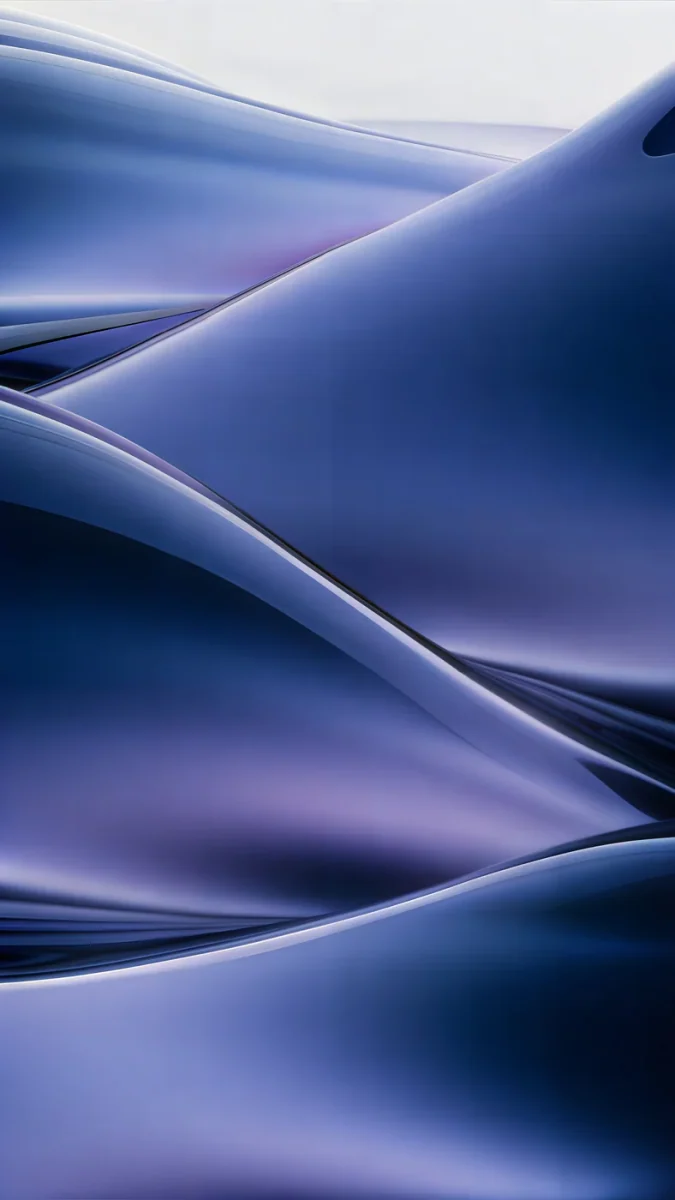 Midnight Flow
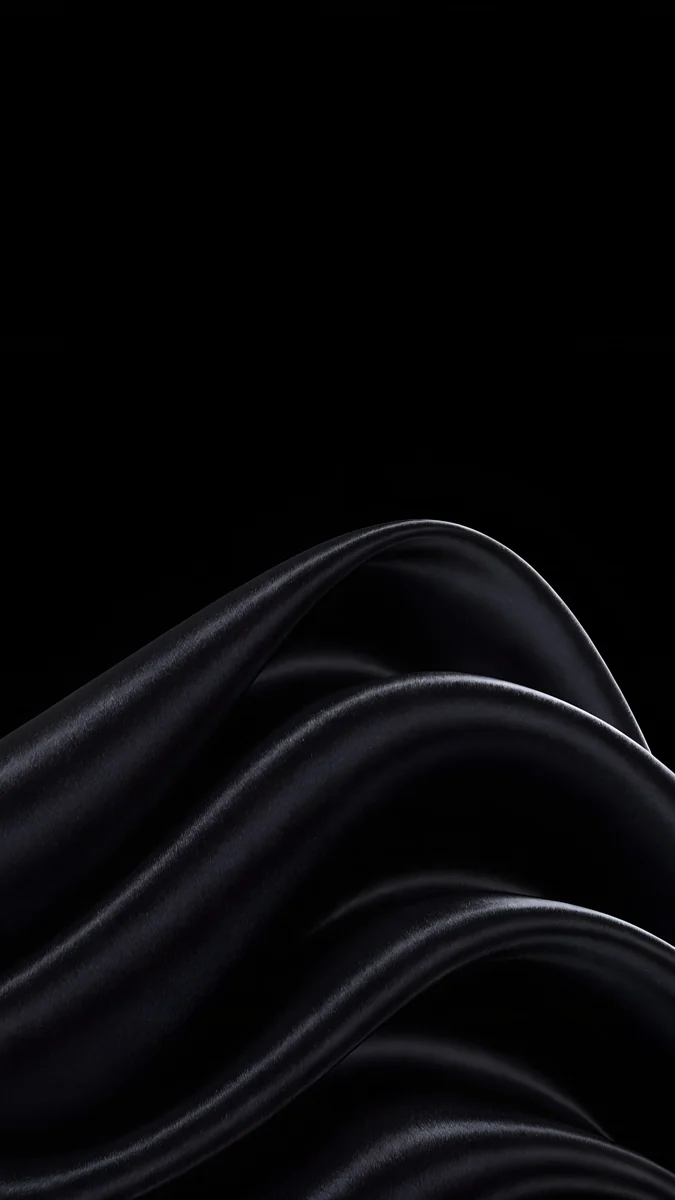 Black Satin
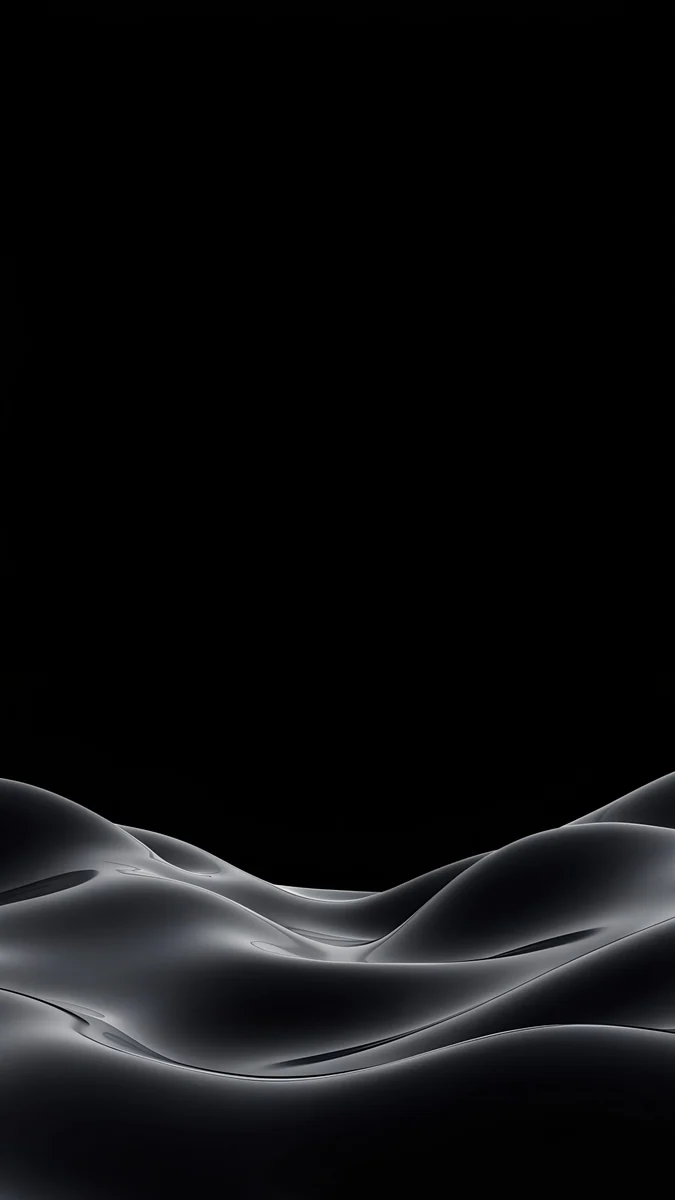 Obsidian Waves
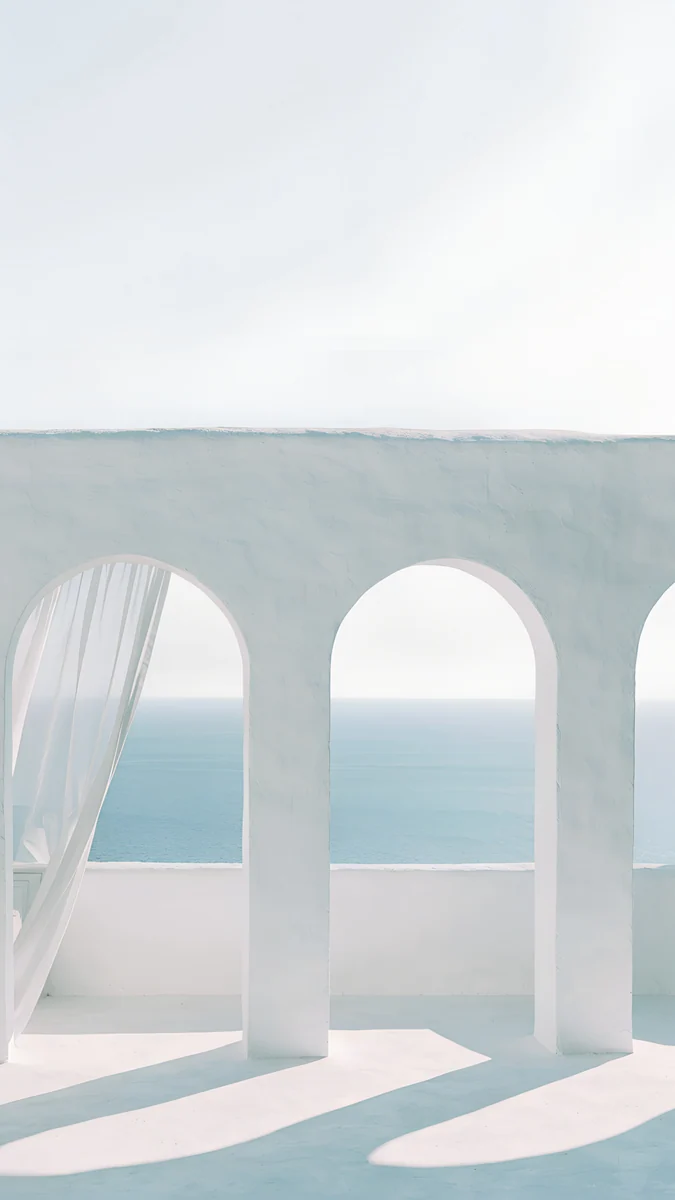 Sea Arch
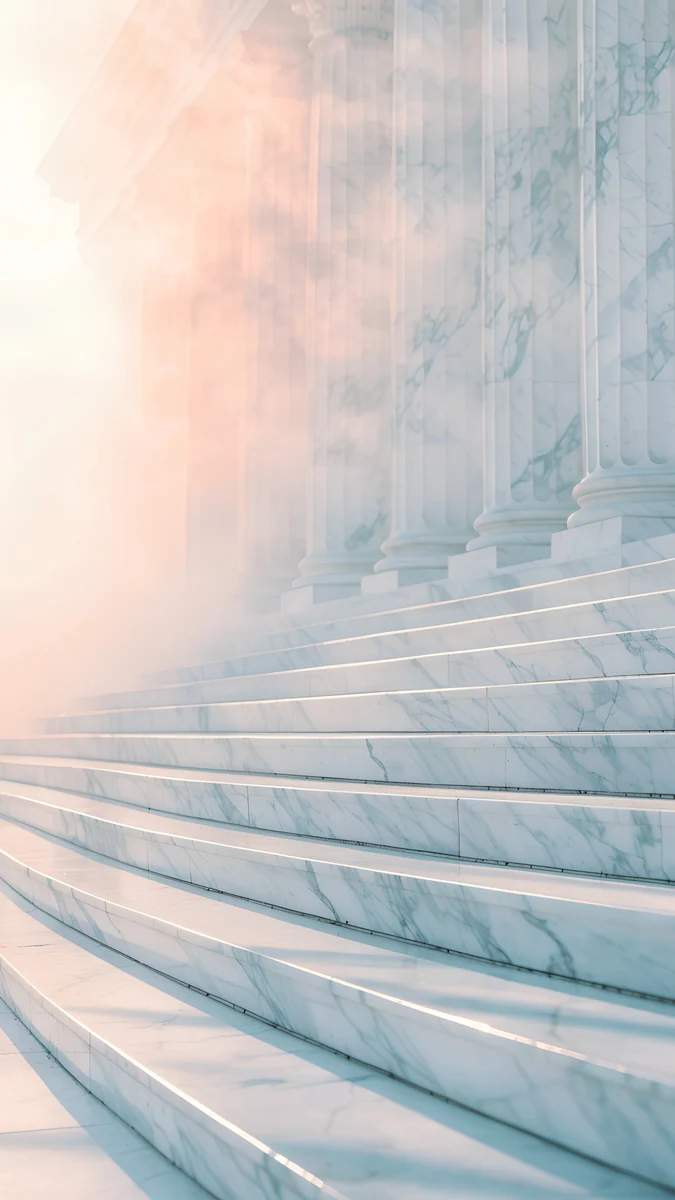 Marble Steps
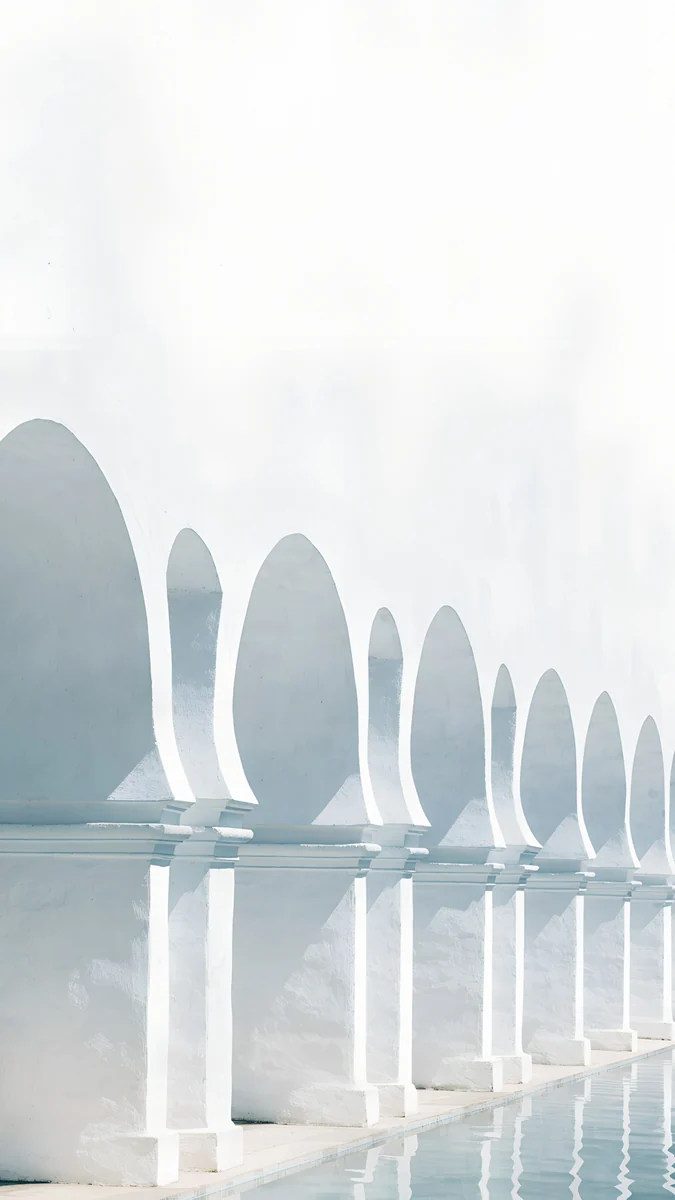 White Arches
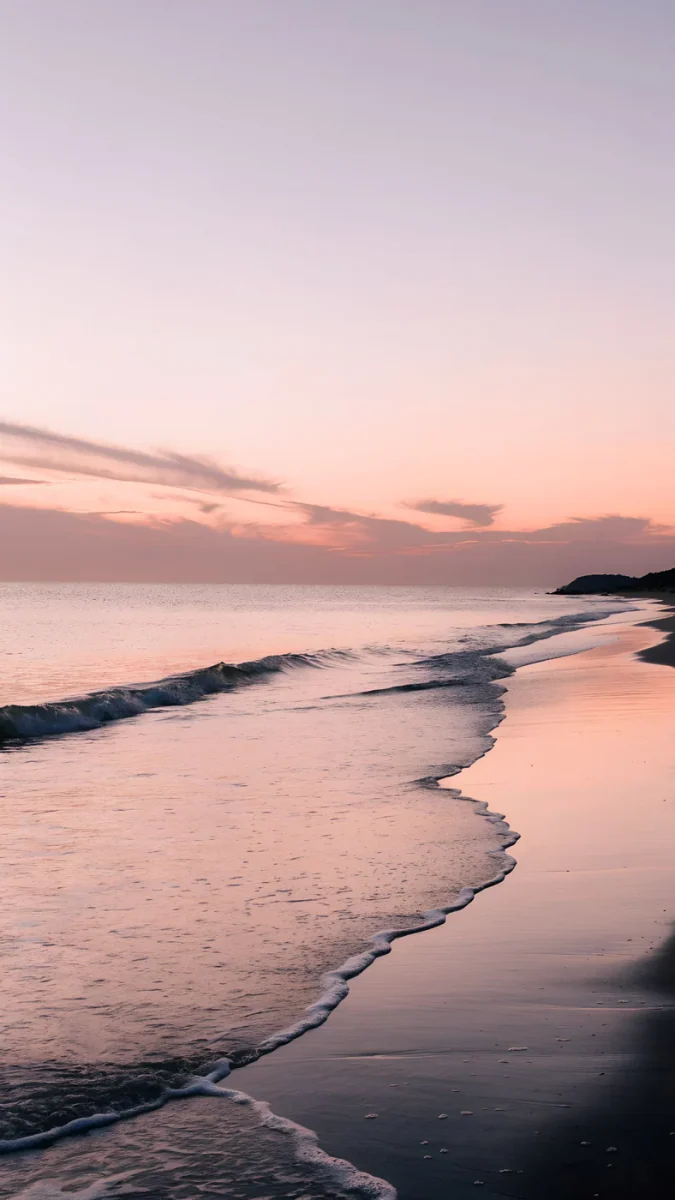 Lilac Shore
 Tidal Quiet
Free 4K originals for iPhone and Android, no watermark
On this page
Wallpaper for phone is the broadest search there is, so start with the three things that matter on any phone. The file should be 2160 × 3840 pixels, which is taller than the iPhone 17 Pro Max (1320 × 2868), the Galaxy S25 Ultra (1440 × 3120) and the Pixel 10 Pro (1280 × 2856). The top third should be calm, because that is where the clock goes. And the image should be clearly light or clearly dark, so the clock colour has something to contrast with.
After the checks come six styles, three 4K originals in each, with a link to the full collection in that style. Every piece is a 2160 × 3840 original from Velpaper, available in the apps for iPhone, iPad, Mac and Android and on velpaper.com.
How to choose a wallpaper for your phone
| Check | What to look for | Why |
|---|---|---|
| Size | 2160 × 3840 pixels | Taller than every current screen, so the phone only scales down |
| Clock space | Plain sky, wall or black in the top third | iPhone and Android draw the time and date there |
| Tone | Clearly light or clearly dark | White or black digits need contrast; mid-tones hide them |
| OLED | True black (#000000) areas | Black pixels switch off, saving power and hiding the cutout |
| Edges | Nothing important near the sides | Phones are narrower than 9:16, so a strip is trimmed on each side |
The size rule does most of the work. A screenshot or an image saved from a chat is usually 1080 pixels wide or less, so the phone has to enlarge it and fine lines go soft. The iPhone wallpaper size guide and the Android wallpaper size guide list the exact pixels for each model.
Soft gradients and liquid glass
Gradients have no edges, so the clock can go anywhere and the only decision is light or dark. They also match the translucent menus of iOS 26 and the Material You tints of Android 16.
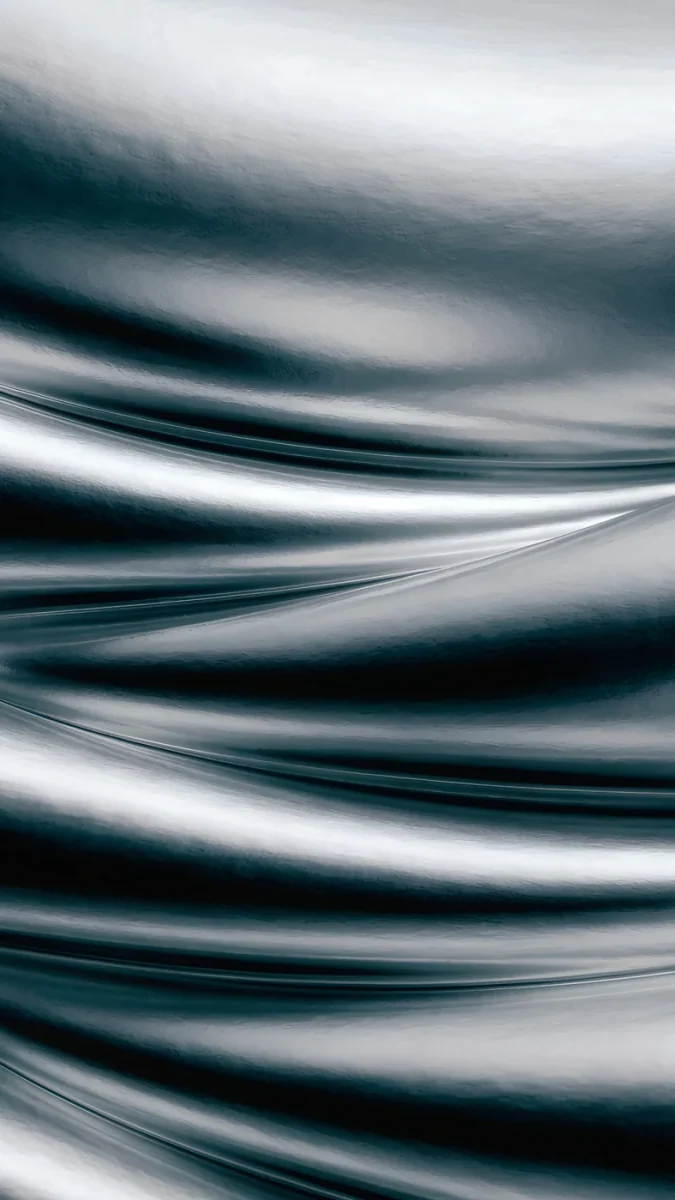
Moon Silver is cool grey light (#D3DCE4 over #11161E) and takes a dark clock. Liquid Light is lavender over sand, the warmest of the three. Midnight Flow is deep blue with a paler current near the bottom, for a white clock. The full frosted set is in liquid glass wallpapers.
True black for OLED
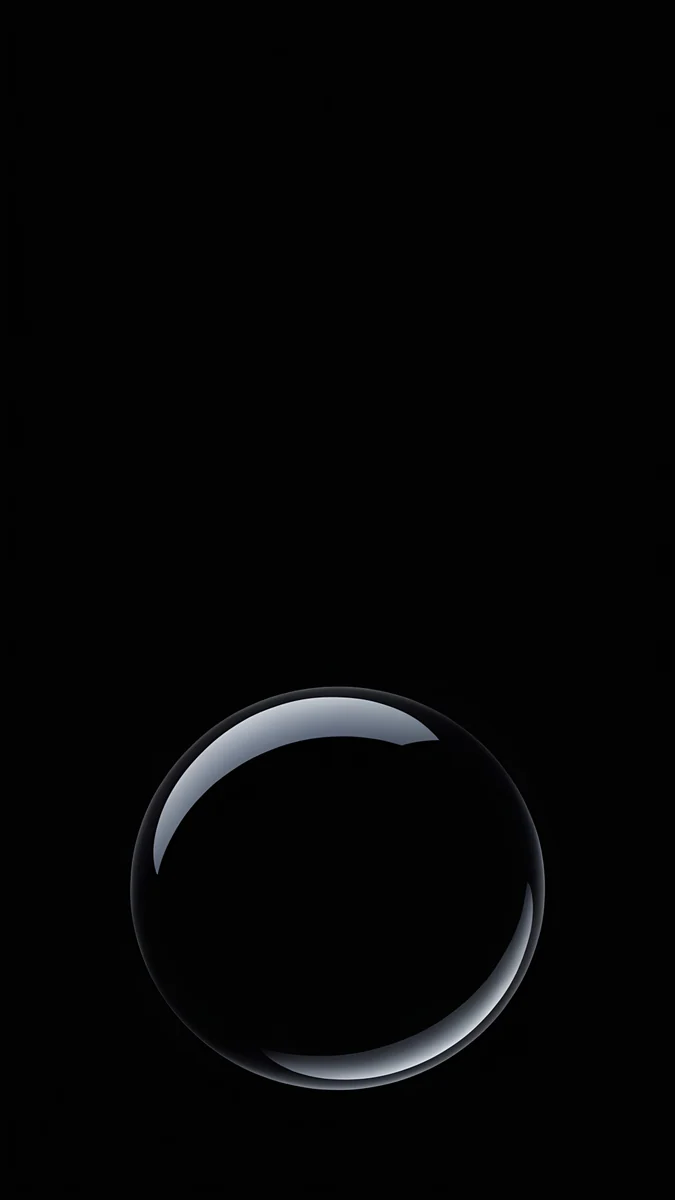
Black Satin is the safest lock screen on this page: near-black folds with nothing above the middle, and it doubles as an always-on display. Black Glass Sphere is one sphere on black, the cleanest candidate for the iPhone depth effect. Obsidian Waves keeps its grey ridges low. More near-black pieces are in dark wallpapers for OLED.
Arches and marble
Architecture gives the eye one shape and leaves the sky above it empty. Pale stone also flatters light mode, where most wallpapers look washed out.
Sea Arch is a white arch opening onto the sea, with a clear enough outline for depth effect. Marble Steps is pale marble in mist and wants a black clock. White Arches is a row of Moorish arches in ivory. The series continues in the arch wallpaper collection.
Sunset and sea
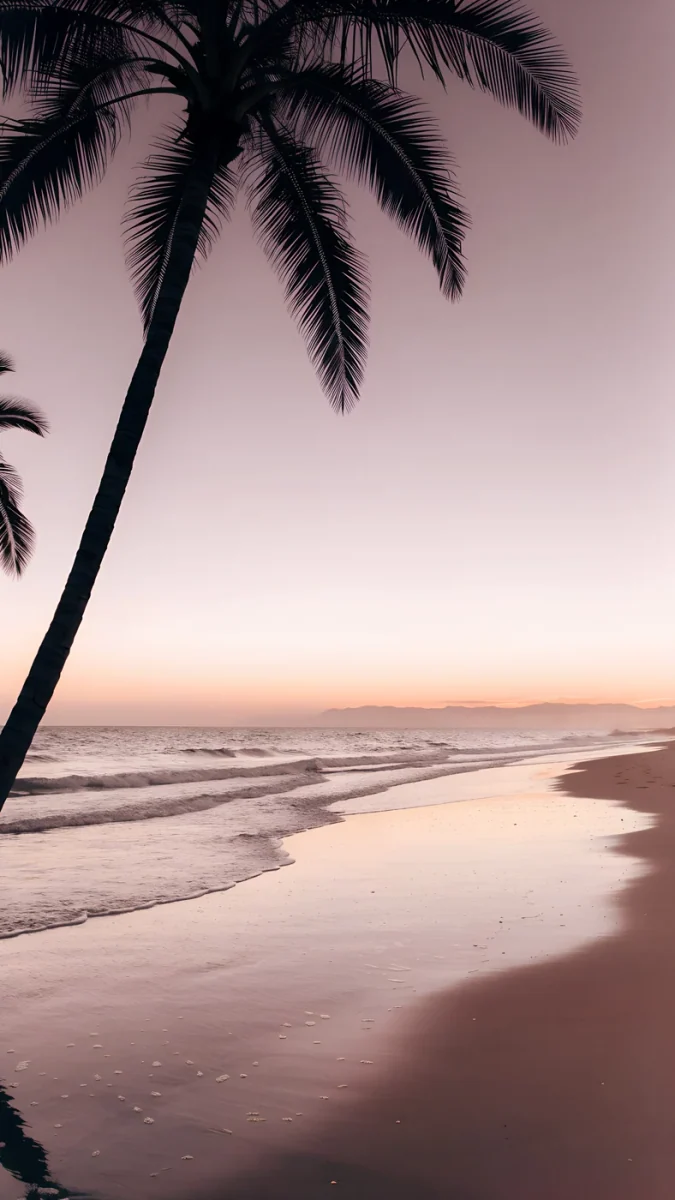
Palm Afterglow is dark palms against a mauve sky, with the sky at the top for the clock. Lilac Shore is the lighter twin, lilac and peach over wet sand. Tidal Quiet is calm water in teal and cream, one of the few free phone pieces in the catalog. More warm evenings are in sunset beach wallpapers.
Night city and noir
City wallpapers work when the lights are few and the sky is dark. Three here, from amber film noir to a rainy Tokyo street.
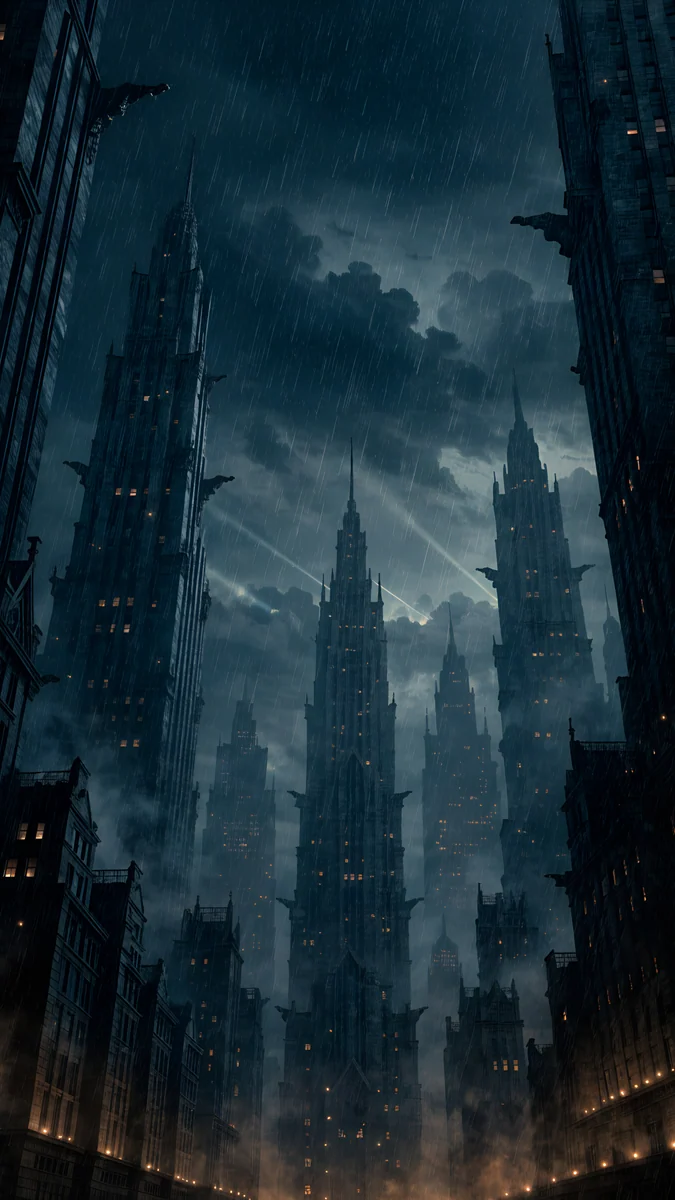
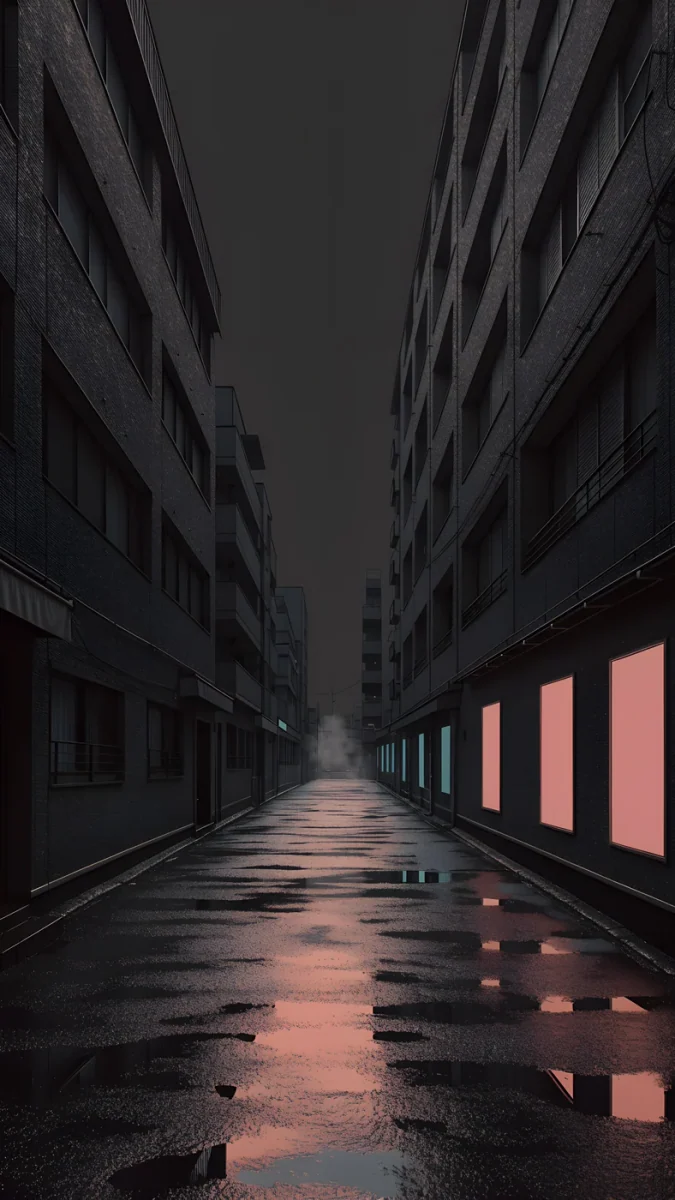
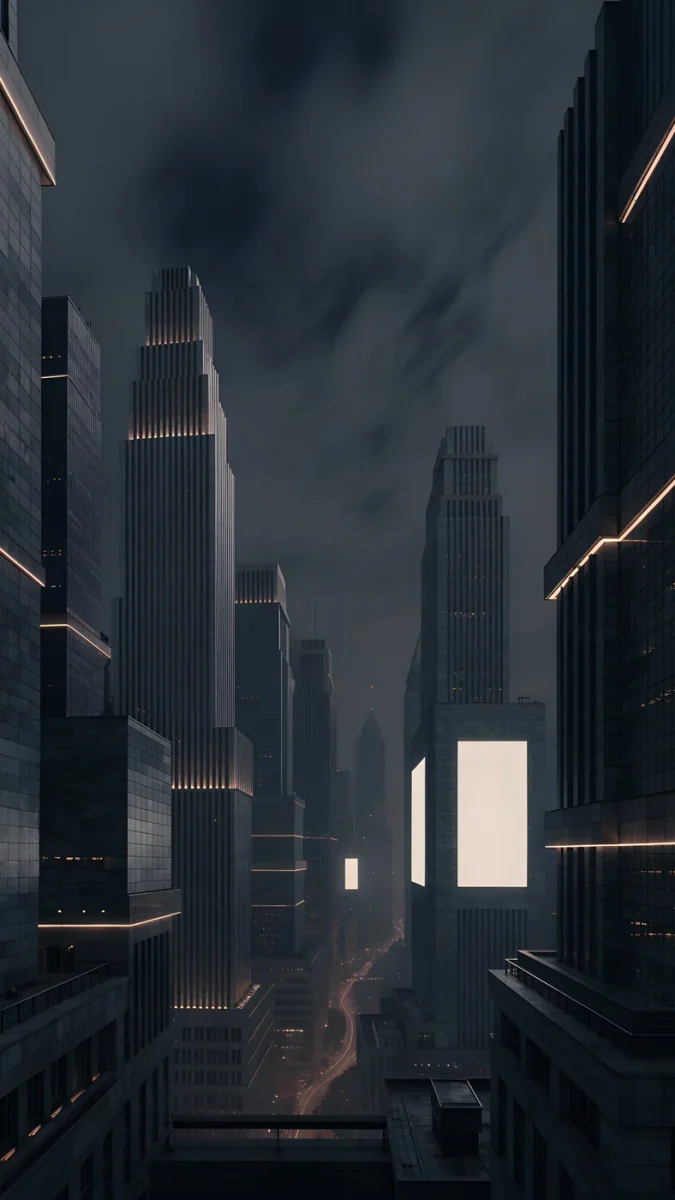
Rain Glow is a wet street under towers with amber reflected in the rain. Tokyo After Rain is pink and teal neon on wet asphalt (#B273A4 and #608FA0). Amber Metropolis is a skyline in warm haze with a dark sky above. The black-and-amber series is in noir city wallpapers.
Ink and paper
Ink wash leaves most of the paper bare, which is the whole point on a lock screen. The subject is small, the top is empty, and a black clock reads like a seal stamp.
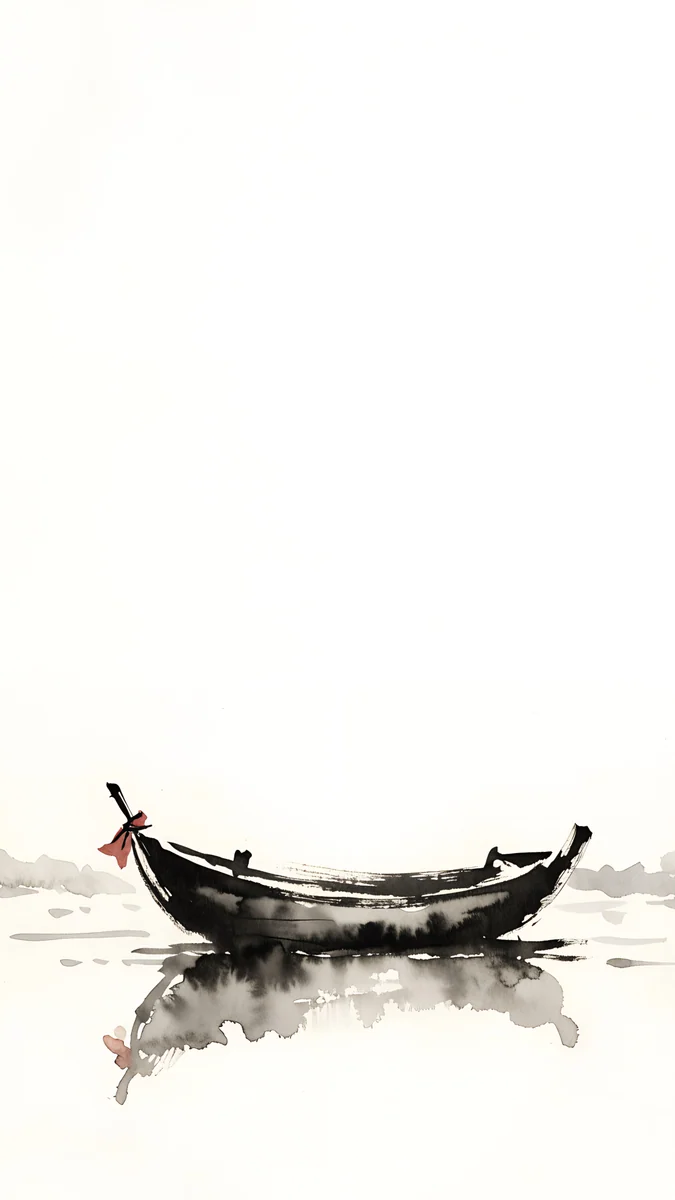
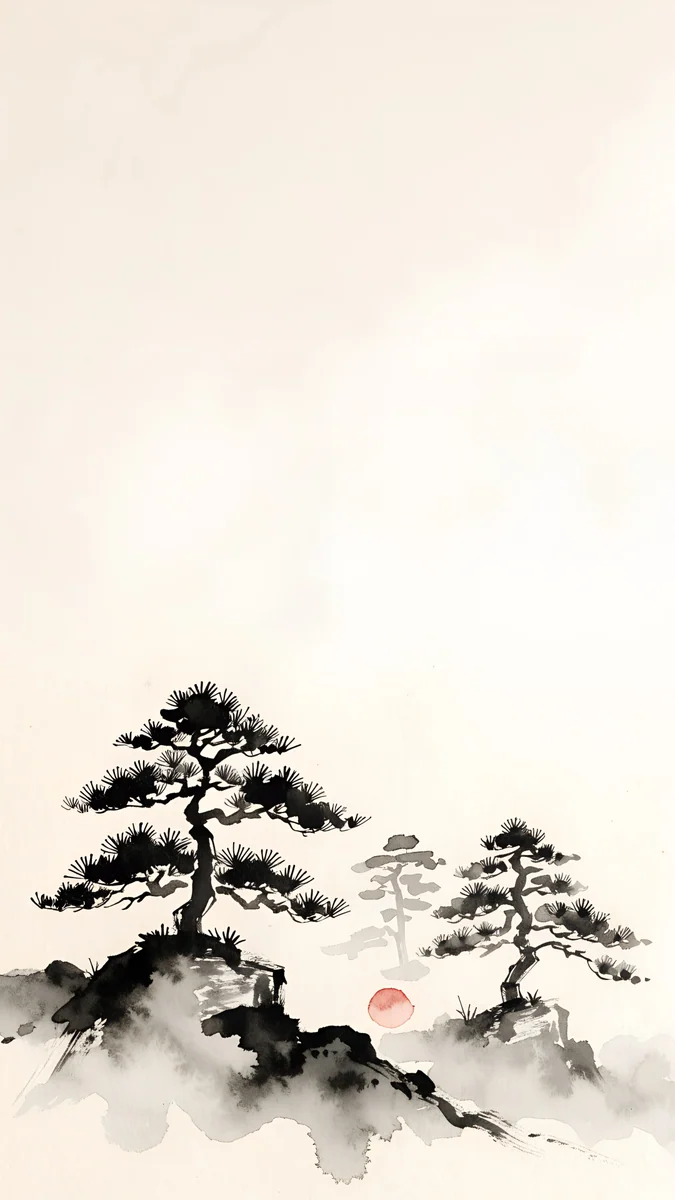
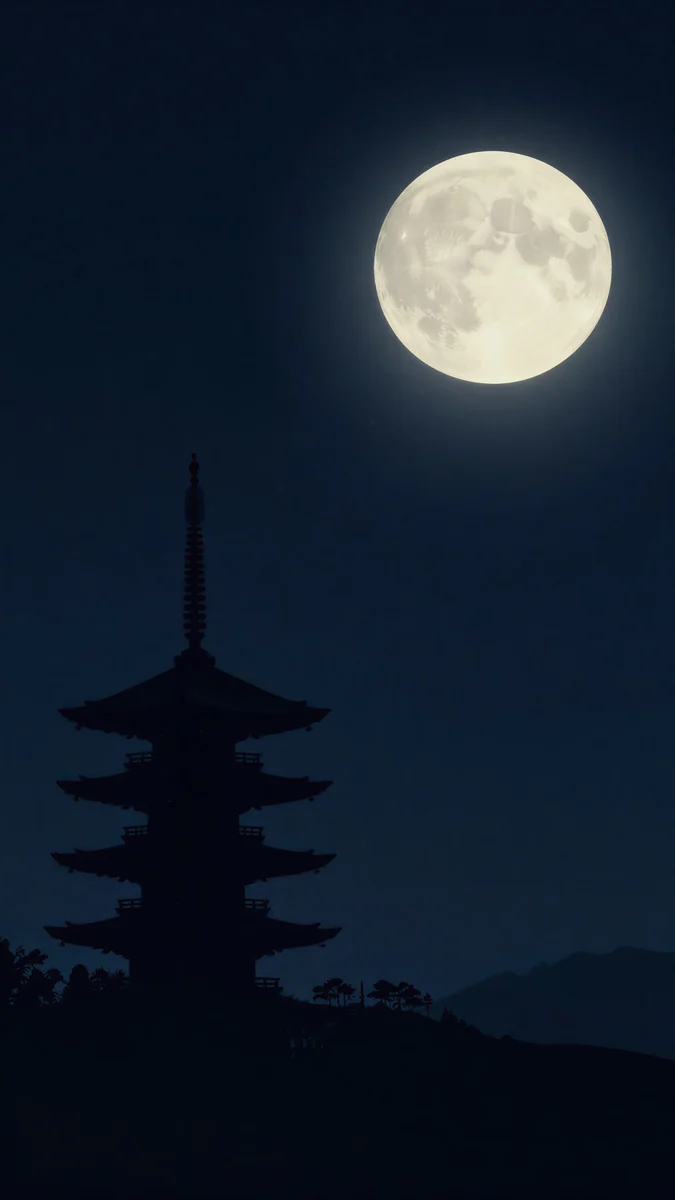
Quiet Boat is one boat on warm paper (#F2ECDF), the quietest image on this page. Mist Pines keeps the trees low in the frame. Pagoda Moon flips the formula: black sky, pale moon, white clock. The rest is in Japanese ink wallpapers.
How to set a wallpaper on iPhone and Android
- iPhone (iOS 26). Save the image to Photos, open Settings, Wallpaper, tap Add New Wallpaper, choose Photos and pick it. Pinch and drag so the plain area sits under the clock, tap the time to set its colour, then tap Add and Set as Wallpaper Pair or Customize Home Screen. Every step is in the iPhone lock screen guide.
- Pixel (Android 16). Press and hold an empty spot on the home screen, tap Wallpaper and style, choose My photos, pick the image and apply it to Lock screen, Home screen or Both.
- Galaxy (One UI 8). Open Settings, Wallpaper and style, Change wallpapers, Gallery, pick the image and choose the screen. Other brands follow the same pattern; the Android wallpaper guide has the Xiaomi and OnePlus menus too.
- Zoom out, not in. Every step of zoom enlarges the pixels. If the phone shows the image larger than you want, that is usually the perspective zoom or a small source file, not the wallpaper itself.
Every wallpaper here is a 4K original, available in the Velpaper apps for iPhone, iPad, Mac and Android and on velpaper.com.
Original wallpapers in 4K and 5K for iPhone, Android and desktop.
Questions
What size wallpaper is best for a phone?
2160 × 3840 pixels, which is the 4K frame turned upright. It is taller than every current phone screen: the iPhone 17 Pro Max is 1320 × 2868, the Galaxy S25 Ultra 1440 × 3120 and the Pixel 10 Pro 1280 × 2856. The phone only scales the image down and trims a little at the sides, so it stays sharp and you can still pinch to reframe. An image smaller than the screen, such as a 1080 × 1920 file, has to be enlarged and goes soft around fine lines.
How do I pick a wallpaper that keeps the clock readable?
Look at the top third of the image, because that is where iPhone and Android draw the time, the date and the first widgets. It should be plain sky, a bare wall or solid black, and clearly light or clearly dark rather than a mid-tone. Then set the clock to the opposite: white on a dark image, near-black on a light one. From this page, Black Satin, Moon Silver, Quiet Boat and Palm Afterglow are the safest four, because each leaves the top of the frame almost empty.
Do dark wallpapers save battery on a phone?
On an OLED screen, yes, a little. Each pixel that shows pure black (#000000) is switched off, so a wallpaper that is mostly black draws less power, and the saving is largest on the always-on display, which shows the wallpaper for hours. Black Satin, Black Glass Sphere and Obsidian Waves are the closest to true black here. On an LCD phone the backlight stays on regardless, so the colour of the wallpaper makes no difference.
Why does my phone crop the wallpaper at the sides?
Because the image and the screen have different shapes. A 2160 × 3840 wallpaper is 9:16, while current phones are around 19.5:9 or 20:9, a little narrower. When the phone fills the height, a strip of roughly a tenth of the width falls outside the screen on each side and is trimmed. That is why good phone wallpapers keep the subject in the centre and the edges plain. You can also pinch and drag in the wallpaper editor to choose what stays in view.
Can I use the same wallpaper on the lock screen and the home screen?
Yes. On iPhone, tap Set as Wallpaper Pair after you add the image and iOS uses it on both, with a slight blur option for the home screen. On Android, choose Both or Home and lock screens when you apply it. Many people prefer two different images: a quiet one with an empty top third for the lock screen, and a plain gradient or true black for the home screen so the icons stay legible. Gradients and the OLED pieces on this page work well for the home screen.
Carlos Vivero
Designer of Velpaper wallpapers
Carlos Vivero designs the wallpapers in Velpaper: quiet architecture, liquid glass, Japanese ink and calm landscapes. Every piece is made as a 4K original for iPhone, Android and desktop.
Recent work