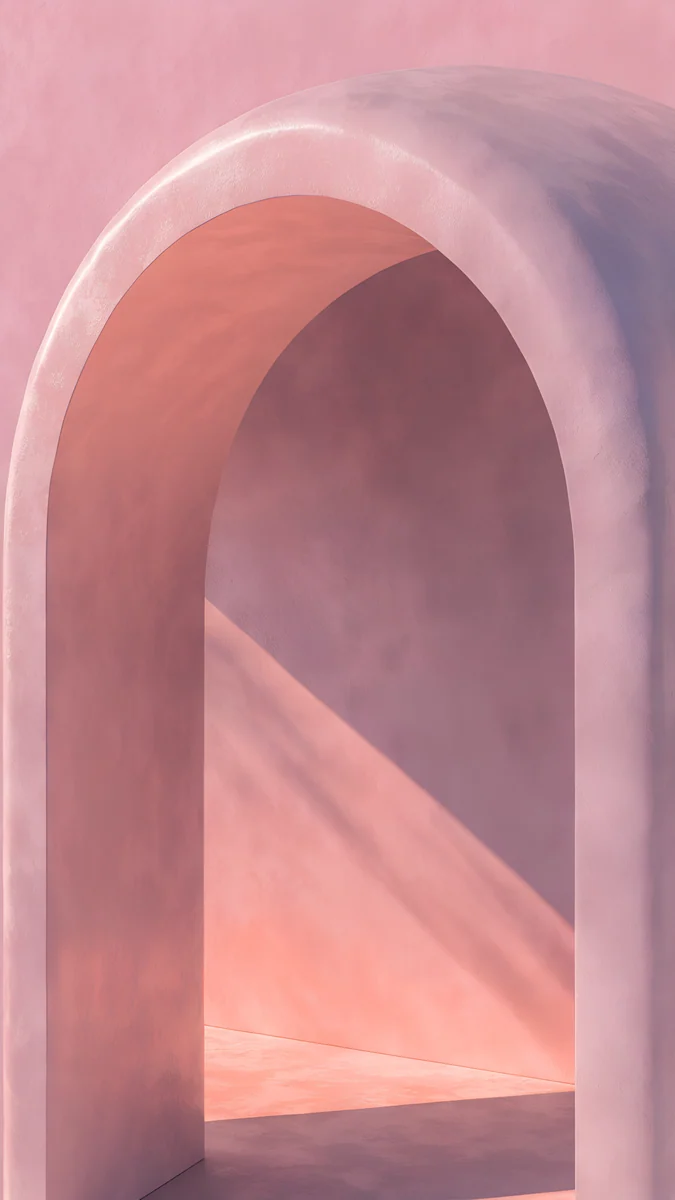
Galaxy A Wallpaper: 4K Picks for A57, A56, A37 and A36
Galaxy A wallpapers in 4K for the A57, A56, A37, A36, A27 and A26: one 1080 × 2340 screen, Super AMOLED dark picks, phone color matches and One UI steps.
Sources [1] · By the Velpaper team · Wallpapers by Carlos Vivero, Velpaper designer · · 6 min read
In short: According to Samsung, the Galaxy A56, A36, A26 and the newer A57, A37 and A27 share a 6.7 inch, 1080 × 2340 screen, so one 2160 × 3840 file with the subject in the middle fits all of them. It scales down without losing sharpness, and dark pictures like Still Waiting look best on Super AMOLED.
Wallpapers
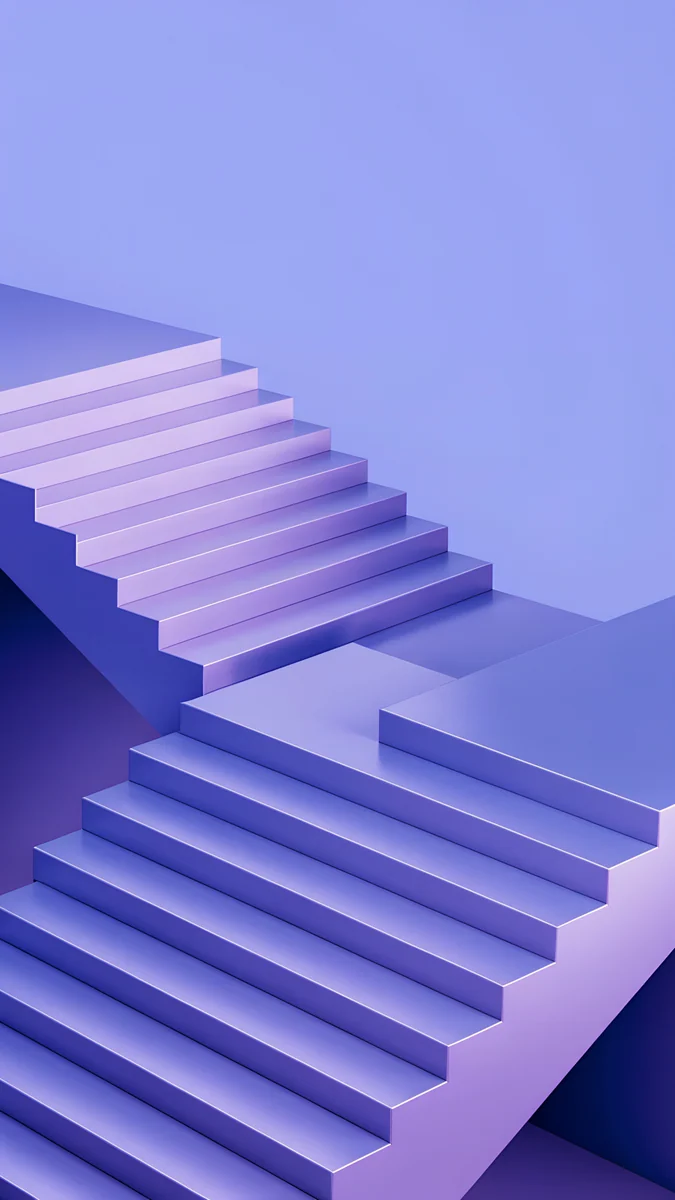 Periwinkle Corner Rise
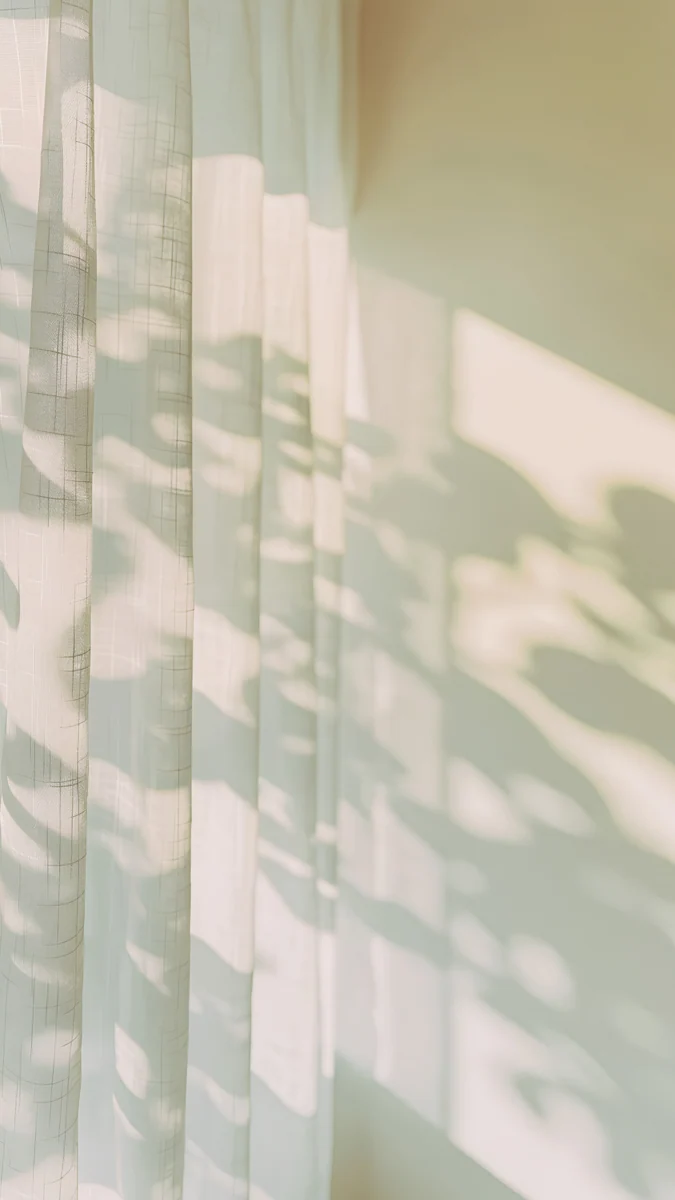 Curtain Leaf Shadows
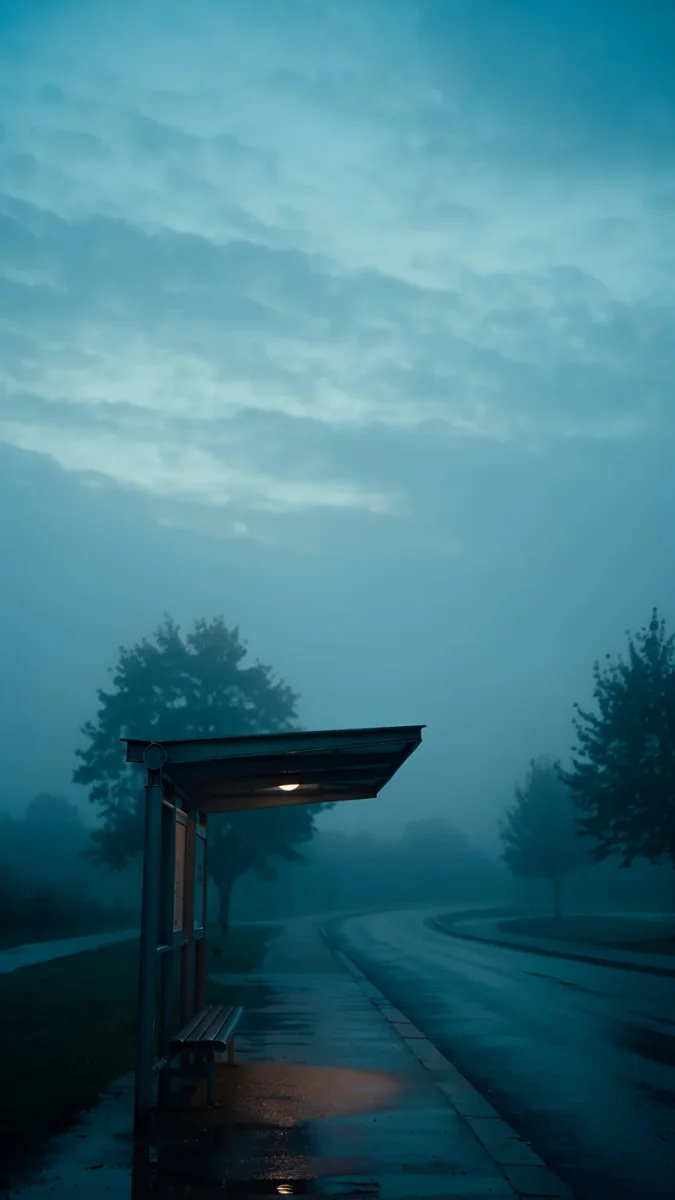 Still Waiting
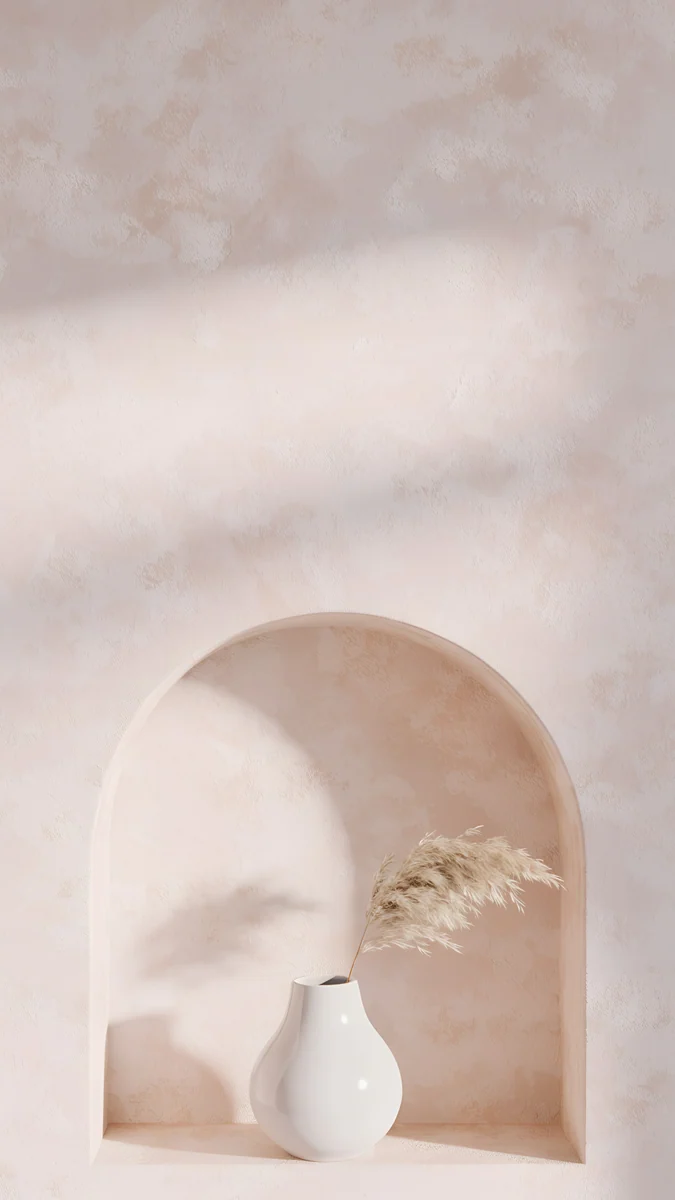 Pampas Niche
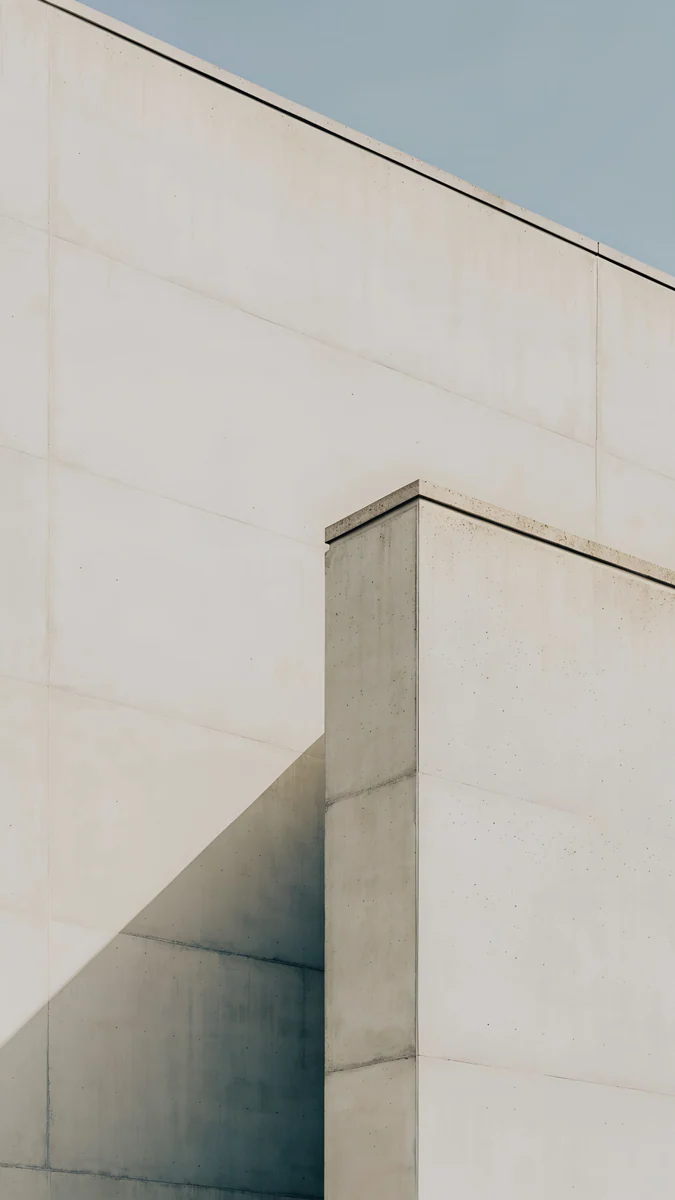 Ivory Fold
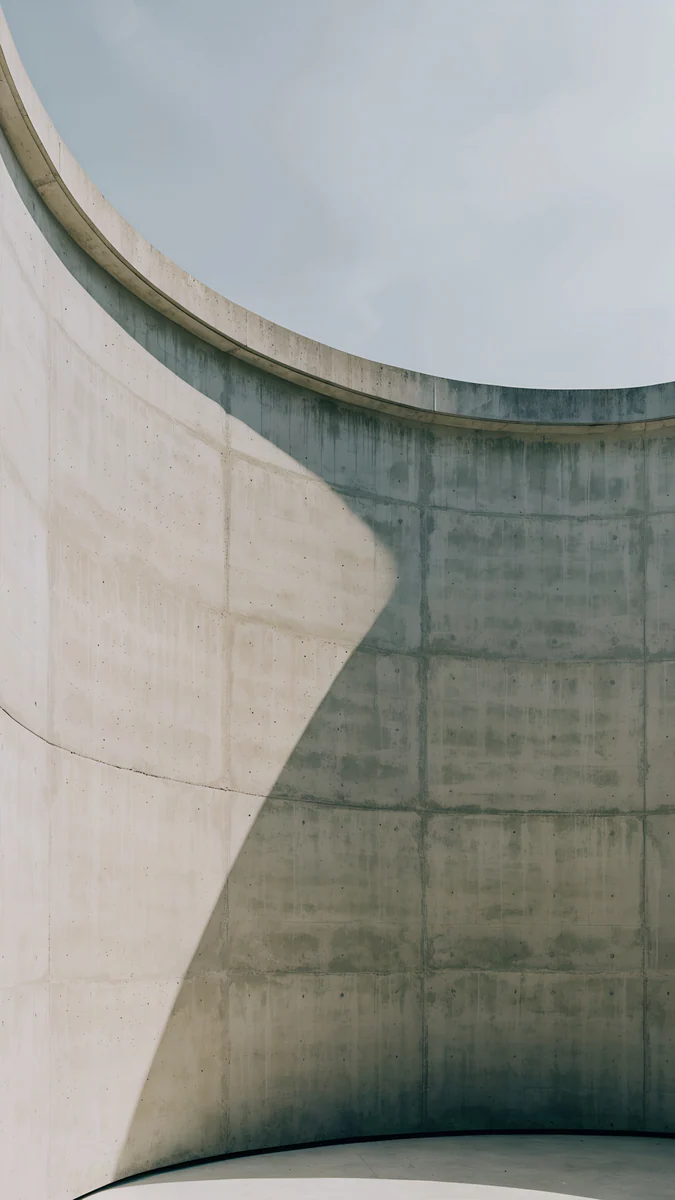 Ash Ring Court
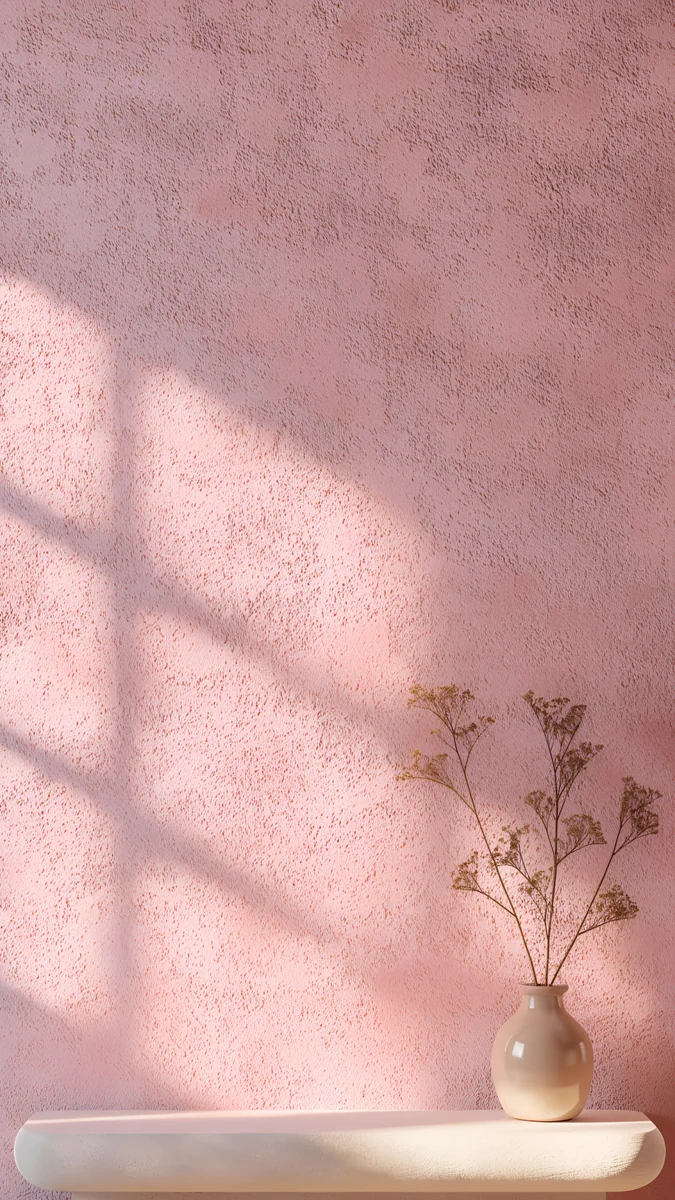 Dusty Rose Shelf
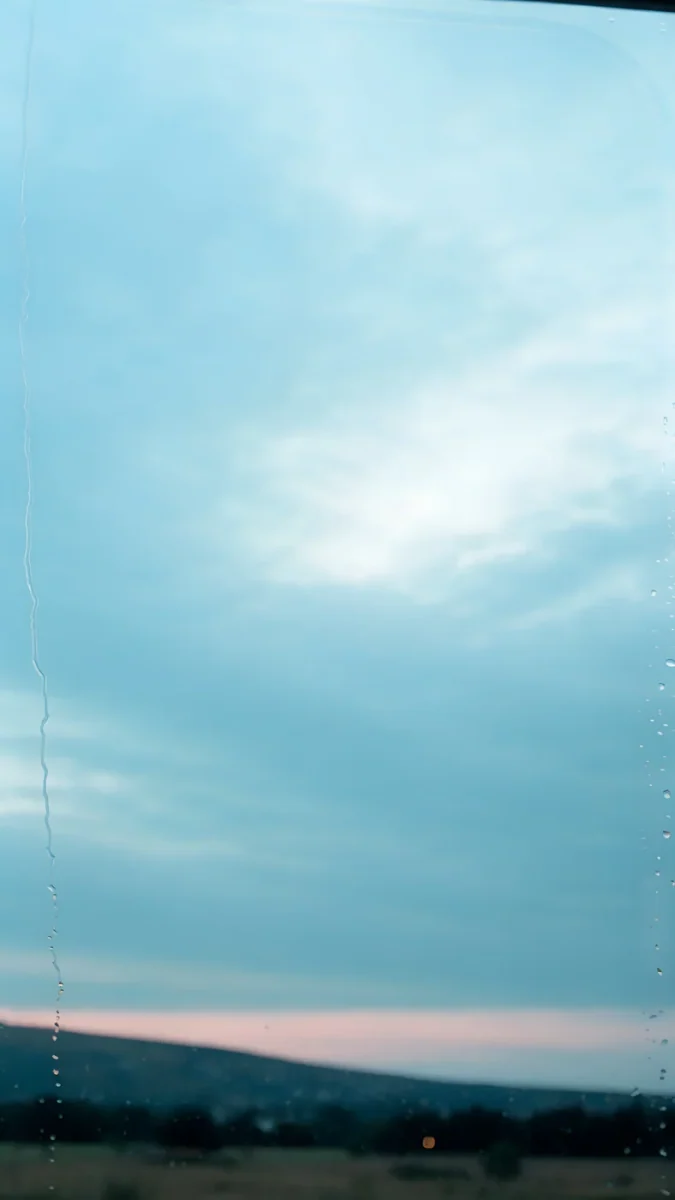 Rose Between Stations
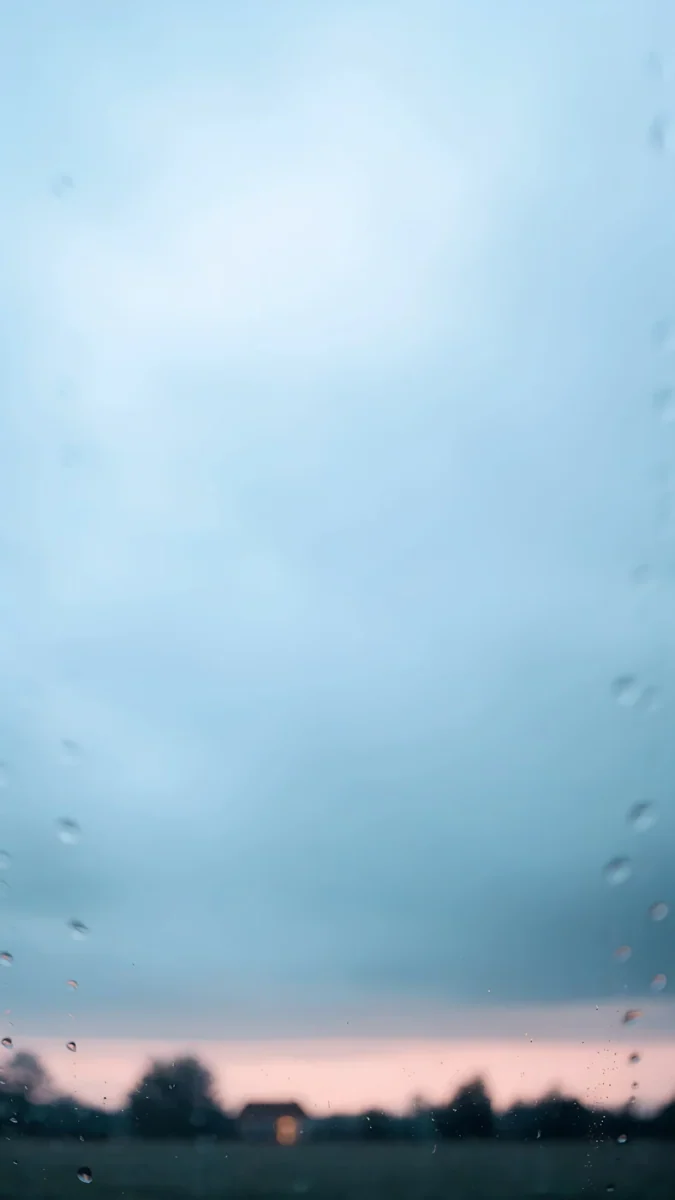 Softly Passing
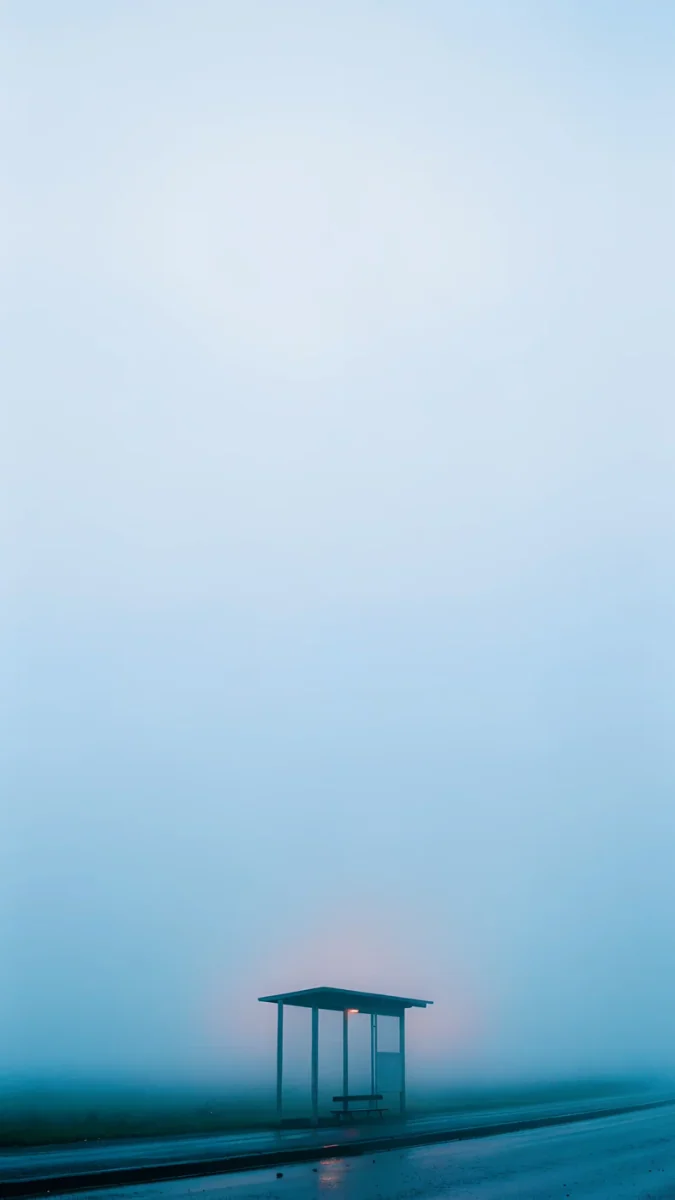 A Light to Wait For
 Galaxy Ocean Arc
 Violet Spiral Galaxy
Free originals for iPhone and Android, no watermark
On this page
- Galaxy and screen size
- Why one file fits the whole A-series
- Light wallpapers that keep the clock readable
- Wallpapers to match your Galaxy A color
- Dark wallpapers for Super AMOLED
- Soft pastel wallpapers for a bright home screen
- How to set a wallpaper on a Samsung Galaxy A
- Common problems and fixes
- Get these Galaxy A wallpapers in Velpaper
The best Galaxy A wallpaper is a 4K file at 2160 × 3840 with the main subject in the middle. According to Samsung, the Galaxy A56, A36 and A26 and the newer A57, A37 and A27 all share one screen: 6.7 inches at 1080 × 2340 pixels. That means a single original fits every one of them and stays sharp. Dark pictures look deepest on the Super AMOLED display, and light, quiet pictures keep the clock and icons easy to read. Below you will find the screen sizes from Samsung's spec pages, why one file works for the whole A-series, wallpapers matched to the phone color, dark picks, the One UI steps and the usual fixes.
Galaxy A56, A36, A26, A57, A37 and A27 screen size
This is how the screens are listed on samsung.com, width by height in portrait:
| Model | Screen | Resolution (pixels) | Refresh rate |
|---|---|---|---|
| Galaxy A57 5G [1] | 6.7 inches, Super AMOLED Plus | 1080 × 2340 | up to 120Hz |
| Galaxy A56 5G | 6.7 inches, Super AMOLED | 1080 × 2340 | up to 120Hz |
| Galaxy A37 5G and A36 5G | 6.7 inches, Super AMOLED | 1080 × 2340 [1] | up to 120Hz |
| Galaxy A27 5G and A26 5G | 6.7 inches, Super AMOLED | 1080 × 2340 | up to 120Hz |
Samsung measures the diagonal on the full rectangle. With the rounded corners the visible screen is about 6.5 inches, and about 6.6 inches on the A57 [1]. The A56, A36 and A26 pages mention One UI 7, and the newer A57, A37 and A27 pages mention One UI 8.5. The menus below barely change between them.
Why one 4K file fits the whole A-series
A 1080 × 2340 screen is taller than a 16:9 frame [2]. The phone scales a 2160 × 3840 image down by height, to roughly 60 percent, and trims what sticks out at the sides, about a tenth from each edge. Nothing is enlarged, so even thin lines stay crisp.
- Subject in the middle. Anything touching the edge can fall outside the frame.
- Calm top. The lock screen clock and the front camera sit there. A plain sky or wall helps you read the time.
- Calm bottom. The dock icons and lock screen notifications land there.
The same logic holds for the flagships with other numbers, as explained in our Galaxy S26 wallpapers and Galaxy S25 wallpapers pages, and the shapes of other Android phones are in the Android wallpaper size guide. The full Samsung overview is on Samsung wallpaper.
Light wallpapers that keep the clock readable
Warm light, soft shadows and almost empty walls. They suit the light theme of One UI and do not fight the icons.
Curtain Leaf Shadows is a light curtain with leaf shadows on a sunny beige wall, with no detail that gets lost in the crop. Pampas Niche puts a white vase with pampas grass in an arched niche in the lower half and leaves the top free for the clock. Ivory Fold is white concrete corners under a pale sky, graphic and clean. Ash Ring Court curves a gray concrete wall under a light sky, and Dusty Rose Shelf is a pink plaster wall with a window shadow and a small vase low on the right.
Wallpapers to match your Galaxy A color
On Samsung's store the A-series comes in colors such as Awesome Lavender on the A37, Awesome Navy on the A57 and Awesome Graphite and Awesome Lightgray on the A56. Lilac and blue tones suit a lavender case, soft haze suits light gray, and the night scenes in the next section suit the dark ones.
Periwinkle Corner Rise climbs lavender and blue stairs diagonally across the frame, the natural partner for lavender. Rose Between Stations is a pale turquoise sky with pink clouds over a dark strip of field. Softly Passing is blue haze with raindrops on glass and a pink horizon very low, and A Light to Wait For is a misty blue distance with a small bus shelter at the lower right, a good fit for a light gray case.
Dark wallpapers for Super AMOLED
On AMOLED, black pixels give off almost no light, so night scenes look deeper and lights and stars stand out more.
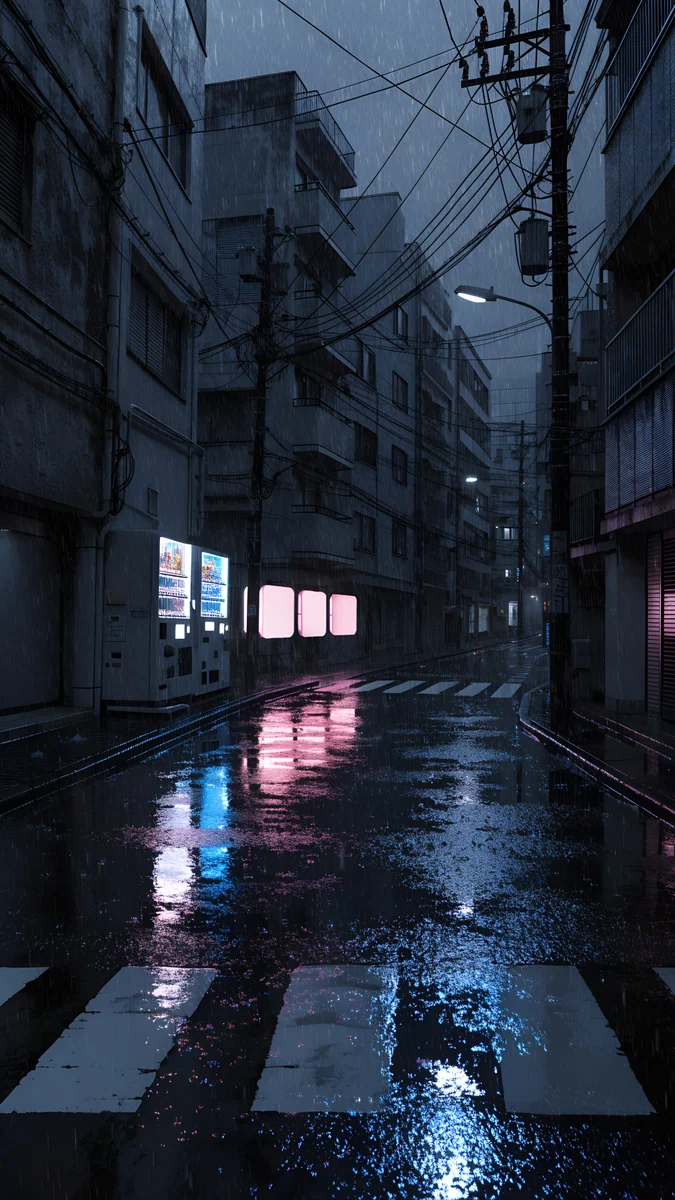
Still Waiting is a turquoise dusk with a wet road and a bus shelter, and the dark top takes the clock without trouble. Galaxy Ocean Arc carries the Milky Way across the middle over a dark sea. Violet Spiral Galaxy sets a spiral galaxy on a diagonal in the middle of the black, and Rainy Crossing Tokyo shows a wet night street with a crosswalk and light reflections. More blacks are in dark wallpapers for OLED.
Soft pastel wallpapers for a bright home screen
If your home screen is full of colorful app icons, these pastel pictures give them a quiet background. All four keep the middle simple.
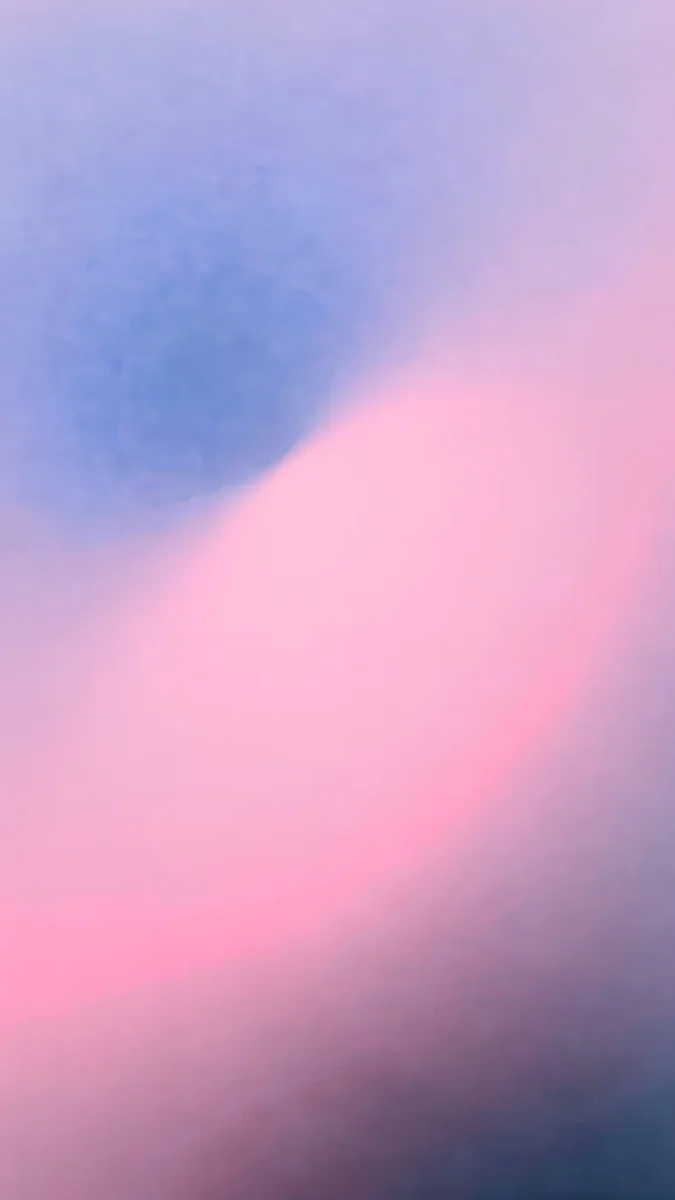
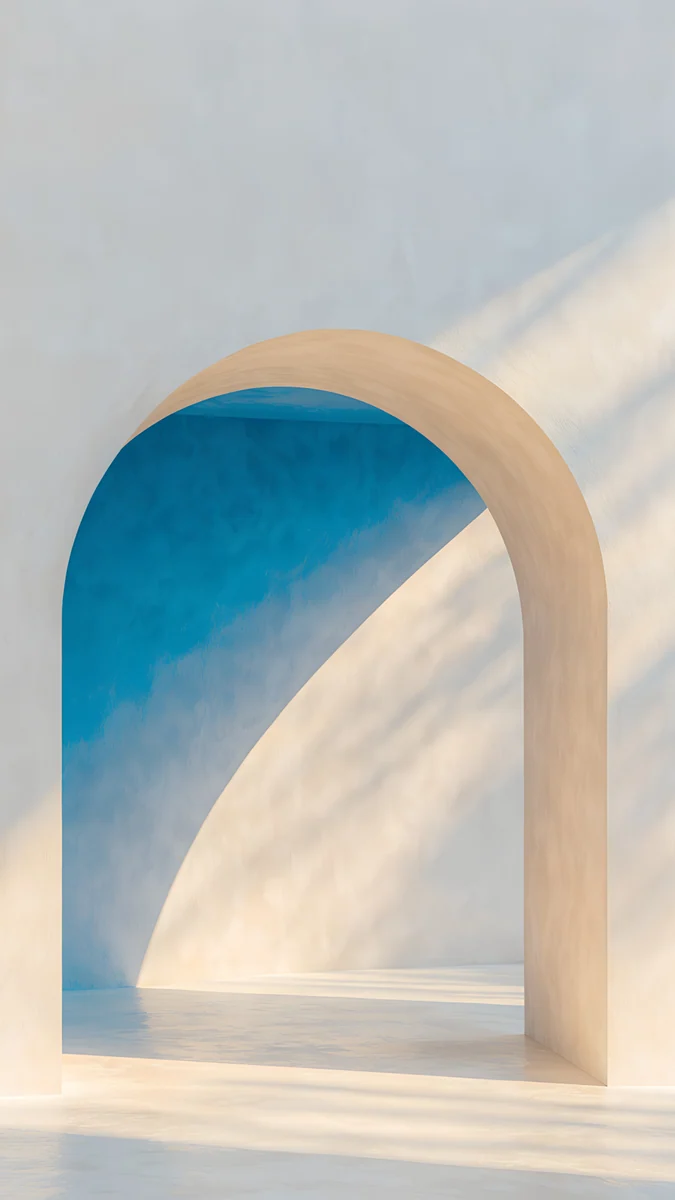
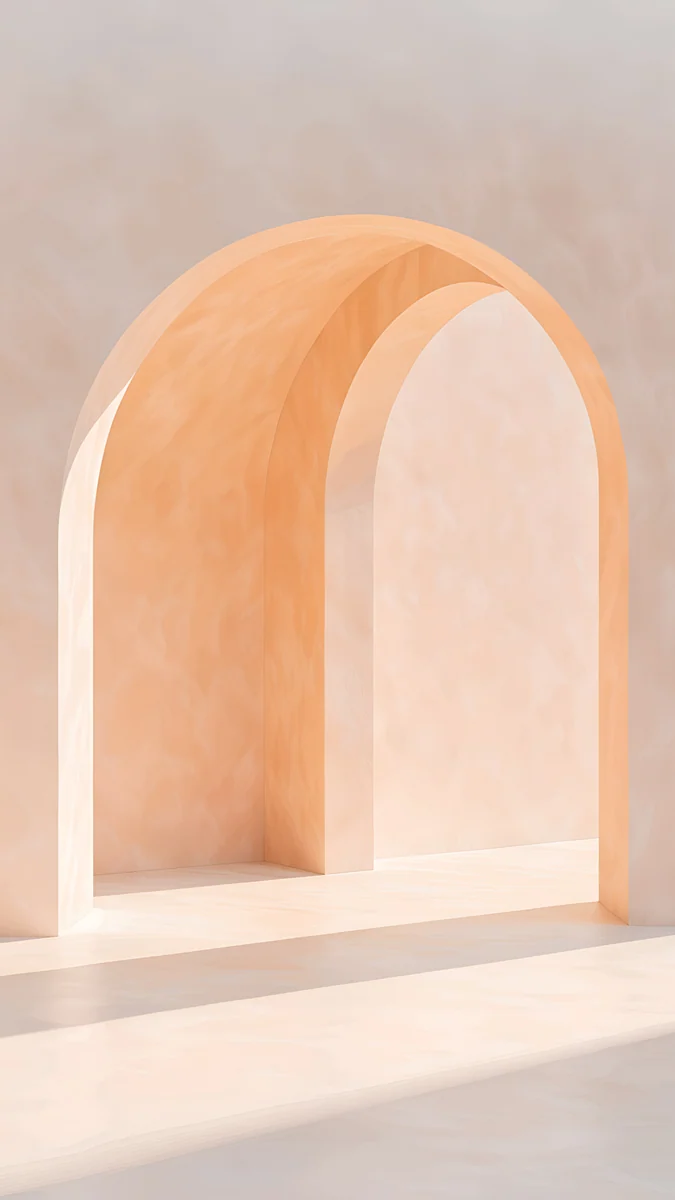
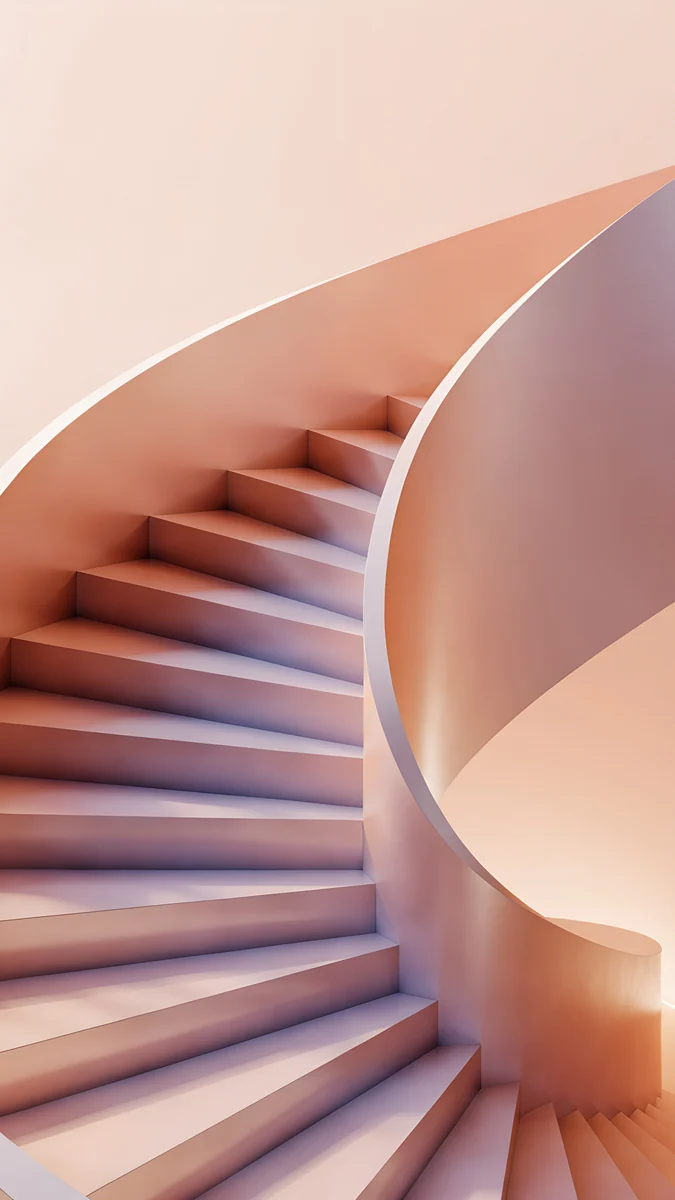
Lilac Hush is a dreamy gradient of lilac, pink and blue. The Blue Arch is a calm blue and beige arch in daylight. Apricot Noon is a peach plaster arch in plain light, and Peach Spiral Well looks down a pink and peach spiral staircase.
How to set a wallpaper on a Samsung Galaxy A
- Download the original from the wallpaper page in the Velpaper app or on velpaper.com. What you download in a browser goes to the Download album in Gallery.
- Open Settings and tap Wallpaper and style, or touch and hold the home screen and tap Wallpaper and style.
- Tap Change wallpapers, then Gallery, and choose the image.
- Pick Lock screen, Home screen or both.
- Move the frame so the subject sits in the middle and tap Done.
Faster from Gallery: open the image, tap the three dots and choose Set as wallpaper. To change only the lock screen, touch and hold an empty spot on it to open the editor, covered in Samsung lock screen wallpaper.
Common problems and fixes
- The wallpaper looks blurry. You saved the preview, a screenshot or a copy from a chat app. Download the original at 2160 × 3840 again [2].
- It zooms in more than you framed. This is usually the motion effect. How to turn it off is in Android wallpaper zoom fix.
- The subject is cut off at one side. It sits too close to the edge. Move the frame in the editor or pick a centered image.
- The clock gets lost. Change its color in the lock screen editor, or choose a picture with a calm top such as Pampas Niche.
- You do not like the system colors. One UI takes its palette from the wallpaper. After you change the image, check the color palette in Wallpaper and style.
Get these Galaxy A wallpapers in Velpaper
Velpaper is an app for iPhone, iPad, Mac and Android, and every wallpaper is also on velpaper.com. Phone wallpapers are 4K originals at 2160 × 3840, with no watermark and no account [2]. Browsing is free, and the original unlocks after a short optional ad in the app; on the website, if no ad is available, the original downloads for free. The wallpapers are designed by Carlos Vivero.
Next step: open Periwinkle Corner Rise, save the original, set it on your Galaxy A and watch the stairs climb under the clock.
Original wallpapers in and for iPhone, Android and desktop.
Questions
What size wallpaper does the Samsung Galaxy A56 need?
According to samsung.com, the Galaxy A56 has a 1080 × 2340 pixel screen measuring 6.7 inches on the full rectangle. The A36, A26 and the newer A57, A37 and A27 have the same screen. The best file is a 4K [1] wallpaper at 2160 × 3840: the phone scales it down by height and trims about a tenth from each side, so nothing is enlarged and details stay sharp. Keep the main subject in the middle and it will not fall outside the frame.
Can I use the same wallpaper on the A56, A36 and A26?
Yes. According to Samsung's official spec pages, all three have the same 1080 × 2340 screen, so a 2160 × 3840 file looks identical on each. The same goes for the newer A57, A37 and A27. The only difference is that the A57 screen is called Super AMOLED Plus and the others Super AMOLED, which does not change the framing. If you move from an A56 to an A57, you can keep the wallpaper as it is.
Which wallpapers look best on a Galaxy A Super AMOLED screen?
Dark pictures with few bright details. On AMOLED, black pixels give off almost no light, so a night sky, dusk or dark water looks deep and lights and stars stand out. Good examples are Still Waiting, a turquoise dusk with a bus shelter, Galaxy Ocean Arc, the Milky Way over a sea, and Violet Spiral Galaxy. For the light theme, quiet beige pictures such as Curtain Leaf Shadows keep the clock easy to read.
How do I set a wallpaper on a Samsung A-series phone?
Download the image, open Settings, then Wallpaper and style, Change wallpapers and Gallery. Choose the image, pick the lock screen, the home screen or both, adjust the frame and tap Done. Faster: open the photo in Gallery, tap the three dots and choose Set as wallpaper. The lock screen also has its own editor, which opens when you touch and hold an empty spot on it after unlocking. There you can change the clock color and style too.
Are these Galaxy A wallpapers free?
Browsing and previewing are free on velpaper.com and in the Velpaper apps for iPhone, iPad, Mac and Android. The phone wallpapers in this collection are 4K originals at 2160 × 3840 and unlock after a short optional ad in the Velpaper apps [2]. On the website, if no ad is available, the phone original downloads for free. There is no account or subscription, the files carry no watermark, and the wallpapers are designed by Carlos Vivero.
Carlos Vivero
Designer of Velpaper wallpapers
Carlos Vivero designs the wallpapers in Velpaper: quiet architecture, liquid glass, Japanese ink and calm landscapes. Every piece is made as a original for iPhone, Android and desktop.
Recent work