Galaxy S26 Wallpaper: 4K Picks for S26 and S26+
Galaxy S26 wallpaper guide: S26 and S26+ screen sizes, 4K picks for Cobalt Violet, Sky Blue, Black, White, Silver Shadow and Pink Gold, and One UI steps.
Sources [1] · By the Velpaper team · Wallpapers by Carlos Vivero, Velpaper designer · · 5 min read
In short: The best Galaxy S26 wallpaper is a simple 4K portrait with a calm top for the clock, matched to your finish [2]. A 2160 × 3840 original is larger than both the 6.3 inch S26 and the 6.7 inch S26+ in height and width, so it stays sharp on either.
Wallpapers
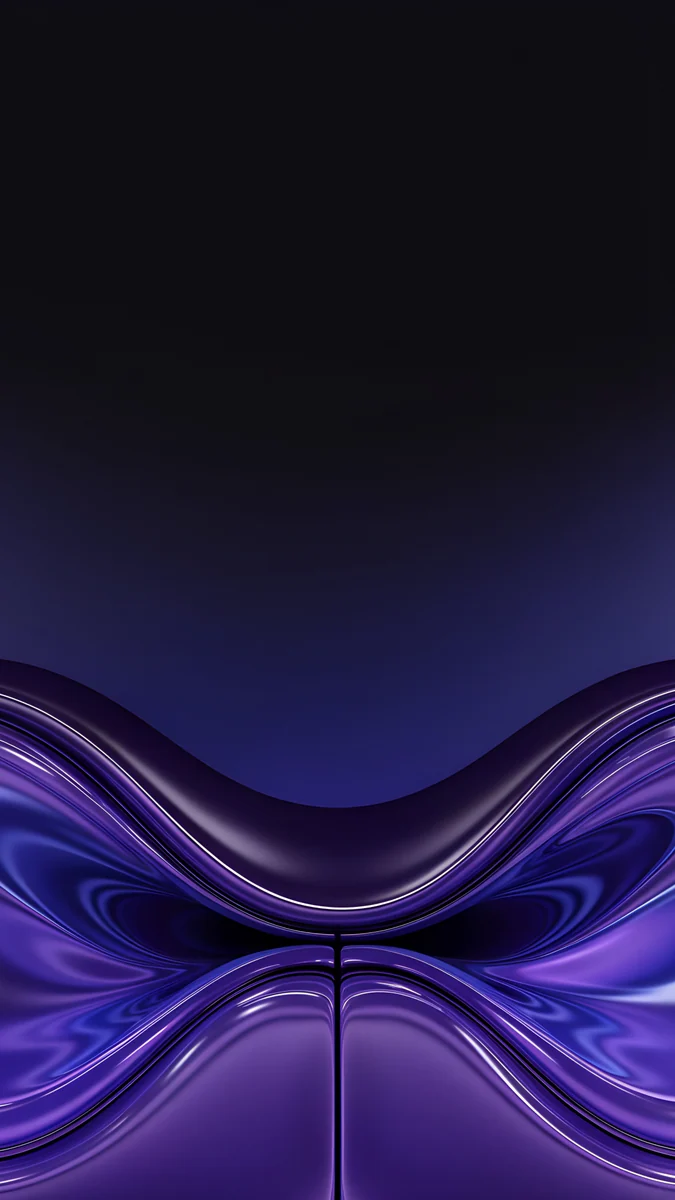
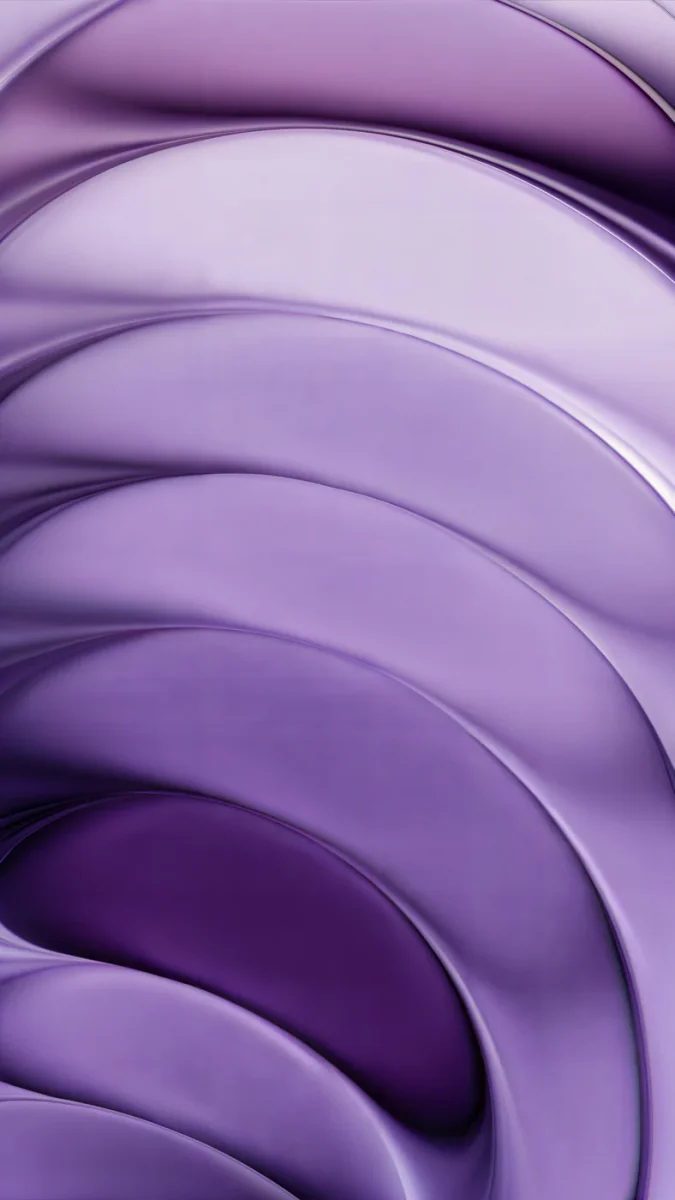 Lilac Strata
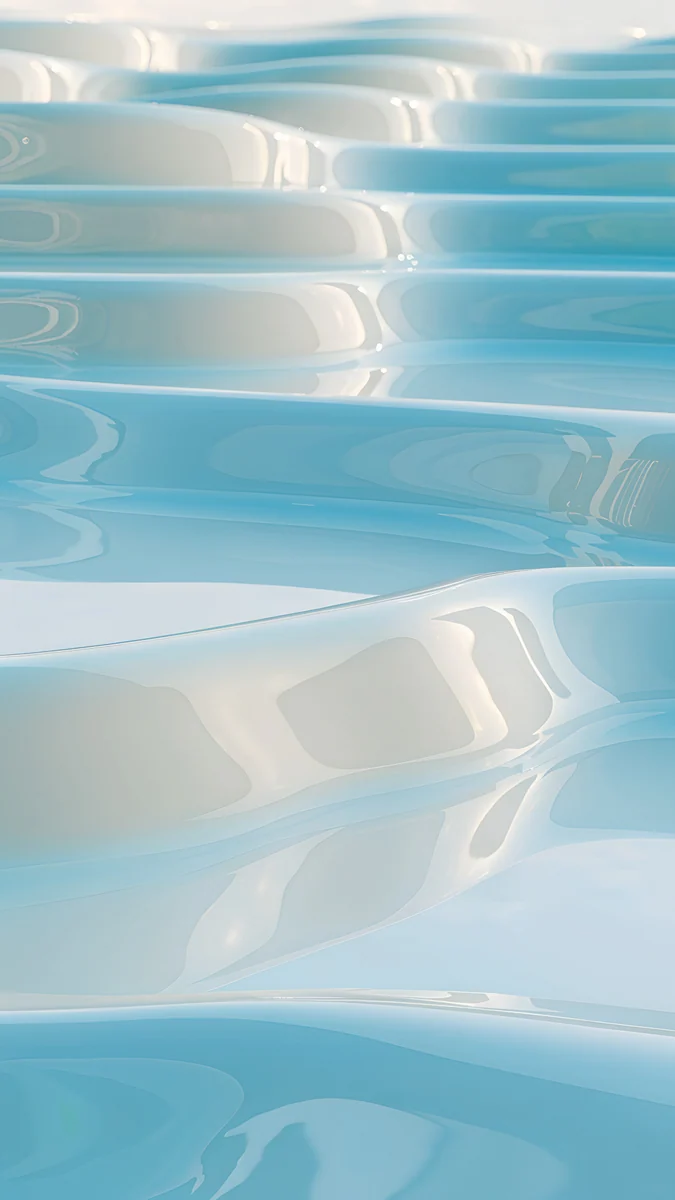 Sky Pearl Terraces
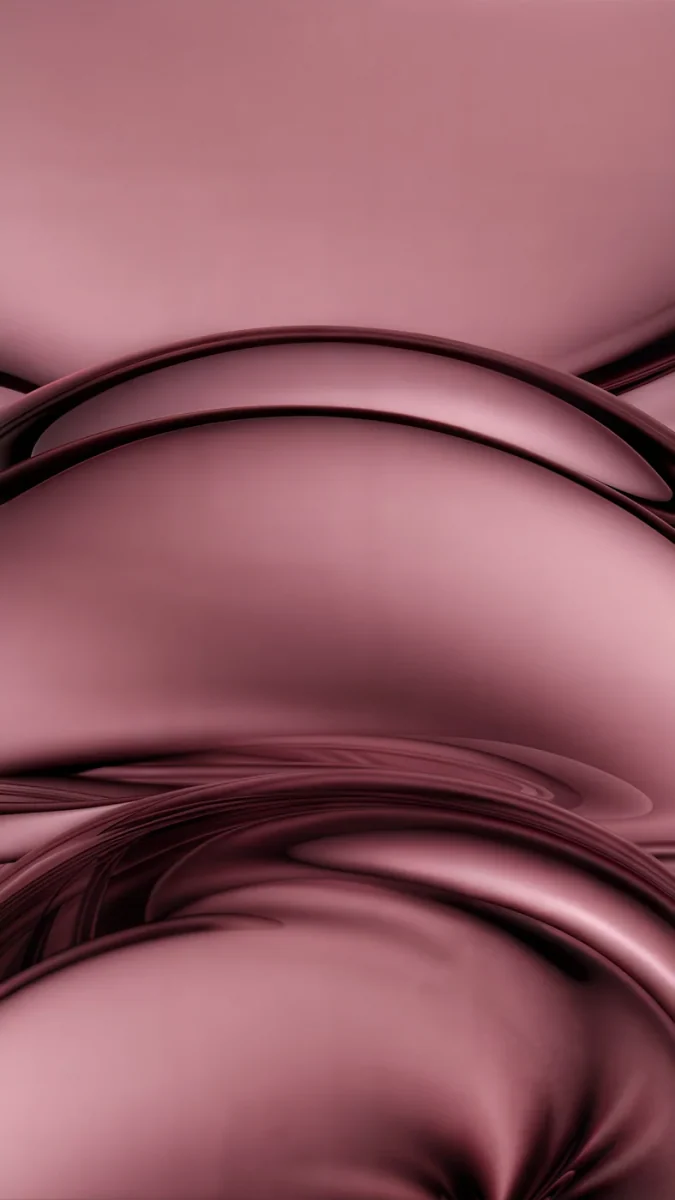 Rose Tension
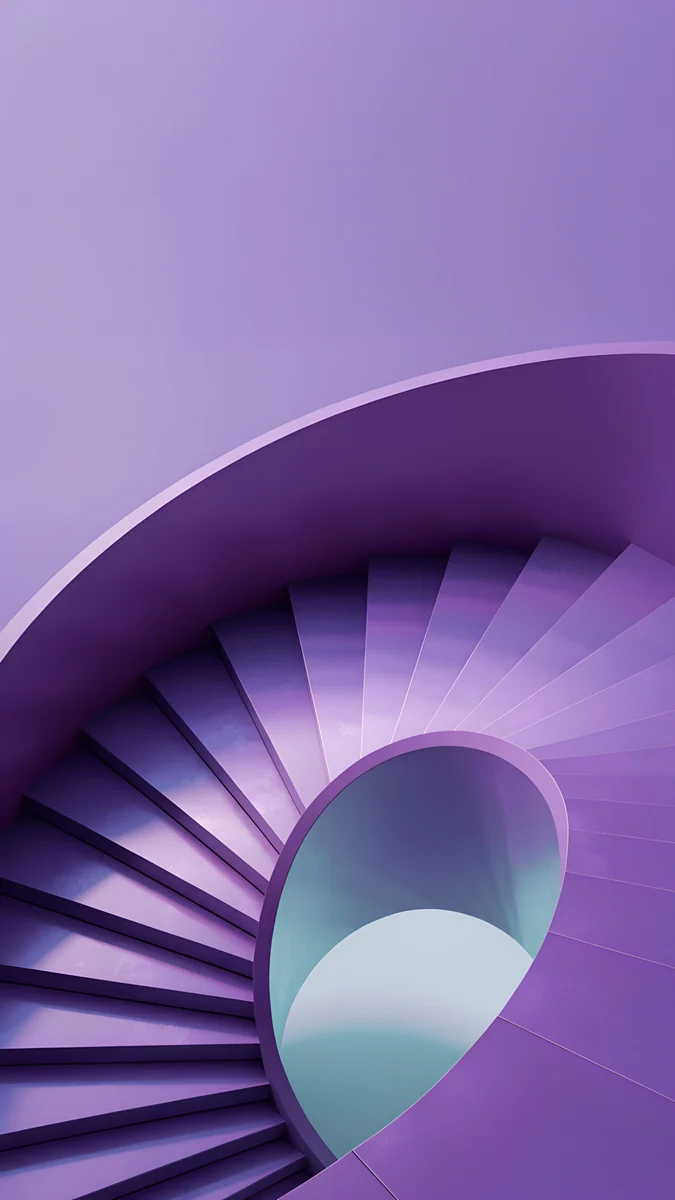
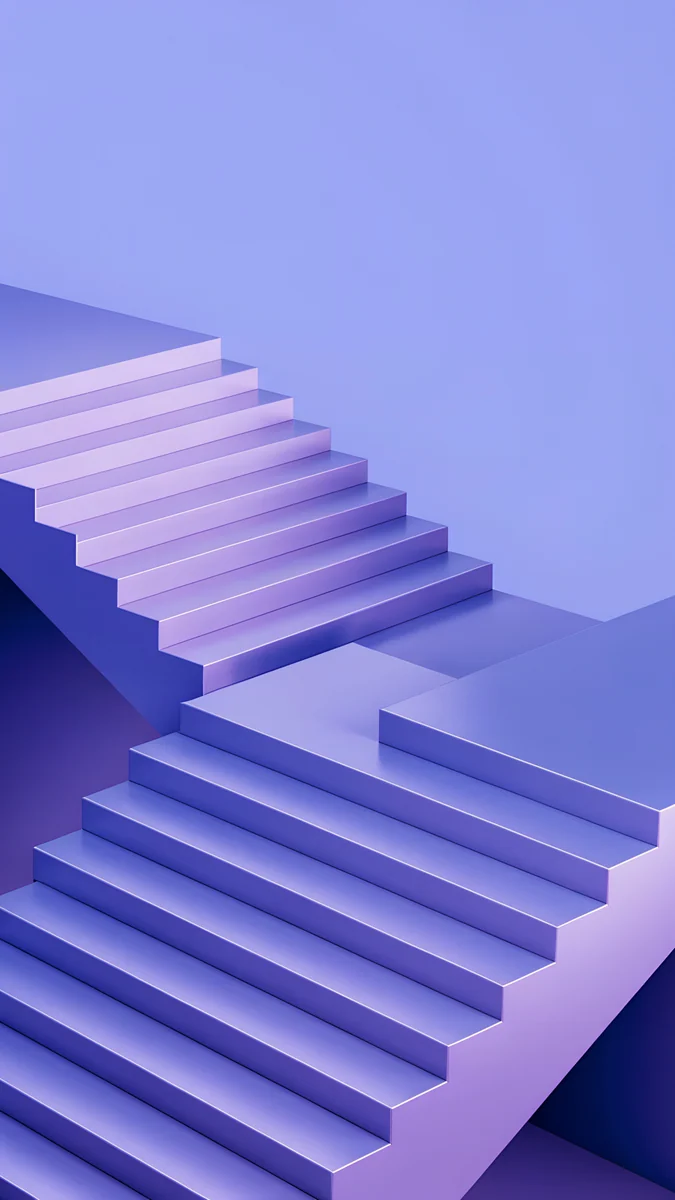 Periwinkle Corner Rise
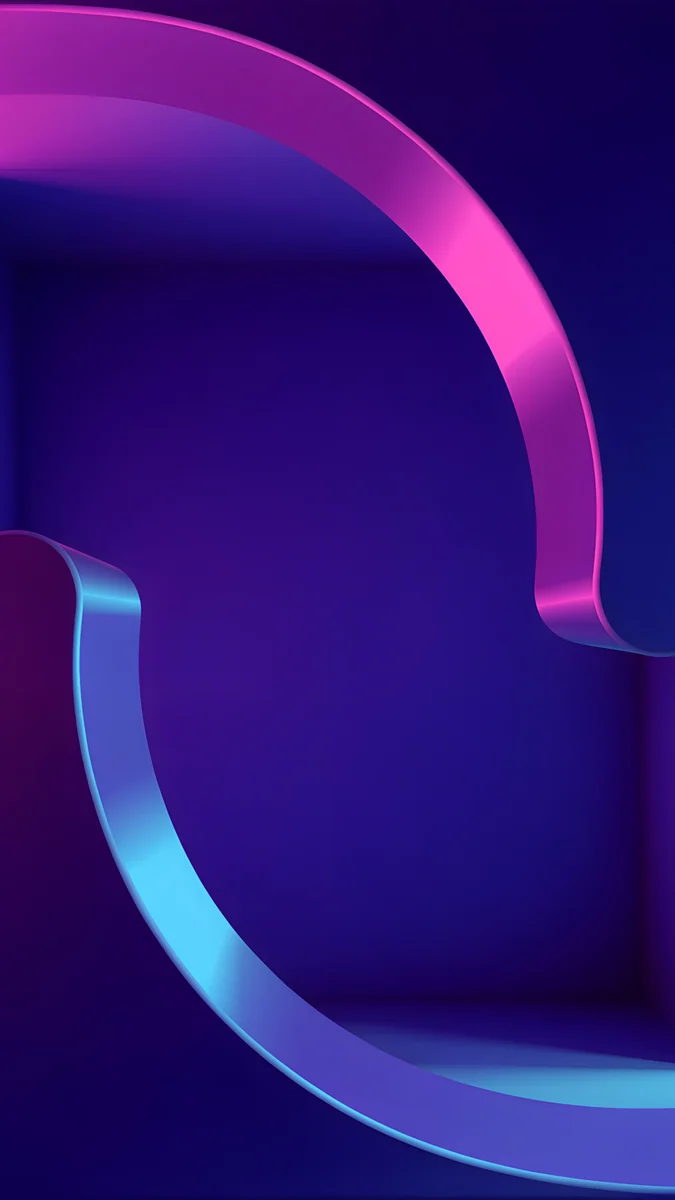 Edge Light Portal
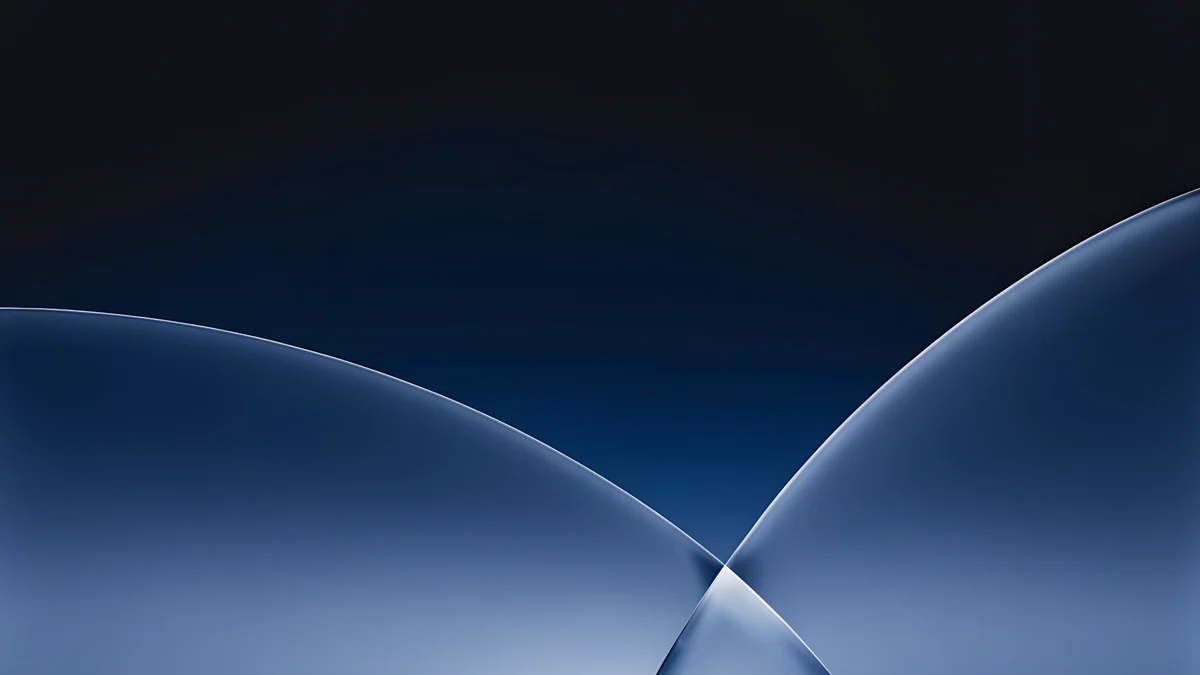
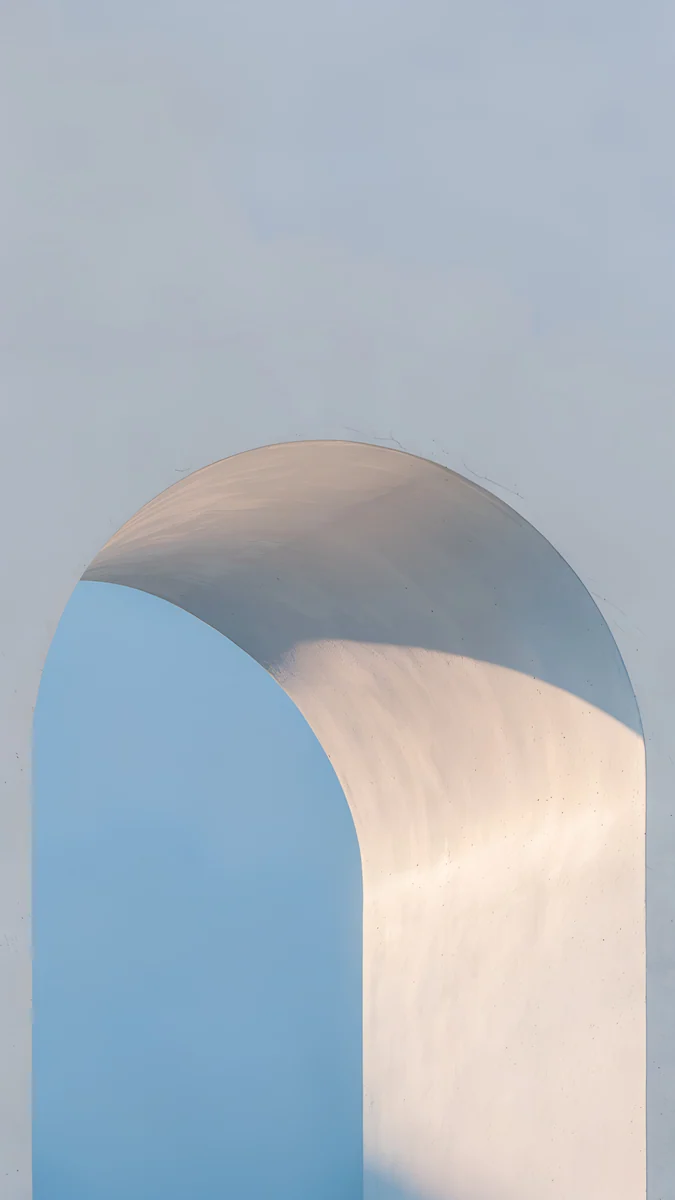 Blue Hour Portico
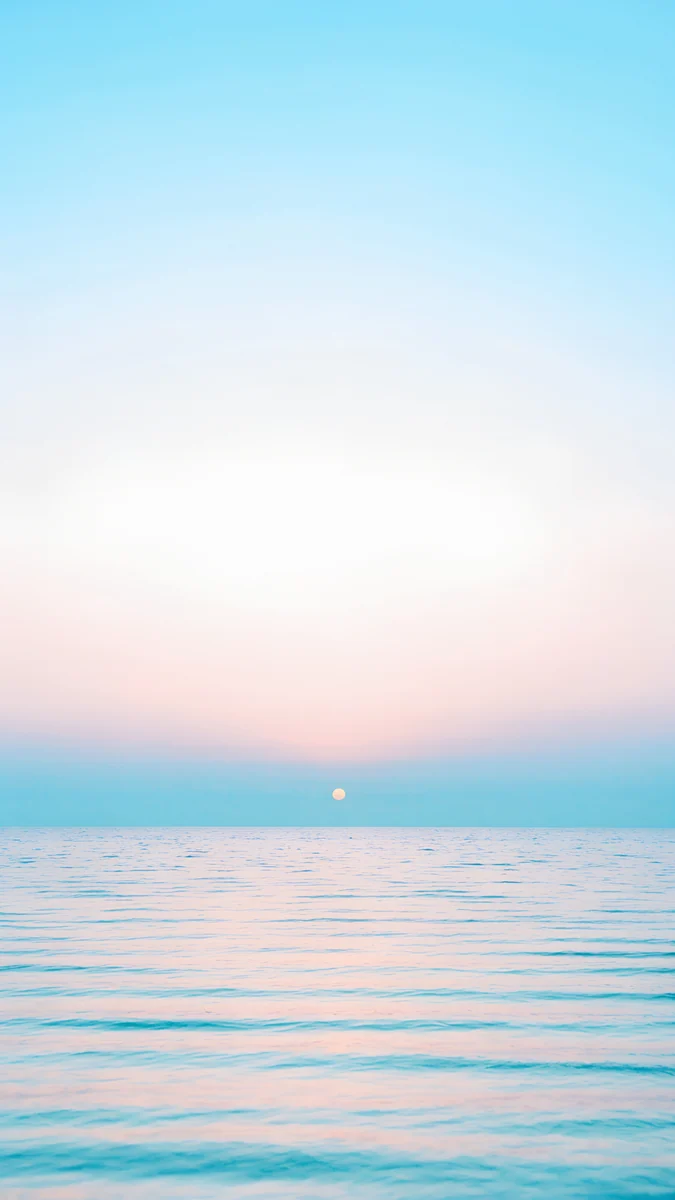 Pastel Sea Horizon
 Black Splash
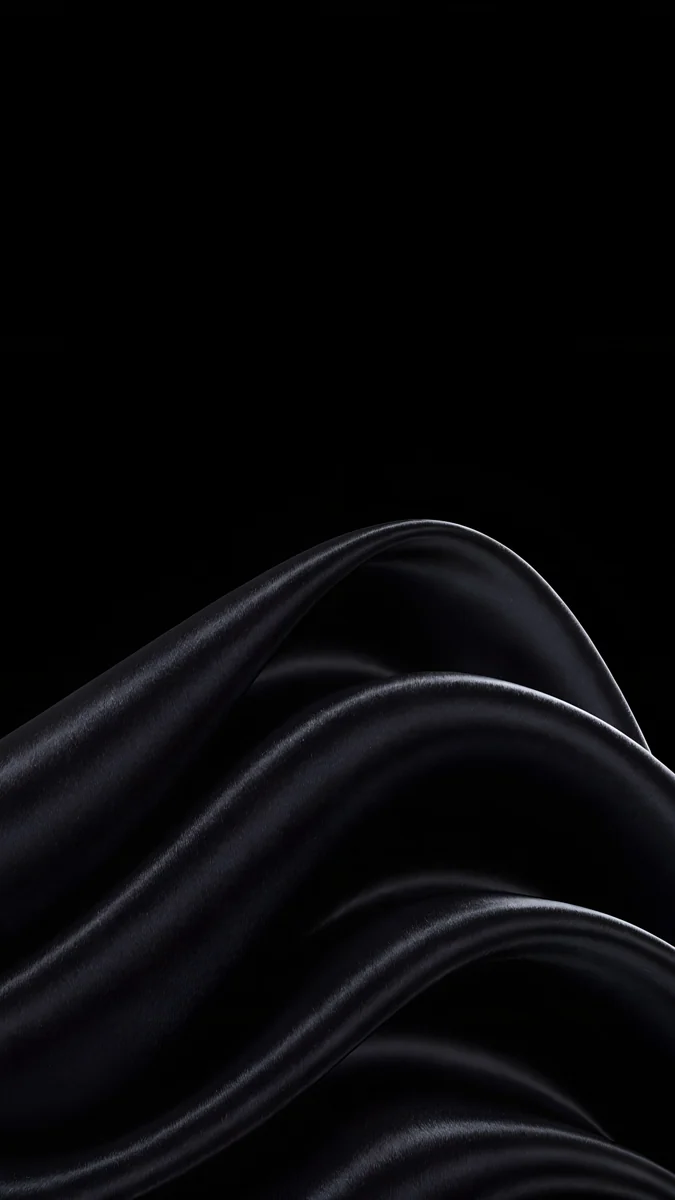 Black Satin
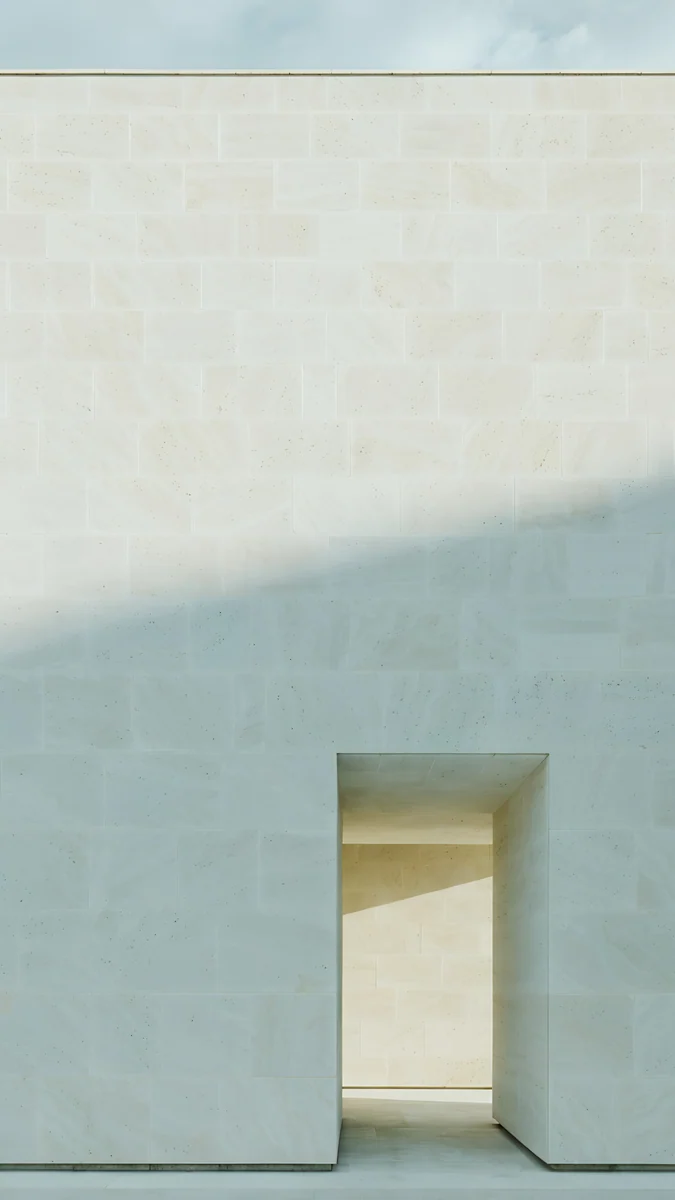 Ivory Daylight
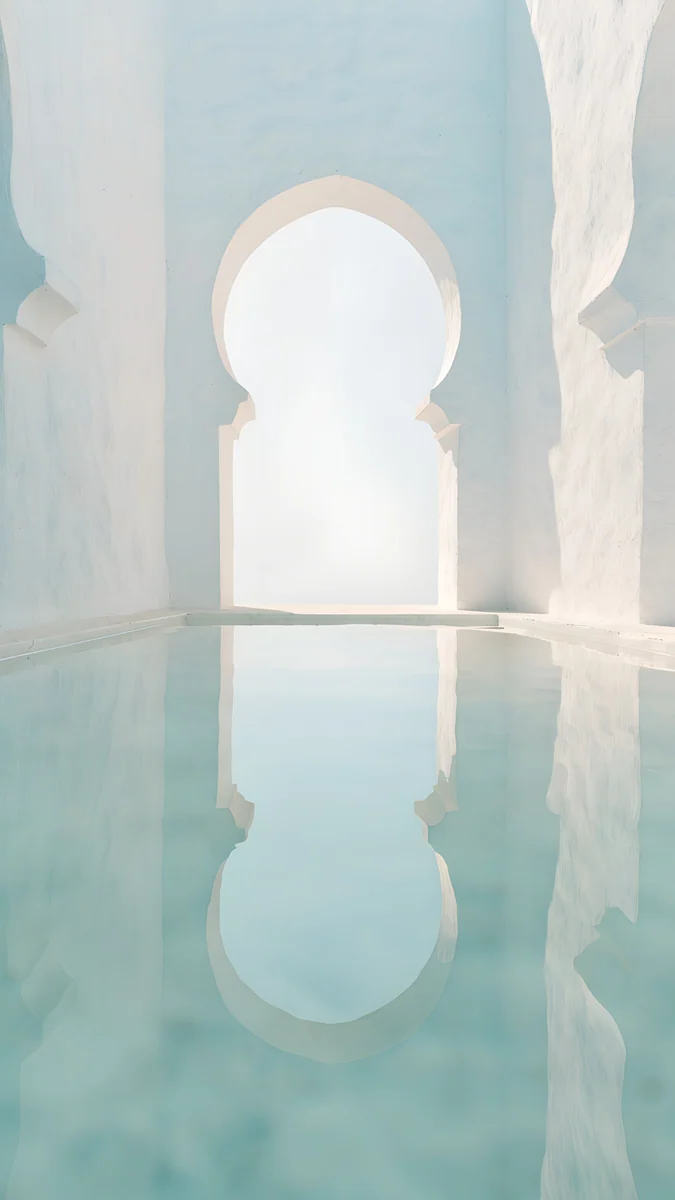 Arch Pool
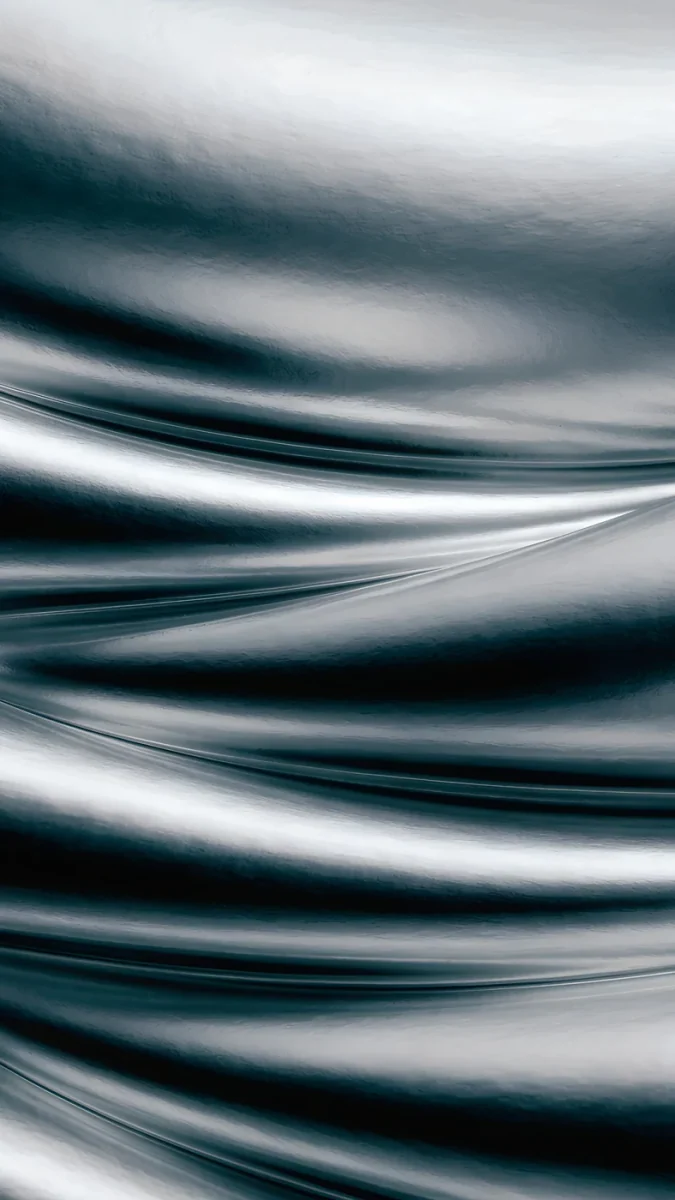 Moon Silver
Free originals for iPhone and Android, no watermark
On this page
The best Galaxy S26 wallpaper is a 4K portrait with one clear shape and a calm area at the top for the clock, picked to match your finish [2]. The Galaxy S26 has a 6.3 inch screen that runs up to Full HD+, and the S26+ has a 6.7 inch screen that runs up to Quad HD+. A 2160 × 3840 original is larger than both in height and width, so One UI only scales it down and the picture stays sharp. Both phones are narrower than a 9:16 image, so a thin strip is trimmed from each side and a centered subject loses nothing [1].
This page covers the S26 and the S26+ together, since they share the same finishes and the same file works on both. The 6.9 inch Galaxy S26 Ultra has its own picks on our Galaxy S26 Ultra wallpapers page.
Galaxy S26 and S26+ wallpaper size
These figures come from Samsung's specs for the Galaxy S26 family:
| Model | Screen size | Resolution setting |
|---|---|---|
| Galaxy S26 | 6.3 inches | up to Full HD+ |
| Galaxy S26+ | 6.7 inches | up to Quad HD+ |
| Galaxy S26 Ultra | 6.9 inches [1] | up to Quad HD+ |
You do not need to know an exact pixel count, because a 2160 × 3840 file covers all three screens with room to spare. If you lower the resolution to save battery, the same wallpaper still looks sharp. For other brands and older Galaxy phones, see our Android wallpaper size guide. If you are coming from the last generation, the matching page is Galaxy S25 wallpapers.
Choosing a wallpaper for the smaller screens
On the 6.3 inch S26 a wallpaper is seen small, so simple beats detailed: one arch, one wave, one shape of light [1]. Fine texture turns into noise behind app icons. The S26+ is larger and handles a little more detail, but the same rule holds. Keep the busy part of the picture in the lower half, because the clock and the camera hole take the top. Samsung's Galaxy S screens are AMOLED, so very dark pictures and bright ones both look clean.
Wallpapers for the Galaxy S26 and S26+ finishes
Samsung lists Cobalt Violet, Sky Blue, Black and White for both phones, plus Silver Shadow and Pink Gold sold only on Samsung.com. Availability can vary by country. These picks are different from the ones on our Ultra page, so you get a second set.
Cobalt Violet
Lilac Strata stacks lilac silk in soft layers. Periwinkle Corner Rise climbs a lilac staircase up a corner, graphic and light. Edge Light Portal bends a pink and blue ribbon of light over deep violet, the boldest choice.
Sky Blue
Sky Pearl Terraces steps pale blue glossy pools down the frame. Blue Hour Portico is a pale arch with an icy blue wall behind it. Pastel Sea Horizon is a calm sea under a pale sky, with an almost empty top half.
Black
Black Splash is a glossy black liquid shape low on pure black. Black Satin sweeps folds of black fabric with silver highlights up from the bottom.
White
Ivory Daylight is a pale stone wall with a small lit doorway at the bottom, warm white like a clean case. Arch Pool is a white arch over still water with a hint of mint and light blue.
Silver Shadow
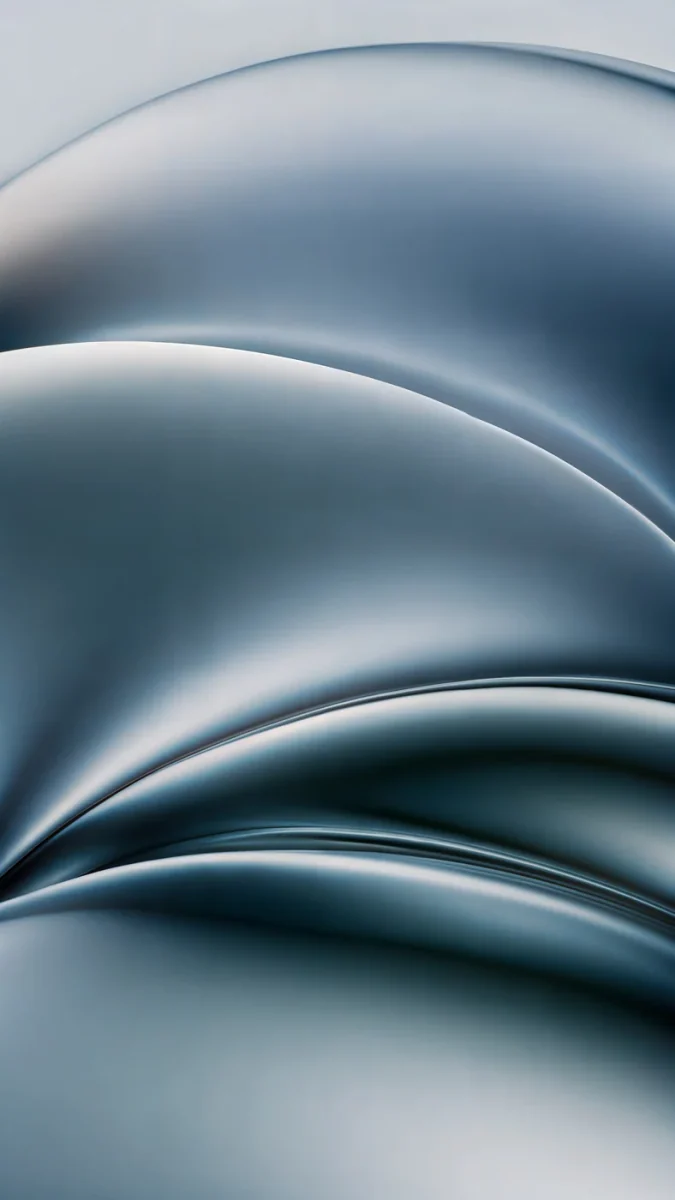
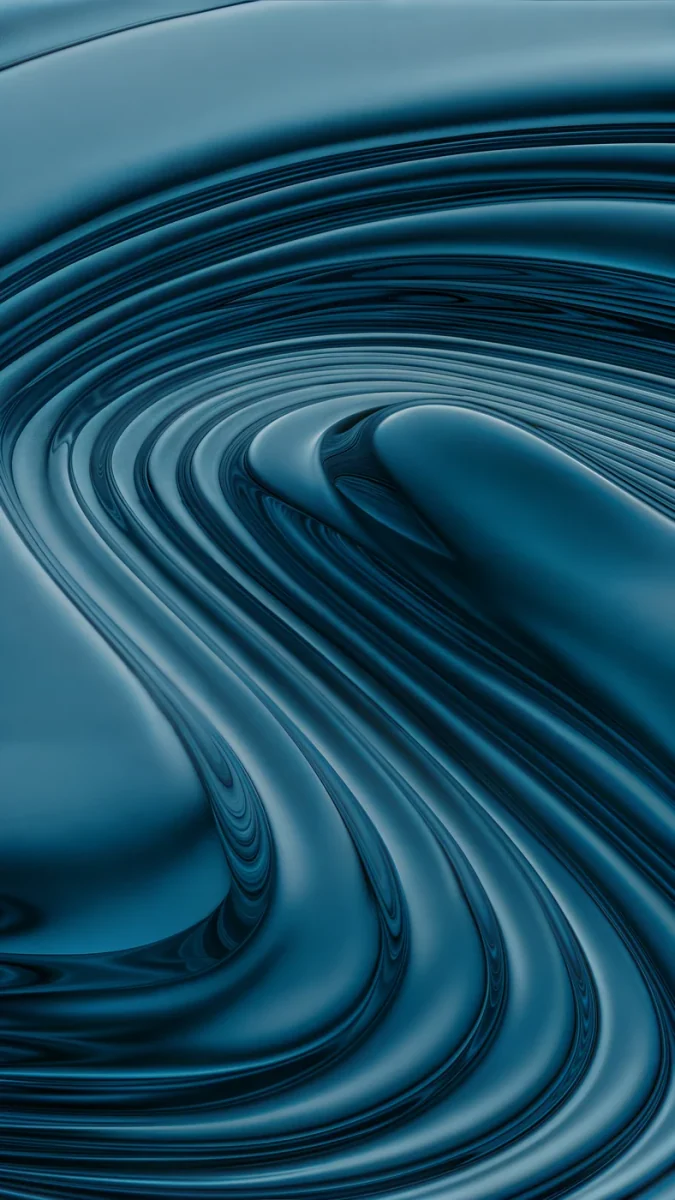
Moon Silver folds silver and gray silk in a monochrome frame. Ink Pressure swirls chrome and blue gray liquid, cool and metallic.
Pink Gold
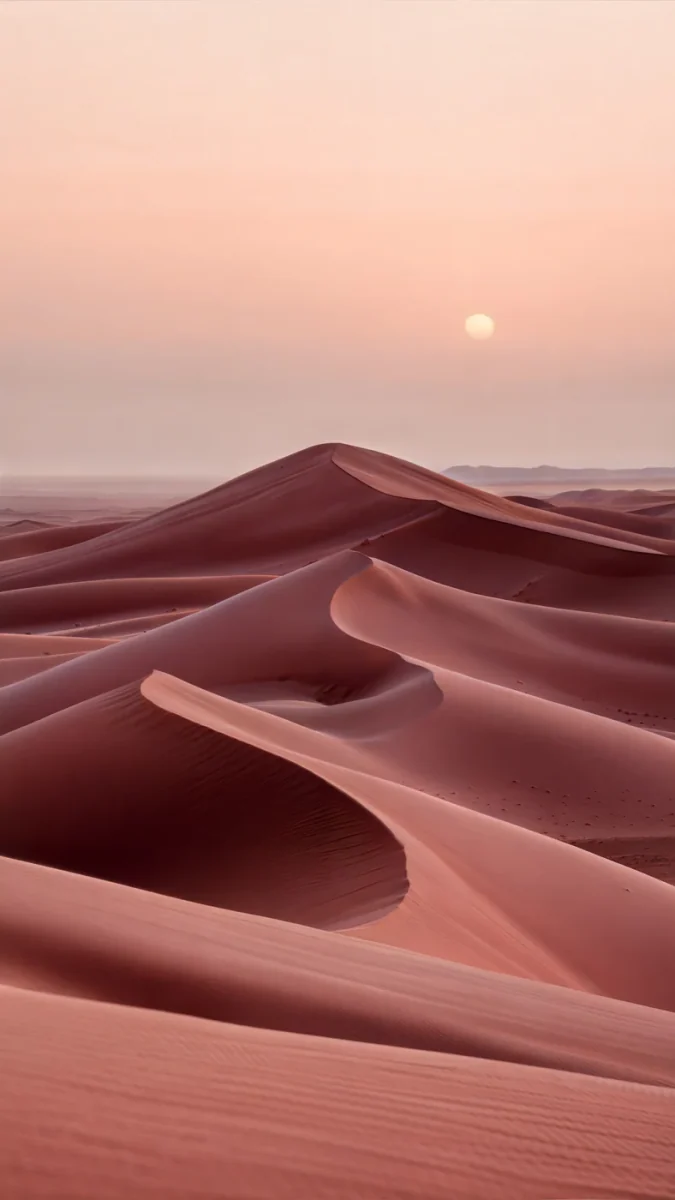
Rose Tension is deep dusty pink satin folded tight across the screen. Rose Dunes is a soft pink and orange desert at sunset, warm and calm.
Dark wallpapers for the Galaxy S26
A mostly black wallpaper hides the edges of the screen and makes colors look richer. These four keep the shape low and the top empty for the clock.
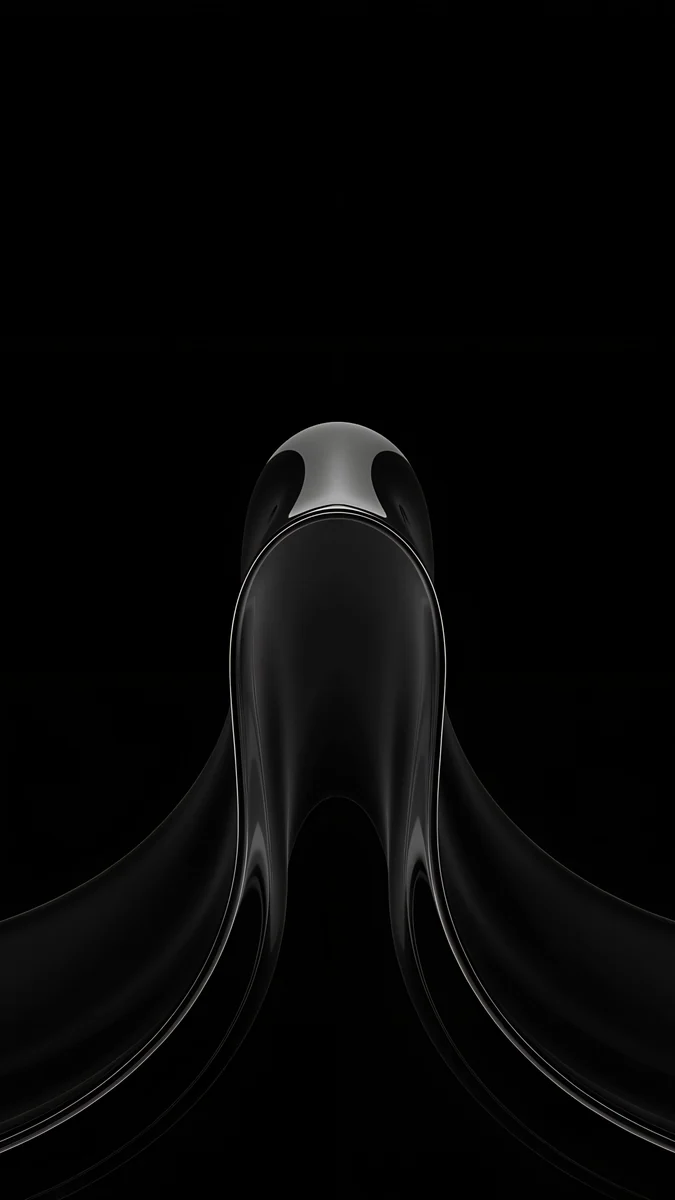
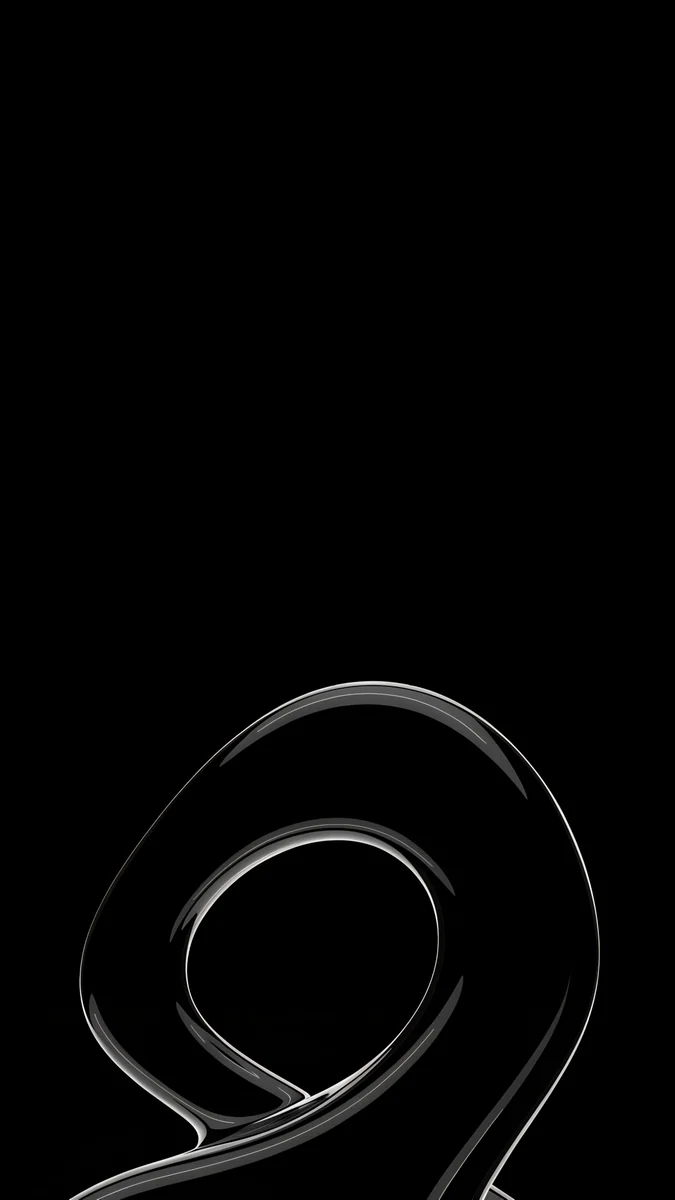
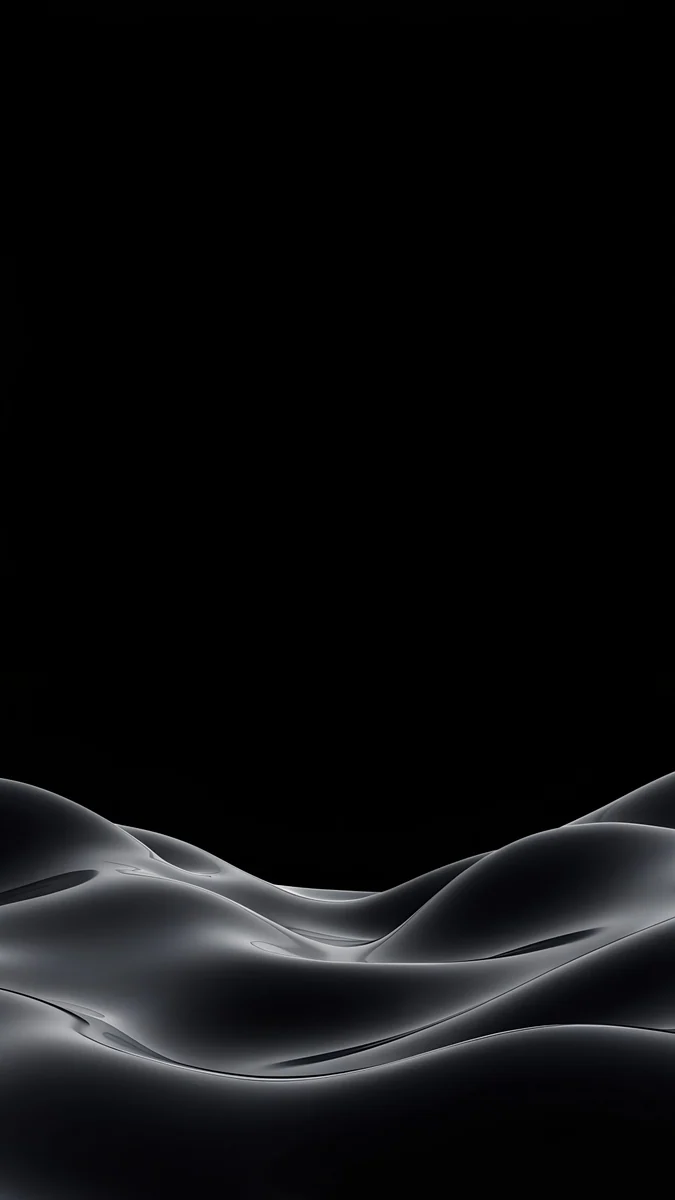
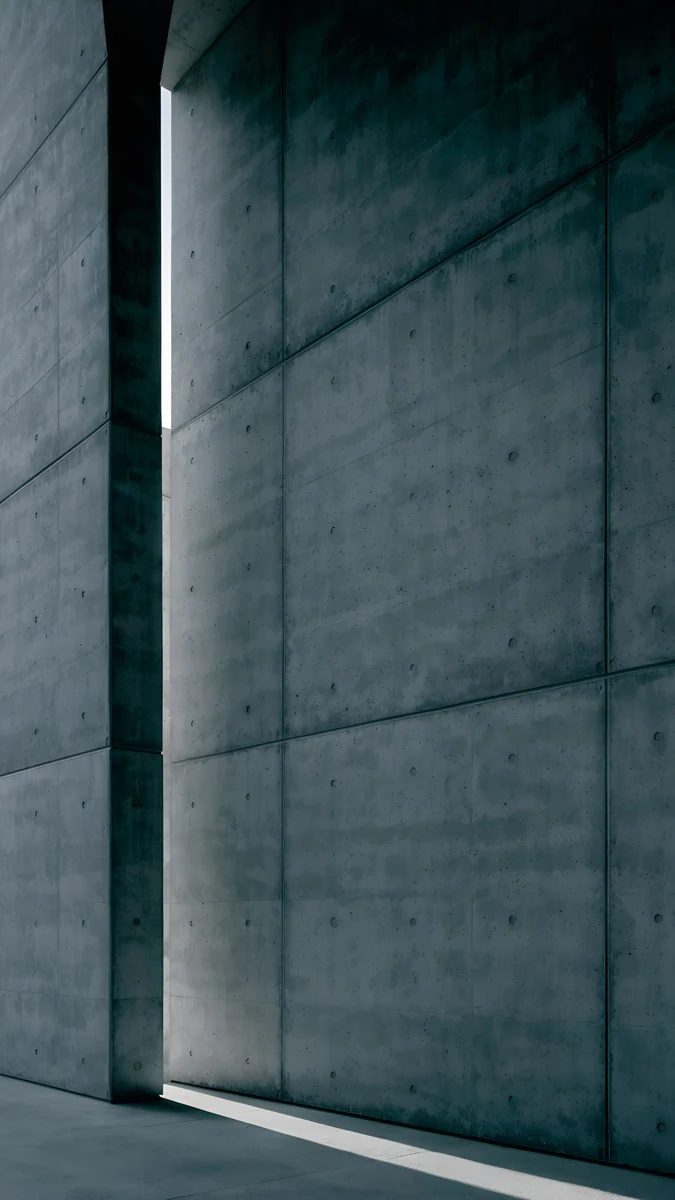
Black Liquid Fold drops one glossy shape into a pure black screen. Silver Loop is a thin chrome ribbon looping on black. Obsidian Waves rolls gray silk dunes along the bottom. Charcoal Slot is a dark concrete wall with one slit of light. More are in our dark wallpapers for OLED.
How to set a wallpaper on the Galaxy S26 or S26+
The menu names below are the English One UI ones and can differ slightly by version.
- Save the original from the Velpaper app or from the wallpaper page on velpaper.com.
- Touch and hold an empty spot on the home screen and tap Wallpaper and style.
- Tap Change wallpapers, choose Gallery and pick the image.
- Select Lock screen, Home screen or both, drag the image into place and tap Done.
The lock screen editor, clock styles and shortcuts are covered in our Samsung lock screen wallpaper guide.
Common problems and fixes
- The wallpaper looks soft. You probably saved a preview. Download the original again from the wallpaper page.
- The edges are cut off. The screen is narrower than 9:16 [1]. Pick a wallpaper with its subject near the center.
- The clock hides the subject. Move the image down in the editor or choose a smaller clock style.
- The picture changes by itself. A wallpaper service is on. Switch it off in the lock screen settings, or read why the Android wallpaper keeps changing.
- Icons are hard to read. Use a calmer picture, or one that is dark behind the icons.
Get these Galaxy S26 wallpapers in Velpaper
Velpaper is an app for iPhone, iPad, Mac and Android, and every wallpaper is also on velpaper.com. Phone wallpapers are 4K originals at 2160 × 3840, desktop wallpapers are 4K and some are 5K, all without a watermark and without an account [2]. Live wallpapers in the catalog play as live wallpapers in the Velpaper Android app. The phone wallpapers in this article unlock after a short optional ad in the Velpaper apps; on the website, if no ad is available, the original downloads for free. The wallpapers are designed by Carlos Vivero.
Next step: open Lilac Strata, save the original and set it as your lock screen.
Original wallpapers in and for iPhone, Android and desktop.
Questions
What size is the Galaxy S26 wallpaper?
Samsung lists the Galaxy S26 at 6.3 inches, running up to Full HD+, and the Galaxy S26+ at 6.7 inches, running up to Quad HD+ [1]. A 2160 × 3840 original is larger than both screens in height and width, so One UI scales it down and trims a narrow strip from each side. The picture stays sharp whichever resolution setting you use. Pick wallpapers with the subject near the center, since the sides are the part that gets cropped on these narrower screens.
Can I use the same wallpaper on the S26 and S26+?
Yes. Both phones come in Cobalt Violet, Sky Blue, Black and White, plus Silver Shadow and Pink Gold on Samsung.com, and one 2160 × 3840 file covers both screens [1]. The S26+ has the larger 6.7 inch display, so it shows fine detail a little better, while the 6.3 inch S26 looks best with simple shapes. If you also own an Ultra, the same file works there too, and our Ultra page has picks for the 6.9 inch screen [1].
What is the best wallpaper for the Galaxy S26 lock screen?
A quiet image with its subject in the lower half, so the clock and the camera hole at the top stay clear. Dark options such as Black Splash suit an AMOLED screen, and pale ones such as Pastel Sea Horizon leave a large empty area for a big clock. In the One UI editor you can drag and zoom out until the main shape sits below the time. Avoid fine, busy patterns on the small S26 screen, where they turn into noise.
Which wallpaper matches each Galaxy S26 finish?
Match the mood of the finish. For Cobalt Violet try Lilac Strata, for Sky Blue Sky Pearl Terraces, for Black Black Splash, for White Ivory Daylight, for Silver Shadow Moon Silver and for Pink Gold Rose Tension. Samsung sells Silver Shadow and Pink Gold only on Samsung.com, and colors can vary by country. These picks are different from our Ultra page, so owners of both phones can use two separate sets.
Are these Galaxy S26 wallpapers free?
Velpaper is free to browse. The phone wallpapers here unlock after a short optional ad in the Velpaper apps for iPhone, iPad, Mac and Android; on velpaper.com, if no ad is available, the original downloads for free. There is no account and no subscription. Every phone file is a 2160 × 3840 JPEG without a watermark, and we credit the designer, Carlos Vivero [2].
Carlos Vivero
Designer of Velpaper wallpapers
Carlos Vivero designs the wallpapers in Velpaper: quiet architecture, liquid glass, Japanese ink and calm landscapes. Every piece is made as a original for iPhone, Android and desktop.
Recent work