Sunset Wallpaper Desktop: 14 Warm 4K Picks for PC and Mac
Sunset wallpaper for desktop and laptop: 14 original 4K and 5K picks, from quiet golden hour rooms to dusk over the sea, with Windows 11 and Mac steps.
Sources [1] · By the Velpaper team · Wallpapers by Carlos Vivero, Velpaper designer · · 4 min read
In short: The best sunset wallpaper for desktop is a soft, low contrast 16:9 file with no hot sun at the centre [1]. Velpaper has 14 original ones at 3840 × 2160 or 5120 × 2880, from golden hour rooms to dusk over the sea.
Wallpapers
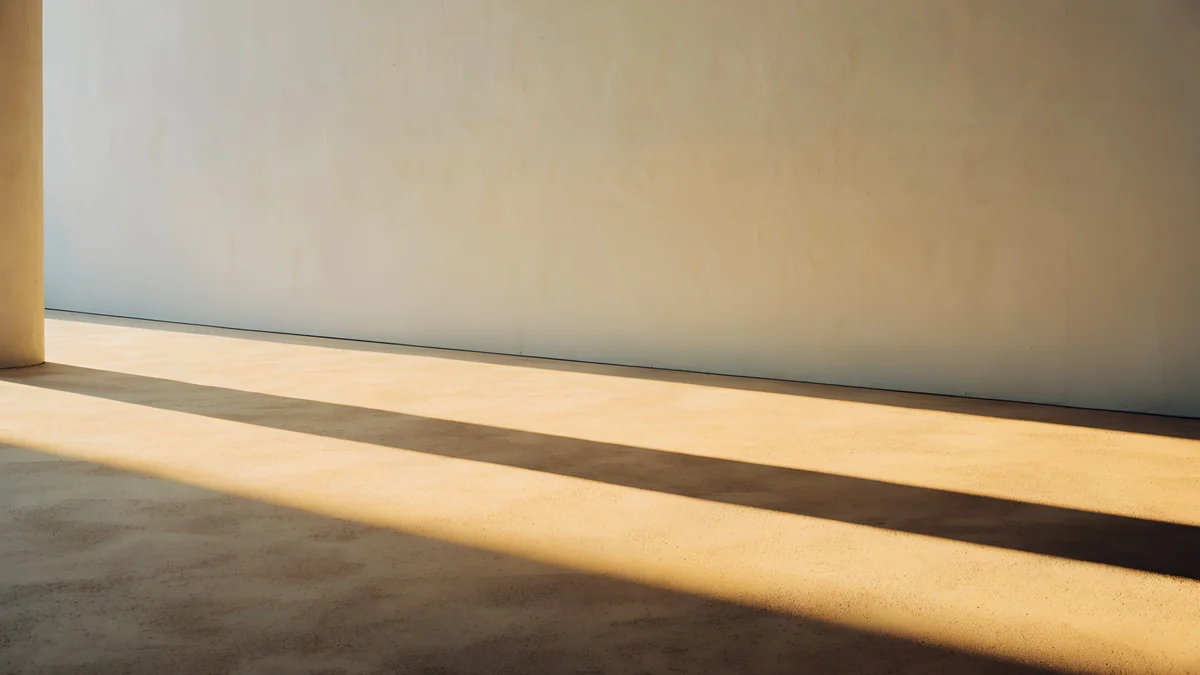 Column Shadow
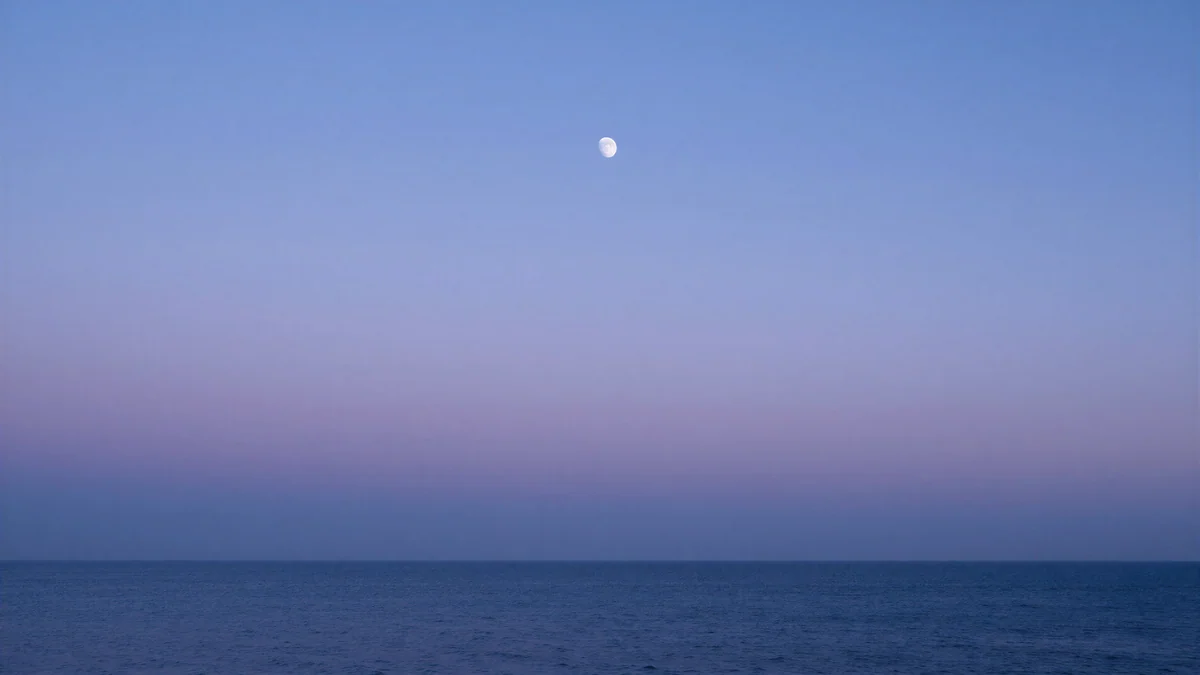 Lilac Horizon
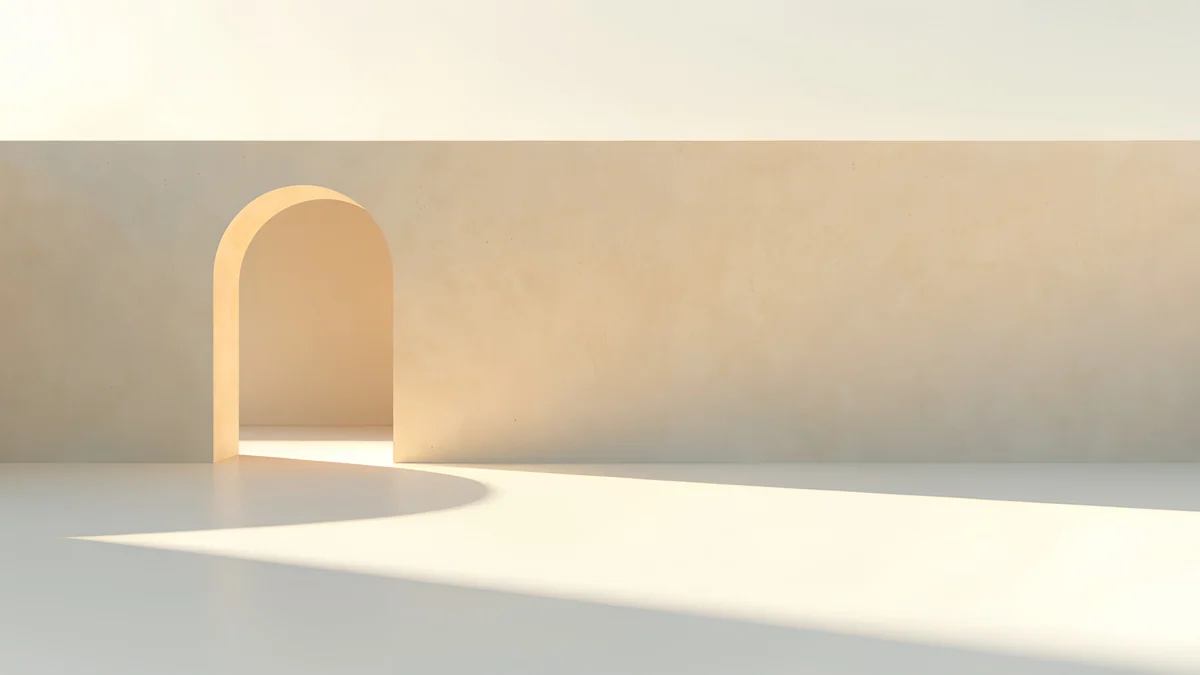 Apricot Noon Hall
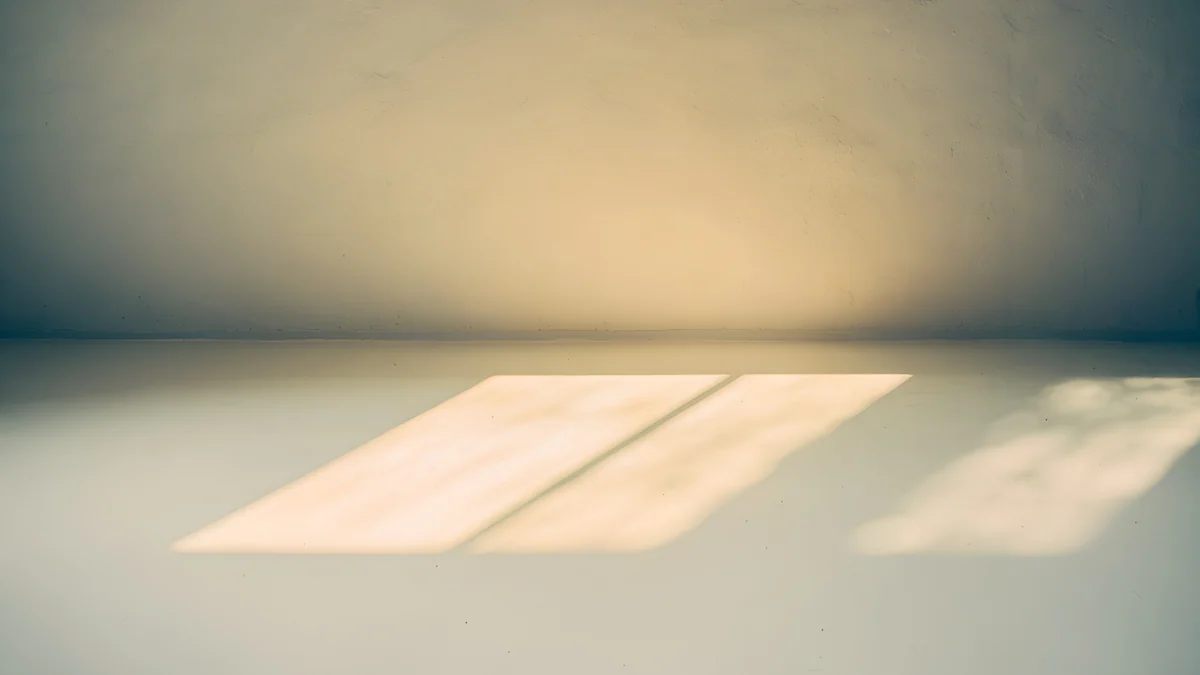 Window Square
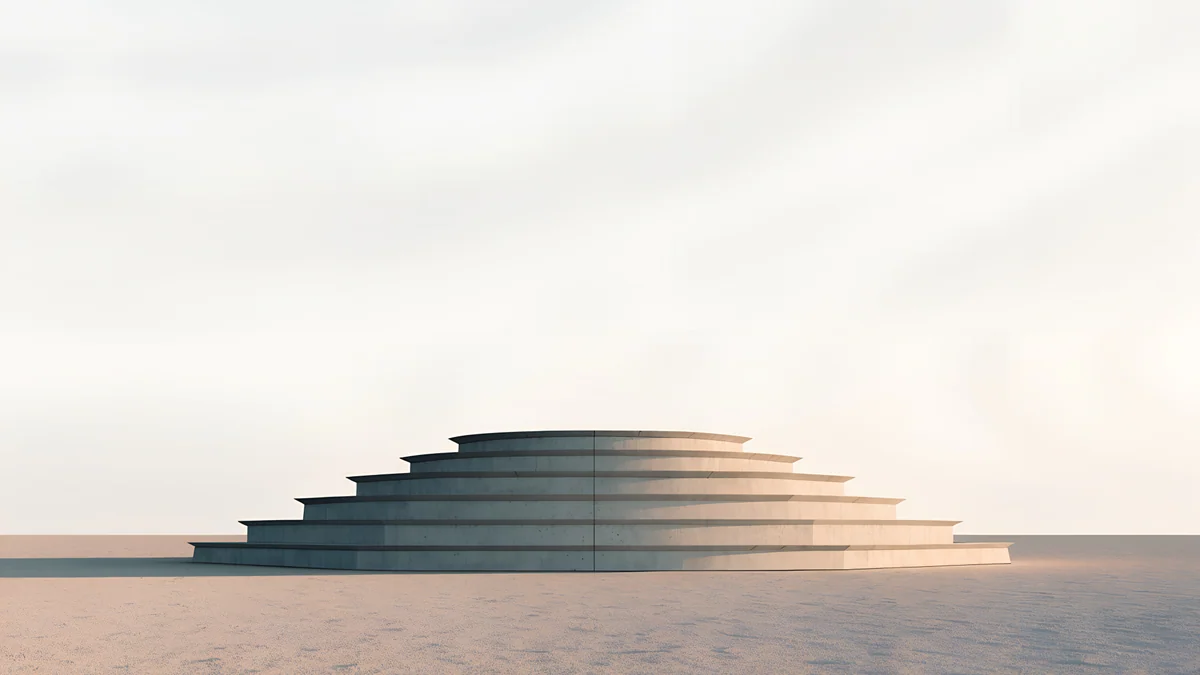 Stepped Ziggurat
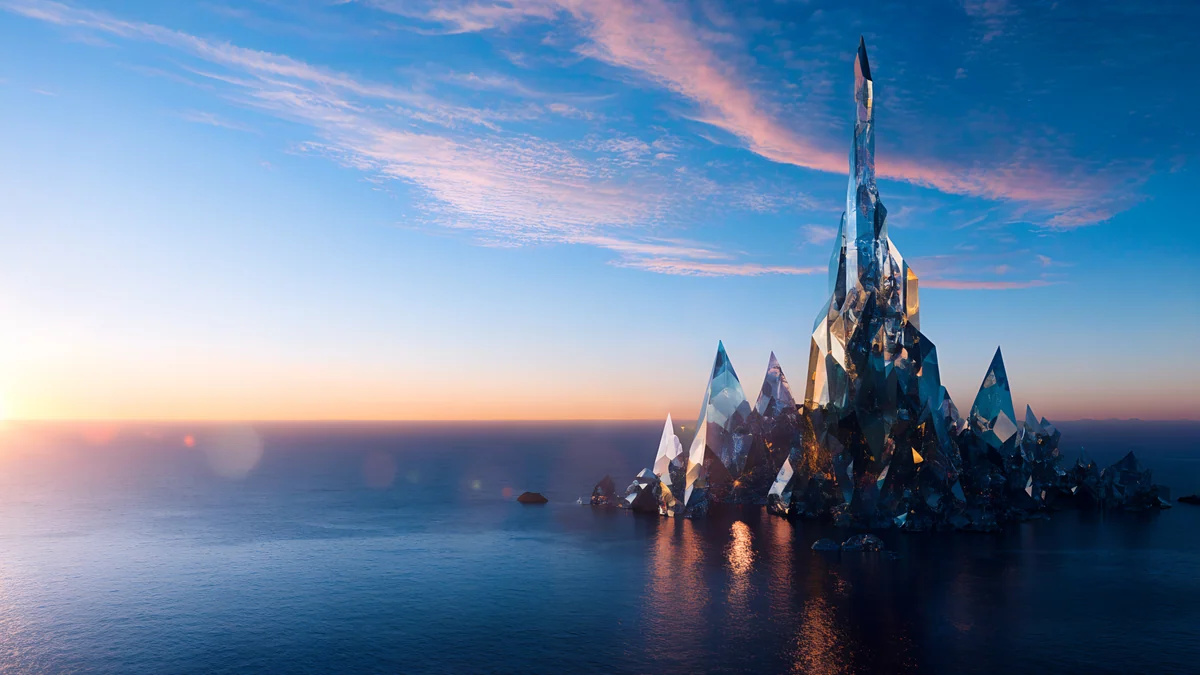 Glass Palace Sunset
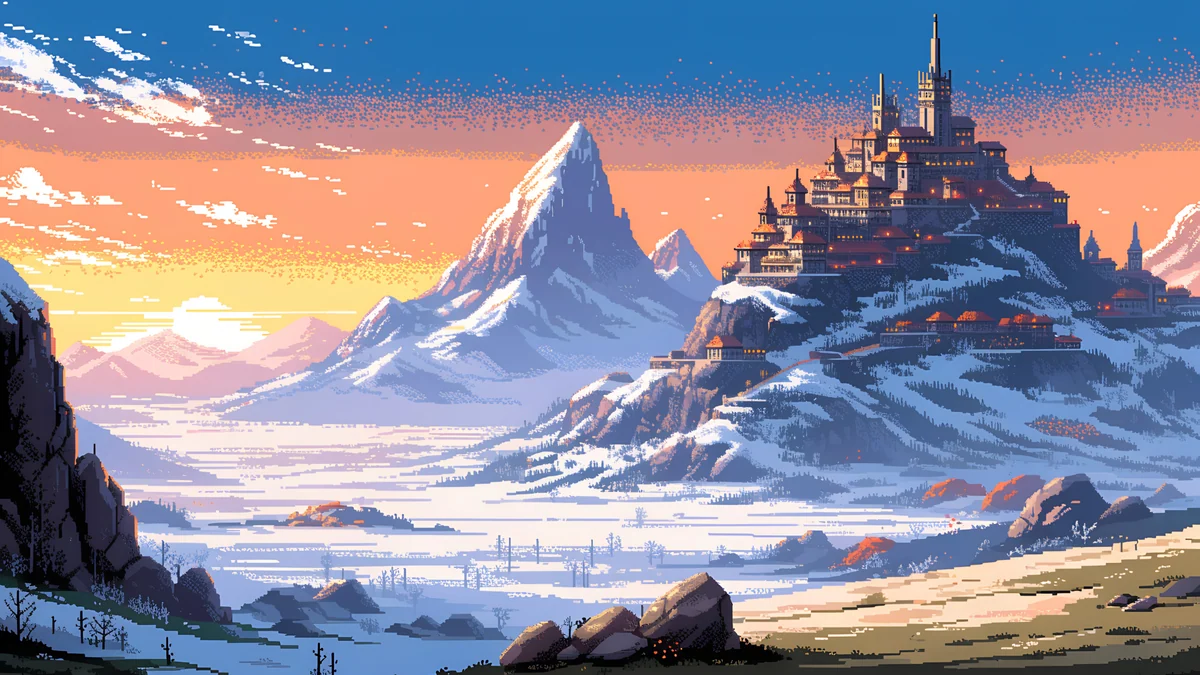 Pixel Sunset Monastery
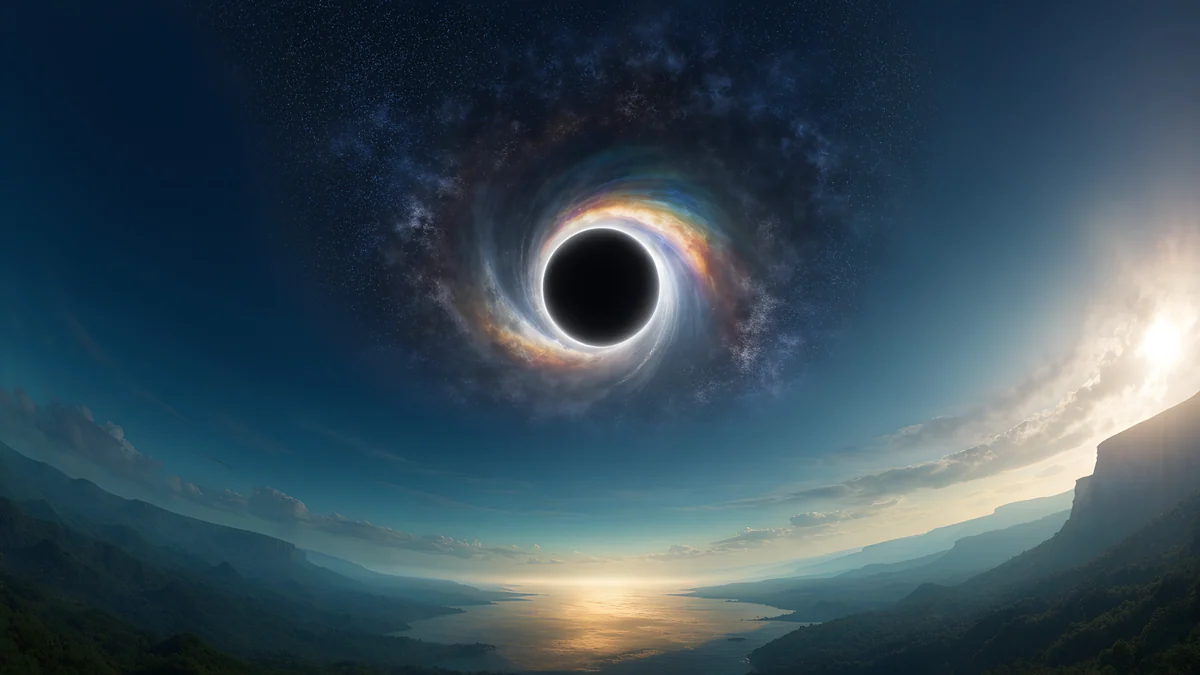 Black Hole Horizon
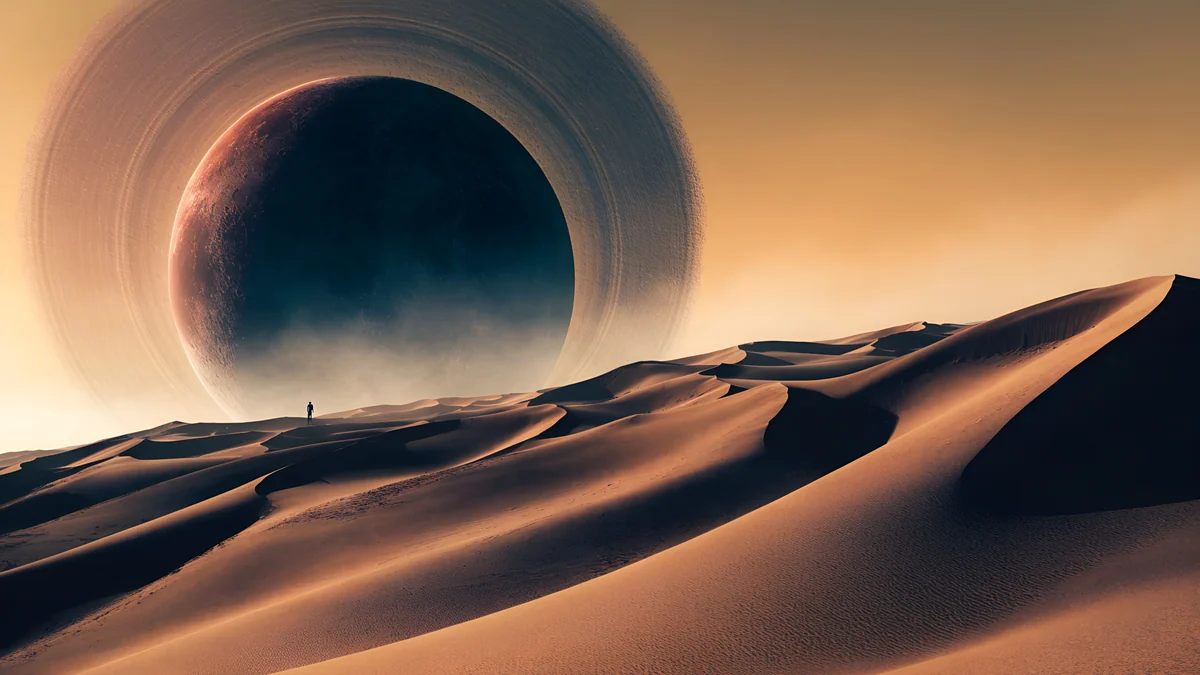 Ringed Planet Dune Panorama
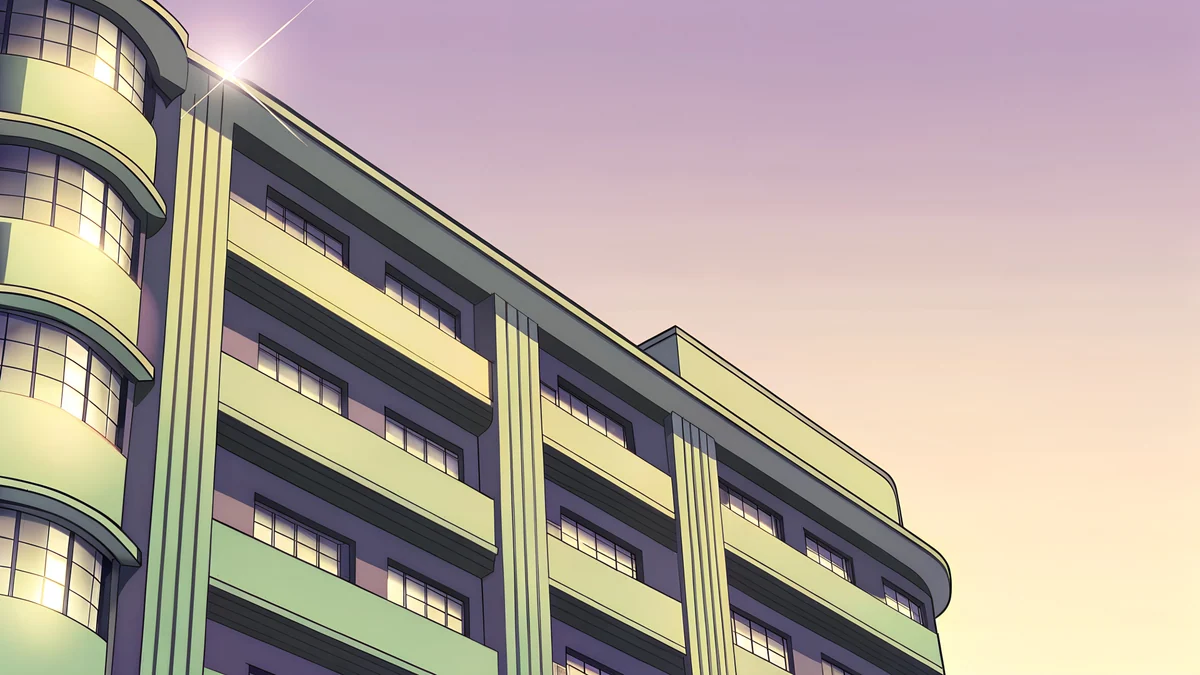 Deco Facade Dusk
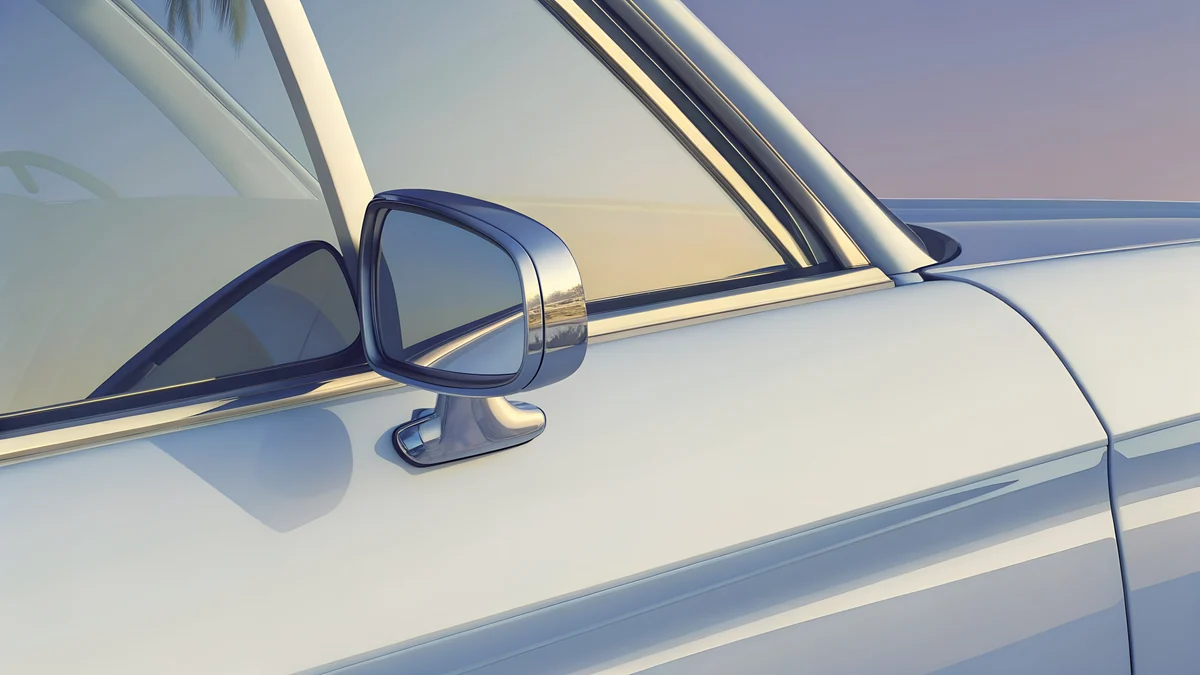 Convertible Mirror
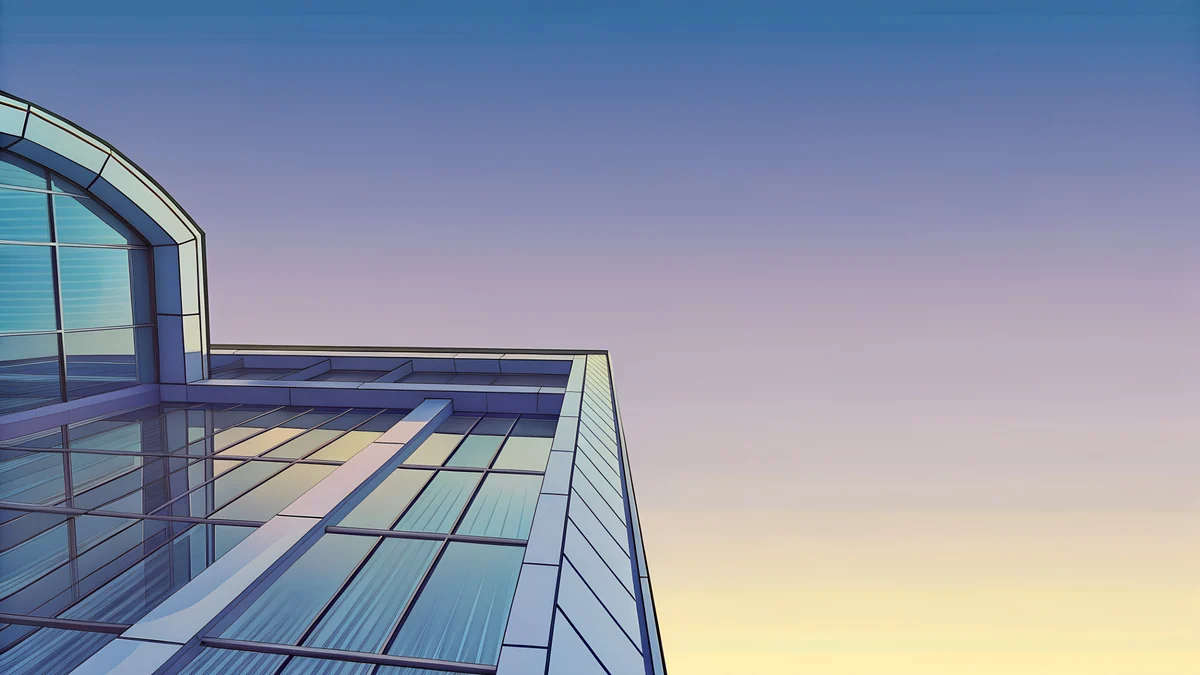 Glass Pavilion Dusk
Free originals for iPhone and Android, no watermark
On this page
A sunset wallpaper for desktop has one job: stay warm without making icons hard to read. Velpaper has 14 original [1] 4K sunset wallpapers for PC, Mac and laptop in three groups: quiet golden hour light in empty rooms, dusk over sea and sky, and retro Florida dusk. Files are 3840 × 2160 or 5120 × 2880, JPEG, no watermark [1]. Both sizes are 16:9, so they fit a 1080p, 1440p or 4K monitor and most laptop screens with no stretching.
What makes a good sunset wallpaper for a computer
Sunsets are bright at the horizon and dark above, and on a desktop that matters. Icons sit down the left edge on Windows and in the top right on a Mac, and the taskbar or Dock sits at the bottom, so a picture with a sun in the middle of the screen can wash out labels. The better pieces keep the glow in one place and leave large calm areas. A sunset wallpaper for a laptop adds one more rule: bright pictures use more battery on an OLED screen and glare in a dark room, so a soft, low contrast sunset is the easier choice.
Golden hour in a quiet room
These four are the most usable. They show late sun on walls, columns and windows rather than a literal sun, so there is no hot spot, and the palette is cream, apricot and gold.
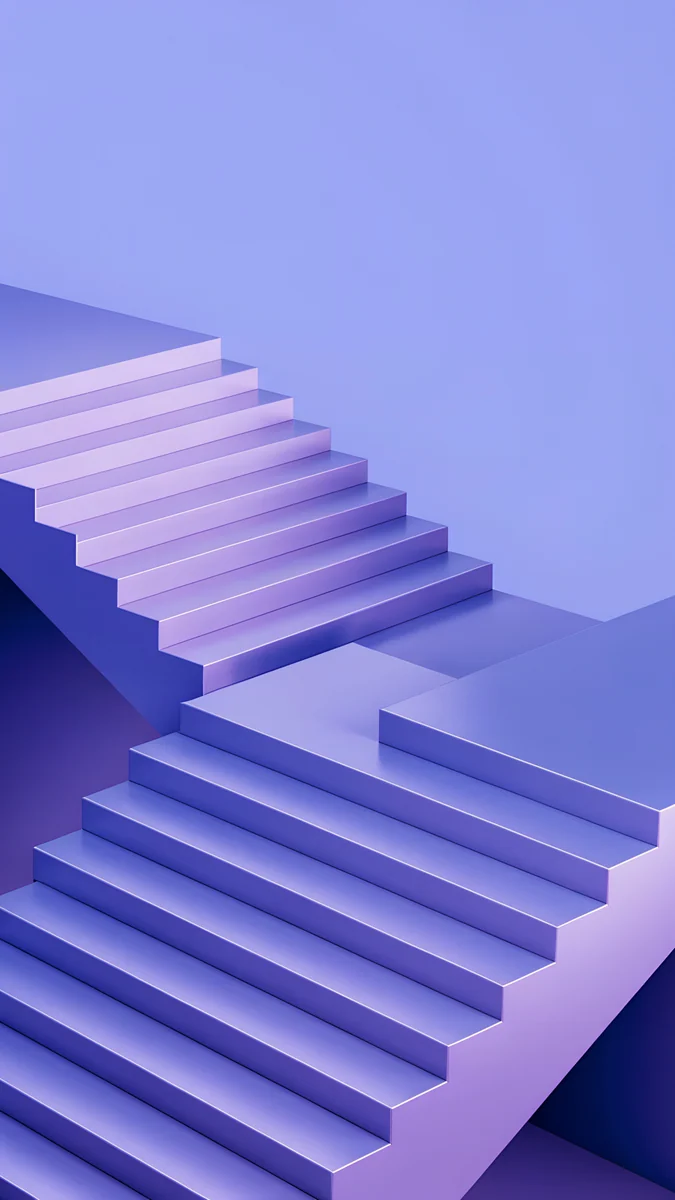
Column Shadow is a long column shadow across a cream room, in beige and gold. Apricot Noon Hall is a hall of arches in apricot light. Window Square throws a square of window light across a wall, with a faint teal. Stepped Ziggurat is a stepped geometric form against a pale sky in sand and clay. All four have large empty areas, which makes them good for a crowded Windows desktop. For more in the same colour range, read beige desktop wallpapers.
Dusk over sea, sky and mountains
This group has an actual sky and horizon. They are the closest to a classic sunset wallpaper and a bit more dramatic.
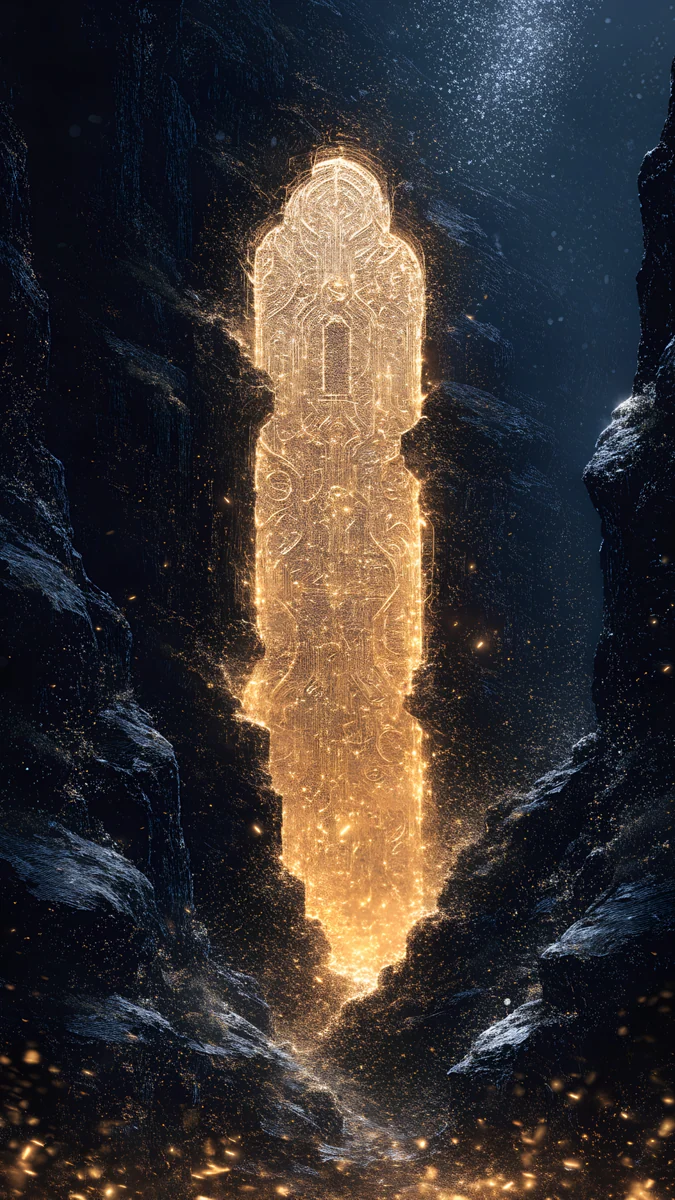
Lilac Horizon is a calm purple and navy sunset over an ocean with a moon, the quietest piece here. Glass Palace Sunset is a surreal glass and marble palace at a pink and blue sunset by the sea, 5120 × 2880 [1]. Pixel Sunset Monastery is pixel art: a monastery on snowy mountains in orange light. Black Hole Horizon is a dark, glowing sunset horizon with a black hole, and Ringed Planet Dune Panorama is an amber sunset over dunes with a ringed planet. The two space pieces are the darkest, so they suit a Mac in dark mode. More beach and sea sunsets for phones are in sunset beach wallpapers.
Retro Florida dusk
Five originals borrow the mood of 1980s Miami dusk: pastel lavender, silver and cream under a low sun [1]. They are part of Velpaper's GTA 6 style category, which is original art and not official. Each shows an object or a building, not a sun, so it works as a wide sunset-coloured desktop.
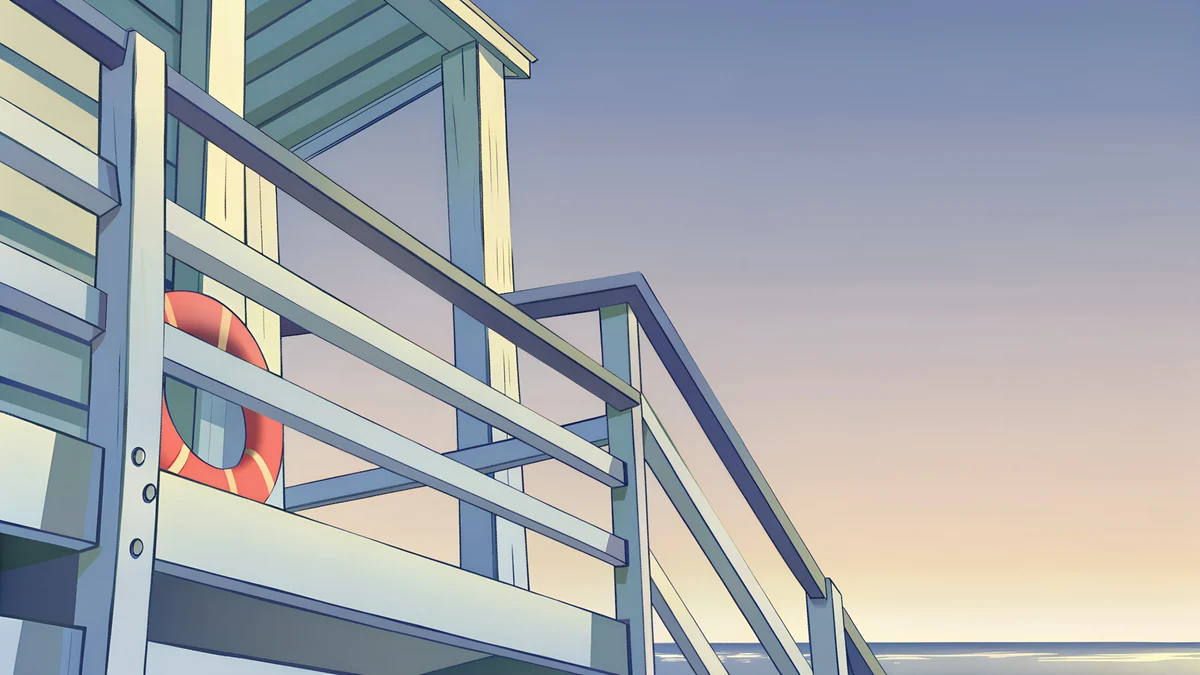
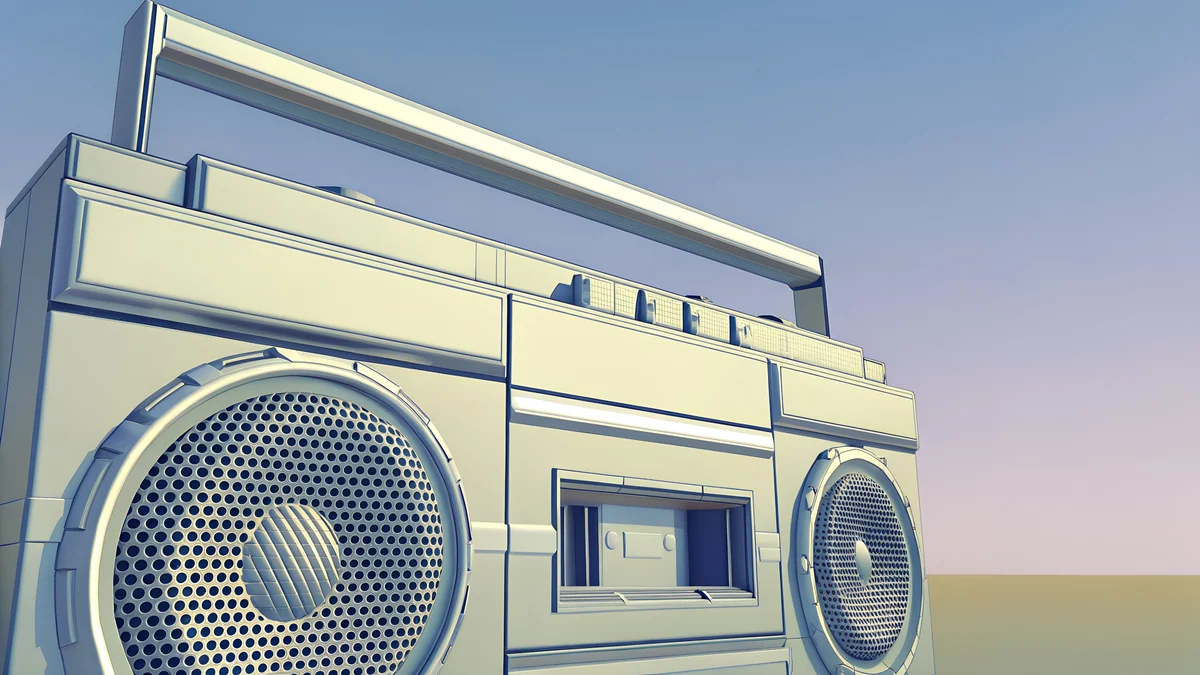
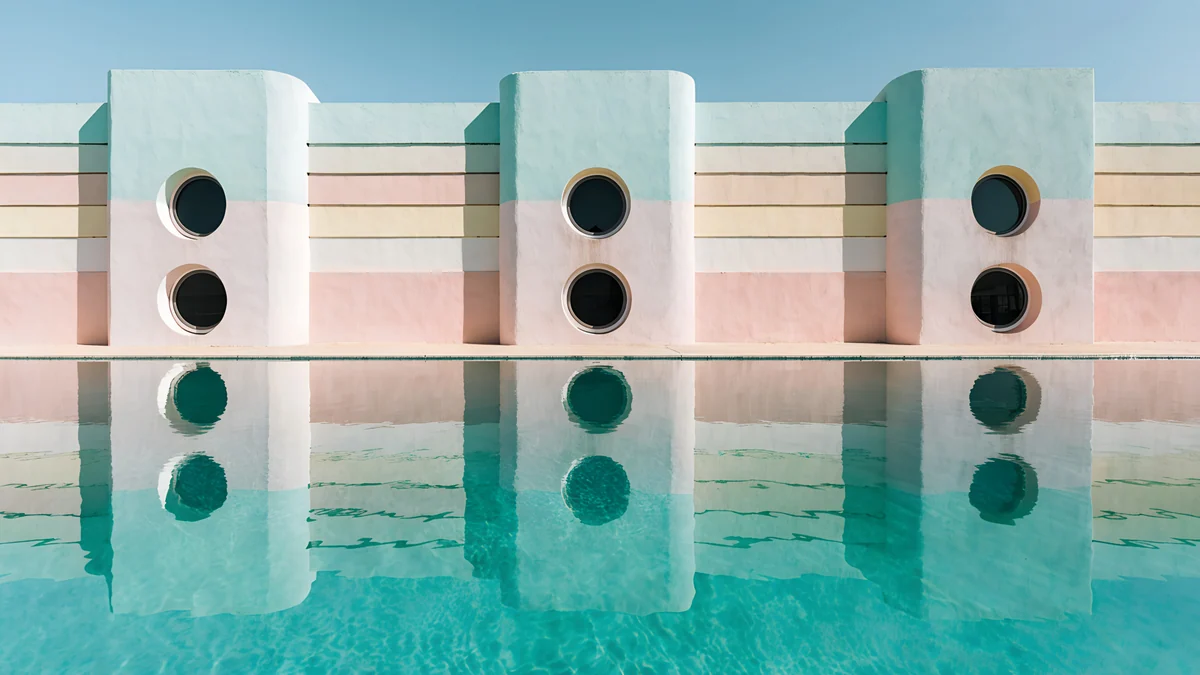
Deco Facade Dusk is an art deco facade at dusk in mauve and pink. Convertible Mirror is a convertible mirror in silver and cream. Glass Pavilion Dusk is a glass pavilion in lavender and blue, and Lifeguard Rail is a beach rail in golden light. Chrome Boombox Wide is a chrome boombox in lavender. The full wide set is in the GTA 6 wallpaper for PC article [2].
How to set a sunset wallpaper
Windows 11: Settings, Personalization, Background, choose Picture, then Browse photos. Pick the fit Fill. Mac: System Settings, Wallpaper, Add Photo. A MacBook screen is slightly taller than 16:9, so macOS trims a little from the sides [2]. Ultrawide: Fill crops the top and bottom, and the golden hour pieces lose nothing important because the middle band carries the subject. See the ultrawide wallpaper size guide.
If you want a different sunset on each monitor, the dual monitor guide shows how. For the right size per screen, check the PC wallpaper size guide. Next step: open Column Shadow or Lilac Horizon on velpaper.com or in the Mac app and download the 4K original [1].
Original wallpapers in and for iPhone, Android and desktop.
Questions
What is the best size for a sunset wallpaper on a desktop?
Use a 16:9 file at your screen's resolution or higher [1]. For a 4K monitor that is 3840 × 2160, which is the size of most Velpaper sunset wallpapers. A 3840 × 2160 file fits a 1920 × 1080 screen at exactly 2x and a 2560 × 1440 screen at exactly 1.5x, so one download covers all three without stretching [1]. A few pieces are 5120 × 2880, which suits a 5K display and still scales down cleanly. Smaller files stretched onto a 4K screen show banding in the sky gradient.
Which sunset wallpaper is best for a laptop?
Pick a soft one with large calm areas, such as Column Shadow, Apricot Noon Hall or Lilac Horizon. A laptop is used at close range, so a bright sun at the centre is tiring and covers icons. Low contrast golden light keeps text readable and is easier on battery on an OLED laptop than a bright white sky. On a MacBook the screen is slightly taller than 16:9, so keep the subject away from the left and right edges, because macOS trims there [1].
Do these sunset wallpapers work on an ultrawide monitor?
Yes, with a crop. An ultrawide screen at 3440 × 1440 is 21:9, wider than the 16:9 file [1]. With the fit set to Fill, the image is scaled to the screen width and a band is trimmed from the top and bottom. The golden hour pieces such as Column Shadow keep their subject in the middle band, so little is lost. Pieces with a tall subject, like a tower, lose more. The ultrawide size guide explains the numbers for 21:9 and 32:9 screens [1].
Are there sunset wallpapers for a computer in dark colours?
Yes. Black Hole Horizon and Ringed Planet Dune Panorama are dark space scenes with a sunset horizon, and Lilac Horizon is a navy and purple dusk over the sea. On a PC they keep white icon labels readable, and on a Mac they pair well with dark mode and a dark menu bar. The warmer golden hour pieces suit light mode. Choose by the theme you use, since a dark picture under light mode icons can look heavy.
Can I use a different sunset on each monitor?
Yes. On Windows 11 open [2] Settings, Personalization, Background, then right-click a picture under Recent images and choose Set for monitor 1 or Set for monitor 2. On a Mac, pick the display at the top of the Wallpaper pane and choose a picture for each. Two pieces that share a palette look best together, for example Column Shadow and Apricot Noon Hall for a warm pair, or Lilac Horizon and Glass Pavilion Dusk for a cool pair.
Carlos Vivero
Designer of Velpaper wallpapers
Carlos Vivero designs the wallpapers in Velpaper: quiet architecture, liquid glass, Japanese ink and calm landscapes. Every piece is made as a original for iPhone, Android and desktop.
Recent work