Star Background 4K: Starry Sky Wallpapers for Phone and PC
Star backgrounds in 4K for iPhone, Android, Mac and PC: Milky Way photos, ukiyo-e star prints and glass stars on black, plus setup steps.
Sources [1] · By the Velpaper team · Wallpapers by Carlos Vivero, Velpaper designer · · 4 min read
In short: The best star background is a dark 4K night sky with small stars and an open area for icons, like Milky Way Lake on a phone or Milky Way Sea on a computer [2]. Velpaper has original photo, ukiyo-e and liquid glass star wallpapers for phone and desktop.
Wallpapers
 Milky Way Lake
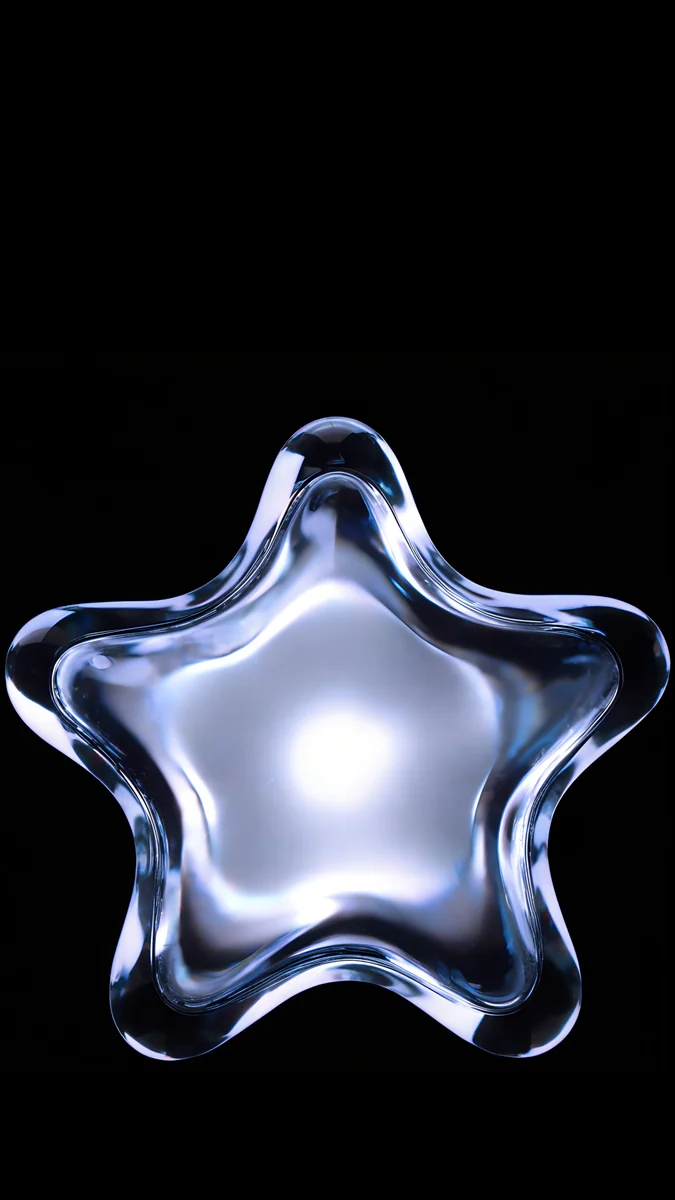 Glass Star OLED
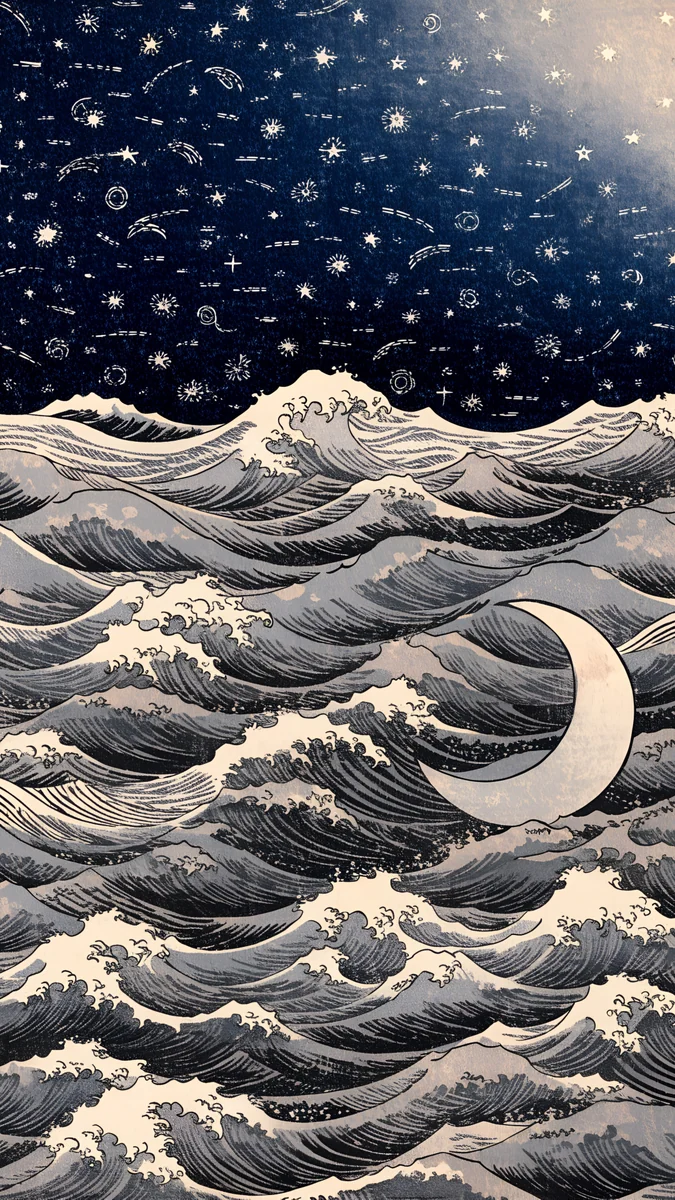 Ukiyo Star Waves
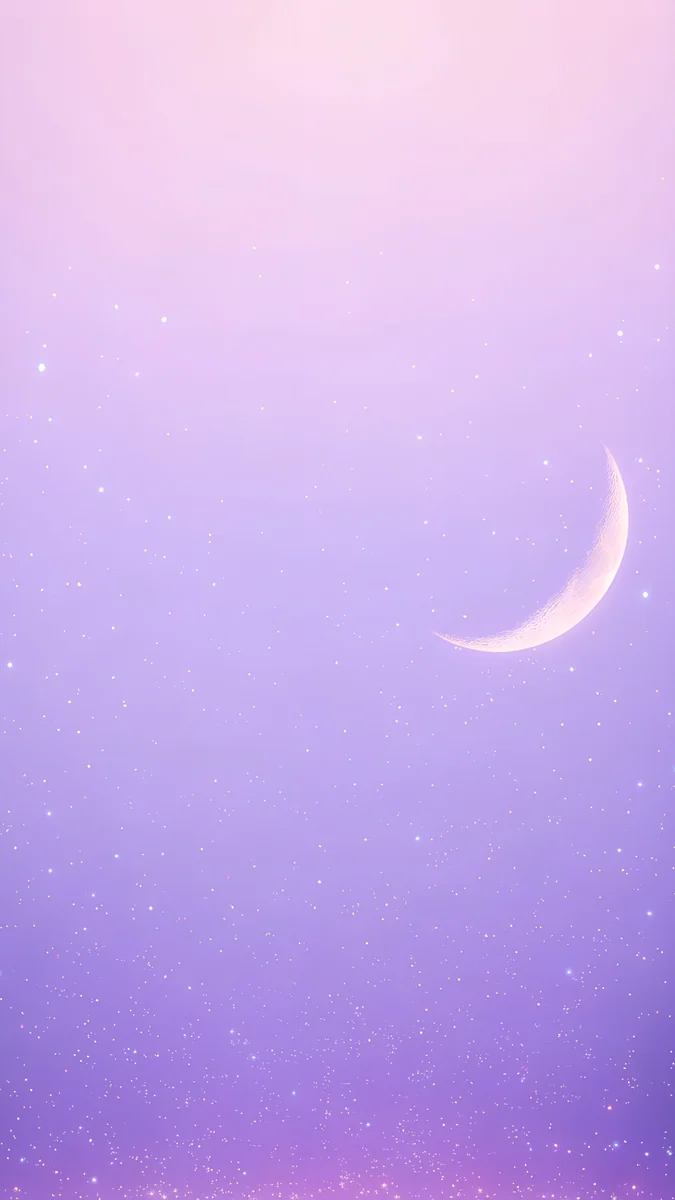 Lilac Star Moon
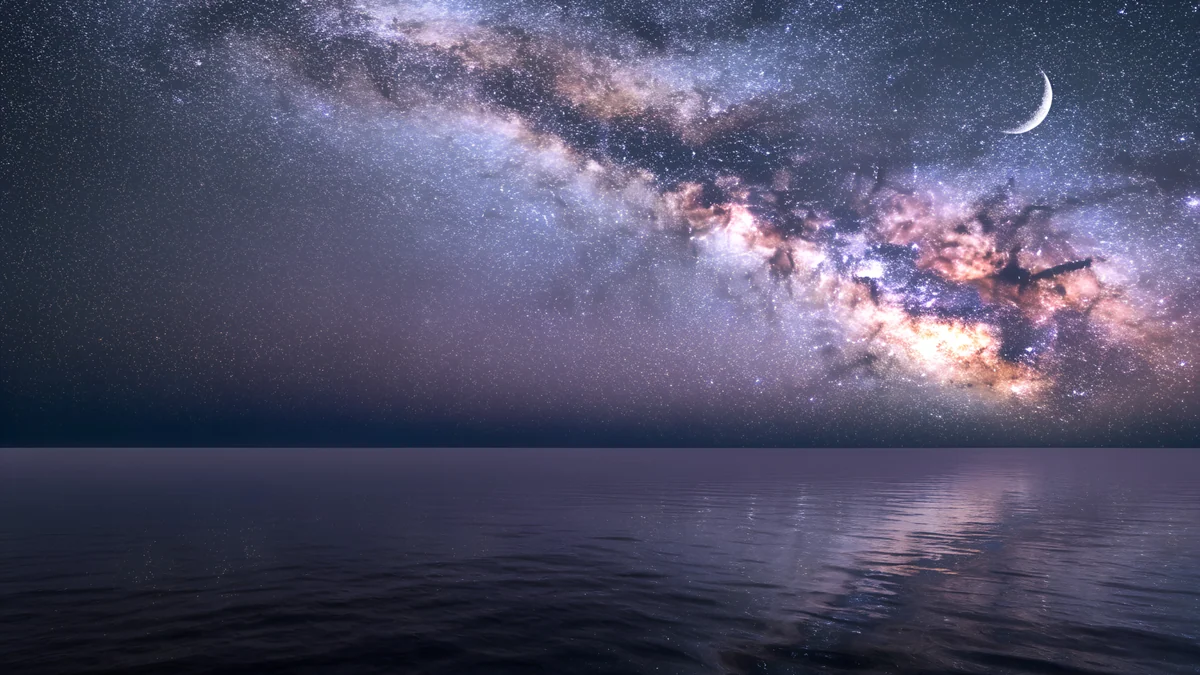 Milky Way Sea
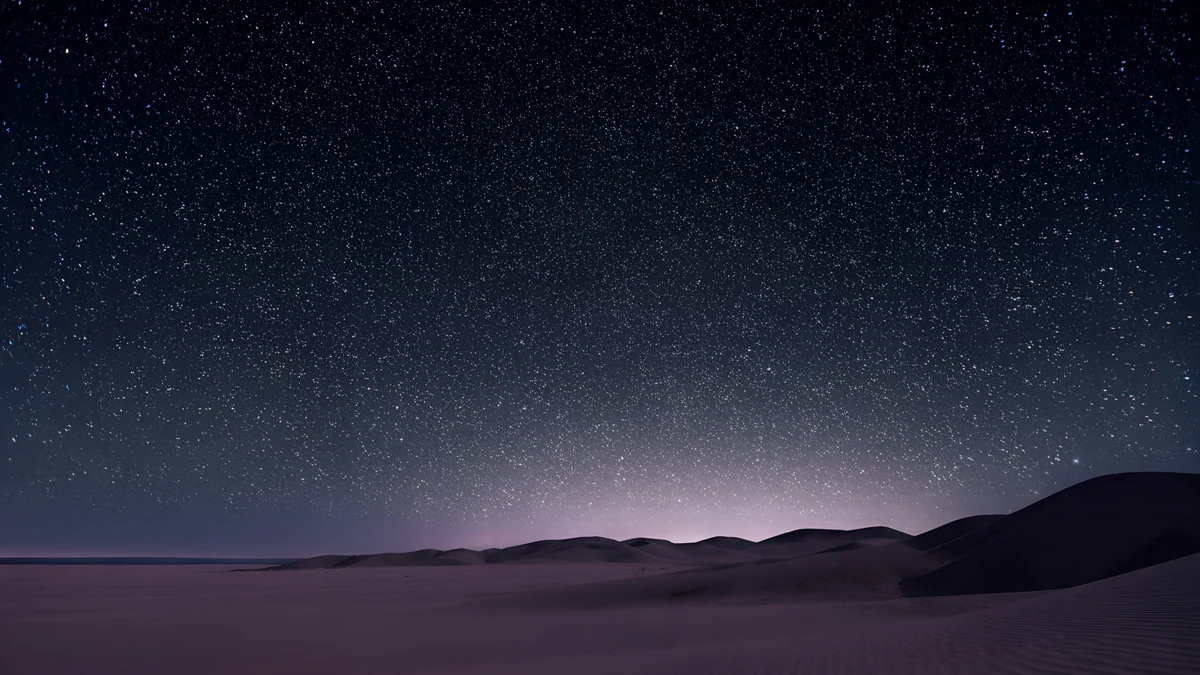 Desert Star Field
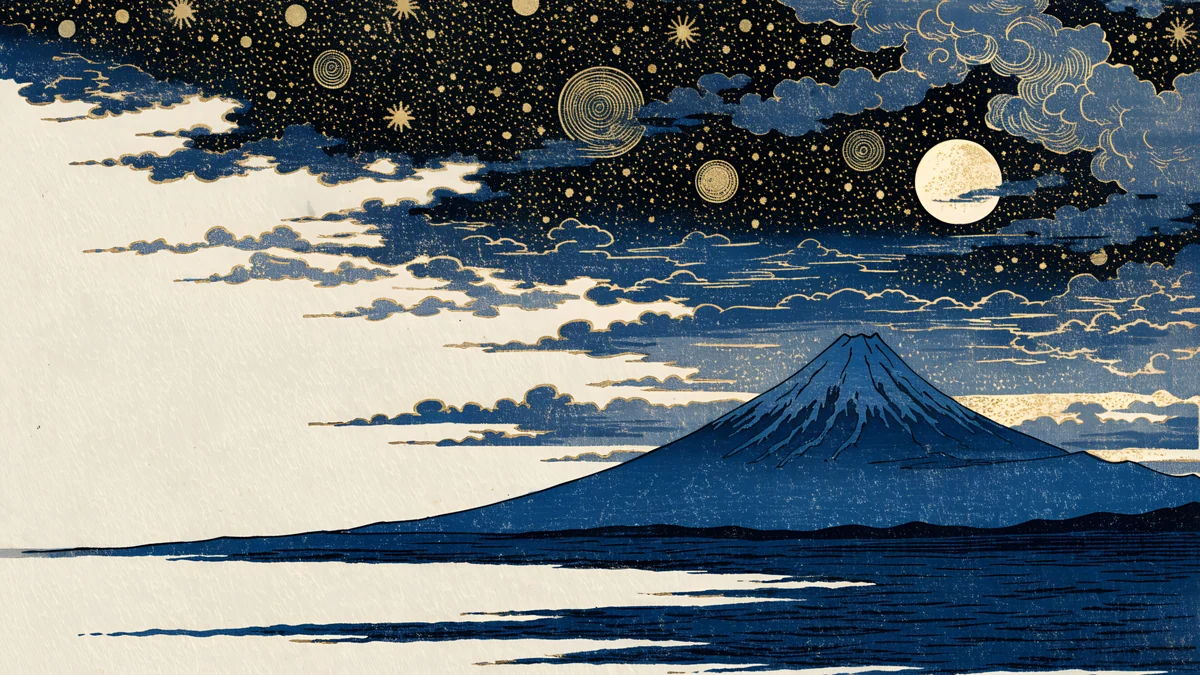 Ukiyo Starry Fuji
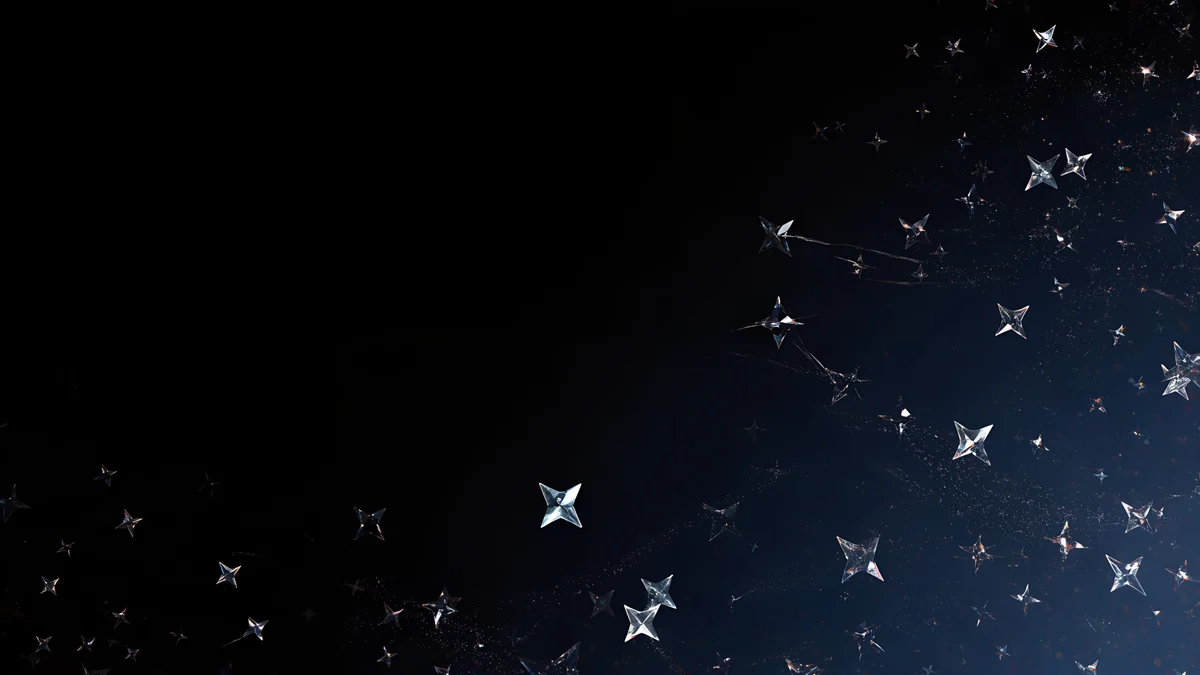 Glass Star Scatter
Free originals for iPhone and Android, no watermark
On this page
The best star background is a dark, calm night sky with stars that are small enough to leave room for icons and the clock, like Milky Way Lake on a phone or Milky Way Sea on a computer. Velpaper has new original star wallpapers in 4K for both: phone files are 2160 × 3840 and desktop files are 3840 × 2160, so they fit iPhone, Android, Mac, Windows PC and most laptops [2]. The set has three looks: Japanese ukiyo-e prints with gold stars and a full moon, liquid glass stars on pure black, and calm photographs of the Milky Way, a desert sky and a pastel dawn. Every wallpaper keeps the busy part of the image away from the area where text sits. Below you will find each look, how to choose between a phone and a desktop star wallpaper, and the steps to set one on iPhone, Mac and Windows.
Milky Way and night sky photographs
These are the most realistic star backgrounds in the set. They have a dark sky, a clear horizon and a lot of small stars, so the screen feels deep without being bright.
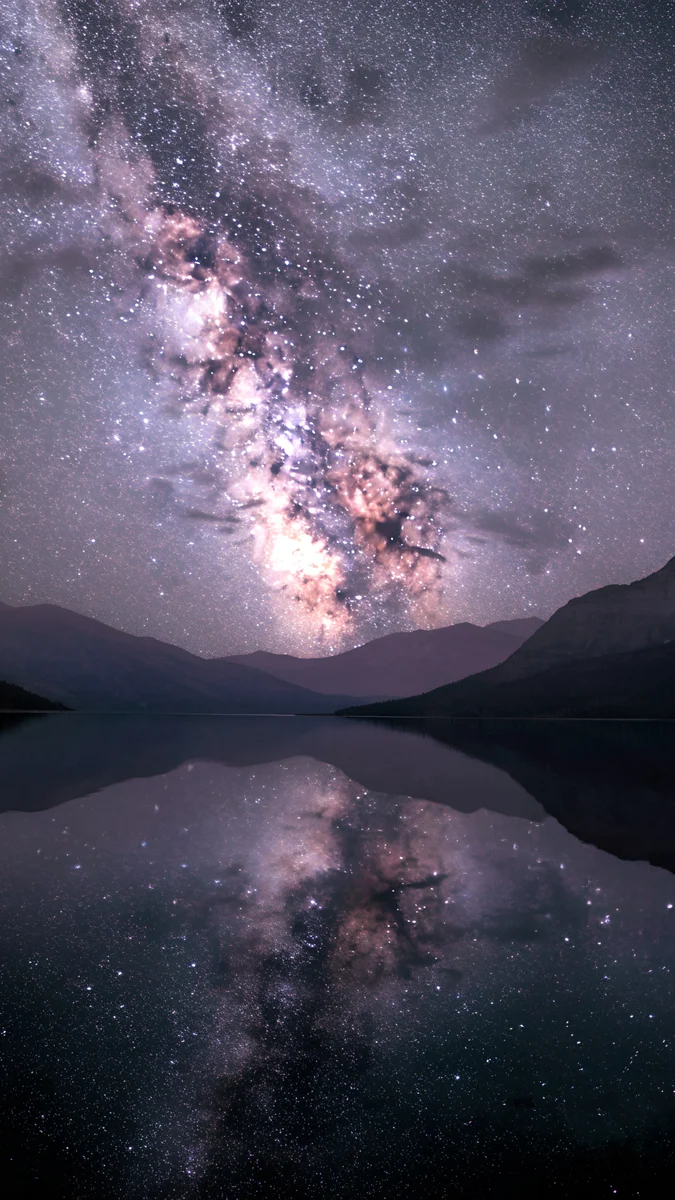
Milky Way Lake is a phone wallpaper where the Milky Way climbs diagonally above dark mountains and reflects in a still lake. Milky Way Sea is the wide version: the glowing purple and orange core arcs across the sky over a calm dark sea, with a thin crescent moon in the upper right. Desert Star Field fills a dark sky with fine stars above low dunes, with a faint violet glow at the horizon.
Ukiyo-e star prints
The ukiyo-e pieces turn stars into pattern. They look like Japanese woodblock prints, with ink outlines, cloud bands and gold dots in a navy sky.
Ukiyo Starry Fuji is a desktop wallpaper with a blue mountain on the horizon, swirling cloud bands, gold stars and a pale full moon over cream paper edges. Ukiyo Star Waves is the phone pick: a navy sky full of small stars above grey and cream waves, with a crescent moon sitting in the water.
Liquid glass stars
Glass stars give a clean, modern look. On a dark screen they stand out and stay quiet, which is why they work well on OLED phones.
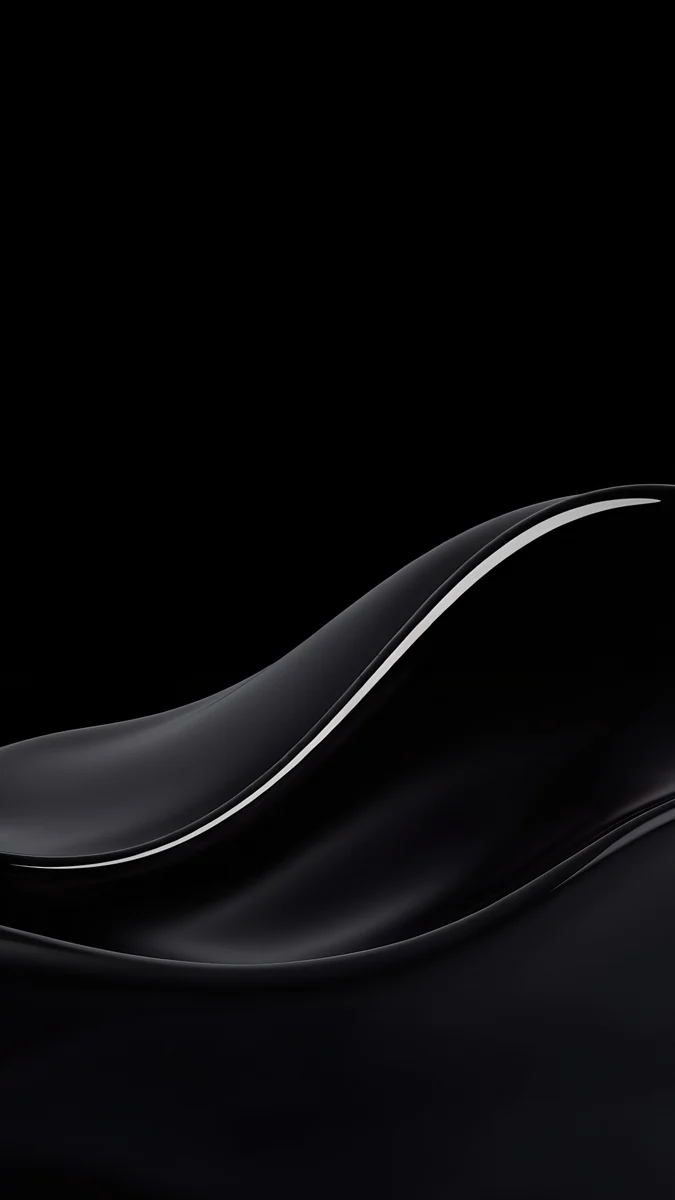
Glass Star OLED is a single glowing glass star in the middle of a pure black screen. Glass Star Scatter spreads small glass stars across a black desktop, denser on the right and open on the left for icons. For a softer, lighter option, Lilac Star Moon is a lilac to violet gradient with a crescent moon on the right, and Pastel Star Sky is a blue desktop sky fading to pink with faint stars.
Stars wallpaper for iPhone, desktop and laptop
A phone shows the sky in a tall crop, so a vertical image with the Milky Way or a single star in the middle works best: Milky Way Lake, Glass Star OLED and Ukiyo Star Waves. A desktop is wide, so choose a sky with an open side for icons: Glass Star Scatter, Desert Star Field and Milky Way Sea.
- OLED phone: Glass Star OLED is pure black around the star, which keeps pixels dark and the screen calm at night.
- Laptop: Desert Star Field and Glass Star Scatter have small details that stay clear on a 13 to 16 inch screen [1].
- Light theme: Pastel Star Sky and Lilac Star Moon are the only light star options and suit a bright setup.
For sizes and scaling, see our PC wallpaper size guide and the iPhone wallpaper size guide.
How to set a star wallpaper
iPhone (iOS 26) [3]:
- Save the original from the Velpaper app or from the wallpaper page on velpaper.com.
- Open Settings, tap Wallpaper, then Add New Wallpaper.
- Choose Photos and pick the file.
- Pinch to adjust the crop, tap Add, then choose where to use it.
Mac (macOS Tahoe): open System Settings, click Wallpaper, choose Add Photo and select the file.
Windows 11 [3]: open Settings, then Personalization, then Background. Choose Picture, click Browse photos and pick the file. Set the fit to Fill.
Menu names can differ slightly between versions, and Android phones vary by brand, so look for Wallpaper in your phone settings.
Get the star wallpapers in Velpaper
Velpaper is an app for iPhone, iPad, Mac and Android, and every wallpaper is also on velpaper.com. Browsing and previews are free. In the apps the original unlocks after a short optional ad, and on the website the original is free when no ad is available. There is no watermark and no account needed. The wallpapers are designed by Carlos Vivero. See all of them in the stars and galaxy phone wallpapers and stars desktop wallpapers collections. For more dark skies, read our night sky wallpapers and galaxy and space wallpapers guides.
Next step: open Milky Way Lake, save the original and set it as your wallpaper.
Original wallpapers in and for iPhone, Android and desktop.
Questions
What size should a star background be?
Match the file to your screen shape. Velpaper phone wallpapers are 2160 × 3840, which is 9:16 and fits iPhone and most Android phones [2]. Desktop wallpapers are 3840 × 2160, which is 16:9 and fits most Mac, Windows and laptop screens without stretching. On a 16:10 MacBook the system fills the screen and trims a little from the edges, so keep the brightest part of the sky near the middle. Fine stars stay sharp at these sizes, even on a high-resolution display, so a 4K original is a good choice for a star sky [2].
Which star wallpaper is best for an OLED phone?
Pick an image with a lot of true black. Glass Star OLED is a single glowing glass star on pure black, so most pixels stay off and the screen looks calm at night. Milky Way Lake is also dark, with the glow concentrated in the Milky Way and its reflection. On an OLED screen, black areas are not lit, which can help battery use a little and makes white lock screen text stand out. Light options like Lilac Star Moon look better on bright, daytime setups.
Are these star wallpapers free?
Browsing and previewing are free on velpaper.com and in the Velpaper apps for iPhone, iPad, Mac and Android. In the apps the original unlocks after a short optional ad. On the website the original is free when no ad is available. There is no account and no watermark, and each file is a 4K original [2]. Open one such as Milky Way Sea or Glass Star Scatter, check the preview, and save the original when you like it.
Can I use the same star wallpaper on my phone and computer?
Not directly, because a tall phone image and a wide desktop image have different shapes. A wide image cropped to a phone shows only a middle strip, and a tall image on a desktop leaves large gaps or heavy cropping. Velpaper solves this with matching looks in both formats: Milky Way Lake for the phone and Milky Way Sea for the computer, or Ukiyo Star Waves and Ukiyo Starry Fuji for the ukiyo-e style. That way both screens feel like one setup, and each image is made for its own ratio.
Do star wallpapers hide icons and the clock?
They can, if the stars are large or bright everywhere. Velpaper star wallpapers keep the busy part away from where text sits. On a phone, Glass Star OLED and Lilac Star Moon leave a calm top for the clock, and Milky Way Lake keeps its bright band diagonal. On a desktop, Glass Star Scatter leaves the left side open, and Desert Star Field has fine stars that do not compete with icons. If a star wallpaper still feels busy, move the icons or widgets to the darker side.
Carlos Vivero
Designer of Velpaper wallpapers
Carlos Vivero designs the wallpapers in Velpaper: quiet architecture, liquid glass, Japanese ink and calm landscapes. Every piece is made as a original for iPhone, Android and desktop.
Recent work