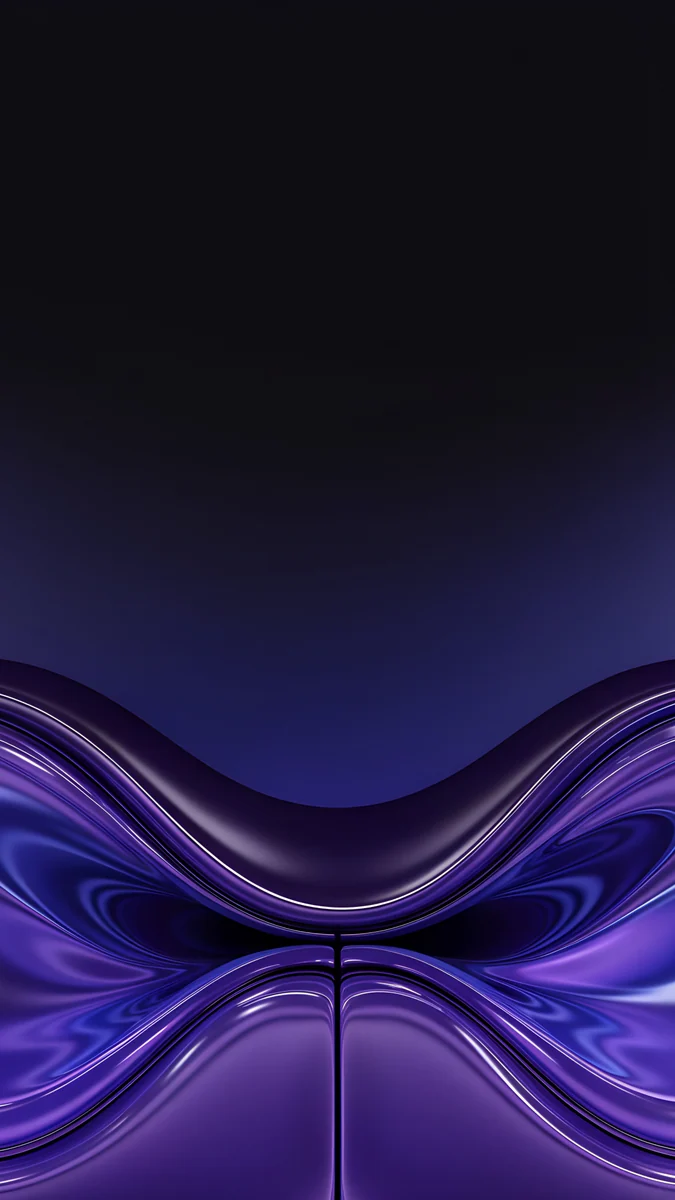
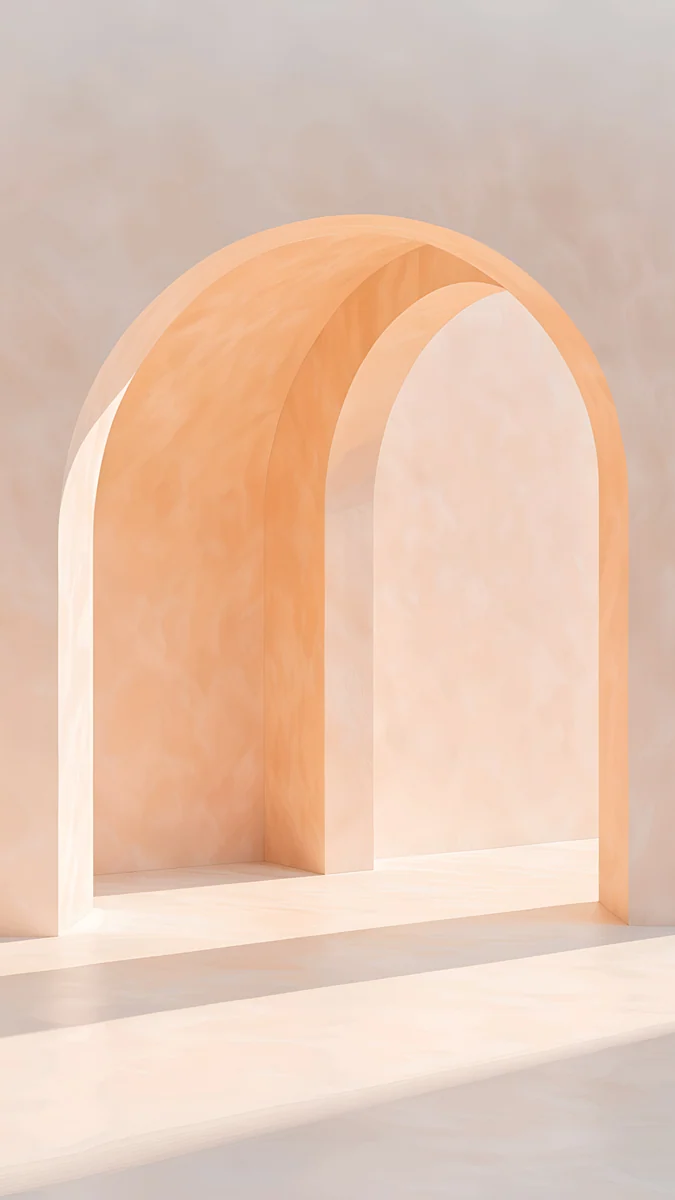
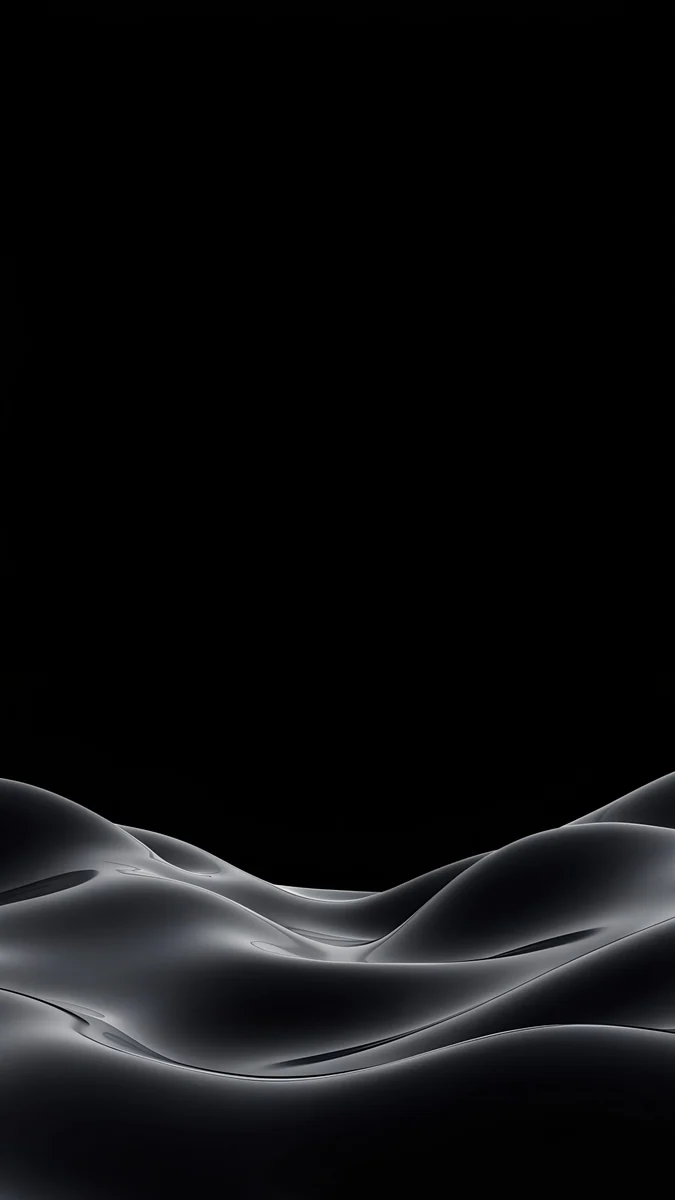
Windows Wallpaper in 4K: 18 Backgrounds for Windows 11
Windows 11 wallpapers in 4K that keep desktop icons and the taskbar readable: dark mode, light mode, blue glass and ink picks, plus the accent colour trick.
In short: The best Windows 11 wallpaper is a 3840 × 2160 image set to Fill, with a quiet left edge for the icons and a calm bottom strip under the taskbar, dark for dark mode and pale for light mode. The 18 desktop originals below follow those rules and download free from velpaper.com.
By the Velpaper team · Wallpapers by Carlos Vivero, Velpaper designer · · 5 min read
Free 4K originals for iPhone and Android, no watermark
On this page
The best Windows wallpaper for Windows 11 is a 3840 × 2160 (4K) image set to Fill, with a quiet left edge for the desktop icons and nothing important along the bottom, where the taskbar sits. Windows lines the icons up in a column from the top left, and the taskbar runs across the bottom with its buttons in the centre, so a picture with its subject on the right or in the middle leaves both readable. Then match the image to your mode: a dark wallpaper next to dark mode and a dark taskbar, a pale one next to light mode. With the accent colour set to Automatic, Windows also takes a tone from the picture for Start and the window highlights. Below are 18 desktop originals in four groups, dark, light, blue glass and ink, each checked against those rules. All of them download free in 4K or 5K from velpaper.com.
What makes a good Windows 11 background
- Size. 3840 × 2160 covers 1080p, 1440p and 4K monitors, because Windows only scales it down. A 16:10 laptop trims a thin strip at the sides.
- Icon side. Desktop icons start at the top left. A plain or soft area there keeps white file names legible.
- Taskbar strip. The taskbar covers the bottom of the screen and centres its buttons. Avoid wallpapers whose subject sits at the bottom centre.
- Mode. In Settings, Personalization, Colors, Choose your mode switches between Light and Dark. Pick the wallpaper after the mode, not before.
- Accent colour. On the same Colors page, set Accent color to Automatic and Windows pulls a tone from the wallpaper. A picture with one clear colour gives a cleaner accent than a busy one.
With Transparency effects on, Start and the taskbar also pick up a faint tint of the image behind them, which is one more reason to choose a calm picture.
Dark wallpapers for dark mode and a dark taskbar
A dark background makes the switch between the desktop and dark mode apps almost invisible, and white icon labels stay sharp on it.
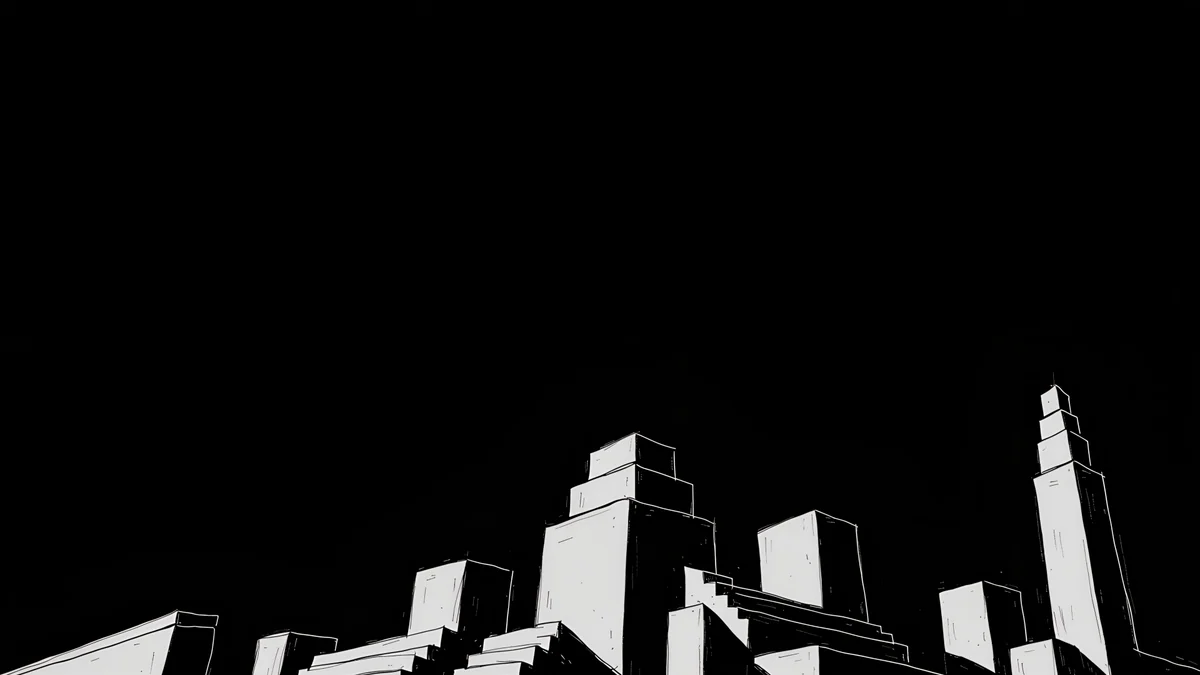 Night Blocks4K · Desktop
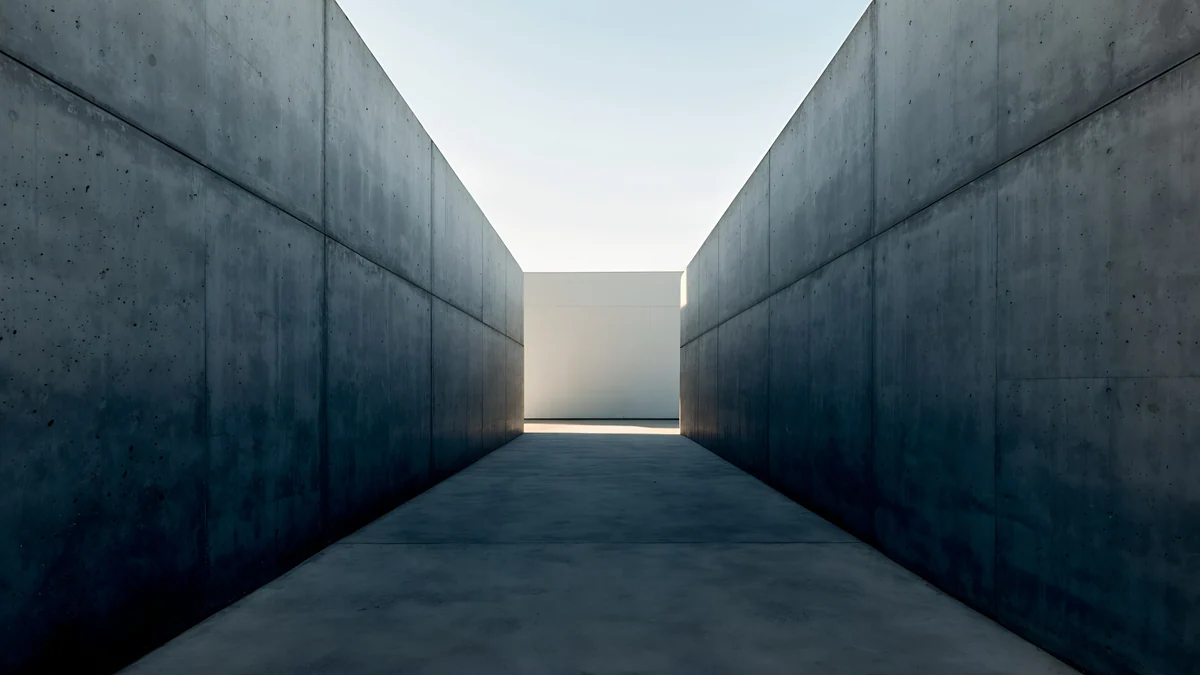 Graphite Passage4K · Desktop
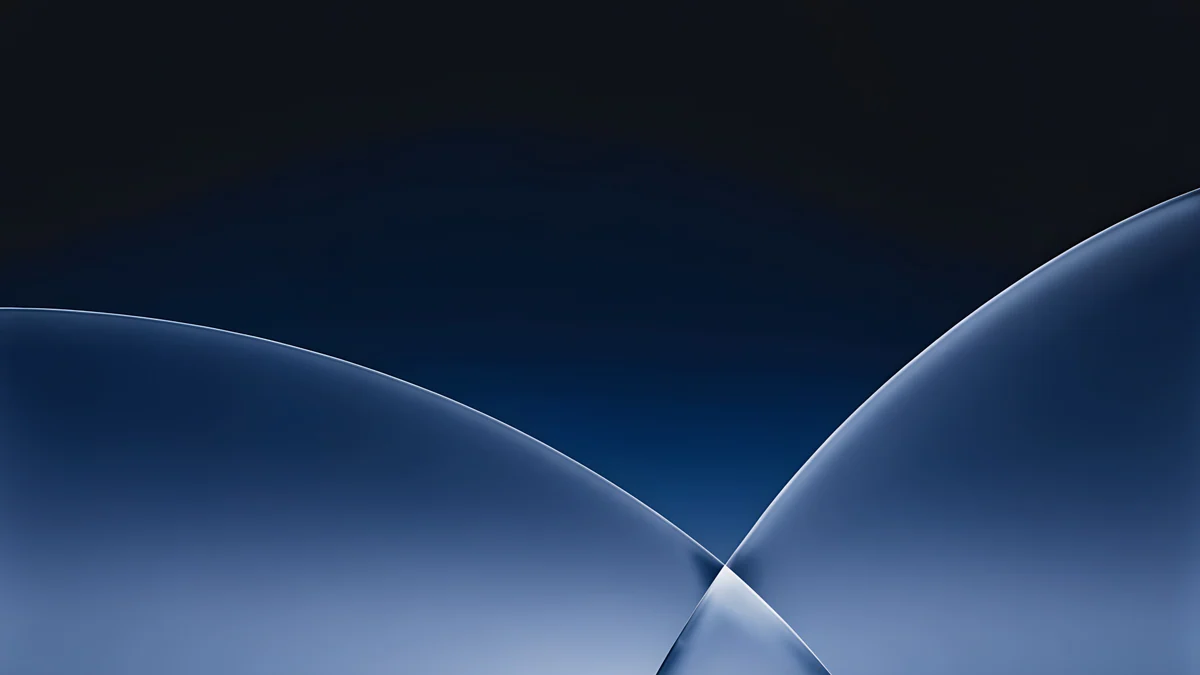 Cobalt Soft Horizon4K · Desktop
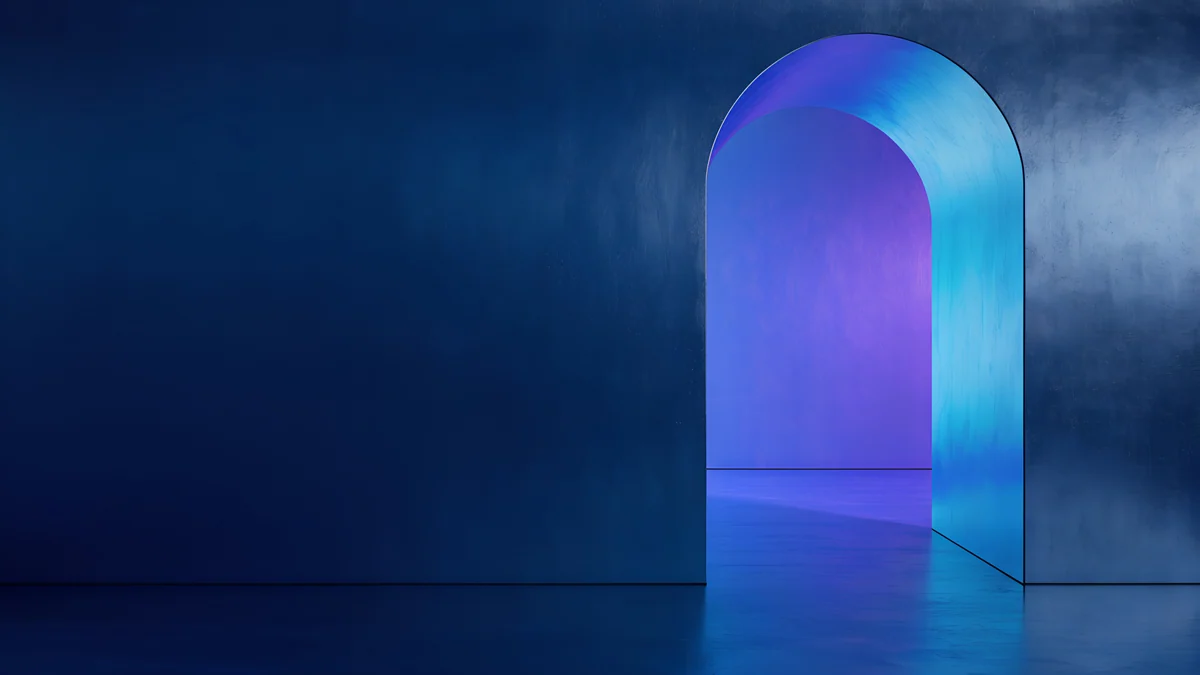 Volt Blue Vault4K · Desktop
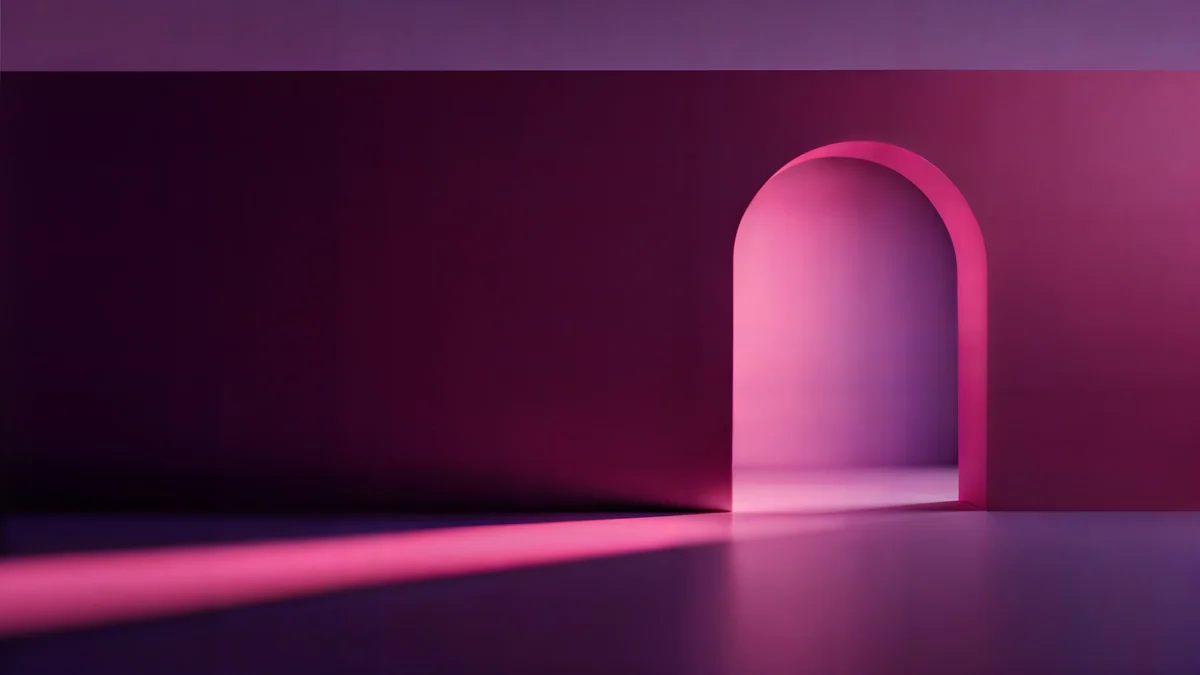 Rose Pulse Arcade5K · Desktop
Night Blocks is near black with white outlined towers in the bottom right, so the whole left side is free for icons. Graphite Passage is a concrete corridor with light at the far end, symmetrical and quiet at the edges. Cobalt Soft Horizon is deep navy with two glass arcs, and with an automatic accent it gives Start a cool blue. Volt Blue Vault and Rose Pulse Arcade both put a glowing arch on the right half: blue to violet in the first, pink on dark plum in the second.
Light backgrounds with room for desktop icons
Light mode looks best on a pale picture with a clear empty zone. These five keep the subject to one side or low in the frame.
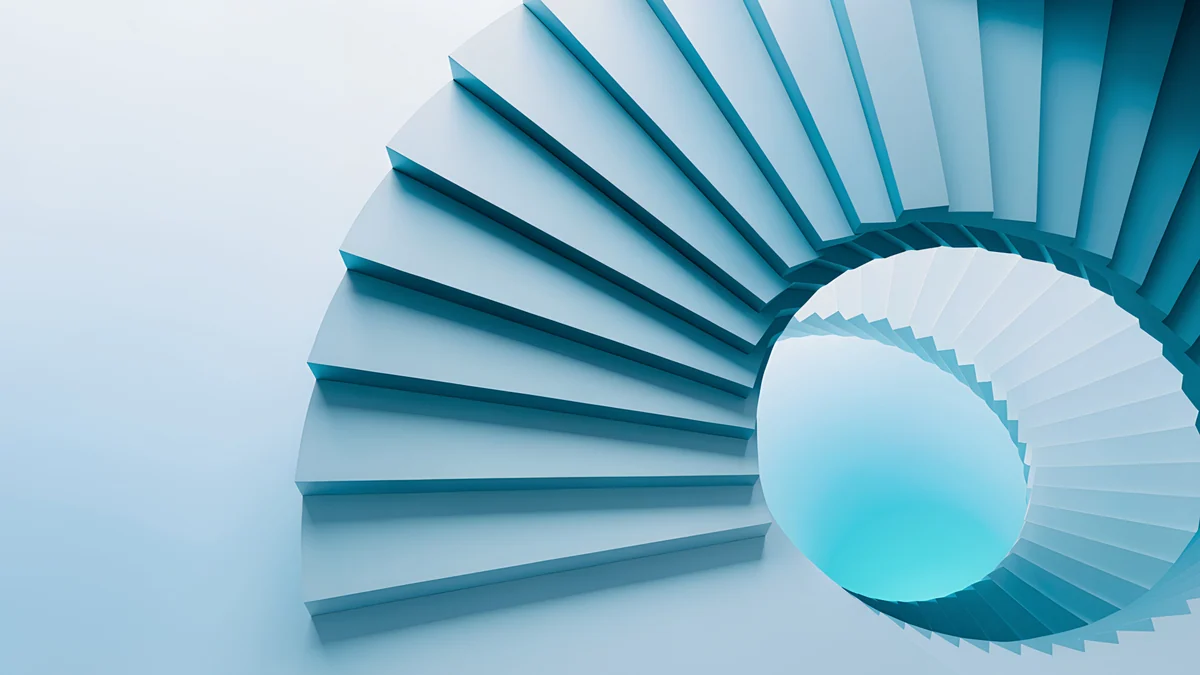 Glacier Spiral Hall4K · Desktop
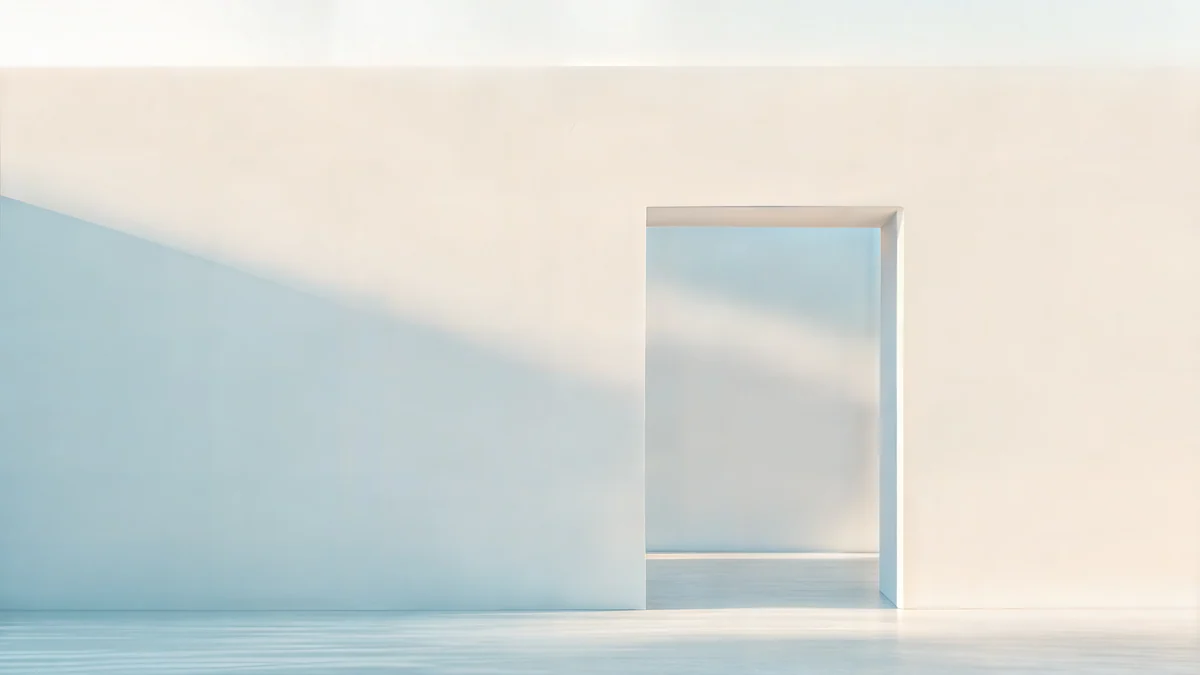 Ivory Daylight Gate5K · Desktop
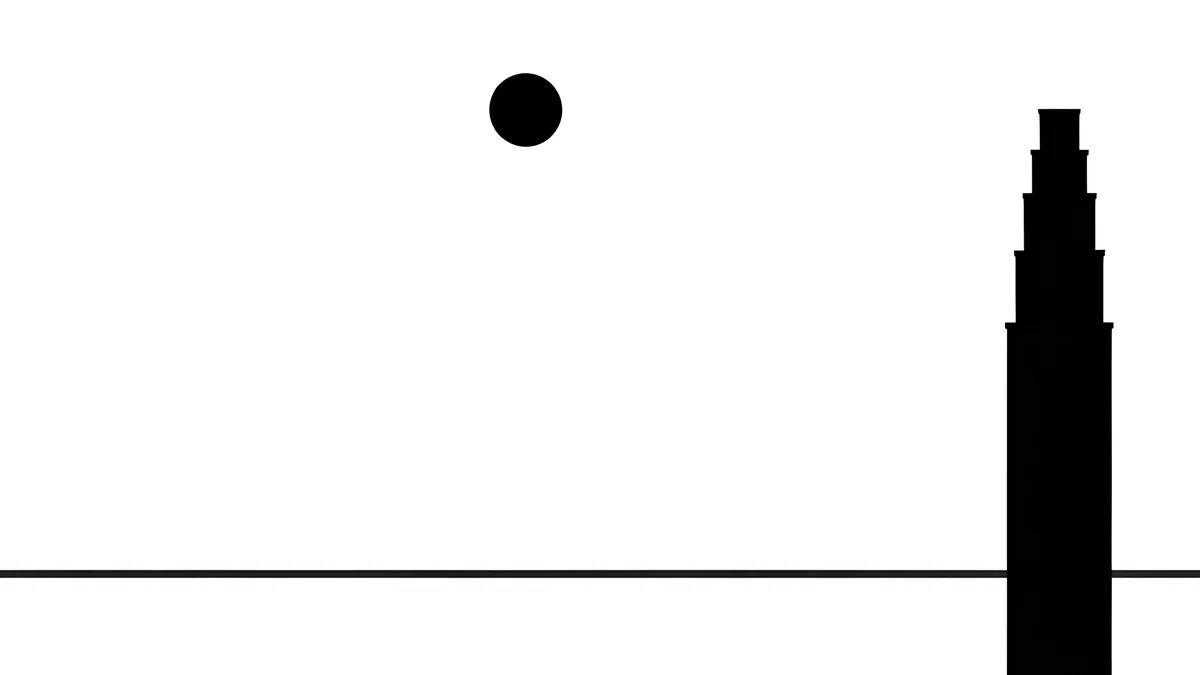 Paper Moon4K · Desktop
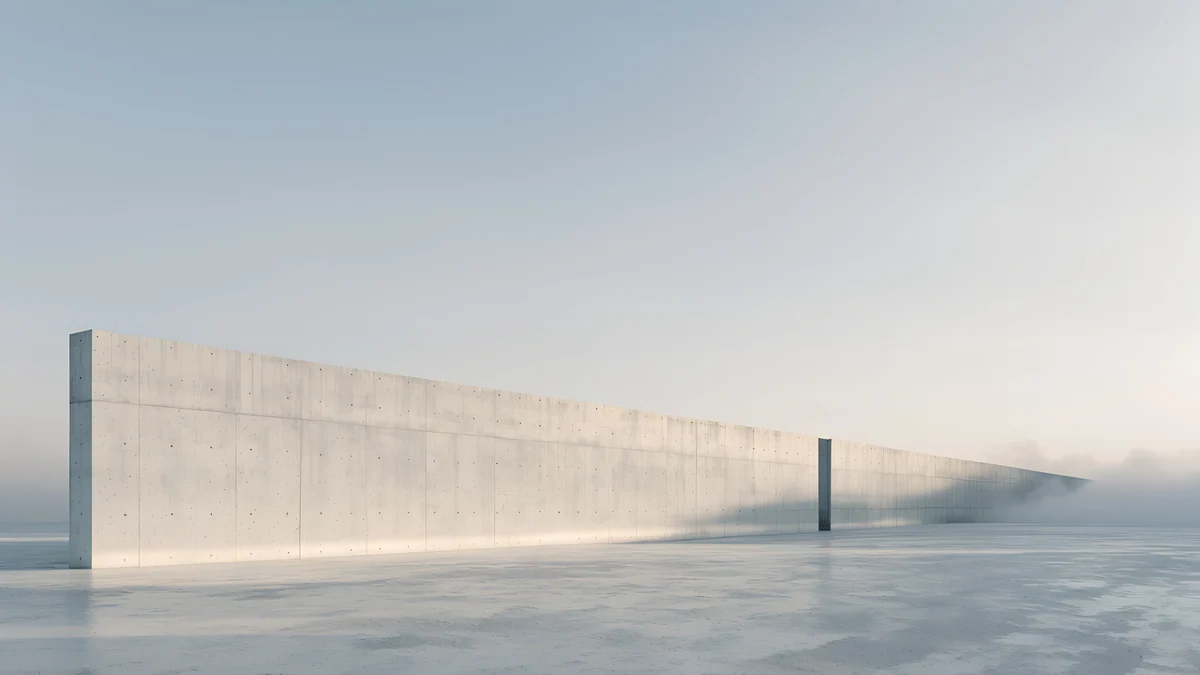 Horizon Wall4K · Desktop
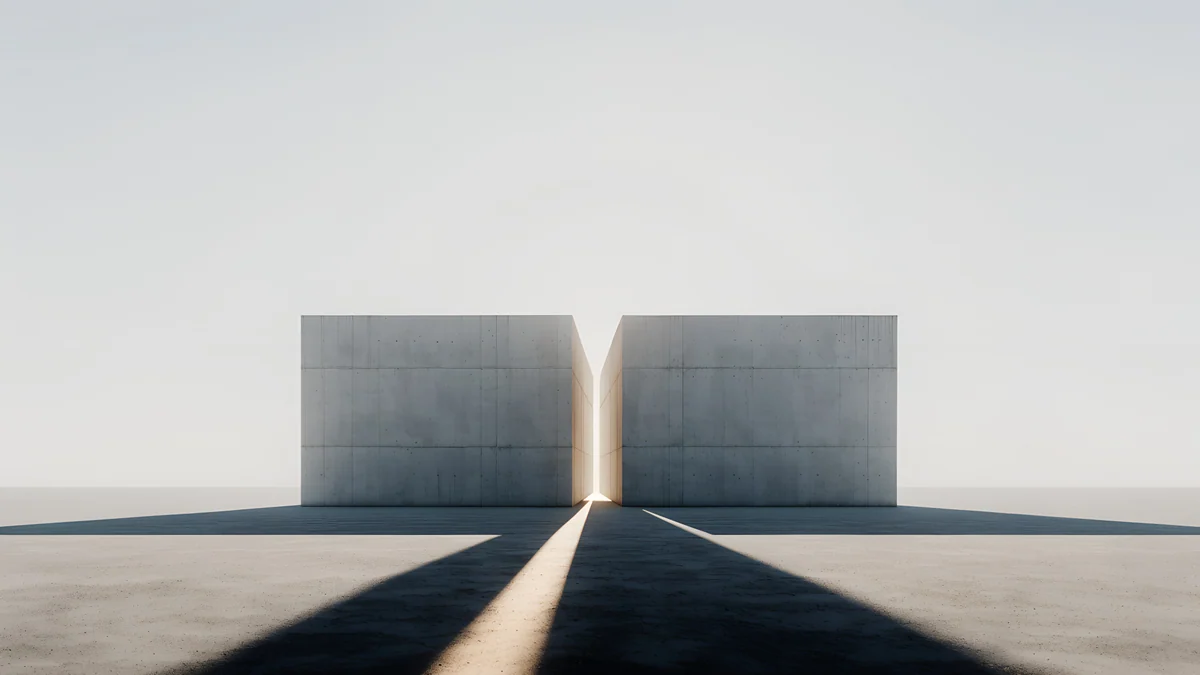 Twin Slabs4K · Desktop
Glacier Spiral Hall is a pale blue spiral staircase on the right with open space on the left. Ivory Daylight Gate is a pale wall with a doorway on the right and a soft blue shadow. Paper Moon is pure white with a black moon and a thin tower on the right edge, the most minimal piece here. Horizon Wall is a long low concrete wall under an empty sky, and Twin Slabs puts two blocks with a sliver of light in the middle, so the sky above stays clean for icons.
Blue and violet glass
If you like the soft glassy blue that Windows 11 ships with, these four keep that feel with different shapes.
 Petrol Current5K · Desktop
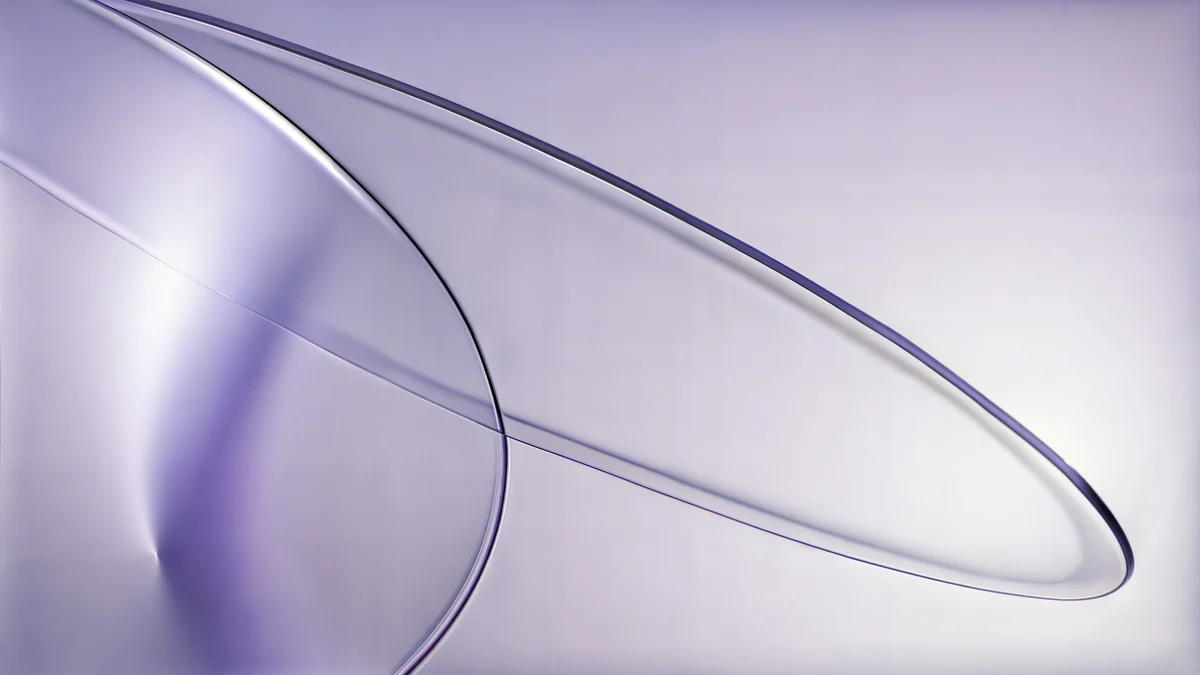 Lilac Drift5K · Desktop
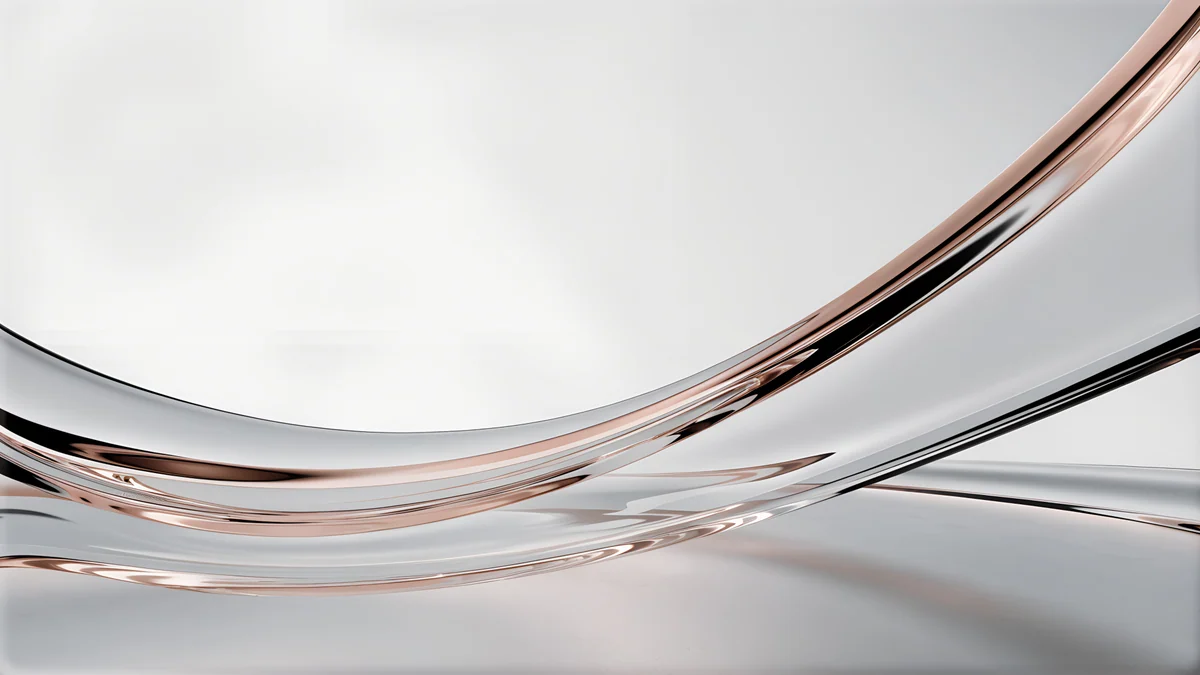 Liquid Light Band4K · Desktop
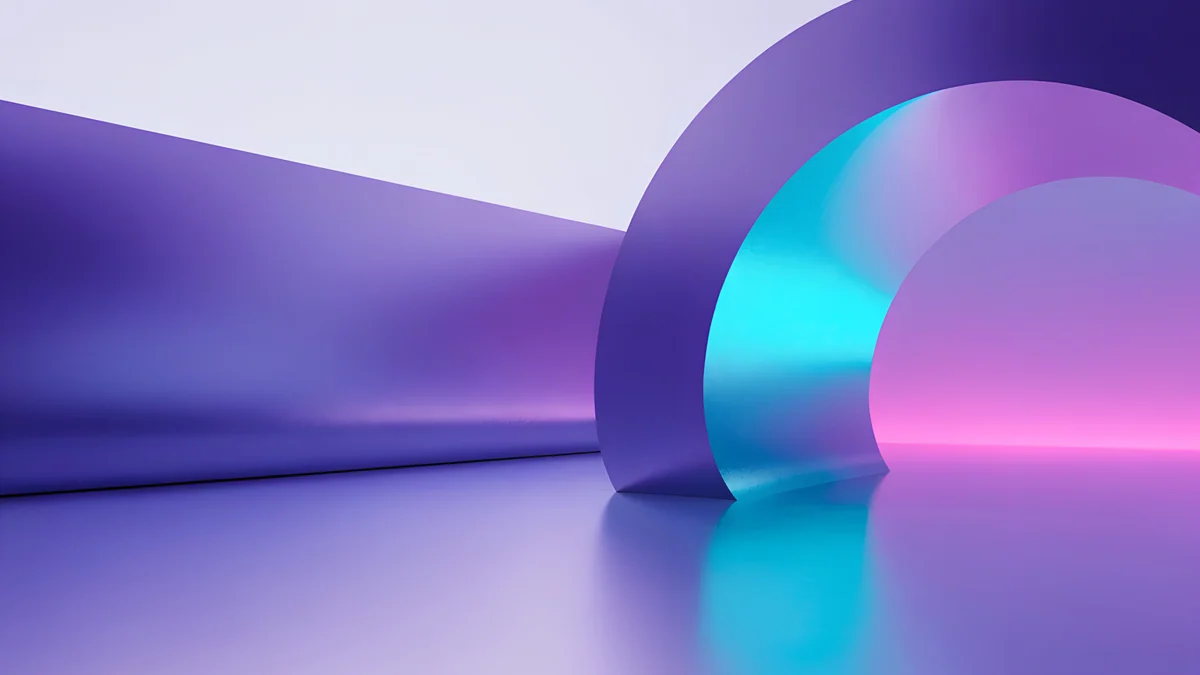 Electric Violet Vault4K · Desktop
Petrol Current is blue and teal silk waves across the whole frame, smooth enough that icons sit on it without a fight. Lilac Drift is a pair of lilac glass rings over pale lilac, Liquid Light Band a clear glass ribbon with a rose edge on white. Electric Violet Vault is the bold one, violet curves and a cyan and pink arch on the right.
Ink, paper and quiet light for a work PC
On a laptop you use for work, a low contrast picture behind spreadsheets and windows is easier on the eyes than a bright one.
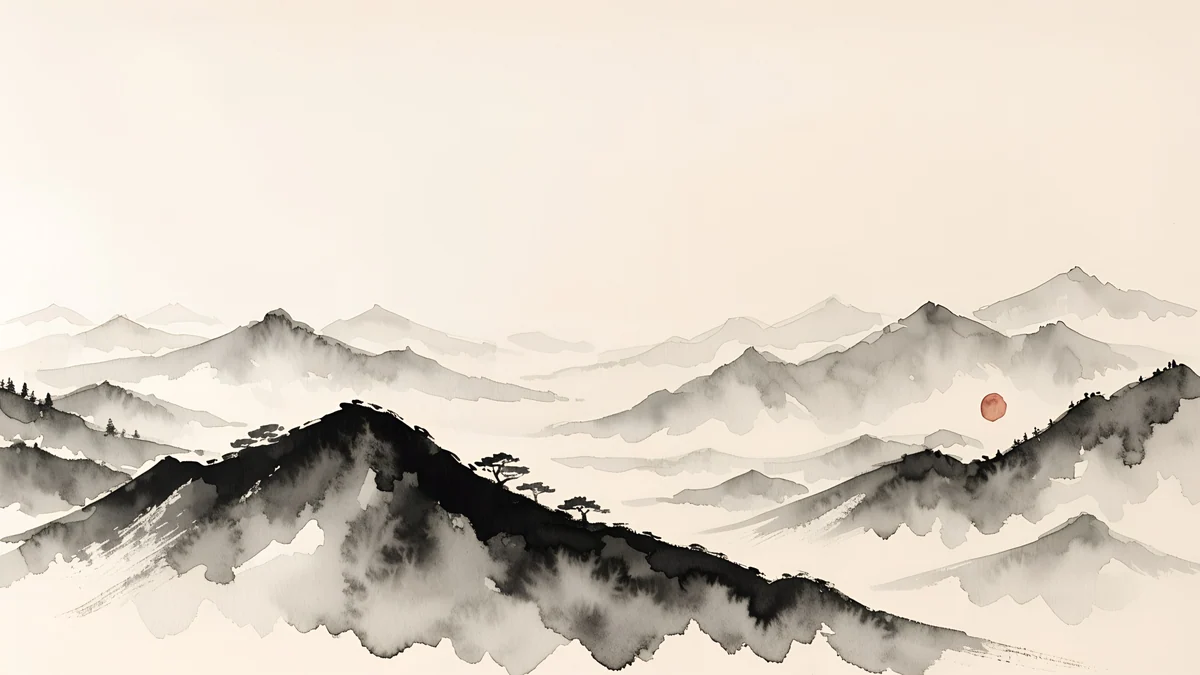
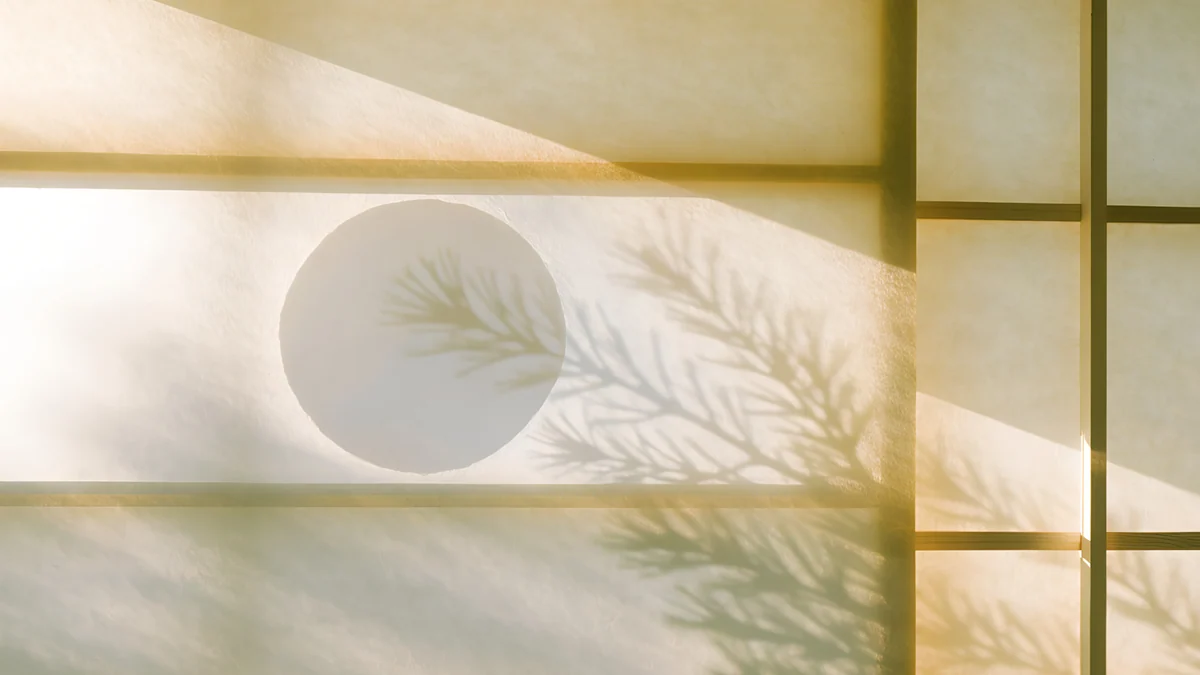
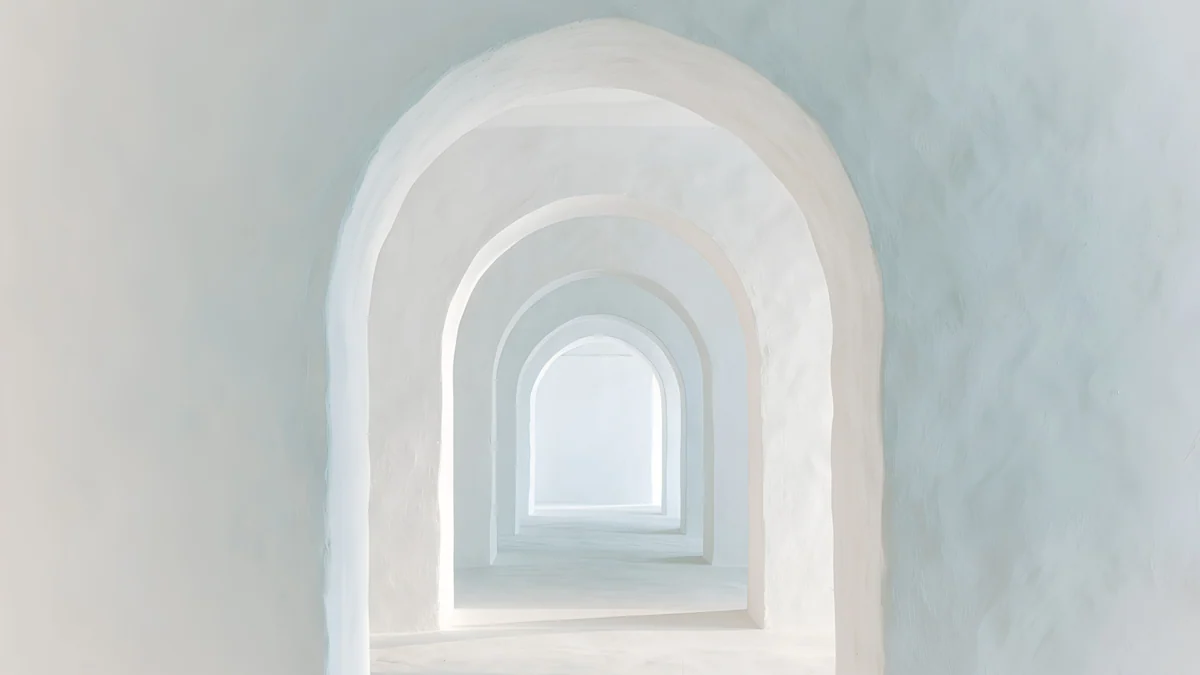
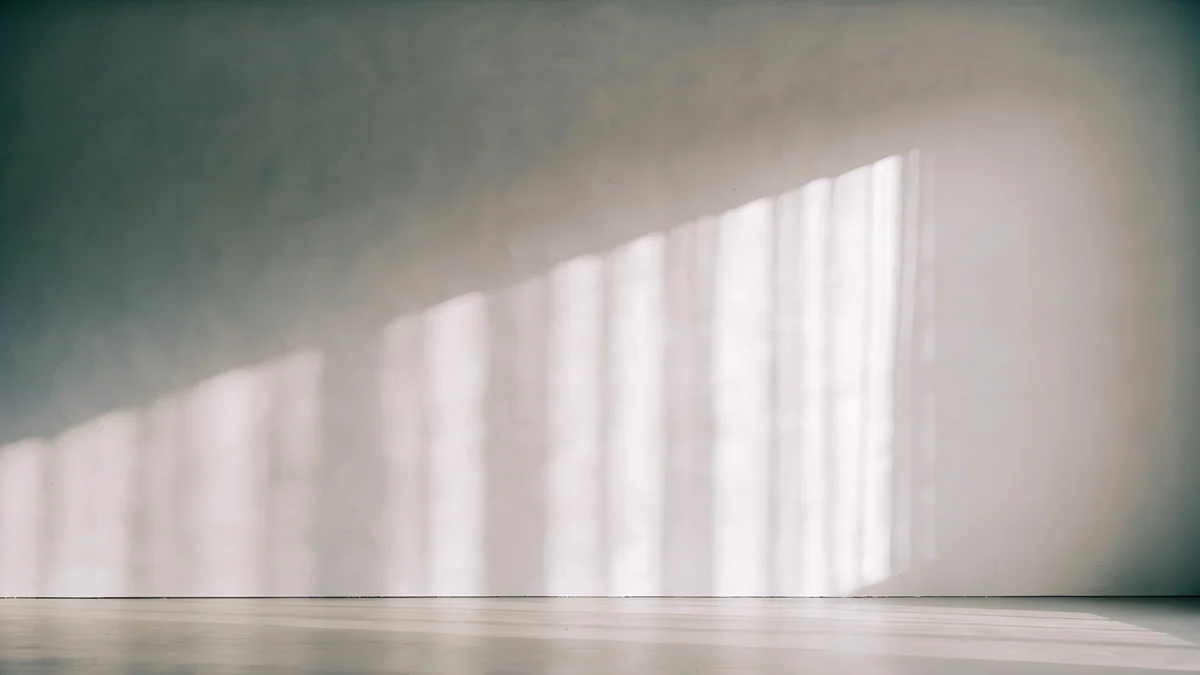
Ink Mountain Mist is ink ridges on warm paper with a small red sun on the right. Shoji Moon is a paper screen with a pale moon and a pine shadow, in warm gold. Enfilade is a row of white arches fading into pale blue, and Curtain Veil is a grey room with daylight falling through curtains on one wall.
Microsoft's own steps are in Change your desktop background in Windows, and Apple's are in Change your Mac desktop picture.
How to set a wallpaper on Windows 11
Download the file, right-click an empty part of the desktop, choose Personalize, then Background. Set Personalize your background to Picture, click Browse photos and open the file, then choose Fill under Choose a fit for your desktop image. The full walkthrough, with the lock screen, the slideshow and the greyed out cases, is in how to change wallpaper on Windows 11. For two screens, see dual monitor wallpaper, and for more styles beyond Windows, the desktop wallpaper collection.
Every desktop wallpaper on this page is a 4K or 5K original and downloads free from velpaper.com, with no account. On a Windows PC you use the website. Graphite Passage, Twin Slabs and Enfilade also come as phone wallpapers in the Velpaper apps for iPhone, iPad, Android and Mac, where they unlock after an optional ad, so your phone can match your PC.
Original wallpapers in 4K and 5K for iPhone, Android and desktop.
Questions
What size should a Windows 11 wallpaper be?
Use at least your screen's real resolution, which you can check in Settings, System, Display, under Display resolution. A 3840 × 2160 (4K) image covers 1920 × 1080, 2560 × 1440 and 4K monitors, because Windows only scales it down and it stays sharp. For a 5K display, use a 5120 × 2880 original. Scaling such as 150 percent changes the size of text, not the pixels the wallpaper fills. On a 16:10 laptop, Fill trims a thin strip from the left and right edges, which a well composed wallpaper hides.
Where can I download free Windows wallpapers in 4K?
Every desktop wallpaper on this page downloads free from its page on velpaper.com at 3840 × 2160 or 5120 × 2880, without a watermark, an account or a subscription. On a Windows PC you use the website, save the file and set it in Personalization, Background. The Velpaper apps for iPhone, iPad, Android and Mac carry the same art, including phone versions of several pieces here, so you can use one style on both screens. The 18 picks cover dark, light, blue glass and ink styles.
Does the wallpaper change the taskbar and Start colour?
It can. Open Settings, Personalization, Colors and set Accent color to Automatic: Windows picks a tone from the wallpaper and uses it for highlights in Start, buttons and selected items. In dark mode you can also turn on Show accent color on Start and taskbar to tint the taskbar itself. With Transparency effects on, Start and the taskbar show a faint blur of the picture behind them. A wallpaper with one dominant colour, such as Cobalt Soft Horizon or Rose Pulse Arcade, gives the clearest accent.
Why do my desktop icons look hard to read on my wallpaper?
The icon labels are white with a light shadow, and Windows places them in a column from the top left. If that corner of the picture is bright or busy, the names blur into it. Pick a wallpaper with a calm left side, such as Night Blocks or Glacier Spiral Hall, or drag the icons to the plain part of the image. If you want no icons at all, right-click the desktop, choose View and clear Show desktop icons. The taskbar is a separate strip and stays readable on any picture.
Should I use a dark or a light wallpaper with Windows 11 dark mode?
A dark one. In dark mode, Start, the taskbar and most apps are near black, and a dark wallpaper keeps the screen at one brightness, so your eyes do not adjust every time you minimise a window. It also hides the gaps between open windows. Night Blocks, Graphite Passage and Cobalt Soft Horizon all work here. If you prefer light mode, pair it with a pale picture such as Ivory Daylight Gate or Horizon Wall, so bright windows do not sit on a dark hole. Switch the mode in Settings, Personalization, Colors.
Carlos Vivero
Designer of Velpaper wallpapers
Carlos Vivero designs the wallpapers in Velpaper: quiet architecture, liquid glass, Japanese ink and calm landscapes. Every piece is made as a 4K original for iPhone, Android and desktop.
Recent work