3D Wallpaper for iPad: Square 4K Glass and Clay Picks
3D wallpaper for iPad: 11 original 4096 × 4096 files in dark glass, cute pastel clay and seasonal 3D, made to fit both orientations. Set-up steps.
Sources [1] · By the Velpaper team · Wallpapers by Carlos Vivero, Velpaper designer · · 3 min read
In short: The best 3D wallpaper for iPad is a square 4096 × 4096 file, which fits portrait and landscape without a hard crop [1]. Velpaper has 11 original 3D iPad pieces in dark glass, cute pastel clay and seasonal styles.
Wallpapers · iPad 4096 × 4096
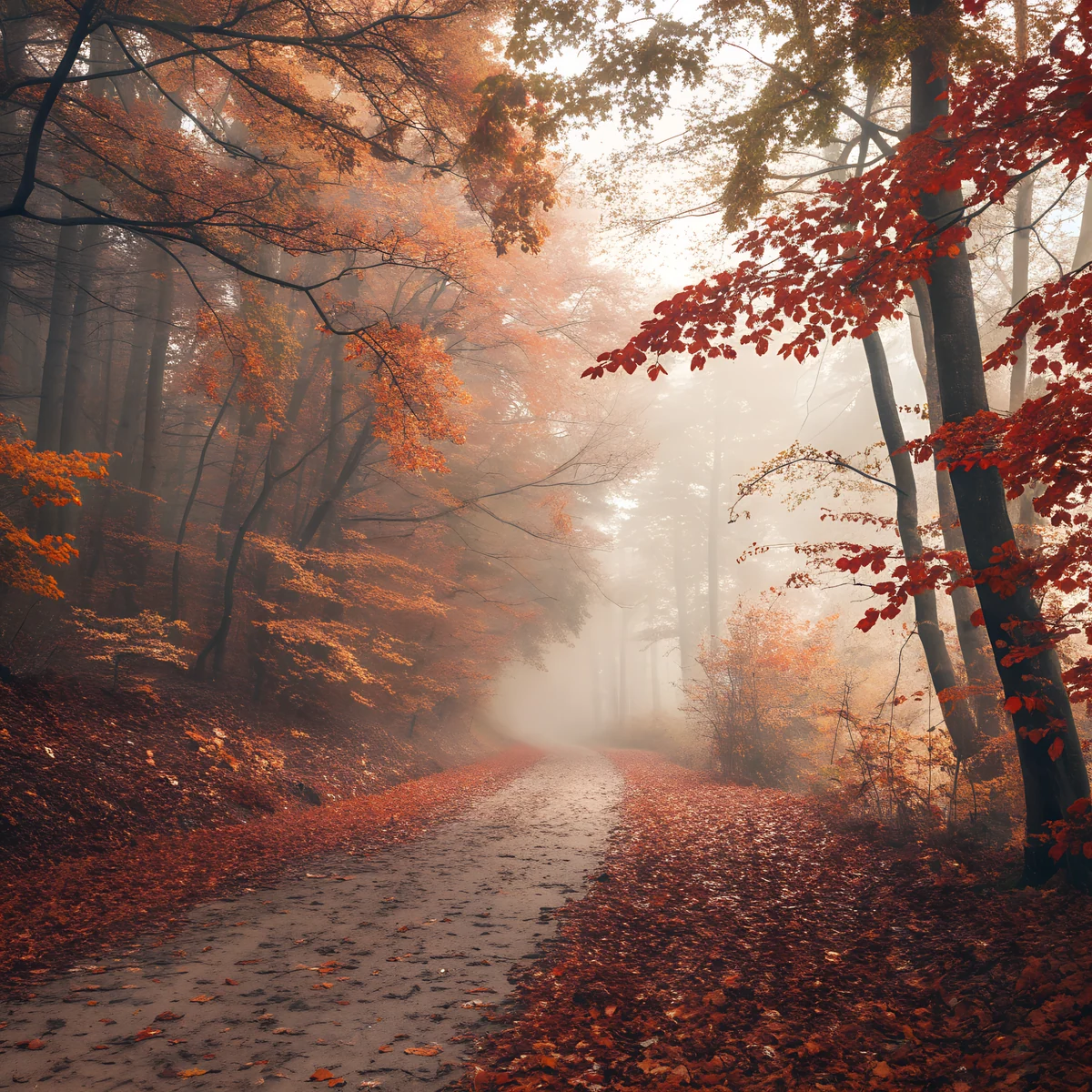 Fog Leaf Path
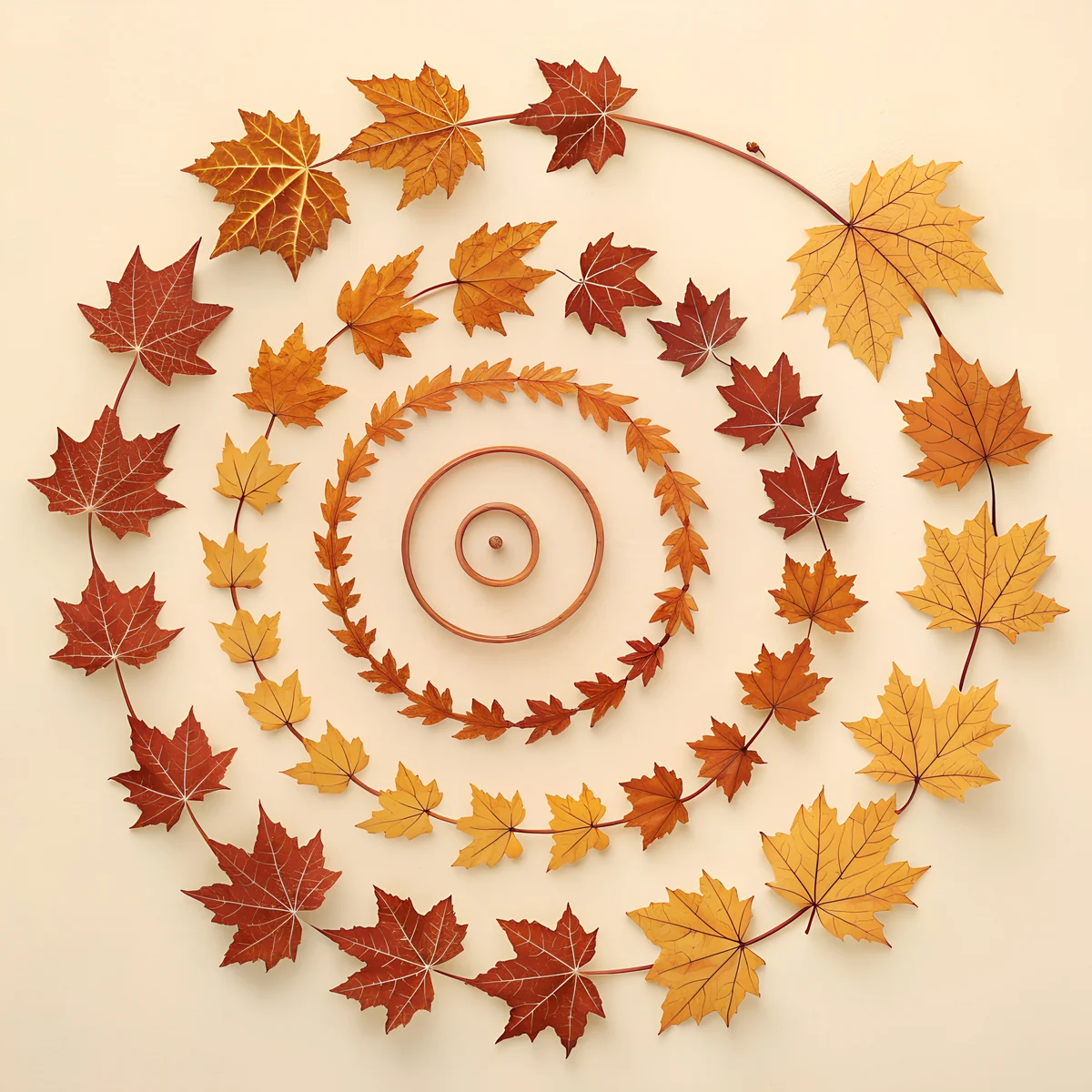 Amber Leaf Spiral
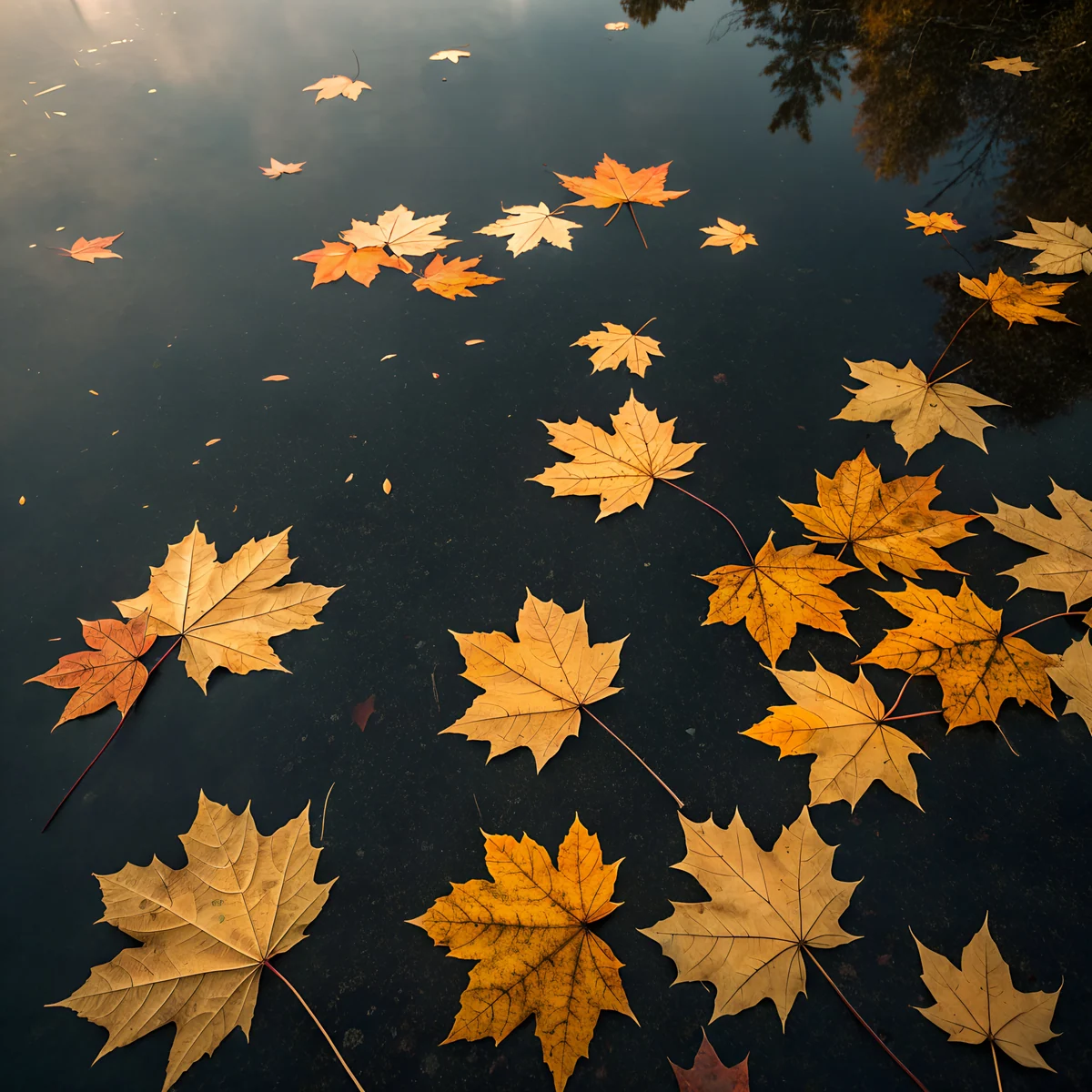 Maple Dark Water
 Blue Hour Pines
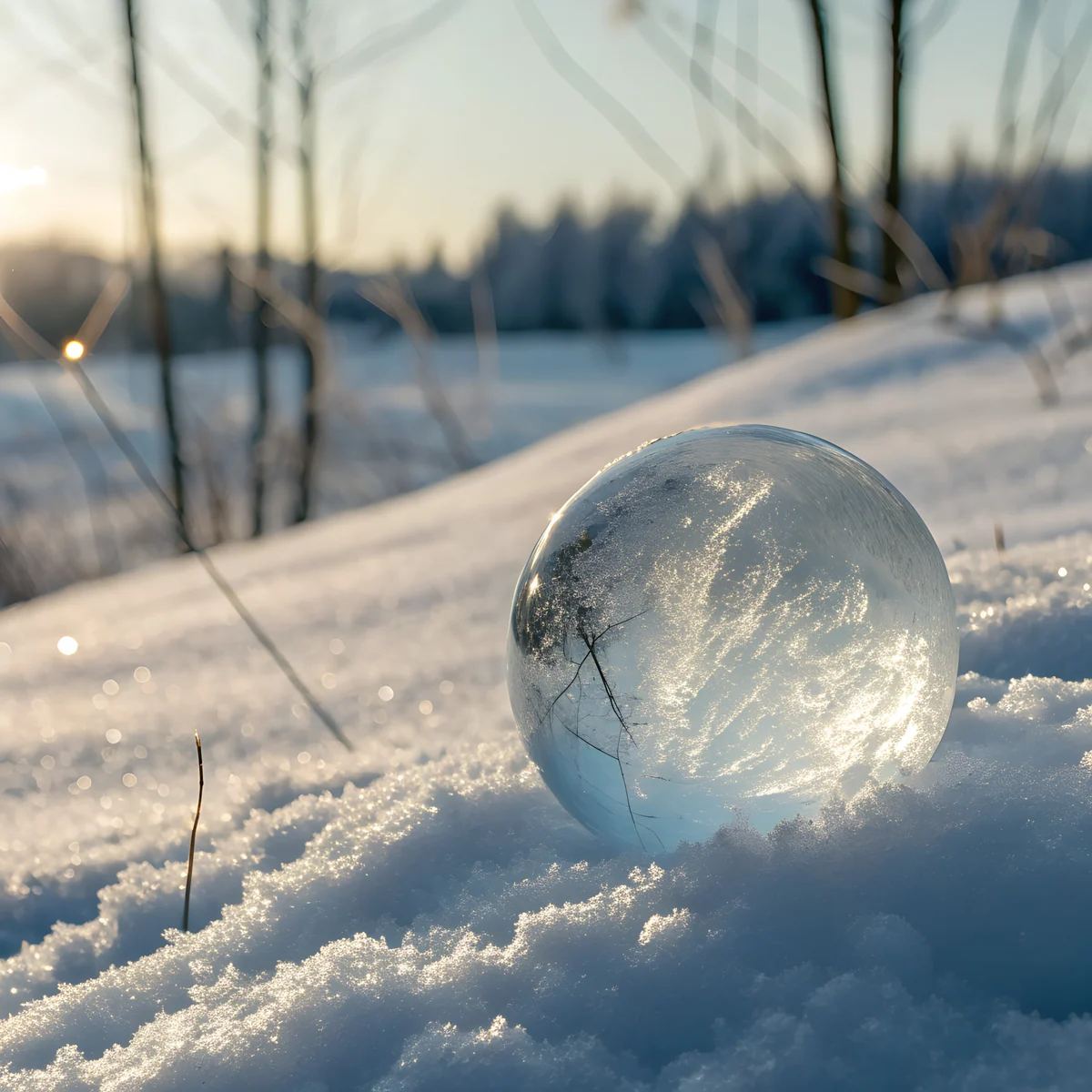 Frost Glass Snow
 Moss Lantern Rain
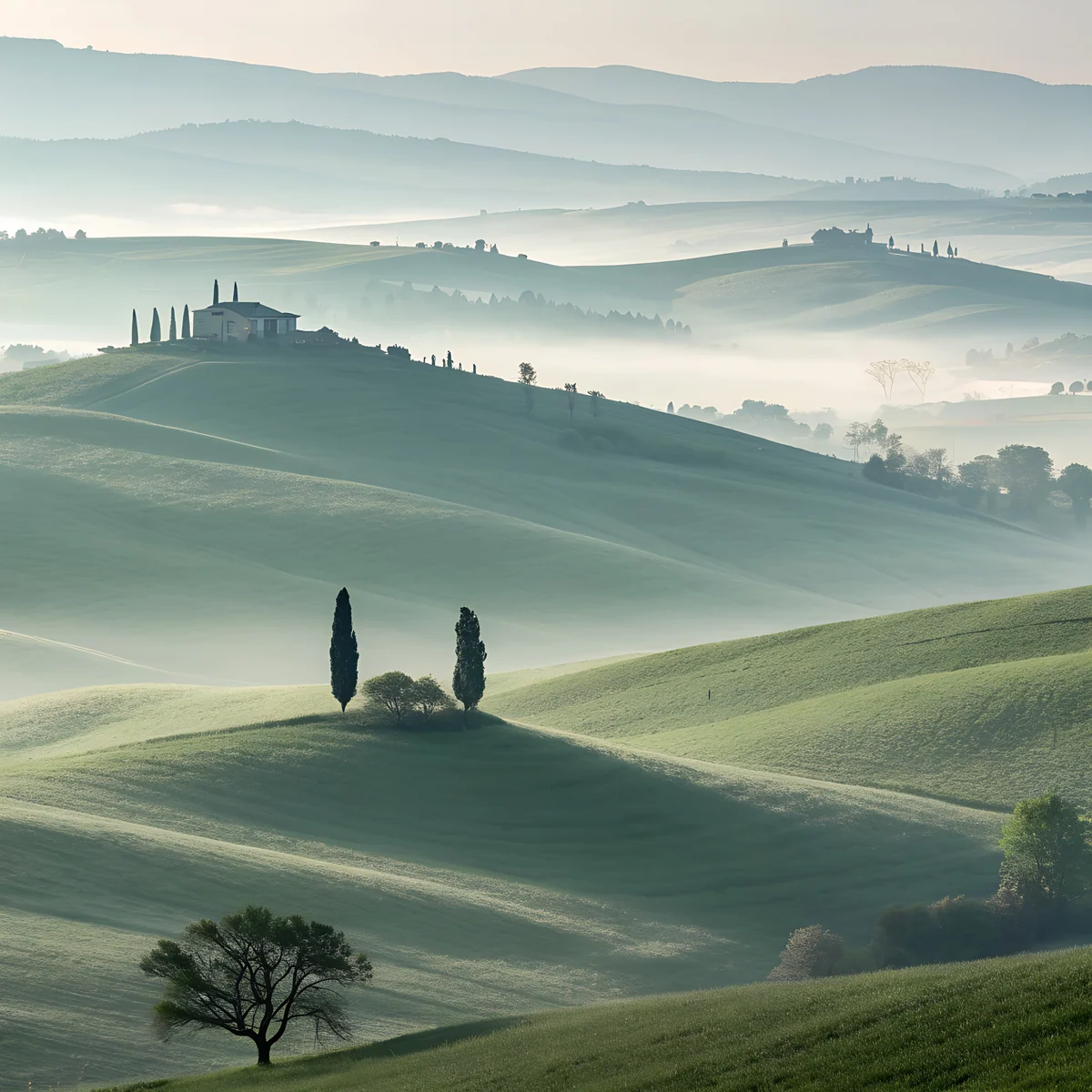 Sage Fog Hills
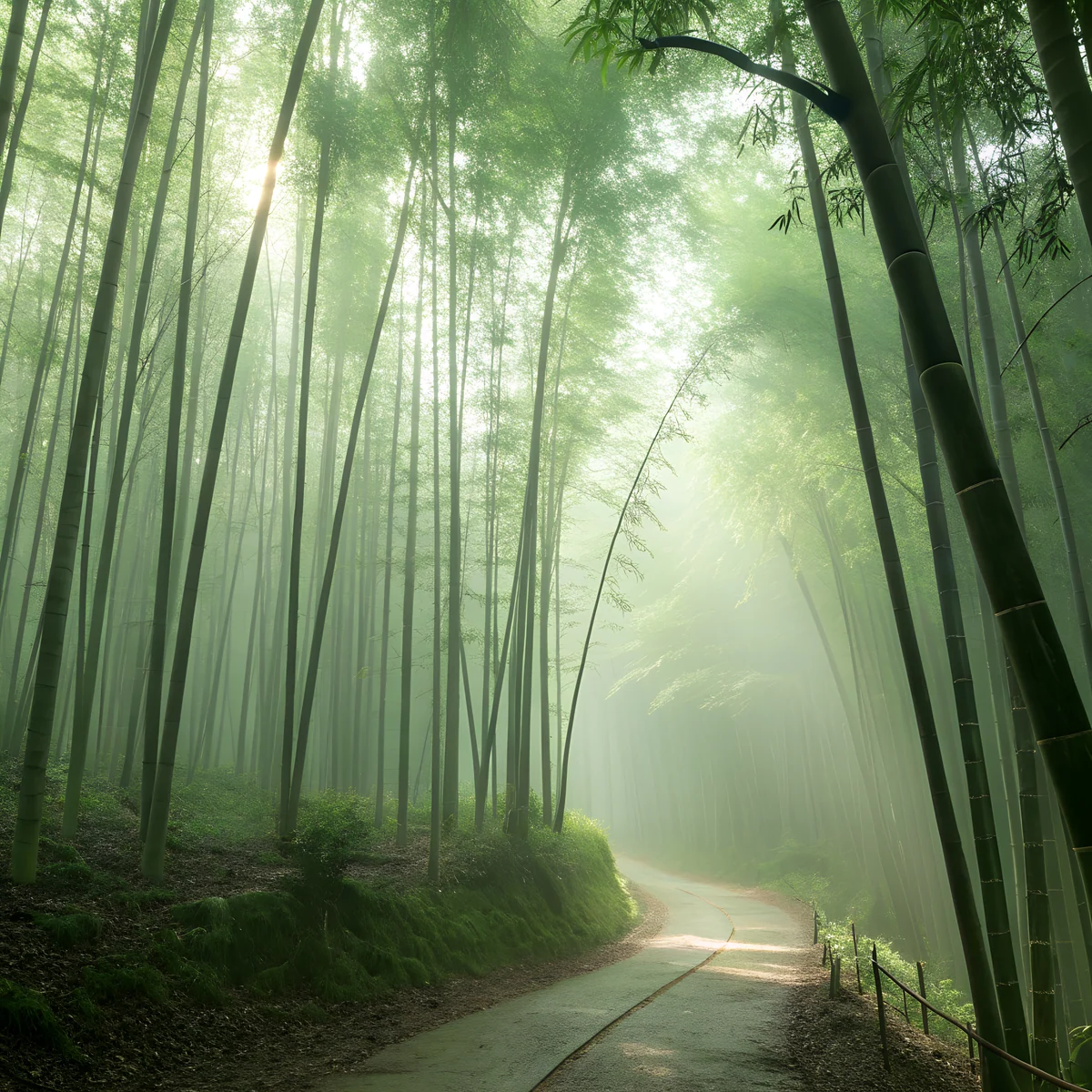 Bamboo Dawn
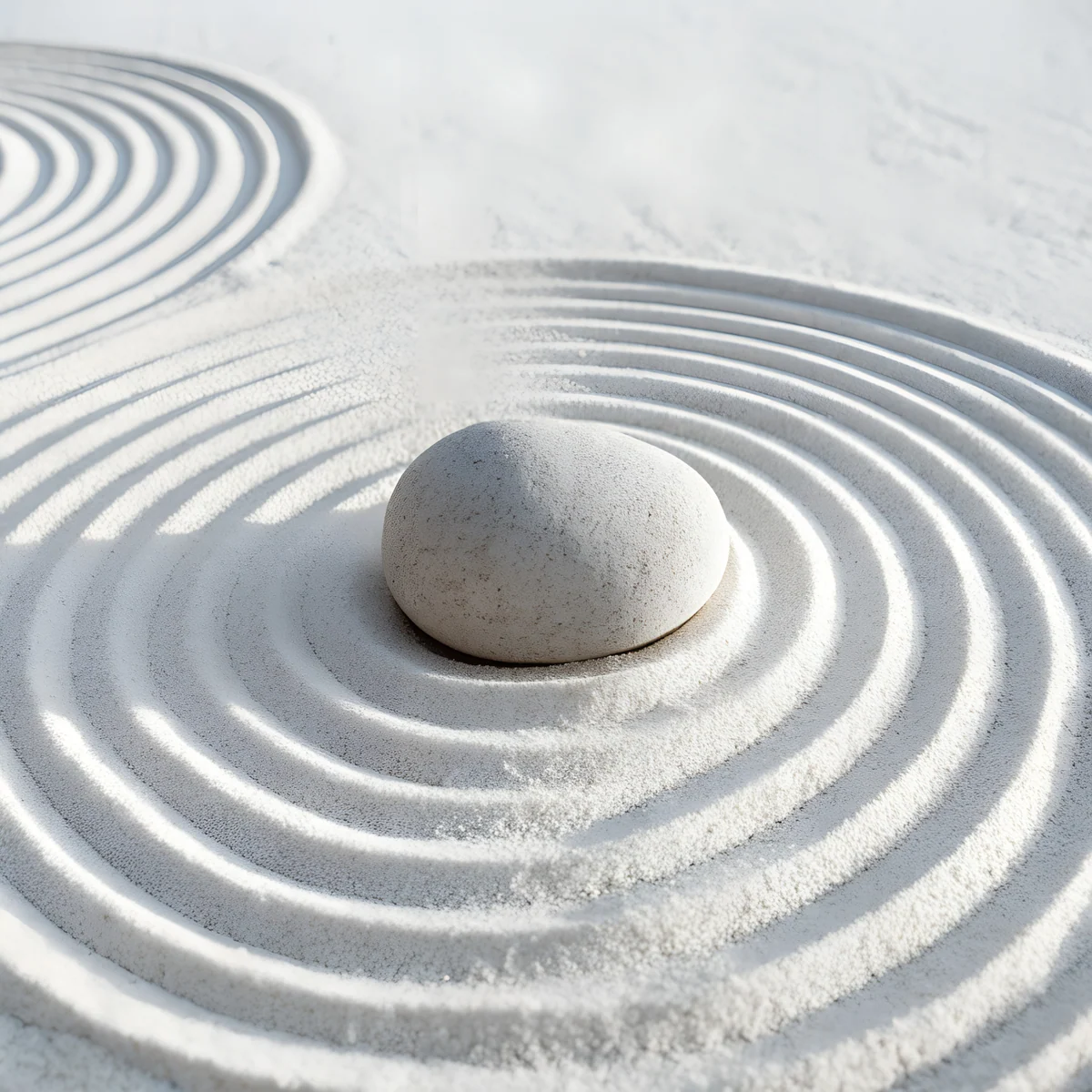 Zen Sand Stone
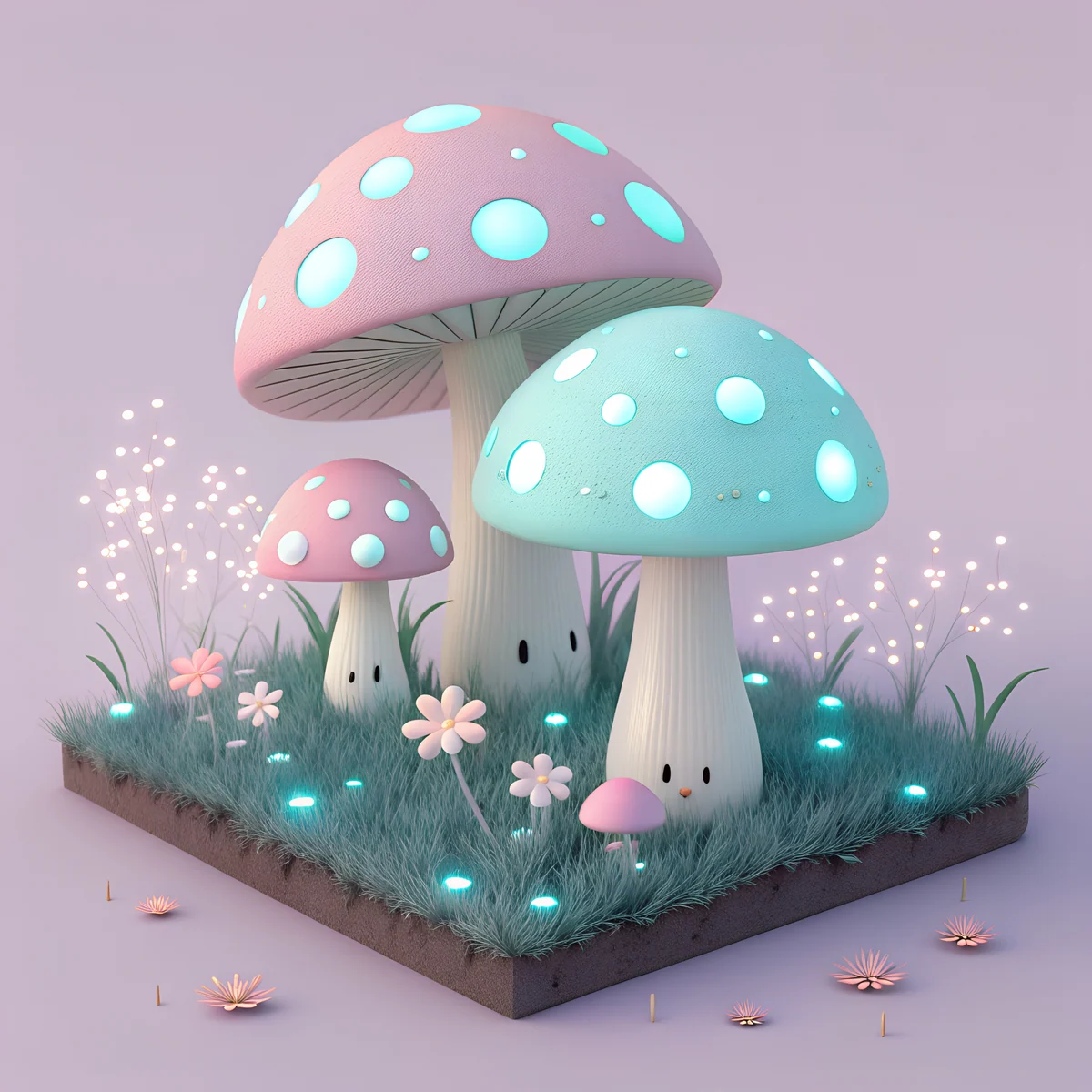 Pastel Mushroom Garden
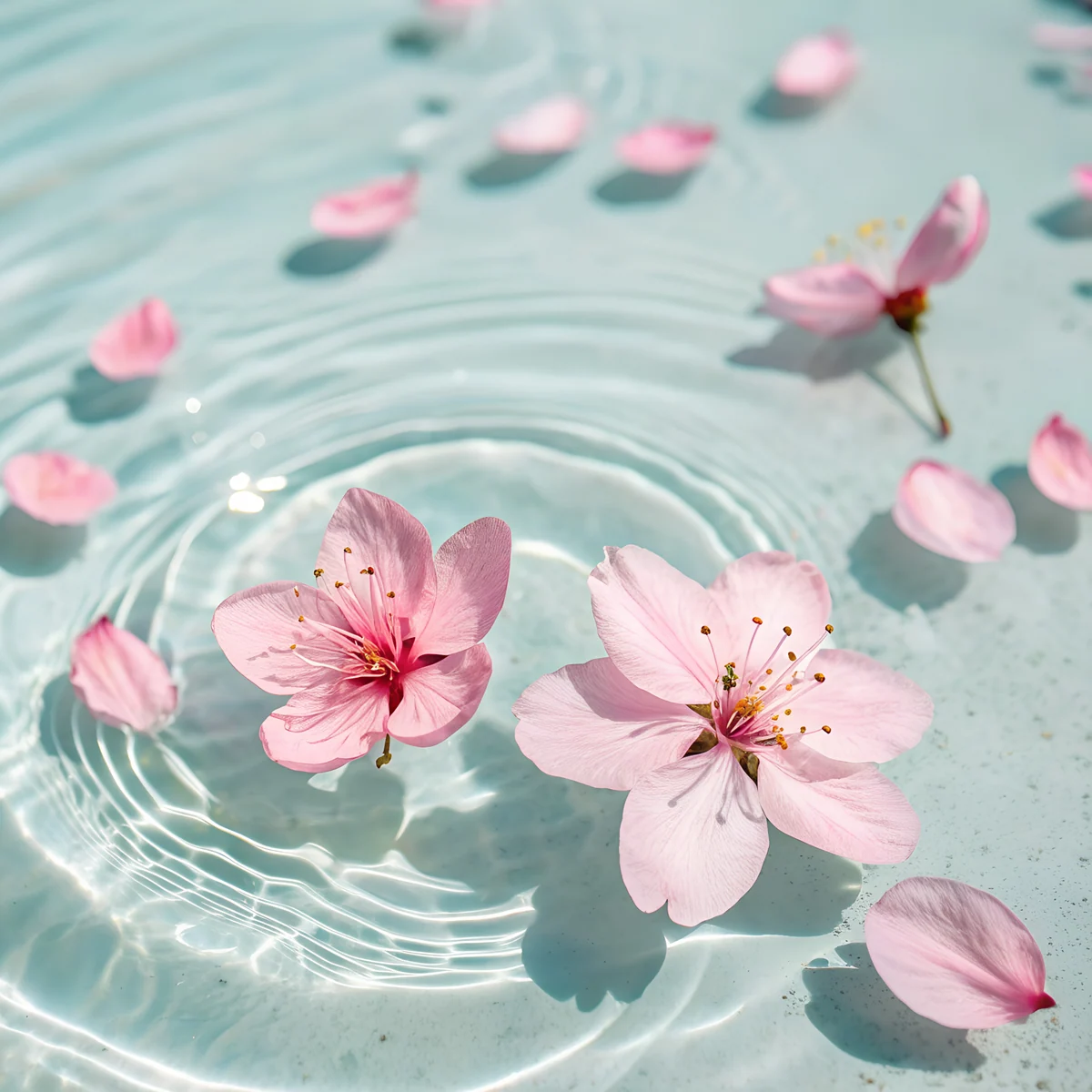 Sakura Ripples
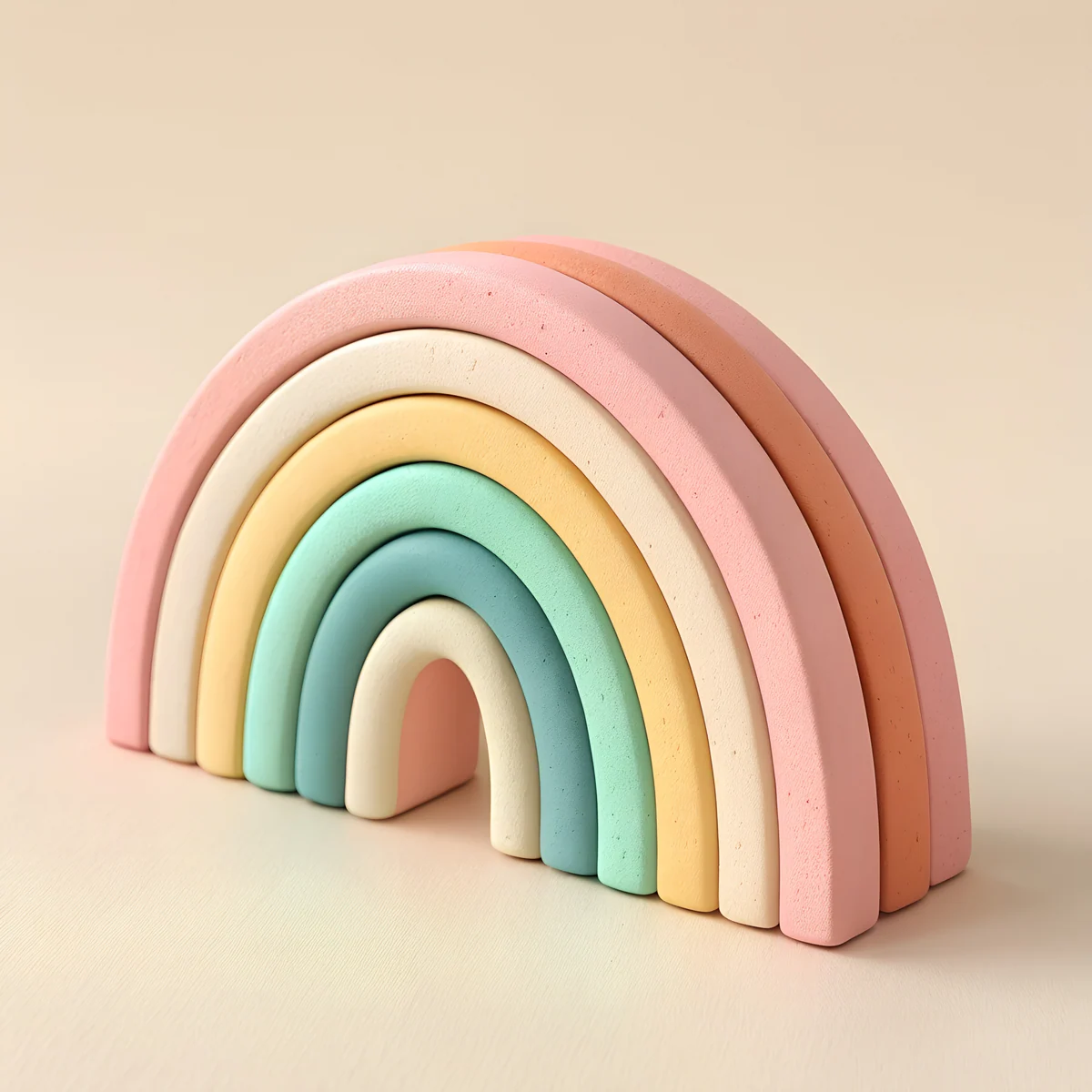 Clay Rainbow
 Mint Bubble Friends
 Pastel Balloon Clouds
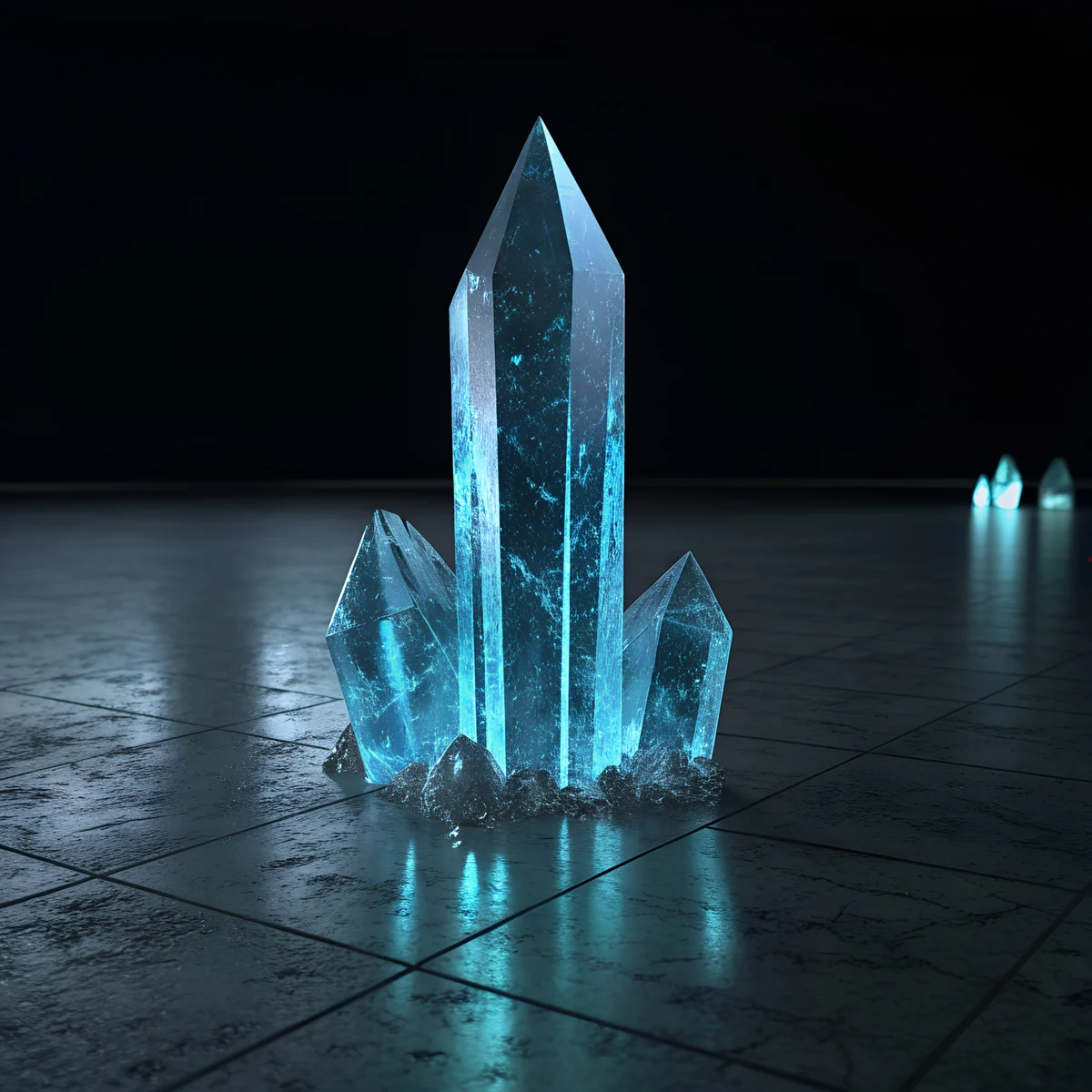 Obsidian Crystal
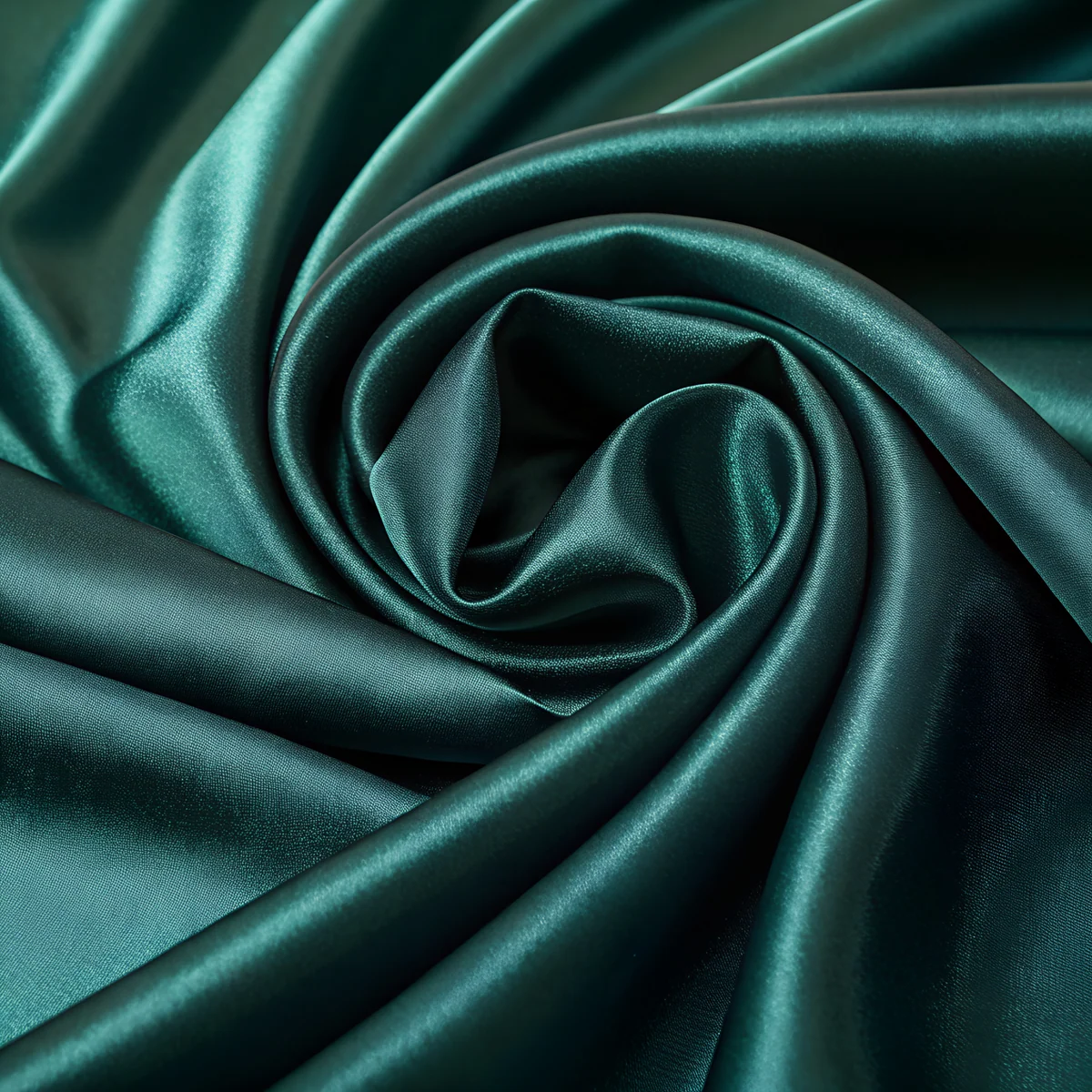 Emerald Satin
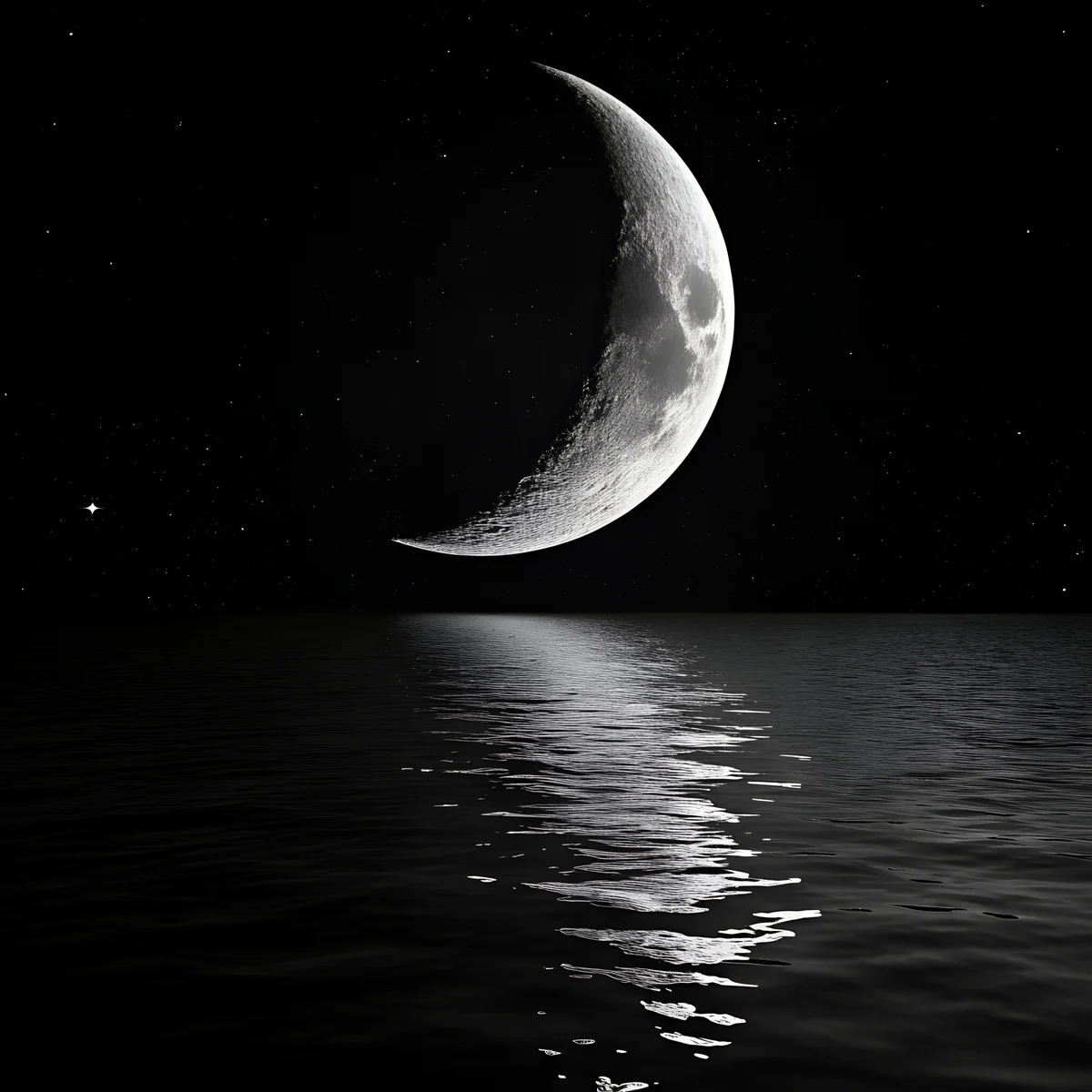 Crescent Black Lake
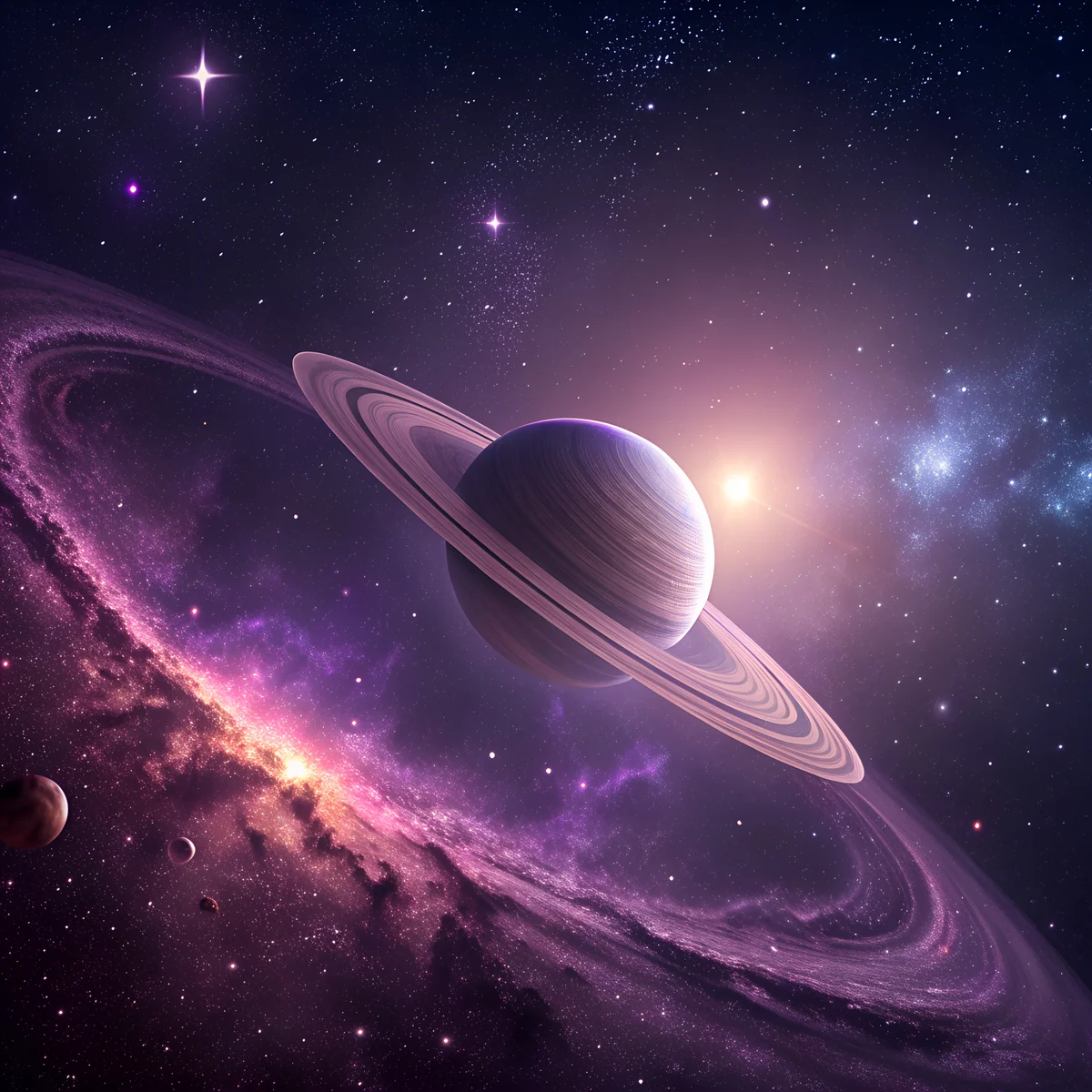 Ringed Planet Nebula
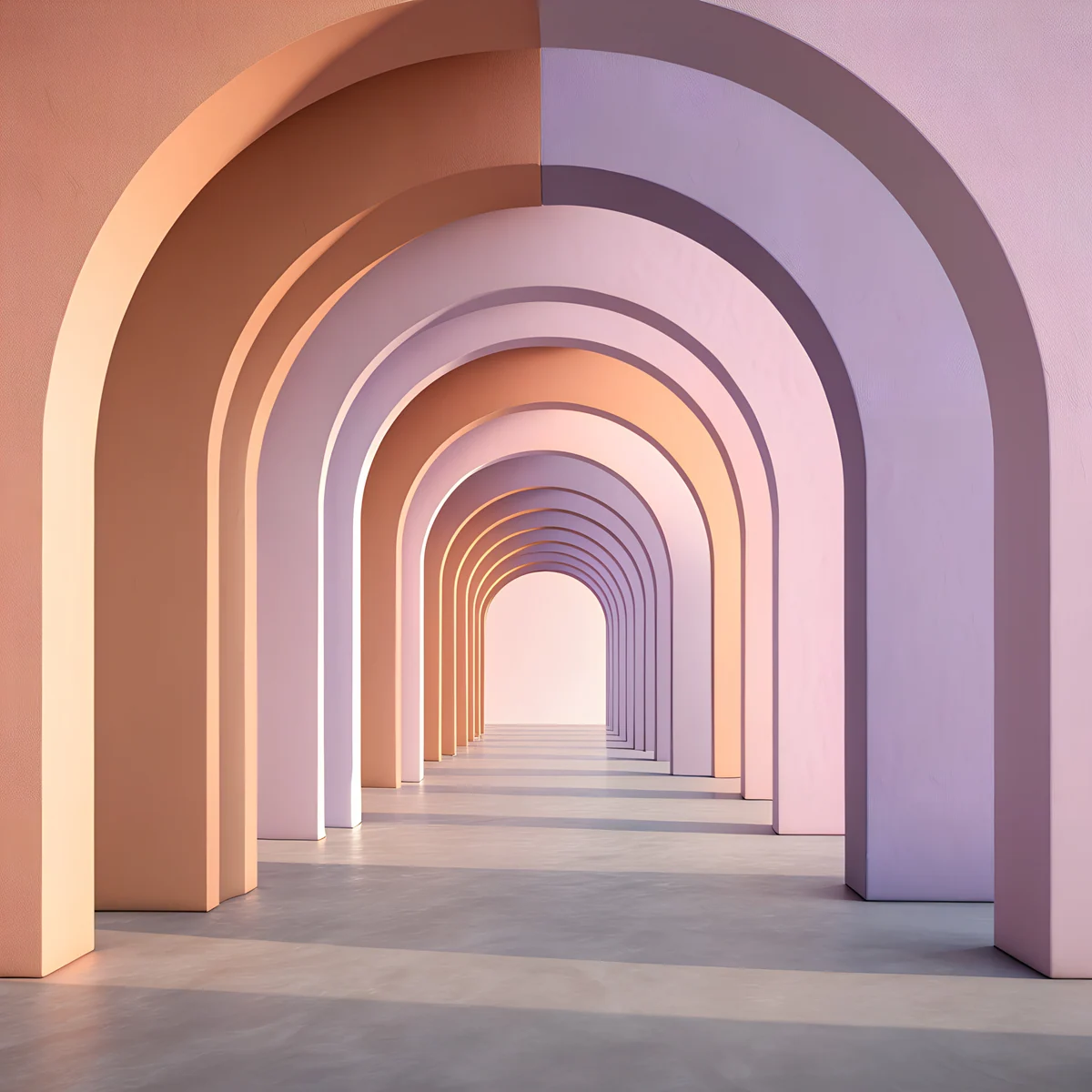 Peach Arch Hall
 Aurora Ice Lake
 Crystal Palace Falls
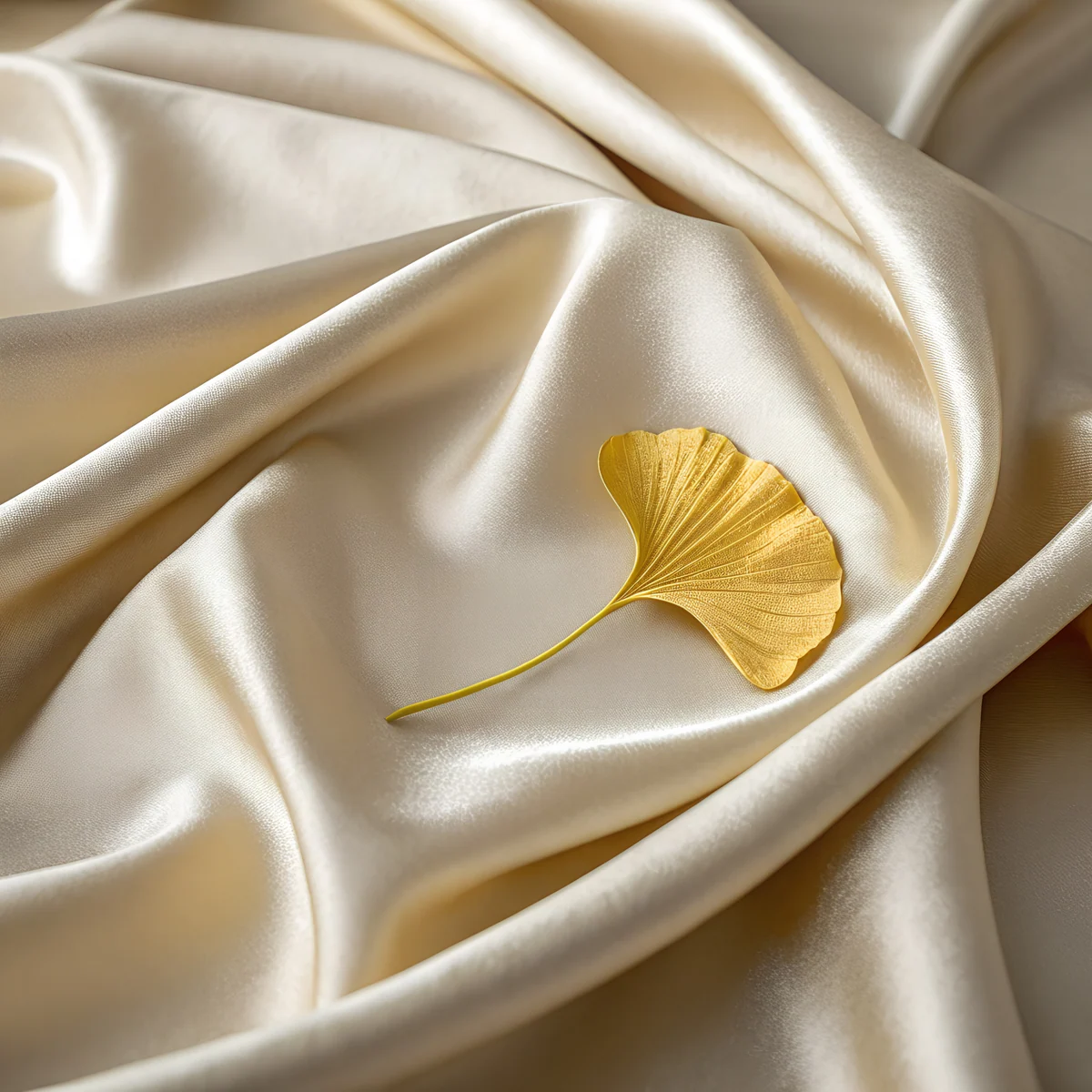 Satin Ginkgo
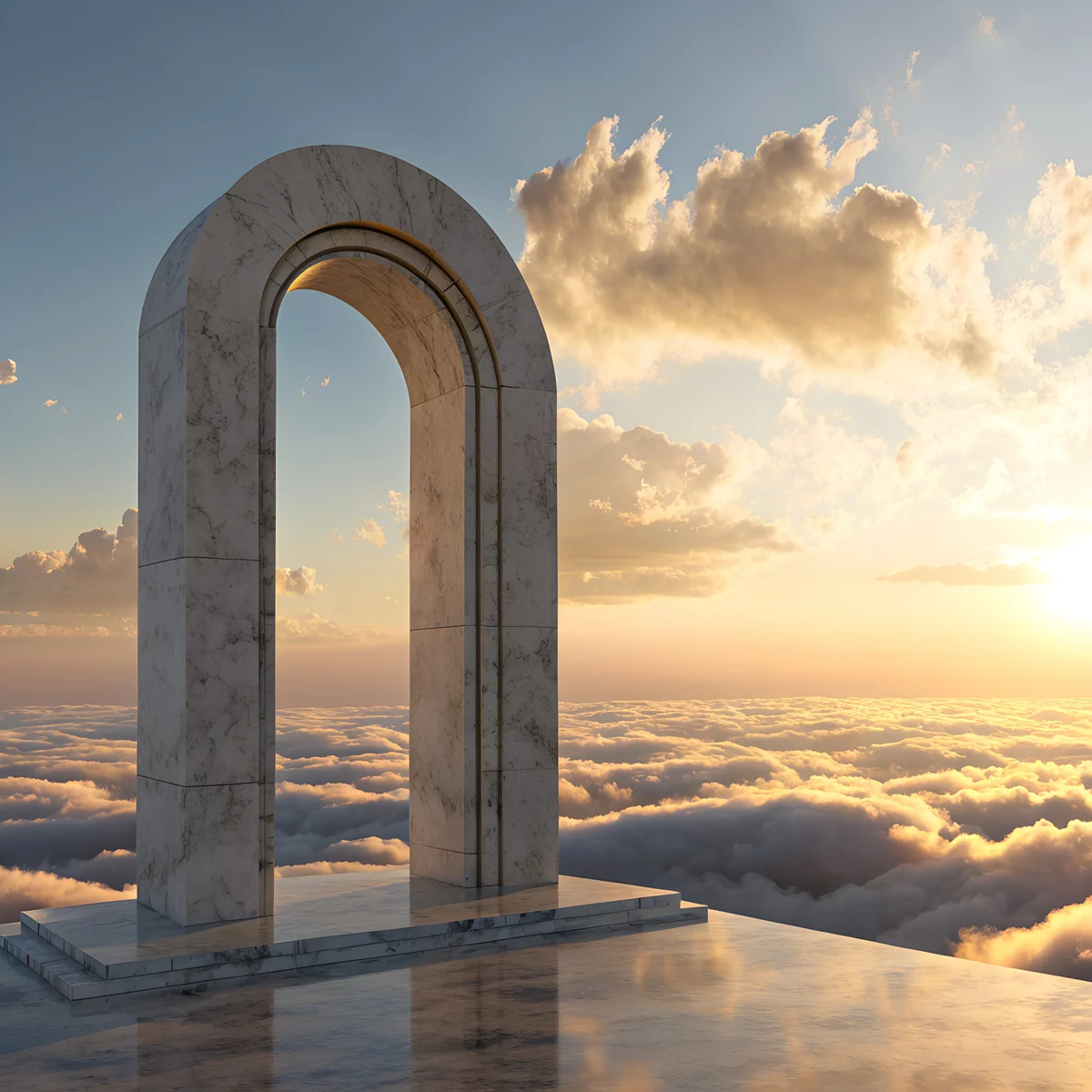 Marble Cloud Arch
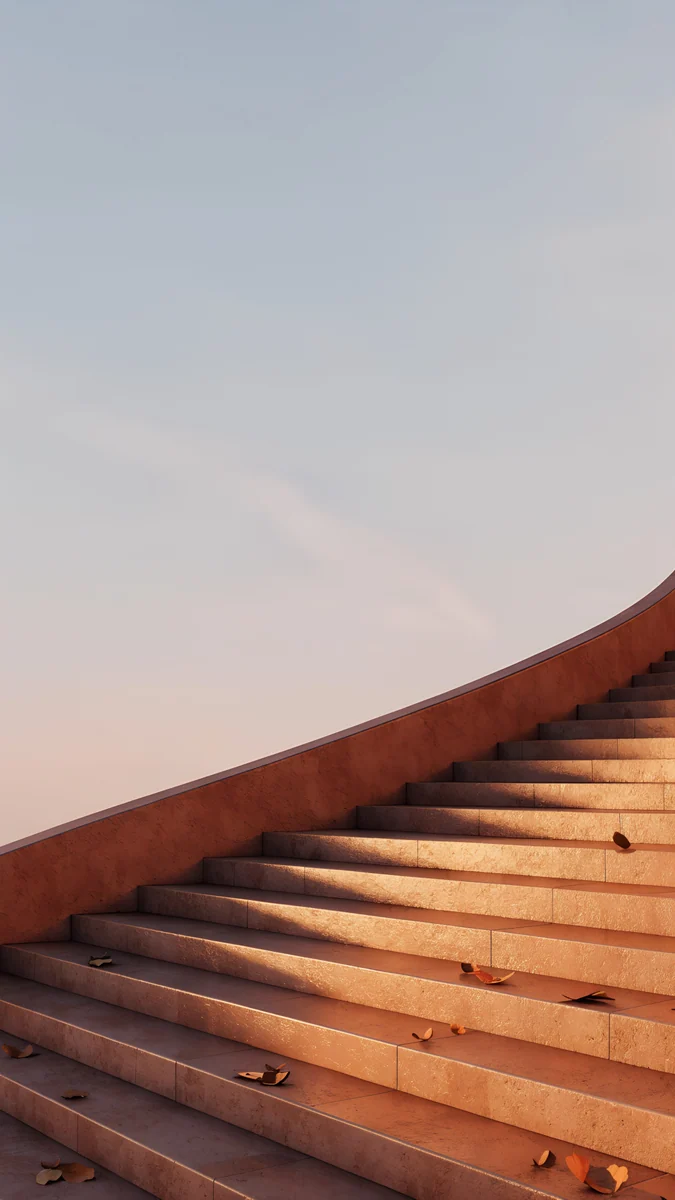
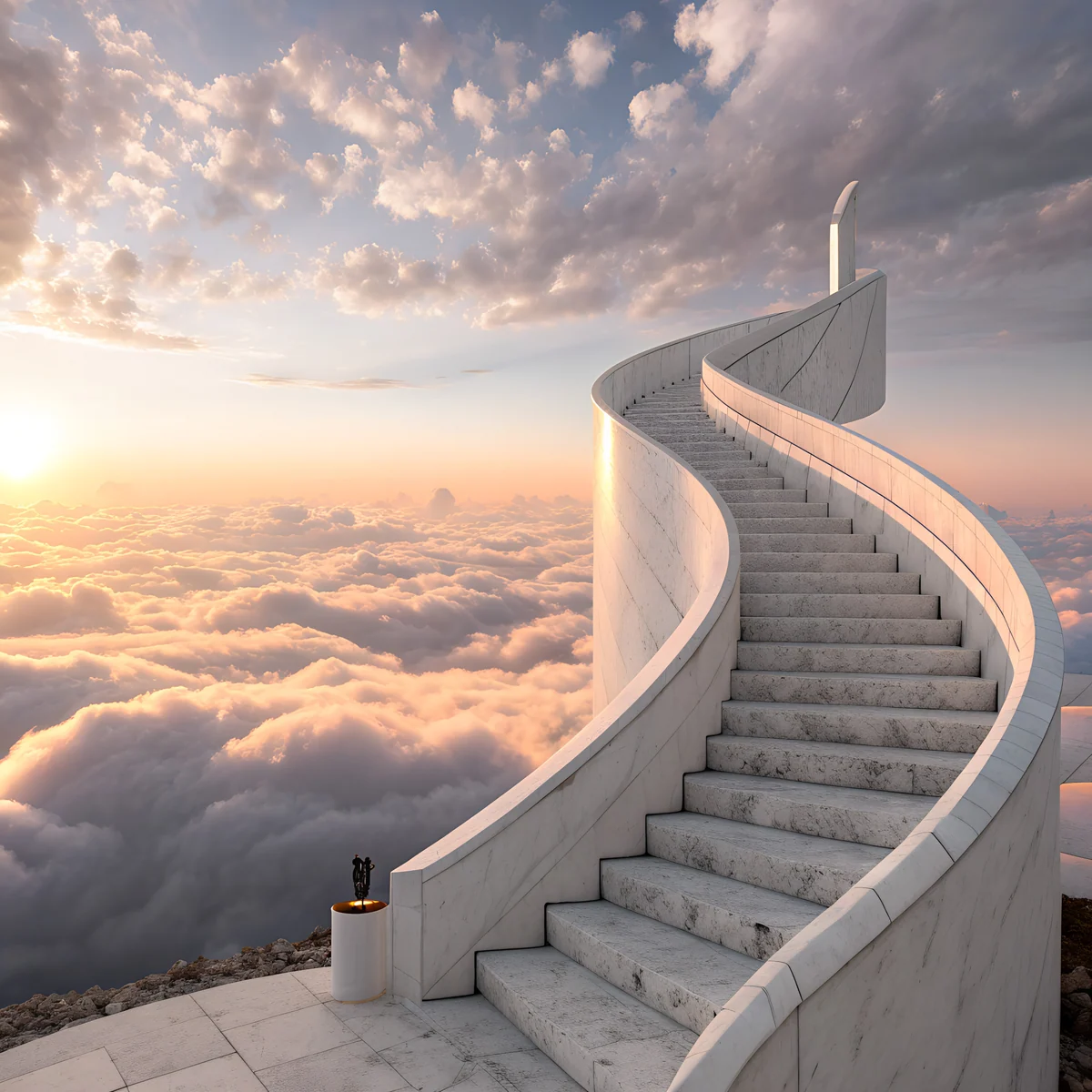 Cloud Spiral Stair
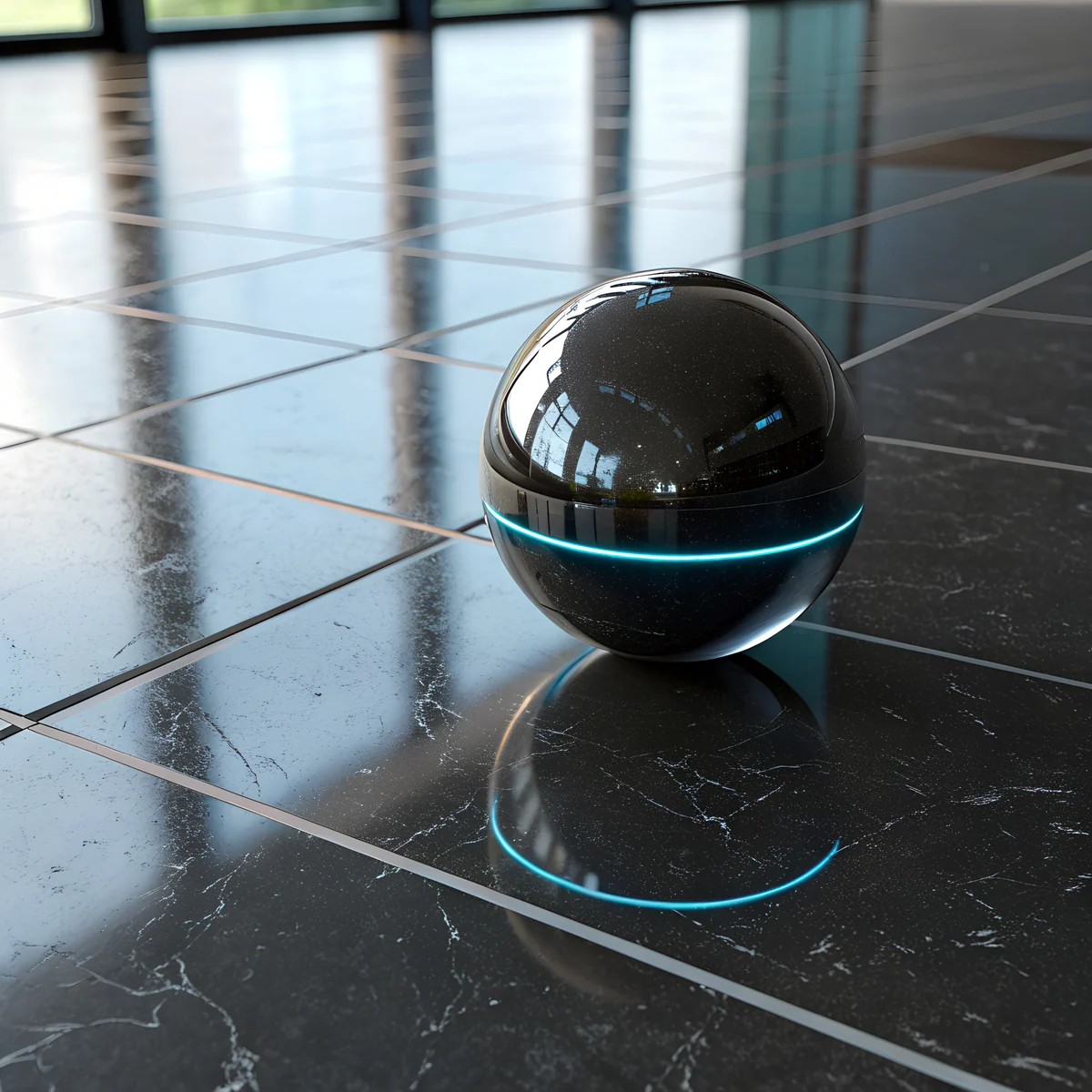 Black Glass Orb
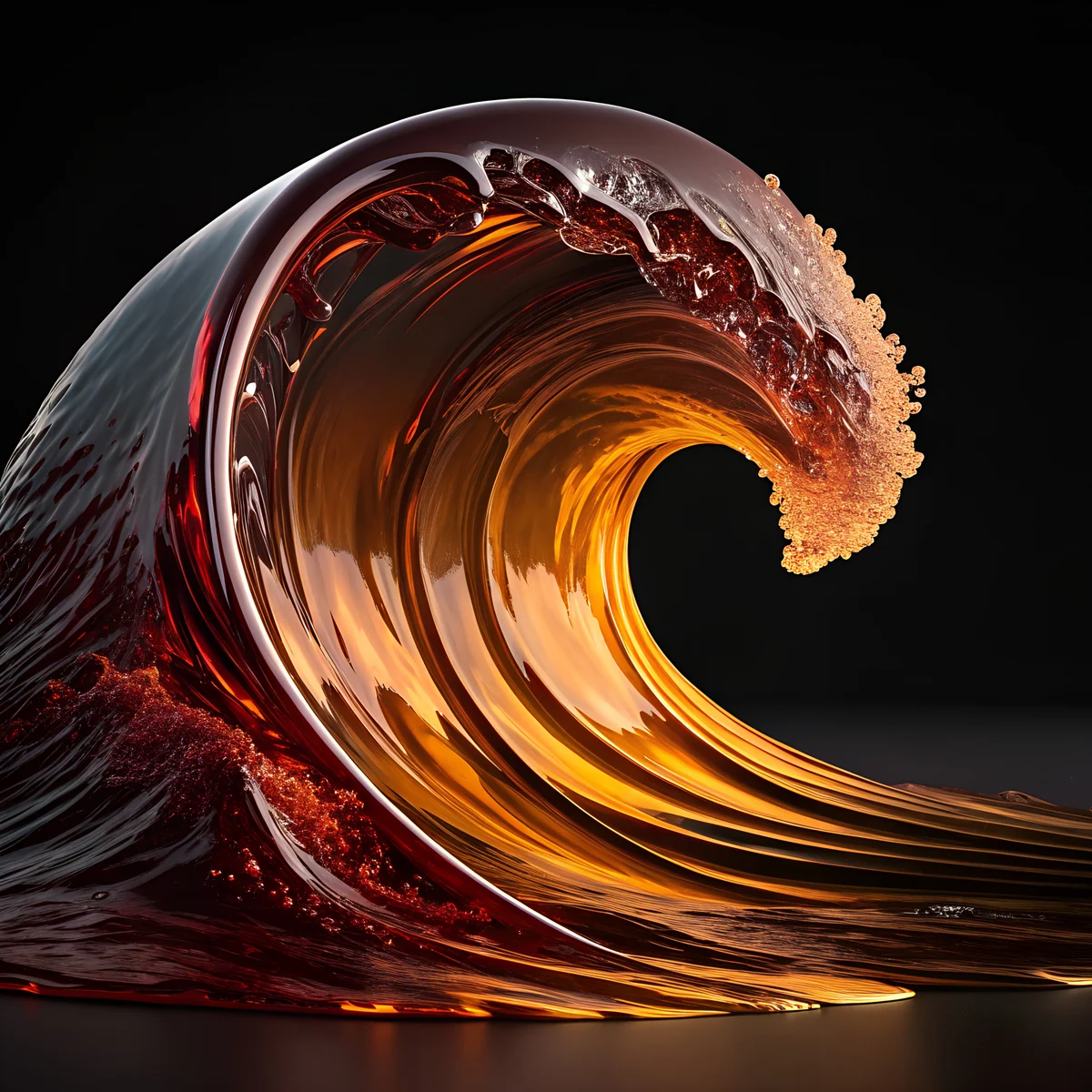 Amber Glass Wave
 Glass Helix Pearl
On this page
A 3D wallpaper for iPad is a rendered picture, glass, clay, bubbles and soft light, in a shape that survives the iPad's rotation [1]. Velpaper has 11 original 3D style files made for iPad: square 4096 × 4096 JPEGs with no watermark, so they fill the screen in portrait and in landscape without stretching. They split into three looks: dark glass, cute pastel clay and warm or cold seasonal pieces. Every one is a file made for the iPad, not a phone image stretched onto it.
Why the iPad needs a square file
An iPad turns. A phone wallpaper at 2160 × 3840 is tall, so when you turn the tablet sideways the system crops it hard and zooms in [1]. A square 4096 × 4096 file has the same height as width, so the crop stays gentle in both directions and the subject stays near the middle. That matters most for 3D pictures, where one object, such as a glass sphere or a bubble, is the whole point. The sizes for every model are in the iPad wallpaper size guide.
Dark 3D glass for iPad
Glass renders look best on dark grounds, where the light on the edge shows [1]. On an OLED iPad Pro the black parts are also off, so the glass seems to float.
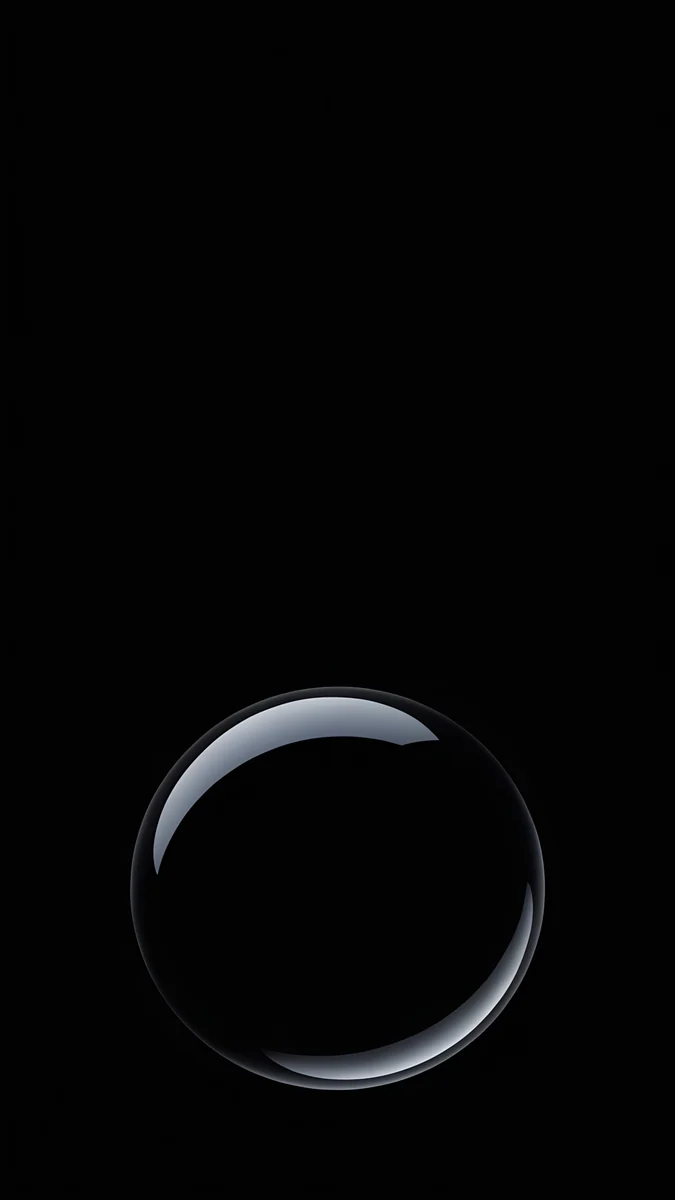
Black Glass Orb is a black glass sphere on a dark ground with a pale blue edge light. Obsidian Crystal is a near black crystal with blue facets. Amber Glass Wave is liquid glass in orange and red on dark brown, a warm wave. Glass Helix Pearl is the lightest of the four, a twisting glass helix with pearl bubbles in lilac and cyan. The dark ones keep Dock icons and the status bar clear. For more in that mood, see dark iPad wallpapers.
Cute pastel 3D for iPad
The pastel files look like clay or soft plastic toys, with round shapes and no hard shadow [1]. They are cheerful without being loud, and they suit a tablet used for drawing, reading or notes.
Pastel Mushroom Garden is a whimsical mushroom garden in lilac and grey blue. Clay Rainbow is a rainbow on a beige ground, the calmest of the cute set. Mint Bubble Friends is a kawaii mint scene with bubbles, and Pastel Balloon Clouds is pink balloons among peach clouds. These are light, so choose dark mode icons or a thin text shadow in widgets. More soft files are in cute iPad wallpapers.
Warm, cold and architectural 3D
The last group holds seasons and shapes: an autumn spiral, a snow globe style sphere and an arch hall [1].
Amber Leaf Spiral wraps autumn leaves in a glass spiral, warm cream and orange. Frost Glass Snow is a frosted glass sphere with snow in blue grey and cream, a winter piece that stays plain enough for widgets. Peach Arch Hall is a peach and pink arch hall in a minimal 3D scene [1]. The seasonal articles, fall iPad wallpapers and winter iPad wallpapers, have more. For the 3D style on other screens, read 3D wallpaper.
How to set a 3D wallpaper on iPad
- Save the 4096 × 4096 file to Photos from velpaper.com or the Velpaper app [1].
- Open Settings and tap Wallpaper, or long press the Lock Screen and tap the plus button.
- Choose Photos and pick the file.
- Drag and pinch to place the main object where you want it, then tap Add and set it for Lock Screen, Home Screen or both.
The full walkthrough with iPadOS 26 details is in [1]how to change wallpaper on iPad. If your iPad is a Pro with the keyboard attached, pick a dark piece; the screen then blends into the bezel.
Next step: open Black Glass Orb or Clay Rainbow on velpaper.com or in the iPad app and download the original.
Original wallpapers in and for iPhone, Android and desktop.
Questions
What size is a 3D wallpaper for iPad?
Velpaper's 3D iPad wallpapers are 4096 × 4096 pixel squares [1]. A square file works for every iPad model and both orientations, because the crop is the same whether you hold the tablet in portrait or landscape. A phone-shaped file at 2160 × 3840 would be cut hard when the iPad turns [1]. The files are JPEGs without a watermark, some free and some unlocked after a short ad. They are large enough for the 13 inch iPad Pro without upscaling, so one download covers every model.
How do I set a 3D wallpaper on my iPad?
Save the image to Photos [2], then open Settings and tap Wallpaper, or long press the Lock Screen and tap the plus button. Choose Photos, pick the file, and drag or pinch to place the main object where you like. Tap Add, then choose whether it applies to the Lock Screen, the Home Screen or both. You can use the same picture on both.
Which 3D iPad wallpaper is best for an iPad Pro with OLED?
Pick one of the dark glass pieces: Black Glass Orb [1], Obsidian Crystal or Amber Glass Wave. They are mostly black or dark brown, and on an OLED panel black pixels are off, so the glass appears to float on the screen and icons stay crisp. Light pastel files such as Clay Rainbow look great in daylight but use more power on OLED. If you use the iPad at night in dark mode, the dark glass files are also easier on the eyes.
Are the 3D iPad wallpapers free?
Some are free and some unlock after a short ad [1], depending on the file. All Velpaper wallpapers are original artwork and come without a watermark. You can open each wallpaper page on velpaper.com or in the iPad app to see which option applies. There is no separate fee for the 4096 × 4096 size [1], and the same file works on iPad, iPad Air, iPad mini and iPad Pro, so you do not need a different download for each model.
Do 3D wallpapers slow down an iPad?
No [1]. A 3D wallpaper here is a still picture of a rendered scene, saved as a JPEG, so it costs the same as any other photo wallpaper [1]. It does not move and does not use the GPU like a live or interactive wallpaper. The 3D look comes from lighting and depth drawn into the image.
Carlos Vivero
Designer of Velpaper wallpapers
Carlos Vivero designs the wallpapers in Velpaper: quiet architecture, liquid glass, Japanese ink and calm landscapes. Every piece is made as a original for iPhone, Android and desktop.
Recent work