Chromebook Wallpaper: 16 Free 4K Picks for ChromeOS
Free 4K Chromebook wallpapers for the Dark and Light themes, picked to survive the Fill crop on 16:9, 3:2 and 16:10 screens, plus how to set them.
By the Velpaper team · Wallpapers by Carlos Vivero, Velpaper designer · · 4 min read
In short: The best Chromebook wallpaper is a wide 3840 × 2160 or 5120 × 2880 original with its subject in the centre, so the Fill crop on 3:2 and 16:10 screens only takes plain edge. Pick a dark one for the Dark theme and a pale one for Light; all 16 here download free from velpaper.com.
Wallpapers
Free originals for iPhone and Android, no watermark
On this page
The best Chromebook wallpaper is a wide 4K original with calm left and right edges. Most Chromebooks have a 1366 × 768 or 1920 × 1080 screen, premium 3:2 models reach 2256 × 1504 or 2400 × 1600, and a 3840 × 2160 file is larger than all of them, so ChromeOS only scales it down and it stays sharp. The edges matter because the Fill layout trims the sides of a 16:9 image on 3:2 and 16:10 screens. Below are 16 desktop wallpapers from Velpaper in four groups: dark ones for the Dark theme, pale ones for Light, saturated colour, and quiet ink and paper for a school or work laptop. Every one is a 4K or 5K original and downloads free from velpaper.com in Chrome. To set one, right-click the desktop, choose Set wallpaper & style, then Wallpaper and My Images.
What works on a Chromebook screen
Three things decide whether a wallpaper looks right on ChromeOS. The first is size: download the original, not a preview or a screenshot, so the panel never has to enlarge anything. The second is the crop. On a 3:2 screen Fill removes roughly 8 percent from each side of a 16:9 image, on 16:10 about 5 percent, so the subject belongs in the middle. The third is the shelf, the bar of apps along the bottom edge: a plain strip there keeps its icons readable.
The theme matters too. The wallpaper hub has Light, Dark and Auto at the top, and Auto darkens the shelf, launcher and menus after sunset. Under Accent colors, Use color sets that match your wallpaper tints those menus from your picture, so a wallpaper with one clear colour gives the cleanest result. Resolutions for other laptops and monitors are in the PC wallpaper size guide.
Dark wallpapers for the Dark theme
Behind a dark shelf these keep the screen quiet in the evening and make a bright browser window look lit from behind.
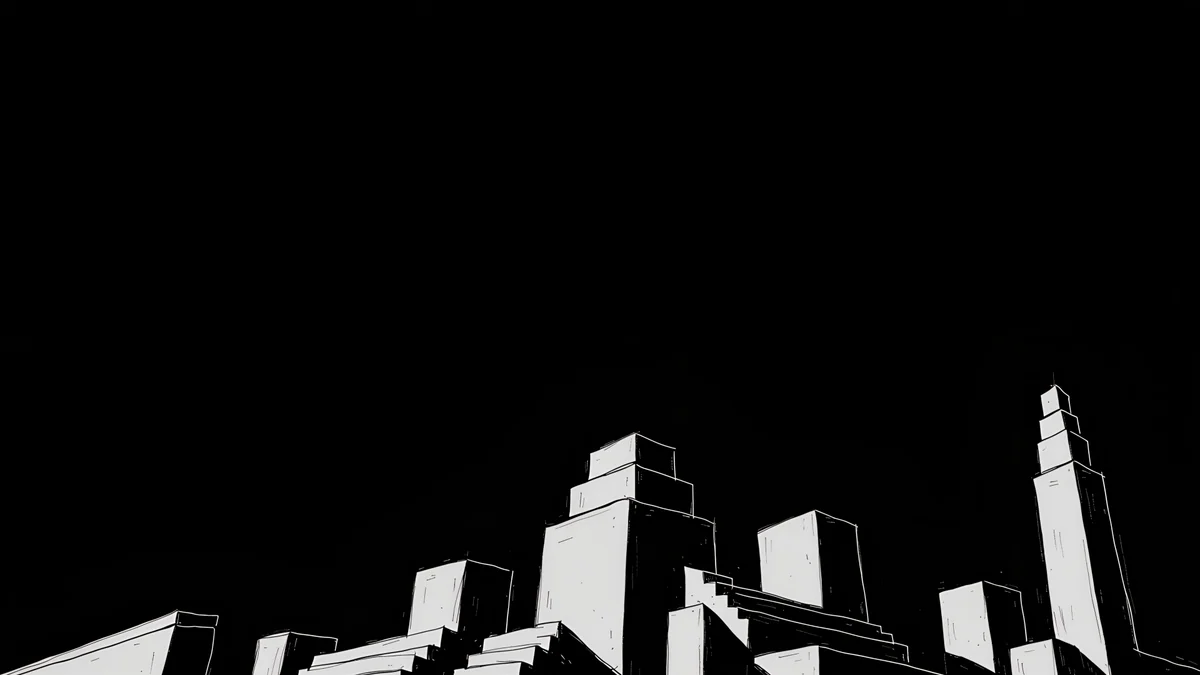
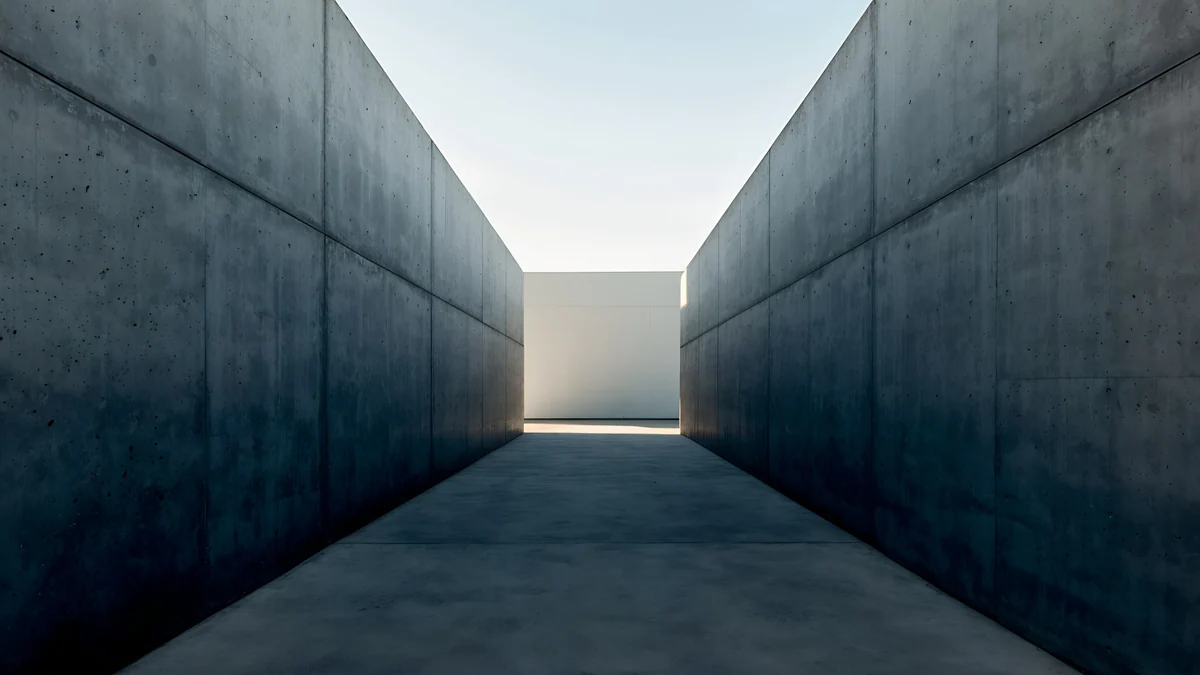
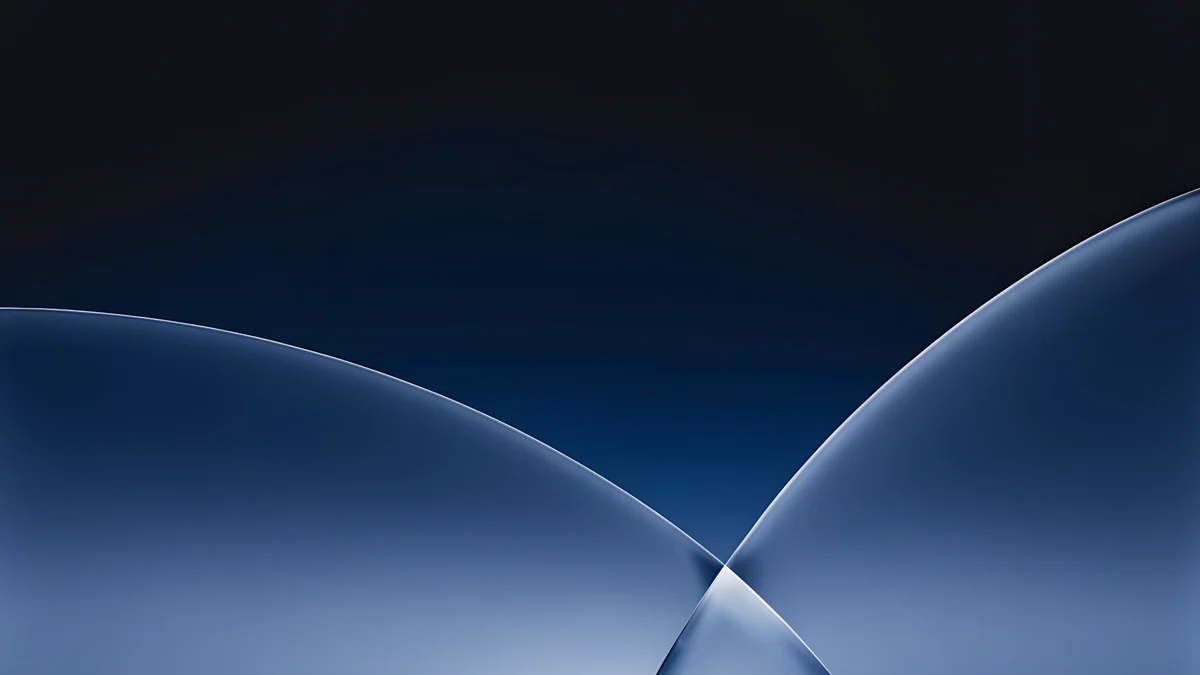
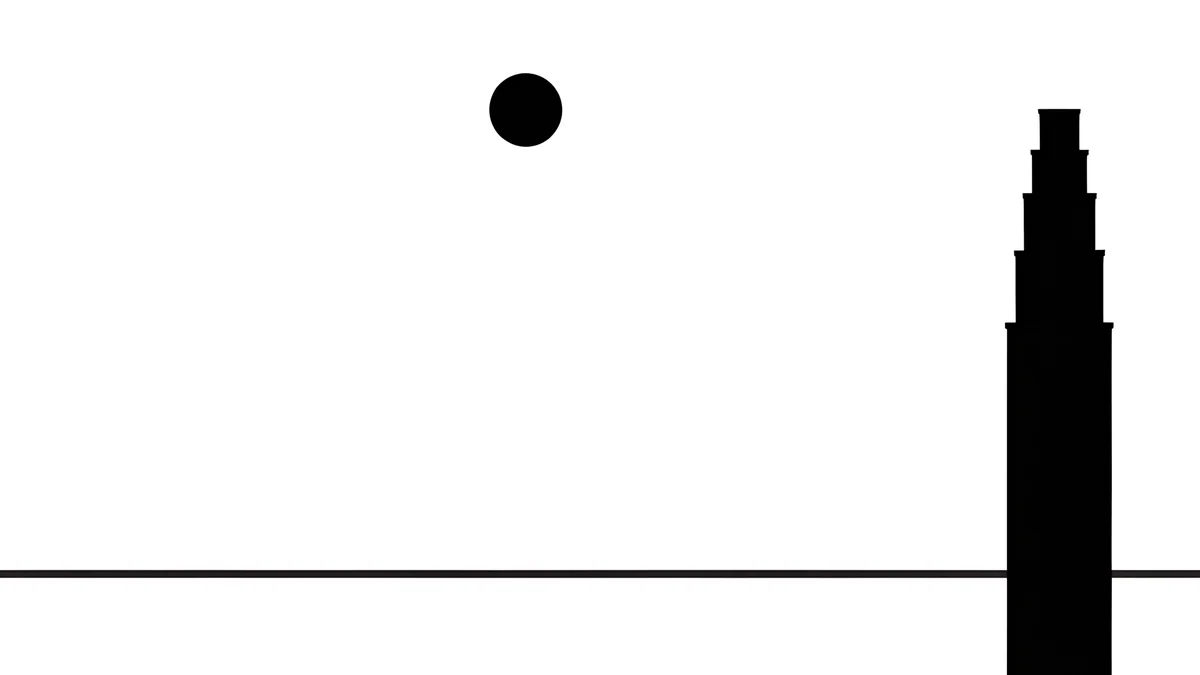
Noir Night Blocks is stepped black towers on black, so the shelf melts into the picture. Graphite Passage is a grey corridor with light at the far end, right in the centre where no crop reaches. Cobalt Soft Horizon is a navy gradient with a thin band of light, which gives the accent colour a clear blue to follow.
Pale wallpapers for the Light theme
With the Light theme the shelf and menus turn white, and a pale stone picture continues them instead of fighting them.
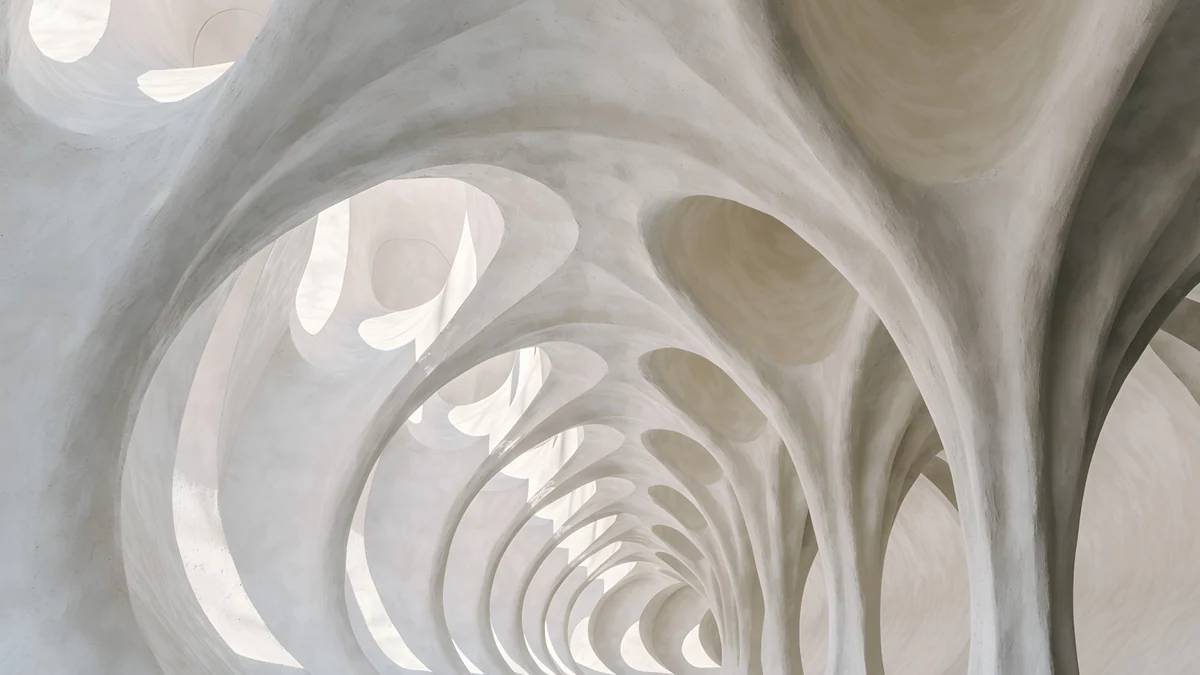
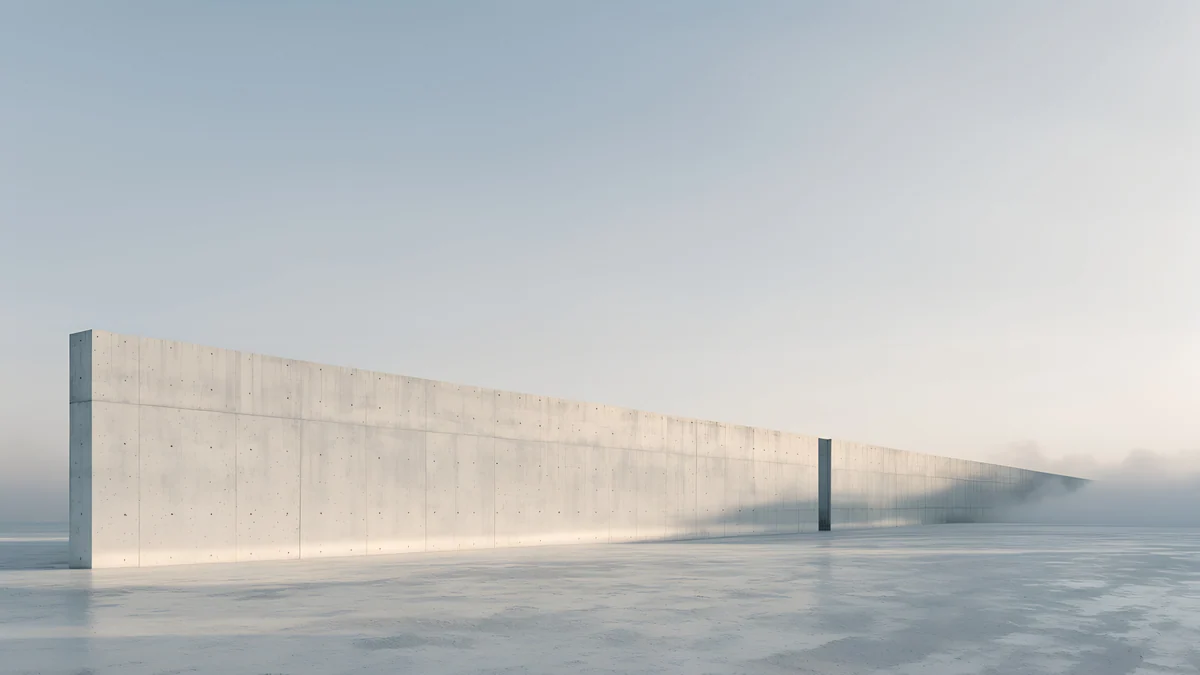
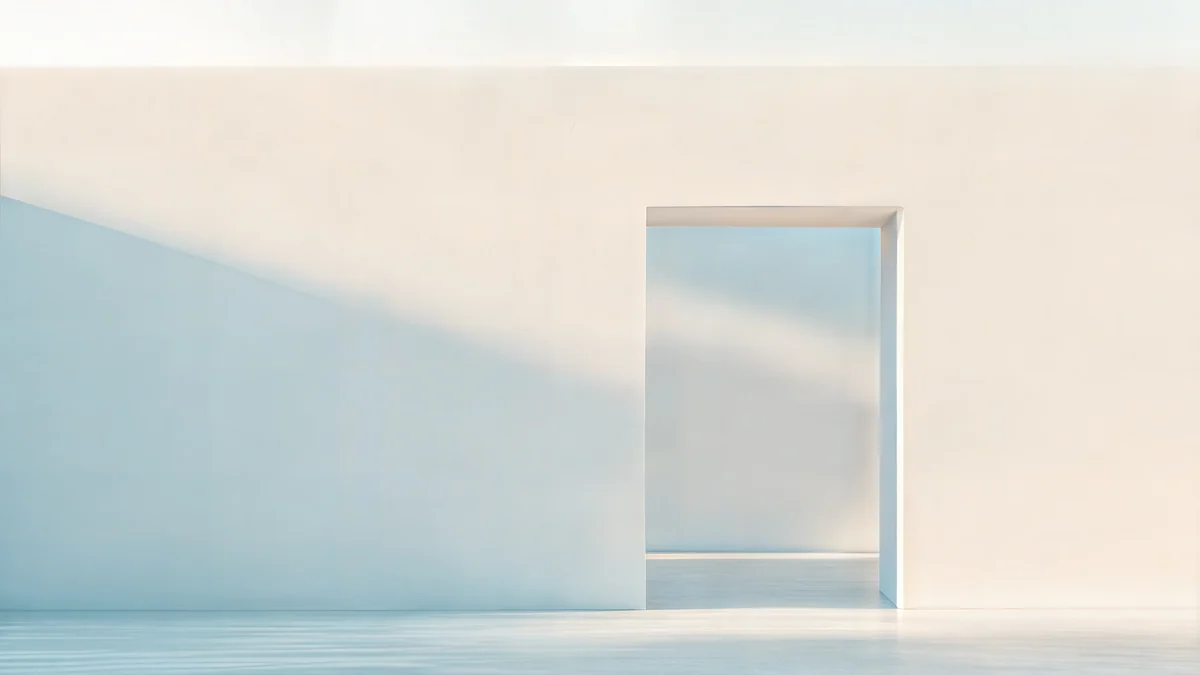
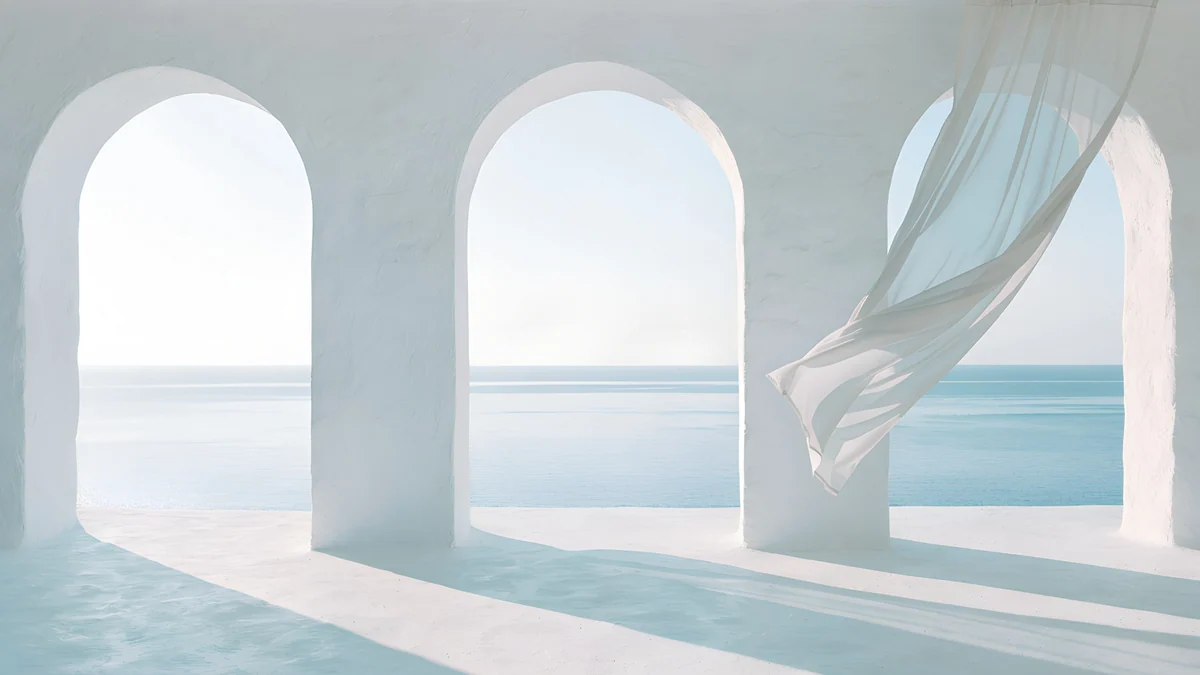
Ivory Daylight Gate is a pale stone gate in soft daylight with empty wall on both sides, exactly the strip Fill trims on a 3:2 screen. Sea Arch is a white arch opening onto a blue sea, and Catenary Attic a run of white curved arches inspired by Gaudí. All three keep the bottom edge plain for the shelf.
Saturated colour: violet, cobalt and indigo
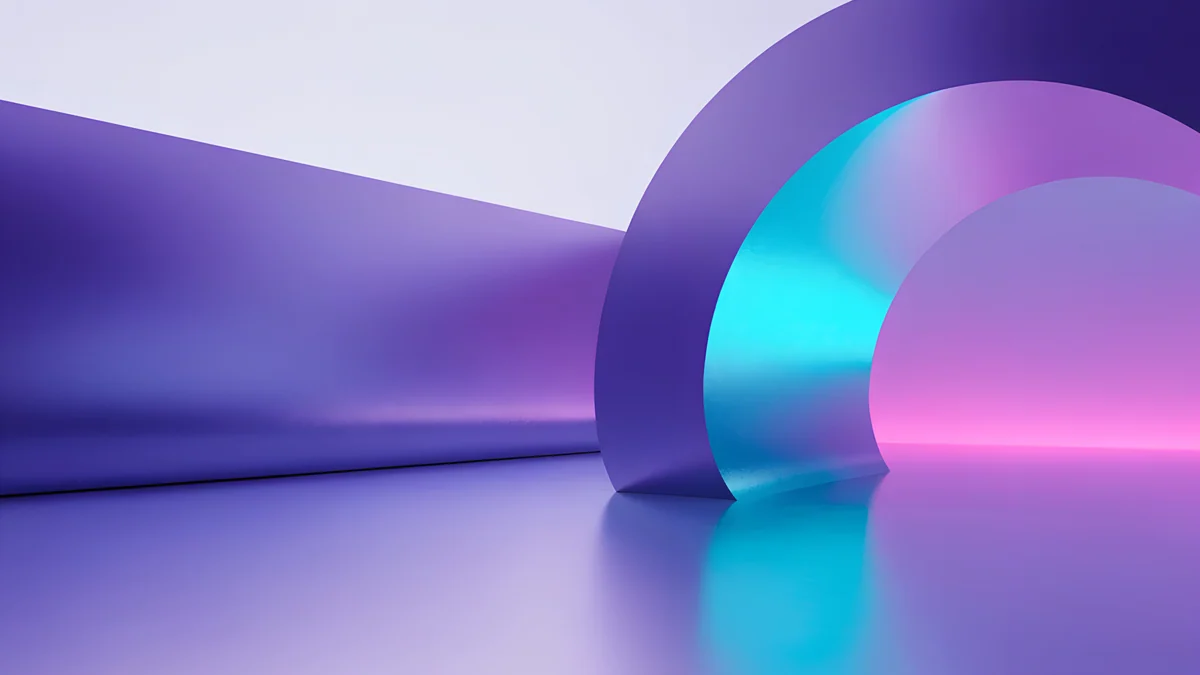
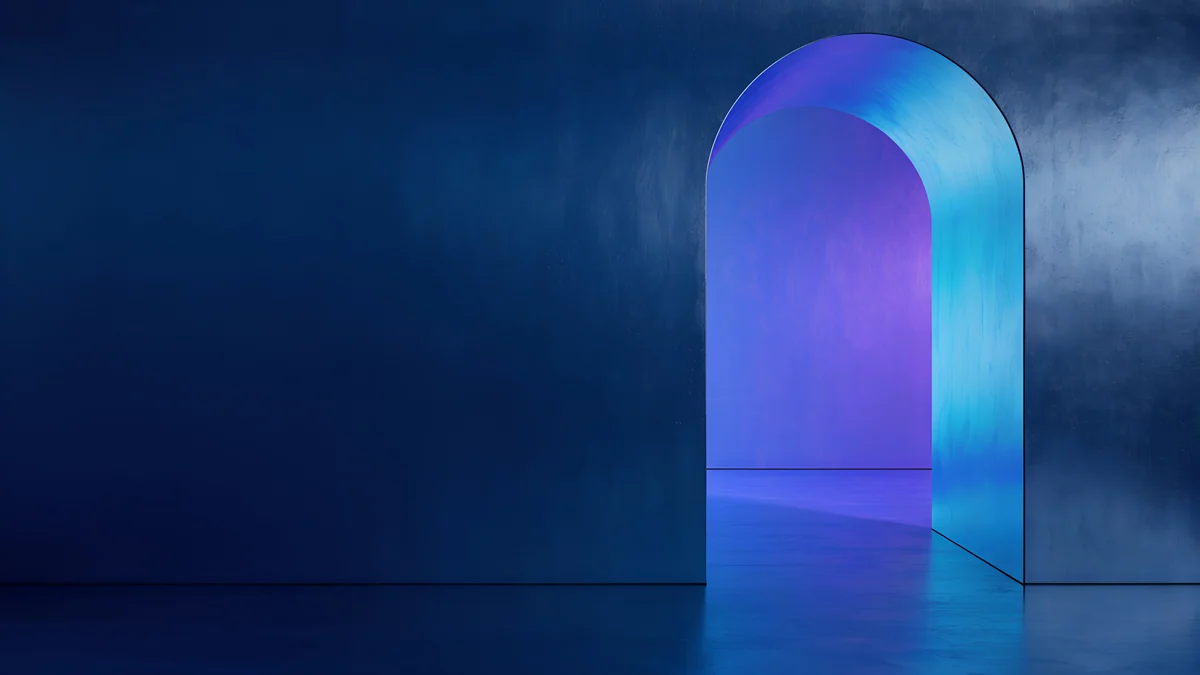
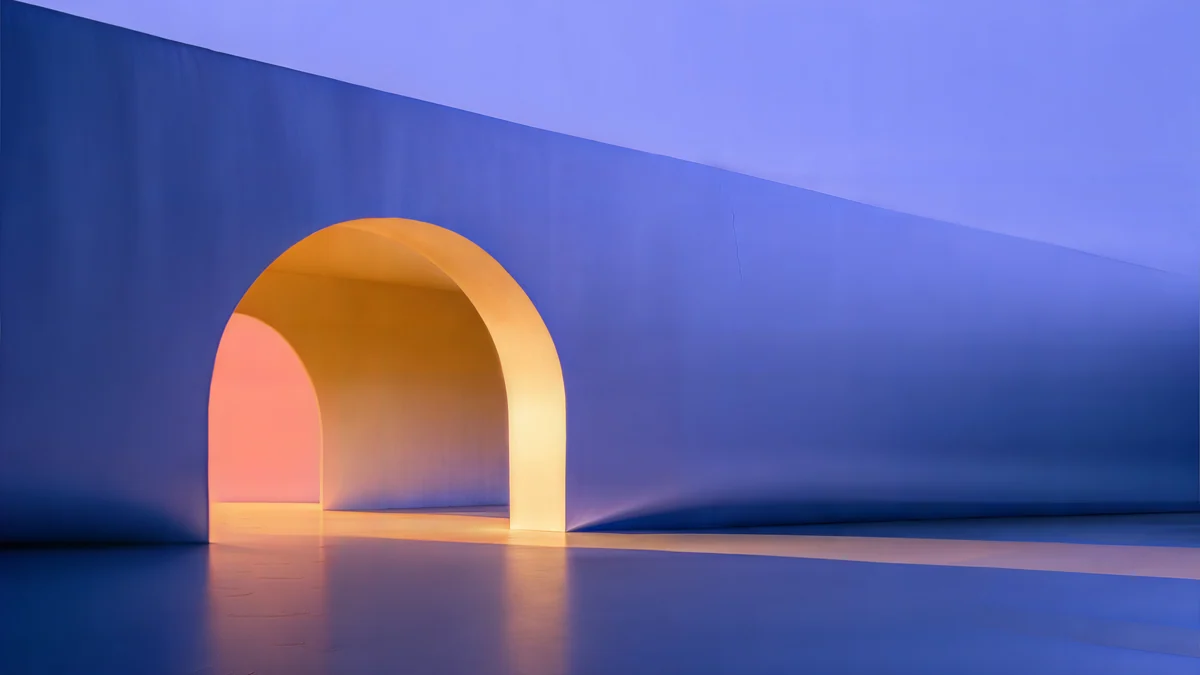
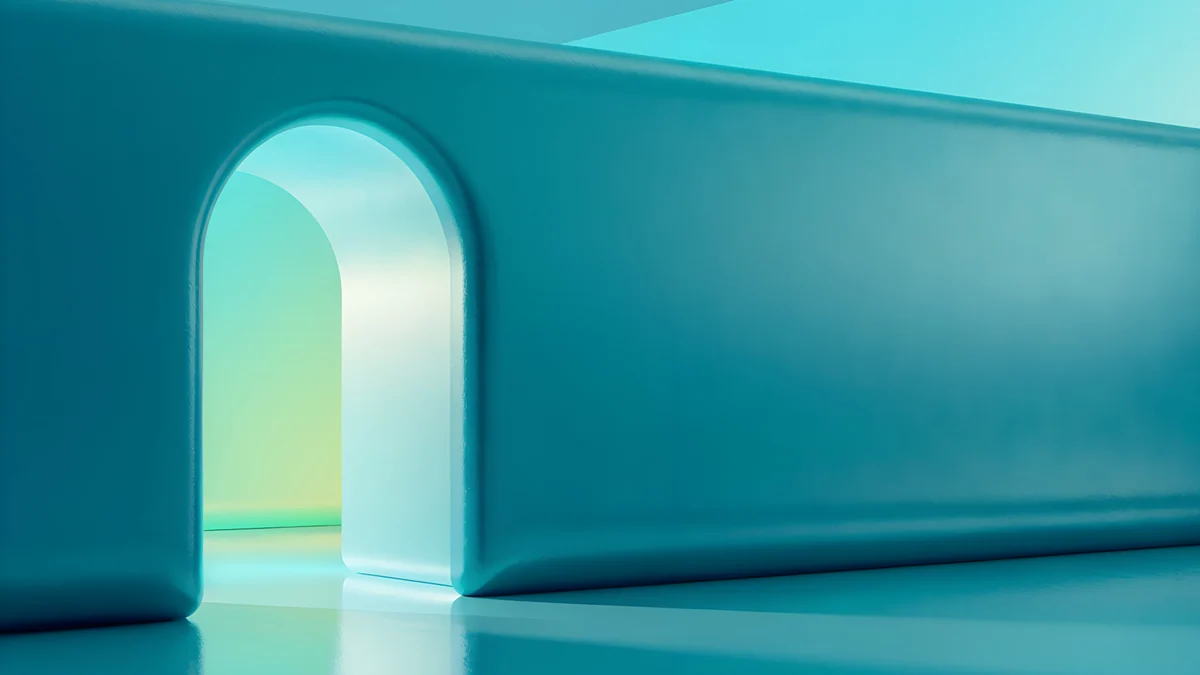
Electric Violet Vault is a violet vault with a cyan edge on near black. Volt Blue Vault is the same shape in cobalt, and Solar Indigo Gate an indigo arch with an orange glow at its heart. The light sits in the middle of each image, so it survives the side crop, and the strong colour gives the matching colour sets something definite to pick up.
Ink and paper for a school or work Chromebook
On a laptop that goes to class or into meetings, a quiet picture is easier to share a screen over and does not pull attention from the slides.
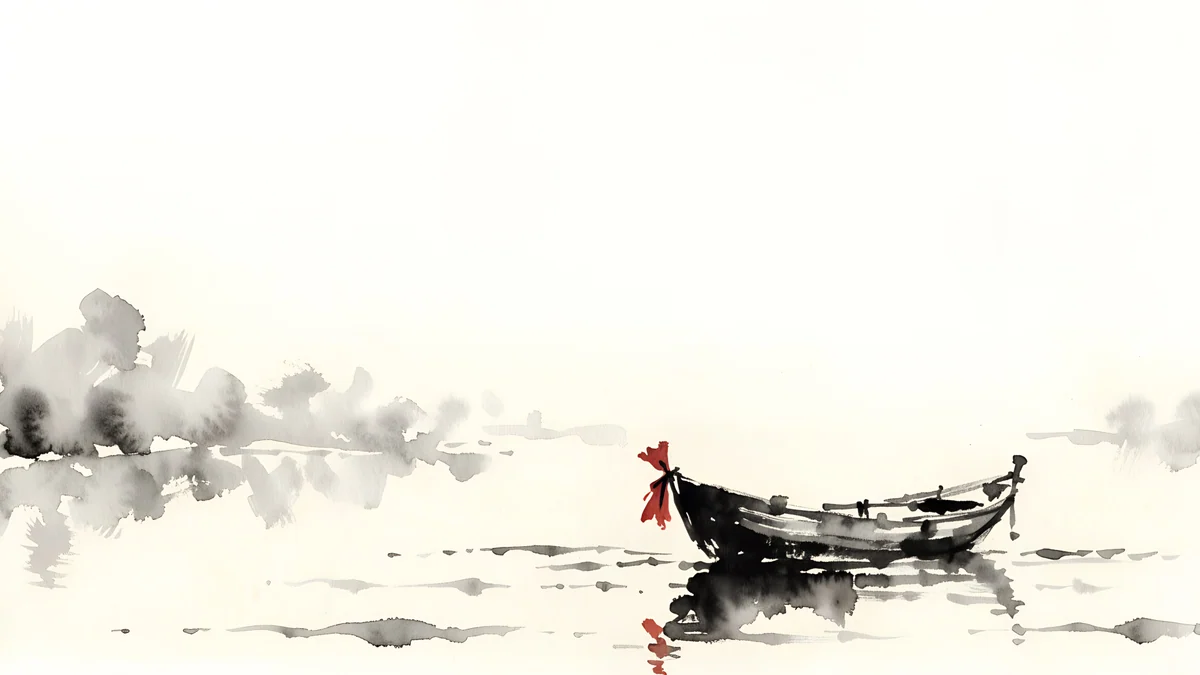
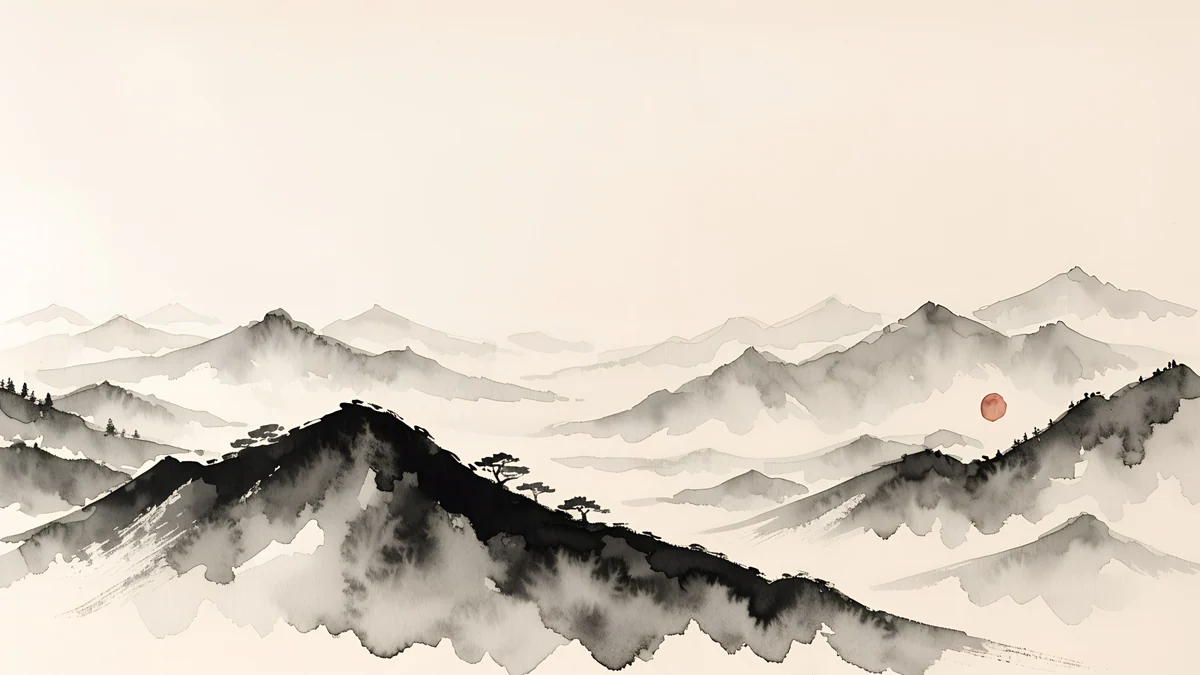
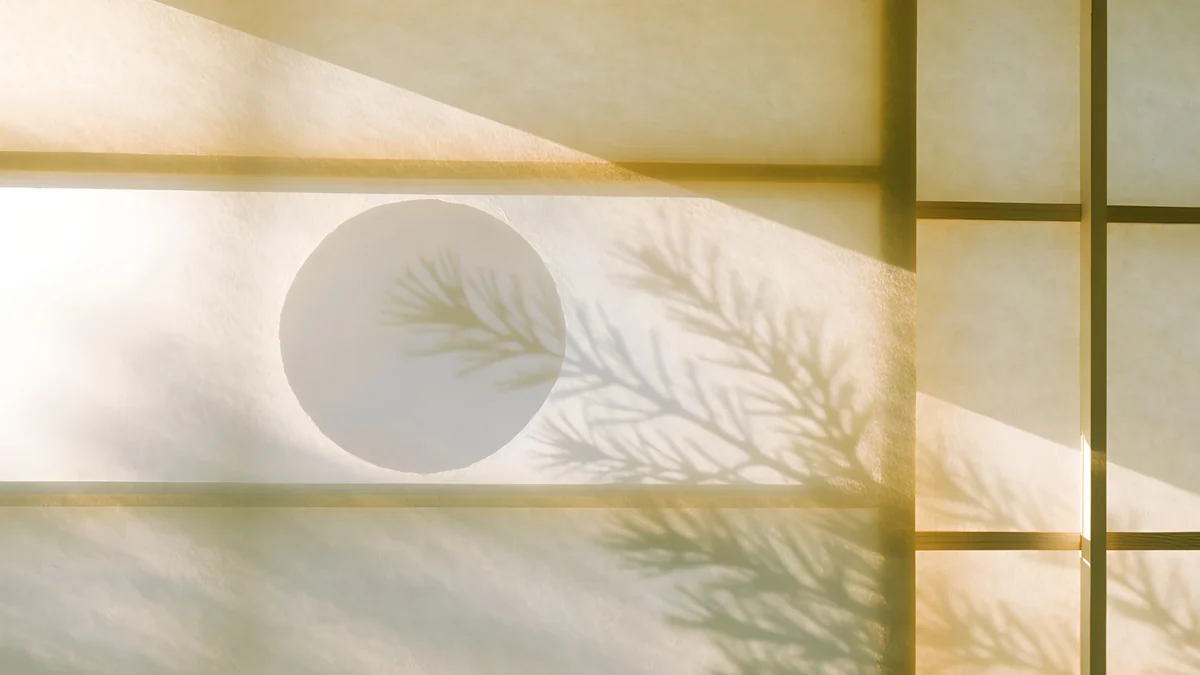
Ink Quiet Lake is one small boat on a pale lake with a red seal. Ink Mountain Mist is ridges fading into paper, and Shoji Moon a moon glowing through a paper screen. On a managed school or work Chromebook the administrator can lock the wallpaper; if the option is greyed out, only they can lift it.
How to set a wallpaper on a Chromebook
- Open the wallpaper's page on velpaper.com in Chrome and press Download. The original lands in My files, in the Downloads folder. Do not save the preview image; it is a compressed copy.
- Open the Files app, right-click the image and choose Set as wallpaper. Or tap the desktop with two fingers, choose Set wallpaper & style, then Wallpaper, and pick the file under My Images.
- Check that the layout is Fill, not Center. Center shows the file at its original pixel size, so a 4K image shows only its middle.
- Choose Light, Dark or Auto at the top of the hub to suit the picture.
Google Photos albums, Change daily and the screen saver are covered step by step in how to change the wallpaper on a Chromebook.
Google's own guide is Change background wallpaper on your Chromebook.
Get these wallpapers from Velpaper
Every wallpaper on this page is a Velpaper desktop original at 3840 × 2160 or 5120 × 2880, designed by Carlos Vivero. All desktop wallpapers download free at full size, with no account and no watermark. On a Chromebook, open velpaper.com in Chrome. The same collection is in the Velpaper apps for iPhone, iPad, Mac and Android, so the laptop and the phone can share a palette. Six more styles are in the desktop wallpaper collection.
Original wallpapers in and for iPhone, Android and desktop.
Questions
What size should a Chromebook wallpaper be?
At least as large as the screen. Most Chromebooks are 1366 × 768 or 1920 × 1080 at 16:9, premium 3:2 models are 2256 × 1504 or 2400 × 1600, and tablet-style models are often 1920 × 1200. A 3840 × 2160 image is larger than all of these, so ChromeOS only scales it down and it stays sharp. On 3:2 and 16:10 screens the Fill layout trims a little from the left and right, which is why the wallpapers on this page keep their subject in the centre. Google lists .jpg and .png as the supported formats.
Which wallpaper works best with the ChromeOS Dark theme?
A dark picture with one clear colour. The Dark theme turns the shelf, launcher and menus dark grey, so a near black wallpaper such as Noir Night Blocks makes the whole screen feel like one surface. If Use color sets that match your wallpaper is on, the menus also pick up a tint from the picture, and a single colour like the navy of Cobalt Soft Horizon gives a cleaner tint than a busy photo. Auto switches the theme at sunset, but your own JPEG does not change with it, so either pick one that works in both or swap a pale one in by hand.
Are these Chromebook wallpapers free?
Yes. Every desktop wallpaper from Velpaper downloads free at full size, 3840 × 2160 or 5120 × 2880, with no account, no subscription and no watermark. On a Chromebook, open the wallpaper page on velpaper.com in Chrome and press Download; the file goes to the Downloads folder. Then right-click it in the Files app and choose Set as wallpaper. The same wallpapers are also in the Velpaper apps for iPhone, iPad, Mac and Android if you want a matching phone background.
Can I set a different wallpaper on an external monitor?
Not from the Wallpaper and style hub. ChromeOS applies one wallpaper to every connected display, and each screen gets the Fill layout for its own shape. With a 3:2 laptop panel and a 16:9 monitor, the monitor simply shows a little more of the left and right edges. The practical answer is to pick a wallpaper with plain edges and to download a file large enough for the bigger screen: 3840 × 2160 covers a QHD or 4K monitor, and a 5120 × 2880 original covers a 5K display.
Why does my Chromebook wallpaper look blurry or cut off?
Blurry usually means the file is too small: a saved preview, a screenshot or a 1366 × 768 image gets enlarged on a sharper screen, and no setting can add the missing detail. Download the original from the wallpaper page instead. Cut off usually means the layout is on Center rather than Fill, so a 4K file on a 1080p screen shows only its middle. Open Set wallpaper & style, then Wallpaper, click the image under My Images and switch the layout to Fill. If the option is greyed out on a school or work Chromebook, the administrator has locked it.
Carlos Vivero
Designer of Velpaper wallpapers
Carlos Vivero designs the wallpapers in Velpaper: quiet architecture, liquid glass, Japanese ink and calm landscapes. Every piece is made as a original for iPhone, Android and desktop.
Recent work