4K Earth Wallpaper: Imagined Planets for Phone, PC
4K Earth wallpaper alternatives: 18 original planet wallpapers for phone, PC and iPad, from ringed worlds to a planet over a meadow, with set-up steps.
Sources [1] · By the Velpaper team · Wallpapers by Carlos Vivero, Velpaper designer · · 4 min read
In short: Velpaper has no photos of Earth, but its original 4K planet wallpapers cover ringed worlds, desert planets and a planet over a green meadow for phone, PC and iPad [1]. For an Earth-like look pick Planet Over Meadow on desktop or Ringed Planet Ocean on phone.
Wallpapers
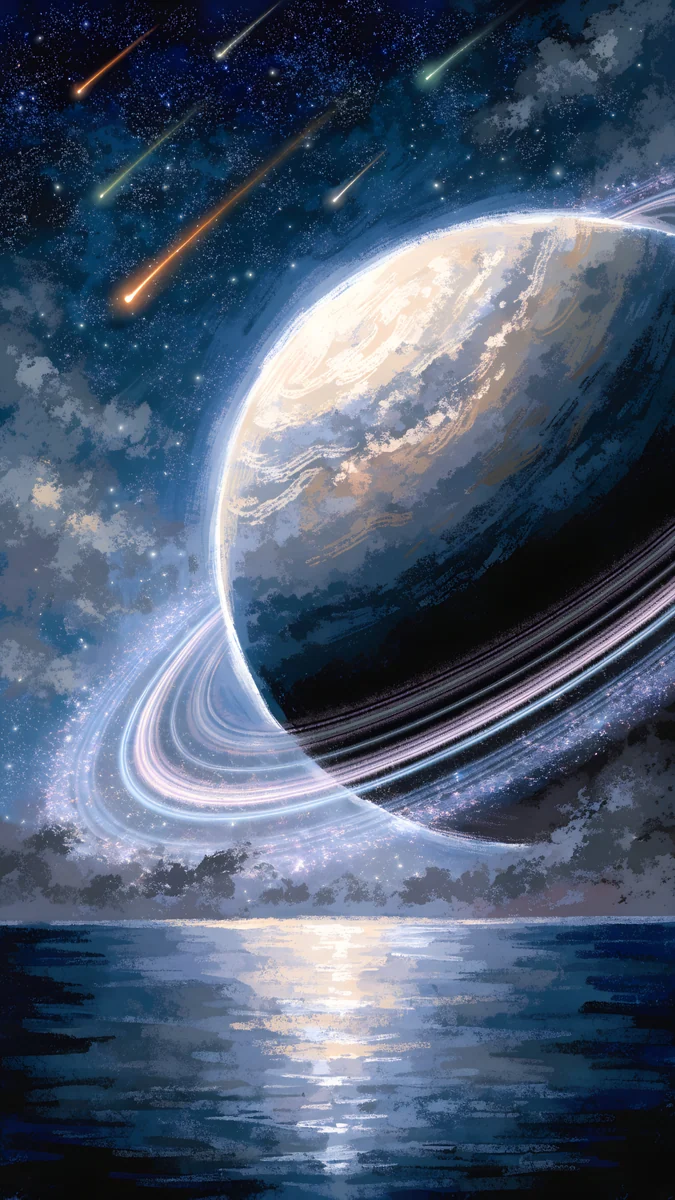 Ringed Planet Ocean
 Ringed Planet Dunes
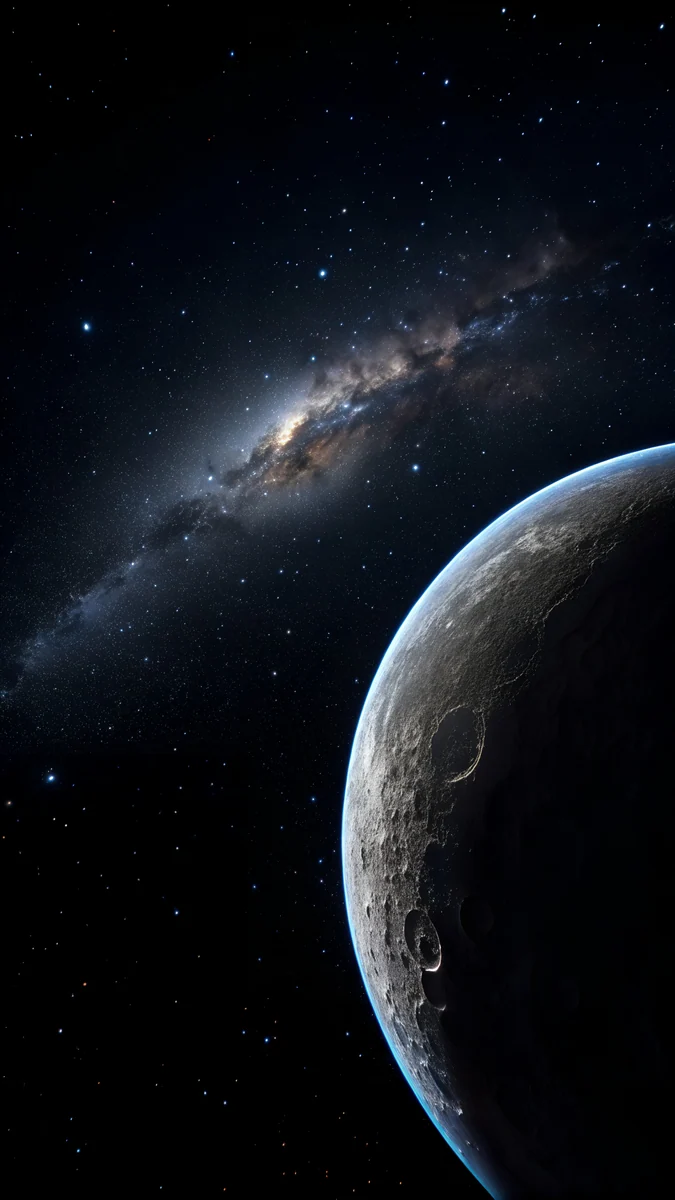 Crescent Planet
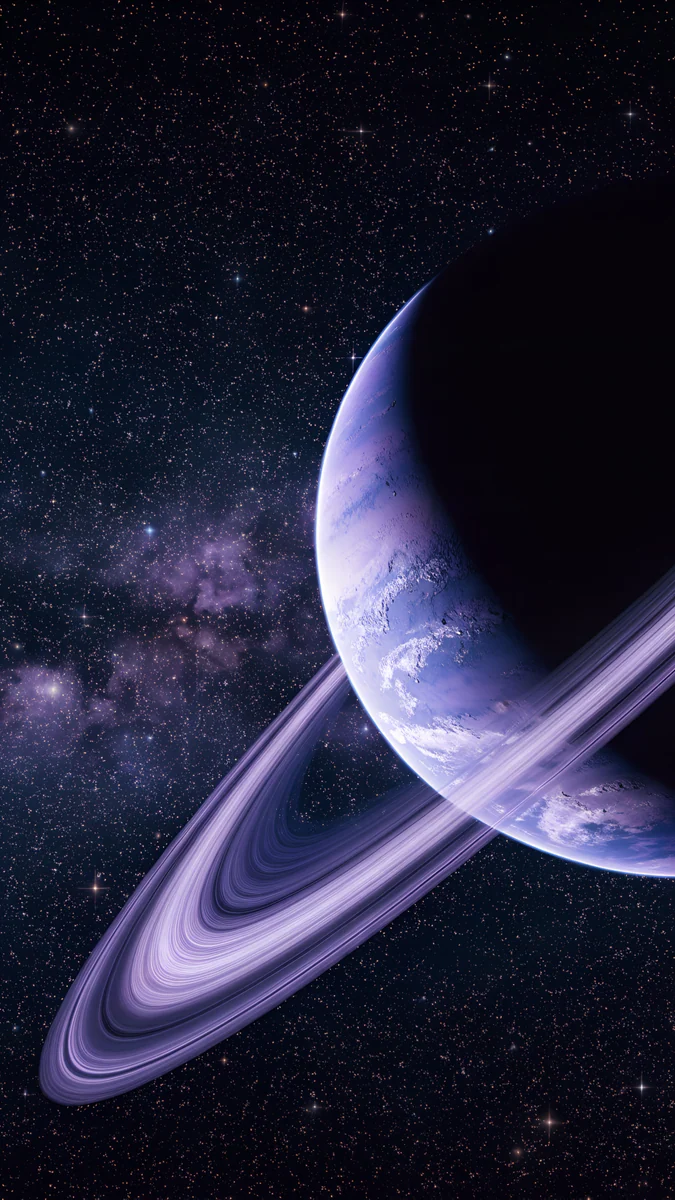 Violet Ringed Planet Galaxy
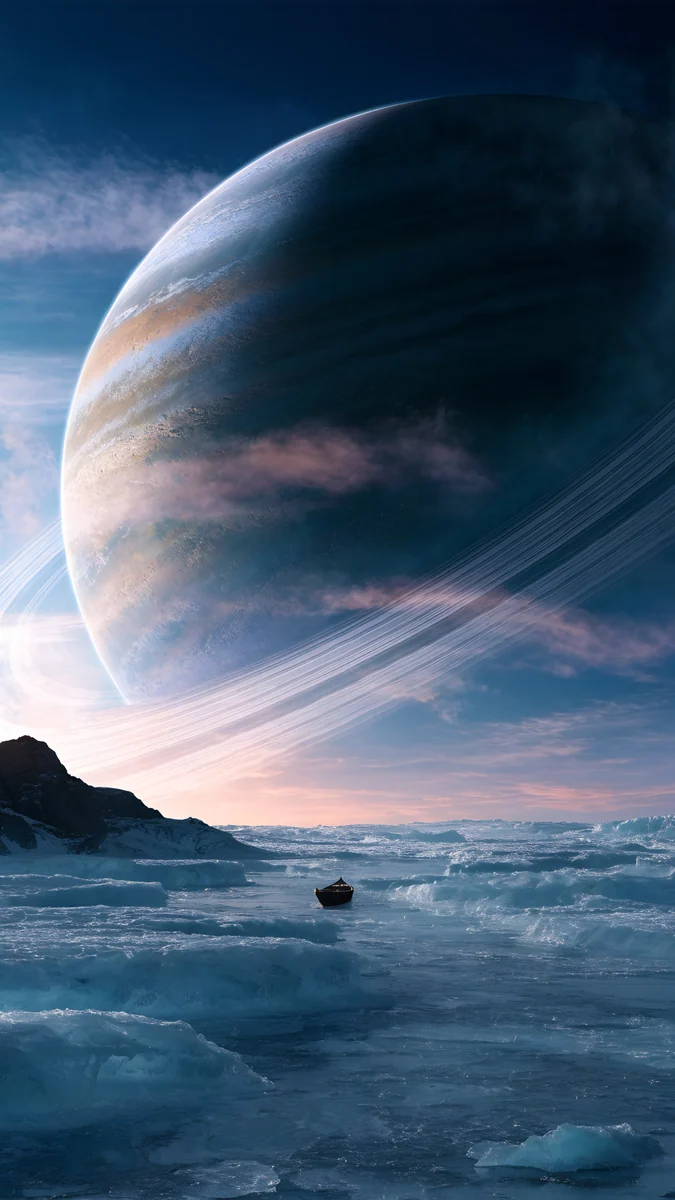 Gas Giant Frozen Sea
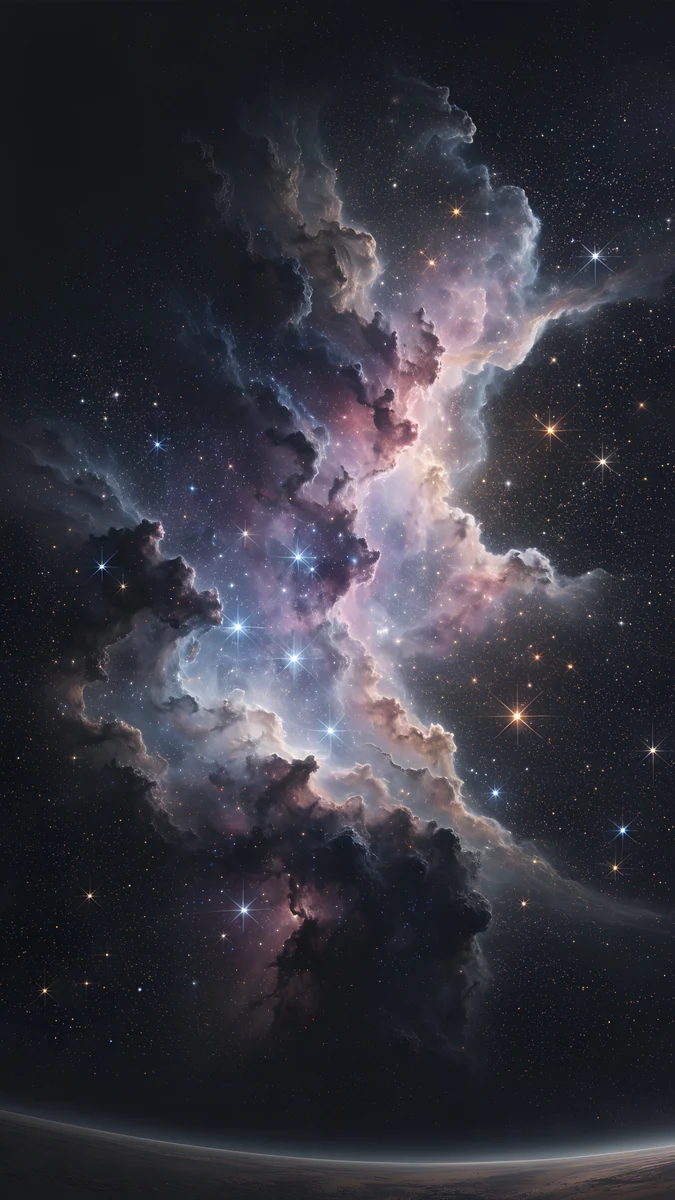 Pink Gold Nebula
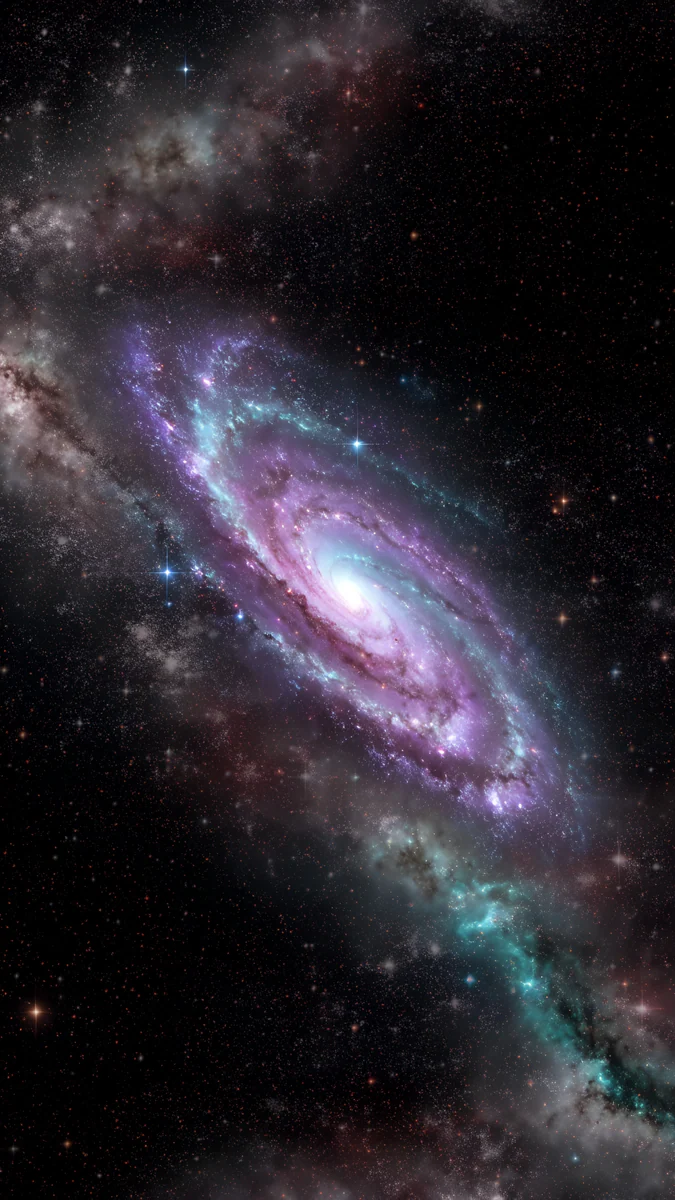 Violet Spiral Galaxy
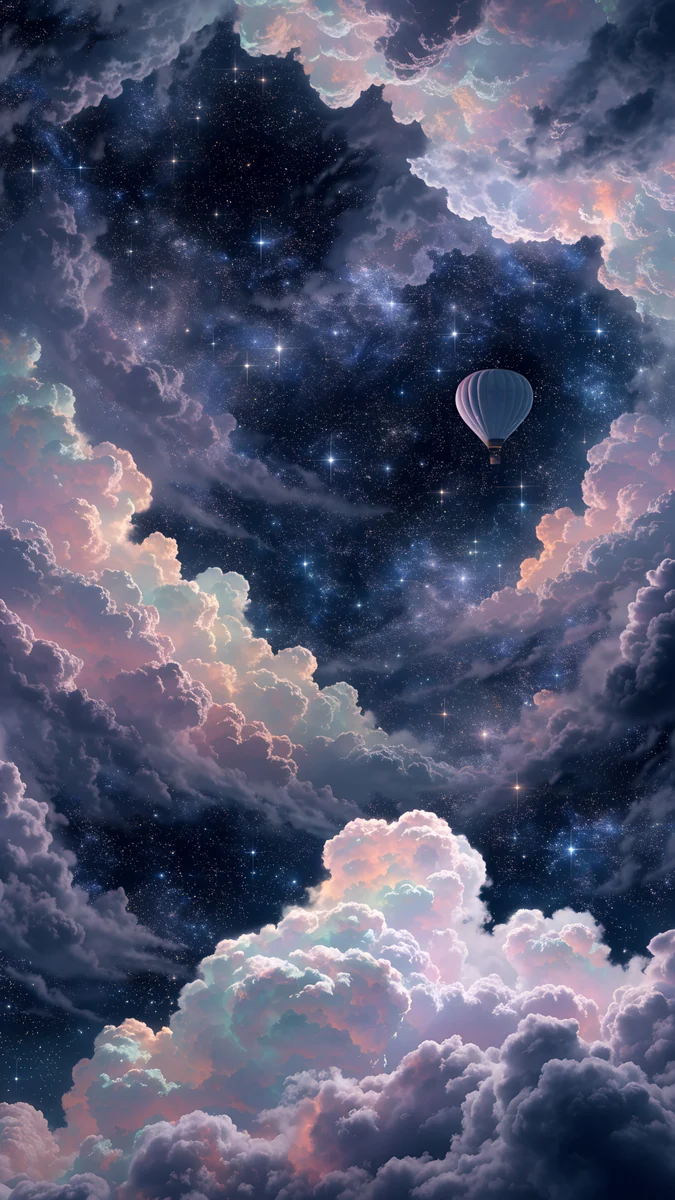 Nebula Balloon Drift
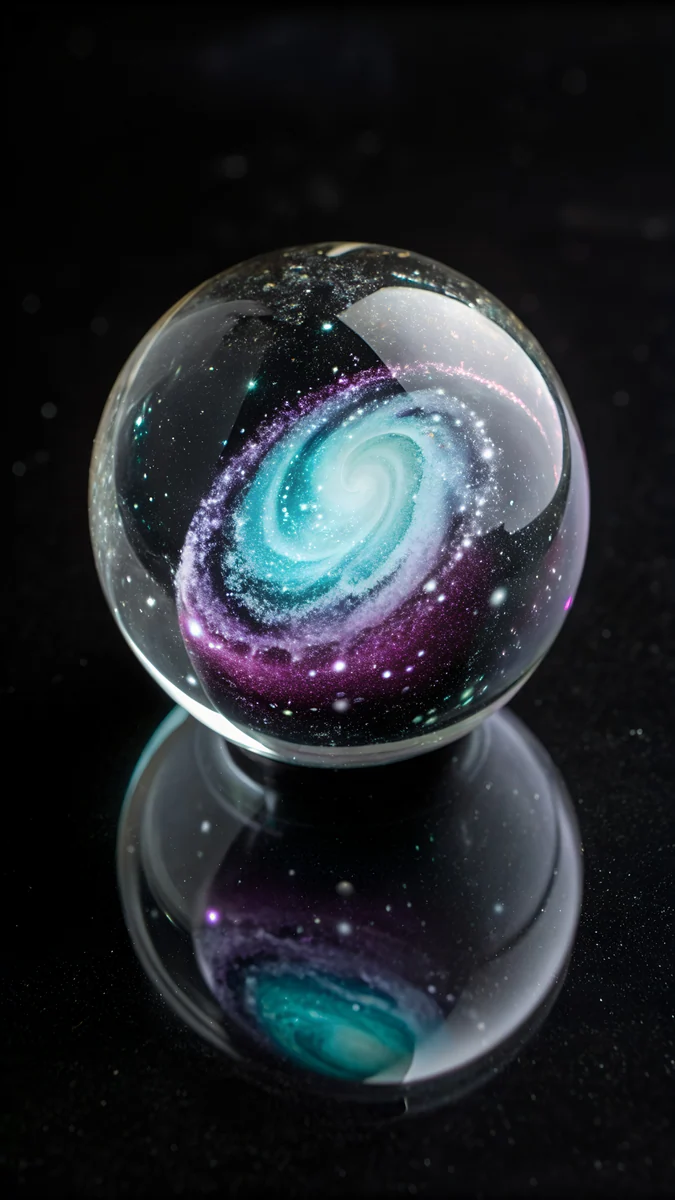 Galaxy in Glass
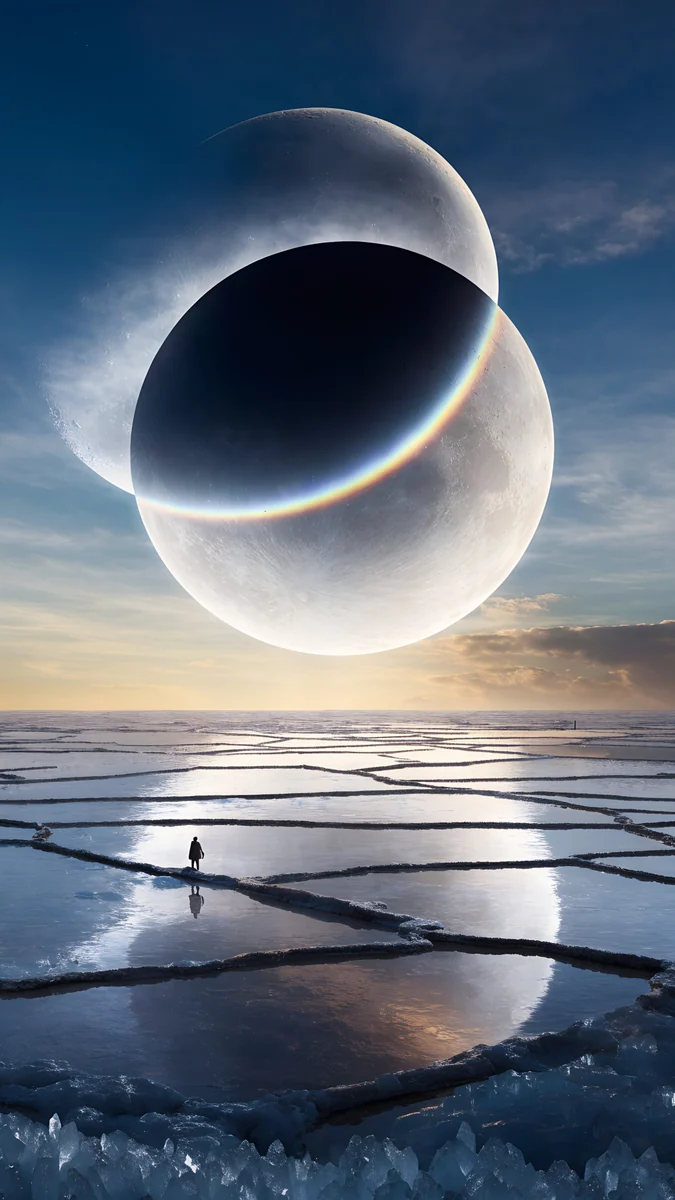 Twin Moon Mirror Lake
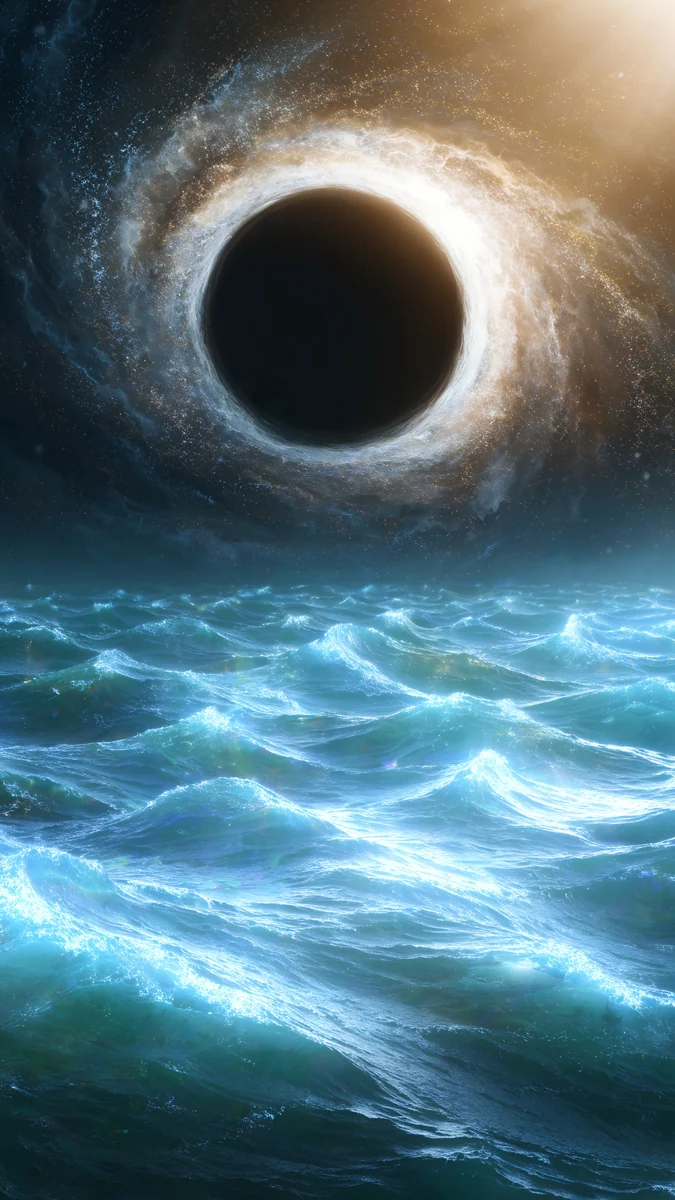 Black Hole Ocean
 Frozen Portal Ring
Free originals for iPhone and Android, no watermark
On this page
A 4K Earth wallpaper usually means a blue globe, clouds and a black sky [1]. Velpaper does not have photos of Earth, and every file in the catalog is an original illustration, so this page does something different: it collects the planet wallpapers that exist, in 4K, for phone and PC [1]. They are imagined worlds with rings, dunes, oceans and meadows, and the greener, bluer ones are the closest you will get to an Earth-like look. Phone files are 2160 × 3840, desktop files 3840 × 2160 or 5120 × 2880, with no watermark [1].
Which planet looks like Earth
Start with colour. A planet reads as Earth-like when it carries blue water, green land and white cloud or ice, and three pieces here come close: Planet Over Meadow on desktop, Planet Over Flowers on phone and Ringed Planet Ocean on phone. The first two show a planet hanging over a green meadow and a field of flowers, with a calm sky around it. The third sets a ringed planet over a blue ocean at night.
None of them claims to be a real place, and that is the point. A planet low in the frame leaves the top of a phone free for the clock, and the horizon gives the eye a line to rest on. For a plain star field without a planet, see star background.
Ringed planets and warm deserts
The ringed planet is the favourite subject in this set. Warm versions suit people who find black space cold.
Ringed Planet Dunes puts a ringed planet over orange and gold sand dunes, and the palette runs from pale amber to dark brown, so a white clock stays readable at the top. Ringed Planet Ocean is its cool twin in grey blue and navy. Violet Ringed Planet Galaxy is almost black with violet and deep blue, a good fit for an OLED phone where black pixels switch off. Gas Giant Frozen Sea shows a gas giant over an icy sea in pink and blue sunset light.
If the dune look appeals, desert and dune wallpapers has more of it without the planet.
Dark planets and nebulae for OLED
Planet wallpapers earn their place on dark screens. Space is mostly black, and black costs nothing to display on an OLED panel, so icons and widgets stand out and the picture does not glare at night.
Crescent Planet is the darkest, a thin crescent planet in black and navy with a few stars. Pink Gold Nebula adds a pink and gold nebula and a small planet on black. Violet Spiral Galaxy is a purple spiral galaxy, and Nebula Balloon Drift is the softest, a pastel purple nebula with clouds and a dreamy, lighter feel. Galaxy in Glass puts a galaxy inside a glass sphere, black with purple and teal. For more galaxy files, read galaxy and space wallpapers.
Planets and moons in a landscape
Some of the best space wallpapers are not about space alone. They set a planet or moon above land, which gives the scene scale.
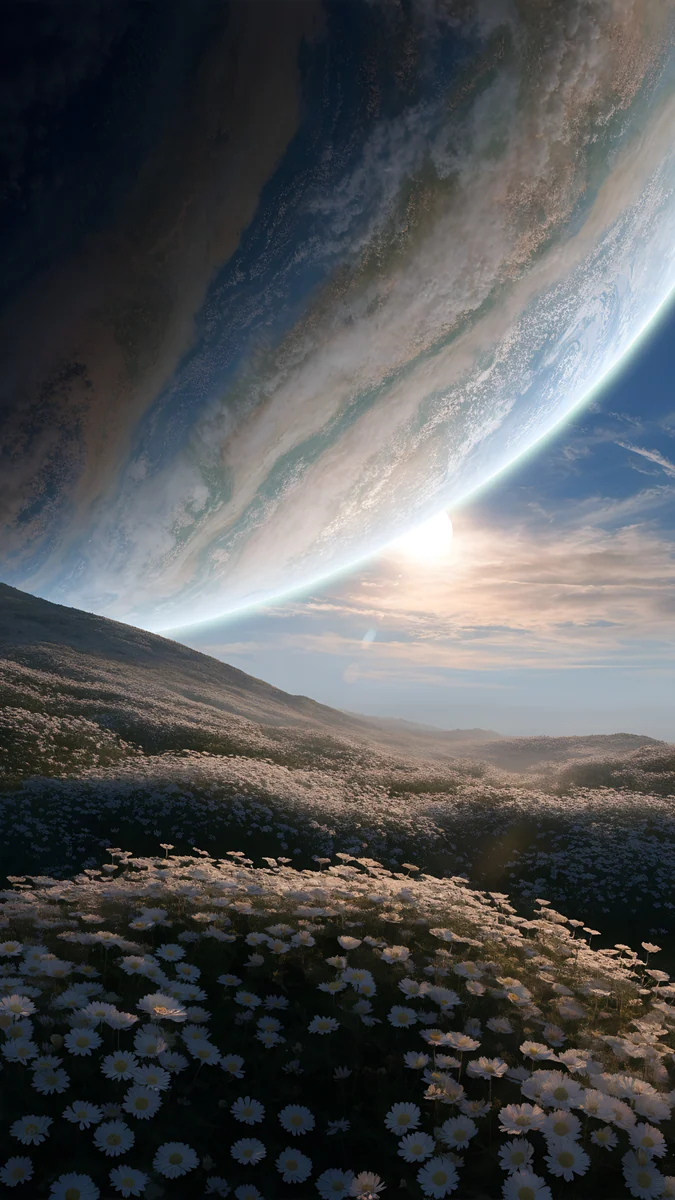
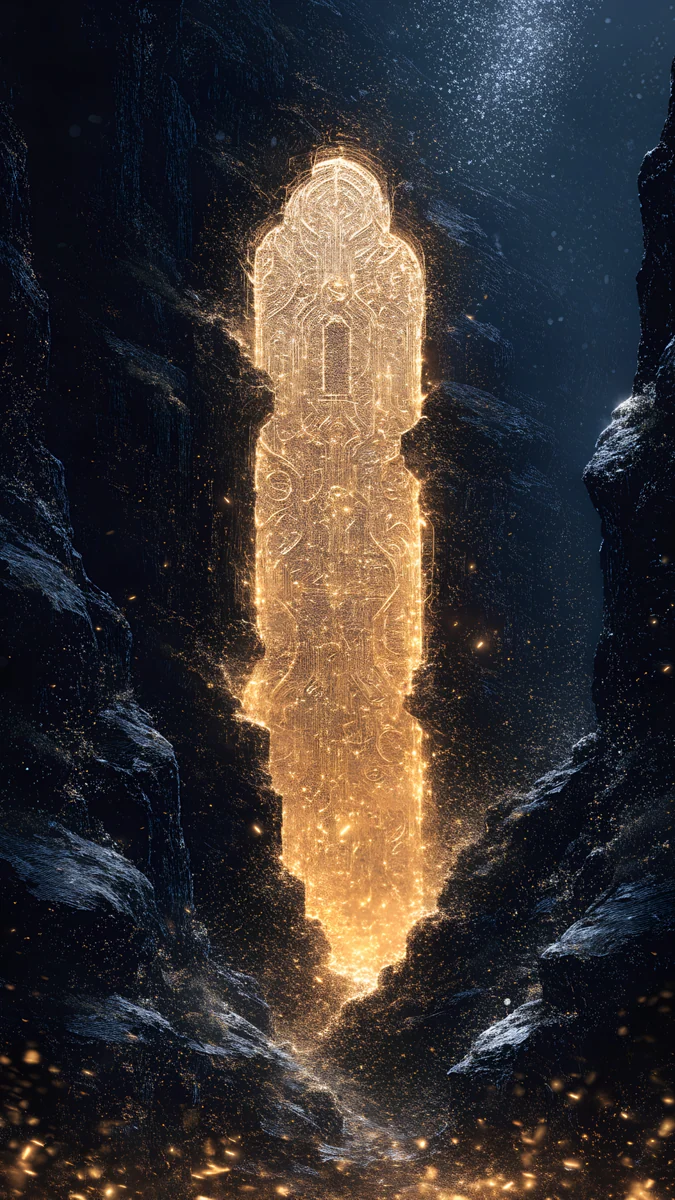
Twin Moon Mirror Lake reflects two moons in a still lake, in navy, grey and cream. Black Hole Ocean sets a glowing black hole over blue waves, calm for a subject that sounds dramatic. Frozen Portal Ring is a foggy grey and teal ring over ice, quiet and cold. Planet Over Flowers is the gentlest, white flowers under a planet in soft grey and green. Moonlit scenes without planets are in moon wallpapers.
4K planet wallpapers for desktop
On a PC the wide files do the work [1]. The four below are landscape, three of them 5120 × 2880, which is 5K and still 16:9, so they scale down to 3840 × 2160, 2560 × 1440 and 1920 × 1080 without stretching.
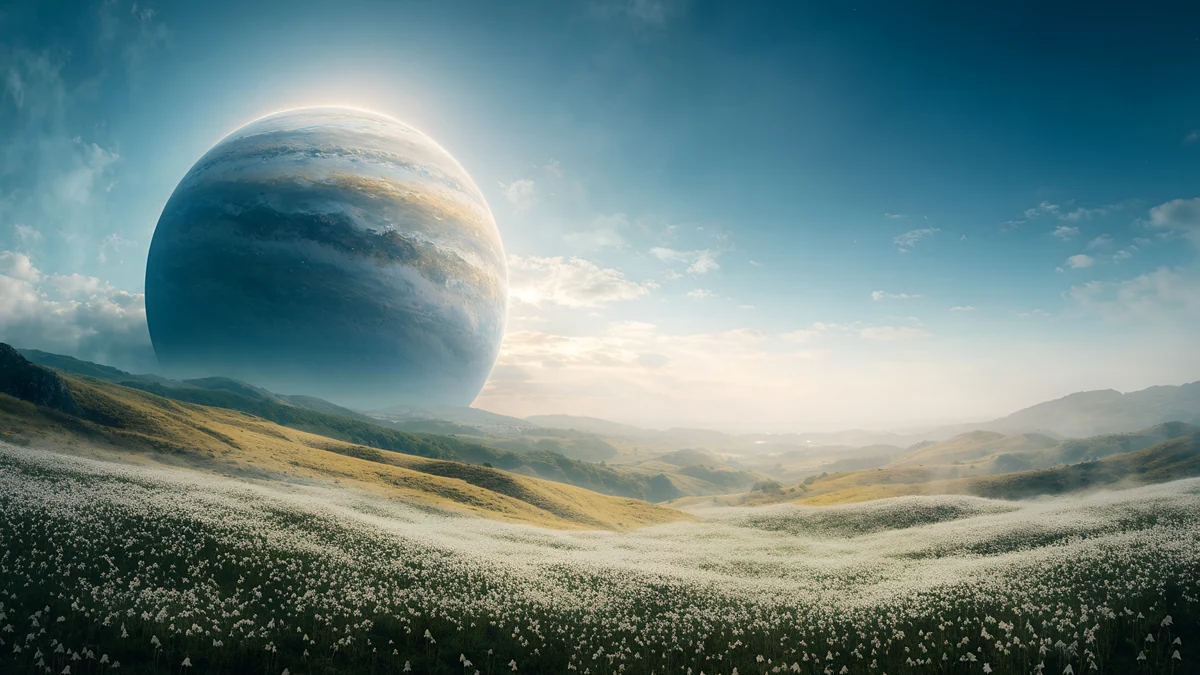
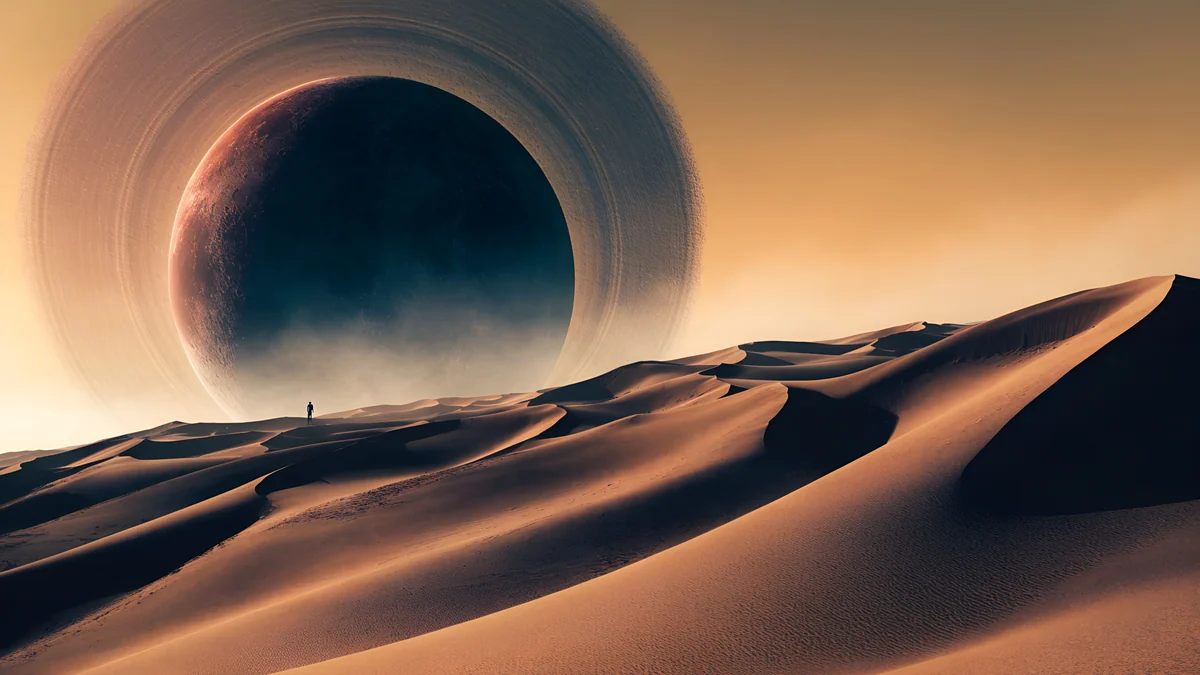
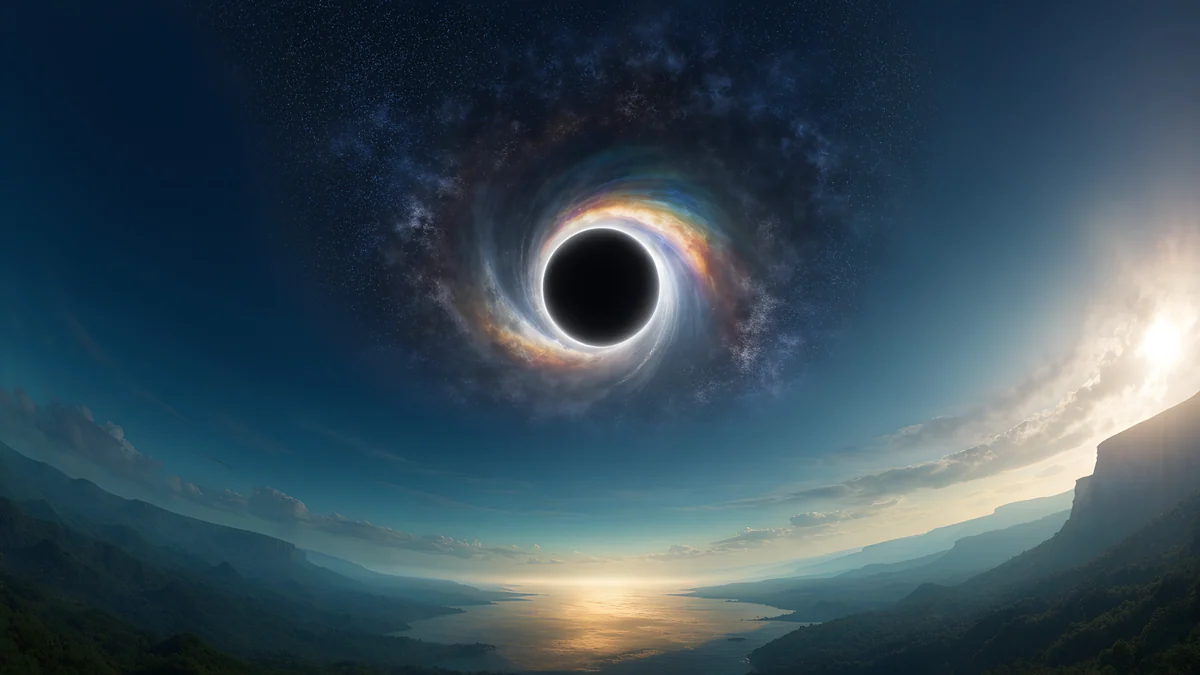
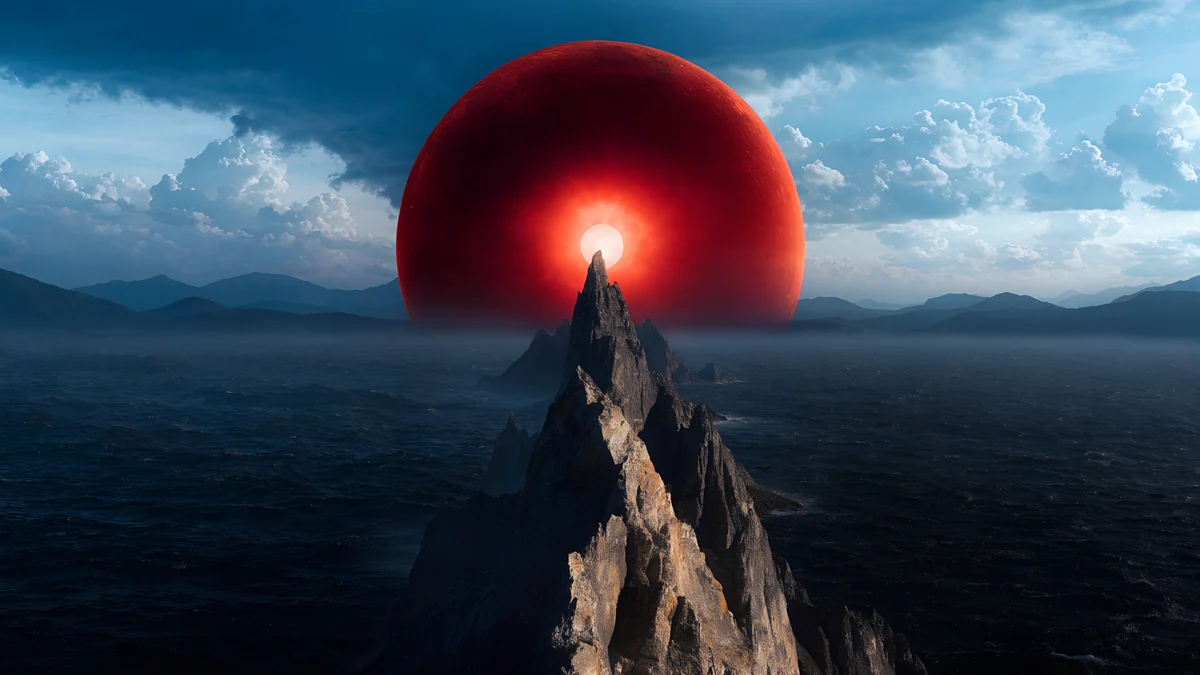
Planet Over Meadow is the desktop Earth-like pick: a planet over a green meadow in soft blue and grey green. Ringed Planet Dune Panorama is the wide version of the dune planet, in amber and brown. Black Hole Horizon is a black hole over a sunset horizon in steel blue and navy, and Red Eclipse Panorama is a red eclipse above mountains, the most dramatic of the four. Dark skies keep Windows icons readable. More wide space pieces are in space wallpaper for desktop, and the resolution chart is in the PC wallpaper size guide.
One for the iPad
The iPad has a square 4096 × 4096 file [1], Ringed Planet Nebula, a ringed planet inside a purple nebula. A square file survives both portrait and landscape crops, which is why Velpaper makes iPad files that shape. Browse the rest in iPad wallpapers.
How to set a planet wallpaper
- iPhone: open Settings, tap Wallpaper, then Add New Wallpaper and Photos, and choose the file.
- Android: long press the home screen, tap Wallpaper and style, and pick the image from your gallery.
- Windows 11 [2]: Settings, Personalization, Background, Picture, then Browse photos.
- Mac: System Settings, Wallpaper, Add Photo.
Pick a planet that sits low or to one side on a phone so the clock has clean sky. Next step: open Ringed Planet Dunes or Planet Over Meadow in the Velpaper app or on velpaper.com and download the original.
Original wallpapers in and for iPhone, Android and desktop.
Questions
Does Velpaper have a real photo of Earth as wallpaper?
No. Every Velpaper wallpaper is an original illustration, so there are no satellite photos of Earth in the catalog. What you get instead are imagined planets in 4K: ringed planets over dunes or oceans, a planet above a green meadow and a planet over white flowers [1]. If you want an Earth-like look, choose the pieces with blue water, green land and soft cloud, such as Planet Over Meadow for a computer and Ringed Planet Ocean for a phone. All files are JPEGs without a watermark, 2160 × 3840 for phones and 3840 × 2160 or 5120 × 2880 for desktops [1].
What size is a 4K planet wallpaper?
A 4K desktop file is 3840 × 2160 pixels, and a 4K phone file is 2160 × 3840 [1]. Velpaper's planet pieces come in both shapes, and some desktop pieces are 5120 × 2880, which is 5K in the same 16:9 shape. A larger file scales down cleanly: a 3840 × 2160 image fits a 1920 × 1080 screen at exactly 2x and a 2560 × 1440 screen at exactly 1.5x with no stretching [1]. Choose the file that matches your screen orientation and you will not need to crop.
Which planet wallpaper is best for an OLED phone?
The darkest ones. Crescent Planet is mostly black and navy with a few stars, and Violet Ringed Planet Galaxy is near black with violet and deep blue. On an OLED screen black pixels are switched off, so the picture is easy on the eyes at night and icons stand out. Warmer pieces such as Ringed Planet Dunes look richer in daylight, because the sand and gold tones carry a white clock well. Pick dark for night use and warm for a bright home screen.
Can I use a planet wallpaper on a Mac or Windows PC?
Yes. Use the wide files, for example Planet Over Meadow, Ringed Planet Dune Panorama, Black Hole Horizon or Red Eclipse Panorama. On Windows 11 go to Settings, Personalization, Background, choose Picture and browse to the file [2]. On a Mac open System Settings, Wallpaper and add the photo. A dark sky also helps on a Mac, because the menu bar text stays readable. If your monitor is ultrawide, set the fit to Fill and expect a small crop at the top and bottom.
Is there a planet wallpaper for iPad?
Yes. Ringed Planet Nebula is a square 4096 × 4096 file made for the iPad, with a ringed planet inside a purple nebula [1]. Because it is square, it keeps the planet in view whether you hold the iPad in portrait or landscape. Set it in Settings, Wallpaper, or long press the Lock Screen and add a new wallpaper from your photos. The same file works on any recent iPad.
Carlos Vivero
Designer of Velpaper wallpapers
Carlos Vivero designs the wallpapers in Velpaper: quiet architecture, liquid glass, Japanese ink and calm landscapes. Every piece is made as a original for iPhone, Android and desktop.
Recent work