Purple Galaxy Wallpaper: Violet and Blue 4K Space Art
Purple galaxy wallpaper in 4K: violet nebulae, pastel clouds, plus blue and black galaxy wallpapers for phone and iPad, with a wide piece for PC.
Sources [1] · By the Velpaper team · Wallpapers by Carlos Vivero, Velpaper designer · · 4 min read
In short: The best purple galaxy wallpaper is dark enough for OLED and soft enough for icons: Violet Spiral Galaxy and Violet Teal Nebula are the clearest examples in Velpaper's 4K set, all 2160 × 3840 originals without a watermark [1].
Wallpapers
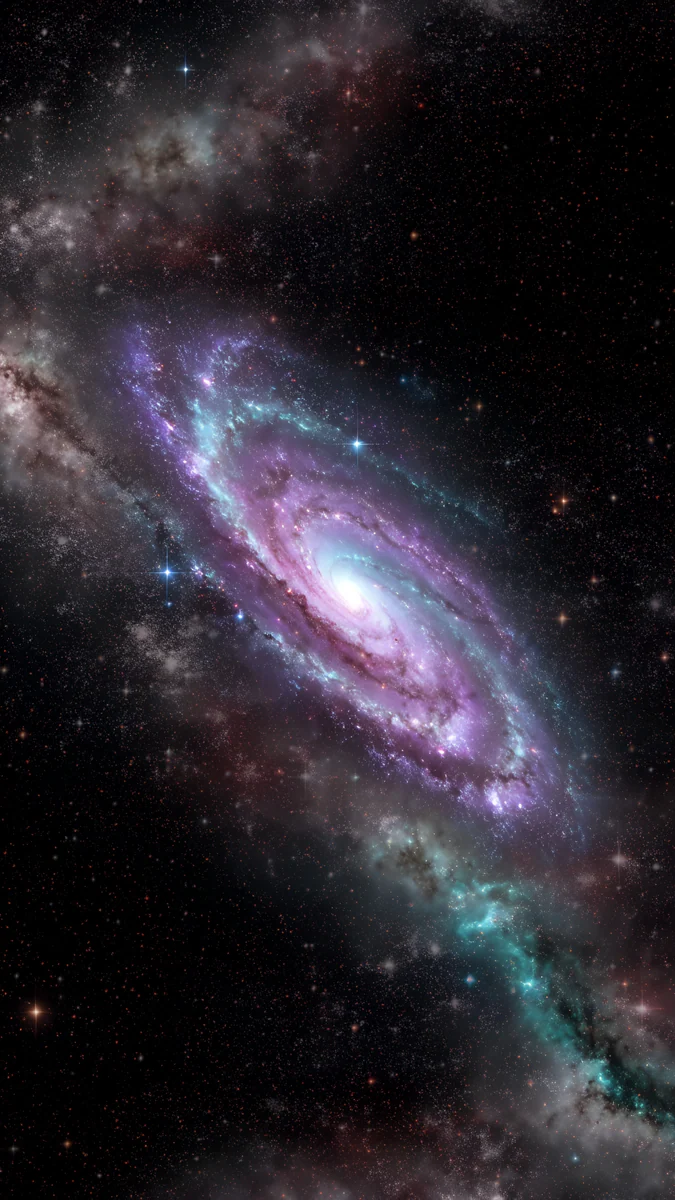 Violet Spiral Galaxy
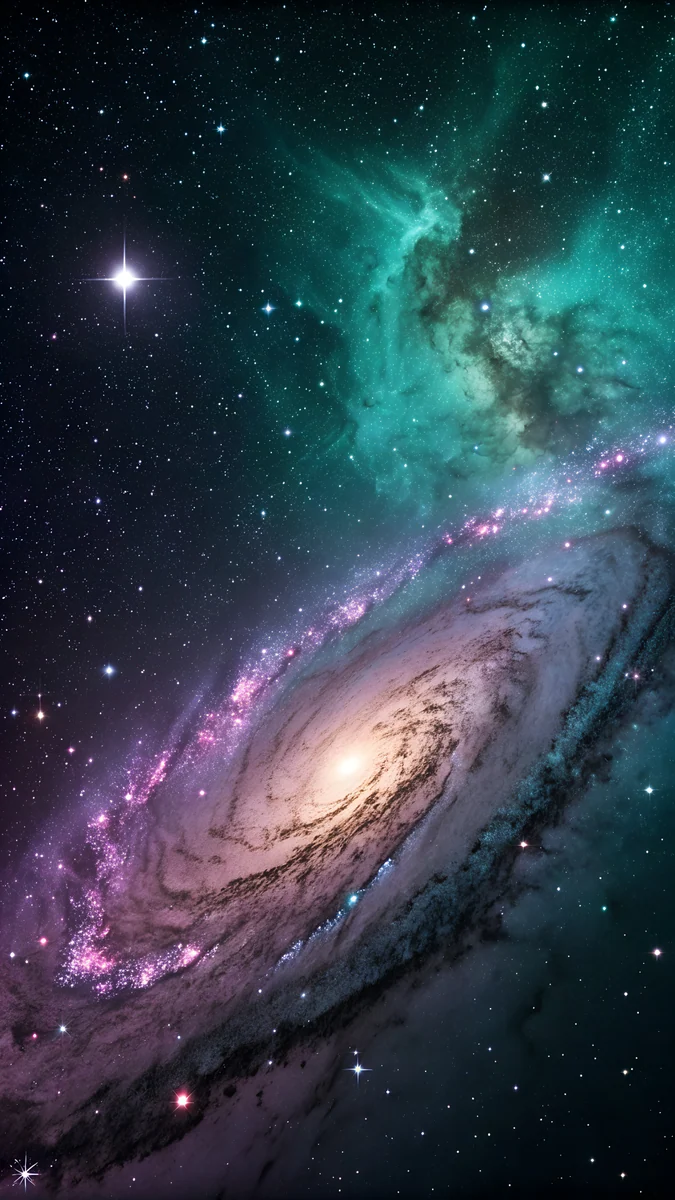 Violet Teal Nebula
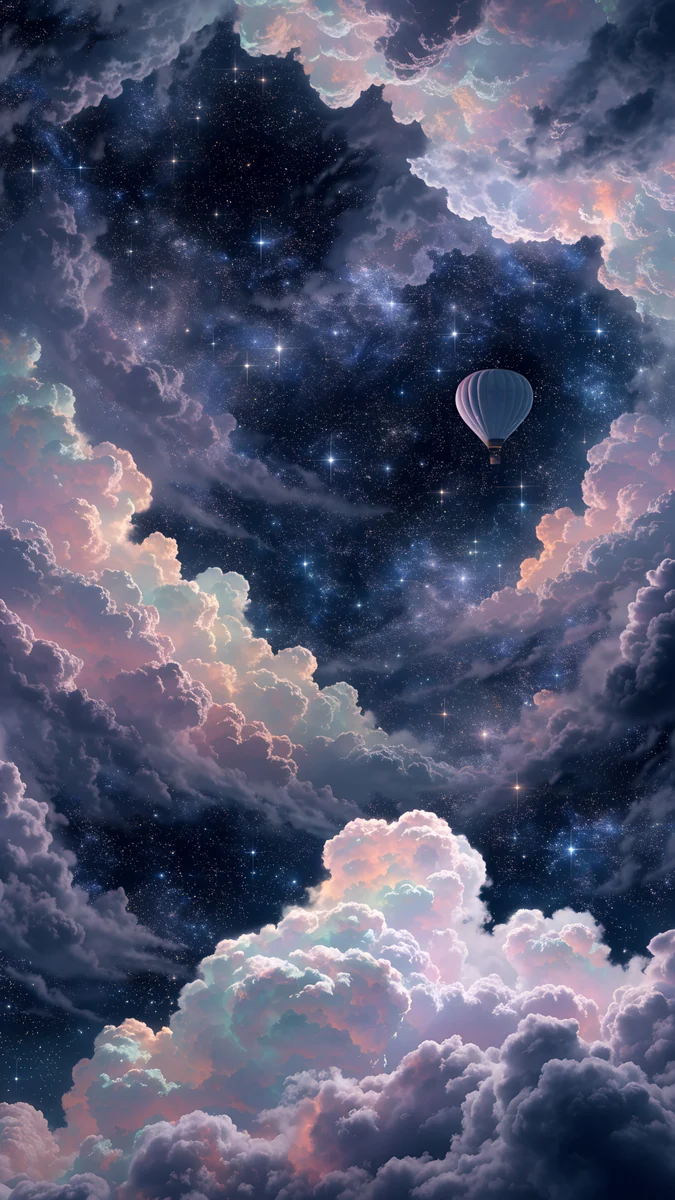 Nebula Balloon Drift
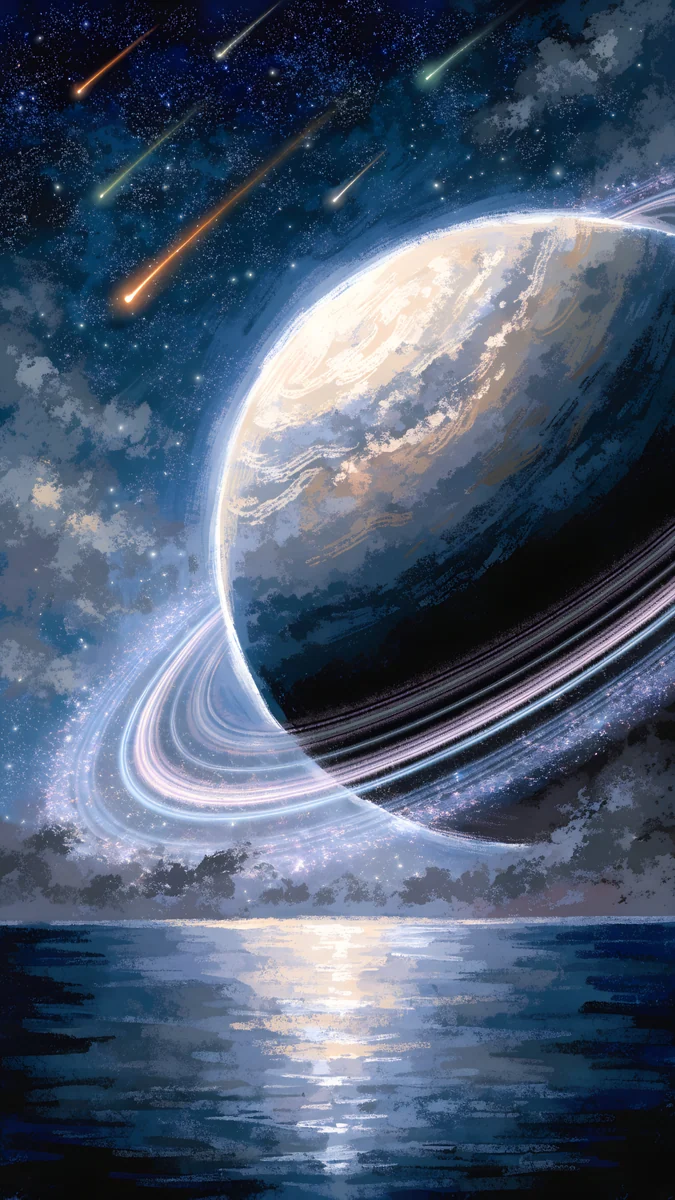
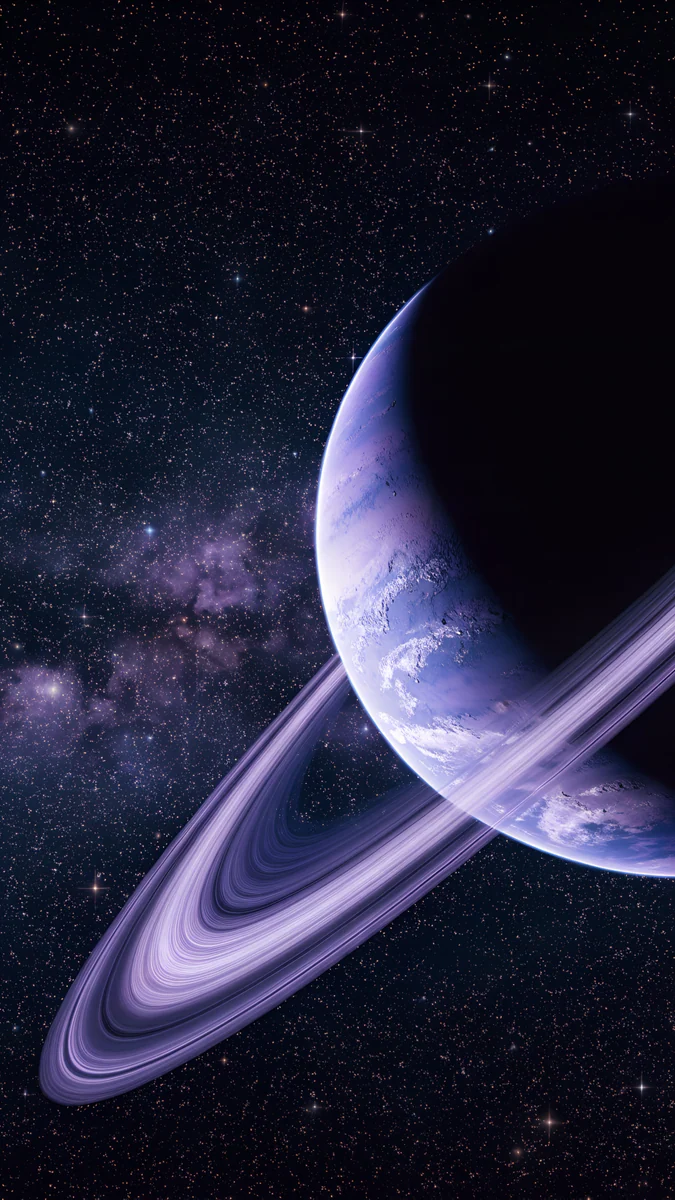 Violet Ringed Planet Galaxy
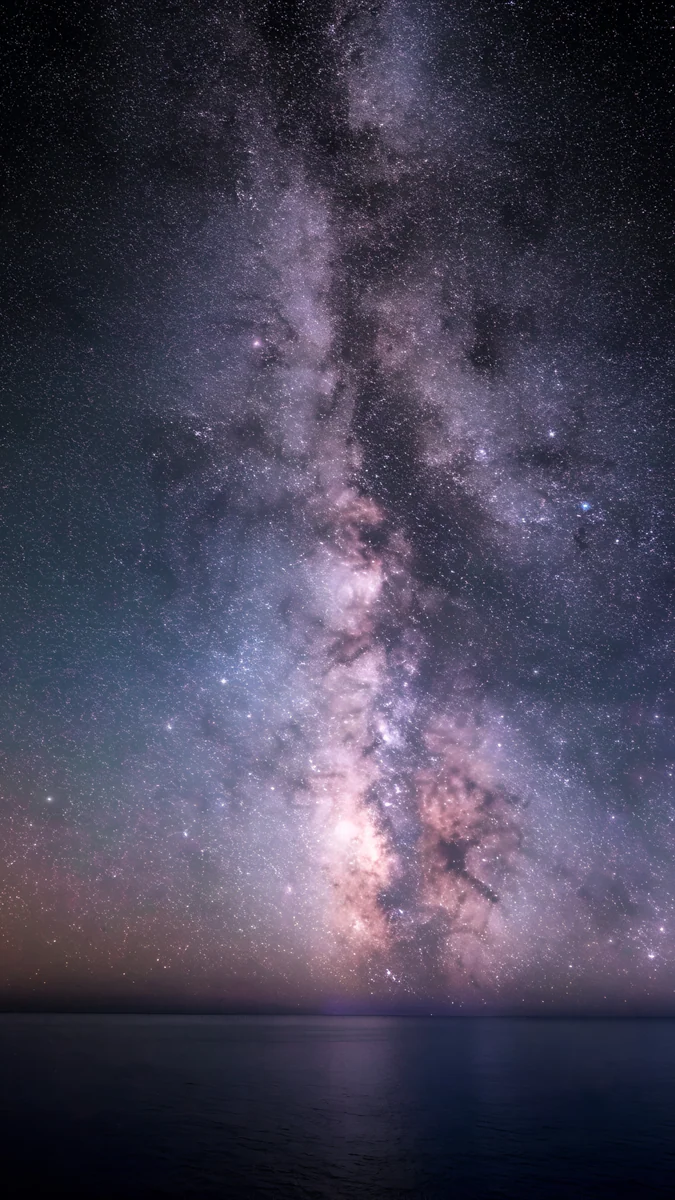 Milky Way Galaxy Ocean
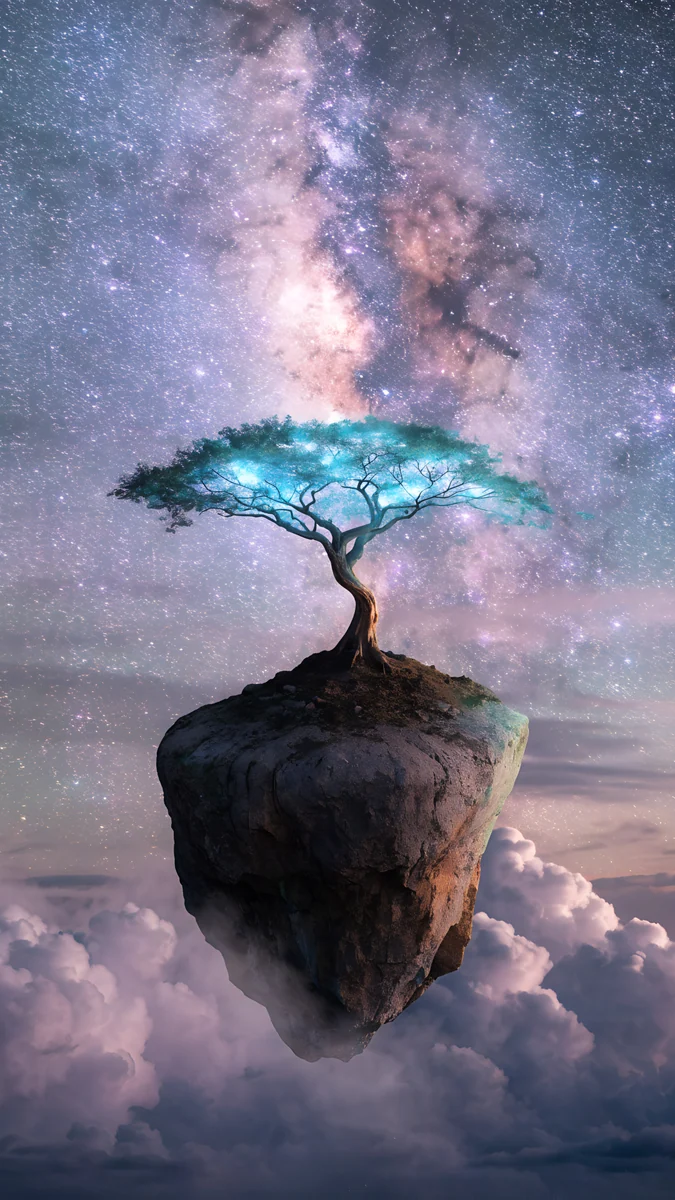 Milky Way Tree Island
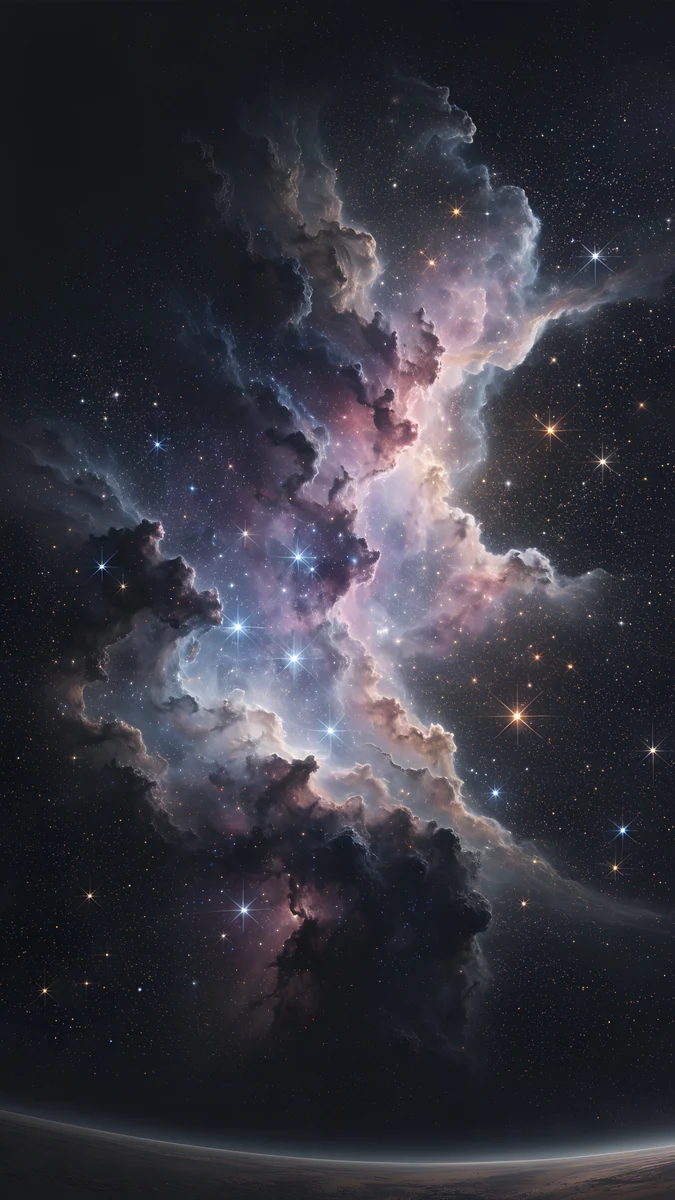 Pink Gold Nebula
 Meteor Hill Tree
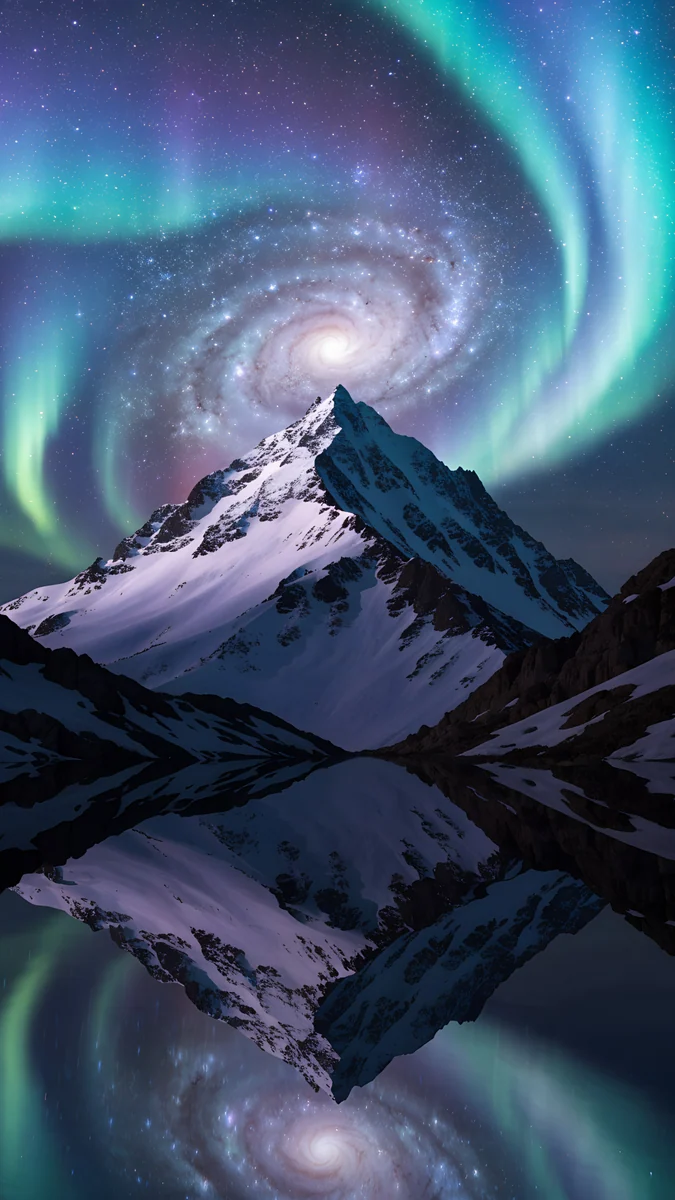 Aurora Galaxy Peak
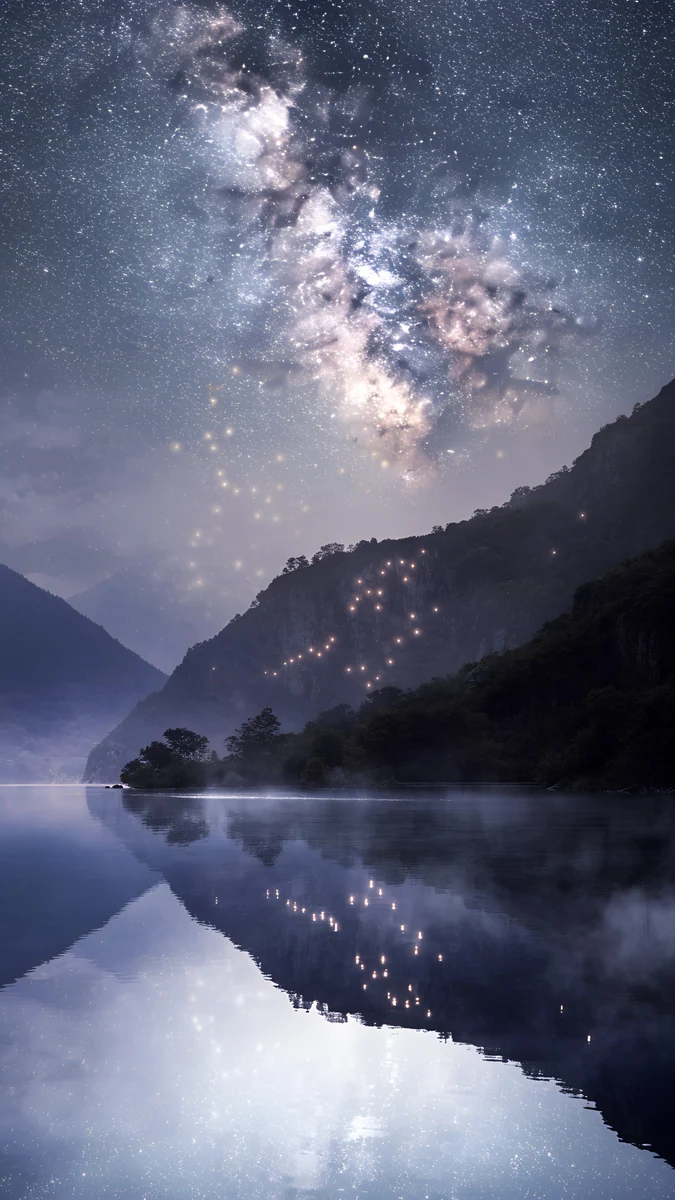 Lantern Lake Milky Way
 Galaxy Tree Floating Island
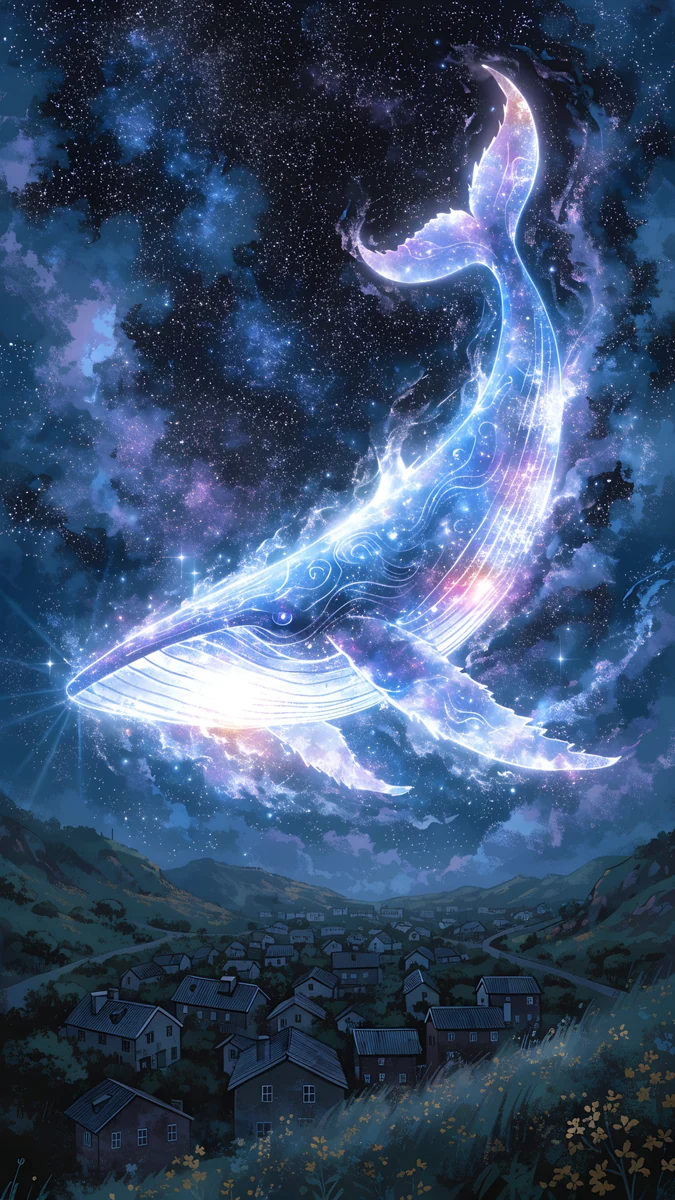 Star Whale Night
Free originals for iPhone and Android, no watermark
On this page
A purple galaxy wallpaper works because purple sits between night blue and pink: dark enough to be easy on the eyes, warm enough to feel like a nebula and not a void. Velpaper has original 4K galaxy wallpapers in violet, blue and black, grouped below by colour [1]. Phone files are 2160 × 3840 pixels with no watermark. The purple pieces are all for phones and one square file is for the iPad, and the wide galaxy piece in the last section is blue, so that is where a PC user should look.
Violet and purple galaxies
These five lean fully purple. They are dark enough for OLED screens, and the stars are small, so they do not fight with icons.
Violet Spiral GalaxyViolet Ringed Planet GalaxyViolet Teal NebulaMilky Way Galaxy OceanMilky Way Tree IslandViolet Spiral Galaxy is a purple spiral galaxy on near black, the purest example of the look. Violet Ringed Planet Galaxy adds a ringed planet in deep blue and violet. Violet Teal Nebula mixes purple and teal in one nebula, which gives the screen a cooler second colour. Milky Way Galaxy Ocean runs the Milky Way over a dark sea in violet and grey, and Milky Way Tree Island is the lightest, a dreamy purple and pink sky over a tree on a small island. Use the lighter one with a dark clock or a white clock plus a slight dim.
Soft purple, pink and pastel nebulae
If dark purple feels heavy, go to pastel. A cloud of lilac and pink looks like a galaxy seen through haze, and it reads as calm rather than epic.
Nebula Balloon Drift is a pastel purple nebula with clouds and a night sky behind it. Pink Gold Nebula is a pink and gold nebula with a small planet on black. Meteor Hill Tree is drawn in an anime style: a tree on a hill under a purple starry sky with a meteor. The same mood in more flat colour is in purple aesthetic wallpapers.
Blue galaxy wallpaper
Blue is the other classic galaxy colour, and the choices here are more landscape than abstract: a mountain, a lake, a floating island under the stars.
Aurora Galaxy PeakLantern Lake Milky WayGalaxy Tree Floating IslandStar Whale Night Comet Over Snow Peaks
 Nebula Watcher
Aurora Galaxy Peak sets green teal aurora and galaxy light over a snowy peak. Lantern Lake Milky Way puts a lake under the Milky Way in dark blue with a lilac glow. Galaxy Tree Floating Island is a surreal tree on a floating island in blue and teal. Star Whale Night is the most playful, a glowing whale in a blue night sky. Comet Over Snow Peaks and Nebula Watcher are white and grey blue, with a comet or a nebula above mountains. For more of this look see navy blue wallpapers and night sky wallpapers.
Black galaxy wallpaper
Black galaxy wallpapers mostly mean one bright object on a dark ground. On OLED that is the most efficient look, since the black pixels are simply off. They also hide the Dynamic Island and camera cutout well.
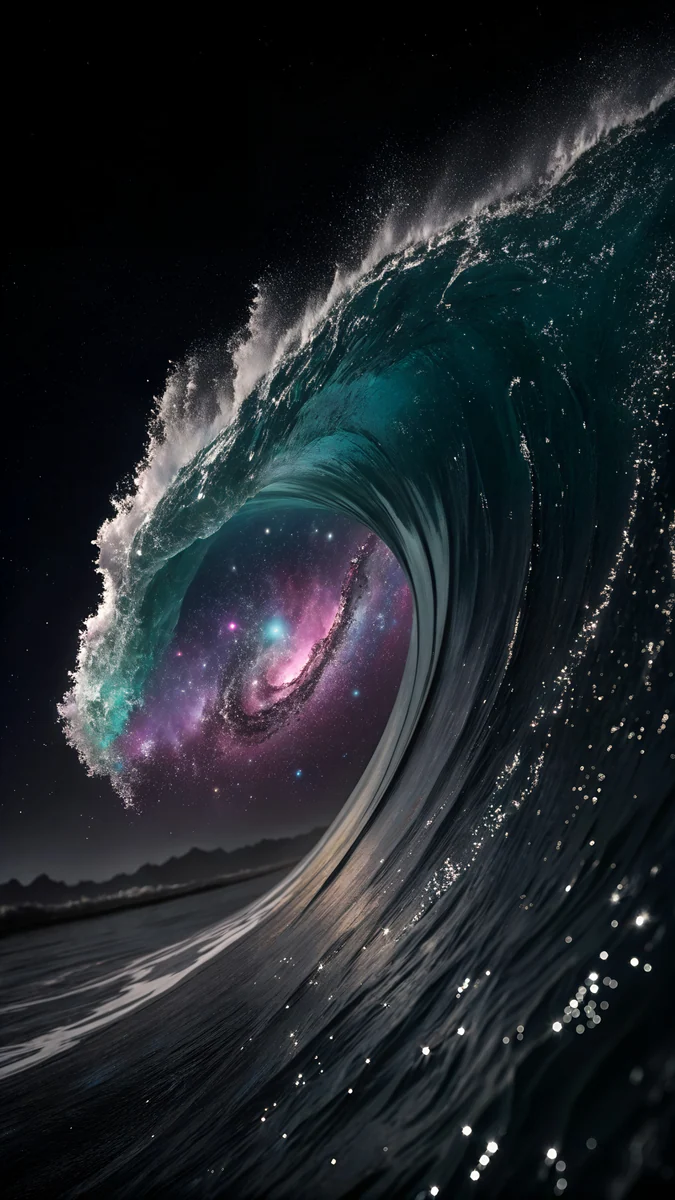
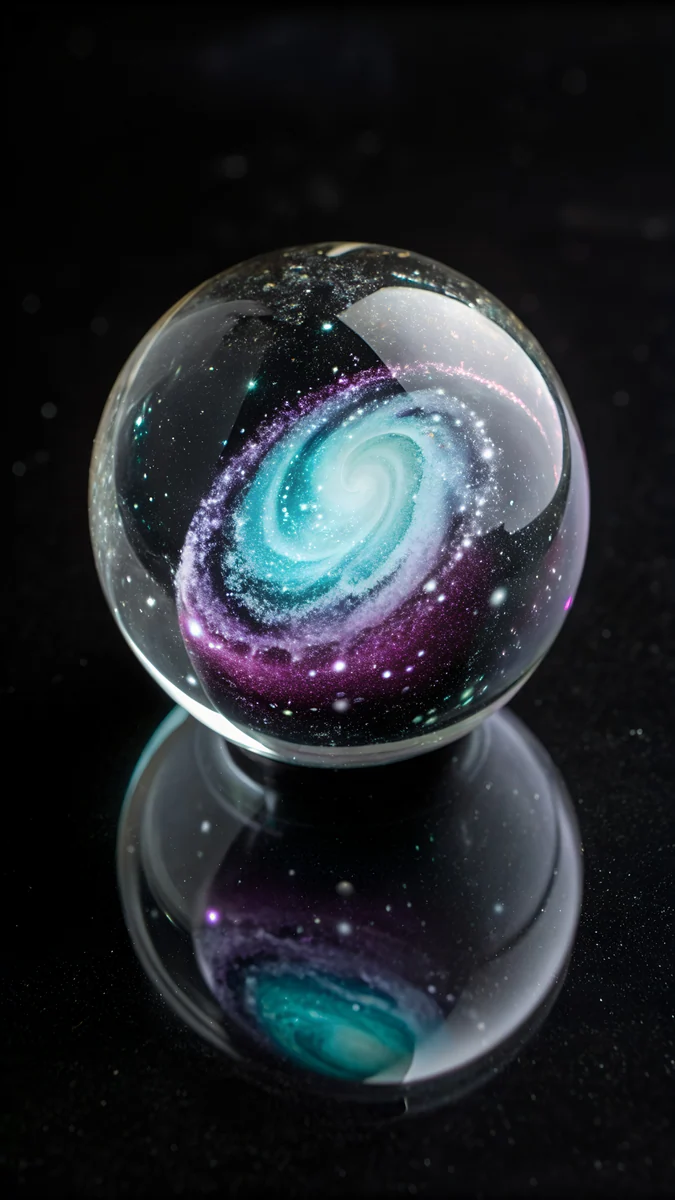
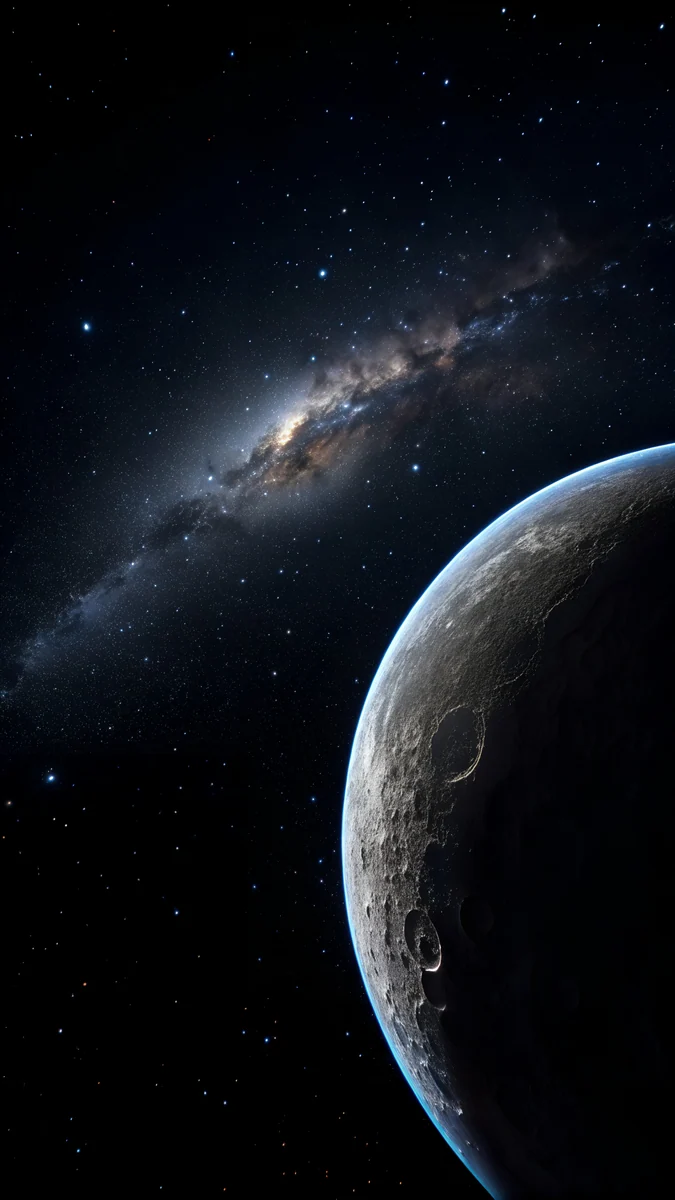
Galaxy Wave is a liquid wave of galaxy light on black with teal. Galaxy in Glass is a galaxy inside a glass sphere. Crescent Planet is a crescent planet in black and navy. If your priority is the darkest possible screen, read black wallpaper for OLED and do dark wallpapers save battery.
Galaxy wallpaper for PC and iPad
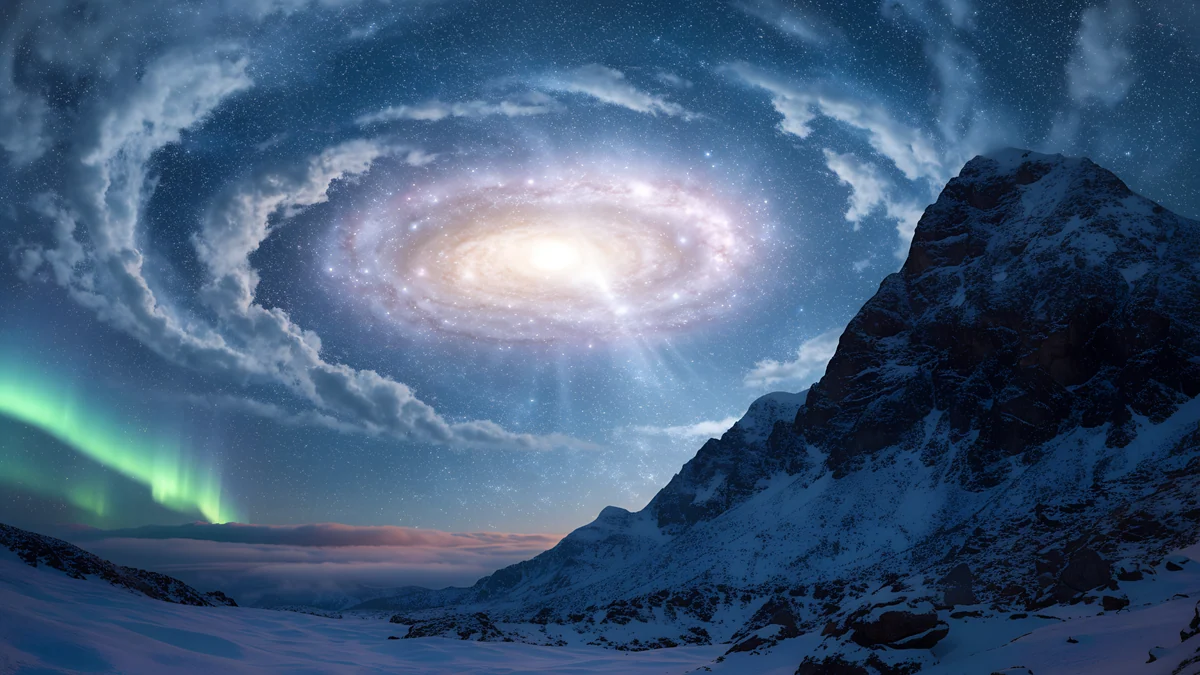
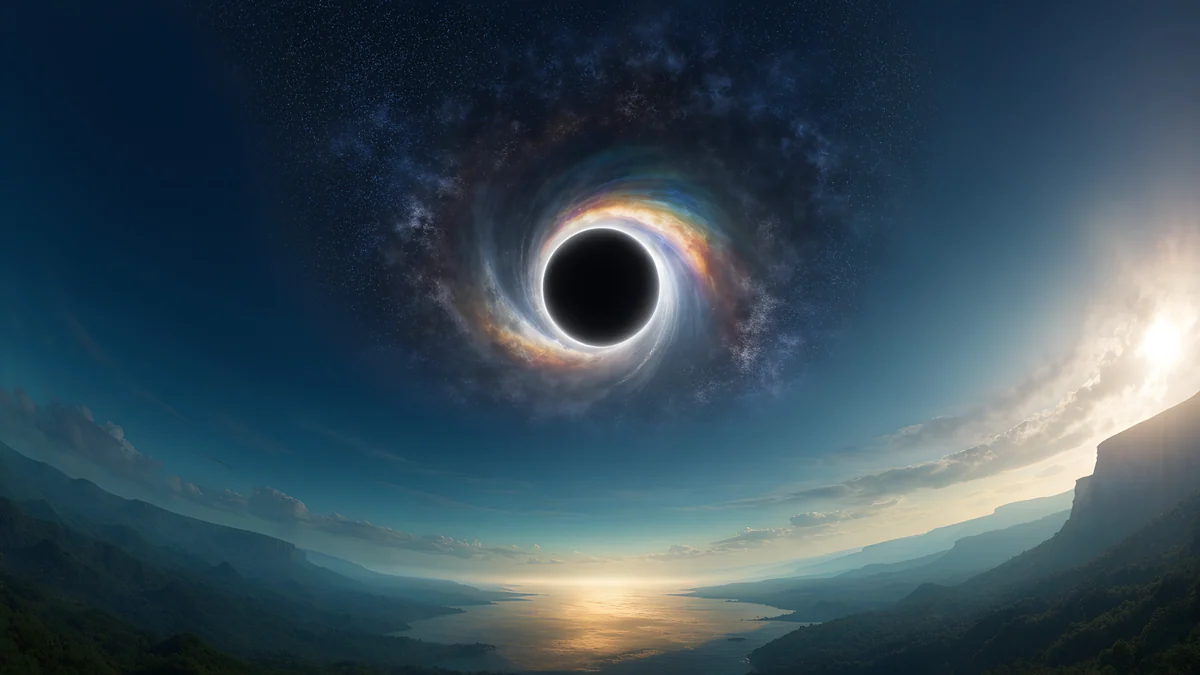
For a computer the wide galaxy piece is Galaxy Peak Panorama, a 5120 × 2880 file with a galaxy sky over a snowy mountain in blue [1]. It is 16:9, so it scales down to 3840 × 2160 or 1920 × 1080 with no stretching. There is no wide purple galaxy yet, but you can pair a blue desktop with a purple phone for a matching set. The space wallpaper for desktop article has more wide space pieces.
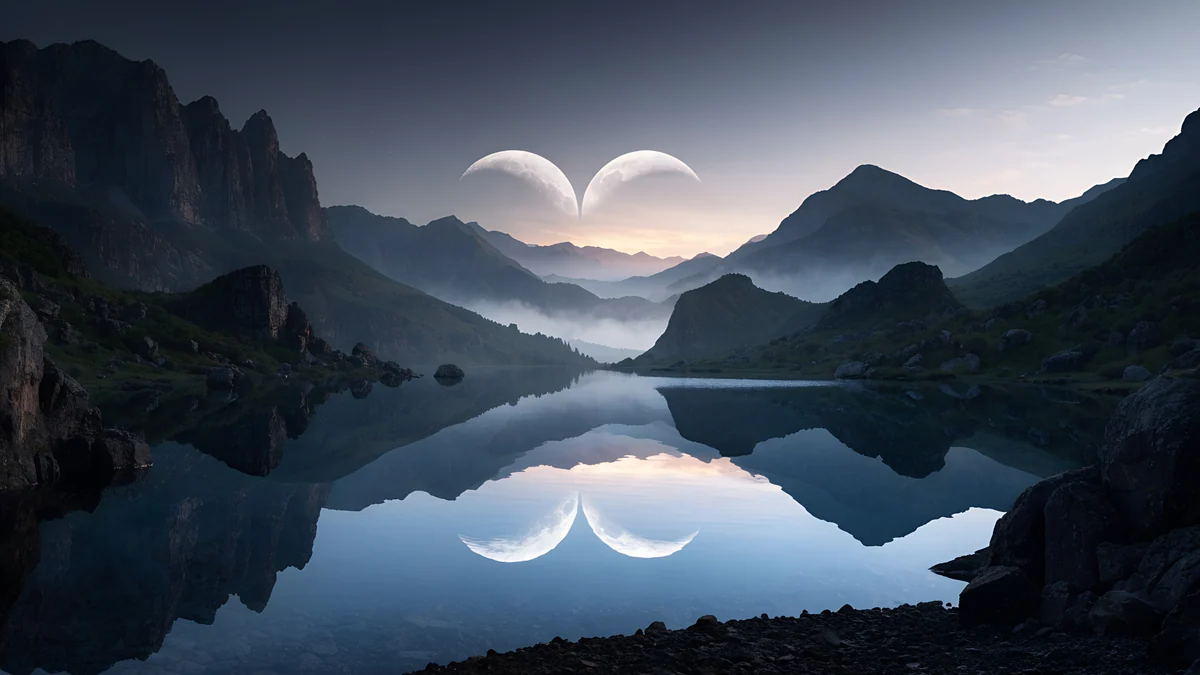

For an iPad use Ringed Planet Nebula, a square 4096 × 4096 file with a ringed planet in a purple nebula [1]. It holds up in portrait and landscape.
How to set it and keep the clock readable
- On iPhone: Settings, Wallpaper, Add New Wallpaper, Photos.
- On Android: long press the home screen, Wallpaper and style, then choose the image.
- On Windows 11: Settings, Personalization, Background, Browse photos [2].
Galaxy pictures are brightest in the middle, where the nebula or spiral sits. Move the picture so the bright part is under the icons, not behind the clock, or choose one where the glow is low. The guide to a readable clock explains the crop. Next step: open Violet Spiral Galaxy on velpaper.com or in the app and download the original.
Original wallpapers in and for iPhone, Android and desktop.
Questions
What size should a purple galaxy wallpaper be?
For a phone use 2160 × 3840 pixels, which is the 4K portrait size and covers every current iPhone and Android screen [1]. For a PC use 3840 × 2160, or 5120 × 2880 for a 5K display. Velpaper's galaxy wallpapers follow these sizes, with no watermark, so you do not need to upscale. A larger file scales down without blur, while a small file stretched onto a 4K screen shows soft stars and banding in the nebula gradient [1]. The purple pieces are phone-shaped; the wide galaxy piece is blue.
Which galaxy wallpaper is best for an OLED phone?
The black-based ones. Violet Spiral Galaxy, Galaxy Wave and Galaxy in Glass are mostly black with a bright object, and Crescent Planet is black and navy. On an OLED panel black pixels are off, so the screen looks deep, icons stand out and the picture is gentle at night. Lighter pieces such as Nebula Balloon Drift or Milky Way Tree Island suit a daytime home screen better, but they do not save as much power. Pick by the time of day you use the phone most.
What is the difference between a purple and a blue galaxy wallpaper?
Mostly mood. Purple galaxy wallpapers feel warmer and more dreamy, with pink and violet nebula clouds, and they suit people who like a soft, aesthetic look. Blue galaxy wallpapers feel cooler and more like a real night sky, with mountains, lakes and the Milky Way, and they suit a calm, clean home screen. In Velpaper's set, purple files are mostly abstract nebulae and planets, while blue files are landscapes such as Lantern Lake Milky Way and Aurora Galaxy Peak.
Is there a purple galaxy wallpaper for desktop?
Not in a wide format yet. Velpaper's wide galaxy piece is Galaxy Peak Panorama, a blue 5120 × 2880 file with a galaxy sky above a snowy mountain, and the other wide space pieces are planets and moons [1]. If you want purple on a computer, you can use a phone-shaped purple galaxy as a lock screen, or choose a purple wide piece from the purple laptop wallpaper article. Wide files are 16:9, so they fit 4K, QHD and Full HD monitors without stretching [1].
How do I stop the clock getting lost on a galaxy wallpaper?
Look at where the brightest part of the picture sits. Galaxy wallpapers often glow in the middle, which is where app icons live, and that is fine if the glow is soft. The clock sits at the top, so choose a piece with a dark top third, or shift the picture down in the editor before you save. Violet Spiral Galaxy, Crescent Planet and Galaxy Wave keep their bright part low or centred, so a white clock stays crisp. Turn depth effect off if the clock overlaps a bright star.
Carlos Vivero
Designer of Velpaper wallpapers
Carlos Vivero designs the wallpapers in Velpaper: quiet architecture, liquid glass, Japanese ink and calm landscapes. Every piece is made as a original for iPhone, Android and desktop.
Recent work