How to Find Where a Wallpaper Is From
Find the source of any wallpaper with a reverse image search: Google Lens, Bing Visual Search, TinEye and Yandex Images, plus tips to reach the original artist.
In short: Run a reverse image search. Start with Google Lens, then try Bing Visual Search, TinEye and Yandex Images. Crop away the clock and icons, search the largest copy you have, and sort TinEye results by oldest to reach the original artist.
By the Velpaper team · Wallpapers by Carlos Vivero, Velpaper designer · · Updated · 5 min read
Checked against official documentation: Search steps checked against the help pages of Google Lens, Bing Visual Search, TinEye and Yandex Images for iOS 26, Android 16 and Chrome; 19 October 2026
Free 4K originals for iPhone and Android, no watermark
On this page
To find where a wallpaper is from, run a reverse image search. Upload it to Google Lens first, then try Bing Visual Search, TinEye and Yandex Images if Lens finds nothing. Crop away the clock and app icons, search the largest copy you have, and sort TinEye results by oldest. The earliest and largest copy usually leads to the original artist.
Below: the steps on iPhone, Android and a computer, which tool is best for which kind of wallpaper, and what to check before you use what you found.
What is the fastest way to find a wallpaper's source?
Google Lens. It is built into the Google app, Chrome and many Android phones, and it searches the widest index.
- iPhone: open the Google app, tap the Lens icon in the search bar, and pick the wallpaper from your photos. If you only have it set as wallpaper, take a screenshot of the home screen first.
- Android: on phones with Circle to Search, such as recent Pixel and Galaxy models, press and hold the home button or the navigation handle and circle the image. On other phones, open the Google app and tap the Lens icon.
- Computer: in Chrome, right click the image and choose Search with Google Lens, or drag the file onto the camera icon on google.com.
- In the results, open Exact matches. That tab lists pages that host the same image, rather than similar ones.
- Open the results from artist portfolios, photo sites and wallpaper sites first. Pinterest and social reposts rarely credit the source, but their captions sometimes do.
Which reverse image search is best for wallpapers?
Use more than one. Each tool indexes different sites, so a wallpaper that Lens misses often turns up on TinEye or Yandex.
| Tool | Best for | How to search | Useful trick |
|---|---|---|---|
| Google Lens | Photos, places, products, the widest web | Google app, Chrome, Circle to Search | Exact matches tab |
| Bing Visual Search | A second opinion, similar images | bing.com/visualsearch, Bing app | Drag the crop box to one subject |
| TinEye | Finding the first and largest copy | tineye.com, upload or paste a link | Sort by Oldest or Biggest image |
| Yandex Images | Art, landscapes, sites outside the English web | yandex.com/images, camera icon | Pick the largest listed size |
TinEye is the one people forget. It only finds copies of the same image, not lookalikes, and lets you sort them by date. The oldest copy is very often the artist's own upload. For anime and illustration art, SauceNAO searches art sites that general engines cover poorly.
How do I get better results from a reverse image search?
Give the engine the cleanest, largest version of the picture you can.
- Crop away the phone. A screenshot with a clock, widgets and icons on top confuses every engine. Crop to the picture only.
- Crop to the subject. If the full image finds nothing, search just the building, the figure or the landscape in it.
- Use the largest copy. A file saved from a chat app is small and compressed. Search the original if you have it, then search again with the biggest copy you find.
- Try a mirrored version. Reposts are sometimes flipped. Flip the image in your photo editor and search again.
- Add words. In Lens you can type next to the image. Add a guess such as wallpaper, painting or the place name.
Resolution is a clue in itself. If one copy is 3840 × 2160 and every other copy is smaller, the large one is probably closer to the source. Our guide to 4K vs HD wallpapers explains how to read those numbers.
Why can't reverse image search find my wallpaper?
Usually because the image is too generic, too edited or too new.
- Abstract gradients and plain textures look alike to every engine, so results are lookalikes, not the source.
- Heavy edits, filters, added text or a tight crop change the image enough to break exact matching.
- Images shared only inside apps, private groups or messengers are not in search indexes.
- Very new uploads can take days or weeks to be indexed.
Pictures with a clear subject are far easier. Compare these Velpaper pieces: each has one recognisable thing in it.
 Dragon Roof4K · Phone
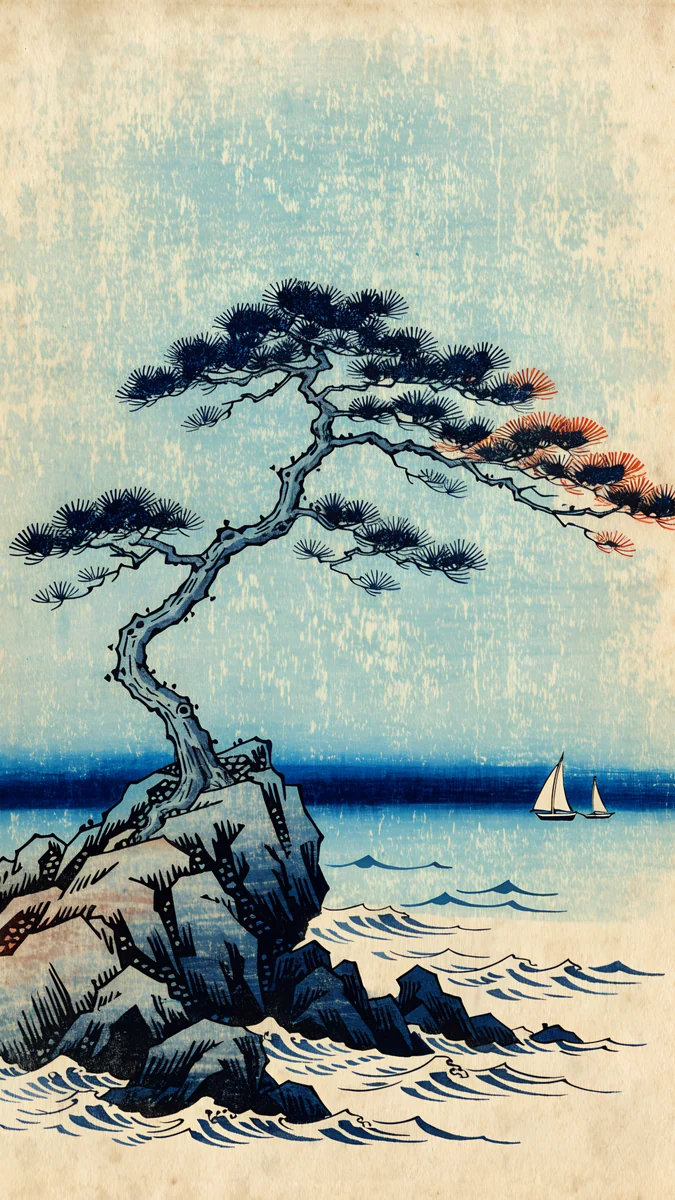 Pine Coast4K · Phone
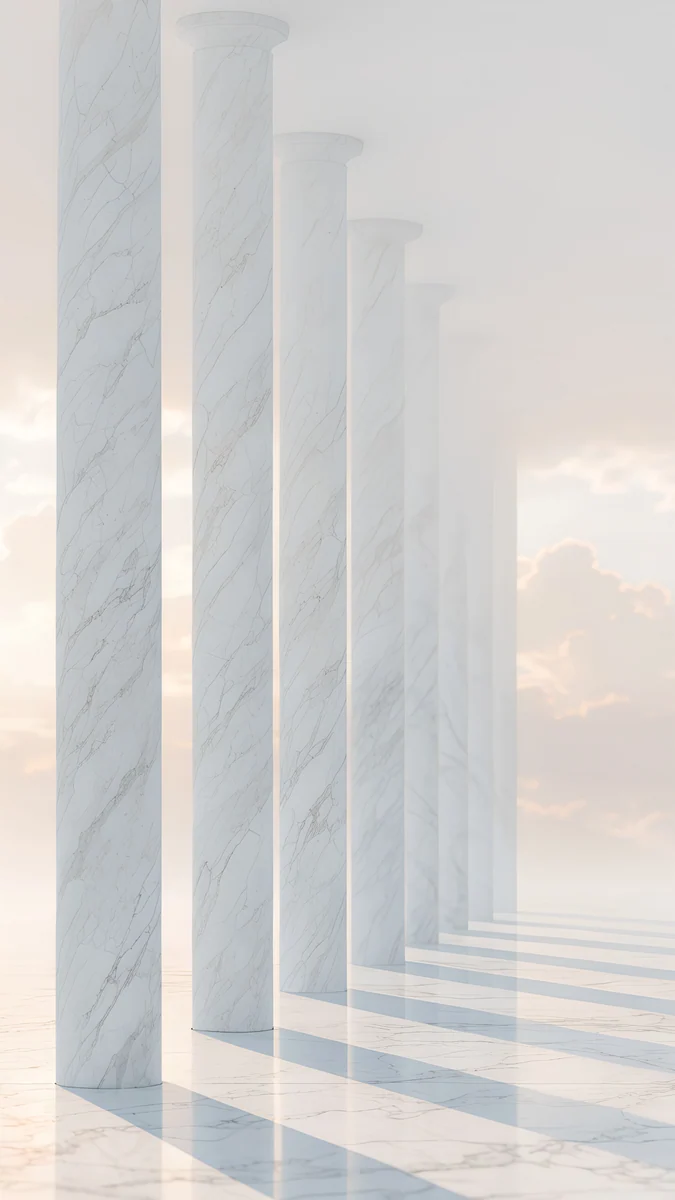 Colonnade4K · Phone
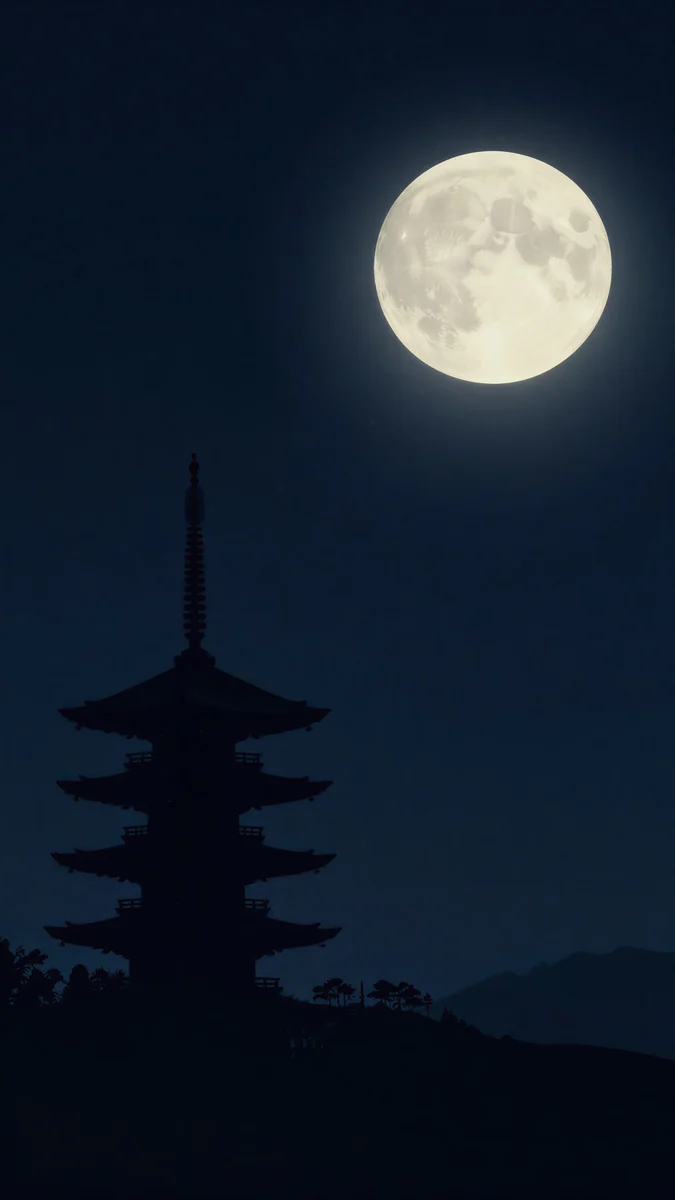 Pagoda Moon4K · Phone
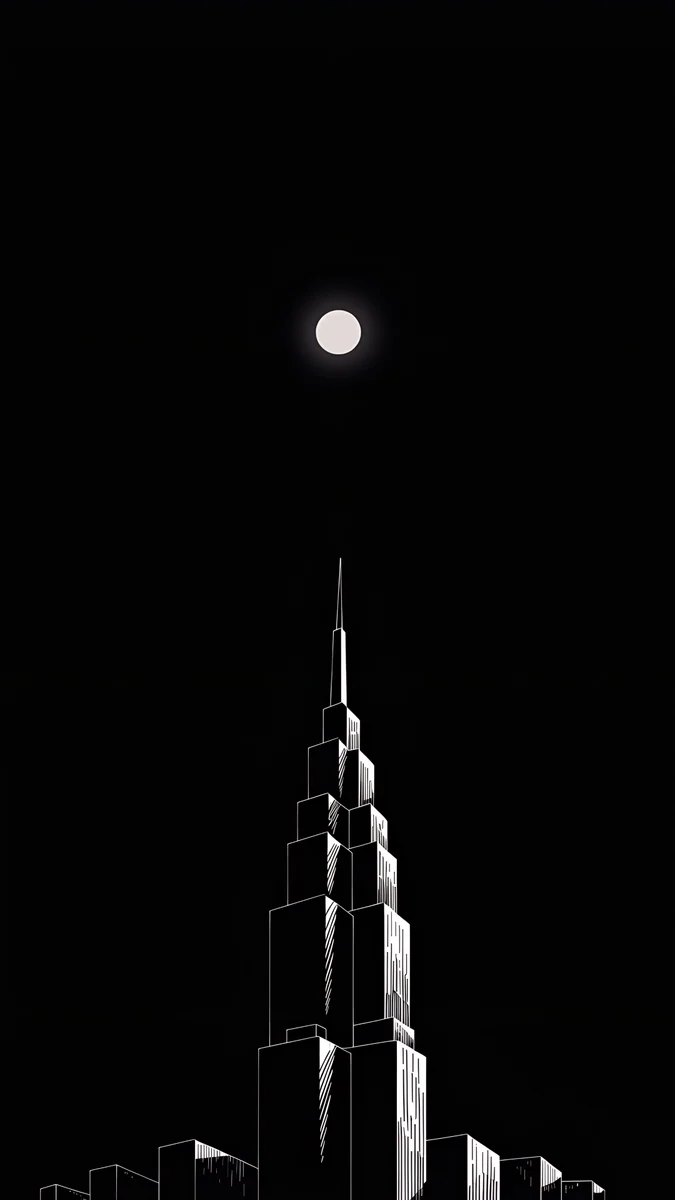 Lone Spire4K · Phone
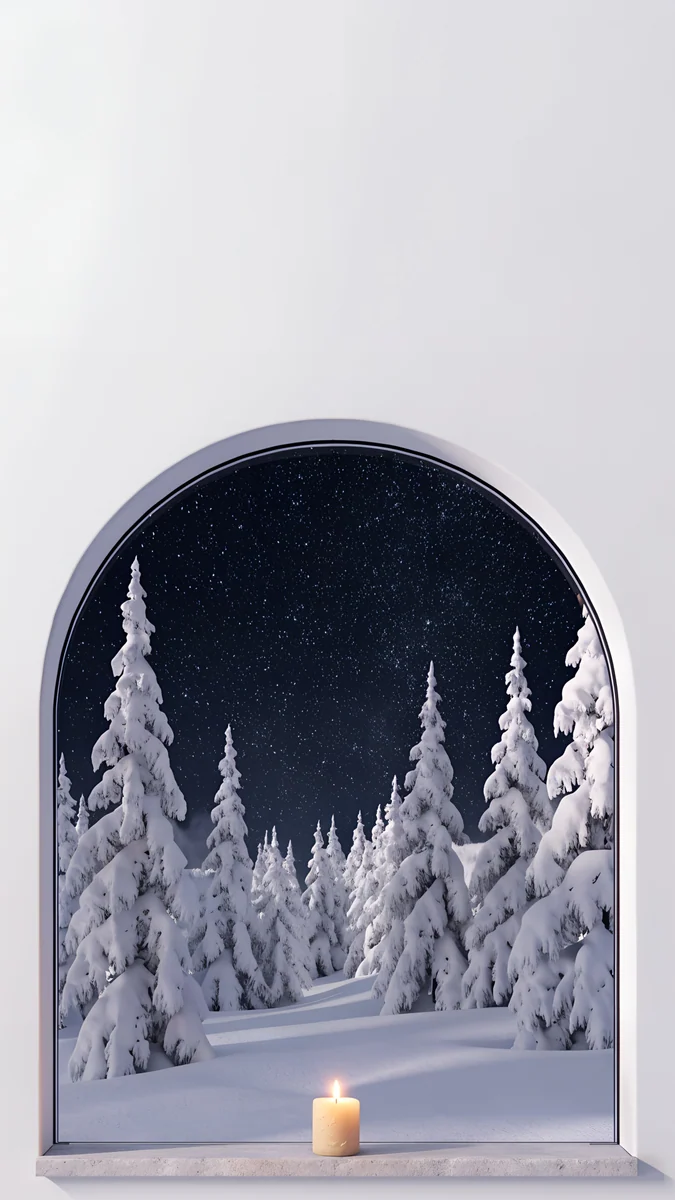 Starlit Window4K · Phone
Dragon Roof shows a Gaudí rooftop, so Lens can match the building even before it finds the image. Pagoda Moon and Pine Coast have a single landmark shape, and Lone Spire is one tower on black. Our Gaudí wallpapers collection shows more of the first style.
How do I find a Velpaper wallpaper from a screenshot?
Every Velpaper piece has its own page with its title, at velpaper.com/wallpaper followed by the name. Reverse image search can land on that page, and so can searching the title with the word Velpaper. Pieces like Colonnade, Vending Glow and Starlit Window each come as one 2160 × 3840 file, so the copy on velpaper.com is the largest there is. Browsing is free, and most phone pieces unlock after a short optional ad in the web catalog or the apps for iPhone, iPad, Mac and Android.
Can I use a wallpaper I found online?
For your own phone or computer, usually yes, but the artist decides. Check the page where the original was posted: many artists allow personal wallpaper use and ask for no reposting, no editing and no commercial use. If no licence is stated, assume you may not repost or sell it, and ask the artist if you want to share it. Our list of the best wallpaper websites covers sites where the licence for each image is clear from the start.
Original wallpapers in 4K and 5K for iPhone, Android and desktop.
Questions
How do I reverse image search a wallpaper on iPhone?
Install the Google app, tap the Lens icon in the search bar and choose the wallpaper from your photos. If the wallpaper is only set on your phone, take a screenshot of the home screen first, then crop away the clock and icons in Photos before you search. In the results, open the Exact matches tab. In Safari you can also press and hold an image on a web page and choose Search with Google Lens when the Google app is installed.
How do I find the artist of a wallpaper?
Run the image through TinEye and sort the results by Oldest. The earliest upload is often on the artist's own portfolio or social account. Then check the same result in Google Lens under Exact matches, since Lens covers more sites. Look at captions, watermarks and file names on reposts too; they sometimes name the artist. If the image is an illustration or anime art, SauceNAO searches art communities directly.
Is TinEye better than Google Lens?
They do different jobs. Google Lens searches the widest index and recognises objects, places and products, so it finds pages about what is in the picture. TinEye only finds copies of the exact same image, but it shows when each copy was first seen and lets you sort by oldest or biggest image, which is ideal for tracing a wallpaper back to its first upload. Use Lens first, then TinEye.
Why does Google Lens show shopping results instead of the source?
Lens tries to recognise objects in the picture and often shows products that look similar. To get the source instead, open the Exact matches tab, which lists pages that host the same image. If the wallpaper has a clear subject, such as a building or a car, drag the crop box to the whole image rather than the object, so Lens searches for the picture and not the thing inside it.
Can I use a wallpaper I found on Google Images?
Finding an image on Google does not make it free to use. Search engines show images from all over the web, and each one belongs to whoever made it. Setting it as your own phone wallpaper is something many artists allow, but reposting, editing or selling it usually needs permission. Trace the original with a reverse image search and read the artist's terms, or use a wallpaper source that states its terms clearly.
Sources
- Google Lens lens.google
- Microsoft Bing: Visual Search bing.com
- TinEye reverse image search tineye.com
- Yandex Images yandex.com
Carlos Vivero
Designer of Velpaper wallpapers
Carlos Vivero designs the wallpapers in Velpaper: quiet architecture, liquid glass, Japanese ink and calm landscapes. Every piece is made as a 4K original for iPhone, Android and desktop.
Recent work








