Frutiger Aero Wallpaper: Bubbles, Glass and Green Hills
Frutiger Aero wallpaper for iPhone and Android: glossy bubbles, green hills, glass orbs, water splashes and aurora in 4K, with tips for clocks and icons.
Sources [1] · By the Velpaper team · Wallpapers by Carlos Vivero, Velpaper designer · · 5 min read
In short: A Frutiger Aero wallpaper recreates the glossy, bubbly, nature-and-glass look of mid-2000s tech design with bubbles, blue skies and green hills [1]. Velpaper has twelve original phone wallpapers in this style at 2160 by 3840 pixels.
Wallpapers
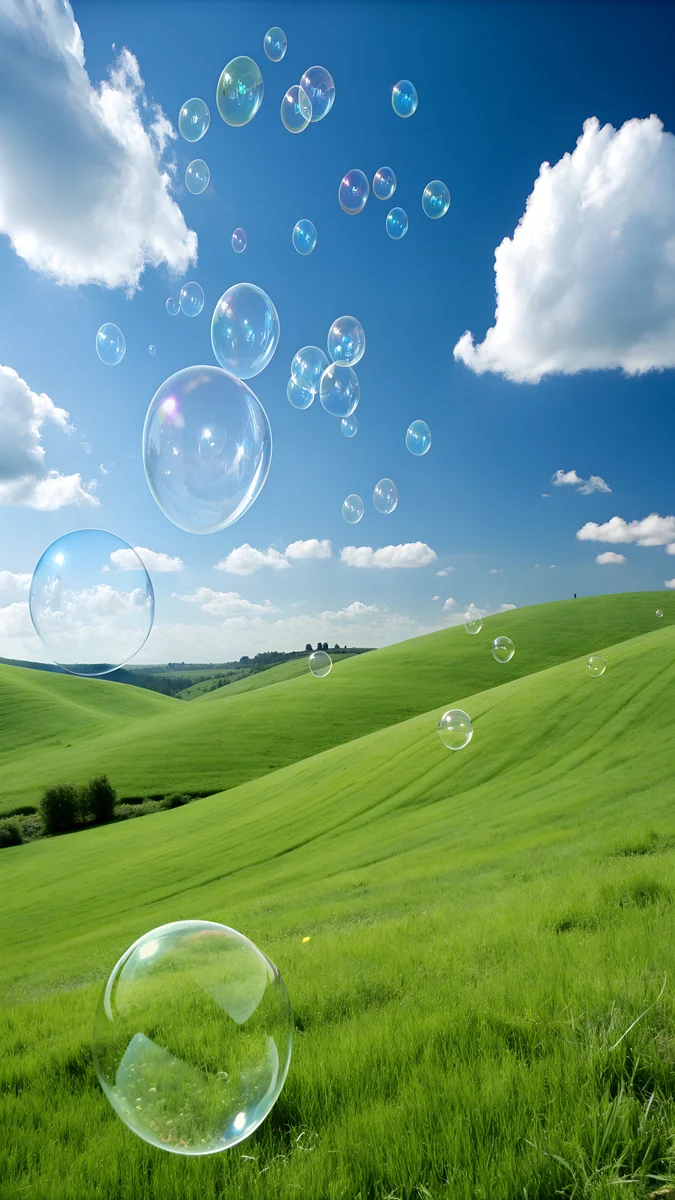 Aero Bubbles Hills
 Glass Planet Sky
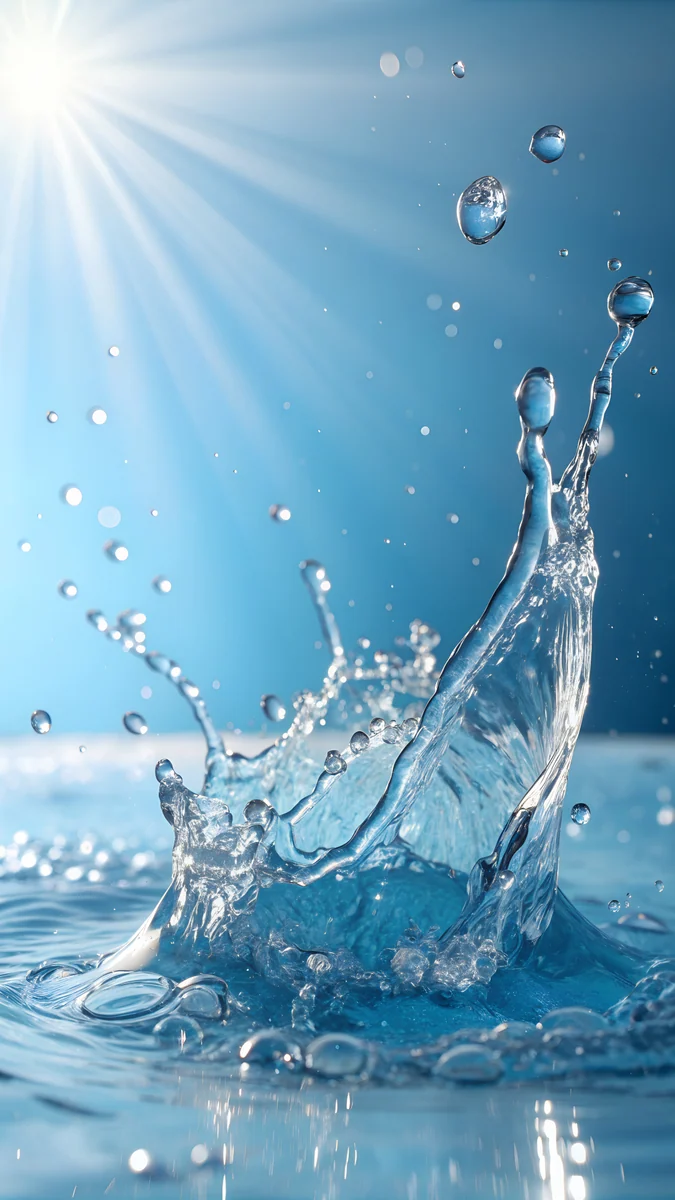 Aero Water Splash
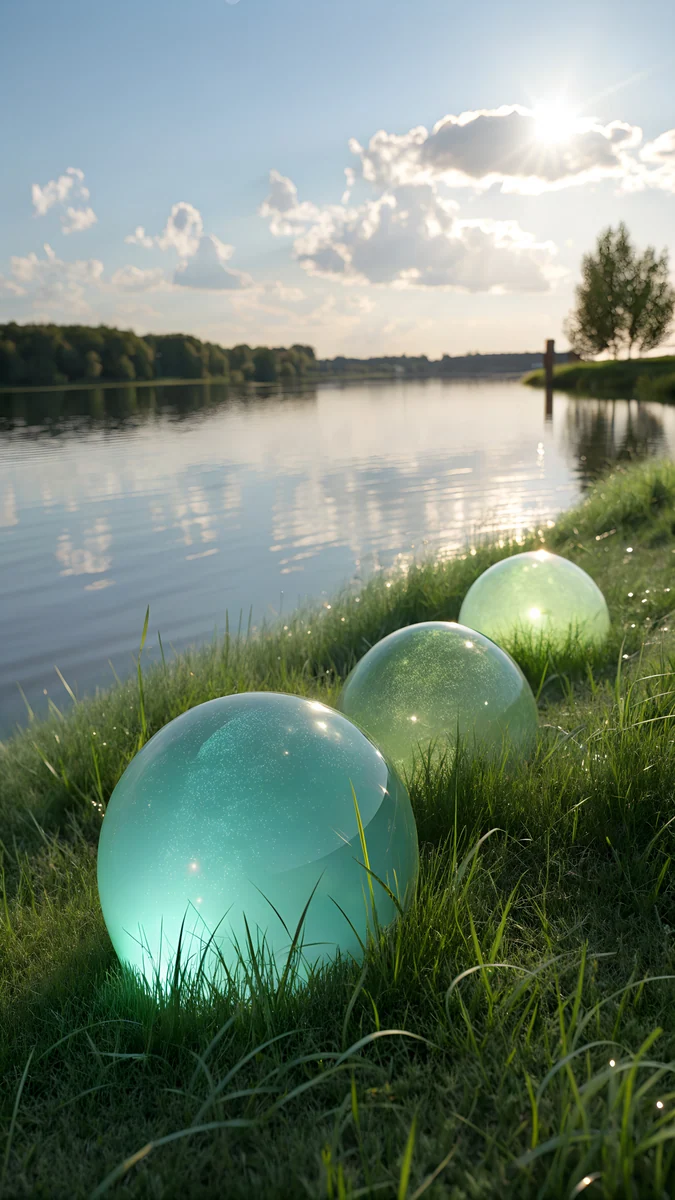 Aero Orbs by the Lake
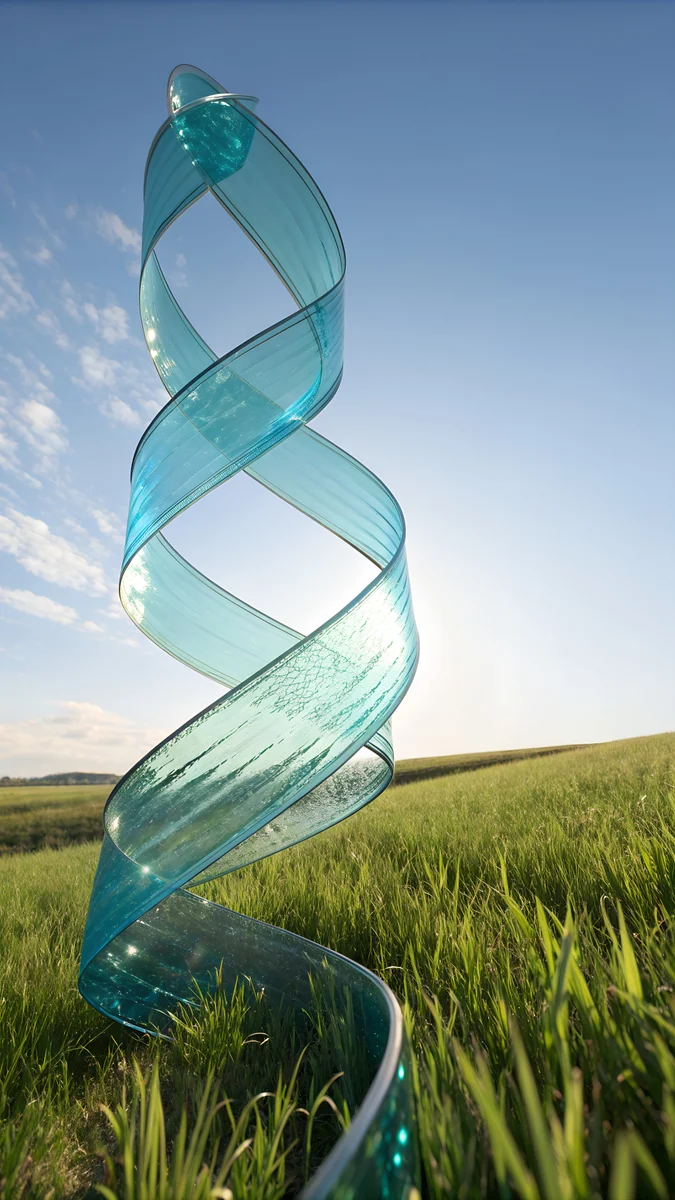 Glass Ribbon Meadow
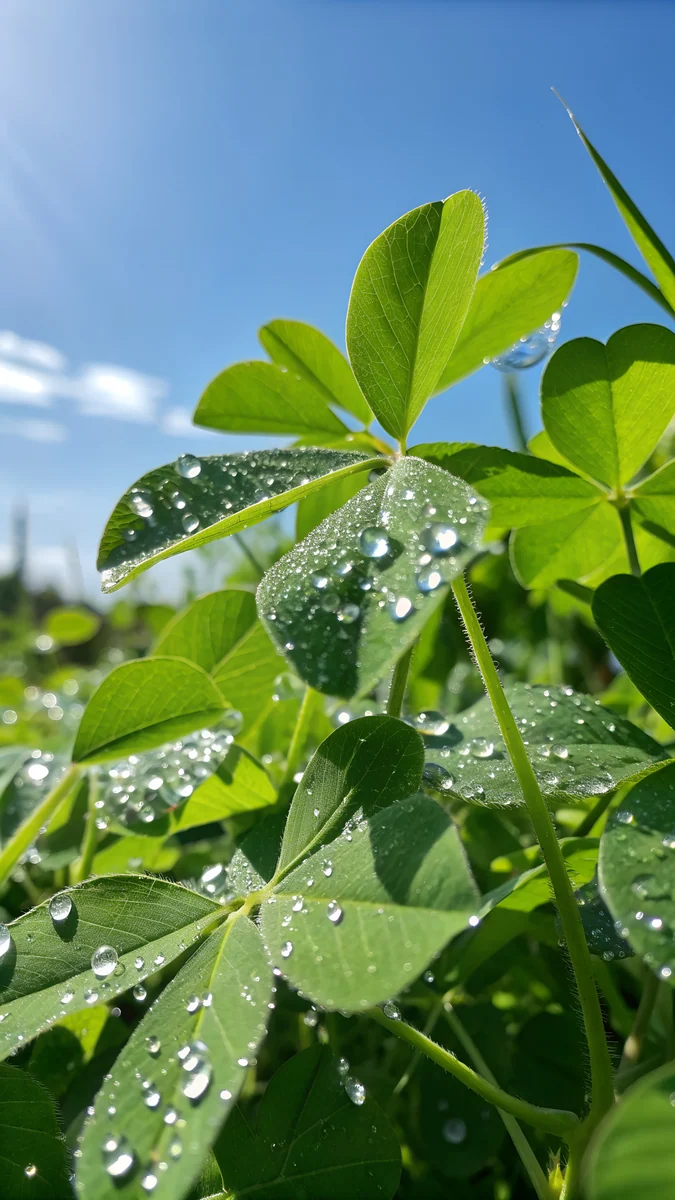 Dewy Aero Leaves
 Bubble Cloud Sky
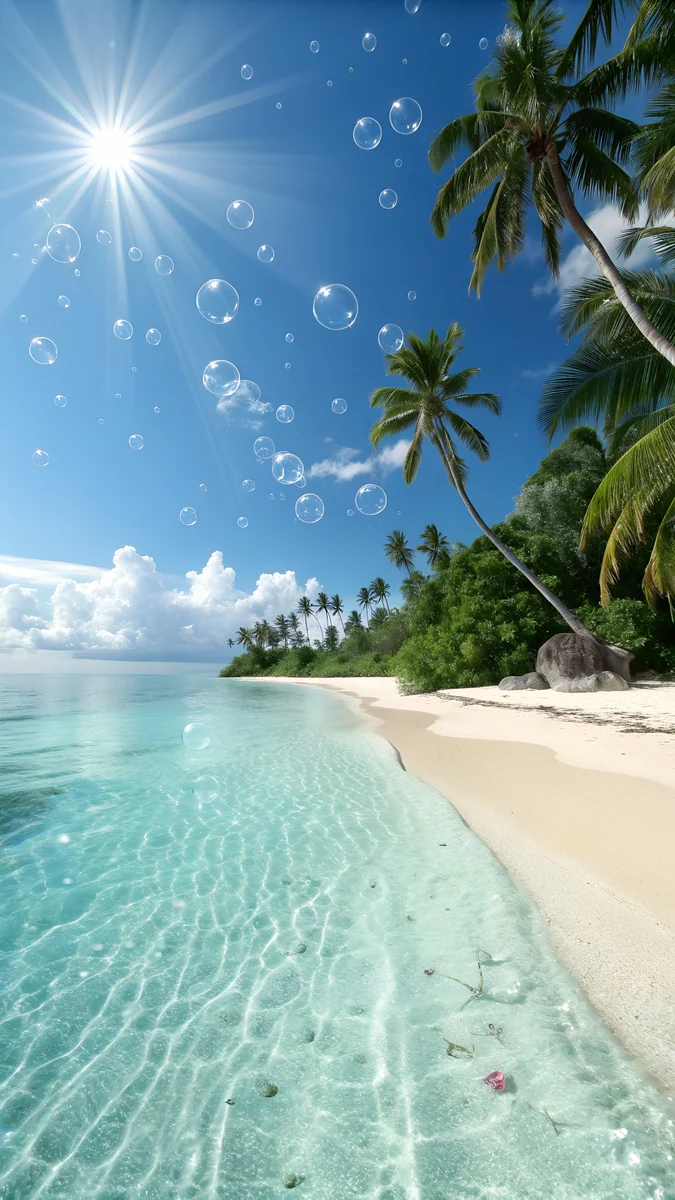 Aero Bubble Beach
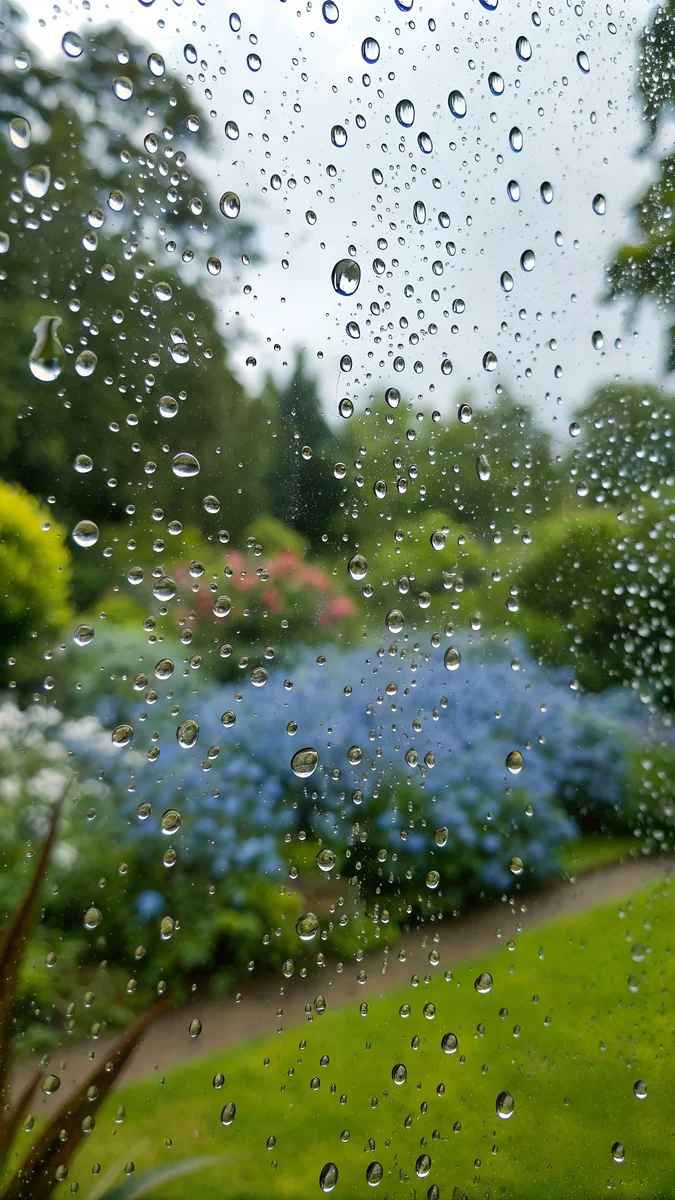 Rain Window Garden
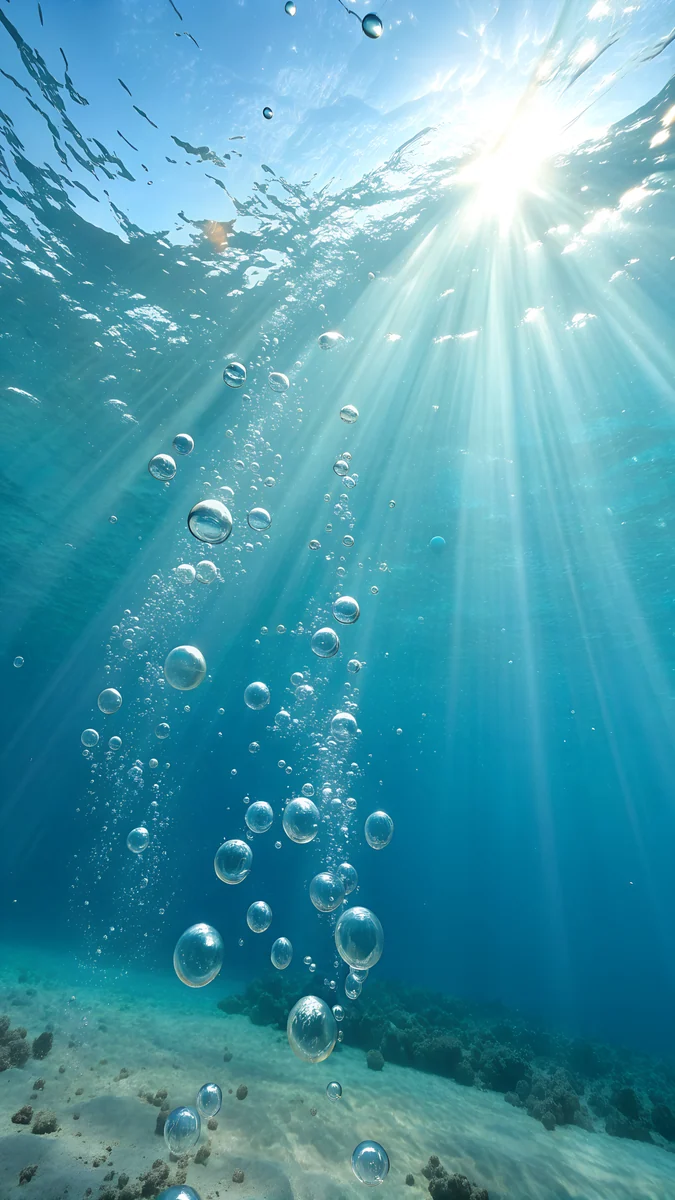 Aero Underwater Light
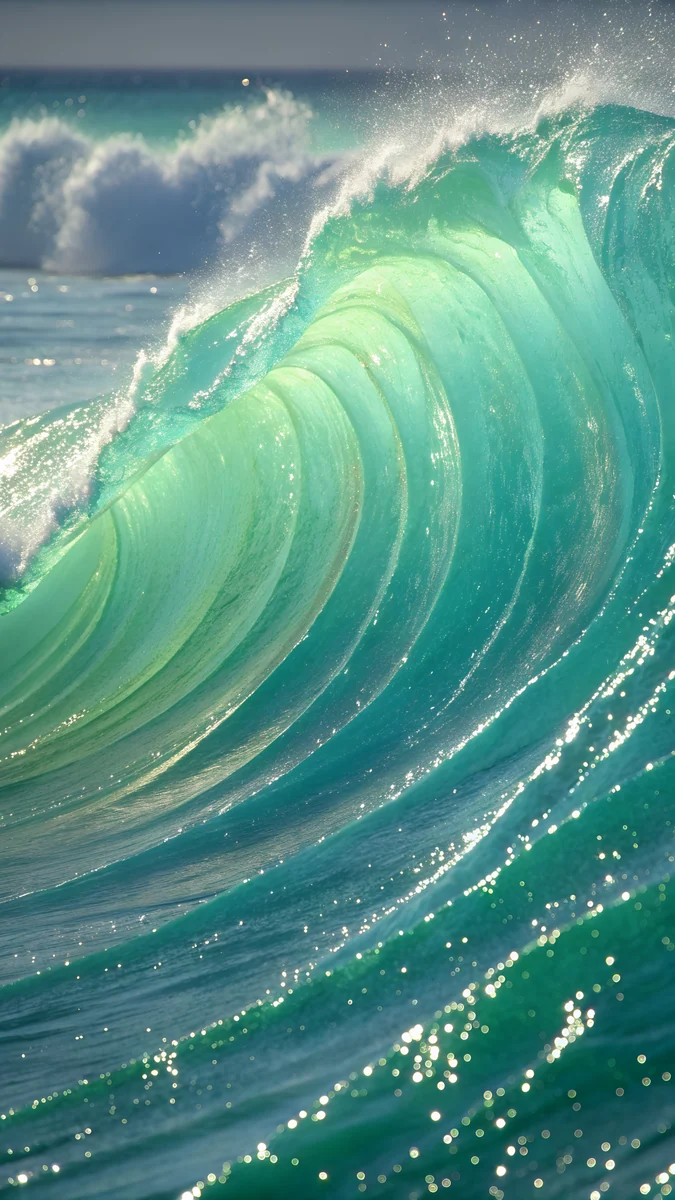 Glossy Aero Wave
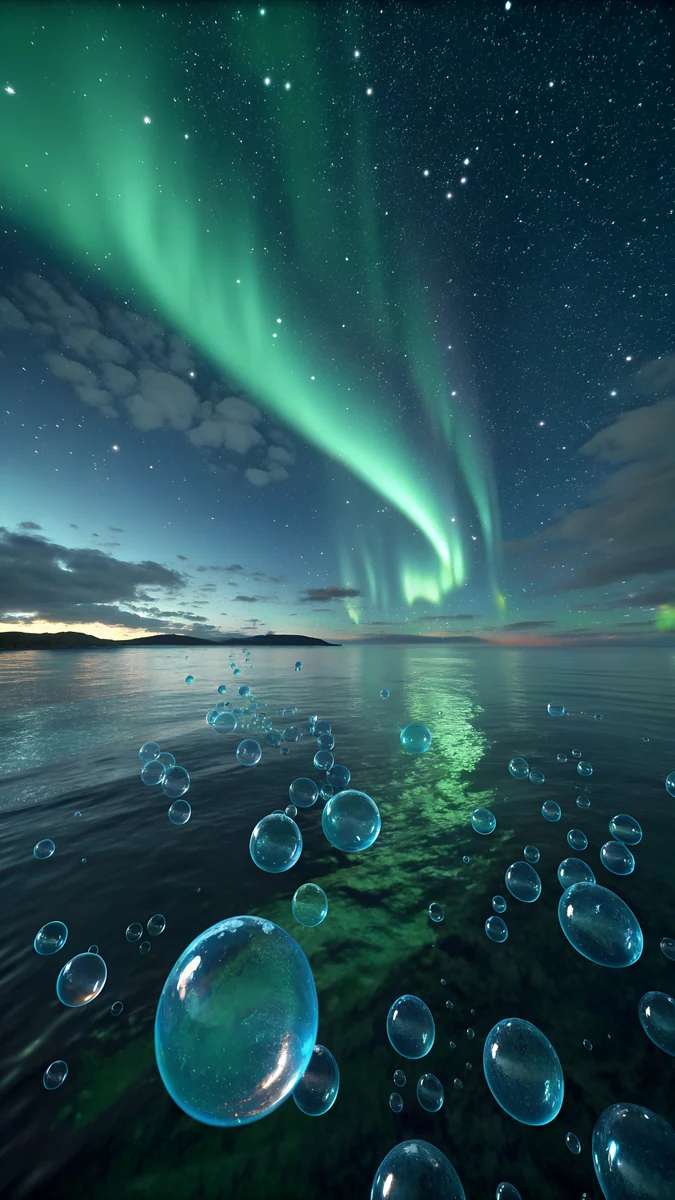 Aero Aurora Bubbles
Free originals for iPhone and Android, no watermark
On this page
Frutiger Aero is the glossy, bubbly look of mid-2000s tech design: glass buttons, soap bubbles, blue skies, green hills, water drops and light that seems to glow from inside [1]. It put nature and glass on the same screen, and the mood was friendly and clean. A Frutiger Aero wallpaper brings that back to a phone with original 4K artwork. The twelve designs below are grouped by scene: green hills and meadows, sky and glass, and water and light. All are phone files at 2160 by 3840 pixels, JPEG, with no text or watermark [1]. Some are free and some unlock after a short ad. Each group explains what it does to a clock, icons and dark mode.
What defines the Frutiger Aero look
Gloss and transparency. Surfaces look wet or made of glass, with bright highlights on curved edges. This is why many designs here have orbs, bubbles and ribbons.
Nature, but tidy. Grass, leaves, water and sky appear in saturated blue and green. The scenes feel clean and hopeful, not wild.
Light as a subject. Sunbeams, reflections and lens glow carry the picture. That helps on a phone because the brightest area is often one clear spot, and the clock can sit away from it. If you like the era, see also our Y2K wallpapers and retro aesthetic wallpapers.
Green hills, grass and meadows
The most recognisable Aero scene is a bright green hill under a blue sky with bubbles drifting over it. These four keep that mood and add glass details.
Aero Bubbles Hills is the textbook version: soap bubbles over a green slope. Aero Orbs by the Lake places glowing orbs in grass beside still water. Glass Ribbon Meadow sweeps a transparent aqua ribbon through a meadow, and Dewy Aero Leaves moves close, with drops on green leaves. White clocks read well on the deeper greens, and the open sky in the first design leaves a clear area at the top. For a wider green set, see the green aesthetic wallpapers.
Sky, glass and clouds
Blue and white scenes with glassy objects. They are the lightest designs on the page and suit light mode.
Glass Planet Sky floats a glass sphere above clouds. Bubble Cloud Sky fills a blue sky with bubbles and soft cloud, the airiest of the set. Aero Bubble Beach puts bubbles over a tropical shore, and Rain Window Garden shows a garden through a rain-covered window in blue and green, a calmer choice with a more muted look. A dark navy or white clock works on the blue skies, depending on how bright the cloud is behind it. The blue aesthetic wallpapers are a good next stop.
Water, waves and light
Water is the other Aero favourite. These designs use splashes, waves and underwater light to get the glowing, wet finish the style is known for.
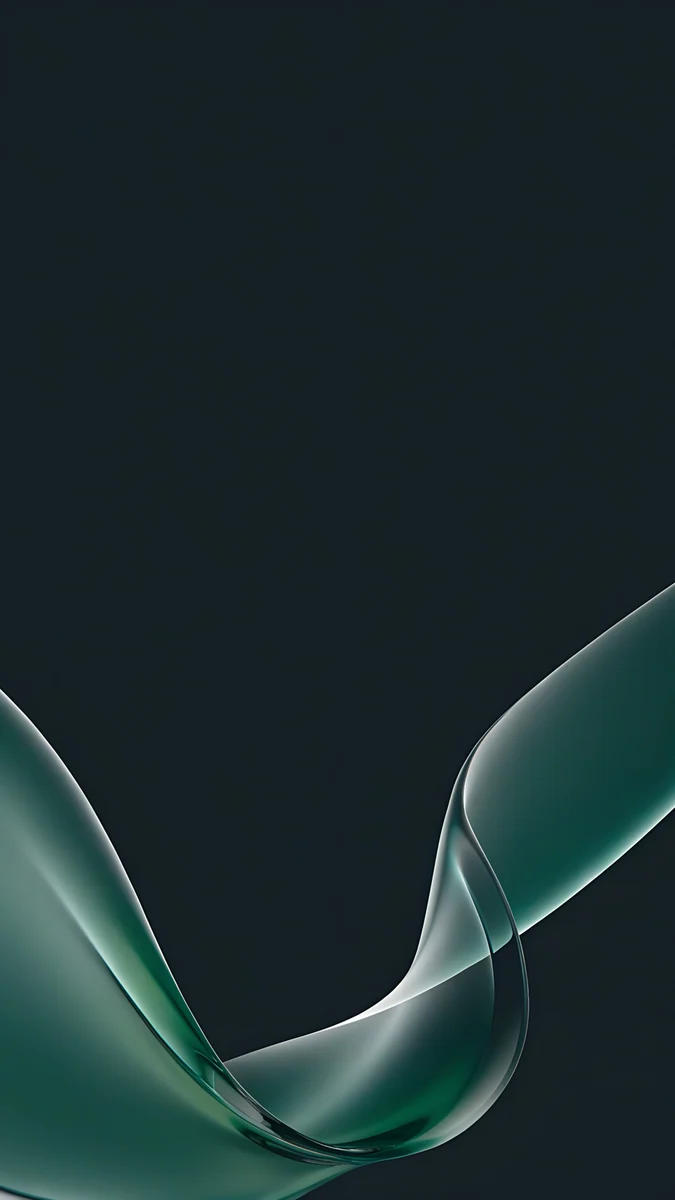
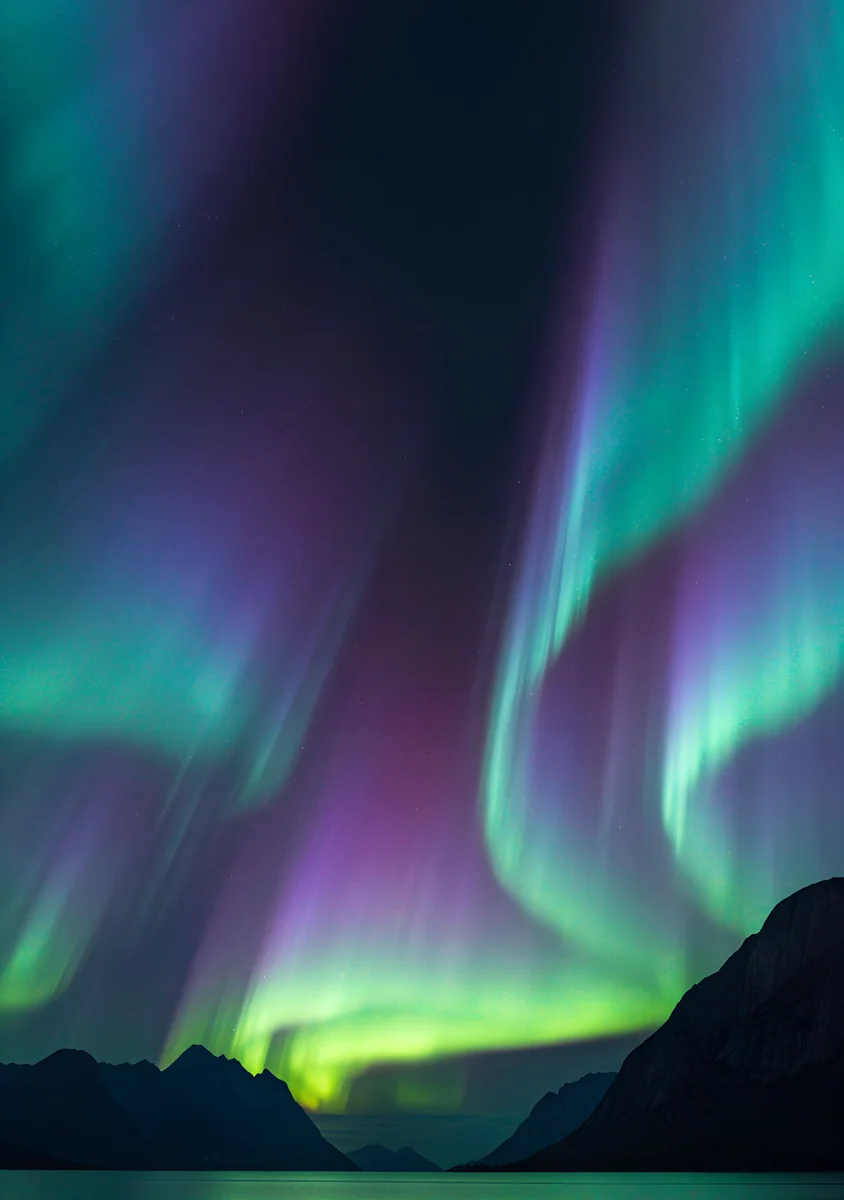
Aero Water Splash freezes a blue splash against the light. Aero Underwater Light sends sunbeams down through aqua water with rising bubbles. Glossy Aero Wave is a smooth aqua and green wave that looks like glass, the closest to an abstract wallpaper here. Aero Aurora Bubbles is the exception: a dark night scene with green aurora and bubbles, which makes it the best choice for dark mode. The rest are bright, so on an OLED phone they will use more power than a dark design, as our guide to dark wallpapers on OLED explains.
Frutiger Aero phone wallpaper tips
Keep icons simple. Glossy backgrounds are busy near their bright spots. Use a clear or tinted icon style on iPhone so the icons do not fight the bubbles. The liquid glass wallpapers article covers the modern glass look if you want to compare.
Put widgets over calm areas. The sky, a plain water area or a smooth wave are all good places for a widget.
Use the same colour in the clock. A pale aqua or white clock matches the style well. If it is not readable, see how to keep the lock screen clock readable.
Why the look is back
Many people who grew up with glossy desktops now miss their calm. The style has a clear picture of the world: it is bright, clean and a little too perfect, and that is exactly what makes it comforting on a phone that is full of notifications. A Frutiger Aero background is a short break from flat colour and plain gradients.
It also fits current phones well. Modern screens are sharp and bright, so glass, water and bubbles look better than they ever did on older monitors. The 4K files here keep that detail, and the 2160 by 3840 size avoids cropping on tall screens [1].
Pairing ideas. A pale aqua or white clock, a clear icon style and one small weather or battery widget are enough. If your phone has a dark theme, keep it for the Home Screen and use the aurora design on the Lock Screen at night.
How to set one
- Save the file to Photos or your gallery.
- On iPhone, open Settings, Wallpaper, Add New Wallpaper and choose the picture. On Android, open the image and choose Set as wallpaper.
- Pick Lock screen, Home screen or both, and move the picture so the bright part is not under the clock.
The files here are tall. For a desktop version of the look, check the PC wallpaper size guide to pick the right size.
Original wallpapers in and for iPhone, Android and desktop.
Questions
What is Frutiger Aero?
Frutiger Aero is the name fans give to the glossy, bubbly look of mid-2000s technology design [1]. It mixes glass and gel surfaces, soap bubbles, water drops, blue skies and green hills, with a lot of light and soft shine. The mood is clean, friendly and hopeful. The name is an internet label for the look, not a formal style, and today it is popular as nostalgia on phones and desktops.
How do I get a Frutiger Aero wallpaper on my phone?
Save a tall 2160 by 3840 file to your photos, then set it as the wallpaper [1]. On iPhone, use Settings, Wallpaper, Add New Wallpaper. On Android, open the image and choose Set as wallpaper. Velpaper has twelve original Frutiger Aero phone wallpapers, including green hills, glass planets, water splashes and an aurora design. Some are free and some unlock after a short ad.
What colours does a Frutiger Aero background use?
Mostly saturated blues, aquas and greens, with white highlights and clear glass. Sky blue and grass green are the base, and bubbles and water add shine. A few designs shift to night tones, such as green aurora on a dark sky. White or pale aqua clocks suit most of them, and darker clocks work on the brightest skies.
Is there a Frutiger Aero background for dark mode?
Aero Aurora Bubbles is the dark one, with a night sky, green aurora and bubbles. Aero Underwater Light is also darker than the others, though not black. Most Frutiger Aero designs are bright by nature, so they work best in light mode, and they use more power on an OLED screen than a dark wallpaper does.
Can I use a Frutiger Aero wallpaper on my computer?
The twelve files on this page are tall phone images at 2160 by 3840 [1]. They can be centred or cropped on a desktop, but they do not fill a 16:9 screen without cropping. Our PC wallpaper size guide shows how to match a file to your monitor.
Carlos Vivero
Designer of Velpaper wallpapers
Carlos Vivero designs the wallpapers in Velpaper: quiet architecture, liquid glass, Japanese ink and calm landscapes. Every piece is made as a original for iPhone, Android and desktop.
Recent work