GIF Wallpaper: How to Set One on iPhone, Android, PC, Mac
GIF wallpaper guide: what works on iPhone, Android, Windows and Mac, the exact steps for each, plus moving and still 4K alternatives for your screen.
Sources [1] · By the Velpaper team · Wallpapers by Carlos Vivero, Velpaper designer · · 5 min read
In short: iPhone cannot use a GIF directly as wallpaper: convert it to a Live Photo and set that on the Lock Screen. Windows needs Lively Wallpaper or Wallpaper Engine, many Android launchers and apps accept a GIF, and macOS has no built-in way at all.
Wallpapers
 Umbrella Rain Live
 Snow Village Live
 Koi Drift Live
 Sage Passage Live
 Eclipse Over the Lake Live
 Electric Violet Arch Live
 Pixel Sky Falls Live
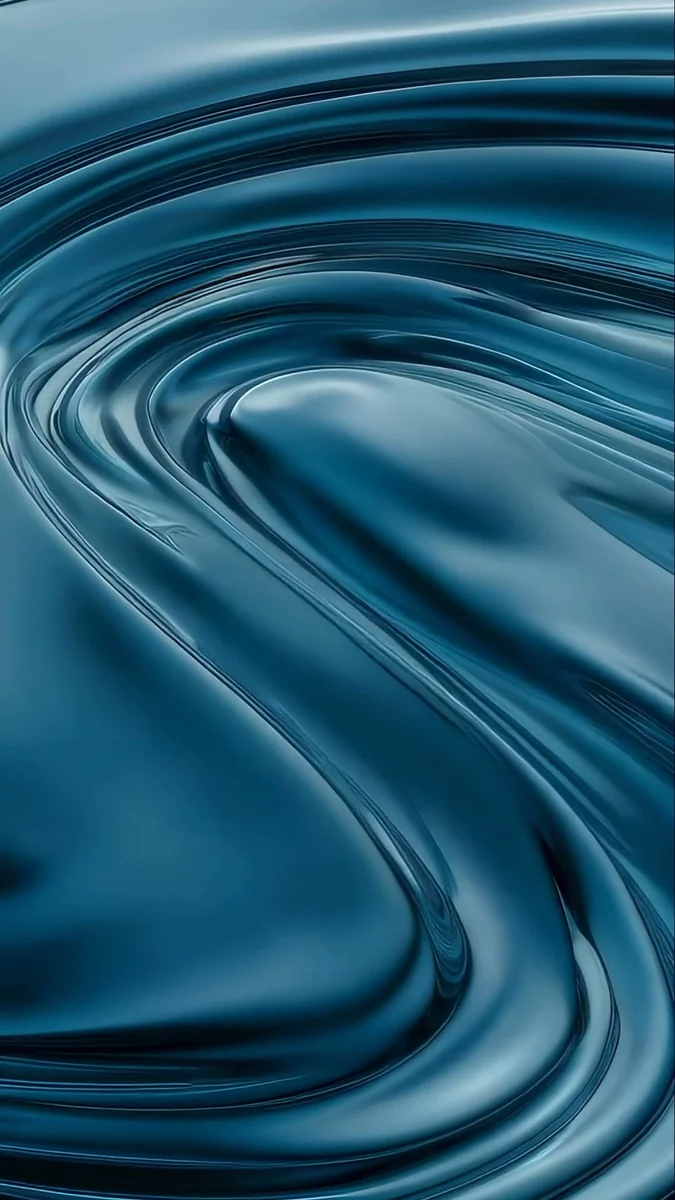 Liquid Terraces Live
 Snow Village
 Rain Bridge
 Cranes at Dawn
 Pine Coast
Free originals for iPhone and Android, no watermark
On this page
A GIF wallpaper is an animated picture on your home screen or desktop. Whether you can use one depends on the device: Android and Windows can do it with an app, iPhone only through a workaround, and a Mac cannot do it at all without extra software. This guide gives the exact route for each, then shows moving and still alternatives if a GIF is not the best fit. A GIF background and a GIF wallpaper are the same thing here: an animation behind your icons.
How to set a GIF as wallpaper on iPhone
iOS cannot use a GIF directly as wallpaper. The working route is to turn the GIF into a Live Photo and set that as your Lock Screen wallpaper. One free way is the GIPHY app, which can save a GIF as a Live Photo.
- Install GIPHY and open the GIF you want.
- Open its menu and choose the option to save it as a Live Photo. It lands in your Photos library.
- Go to Settings, then Wallpaper, then Add New Wallpaper.
- Tap Photos and pick the new Live Photo.
- Make sure the Live Photo button in the bottom-left corner is on, then tap Add.
What you get is limited. The picture moves on the Lock Screen when the phone wakes, and the Home Screen shows a still frame. It is a short clip, not an endless loop. The full story is in how to set a live wallpaper on iPhone and can you set a video as iPhone wallpaper. If the Live Photo button stays unavailable, the clip is probably unsuitable, and a calmer one will work.
GIF wallpaper for iPhone: a moving look without a GIF
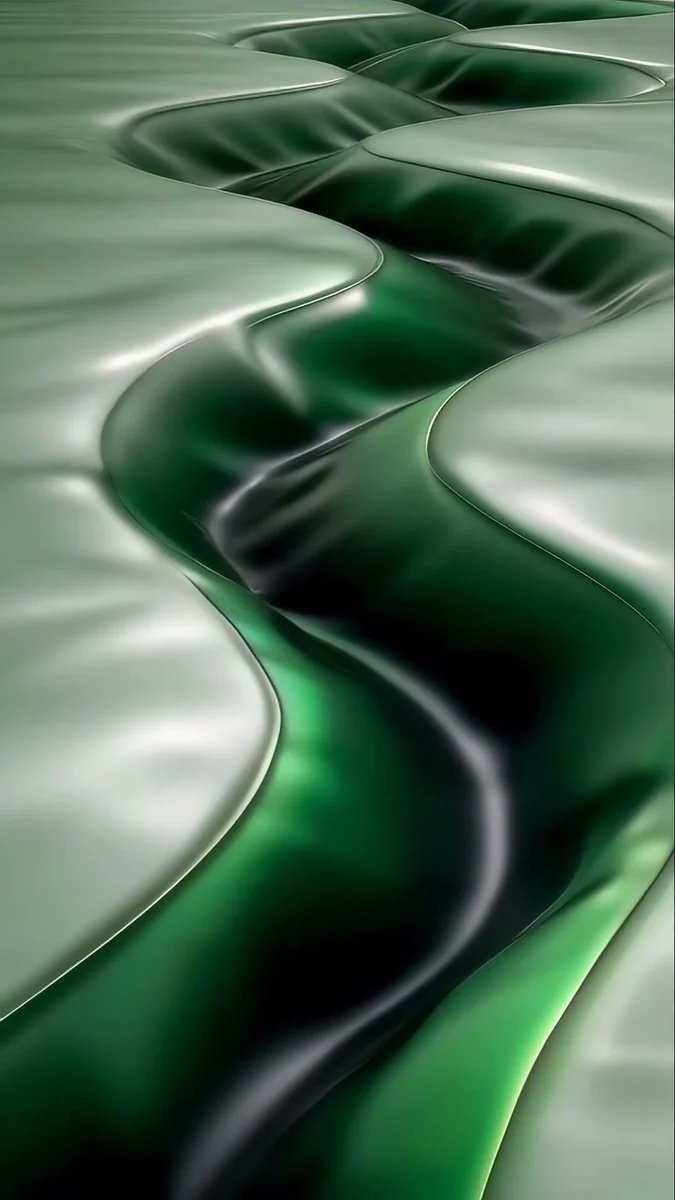
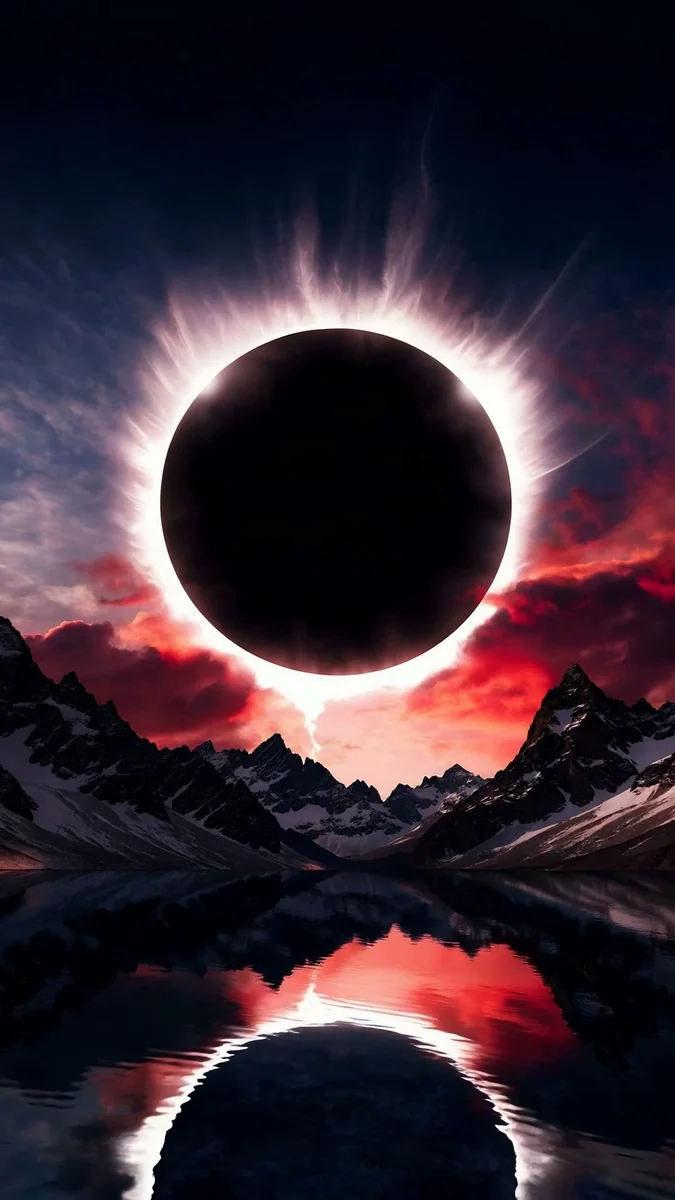
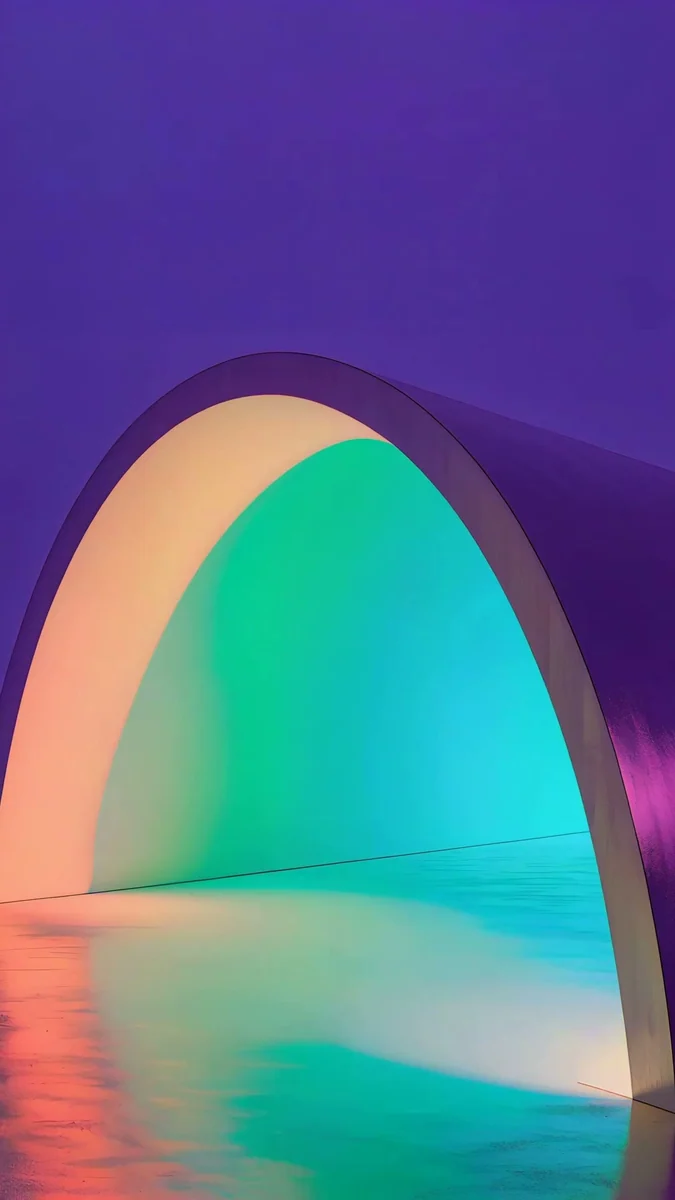
If you only want the phone to feel alive, you can start from a wallpaper made to move on the Lock Screen. These eight are Velpaper live wallpapers at 1080 × 1920 made to be used as moving wallpapers [1]. The first four are the calm, cozy ones.
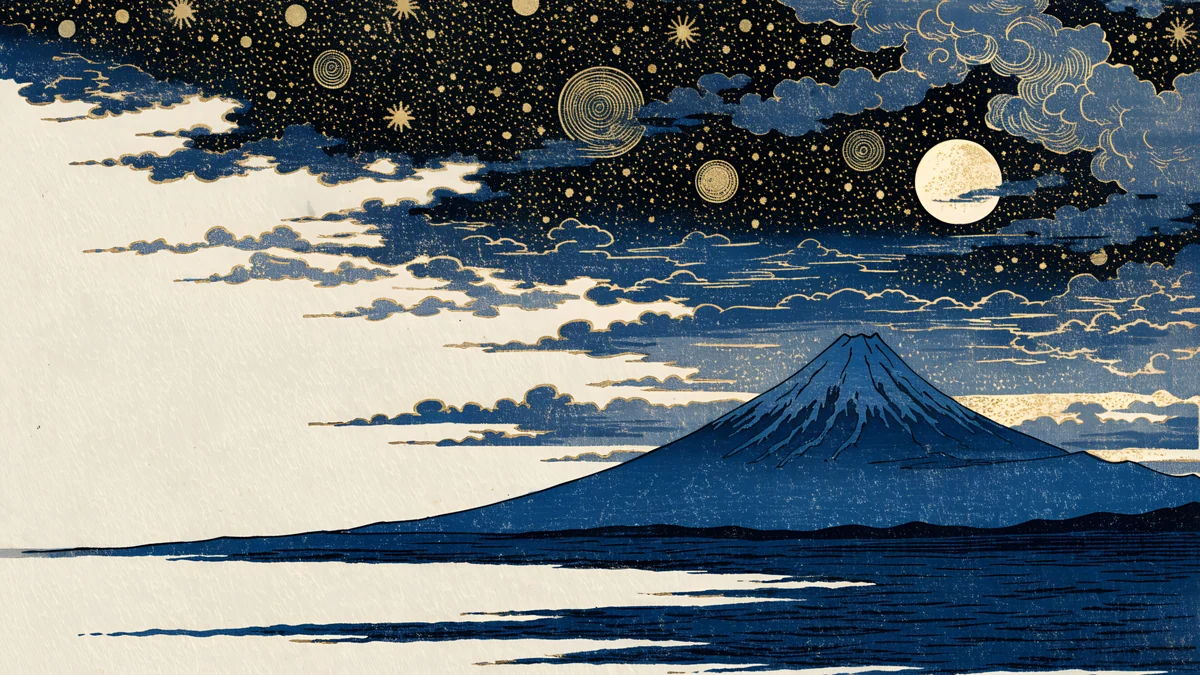
Umbrella Rain is a pastel lilac and pink rainy scene. Snow Village is a blue and white woodblock winter village. Koi Drift is a minimal black, white and red ink scene. Sage Passage is a grey and green abstract passage in silk. Pick the clock colour to match: white on the darker ones, dark on the pale ones.
These four are bolder: a black and red lake and mountain scene under an eclipse, a violet and teal arch gradient, a retro pixel art mountain and water landscape and teal liquid terraces in 3D [1]. They suit a phone that you want to stand out.
How to set a GIF as wallpaper on Android
Android is the easiest phone for GIFs. Many launchers and live wallpaper apps accept a GIF or a video as the wallpaper. Menus differ by brand and app, so here are the generic steps:
- Install a launcher or live wallpaper app from Google Play that lists GIF or video wallpapers in its description.
- Open the app and choose the GIF file from your gallery or downloads.
- Preview it, then apply it to the Home Screen, the Lock Screen or both.
- If the app asks for permission to run as your wallpaper, accept it.
A GIF that runs all day uses battery. Choose a short, calm loop and, where the app offers it, a setting that pauses the animation when the battery is low.
How to set a GIF as wallpaper on Windows
Windows 11 shows only still pictures on its own, so you need an app [1]. Two work well, and both are covered in how to set a live wallpaper on PC.
- Lively Wallpaper is free and open source with no paywall. It plays video, web page and Shadertoy wallpapers, and your own GIF or video file. The Microsoft Store version needs Windows 10 version 1809 or later. Click the plus button, choose your GIF and apply it.
- Wallpaper Engine costs $4.99 on Steam and runs on Windows 10 and 11 [1]. It has a large library of animated wallpapers and an editor. A free Android companion app takes wallpapers to a phone.
If you want to compare them in detail, see Wallpaper Engine vs Lively Wallpaper.
Can you use a GIF as wallpaper on a Mac?
Not directly. macOS has no built-in way to use a video or GIF as the desktop wallpaper. Apple's own moving option is the aerial screen savers, which can also show as the wallpaper on macOS Sonoma and later. Wallpaper Engine has no macOS version on its store page, and Lively is Windows only. The honest answer for a Mac is to use the aerials or a still 4K wallpaper [1]; how to make a dynamic wallpaper on Mac shows the options.
When a still wallpaper is better than a GIF
A GIF is an old format that often looks soft on a sharp screen, and a moving screen is more tiring and more power hungry than a still one. A 4K [1] still wallpaper stays sharp, never stutters, and still feels alive if you rotate a small set with Photo Shuffle, which changes the picture each time you lock the phone. These two groups share a palette, so the clock looks right on every one.
These four woodblock style scenes share one indigo palette. More are in our ukiyo-e wallpapers.


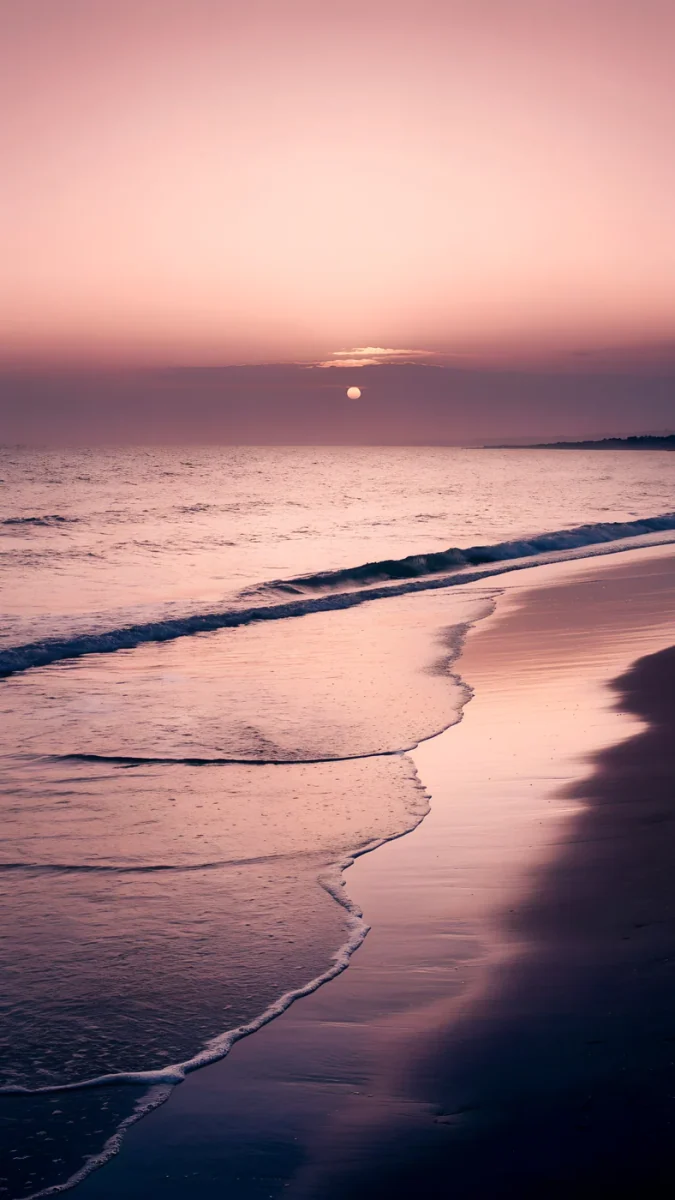
Lilac Hush and Rose Hour are calm grainy gradients, and Peach Reflection is a beach at sunset. A change of colour is easy to notice on every lock, and it never fights with the clock.
Original wallpapers in and for iPhone, Android and desktop.
Questions
Can you use a GIF as wallpaper on iPhone?
Not directly. iOS only accepts photos as wallpaper, and a GIF is not one. The route that works is to convert the GIF to a Live Photo, for example with the free GIPHY app, which can save a GIF as a Live Photo. Then open Settings, Wallpaper, Add New Wallpaper, choose Photos, pick the Live Photo, make sure the Live Photo button is on and tap Add. It will move on the Lock Screen when the phone wakes, and the Home Screen will show a still frame.
How do I make a GIF my wallpaper on Android?
Many Android launchers and live wallpaper apps accept a GIF or a video as the wallpaper. Install one from Google Play, open it, choose the GIF from your gallery, preview it and apply it to the Home Screen, the Lock Screen or both. Menus differ between brands and apps, so follow the labels in the app you choose. Pick a short, calm GIF, because an animation that runs all day uses more battery than a still image.
How do I set a GIF as wallpaper on Windows?
Windows 11 does not play GIFs as wallpaper by itself. Install Lively Wallpaper, which is free and open source, from the Microsoft Store (Windows 10 version 1809 or later), click the plus button and choose your GIF or video file. The other option is Wallpaper Engine, which costs $4.99 on Steam and runs on Windows 10 and 11 [1]. Both let you choose which monitor shows the animation.
Is there a GIF wallpaper for Mac?
macOS has no built-in way to use a video or GIF as the desktop wallpaper. Apple’s own moving option is the aerial screen savers, which can also appear as wallpaper on macOS Sonoma and later. Wallpaper Engine has no macOS version on its store page, and Lively Wallpaper is Windows only. For a Mac, the best choices are an aerial or a sharp still 4K wallpaper [1].
Why does my GIF wallpaper look blurry?
GIF is an old, small format, so animations often look soft on a modern high resolution screen, and the original GIF may simply be low resolution. An iPhone also plays only a short clip from a Live Photo. For a sharper result use a wallpaper made to move, such as a live wallpaper, or a still 4K image at 2160 × 3840 for a phone [1].
Carlos Vivero
Designer of Velpaper wallpapers
Carlos Vivero designs the wallpapers in Velpaper: quiet architecture, liquid glass, Japanese ink and calm landscapes. Every piece is made as a original for iPhone, Android and desktop.
Recent work