Wallpaper Engine vs Lively Wallpaper: Which to Use (2026)
Wallpaper Engine vs Lively Wallpaper compared on price, Windows and Mac support and wallpaper types, plus the free options and 4K stills to pair with them.
Sources [1] · By the Velpaper team · Wallpapers by Carlos Vivero, Velpaper designer · · 5 min read
In short: Wallpaper Engine costs $4.99 on Steam and has the biggest library, but runs on Windows 10 and 11 only. Lively Wallpaper is free, open source and also Windows only. Neither has a Mac version, so on a Mac use Apple’s aerials or a still 4K wallpaper.
Wallpapers
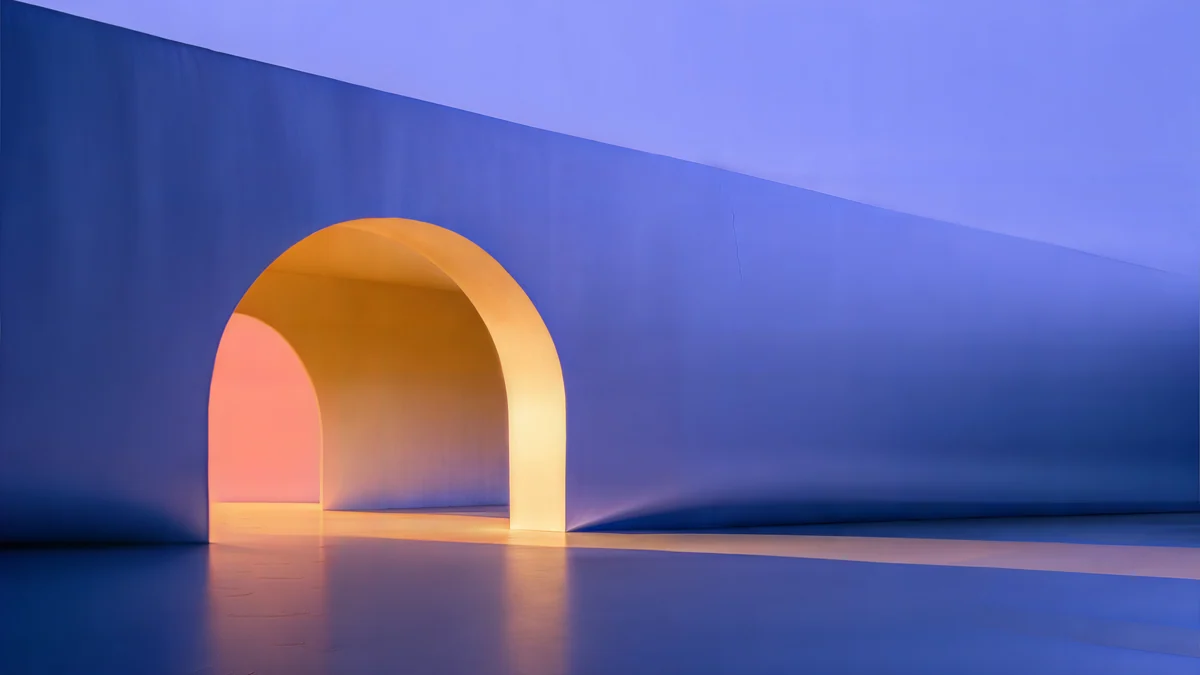 Solar Indigo Gate
 Cobalt Soft Horizon
 Petrol Current
 Light Slits
 Night Blocks
 Indigo Silk Flow
 Ink Mountain Mist
 Rose Pulse Arcade
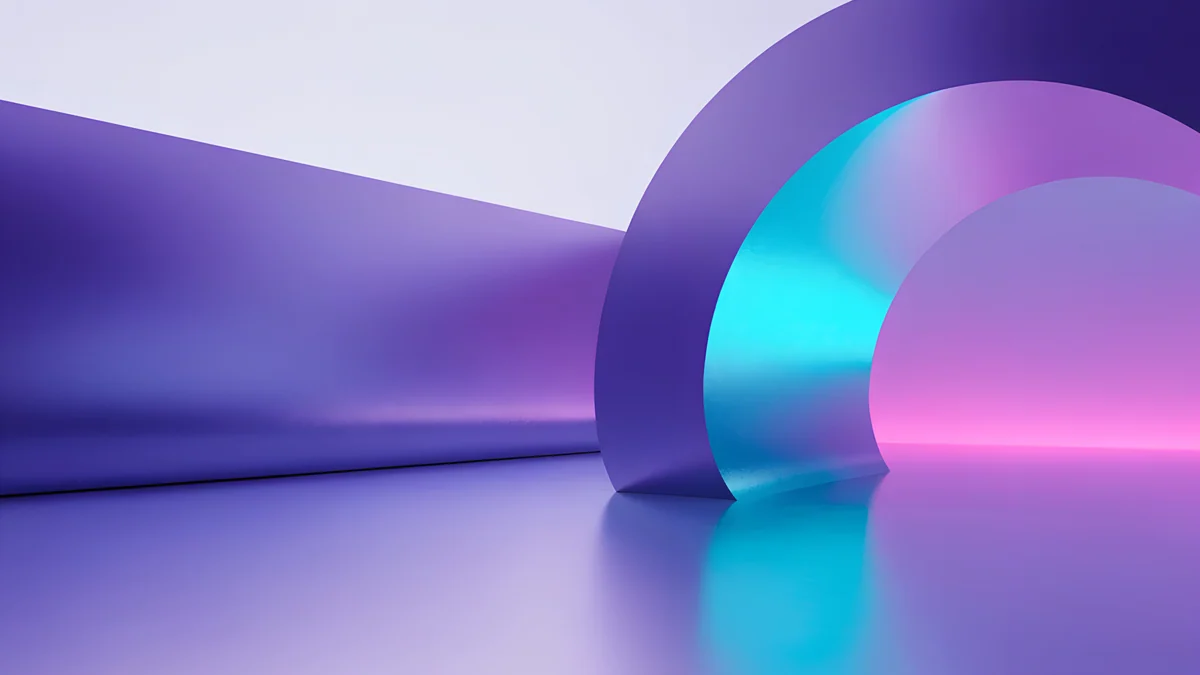 Electric Violet Vault
 Cobalt Ember Steps
 Coral Ignition Gate
 Liquid Light Band
Free originals for iPhone and Android, no watermark
On this page
- Wallpaper Engine vs Lively Wallpaper at a glance
- Wallpaper Engine: when the is worth it
- Lively Wallpaper: the free alternative
- Wallpaper Engine for Mac: what to use instead
- Other Wallpaper Engine alternatives that are not apps
- Where Velpaper fits: stills to use with either app or alone
- Which should you pick?
The choice most people face is Wallpaper Engine or Lively Wallpaper. Wallpaper Engine is the paid one with the large library: $4.99 on Steam, about 97 percent positive from 235,000 English reviews, released on 16 November 2018. Lively Wallpaper is the free alternative: open source under the GPL-3.0 licence, no paywall. Both run on Windows only, and neither has a macOS version. That last point decides the question for many readers, because searches for Wallpaper Engine for Mac and a free Wallpaper Engine come up often.
This page compares them on what matters, says what to use on a Mac, and explains where a still 4K wallpaper fits [2]. For the setup steps of each app, see how to set a live wallpaper on PC.
Wallpaper Engine vs Lively Wallpaper at a glance
| Wallpaper Engine | Lively Wallpaper | Velpaper (still 4K) | |
|---|---|---|---|
| Price | $4.99 on Steam | Free, open source (GPL-3.0) | Some wallpapers free, some unlock after a short ad |
| Operating system | Windows 10 and 11 | Windows (Microsoft Store version needs Windows 10 1809 or later) | iPhone, iPad, Mac, Android and the website |
| Wallpaper types | Animated wallpapers from the Steam Workshop, plus an editor | Video, web page and Shadertoy wallpapers | Original still images, JPEG, no watermark |
| Mac support | No macOS version on the store page | No macOS version | Yes, Mac app and desktop files |
| Phone | Free Android companion app (Android 10 or newer) [2] | No | Yes, 2160 × 3840 phone files |
Wallpaper Engine: when the $4.99 is worth it
You are paying for the library and the tools. The Steam Workshop holds a huge number of animated wallpapers made by other users, from slow landscapes to anime scenes and audio visualisers, and the editor lets you build your own. If you want choice and you run Windows, it is the strongest option, and a single purchase on Steam covers it. A free Android companion app (Android 10 or newer) takes wallpapers to a phone [1].
The limits are plain. It runs on Windows 10 and 11 only, and there is no macOS version on its store page. If you want to stay free, the options below matter.
Lively Wallpaper: the free alternative
Lively Wallpaper is the answer to a free Wallpaper Engine. It is open source (GPL-3.0) with no paywall, and it plays video, web page and Shadertoy wallpapers, and your own GIF or video file. It is installed from the Microsoft Store, which needs Windows 10 version 1809 or later, or from the project’s GitHub releases page [1]. Its performance settings can pause playback while a game or other full-screen app is running, which matters on a laptop.
The trade-off is the library: you start with a few sample wallpapers and bring your own clips. That suits you if you already have a video or GIF in mind; see our GIF wallpaper guide. Like its paid rival, it has no macOS version.
Wallpaper Engine for Mac: what to use instead
Wallpaper Engine for Mac does not exist on the store page, and Lively is Windows only. macOS has no built-in way to use a video or GIF as the desktop wallpaper. Apple’s own moving option is the aerial screen savers, which can also show as wallpaper on Sonoma and later. Our guide to a dynamic wallpaper on Mac shows how to set them. For anything else, the answer is a sharp still image, and a Mac app with 4K and 5K wallpapers does that job [2]; compare options in the best 4K and 5K wallpaper apps for Mac.
Other Wallpaper Engine alternatives that are not apps
- Windows slideshow. Settings, Personalization, Background, Slideshow turns a folder of pictures over every minute up to once a day. It is not motion, but it feels alive and costs nothing in performance. See changing the wallpaper on Windows 11 [1].
- Windows spotlight. A new photo from Microsoft each day.
- Aerial wallpapers on Mac. Slow motion scenes from Apple.
- A good still wallpaper. No battery cost, no frame drops, no app to maintain.
Where Velpaper fits: 4K stills to use with either app or alone
Velpaper is not a live wallpaper engine [2]. It makes original still wallpapers at 3840 × 2160, some at 5120 × 2880, as plain JPEG files without a watermark. That has three uses next to the apps above:
- Use it alone. A still image on the desktop is the lightest option there is. On Windows, set it in Settings; on Mac, in System Settings.
- Use it with either app. Both can show an image when you do not want motion, and a still is a good fallback for the moments a moving wallpaper is paused, for example when a game is running.
- Use it across devices. The same artwork comes as a phone file and a desktop file, so a Windows PC, a Mac and a phone can match; see matching phone and desktop wallpapers.
Here are 20 desktop originals in four groups [1]. Darker pieces keep icons readable, which is the same quality you want from any animated wallpaper.
Cobalt Soft Horizon is a navy gradient with a pale line. Noir Light Slits and Noir Night Blocks are black and white pieces with a glow. Indigo Silk Flow is purple and navy silk, and Ink Mountain Mist is foggy ridges.
These glow like a game menu: purple and orange arches, a neon violet vault, blue stairs lit orange and a red interior. Solar Indigo Gate and Rose Pulse Arcade are 5120 × 2880 [2].

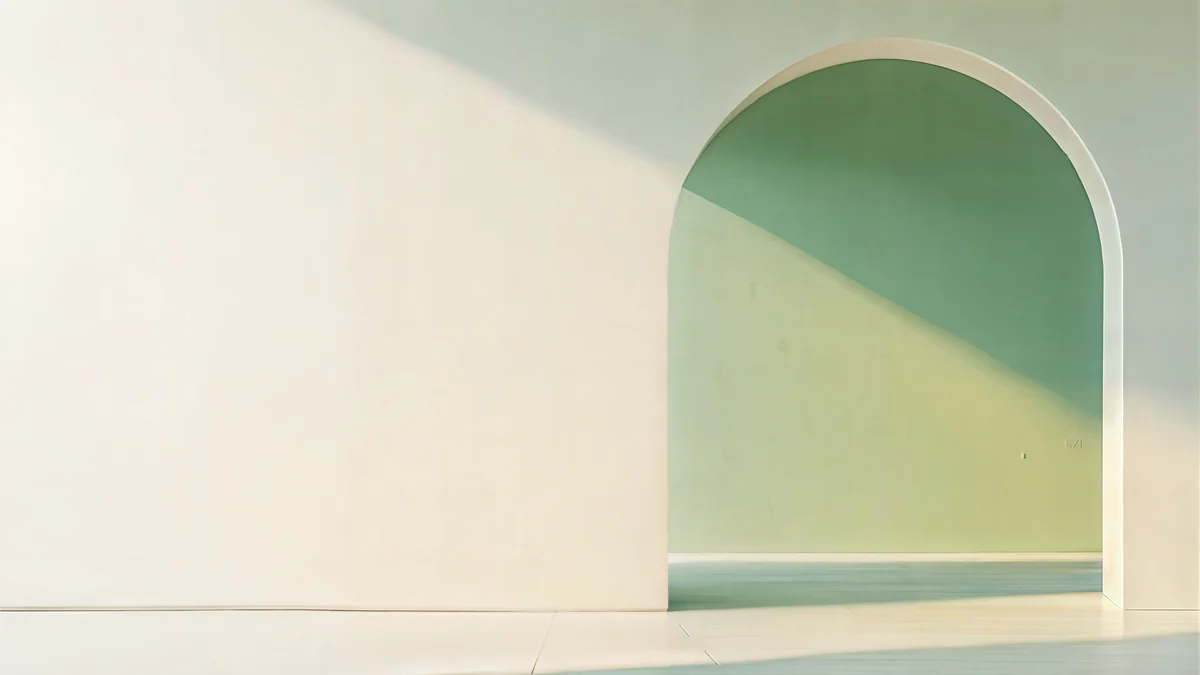

For a bright, calm desktop: a white band, a light blue arch, a grey wall, a green and sand arch and a golden column shadow.




For scenes: a cozy night window, a fantasy moon and pine panorama, a pastel chrome car, a plum tree and moon, and teal silk. Everything fits a Full HD screen exactly at half size, as covered in 4K vs HD wallpapers [2].
Which should you pick?
- Windows, want a big library, fine paying $4.99: Wallpaper Engine.
- Windows, want free and your own clips: Lively Wallpaper.
- Mac: Apple’s aerials or a still 4K wallpaper [2]. Neither app is available.
- Battery or a quiet desktop: a still image, with or without an app.
Original wallpapers in and for iPhone, Android and desktop.
Questions
Is there a free version of Wallpaper Engine?
The Steam store page lists Wallpaper Engine at $4.99. The free alternative is Lively Wallpaper, which is open source under the GPL-3.0 licence and has no paywall. It plays video, web page and Shadertoy wallpapers and your own clips, and runs on Windows only. Wallpaper Engine also has a free Android companion app, Android 10 or newer, that takes wallpapers to a phone, but the Windows app is paid [1].
Does Wallpaper Engine work on Mac?
No. The store page lists no macOS version, and Lively Wallpaper is Windows only too. macOS has no built-in way to use a video or GIF as the desktop wallpaper. Apple’s own moving option is the aerial screen savers, which can also show as wallpaper on Sonoma and later. Otherwise, use a still 4K or 5K wallpaper, which is sharp and uses no extra power [2].
Is Lively Wallpaper better than Wallpaper Engine?
It depends on what you value. Lively is free and open source, and it plays your own videos, web pages and Shadertoy wallpapers. Wallpaper Engine costs $4.99 but has a much larger library from the Steam Workshop and an editor. Both are Windows only. If you want to browse thousands of wallpapers, Wallpaper Engine is better. If you want free and already have a clip, choose Lively.
What is the best Wallpaper Engine alternative for Windows?
Lively Wallpaper is the closest free alternative: it installs from the Microsoft Store on Windows 10 version 1809 or later and plays video, web and Shadertoy wallpapers [1]. If you do not need motion, the built-in Windows slideshow turns over a folder of pictures through the day and costs nothing in performance. A still 4K wallpaper is the lightest choice of all.
Can I use Velpaper wallpapers with Wallpaper Engine or Lively?
Velpaper wallpapers are still JPEG images at 3840 × 2160 or [2] 5120 × 2880, so you can use them as a plain desktop background in Windows, or as the still image when you are not using an animated wallpaper. They are not animated. On a Mac or a phone, where those apps do not run, they work as normal wallpapers through the system settings or the Velpaper app.
Carlos Vivero
Designer of Velpaper wallpapers
Carlos Vivero designs the wallpapers in Velpaper: quiet architecture, liquid glass, Japanese ink and calm landscapes. Every piece is made as a original for iPhone, Android and desktop.
Recent work








