iOS 26 Wallpaper 4K: Liquid Glass, Icons, 3D
iOS 26 wallpapers in 4K for the Liquid Glass clock, Clear and Tinted icons and spatial scenes, with picks that stay readable and steps to set them.
Sources [1] · By the Velpaper team · Wallpapers by Carlos Vivero, Velpaper designer · · 5 min read
In short: The best iOS 26 wallpaper [1] is soft, smooth and low in detail: frosted glass for the Liquid Glass clock, a calm gradient for Clear and Tinted icons, and layered scenery for spatial scenes. Apple's own iOS 26 wallpapers are Apple's artwork, already on the phone under Settings, Wallpaper, Add New Wallpaper [3].
Wallpapers
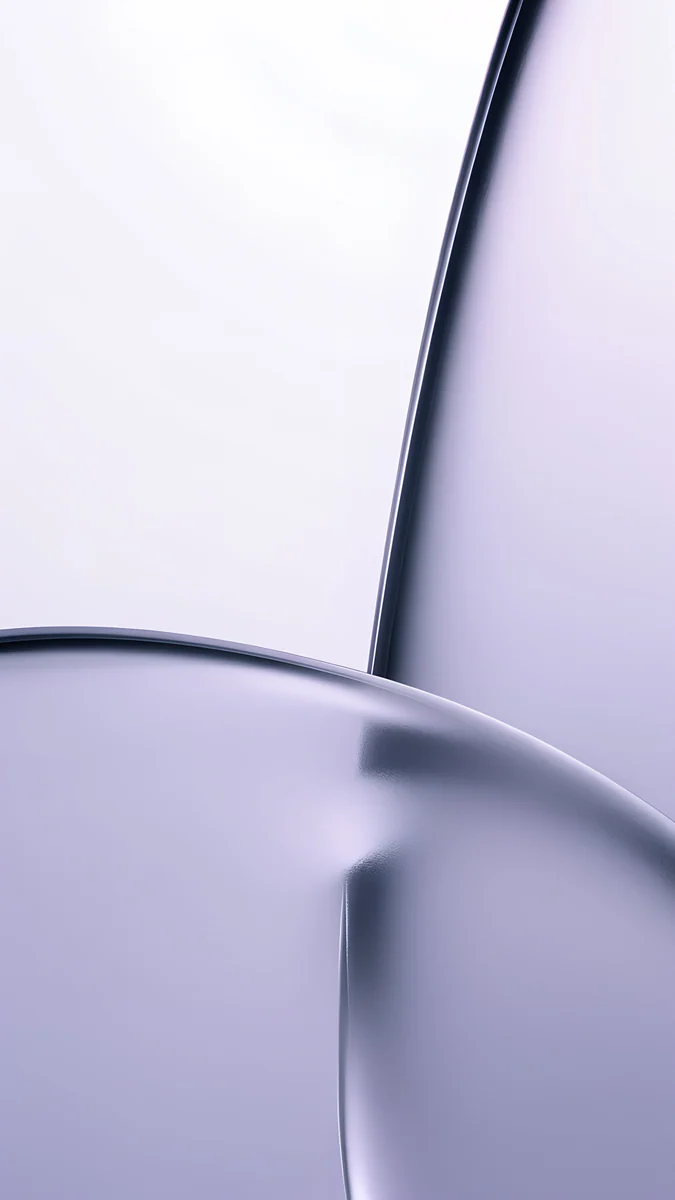 Lilac Transmission
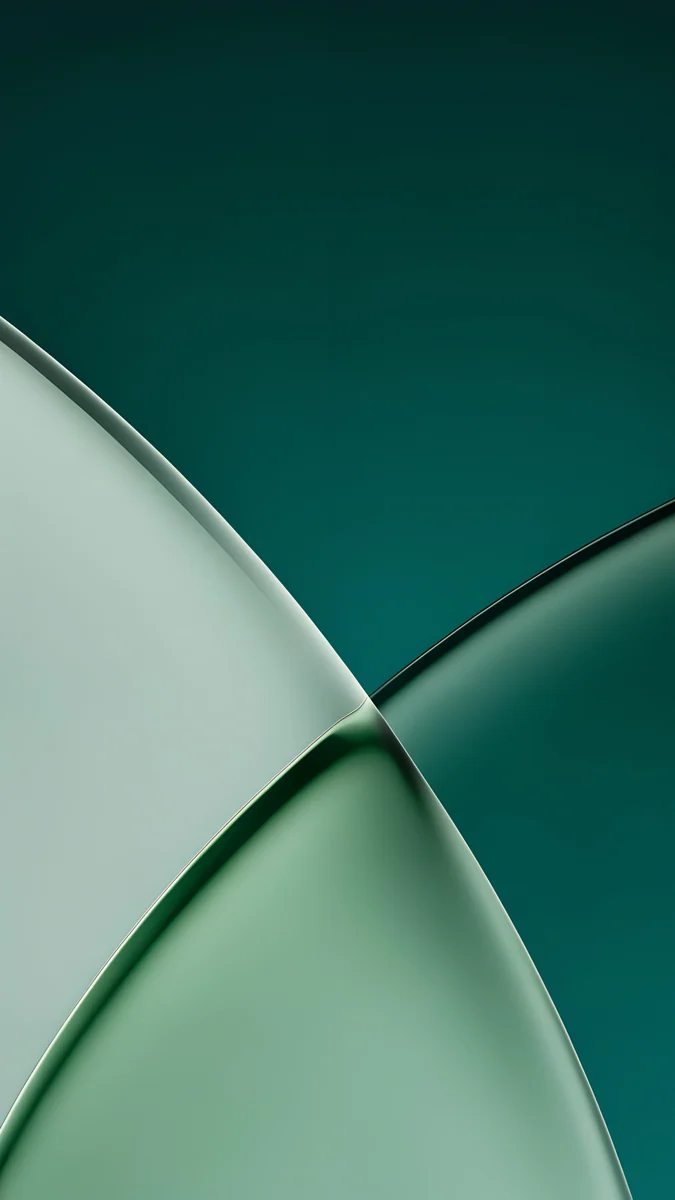 Jade Light Fold
 Celadon Haze
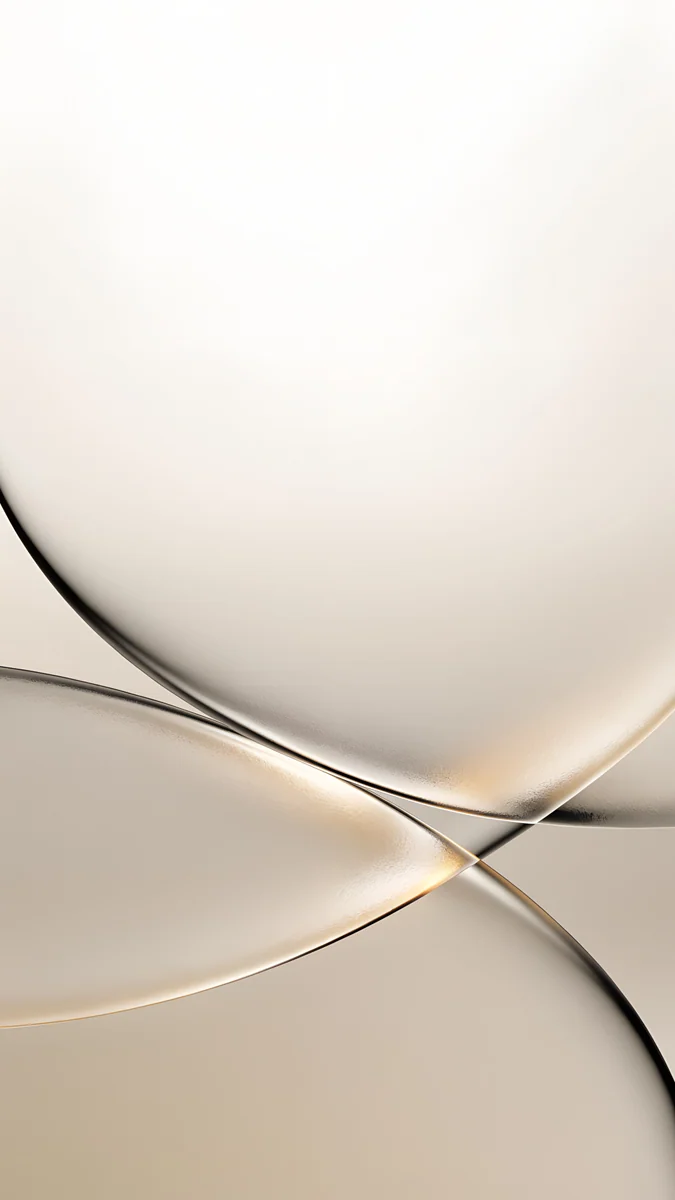 Champagne Veil
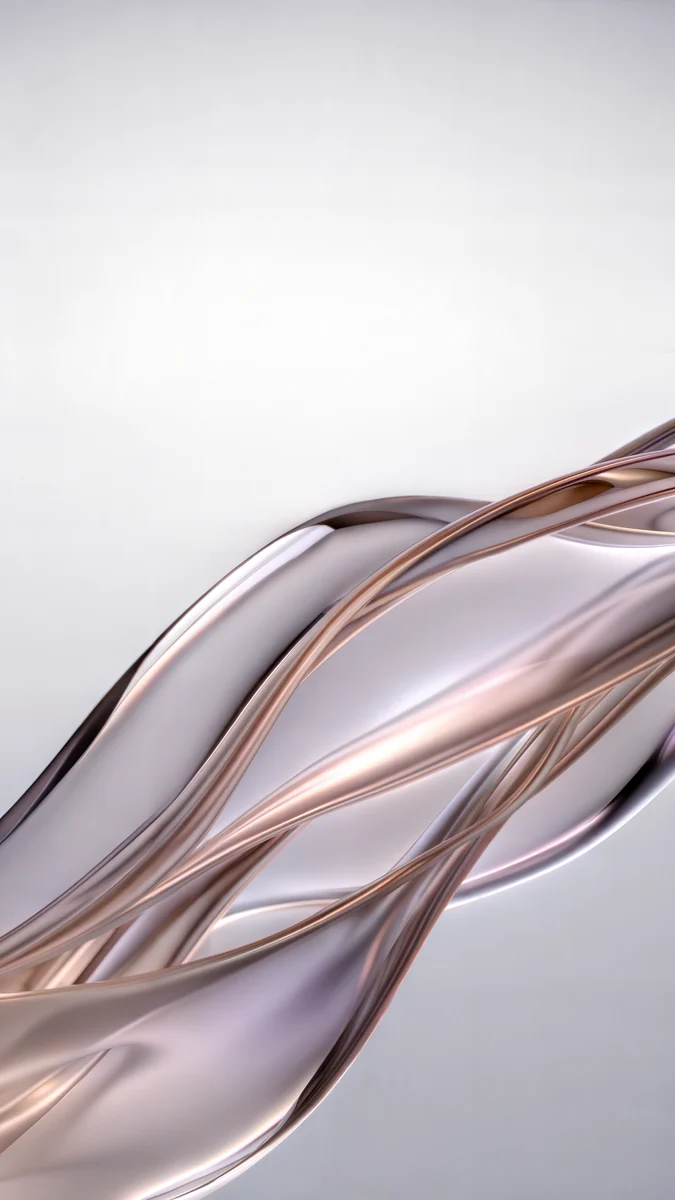 Liquid Light
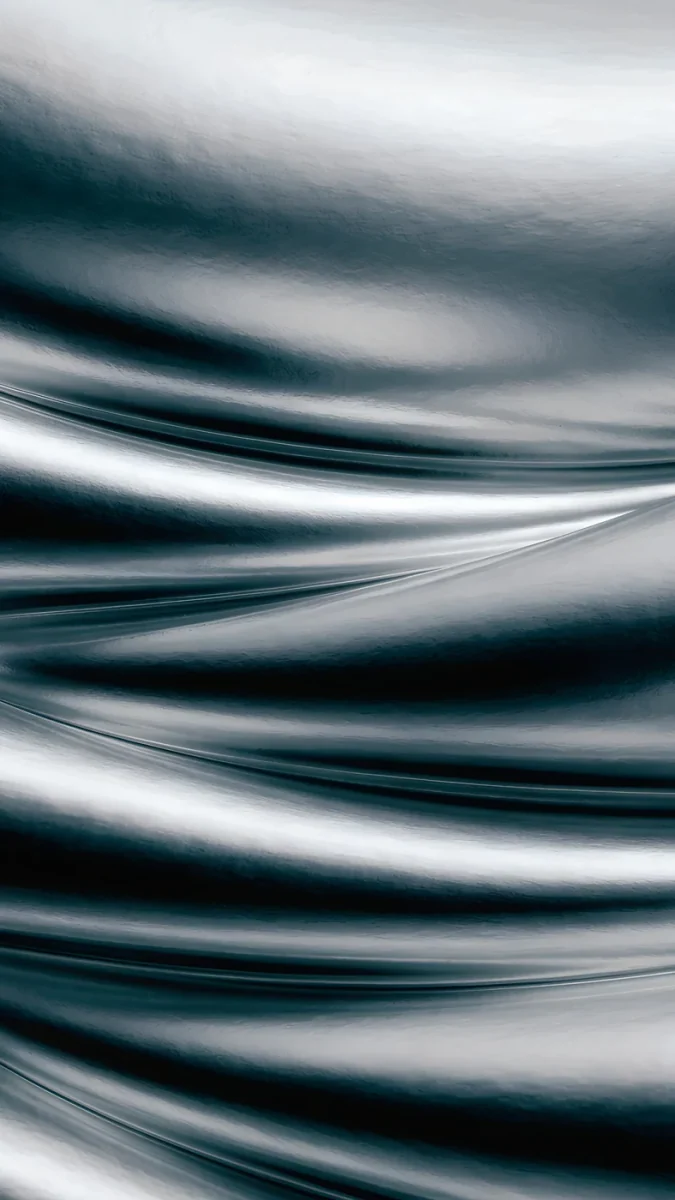 Moon Silver
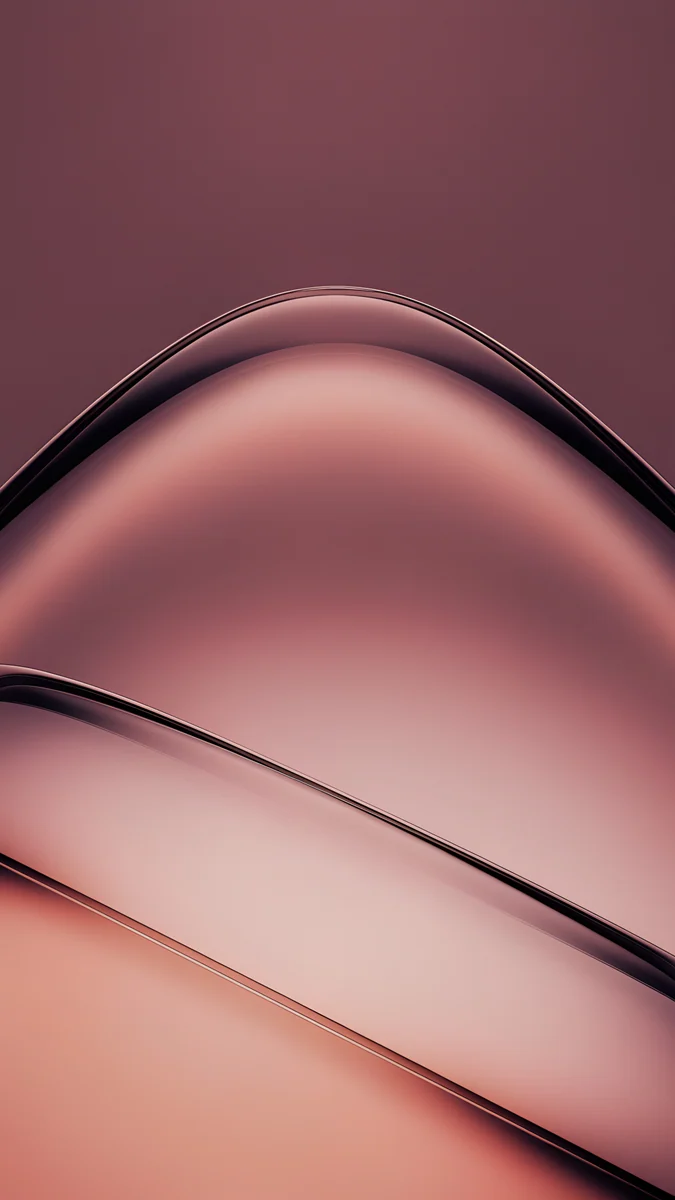 Rose Smoke
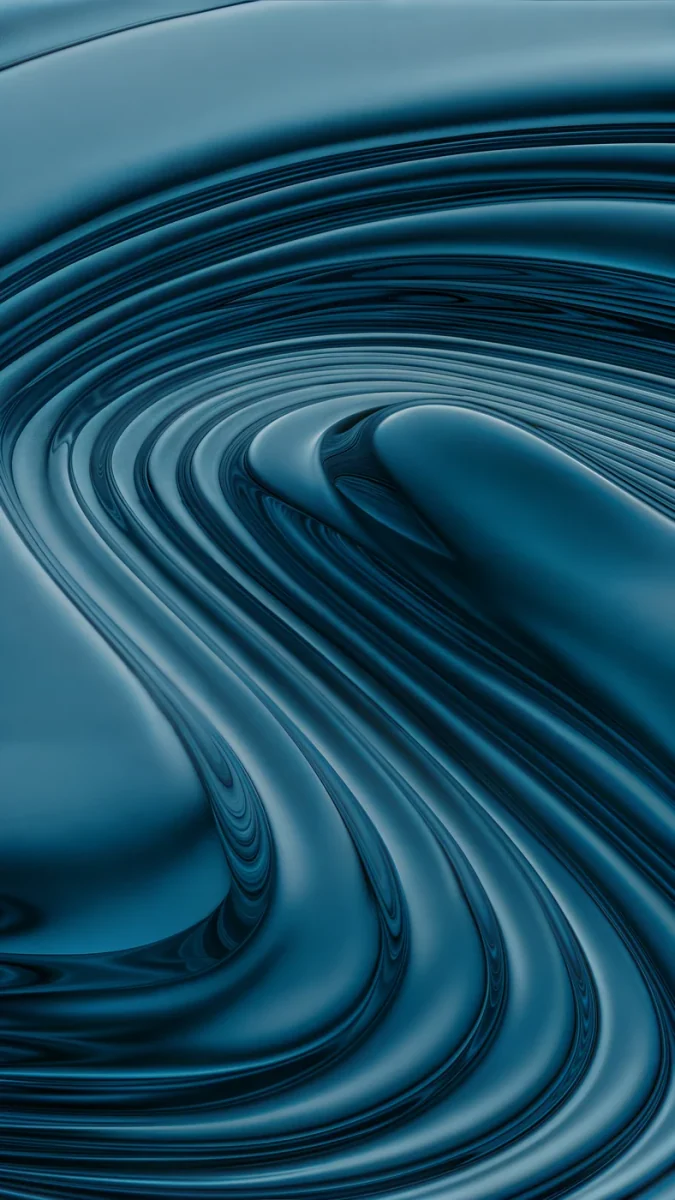 Petrol Terraces
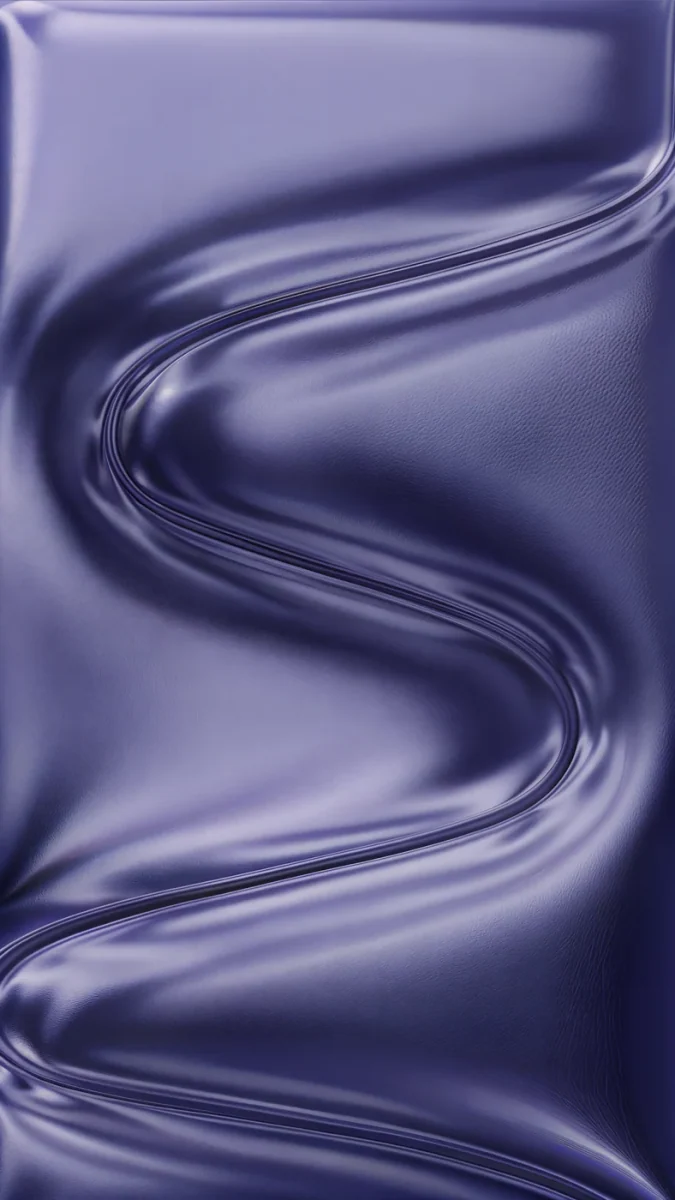 Indigo Passage
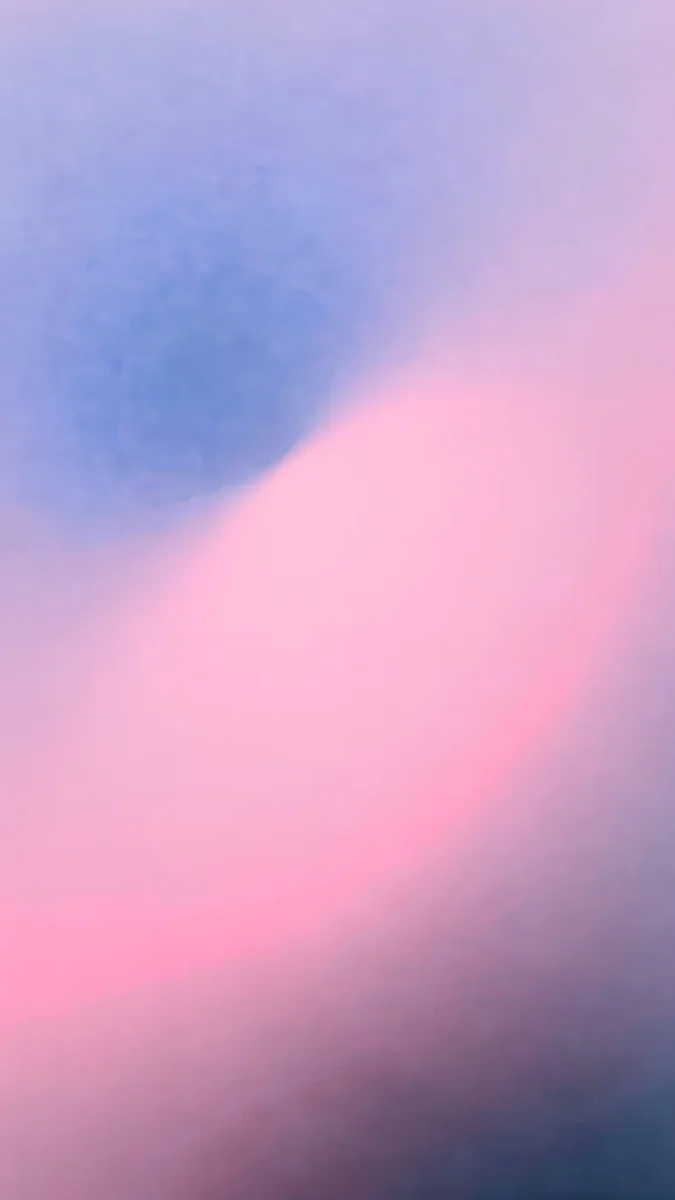 Lilac Hush
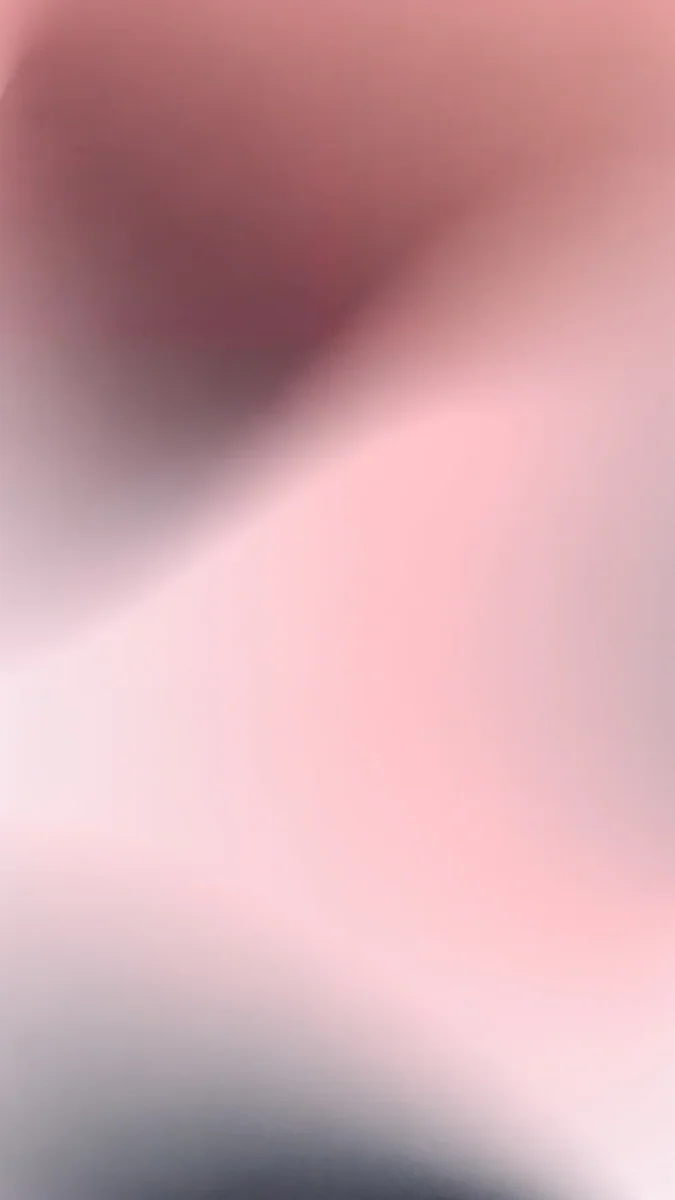 Rose Hour
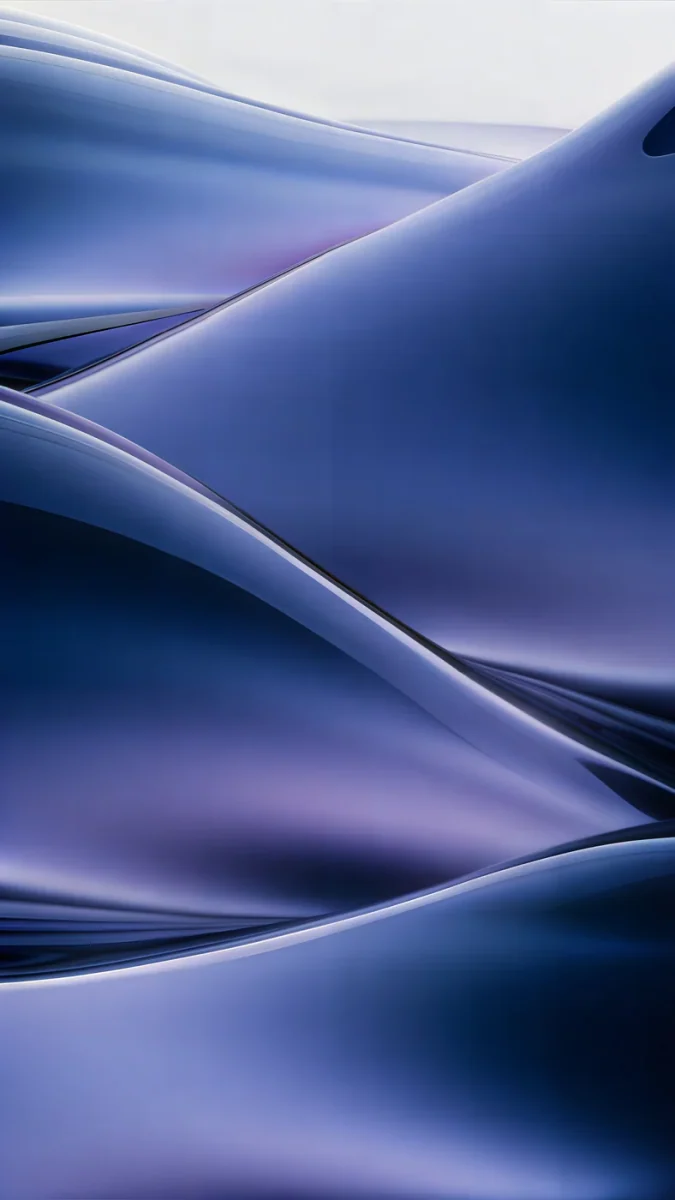 Midnight Flow
Free originals for iPhone and Android, no watermark
On this page
Apple's own iOS 26 wallpapers are Apple's artwork and are already on your iPhone [3]: open Settings, tap Wallpaper, then Add New Wallpaper to find them. This page is for what comes after that, wallpapers that look good with the new parts of iOS 26. That means the Liquid Glass clock and controls, the Clear and Tinted home screen icons, and spatial scenes that shift as you tilt the phone. Liquid Glass is the translucent material Apple introduced on 9 June 2025 for iOS 26, iPadOS 26 and macOS Tahoe 26 [2]. Each pick below is a Velpaper original at 2160 × 3840 pixels, not a copy of an Apple wallpaper, with no text and no watermark. The sections group them by what they do best, then show how to set them and fix common problems. For the full Liquid Glass set, see our Liquid Glass wallpapers page.
What iOS 26 changed for wallpapers
iOS 26 draws the lock screen clock as thick, translucent glass that picks up light and color from the wallpaper behind it [1]. It stretches taller if you drag its lower edge, and it reads best on a calm background. Home screen icons gained a Clear look, and Tinted icons, which arrived in iOS 18, can take a color straight from your wallpaper [1]. Spatial scenes turn a flat picture into layers that shift when you tilt the phone, on an iPhone 12 or later. A good wallpaper for iOS 26 is soft, smooth and low in detail, with a quiet top third. If you are on the next release, see iOS 27 wallpapers [1]. Sizes for every iPhone are in the iPhone wallpaper size guide.
Light Liquid Glass wallpapers
Pale planes of frosted glass in cream, lilac and silver keep the screen airy and want a dark or tinted clock. Glass has no face or horizon to compete with the time.
Champagne Veil is the warmest, cream and sand glass over a soft glow. Liquid Light mixes lilac and peach in one long fold. Lilac Transmission is a pale lilac glass pass. Moon Silver carries deeper shadows in silver and gray, so it bridges toward the dark set.
Dark Liquid Glass wallpapers
Jade, petrol, indigo and smoky rose planes catch a thin line of light along their edges while the rest of the frame stays deep. They suit an OLED screen, dark mode and a white glass clock.
Jade Light Fold is dark green glass with one pale crease. Rose Smoke runs from plum to blush. Petrol Terraces stacks its planes like steps. Indigo Passage is indigo and lilac silk in a long wave.
Wallpapers for Clear and Tinted icons
Glass icons pick up every edge behind them. A smooth gradient keeps them crisp, and a detailed photo turns a page of icons into blurry blobs. For Tinted icons, take the color with the eyedropper from a large area of the wallpaper, not from a small highlight. The steps are in our clear and tinted icons guide.
Lilac Hush blends pale lilac with dusty rose and a slate shadow. Celadon Haze drifts from seafoam to a cream center with no object at all. Rose Hour runs from dusty rose to pale blush and suits a pink tint at low saturation. Midnight Flow folds navy into muted violet and suits dark clear icons on an OLED screen.
Wallpapers for spatial scenes
A spatial scene needs a clear foreground, distance behind it and clean edges. Apple does not publish the exact rules and makes no promise about artwork, so treat these as strong candidates. Each is built in separate planes. Our spatial scene guide has the steps.
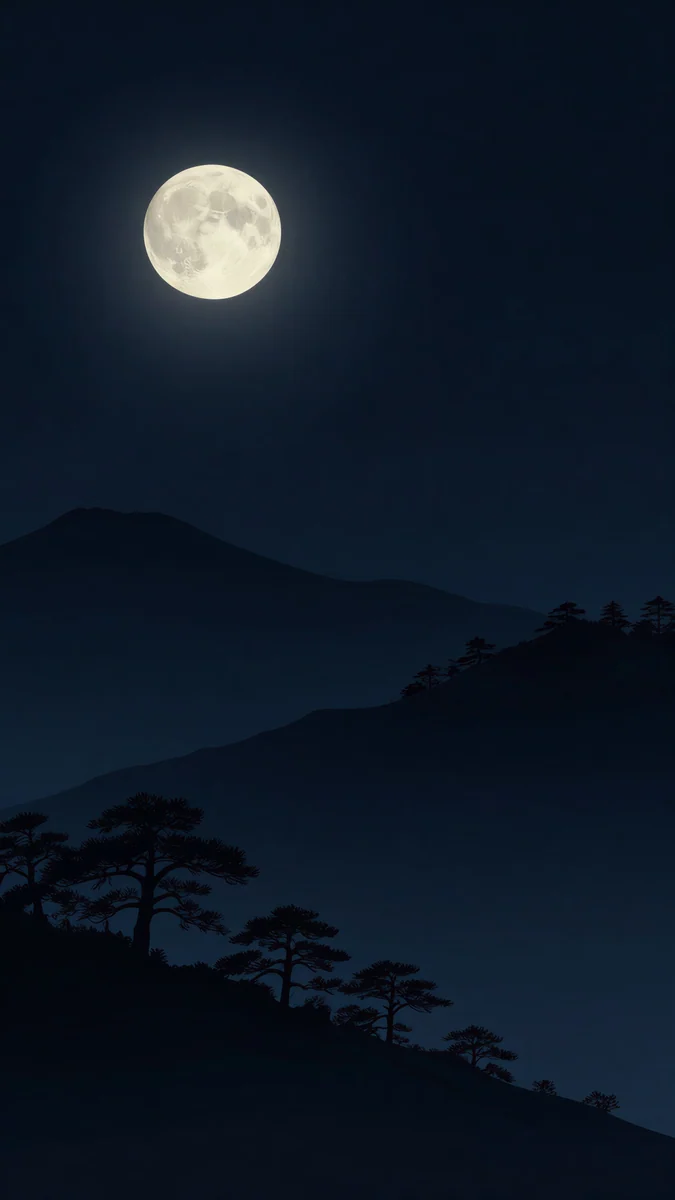
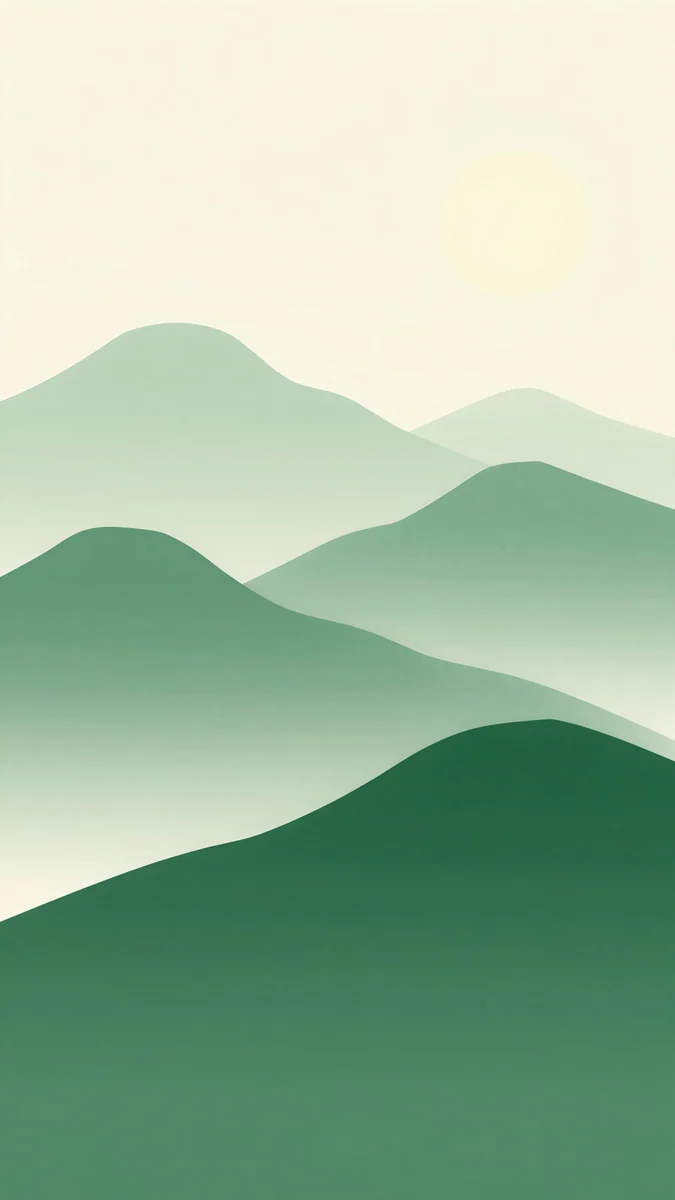
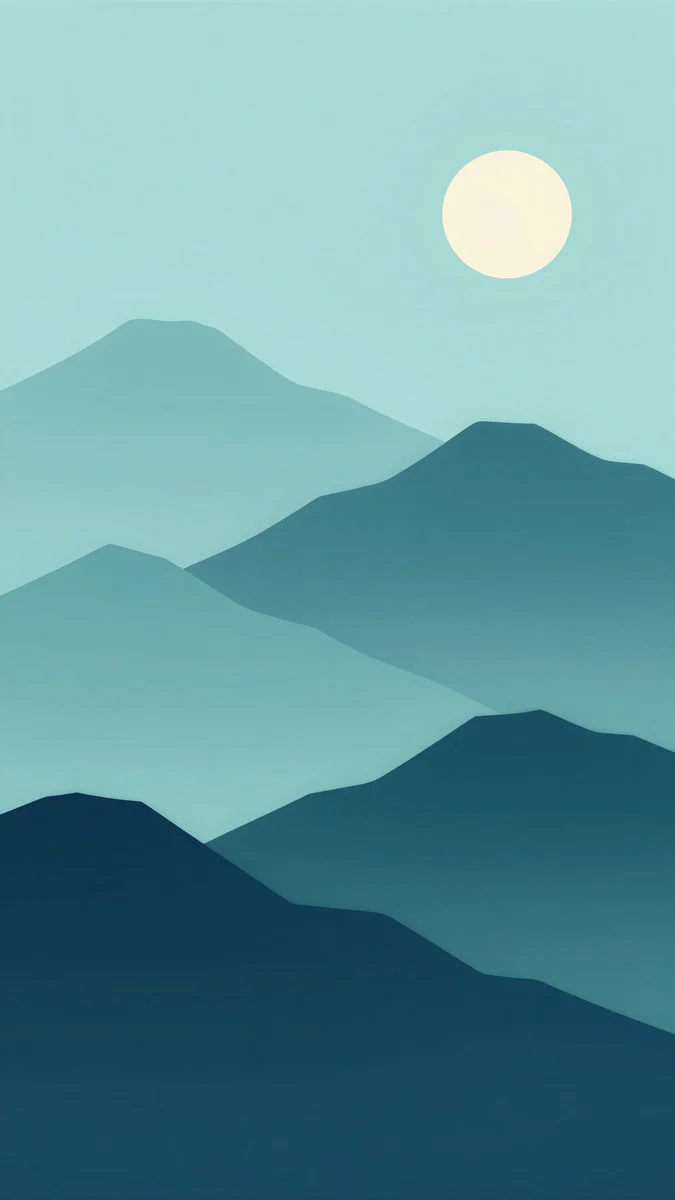
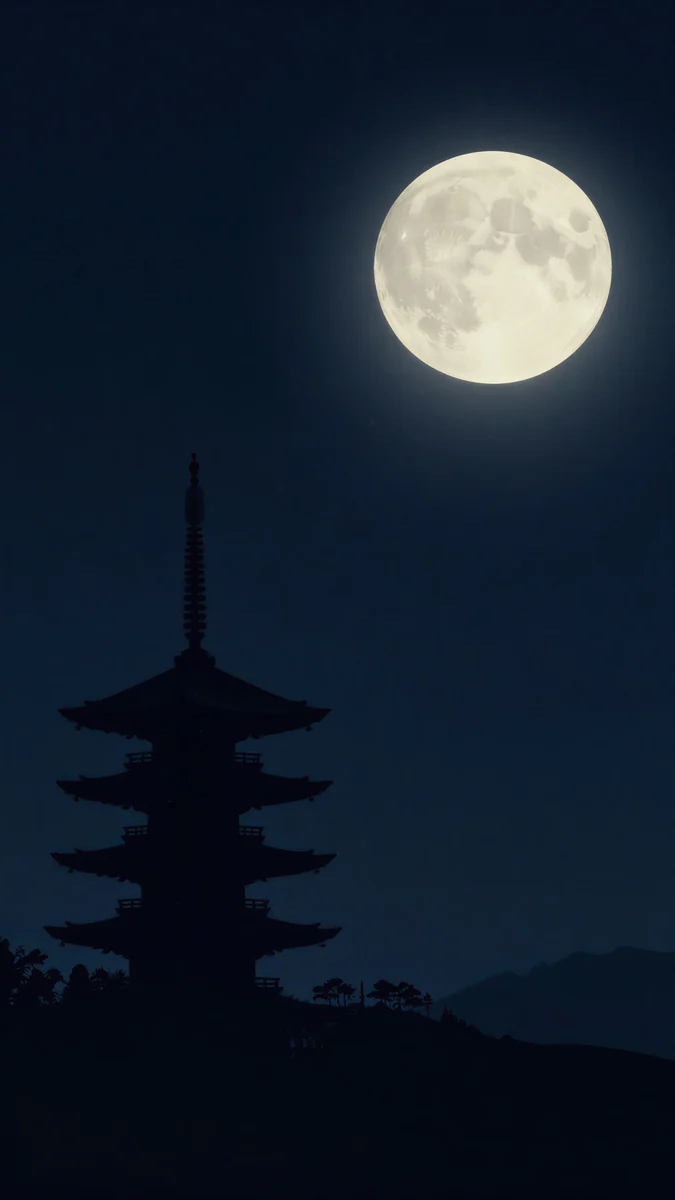
Moon Pines sets pine silhouettes in front of dark layered mountains and a full moon. Forest Paper Peaks stacks paper cut mountains from pale sage to deep forest green. Midnight Paper Peaks is the same idea at night, soft teal to navy. Pagoda Moon places a slender pagoda against a large pale moon.
How to set a wallpaper in iOS 26
- Save the original to Photos from the Velpaper app or from the wallpaper page on velpaper.com [3].
- Open Settings, tap Wallpaper, then Add New Wallpaper, and choose Photos.
- Pick the image, then pinch and drag so the busy part sits below the clock.
- Tap the time to change its font and color, then tap Add and choose whether to use it on both the lock screen and the home screen.
For the clock, widgets and controls, see our iOS 26 lock screen customization guide [1]. Menu names match iOS 26 in English and can shift slightly between updates.
Common problems and fixes
The glass clock is hard to read. The picture has too much detail behind the time. Switch to a solid color for the clock or choose a calmer wallpaper like Champagne Veil.
Icons look muddy. The home screen picture is too busy. Use a smooth gradient like Celadon Haze, or give the home screen a different wallpaper from the lock screen.
The tint no longer matches. The tint stays where you set it. Open Customize again and use the eyedropper on the new wallpaper.
The spatial scene does not move. Flat graphics and pictures without a clear foreground often give little or no motion. Try Moon Pines.
Get these iOS 26 wallpapers in Velpaper
Velpaper is an app for iPhone, iPad, Mac and Android, and every wallpaper is also on velpaper.com [1]. Browsing and previews are free. The phone wallpapers in this article unlock after a short optional ad in the apps; on the website the original downloads free when no ad is available. Phone files are 4K originals at 2160 × 3840 without a watermark and without an account [2].
Next step: open Jade Light Fold for a dark glass look, or Lilac Transmission for a light one, save the original and set it from Settings.
Original wallpapers in and for iPhone, Android and desktop.
Questions
Where are the default iOS 26 wallpapers?
Apple's own iOS 26 wallpapers are Apple's artwork and are already on your iPhone [3]. Open Settings, tap Wallpaper, then Add New Wallpaper, and browse the collections at the top. This page covers other wallpapers that work well with iOS 26 features: soft glass for the Liquid Glass clock, smooth gradients for Clear and Tinted icons, and layered scenery for spatial scenes. None of ours is a copy of an Apple wallpaper.
What makes a good wallpaper for the iOS 26 lock screen?
The iOS 26 clock is drawn in Liquid Glass, so it picks up light and color from the picture behind it [1]. It reads best on a soft gradient with a calm top third and turns hard to read on a photo full of small detail. If that happens, switch the clock to a solid color or pick a quieter wallpaper. Frosted glass wallpapers such as Champagne Veil and Jade Light Fold are built for this.
Which wallpapers work with Clear and Tinted icons in iOS 26?
Pick a smooth gradient with no single subject [1], so an icon can land anywhere. Clear icons only show the picture behind them, and a busy photo turns them into blurry blobs. For Tinted icons, use the eyedropper on a large area of the wallpaper, not a small highlight. Celadon Haze, Lilac Hush and Rose Hour all work well for this. Tinted icons arrived in iOS 18, and Clear came with Liquid Glass in iOS 26 [1].
Which iPhones can use a spatial scene wallpaper?
A spatial scene needs iOS 26 and an iPhone 12 or later [3]. Open Settings, Wallpaper, Add New Wallpaper, pick a photo and tap the spatial scene button in the editor. iOS splits the picture into layers that shift as you tilt the phone. Apple does not publish the exact rules, so results vary by picture. A clear foreground with open space behind it, like Moon Pines, gives the strongest effect.
Are these iOS 26 wallpapers free?
Browsing and previewing are free on velpaper.com and in the Velpaper apps for iPhone [1], iPad, Mac and Android. The phone wallpapers in this article unlock after a short optional ad in the apps, and on the website the original downloads free when no ad is available. There is no account and no subscription. Each phone file is a 2160 × 3840 original without a watermark, so it stays sharp after iOS scales it to your screen [2].
Carlos Vivero
Designer of Velpaper wallpapers
Carlos Vivero designs the wallpapers in Velpaper: quiet architecture, liquid glass, Japanese ink and calm landscapes. Every piece is made as a original for iPhone, Android and desktop.
Recent work