iPhone Air Wallpaper: 4K Picks for All Four Finishes
iPhone Air wallpapers in 4K: the 1260 × 2736 screen size from Apple, light and airy picks, and matches for Sky Blue, Light Gold, Cloud White and Space Black.
In short: The best iPhone Air wallpaper is light and open, with sky or empty space behind the clock and a colour that matches the finish. One 2160 × 3840 original covers the 6.5 inch iPhone Air screen at 1260 × 2736 and stays sharp.
By the Velpaper team · Wallpapers by Carlos Vivero, Velpaper designer · · 7 min read
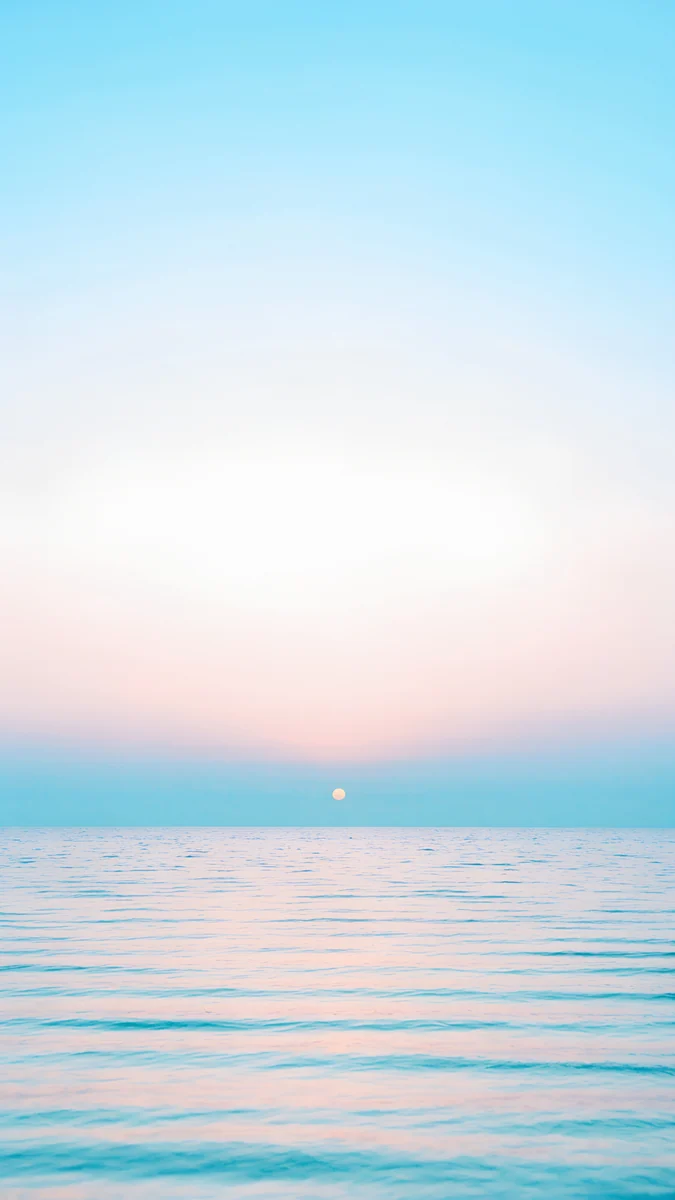 Pastel Sea Horizon
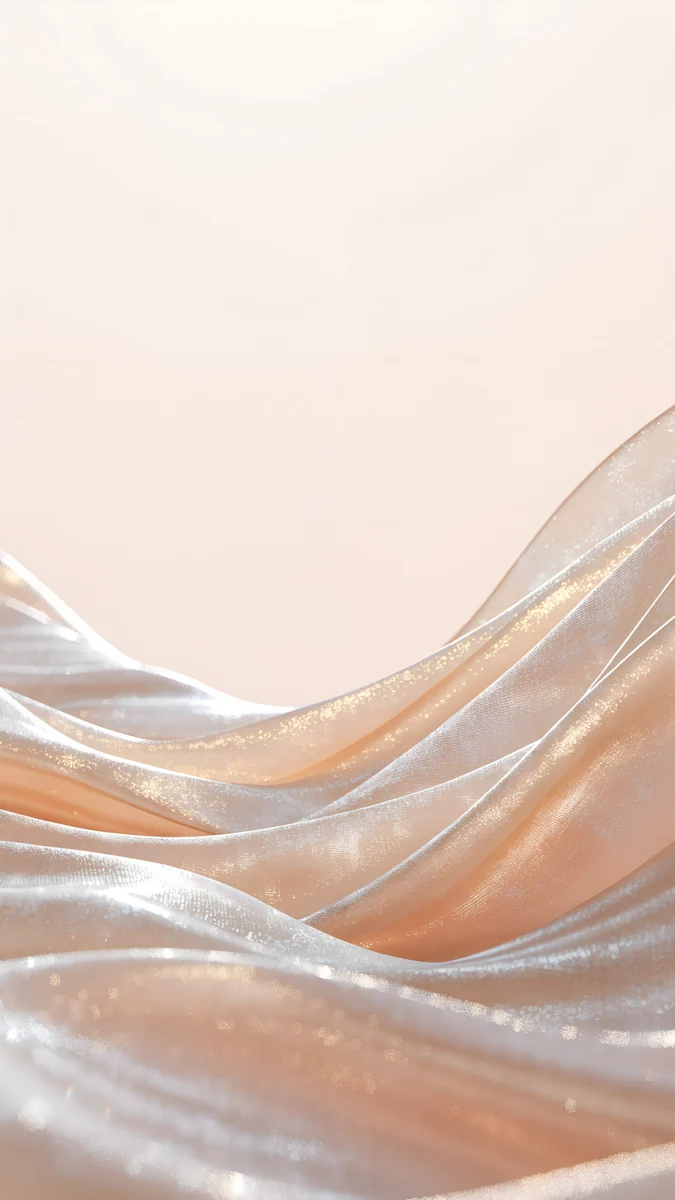 Champagne Satin
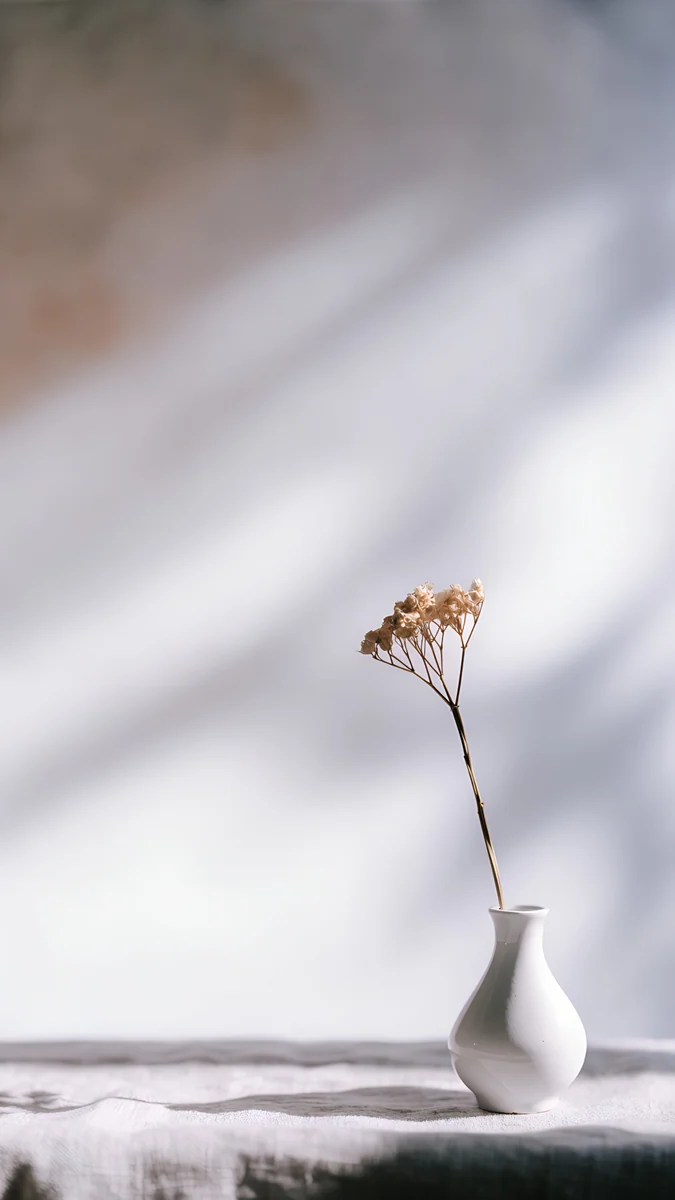 Linen Vase Light
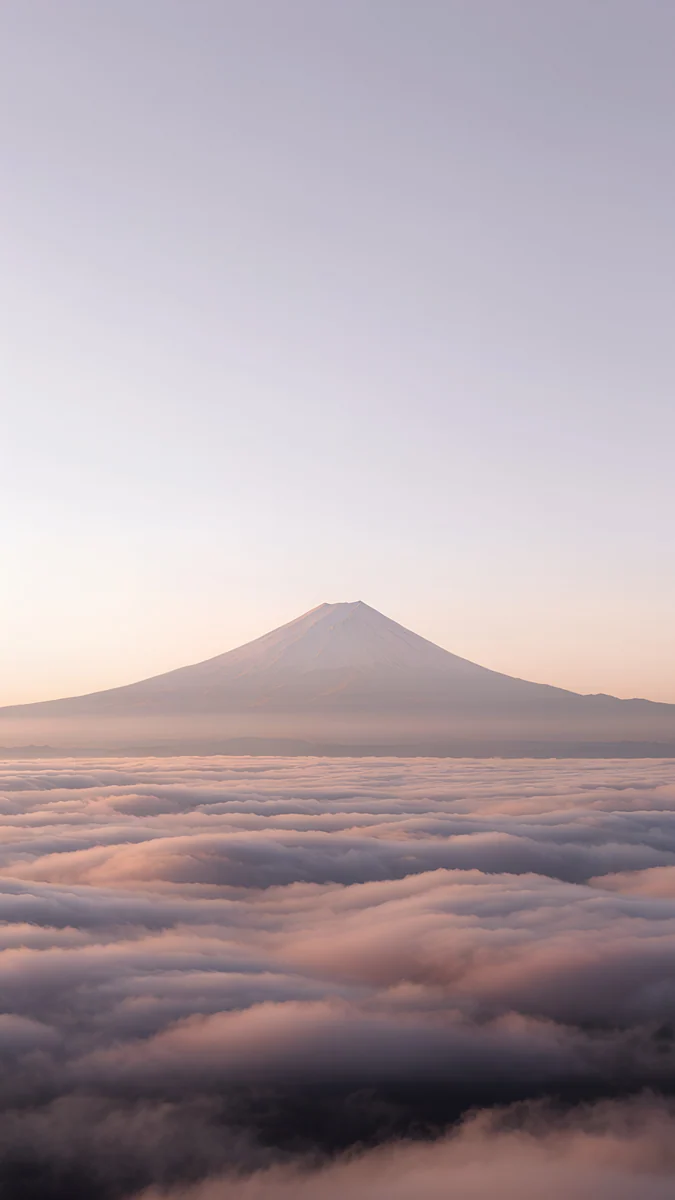 Fuji Above Clouds
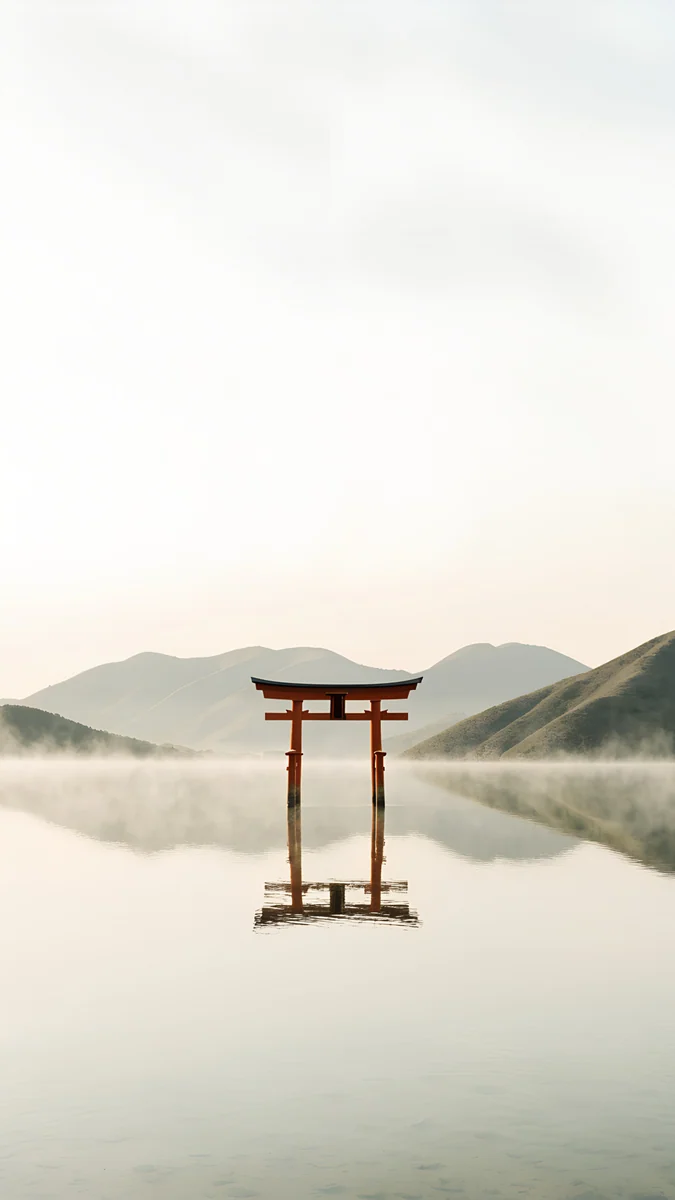 Torii in the Mist
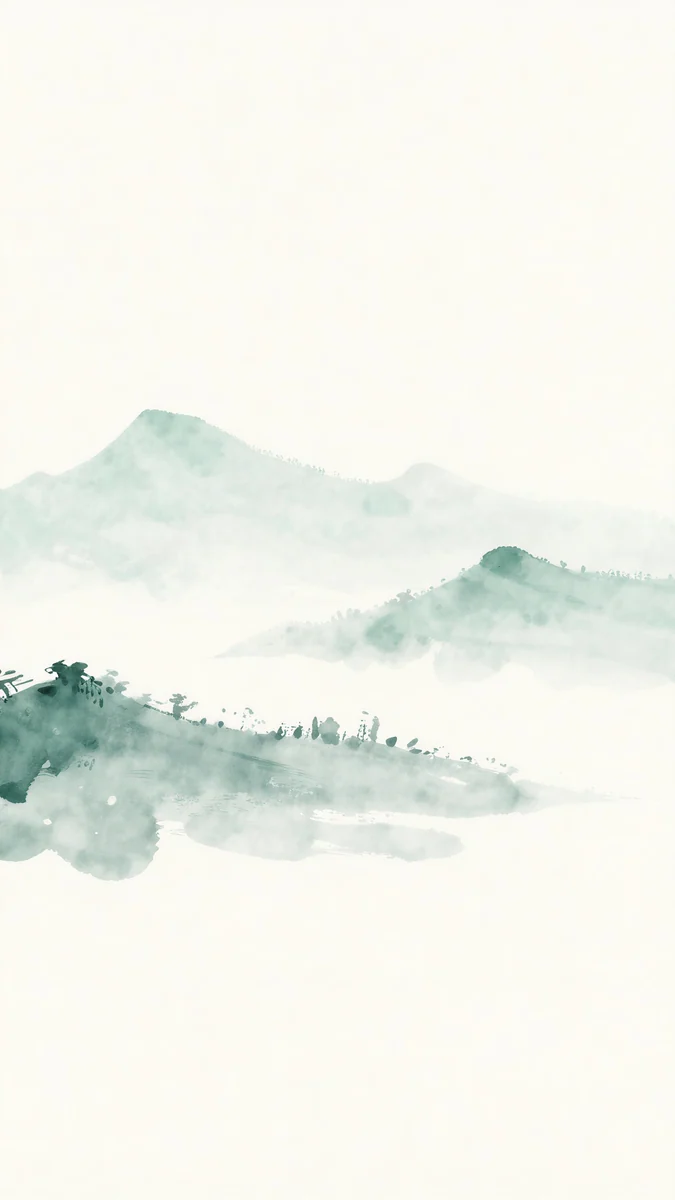 Jade Mist
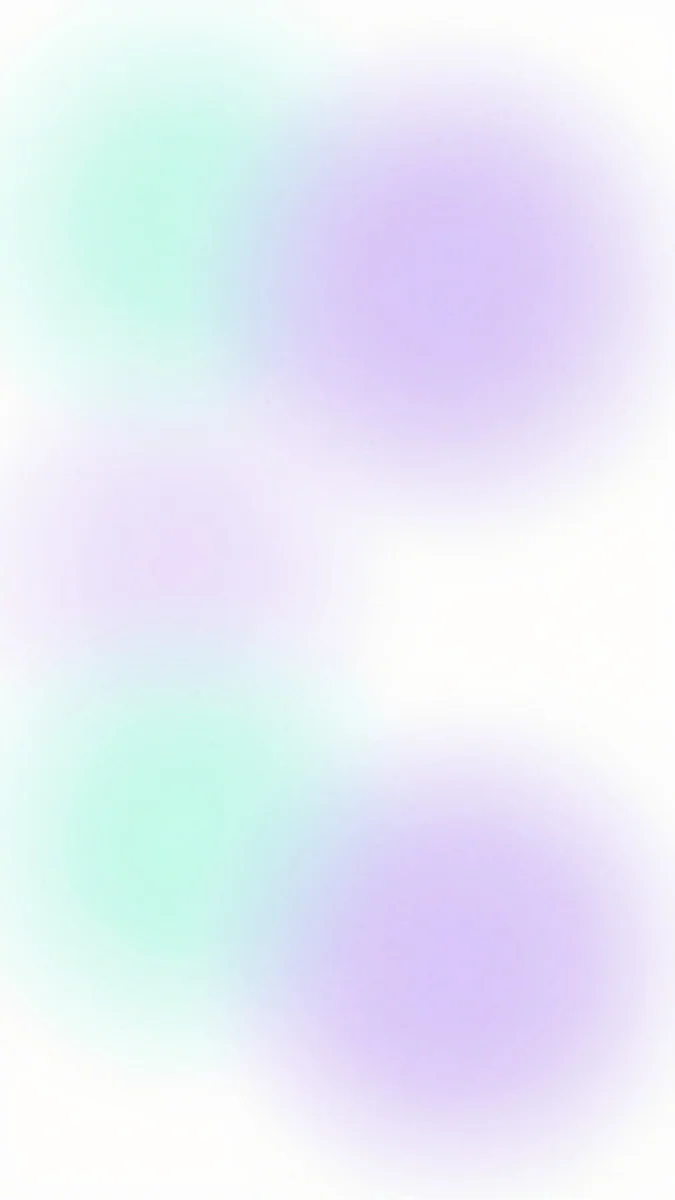 Mint Aura
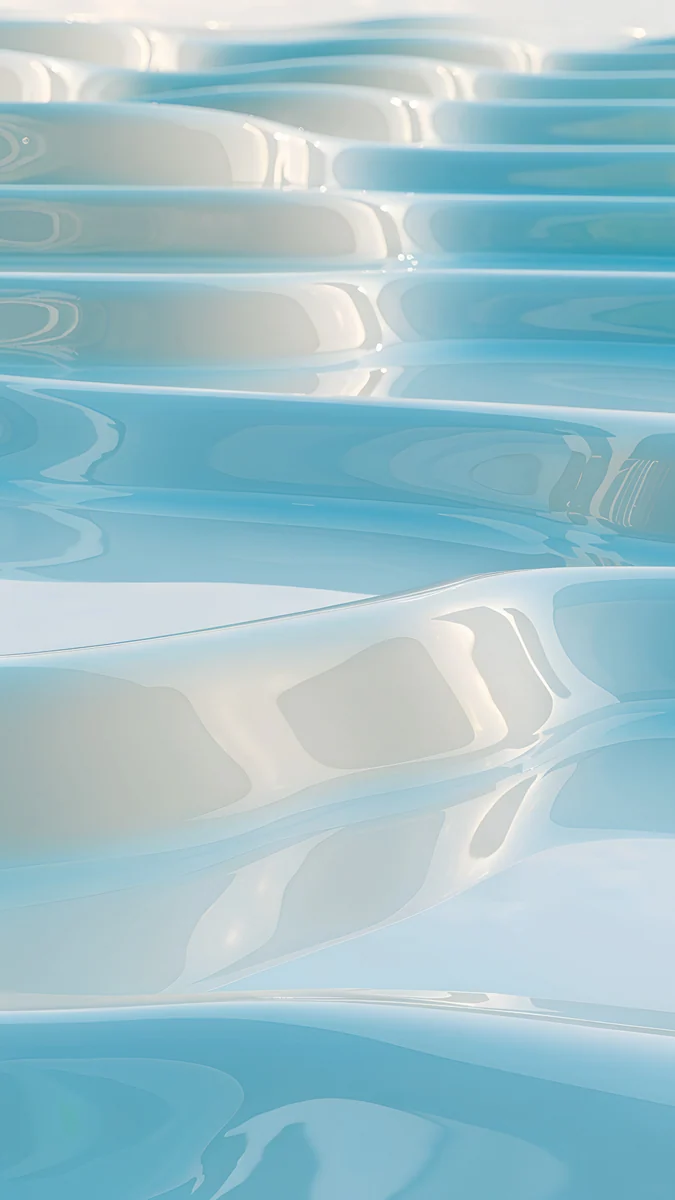 Sky Pearl Terraces
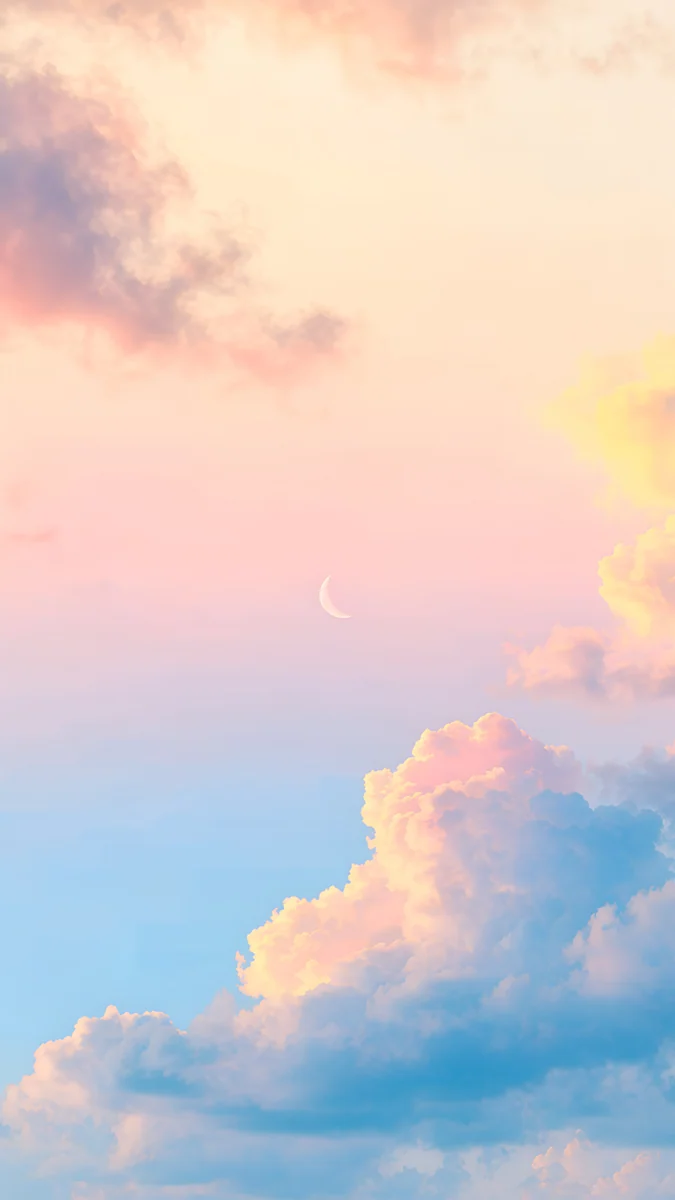 Pastel Moon Sky
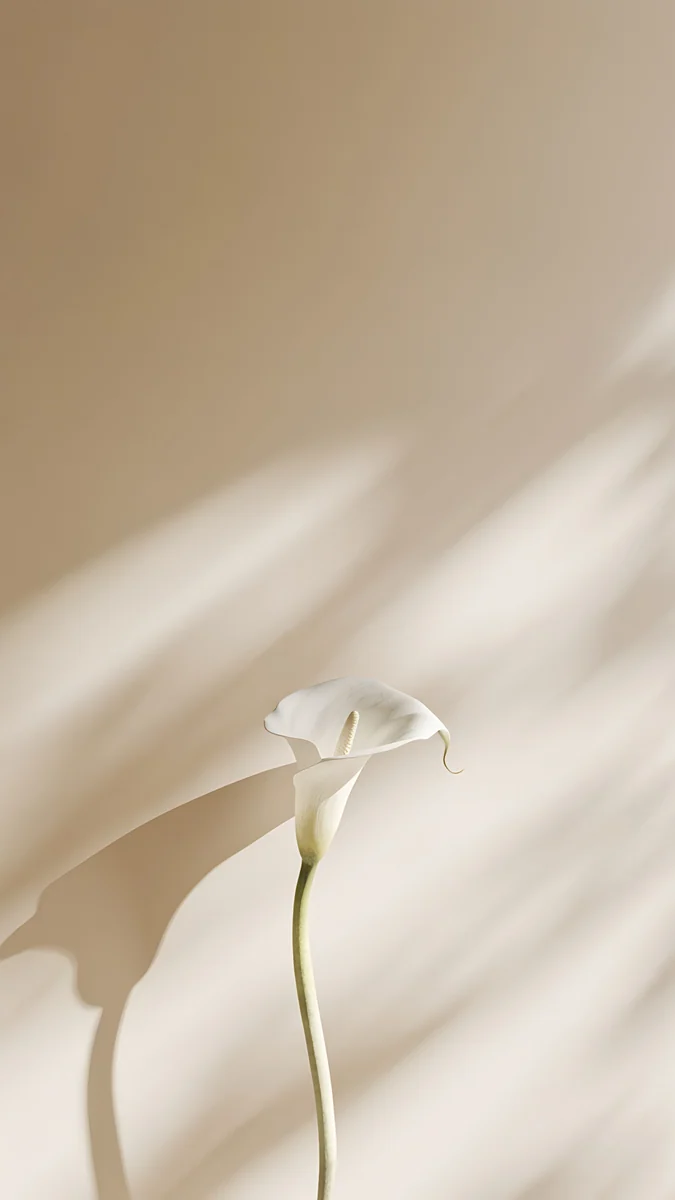 Calla Lily Light
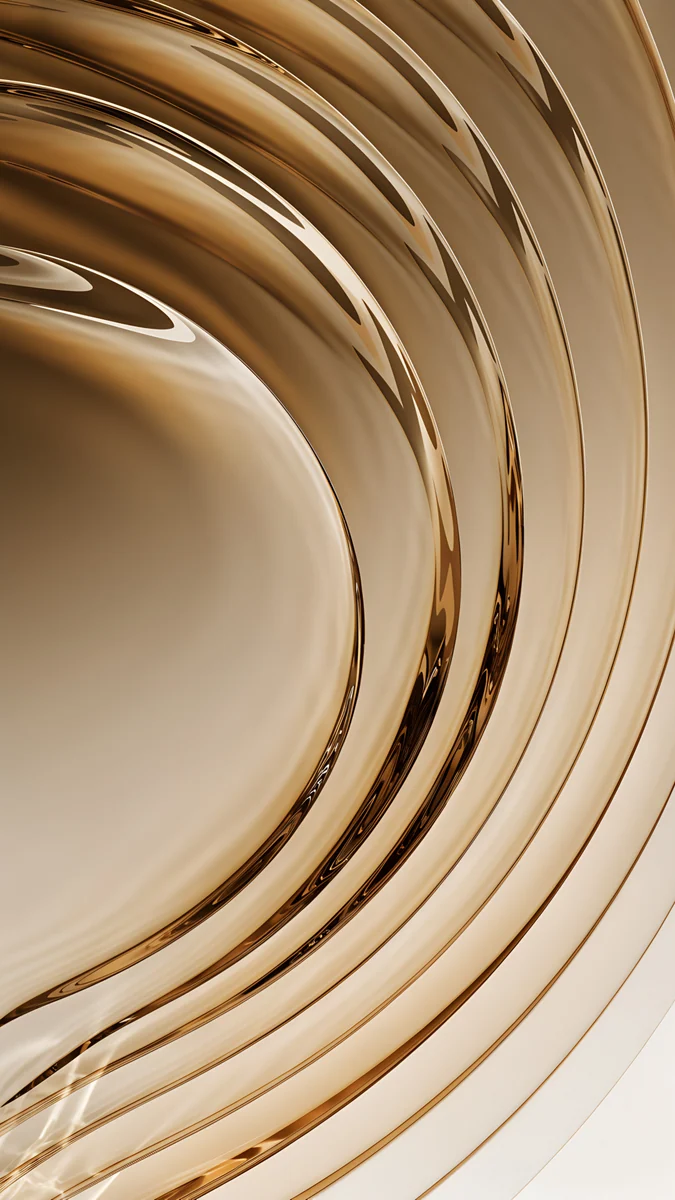 Champagne Gold Strata
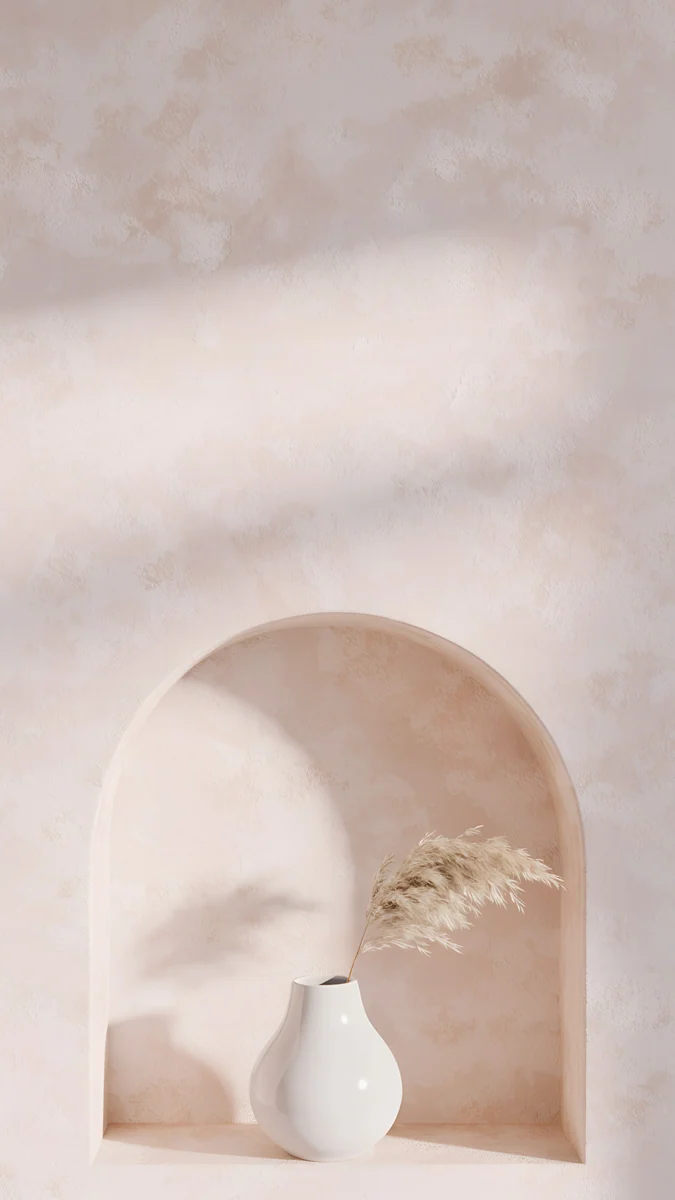 Pampas Niche
Free 4K originals for iPhone and Android, no watermark
On this page
The best iPhone Air wallpaper is a light, open picture with plenty of sky or empty space and its subject below the clock. The Air has a 6.5 inch OLED screen at 1260 × 2736 pixels, and a 2160 × 3840 original is larger in both directions, so it stays sharp. Pick the colour to match your finish: pale blue for Sky Blue, soft champagne for Light Gold, warm white for Cloud White and deep black for Space Black.
This page is only about the iPhone Air: its screen as Apple lists it, what the thin body and the display mean for a wallpaper, and picks for its four finishes. They are different from the ones on our iPhone 17 Pro wallpapers page, and the whole lineup is compared side by side in iPhone 17 wallpapers.
iPhone Air wallpaper size
These figures come from Apple's tech specs page for the iPhone Air, width by height in pixels:
| Model | Screen | Resolution | Density |
|---|---|---|---|
| iPhone Air | 6.5 inches | 1260 × 2736 | 460 ppi |
That puts the Air between the 6.3 inch iPhone 17 and the 6.9 inch 17 Pro Max, at the same 460 pixels per inch. A 2160 × 3840 wallpaper is taller and wider than the screen, so iOS only scales it down. Because the Air is narrower than 9:16, it shows about the middle four fifths of the width and trims roughly 9 percent from each side. Keep the subject near the centre and nothing important gets cut. Other iPhones and their exact crops are in our iPhone wallpaper size guide.
What the thin body and the display mean for your wallpaper
Apple lists the iPhone Air at 5.64 mm deep and 165 grams, with a titanium design. For comparison, Apple lists the iPhone 17 at 7.95 mm and the iPhone 17 Pro at 8.75 mm. The screen is a Super Retina XDR display, and the spec page lists, among other things:
- A 6.5 inch all-screen OLED display at 2736 by 1260 pixels and 460 ppi.
- The Dynamic Island and the Always-On display.
- ProMotion with adaptive refresh rates up to 120Hz.
- 1000 nits max brightness (typical), 1600 nits peak for HDR, 3000 nits peak outdoors and 1 nit minimum.
- An anti-reflective coating.
A thin, light phone suits a wallpaper with air in it: one horizon, one soft object, a lot of calm colour. On OLED every pixel makes its own light, so pale gradients look smooth and black areas stay truly black. The Dynamic Island sits at the top centre right above the clock, so the busy part of the picture should sit lower. And with the Always-On display, the lock screen stays visible in a dimmed form, which is worth checking before you settle on a very bright picture. Our article on the iPhone Always-On display wallpaper explains how that mode works.
Light and airy wallpapers for the iPhone Air
These four keep the upper half almost empty, so the clock floats on soft colour and the phone feels as light as it is.
Fuji Above Clouds puts a mountain peak over a sea of pink and lilac clouds at dawn, with a pale sky above for the time. Torii in the Mist is a single red gate standing in still water with misty hills behind it, almost white from top to middle. Jade Mist paints green hills in light ink on cream paper, low in the frame. Mint Aura has no subject at all: soft mint and lilac glows on white, so any clock colour reads on it.
Pale wallpapers work best with a dark clock. iOS picks the clock colour on its own, and you can change it on the lock screen by touching and holding it, tapping Customize and tapping the time. For more pale picks, see our white aesthetic wallpapers.
Wallpapers for Sky Blue, Light Gold, Cloud White and Space Black
The iPhone Air comes in four finishes: Space Black, Cloud White, Light Gold and Sky Blue. Three of them are very light, so most picks here are bright ones.
Sky Blue
Pastel Sea Horizon is a calm sea under a pale blue sky with a small sun on the horizon, the closest match to the Sky Blue back. Sky Pearl Terraces stacks glossy pools of light blue water, like a pearl version of a rice terrace. Pastel Moon Sky mixes blue sky and pink clouds with a thin crescent moon in the middle.
Light Gold
Champagne Satin is a wave of shimmering pale gold fabric in the lower half, with a cream sky above it. Calla Lily Light shows one white calla lily with soft sunlight and shadow on a warm beige wall. Champagne Gold Strata is the richer choice: curved layers of amber glass circling the centre.
Cloud White

Linen Vase Light is a white vase with a dry stem on a pale table, with soft window shadows behind it. Pampas Niche places a small vase with pampas grass in an arched plaster niche, all warm white. Liquid Light twists clear glass ribbons with a hint of rose across a white background.
Space Black
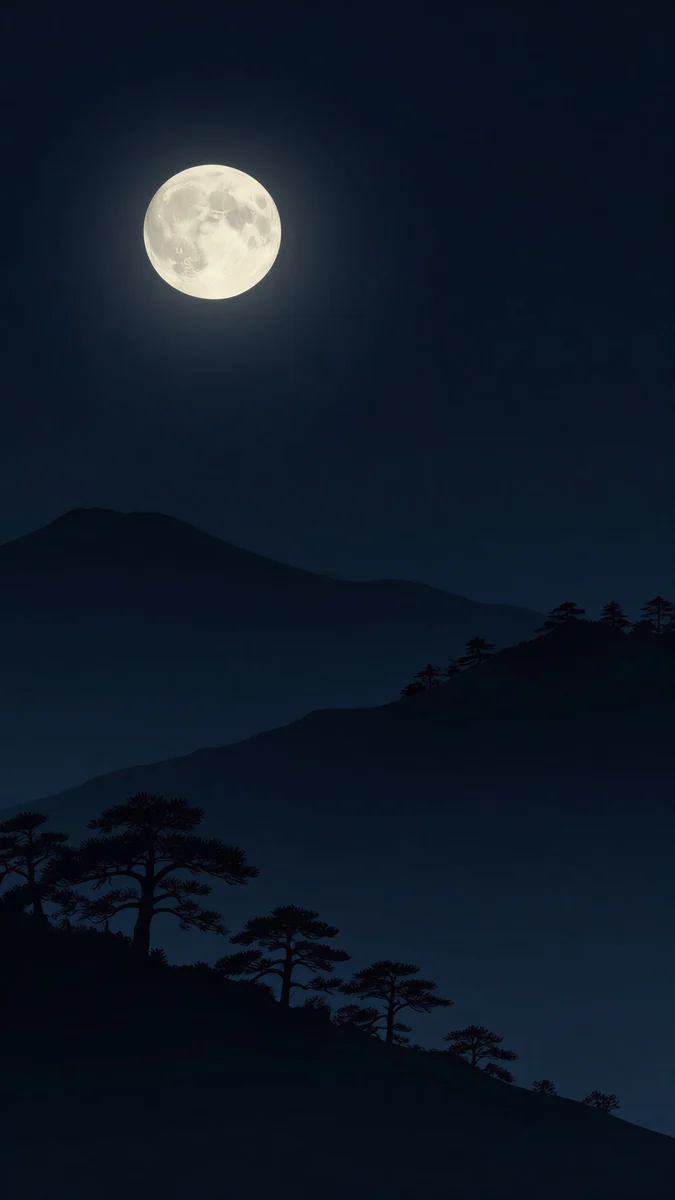
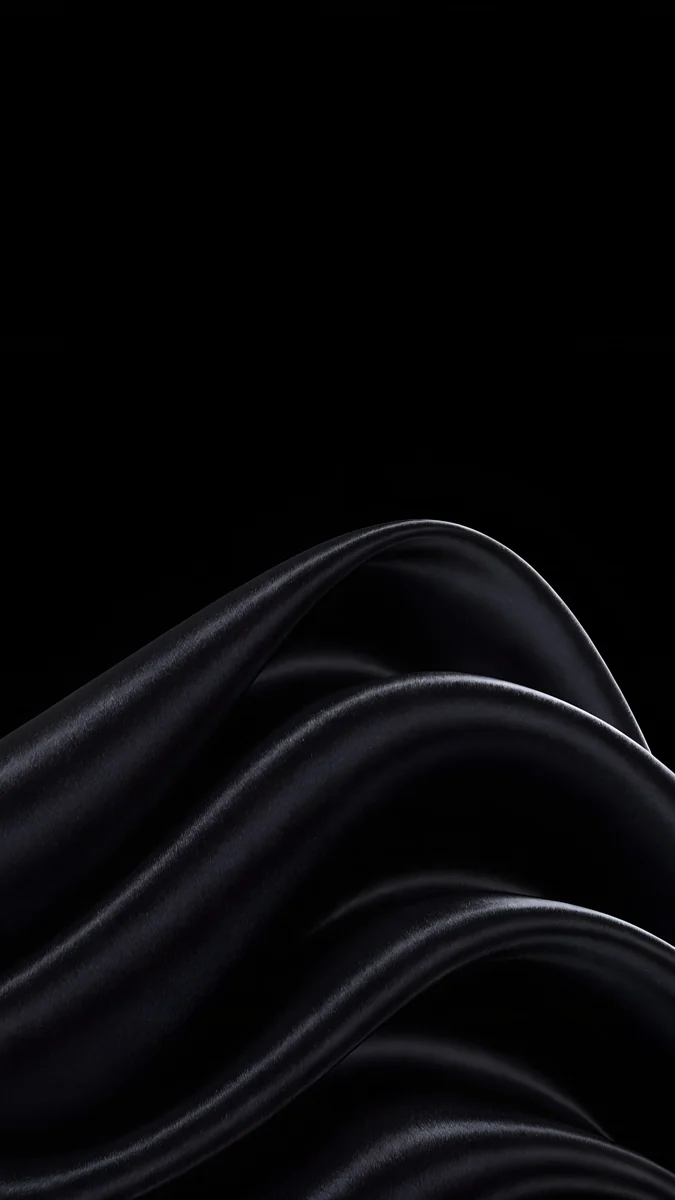
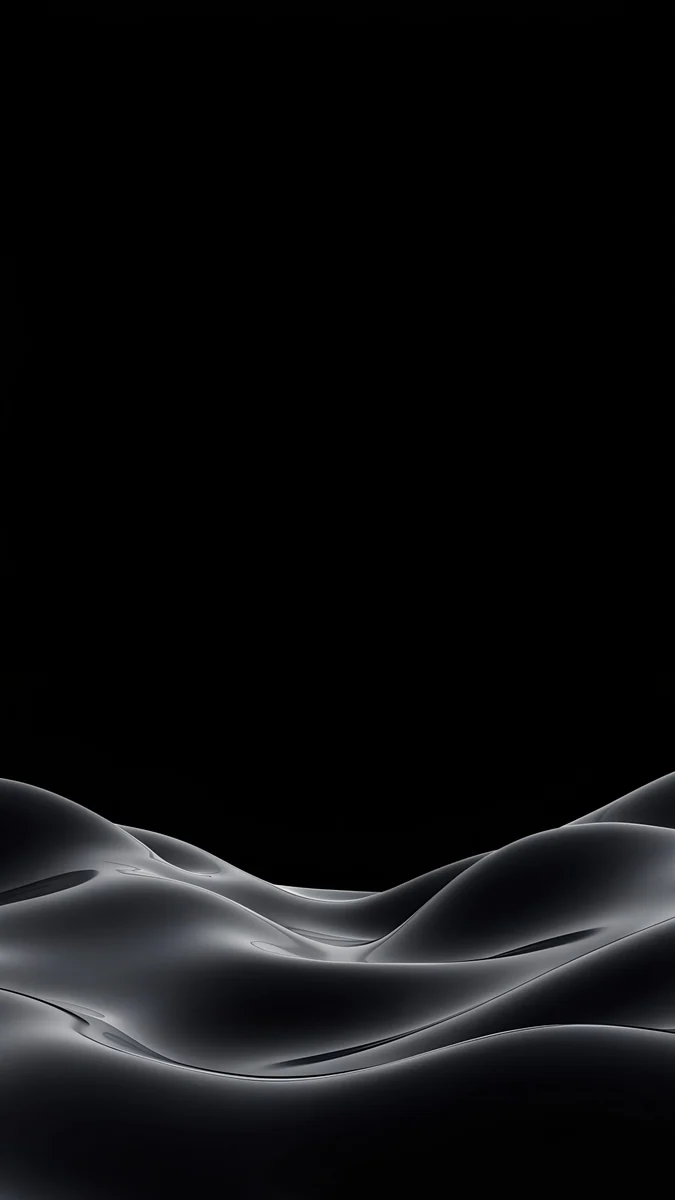
Moon Pines is a full moon over dark blue hills with pine silhouettes, quiet and open like the light picks above. Black Satin folds black silk into soft waves on pure black. Obsidian Waves is a low gray ripple at the bottom of a black frame, the best of the three for the Always-On display.
A black wallpaper looks almost the same on the dimmed Always-On screen. For more of them, read about dark wallpapers for OLED.
How to set a wallpaper on iPhone Air
Apple's iPhone Air page now shows iOS 27. The steps below are the standard iOS wallpaper flow with the English menu names from iOS 26, and the names can differ slightly by version:
- Save the original to Photos from the Velpaper app or from the wallpaper page on velpaper.com.
- Open Settings, tap Wallpaper, then Add New Wallpaper, and choose Photos.
- Pick the image, then pinch and drag so the main shape sits below the clock and clear of the Dynamic Island.
- Tap Add and choose whether to use it on both the lock screen and the home screen.
Fonts, widgets and the clock colour are covered in how to set a lock screen wallpaper on iPhone.
Common problems and fixes
- The clock is hard to read on a pale wallpaper. Make the clock darker in Customize, or move the picture so the clock sits on plain sky.
- Something at the edge is cut off. The Air shows about the middle four fifths of a 9:16 image. Pick a wallpaper with its subject near the centre.
- The wallpaper looks soft. You probably saved a preview or a screenshot. Download the original again from the wallpaper page.
- iOS zooms in further than you framed it. Open the More menu in the wallpaper editor and turn off Perspective Zoom if your version shows it, or read our iPhone wallpaper zoom fix.
- A bright wallpaper looks gray when the phone is locked. That is the Always-On display dimming it. Turn off Show Wallpaper under Settings, Display & Brightness, Always On Display, or use a Space Black pick.
Get these iPhone Air wallpapers in Velpaper
Velpaper is an app for iPhone, iPad, Mac and Android, and every wallpaper is also on velpaper.com. Phone wallpapers are 4K originals at 2160 × 3840, desktop wallpapers are 4K and some are 5K, all without a watermark and without an account. The phone wallpapers in this article unlock after a short optional ad in the Velpaper apps; on the website, if no ad is available, the original downloads for free. The wallpapers are designed by Carlos Vivero.
Next step: open Pastel Sea Horizon, save the original and set it on your iPhone Air with a dark clock.
Original wallpapers in 4K and 5K for iPhone, Android and desktop.
Questions
What size is the iPhone Air wallpaper?
Apple lists the iPhone Air screen at 2736 by 1260 pixels on a 6.5 inch display at 460 pixels per inch. As a portrait wallpaper that is 1260 × 2736. You do not need a file made for exactly that size. A 2160 × 3840 original is larger than the screen in both height and width, so iOS scales it down and trims about 9 percent from each side, because the Air is a little narrower than 9:16. The result stays sharp, as long as the subject is not right at the edge.
Can I use an iPhone 17 Pro wallpaper on the iPhone Air?
Yes. Apple lists both screens at 460 pixels per inch with a similar tall shape: 1206 × 2622 on the 17 Pro and 1260 × 2736 on the Air. A 2160 × 3840 file is larger than both, so the same wallpaper fills either screen and shows about the middle four fifths of its width. The difference is taste rather than size. The Pro picks are mostly black for the Always-On display, while the Air picks on this page are lighter, to match the Sky Blue, Light Gold and Cloud White finishes.
Which wallpaper matches the Sky Blue iPhone Air?
Look for pale blue with lots of open space, so the screen continues the colour of the back instead of fighting it. Pastel Sea Horizon is the closest match in the Velpaper catalog: a calm sea under a light blue sky with a small sun on the horizon. Sky Pearl Terraces is a glossy, more graphic option with stacked pools of light blue water. Pastel Moon Sky adds pink clouds and a crescent moon for a softer, dreamier look. All three are 2160 × 3840 and work best with a dark clock.
Does a light wallpaper look good on the iPhone Air Always-On display?
It works, but it changes character. The Always-On display keeps the lock screen visible in a dimmed form, so a pale wallpaper turns into a muted, grayish version of itself while the phone is locked. Some people like that, others prefer a calm black screen. If you want a light wallpaper when the phone is awake and a dark screen when it is locked, go to Settings, Display & Brightness, Always On Display and turn off Show Wallpaper. Or pick a Space Black wallpaper such as Obsidian Waves, which looks almost the same in both states.
Are these iPhone Air wallpapers free?
Browsing and previewing are free on velpaper.com and in the Velpaper apps for iPhone, iPad, Mac and Android. The phone wallpapers in this article unlock after a short optional ad in the apps; on the website, if no ad is available, the original downloads for free. There is no account and no subscription. Every phone file is a 2160 × 3840 JPEG without a watermark, larger than the iPhone Air screen, so one download is enough and you can use the same file on another iPhone later.
Carlos Vivero
Designer of Velpaper wallpapers
Carlos Vivero designs the wallpapers in Velpaper: quiet architecture, liquid glass, Japanese ink and calm landscapes. Every piece is made as a 4K original for iPhone, Android and desktop.
Recent work








