Change Wallpaper Automatically on iPhone, Android, PC
Make your wallpaper change on its own: Photo Shuffle on iPhone, Daily wallpaper on Pixel, Dynamic Lock screen on Samsung, Slideshow on Windows 11 and Mac.
In short: Every major system can change the wallpaper automatically. Use Photo Shuffle on iPhone, Daily wallpaper on a Pixel, Dynamic Lock screen or several gallery photos on Samsung, Slideshow or Windows spotlight on Windows 11, and a shuffled folder on a Mac.
By the Velpaper team · Wallpapers by Carlos Vivero, Velpaper designer · · Updated · 5 min read
Checked against official documentation: Menu paths checked against Apple, Google, Samsung and Microsoft help for iOS 26, Android 16, One UI 8, Windows 11 and macOS; 19 October 2026
 Blue Cove
 Where the Sea Ends
 Lilac Shore
 Saltwater Moon
 Coral Tide
 Lilac Hush
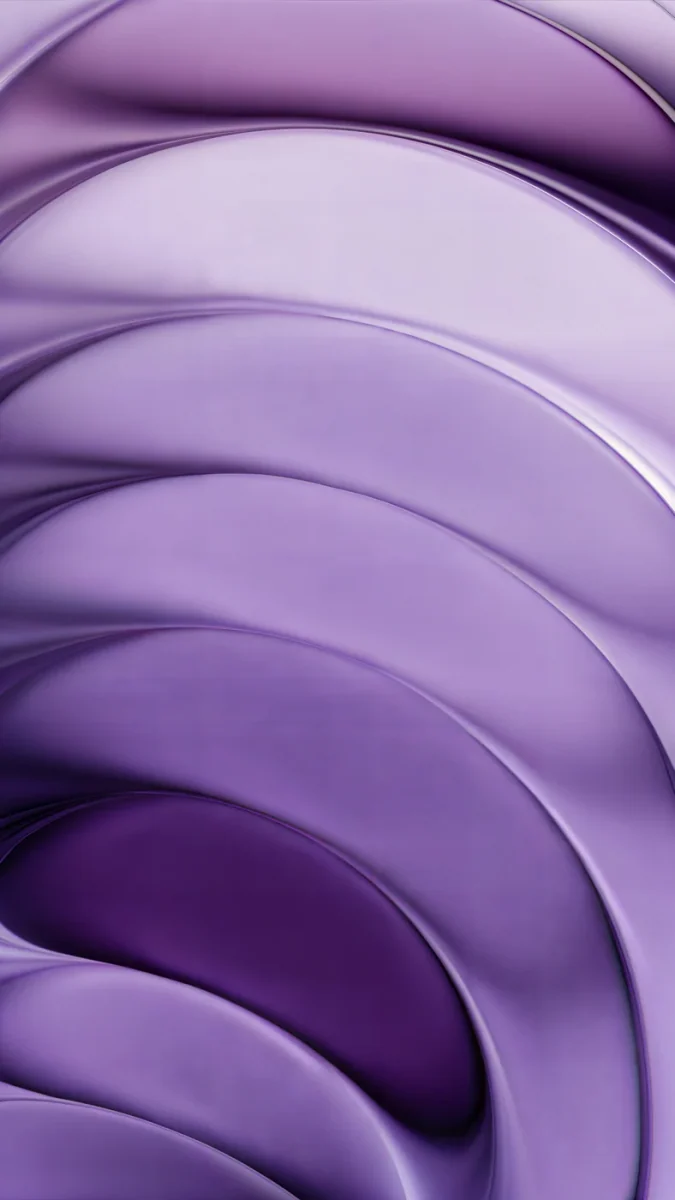 Lilac Strata
 Lilac Pearl
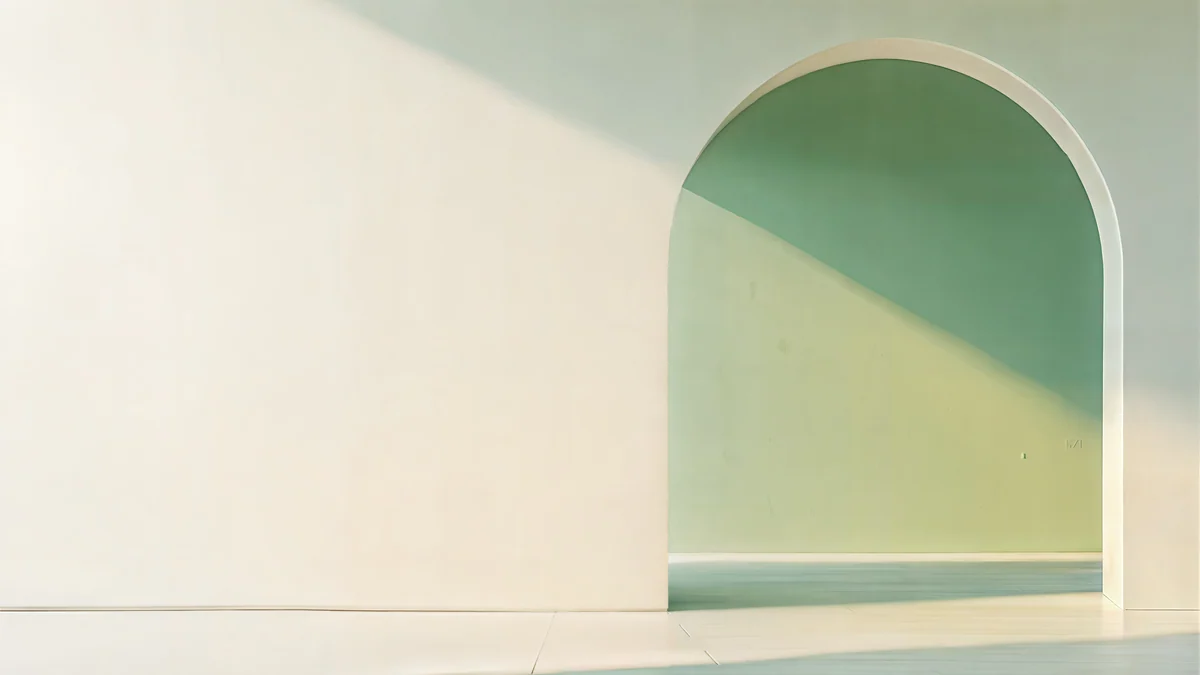 Sage Sun Gallery
 Horizon Wall
 Ink Quiet Lake
 Portico
Free 4K originals for iPhone and Android, no watermark
On this page
You can change your wallpaper automatically on every major system. On iPhone, Photo Shuffle rotates photos On Tap, On Lock, Hourly or Daily. On Android, a Pixel offers Daily wallpaper and a Samsung Galaxy offers Dynamic Lock screen. Windows 11 has Slideshow, with intervals from 1 minute to 1 day, plus Windows spotlight, and a Mac can shuffle a folder or album.
Here is where each setting lives, how often it can change, and how to build a set of wallpapers that looks good in rotation.
| Device | Feature | Where to find it | How often |
|---|---|---|---|
| iPhone, iOS 26 | Photo Shuffle | Lock Screen, then Add New Wallpaper | On Tap, On Lock, Hourly, Daily |
| Pixel, Android 16 | Daily wallpaper | Wallpaper & style, then a wallpaper collection | Once a day |
| Samsung, One UI 8 | Dynamic Lock screen or several gallery photos | Wallpaper and style, then Change wallpapers | Each time the screen turns on |
| Windows 11 | Slideshow | Personalization, then Background | 1 minute to 1 day |
| Windows 11 | Windows spotlight | Personalization, then Background or Lock screen | Chosen by Microsoft |
| Mac | Shuffle a folder or album | System Settings, then Wallpaper | From every few seconds to every day |
How do I make my iPhone wallpaper change automatically?
Use Photo Shuffle, a Lock Screen type that cycles through photos you choose.
- Unlock the iPhone, then press and hold the Lock Screen until the Customize button appears.
- Swipe to the end and tap the Add button (the plus sign), or tap Add New Wallpaper.
- Tap Photo Shuffle in the top row.
- Choose the photos. You can let iOS pick featured categories such as People, Pets, Nature and Cities, or tap Select Photos Manually and choose your own. Recent versions also let you pick an album.
- Set Shuffle Frequency to On Tap, On Lock, Hourly or Daily.
- Tap Add, then Set as Wallpaper Pair.
Photo Shuffle changes the Lock Screen; the Home Screen shows the current photo, softened, or a colour you pick. You can also reach it through Settings, then Wallpaper, then Add New Wallpaper. A simple trick: make an album called Wallpapers in Photos, crop every picture to the Wallpaper ratio first, and point Photo Shuffle at it. Our guide on setting a lock screen wallpaper on iPhone covers the editor in detail.
How do I set a daily wallpaper on Android?
On a Pixel, turn on Daily wallpaper in Google's Wallpapers app. On a Samsung Galaxy, use Dynamic Lock screen or pick several gallery photos for the lock screen.
Pixel and other phones with Google's Wallpapers app:
- Press and hold an empty spot on the home screen and tap Wallpaper & style.
- Tap More wallpapers.
- Open a collection such as Landscapes, Textures or Art.
- Tap Daily wallpaper at the top of the collection and confirm. A new image from that collection arrives each day.
The Wallpapers app is also on Google Play for other Android phones, and it works the same way there.
Samsung Galaxy:
- Open Settings, then Wallpaper and style, then Change wallpapers.
- Under Lock screen, tap Dynamic Lock screen and choose a category such as Landscapes or Art. A different image shows each time you turn the screen on.
- For your own pictures instead, tap Gallery, select several photos and set them for the lock screen. One UI moves to the next picture each time the screen wakes.
If your Android wallpaper changes and you never asked it to, one of these features is usually switched on. The guide to an Android wallpaper that keeps changing shows how to turn each one off.
How do I make the Windows 11 wallpaper change by itself?
Set the background to Slideshow and point it at a folder.
- Put the pictures you want in one folder. 3840 × 2160 images suit a 4K or 1440p monitor.
- Open Settings, then Personalization, then Background.
- Set Personalize your background to Slideshow.
- Click Browse next to Choose a picture album for a slideshow and select the folder.
- Under Change picture every, pick 1 minute, 10 minutes, 30 minutes, 1 hour, 6 hours or 1 day.
- Turn on Shuffle the picture order if you want a random order, and choose a fit, usually Fill.
If you would rather not manage a folder, choose Windows spotlight in the same menu and Microsoft supplies a new photo regularly. The lock screen has its own Spotlight, Picture and Slideshow options under Personalization, then Lock screen. See how to change the wallpaper on Windows 11 for the rest of the background settings.
How do I shuffle wallpapers on a Mac?
Add a folder or a Photos album in Wallpaper settings and set how often it rotates.
- Open System Settings, then Wallpaper.
- Click Add Folder or Album, then choose a folder, or pick an album from Photos.
- Select the folder's shuffle tile at the top of its row.
- Open the frequency menu and choose how often to change, for example every hour, every day or when logging in.
Apple's own Aerials and Landscape collections also offer a shuffle tile, so the Mac can rotate them without any files of yours. More Mac options are in how to change the desktop wallpaper on a Mac.
How do I build a wallpaper set that looks good on rotation?
Keep the palette and the clock area consistent, so every change feels like the same phone. Five to ten pieces that share a mood work better than a random folder. Three sets from the Velpaper catalog that rotate well:
The sea set. Blue water, pale skies, quiet tops for the clock.
Blue Cove and Where the Sea Ends share the same cool blue, while Coral Tide adds a warm note without breaking the set.
The lilac set. Soft violet for a gentler lock screen.
Lilac Strata is the darkest of the four, so it suits the evening if you shuffle hourly.
The desktop set. Wide 4K pieces in sand, sage and white for a Windows or Mac slideshow.
Sage Sun Gallery5K · DesktopHorizon Wall4K · DesktopInk Quiet Lake4K · DesktopPortico4K · Desktop Sea Arch4K · Desktop
Horizon Wall and Ink Quiet Lake keep the centre empty, so desktop icons on the left never clash with the art. Phone pieces are 2160 × 3840 and desktop pieces 3840 × 2160, all free to browse on velpaper.com and in the apps for iPhone, iPad, Mac and Android; most phone pieces unlock after a short optional ad.
Original wallpapers in 4K and 5K for iPhone, Android and desktop.
Questions
Can the iPhone Home Screen wallpaper change automatically?
Not on its own schedule. Photo Shuffle rotates the Lock Screen photo, and the Home Screen follows it: it shows the current photo softened, the same photo, or a colour you choose in the Home Screen settings of that wallpaper pair. So if you set Shuffle Frequency to Daily, both screens change together once a day. There is no built in option to shuffle the Home Screen while the Lock Screen stays fixed.
Does changing the wallpaper automatically drain the battery?
The effect is small. Switching an image uses very little power compared with the screen itself. Features that download new images, such as Daily wallpaper on a Pixel, Dynamic Lock screen on Samsung or Windows spotlight, also use a little data now and then. If you shuffle your own photos with On Lock or On Tap on iPhone, nothing is downloaded at all. The brightness of the screen and how long it stays on matter far more than how often the wallpaper changes.
Why does my Android wallpaper change on its own?
Usually because a rotation feature is on. On Samsung phones it is Dynamic Lock screen or a lock screen set with several gallery photos. On Pixel phones it is Daily wallpaper in a wallpaper collection. Some launchers and third party wallpaper apps also rotate images. Open Wallpaper and style, check what is set for the lock screen and the home screen, and choose a single picture to stop it. Uninstall any wallpaper app you no longer use.
How often can Windows 11 change the wallpaper?
In Slideshow mode you can choose every 1 minute, 10 minutes, 30 minutes, 1 hour, 6 hours or 1 day. Go to Settings, then Personalization, then Background, choose Slideshow and select a folder. You can also turn on Shuffle the picture order and choose whether the slideshow runs on battery power. Windows spotlight has no interval setting; Microsoft decides when the next photo arrives.
Can I use Velpaper wallpapers in a slideshow or Photo Shuffle?
Yes. Save the pieces you like to a folder on your computer or to an album in Photos, then point Slideshow, a Mac shuffle or Photo Shuffle at it. Phone wallpapers are 2160 × 3840 and desktop wallpapers are 3840 × 2160 or 5120 × 2880, so they stay sharp on every current screen. Keep the set to one palette, for example only blues or only lilacs, and the rotation will look planned rather than random.
Sources
- Apple Support: Create a custom iPhone Lock Screen support.apple.com
- Google Play: Wallpapers by Google play.google.com
- Samsung: Galaxy lock screen features samsung.com
- Microsoft Support: Change the desktop background in Windows support.microsoft.com
- Apple Support: Change your wallpaper on Mac support.apple.com
Carlos Vivero
Designer of Velpaper wallpapers
Carlos Vivero designs the wallpapers in Velpaper: quiet architecture, liquid glass, Japanese ink and calm landscapes. Every piece is made as a 4K original for iPhone, Android and desktop.
Recent work








