Purple Wallpaper for Laptop: 4K Violet and Lilac for PC
Purple wallpaper for laptop and PC in 4K: deep violet glow, lofi lilac scenes and light lilac art at 3840 × 2160, with set-up steps for Windows and Mac.
Sources [1] · By the Velpaper team · Wallpapers by Carlos Vivero, Velpaper designer · · 3 min read
In short: The best purple wallpaper for a laptop is a 16:9 file at 3840 × 2160 or larger, dark violet for dark mode or pale lilac for a light desktop [1]. Velpaper has original 4K purple desktop wallpapers with set-up steps.
Wallpapers
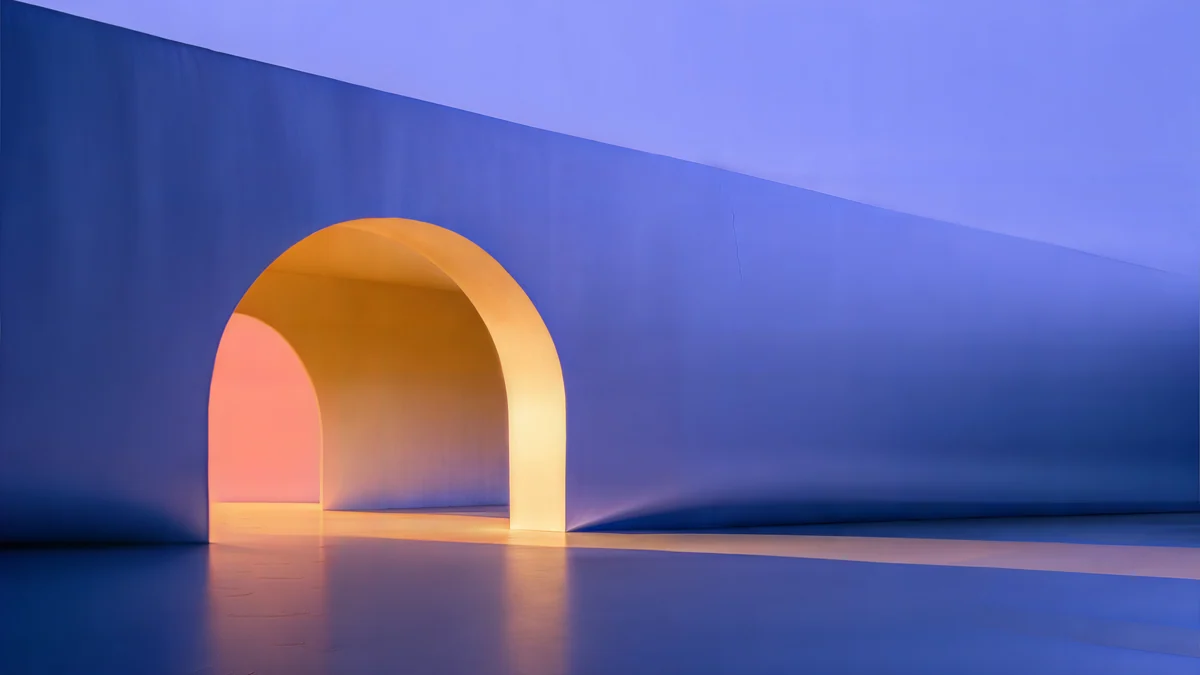 Solar Indigo Gate
 Indigo Silk Flow
 Window Cat
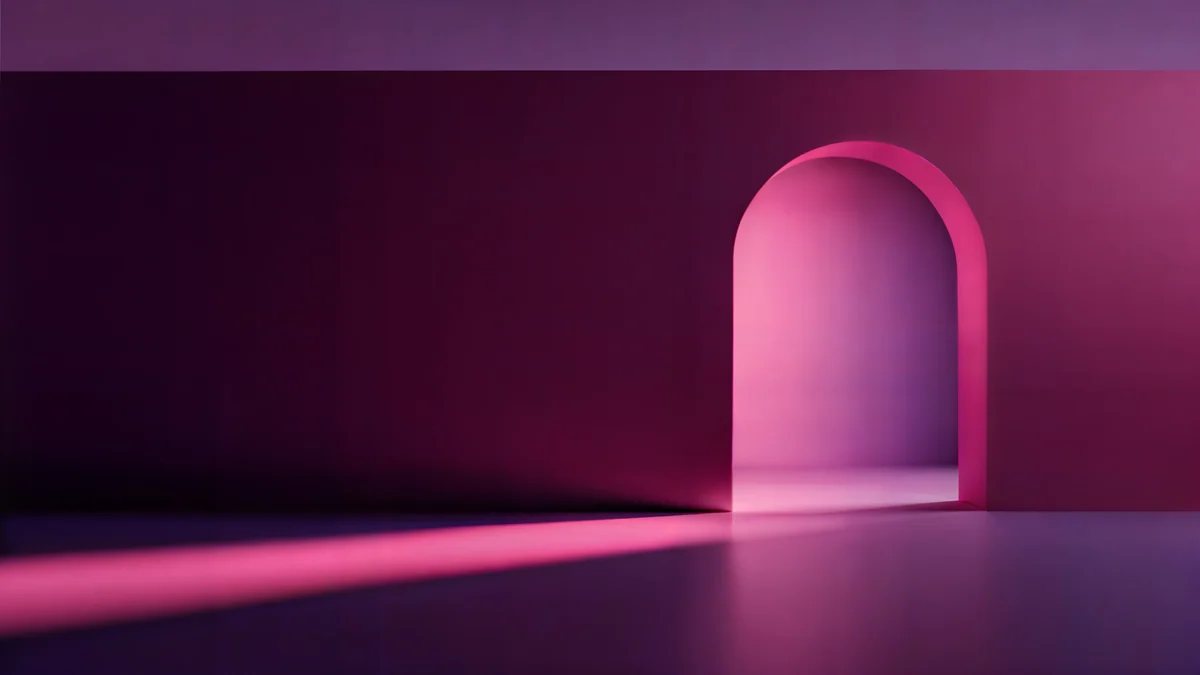 Rose Pulse Arcade
 Electric Violet Vault
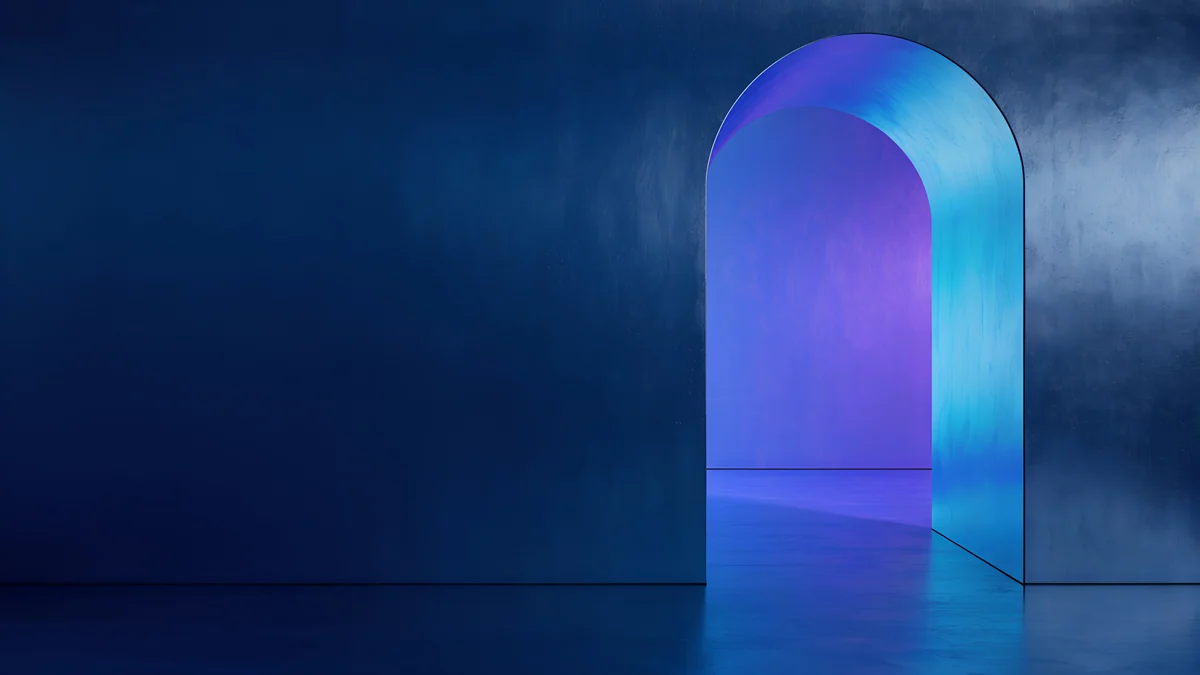 Volt Blue Vault
 Lilac Horizon
 Pink Umbrella
 Night Store
 Night Tape
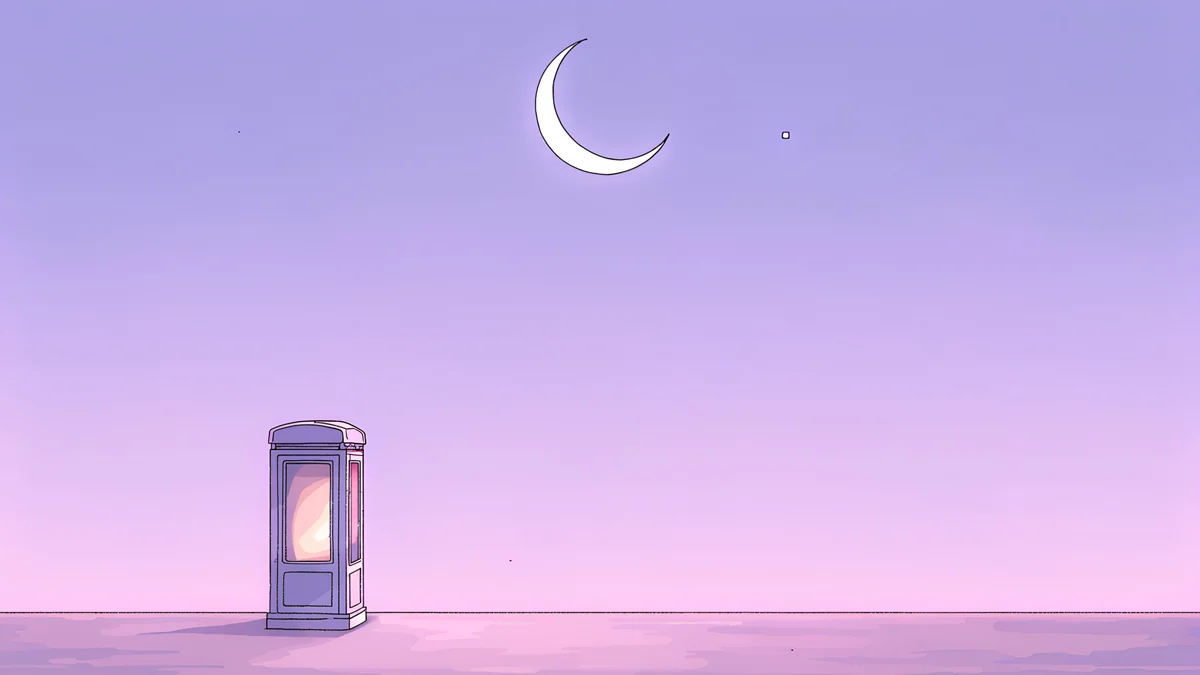 Phone Booth
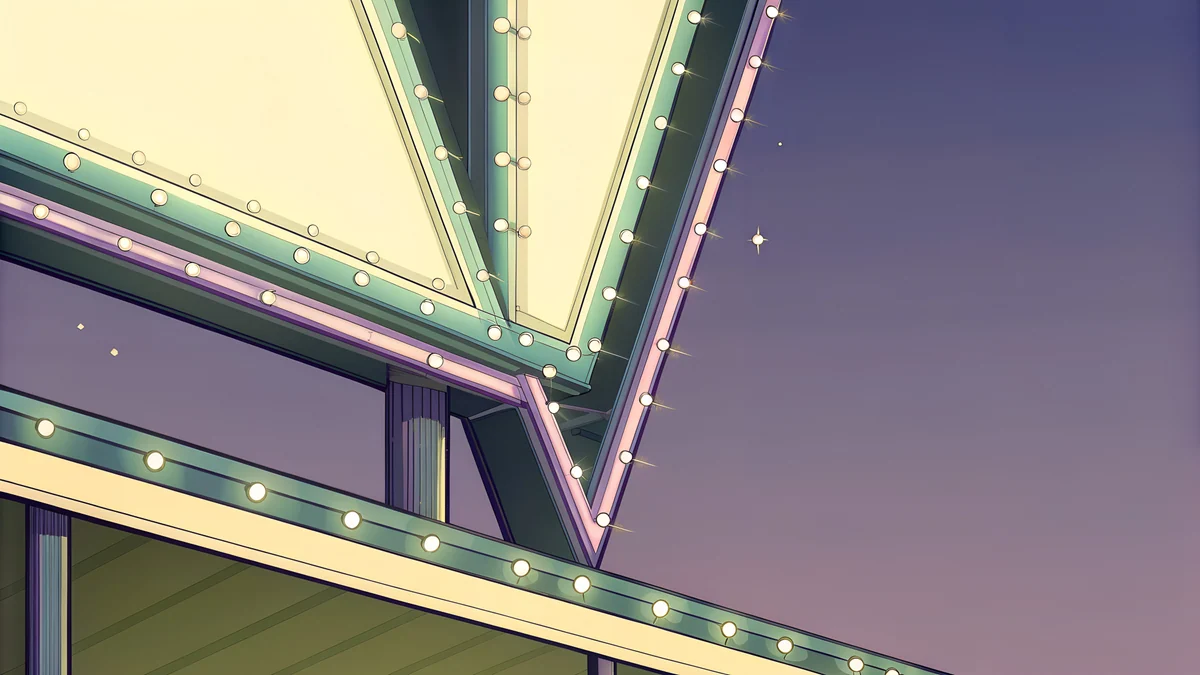 Neon Arrow Sign
Free originals for iPhone and Android, no watermark
On this page
A purple wallpaper for a laptop should be a wide 16:9 file at 3840 × 2160 or larger, so it fills the screen without stretching and stays sharp on a 4K display [1]. Purple is a good desktop colour: dark violet keeps the screen calm for long sessions, and lilac gives a light, clean workspace. Below are original Velpaper purple wallpapers for laptop, PC and computer in three groups: deep violet and neon glow, lofi lilac scenes, and light lilac with architecture. All files here are desktop size, with no text, logo or watermark, and each section says how the shade behaves with desktop icons, the taskbar or Dock, and dark mode.
Which size to download for a laptop or PC
Velpaper's desktop files are 3840 × 2160, and some are 5120 × 2880 [1]. A 3840 × 2160 file scales exactly to a 1920 × 1080 screen (half size) and a 2560 × 1440 screen (1.5 times), both 16:9, so there is no stretching or soft edges. On a 4K monitor it is native [1]. The larger 5120 × 2880 files suit a 5K display and still scale down cleanly. Our PC wallpaper size guide lists every common screen, and ultrawide wallpaper size covers wider monitors.
Deep violet and neon glow
The most dramatic purple wallpaper for a PC: dark violet and indigo with a glowing arch, silk or horizon. The dark ground keeps white icon labels easy to read, and it suits dark mode.
Solar Indigo Gate is a glowing arch in purple and blue with an orange light. Rose Pulse Arcade is a dark arcade of arches glowing in pink and purple. Electric Violet Vault is neon violet, pink and blue, the loudest of the group. Indigo Silk Flow is the calmest, dark navy and violet silk, which keeps icons readable. Lilac Horizon is a minimal violet sunset horizon. For more dark options see dark desktop wallpapers.
Lofi lilac scenes
Soft, cozy and a little nostalgic: lilac and pink night scenes, a phone booth under a moon, a cassette on a desk, a rainy umbrella. They are pastel and minimal, so they sit well behind a tidy desktop.
Lofi Window Cat is a purple and pink window at night. Lofi Umbrella Rain is a calm lilac rainy scene. Lofi Phone Booth puts a phone booth under the moon in lilac and pink. These look good for studying or working, because there is little contrast to pull the eye away. Neon Arrow Sign adds a neon sign with stars at night. For a whole page of this look, read purple aesthetic wallpapers.
Light lilac and architecture
Bright purple for a light workspace: lilac gradients, spiral stairs, glass and a deco facade in pastel violet. Use a dark taskbar or dark icon labels with these.

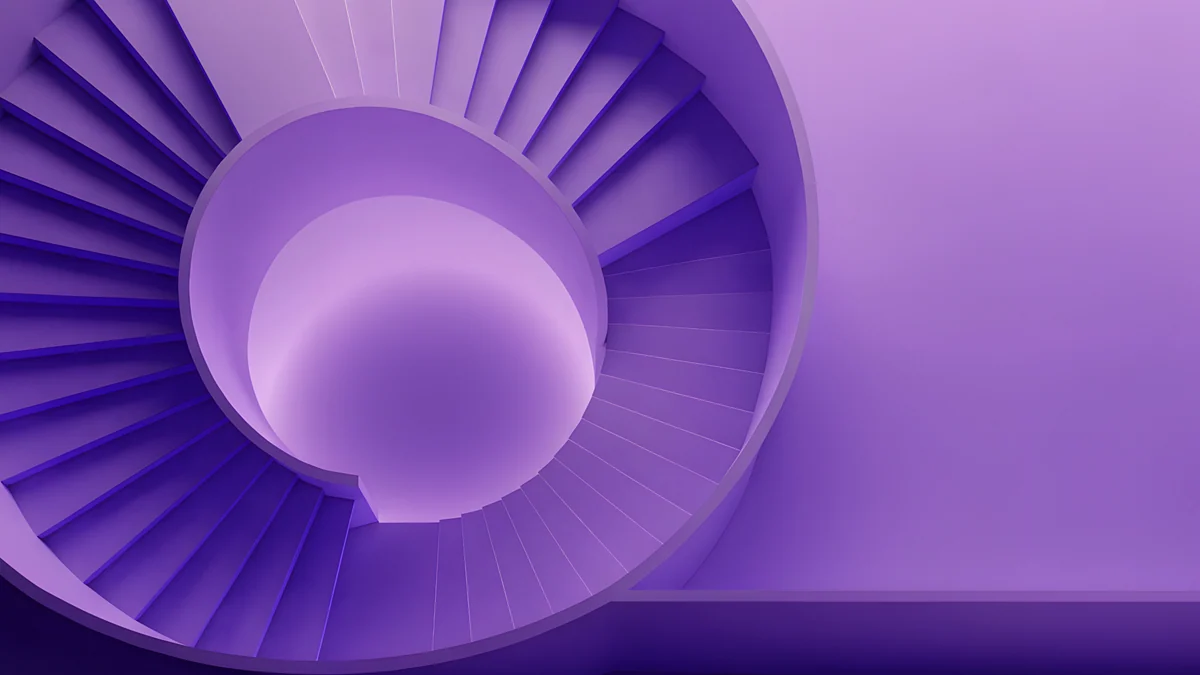

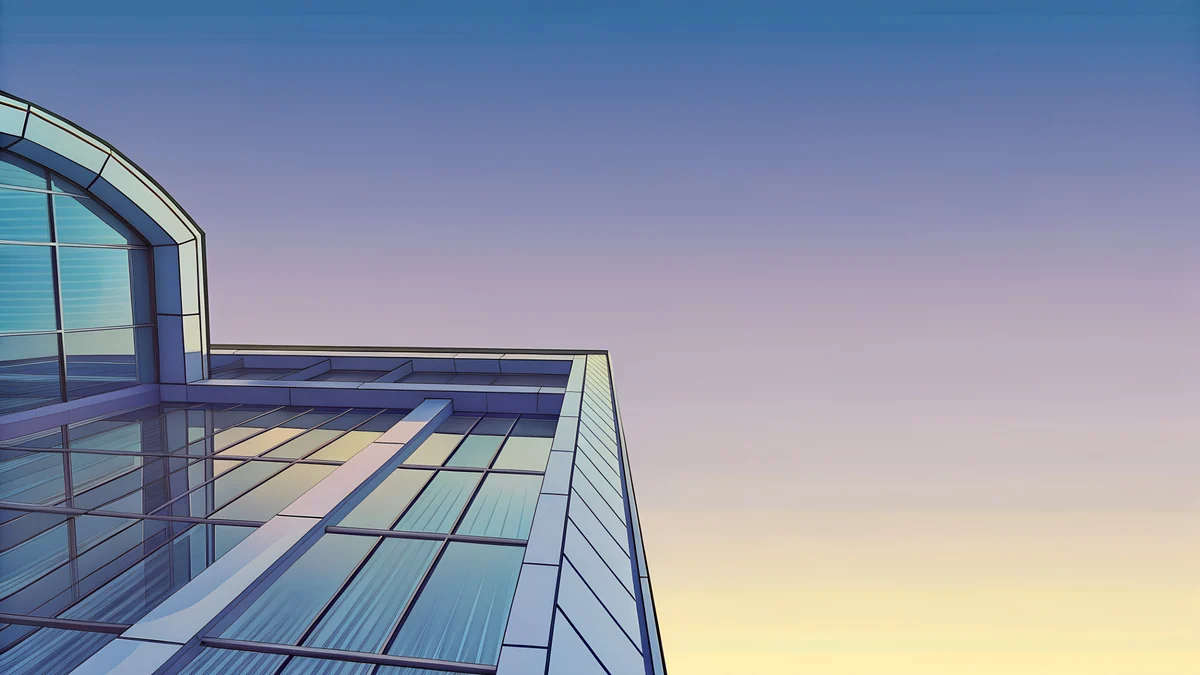

Lilac Drift is a pale, elegant minimal lilac at 5120 × 2880 [1]. Violet Spiral Well winds a purple spiral stair, bright and geometric. Glass Pavilion Dusk is a glass pavilion at dusk, blue and purple. More light shades are in lilac wallpapers.
How to set a purple wallpaper on a laptop
Windows 11 [2]: download the file, open Settings, Personalization, Background, choose Picture, then Browse photos and pick the image. Set Choose a fit to Fill. Our guide on changing the wallpaper on Windows 11 has the full steps [2].
Mac: open System Settings, Wallpaper, choose Add Photo or Add Folder and pick the image. See changing the desktop wallpaper on a Mac.
If you run two screens, a wide purple file on each works well; see dual monitor wallpaper. Browsing on velpaper.com or in the Velpaper apps is free, and some wallpapers unlock after a short optional ad.
Original wallpapers in and for iPhone, Android and desktop.
Questions
What size should a purple wallpaper be for a laptop?
Use a 16:9 file at 3840 × 2160, or larger [1]. That is the size of a 4K display, and it scales down to a 1920 × 1080 laptop at exactly half size and to a 2560 × 1440 screen at exactly 1.5 times, so nothing is stretched. Velpaper's desktop files are 3840 × 2160, and some are 5120 × 2880 for 5K screens [1]. Use wide files only: tall phone files, 2160 × 3840, would crop hard on a laptop. All files are JPEG without a watermark.
Which purple wallpaper is best for a PC with many icons?
Pick a dark, low-detail piece. Indigo Silk Flow is soft navy and violet silk with no focal point, so icon labels stay readable. Lilac Drift is the light equivalent, pale and minimal. Busy or bright files, such as Electric Violet Vault with its neon, look striking but can compete with icons, so they suit a clean desktop. Most people keep files in folders and use a bright neon piece only when the desktop is tidy.
How do I set a purple wallpaper on Windows 11?
Download the image [2], then open Settings, Personalization, Background. Under Personalize your background, choose Picture, then Browse photos and select the file. Set Choose a fit to Fill, and Windows will crop or scale it to the screen. Because Velpaper's files are 16:9 at 3840 × 2160, they fill a 1920 × 1080 or 2560 × 1440 screen without distortion [1].
How do I set a purple wallpaper on a Mac?
Download the file, then open System Settings and choose Wallpaper. Click Add Photo, or Add Folder if you want to rotate several, and pick the image. macOS fits the picture to your display. A 3840 × 2160 file suits a 4K or Retina screen, and the 5120 × 2880 pieces suit a 5K display [1]. If you use dark mode, deep violet pieces such as Solar Indigo Gate and Volt Blue Vault blend in with the menu bar and Dock.
Does a purple wallpaper suit dark mode and eye comfort?
Dark violet and indigo suit dark mode well: they are dim, which means less glare in a dark room, and the colour is calmer than pure black with white icons. Light lilac wallpapers suit light mode and bright rooms. Neither colour changes eyesight, but a very bright neon file at full screen can feel harsh at night, so choose a dark, soft piece for evenings.
Carlos Vivero
Designer of Velpaper wallpapers
Carlos Vivero designs the wallpapers in Velpaper: quiet architecture, liquid glass, Japanese ink and calm landscapes. Every piece is made as a original for iPhone, Android and desktop.
Recent work