Android Wallpaper: 4K Picks for Samsung, Pixel and More
Android wallpaper guide: one 4K file fits Galaxy, Pixel, Xiaomi, OnePlus and Motorola screens. Sizes by brand, dark and live picks, plus the steps to set it.
Sources [1] · By the Velpaper team · Wallpapers by Carlos Vivero, Velpaper designer · · 5 min read
In short: The best Android wallpaper is a tall 4K portrait with its subject in the middle and a calm area for the clock [2]. A 2160 × 3840 original is larger than the screen of every Galaxy, Pixel, Xiaomi, OnePlus and Motorola model on this page, so it stays sharp.
Wallpapers
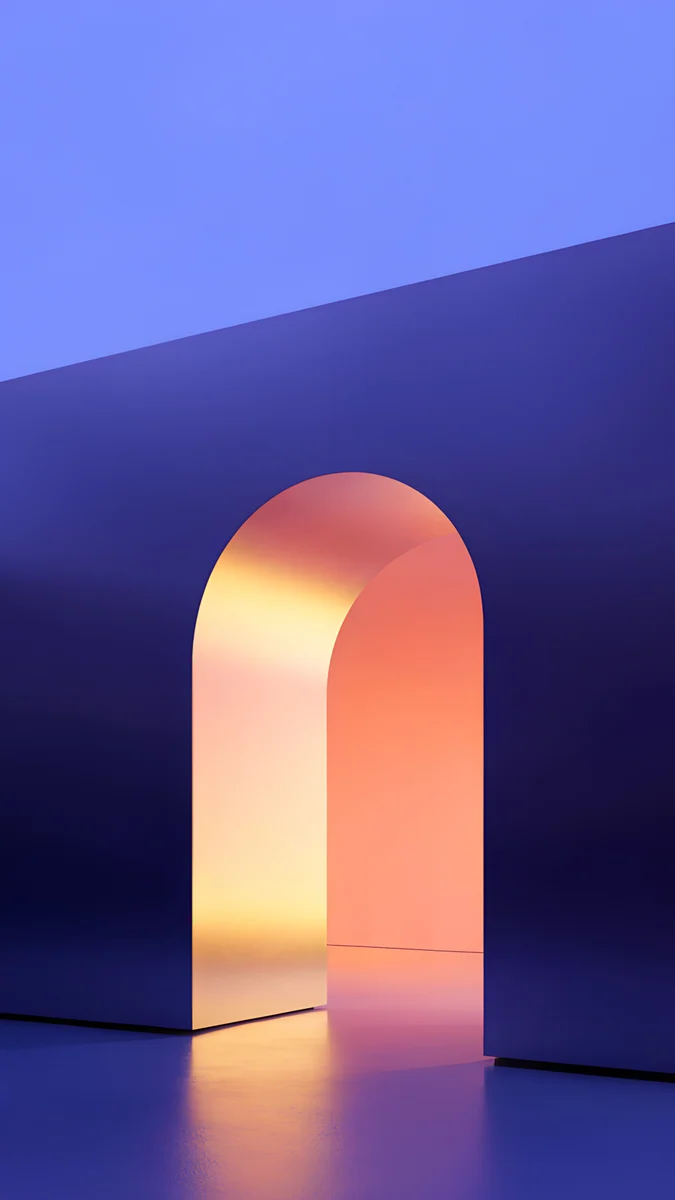 Solar Violet Arch
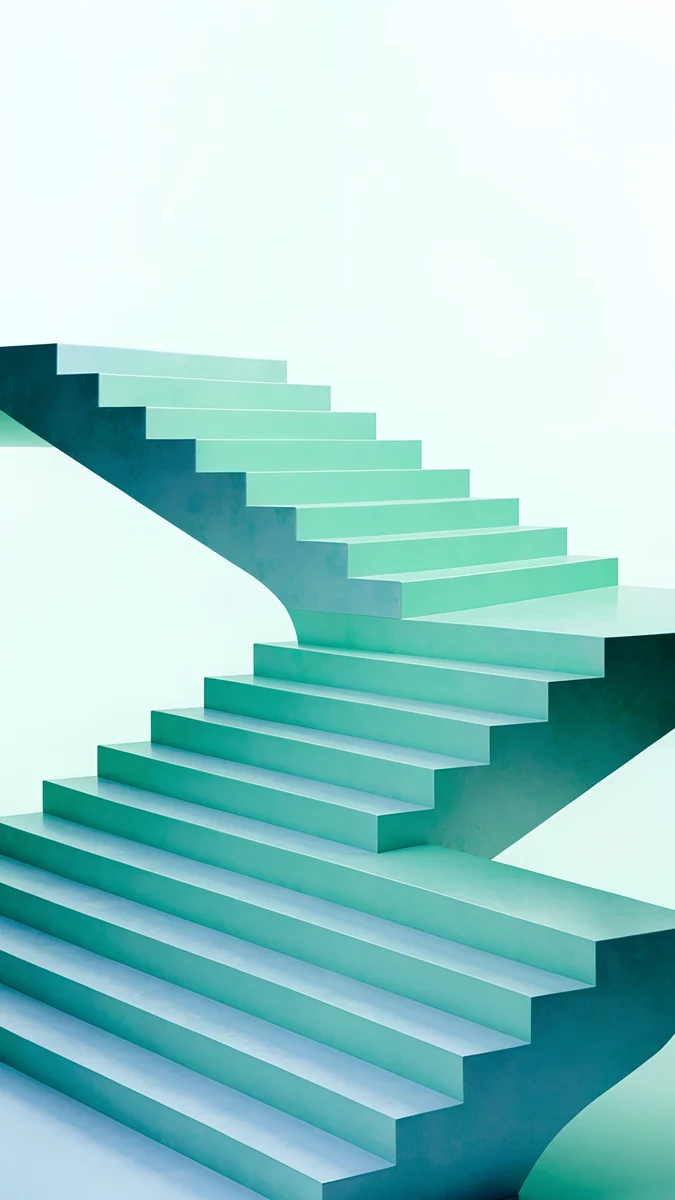 Mint Folded Flights
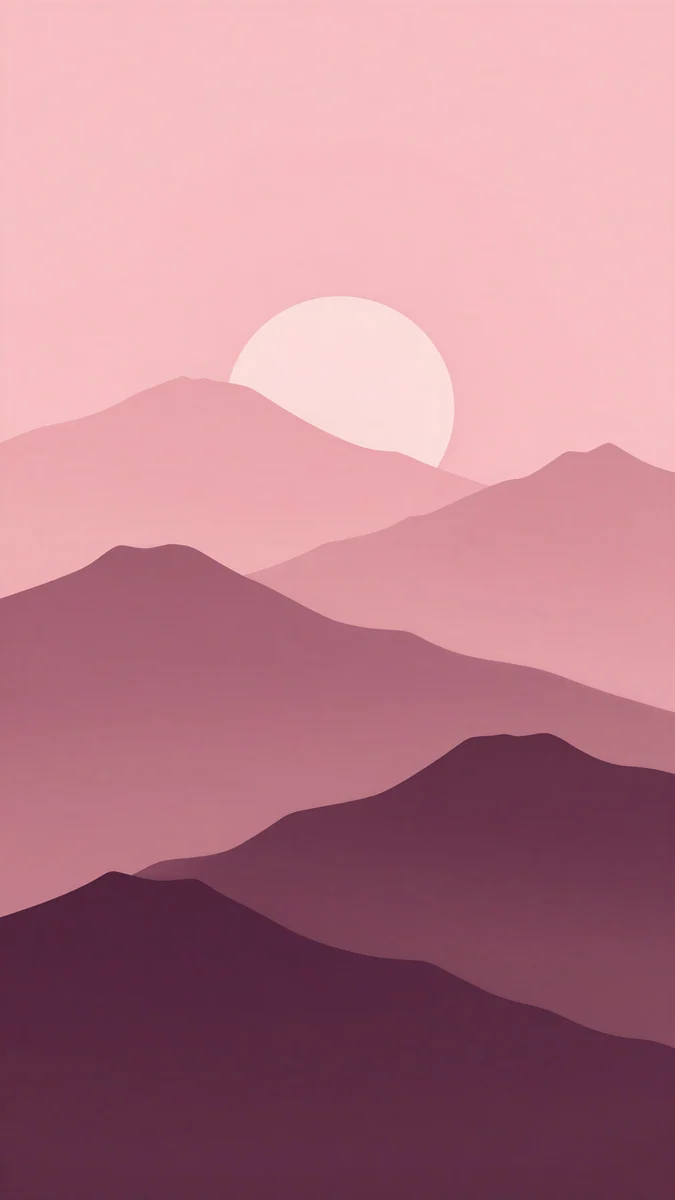 Plum Paper Peaks
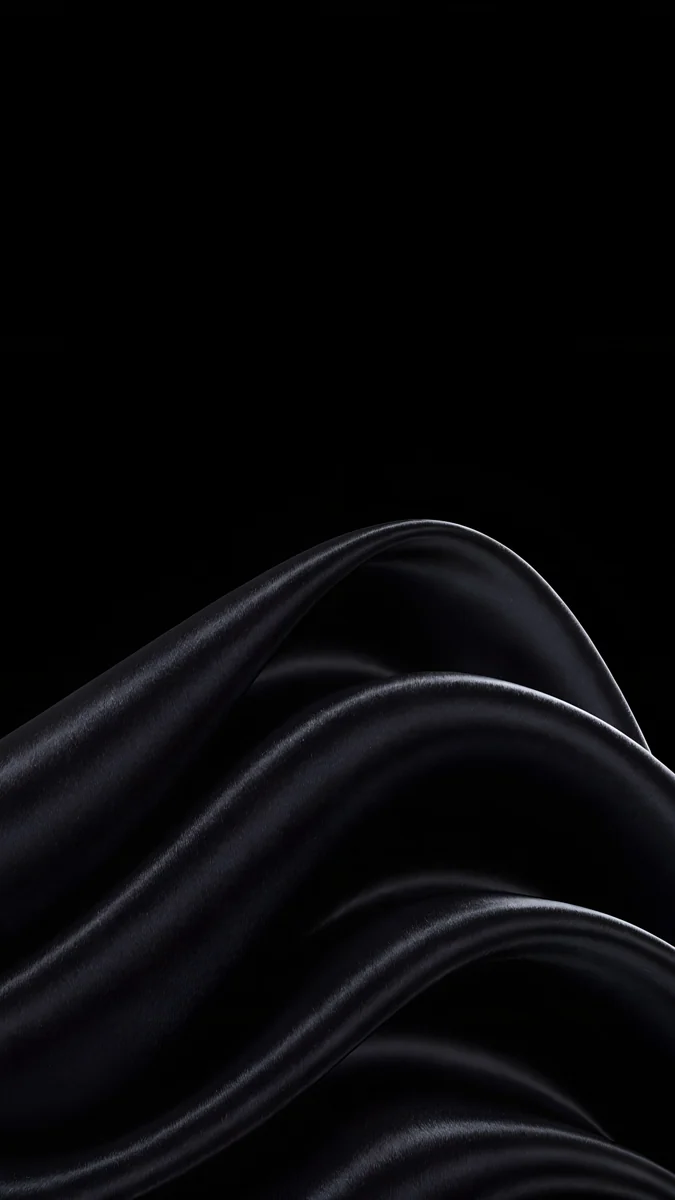 Black Satin
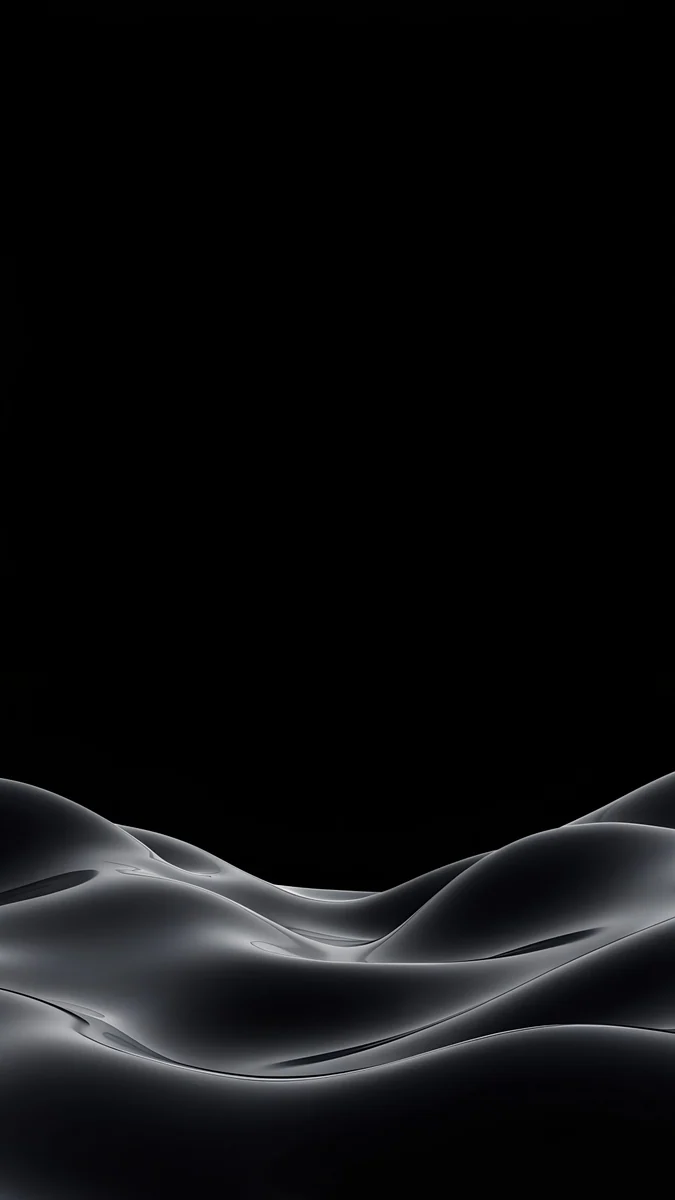 Obsidian Waves
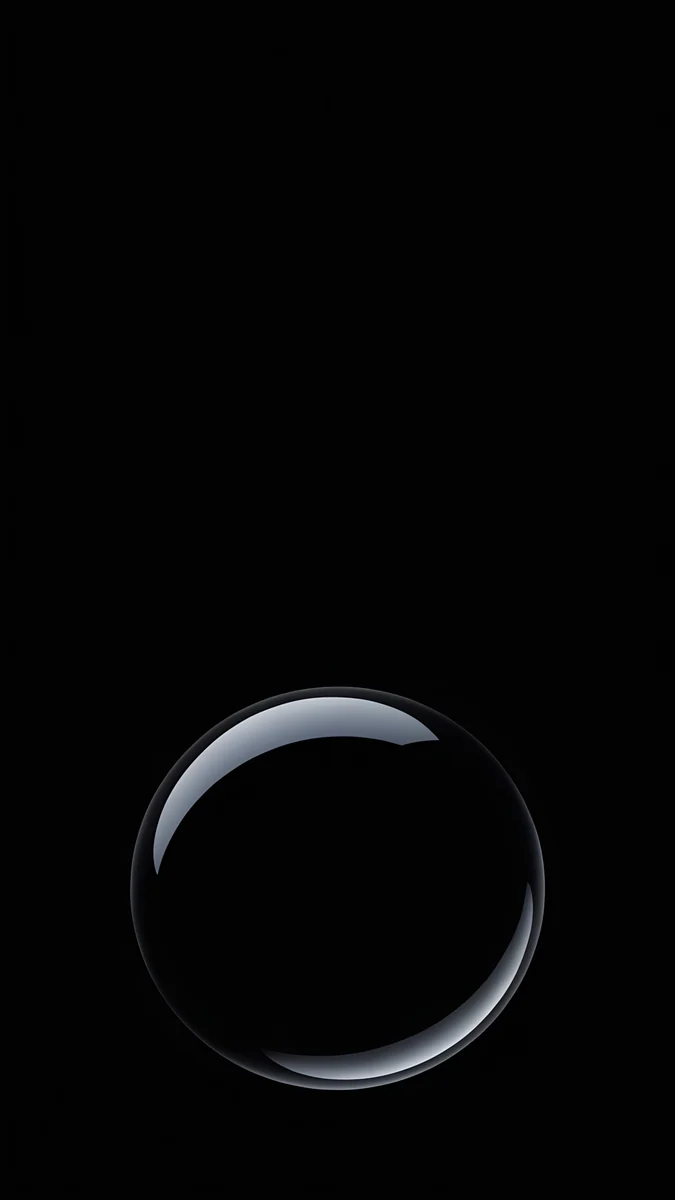 Black Glass Sphere
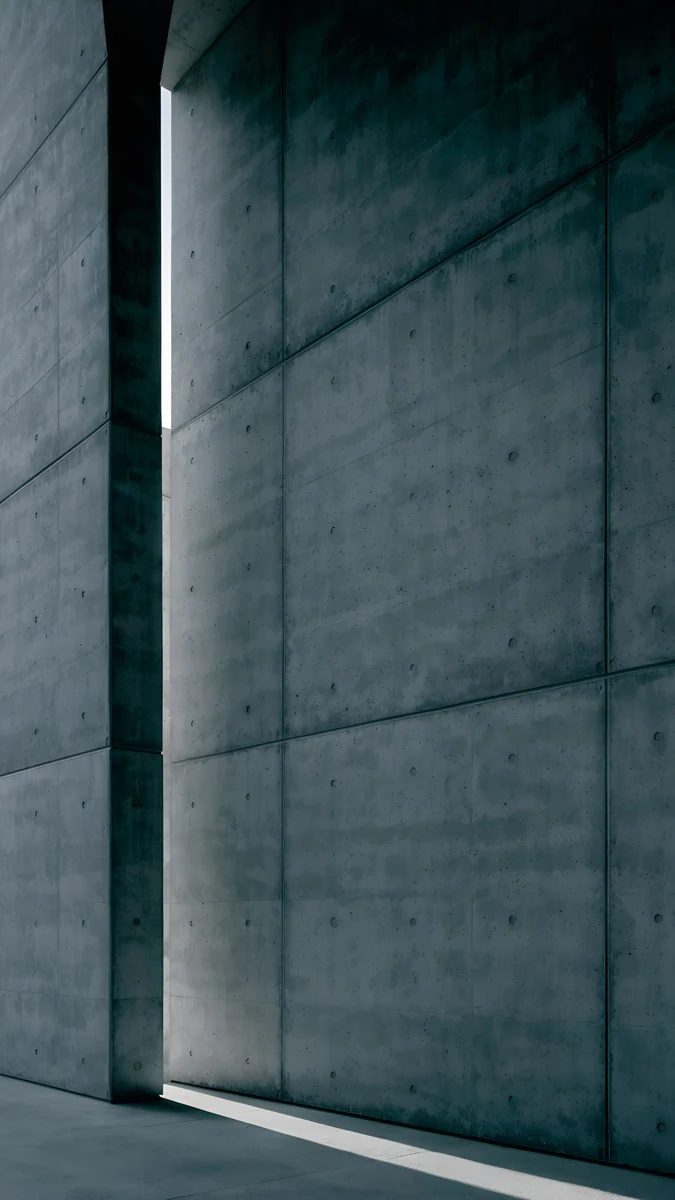 Charcoal Slot
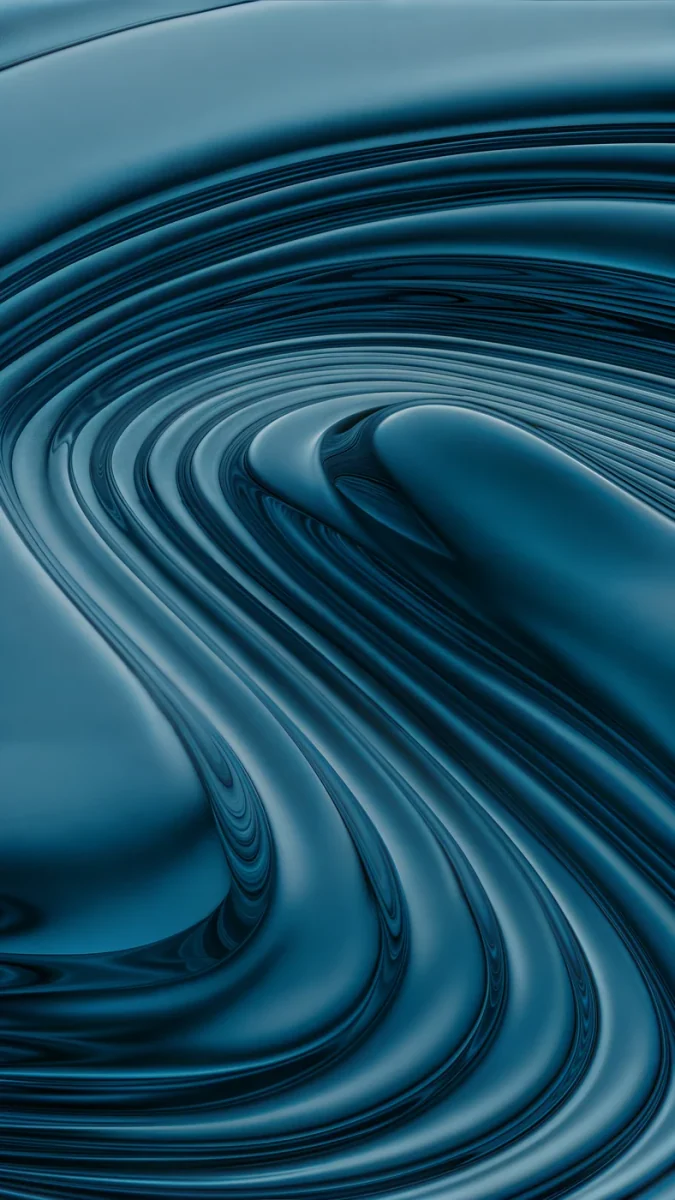 Petrol Terraces
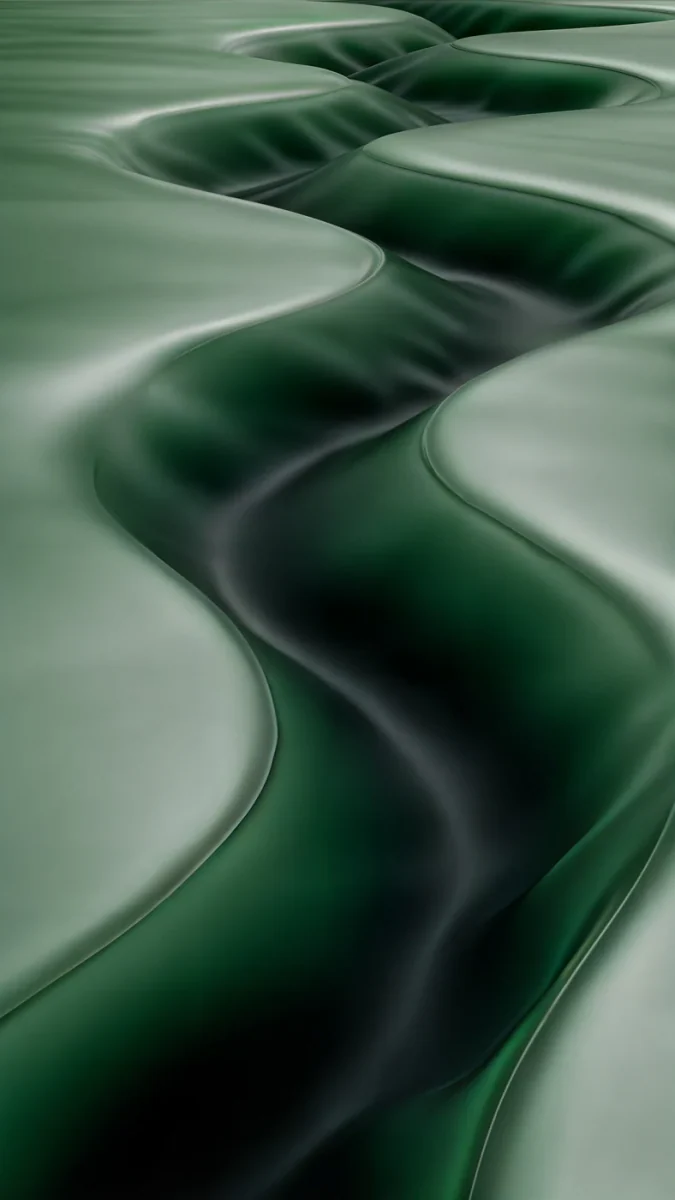 Sage Passage
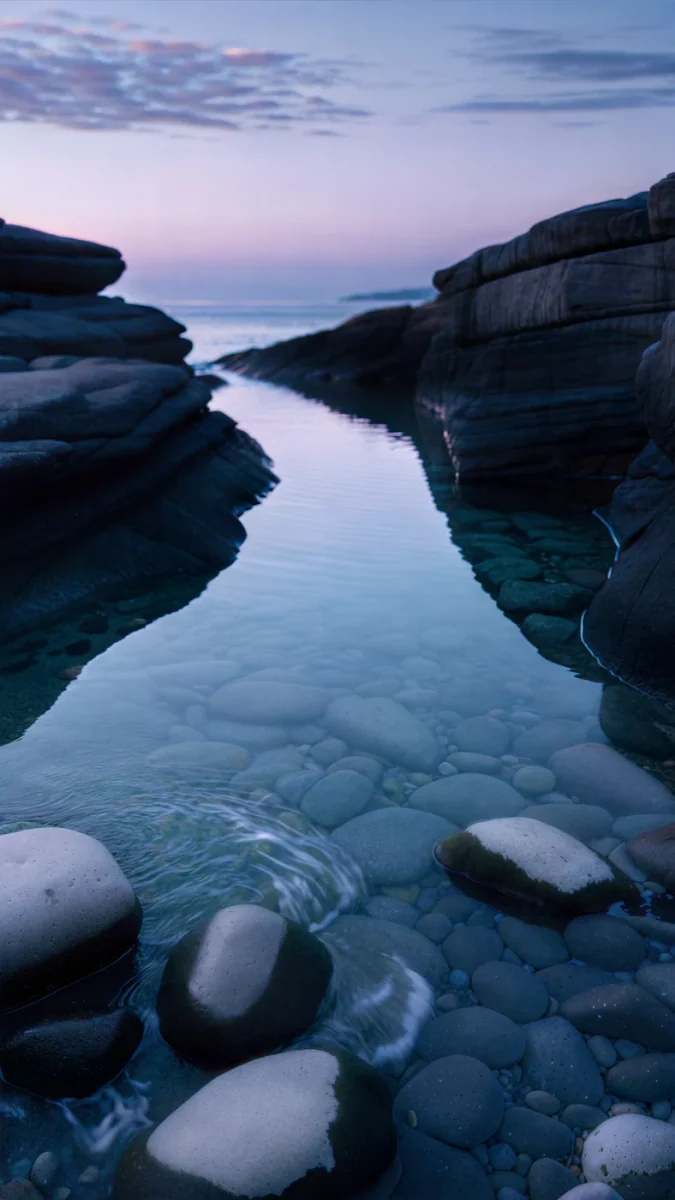 Blue Cove
 Celadon Haze
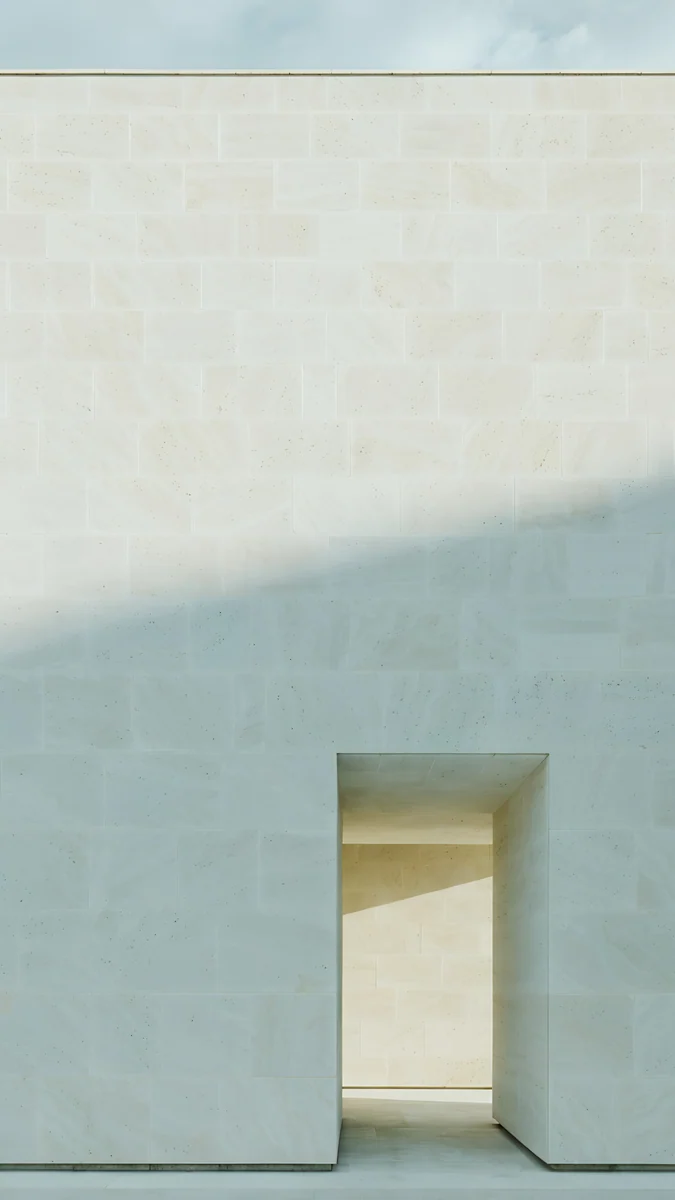 Ivory Daylight
Free originals for iPhone and Android, no watermark
On this page
- Android wallpaper size across brands
- Android wallpapers by brand
- Dark Android wallpapers for AMOLED
- Colorful wallpapers that color your Android
- Calm wallpapers behind a full home screen
- Live wallpapers for Android
- How to change the wallpaper on Android
- Common problems and fixes
- Get these Android wallpapers in Velpaper
The best Android wallpaper is a tall 4K [2] portrait with its subject in the middle, calm edges and a quiet area for the clock, because almost every current Android phone has a narrow screen of about 20:9. A 2160 × 3840 original [2] is larger than the screen of every model we checked, from a 1080 × 2340 Galaxy S25 to a 1440 × 3168 OnePlus 13, so Android only scales it down and the picture stays sharp. The brand changes the menu and the crop a little, not the file, so you can keep one favorite and use it on any phone in the house.
This page is the hub for Android wallpapers. It shows how screens compare, then links our pages for Samsung, Pixel, Xiaomi, OnePlus and Motorola, then covers dark and colorful picks, live wallpapers and the steps that work on any phone.
Android wallpaper size across brands
These figures come from the official spec pages used on our model articles, width by height in pixels.
| Phone | Resolution | Shape |
|---|---|---|
| Galaxy S25 | 1080 × 2340 | 19.5:9 |
| Galaxy S25 Ultra | 1440 × 3120 [1] | 19.5:9 |
| Pixel 11 | 1080 × 2424 | 20:9 |
| Pixel 11 Pro XL | 1344 × 2992 | 20:9 |
| OnePlus 15 | 1272 × 2772 | 20:9 |
| OnePlus 13 | 1440 × 3168 | 19.8:9 |
| Redmi Note 14 | 1080 × 2400 [1] | 20:9 |
| Xiaomi 15T | 1280 × 2772 | 20:9 |
| motorola edge 70 | 1220 × 2712 | 20:9 |
All of these are narrower than a 9:16 image. When Android fits a 2160 × 3840 file to the screen height, it trims roughly a tenth from each side, so keep the subject near the center. Scaling down never adds blur. More models, including older ones, are in our Android wallpaper size guide.
Android wallpapers by brand
Each brand page has the screens as the maker lists them, picks matched to its colors and the right menu path.
- Samsung wallpapers for every Galaxy from the S26 to the Z Fold 7 [1].
- Pixel wallpapers for Pixel 10 and Pixel 11, with Material You picks.
- Xiaomi wallpapers for Redmi Note 14 and 15 and the Xiaomi 15 line.
- OnePlus wallpapers for the OnePlus 15 and 13 [1].
- Motorola wallpapers for moto g and motorola edge.
Dark Android wallpapers for AMOLED
Most flagship phones from these brands use AMOLED or OLED screens, where every pixel makes its own light. Black areas stay off, so a mostly black wallpaper looks deep, saves a little power and makes colored shapes seem to glow. Keep one form low in the frame.
Black Satin rises in satin waves from the lower corner. Obsidian Waves rolls gray silk dunes along the bottom. Black Glass Sphere is a single glass sphere on black and Charcoal Slot is a dark concrete wall with a slit of light. See our dark wallpapers for OLED for the reasoning.
Colorful wallpapers that color your Android
On Android 12 and later the system can take its palette from the wallpaper and tint quick settings, the keyboard and icons [1]. Pictures with one or two strong tones give a clear palette. Our guide to Android Material You colors explains the options.
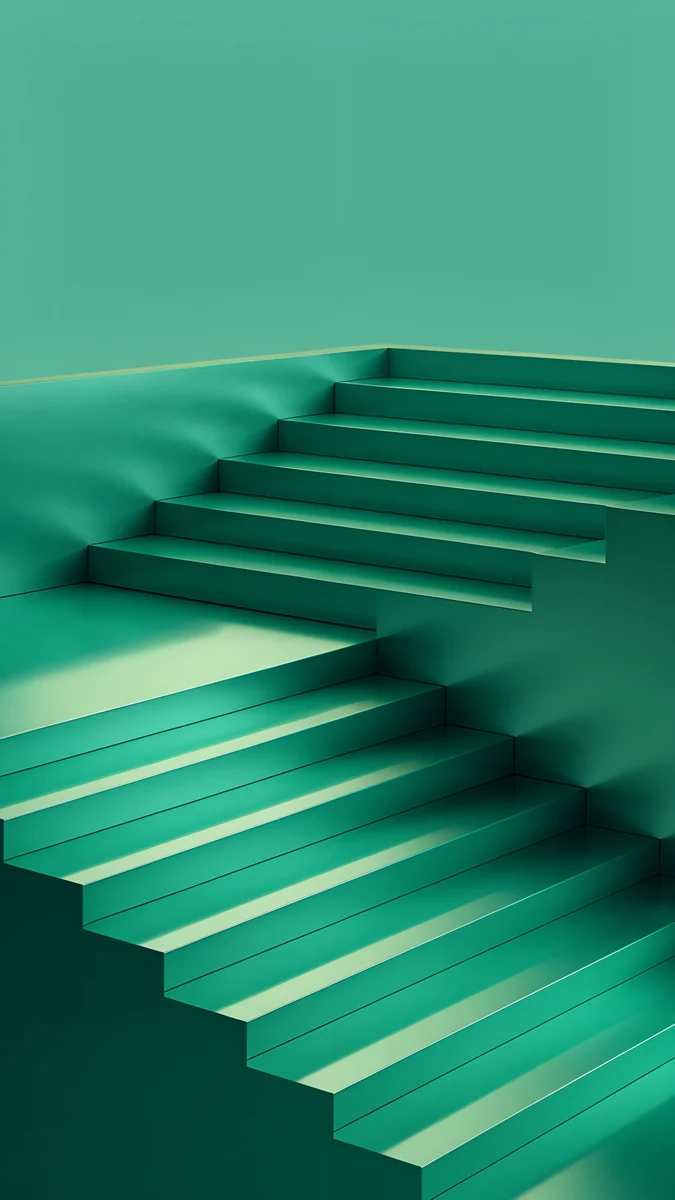
Solar Violet Arch is a glowing orange doorway in a violet wall. Mint Folded Flights is a folded mint staircase on a pale ground. Plum Paper Peaks layers rose paper mountains under a pale pink sky and Petrol Terraces swirls glossy petrol blue bands through the frame.
Calm wallpapers behind a full home screen
If your home screen is full of icons and widgets, choose a quiet picture with soft tones. These three leave plenty of empty space and do not fight with labels. More ideas for the layout are in Android home screen ideas.
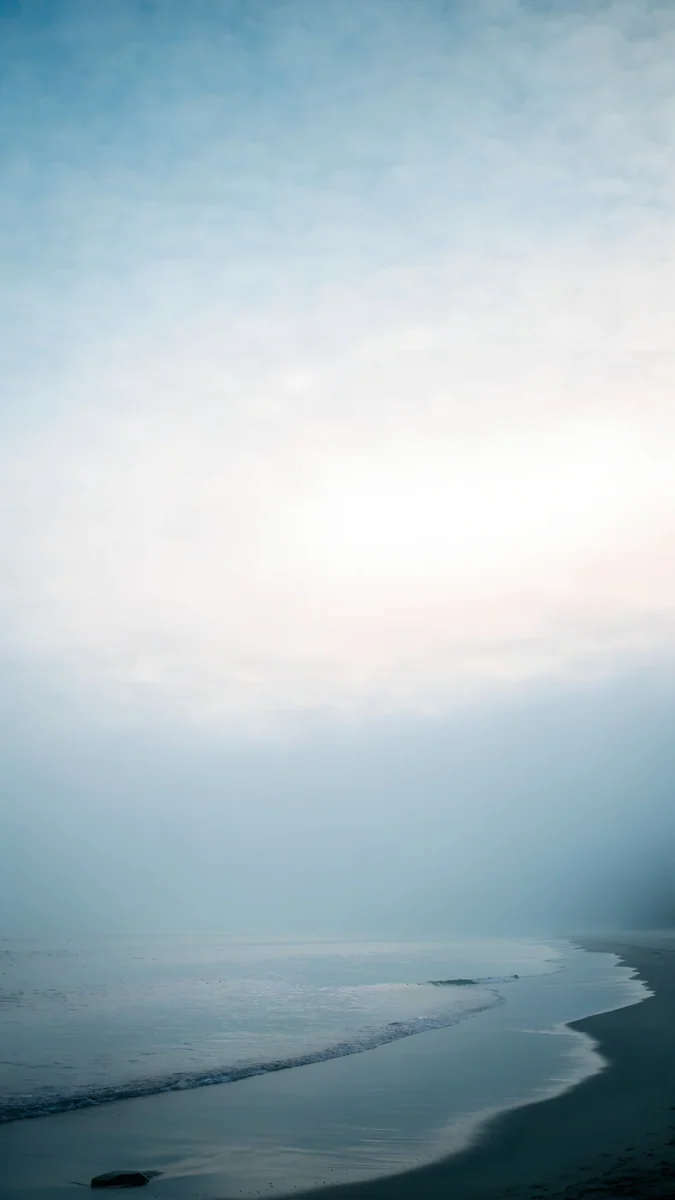
Sage Passage is soft green silk, Blue Cove is a calm coastal scene, Celadon Haze is a pastel teal and mint gradient and Ivory Daylight is a pale stone wall with a small lit doorway.
Live wallpapers for Android
Live wallpapers in the Velpaper catalog play as live wallpapers in the Velpaper Android app. They move gently and are made for a home screen.
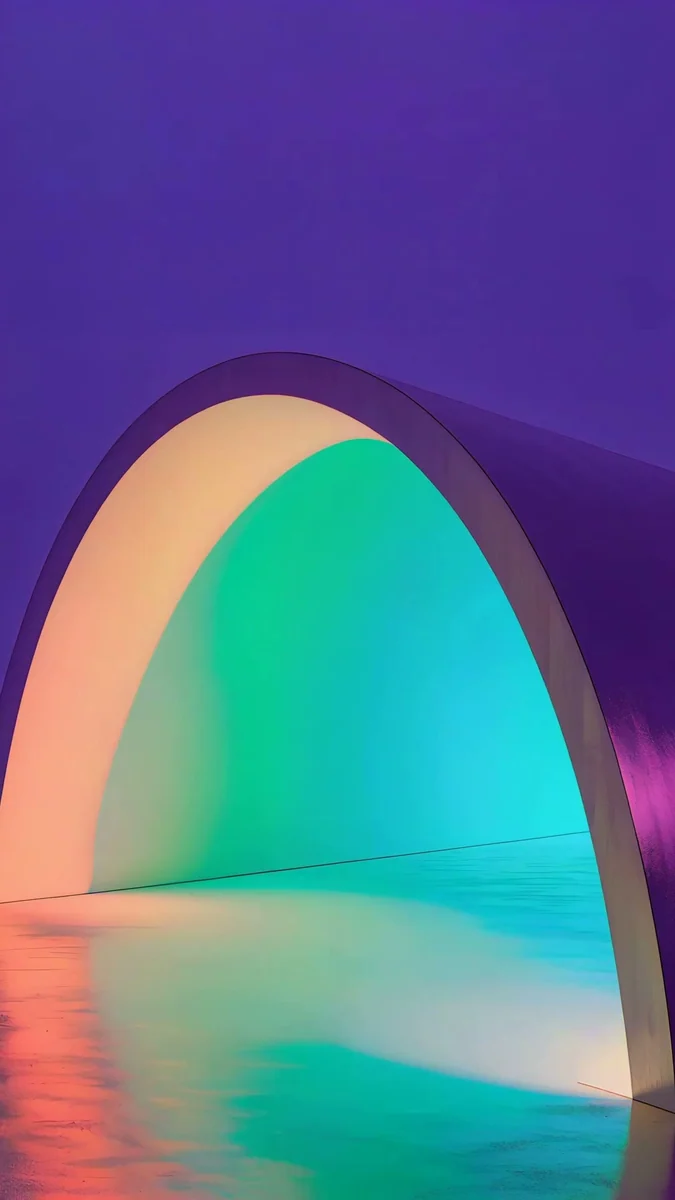
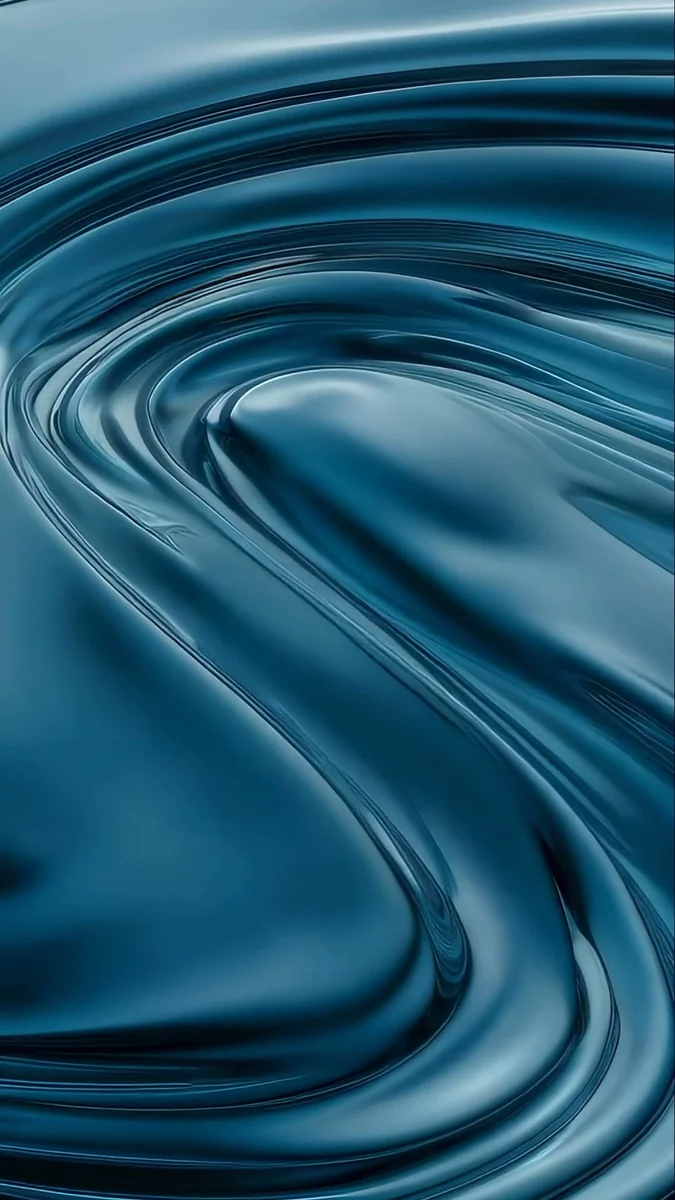
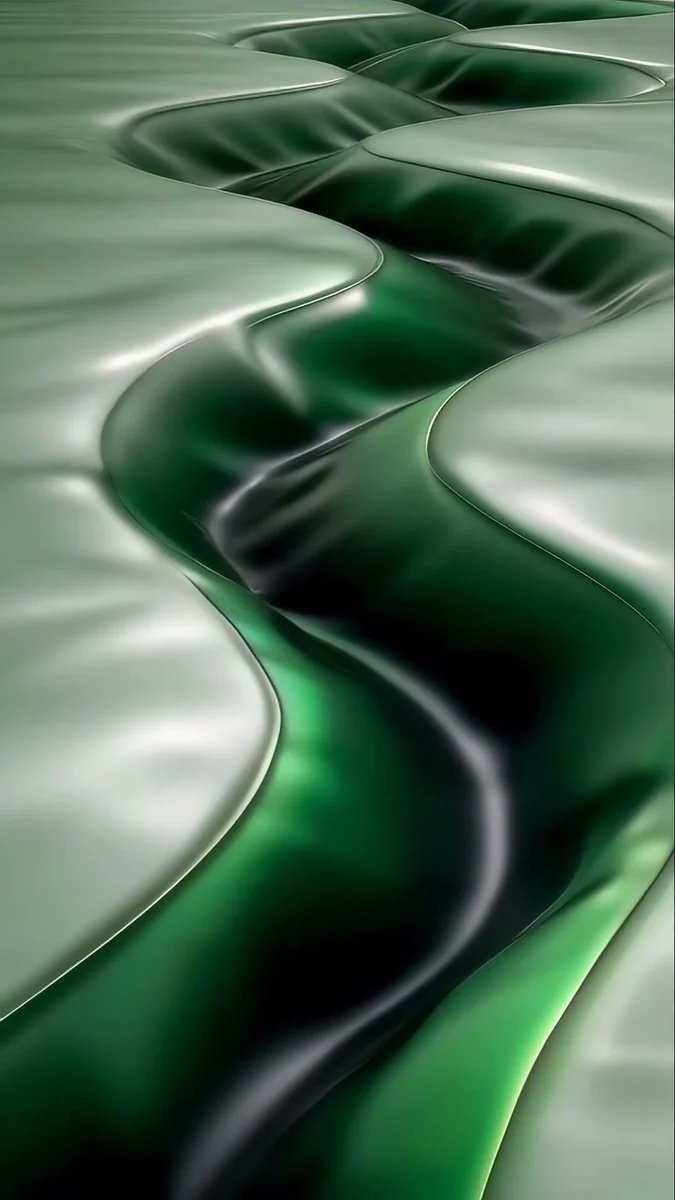
Electric Violet Arch glows in violet, teal and pink, Liquid Terraces flows in blue and teal silk and Sage Passage drifts in soft green silk. A moving wallpaper uses a little more battery than a still one. Other apps for the job are compared in our best wallpaper apps for Android.
How to change the wallpaper on Android
- Save the original from the Velpaper app or from the wallpaper page on velpaper.com.
- Press and hold an empty spot on the home screen, not an icon or a widget.
- Tap Wallpaper & style on a Pixel or Wallpaper and style on a Samsung Galaxy. Some brands just say Wallpaper.
- Choose a photo from your gallery, pinch to frame it, and zoom out rather than in.
- Pick Lock screen, Home screen or both, and tap Apply or Done.
If the long press does nothing, open Settings and search for wallpaper. The full steps, with extra settings for each brand, are in how to set a wallpaper on Android.
Common problems and fixes
- The wallpaper looks soft. You probably saved a preview or a screenshot. Download the original again, and avoid zooming in.
- The edges are cut off. Narrow screens trim about a tenth from each side. Pick a picture with a centered subject.
- The wallpaper looks zoomed in. Zoom out in the editor, or follow the Android wallpaper zoom fix.
- The wallpaper changes by itself. A daily or automatic setting is on. Read why the Android wallpaper keeps changing.
- The clock is hard to read. Move the picture so a calm area sits behind the time, or change the clock style.
Get these Android wallpapers in Velpaper
Velpaper is an app for iPhone, iPad, Mac and Android, and every wallpaper is also on velpaper.com. Phone wallpapers are 4K originals at 2160 × 3840, desktop wallpapers are 4K and some are 5K, all without a watermark and without an account [2]. Live wallpapers play as live wallpapers in the Velpaper Android app. The phone wallpapers in this article unlock after a short optional ad in the Velpaper apps; on the website, if no ad is available, the original downloads for free. The wallpapers are designed by Carlos Vivero.
Next step: open Black Satin, save the original and set it as your lock screen.
Original wallpapers in and for iPhone, Android and desktop.
Questions
What size is an Android wallpaper?
There is no single size, because Android phones differ, but one file covers the models we checked. Screens run from 1080 × 2340 on the Galaxy S25 to 1440 × 3168 on the OnePlus 13, nearly all about 20:9 [2]. A 2160 × 3840 original is larger than each of them in height and width, so Android only scales it down and trims about a tenth from each side. Choose a picture with the subject in the center and calm edges.
What is the best Android wallpaper?
The best one suits your screen and your home screen. On an AMOLED phone, a mostly black picture such as Black Satin looks deepest and lets colors glow. If you want the system colors to follow your wallpaper, choose one with one or two strong tones, like Solar Violet Arch. For a busy home screen, pick a calm, soft picture such as Sage Passage so icon labels stay readable. Always download the original, not a preview.
How do I change my Android wallpaper?
Press and hold an empty spot on the home screen and tap Wallpaper & style on a Pixel, or Wallpaper and style on a Samsung Galaxy. Choose a photo from your gallery, frame it with pinch and drag, choose Lock screen, Home screen or both, and tap Apply or Done. If the long press does nothing, open Settings and search for wallpaper. Menu names differ slightly between brands and versions.
Can I use live wallpapers on Android?
Yes. Some Velpaper wallpapers are live and they play as live wallpapers in the Velpaper Android app. You set them from the app, and they move on the screen instead of staying still. A live wallpaper uses a little more battery than a still image, so many people keep a calm still one on the lock screen. Our live picks are on this page, and the app shows more.
Are these Android wallpapers free?
Velpaper is free to browse. The phone wallpapers here unlock after a short optional ad in the Velpaper apps for iPhone, iPad, Mac and Android; on velpaper.com, if no ad is available, the original downloads for free. There is no account and no subscription. Every phone file is a 2160 × 3840 JPEG without a watermark, and we credit the designer, Carlos Vivero [2].
Carlos Vivero
Designer of Velpaper wallpapers
Carlos Vivero designs the wallpapers in Velpaper: quiet architecture, liquid glass, Japanese ink and calm landscapes. Every piece is made as a original for iPhone, Android and desktop.
Recent work