Android Home Screen Ideas: 5 Calm Setups
5 calm Android home screen ideas for Pixel and Samsung Galaxy: start with one wallpaper, theme the icons from it, keep 1 or 2 widgets and a 4 app dock.
In short: A calm Android home screen starts with one quiet 2160 × 3840 wallpaper, then themed icons that take their colour from it, 1 or 2 widgets and 4 apps in the dock. Everything else goes in the app drawer.
By the Velpaper team · Wallpapers by Carlos Vivero, Velpaper designer · · Updated · 5 min read
Checked against official documentation: Settings checked against Google Pixel and Samsung help for Android 16 and One UI 8, Galaxy S25 and Pixel specs; 19 October 2026

Free 4K originals for iPhone and Android, no watermark
On this page
The best Android home screen ideas start with the wallpaper, not the icons. Pick one calm 2160 × 3840 wallpaper, let Pixel or Samsung pull its colours into themed icons, keep 1 or 2 widgets and 4 apps in the dock, and send everything else to the app drawer. Below are 5 complete setups for Pixel and Samsung Galaxy phones, each built around one Velpaper wallpaper.
How do I make my Android home screen look calm?
Work in this order: wallpaper, colours, widgets, dock. Each step depends on the one before it.
- Wallpaper first. Choose a picture with a quiet area where the icons will sit. Busy detail behind icons is what makes a home screen look cluttered.
- Colours from the wallpaper. Both Pixel and Samsung can build a colour palette from your wallpaper and apply it to the system and to app icons.
- One or two widgets. A clock, a calendar or weather. Not all three.
- Four apps in the dock. The ones you open many times a day. Everything else lives in the app drawer, a swipe away.
Use a wallpaper at least as large as your screen. A Galaxy S25 is 1080 × 2340, and the Android wallpaper size guide lists the rest. Velpaper phone pieces are 2160 × 3840, so they stay sharp on every current model.
| Setup | Wallpaper | Icons | Widgets | Dock |
|---|---|---|---|---|
| 1. Shoreline | Tidal Quiet | Themed, teal | Clock | 4 apps |
| 2. OLED black | Black Satin | Themed, dark | None, lock screen clock only | 4 apps |
| 3. Green study | Sage Passage | Themed, sage | Calendar | 4 apps |
| 4. Ink and mist | Mist Pines | Themed, grey | None | 4 apps plus search bar |
| 5. Rainy lo-fi | Pink Umbrella | Themed, lilac | Music player | 4 apps |
What are 5 calm Android home screen setups?
Each one uses a single home page. If you need a second page, keep it for folders only.
1. Shoreline
 Tidal Quiet4K · Phone
Tidal Quiet has deep teal water at the bottom and pale sand above, so icons at the bottom of the screen sit on the darkest, calmest part. Turn on themed icons and the palette turns teal. Add one clock widget at the top, leave the middle empty, and put Phone, Messages, Camera and Chrome in the dock. Tidal Quiet is one of the free pieces in the catalog.
2. OLED black
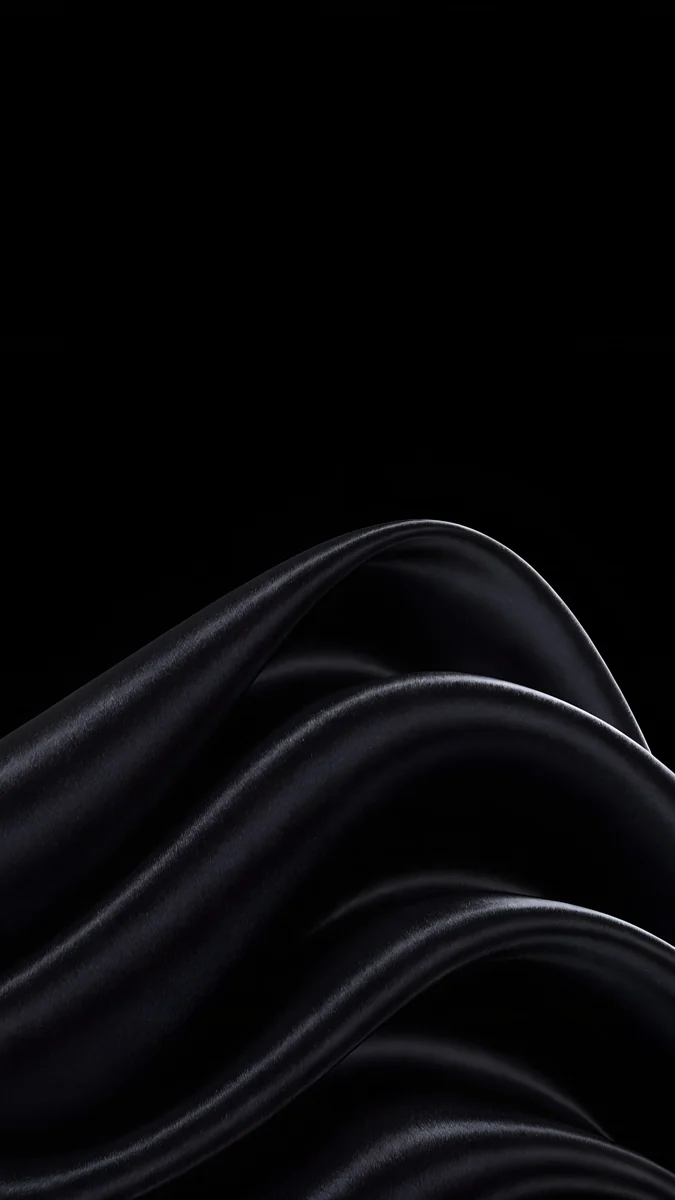 Black Satin4K · Phone
Black Satin is mostly true black with a soft fold of light. On an OLED screen the black pixels are switched off, so the screen looks like glass. Use dark mode, themed icons and no widgets at all; let the lock screen show the time. More pieces in this style are in dark wallpapers for OLED.
3. Green study
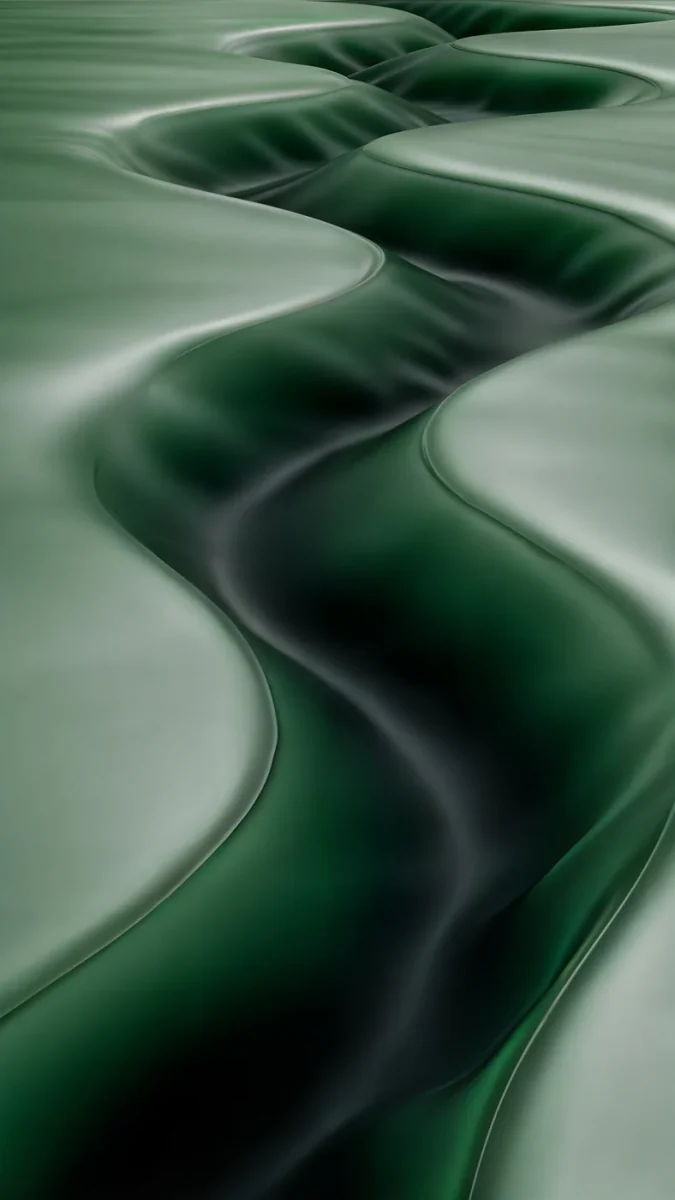 Sage Passage4K · Phone
Sage Passage is a quiet sage corridor that pulls a muted green palette. Add a calendar widget showing the next two events, then group the remaining apps into three folders named by what you do: Read, Work, Pay. Folders named by verb are easier to scan than folders named by category.
4. Ink and mist
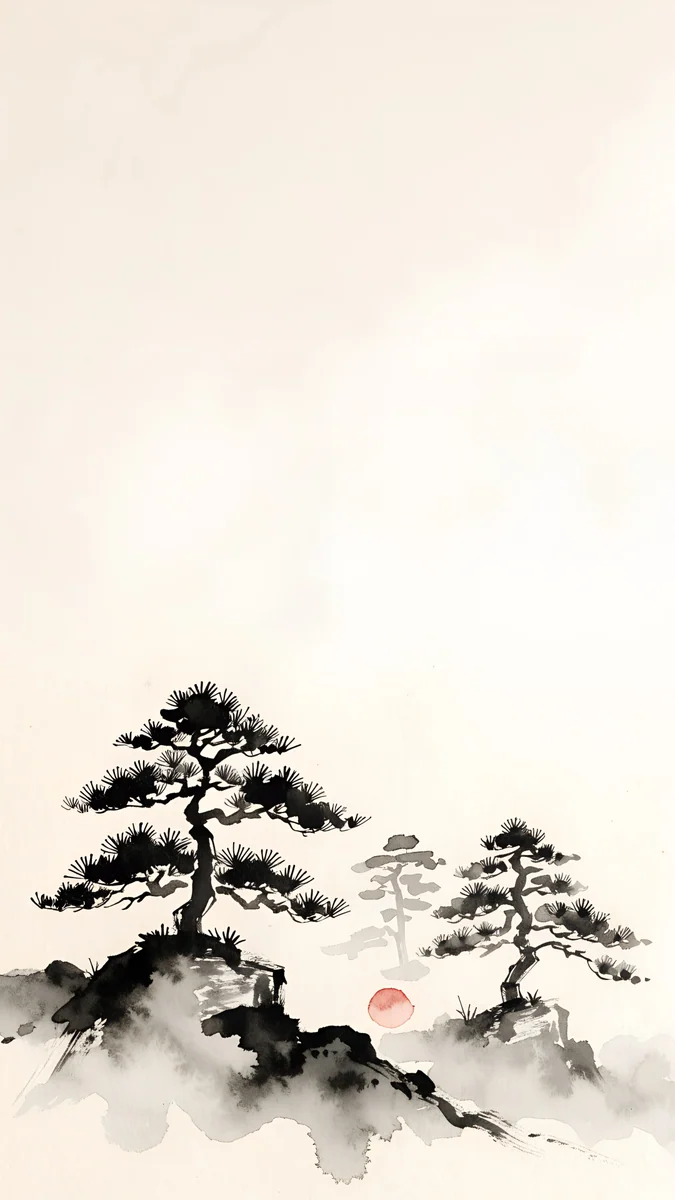 Mist Pines4K · Phone
Mist Pines is a Japanese ink scene of pines in fog, with a wide empty sky. Keep the page empty apart from the dock and the search bar, which sits at the bottom on a Pixel. Grey themed icons almost disappear into the paper tones.
5. Rainy lo-fi
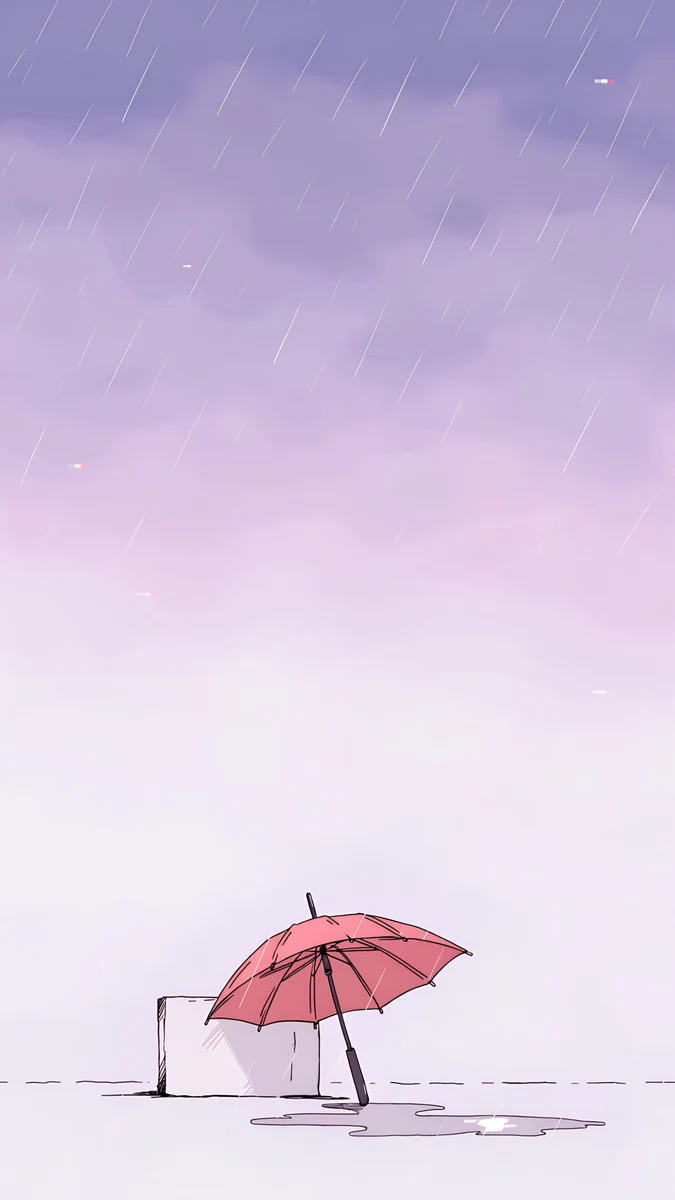 Pink Umbrella4K · Phone
Pink Umbrella is busier, a rainy street with a pink umbrella, so it gets fewer icons. One music widget near the bottom, the dock, and nothing else. A lilac palette pulled from the rain ties it together.
How do I set this up on a Pixel?
Everything is in Wallpaper & style.
- Press and hold an empty spot on the home screen and tap Wallpaper & style.
- Set the wallpaper for the home screen, or for both screens, from My photos.
- Open the colour options and choose Wallpaper colors, then pick the variant you like.
- Turn on Themed icons. Apps that support it take on the palette.
- Open App grid and pick 4 × 5 or 5 × 5 for more empty space around the icons.
- Long press the home screen, tap Widgets, and add your one or two widgets.
Our guide on how to set a wallpaper on Android covers the wallpaper step on other brands too.
How do I set this up on a Samsung Galaxy?
Samsung splits the steps between Wallpaper and style and Home screen settings.
- Open Settings, then Wallpaper and style, then Change wallpapers, and set your wallpaper.
- Back in Wallpaper and style, tap Color palette, pick a palette taken from the wallpaper, and turn on Apply palette to app icons.
- Open Settings, then Home screen, then Home screen grid, and choose 4 × 5 for a roomier page.
- In the same menu, turn on Lock home screen layout once you are happy, so nothing moves by accident.
- Long press the home screen, tap Widgets and add one or two.
Samsung also lets you style the lock screen clock separately; see Samsung lock screen wallpaper for that side of the phone.
Which widgets are worth keeping?
The ones you look at without opening an app: a clock, the next calendar event, or the weather. Each widget should replace a tap. A clock you already see on the status bar does not, so on a minimal page you can drop it. Stacking several widgets in one spot, which both Pixel and Samsung support, keeps the page tidy if you really need more than two.
Which wallpapers work best behind icons?
Wallpapers with a calm lower half, soft contrast and one colour family. Strong detail directly behind a grid of icons makes labels hard to read. These pieces keep the icon area quiet:

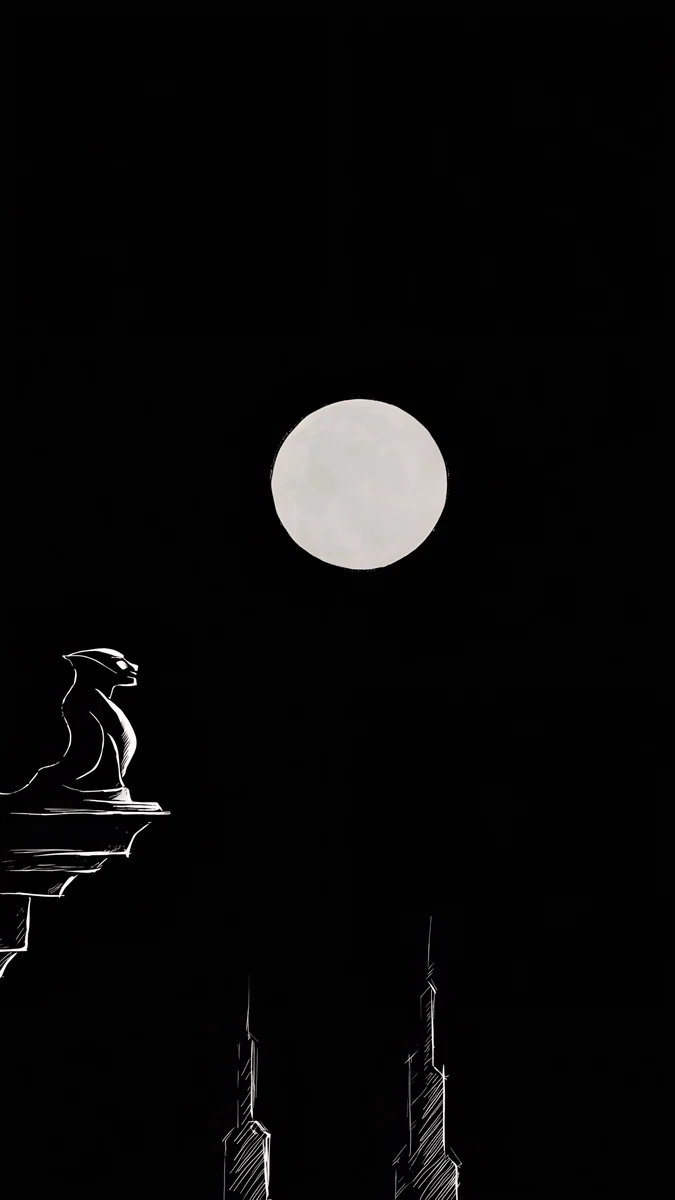
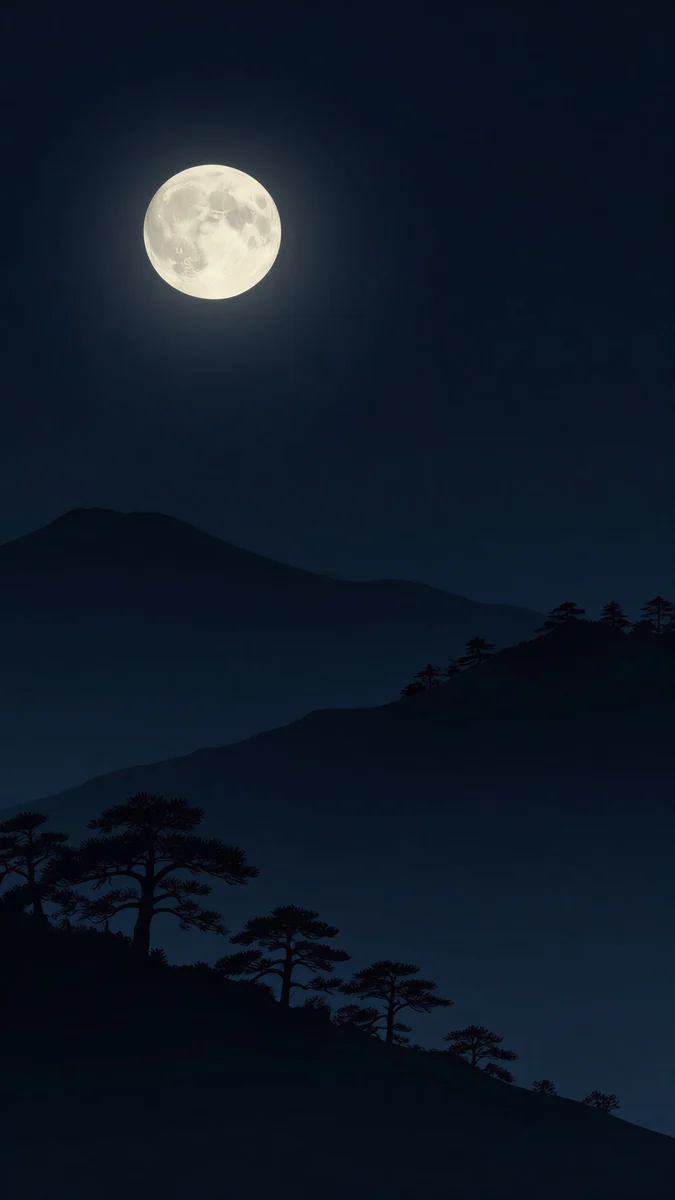
Lilac Hush and Rose Chiffon are soft enough for white icon labels, while Moon Ledge and Moon Pines are near black for dark mode. Velpaper is on Google Play for Android, and every piece is a 4K original; most phone pieces unlock after a short optional ad. For more apps to fill the wallpaper step, see the best wallpaper apps for Android.
Original wallpapers in 4K and 5K for iPhone, Android and desktop.
Questions
How do I make my Android home screen aesthetic?
Start with one wallpaper that has a quiet area where the icons sit, then let the phone build a colour palette from it. On a Pixel turn on Themed icons in Wallpaper & style; on a Samsung Galaxy pick a Color palette and turn on Apply palette to app icons. Keep one or two widgets, four apps in the dock, and move everything else to the app drawer. One home page is enough for most people.
How do I get themed icons on Samsung?
Open Settings, then Wallpaper and style, then Color palette. Choose one of the palettes taken from your wallpaper and turn on Apply palette to app icons. Apps that support it, mostly Samsung and Google apps, take on the palette colours; others keep their own icons. For full custom icon packs, Samsung's Galaxy Themes store offers icon sets, some free and some paid.
What is the best grid size for a minimal Android home screen?
A 4 × 5 grid gives each icon more room and makes the page look calmer. On a Pixel, set it in Wallpaper & style under App grid. On a Samsung Galaxy, go to Settings, then Home screen, then Home screen grid. A denser 5 × 6 grid fits more, but on a minimal page you want empty space, not more slots. Fewer icons on a larger grid looks deliberate.
What size wallpaper do I need for an Android phone?
At least the size of your screen. A Galaxy S25 is 1080 × 2340, a Galaxy S25 Ultra is 1440 × 3120, and most Pixel phones are around 1080 × 2400. A 2160 × 3840 wallpaper covers all of them, with a little trimmed from the top and bottom on taller screens. If your launcher scrolls the wallpaper across home pages, use one page or turn scrolling off so the picture is not enlarged.
Do widgets slow down an Android phone?
One or two widgets make no noticeable difference on a current phone. Widgets that refresh often, such as live weather radar or stock tickers, can use a little more battery and data in the background. The bigger reason to keep few widgets is visual: every widget adds text and colour on top of the wallpaper, and the calm look depends on leaving most of the screen empty.
Sources
- Google Pixel Help: Change your wallpaper support.google.com
- Google Pixel Help: Pixel phone hardware tech specs support.google.com
- Samsung: Galaxy S25 specifications samsung.com
- Google Play: Velpaper play.google.com
Carlos Vivero
Designer of Velpaper wallpapers
Carlos Vivero designs the wallpapers in Velpaper: quiet architecture, liquid glass, Japanese ink and calm landscapes. Every piece is made as a 4K original for iPhone, Android and desktop.
Recent work








